

Mobile users now account for the majority of web traffic, yet many forms still feel clunky on smaller screens. Pinch-to-zoom frustrations, tiny tap targets, and endless scrolling kill conversions before users finish typing their email. The right form builder solves this by designing mobile-first experiences that feel native to any device.
This guide evaluates top form builders specifically for their mobile app capabilities—whether you're embedding forms in a native iOS or Android app, building progressive web apps, or simply need responsive forms that convert on any screen size. We prioritized tools with touch-optimized interfaces, SDK or API availability, offline support, and fast loading speeds.
1. Orbit AI
Best for: High-growth teams needing AI-powered lead qualification with mobile conversion optimization
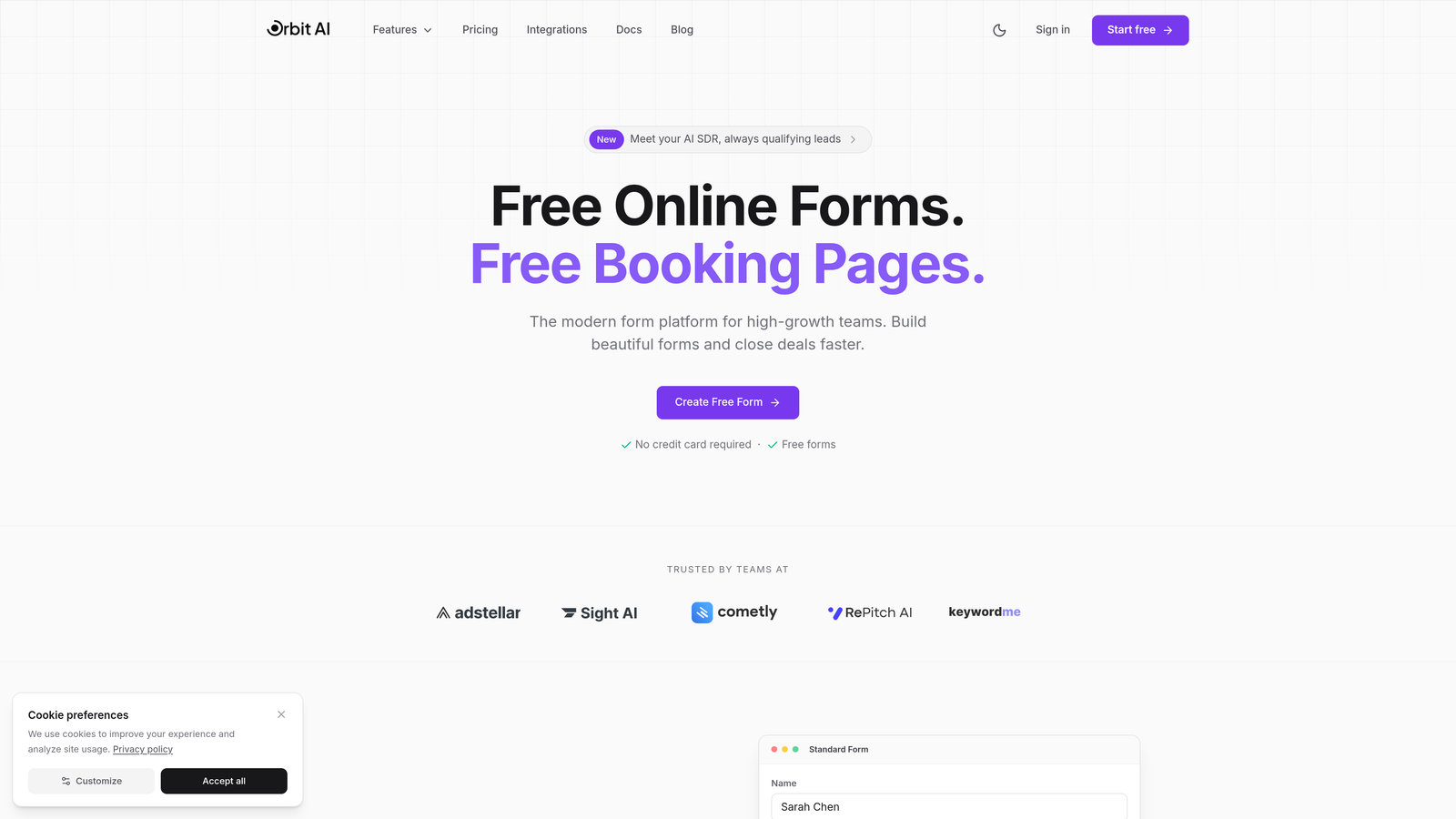
Orbit AI is an AI-powered form builder that automatically qualifies leads while delivering mobile-optimized experiences designed for conversion.
Where This Tool Shines
Orbit AI stands out by combining intelligent lead qualification with mobile-first form design. While most form builders simply collect data, Orbit AI analyzes responses in real-time to score and route leads based on their conversion potential.
The platform's mobile optimization goes beyond responsive design—it creates touch-friendly interfaces that feel native on any device. Forms load quickly on cellular connections and adapt intelligently to screen sizes without sacrificing functionality.
Key Features
AI-Powered Lead Qualification: Automatically scores and qualifies prospects based on their responses, saving your team from manual lead review.
Mobile-Optimized Responsive Forms: Touch-friendly interfaces with appropriate tap target sizes and intuitive mobile navigation.
Intelligent Routing: Directs qualified leads to the right team members based on response patterns and scoring criteria.
Native CRM Integrations: Connects seamlessly with marketing tools and CRMs to streamline your lead workflow.
Real-Time Analytics Dashboard: Track mobile conversion rates, form performance, and lead quality metrics as they happen.
Best For
Growth-focused teams who need more than basic data collection. Ideal for SaaS companies, B2B businesses, and marketing teams where lead quality matters as much as quantity. Perfect when you're optimizing for mobile conversions and want AI to handle the initial qualification work.
Pricing
Contact for pricing; designed for growth-focused teams with serious conversion goals. The investment makes sense when lead qualification automation saves significant sales team hours.
2. Typeform
Best for: Consumer-facing apps prioritizing brand experience and conversational mobile interactions
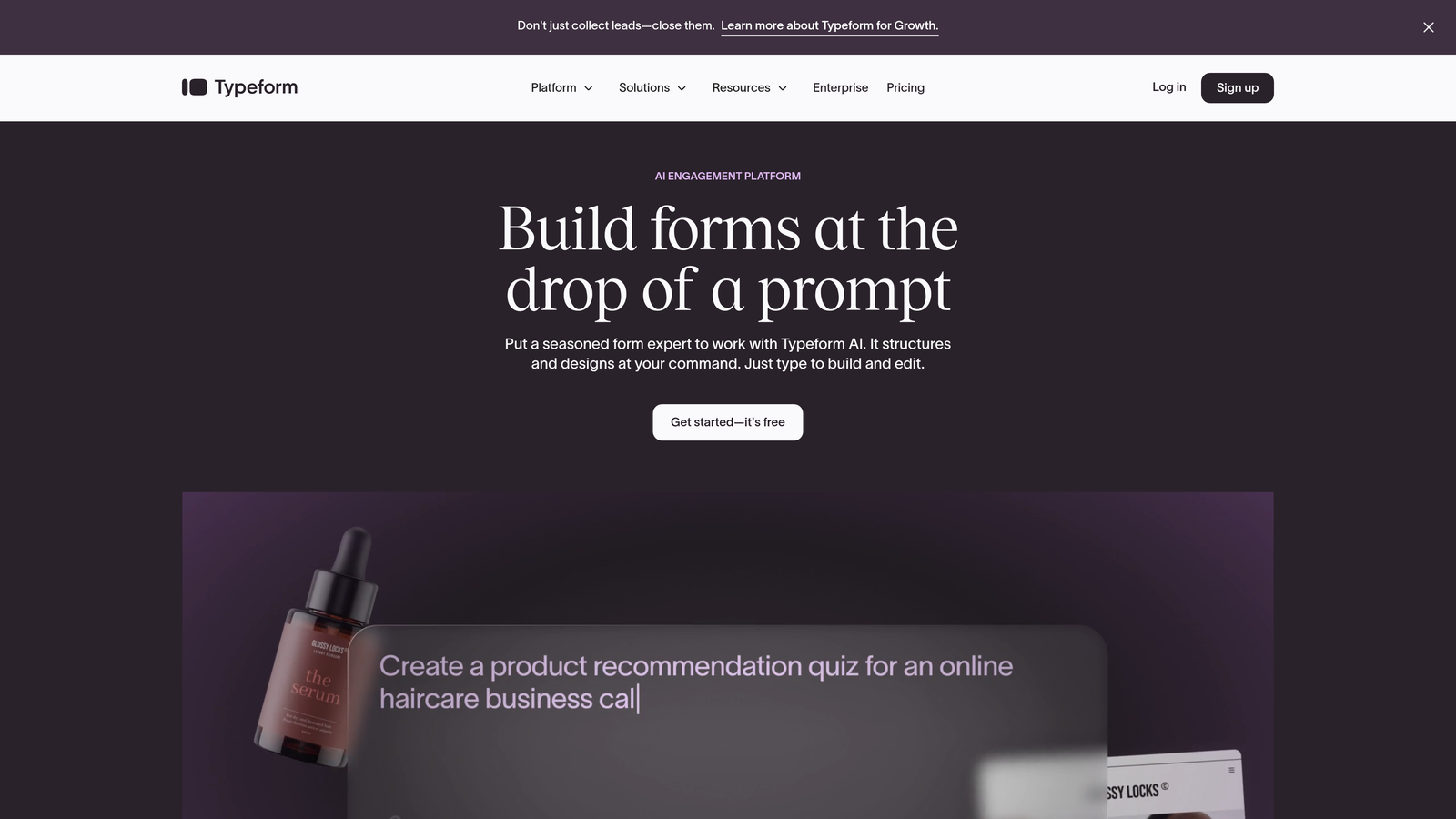
Typeform is a conversational form builder known for its one-question-at-a-time format that creates engaging mobile experiences.
Where This Tool Shines
Typeform revolutionized mobile forms by treating them as conversations rather than traditional data entry. The one-question-at-a-time approach eliminates scrolling and creates focus, making forms feel less intimidating on small screens.
The visual customization options let you create on-brand experiences that feel like natural extensions of your app. This matters when you're building consumer-facing products where every interaction shapes brand perception.
Key Features
Conversational Flow: One question per screen creates focused, distraction-free mobile experiences that guide users naturally through your form.
Visual Design Customization: Extensive branding options including custom backgrounds, fonts, and colors that match your app's aesthetic.
Logic Jumps and Branching: Create dynamic forms that adapt based on previous answers, keeping mobile users engaged with relevant questions only.
Rich Media Embedding: Add video and images to questions without slowing mobile load times or cluttering small screens.
Native Mobile Templates: Pre-built responsive templates optimized specifically for touch interactions and mobile viewing.
Best For
Consumer brands, marketing teams, and product managers who view forms as brand touchpoints rather than just data collection tools. Especially valuable when user experience directly impacts conversion rates and brand perception.
Pricing
Free tier available with Typeform branding; paid plans start at $25/month. Professional features like logic jumps and custom branding require higher tiers.
3. JotForm
Best for: Field teams requiring offline data collection and native mobile app functionality
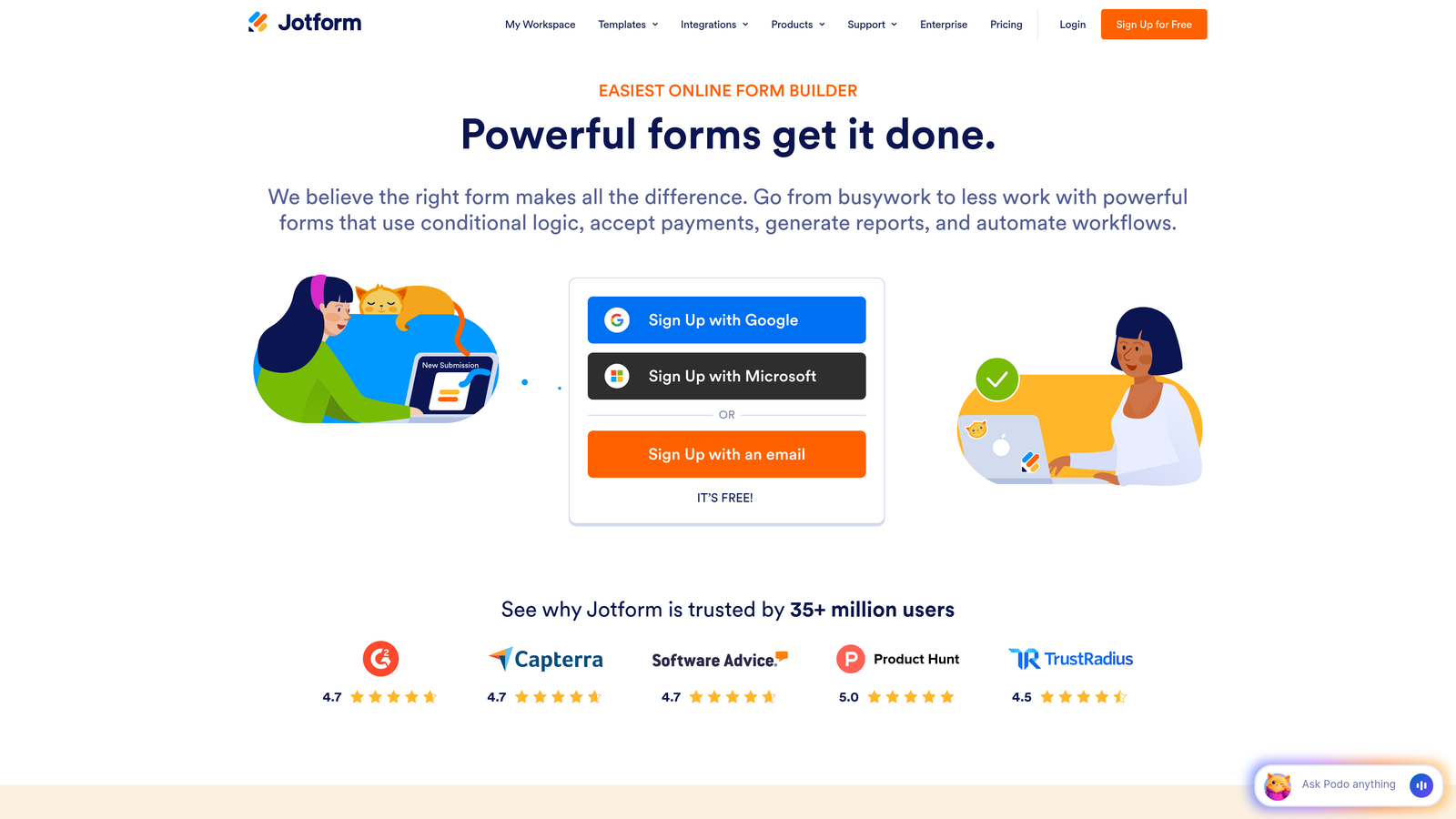
JotForm is a versatile form builder with a dedicated mobile app for creating and filling forms offline in the field.
Where This Tool Shines
JotForm's mobile app transforms smartphones into powerful field data collection tools. The offline capability means your team can capture information in basements, remote locations, or anywhere cellular service drops—data syncs automatically when connectivity returns.
The kiosk mode feature is particularly clever for in-person events or retail environments. Lock a tablet to a single form, and customers can submit information without accessing other device functions or wandering into your email.
Key Features
JotForm Mobile Forms App: Native iOS and Android apps let field teams create and fill forms without browser limitations.
Offline Data Collection: Capture submissions without internet connection; forms automatically sync when connectivity returns.
Kiosk Mode: Lock devices to a single form for trade shows, retail locations, or public data collection scenarios.
GPS and Photo Capture: Leverage mobile-native features like location tagging and camera integration for field documentation.
Convert to Mobile Apps: Transform forms into standalone mobile apps for distribution through app stores.
Best For
Field service teams, construction companies, event organizers, and retail businesses that need reliable data collection regardless of connectivity. Essential when offline capability isn't optional.
Pricing
Free tier includes 5 forms with 100 monthly submissions; paid plans start at $34/month with increased form limits and advanced features.
4. Tally
Best for: Fast-loading mobile forms with unlimited usage on a generous free tier
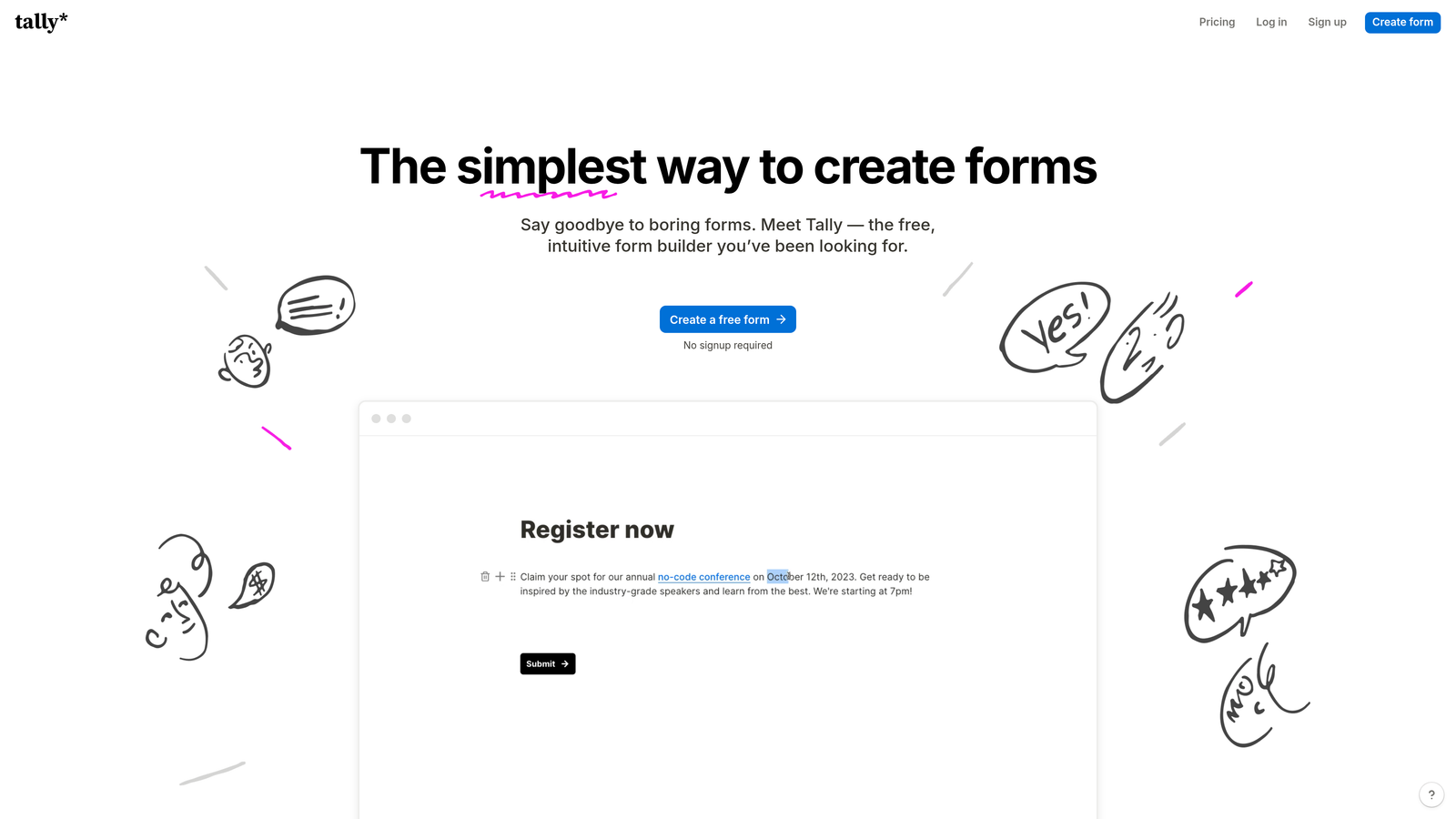
Tally is a minimalist form builder with Notion-like simplicity, exceptional loading speeds, and no usage limits on the free plan.
Where This Tool Shines
Tally's obsession with speed shows immediately on mobile devices. Forms load almost instantly, even on slower cellular connections, because the platform strips away unnecessary code and visual bloat.
The free tier's generosity is remarkable—unlimited forms, unlimited submissions, and no Tally branding. This makes it viable for bootstrapped startups and side projects where budget constraints typically force compromises on mobile experience.
Key Features
Unlimited Free Forms: Create as many forms as needed without hitting arbitrary limits or paying for basic functionality.
Lightning-Fast Loading: Optimized code ensures forms appear almost instantly on mobile devices, reducing abandonment from slow load times.
Clean Mobile Interface: Distraction-free design keeps users focused on completing forms rather than navigating complex layouts.
Conditional Logic: Build dynamic forms that adapt based on responses without requiring paid upgrades.
No Branding on Free Tier: Remove Tally's logo even on the free plan, maintaining professional appearance across mobile touchpoints.
Best For
Startups, small businesses, and individual creators who need professional mobile forms without monthly fees. Perfect when speed and simplicity matter more than advanced enterprise features.
Pricing
Free for unlimited forms and submissions; Pro plan at $29/month adds file uploads, custom domains, and priority support.
5. Formstack
Best for: Enterprise teams in regulated industries requiring compliance features and advanced workflows
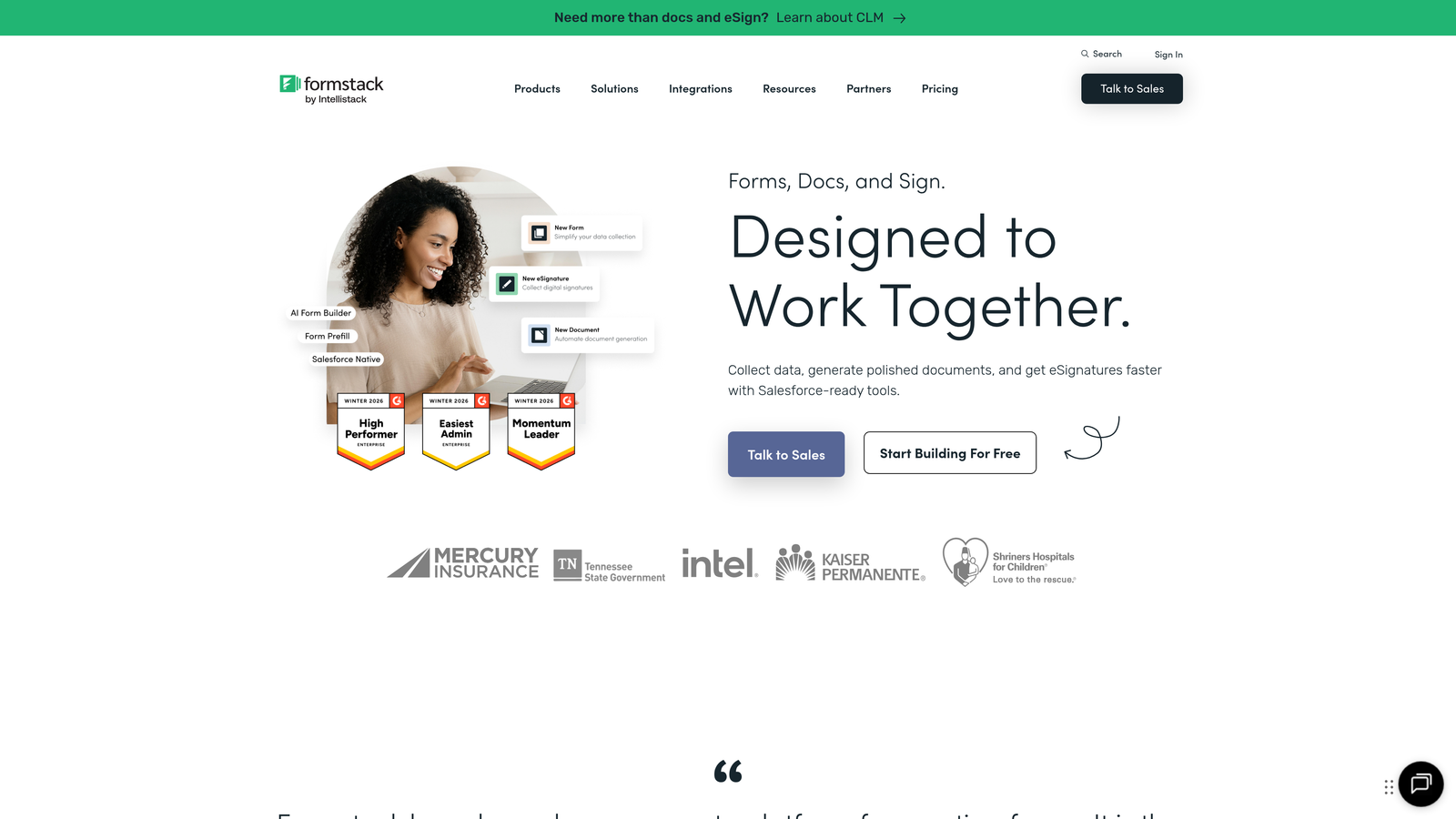
Formstack is an enterprise-grade form builder with advanced workflows, compliance certifications, and mobile optimization for regulated industries.
Where This Tool Shines
Formstack handles the complex compliance requirements that healthcare, finance, and legal industries face when collecting data on mobile devices. HIPAA compliance isn't just a checkbox—it's built into the platform's architecture with encrypted data transmission and secure mobile access controls.
The workflow automation capabilities mean mobile form submissions can trigger multi-step approval processes, route to appropriate departments, and integrate with enterprise systems without custom development work.
Key Features
HIPAA and GDPR Compliance: Built-in compliance features ensure mobile data collection meets regulatory requirements for sensitive information.
Advanced Conditional Logic: Create sophisticated branching workflows that adapt forms based on complex rule sets and user responses.
Electronic Signatures: Capture legally binding signatures on mobile devices for contracts, consent forms, and agreements.
Workflow Automation: Route submissions through approval chains and trigger actions across connected enterprise systems.
Mobile-Responsive Themes: Professional templates optimized for touch interfaces and corporate branding requirements.
Best For
Healthcare providers, financial services firms, legal practices, and enterprise organizations where compliance isn't negotiable. Essential when mobile data collection involves protected health information or personally identifiable data.
Pricing
Starts at $50/month for basic plans; enterprise pricing available with dedicated support, advanced security features, and compliance certifications.
6. Cognito Forms
Best for: Mobile payment collection with integrated processing and calculation capabilities
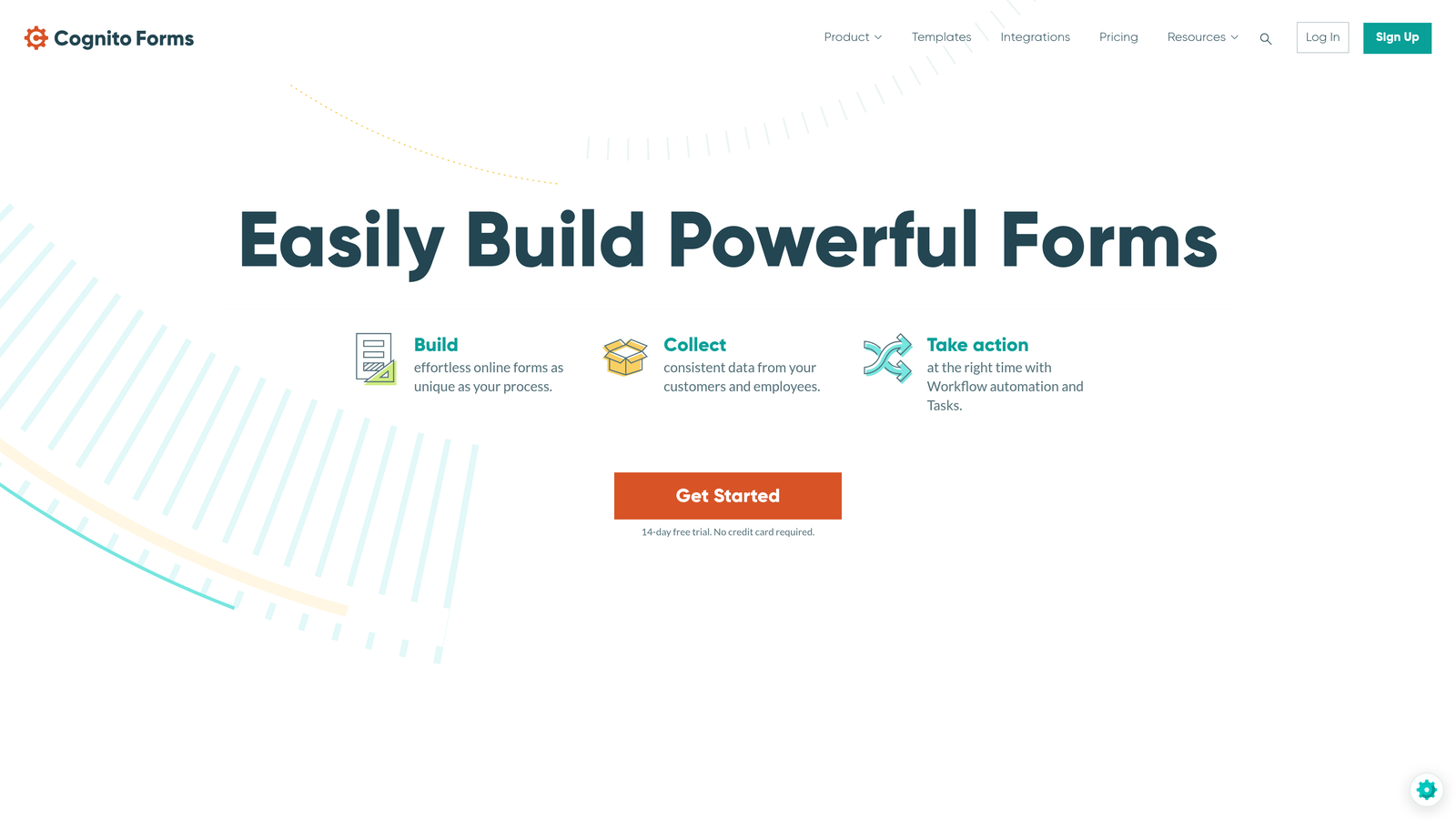
Cognito Forms is a feature-rich form builder with strong payment integration and calculation capabilities optimized for mobile transactions.
Where This Tool Shines
Cognito Forms excels at mobile commerce scenarios where forms need to calculate totals, process payments, and handle complex pricing logic. The integrated payment processing works seamlessly on mobile devices, supporting Stripe, PayPal, and Square without redirects that kill mobile conversions.
The repeating sections feature is particularly useful for mobile order forms—users can add multiple items, adjust quantities, and see calculated totals update in real-time without leaving the form or dealing with clunky multi-page checkouts.
Key Features
Integrated Payment Processing: Accept payments directly through Stripe, PayPal, or Square with mobile-optimized checkout experiences.
Repeating Sections: Let users add multiple items or entries within a single form, perfect for mobile order forms and registrations.
Quantity-Based Calculations: Automatically calculate totals, apply discounts, and handle complex pricing logic that updates as users interact.
Mobile-Friendly Templates: Pre-built responsive designs optimized for touch interactions and payment collection scenarios.
Conditional Visibility: Show or hide fields based on previous answers, keeping mobile forms clean and focused.
Best For
E-commerce businesses, event organizers, nonprofits accepting donations, and service providers collecting payments through mobile devices. Ideal when you need more than basic payment collection but don't want separate form and payment tools.
Pricing
Free tier available for basic forms; paid plans start at $15/month with payment processing, increased storage, and advanced features.
7. 123FormBuilder
Best for: Field service teams needing offline capability and database integration
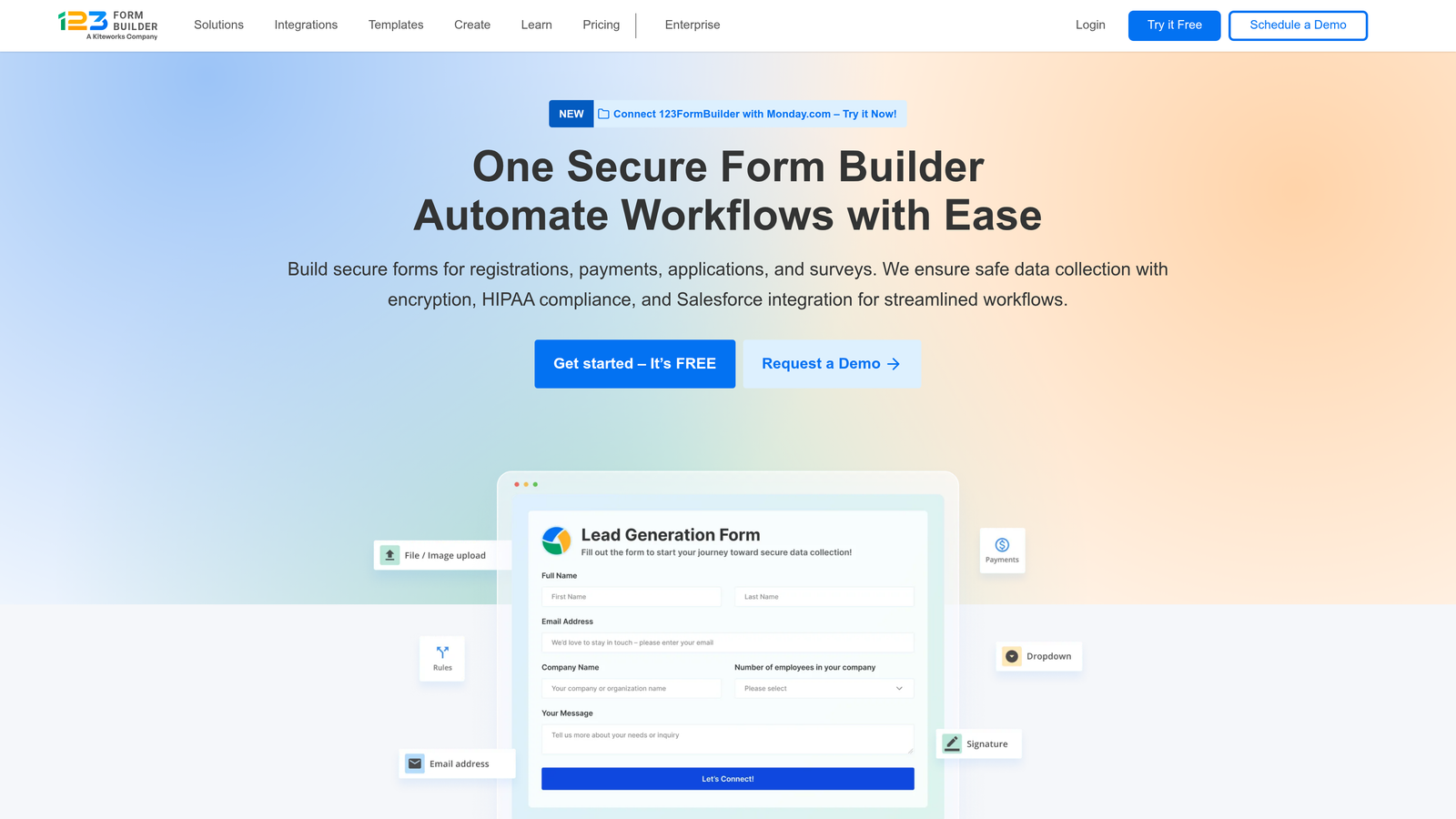
123FormBuilder is a form builder focused on field service and data collection with robust offline capabilities and database integration.
Where This Tool Shines
123FormBuilder's offline functionality goes beyond basic caching—the mobile app stores forms locally and syncs submissions automatically when connectivity returns. This reliability matters for utility companies, inspectors, and service technicians who can't afford to lose data because of spotty coverage.
The barcode and QR code scanning features turn smartphones into inventory management tools. Field teams can scan equipment tags, update maintenance records, and capture asset information without typing serial numbers on tiny keyboards.
Key Features
Offline Form Filling: Mobile app stores forms locally and auto-syncs submissions when internet connection returns, preventing data loss.
Built-In Database: Store and query form submissions within the platform, eliminating need for external database tools.
Barcode and QR Scanning: Leverage mobile cameras to capture equipment IDs, inventory codes, and asset information automatically.
Digital Signatures: Collect legally binding signatures on mobile devices for service confirmations and approvals.
Mobile App for Field Teams: Dedicated iOS and Android apps optimized for field data collection workflows.
Best For
Field service companies, maintenance teams, inspectors, and businesses managing physical assets across multiple locations. Essential when reliable offline capability and database integration are core requirements.
Pricing
Free tier available with limited features; paid plans start at $24.99/month with offline capability, increased submissions, and database access.
8. Paperform
Best for: Design-forward mobile experiences combining forms, payments, and booking functionality
Paperform is a design-forward form builder that creates beautiful landing pages with embedded forms, payments, and booking features.
Where This Tool Shines
Paperform treats forms as complete landing pages rather than isolated data collection tools. The rich media embedding capabilities let you create immersive mobile experiences with images, video, and GIFs that tell your brand story while collecting information.
The platform's flexibility means you can build everything from simple contact forms to complex booking systems and product pages—all optimized for mobile viewing and interaction. This eliminates the need for separate landing page builders and form tools.
Key Features
Rich Media Embedding: Add images, video, and GIFs to create engaging mobile experiences that go beyond traditional form layouts.
Built-In E-Commerce and Booking: Accept payments and schedule appointments within forms, reducing friction in mobile conversion funnels.
Custom Themes and Branding: Extensive design controls let you create on-brand mobile experiences that match your visual identity.
Conditional Logic: Build dynamic forms that adapt based on user responses, keeping mobile interactions relevant and focused.
Mobile-Optimized Layouts: Responsive page designs that look beautiful on any screen size without manual optimization.
Best For
Creative agencies, consultants, event planners, and businesses where visual presentation directly impacts conversion rates. Perfect when you need forms that double as marketing assets rather than utilitarian data collection tools.
Pricing
Starts at $24/month with unlimited forms and submissions; higher tiers add advanced integrations, custom domains, and team features.
9. Google Forms
Best for: Free, reliable mobile forms with seamless Google Workspace integration
Google Forms is a free, no-frills form builder with seamless Google Workspace integration and reliable mobile responsiveness.
Where This Tool Shines
Google Forms delivers exactly what you'd expect from Google—reliable, fast, and completely free. The mobile responsiveness works consistently across devices without configuration, making it the safe choice for internal forms where fancy features matter less than universal accessibility.
The automatic Google Sheets integration is particularly valuable for teams already living in Google Workspace. Form submissions populate spreadsheets in real-time, enabling immediate analysis and collaboration without export steps or third-party tools.
Key Features
Completely Free: No usage limits, no hidden costs, no premium tiers—just unlimited forms with a Google account.
Auto-Save to Google Sheets: Submissions automatically populate spreadsheets for immediate analysis and data manipulation.
Basic Conditional Logic: Show or hide questions based on previous answers, keeping mobile forms focused and relevant.
Collaboration Features: Multiple team members can edit forms simultaneously, leveraging Google's real-time collaboration infrastructure.
Simple Mobile-Responsive Design: Clean, functional layouts that work reliably across all mobile devices and browsers.
Best For
Internal team surveys, event RSVPs, simple data collection, and any scenario where budget is zero but mobile accessibility is required. Perfect for schools, nonprofits, and teams already invested in Google Workspace.
Pricing
Free with Google account; no paid tiers or premium features.
Making the Right Choice
Your ideal mobile form builder depends on your specific use case and constraints. Orbit AI delivers the most sophisticated approach if you need AI-powered lead qualification combined with mobile conversion optimization—it's built specifically for high-growth teams where lead quality drives revenue.
Typeform excels when brand experience matters as much as data collection, making it perfect for consumer-facing apps and marketing campaigns. JotForm becomes essential for field teams who need offline capability and native mobile apps for reliable data collection regardless of connectivity.
Tally offers the best value proposition for bootstrapped projects—unlimited forms with fast loading speeds and no branding, all on a free tier. Formstack serves enterprise teams in regulated industries where HIPAA compliance and advanced workflows aren't optional features.
For payment collection scenarios, Cognito Forms handles mobile transactions elegantly with integrated processing and calculation logic. 123FormBuilder specializes in field service workflows with barcode scanning and database integration. Paperform creates stunning visual experiences when forms double as marketing assets, while Google Forms remains the reliable free option for internal use and simple data collection.
Start by identifying your primary mobile use case. Are you generating leads that need qualification? Choose Orbit AI. Collecting payments on mobile devices? Go with Cognito Forms. Need offline field data collection? Pick JotForm or 123FormBuilder. Want beautiful branded experiences? Select Typeform or Paperform. Working with zero budget? Tally or Google Forms deliver surprising capability without cost.
The mobile form landscape has matured significantly—you no longer need to compromise between functionality and user experience. Match the tool's strengths to your workflow, and you'll create mobile form experiences that convert rather than frustrate. Start your free trial today and see how intelligent form design can elevate your conversion strategy with AI-powered qualification that works seamlessly across every device.


