

Collecting user data is only valuable when that data is accurate. A form builder with robust data validation prevents typos, fake emails, and incomplete submissions from cluttering your database and derailing your workflows. The right tool catches errors in real-time, guides users to correct mistakes, and ensures every submission meets your quality standards.
We evaluated dozens of form builders based on their validation capabilities, ease of use, and integration options. Here are the top form builders with data validation for teams that refuse to compromise on data quality.
1. Orbit AI
Best for: High-growth teams needing AI-powered lead qualification with intelligent validation
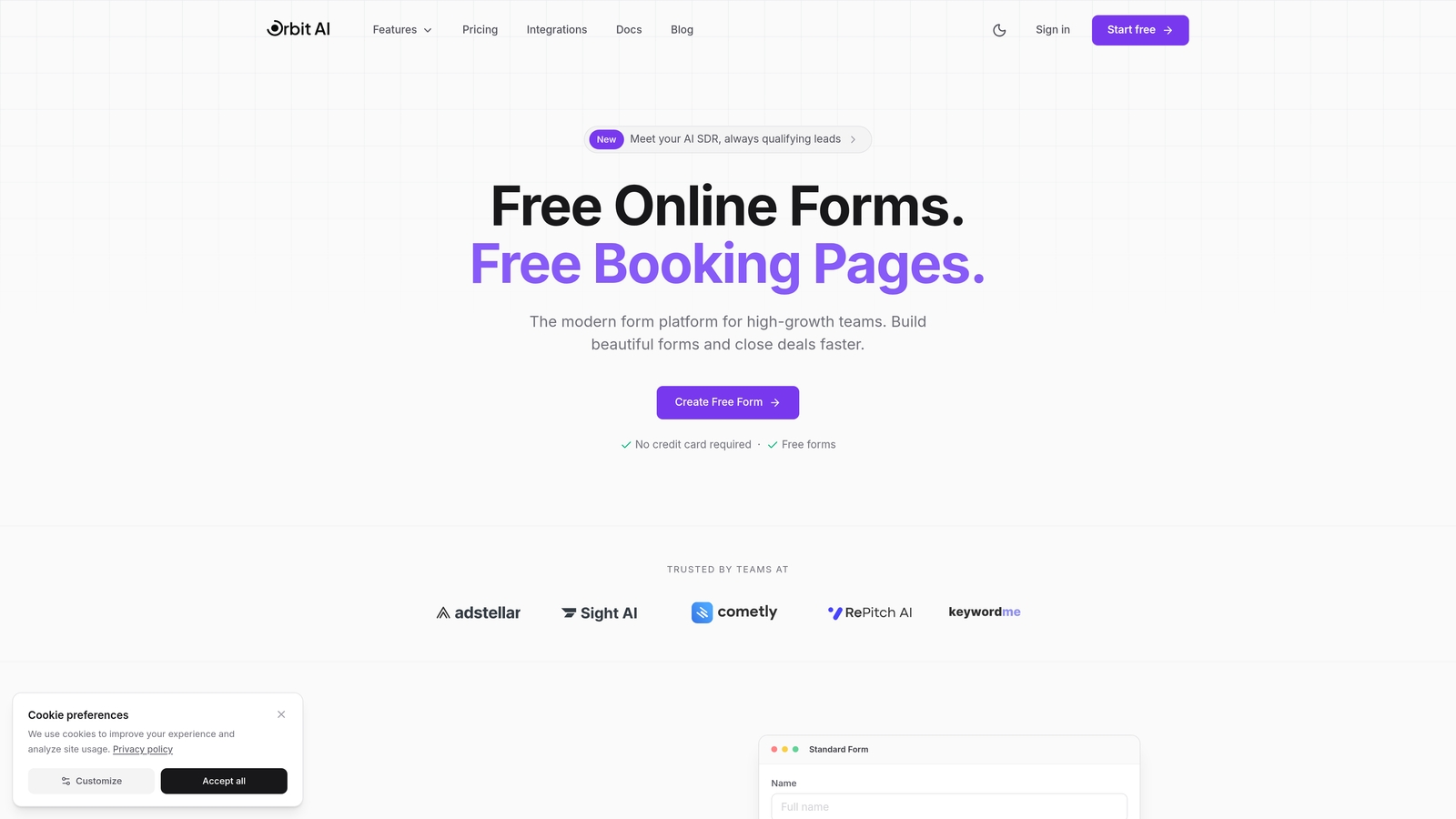
Orbit AI is an AI-powered form builder platform designed specifically for teams focused on conversion optimization and lead quality.
Where This Tool Shines
Orbit AI goes beyond basic format checking by using artificial intelligence to qualify leads while validating data. The platform understands context, catching errors that traditional regex patterns miss while simultaneously scoring lead quality based on responses.
The real-time validation happens inline as users type, providing instant feedback without disrupting the form flow. This approach reduces abandonment while ensuring only high-quality, properly formatted data enters your CRM.
Key Features
AI-Powered Lead Qualification: Automatically scores and validates leads based on intelligent analysis of form responses.
Real-Time Email and Phone Validation: Verifies email deliverability and phone number formats instantly as users type.
Conditional Logic with Validation Rules: Creates dynamic validation requirements based on previous answers and user behavior.
CRM and Workflow Integrations: Pushes validated data directly into your existing tools without manual data cleaning.
Conversion-Optimized Templates: Pre-built forms designed for high conversion rates with validation rules already configured.
Best For
High-growth teams, SaaS companies, and businesses where lead quality directly impacts revenue. Particularly valuable for organizations tired of sorting through invalid submissions and fake contact information.
Pricing
Free tier available for getting started. Paid plans begin at $29/month with advanced validation and AI qualification features included.
2. Typeform
Best for: Creating conversational forms with elegant inline validation and beautiful user experience
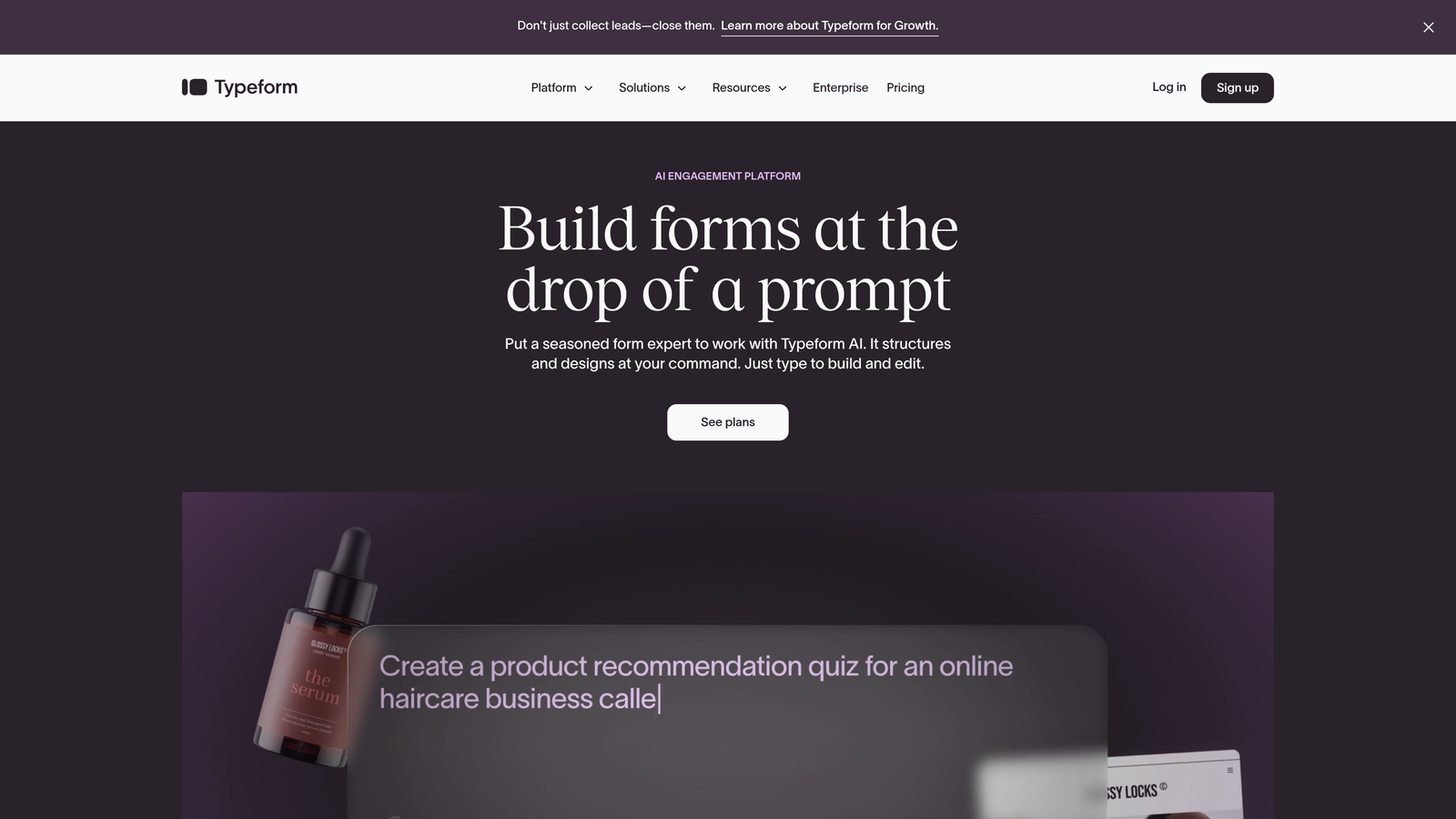
Typeform is a conversational form builder known for its smooth, one-question-at-a-time approach with seamless validation.
Where This Tool Shines
Typeform's conversational interface makes validation feel natural rather than punitive. Instead of showing a wall of error messages after submission, it validates each answer before moving forward. Users can't proceed until their current response meets requirements.
The platform excels at maintaining engagement through validation moments. Custom error messages feel like helpful guidance rather than technical warnings, keeping completion rates high even with strict data requirements.
Key Features
Inline Validation with Conversational Flow: Validates responses immediately within the natural question progression.
Format Validation for Multiple Data Types: Built-in validation for emails, URLs, numbers, and custom patterns.
Required Field Enforcement: Controls which questions must be answered before users can continue.
Logic Jumps with Validation Conditions: Creates branching paths based on validated responses.
Custom Error Messages: Personalizes validation feedback to match your brand voice and guide users effectively.
Best For
Marketing teams, user researchers, and organizations prioritizing completion rates alongside data quality. Works exceptionally well for customer feedback forms and lead capture where user experience matters.
Pricing
Free tier available with basic features. Basic plan starts at $25/month with full validation capabilities and logic jumps included.
3. JotForm
Best for: Complex validation scenarios requiring regex patterns and extensive conditional logic
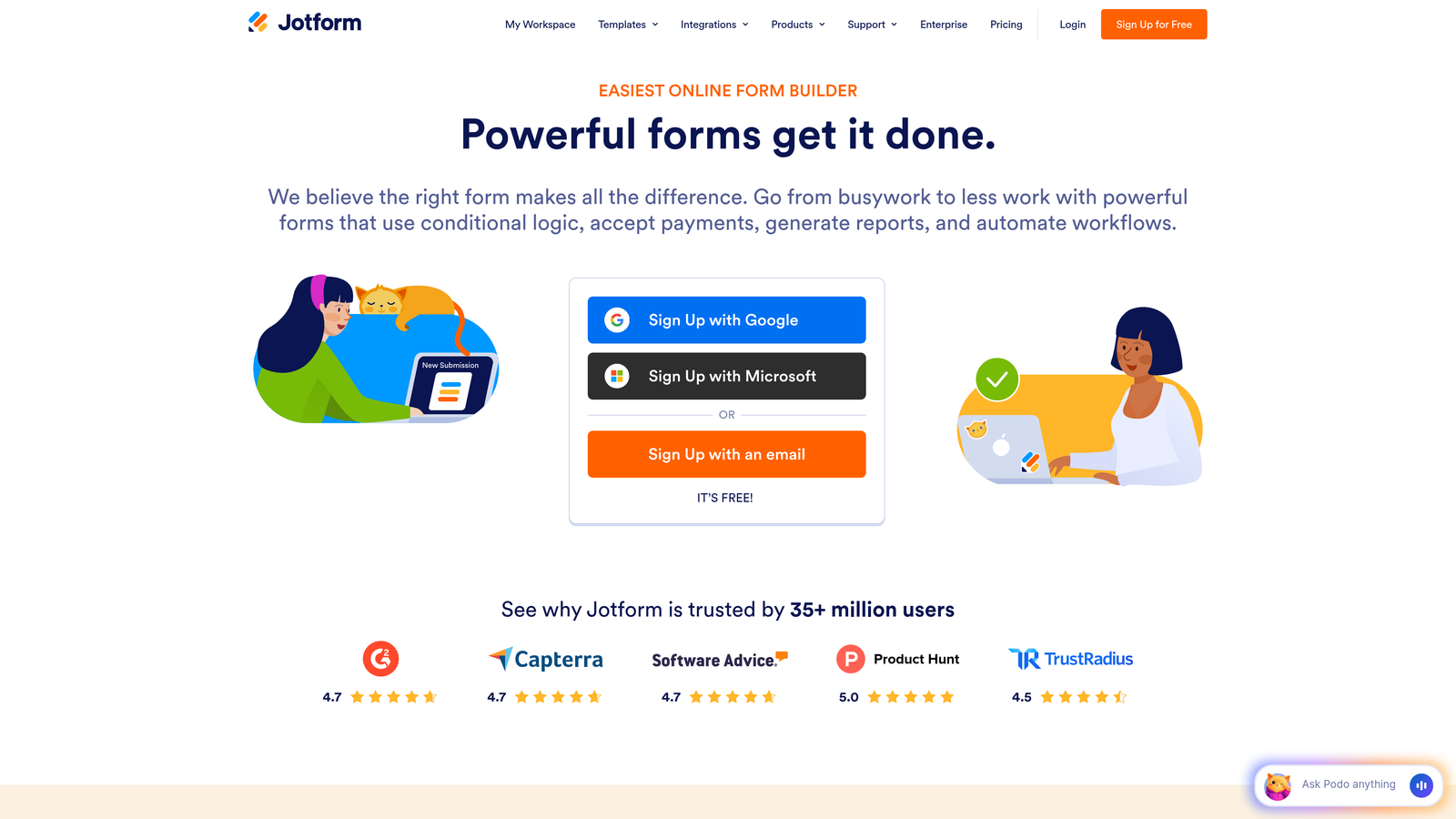
JotForm is a feature-rich form builder offering advanced validation options for virtually any data collection requirement.
Where This Tool Shines
JotForm handles validation complexity that would break simpler tools. The platform supports regex pattern matching for custom formats, allowing you to validate specific data patterns like employee IDs, license numbers, or custom product codes.
With over 10,000 templates, many arrive with pre-configured validation rules for common use cases. This saves significant setup time while ensuring industry-standard validation patterns are already in place.
Key Features
Advanced Field Validation Rules: Supports complex validation logic including character limits, number ranges, and date restrictions.
Regex Pattern Matching: Creates custom validation patterns for specialized data formats unique to your business.
Conditional Validation: Changes validation requirements dynamically based on other form responses.
10,000+ Pre-Built Templates: Starts with forms that already include appropriate validation for specific industries and use cases.
HIPAA-Compliant Forms: Provides healthcare-grade validation and security for sensitive medical data collection.
Best For
Organizations with specialized data formats, healthcare providers requiring HIPAA compliance, and teams managing diverse form types across departments. Particularly valuable when standard validation isn't sufficient.
Pricing
Free tier supports basic forms. Bronze plan starts at $34/month with advanced validation features and increased submission limits.
4. Formstack
Best for: Enterprise organizations requiring compliance-grade validation and workflow automation
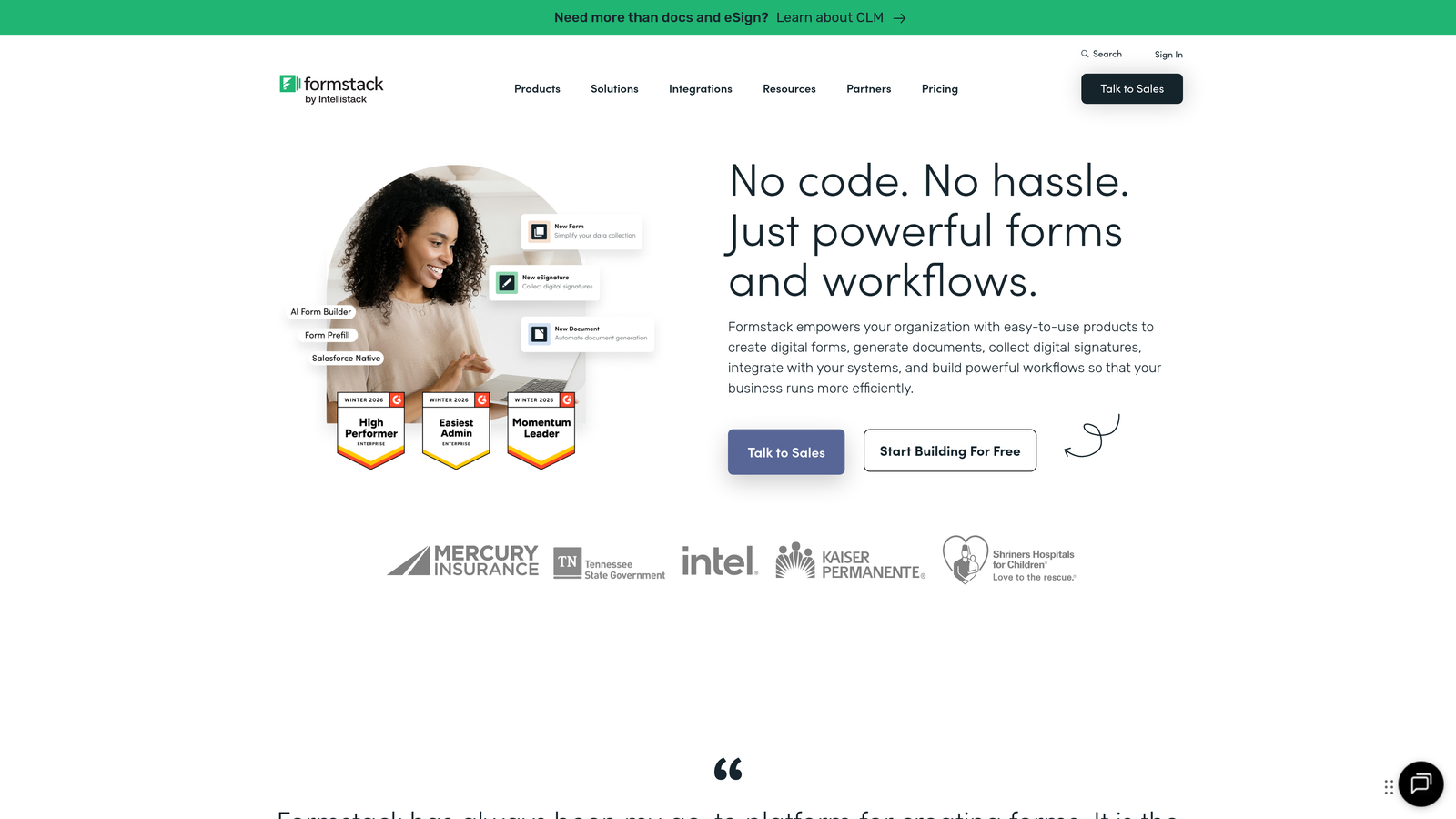
Formstack is an enterprise form platform combining robust validation with workflow automation and compliance certifications.
Where This Tool Shines
Formstack treats validation as a compliance requirement rather than just error prevention. The platform maintains HIPAA and GDPR compliance certifications, ensuring validation processes meet regulatory standards for sensitive data.
Field masking capabilities protect data during entry, validating format while preventing unauthorized viewing. Validation triggers can initiate automated workflows, routing properly validated submissions to appropriate teams or systems immediately.
Key Features
HIPAA and GDPR Compliant Validation: Meets regulatory requirements for healthcare and European data collection with certified validation processes.
Field Masking for Sensitive Data: Validates format while obscuring sensitive information like social security numbers during entry.
Advanced Conditional Validation: Creates complex validation rules that change based on multiple factors and previous responses.
Workflow Automation with Validation Triggers: Automatically routes validated submissions to appropriate systems and team members.
Electronic Signature Integration: Validates signature requirements and ensures proper documentation for legal forms.
Best For
Healthcare organizations, financial services, large enterprises with compliance requirements, and teams needing validated data to trigger automated processes. Essential when data validation has legal or regulatory implications.
Pricing
Starts at $50/month billed annually. Enterprise plans with advanced compliance features require custom quotes based on organization size and requirements.
5. Cognito Forms
Best for: Forms with calculations, payment processing, and number-heavy validation requirements
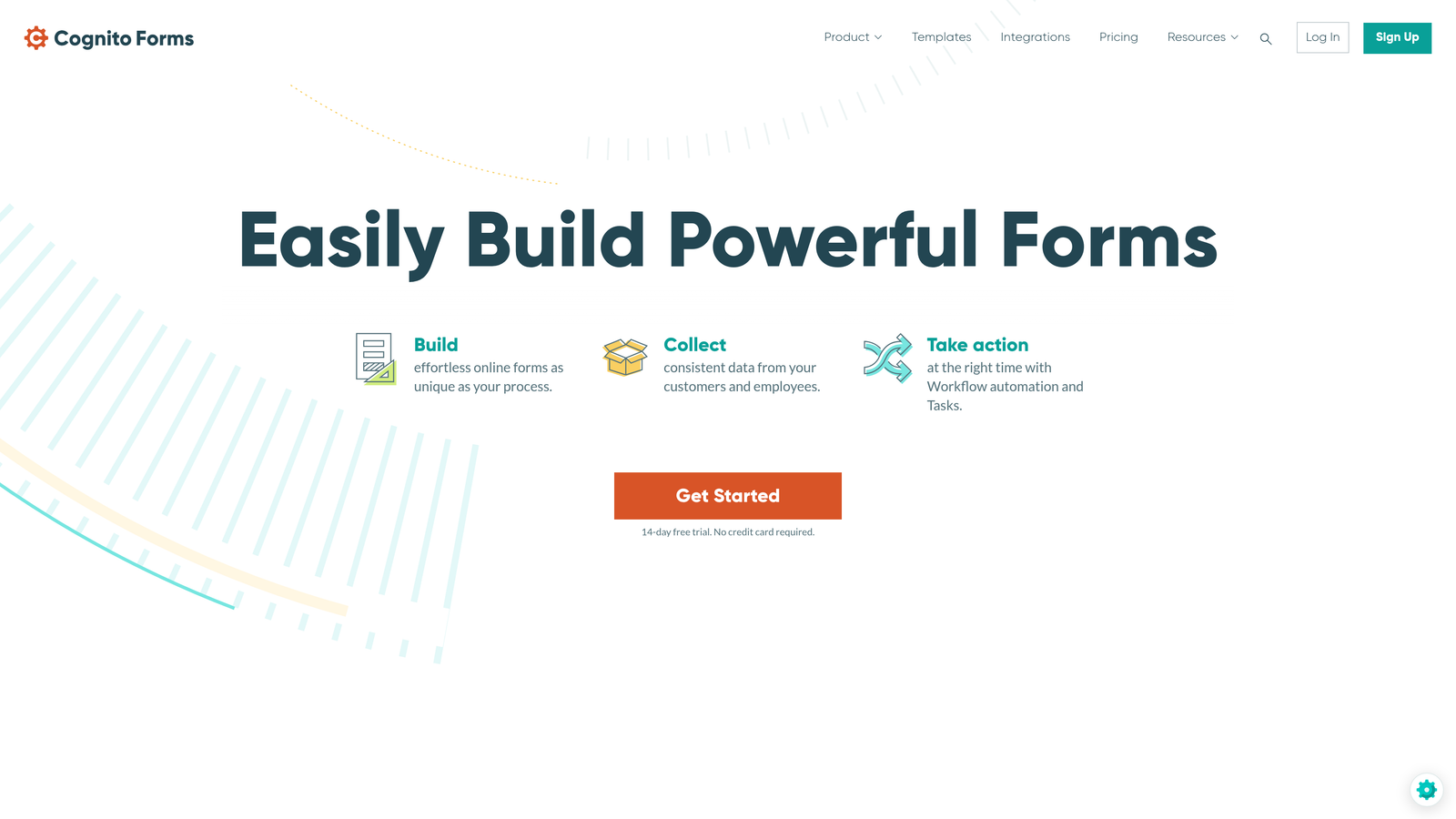
Cognito Forms is a calculation-focused form builder with particularly strong validation for numerical data and payment information.
Where This Tool Shines
Cognito Forms excels when forms involve mathematical operations that need validation. The platform validates not just individual numbers but the relationships between them, ensuring calculations produce logical results before submission.
Payment form validation goes beyond basic credit card format checking. The system validates payment amounts against calculated totals, catches common entry errors, and ensures all required payment information meets processing standards.
Key Features
Calculation Fields with Number Validation: Validates numerical inputs and ensures calculated results fall within acceptable ranges.
Conditional Field Validation: Changes validation rules based on calculated values and user selections.
Payment Form Validation: Verifies payment information format and validates amounts against order totals.
Repeating Sections with Validation: Applies consistent validation rules across multiple repeated form sections.
Data Encryption and Compliance: Protects validated sensitive data with encryption at rest and in transit.
Best For
Organizations collecting payment information, forms requiring price calculations or order totals, registration forms with quantity-based pricing, and any scenario where numerical accuracy is critical.
Pricing
Free tier available for basic forms. Pro plan starts at $15/month with unlimited forms and advanced calculation validation features.
6. Google Forms
Best for: Simple data collection with basic validation on a zero-dollar budget
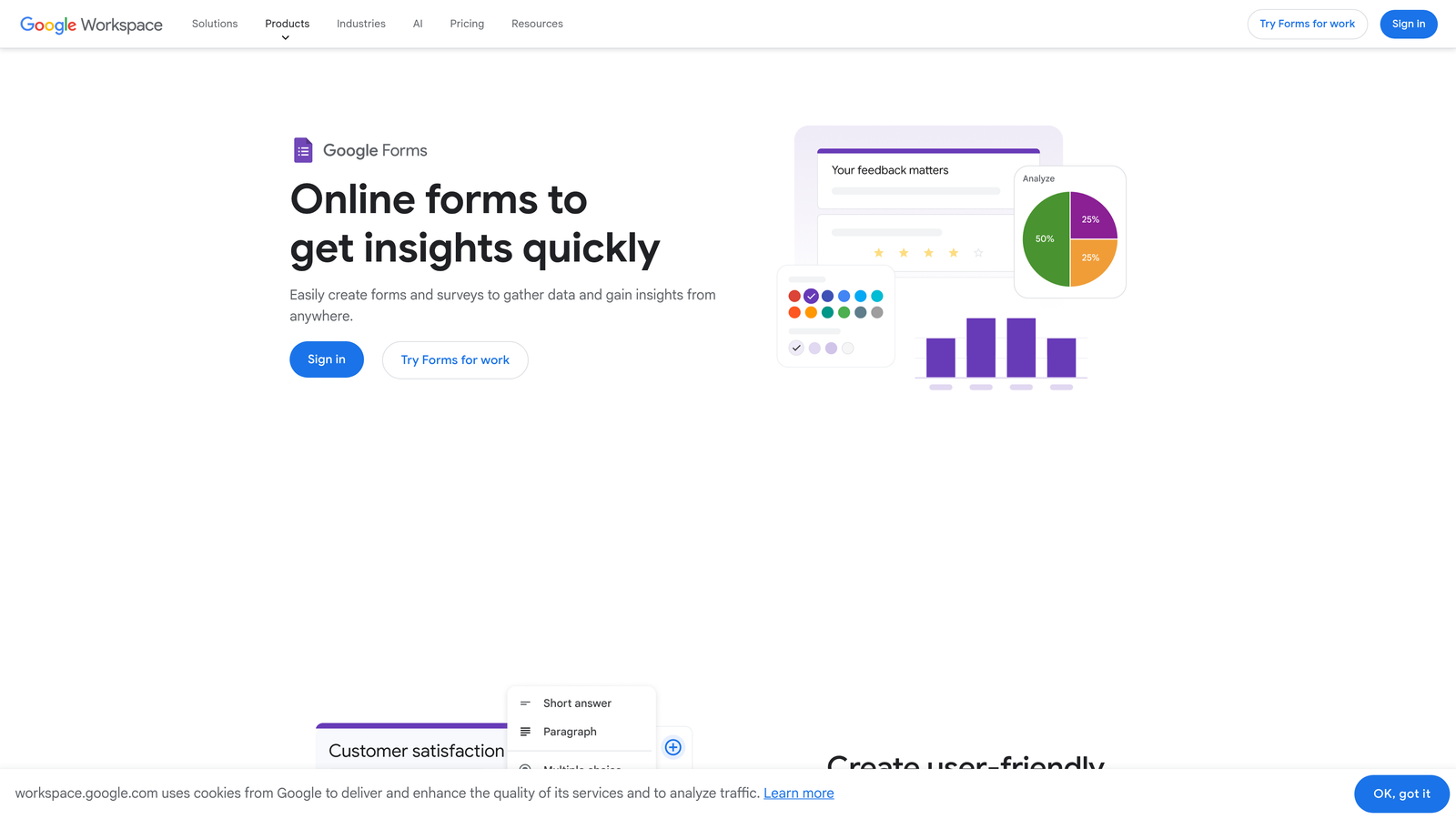
Google Forms is a free form builder offering surprisingly capable validation features for straightforward data collection needs.
Where This Tool Shines
Google Forms proves that effective validation doesn't require expensive software. The platform includes regex support, allowing technically savvy users to create custom validation patterns without paying for premium features.
Integration with Google Sheets means validated data flows automatically into spreadsheets for analysis. While the interface is basic, the validation capabilities handle most common scenarios effectively.
Key Features
Response Validation with Regex Support: Creates custom validation patterns using regular expressions for specialized formats.
Required Question Enforcement: Marks questions as mandatory and prevents submission without answers.
Number Range Validation: Sets minimum and maximum values for numerical inputs.
Text Length Limits: Controls minimum and maximum character counts for text responses.
Google Sheets Integration: Automatically populates spreadsheets with validated form data for immediate analysis.
Best For
Small businesses, nonprofits, educators, and teams with simple validation needs and limited budgets. Works well for internal forms, basic surveys, and straightforward data collection where advanced features aren't necessary.
Pricing
Completely free with any Google account. No submission limits or hidden costs for validation features.
7. Wufoo
Best for: Straightforward form building with pre-configured validation rules and minimal setup
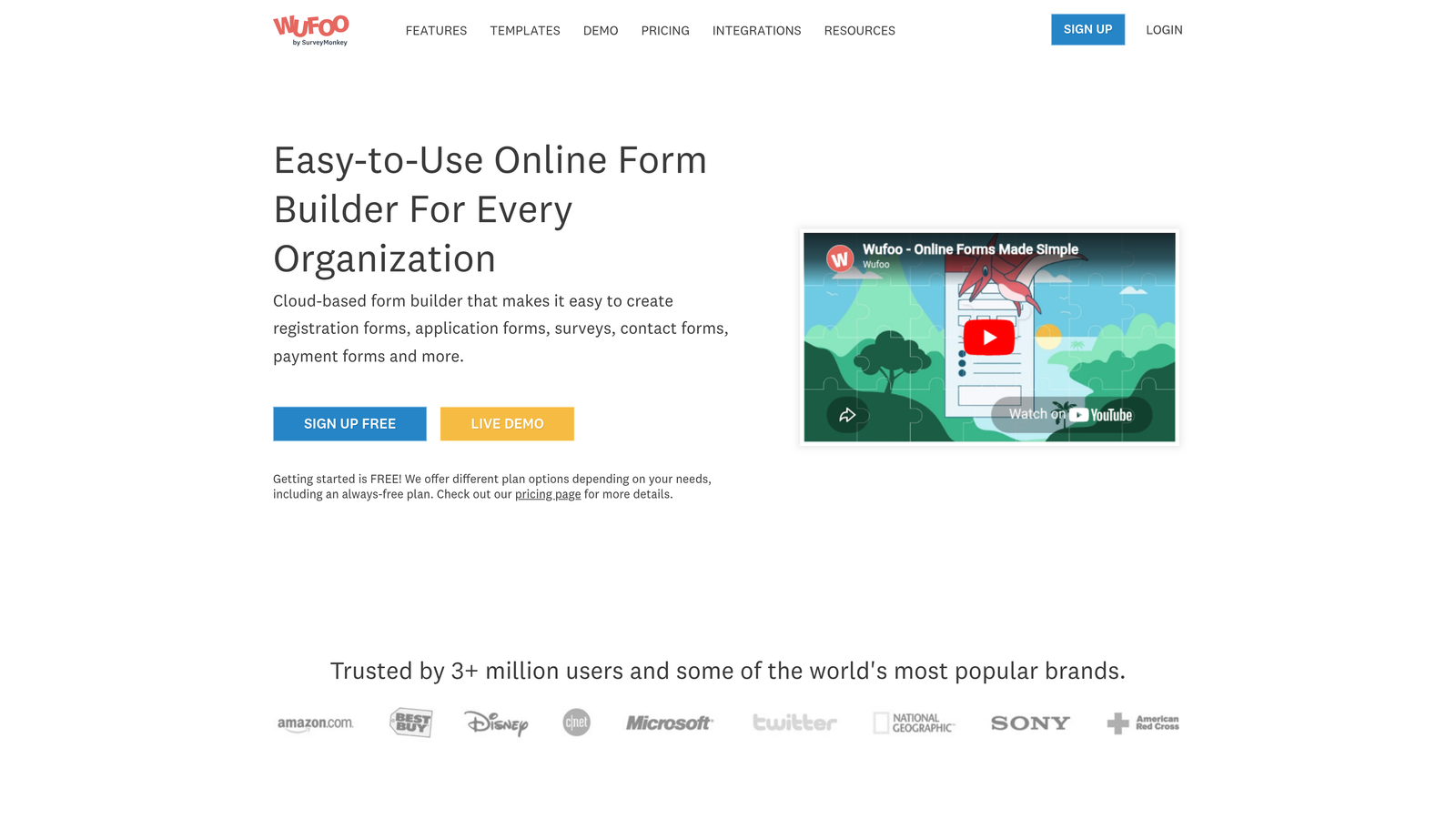
Wufoo is a user-friendly form builder emphasizing simplicity with built-in validation that works out of the box.
Where This Tool Shines
Wufoo removes complexity from validation setup. Most common validation scenarios are available as simple dropdown selections rather than requiring technical configuration. Teams can create properly validated forms in minutes rather than hours.
The platform handles payment validation smoothly, working with major payment processors while ensuring all required fields meet processing standards. Entry limits and form scheduling add another validation layer by controlling when and how many submissions are accepted.
Key Features
Field Format Validation: Pre-built validation for emails, phone numbers, URLs, and other common formats.
Required Field Rules: Simple toggles to make any field mandatory without complex configuration.
Character Limits: Sets minimum and maximum length requirements for text inputs.
Payment Validation: Ensures payment information meets processor requirements before submission.
Entry Limits and Scheduling: Controls form availability and maximum submission counts as validation boundaries.
Best For
Teams wanting quick deployment without technical expertise, small businesses needing payment forms with basic validation, and organizations prioritizing ease of use over advanced customization.
Pricing
Free tier available with basic features. Starter plan begins at $14.08/month with enhanced validation options and increased submission allowances.
8. 123FormBuilder
Best for: Multi-step forms with validation checkpoints and detailed error messaging
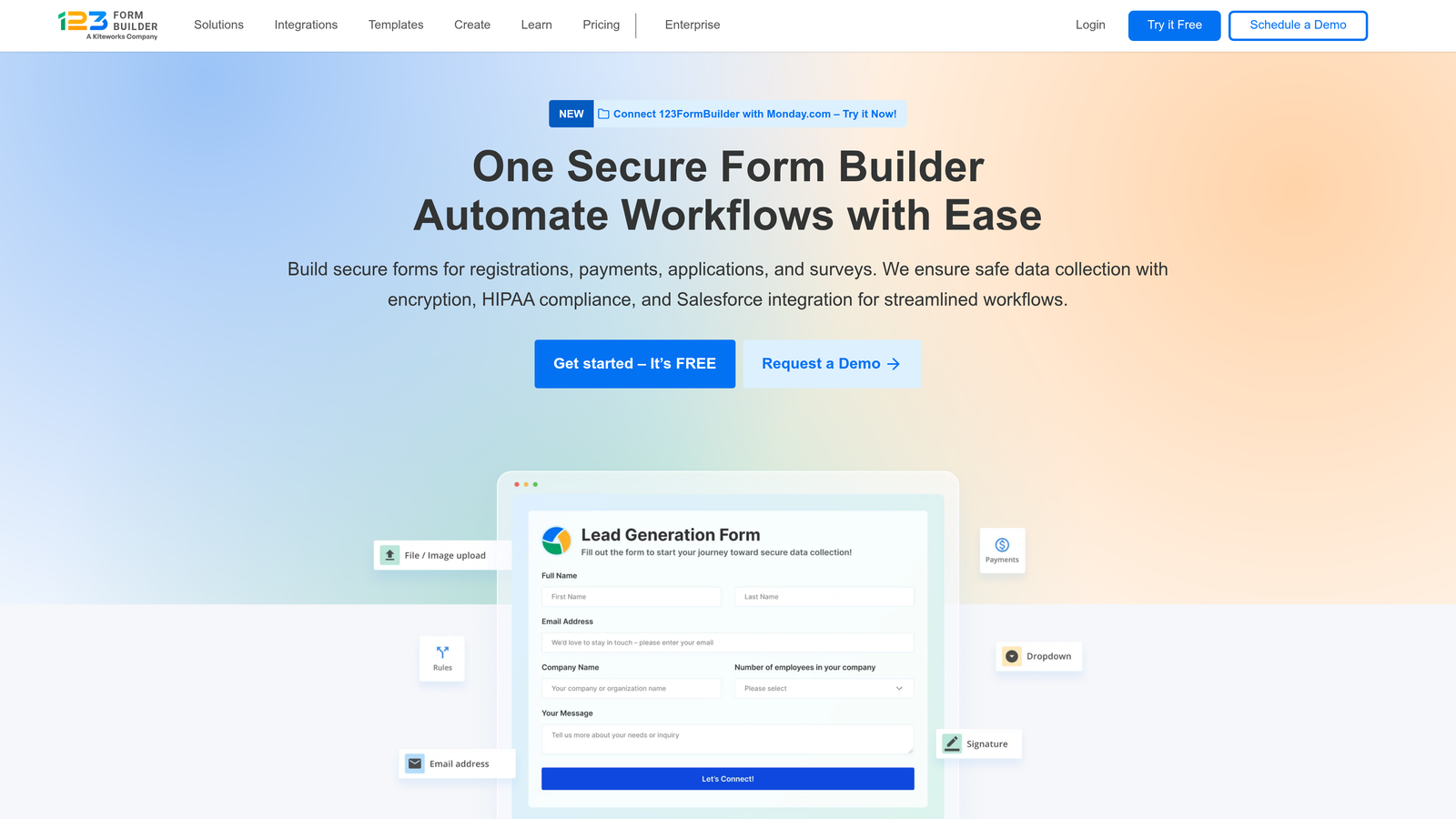
123FormBuilder is a multi-page form platform that validates data at strategic checkpoints throughout longer forms.
Where This Tool Shines
123FormBuilder understands that long forms need validation at multiple stages rather than just at submission. The platform creates validation checkpoints between form pages, catching errors early before users invest time completing additional sections.
Custom error messages can be tailored to each field and validation rule, providing specific guidance rather than generic warnings. This reduces user frustration and improves completion rates even with strict validation requirements.
Key Features
Real-Time Field Validation: Validates inputs as users type, providing immediate feedback before moving forward.
Custom Validation Error Messages: Creates specific, helpful error messages for each validation rule and field type.
Multi-Page Validation Checkpoints: Validates completed sections before allowing progression to subsequent form pages.
Conditional Validation Rules: Changes validation requirements based on responses to previous questions.
GDPR Compliance Features: Includes validation for consent fields and data privacy requirements.
Best For
Organizations using multi-step application forms, complex registration processes, and detailed data collection scenarios where validation at checkpoints prevents wasted user effort on incomplete submissions.
Pricing
Free tier supports basic forms. Gold plan starts at $24.99/month with full validation features and multi-page form capabilities.
9. Paperform
Best for: Design-focused forms combining visual flexibility with intelligent validation
Paperform is a design-forward form builder that doesn't sacrifice validation power for aesthetic appeal.
Where This Tool Shines
Paperform proves validation doesn't have to look technical or feel restrictive. The platform integrates validation seamlessly into beautifully designed forms, making error messages and required fields feel like natural parts of the user experience.
Conditional validation ties directly to the visual design, showing or hiding fields based on validated responses while maintaining aesthetic consistency. Custom success and error pages continue the branded experience through every validation moment.
Key Features
Conditional Validation Tied to Design: Creates validation rules that work seamlessly with visual form design and branding.
Custom Success and Error Pages: Designs fully branded validation feedback pages that match overall form aesthetics.
Calculation Validation: Validates numerical inputs and ensures calculated fields produce logical results.
Booking and Scheduling Validation: Prevents double-bookings and validates appointment selections against availability.
1000+ Integrations: Connects validated data to virtually any business tool or workflow platform.
Best For
Creative agencies, design-conscious brands, customer-facing forms where brand experience matters, and organizations refusing to choose between beautiful design and robust validation.
Pricing
Essentials plan starts at $24/month with full validation features and unlimited forms. Higher tiers add advanced integrations and team collaboration.
Making the Right Choice
Choosing the right form builder with data validation depends on your specific needs and priorities. For AI-powered lead qualification with intelligent validation, Orbit AI stands out for high-growth teams focused on conversion quality. The platform's ability to validate data while simultaneously scoring lead quality makes it particularly valuable for organizations where every submission counts.
Typeform excels when user experience is paramount. The conversational approach to validation keeps completion rates high while ensuring data quality, making it ideal for customer-facing forms where abandonment is a concern.
JotForm and Formstack handle complex validation requirements for enterprise needs. JotForm's regex support and template library serve organizations with specialized data formats, while Formstack's compliance certifications make it essential for healthcare and financial services.
Budget-conscious teams can start with Google Forms, which offers surprisingly capable validation features at zero cost. Cognito Forms serves calculation-heavy use cases well, particularly for payment forms and order processing.
Paperform and 123FormBuilder bridge the gap between design flexibility and validation power. Paperform prioritizes aesthetic appeal without compromising functionality, while 123FormBuilder's multi-page validation checkpoints serve complex data collection scenarios.
Whatever you choose, prioritize real-time validation feedback. Users who receive immediate guidance on data format requirements are far more likely to complete forms successfully than those who encounter a wall of error messages after submission. The best validation is invisible until needed, then helpful rather than punitive.
Transform your lead generation with AI-powered forms that qualify prospects automatically while delivering the modern, conversion-optimized experience your high-growth team needs. Start your free trial today and see how intelligent form design can elevate your conversion strategy.


