

When you're evaluating form software, monthly cost is only part of the equation. What you actually get for that cost matters just as much. A $0/month plan that caps you at 100 submissions or hides key features behind paywalls can end up costing more in lost leads than a paid plan would.
This guide breaks down nine form builder tools by their actual monthly pricing, what each tier unlocks, and which teams they're built for. Whether you're a startup watching every dollar or a high-growth SaaS team scaling your lead capture pipeline, there's a meaningful difference between tools that charge for volume and those that charge for intelligence.
We've evaluated each tool on pricing transparency, feature access at each tier, and overall value for conversion-focused teams. Use this as your reference to compare form software monthly costs side by side and find the plan that fits both your budget and your growth goals.
1. Orbit AI
Best for: High-growth SaaS and marketing teams who want lead qualification built into the form layer.
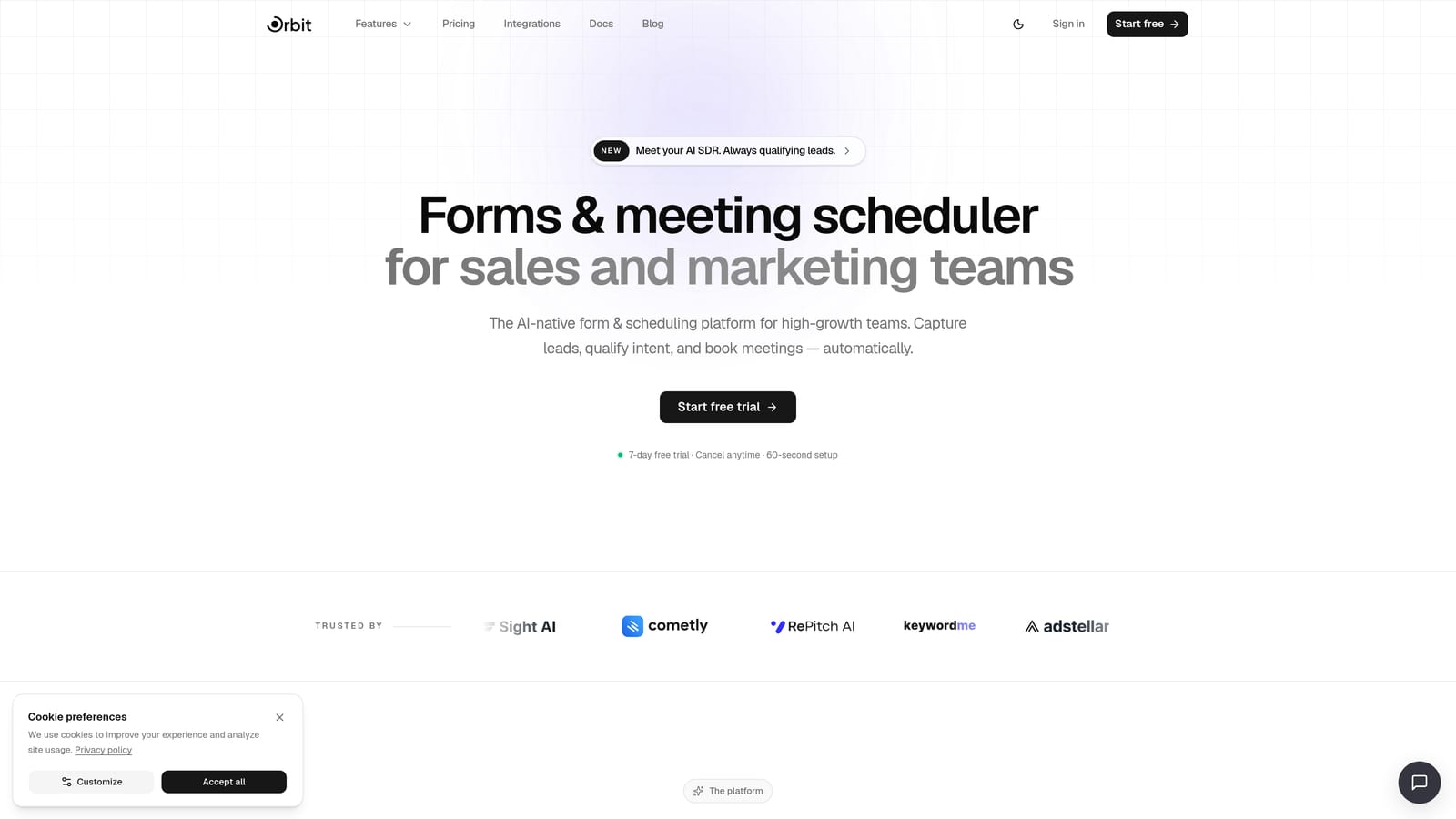
Orbit AI is an AI-powered form builder that turns submissions into qualified pipeline, not just a spreadsheet of contacts.
Where This Tool Shines
Most form builders are passive data collectors. Orbit AI takes a different approach by embedding lead qualification directly into the form experience. Instead of capturing raw submissions and routing them to a CRM for manual scoring later, Orbit AI scores and segments leads at the moment of submission.
For teams running active lead gen campaigns, this changes the math on what a "form tool" is actually worth. You're not just collecting names and emails; you're generating qualified pipeline from the first interaction.
Key Features
AI-Powered Lead Qualification: Scores and segments leads at the form layer so your sales team works with prioritized, qualified contacts from day one.
Conversion-Optimized Design: Modern, branded templates built specifically to maximize completion rates, not just look polished.
Smart Conditional Logic: Personalizes form paths based on user responses, creating a tailored experience that improves engagement and data quality.
Native CRM Integrations: Connects directly with CRM and marketing automation tools so qualified leads flow into your pipeline without manual work.
Conversion Analytics Dashboard: Tracks performance metrics focused on what actually matters: conversion rates, drop-off points, and lead quality.
Best For
Orbit AI is the right choice for SaaS companies, growth marketers, and demand gen teams who need more than a data collection tool. If your goal is pipeline generation and lead quality matters as much as lead volume, this is built for that workflow.
Pricing
See current plans and tiers at orbitforms.ai/pricing. Pricing is designed for growth-stage teams with scalable options as your form volume increases.
2. Typeform
Best for: Teams that prioritize completion rates and want a polished, conversational form experience.
Typeform is a conversational form builder known for its one-question-at-a-time interface that tends to improve engagement on surveys and lead capture forms.

Where This Tool Shines
Typeform's core insight is that forms don't have to feel like forms. By presenting one question at a time in a clean, full-screen layout, it creates a more conversational experience that many users find less intimidating than a traditional multi-field form. This approach can meaningfully improve completion rates, especially for longer surveys or more personal questions.
The tradeoff is that lower tiers are gated by response volume, which makes Typeform potentially expensive for teams running high-volume lead gen campaigns. It's better suited to quality-focused use cases than raw volume collection.
Key Features
Conversational Interface: One-question-at-a-time layout creates a guided, engaging experience that reduces abandonment on longer forms.
Logic Jumps: Conditional branching lets you route respondents through different question paths based on their answers.
Media Embedding: Add video and images directly within questions to enrich context and improve response quality.
CRM Integrations: Native connections to HubSpot, Salesforce, and Zapier for lead routing and automation.
Drop-Off Analytics: Response analytics that show where respondents abandon the form, helping you identify friction points.
Best For
Typeform works well for marketing teams running surveys, brand research, or lead qualification flows where completion rate is the primary metric. Less ideal for teams with very high submission volumes due to response-based pricing at lower tiers.
Pricing
Free tier available with limited monthly responses. Paid plans start in the $25-$50/month range; verify current pricing at typeform.com/pricing.
3. Jotform
Best for: Teams managing many forms across varied use cases who need a large template library and flexible integrations.
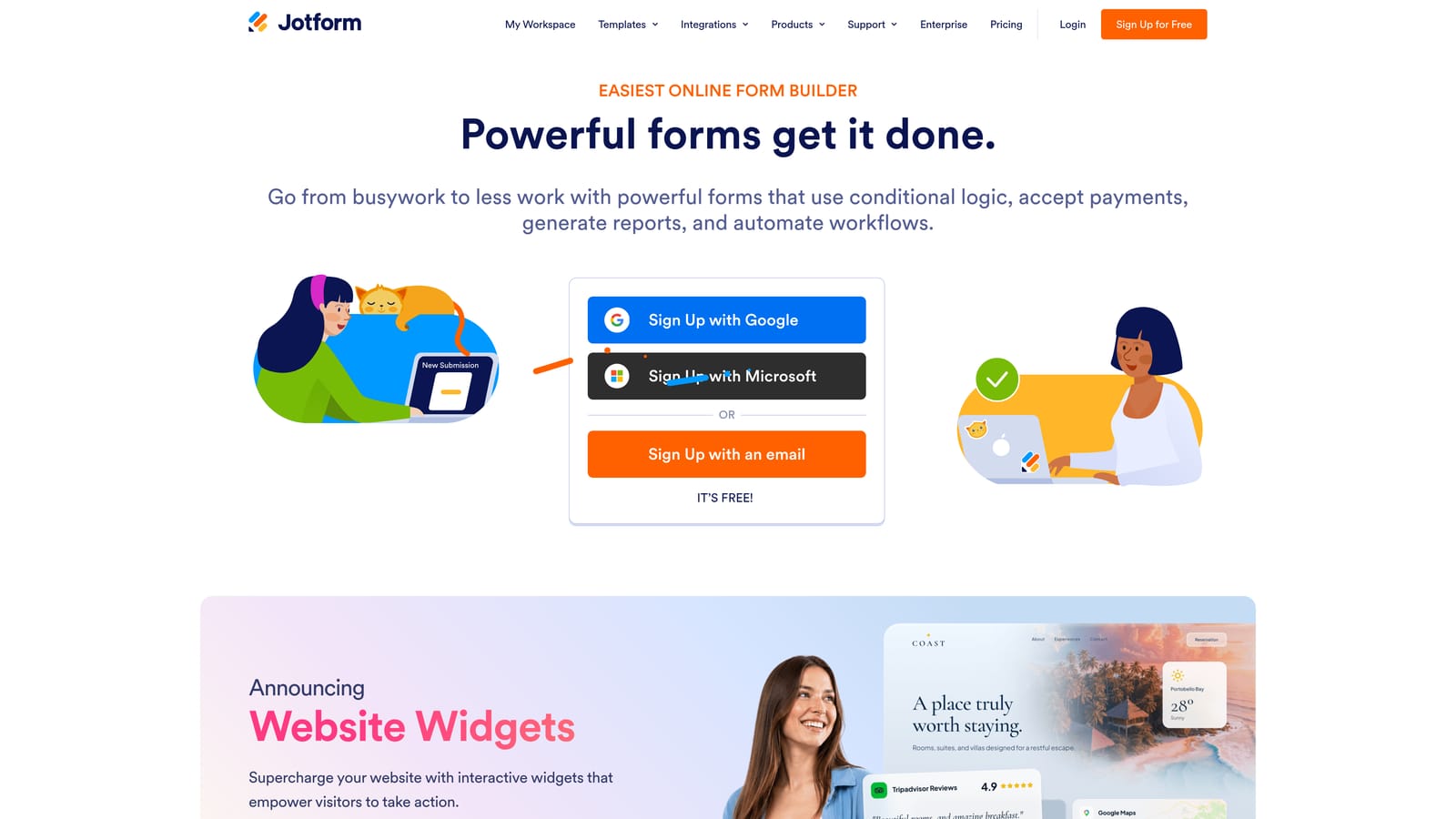
Jotform is a feature-rich form builder with one of the most extensive template libraries in the market, suited for organizations with diverse form needs.
Where This Tool Shines
If breadth is what you need, Jotform delivers. With over 10,000 templates spanning everything from healthcare intake forms to payment collection, it's one of the few tools that genuinely serves almost every use case out of the box. Teams that need to spin up forms quickly across multiple departments will find the template library alone worth exploring.
Jotform also stands out for its compliance options. HIPAA-compliant plans make it one of the few accessible choices for healthcare teams, and the payment integrations cover most major processors without requiring custom development.
Key Features
10,000+ Templates: One of the largest template libraries available, covering virtually every industry and form type.
Payment Integrations: Native support for Stripe, PayPal, and Square for collecting payments directly through forms.
HIPAA Compliance: Dedicated compliance plans for healthcare organizations that need to handle protected health information.
Approval Workflows: Multi-step approval routing and team collaboration features for organizations with process requirements.
Scalable Submission Limits: Mid-tier plans offer generous submission allowances relative to price.
Best For
Operations teams, agencies managing multiple clients, healthcare organizations, and any team that needs a wide variety of form types without building from scratch. Less focused on conversion optimization for lead gen specifically.
Pricing
Free tier available with a reasonable submission cap. Paid plans scale by submission volume and form count; verify current tiers at jotform.com/pricing.
4. Google Forms
Best for: Internal data collection, quick surveys, and teams already operating within Google Workspace.
Google Forms is a completely free form tool built for simple data collection, with no submission limits and automatic integration with Google Sheets.

Where This Tool Shines
The value proposition here is straightforward: it costs nothing and works immediately. For internal surveys, event registrations, or simple data collection, Google Forms does the job without any setup friction. Response data flows directly into Google Sheets, which many teams already use for analysis and reporting.
The ceiling is equally clear. Google Forms has no native payment processing, minimal design customization, and no AI or qualification features. It's a utility tool, not a lead generation platform. For external-facing forms where brand experience and conversion rate matter, the limitations become apparent quickly.
Key Features
Completely Free: No submission limits, no paid tiers, included with any Google account.
Google Sheets Integration: Responses automatically populate a connected spreadsheet for easy analysis.
Basic Branching Logic: Simple conditional routing based on multiple-choice answers.
Collaboration: Share and co-edit forms with anyone via Google account permissions.
Quiz Functionality: Built-in scoring and answer feedback for educational use cases.
Best For
Internal teams, educators, nonprofits, and anyone who needs a no-cost solution for basic data collection. Not suited for lead generation, payment collection, or any use case where design and conversion performance matter.
Pricing
Completely free. Included with any Google account at no additional cost.
5. HubSpot Forms
Best for: Marketing and sales teams already running their pipeline in HubSpot who want zero-friction lead capture.
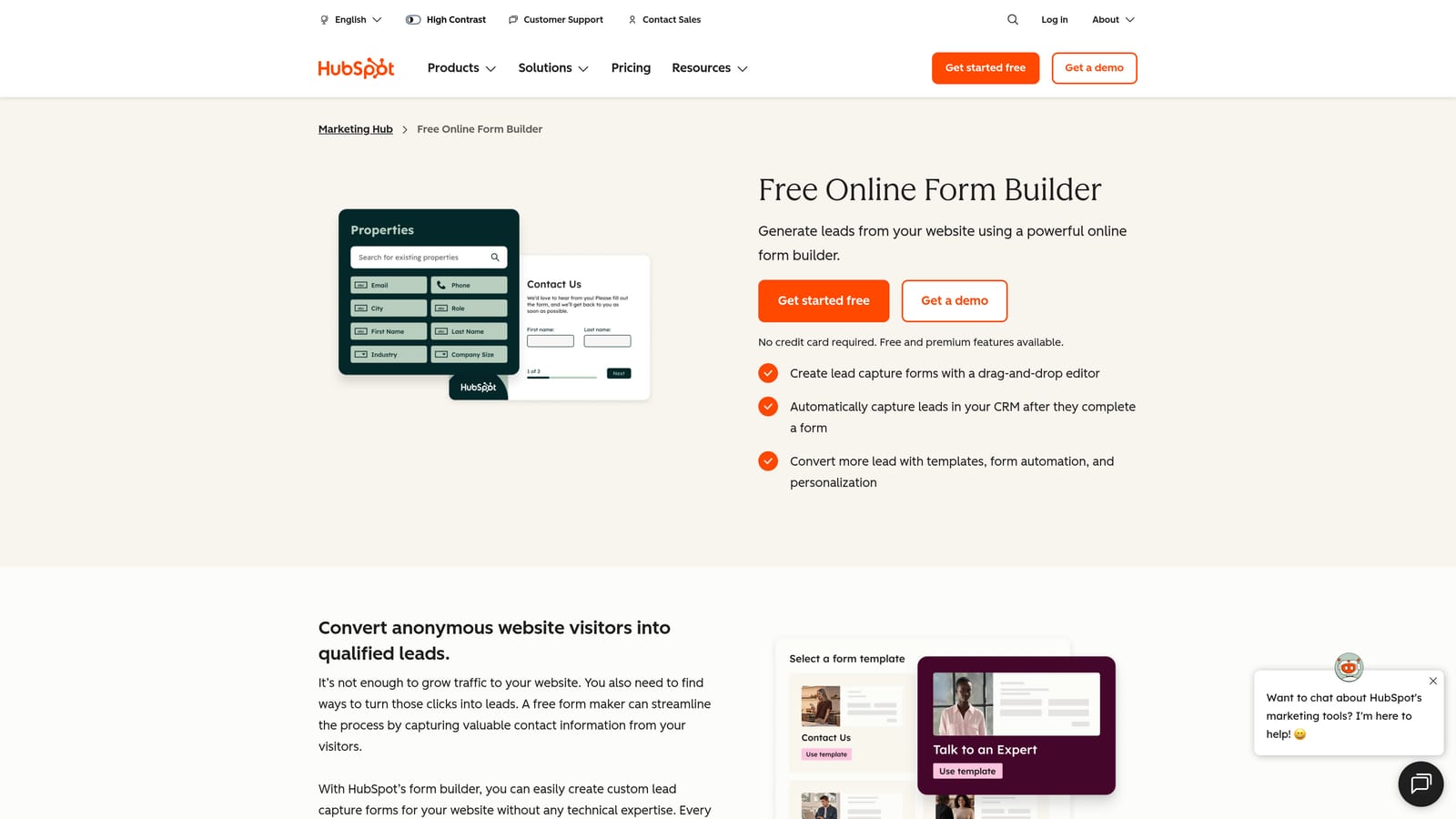
HubSpot Forms is a form builder natively integrated with HubSpot's CRM, allowing teams to capture leads directly into their pipeline without any integration overhead.
Where This Tool Shines
The biggest advantage here isn't the form builder itself. It's the native CRM connection. When a lead submits a HubSpot form, they're immediately created as a contact in your CRM, enrolled in workflows, and visible to your sales team, with no Zapier connections or manual imports required. For teams already in the HubSpot ecosystem, this is a genuine time-saver.
Progressive profiling is another standout feature. Instead of asking the same questions to returning visitors, HubSpot Forms can automatically surface new questions to fill in contact profile gaps over time. This improves data quality without increasing form friction.
Key Features
Native CRM Sync: Zero integration setup required; form submissions create or update contacts in HubSpot automatically.
Progressive Profiling: Dynamically replaces already-known fields with new questions to enrich contact data over time.
Smart Forms: Adapt displayed fields based on existing contact properties stored in the CRM.
Flexible Placement: Embedded forms, pop-ups, and standalone page options available.
Conversion Analytics: Form performance data tied directly to contact and deal records for revenue attribution.
Best For
Teams running their entire marketing and sales operation in HubSpot. The form tool is most powerful as part of the broader HubSpot ecosystem; as a standalone form builder, it's more limited than dedicated tools.
Pricing
Free with HubSpot's free CRM tier. Advanced features require Marketing Hub paid plans; verify current pricing at hubspot.com/pricing.
6. Tally
Best for: Startups, solo builders, and small teams who want a polished form experience without paying for it.
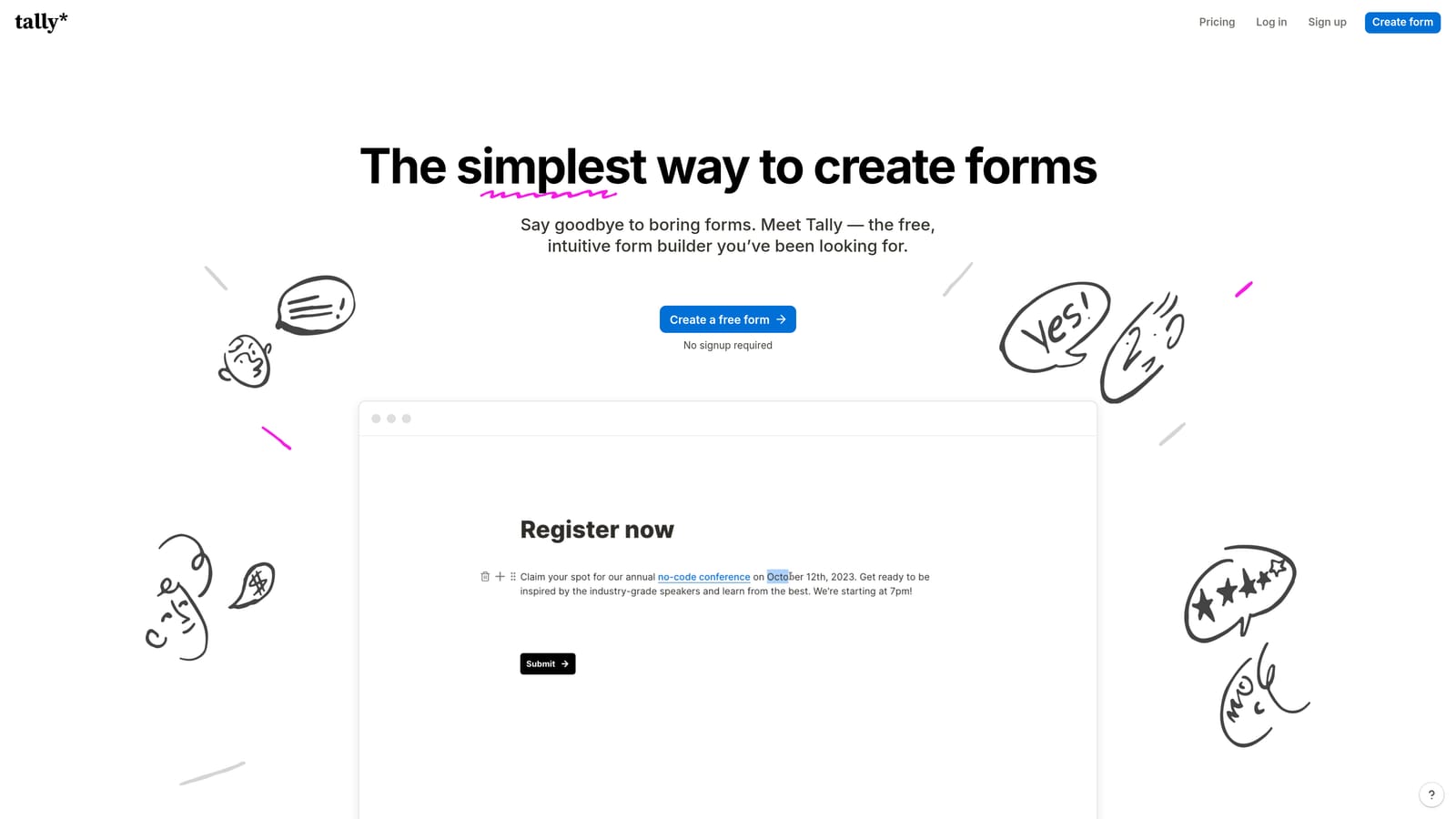
Tally is a modern form builder with a generous free tier and a Notion-like editing experience, popular with early-stage teams who want quality without a monthly commitment.
Where This Tool Shines
Tally's free tier is genuinely generous by market standards. Unlimited forms and unlimited responses at no cost puts it in a different category from tools that cap you at a few hundred submissions per month. For teams in early-stage growth who need to run surveys or collect leads without a budget, Tally removes the cost barrier entirely.
The editing experience also deserves mention. The block-based interface feels closer to writing in Notion than filling out a form builder template, which makes creating and editing forms faster for non-technical users.
Key Features
Unlimited Free Tier: Unlimited forms and unlimited responses on the free plan, with no submission caps.
Block Editor: Notion-style editing interface that makes building forms feel intuitive and fast.
Conditional Logic: Multi-page forms and branching logic available across plan tiers.
Flexible Embedding: Embed as inline forms, popups, or full-page experiences.
Clean UX: Distraction-free form experience that keeps respondents focused on completion.
Best For
Early-stage startups, indie makers, and small teams who need capable forms without monthly overhead. Teams that outgrow the free tier and need advanced integrations or branding control can upgrade to the Pro plan at a low monthly cost.
Pricing
Generous free tier with unlimited forms and responses. Pro plan available at an accessible monthly rate; verify current pricing at tally.so/pricing.
7. Gravity Forms
Best for: WordPress developers and agencies who need deep site integration and prefer a one-time annual cost over monthly billing.
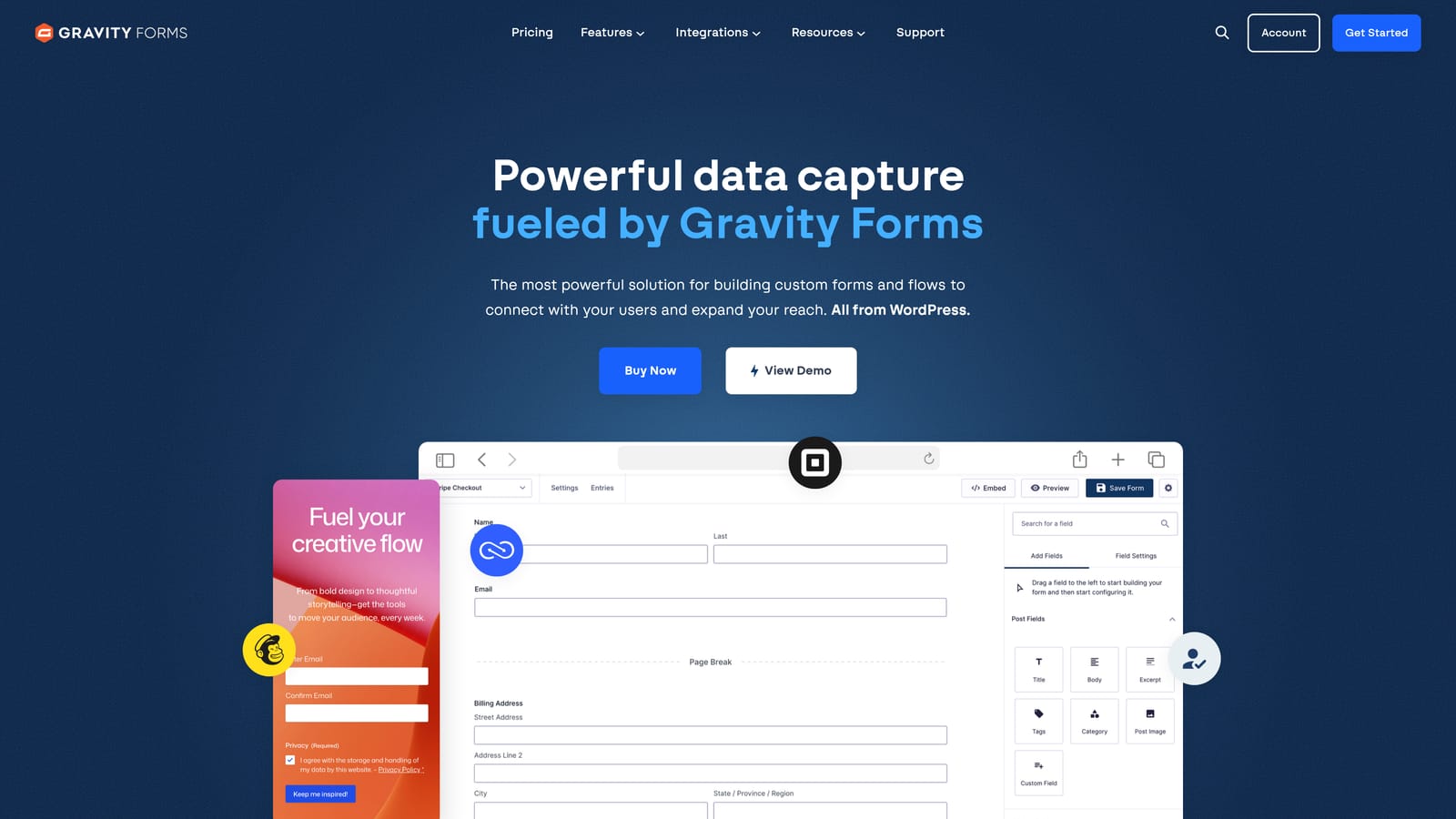
Gravity Forms is a powerful WordPress form plugin built for developers and agencies, with an annual license model that eliminates monthly recurring costs.
Where This Tool Shines
Gravity Forms is the go-to choice for teams building on WordPress who need more than basic form functionality. Its deep integration with WordPress means you can connect forms to custom post types, user registration, and site-specific data in ways that SaaS form tools simply can't match. For agencies managing multiple WordPress client sites, the developer-friendly architecture with hooks, filters, and a REST API is a significant advantage.
The annual licensing model is also worth highlighting in a monthly cost comparison. Instead of paying month-to-month, you pay a flat annual fee for access to the plugin and its add-ons. For teams with stable, ongoing needs, this can be more cost-effective than subscription-based alternatives.
Key Features
Deep WordPress Integration: Native connections to custom post types, user registration, and WordPress-specific functionality.
Advanced Conditional Logic: Multi-page forms with complex branching and conditional field visibility.
Payment Add-Ons: Stripe, PayPal, and other payment processors available as add-ons.
Developer-Friendly Architecture: Extensive hooks, filters, and a REST API for custom development.
Annual Flat-Fee Licensing: No monthly recurring cost; pay once annually for the license tier you need.
Best For
WordPress developers, digital agencies, and established WordPress site owners who need powerful form functionality with deep site integration. Not relevant for teams not on WordPress.
Pricing
Annual license model with multiple tiers based on add-on access. No monthly fee; verify current annual pricing at gravityforms.com/pricing.
8. Formstack
Best for: Enterprise organizations that need form building combined with workflow automation and document generation.
Formstack is an enterprise-grade form platform that combines form building with multi-step approval workflows and document generation, designed for large organizations with complex operational processes.
Where This Tool Shines
Formstack goes well beyond data collection. Its workflow automation capabilities allow organizations to route form submissions through multi-step approval processes, trigger document generation from submitted data, and manage compliance requirements at scale. For enterprise teams replacing paper-based or legacy processes, this combination of form, workflow, and document tools in a single platform can simplify operations significantly.
The Salesforce native app is a notable differentiator for organizations running their revenue operations in Salesforce. Native integration at this level removes the middleware layer that other form tools require.
Key Features
Workflow Automation: Multi-step approval routing that moves form data through defined organizational processes.
Document Generation: Automatically create documents from form submission data, reducing manual output work.
Compliance Options: HIPAA and FERPA compliance available for regulated industries and education.
Salesforce Native App: Deep Salesforce integration without middleware for revenue operations teams.
Advanced Field Logic: Prefill, conditional logic, and calculation fields for complex form requirements.
Best For
Large organizations, enterprise IT teams, and compliance-heavy industries like healthcare and education that need form, workflow, and document capabilities in a single platform. The price point reflects enterprise positioning.
Pricing
Higher price point suited to enterprise budgets with multiple product tiers; verify current pricing at formstack.com/pricing.
9. Paperform
Best for: Small businesses and service providers who need forms that can also handle payments, bookings, and product sales.
Paperform is a flexible form builder that doubles as a lightweight commerce tool, allowing teams to take payments, manage bookings, and sell products directly through their forms.
Where This Tool Shines
Paperform occupies an interesting niche: it's more than a form builder but less than a full e-commerce platform. For service businesses that need to collect information and take payment in the same flow, such as booking a consultation, selling a digital product, or managing event registrations, Paperform handles both without requiring a separate payment tool.
The design flexibility is also a standout. With CSS control and highly customizable layouts, Paperform forms can be styled to match a brand more closely than many competitors at a similar price point.
Key Features
Native Payment Processing: Stripe and other payment providers integrated directly, with no third-party tools required.
Product Catalog: Manage inventory and sell products directly through form submissions.
Booking and Scheduling: Built-in functionality for appointment booking and scheduling workflows.
Custom Design Control: CSS customization and flexible layouts for brand-consistent form experiences.
Calculation Fields: Conditional sections and calculation logic for dynamic pricing and complex forms.
Best For
Freelancers, coaches, small agencies, and service-based businesses that need a single tool to handle intake, payment, and scheduling. Less focused on lead qualification or enterprise-scale automation.
Pricing
Multiple tiers starting at an accessible monthly rate; verify current pricing at paperform.io/pricing.
Which Tool Fits Your Team and Budget
The right form tool depends on what you're actually trying to accomplish, not just what you're willing to spend per month. Here's how to think through the decision.
If your goal is pipeline generation and lead quality, Orbit AI is the standout choice. It's the only tool on this list that qualifies leads at the form layer rather than just collecting submissions for manual review later. For high-growth SaaS and marketing teams, that distinction is worth more than the cost difference between tiers.
If you're budget-constrained and need to move fast, Tally offers unlimited forms and responses for free, making it a practical starting point for early-stage teams. Google Forms works for purely internal use cases where design and conversion rate don't matter.
If you're already in the HubSpot ecosystem, HubSpot Forms is the obvious choice for lead capture since the CRM integration eliminates friction. For WordPress-based teams, Gravity Forms offers the deepest site integration with an annual model that avoids ongoing monthly costs.
For teams that need breadth across varied use cases, Jotform and its enormous template library is hard to beat. If you need payments and bookings in the same tool, Paperform handles the commerce layer well. Typeform remains the go-to for conversational experiences where completion rate is the primary metric. And for enterprise organizations with complex approval workflows, Formstack covers ground that simpler tools can't.
If conversion is your primary metric and you're building a lead generation engine rather than just collecting form data, the intelligence layer matters. Book a demo with Orbit AI and see how AI-powered lead qualification changes what your forms actually deliver for your pipeline.


