

If you're evaluating drag and drop form builder options, the good news is you have strong choices. The challenge is that each platform takes a fundamentally different approach: some optimize for speed and simplicity, others for design flexibility, enterprise compliance, or intelligent lead qualification. The wrong pick means rebuilding your forms six months later when you've outgrown the tool.
This guide covers six of the best drag and drop form builders available in 2026, chosen for their usability, feature depth, and fit for high-growth teams focused on lead generation and conversion. Whether you're building a simple contact form or a multi-step lead qualification funnel, you'll find a clear recommendation here.
1. Orbit AI
Best for: High-growth SaaS and B2B teams that want forms to qualify leads, not just collect them.
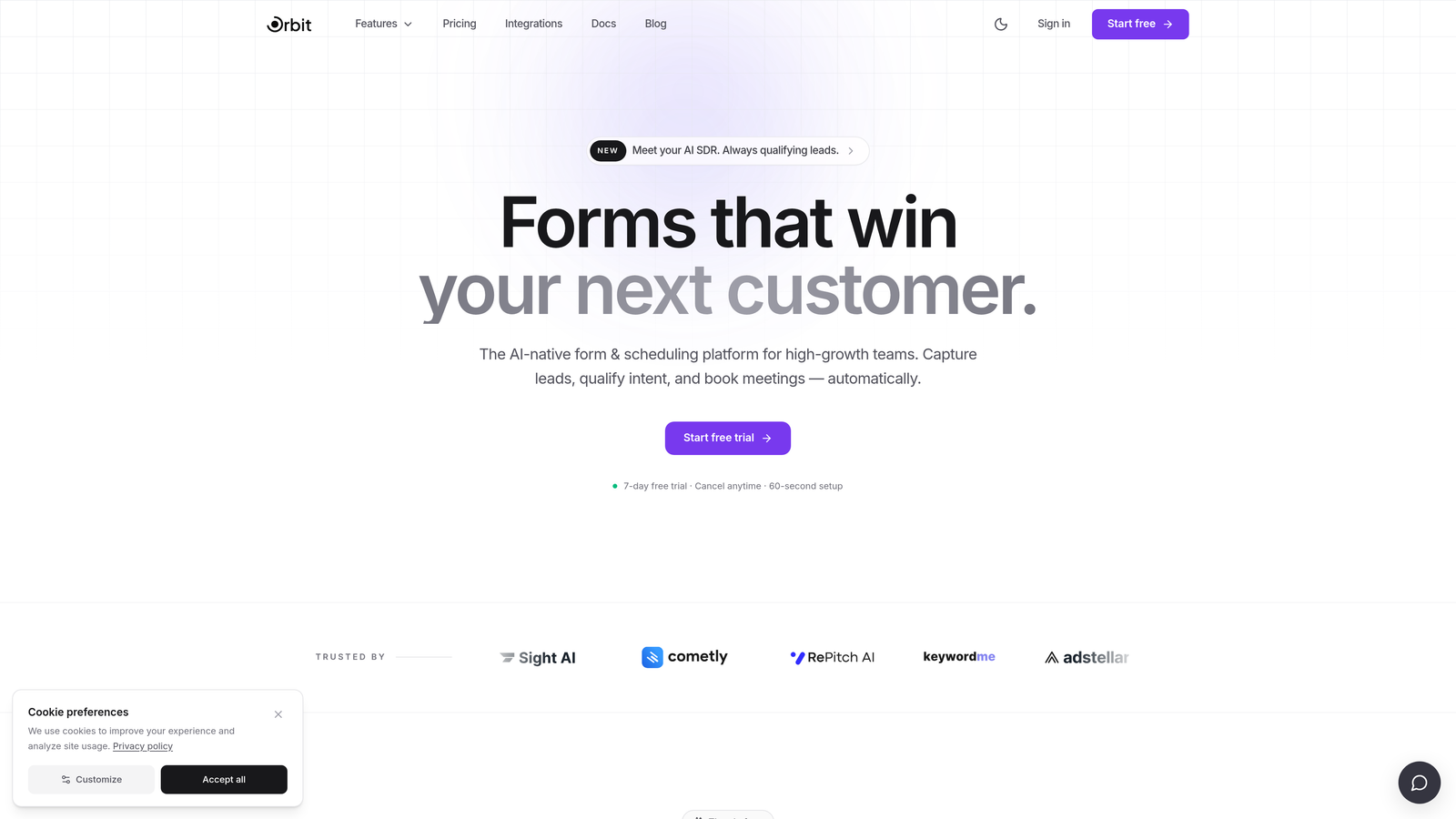
Orbit AI is an AI-powered drag and drop form builder built specifically for teams where lead quality matters as much as lead volume.
Where This Tool Shines
Most form builders stop at data collection. Orbit AI takes the next step by embedding lead qualification directly into the form layer itself. As prospects move through your form, the AI evaluates their responses in real time, routing and scoring leads before they ever hit your CRM. For B2B and SaaS teams running high-stakes pipelines, that's a meaningful shift from passive data capture to active revenue enablement.
The drag-and-drop builder is genuinely modern, with conversion-optimized templates that feel designed rather than assembled. Mobile-first rendering is built in by default, so you're not retrofitting desktop forms for smaller screens after the fact.
Key Features
AI-Powered Lead Qualification: Scores and qualifies leads based on form responses, so your sales team receives pre-filtered prospects rather than raw submissions.
Drag-and-Drop Builder: Intuitive visual editor with conversion-optimized templates designed for modern, high-growth teams.
Conditional Logic and Smart Routing: Dynamically adjusts form paths based on how respondents answer, creating personalized experiences that improve completion rates.
CRM and Revenue Workflow Integration: Built to connect directly with the tools your revenue team already uses, not just email inboxes.
Mobile-First Design: Every form renders beautifully on mobile out of the box, without additional configuration.
Best For
Orbit AI is the strongest fit for SaaS companies, B2B marketing teams, and growth-focused operators who want their forms to do more than capture contact details. If lead qualification is a core part of your funnel, this is purpose-built for that job.
Pricing
Visit orbitforms.ai for current pricing details and free trial options, as plans are updated regularly.
2. Typeform
Best for: Teams prioritizing brand experience and conversational form design for surveys, quizzes, and lead gen.
Typeform is a conversational form builder known for its one-question-at-a-time format and polished visual presentation.

Where This Tool Shines
Typeform's signature format, showing one question at a time rather than a long scrollable page, genuinely reduces perceived friction. For lead gen forms and brand surveys where first impressions matter, that conversational flow creates an experience that feels more like a dialogue than a data grab.
The brand customization options are among the strongest in the category. You can embed images, video, and custom fonts to create forms that feel like an extension of your product rather than a generic web widget.
Key Features
Conversational One-Question Format: Presents fields sequentially to reduce overwhelm and improve completion rates.
Brand Customization: Supports custom fonts, colors, background media, and logo placement for a fully branded experience.
Logic Jumps: Conditional branching lets you tailor question paths based on previous answers.
CRM Integrations: Native connections to HubSpot, Salesforce, Zapier, and other major marketing platforms.
Built-In Analytics: Tracks completion rates, drop-off points, and response data within the platform.
Best For
Typeform works well for marketing teams running lead gen campaigns, product teams collecting user feedback, and anyone where form aesthetics are a priority. Worth noting: pricing scales with response volume, which can become expensive for high-traffic campaigns.
Pricing
A free plan is available with limitations. Paid plans start at approximately $25/month. Verify current pricing at typeform.com.
3. Jotform
Best for: Teams that need a wide range of form types, including payments, e-signatures, and approvals, in a single platform.
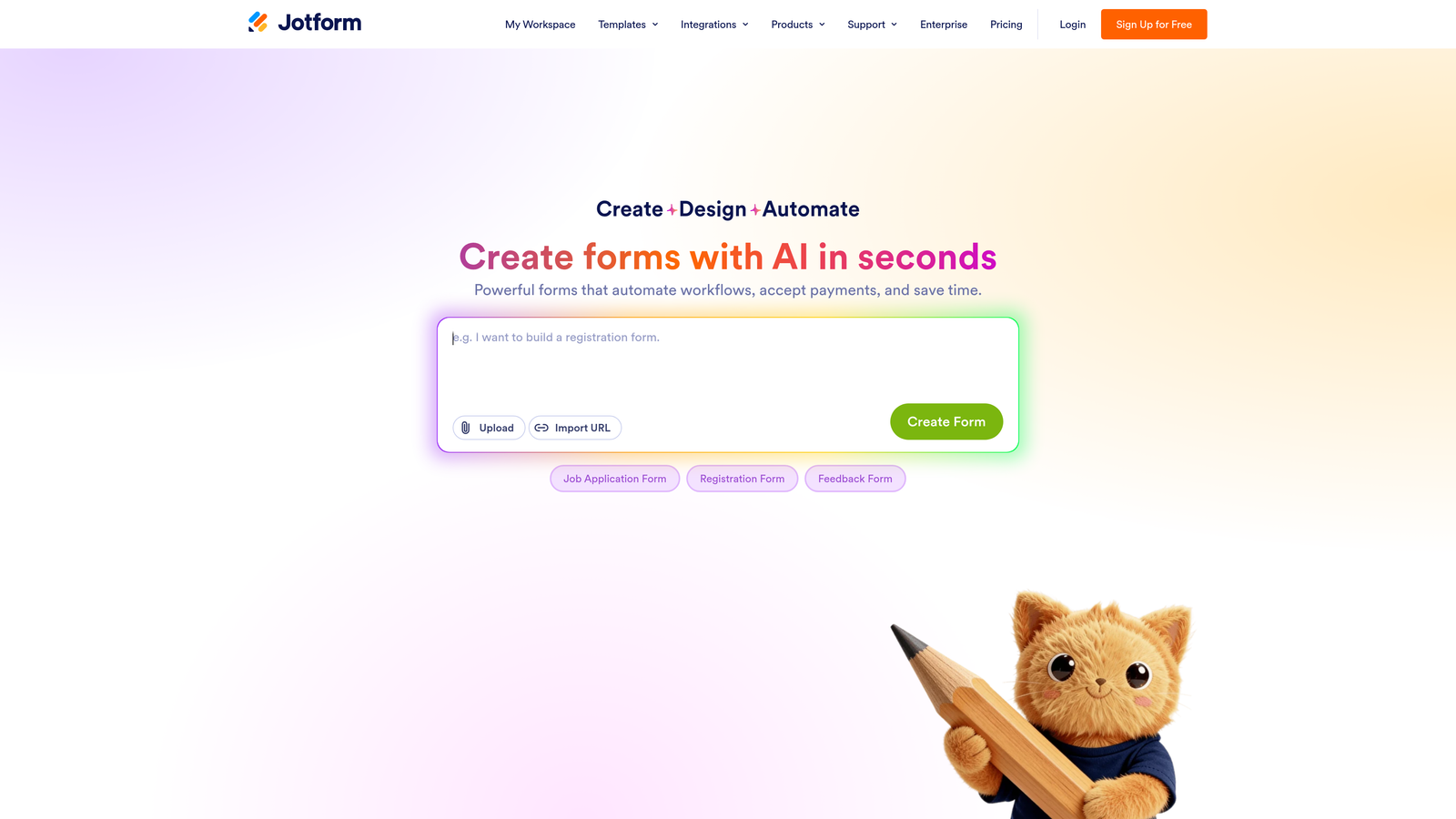
Jotform is one of the most feature-rich form builders available, covering an exceptionally broad range of use cases.
Where This Tool Shines
Jotform's depth is its defining characteristic. Where most form builders handle standard lead capture and surveys, Jotform extends into payment collection, e-signatures, approval workflows, and calculation fields. If your team needs to handle multiple form types across different departments, Jotform's template library and integration breadth make it a capable all-in-one solution.
The trade-off is complexity. Teams that want a clean, fast form-building experience may find the interface feels dense compared to more focused tools. It's powerful, but it requires some investment to navigate well.
Key Features
Thousands of Templates: Pre-built form templates spanning industries including healthcare, education, legal, and e-commerce.
Payment Collection: Native integrations with Stripe, PayPal, and Square for collecting payments directly through forms.
E-Signature Support: Built-in e-signature fields and document approval workflows.
Conditional Logic: Show, hide, or require fields based on prior responses, with calculation field support.
Extensive Integrations: Connects with hundreds of third-party tools across CRM, storage, and automation platforms.
Best For
Jotform suits operations teams, agencies managing multiple clients, and businesses that need a single platform to handle everything from event registration to contract signing. It's less optimized for pure lead qualification workflows.
Pricing
A free plan is available with submission and storage limits. Paid plans start at approximately $34/month. Verify current pricing at jotform.com.
4. Tally
Best for: Indie makers, small teams, and anyone who wants clean, functional forms without spending a dollar.
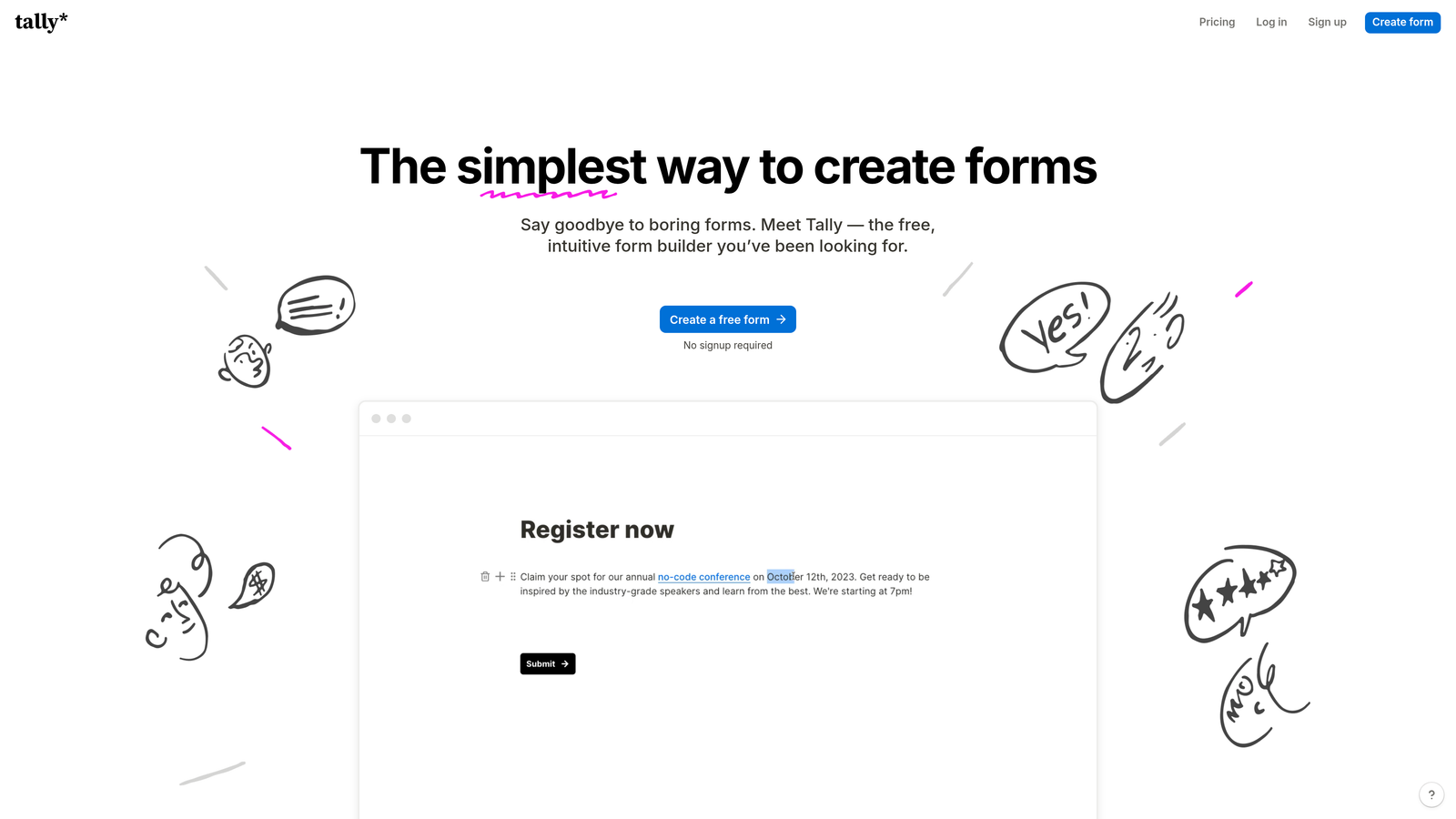
Tally is a minimalist, Notion-inspired form builder with one of the most generous free plans in the category.
Where This Tool Shines
Tally's block-based editor feels immediately familiar if you've spent time in Notion. You build forms by typing and inserting blocks, which makes the creation process fast and low-friction. For teams that need to spin up forms quickly without a learning curve, that simplicity is genuinely valuable.
The free plan is unusually generous: unlimited forms and unlimited responses, which removes the ceiling that makes other free-tier tools frustrating. For internal forms, quick surveys, and basic lead capture, Tally handles the job without requiring a subscription.
Key Features
Unlimited Free Forms and Responses: No submission caps on the free plan, which is rare in this category.
Notion-Style Block Editor: Fast, intuitive form creation using a familiar block-based interface.
Conditional Logic: Show or hide fields based on responses, with hidden field support for tracking parameters.
Easy Embedding: Embeds cleanly into websites and Notion pages with minimal configuration.
Zapier and Webhook Integrations: Basic automation support for connecting responses to other tools.
Best For
Tally is a strong pick for early-stage startups, solo operators, and teams with simple form needs. It's less suited for high-growth teams that need deep CRM integration, AI-powered lead scoring, or advanced qualification logic.
Pricing
Free plan available with no response limits. Tally Pro starts at approximately $29/month. Verify current pricing at tally.so.
5. Paperform
Best for: Creators, coaches, and small businesses who want forms that feel like polished landing pages.
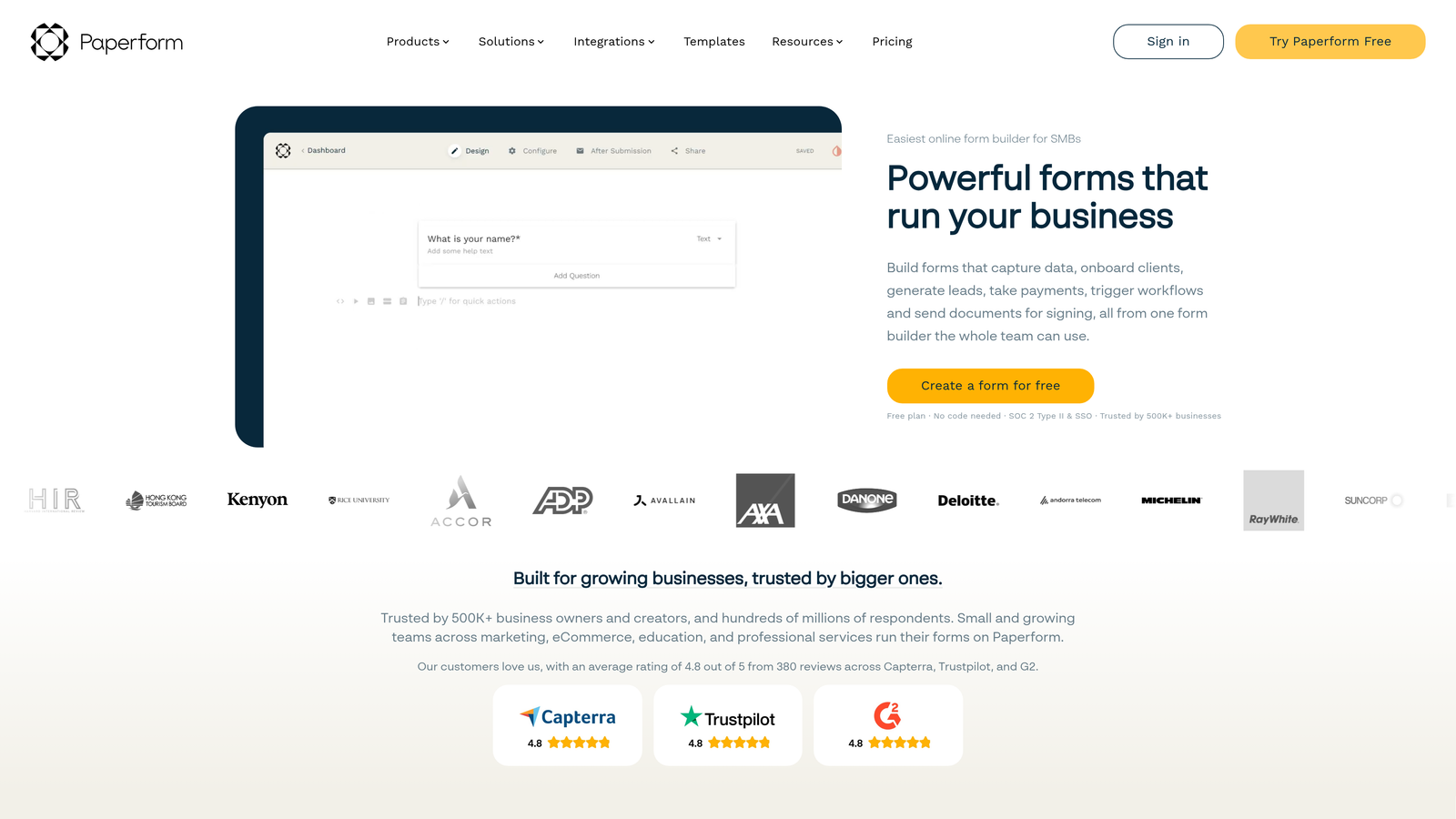
Paperform is a flexible form builder with a freeform document-style editor that blends text, images, and form fields into a single canvas.
Where This Tool Shines
Paperform's editor is genuinely different from the standard drag-and-drop grid. You write and design as if you're creating a document, placing form fields inline with descriptive copy, images, and headings. The result is forms that feel more like curated landing pages than traditional input screens, which works particularly well for service businesses, product sales, and booking flows.
Built-in payment and booking functionality means you can handle the entire transaction within the form itself, without needing a separate checkout tool. For creators and small business owners, that consolidation has real practical value.
Key Features
Document-Style Freeform Editor: Mix text, images, and form fields freely for layouts that go beyond standard form structure.
Built-In Payments: Accept payments and sell products directly within a Paperform form.
Booking and Scheduling: Native scheduling functionality for appointment-based businesses.
Custom Domains and Branding: Full white-label control with custom domain support on paid plans.
Conditional Logic and Calculations: Dynamic field visibility and calculation support for pricing and scoring.
Best For
Paperform suits coaches, consultants, creators, and small e-commerce operators who want beautiful, functional forms with built-in commerce. It's not purpose-built for high-volume B2B lead generation or enterprise CRM workflows.
Pricing
No meaningful free tier is available. Paid plans start at approximately $24/month. Verify current pricing at paperform.co.
6. Formstack
Best for: Enterprise teams in regulated industries that need workflow automation, compliance, and document management in one platform.
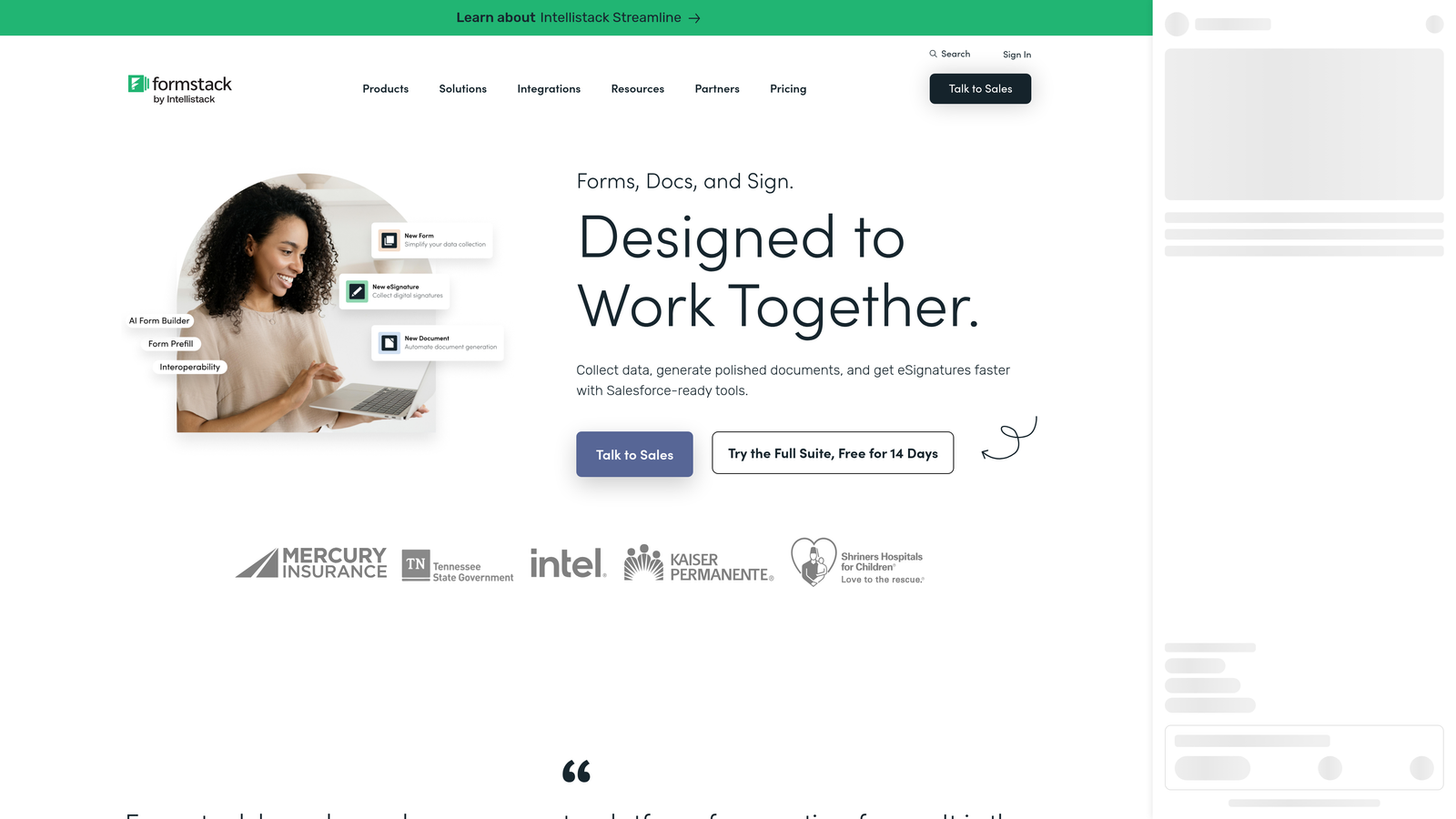
Formstack is an enterprise-grade form and workflow automation platform built for organizations with complex approval, compliance, and document generation requirements.
Where This Tool Shines
Formstack operates at a different level of complexity than the other tools on this list, and deliberately so. It's designed for organizations where a form submission triggers a multi-step approval chain, generates a document, collects an e-signature, and routes to a compliance archive. Healthcare providers, financial services firms, and large enterprises with regulatory requirements will find capabilities here that simpler tools simply don't offer.
The Salesforce-native integration is particularly strong for enterprise sales teams that live in Salesforce and need form data to flow directly into their CRM without middleware.
Key Features
Advanced Workflow Automation: Multi-step approval routing and conditional workflow logic for complex internal processes.
Document Generation: Automatically generate populated documents from form submissions.
E-Signature Capabilities: Collect legally binding signatures as part of form and approval workflows.
Compliance Features: HIPAA and other compliance-relevant controls for healthcare and financial sector use cases.
Salesforce-Native Integration: Deep, native Salesforce connectivity beyond standard API integrations.
Best For
Formstack is the right choice for enterprise teams, compliance-heavy industries, and organizations that need forms to power complex operational workflows. It's not the right fit for lean teams that want fast setup and modern design.
Pricing
Enterprise-level pricing; plans start at approximately $83/month. Verify current pricing at formstack.com.
Which Tool Is Right for Your Team?
The right drag and drop form builder depends almost entirely on what you need forms to do. Here's a quick breakdown to help you decide.
If your primary goal is lead qualification and conversion for a SaaS or B2B pipeline, Orbit AI is the strongest option. It's the only tool on this list built specifically to score and qualify leads at the form layer, which means less manual triage for your sales team and better signal from day one.
If brand experience and conversational design matter most, Typeform delivers a polished, one-question-at-a-time format that stands out in crowded inboxes. Just watch the pricing as your response volume grows.
For teams that need a wide variety of form types, including payments, e-signatures, and approvals, Jotform covers the most ground in a single platform. Tally is the clear pick if you want fast, clean forms with a generous free tier and no commitment. Paperform works best for creators and small businesses who want forms that feel like landing pages. And Formstack is the enterprise choice when compliance, document generation, and complex workflow automation are non-negotiable.
For high-growth teams where every form submission represents a potential customer, the form builder you choose is a revenue decision, not just a design one. Start building free forms today with Orbit AI and see how AI-powered lead qualification can turn your forms into your sharpest conversion asset.


