

When you're evaluating form builder tools, pricing transparency matters more than most vendors want to admit. For high-growth teams where subscription costs scale with volume, the monthly price of your form builder directly affects your stack ROI. A tool that looks affordable at launch can become expensive fast once you hit submission limits or need features that are locked behind higher tiers.
This guide breaks down the best form builders by monthly subscription cost, comparing what you actually get at each price tier. We've focused on tools that balance affordability with the features growth-focused teams need most: conditional logic, integrations, conversion optimization, and lead qualification.
We've included Orbit AI as our top pick. Its pricing model is built specifically for teams that need AI-powered lead qualification without paying enterprise rates. The remaining tools represent the most credible alternatives in the market today, each with distinct strengths depending on your use case and budget.
1. Orbit AI
Best for: SaaS and B2B growth teams that need AI-powered lead qualification built into their forms.
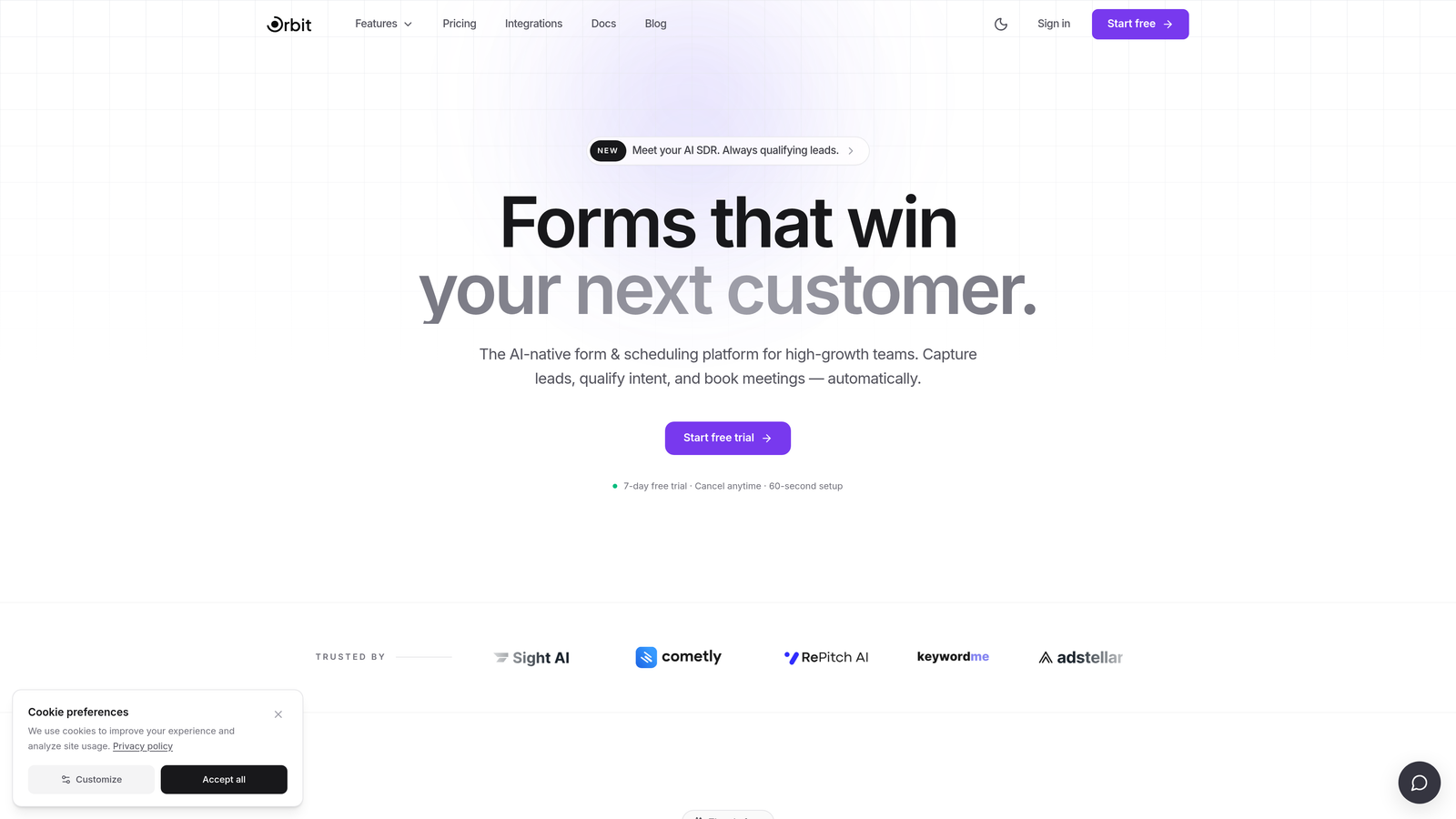
Orbit AI is an AI-powered form builder platform built specifically for high-growth teams, combining conversion-optimized form design with native lead qualification capabilities.
Where This Tool Shines
Most form builders treat lead qualification as an afterthought, something you bolt on through a Zapier integration or a separate CRM workflow. Orbit AI flips that model entirely. Lead scoring and qualification logic live inside the form itself, which means your sales team gets pre-qualified submissions without any additional tooling or manual triage.
The form design is built with conversion in mind from the ground up. Rather than generic templates, Orbit AI's interface is optimized for the kind of high-intent interactions that B2B and SaaS teams depend on: demo requests, onboarding flows, and inbound qualification sequences. If your team is spending time manually sorting through form submissions, this is where Orbit AI delivers the clearest value.
Key Features
AI-Powered Lead Qualification: Qualification logic is native to the form flow, not a third-party add-on, so high-intent leads are identified automatically at submission.
Lead Scoring: Submissions are scored based on your criteria, helping sales teams prioritize outreach without manual review.
Conversion-Optimized Design: Forms are built with modern UX principles that reduce drop-off and improve completion rates for high-growth acquisition flows.
CRM and Sales Tool Integrations: Connect directly with your existing sales stack to route qualified leads without friction.
B2B-First Architecture: The platform is purpose-built for SaaS and B2B use cases, not adapted from a generic form builder template library.
Best For
Orbit AI is the right fit for SaaS companies, B2B marketing teams, and growth-focused operators who need more than a data collection tool. If lead qualification is a core part of your acquisition workflow and you want that intelligence built into your forms rather than layered on top, this is the platform designed for that job.
Pricing
Orbit AI offers tiered plans designed to scale with your team's needs. Verify current pricing and plan details directly at orbitforms.ai, as pricing may be updated periodically.
2. Typeform
Best for: Teams that prioritize conversational form experiences and polished, branded design.
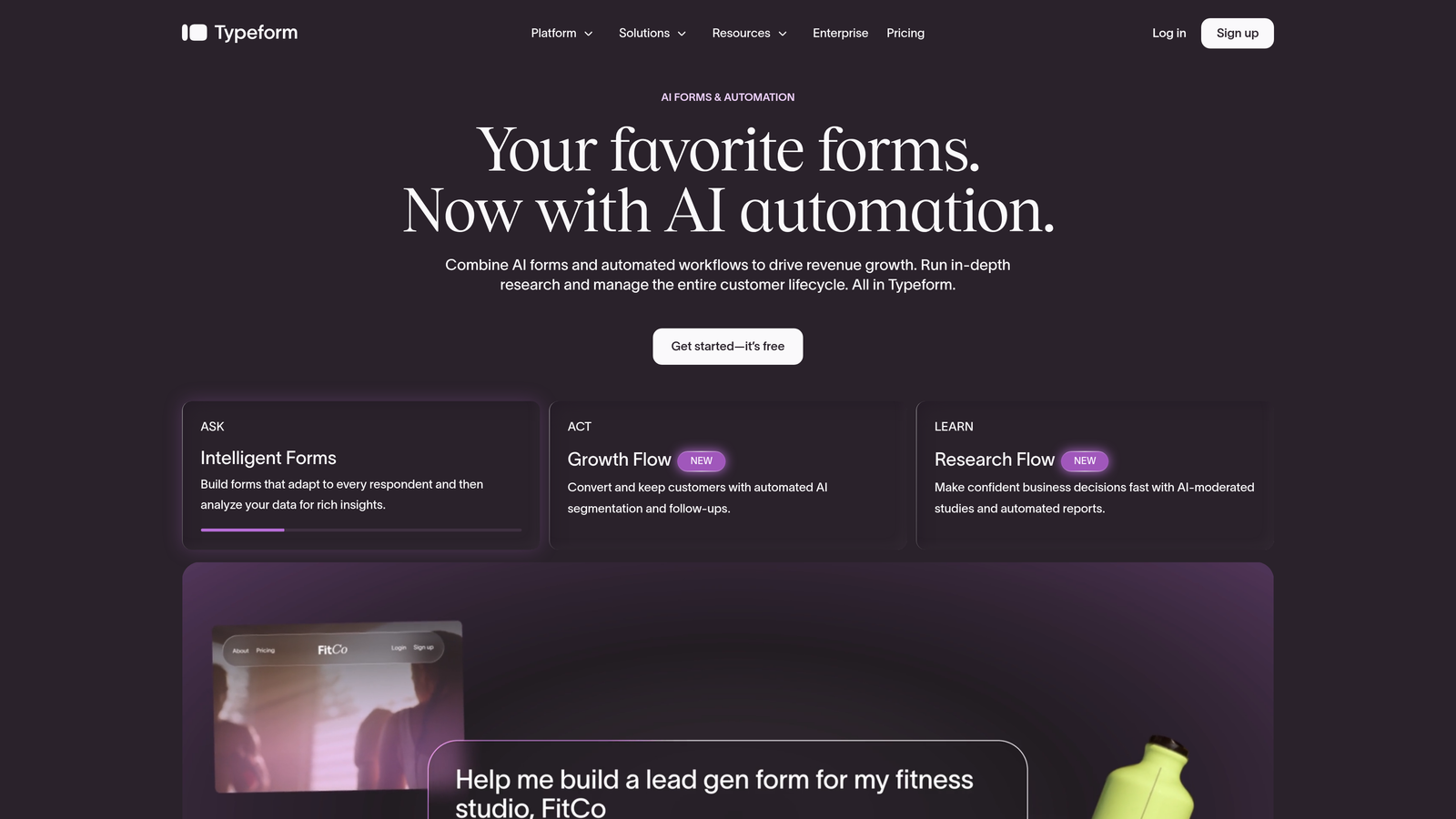
Typeform is a conversational form builder known for its one-question-at-a-time interface, strong design customization, and broad integration ecosystem.
Where This Tool Shines
Typeform's core differentiator is its format. By presenting one question at a time, it creates a more conversational experience that tends to feel less overwhelming than traditional multi-field forms. This approach works particularly well for surveys, research forms, and longer qualification flows where respondent fatigue is a real concern.
The branding and design flexibility is another genuine strength. You can customize colors, fonts, backgrounds, and media to align closely with your brand identity, which matters when forms are embedded in customer-facing touchpoints. That said, response limits on lower-tier plans can become a constraint for teams with high submission volumes.
Key Features
Conversational Single-Question UX: One-at-a-time question format creates a more engaging experience that can improve form completion for longer flows.
Logic Jumps and Conditional Branching: Route respondents to different questions based on previous answers, enabling personalized form paths.
Design Customization: Extensive branding controls including custom themes, fonts, images, and video backgrounds.
Native Integrations: Connects with HubSpot, Salesforce, Zapier, Slack, and other widely used tools in marketing and sales stacks.
Response Limits by Plan: Monthly response caps apply at lower tiers, so high-volume teams should evaluate plan limits carefully before committing.
Best For
Typeform works well for marketing teams running surveys, customer research, and branded lead capture forms where design quality and engagement matter. It's less optimized for teams that need native lead scoring or AI-powered qualification built into the submission flow.
Pricing
Typeform offers multiple tiers from a basic plan through to enterprise. Annual billing typically reduces the monthly cost. Verify current pricing at typeform.com/pricing before making a decision, as response limits and feature access vary significantly between tiers.
3. Jotform
Best for: Teams that need a broad template library, payment integrations, and compliance features in a single platform.
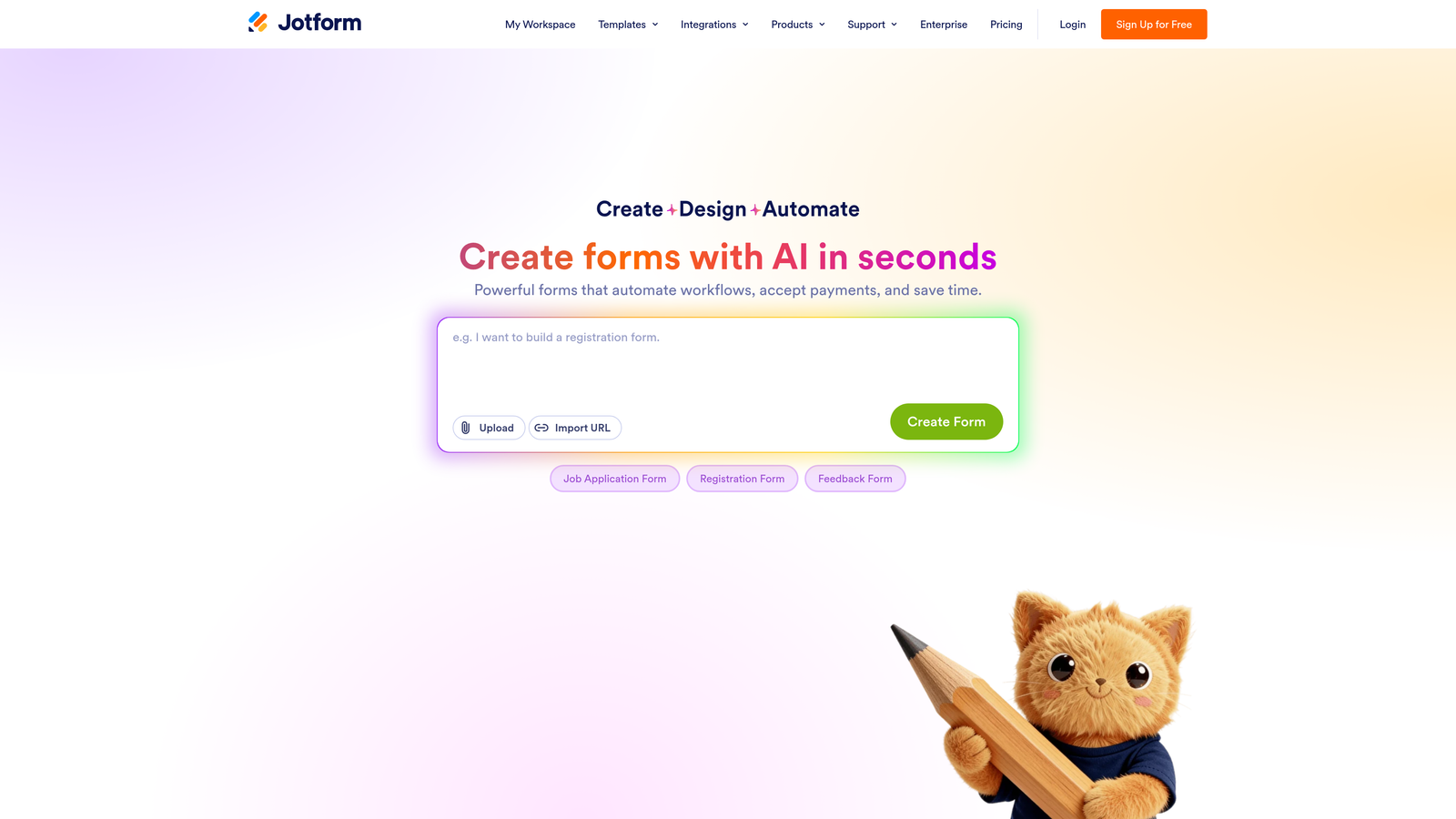
Jotform is one of the most feature-rich form builders available, with an extensive template library, deep integration ecosystem, and compliance capabilities that extend into regulated industries.
Where This Tool Shines
Jotform's breadth is its biggest asset. With over 10,000 templates spanning industries from healthcare to e-commerce, it's a platform where almost any use case has a starting point. This makes it particularly useful for teams managing multiple form types across different departments or business functions.
The payment integration support is also a genuine differentiator. Jotform connects with Stripe, PayPal, Square, and other processors, making it a practical choice for businesses that need to collect payments or donations directly through forms. HIPAA compliance on higher-tier plans extends its reach into healthcare and regulated sectors where other tools fall short.
Key Features
10,000+ Templates: One of the largest template libraries in the market, covering a wide range of industries and use cases.
Payment Integrations: Native connections with Stripe, PayPal, Square, and other payment processors for direct payment collection.
HIPAA Compliance: Available on higher-tier plans, making Jotform viable for healthcare and regulated industry use cases.
Extensive Third-Party Integrations: Broad ecosystem covering CRMs, email platforms, project management tools, and more.
Submission and Storage Limits: These scale with plan tier, so it's important to match your expected volume to the right plan before signing up.
Best For
Jotform suits teams with diverse form needs across departments, businesses that need to collect payments through forms, and organizations in regulated industries that require compliance features. It's a versatile all-rounder rather than a specialist tool.
Pricing
Jotform offers a free plan alongside paid tiers (Bronze, Silver, Gold, and Enterprise). Submission limits, storage, and feature access differ meaningfully between plans. Verify current pricing at jotform.com/pricing to find the right tier for your volume.
4. Tally
Best for: Budget-conscious teams or individuals who need unlimited forms and responses without paying a monthly fee.
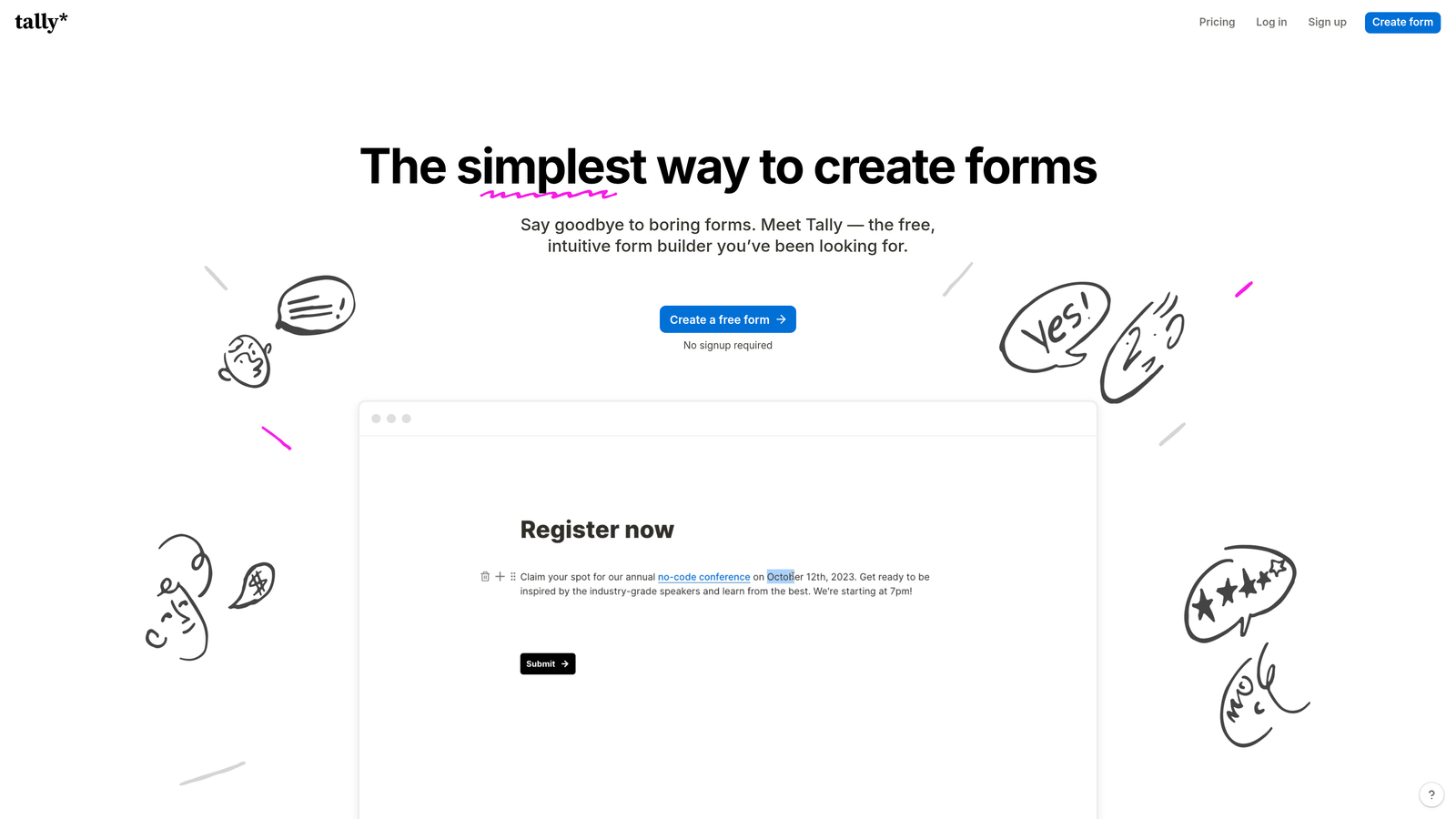
Tally is a minimalist form builder with a notably generous free tier, a Notion-inspired block editor, and a clean, fast setup experience.
Where This Tool Shines
Tally's free plan is genuinely unusual in this market. While most form builders use their free tier to push you toward a paid plan quickly (through response limits, form limits, or feature gates), Tally's free offering includes unlimited forms and unlimited responses. That's a meaningful advantage for early-stage teams, solo operators, or anyone running lean.
The editing experience also stands out. If you've used Notion, Tally's block-based editor will feel immediately familiar, which lowers the learning curve significantly. Conditional logic is available on the free tier, which is another differentiator given that many competitors reserve this feature for paid plans.
Key Features
Unlimited Forms and Responses on Free Plan: No caps on form creation or submission volume at the free tier, which is rare in this category.
Conditional Logic on Free Tier: Branch logic is available without upgrading, unlike many competitors that gate this feature behind paid plans.
Notion-Inspired Block Editor: Clean, familiar editing experience that's fast to learn and quick to use for simple to mid-complexity forms.
Tally Pro for Advanced Features: Upgrading unlocks white-labeling, custom domains, priority support, and additional customization options.
Lightweight and Fast: Tally's simplicity means less setup friction, making it a good choice when speed matters more than depth.
Best For
Tally is the right choice for individuals, early-stage startups, or teams with straightforward form needs and limited budgets. It's less suited for teams that need deep CRM integrations, native lead scoring, or enterprise-level workflow automation.
Pricing
Tally offers a free plan with no response or form limits, and a paid Pro plan for advanced features. Verify current Pro pricing at tally.so/pricing to confirm what's included at each tier.
5. Paperform
Best for: Businesses that need forms to double as landing pages or payment collection tools with high design flexibility.
Paperform is a flexible form builder that functions as part form, part landing page, and part payment tool, suited for businesses selling products, services, or appointments directly through their forms.
Where This Tool Shines
Paperform occupies a distinct niche: it's a form builder that takes design seriously enough to function as a standalone landing page. You can embed rich content, images, and text alongside form fields, creating experiences that feel more like a branded page than a data collection form. This makes it particularly effective for product sales, event registrations, and service bookings where presentation influences conversion.
The native payment support through Stripe and other processors is baked in from the start, not an integration afterthought. Calculation fields and conditional logic add flexibility for pricing forms, quote builders, and appointment flows where the output depends on what the user selects.
Key Features
Native Payment Collection: Accept payments directly through forms via Stripe and other supported processors without additional plugins.
Landing Page-Style Design: Rich content blocks allow you to combine text, images, and form fields into a single branded experience.
Conditional Logic and Calculation Fields: Build dynamic forms that respond to user input, including pricing calculators and conditional question paths.
Product and Appointment Booking: Supports direct product sales and appointment scheduling within the form interface.
High Design Flexibility: More visual customization than most form builders, giving teams control over layout, fonts, and content presentation.
Best For
Paperform is well-suited for small businesses, freelancers, and marketing teams that need to collect payments, run product sales, or manage bookings through a polished, branded form experience. It's less focused on lead scoring or B2B qualification workflows.
Pricing
Paperform offers Essentials, Pro, and Business tiers at varying monthly rates. Annual billing typically reduces the per-month cost. Verify current pricing at paperform.io/pricing to confirm which features are available at each level.
6. Formstack
Best for: Mid-market and enterprise teams that need workflow automation, document generation, e-signatures, and compliance in one platform.
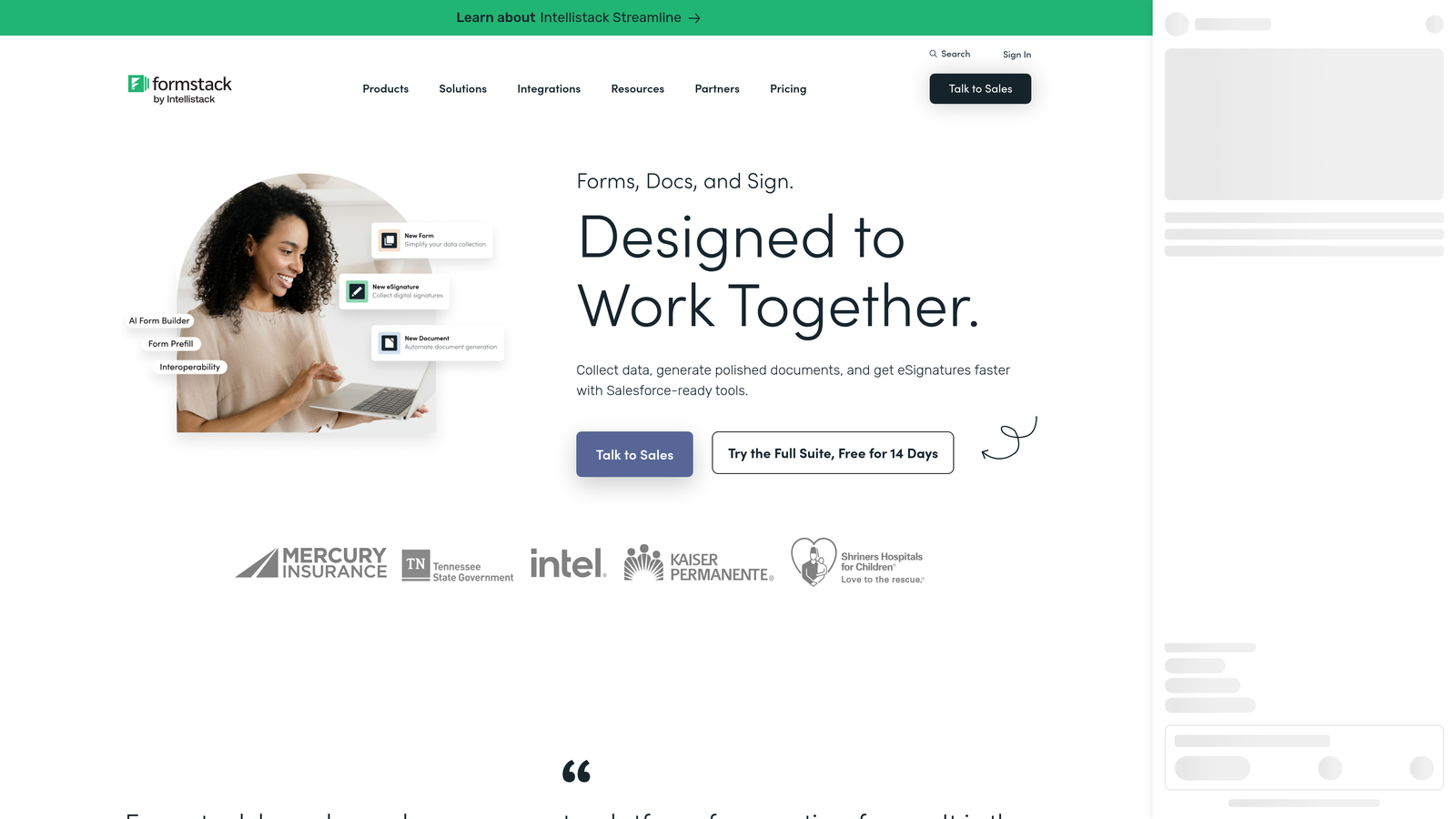
Formstack is an enterprise-grade form and workflow platform that extends well beyond data collection into document generation, approval routing, and regulatory compliance.
Where This Tool Shines
Formstack is built for organizational complexity. Where most form builders stop at capturing a submission, Formstack continues the workflow: routing approvals, generating documents, collecting e-signatures, and maintaining audit trails. For teams operating in regulated industries or managing multi-step internal processes, this depth is genuinely valuable.
The compliance credentials are also a real differentiator. HIPAA, GDPR, and SOC 2 compliance makes Formstack viable in healthcare, finance, and other sectors where data handling requirements are strict. The Salesforce-native integration options are particularly relevant for enterprise sales teams that live inside that ecosystem.
Key Features
Advanced Workflow Automation: Approval routing and multi-step workflow management built directly into the platform, not dependent on third-party automation tools.
Document Generation and E-Signatures: Create documents from form data and collect legally binding signatures within the same platform.
Compliance Certifications: HIPAA, GDPR, and SOC 2 compliance for teams operating in regulated industries with strict data requirements.
Salesforce-Native Integration: Deep integration with Salesforce for enterprise teams managing complex CRM workflows.
Audit Trails and Security Controls: Enterprise-grade access controls and activity logging for compliance and accountability requirements.
Best For
Formstack is the right fit for mid-market and enterprise organizations with complex internal workflows, compliance requirements, or document-heavy processes. It's a significant investment relative to simpler tools on this list, so it's best evaluated when your needs genuinely extend into workflow automation and document management territory.
Pricing
Formstack's pricing sits at the higher end of this comparison, reflecting its enterprise feature set. Products including Forms, Documents, and Sign are sometimes sold as a suite. Verify current pricing at formstack.com/pricing to understand the full cost structure for your use case.
Which Tool Is Right for Your Team?
Every tool on this list serves a genuinely different type of team, and the right choice comes down to where your priorities sit on the cost-versus-capability spectrum.
If budget is your primary constraint, Tally is hard to beat. Unlimited forms and responses on a free plan, with conditional logic included, makes it the most accessible starting point in this category.
For teams that need breadth across departments, Jotform delivers the widest template library and the most extensive integration ecosystem, particularly if payment collection or compliance features are part of your requirements.
If conversational design and brand polish are priorities, Typeform remains a strong choice for surveys, research, and customer-facing lead capture where the form experience itself influences engagement.
When forms need to function as landing pages or payment tools, Paperform offers the most design flexibility and native payment support in a single package.
For enterprise teams with complex workflows, document generation needs, and regulatory compliance requirements, Formstack is the platform built to handle that organizational complexity.
And for high-growth SaaS and B2B teams where lead qualification is a core part of the acquisition workflow, Orbit AI stands apart. AI-powered lead scoring built natively into the form flow means your team gets pre-qualified submissions automatically, without additional tooling or manual triage. It's the only platform on this list designed from the ground up for conversion optimization and intelligent lead qualification at a competitive monthly cost.
Transform your lead generation with AI-powered forms that qualify prospects automatically while delivering the modern, conversion-optimized experience your high-growth team needs. Start building free forms today and see how intelligent form design can elevate your conversion strategy.


