

Paperform has earned its reputation as a genuinely thoughtful form builder. Its document-style editor, which lets you weave text, images, and form fields together on a single page, feels more like crafting a landing page than filling out a spreadsheet. For many teams, that's exactly what they need.
But as your growth ambitions expand, the cracks start to show. Pricing scales steeply with submission volume. There's no native AI-powered lead qualification. And if your team is focused on converting high-intent prospects rather than simply collecting responses, Paperform's toolkit starts to feel like it was built for a different problem.
That's where this guide comes in. Rather than a shallow feature matrix, each section below breaks down one standout alternative: what it's genuinely good at, who it's built for, and how to tell whether it belongs in your stack. Whether your primary frustration is budget, lead quality, integrations, or CRM alignment, there's a purpose-fit tool here for you.
Seven alternatives. Seven distinct strengths. Let's find the right one for your workflow.
1. Orbit AI: Purpose-Built for Lead Qualification and Conversion
The Challenge It Solves
Most form builders treat every submission equally. They collect data and hand it off, leaving your sales team to manually sort qualified leads from noise. For high-growth teams running significant lead volume, that manual triage is a silent conversion killer. You need a form that doesn't just capture intent, it evaluates it.
The Strategy Explained
Orbit AI approaches form building from a conversion-first mindset. Its AI-powered lead qualification layer scores and segments respondents based on the answers they provide, so your team receives prioritized, actionable leads rather than a flat list of form submissions.
The platform is designed for teams that care as much about what happens after the form submit as the form itself. Think intelligent routing, automatic lead scoring, and conversion-optimized design that doesn't require a designer to execute. The forms are modern and visually polished by default, which matters when your form is often the first branded touchpoint a prospect encounters.
Where Paperform blends content and form fields in a document metaphor, Orbit AI optimizes the entire experience around one outcome: turning visitors into qualified pipeline. If you want to learn more about how to qualify leads with forms, the strategic approach matters as much as the tool itself.
Implementation Steps
1. Map your ideal customer profile criteria before building. Identify the two or three qualifying signals that separate your best leads from the rest, whether that's company size, role, use case, or budget range.
2. Build your form using Orbit AI's conversion-optimized templates, then configure the lead qualification logic to score respondents based on your ICP criteria. This is where the AI layer does the heavy lifting.
3. Connect your CRM or outreach tool so that high-scoring leads route directly to your sales team while lower-priority submissions enter a nurture sequence automatically.
Pro Tips
Don't overcomplicate your qualification logic at the start. Begin with three to five key fields, let the data accumulate, and then refine your scoring model based on which form responses actually correlate with closed deals. Orbit AI's approach rewards iteration, so treat your first version as a baseline, not a final product.
2. Typeform: When Respondent Experience Is the Priority
The Challenge It Solves
Standard forms feel transactional. A wall of fields presented all at once creates cognitive load, and cognitive load kills completion rates. If your audience is skeptical, distracted, or high-value enough that a poor experience reflects badly on your brand, you need a form that feels like a conversation rather than a questionnaire.
The Strategy Explained
Typeform pioneered the one-question-at-a-time format, and it remains the gold standard for conversational form design. Each question appears individually, which reduces overwhelm, creates a sense of dialogue, and tends to improve completion rates for longer or more sensitive surveys.
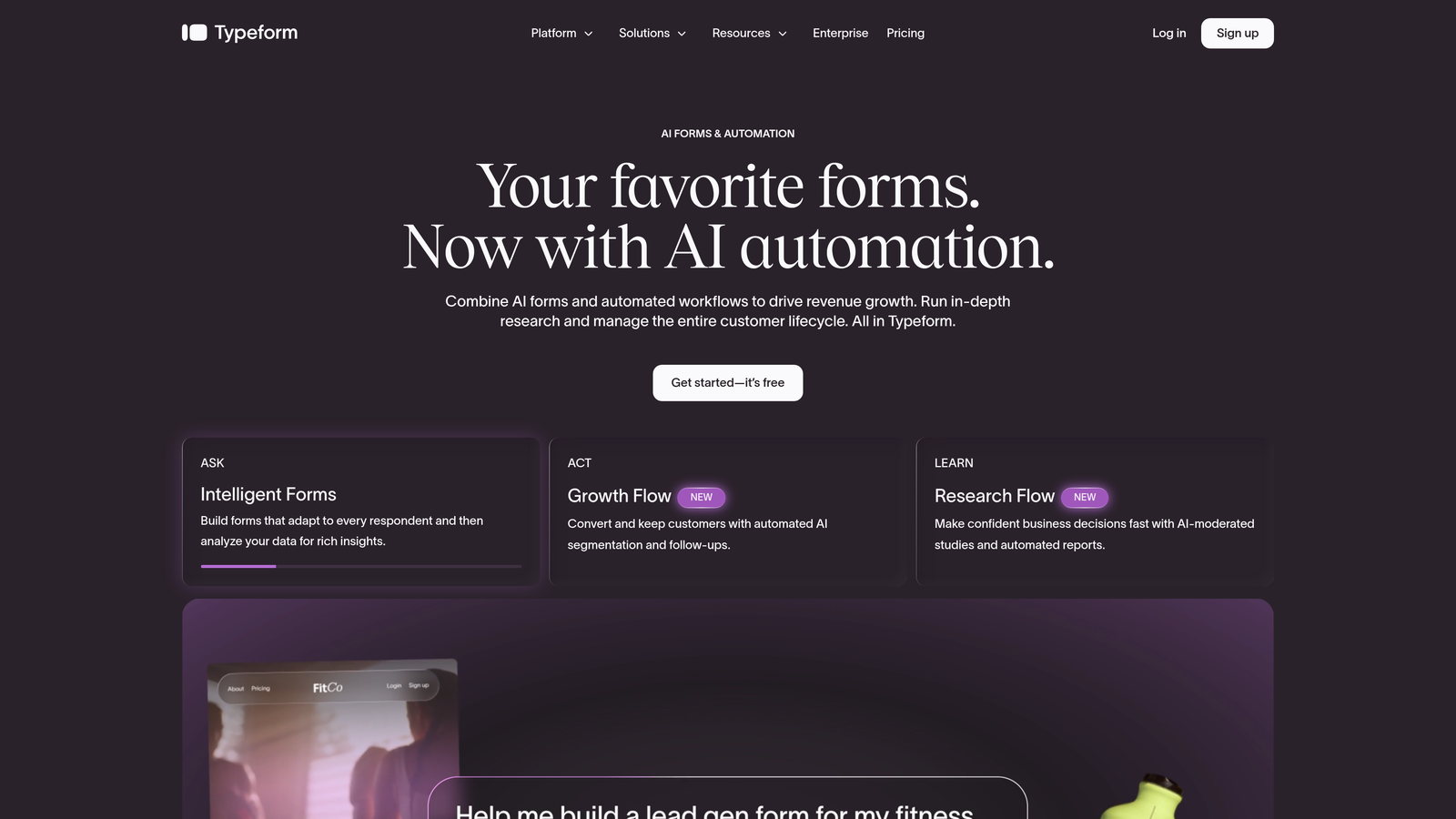
It's particularly well-suited for brand-led companies, agencies, and teams running customer research, quizzes, or high-touch lead capture where the form experience itself communicates quality. Paid plans start around $25 per month, and the free tier is limited in both responses and features. For a deeper comparison, our guide to Typeform alternatives with better pricing explores how other tools stack up on cost.
The tradeoff: Typeform is built for engagement, not qualification. It doesn't include native lead scoring or AI-powered routing. If your goal is conversion optimization at scale, you'll need to layer on additional tools.
Implementation Steps
1. Identify your highest-friction form use cases: customer research, onboarding surveys, or brand-aligned lead capture are natural fits for Typeform's format.
2. Use Typeform's logic jumps to create branching paths that tailor the experience based on earlier answers, making the form feel genuinely responsive to each respondent.
3. Connect Typeform to your CRM or marketing automation platform via native integrations or Zapier to ensure responses flow into your existing workflow without manual export.
Pro Tips
Keep Typeform forms short. The conversational format works best when it creates momentum, not when it extends a long form into a longer experience. Aim for ten questions or fewer, and front-load your most engaging questions to build commitment before asking for contact details.
3. Jotform: The Swiss Army Knife for Teams Deploying at Scale
The Challenge It Solves
Some teams don't need one great form. They need fifty functional ones, covering everything from event registrations and payment collection to internal approval workflows and client intake. Building each from scratch is time-consuming, and most form builders charge per form or per submission in ways that punish volume.
The Strategy Explained
Jotform is the breadth play in the form builder market. With over 10,000 templates spanning virtually every industry and use case, it's designed for teams that need to deploy diverse form types quickly without starting from a blank canvas each time.
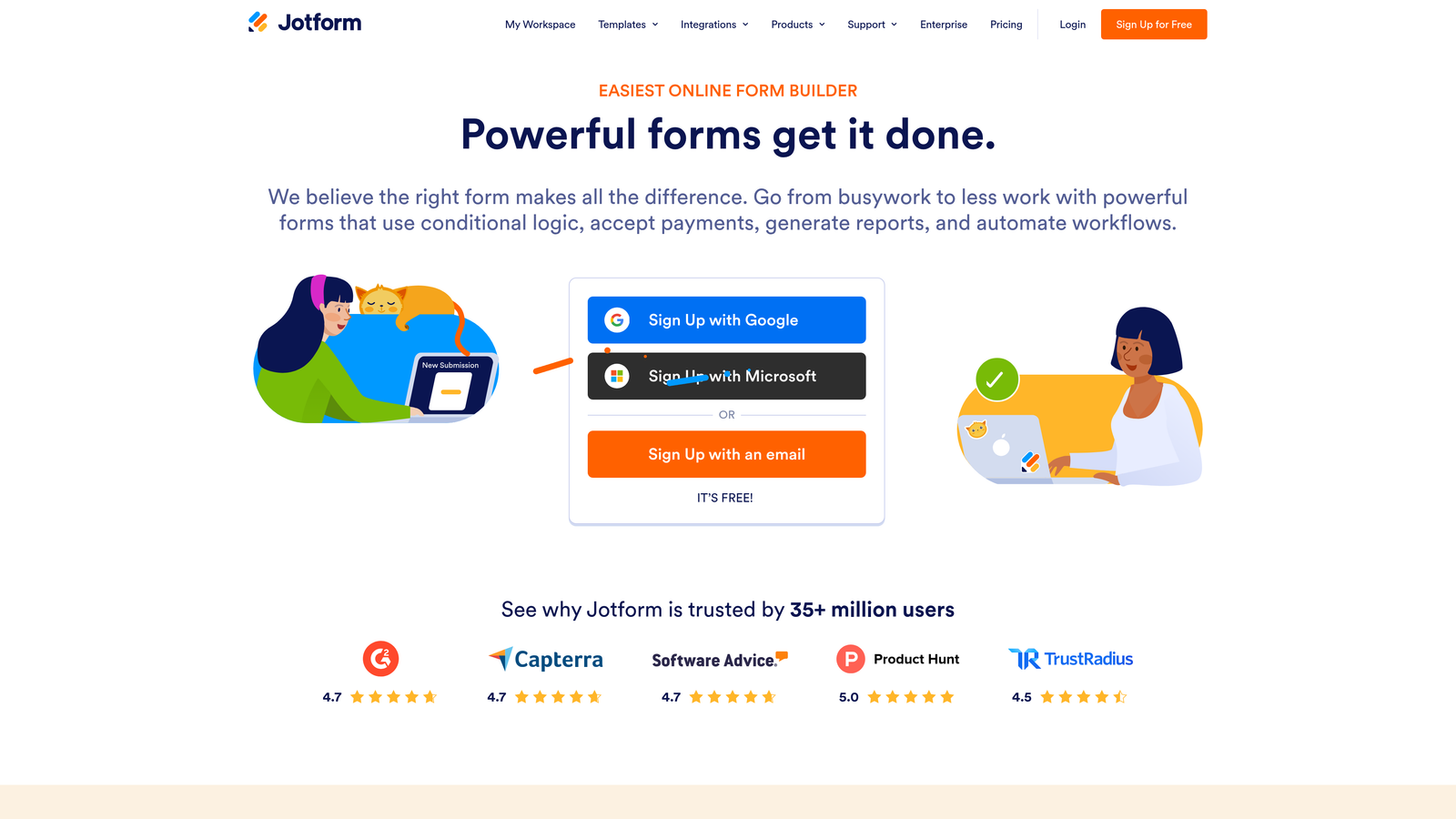
Beyond templates, Jotform supports PDF generation, payment collection, multi-step approval workflows, and a wide integration library. Its free tier includes a limited number of submissions per month, with paid plans unlocking higher limits and advanced features. For organizations managing many departments or client accounts, Jotform's sheer coverage is a genuine competitive advantage.
The caveat: Jotform's interface reflects its breadth. It can feel cluttered compared to more focused tools, and its AI features are still maturing relative to purpose-built platforms. Our form builder reviews and ratings provide additional context on how Jotform compares across key criteria.
Implementation Steps
1. Browse Jotform's template library by industry or use case rather than building from scratch. The template quality varies, but the volume means you'll almost always find a solid starting point.
2. Use Jotform's conditional logic and approval workflow features to automate multi-step processes, such as routing form submissions to different team members based on responses.
3. Set up Jotform's payment integrations if your forms need to collect fees at submission, whether for events, services, or product orders.
Pro Tips
Jotform's strength is in standardization. Use it to build a shared template library across your organization so that every team is working from consistent, pre-approved form structures rather than reinventing the wheel for each new project.
4. Tally: The Best Free Option for Budget-Conscious Teams
The Challenge It Solves
Not every team has budget for a form builder, especially early-stage startups or lean internal teams that need functional forms without a monthly line item. Most free tiers are aggressively limited: a handful of forms, capped submissions, or stripped-down features that make the free plan feel more like a trial than a real option.
The Strategy Explained
Tally takes a genuinely different approach to pricing. Its free plan includes unlimited forms and unlimited submissions, which is a meaningful differentiator in a market where most competitors gate those limits behind paid plans. The editor uses a Notion-like block structure that feels intuitive to anyone already working in that ecosystem.
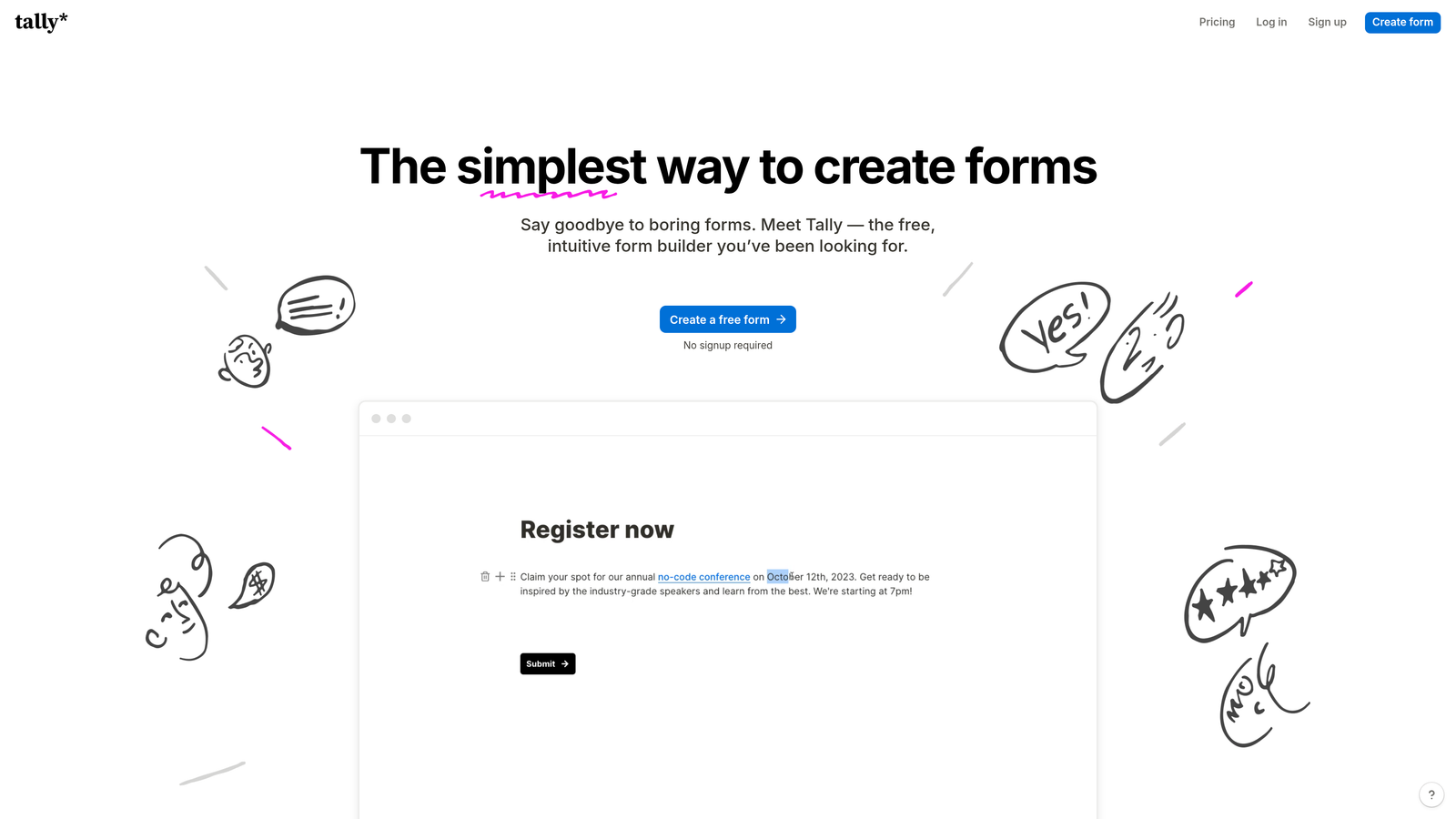
Tally's paid tier adds features like custom domains, file upload storage, and priority support, but the free plan is legitimately usable for production workflows, not just experimentation. For bootstrapped teams, internal operations, or side projects, Tally removes the cost barrier entirely. You can explore more options in our roundup of the best free form builder alternatives available today.
The honest limitation: Tally doesn't offer AI-powered features, native lead qualification, or deep CRM integrations. It's a clean, functional tool, but it's not built for conversion optimization or lead scoring at scale.
Implementation Steps
1. Sign up for Tally's free plan and use the block editor to build your first form. The Notion-like interface has a short learning curve, especially for teams already familiar with block-based editors.
2. Use Tally's conditional logic to create branching forms that show or hide questions based on previous answers, keeping the experience relevant without requiring a paid plan.
3. Connect Tally to your existing tools via Zapier or Make to route submissions into Notion, Airtable, Google Sheets, or your CRM automatically.
Pro Tips
Tally is an excellent starting point, but treat it as a stepping stone rather than a long-term solution if your lead generation needs grow. When you start caring about conversion rates, lead quality, or CRM automation depth, you'll want to migrate to a more purpose-built platform.
5. Fillout: The Right Tool for Database-Driven Workflows
The Challenge It Solves
Many modern teams don't just collect data through forms, they need forms to interact with existing data. Think pre-populating fields from a database record, allowing users to update their own entries, or creating intake forms that write directly to an Airtable base or Notion database. Standard form builders treat every submission as a new record, which creates friction for workflows that require two-way data flow.
The Strategy Explained
Fillout is built with native integrations to Airtable, Notion, Supabase, and other database platforms at its core. This isn't a Zapier workaround or a third-party connection. It's a form builder designed from the ground up to read from and write to structured databases.

You can pre-populate form fields with existing record data, create update forms that let users modify their own submissions, and build multi-step flows that pull in contextual information dynamically. For product teams, operations teams, or anyone running data-heavy workflows, Fillout solves a problem that most form builders don't even acknowledge. Understanding the different types of data collection can help you determine whether a database-driven approach is right for your team.
Implementation Steps
1. Connect Fillout to your database of choice, whether that's Airtable, Notion, Supabase, or another supported platform, and map your database fields to form fields.
2. Build an update form that pre-populates with existing record data, allowing users to review and modify their information rather than re-entering it from scratch.
3. Use Fillout's conditional logic to show or hide fields based on the data pulled from your database, creating a personalized form experience driven by what you already know about the respondent.
Pro Tips
Fillout shines brightest when your form is part of a larger data workflow rather than a standalone collection tool. If you're still deciding whether to invest in a structured database like Airtable or Notion, set that up first. Fillout's value compounds significantly once your data infrastructure is in place.
6. Google Forms: The No-Cost Default for Internal Use
The Challenge It Solves
Sometimes a form is just a form. Internal surveys, quick team polls, event RSVPs, or simple feedback requests don't need conversion optimization, lead scoring, or branded design. They need to exist, work reliably, and cost nothing. For these use cases, most paid tools are genuinely overkill.
The Strategy Explained
Google Forms is free with any Google account and integrates directly with Google Sheets, making it the default choice for organizations already running on Google Workspace. Responses populate a spreadsheet automatically, sharing is frictionless, and there's essentially no setup time involved.
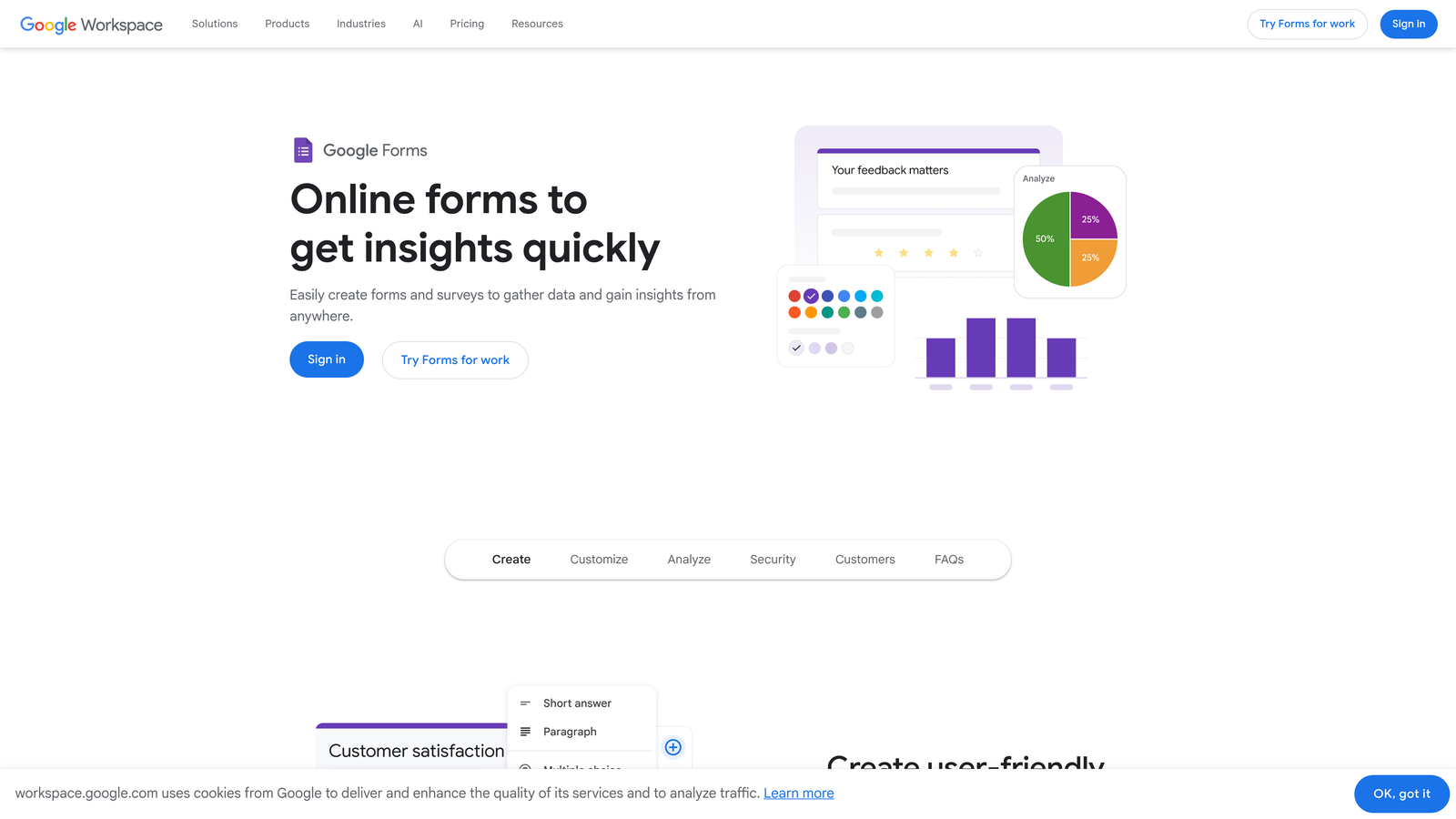
The limitations are real and worth naming clearly. Google Forms offers limited design customization, lacks advanced conditional logic branching, doesn't support payment collection, and has no lead scoring or CRM integration capabilities. It's also not particularly impressive as a customer-facing form, which matters when your form represents your brand. Teams that outgrow it often explore dedicated Google Form alternatives that offer more flexibility.
For internal data collection, quick surveys, or low-stakes use cases, those limitations rarely matter. For anything customer-facing or conversion-focused, they matter enormously.
Implementation Steps
1. Use Google Forms for internal surveys, team feedback, event registrations, and other low-stakes data collection where speed and cost matter more than design or advanced logic.
2. Connect your Google Form to a Google Sheet for automatic response logging, then use Google Sheets' built-in filtering and pivot tools to analyze results without any additional software.
3. Share forms via direct link, email, or embedded on an internal wiki or Google Site for maximum accessibility within a Google Workspace environment.
Pro Tips
Resist the temptation to use Google Forms for customer-facing lead capture. The moment your form is representing your brand to prospects, the lack of design control and advanced features becomes a liability. Keep Google Forms in its lane: internal, operational, and low-stakes.
7. HubSpot Forms: The CRM-Native Choice for Inbound Teams
The Challenge It Solves
Disconnected tools create disconnected data. When your form lives in one platform and your CRM lives in another, every submission requires a sync, a mapping exercise, or a Zapier workflow to keep records clean. For teams running inbound marketing at scale, that friction compounds quickly, leading to duplicate contacts, missed follow-ups, and lifecycle stage errors.
The Strategy Explained
HubSpot Forms solves the integration problem by eliminating it entirely. Because the form builder lives inside HubSpot CRM, every submission writes directly to your contact database with zero middleware required. Lifecycle stages update automatically, enrollment in workflows triggers immediately, and your sales team sees new leads in real time within the tool they're already using.
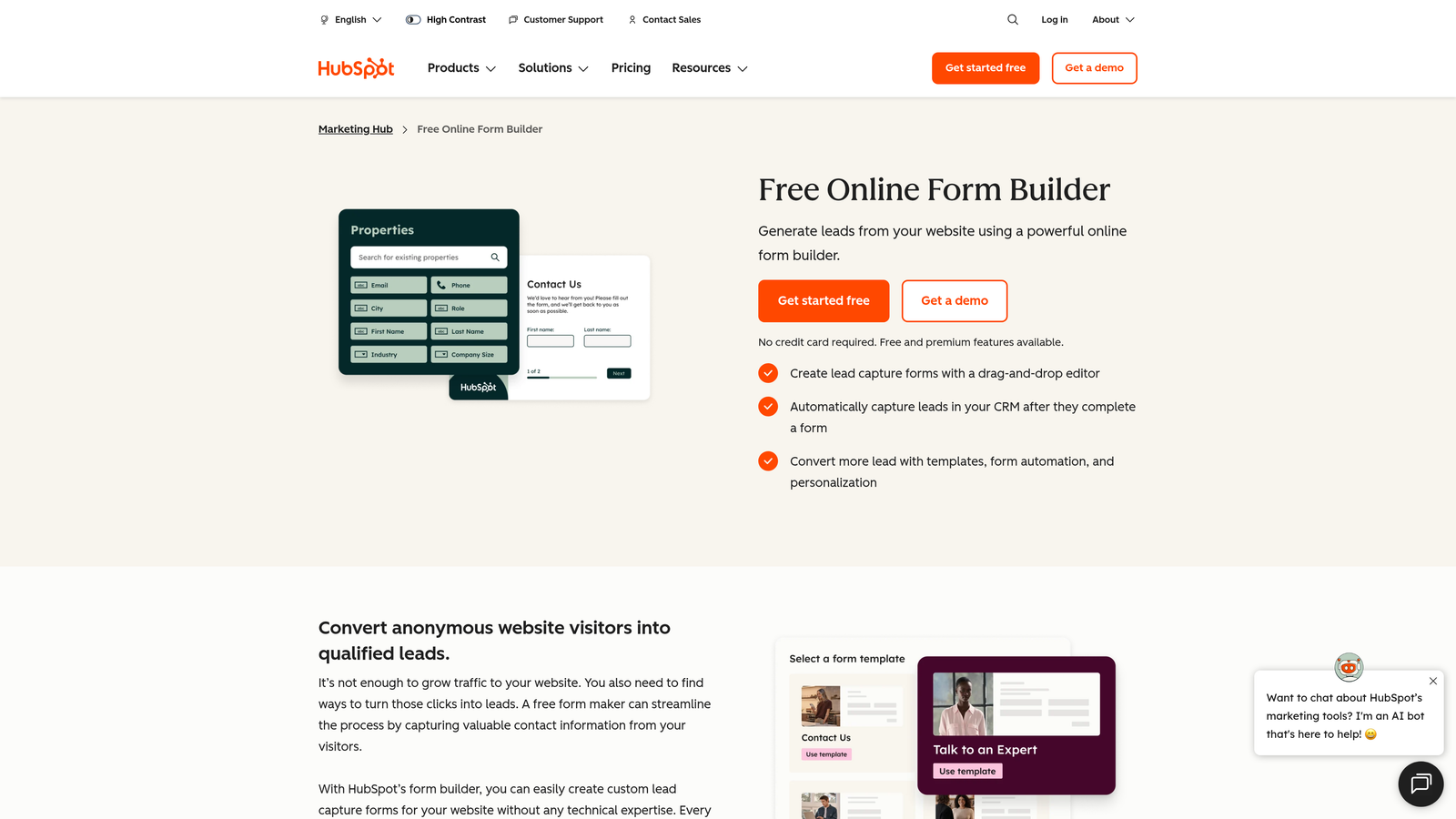
The standout feature is progressive profiling: HubSpot Forms can detect returning visitors and display new fields rather than repeating ones you've already captured. Over multiple touchpoints, you build a richer contact record without overwhelming any single form. A free tier is available within HubSpot, with more advanced form features unlocked at higher subscription tiers.
The catch: HubSpot Forms is most powerful inside the HubSpot ecosystem. If you're not already invested in HubSpot's CRM and marketing tools, you're not getting full value from the form builder. For B2B teams evaluating their options, our guide to lead forms for B2B companies covers how different platforms handle CRM-native workflows.
Implementation Steps
1. Build your forms directly within HubSpot's form editor and map each field to the corresponding contact property in your CRM to ensure clean, consistent data from the start.
2. Enable progressive profiling on forms used across multiple content offers or landing pages so that returning visitors are asked new questions rather than repeating information they've already provided.
3. Set up form submission triggers to enroll contacts in the appropriate HubSpot workflow automatically, whether that's a welcome sequence, a sales notification, or a lifecycle stage update.
Pro Tips
HubSpot Forms works best as part of a broader HubSpot strategy, not as a standalone tool. If you're evaluating it purely as a form builder without the surrounding CRM and automation context, you'll likely be underwhelmed. Evaluate it as part of your entire inbound stack, not in isolation.
Choosing the Right Tool for Your Specific Problem
The best Paperform alternative isn't the most popular one or the one with the longest feature list. It's the one that solves the specific problem Paperform isn't solving for you right now.
Here's a practical decision framework to cut through the noise:
Lead qualification is your bottleneck: Your sales team is drowning in unqualified submissions and needs intelligent scoring built into the form itself. Orbit AI is the purpose-built answer here.
Respondent engagement is your priority: Your audience is high-value, skeptical, or brand-sensitive, and a poor form experience reflects badly on your company. Typeform's conversational format is the right fit.
Scale and breadth matter most: You're deploying dozens of form types across multiple teams or departments and need a template library that covers everything. Jotform's depth makes it the logical choice.
Budget is the primary constraint: You need functional, unlimited forms without a monthly cost. Tally's free tier is genuinely production-ready.
Your workflow is database-driven: Your forms need to read from and write to Airtable, Notion, or Supabase natively. Fillout was built for exactly this.
Internal use is all you need: Quick surveys, team polls, and low-stakes data collection inside Google Workspace. Google Forms is free and frictionless.
HubSpot is your CRM: You're running inbound marketing inside HubSpot and want your forms to live in the same ecosystem. HubSpot Forms eliminates integration overhead entirely.
For high-growth teams where lead quality and conversion rate are the metrics that matter most, the choice becomes clear. Orbit AI is the only platform on this list built specifically around intelligent lead qualification and conversion-optimized form design from the ground up.
Transform your lead generation with AI-powered forms that qualify prospects automatically while delivering the modern, conversion-optimized experience your high-growth team needs. Start building free forms today and see how intelligent form design can elevate your conversion strategy.


