

Most form builders promise a great free plan, then hit you with submission limits, branding locks, or paywalled features the moment you actually need them. If you've spent time wrestling with restrictive free tiers or clunky drag-and-drop editors that somehow make simple forms feel like a chore, you're not alone.
The good news: the free form builder market has matured significantly, and there are genuinely excellent options available today. The tools below were selected based on generosity of free tiers, ease of use, design quality, integration depth, and how well they scale as your needs grow. Whether you need a simple contact form, a multi-step survey, or an AI-powered lead qualification flow, there's something on this list for you.
1. Orbit AI
Best for: High-growth teams that want forms to qualify leads, not just collect them.
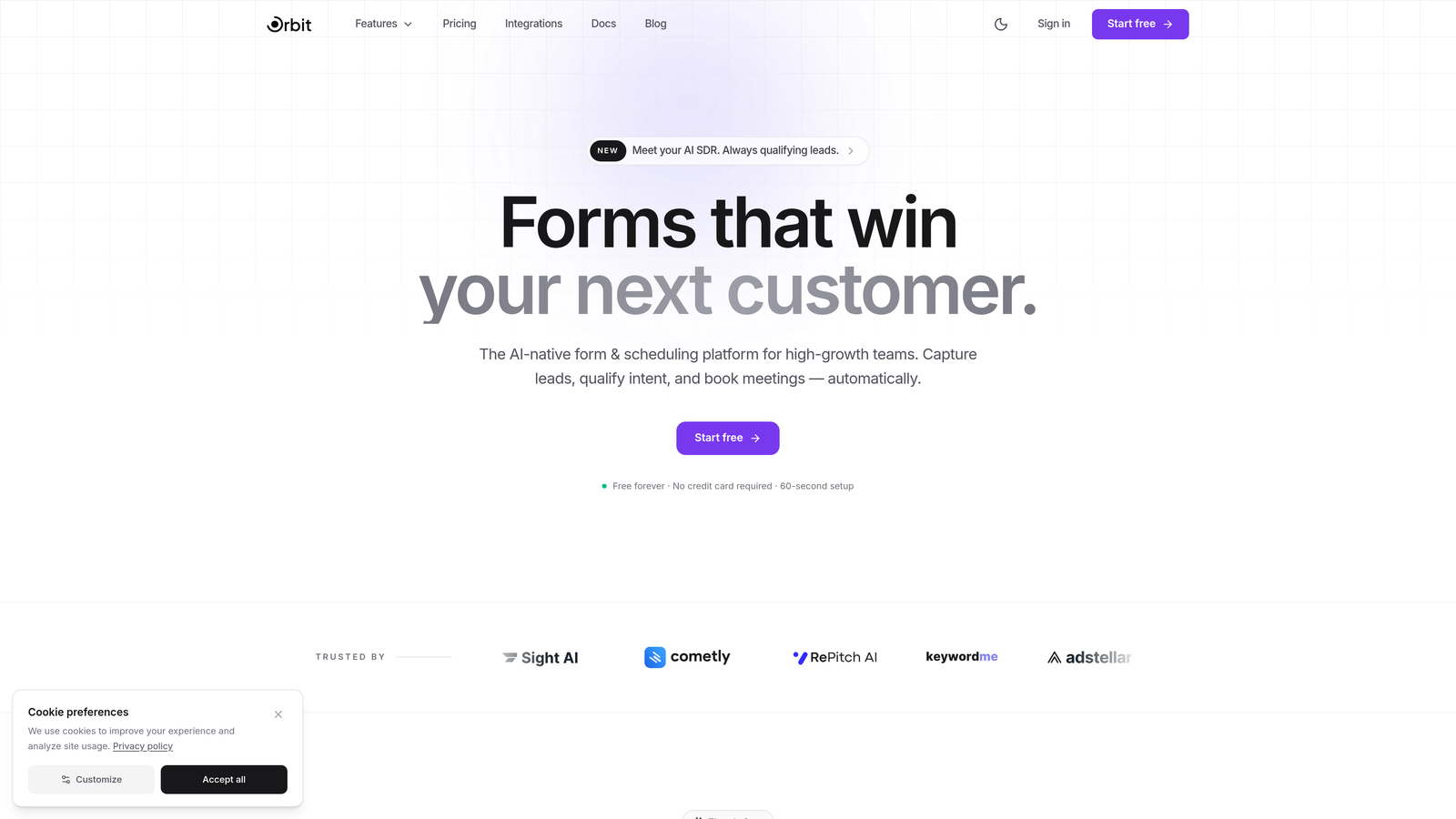
Orbit AI is an AI-powered form builder built specifically for conversion optimization and lead qualification workflows.
Where This Tool Shines
Most form builders treat every submission equally. Orbit AI is different: it applies AI-powered lead scoring and qualification to every response, helping your team instantly understand which leads are worth pursuing and which need nurturing. This happens inside the form experience itself, not after the fact in a separate tool.
The design quality is also a genuine differentiator. Forms are clean, responsive, and conversion-optimized out of the box, which matters when you're trying to maximize completion rates on a landing page or lead capture flow. For teams where the form is a critical part of the sales funnel, not just a data collection checkbox, this is the tool built with that priority in mind.
Key Features
AI Lead Scoring: Every submission is automatically evaluated and scored, so your team can prioritize follow-up without manual review.
Conversion-Optimized Templates: Modern, professionally designed templates built specifically for lead generation use cases.
Conditional Logic and Smart Routing: Show or hide fields based on responses, and route leads to different workflows automatically.
Responsive Design: Forms look polished on any device without any additional configuration.
Lead Generation Workflows: The entire platform is structured around capturing and qualifying leads, not generic data collection.
Best For
SaaS teams, growth marketers, and sales-led organizations that want their forms to do more than collect email addresses. If lead qualification is a priority and you want that intelligence built directly into the form layer, Orbit AI is purpose-built for that outcome.
Pricing
Free plan available. Paid plans unlock advanced AI features and higher submission volumes. Visit orbitforms.ai for current plan details.
2. Google Forms
Best for: Teams already in the Google ecosystem who need unlimited forms with zero cost.
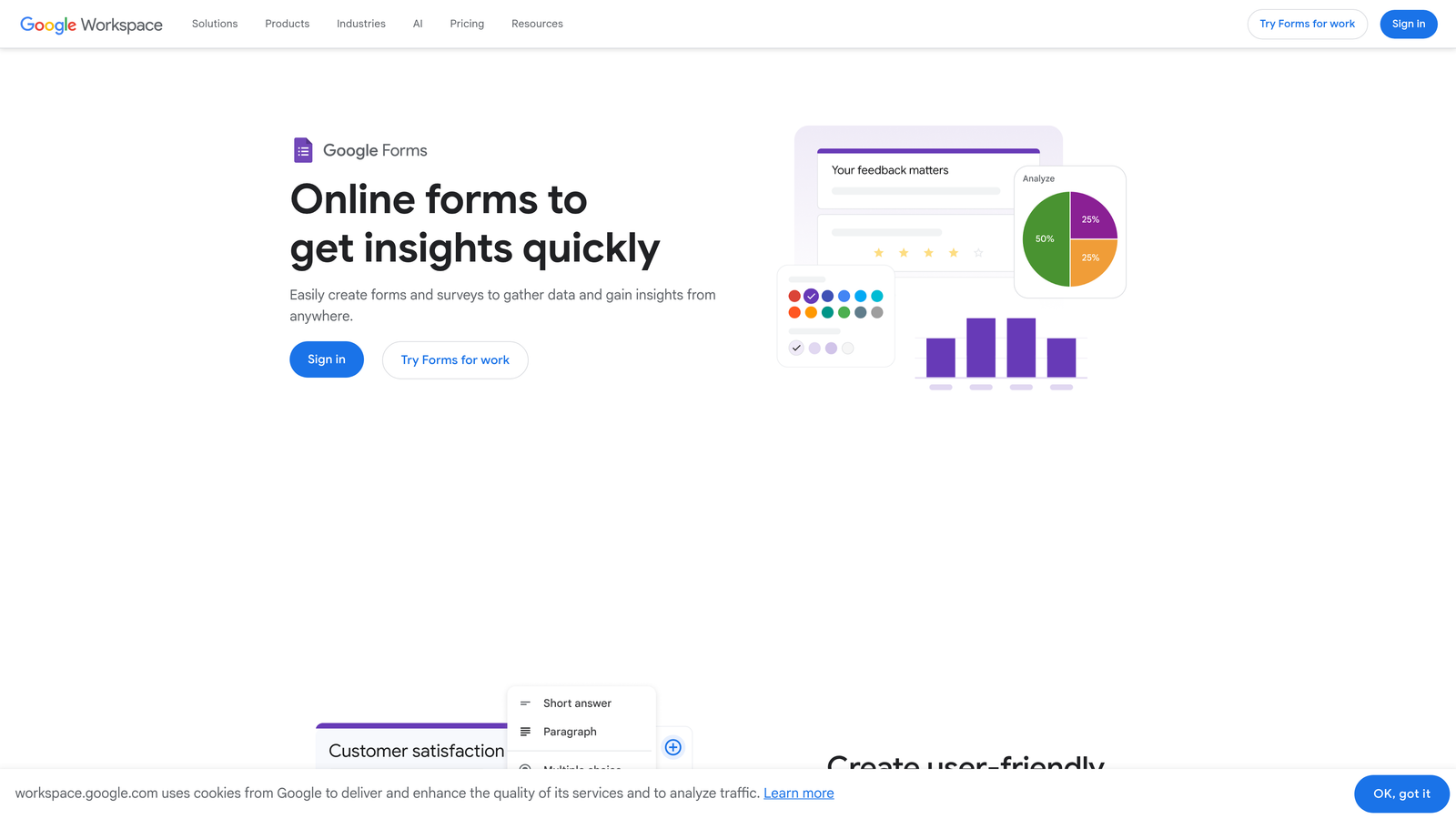
Google Forms is a completely free form builder with no submission limits, built into every Google account.
Where This Tool Shines
The headline feature is simple: it's completely free, forever, with no caps on forms or responses. For teams that live in Google Workspace, the automatic sync to Google Sheets is genuinely useful, turning every form submission into a structured spreadsheet row in real time.
Real-time collaboration is another strength. Multiple team members can edit a form simultaneously, much like a Google Doc, which makes it practical for teams building surveys or intake forms together. The interface is straightforward enough that non-technical users can build a functional form in minutes.
Key Features
No Submission Limits: Truly unlimited forms and responses at no cost, ever.
Google Sheets Sync: Responses automatically populate a linked spreadsheet in real time.
Collaborative Editing: Multiple users can build and edit forms simultaneously.
Basic Conditional Logic: Go-to-section branching lets you direct respondents based on answers.
Universal Access: Works with any Google account, personal or Workspace.
Best For
Educators, internal teams, and organizations that need simple data collection without any budget. If design sophistication and advanced lead qualification aren't priorities, Google Forms delivers reliable functionality at the best possible price point.
Pricing
Completely free with any Google account. No paid tiers, no submission limits.
3. Tally
Best for: Teams that want Typeform-quality features without Typeform's restrictive free tier.
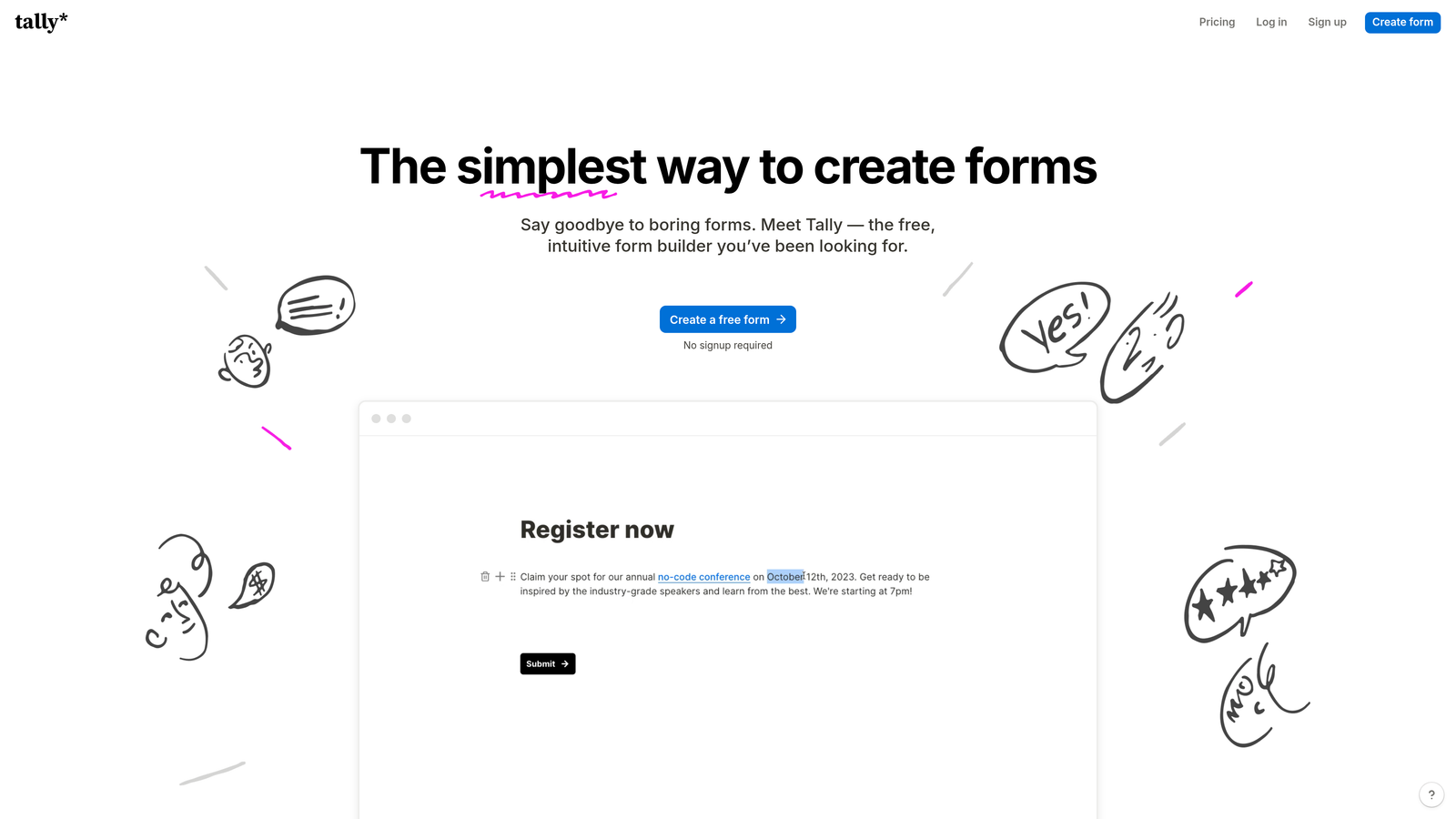
Tally is a Notion-style form builder with one of the most generous free plans available, covering unlimited forms, submissions, and most core features at no cost.
Where This Tool Shines
Tally's free plan is genuinely remarkable in a market where most competitors limit submissions or lock key features behind paywalls. Conditional logic, hidden fields, calculations, and custom thank-you pages are all available on the free tier, which is unusual. The block-based editor will feel immediately familiar to anyone who uses Notion, making it fast to learn.
The integration story is also strong for a free tool. Native connections to Notion, Google Sheets, Slack, and other platforms mean your form data can flow directly into your existing workflows without needing a paid Zapier account for basic use cases.
Key Features
Unlimited Free Submissions: No caps on forms or responses on the free plan.
Block-Based Editor: Notion-style interface that's intuitive and fast to use.
Conditional Logic and Calculations: Available on the free plan, not locked behind a paywall.
Custom Thank-You Pages: Redirect respondents or show custom messages after submission.
Native Integrations: Connects directly to Notion, Google Sheets, Slack, and more.
Best For
Startups, indie makers, and teams that want a polished, capable form builder without paying for features that should be standard. Tally is particularly strong for teams already using Notion as their primary workspace.
Pricing
Free for most features. Pro plan at $29/month adds custom domains, file uploads, and team collaboration features.
4. Jotform
Best for: Teams that need a large template library and advanced widgets to build complex forms quickly.
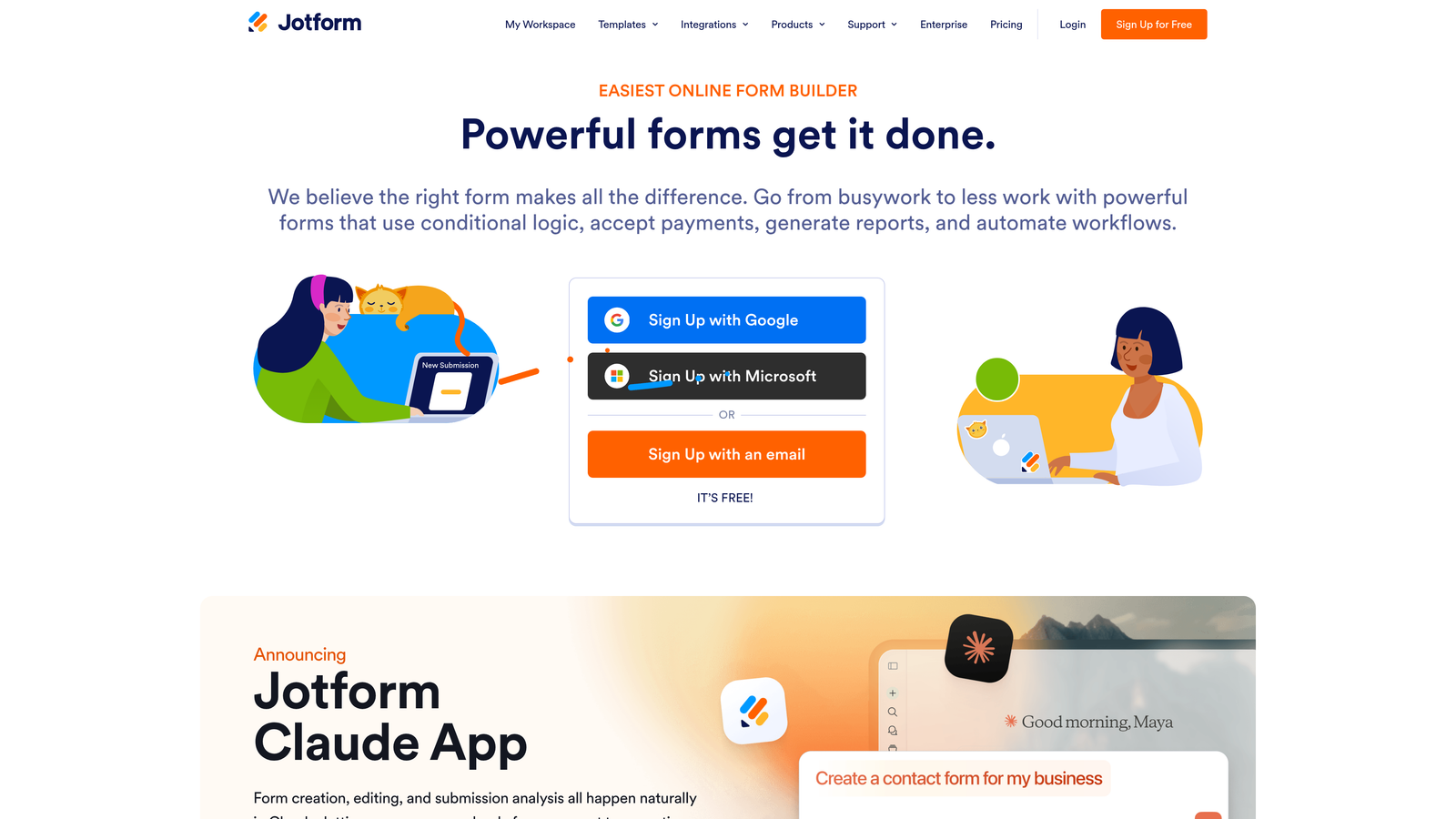
Jotform is a feature-rich form builder with over 10,000 templates and broad support for payments, PDFs, and advanced form logic.
Where This Tool Shines
No other tool on this list comes close to Jotform's template library. With over 10,000 pre-built forms covering industries from healthcare to e-commerce, it's often possible to start from an existing template rather than building from scratch. The drag-and-drop builder supports a wide range of widgets, including signature capture, appointment scheduling, and product order forms.
Payment collection is a standout capability. Jotform supports PayPal, Stripe, Square, and other payment processors natively, making it practical for order forms and event registrations without needing a separate checkout tool.
Key Features
10,000+ Templates: The largest template library of any tool on this list, spanning dozens of industries.
Advanced Widgets: Signature, payment, appointment, and product catalog fields available.
Payment Integrations: Native support for PayPal, Stripe, and Square.
PDF Report Generation: Automatically generate formatted PDFs from form submissions.
Multi-Page Forms: Break long forms into multiple pages with conditional logic between them.
Best For
Businesses that need complex forms with payment collection, document generation, or specialized widgets. Jotform's free plan works well for low-volume use cases, but teams with higher submission volumes will need a paid plan quickly.
Pricing
Free for up to 5 forms and 100 monthly submissions. Paid plans start at $34/month for higher limits and additional features.
5. Typeform
Best for: Teams where respondent experience and completion rates are the top priority.
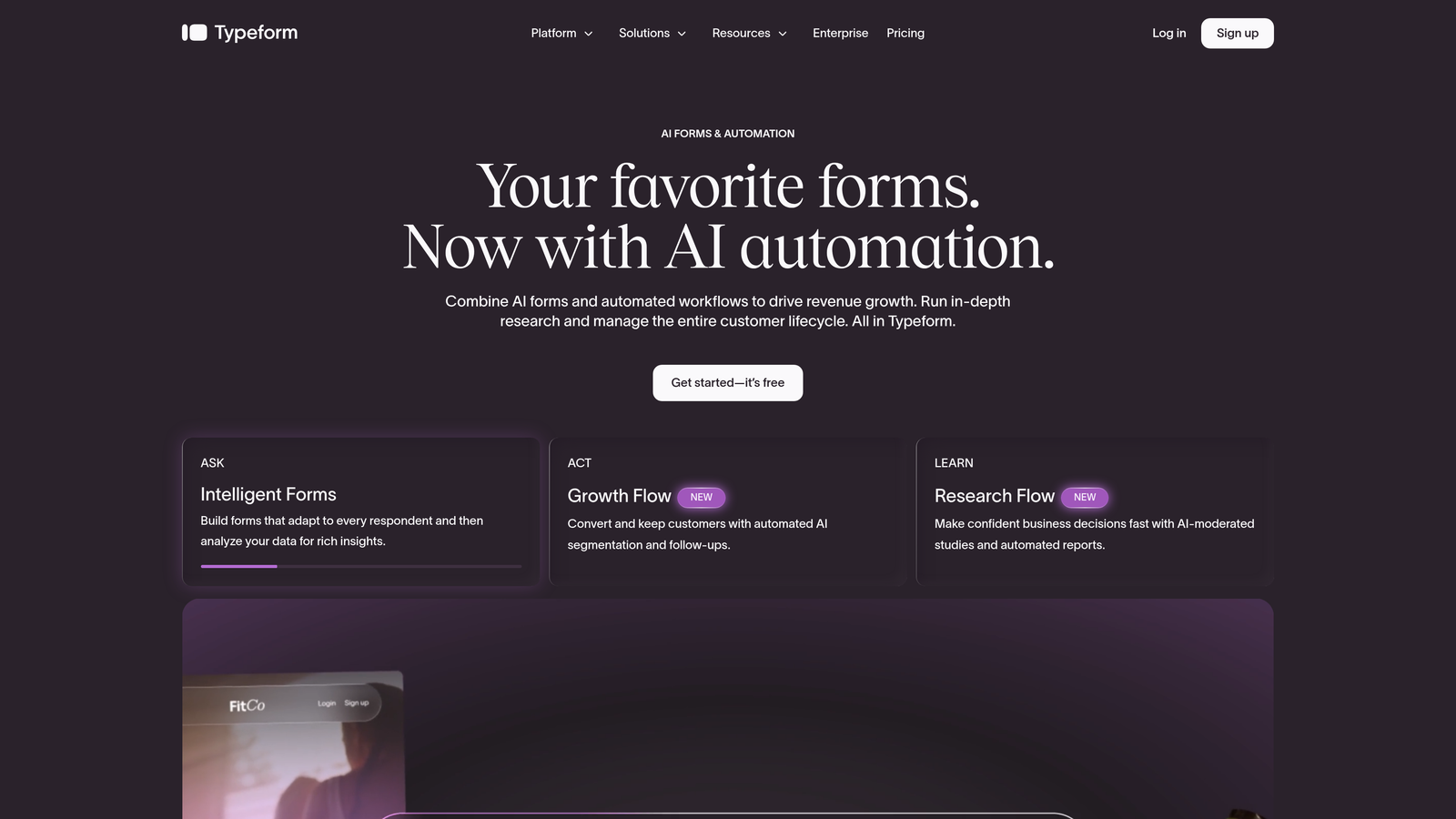
Typeform is the original conversational form builder, presenting one question at a time for a more engaging, interview-style experience.
Where This Tool Shines
Typeform set the standard for what a beautiful, engaging form could look like, and that UX benchmark still holds. The one-question-at-a-time format reduces cognitive load for respondents, which typically leads to higher completion rates compared to traditional multi-field forms. If your form is customer-facing and brand perception matters, Typeform's polish is hard to match.
The logic and branching capabilities are sophisticated, allowing you to create genuinely personalized form experiences based on how respondents answer earlier questions. Combined with integrations for major CRM and marketing platforms, it fits naturally into more complex workflows.
Key Features
Conversational Format: One question at a time for a more human, engaging experience.
Logic Jumps: Advanced branching sends respondents down different paths based on their answers.
Built-In Analytics: Completion rates, drop-off points, and response data in one dashboard.
Design Quality: Visually polished templates with strong brand customization options.
CRM and Marketing Integrations: Connects to HubSpot, Salesforce, Mailchimp, and other key platforms.
Best For
Marketing teams running surveys, customer research, or brand-forward lead capture forms where experience quality directly affects completion. The free tier is quite restrictive at 10 responses per month, so meaningful use typically requires a paid plan.
Pricing
Free plan limited to 10 responses per month. Paid plans start at $25/month for higher response limits and additional features.
6. Microsoft Forms
Best for: Organizations running on Microsoft 365 that need forms tightly integrated with Teams and Excel.
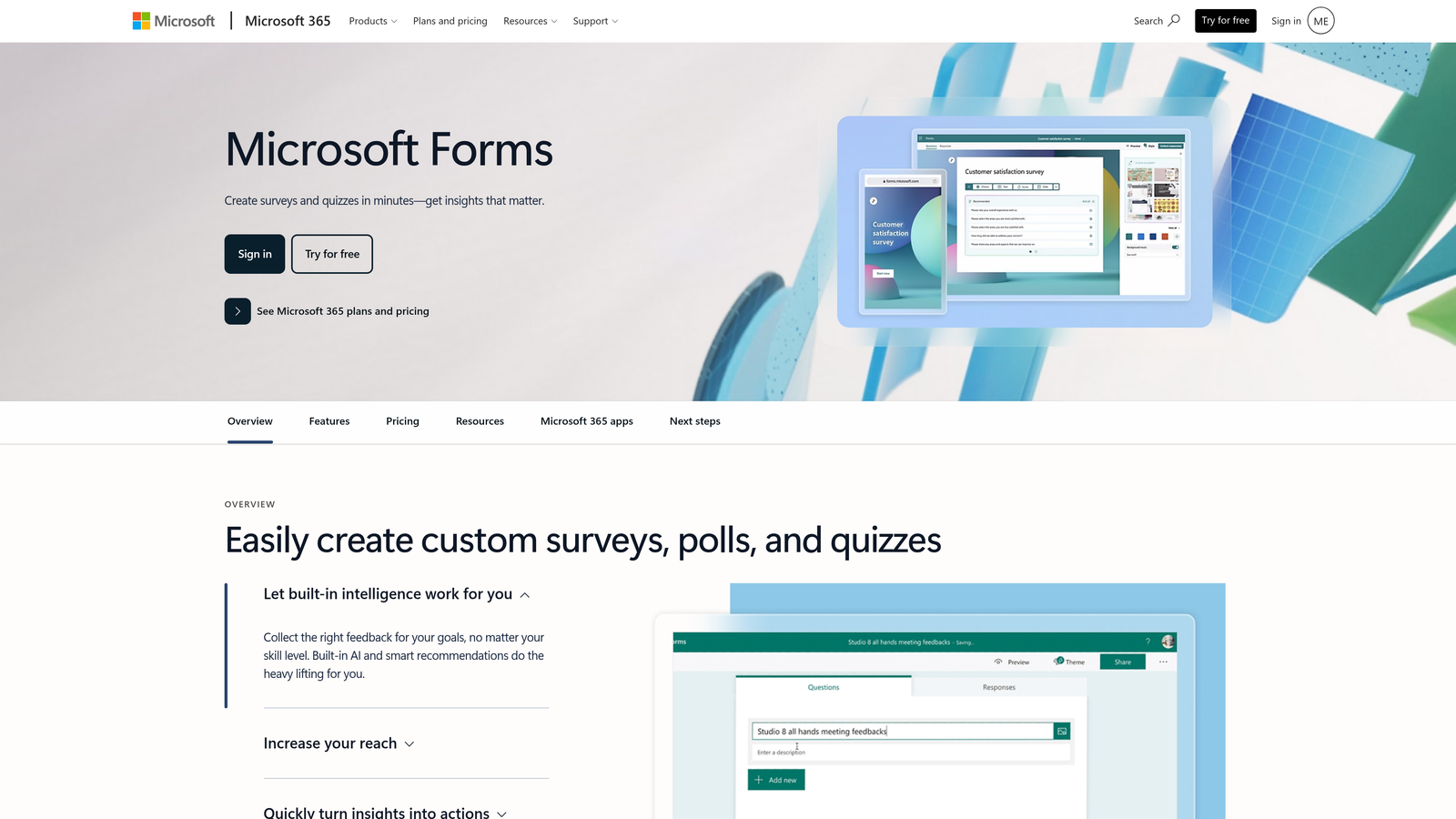
Microsoft Forms is a free survey and form tool built into the Microsoft ecosystem, with native integration across Excel, Teams, and SharePoint.
Where This Tool Shines
If your organization is already on Microsoft 365, Forms is essentially already available to everyone. The integration with Microsoft Teams is particularly useful: you can embed forms directly into Teams channels, collect responses from colleagues without them leaving the app, and sync results to Excel automatically. For internal surveys, quizzes, and HR workflows, this convenience is hard to beat.
The built-in quiz functionality with automatic grading makes Microsoft Forms a popular choice in education and corporate training contexts where you need scored assessments rather than just data collection.
Key Features
Microsoft 365 Integration: Native connection to Excel, Teams, SharePoint, and Power Automate.
Quiz and Grading Mode: Built-in scoring and feedback for assessments and training.
Branching Logic: Show different questions based on previous answers.
Real-Time Analytics: Response summaries and charts generated automatically.
Teams Embedding: Forms can live directly inside Teams channels and meetings.
Best For
Enterprise teams, educational institutions, and HR departments operating within the Microsoft 365 ecosystem. For external-facing forms or use cases requiring design customization, other tools on this list are better suited.
Pricing
Free with any Microsoft account. Additional capabilities available with a Microsoft 365 subscription.
7. HubSpot Free Form Builder
Best for: Lead generation teams that want form submissions to automatically populate a CRM.
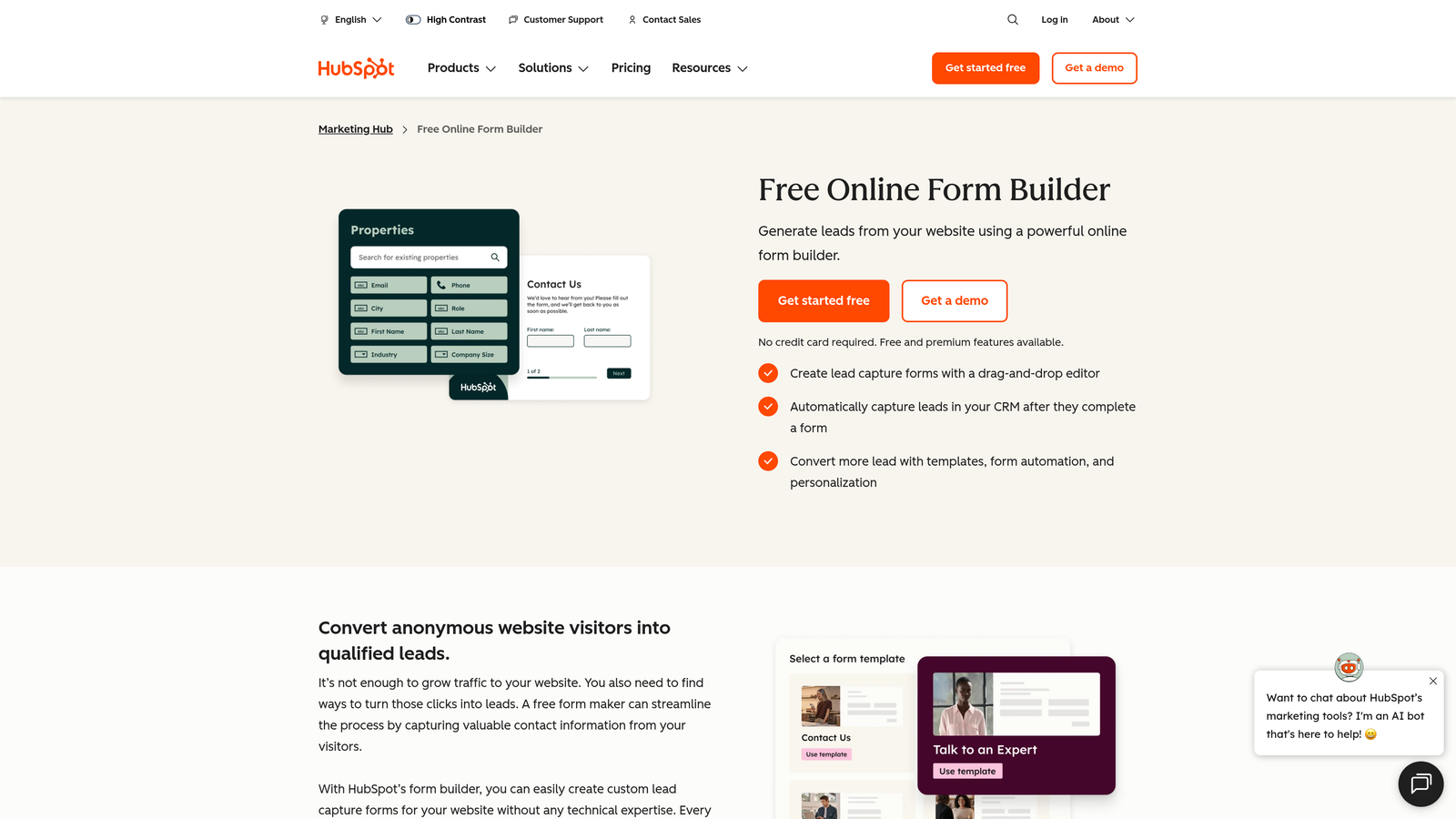
HubSpot's form builder is a free tool that creates a CRM contact record for every submission, making it a natural fit for sales and marketing workflows.
Where This Tool Shines
The integration with HubSpot's free CRM is what sets this apart from every other free form builder. Every time someone submits a form, a contact record is automatically created or updated in the CRM, with full history of what they submitted and when. This eliminates the manual work of exporting CSVs and importing them into a separate system.
Progressive profiling is another feature worth highlighting. HubSpot can recognize returning visitors and ask different questions each time, gradually building a richer contact profile without overwhelming people with a long form on their first interaction. This is a genuinely sophisticated capability available at no cost.
Key Features
Automatic CRM Contact Creation: Every submission instantly creates or updates a contact record in HubSpot CRM.
Progressive Profiling: Returning visitors see different fields to build richer profiles over time.
Embedded and Popup Forms: Deploy forms inline on pages or as triggered popups.
Follow-Up Email Automation: Trigger automated emails after submission, available on the free plan.
Lifecycle Tracking: Track contacts from first form fill through deal close in one platform.
Best For
Sales-led teams and growth marketers who want their form data to feed directly into a lead management workflow. If you're already using or considering HubSpot CRM, the form builder is a natural extension with no additional cost.
Pricing
Free with HubSpot CRM. Advanced features like A/B testing and smart content are part of paid Marketing Hub plans.
8. Fillout
Best for: Teams using Airtable or Notion as their primary database who need forms that read from and write to those systems.
Fillout is a modern form builder designed to work natively with external databases, letting forms interact with existing data rather than just collecting new rows.
Where This Tool Shines
Fillout's native Airtable and Notion integrations go deeper than a typical "send data to a spreadsheet" connection. Forms can read from your existing database to pre-populate fields, validate against existing records, or update specific rows rather than always creating new ones. For teams managing complex data in Airtable, this is a significant workflow improvement over workarounds with Zapier.
The design quality is above average for this price point, and the form builder supports multi-page forms, scheduling fields, and file uploads without requiring a high-tier plan. Stripe payment collection is also available, making it versatile for both data workflows and transactional forms.
Key Features
Native Database Integration: Reads from and writes to Airtable, Notion, and Google Sheets natively.
Record Updates: Forms can update existing database records, not just create new ones.
Multi-Page Forms: Conditional logic across multiple pages for complex intake flows.
Payment Collection: Stripe integration for order forms and fee collection.
Scheduling and File Upload Fields: Advanced field types included without premium plan requirements.
Best For
Operations teams, project managers, and no-code builders who use Airtable or Notion as their source of truth and want forms that integrate at a data level, not just a surface level.
Pricing
Free for up to 1,000 submissions per month. Paid plans start at $19/month for higher volumes and additional features.
9. Formspree
Best for: Developers who want to handle form submissions from custom HTML or static sites without building a backend.
Formspree is a form backend service that processes submissions from any HTML form, handling spam filtering, notifications, and data routing without requiring server-side code.
Where This Tool Shines
Formspree solves a specific developer pain point: you've built a beautiful static site or custom HTML form, but you don't want to spin up a backend just to handle contact form submissions. Point your form's action attribute at a Formspree endpoint, and it handles everything from spam filtering to email notifications automatically. It's the kind of tool that saves hours of backend work for a problem that shouldn't require a server.
The spam filtering is solid, combining reCAPTCHA and Akismet to keep noise out of your inbox. Webhook support and Zapier integration mean submission data can flow into any downstream system, making it flexible despite its focused scope.
Key Features
Any HTML Form Compatibility: Works with existing custom forms on any static or custom-built site.
Spam Filtering: reCAPTCHA and Akismet integration to block bot submissions.
Email Notifications and Autoresponders: Instant alerts and automated replies on submission.
Webhooks and Zapier: Route submission data to any external system or workflow.
File Upload Support: Accept file attachments through your custom forms.
Best For
Frontend developers, JAMstack builders, and technical teams who need reliable form handling for custom-built sites without the overhead of building or maintaining a submission backend.
Pricing
Free for up to 50 submissions per month. Paid plans start at $10/month for higher volumes and additional features.
Making the Right Choice for Your Team
Every tool on this list is genuinely good at something. The question is which one matches your specific situation. Here's a quick way to think through it.
Best for lead generation and AI qualification: Orbit AI. If your forms exist to capture and qualify leads rather than just collect data, this is the only tool on the list with AI-powered lead scoring built into the core experience. It's purpose-built for the use case that matters most to high-growth teams.
Best completely free option: Tally. Unlimited forms, unlimited submissions, conditional logic, and integrations at no cost. For teams that need capable forms without any budget, Tally's free plan is the most generous available.
Best for Google and Microsoft ecosystems: Google Forms and Microsoft Forms respectively. If you're already inside one of these platforms, the native integration and zero cost make these the path of least resistance for internal forms and surveys.
Best for CRM-connected lead capture: HubSpot. The automatic contact creation and progressive profiling make it uniquely powerful for teams building a lead database, especially if you're already using HubSpot's CRM.
Best for developers: Formspree. No other tool on this list handles the "I have a custom HTML form and just need a backend" use case as cleanly or affordably.
Best conversational experience: Typeform. The one-question-at-a-time format remains the gold standard for respondent experience, even if the free tier is restrictive.
The most important question to ask yourself is: what do you need your form to do after someone submits it? If the answer is "qualify and route leads intelligently," most tools on this list will leave you doing that work manually downstream. That's exactly the gap that Orbit AI is built to close.
Transform your lead generation with AI-powered forms that qualify prospects automatically while delivering the modern, conversion-optimized experience your high-growth team needs. Start building free forms today and see how intelligent form design can elevate your conversion strategy.


