

Typeform changed how we think about online forms. Before it arrived, most web forms were clunky, intimidating walls of fields that made users feel like they were filing a tax return. Typeform introduced the conversational, one-question-at-a-time format that made forms feel almost enjoyable. For that, it deserves credit.
But here's the reality for high-growth teams in 2026: Typeform's pricing model hasn't kept pace with how modern businesses scale. Their per-response caps mean that the more successful your lead generation becomes, the more you pay. Hit a traffic spike? Your costs spike too. Want advanced features like logic branching or custom branding? You're looking at a higher tier. For teams capturing thousands of leads per month, these costs can quietly become one of the most frustrating line items in the stack.
This guide isn't just a "cheaper alternatives" roundup. It's a strategic evaluation of seven platforms that offer genuine pricing advantages without forcing you to sacrifice the form quality, conversion optimization, or integration depth your team depends on.
Each alternative was evaluated across four dimensions: pricing structure and transparency, form-building capabilities, integration ecosystem, and suitability for teams focused on lead qualification and conversion. Whether you're a startup validating your first form strategy or a scaling SaaS team generating thousands of leads monthly, you'll find a clear recommendation for your growth stage.
One important note: all pricing figures referenced in this article are based on publicly available information at time of writing. Pricing changes frequently, so verify current rates directly on each platform's pricing page before making a decision.
1. Orbit AI: AI-Powered Lead Qualification With Predictable Pricing
The Challenge It Solves
Most form tools treat all responses equally. They capture data and hand it off to your CRM without any intelligence about which leads are worth pursuing. For high-growth teams, this creates a downstream problem: your sales team spends time triaging leads that should have been filtered at the form level. Meanwhile, you're paying per response for leads that will never convert.
The Strategy Explained
Orbit AI is built specifically for teams that treat their forms as the first stage of a lead qualification funnel, not just a data collection mechanism. The platform combines modern, conversion-optimized form design with built-in AI-powered lead qualification that scores and routes leads automatically based on the responses they provide.
Where Typeform charges more as your response volume grows, Orbit AI's pricing model is designed around predictability. You're not penalized for capturing more leads. This is a fundamental philosophical difference: Orbit AI is structured for teams whose success depends on volume, not teams who need to ration their form submissions.
The form builder itself delivers the visual polish and conversational experience that made Typeform popular, with conditional logic, custom branding, and mobile-optimized layouts. But the real differentiator is the intelligence layer: forms that don't just ask questions but actively evaluate whether each respondent fits your ideal customer profile.
Implementation Steps
1. Map your lead qualification criteria before building. Define what makes a lead qualified for your team: company size, role, budget, use case, or urgency. These become the foundation of your form logic.
2. Build your form using Orbit AI's conversational format, embedding qualification questions naturally into the flow rather than making them feel like a screening interrogation.
3. Configure the AI qualification layer to score responses against your criteria and route high-quality leads directly to your CRM or sales team while placing lower-priority leads in a nurture sequence.
4. Monitor conversion and qualification rates from the analytics dashboard, iterating on question phrasing and logic to improve both completion rates and lead quality over time.
Pro Tips
Don't treat qualification as gatekeeping. The best qualification forms feel like personalized experiences to the respondent while doing the filtering work behind the scenes. Frame questions around helping the user get the right outcome, not just determining whether they're worth your time. This approach typically improves both completion rates and the quality of leads who make it through.
2. Tally: The Free-First Option for Teams Still Validating
The Challenge It Solves
Many teams pay for form tools before they've proven their form strategy works. If you're still testing which questions resonate, which form formats convert, or which lead magnets generate demand, paying a monthly subscription to do that experimentation is a poor use of budget. You need room to iterate without financial pressure.
The Strategy Explained
Tally offers one of the most generous free tiers in the form builder market. Unlimited forms and unlimited responses on the free plan, as documented on tally.so/pricing. This makes it genuinely useful for teams in the validation phase, not just a limited trial designed to push you toward a paid plan.
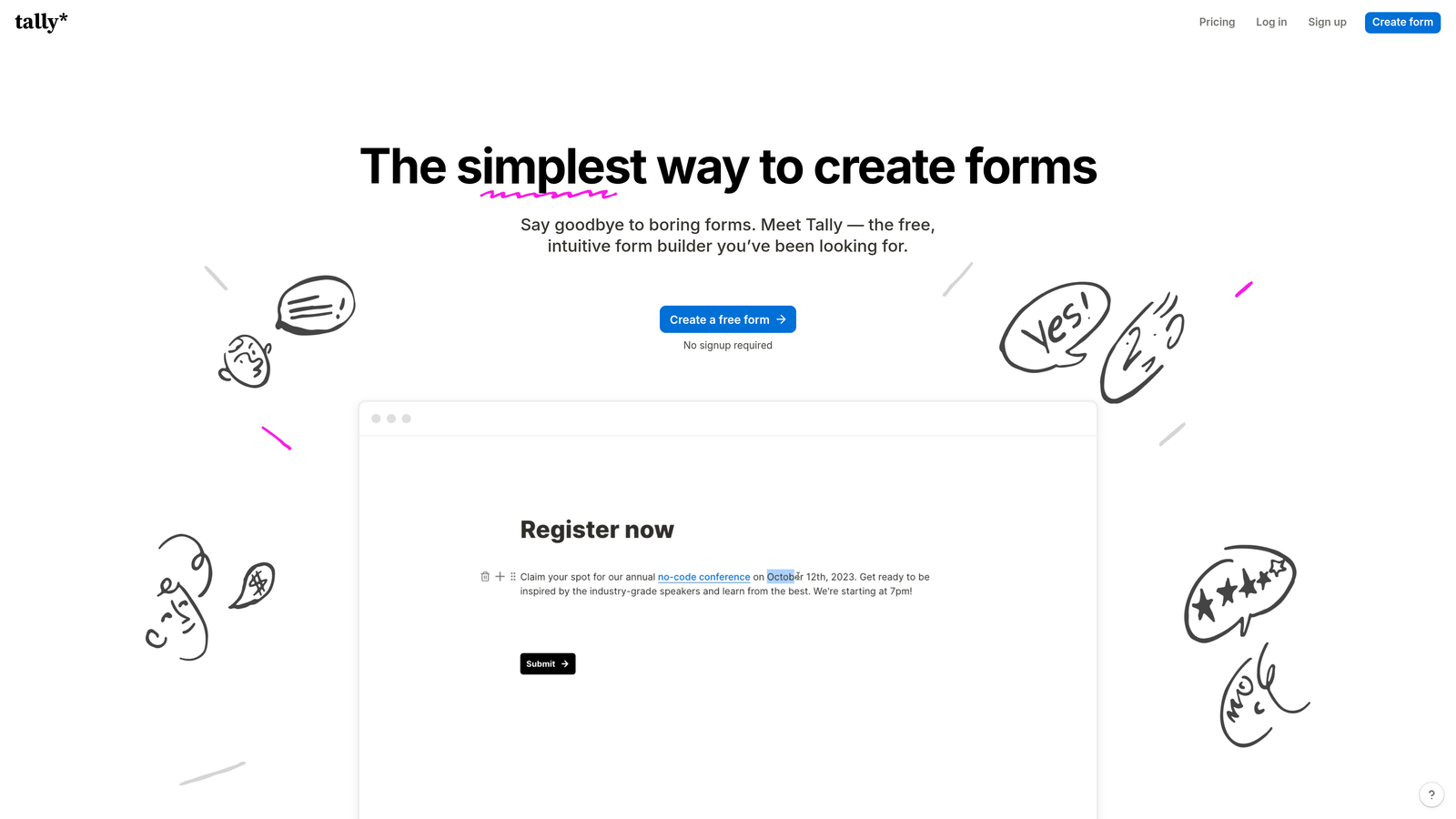
The form builder is clean and modern, with a Notion-like block-based editing experience that feels intuitive to anyone familiar with modern productivity tools. It supports conditional logic, file uploads, and a range of question types without requiring a paid upgrade. The free plan does include Tally branding, and some advanced features like custom domains and integrations require the Pro plan, but the free offering is substantial enough to run real lead generation campaigns.
For teams benchmarking against Typeform, Tally delivers a comparable design aesthetic at zero cost for the fundamentals. The trade-off is that it lacks the AI-powered qualification layer and some of the more sophisticated conversion optimization features you'd find in purpose-built lead generation platforms. For a deeper comparison of tools in this space, explore our guide to form builders with free plans.
Implementation Steps
1. Create your account at tally.so and explore the template library to find a starting point that matches your use case, whether that's a lead capture form, survey, or application.
2. Use the block-based editor to build your form, adding conditional logic to create branching paths based on responses.
3. Connect Tally to your existing stack via Zapier or native integrations (available on paid plans) to route responses to your CRM or email platform.
4. Run your validation phase on the free tier, then evaluate whether the Pro plan's additional features justify the upgrade based on your actual usage patterns.
Pro Tips
Tally's free tier is best treated as a proving ground, not a permanent solution for scaling teams. Once your form strategy is validated and lead volume is growing, evaluate whether the limitations of the free plan are creating friction. That's the right moment to either upgrade Tally or migrate to a platform with more robust qualification and analytics capabilities.
3. Jotform: Feature Depth for Mid-Market Teams
The Challenge It Solves
Some teams outgrow simple lead capture forms quickly. They need payment processing, multi-step approval workflows, document generation, or e-signature capabilities alongside their standard form building. Typeform's focus on conversational simplicity means these power features are either absent or require third-party integrations. Teams with complex operational needs end up stitching together multiple tools.
The Strategy Explained
Jotform is one of the most feature-complete form platforms available, with a template library exceeding 10,000 options and built-in capabilities that extend well beyond basic lead capture. Payment processing, conditional approval workflows, PDF generation, and HIPAA compliance options are available at pricing tiers that many teams find more predictable than Typeform's response-based model. Teams evaluating Jotform alongside AI-powered options may also want to read our Jotform alternative with AI comparison.
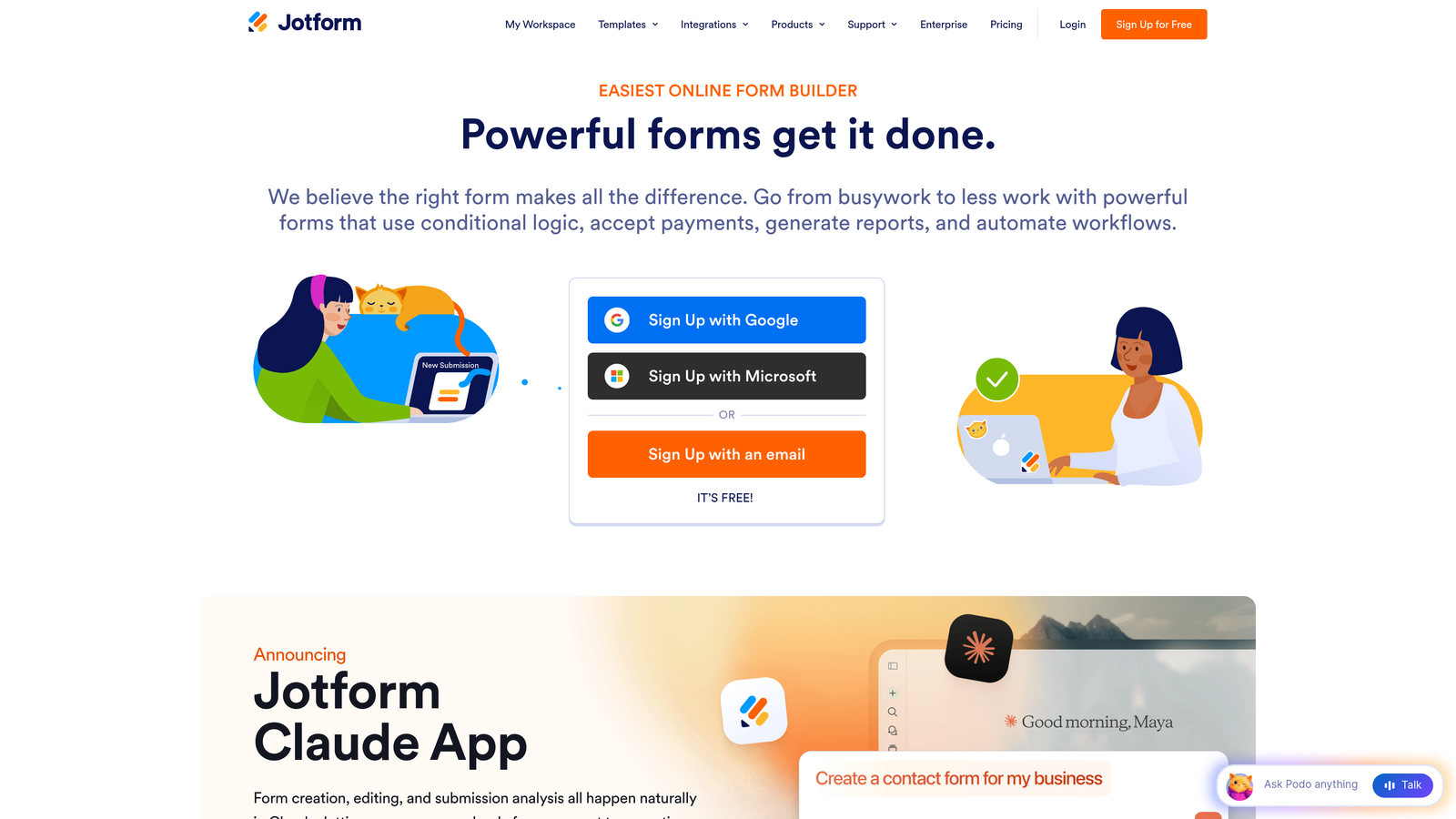
Jotform's pricing is structured around form count and submission limits rather than purely per-response caps, as documented on jotform.com/pricing. This structure tends to work better for teams with moderate but consistent form usage across multiple use cases. Verify the current plan structure and limits on their pricing page, as these details are updated periodically. For a broader look at how different platforms structure their costs, see our form builder pricing comparison.
The trade-off is complexity. Jotform's interface reflects its extensive feature set, which means there's more to learn and configure. Teams looking for a sleek, minimal form experience may find it heavier than needed. But for mid-market teams with diverse form requirements, that depth is the point.
Implementation Steps
1. Audit your current form use cases across the entire organization, not just marketing. Operations, HR, and finance teams often have form needs that a single Jotform account can consolidate.
2. Start with a relevant template from Jotform's library rather than building from scratch. The template quality is high and saves significant setup time.
3. Configure any payment or workflow integrations your team needs, using Jotform's native payment processors or connecting to your existing payment infrastructure.
4. Evaluate the submission limits on your chosen plan against your projected monthly volume to ensure you're on the right tier before going live.
Pro Tips
Jotform's strength is breadth. If your team needs forms for more than just lead generation, the consolidation value can be significant. One platform handling lead capture, event registrations, payment collection, and internal approvals often delivers better ROI than multiple specialized tools. Map your full form inventory before pricing out your options.
4. Fillout: Modern Design With Transparent Pricing
The Challenge It Solves
A common frustration with Typeform alternatives is that they either look dated or come with opaque pricing that makes it hard to predict costs as you scale. Teams evaluating new form tools often spend as much time decoding pricing pages as they do evaluating the actual product. Fillout was built with both of these pain points in mind.
The Strategy Explained
Fillout positions itself as a visually modern form builder with straightforward pricing and strong native integrations, particularly with Notion and Airtable. For teams whose workflows are built around these tools, the native connectivity eliminates the need for Zapier middleware and reduces the latency and complexity of syncing form responses to your data layer.

The form builder delivers a polished, contemporary aesthetic that holds up well against Typeform's visual standards. Conditional logic, multi-page forms, and a range of question types are available without requiring premium tiers. Fillout's pricing structure is publicly available on their website, and the team has been transparent about what's included at each level. Verify current pricing at fillout.com before committing, as plans in this category evolve frequently.
Fillout is a strong fit for product and operations teams already working in Notion or Airtable who want form submissions to flow directly into their existing databases without manual syncing or integration overhead. Teams that need more advanced conditional logic capabilities may want to compare options before committing.
Implementation Steps
1. Connect Fillout to your Notion workspace or Airtable base during initial setup to establish the data flow before building your first form.
2. Build your form using the visual editor, taking advantage of the conditional logic to create branching experiences that feel responsive to each respondent.
3. Test the end-to-end flow by submitting test responses and confirming they appear correctly in your Notion or Airtable destination with the right field mapping.
4. Review the analytics dashboard to track completion rates and identify drop-off points, then iterate on form structure to improve performance.
Pro Tips
Fillout's Notion and Airtable integrations are most valuable when your team actually uses those tools as operational databases, not just note-taking surfaces. If your leads ultimately need to live in a CRM, evaluate whether the Notion/Airtable intermediary step adds value or just adds complexity. For teams with Notion-native workflows, it's a genuine advantage.
5. Google Forms: The Zero-Cost Baseline Every Team Should Benchmark
The Challenge It Solves
Before paying for any form tool, every team should ask a fundamental question: what does a paid platform deliver that Google Forms doesn't? It sounds obvious, but many teams skip this benchmark and end up paying for capabilities they don't actually use. Google Forms is free for Google Workspace users, well-documented, and deeply integrated with Google Sheets for response management.
The Strategy Explained
Google Forms isn't going to win any design awards, and it lacks the conversational flow, conditional logic depth, or lead qualification capabilities of purpose-built platforms. But for internal surveys, simple data collection, event registrations, or quick feedback forms, it handles the job without any cost or setup friction.
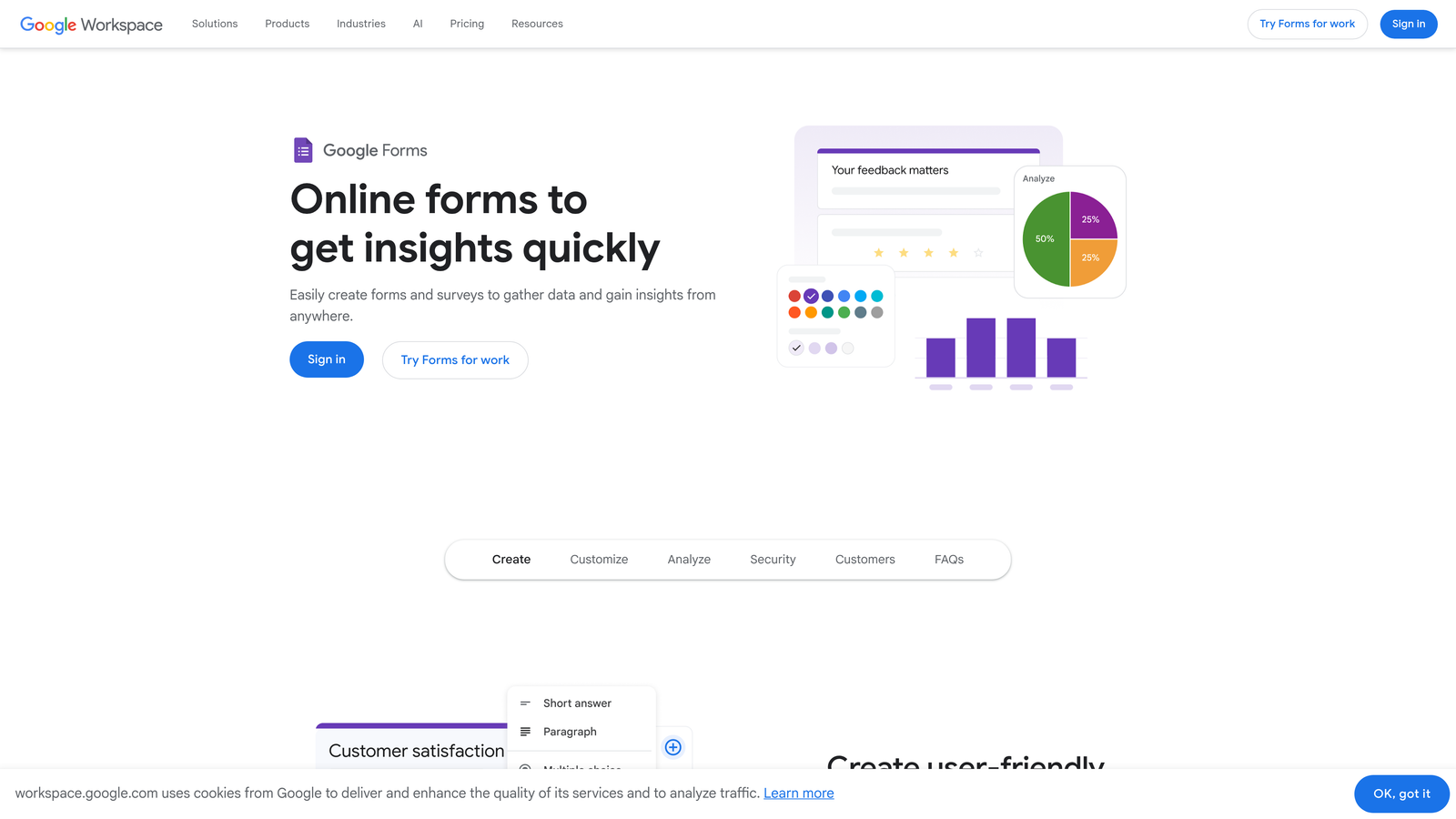
The strategic value of Google Forms in this evaluation isn't as a primary lead generation tool. It's as a benchmark. If your use case can be adequately served by Google Forms, you don't need a paid alternative. The question every team should answer before evaluating Typeform alternatives is: what specific capabilities justify a monthly subscription? If the answer is design quality, lead qualification, conversion optimization, or advanced integrations, then you have a clear criteria set for evaluating paid tools. For teams that have outgrown Google Forms, our guide to Google Forms alternatives for business covers the next steps.
Google Forms responses flow directly into Google Sheets, which means teams already working in the Google ecosystem get a functional, if basic, response management layer at no additional cost.
Implementation Steps
1. Identify your current form use cases and categorize them by complexity: simple data collection, lead capture, or qualified lead generation.
2. Test Google Forms for your simplest use cases first. If it handles them adequately, remove those from your paid tool requirements.
3. Document the specific gaps Google Forms cannot fill for your lead generation and qualification needs. These gaps define your requirements for a paid alternative.
4. Use that requirements list as your evaluation criteria when assessing the other platforms in this guide.
Pro Tips
Google Forms is often the right answer for internal use cases even when your team uses a paid tool for external lead generation. There's no rule that says you need one form platform for everything. Using Google Forms for internal surveys while using a conversion-optimized platform for external lead capture is a perfectly rational and cost-effective approach.
6. Formspree: The Developer-First Option for Custom Frontends
The Challenge It Solves
Standard form builders assume you're building forms within their visual interface and hosting them on their infrastructure. But many technical teams have already invested in custom frontend experiences, whether that's a React application, a static site, or a custom-built landing page. Bolting a third-party form widget onto a carefully designed custom UI often looks and feels inconsistent. Formspree solves this by separating the form backend from the frontend entirely.
The Strategy Explained
Formspree is an API-first form backend that handles submission processing, spam filtering, email notifications, and integrations without dictating how your form looks or where it lives. Your engineering team builds the form UI exactly as needed, and Formspree handles everything that happens after the user hits submit.
This architecture is a fundamentally different approach from visual form builders, and it's the right approach for teams with custom development resources and specific frontend requirements. The pricing model is usage-based, which aligns costs with actual form volume. Teams interested in this approach should also explore options for form builders with API integration to compare capabilities. Verify current pricing and plan structures at formspree.io, as these details are subject to change.
Formspree is not the right tool for non-technical teams or for teams that need a visual form builder. But for engineering-led organizations building custom web experiences, it eliminates the awkward compromise of embedding a third-party form widget into a polished custom interface.
Implementation Steps
1. Set up your Formspree account and create a form endpoint that will receive your submissions.
2. Build your form UI in your existing frontend codebase, pointing the form action to your Formspree endpoint.
3. Configure submission handling in Formspree: email notifications, spam filtering, and any integrations with your CRM or data warehouse.
4. Test the full submission flow in a staging environment before deploying to production, verifying that responses are captured correctly and routed to the right destinations.
Pro Tips
Formspree's value scales with your frontend investment. If your team has already built a custom landing page or application experience, the consistency of a fully custom form UI is worth the engineering effort. If you're still building on templates or no-code tools, a visual form builder will deliver better results with less overhead.
7. HubSpot Free Forms: The CRM-Native Option for HubSpot Teams
The Challenge It Solves
For teams already using HubSpot's CRM, adding a separate form tool creates unnecessary complexity. Every lead captured through an external form tool needs to be synced to HubSpot, which means managing an integration, monitoring sync reliability, and maintaining field mapping as your CRM evolves. When the form tool and CRM are the same platform, that entire integration layer disappears.
The Strategy Explained
HubSpot includes native form building in its free CRM tier, as documented on hubspot.com. Forms built in HubSpot automatically create and update contact records in the CRM, trigger workflows, enroll contacts in sequences, and feed directly into HubSpot's reporting. For teams whose entire lead management process lives in HubSpot, this native integration is a meaningful operational advantage. If you're evaluating how different platforms handle this connection, our guide on form builders with CRM integration provides a detailed breakdown.
The form builder itself is functional rather than exceptional. HubSpot forms are not going to match Typeform's visual sophistication or Orbit AI's qualification intelligence. But they're competent, mobile-responsive, and deeply connected to the HubSpot ecosystem in ways that external tools cannot replicate without middleware.
The strategic case for HubSpot Forms is consolidation. If your team is already paying for HubSpot and using it as your CRM, using a separate form tool for lead capture is adding cost and complexity for capabilities that are already included in your existing subscription.
Implementation Steps
1. Access the Forms tool within your HubSpot account under the Marketing menu and review the available form types: embedded forms, pop-up forms, and standalone pages.
2. Map your form fields to existing HubSpot contact properties to ensure submissions update the right data points in your CRM automatically.
3. Configure follow-up actions: enrollment in a workflow, assignment to a sales rep, or triggering a thank-you email sequence.
4. Embed the form on your website or use HubSpot's hosted form page, then test the full submission-to-CRM flow before driving traffic.
Pro Tips
HubSpot Forms are most powerful when you're using HubSpot's marketing automation alongside them. A form submission that triggers a smart workflow, updates lead scoring, and notifies the right sales rep in real time is far more valuable than a form that just collects data. If you're using HubSpot Forms without automation, you're leaving significant capability on the table.
Choosing the Right Tool for Your Growth Stage
The best Typeform alternative isn't a universal answer. It's a function of where your team is in its growth journey and what you actually need from a form platform.
Here's a practical framework for making the decision:
Validation stage: If you're still testing your form strategy and don't yet have consistent lead volume, start with Tally's free tier or Google Forms. Prove the strategy before paying for the infrastructure.
Scaling stage: If you have validated form strategy and growing lead volume, the right choice depends on your ecosystem. HubSpot teams should lean into native forms. Notion and Airtable-centric teams should evaluate Fillout. Teams with diverse form needs across the organization should look at Jotform. Technical teams building custom frontends should consider Formspree.
Conversion optimization stage: If your team is serious about lead qualification, conversion optimization, and building forms that do more than collect data, the calculus changes. This is where the limitations of free tools and basic form builders become real constraints on growth.
For teams at this stage, Orbit AI is built for exactly this moment. The combination of modern, conversion-optimized form design with AI-powered lead qualification and predictable pricing removes the two biggest frustrations with Typeform: the cost model that punishes success and the lack of intelligence at the form layer.
Your forms are the first touchpoint in your lead generation funnel. They set the tone for every prospect relationship that follows. Start building free forms today and experience how AI-powered form design can transform your lead qualification process without adding to your tool costs. High-growth teams deserve form infrastructure that scales with them, not against them.


