

You've built a beautiful form. It converts. Leads start flowing in. Then reality hits: someone needs to manually copy every submission into your CRM, one field at a time. By the time your sales team follows up, the lead has moved on. This disconnect between form submissions and CRM data isn't just tedious—it's costing you real opportunities.
The solution? Form builders with native CRM integration that sync data automatically, eliminate manual entry, and get leads into your sales pipeline instantly. But not all integrations are created equal. Some require complex middleware setups. Others only sync basic fields. The best platforms offer deep, bi-directional connections that keep your data clean and your workflows running smoothly.
We've tested dozens of form builders to find the ones that deliver seamless CRM integration without the headaches. Here are the top tools that connect your lead capture to your sales process—from AI-powered platforms that qualify leads automatically to native CRM solutions that work out of the box.
1. Orbit AI
Best for: Teams wanting AI-powered lead qualification built into their CRM workflow
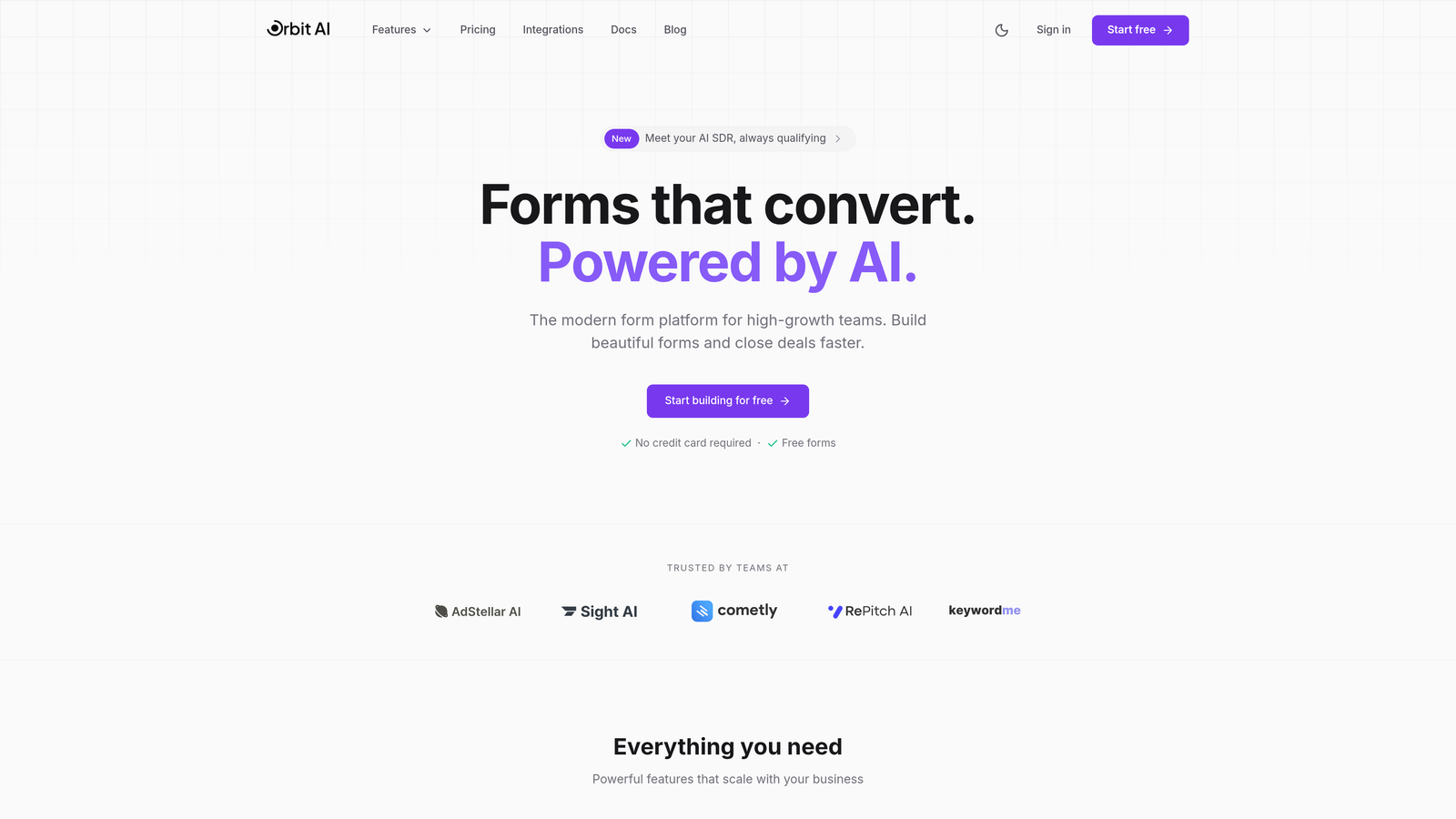
Orbit AI combines modern form building with intelligent lead qualification that happens before data hits your CRM.
Where This Tool Shines
Most form builders stop at data collection. Orbit AI goes further with AI agents that analyze, enrich, and qualify leads based on form responses—then route qualified prospects to the right team members automatically. Your sales team receives pre-qualified leads with context, not just raw form submissions.
The platform connects natively to major CRMs including HubSpot, Salesforce, Pipedrive, Close, and Attio. Setup takes minutes, not hours, and the real-time analytics show you exactly which forms drive the highest-quality leads.
Key Features
AI Lead Qualification: Intelligent agents score and enrich leads before CRM sync, so your team focuses on high-value prospects.
Native CRM Integrations: Direct connections to HubSpot, Salesforce, Pipedrive, Close, and Attio with automatic field mapping.
Smart Lead Routing: Automatically assigns leads to the right team members based on form responses and qualification criteria.
Conversion-Optimized Design: Modern, mobile-responsive forms built specifically for high-growth teams focused on lead generation.
Real-Time Performance Analytics: Track form performance and lead quality metrics to continuously improve your conversion strategy.
Best For
High-growth B2B teams who need more than basic form-to-CRM sync. Ideal for companies where lead quality matters as much as lead quantity, and sales teams benefit from pre-qualified, enriched prospect data rather than raw submissions.
Pricing
Free tier available for getting started. Paid plans begin at $29/month with access to AI qualification features and predictable CRM sync limits.
2. HubSpot Forms
Best for: Companies already using HubSpot CRM who want zero-friction integration
HubSpot Forms is the native form builder within the HubSpot ecosystem, offering seamless CRM integration for existing users.

Where This Tool Shines
If you're already in the HubSpot universe, this is the path of least resistance. Forms sync instantly with your CRM—no configuration, no middleware, no surprises. Contact records update automatically, and every submission appears in your HubSpot dashboard with complete context.
Progressive profiling stands out as a killer feature. Instead of overwhelming visitors with long forms, you collect additional information over time as contacts return. Each submission enriches their profile without creating duplicate records.
Key Features
Instant CRM Sync: Zero setup required—forms connect automatically to HubSpot contacts, companies, and deals.
Progressive Profiling: Collect different information from returning visitors to build complete profiles over multiple interactions.
Automatic Contact Creation: New submissions create contact records with proper property mapping and no manual intervention.
Embedded Analytics: Form performance metrics live inside your HubSpot dashboard alongside other marketing data.
Smart Fields: Pre-populate known contact information to reduce friction for returning visitors.
Best For
Companies committed to the HubSpot ecosystem who prioritize tight integration over flexibility. Perfect for marketing teams who want form data flowing directly into campaigns and workflows without leaving the platform.
Pricing
Free with HubSpot CRM. Advanced features like progressive profiling and dependent fields require Marketing Hub, starting at $800/month for professional features.
3. Typeform
Best for: Creating engaging conversational forms that connect to multiple CRMs
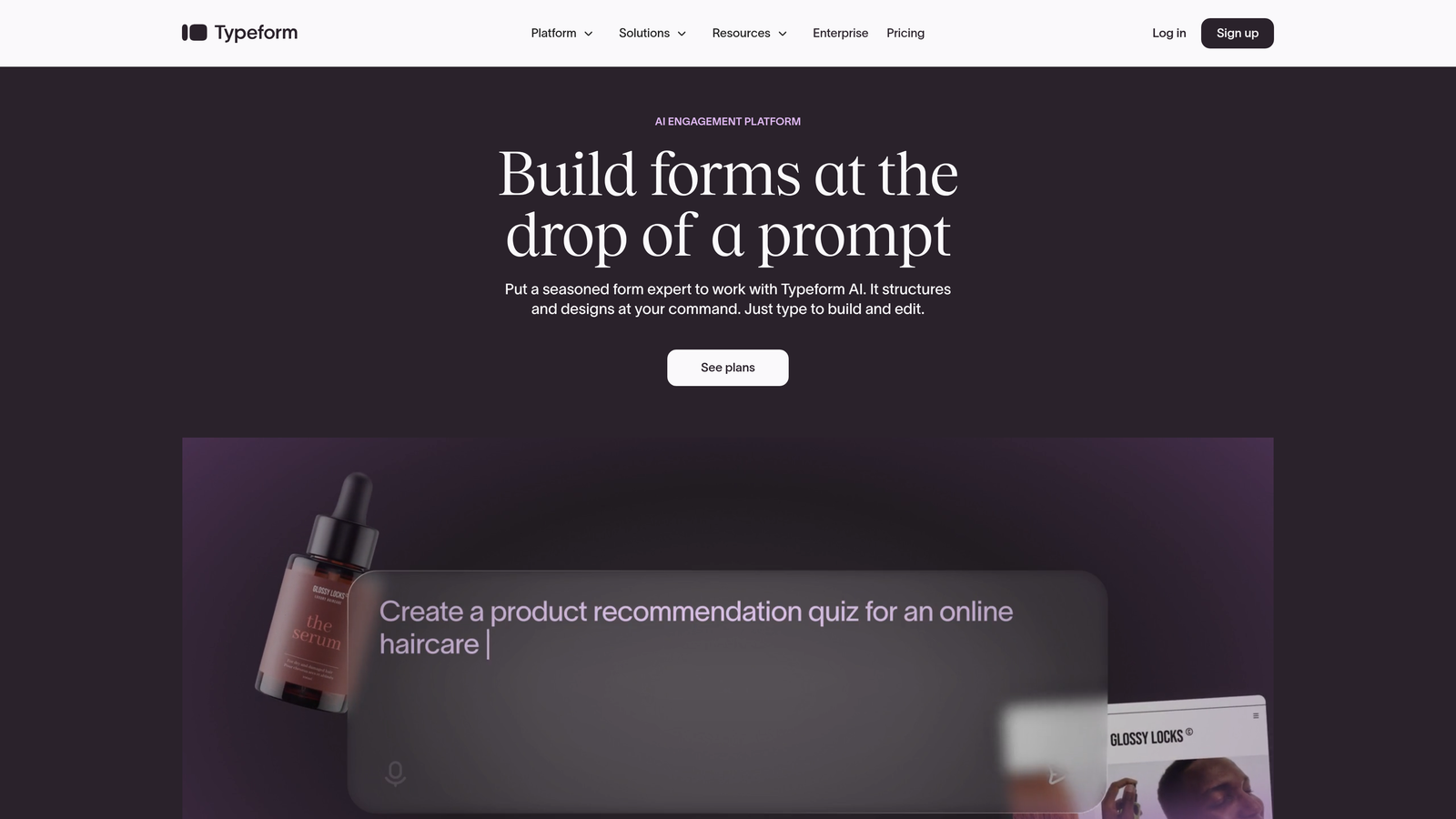
Typeform transforms traditional forms into conversational experiences while maintaining connections to major CRM platforms.
Where This Tool Shines
The one-question-at-a-time approach feels more like a conversation than a form. This format consistently drives higher completion rates, especially for longer surveys or qualification forms. Users focus on a single question without feeling overwhelmed by a wall of fields.
Native integrations with HubSpot, Salesforce, and Pipedrive handle most use cases directly. For other CRMs, Typeform connects through Zapier or Make with minimal setup. The brand customization options let you create forms that feel like a natural extension of your website.
Key Features
Conversational Interface: One question at a time creates higher engagement and completion rates than traditional forms.
Major CRM Integrations: Direct connections to HubSpot, Salesforce, and Pipedrive with automatic contact syncing.
Zapier and Make Support: Extend integration capabilities to virtually any CRM through automation platforms.
Logic Jumps: Create dynamic forms that adapt questions based on previous answers.
Brand Customization: Match forms to your brand with custom colors, fonts, and images.
Best For
Marketing teams focused on user experience and completion rates. Ideal for lead qualification forms, event registrations, or any scenario where engagement matters as much as data collection.
Pricing
Free tier available with basic features. Basic plan starts at $25/month for removing branding and accessing logic jumps.
4. Jotform
Best for: Teams needing extensive template options and broad CRM compatibility
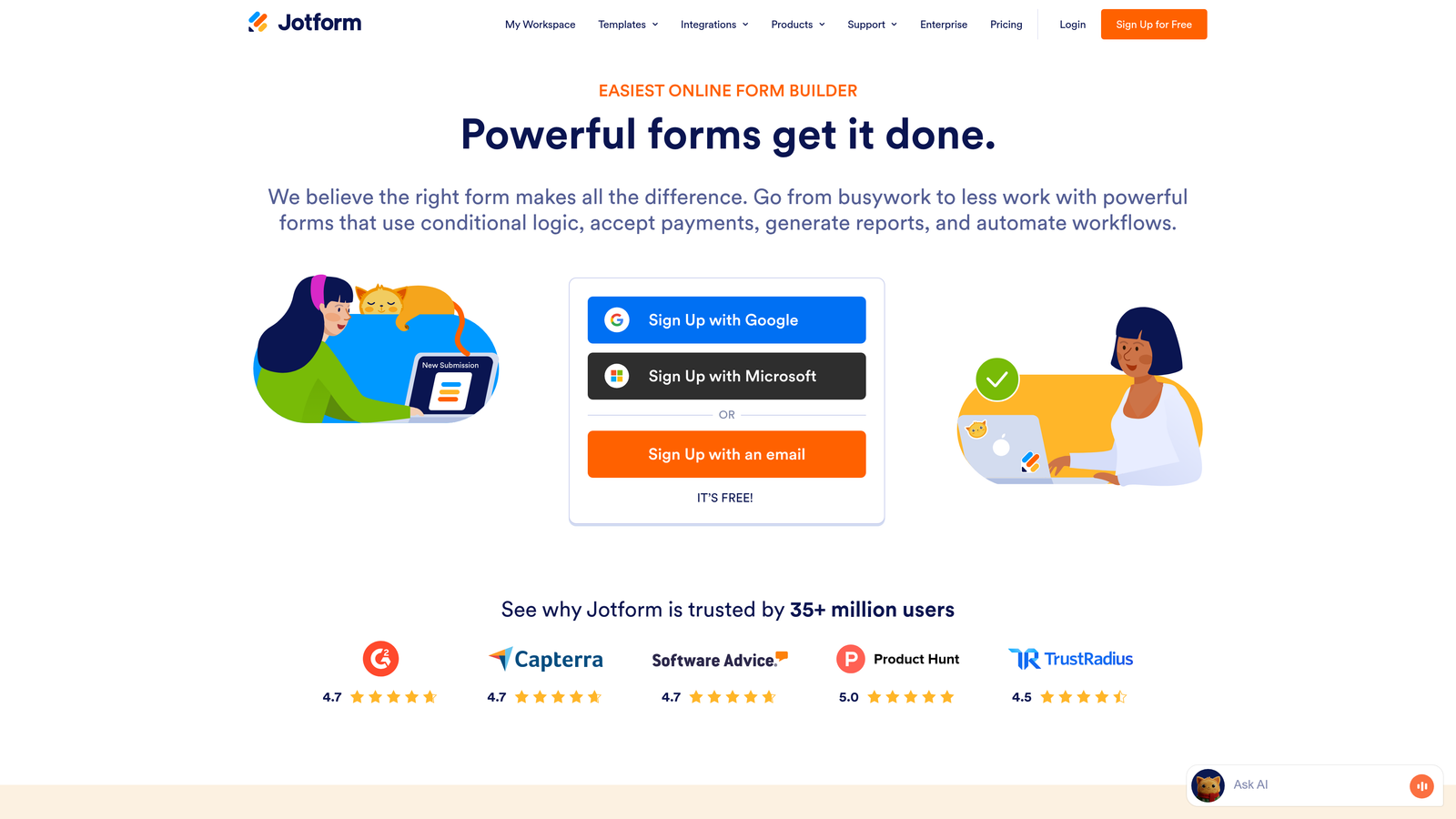
Jotform offers one of the market's largest template libraries alongside direct integrations to over 100 CRM platforms.
Where This Tool Shines
The sheer breadth of pre-built templates means you're rarely starting from scratch. Need a contact form? There are hundreds. Registration form? Covered. Lead qualification survey? Already designed. This library saves hours of design work and provides proven starting points.
CRM integration options extend far beyond the usual suspects. Salesforce, HubSpot, and Zoho connect directly, but so do dozens of industry-specific and regional CRMs. The conditional logic and multi-page capabilities handle complex forms without overwhelming users.
Key Features
100+ CRM Integrations: Direct connections to major platforms plus extensive support for specialized and regional CRMs.
10,000+ Templates: Massive library of pre-built forms covering virtually every use case and industry.
Conditional Logic: Show or hide fields based on user responses to create dynamic, personalized experiences.
Multi-Page Forms: Break long forms into steps to improve completion rates and user experience.
HIPAA Compliance: Available for healthcare organizations requiring secure patient data handling.
Best For
Organizations needing flexibility and breadth—whether that's connecting to less common CRMs, finding industry-specific templates, or meeting compliance requirements like HIPAA.
Pricing
Free tier includes 5 forms with basic features. Bronze plan starts at $34/month for 25 forms and increased submission limits.
5. Gravity Forms
Best for: WordPress sites needing powerful forms with CRM add-ons
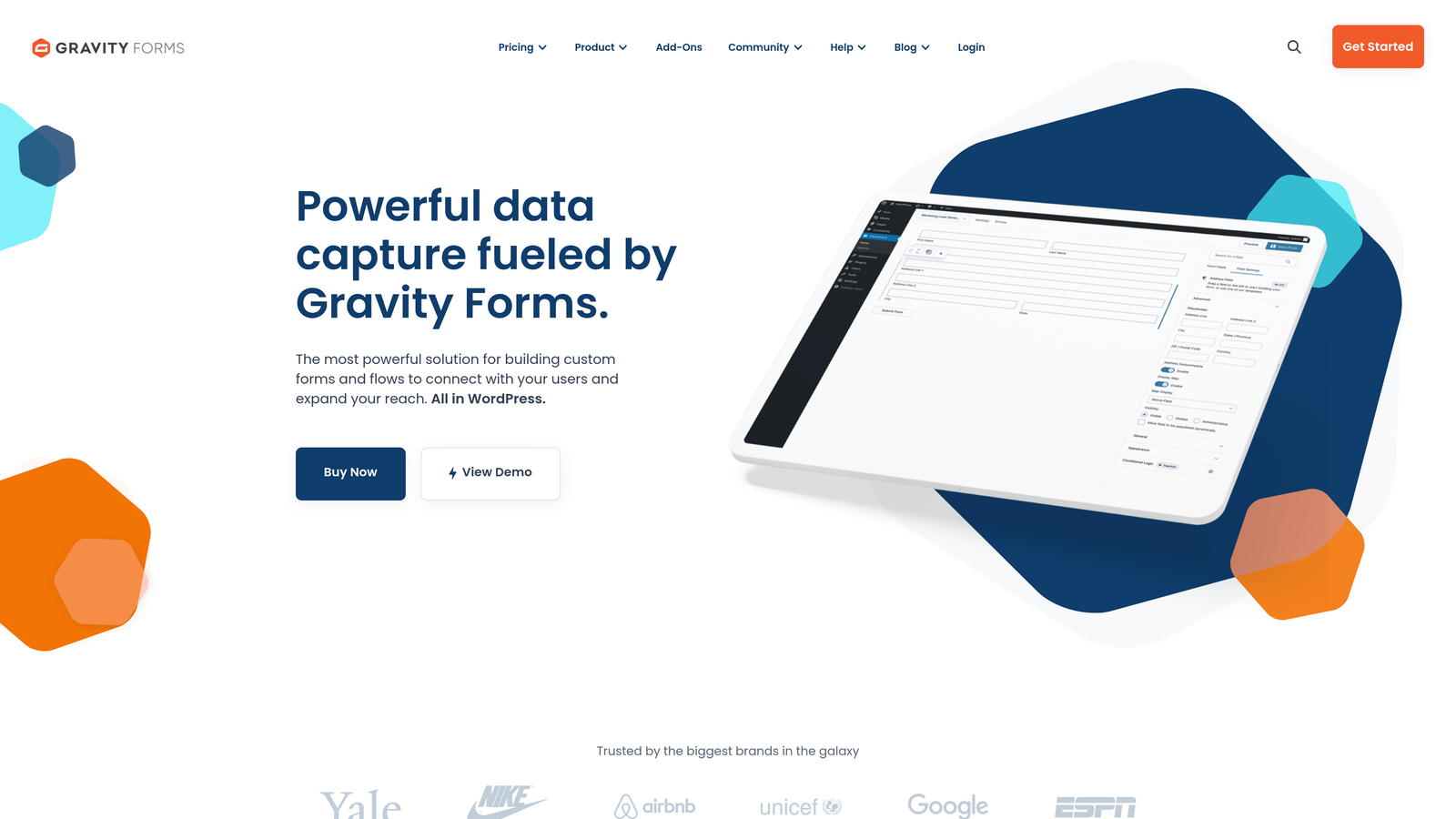
Gravity Forms is the WordPress community's go-to form plugin, with CRM integrations available through official add-ons.
Where This Tool Shines
For WordPress users, this plugin integrates deeper into your site than any standalone form builder. It's not an embed—it's part of your WordPress installation. This means faster loading, better styling control, and seamless integration with your existing WordPress plugins and themes.
The add-on ecosystem covers major CRMs including Salesforce, HubSpot, Zoho, and Freshsales. Developers appreciate the extensive hooks and filters that enable custom functionality. Advanced conditional logic handles complex forms with branching paths and calculated fields.
Key Features
WordPress Native: Deep integration with WordPress core, themes, and plugins rather than third-party embeds.
CRM Add-Ons: Official extensions for Salesforce, HubSpot, Zoho, Freshsales, and other major platforms.
Advanced Conditional Logic: Create sophisticated forms with branching, calculations, and dynamic field visibility.
Developer-Friendly: Extensive hooks, filters, and API for custom functionality and integrations.
Multi-Page Forms: Break complex forms into steps with progress indicators and save-and-continue functionality.
Best For
WordPress-based businesses that want forms fully integrated into their site rather than relying on external services. Particularly valuable for developers who need customization capabilities beyond what SaaS platforms offer.
Pricing
Basic license starts at $59/year for single-site use. Elite license at $259/year includes all add-ons and priority support.
6. Formstack
Best for: Enterprise teams requiring advanced CRM workflows and compliance
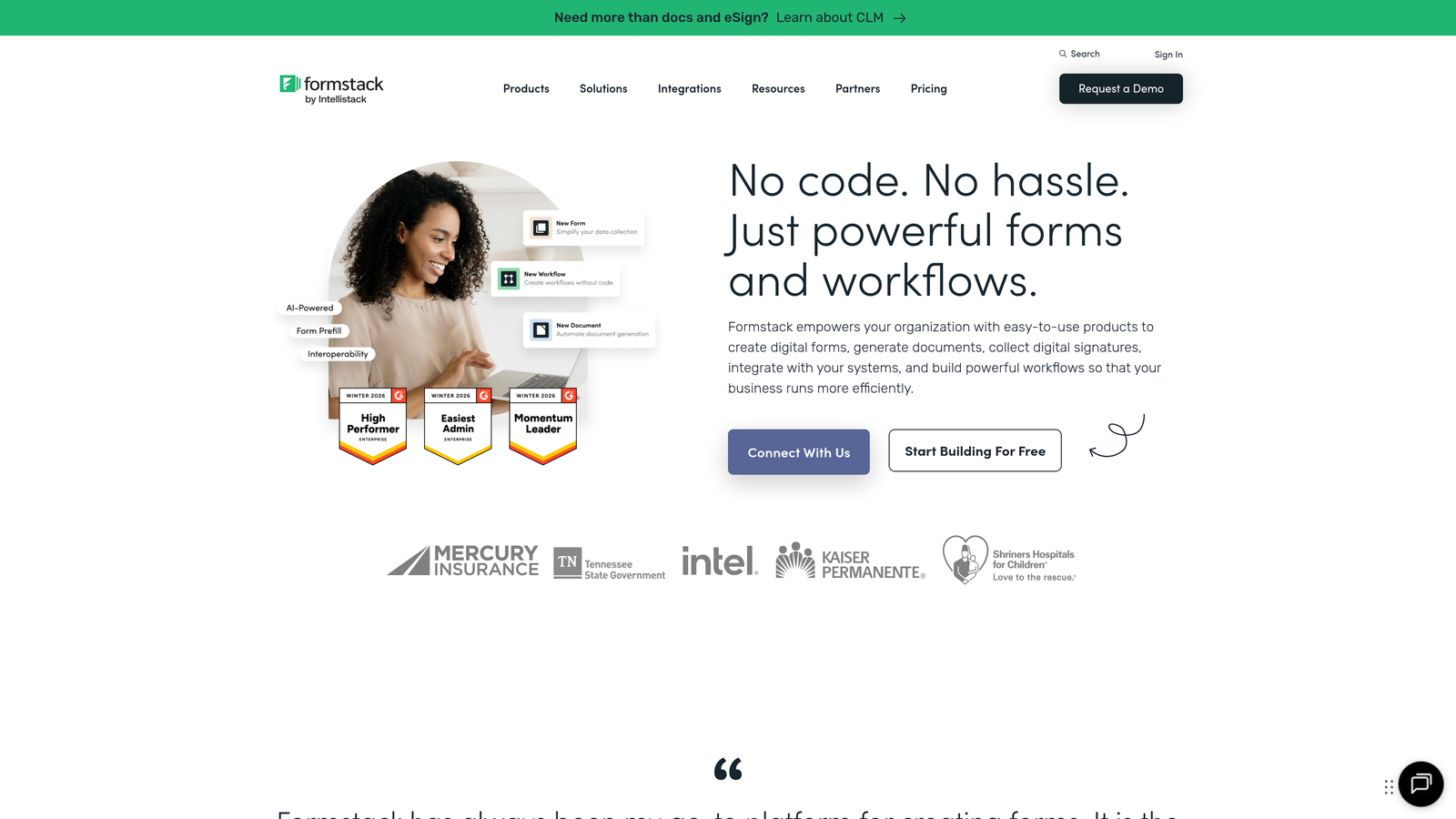
Formstack positions itself as an enterprise form platform with sophisticated CRM integration capabilities and compliance certifications.
Where This Tool Shines
The Salesforce integration goes deeper than most competitors, supporting multi-object mapping and complex relationship structures. You're not limited to creating or updating contacts—you can update opportunities, cases, custom objects, and related records in a single submission.
Conditional routing rules let you send form data to different CRM objects or workflows based on response criteria. Document generation creates contracts or proposals from form submissions automatically. HIPAA and SOC 2 compliance make this viable for regulated industries.
Key Features
Multi-Object Salesforce Mapping: Update multiple Salesforce objects and relationships from a single form submission.
Conditional CRM Routing: Direct form data to different CRM workflows based on response values and business rules.
Document Generation: Automatically create contracts, proposals, or reports from form data.
Enterprise Compliance: HIPAA, SOC 2, and other certifications for organizations with regulatory requirements.
Workflow Automation: Build multi-step approval processes and notifications within the platform.
Best For
Enterprise organizations with complex CRM structures and compliance needs. Particularly strong for companies heavily invested in Salesforce who need sophisticated data routing and document workflows.
Pricing
Starter plan begins at $50/month. Enterprise pricing available for teams requiring advanced features and compliance certifications.
7. Cognito Forms
Best for: Budget-conscious teams in the Microsoft ecosystem
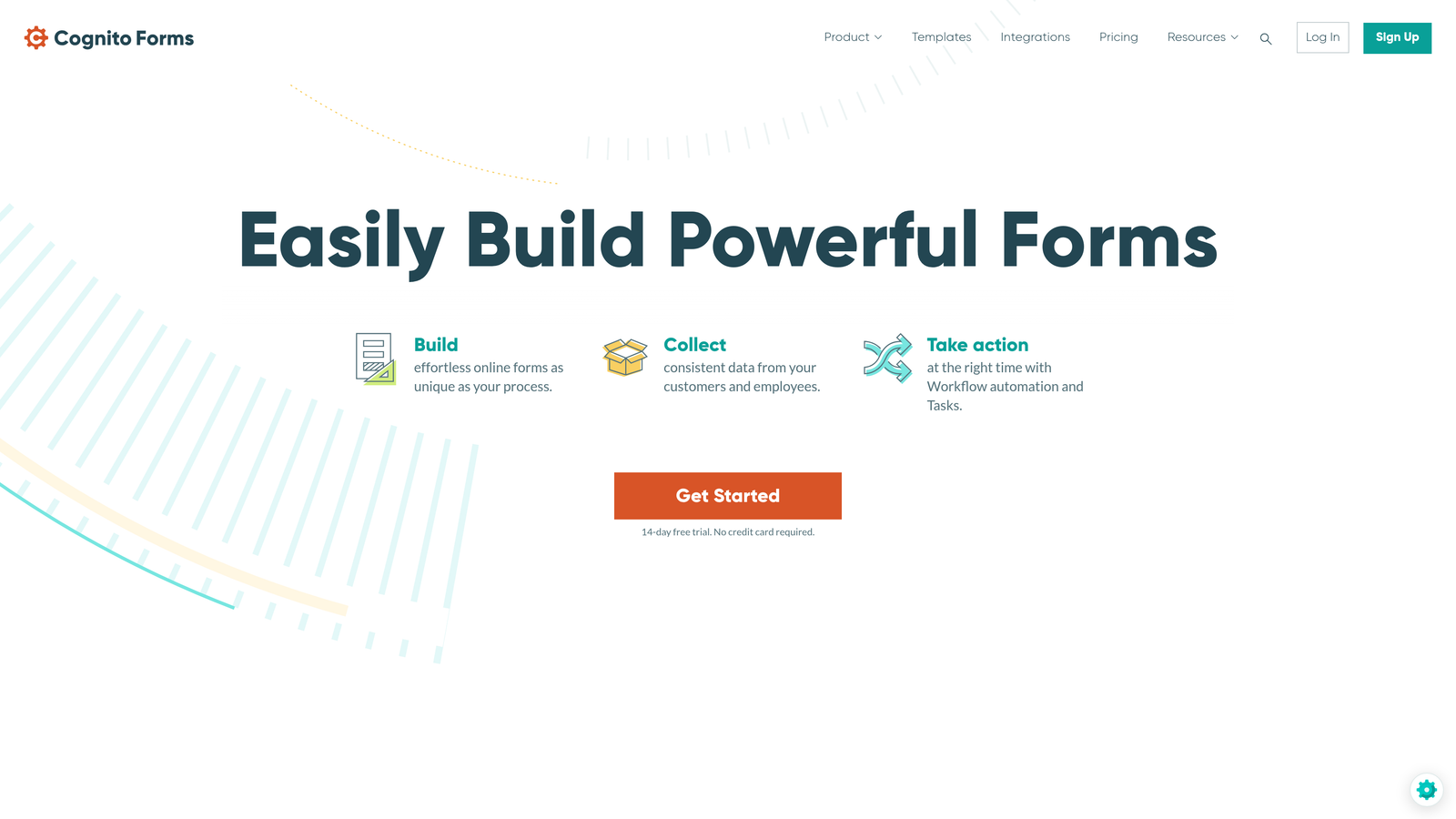
Cognito Forms delivers strong CRM integration at accessible price points, with particular strength in Microsoft Dynamics connections.
Where This Tool Shines
The pricing structure stands out in a market where costs escalate quickly. The free tier includes unlimited forms—not a trial, not limited features, but genuinely unlimited forms with basic functionality. This makes it viable for small teams and nonprofits operating on tight budgets.
Microsoft Dynamics integration works natively, which matters for organizations standardized on Microsoft's business applications. Salesforce connects directly as well. The calculation engine handles complex math and conditional logic without requiring custom code.
Key Features
Microsoft Dynamics Integration: Native connection to Microsoft's CRM platform alongside Salesforce support.
Calculations and Logic: Built-in calculation fields and conditional logic for dynamic forms.
Payment Collection: Accept payments through Stripe or Square directly within forms.
Generous Free Tier: Unlimited forms on the free plan, making it accessible for small teams and nonprofits.
Repeating Sections: Allow users to add multiple entries of the same field group within a single submission.
Best For
Small to medium businesses looking for solid CRM integration without premium pricing. Particularly valuable for Microsoft-centric organizations or teams with limited budgets who still need professional form capabilities.
Pricing
Free tier with unlimited forms and basic features. Pro plan starts at $15/month for removing branding and accessing advanced features.
8. Paperform
Best for: Creating rich, content-heavy forms that blend pages and data collection
Paperform takes a unique approach by treating forms as documents where you can embed rich media, text, and interactive elements.
Where This Tool Shines
The document-style editor lets you create forms that feel more like landing pages. Embed videos, add explanatory text, include images—all within the form itself. This works beautifully for applications, detailed lead qualification, or any scenario where context matters as much as data collection.
CRM integrations cover major platforms through native connections and extend to hundreds more through Zapier and Make. Payment processing builds in directly, so you can collect payments and CRM data in a single step. The result feels less like a form and more like a complete experience.
Key Features
Rich Media Embedding: Add videos, images, and formatted text directly within forms for context and engagement.
CRM Integrations: Native connections to major CRMs plus Zapier and Make for extended compatibility.
Built-In Payments: Accept payments through Stripe or PayPal without leaving the form.
Document-Style Experience: Forms feel like interactive pages rather than traditional data collection tools.
Conditional Logic: Show or hide sections based on responses to create personalized experiences.
Best For
Teams creating forms that need to tell a story or provide significant context. Ideal for applications, detailed service requests, or lead qualification where explaining your offering is part of the conversion process.
Pricing
Essentials plan starts at $24/month with unlimited forms and submissions.
9. Fillout
Best for: Modern teams connecting forms to databases and CRMs
Fillout bridges the gap between traditional form builders and database tools, syncing with platforms like Notion and Airtable alongside conventional CRMs.
Where This Tool Shines
The ability to sync directly with Notion and Airtable opens interesting possibilities for teams using these platforms as lightweight CRMs or project management systems. Form submissions can populate database rows, trigger automations, and integrate with existing workflows without middleware.
The interface feels modern and uncluttered. Conditional logic and branching create dynamic forms without overwhelming the builder. Built-in scheduling and quiz functionality eliminate the need for separate tools. Traditional CRM connections work smoothly, but the database integrations set this apart.
Key Features
Database Syncing: Direct integration with Notion, Airtable, and traditional CRMs for flexible data routing.
Conditional Logic: Create branching forms that adapt based on user responses.
Modern Interface: Clean, intuitive builder that feels contemporary and uncluttered.
Scheduling Built-In: Add appointment booking functionality without separate calendar tools.
Quiz Functionality: Create scored quizzes or assessments with automatic result calculations.
Best For
Teams using modern productivity tools like Notion or Airtable as part of their workflow. Perfect for startups and small teams who want form data flowing into their existing systems without complex integration work.
Pricing
Free tier available for basic use. Starter plan begins at $19/month for removing branding and accessing advanced features.
Making the Right Choice
Your ideal form builder depends on your existing CRM and what you need beyond basic data sync. If you're already using HubSpot, HubSpot Forms delivers the smoothest experience with zero configuration. Salesforce power users will appreciate Formstack's multi-object mapping capabilities. Budget-conscious teams should explore Cognito Forms' generous free tier or Fillout's affordable pricing.
For teams wanting more than simple data transfer, consider platforms that add intelligence to the process. Orbit AI stands out by qualifying and enriching leads before they reach your CRM, so your sales team receives pre-qualified prospects rather than raw form submissions. This approach transforms forms from data collection tools into active participants in your sales process.
Think about your workflow complexity too. Simple contact forms need basic field mapping. Complex B2B sales processes benefit from conditional routing, multi-object updates, and automated lead scoring. Match the tool's capabilities to your actual needs rather than paying for features you won't use.
The best CRM integration is the one that disappears—data flows automatically, leads reach the right team members, and nobody thinks about the mechanics. Start by mapping your current process, identify where manual work slows you down, then choose the tool that eliminates those friction points.
Transform your lead generation with AI-powered forms that qualify prospects automatically while delivering the modern, conversion-optimized experience your high-growth team needs. Start your free trial today and see how intelligent form design can elevate your conversion strategy.


