

Every lead that slips through the cracks between your forms and CRM costs you money. Manual data entry creates delays, introduces errors, and keeps your sales team chasing outdated information instead of closing deals. The right CRM form integration tool eliminates this friction entirely—capturing leads, syncing them instantly to your CRM, and triggering the right follow-up actions automatically.
We evaluated dozens of integration tools based on ease of setup, CRM compatibility, automation capabilities, and value for growing teams. Here are the top tools for connecting your forms to your CRM in 2026.
1. Orbit AI
Best for: High-growth teams wanting AI-powered lead qualification built directly into their forms
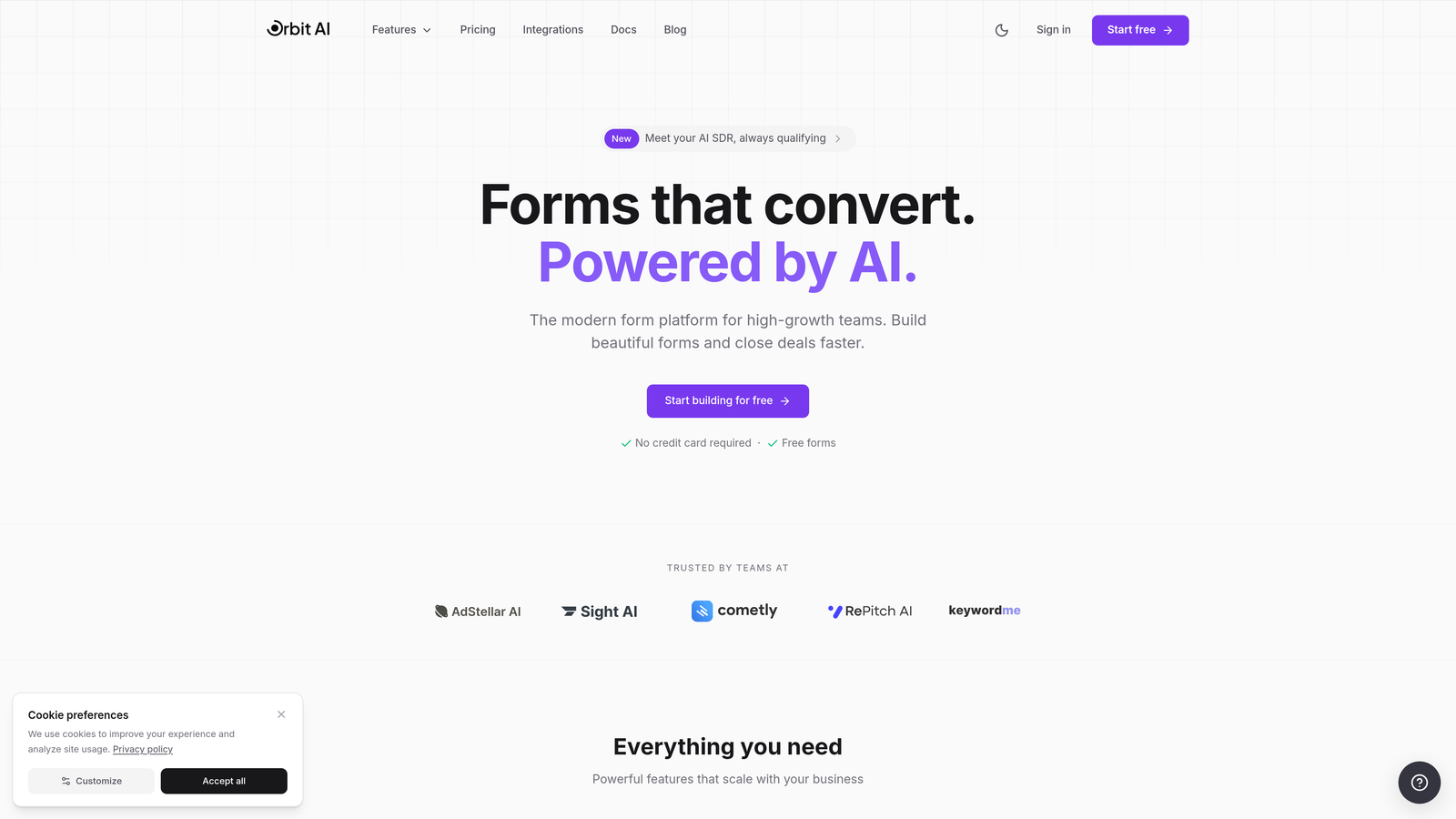
Orbit AI combines form building with intelligent lead qualification, automatically scoring and routing prospects based on their responses before they reach your CRM.
Where This Tool Shines
The AI qualification engine sets Orbit AI apart from traditional form builders. Instead of dumping every form submission into your CRM as an equal lead, it analyzes responses in real-time to score lead quality and trigger appropriate follow-up actions.
The platform's native integrations with HubSpot, Salesforce, Pipedrive, Close, and Attio mean zero middleware required. Your forms sync directly to your CRM with field mapping that actually makes sense, and the conversion-optimized templates help you launch professional forms in minutes rather than hours.
Key Features
AI-Powered Lead Qualification: Automatically scores and qualifies leads based on form responses, routing high-value prospects to sales immediately.
Native CRM Integrations: Direct connections to major CRMs without third-party automation tools cluttering your workflow.
Automatic Lead Routing: Distributes qualified leads to the right team members based on territory, product interest, or custom logic.
Conversion-Optimized Templates: Pre-built form designs tested for maximum completion rates across devices.
Real-Time Analytics: Track form performance, conversion rates, and lead quality metrics in one dashboard.
Best For
Growing SaaS companies and B2B teams that need to qualify leads automatically rather than manually reviewing every submission. Particularly valuable if your sales team wastes time on unqualified prospects or if lead routing currently happens through spreadsheets and guesswork.
Pricing
Free tier available for getting started. Paid plans begin at competitive rates designed for growing teams, with pricing that scales as your lead volume increases.
2. Zapier
Best for: Teams connecting multiple tools and building complex automation workflows beyond basic form sync
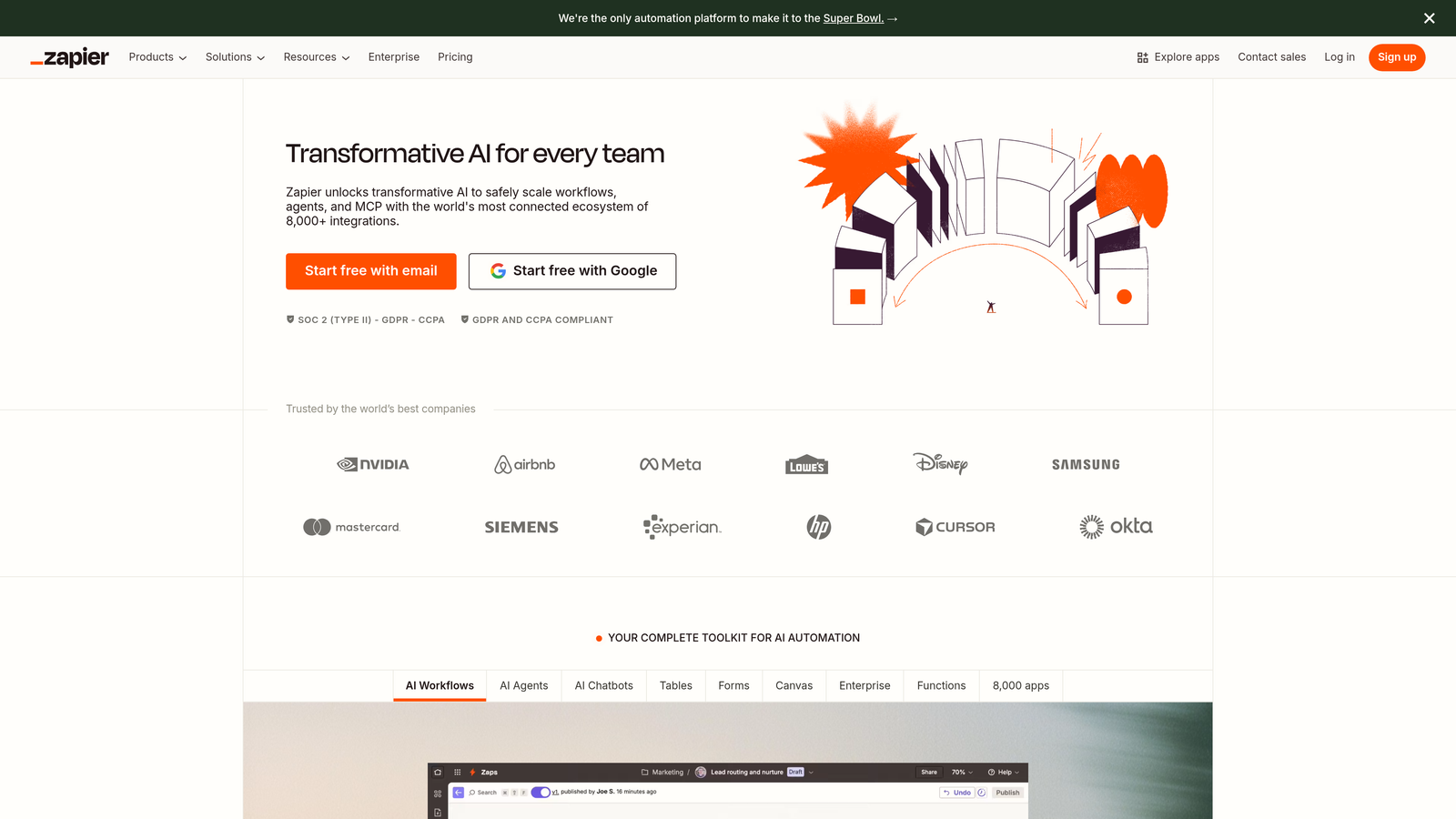
Zapier is the Swiss Army knife of integrations, connecting virtually any form builder to any CRM through its massive library of 6,000+ app connections.
Where This Tool Shines
Zapier's real power emerges when you need to do more than simple data transfer. You can build multi-step workflows that enrich lead data, send notifications, update spreadsheets, and trigger email sequences—all from a single form submission.
The platform's conditional logic lets you route leads differently based on their responses. High-value prospects go straight to your CRM and trigger a Slack notification to sales, while lower-priority leads enter a nurture sequence. No coding required.
Key Features
6,000+ App Integrations: Connect virtually any form builder to any CRM, plus thousands of other business tools.
Multi-Step Zaps: Build complex workflows with multiple actions triggered by a single form submission.
Conditional Logic and Filters: Route leads differently based on form responses, field values, or custom conditions.
Scheduling and Delays: Add time delays between actions or schedule workflows to run at specific times.
Error Handling: Automatic retry logic ensures failed integrations don't lose your leads.
Best For
Teams using multiple tools that need a central integration hub. Especially valuable if you're not locked into a single CRM ecosystem and need flexibility to connect various form builders, marketing tools, and databases.
Pricing
Free plan includes 100 tasks per month. Paid plans start at $19.99/month for 750 tasks, with higher tiers offering premium apps, multi-step Zaps, and increased task limits.
3. HubSpot Forms
Best for: Teams already using HubSpot CRM who want zero-configuration form integration
HubSpot Forms offers the tightest possible integration between forms and CRM because they're built by the same company for the same platform.

Where This Tool Shines
Setup takes seconds because there's nothing to configure. Every form field automatically maps to the corresponding CRM property, and all submissions instantly appear in your contact database with full activity history.
Progressive profiling is where HubSpot Forms gets interesting. Returning visitors see different questions based on what you already know about them, gradually building complete contact profiles without overwhelming people with long forms on their first visit.
Key Features
Zero-Configuration CRM Sync: Forms and CRM share the same database, eliminating integration setup entirely.
Progressive Profiling: Show different questions to returning visitors based on existing contact data.
Smart Form Fields: Conditional logic shows or hides fields based on previous responses.
Built-In Analytics: Track submission rates, conversion paths, and form performance without external tools.
Pop-Up and Embedded Options: Deploy forms as slide-ins, pop-ups, banners, or embedded directly in page content.
Best For
Companies already invested in HubSpot's ecosystem who want forms that work seamlessly with their marketing automation, email campaigns, and sales workflows. The native integration eliminates the complexity and potential failure points of third-party connectors.
Pricing
Free with HubSpot CRM, which includes basic form functionality. Advanced features like progressive profiling and A/B testing require Marketing Hub paid tiers starting at $45/month.
4. Typeform
Best for: Creating engaging, conversational forms that achieve higher completion rates than traditional designs
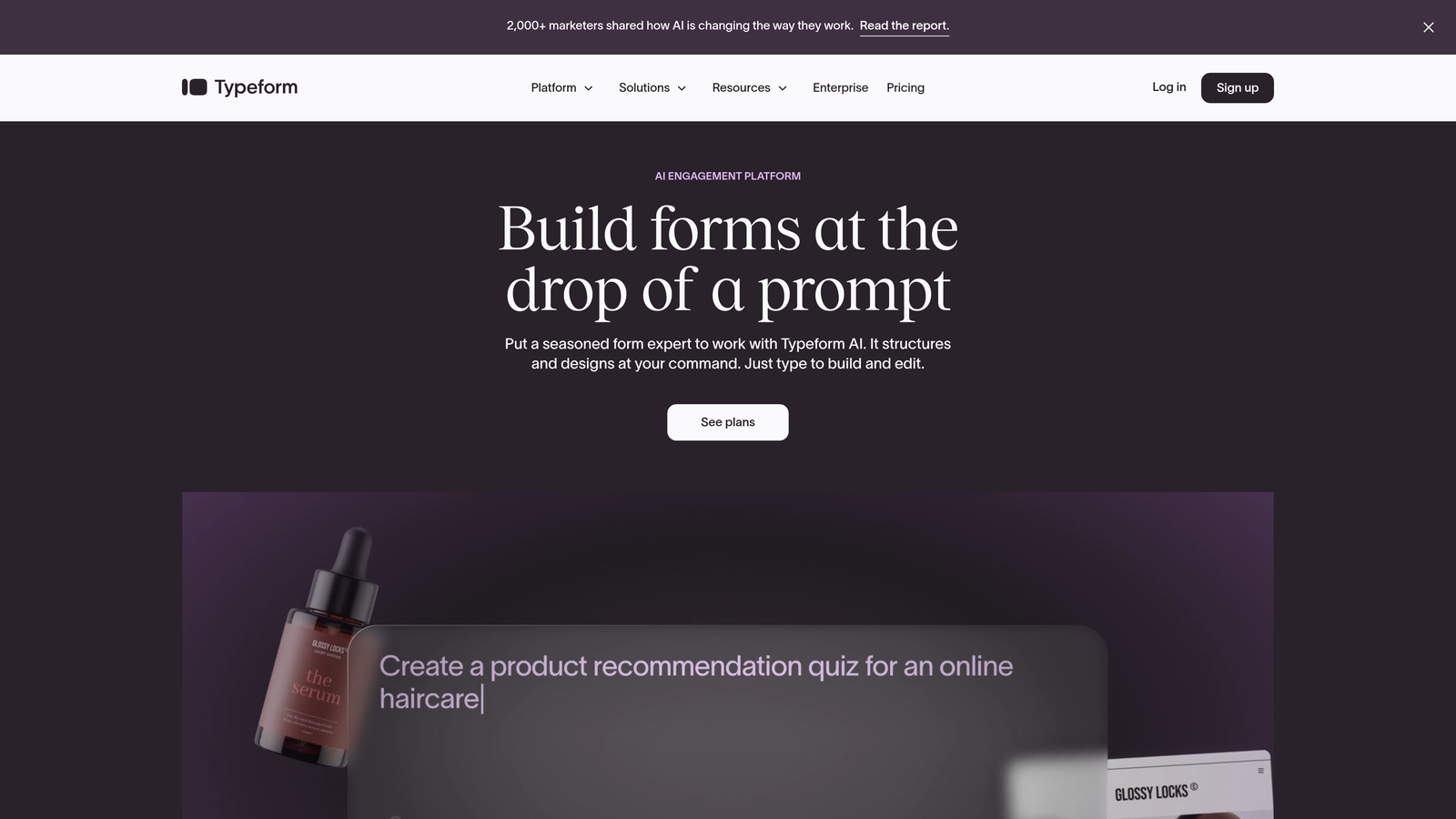
Typeform takes a radically different approach to form design, showing one question at a time in a conversational format that feels more like a chat than a form.
Where This Tool Shines
The one-question-at-a-time format reduces cognitive load and keeps people focused. Instead of seeing a wall of form fields, respondents answer questions in sequence, which typically results in higher completion rates compared to traditional multi-field forms.
Native integrations with HubSpot, Salesforce, and Pipedrive mean you get Typeform's superior user experience without sacrificing CRM connectivity. Logic jumps let you create branching paths where different responses lead to different questions, making forms feel personalized.
Key Features
Conversational Format: One-question-at-a-time design that increases engagement and completion rates.
Native CRM Integrations: Direct connections to HubSpot, Salesforce, and Pipedrive without middleware.
Logic Jumps: Branch to different questions based on previous answers for personalized experiences.
Rich Media Embedding: Add videos, images, and GIFs to make forms more engaging.
Custom Branding: Full control over colors, fonts, and design to match your brand identity.
Best For
B2C companies and creative teams who prioritize user experience and completion rates over form efficiency. Works particularly well for surveys, lead qualification questionnaires, and application forms where you're asking multiple questions.
Pricing
Free tier available with Typeform branding. Basic plan starts at $25/month, removing branding and adding logic jumps. Higher tiers unlock more responses and advanced features.
5. Jotform
Best for: Teams needing extensive form templates and payment collection alongside CRM integration
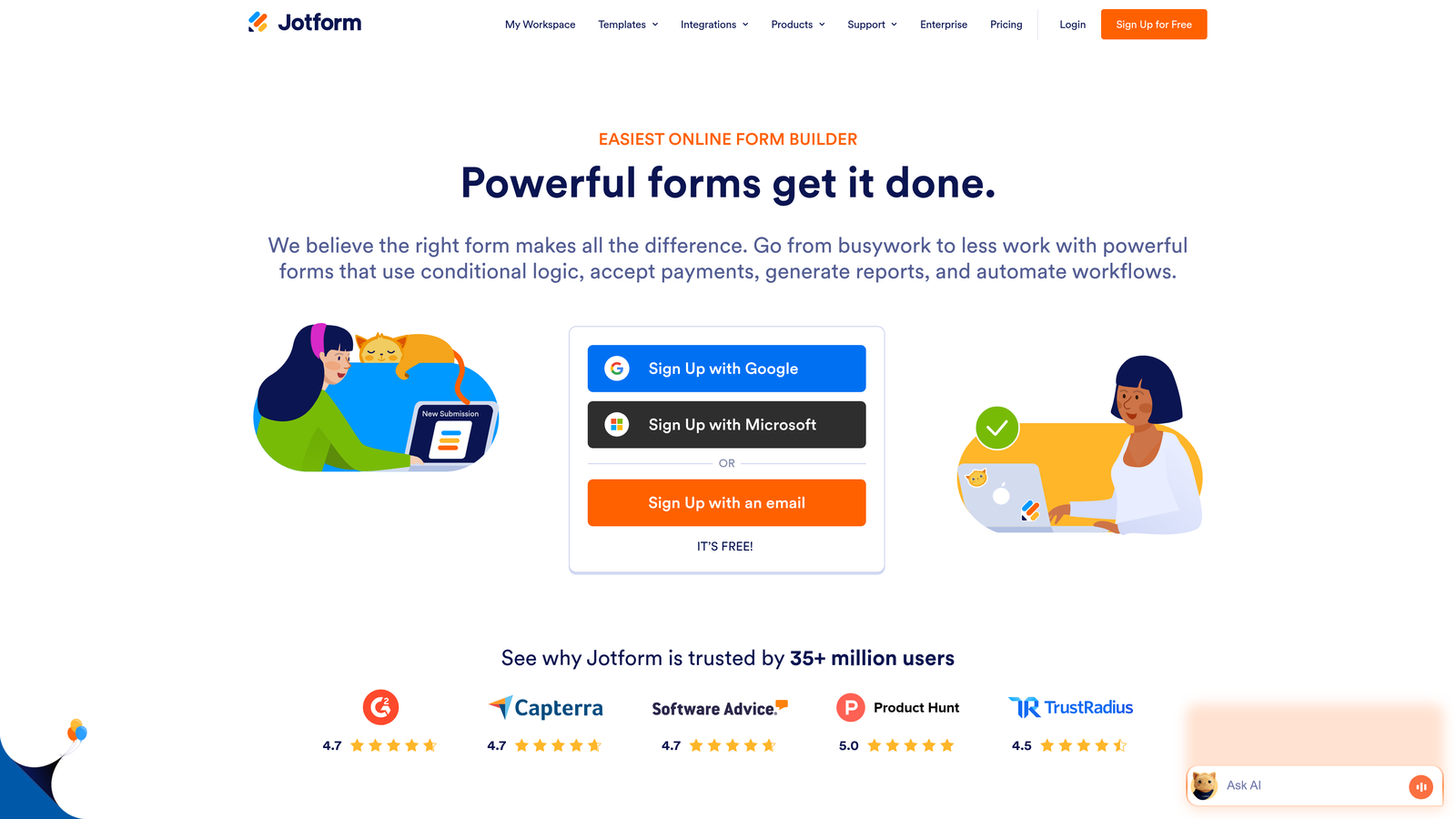
Jotform offers one of the largest template libraries in the industry, with over 10,000 pre-built forms covering virtually every use case imaginable.
Where This Tool Shines
The template library means you rarely start from scratch. Whether you need a registration form, order form, application, or survey, there's likely a template that's 80% of the way there already. Direct integrations with Salesforce, HubSpot, and Zoho handle the CRM sync.
Payment collection sets Jotform apart from pure lead capture tools. You can accept payments through 30+ payment gateways directly in your forms, making it valuable for teams that collect deposits, process orders, or charge application fees alongside capturing CRM data.
Key Features
10,000+ Form Templates: Pre-built forms for virtually every industry and use case.
Direct CRM Integrations: Native connections to Salesforce, HubSpot, Zoho, and other major platforms.
Payment Collection: Accept payments through 30+ gateways including PayPal, Stripe, and Square.
PDF Report Generation: Automatically create PDF documents from form submissions.
Approval Workflows: Route submissions through multi-step approval processes before CRM sync.
Best For
Small businesses and teams that need versatile forms handling everything from lead capture to payment processing. Particularly useful if you're not technical and want templates that work immediately rather than building custom forms.
Pricing
Free plan includes 5 forms and 100 monthly submissions. Paid plans start at $34/month for unlimited forms, more submissions, and payment integrations.
6. Make (formerly Integromat)
Best for: Technical teams building complex, multi-step workflows with advanced data transformation
Make provides a visual automation builder that handles significantly more complex scenarios than simple form-to-CRM data transfer.
Where This Tool Shines
Make's visual workflow builder shows you exactly how data flows through your automation. You can see each step, transformation, and decision point in a flowchart-style interface that makes complex logic comprehensible.
The platform excels at data transformation and enrichment. You can manipulate form data, call external APIs to enrich lead information, apply complex conditional logic, and handle errors with alternative paths—all before data reaches your CRM. This level of control makes Make powerful for teams with sophisticated lead processing requirements.
Key Features
Visual Workflow Builder: Drag-and-drop interface showing data flow through each automation step.
Advanced Data Transformation: Manipulate, format, and enrich data before syncing to your CRM.
Error Handling Paths: Define alternative actions when steps fail, preventing lost leads.
Scheduling and Webhooks: Trigger workflows on schedules or via real-time webhooks from form submissions.
1,500+ App Integrations: Connect forms to CRMs and dozens of other business tools.
Best For
Technical teams or those with developer resources who need precise control over how form data gets processed and enriched before CRM entry. The learning curve is steeper than Zapier, but the capabilities run deeper.
Pricing
Free tier includes 1,000 operations per month. Paid plans start at $9/month for 10,000 operations, with pricing scaling based on operation volume and features needed.
7. Formstack
Best for: Enterprise teams requiring HIPAA compliance, advanced security, and native Salesforce integration
Formstack focuses on enterprise needs, particularly in regulated industries where data security and compliance aren't optional.
Where This Tool Shines
HIPAA and GDPR compliance features make Formstack the go-to choice for healthcare, financial services, and other regulated industries. The platform offers business associate agreements, data encryption, and audit trails that meet strict regulatory requirements.
The native Salesforce integration goes beyond basic data sync. You can map form fields to custom Salesforce objects, create or update multiple records from a single submission, and trigger Salesforce workflows directly from form actions. Electronic signature capabilities add another layer of functionality for contracts and agreements.
Key Features
HIPAA and GDPR Compliance: Built-in features for regulated industries including BAAs and data encryption.
Native Salesforce Integration: Deep integration with custom object mapping and workflow triggers.
Electronic Signatures: Collect legally binding signatures directly in forms.
Workflow Automation: Multi-step approval processes and routing before CRM sync.
Advanced Security: Field-level encryption, SSO, and detailed audit logs.
Best For
Enterprise organizations in regulated industries that need compliance certifications and advanced security. Healthcare providers, financial institutions, and legal firms will appreciate the built-in compliance features that would otherwise require custom development.
Pricing
Forms product starts at $50/month. Salesforce integration requires add-on pricing that varies based on needs. Contact sales for enterprise pricing and compliance features.
8. Gravity Forms
Best for: WordPress sites needing powerful form functionality with CRM add-ons
Gravity Forms is the premium WordPress form plugin that thousands of sites rely on for everything from simple contact forms to complex multi-page applications.
Where This Tool Shines
Native WordPress integration means Gravity Forms works seamlessly with your existing site infrastructure. No external form hosting, no iframes, no third-party dependencies—forms live directly in your WordPress database and render as native page content.
CRM connectivity comes through official add-ons for Salesforce, HubSpot, and Zoho. While this requires additional setup compared to cloud-based form builders, it gives WordPress users powerful form capabilities without abandoning their existing platform. The developer-friendly architecture with extensive hooks makes custom integrations possible for teams with technical resources.
Key Features
Native WordPress Integration: Forms stored in your WordPress database with full theme compatibility.
CRM Add-Ons: Official extensions for Salesforce, HubSpot, Zoho, and other major CRMs.
Conditional Logic: Show or hide fields, pages, and notifications based on user responses.
File Uploads and Payments: Accept file submissions and process payments through major gateways.
Developer Hooks: Extensive filter and action hooks for custom functionality.
Best For
WordPress-based businesses that want to keep forms on their own infrastructure rather than using external platforms. Particularly valuable for sites already invested in the WordPress ecosystem with developers who can leverage the plugin's extensibility.
Pricing
Basic license starts at $59/year for a single site. Elite license at $259/year includes all add-ons including CRM integrations. No monthly fees—annual licensing model.
9. Tray.io
Best for: Enterprise teams needing complex data workflows, custom integrations, and dedicated support
Tray.io operates at the enterprise integration platform level, handling sophisticated workflows that go far beyond simple form-to-CRM data transfer.
Where This Tool Shines
Tray.io's low-code builder gives technical teams the power to build virtually any integration workflow without writing code from scratch. The platform handles complex data transformations, API calls to custom systems, and multi-system orchestration that simpler tools can't manage.
The API connector lets you integrate with proprietary systems and custom-built tools that don't have pre-built integrations. Enterprise-grade security, compliance certifications, and dedicated support make this the choice for large organizations with complex requirements and significant integration budgets.
Key Features
Low-Code Automation Builder: Visual interface for building complex workflows without extensive coding.
Complex Data Transformations: Advanced data manipulation, enrichment, and validation capabilities.
API Connector: Build custom integrations to proprietary systems and internal tools.
Enterprise Security: SOC 2 Type II, GDPR compliance, and other enterprise certifications.
Dedicated Support: Onboarding assistance and ongoing support for enterprise customers.
Best For
Large enterprises with complex integration requirements spanning multiple systems, custom-built tools, and sophisticated data workflows. The platform justifies its premium pricing for organizations where integration reliability and customization are business-critical.
Pricing
Custom enterprise pricing based on workflow complexity, data volume, and support requirements. Contact Tray.io for quotes—expect pricing aligned with enterprise integration platforms.
Making the Right Choice
Choosing the right CRM form integration tool depends on your tech stack, team size, and automation needs. For high-growth teams wanting AI-powered lead qualification built into their forms, Orbit AI delivers the most value with native CRM connections and intelligent routing that saves your sales team hours of manual qualification work.
If you're already deep in the HubSpot ecosystem, their native forms offer seamless sync with zero configuration. Teams juggling multiple tools will find Zapier or Make invaluable for connecting everything, though Make provides more power for complex workflows while Zapier wins on ease of use.
WordPress users should look at Gravity Forms for keeping everything in their existing infrastructure. Enterprise teams with compliance needs will appreciate Formstack's security features and HIPAA readiness. Typeform stands out when completion rates and user experience matter more than form efficiency. Jotform's massive template library and payment capabilities make it versatile for small businesses handling diverse form types.
Start by mapping your current form-to-CRM workflow and identify where leads get stuck. Are prospects falling through the cracks during manual data entry? Is your sales team wasting time on unqualified leads? Do you need sophisticated routing logic or just basic data sync? Your pain points will guide you to the right tool.
Most options offer free trials or free tiers. Test your top two choices with real forms and actual CRM data before committing. Pay attention to setup time, field mapping accuracy, and how easily your team can maintain the integration without constant IT involvement.
Transform your lead generation with AI-powered forms that qualify prospects automatically while delivering the modern, conversion-optimized experience your high-growth team needs. Start your free trial today and see how intelligent form design can elevate your conversion strategy.


