

Not all form builders handle file uploads well. Some cap file sizes at frustratingly low limits, others bury the feature behind expensive plans, and a few make it genuinely painful to manage submitted files once they arrive. If collecting documents, images, portfolios, or media is core to your workflow — whether you're qualifying leads, onboarding clients, or running applications — you need a builder that treats file uploads as a first-class feature, not an afterthought.
This list covers the top form builders with file upload capabilities in 2026. We evaluated each tool on upload limits, file type support, storage options, ease of use, and how well file collection integrates into broader workflows like lead qualification and CRM syncing. Whether you're a high-growth SaaS team, a marketing agency, or a solo operator, there's a strong option here for your use case.
1. Orbit AI
Best for: High-growth teams that need file uploads connected to lead qualification and CRM workflows
Orbit AI is an AI-powered form builder that combines file uploads with intelligent lead qualification and conditional logic, built for teams where every submission needs to be acted on, not just stored.

Where This Tool Shines
Most form builders treat file uploads as a passive collection mechanism. Orbit AI takes a different approach: uploaded files become part of the lead qualification process. When a prospect submits a portfolio, brief, or document, the AI scoring layer can factor that submission into how the lead is routed and prioritized. That's a meaningful upgrade for sales and marketing teams that rely on file intake as part of their qualification flow.
The conditional logic capabilities are equally strong. You can show or hide upload fields based on earlier answers, so respondents only see the fields relevant to them. Combined with a modern, conversion-optimized UI that works beautifully on mobile, the result is a form experience that feels intentional rather than generic.
Key Features
Conditional File Upload Logic: Show or hide upload fields dynamically based on previous answers, reducing friction for respondents.
AI Lead Qualification: Scores and routes submissions automatically, incorporating uploaded file context into the qualification process.
Conversion-Optimized Design: Modern, mobile-friendly form UI built to maximize completion rates for high-stakes forms.
CRM and Workflow Integrations: Route qualified leads and their associated files directly to your CRM or downstream tools without manual handling.
Flexible File Support: Accepts documents, images, and media with configurable file type and size options to match your intake requirements.
Best For
SaaS companies, marketing agencies, and high-growth teams where file collection is part of a lead intake or client onboarding flow. Particularly valuable when you need submissions to trigger action, not just land in a folder. If your team is manually sorting through uploaded files to decide who to follow up with, Orbit AI is designed to solve exactly that problem.
Pricing
Paid plans available. Visit orbitforms.ai for current pricing details and plan options.
2. Typeform
Best for: User-facing forms where completion rate and brand experience are top priorities
Typeform is a conversational form builder known for its polished one-question-at-a-time experience, with file upload support available on paid plans.

Where This Tool Shines
Typeform's core strength is respondent experience. The one-question-at-a-time format reduces cognitive load and keeps abandonment rates lower on longer forms. For user-facing forms where your brand impression matters as much as the data you collect, Typeform consistently delivers a premium feel that generic builders can't match.
File uploads are supported from the Basic plan upward, with logic jumps allowing you to prompt uploads conditionally based on earlier answers. It's not the most powerful file upload implementation in this list, but it's well-integrated into the overall form flow.
Key Features
One-Question-at-a-Time UI: Reduces form abandonment by presenting questions sequentially in a focused, distraction-free format.
File Upload Field: Available on Basic plan and above, with logic jumps to show upload prompts conditionally.
Brand Customization: Strong visual controls for matching forms to your brand identity, including custom fonts, colors, and backgrounds.
Logic Jumps: Conditional branching that can route respondents to upload fields based on their previous answers.
Integrations: Native connections to HubSpot, Slack, Google Sheets, Mailchimp, and more via Zapier.
Best For
Marketing teams and agencies creating customer-facing forms where visual polish and completion rates are critical. Less suited for heavy document collection workflows or teams that need large file size allowances, but excellent for intake forms, surveys, and lead capture where experience matters.
Pricing
Free tier available with limited features. Paid plans start at approximately $29/month. File uploads require a paid plan.
3. Jotform
Best for: Teams needing the most comprehensive file upload feature set, including cloud storage routing and compliance options
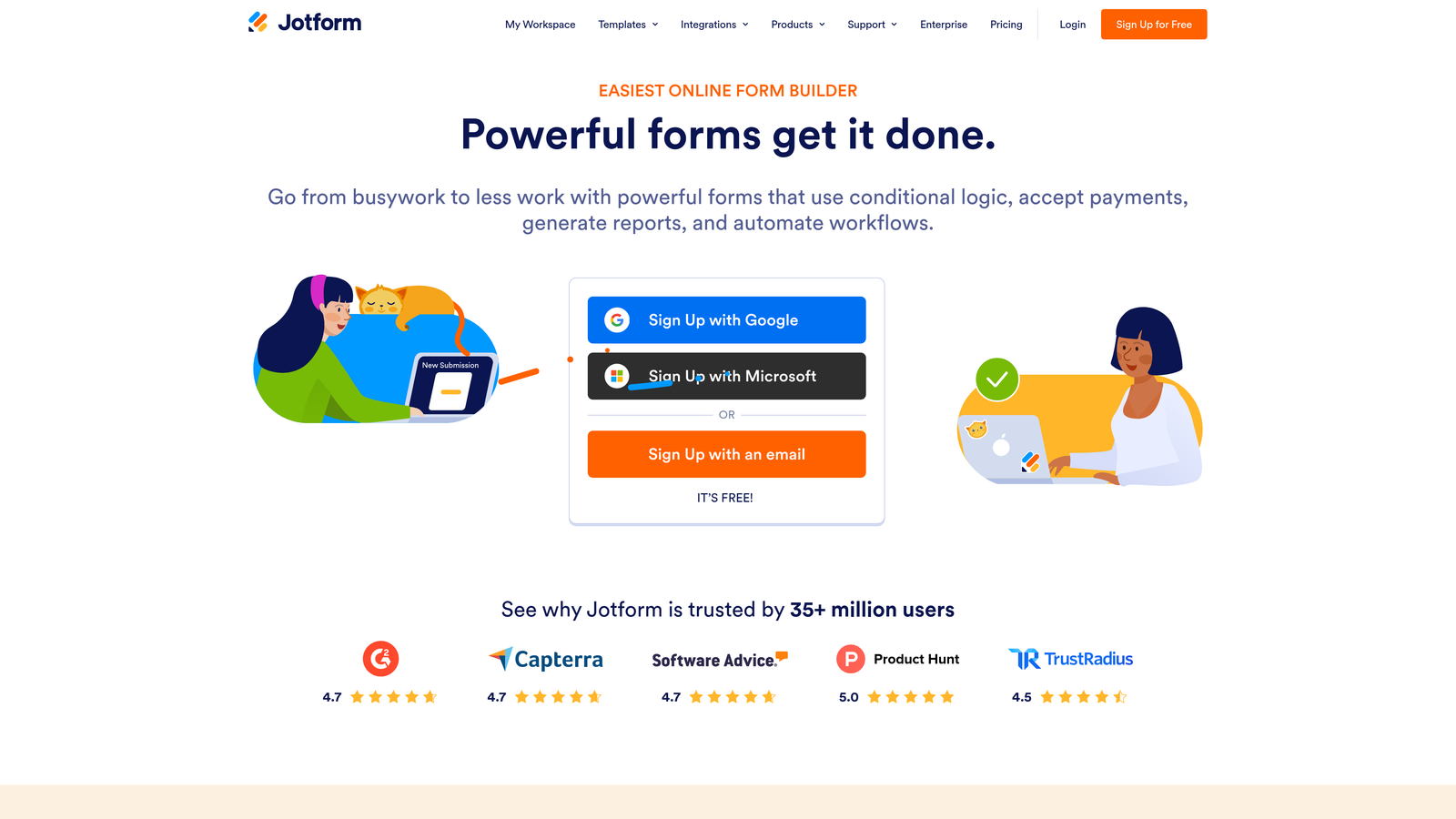
Jotform is a feature-rich form builder with one of the most thorough file upload implementations available, including multi-file support, broad file type acceptance, and deep cloud storage integrations.
Where This Tool Shines
If file uploads are central to your workflow rather than an occasional need, Jotform is hard to beat on raw capability. You can configure multiple file uploads per question, restrict accepted file types, and route submissions directly to Google Drive, Dropbox, Box, or OneDrive. For teams with existing cloud infrastructure, that routing flexibility is a significant operational advantage.
Jotform's breadth extends well beyond file uploads. With over 100 integrations covering CRMs, payment processors, and project management tools, it functions as a genuine workflow hub rather than just a form tool.
Key Features
Multi-File Upload: Accept multiple files per question with configurable file type restrictions and size limits.
Cloud Storage Integrations: Route uploaded files directly to Google Drive, Dropbox, Box, or OneDrive automatically.
HIPAA-Compliant Plans: Available for healthcare, legal, and other sensitive file collection use cases.
Extensive Integration Library: 100+ native integrations with CRMs, payment processors, email platforms, and project tools.
Storage Included: Plans include storage with higher limits on paid tiers, reducing reliance on external routing for smaller teams.
Best For
Agencies, nonprofits, schools, and operations teams that collect files regularly and need maximum flexibility in how those files are handled. Also a strong choice for healthcare and HR teams that need compliance-grade file storage without building a custom solution.
Pricing
Free tier available with storage limits. Paid plans start at approximately $34/month with increased storage and submission limits.
4. Tally
Best for: Freelancers and early-stage teams who need file uploads without paying for a form tool
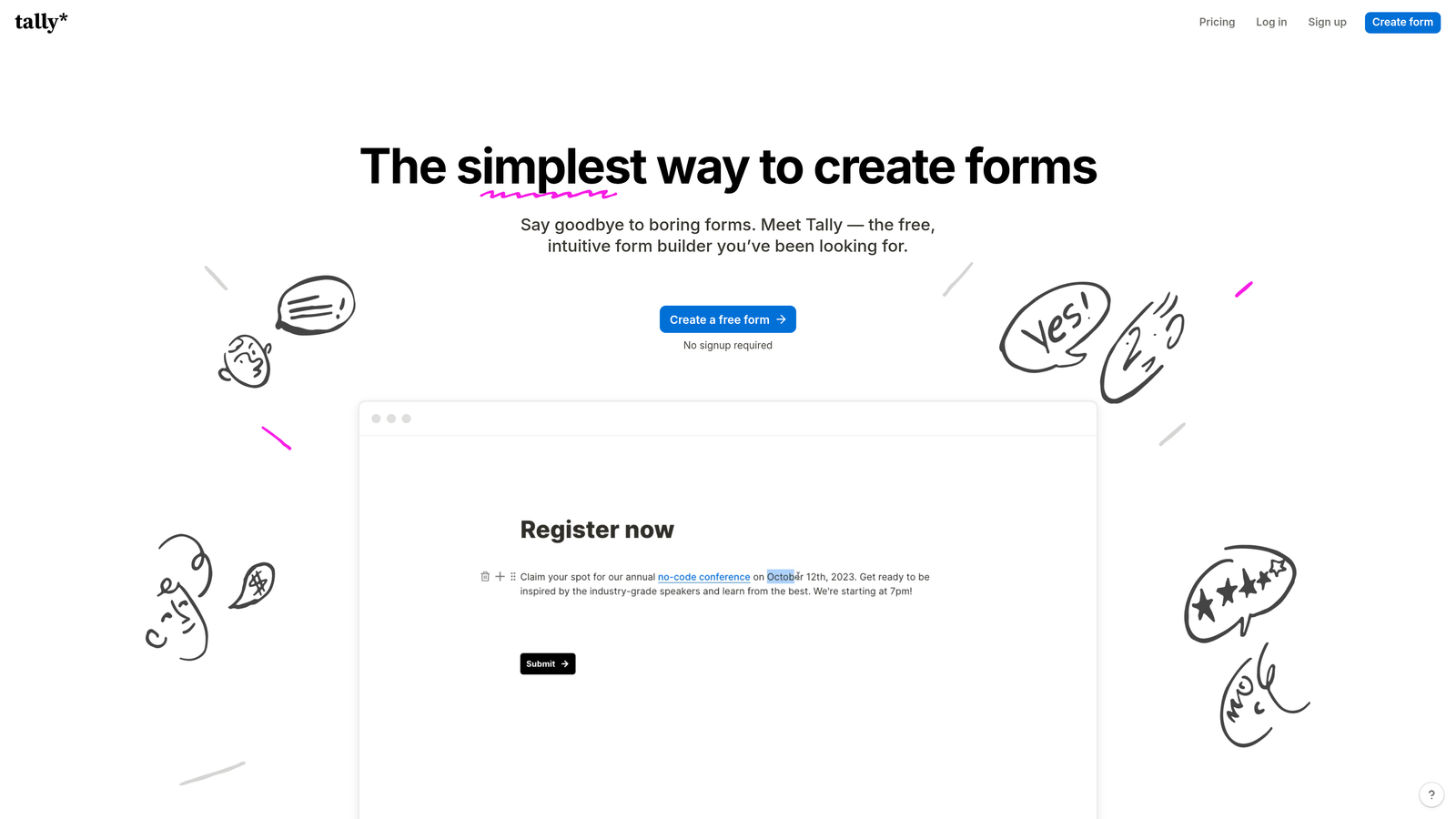
Tally is a minimalist, Notion-inspired form builder that includes file uploads on its free tier, making it one of the few tools in this category to offer that without a paywall.
Where This Tool Shines
Tally's free tier is genuinely generous. Unlimited forms, unlimited submissions, and file upload support — all at no cost. For freelancers, early-stage startups, or teams exploring file collection without a budget commitment, that's a compelling starting point that most competitors simply don't match.
The Notion-like block editor makes building forms fast and intuitive. If your team already lives in Notion, the mental model transfers immediately. The tradeoff is that Tally's free tier caps file sizes, and the overall feature set is lighter than more mature tools in this list.
Key Features
File Uploads on Free Plan: One of the only tools in this category to include file upload support without requiring a paid subscription.
Notion-Style Block Editor: Fast, intuitive form building that feels familiar to teams already using Notion for documentation.
Unlimited Forms and Submissions: No artificial caps on form volume or response counts, even on the free tier.
Pro Plan Upgrades: Increases file size limits and unlocks advanced features like custom domains and hidden fields.
Webhook and Zapier Support: Route submissions to downstream tools and workflows without manual handling.
Best For
Freelancers, indie hackers, and early-stage teams that need functional file collection without a monthly tool budget. Also useful for internal forms within small teams where the Notion-style editor speeds up form creation significantly.
Pricing
Free tier includes file uploads with size limits. Pro plan at approximately $29/month with increased file size allowances and advanced features.
5. Paperform
Best for: Service businesses combining file collection with payments and appointment scheduling in a single form
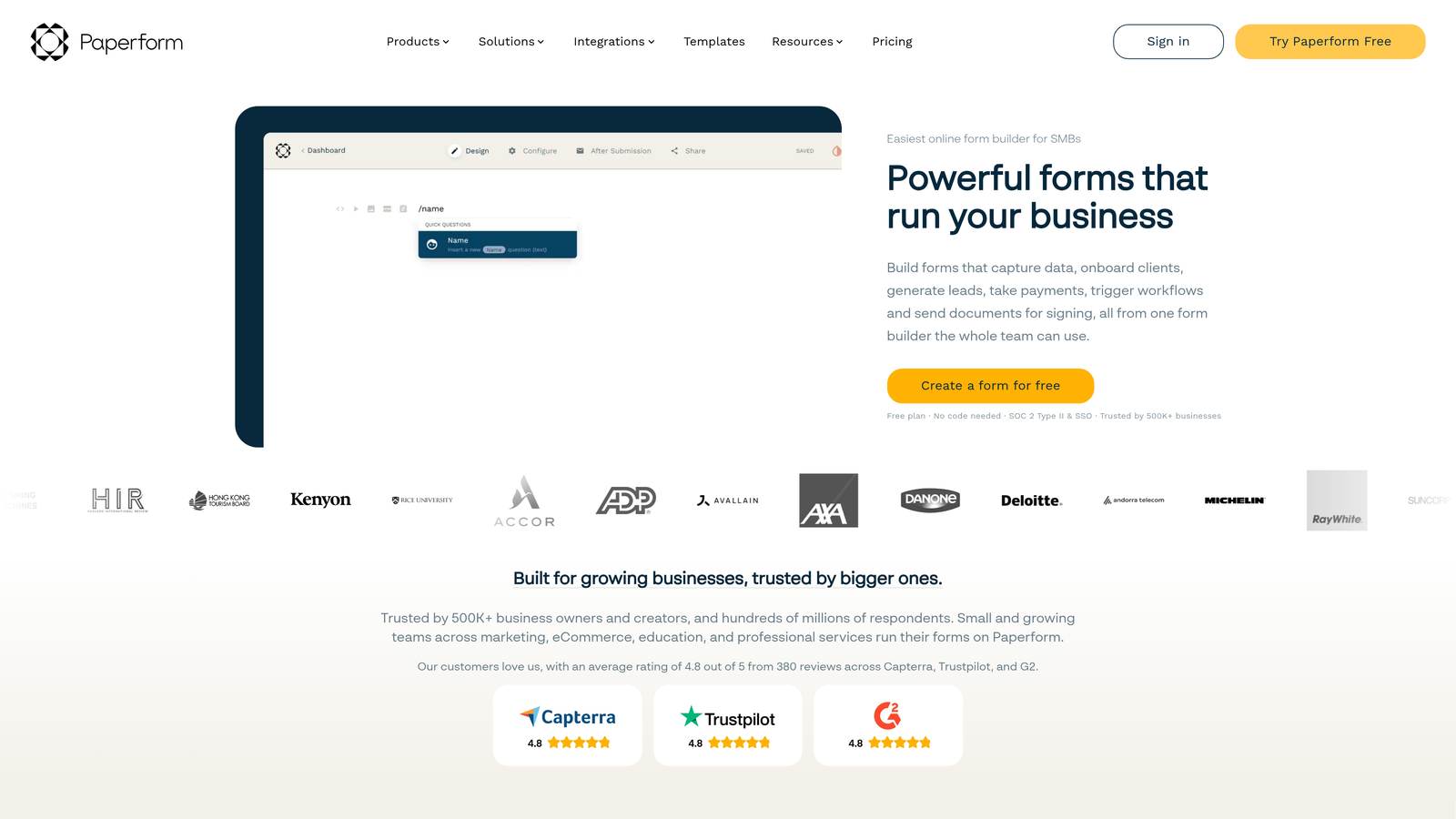
Paperform is a document-style form builder that combines file uploads with payments, scheduling, and rich content, making it ideal for service businesses collecting project briefs alongside bookings.
Where This Tool Shines
Paperform's document-style editor is its biggest differentiator. Rather than building a traditional form, you're creating something closer to a rich landing page: embed images, video, descriptive text, and form fields in the same flow. For service businesses that want to provide context or instructions alongside their intake form, this format is far more natural than a stripped-down question list.
The combination of file uploads, payment collection, and scheduling in a single form is genuinely useful for agencies, consultants, and creative professionals. A client can review your brief template, upload reference materials, pay a deposit, and book a kickoff call in one seamless experience.
Key Features
File Uploads with Payments: Collect files and process payments in the same form, removing friction from service intake flows.
Rich Content Editor: Embed images, videos, and formatted text between questions to provide context alongside file upload prompts.
Scheduling Integration: Combine appointment booking with file intake for a complete onboarding experience.
Conditional Logic: Dynamic file upload prompts that appear based on earlier answers in the form.
Integrations: Stripe for payments, Zapier for workflow automation, and connections to major CRMs.
Best For
Agencies, consultants, photographers, and service businesses where client onboarding involves collecting a brief, a deposit, and a scheduled call. Less suited for high-volume lead generation or enterprise compliance requirements.
Pricing
Plans start at approximately $24/month. No free tier, but a trial period is available.
6. Cognito Forms
Best for: Compliance-sensitive industries where encrypted file storage and HIPAA eligibility are required
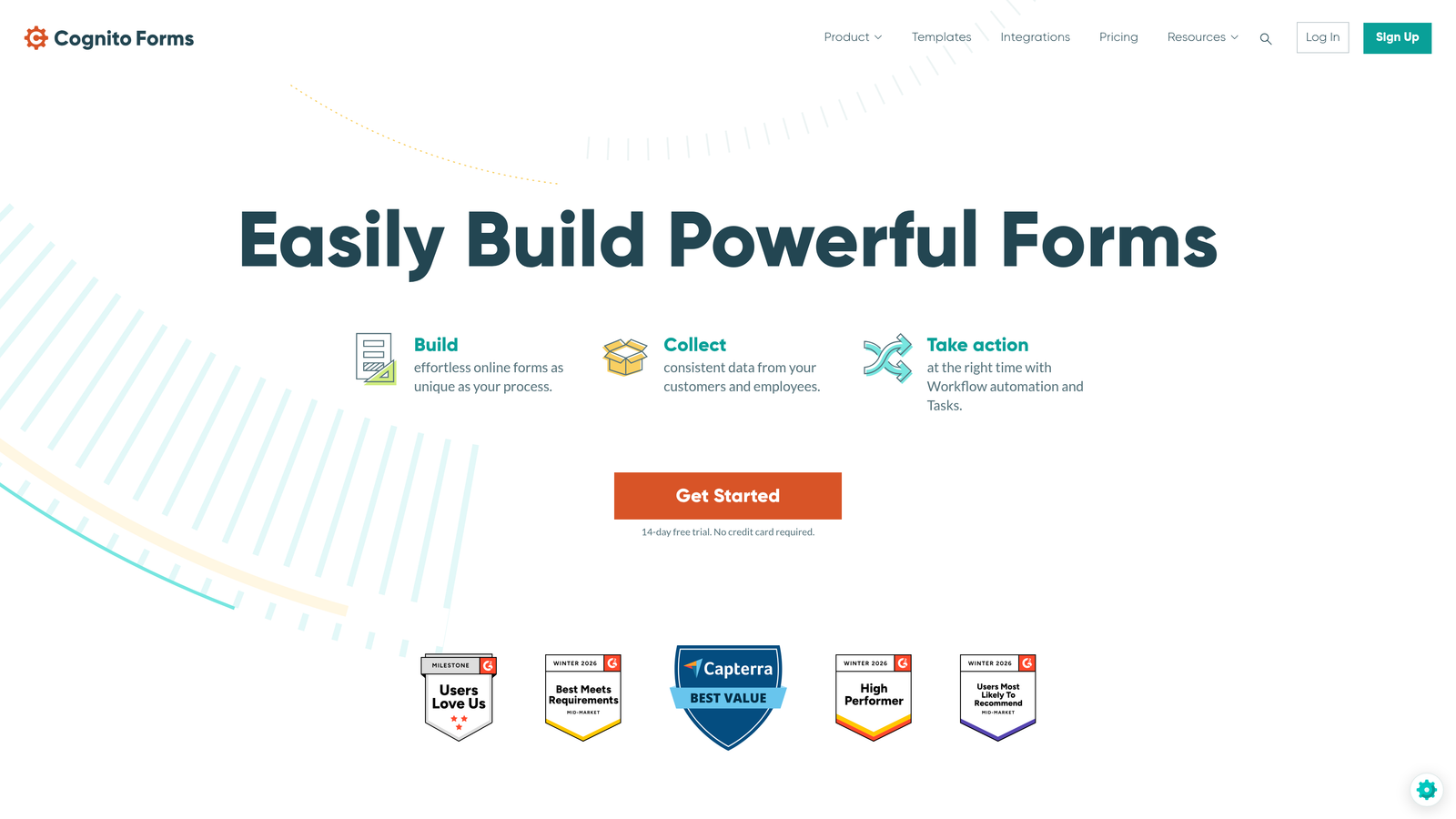
Cognito Forms is a security-forward form builder with encrypted file storage and HIPAA-eligible plans, built for industries where compliance is non-negotiable.
Where This Tool Shines
For healthcare, legal, HR, and financial use cases, Cognito Forms offers a compliance-grade foundation at a price point that doesn't require an enterprise contract. Encrypted file storage and HIPAA-eligible plans are available without jumping to a costly tier, which sets it apart from tools that treat compliance as a premium add-on.
The repeating sections feature is worth highlighting specifically: it allows respondents to upload a variable number of files without you needing to pre-configure every possible upload slot. That's a practical advantage for applications, HR intake, and any form where the number of required files varies by respondent.
Key Features
Encrypted File Storage: Files are stored with encryption by default, with HIPAA-eligible plan options for sensitive data collection.
Multi-File Upload: Support for multiple file uploads with configurable file type and size restrictions.
Repeating Sections: Allow respondents to submit a variable number of files dynamically without pre-configured upload slots.
Calculation Fields: Built-in math and logic fields useful for quote forms, applications, and intake workflows.
Conditional Logic: Show or hide fields, including upload prompts, based on prior responses.
Best For
Healthcare providers, HR departments, legal teams, and financial services organizations that need compliance-grade file collection without enterprise pricing. Also a solid choice for any team collecting sensitive documents where encrypted storage is a baseline requirement.
Pricing
Free tier available with basic features. Paid plans start at approximately $15/month, with HIPAA-eligible plans at higher tiers.
7. Google Forms
Best for: Internal use within Google Workspace organizations that need zero-cost file collection
Google Forms is a free, no-setup form tool that routes file uploads directly to Google Drive, functional for internal use within Google Workspace organizations.

Where This Tool Shines
Google Forms wins on accessibility and cost. If your team already lives in Google Workspace, file collection is essentially zero-effort: respondents upload files, those files land automatically in a linked Google Drive folder, and responses populate a Google Sheet. No configuration, no integrations to set up, no monthly fee.
For internal workflows — collecting assets from teammates, gathering documents for an internal review, or running a simple intake process within a closed organization — it's hard to argue against something this frictionless. The critical limitation is that file uploads require respondents to have a Google account, which makes it unsuitable for external-facing forms where you can't control who's responding.
Key Features
Direct Google Drive Integration: Uploaded files route automatically to Google Drive with zero configuration required.
Completely Free: No cost beyond a standard Google account, making it accessible for any team size.
Google Sheets Response Tracking: All submissions, including file links, populate automatically in a connected spreadsheet.
Familiar Interface: Minimal learning curve for teams already using Google Workspace daily.
Basic Logic: Simple conditional question branching for straightforward form flows.
Best For
Internal teams within Google Workspace organizations that need simple, cost-free file collection. Not recommended for external-facing forms, lead generation, or any use case requiring advanced logic, branding, or compliance features.
Pricing
Completely free with a Google account. Google Workspace plans include additional storage and admin controls.
8. Formstack
Best for: Enterprise teams that need file uploads to trigger approval workflows and document generation
Formstack is an enterprise-grade form platform where file uploads can trigger multi-step approval workflows, document generation, and advanced data routing across complex organizational structures.
Where This Tool Shines
Formstack operates at a different level of complexity than most tools on this list. File uploads aren't just collected — they can initiate structured approval chains, populate generated documents, and route data across multiple enterprise systems simultaneously. For organizations with formal review processes attached to submitted files, that workflow depth is difficult to replicate elsewhere.
The platform's deep integrations with Salesforce, HubSpot, and other enterprise CRMs mean that submitted files and their associated form data move cleanly into existing systems without manual intervention. This is the tool for organizations where form submissions need to fit into a larger operational architecture.
Key Features
Approval Workflow Integration: File uploads can trigger structured, multi-step approval processes within the platform.
Document Generation: Automatically generate documents from form submissions, incorporating uploaded files into the output.
Enterprise Security and Compliance: Advanced security controls and compliance features suitable for regulated industries.
Enterprise CRM Integrations: Deep native connections to Salesforce, HubSpot, and other enterprise platforms.
Advanced Conditional Logic: Complex field logic and branching for sophisticated multi-step forms.
Best For
Enterprise teams in regulated industries, large organizations with formal document approval processes, and companies that need form submissions to integrate deeply with Salesforce or other enterprise systems. The price point reflects the feature set — this isn't the right tool for small teams or straightforward use cases.
Pricing
Plans start at approximately $83/month. Enterprise pricing available for larger organizations with advanced requirements.
9. 123FormBuilder
Best for: SMBs that need reliable multi-file upload support with cloud storage integrations at an accessible price
123FormBuilder is a reliable mid-market form builder with multi-file upload support and cloud storage integrations at a price point that works for growing businesses without enterprise budgets.
Where This Tool Shines
123FormBuilder sits in a practical middle ground: more capable than free tools like Google Forms, more accessible than enterprise platforms like Formstack. Multi-file upload support, configurable file type restrictions, and direct integrations with Google Drive and Dropbox cover the core needs of most SMB file collection workflows without requiring significant setup or budget.
The 2,000+ template library accelerates form creation for teams that don't want to build from scratch. Combined with conditional logic and HIPAA compliance options on higher plans, it's a versatile option for businesses that need more than the basics without committing to enterprise pricing.
Cloud Storage Integrations: Route uploaded files to Google Drive or Dropbox directly from the form submission.
2,000+ Templates: Extensive template library for rapid form creation across a wide range of use cases.
Conditional Logic: Branching and field visibility rules to create dynamic, relevant form experiences.
Compliance Options: HIPAA and GDPR compliance available on higher-tier plans for sensitive file collection.
Best For
Small to mid-sized businesses that need dependable multi-file upload support with cloud storage routing and don't require the advanced workflow features of enterprise tools. A solid, no-surprises choice for teams that want reliability over innovation.
Pricing
Free tier available with basic features. Paid plans start at approximately $32/month with increased file limits and integrations.
Which Tool Is Right for Your Workflow
The right form builder depends almost entirely on what happens after a file is submitted. Are you qualifying a lead, triggering an approval, routing to cloud storage, or simply collecting for internal review? The answer narrows the field quickly.
For high-growth teams where file uploads are part of a lead qualification or client onboarding flow, Orbit AI is the standout choice. The combination of AI lead scoring, conditional upload logic, and CRM routing means submitted files don't just land in a folder — they become part of an automated qualification process. That's a genuine operational advantage for SaaS companies and agencies where every submission represents a potential customer.
If compliance is your primary concern, Cognito Forms offers HIPAA-eligible encrypted storage at a price point that's hard to beat. For enterprise teams with formal approval workflows, Formstack has the depth you need. Jotform wins on raw file upload capability and integration breadth. Tally is the go-to if you need file uploads on a zero budget. And for service businesses combining intake with payments and scheduling, Paperform's document-style editor is uniquely suited to that workflow.
Google Forms remains the right answer for one specific scenario: internal file collection within a Google Workspace organization where cost and simplicity are the only criteria.
If your team is ready to move beyond passive file collection and start treating every submission as a qualified lead opportunity, Start your free trial today and see how intelligent form design can transform your conversion strategy.


