

Generic forms kill conversions. When every lead looks the same, sales teams waste hours chasing dead ends while hot prospects slip away. Custom form builders designed for lead generation solve this by letting you capture exactly the data you need, qualify leads in real-time, and route high-intent prospects to your team instantly.
This guide covers the top form builders specifically built for lead generation—not general survey tools or basic contact forms. We evaluated each platform on customization depth, lead qualification features, integration capabilities, and conversion optimization tools. Whether you're a startup capturing your first leads or an enterprise team processing thousands monthly, you'll find the right fit here.
1. Orbit AI
Best for: High-growth teams who need AI-powered lead qualification built into their forms
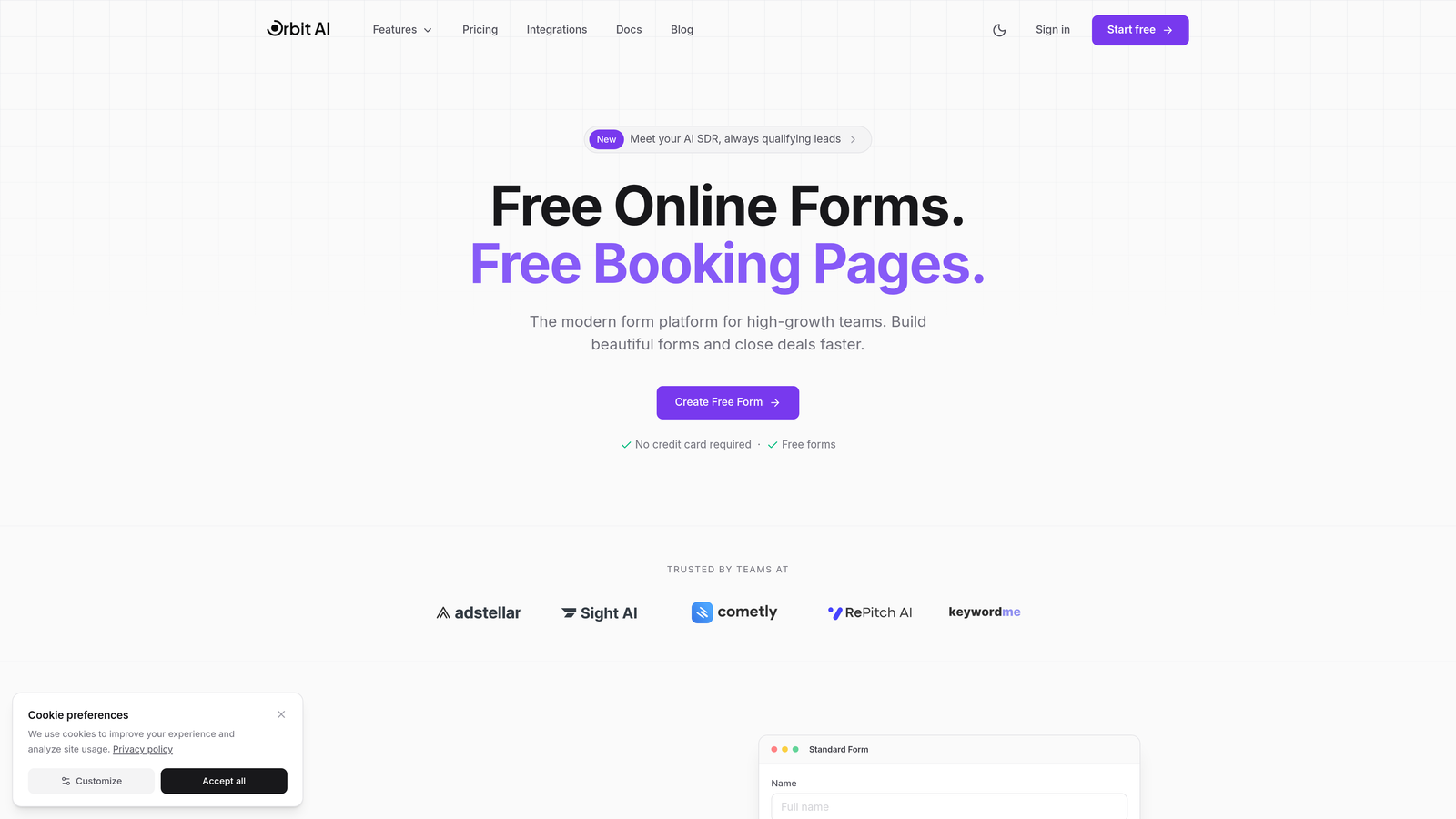
Orbit AI is an AI-powered form builder platform that automatically scores and qualifies leads as they submit, helping sales teams focus on high-intent prospects.
Where This Tool Shines
The platform's standout feature is its built-in AI qualification engine that analyzes lead submissions in real-time. Instead of treating every form fill as equal, it scores prospects based on their responses and routes hot leads directly to your sales team while nurturing others through automated sequences.
What sets Orbit AI apart is how it combines beautiful, conversion-optimized form design with intelligent backend processing. You're not choosing between forms that look good and forms that work smart—you get both in one platform designed specifically for modern growth teams.
Key Features
AI-Powered Lead Scoring: Automatically evaluates and scores every submission based on custom qualification criteria you define.
Conditional Logic with Smart Routing: Shows or hides fields based on responses and routes leads to the right team members instantly.
Native CRM Integrations: Connects directly with major CRMs to sync qualified leads without manual data entry.
Conversion-Optimized Templates: Pre-built form templates designed specifically for lead generation across various industries.
Real-Time Analytics Dashboard: Track form performance, conversion rates, and lead quality metrics in one unified view.
Best For
Orbit AI works best for high-growth B2B teams, SaaS companies, and marketing agencies that handle significant lead volume and need to separate qualified prospects from tire-kickers automatically. It's particularly valuable when your sales team is drowning in unqualified leads.
Pricing
Free tier available for getting started. Paid plans begin at $29/month with scaling options based on submission volume and team size.
2. Typeform
Best for: Creating conversational, engaging form experiences that feel more like dialogue than data collection
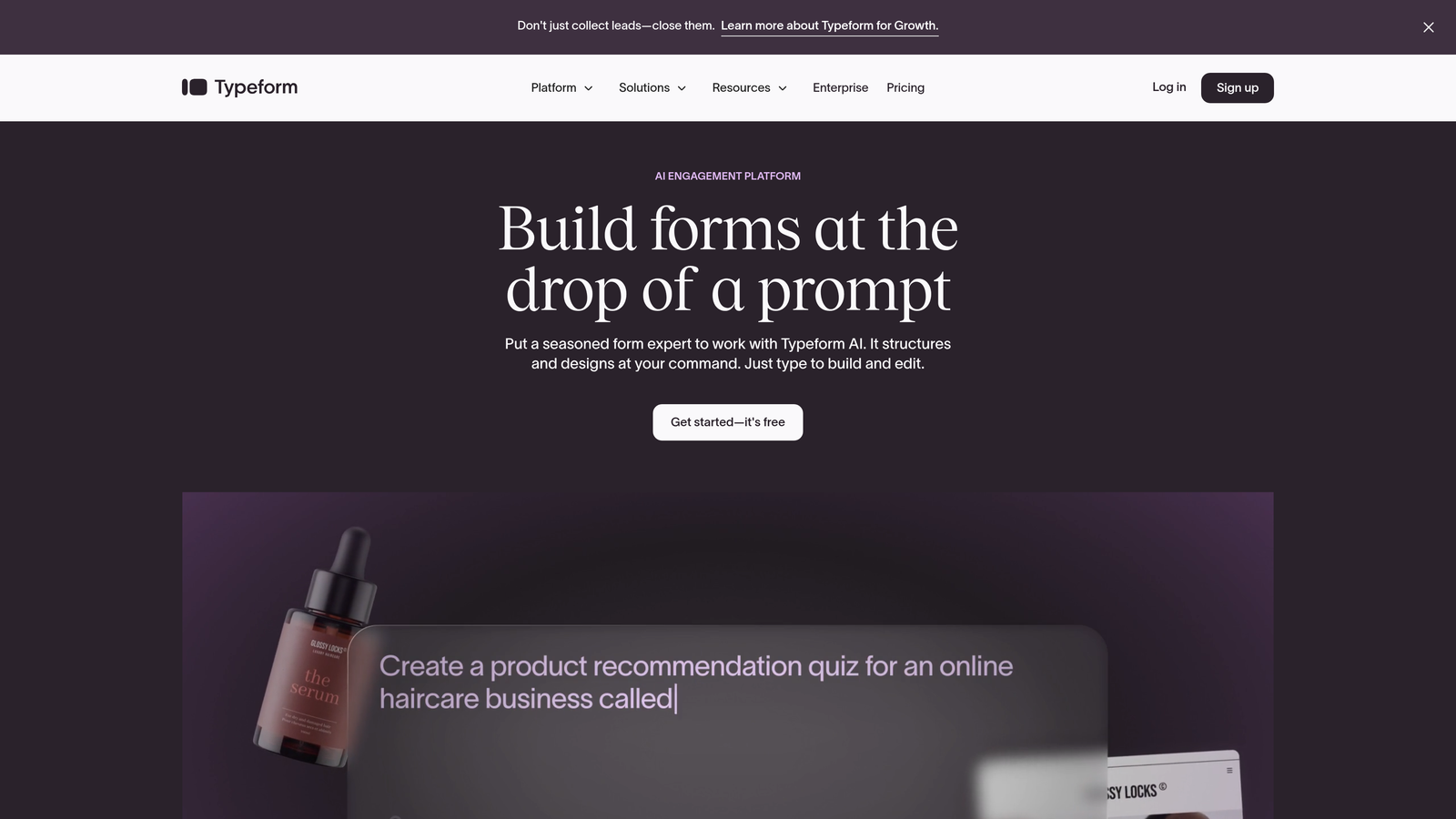
Typeform is a conversational form builder known for its signature one-question-at-a-time format that transforms standard lead capture into human-feeling interactions.
Where This Tool Shines
Typeform pioneered the conversational form approach, and it still delivers the most polished experience in this category. Instead of overwhelming prospects with a wall of fields, it presents questions sequentially, creating a flow that feels more like a conversation than an interrogation.
The platform excels at reducing form abandonment through its engaging UX. By breaking complex lead capture into bite-sized steps with smooth animations and transitions, it keeps prospects moving forward even through longer qualification sequences.
Key Features
Conversational One-at-a-Time Format: Presents questions sequentially with smooth transitions that maintain engagement throughout the form.
Logic Jumps and Branching: Creates dynamic paths based on answers, showing relevant questions while skipping irrelevant ones.
Video and Image Embedding: Enriches forms with multimedia content to explain complex offerings or build trust.
Native Integrations with Major CRMs: Connects with Salesforce, HubSpot, Mailchimp, and hundreds of other platforms through Zapier.
Mobile-Optimized by Default: Every form automatically adapts perfectly to mobile devices without additional configuration.
Best For
Typeform is ideal for teams prioritizing user experience and engagement over pure functionality. It works particularly well for creative agencies, consumer brands, and companies with longer qualification processes that benefit from conversational flow.
Pricing
Free tier available with basic features. Basic paid plan starts at $25/month, with higher tiers unlocking advanced logic and integrations.
3. HubSpot Forms
Best for: HubSpot users who need seamless CRM integration and progressive profiling capabilities
HubSpot Forms is the native form builder within HubSpot's marketing platform, offering deep CRM integration and smart field technology that remembers previous interactions.

Where This Tool Shines
If you're already in the HubSpot ecosystem, nothing beats the native integration. Forms sync directly with contact records, automatically updating fields and triggering workflows without third-party connectors or data mapping headaches.
The progressive profiling feature is genuinely clever—it remembers what information you've already collected from returning visitors and asks new questions instead. This prevents the awkward experience of asking someone their company name for the third time while steadily building richer contact profiles.
Key Features
Direct CRM Field Mapping: Every form field maps directly to HubSpot contact properties with zero configuration required.
Progressive Profiling (Smart Fields): Automatically replaces known information with new questions for returning visitors to enrich data over time.
Dependent Field Logic: Shows or hides fields based on previous answers to create dynamic, relevant form experiences.
Automatic Contact Creation: Instantly creates or updates contact records in your CRM the moment someone submits.
Built-in Analytics: Track form views, submissions, and conversion rates directly in your HubSpot dashboard.
Best For
HubSpot Forms is the obvious choice for companies already using HubSpot CRM or Marketing Hub. The native integration eliminates sync issues and data silos that plague third-party form tools.
Pricing
Free with HubSpot CRM. Advanced features like progressive profiling and dependent fields require paid Marketing Hub subscriptions starting at $45/month.
4. Leadformly
Best for: Performance marketers who need built-in A/B testing and conversion optimization features
Leadformly is a lead generation-focused form builder that treats every form as a conversion optimization experiment with native split testing capabilities.

Where This Tool Shines
Leadformly was built specifically for marketers who obsess over conversion rates. The platform includes A/B testing functionality right out of the box, so you can test different form lengths, field orders, and copy variations without external tools or complicated setups.
The multi-step form builder excels at reducing abandonment by breaking long forms into digestible sections with progress indicators. Combined with partial submission capture—which saves incomplete entries—you can recover leads who would otherwise disappear into the void.
Key Features
Multi-Step Form Builder: Creates sequential form experiences with progress bars that encourage completion of longer qualification processes.
Built-in A/B Testing: Test different form variations directly in the platform and track which versions convert better.
Lead Scoring Rules: Assign point values to specific answers to automatically prioritize high-quality leads.
Conversion Analytics: Detailed reporting on drop-off points, completion rates, and field-level performance to identify optimization opportunities.
Partial Submission Capture: Saves incomplete form data so you can follow up with leads who abandoned mid-process.
Best For
Leadformly suits performance marketing teams running paid campaigns where every percentage point of conversion rate matters. It's particularly valuable for agencies managing multiple client campaigns that require constant testing and optimization.
Pricing
Plans start at $37/month for basic features, with higher tiers unlocking additional testing capabilities and submission volume.
5. Jotform
Best for: Teams needing versatile form functionality with extensive templates across various use cases
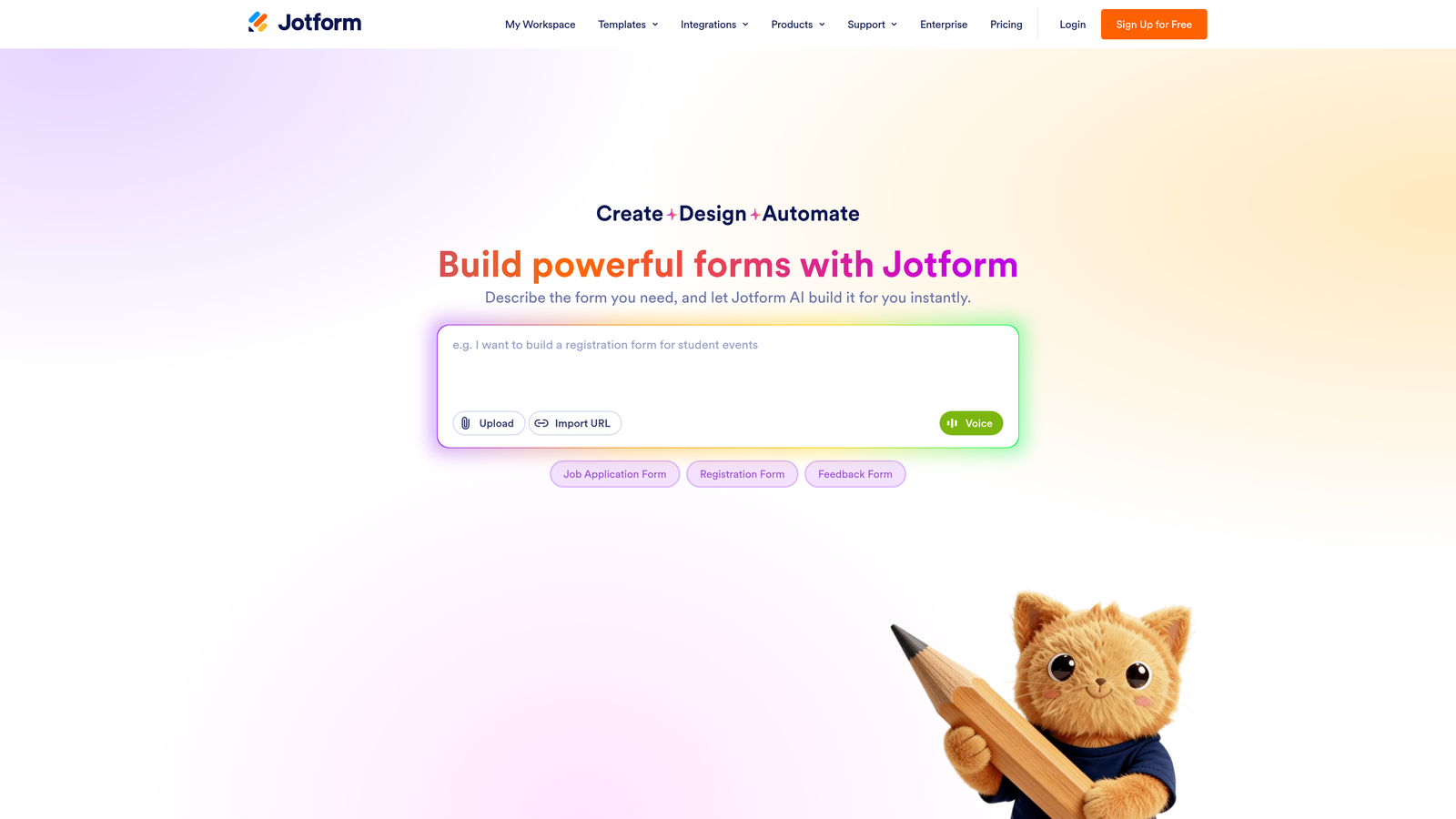
Jotform is a comprehensive form builder offering a massive template library and drag-and-drop customization that handles everything from simple contact forms to complex multi-page applications.
Where This Tool Shines
With over 10,000 pre-built templates, Jotform likely has a starting point for whatever lead capture scenario you're facing. This extensive library saves significant time—instead of building from scratch, you can customize an existing template that's already 80% there.
The platform's versatility extends beyond basic lead capture. You can collect payments, gather e-signatures, upload files, and handle complex calculations all within the same form builder. This makes it particularly useful for organizations with diverse form needs beyond pure lead generation.
Key Features
10,000+ Form Templates: Massive library covering every industry and use case imaginable, from real estate to healthcare to event registration.
Drag-and-Drop Builder: Intuitive visual editor that requires zero coding knowledge to create sophisticated forms.
Payment Collection: Native integration with payment processors like Stripe, PayPal, and Square for collecting deposits or fees.
Conditional Logic: Show or hide fields, skip pages, or change form behavior based on user responses.
HIPAA Compliance Option: Enterprise plan includes HIPAA-compliant forms for healthcare organizations handling protected health information.
Best For
Jotform works well for organizations needing one platform to handle multiple form types—not just lead generation. It's ideal for teams that value having templates readily available and need flexibility across various departments.
Pricing
Free tier supports up to 5 forms with basic features. Bronze plan starts at $34/month with expanded submission limits and advanced features.
6. Paperform
Best for: Creating branded landing page experiences that combine form functionality with content design
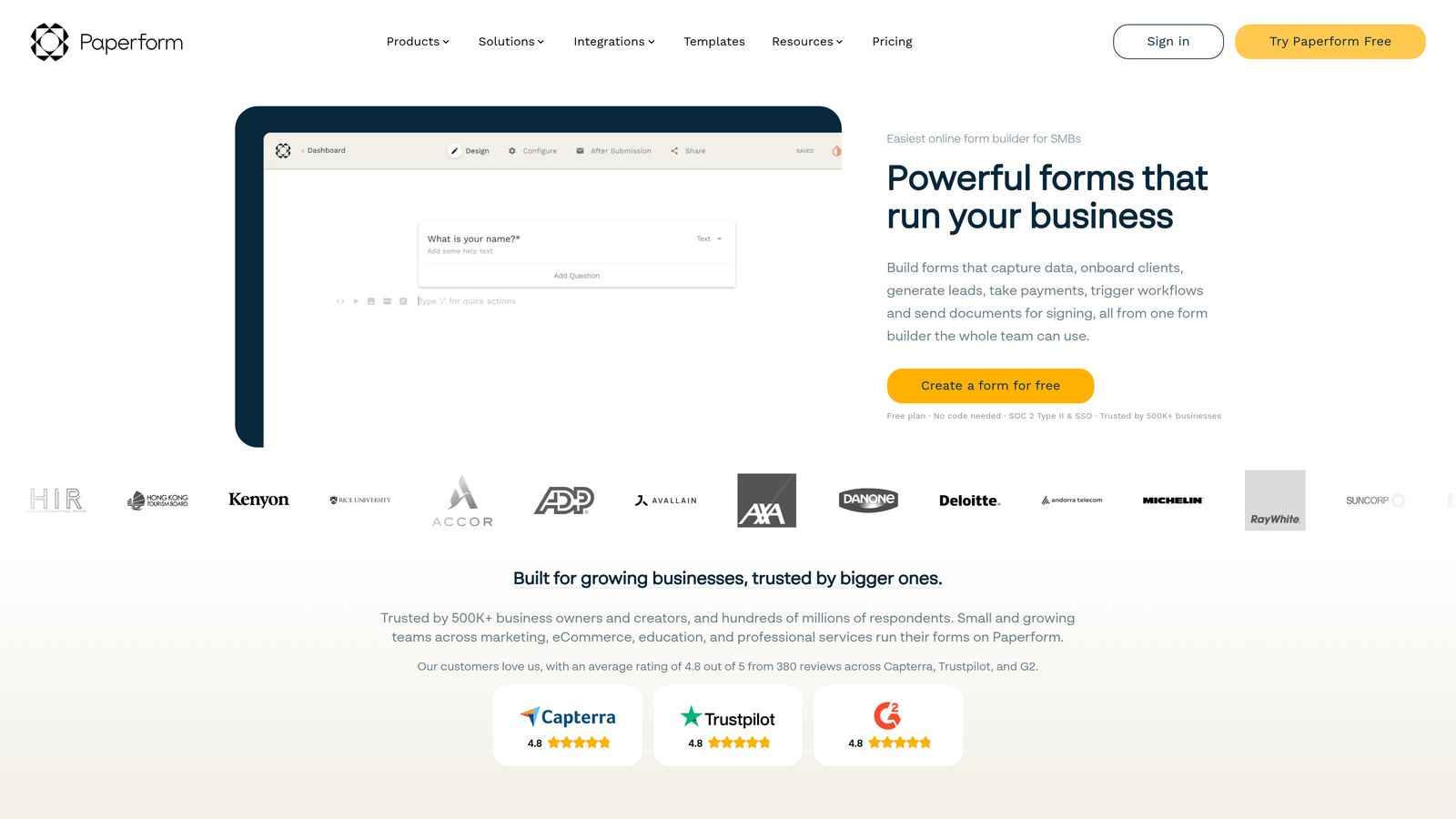
Paperform is a form builder that blurs the line between forms and landing pages, creating rich, branded experiences that feel more like custom web pages than traditional forms.
Where This Tool Shines
Paperform's unique approach treats forms as content-rich landing pages rather than isolated data collection tools. You can embed images, videos, headings, and explanatory text throughout your form, creating a cohesive branded experience that educates while it captures.
The platform excels when you need forms that double as product pages, event registration experiences, or consultation booking flows. Instead of sending prospects to a landing page that then links to a separate form, you build everything in one seamless experience.
Key Features
Landing Page-Style Forms: Combines form fields with rich content blocks to create comprehensive branded experiences in one tool.
Rich Content Blocks: Embed videos, images, headings, and formatted text anywhere in your form to provide context and build trust.
Calculations and Scoring: Perform math operations on form responses to calculate quotes, pricing, or qualification scores automatically.
Stripe/PayPal Integration: Accept payments directly through forms for bookings, deposits, or product purchases.
Custom Domains: Host forms on your own domain for a fully branded experience that maintains trust and consistency.
Best For
Paperform suits businesses that need forms to do more than capture data—they need to sell, educate, and convert. It's particularly effective for service businesses, consultants, and companies with complex offerings that require explanation alongside lead capture.
Pricing
Essentials plan starts at $24/month, with higher tiers adding advanced integrations and removing branding.
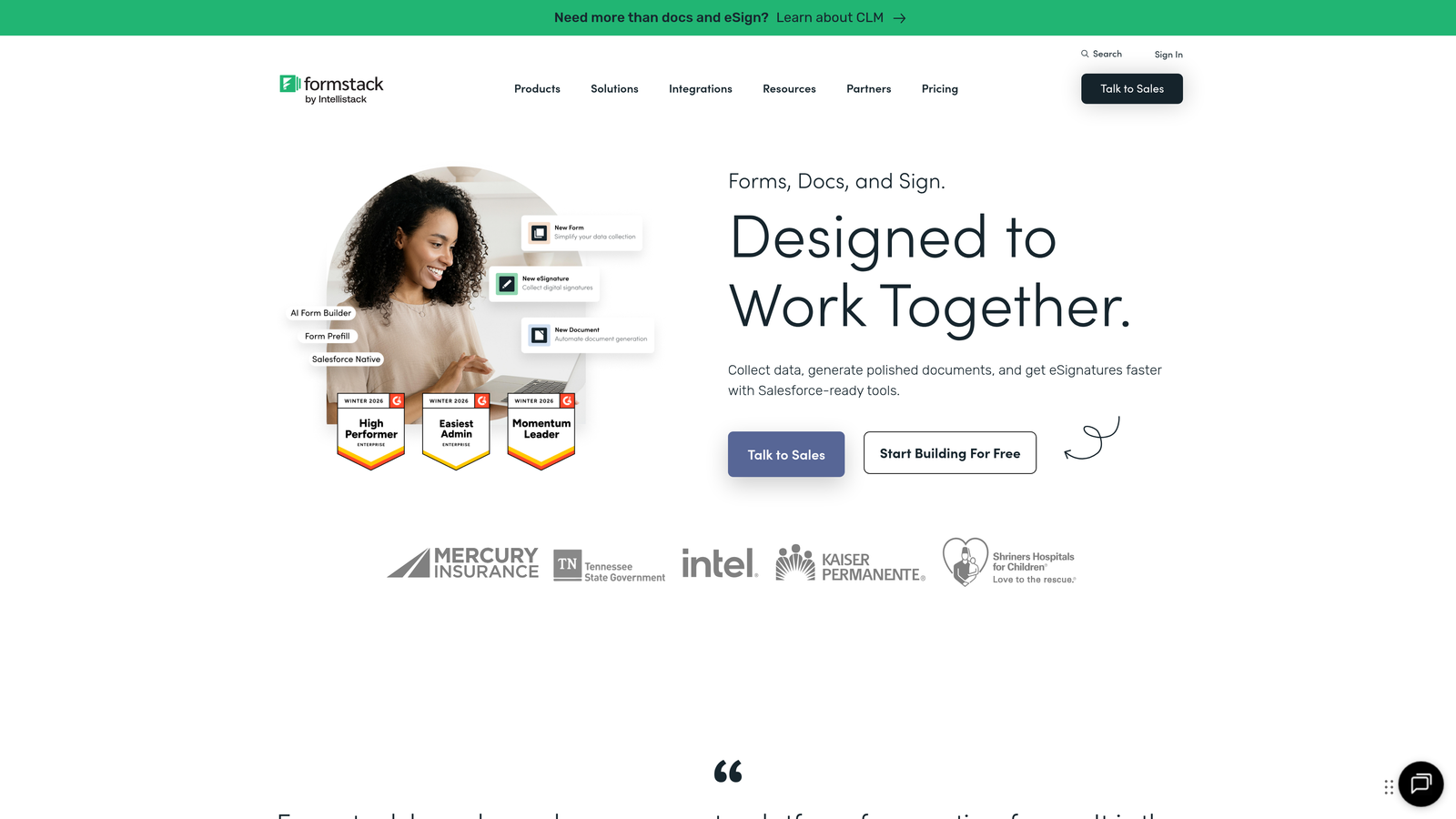
7. Formstack
Best for: Enterprise organizations requiring advanced compliance, security, and workflow automation capabilities
Formstack is an enterprise-grade form builder with sophisticated workflow automation and compliance features designed for complex organizational requirements.
Where This Tool Shines
Formstack was built for the enterprise environment where compliance isn't optional. The platform offers HIPAA and GDPR compliance features, advanced security controls, and audit trails that satisfy strict regulatory requirements in healthcare, finance, and government sectors.
The workflow automation capabilities extend far beyond basic email notifications. You can trigger multi-step approval processes, route submissions through complex organizational hierarchies, and integrate with enterprise systems through robust API connections and pre-built connectors.
Key Features
Advanced Conditional Logic: Create sophisticated branching scenarios with multiple conditions and complex rule sets for enterprise-level qualification.
Workflow Automation: Build multi-step approval processes, routing rules, and automated actions that integrate with existing business processes.
HIPAA/GDPR Compliance: Enterprise-grade security and compliance features including data encryption, access controls, and audit logging.
E-Signature Integration: Collect legally binding electronic signatures directly within forms for contracts and agreements.
Salesforce-Native Option: Deploy forms directly within Salesforce environment for organizations deeply embedded in the Salesforce ecosystem.
Best For
Formstack is the right choice for large enterprises, healthcare organizations, financial institutions, and any business where compliance and security are non-negotiable. The platform handles complexity that would break simpler form builders.
Pricing
Plans start at $50/month for basic features. Enterprise pricing is available with custom quotes based on specific compliance and integration requirements.
8. Unbounce Smart Builder
Best for: PPC and campaign teams optimizing landing pages and forms for paid traffic conversions
Unbounce Smart Builder is an AI-powered landing page and form builder focused on conversion optimization for performance marketing campaigns.
Where This Tool Shines
Unbounce built its reputation on landing page optimization, and the Smart Builder brings AI assistance directly into the creation process. The AI copywriting feature generates headlines, form labels, and call-to-action text based on your campaign goals, saving time while maintaining conversion-focused messaging.
Smart Traffic is where things get interesting—it uses machine learning to automatically route visitors to the landing page variant most likely to convert them based on their attributes. Instead of running traditional A/B tests that take weeks to reach significance, Smart Traffic optimizes in real-time from day one.
Key Features
AI Copywriting Assistance: Generates conversion-optimized headlines, body copy, and form labels based on your campaign objectives and target audience.
Smart Traffic Optimization: Machine learning algorithm that automatically shows each visitor the landing page variant most likely to convert them.
Form + Landing Page Builder: Unified platform for creating complete campaign experiences without switching between tools.
A/B Testing Built-in: Native split testing functionality to compare different form designs, copy variations, and layouts.
Dynamic Text Replacement: Automatically customizes form copy based on the keyword or ad that brought the visitor to your page.
Best For
Unbounce is ideal for performance marketing teams running significant paid traffic campaigns where landing page and form optimization directly impacts ROI. It's particularly valuable for agencies managing multiple client campaigns that require rapid testing and iteration.
Pricing
Plans start at $99/month, with higher tiers unlocking additional traffic capacity and advanced features like Smart Traffic.
9. Gravity Forms
Best for: WordPress sites needing deep customization and developer flexibility for lead generation
Gravity Forms is a WordPress-native form plugin offering extensive customization options and developer-friendly architecture for WordPress-based lead generation.
Where This Tool Shines
For WordPress sites, Gravity Forms offers integration depth that standalone form builders can't match. It's not embedded via iframe or JavaScript—it's native WordPress code that works seamlessly with your theme, plugins, and custom functionality.
The extensive add-on ecosystem is a major strength. Whether you need Stripe payments, Mailchimp integration, or custom post creation from form submissions, there's likely an official or third-party add-on that handles it. Developers appreciate the extensive hooks and filters that enable virtually unlimited customization.
Key Features
WordPress-Native Integration: Built specifically for WordPress with deep integration into the platform's core functionality and architecture.
Extensive Add-On Ecosystem: Official and third-party add-ons covering payments, CRM integration, marketing automation, and custom functionality.
Developer-Friendly Hooks: Comprehensive API with hooks and filters that enable custom functionality without modifying core plugin code.
Conditional Logic: Show or hide fields, sections, or entire pages based on user responses for dynamic form experiences.
Multi-Page Forms: Break long forms into multiple pages with progress indicators and the ability to save partial submissions.
Best For
Gravity Forms is the clear choice for WordPress-based businesses that need forms tightly integrated with their site. It's particularly valuable for organizations with development resources who want complete control over form functionality and appearance.
Pricing
Basic license starts at $59/year for single-site use, with Pro and Elite licenses available for multiple sites and advanced add-ons.
Finding Your Perfect Form Builder
The right custom form builder depends on your specific tech stack, team capabilities, and lead generation priorities. Here's how to narrow it down quickly.
For teams needing AI-powered qualification that automatically separates hot prospects from tire-kickers, Orbit AI delivers intelligent lead scoring without requiring manual setup. If conversational user experience is your priority and you want forms that feel more like dialogue than interrogation, Typeform's one-question-at-a-time approach excels.
HubSpot users should stick with native HubSpot Forms—the seamless CRM integration and progressive profiling capabilities eliminate the data sync headaches that plague third-party tools. Performance marketers running aggressive testing programs will appreciate Leadformly's built-in A/B testing that treats every form as a conversion experiment.
WordPress sites get maximum flexibility and customization from Gravity Forms' native integration and extensive developer hooks. Enterprise teams with strict compliance requirements should evaluate Formstack's HIPAA and GDPR features alongside its sophisticated workflow automation. If you need forms that double as branded landing page experiences, Paperform combines content richness with data capture in one tool.
The decision ultimately comes down to whether you prioritize speed-to-launch or deep customization, whether you're optimizing for volume or quality, and how much technical complexity your team can handle. Most platforms offer free trials—test your top two picks with real campaigns before committing to annual contracts.
Start your free trial today and see how intelligent form design can elevate your conversion strategy. Transform your lead generation with AI-powered forms that qualify prospects automatically while delivering the modern, conversion-optimized experience your high-growth team needs.


