

Choosing the right online survey tool can make or break your lead generation and data collection efforts. Whether you're qualifying inbound leads, gathering customer feedback, or running market research, the platform you use shapes the quality of responses you get and what you can do with them. But not all survey tools are built the same. Some are designed for simple polls, others for enterprise research, and a newer wave is built specifically for conversion optimization and lead qualification.
This list cuts through the noise. We evaluated tools on ease of use, question logic, integrations, AI capabilities, and value for high-growth teams. Here are the best online survey tools worth your attention in 2026.
1. Orbit AI
Best for: High-growth SaaS teams who want forms that qualify leads automatically
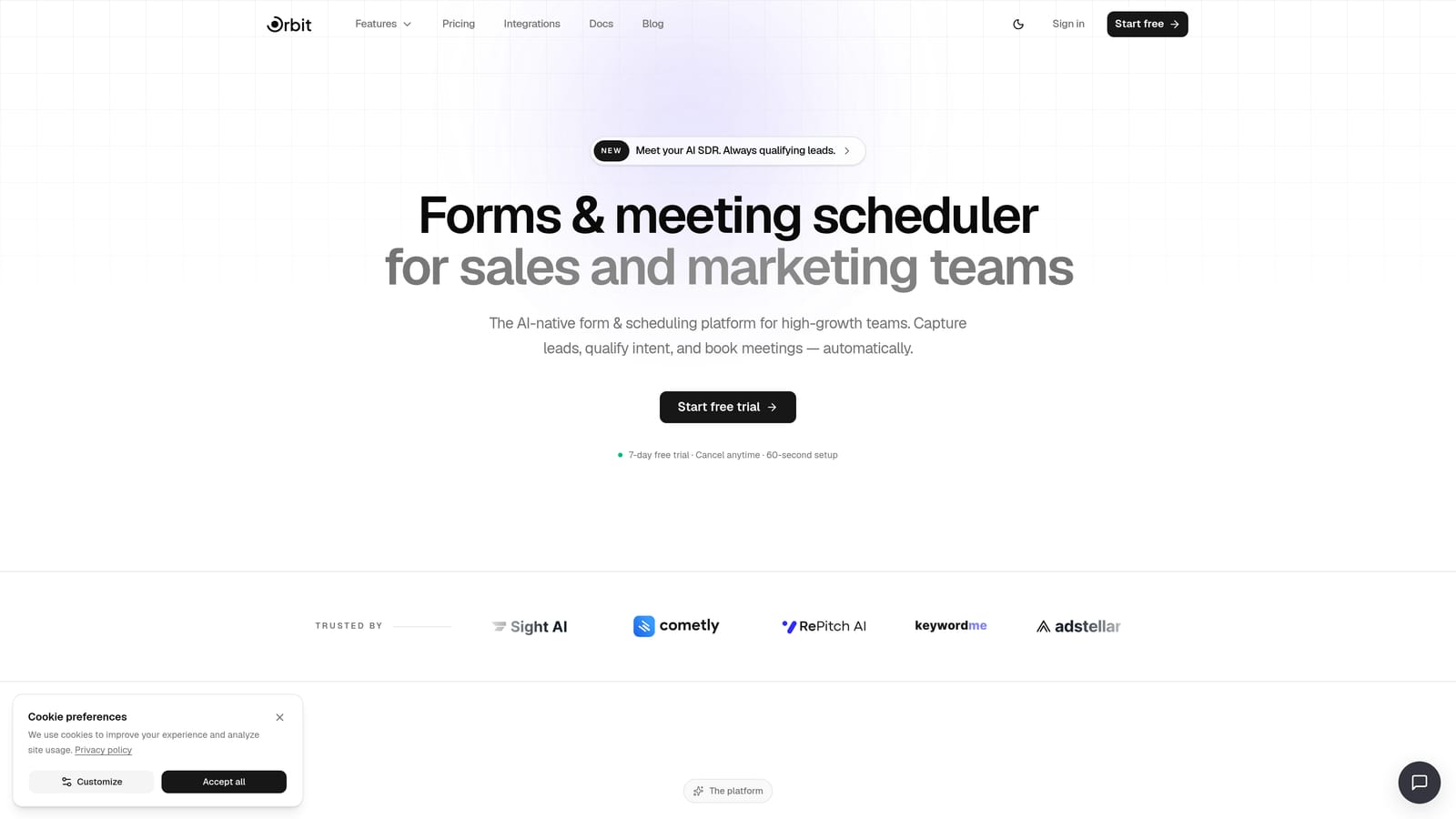
Orbit AI is an AI-powered form and survey builder with built-in lead qualification, designed for teams who want every form submission to drive pipeline, not just collect data.
Where This Tool Shines
Most survey tools stop at collecting responses. Orbit AI goes a step further by deploying AI agents that qualify leads in real time during form completion. This means by the time a submission lands in your CRM, you already know whether that prospect is worth pursuing. For high-growth teams drowning in unqualified leads, that's a meaningful shift.
The design quality also stands out. Orbit AI's templates are genuinely conversion-optimized, not just visually polished. The platform is built around the idea that form design directly affects completion rates and lead quality, which makes it feel purpose-built for marketing and sales teams rather than general research.
Key Features
AI Lead Qualification: AI agents evaluate and qualify leads in real time as respondents complete the form, so your team receives pre-scored submissions.
Conversion-Optimized Templates: Modern, beautifully designed templates built to maximize completion rates and guide respondents through a smooth experience.
Workflow Automation: Built-in automation and follow-up sequences that trigger based on form responses and lead qualification scores.
Analytics Dashboard: Track form performance, completion rates, and lead quality metrics in one place to continuously improve your funnel.
CRM and Marketing Integrations: Connects with the tools your team already uses, so qualified leads flow directly into your existing workflows.
Best For
SaaS startups and high-growth marketing teams who care about pipeline quality over raw response volume. If you're running inbound lead capture, demo request forms, or onboarding surveys and want AI to do the heavy qualification lifting, Orbit AI is purpose-built for that use case.
Pricing
Pricing details are available at orbitforms.ai/pricing. The platform is designed to offer strong value for teams focused on conversion optimization.
2. Typeform
Best for: Teams that want polished, conversational surveys with high completion rates
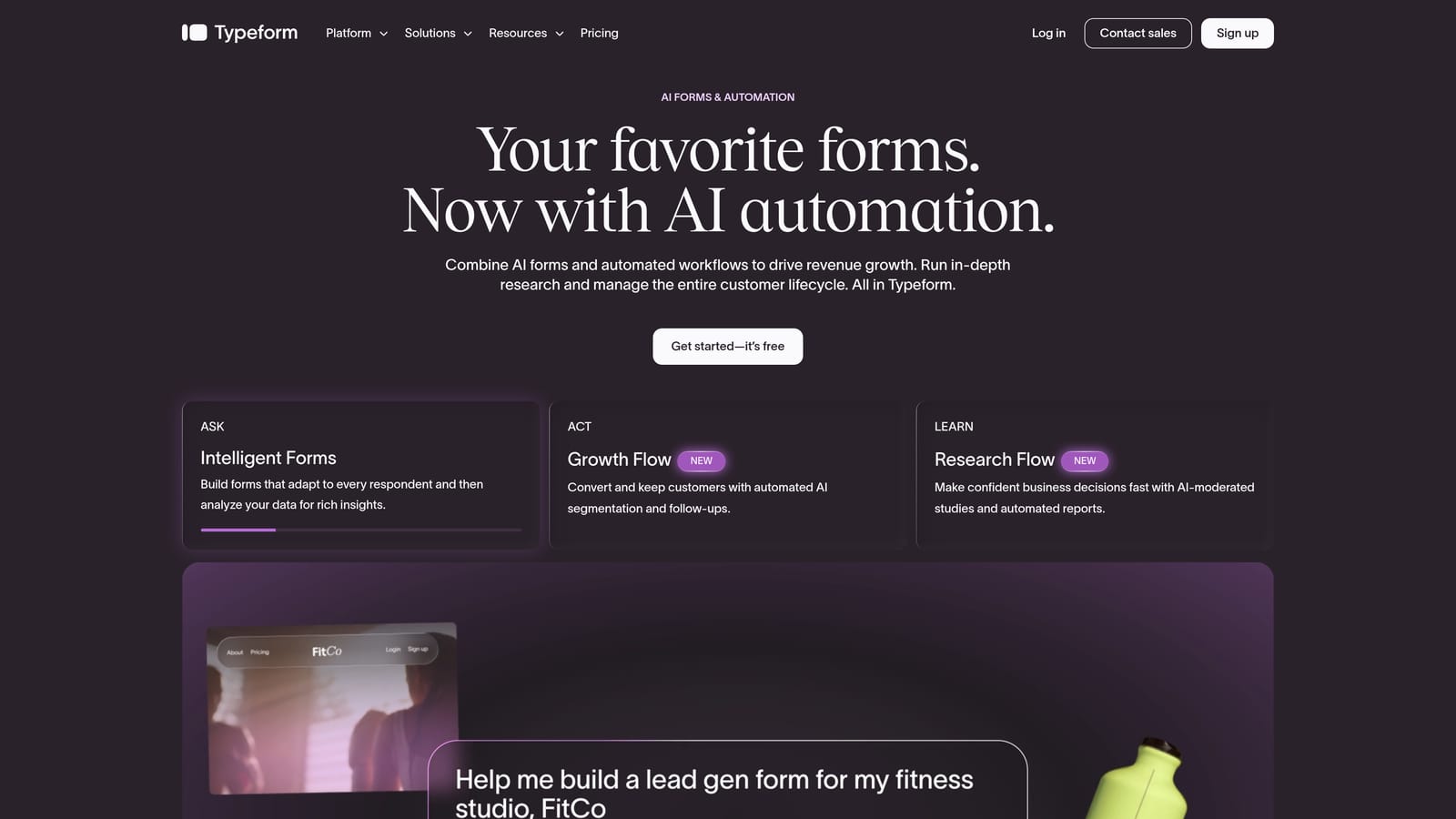
Typeform is a conversational survey platform known for its one-question-at-a-time format that keeps respondents engaged from start to finish.
Where This Tool Shines
Typeform's signature format presents one question at a time, which creates a focused, almost interview-like experience for respondents. This approach tends to feel less overwhelming than traditional multi-question pages, and it's a big part of why Typeform has built a strong reputation for completion rates in the industry.
The visual design is consistently polished, and the branching logic is intuitive enough that non-technical users can build sophisticated survey flows without frustration. It's a strong choice when respondent experience is a top priority.
Key Features
Conversational One-Question Flow: Presents questions one at a time for a focused, engaging respondent experience.
Advanced Logic Jumps: Robust branching and conditional logic to create personalized survey paths based on earlier answers.
Video Questions: Supports video-based questions, adding a human touch to surveys and research studies.
Integration Ecosystem: Connects with a wide range of CRMs, marketing tools, and automation platforms.
Brand Customization: Fully customizable themes to match your brand's visual identity.
Best For
Marketing teams, product researchers, and customer success teams who prioritize respondent experience and want surveys that feel premium. Also a strong fit for lead capture forms where first impressions matter. Worth noting: pricing has increased in recent years, which has pushed some users toward alternatives.
Pricing
Free plan available with basic features. Paid plans start around $25/month and scale up with additional responses, logic features, and team seats.
3. SurveyMonkey
Best for: Research teams and enterprise organizations needing deep analytics and benchmarking
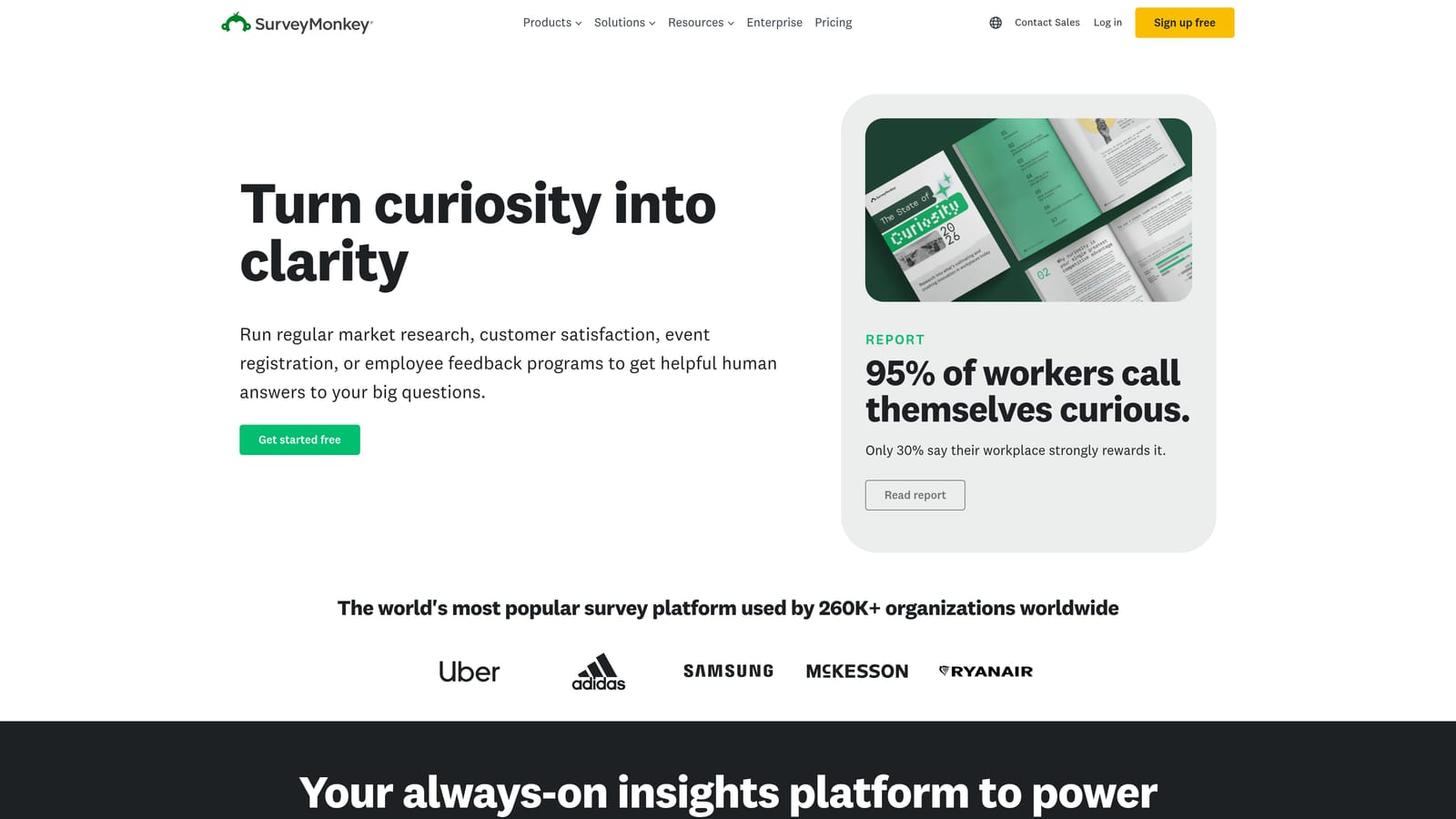
SurveyMonkey is one of the most established survey platforms available, built for teams that need serious analytical depth alongside their data collection.
Where This Tool Shines
SurveyMonkey's strength is its analytics layer. The platform goes well beyond simple response tallying, offering benchmarking data, cross-tabulation, and panel access for market research. If you need to compare your NPS scores against industry benchmarks or field a survey to a specific demographic, SurveyMonkey has infrastructure for that.
The team collaboration features and enterprise-grade security also make it a natural fit for larger organizations where multiple stakeholders need access to survey data. It's a research tool first, a conversion tool second.
Key Features
Advanced Analytics and Reporting: Comprehensive dashboards with filtering, cross-tabulation, and data visualization built in.
Benchmarking and Panel Access: Compare your results against industry data and access research panels for targeted respondent sourcing.
Team Collaboration: Admin controls, shared workspaces, and team management features for larger organizations.
Question Bank: Pre-built, research-validated question templates to speed up survey creation.
Enterprise Security: SOC 2 compliance, SSO, and data governance features for regulated industries.
Best For
Research-oriented teams, enterprise HR and CX programs, and organizations running formal market research. Less suited for conversion-focused use cases where lead qualification and pipeline generation are the primary goals.
Pricing
Free plan available with limited responses. Paid plans start around $25/month per user, with enterprise tiers available on request.
4. Google Forms
Best for: Budget-conscious teams needing simple, free data collection within Google Workspace
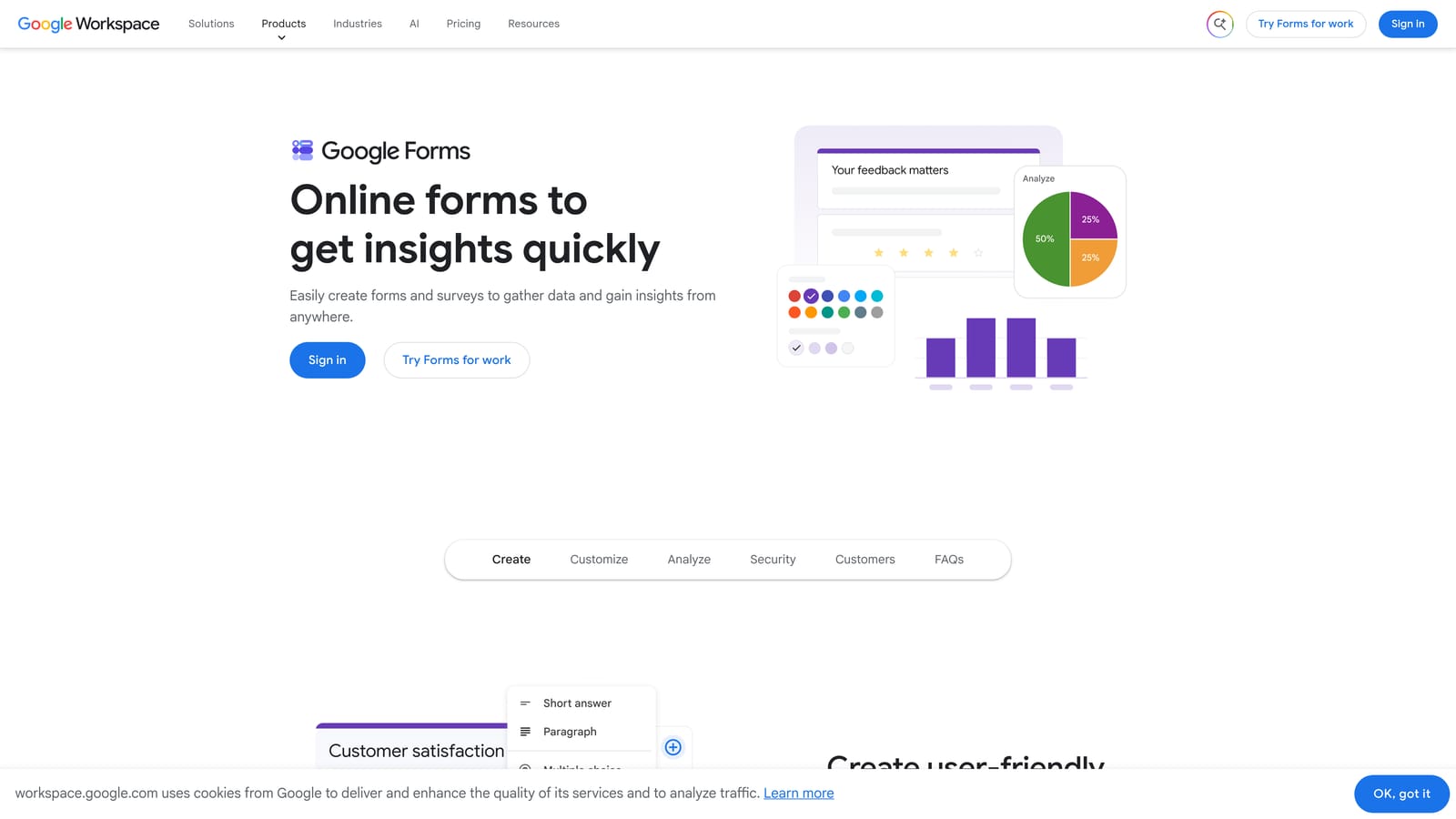
Google Forms is a free, no-frills survey builder that integrates natively with Google Workspace for straightforward data collection at zero cost.
Where This Tool Shines
The value proposition here is simple: it's completely free, requires no setup, and connects directly to Google Sheets for real-time response tracking. For internal surveys, quick team polls, or event registrations where design doesn't matter, Google Forms delivers exactly what you need without any friction.
Collaboration is also effortless if your team is already in Google Workspace. Multiple people can edit a form simultaneously, and response data flows straight into a shared spreadsheet. The ceiling is low, but for many use cases, that ceiling is plenty high enough.
Key Features
Completely Free: No response limits, no paid tiers, no catch. Works with any Google account.
Google Sheets Integration: Responses sync to a spreadsheet in real time for easy analysis and sharing.
Basic Conditional Logic: Simple branching based on multiple-choice answers covers most straightforward use cases.
Native Collaboration: Multiple editors, real-time co-editing, and easy sharing within Google Workspace.
Accessible Interface: Clean, minimal design that respondents can complete on any device without confusion.
Best For
Internal teams, educators, nonprofits, and anyone who needs a functional survey quickly without a budget. Not suitable for branded lead capture, advanced logic, or any use case where conversion optimization matters.
Pricing
Completely free with a Google account. No paid tiers.
5. Jotform
Best for: SMBs and teams needing a feature-rich builder with a massive template library
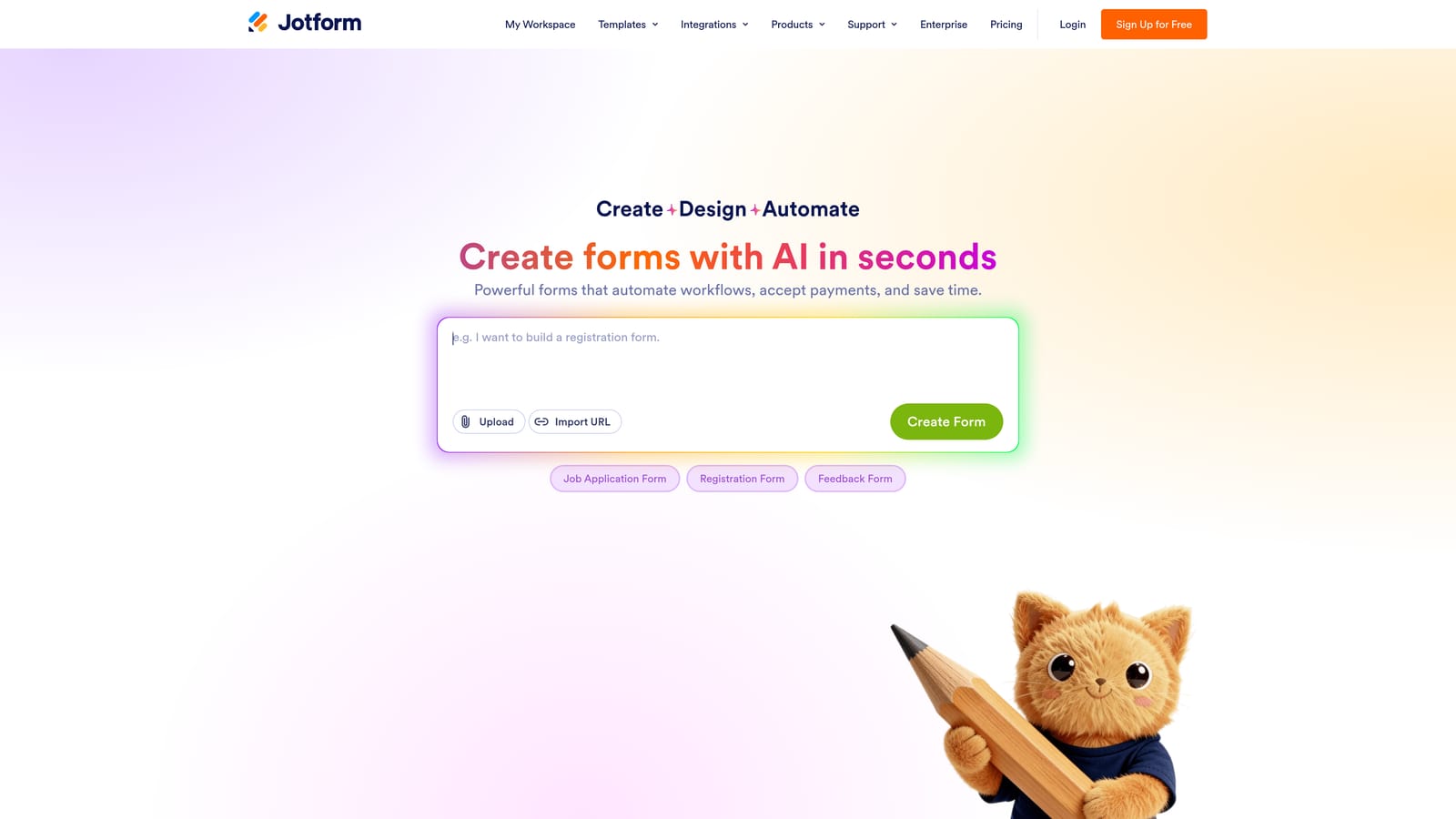
Jotform is a feature-rich form and survey builder with one of the largest template libraries in the industry and strong support for complex form types.
Where This Tool Shines
Jotform's breadth is its defining characteristic. With over 10,000 templates spanning industries from healthcare to e-commerce, you can almost always find a starting point that's close to what you need. The platform also handles use cases that go well beyond surveys: payment collection, file uploads, appointment scheduling, and more are all built in.
This versatility makes Jotform a popular choice for SMBs and nonprofits that need one tool to handle many different form types. The tradeoff is that the interface can feel overwhelming if your needs are simple, but for teams with diverse requirements, the depth is genuinely useful.
Key Features
10,000+ Templates: One of the largest template libraries available, covering virtually every industry and use case.
Payment and File Upload Support: Collect payments, accept file submissions, and handle complex multi-step form flows natively.
Conditional Logic and Calculations: Advanced branching and calculation fields for dynamic, personalized form experiences.
Wide Integration Ecosystem: Connects with hundreds of apps including CRMs, payment processors, and project management tools.
HIPAA-Compliant Plan: Available for healthcare organizations that need compliant data collection.
Best For
SMBs, nonprofits, and teams managing multiple form types across different departments. Also a strong fit for organizations in regulated industries that need compliance-ready form infrastructure.
Pricing
Free plan available with limited submissions. Paid plans start around $34/month with higher submission limits and advanced features.
6. Tally
Best for: Early-stage startups and indie makers who want a generous free plan and minimal complexity
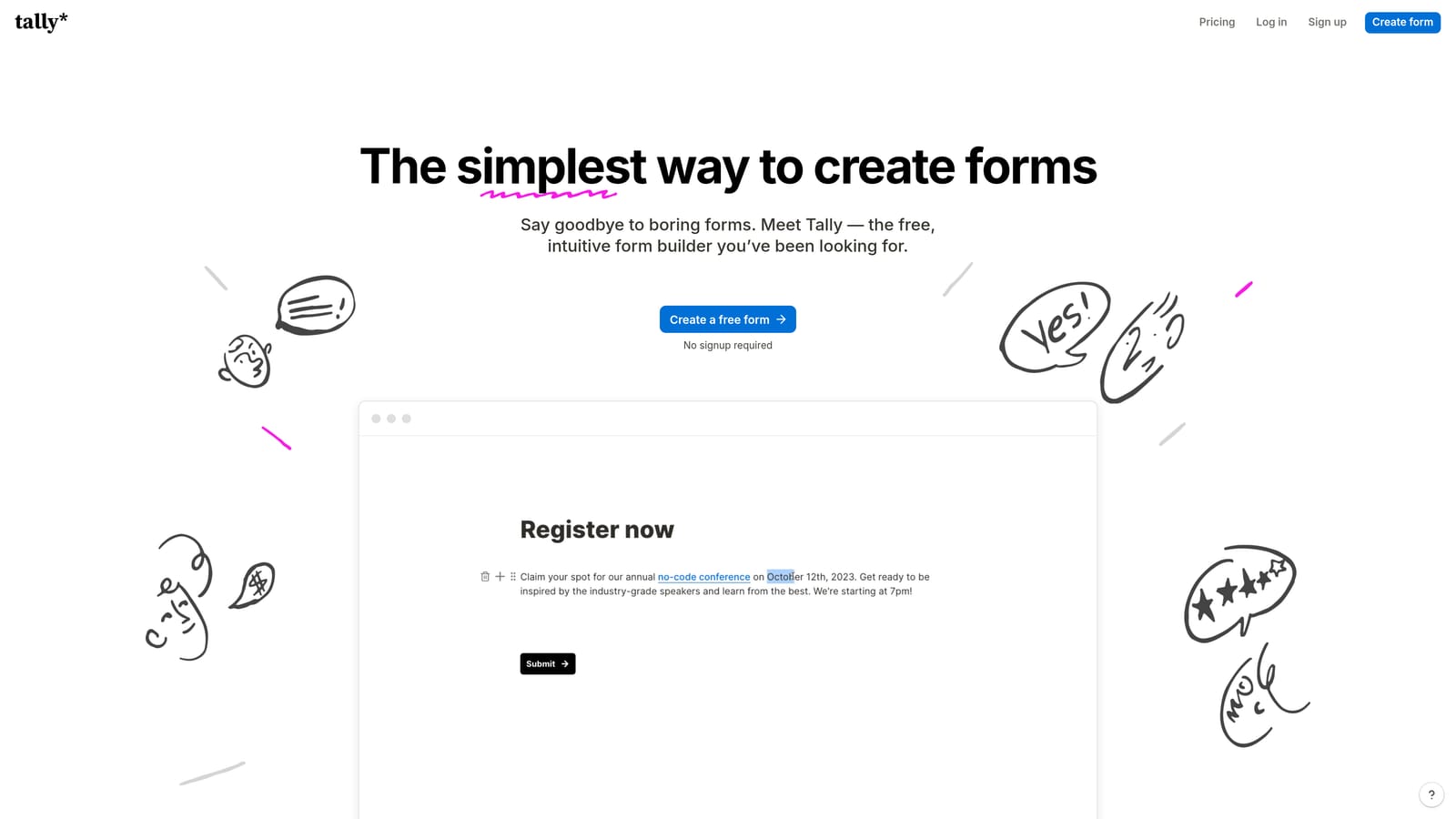
Tally is a minimalist survey and form builder with a Notion-inspired editor and one of the most generous free plans available in the category.
Where This Tool Shines
Tally's free plan is genuinely remarkable: unlimited forms and unlimited responses, with no response caps or watermarks. For bootstrapped teams and early-stage startups, this removes a real barrier that other tools impose almost immediately. The block-based editor also feels familiar to anyone who has used Notion, which lowers the learning curve significantly.
It's a tool that gets out of your way. You can build and publish a functional, clean survey in minutes without navigating complex settings. The simplicity is intentional and it works well for the audience it's targeting.
Key Features
Unlimited Free Forms and Responses: No caps on the free plan, making it genuinely usable for growing teams without immediate cost pressure.
Notion-Like Block Editor: Intuitive drag-and-drop building experience that feels familiar to modern productivity tool users.
Conditional Logic and Multi-Page Forms: Covers the essential branching and flow needs for most survey use cases.
Clean Website and Notion Embeds: Forms embed cleanly into websites, landing pages, and Notion workspaces.
Zapier Integration: Lightweight automation connections to route responses to other tools in your stack.
Best For
Indie makers, early-stage startups, and small teams that need a capable free tool without advanced analytics or AI features. Not the right choice if lead qualification, deep reporting, or CRM integrations are priorities.
Pricing
Free plan with unlimited forms and responses. Pro plan is around $29/month for advanced features and branding controls.
7. SurveyPlanet
Best for: Teams new to survey software who need a clean, approachable starting point
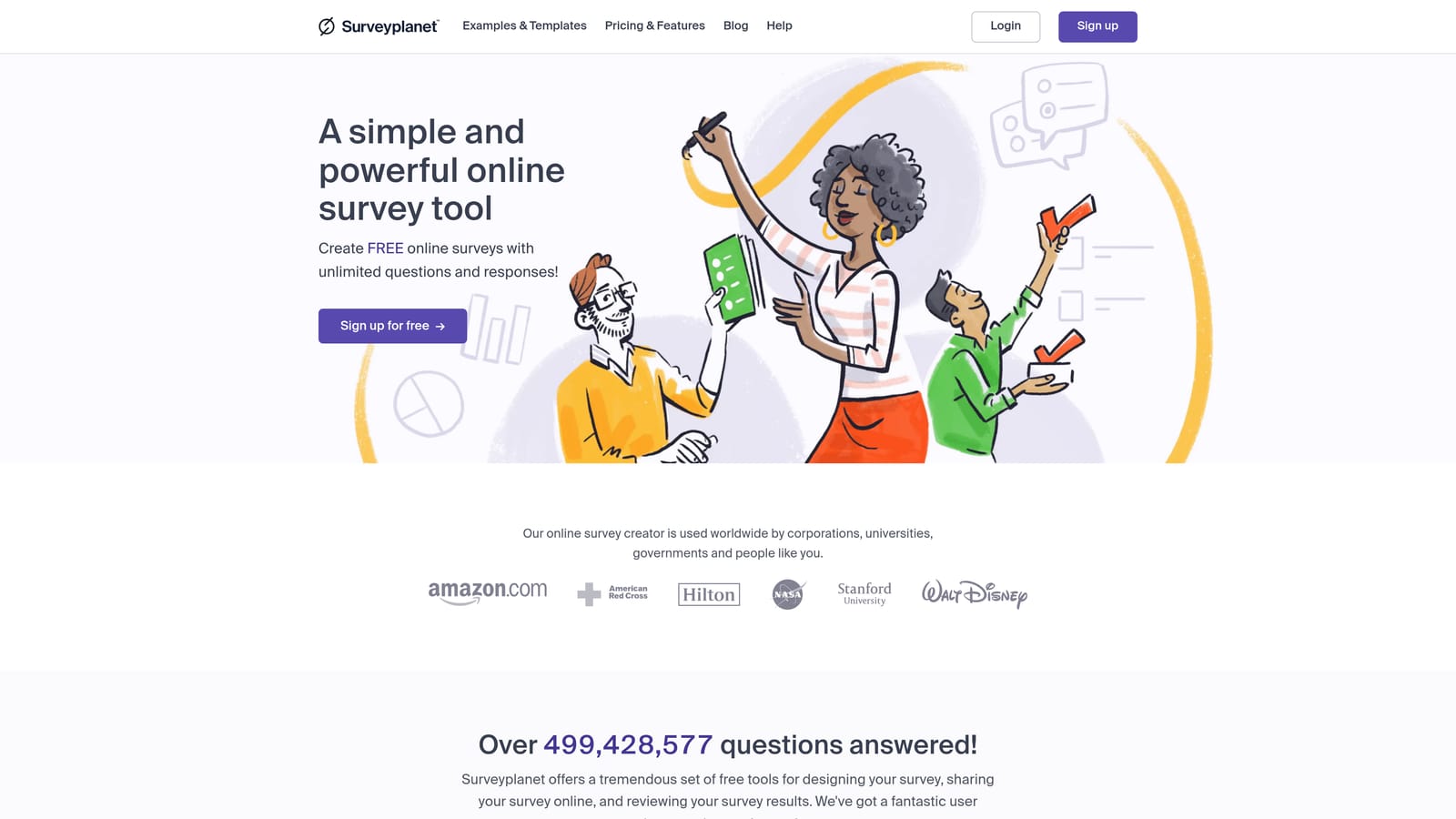
SurveyPlanet is a straightforward survey tool with a clean interface and a pre-written question library designed to make survey creation fast and accessible.
Where This Tool Shines
SurveyPlanet's pre-written question library is a practical differentiator for teams that are new to survey design. Instead of staring at a blank canvas, you can browse pre-built questions organized by category and drop them directly into your survey. This speeds up creation considerably and helps less experienced teams avoid common survey design pitfalls.
The respondent-facing interface is also notably clean and distraction-free, which helps with completion rates for straightforward surveys. It won't win awards for depth, but for teams that just need surveys to work without a steep learning curve, it delivers.
Key Features
Unlimited Surveys on Free Plan: Create as many surveys as you need without hitting a paywall on the free tier.
Pre-Written Question Library: Browse and import research-ready questions by category to accelerate survey creation.
Clean Respondent Interface: Distraction-free design that keeps respondents focused on completing the survey.
Basic Branching Logic: Simple conditional logic for creating personalized survey paths without complex setup.
CSV and PDF Export: Straightforward data export options for offline analysis and reporting.
Best For
Teams and individuals new to survey software, small businesses running occasional feedback surveys, and anyone who values simplicity over feature depth. Limited integrations make it less suitable for teams with complex tech stacks.
Pricing
Free plan available with unlimited surveys. Pro plan is around $20/month for advanced features and export options.
8. Qualtrics
Best for: Enterprise organizations and research teams running complex, large-scale survey programs
Qualtrics is an enterprise-grade research platform built for advanced survey methodology, CX programs, and sophisticated data collection at scale.
Where This Tool Shines
Qualtrics operates in a different league from most tools on this list. It's built for organizations that need advanced statistical analysis, conjoint studies, MaxDiff analysis, and sophisticated CX measurement programs. Universities, large enterprises, and research institutions use it because no other platform matches its methodological depth.
The platform also comes with robust enterprise infrastructure: SSO, role-based access controls, compliance certifications, and panel management capabilities for sourcing research respondents. If your team needs this level of rigor, Qualtrics is the standard-bearer. If you don't, the complexity and cost are hard to justify.
Key Features
Advanced Statistical Analysis: Built-in tools for regression, correlation, and advanced data analysis without exporting to separate software.
Conjoint and MaxDiff Studies: Supports sophisticated research methodologies used in academic and enterprise market research.
Enterprise Security and Compliance: SSO, role-based access, and compliance certifications for regulated industries and large organizations.
Panel Management: Tools for managing respondent panels and sourcing participants for research studies.
CX, EX, and Research Suites: Dedicated product suites for customer experience, employee experience, and market research programs.
Best For
Large enterprises, universities, and research organizations running formal CX programs or complex market research. Not a practical choice for startups or teams without dedicated research staff and enterprise budgets.
Pricing
Enterprise pricing only. Contact the Qualtrics sales team for a custom quote based on your organization's needs.
9. Paperform
Best for: Small businesses and creators who want surveys that feel like polished landing pages
Paperform is a flexible form and survey builder with a document-style editor that blends text, media, and questions into a single, natural flow.
Where This Tool Shines
Paperform's document-style editor is genuinely different from most form builders. Instead of a sidebar-and-canvas setup, you build forms the way you'd write a document: type your text, drop in a question, add an image, continue writing. The result is forms that feel more editorial and contextual, which works particularly well for surveys where you want to provide context alongside each question.
The platform also handles payment collection, product fields, and appointment scheduling natively, making it a versatile option for small businesses that want one tool to handle multiple customer touchpoints. The design output is consistently clean without requiring design expertise.
Key Features
Document-Style Editor: Mix text, media, and questions naturally on the same page for a more editorial, contextual form experience.
Payment Collection: Built-in payment fields and product listings for forms that double as lightweight storefronts or order forms.
Scheduling and Booking: Appointment booking functionality integrated directly into forms without third-party tools.
Conditional Logic and Calculations: Dynamic form paths and calculated fields for personalized respondent experiences.
Customizable Design Themes: Clean, polished design options that make forms feel like branded landing pages.
Best For
Small businesses, freelancers, and creators who want forms that look and feel like well-designed landing pages. Also a strong fit for teams that want to combine surveys, payments, and scheduling in a single form without stitching together multiple tools.
Pricing
Plans start around $24/month. There is no permanent free plan, though a trial is typically available to test the platform before committing.
Which Tool Is Right for Your Team?
The right survey tool depends almost entirely on what you're trying to accomplish. Here's a quick breakdown to help you cut to the right choice.
If your primary goal is lead qualification and pipeline generation, Orbit AI is the clear standout. It's the only tool on this list that combines conversion-optimized form design with AI agents that qualify leads in real time. For high-growth SaaS teams, that's not a nice-to-have, it's a competitive advantage.
For beautiful, conversational surveys where respondent experience is the top priority, Typeform remains the benchmark. If you're running customer research or brand surveys where polish matters, it delivers.
When enterprise-grade research is the goal, SurveyMonkey and Qualtrics serve different tiers of that need. SurveyMonkey is accessible for mid-market research teams; Qualtrics is for organizations running formal research programs with dedicated staff and budgets to match.
For teams that need free and functional, Google Forms and Tally are both strong options. Google Forms wins on Workspace integration; Tally wins on flexibility and design quality while keeping the price at zero.
And if you want versatility across form types, Jotform and Paperform both punch above their weight, with Jotform favoring breadth and Paperform favoring design.
Transform your lead generation with AI-powered forms that qualify prospects automatically while delivering the modern, conversion-optimized experience your high-growth team needs. Book a demo and see how intelligent form design can elevate your conversion strategy.


