

Every lead that sits in a spreadsheet while your sales team waits for a manual CRM update is a lead going cold. CRM integrated form builders eliminate this friction by automatically pushing form submissions directly into your customer relationship management system, complete with field mapping, lead scoring, and workflow triggers. For high-growth teams juggling hundreds of daily submissions, this integration isn't a nice-to-have; it's the difference between following up in minutes versus hours.
We evaluated these form builders based on native CRM integrations, ease of setup, automation capabilities, pricing transparency, and real-world reliability for sales and marketing teams. Here are the top CRM integrated form builders for seamless lead management in 2026.
1. Orbit AI
Best for: Teams wanting AI-driven lead qualification before CRM sync
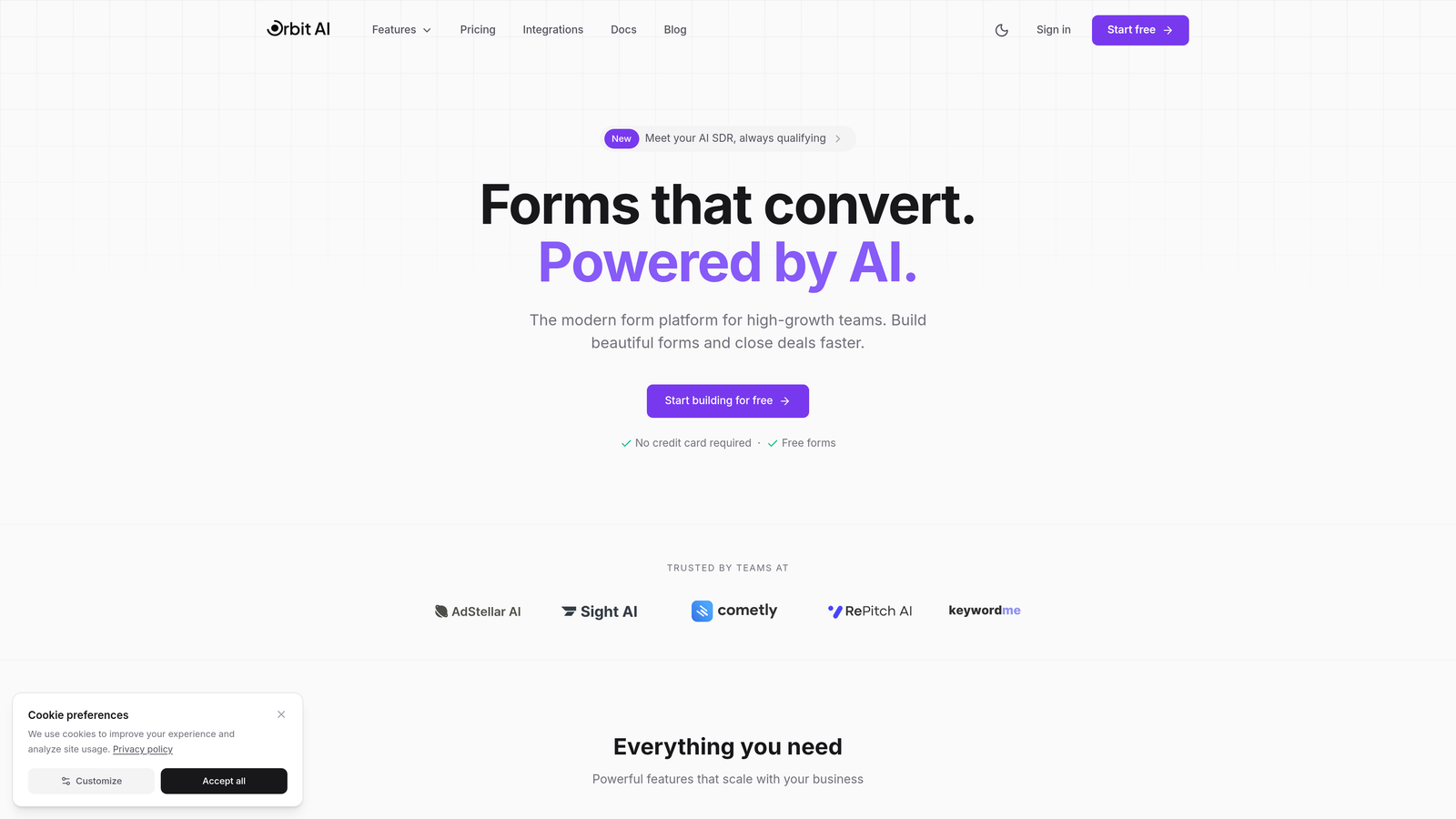
Orbit AI is an AI-powered form builder that qualifies and enriches leads before they hit your CRM, eliminating low-quality submissions and prioritizing high-intent prospects.
Where This Tool Shines
The standout feature is intelligent lead qualification that happens in real-time during form submission. Rather than dumping every form fill into your CRM and making sales reps sort through noise, Orbit AI scores leads based on their responses and enriches contact data automatically.
This means your CRM receives pre-qualified leads with complete profiles, not just names and email addresses. For high-growth teams drowning in form submissions, this filtering saves hours of manual qualification work daily.
Key Features
AI-Driven Lead Qualification: Automatically scores leads based on response patterns and enriches data with company information before CRM sync.
Native CRM Integrations: Direct connections to HubSpot, Salesforce, Pipedrive, Close, and Attio without requiring middleware.
Smart Field Mapping: Automatically maps form fields to CRM properties with intelligent data enrichment for incomplete submissions.
Conversion-Optimized Templates: Pre-built form designs tested for maximum completion rates across industries.
Real-Time Workflow Triggers: Form submissions instantly trigger CRM workflows, email sequences, and sales notifications based on qualification score.
Best For
High-growth B2B teams that receive hundreds of form submissions weekly and need to separate serious prospects from tire-kickers. Particularly valuable for sales teams that struggle with lead quality issues or marketing teams wanting to prove form ROI through qualified pipeline contribution.
Pricing
Free tier available for basic form building. Paid plans include advanced CRM features, AI qualification, and predictable monthly response limits with transparent pricing based on team size.
2. HubSpot Forms
Best for: Existing HubSpot users wanting zero-configuration CRM sync
HubSpot Forms is the native form builder within the HubSpot ecosystem, offering automatic CRM synchronization without any setup required.

Where This Tool Shines
If you're already using HubSpot CRM, this is the path of least resistance. Forms sync instantly to contacts, deals, and custom objects without configuring a single integration setting. The moment someone submits a form, their information appears in your CRM with complete attribution tracking.
Progressive profiling is particularly clever. Returning visitors see different form fields based on what HubSpot already knows about them, reducing friction while still collecting the data you need over multiple interactions.
Key Features
Automatic CRM Sync: Zero-configuration sync to HubSpot CRM contacts, companies, and deals with full activity history.
Progressive Profiling: Dynamically changes form fields for known visitors to reduce form length while building complete contact records over time.
Built-In Analytics: Track form performance tied directly to CRM attribution, showing which forms generate pipeline and revenue.
Workflow Automation: Form submissions automatically trigger HubSpot workflows for lead nurturing, sales notifications, and data enrichment.
Smart Fields: Forms adapt based on known visitor data, pre-filling information and asking only for new details.
Best For
Companies already invested in the HubSpot ecosystem who want forms that work seamlessly with their existing marketing automation, sales tools, and reporting dashboards. The tight integration makes this the obvious choice for HubSpot users.
Pricing
Free with HubSpot CRM. Advanced features like progressive profiling and dependent fields require Marketing Hub paid tiers starting at $800/month for Professional.
3. Typeform
Best for: Brand-focused lead capture with conversational user experience
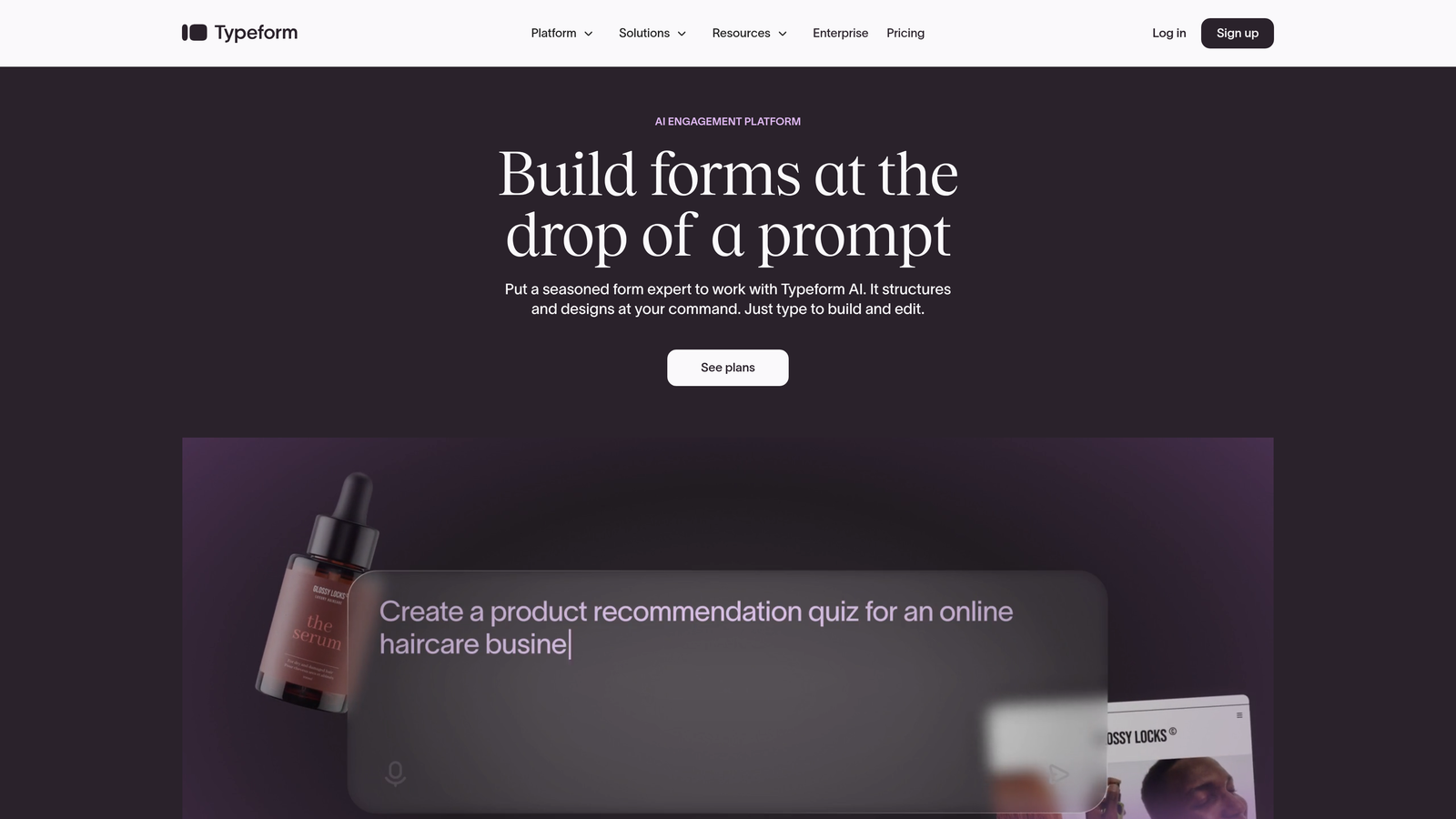
Typeform is a conversational form builder known for high completion rates, offering native integrations with Salesforce, HubSpot, and Pipedrive.
Where This Tool Shines
The one-question-at-a-time format feels more like a conversation than a traditional form. This approach consistently delivers higher completion rates because users aren't overwhelmed by a long list of fields. Each question slides in smoothly, making even lengthy forms feel manageable.
The design flexibility lets you create forms that match your brand perfectly. When your lead capture experience looks and feels premium, it signals quality to prospects before they ever talk to sales.
Key Features
Native CRM Integrations: Direct connections to Salesforce, HubSpot, Pipedrive, and ActiveCampaign without third-party tools.
Conversational Format: One-question-at-a-time presentation that increases completion rates by reducing form intimidation.
Logic Jumps: Create personalized form paths that route users to different questions based on their previous answers.
Hidden Fields: Pass CRM tracking parameters like campaign source, UTM tags, and referral data invisibly through forms.
Webhooks: Build custom CRM connections for platforms without native integrations using webhook endpoints.
Best For
Marketing teams that prioritize brand experience and completion rates over raw functionality. Works particularly well for top-of-funnel lead capture where first impressions matter and for companies willing to invest in form design as part of their brand strategy.
Pricing
Free tier available with limited features. Business plan at $59/month includes CRM integrations, logic jumps, and removes Typeform branding.
4. Jotform
Best for: Maximum integration flexibility across CRM platforms
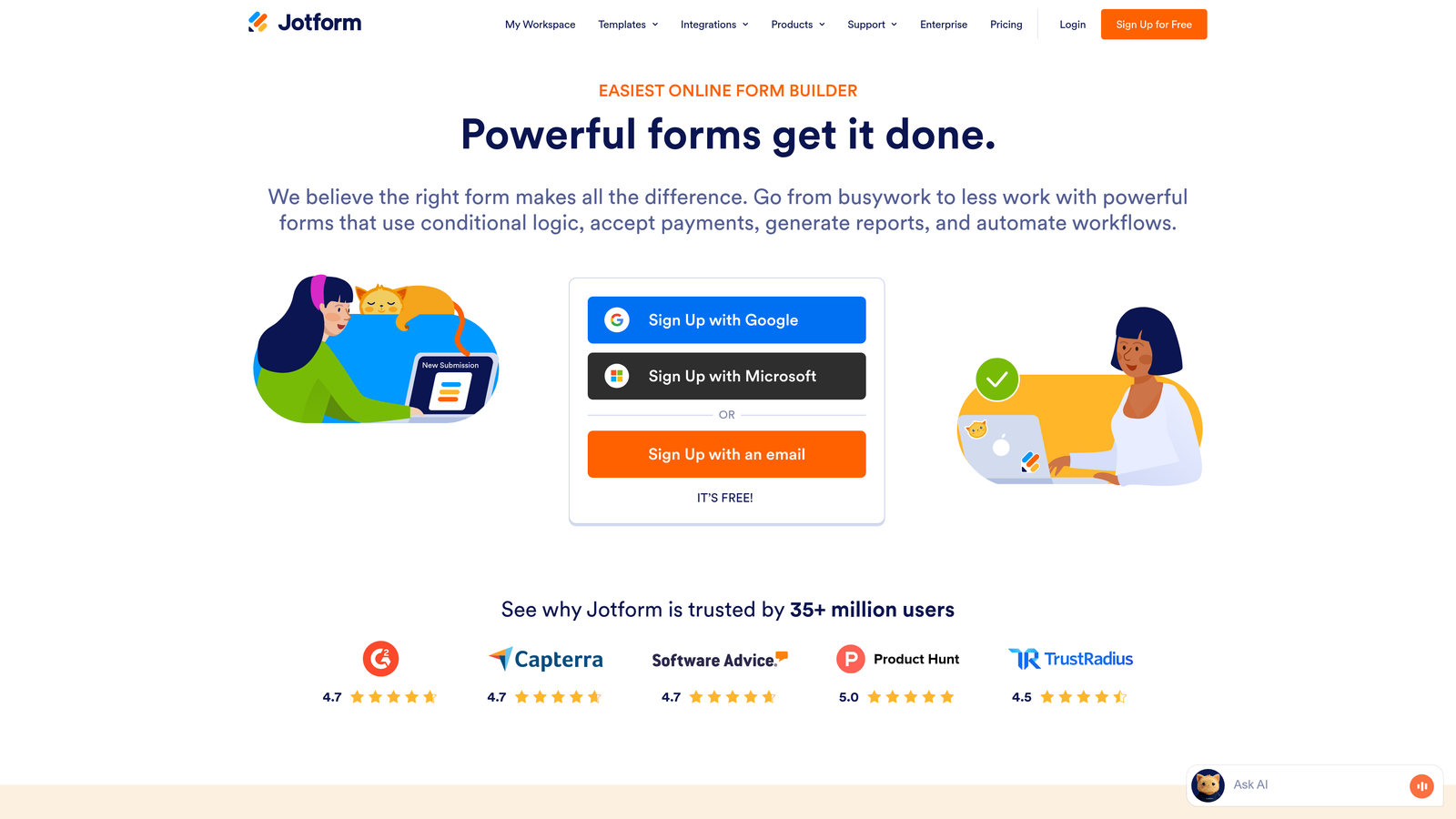
Jotform is a feature-rich form builder with over 100 native integrations, including direct connections to major CRMs and many niche platforms.
Where This Tool Shines
The integration library is genuinely impressive. Whether you're using Salesforce, Zoho CRM, Microsoft Dynamics, Freshsales, or a specialized industry CRM, Jotform likely has a native connector. This breadth matters when you're working with less common CRM platforms or need to sync to multiple systems simultaneously.
Bidirectional sync with Salesforce is particularly powerful. You can prefill forms with existing CRM data and update records rather than only creating new ones, enabling use cases like customer surveys and account updates.
Key Features
100+ Native Integrations: Direct connections to major CRMs plus niche platforms in healthcare, real estate, education, and nonprofit sectors.
Bidirectional Salesforce Sync: Pull data from Salesforce to prefill forms and push updates back to existing records, not just create new ones.
Conditional Logic: Route form submissions to different CRM objects or fields based on user responses.
PDF Generation: Automatically create PDF documents from form submissions and attach them to CRM records.
HIPAA Compliance: Healthcare-compliant forms that sync to medical practice CRMs with proper data protection.
Best For
Organizations using multiple CRM systems or niche platforms without widespread integration support. Also excellent for teams needing complex form functionality like payment collection, appointment scheduling, or document generation tied to CRM records.
Pricing
Free tier includes 5 forms with 100 monthly submissions. Bronze plan at $39/month removes limits and includes full integration access.
5. Gravity Forms
Best for: WordPress sites needing deep CRM integration
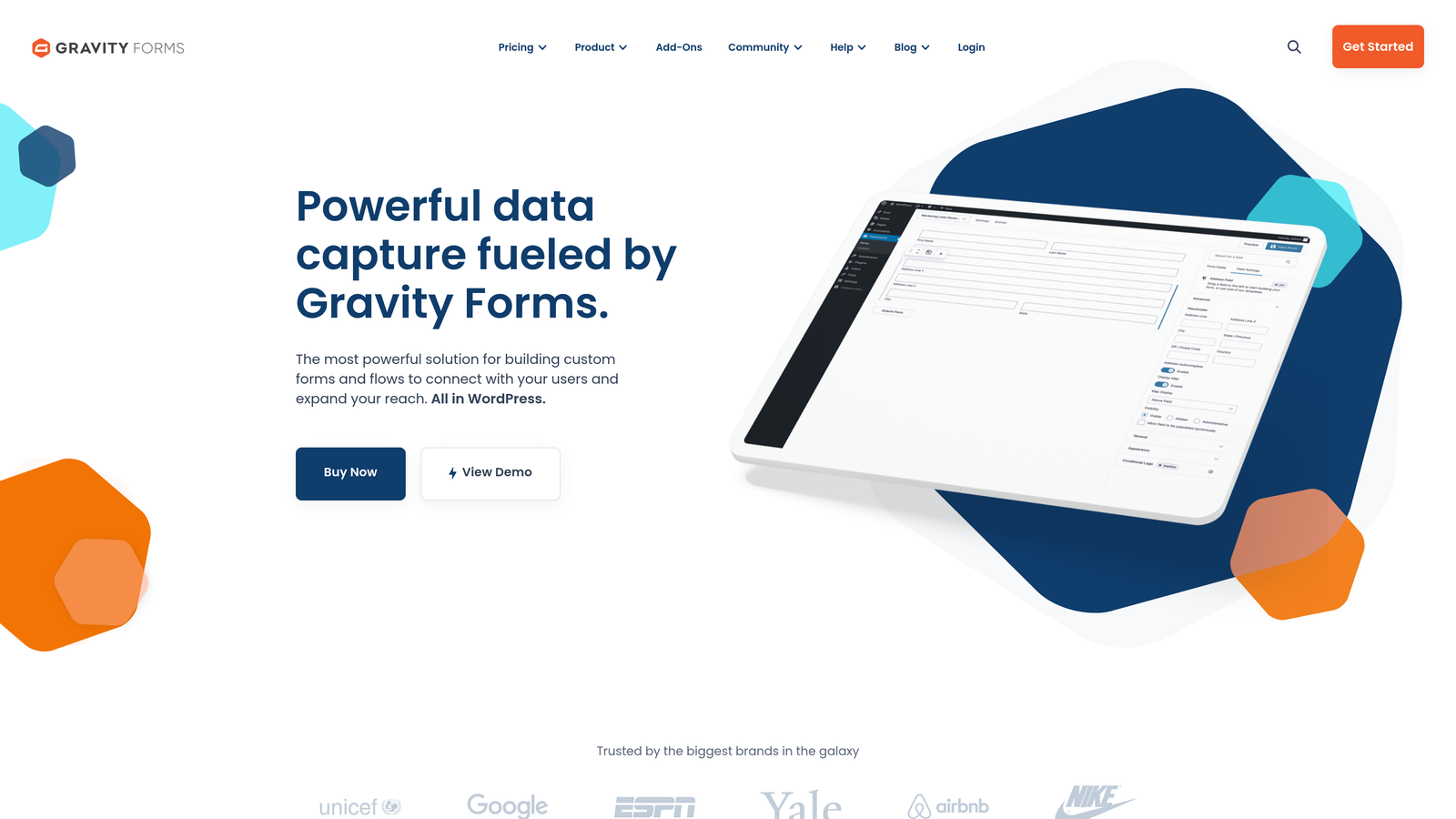
Gravity Forms is a WordPress-native form plugin with premium add-ons for Salesforce, HubSpot, Zoho CRM, and Freshsales integration.
Where This Tool Shines
If your website runs on WordPress, Gravity Forms integrates more naturally than any external form builder. Forms live within your WordPress admin, sync with your theme design automatically, and don't require embedding external scripts that slow page load times.
The developer-friendly architecture means technical teams can customize everything. With extensive hooks and filters, you can build custom CRM integrations, modify field mapping logic, or trigger complex workflows based on submission data.
Key Features
WordPress-Native Architecture: Deep integration with WordPress including Gutenberg blocks, widget support, and theme compatibility.
Official CRM Add-Ons: Premium extensions for Salesforce, HubSpot, Zoho CRM, and Freshsales with regular updates and support.
Conditional Field Mapping: Map form fields to different CRM properties based on user responses or form context.
Entry Management: Review, edit, and manage form submissions within WordPress admin before or after CRM sync.
Developer Hooks: Extensive API for custom integrations, field validation, and submission processing workflows.
Best For
WordPress-based businesses that want forms to feel like a native part of their site rather than embedded third-party widgets. Particularly valuable for development teams that need customization flexibility or agencies managing multiple client WordPress sites.
Pricing
Basic license at $59/year includes core plugin. Elite license at $259/year includes all add-ons, including CRM integrations.
6. Cognito Forms
Best for: Budget-conscious teams and nonprofits
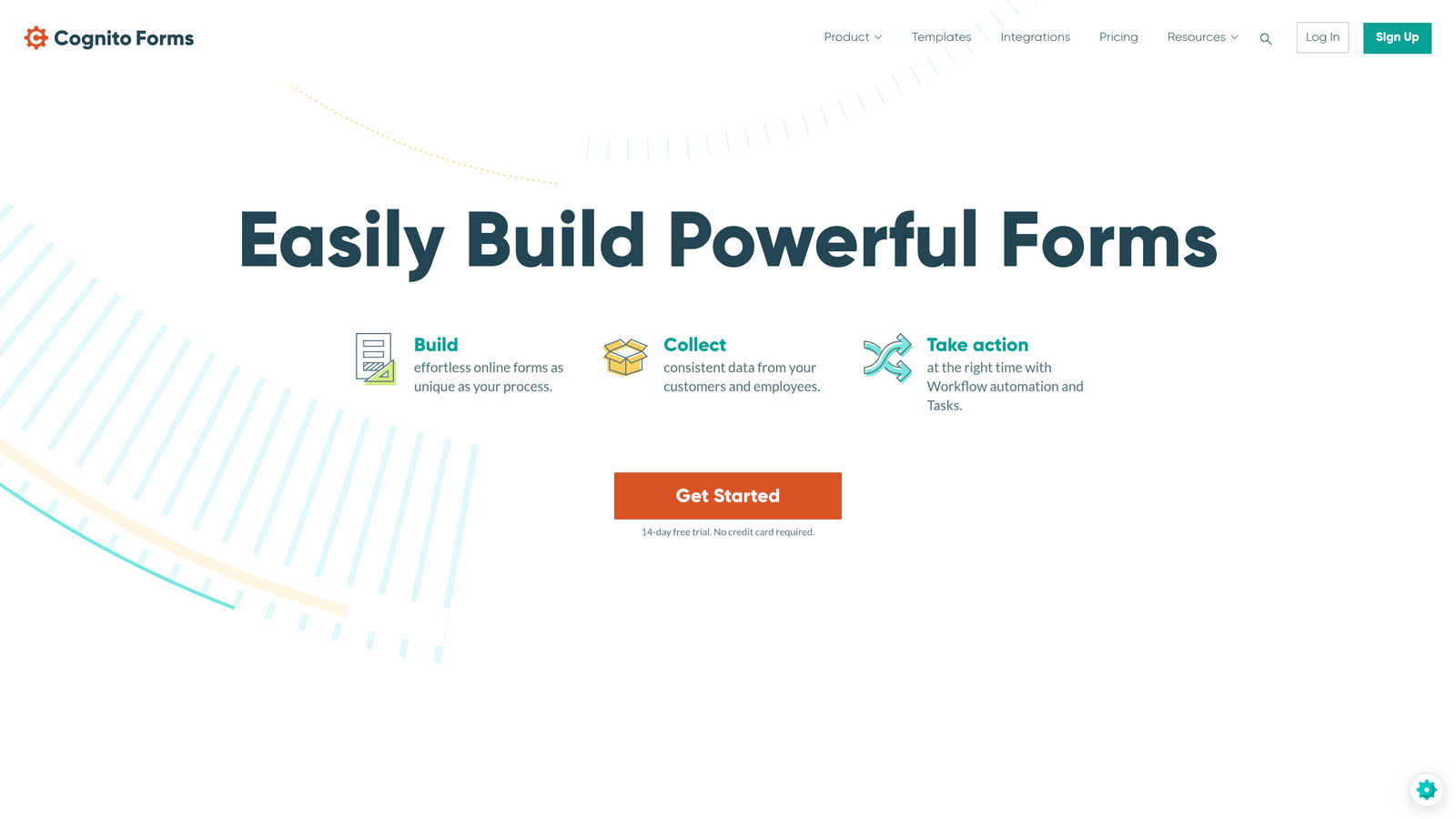
Cognito Forms is a budget-friendly form builder with native Salesforce and Microsoft Dynamics 365 integrations, popular with small businesses and nonprofits.
Where This Tool Shines
The pricing structure makes CRM integration accessible to organizations that can't justify $50+ monthly form builder subscriptions. The Pro plan includes full Salesforce and Dynamics 365 connectivity at a fraction of what enterprise form builders charge.
Repeating sections are surprisingly powerful for complex data capture. If you need to collect multiple line items, family member information, or product configurations in a single form submission, Cognito Forms handles this elegantly while maintaining clean CRM record structure.
Key Features
Native Salesforce and Dynamics 365: Direct connections to both major enterprise CRMs without requiring additional integration fees.
Payment Collection: Accept payments through Stripe or Square and create CRM records with transaction data attached.
Repeating Sections: Allow users to add multiple entries within a single form for complex data collection scenarios.
Calculations and Logic: Build forms with mathematical calculations and conditional fields based on user input.
Nonprofit Pricing: Discounted rates for registered nonprofit organizations.
Best For
Small businesses and nonprofits that need Salesforce or Dynamics 365 integration without enterprise-level budgets. Works well for organizations collecting donations, event registrations, or membership applications with payment processing.
Pricing
Free tier available with basic features. Pro plan at $24/month includes CRM integrations and removes submission limits.
7. Formstack
Best for: Salesforce-heavy enterprises needing bidirectional sync
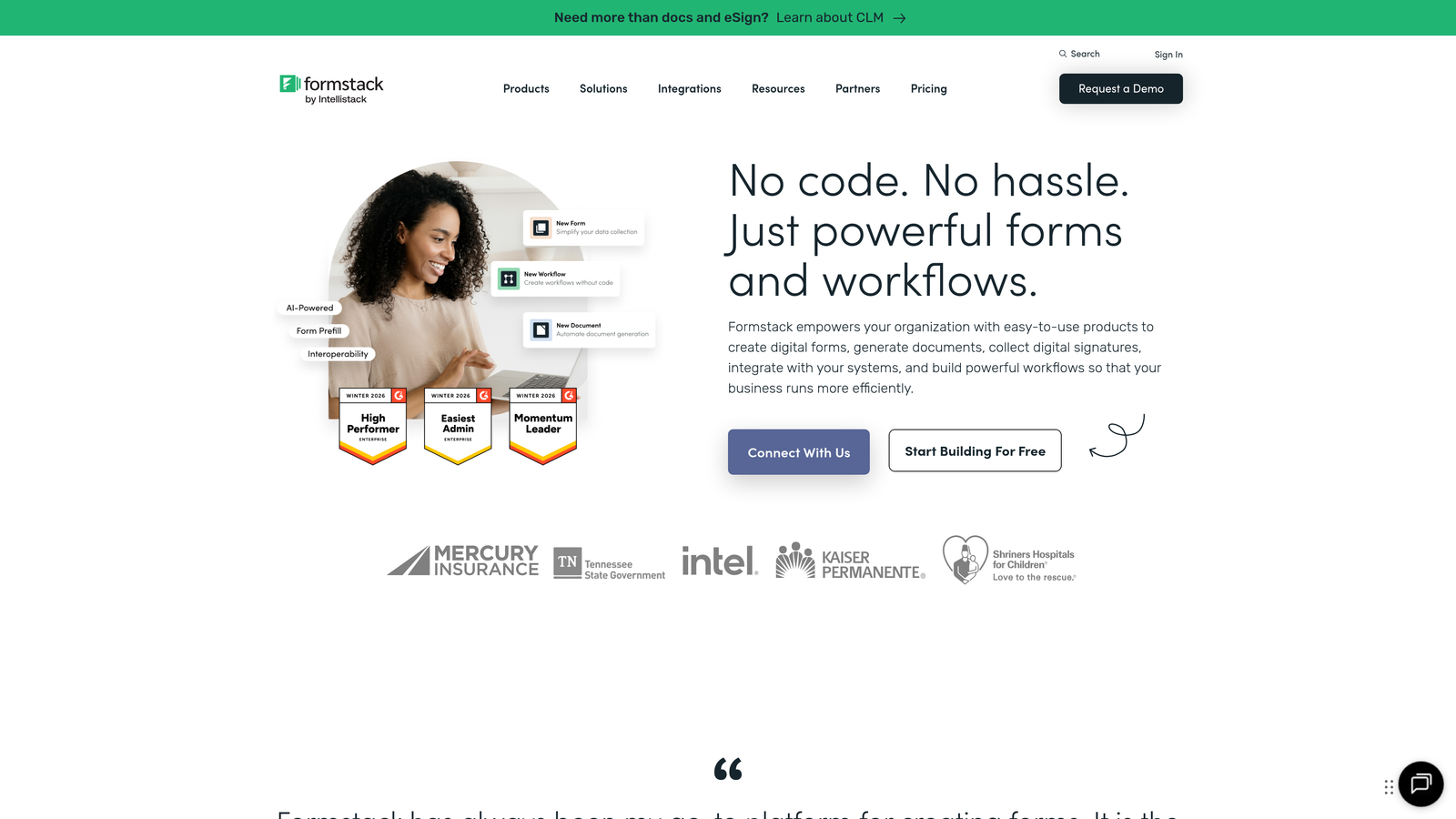
Formstack is an enterprise-grade form builder with deep Salesforce integration, including the ability to prefill forms from CRM data and update existing records.
Where This Tool Shines
The Salesforce-native app goes beyond basic form-to-CRM data transfer. You can prefill forms with existing Salesforce data, allowing customers to update their information or sales reps to complete internal forms with CRM context already populated. This bidirectional approach enables use cases most form builders can't handle.
Compliance certifications matter for enterprises. HIPAA, GDPR, and SOC 2 compliance mean you can collect sensitive data through forms without creating regulatory headaches, particularly important for healthcare, financial services, and enterprise sales teams.
Key Features
Salesforce-Native App: Install directly from Salesforce AppExchange with bidirectional sync and prefill capabilities.
Prefill from CRM: Populate form fields with existing Salesforce data, enabling update forms and contextual data collection.
Conditional CRM Updates: Choose whether submissions create new records or update existing ones based on matching criteria.
Compliance Certifications: HIPAA, GDPR, and SOC 2 certified for collecting sensitive data in regulated industries.
Document Generation: Automatically create contracts, proposals, or reports from form data and attach to Salesforce records.
Best For
Enterprise organizations deeply invested in Salesforce that need advanced form capabilities like bidirectional sync, prefilling, and compliance certifications. Particularly valuable for companies in regulated industries or those using forms for internal workflows, not just lead capture.
Pricing
Starts at $83/month for the base platform. Salesforce app priced separately with custom enterprise pricing based on user count and features.
8. 123FormBuilder
Best for: Quick setup without technical expertise
123FormBuilder is a user-friendly form builder with one-click CRM integrations designed for teams wanting quick setup without technical expertise.
Where This Tool Shines
The visual field mapping interface removes technical barriers. You can see your CRM fields on one side, your form fields on the other, and simply drag connections between them. No API documentation, no JSON configuration, no developer required.
Multi-page forms with save and resume functionality work well for complex lead qualification. Prospects can start a form, save their progress, and return later without losing data. This reduces abandonment for longer forms while maintaining clean CRM records.
Key Features
One-Click CRM Integration: Connect to Salesforce, HubSpot, or Zoho CRM with pre-built templates that require minimal configuration.
Visual Field Mapping: Drag-and-drop interface for connecting form fields to CRM properties without technical knowledge.
Autoresponder Sync: Send confirmation emails that trigger CRM workflows and update contact records automatically.
Save and Resume: Allow users to save partially completed forms and return later, reducing abandonment on complex forms.
White-Label Options: Remove branding and customize form appearance for agencies managing multiple client accounts.
Best For
Marketing teams without dedicated developers who need to set up CRM-connected forms quickly. Works particularly well for small marketing departments, agencies managing multiple clients, or businesses wanting to get forms live without IT involvement.
Pricing
Free tier available with basic features. Gold plan at $24.99/month includes CRM integrations and removes submission limits.
9. Paperform
Best for: Design-forward teams prioritizing brand experience
Paperform is a design-focused form builder combining beautiful aesthetics with CRM connectivity through native integrations and Zapier for broader coverage.
Where This Tool Shines
The rich text editor lets you create forms that look like branded landing pages rather than traditional forms. You can mix form fields with images, videos, headings, and formatted text to create an experience that feels cohesive with your website design.
Built-in payment processing tied to CRM sync enables seamless purchase-to-customer workflows. When someone completes a purchase through a Paperform, their payment information and form data flow into your CRM as a complete customer record, not just a lead.
Key Features
Rich Text Editor: Create document-style forms with formatted text, images, and videos mixed with form fields for branded experiences.
Native CRM Integrations: Direct connections to popular CRMs with field mapping and workflow triggers.
Zapier and Make Support: Connect to 3,000+ apps when native integrations don't cover your specific CRM platform.
Payment Processing: Accept payments through Stripe, PayPal, or Square with automatic CRM record creation including transaction details.
Conditional Logic: Show or hide form sections based on user responses, creating personalized paths through complex forms.
Best For
Companies where form aesthetics directly impact conversion rates and brand perception. Works particularly well for premium products, creative agencies, consulting services, or any business where the lead capture experience needs to match a high-end brand positioning.
Pricing
Essentials plan at $29/month includes basic features. Pro plan at $59/month adds advanced integrations and removes Paperform branding.
Finding Your Perfect CRM Form Integration
The right CRM integrated form builder depends on your existing tech stack and specific workflow needs. If you're already using HubSpot CRM, HubSpot Forms offers the smoothest experience with zero configuration. Teams wanting AI-powered lead qualification before CRM sync should explore Orbit AI to filter out low-quality submissions automatically.
For maximum integration flexibility across CRM platforms, Jotform's 100+ native connections cover both major and niche systems. WordPress sites get the best performance and customization from Gravity Forms, while budget-conscious teams and nonprofits find Cognito Forms delivers essential CRM connectivity at accessible pricing.
Salesforce-heavy enterprises needing bidirectional sync and prefill capabilities will appreciate Formstack's enterprise-grade features. Teams without technical resources benefit from 123FormBuilder's visual field mapping, while design-forward brands create standout lead capture experiences with Paperform. Typeform remains the go-to choice for conversational forms that prioritize completion rates through one-question-at-a-time presentation.
The critical distinction isn't just whether a form builder connects to your CRM, but how intelligently it handles that connection. Basic integrations simply push form data into CRM fields. Advanced platforms like Orbit AI qualify leads, enrich data, and trigger workflows based on submission quality, ensuring your sales team focuses on prospects worth pursuing.
Transform your lead generation with AI-powered forms that qualify prospects automatically while delivering the modern, conversion-optimized experience your high-growth team needs. Start your free trial today and see how intelligent form design can elevate your conversion strategy.


