

Every form submission represents a potential customer, partnership, or opportunity—yet most small businesses lose leads to clunky, frustrating forms that visitors abandon halfway through. The difference between a form that converts and one that drives people away often comes down to the software powering it.
The right form software does more than collect information. It creates seamless experiences that guide visitors toward conversion, integrates with the tools you already use, and provides insights that help you understand your audience better. For small businesses operating on tight budgets and limited technical resources, choosing form software means balancing affordability with functionality.
We evaluated these solutions based on what matters most to small businesses: pricing that fits modest budgets, setup processes that don't require a developer, integrations with popular small business tools like CRMs and email platforms, and features that genuinely improve conversion rates. Here are the top small business form software solutions making waves in 2026.
1. Orbit AI
Best for: Small businesses that want to qualify leads automatically while maximizing conversions.
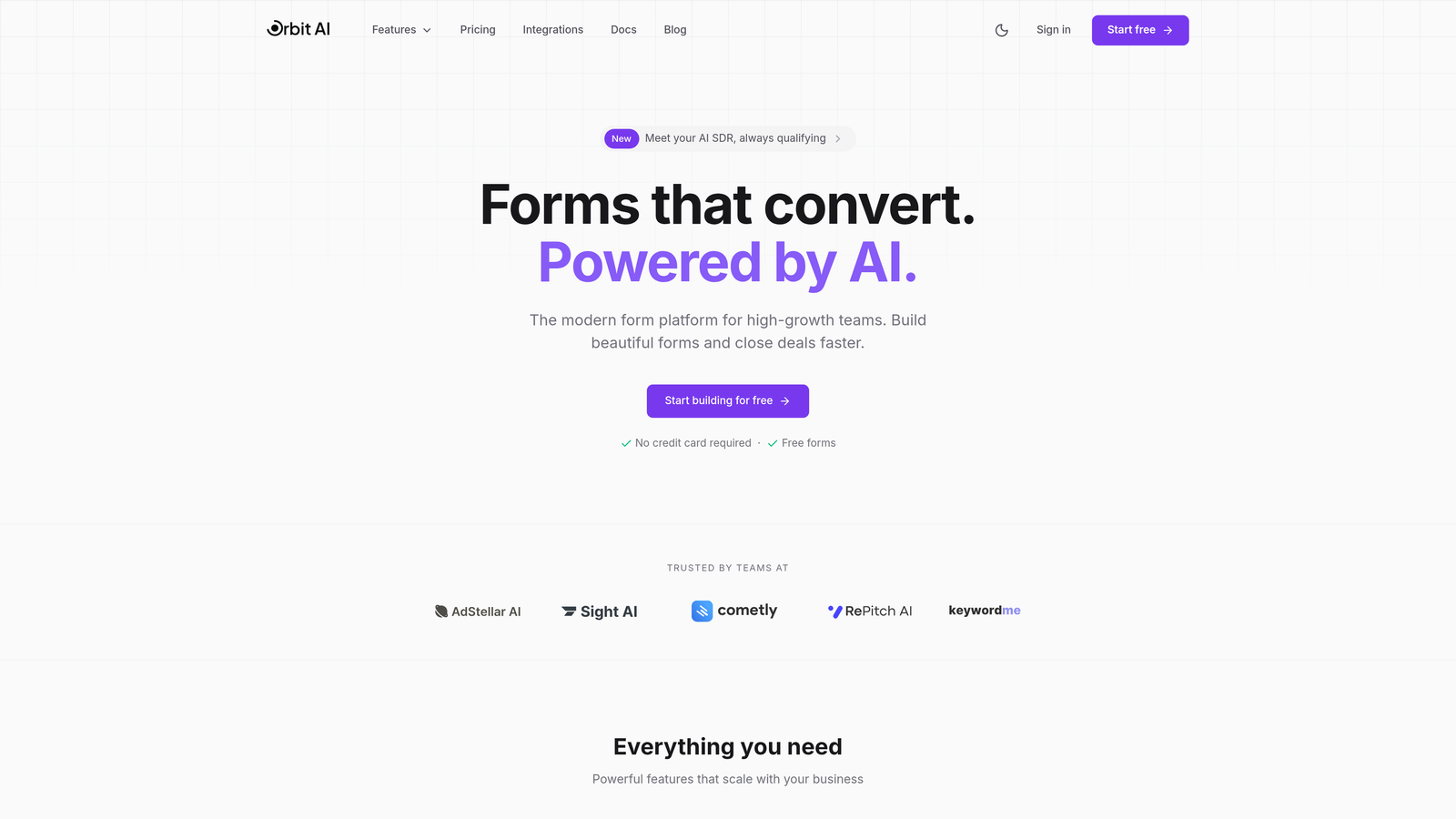
Orbit AI brings artificial intelligence to form building, automatically scoring and qualifying leads as they submit information while optimizing every element for conversion.
Where This Tool Shines
The AI-powered lead qualification sets Orbit AI apart from traditional form builders. Instead of manually reviewing every submission to determine which leads deserve immediate follow-up, the platform analyzes responses in real-time and assigns qualification scores based on your criteria.
The conversion optimization features go beyond basic form building. Orbit AI analyzes user behavior patterns and suggests improvements to form structure, question ordering, and design elements that statistically increase completion rates. For small businesses where every lead counts, this intelligence transforms forms from simple data collection tools into strategic conversion assets.
Key Features
AI-Powered Lead Qualification: Automatically scores and prioritizes leads based on their responses and behavior patterns.
Conversion-Optimized Templates: Pre-built form designs tested for maximum completion rates across industries.
Real-Time Analytics: Detailed insights into form performance, drop-off points, and conversion metrics.
Native CRM Integrations: Seamless connections with popular customer relationship management and marketing automation platforms.
Modern Form Designs: Customizable templates that match your brand while maintaining conversion-focused layouts.
Best For
High-growth small businesses and startups that need to maximize the value of every lead. Particularly valuable for B2B companies, service providers, and businesses with sales teams that benefit from pre-qualified prospects rather than raw contact information.
Pricing
Free tier available with core features. Paid plans start at competitive rates designed for small business budgets, with pricing that scales as your form submission volume grows.
2. Typeform
Best for: Creating engaging, conversational form experiences that feel like natural interactions.
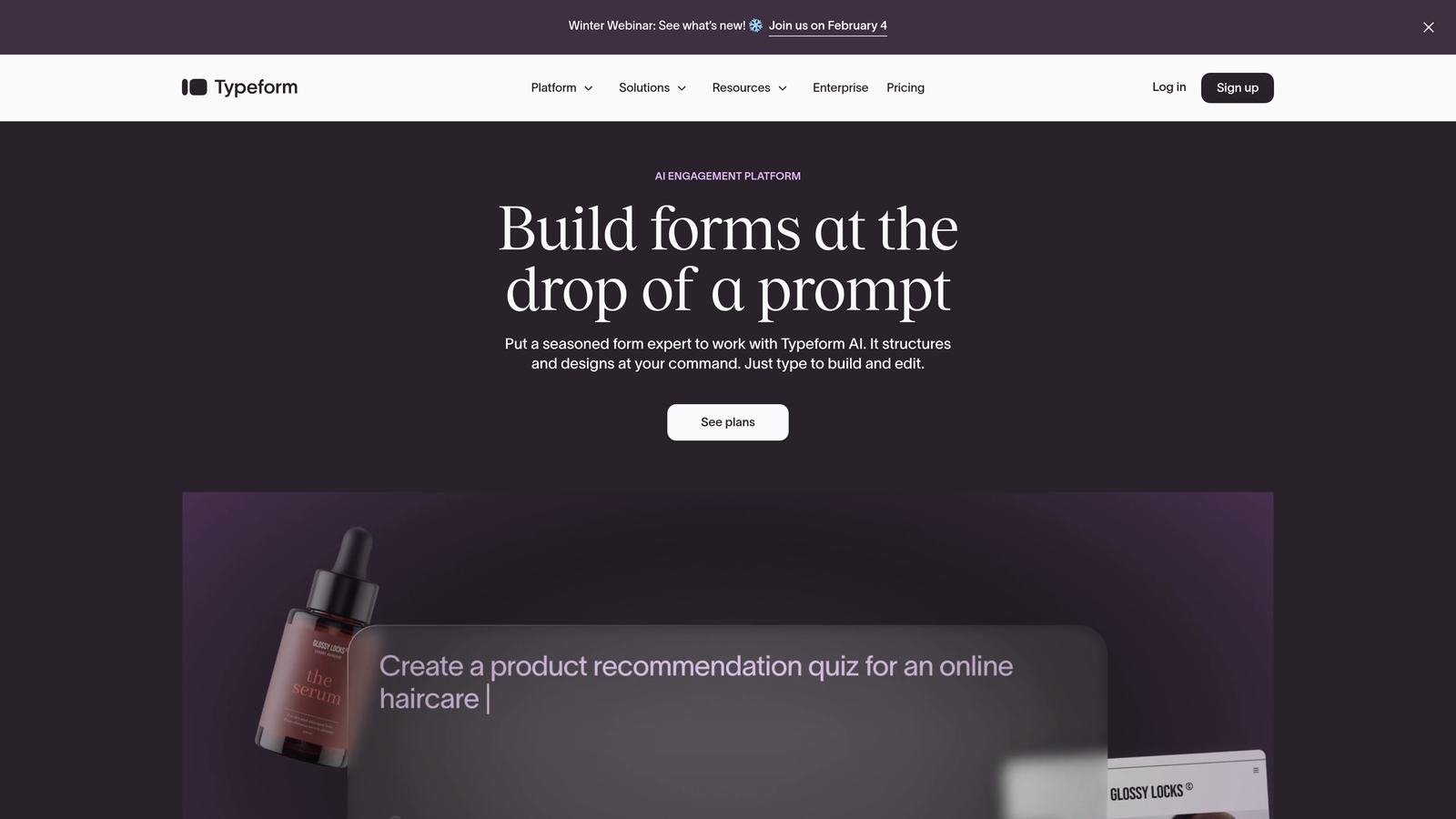
Typeform pioneered the conversational form format, presenting one question at a time to create engaging experiences that significantly reduce form abandonment.
Where This Tool Shines
The one-question-at-a-time approach transforms how users interact with forms. Instead of facing an overwhelming wall of fields, respondents focus on a single question, creating a conversation-like flow that feels less tedious. This format consistently achieves higher completion rates than traditional multi-field forms.
The design capabilities allow you to create forms that genuinely reflect your brand personality. From custom color schemes to embedded videos and images, Typeform makes it easy to build forms that feel like natural extensions of your website rather than generic data collection tools.
Key Features
Conversational Interface: One-question-at-a-time format that creates engaging, dialogue-like experiences.
Brandable Designs: Extensive customization options for colors, fonts, backgrounds, and visual elements.
Logic Jumps: Conditional branching that shows different questions based on previous answers.
Rich Media Embedding: Seamlessly incorporate videos, images, and GIFs into your forms.
Zapier Integrations: Connect to thousands of apps and automate workflows without coding.
Best For
Small businesses prioritizing user experience and engagement over raw functionality. Ideal for surveys, feedback collection, lead generation forms, and any scenario where you want respondents to actually enjoy completing your form.
Pricing
Free plan available with limited monthly responses. Basic plan starts at $25/month, providing more responses and removing Typeform branding.
3. Jotform
Best for: Businesses needing extensive templates and built-in payment processing without custom development.
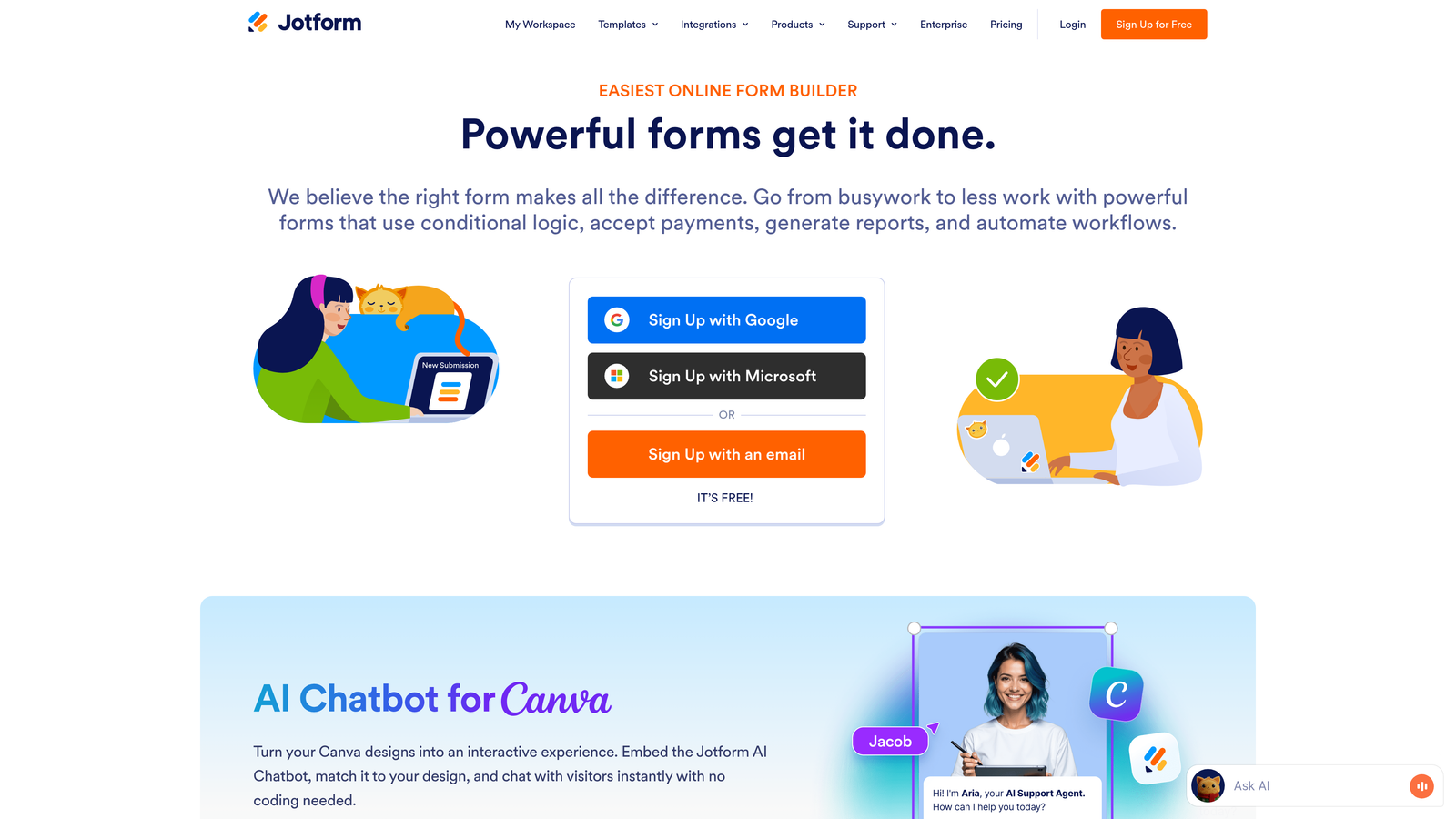
Jotform offers one of the largest template libraries in the industry with over 10,000 pre-built forms covering virtually every use case imaginable.
Where This Tool Shines
The template library eliminates the blank-page problem. Whether you need a job application form, event registration, customer feedback survey, or donation form, there's likely a professionally designed template you can customize in minutes. This dramatically reduces setup time for small businesses without dedicated marketing teams.
The integrated payment processing capabilities make Jotform particularly valuable for businesses selling products, accepting donations, or collecting deposits. Native integrations with PayPal, Stripe, and Square mean you can start accepting payments without wrestling with third-party plugins or complex setup processes.
Key Features
10,000+ Templates: Pre-built forms for every industry and use case, ready to customize and deploy.
Payment Processing: Native integrations with major payment processors for seamless transaction handling.
HIPAA Compliance: Enterprise plans offer HIPAA-compliant forms for healthcare and medical practices.
PDF Generation: Automatically convert form submissions into formatted PDF documents.
Mobile App: Manage forms and view submissions on iOS and Android devices.
Best For
Small businesses that need to launch forms quickly using proven templates. Particularly strong for organizations accepting payments, donations, or registrations, and healthcare providers requiring HIPAA compliance.
Pricing
Free plan includes up to 5 forms with 100 monthly submissions. Bronze plan starts at $34/month for 25 forms and 1,000 monthly submissions.
4. Google Forms
Best for: Budget-conscious businesses needing basic forms with automatic Google Sheets integration.
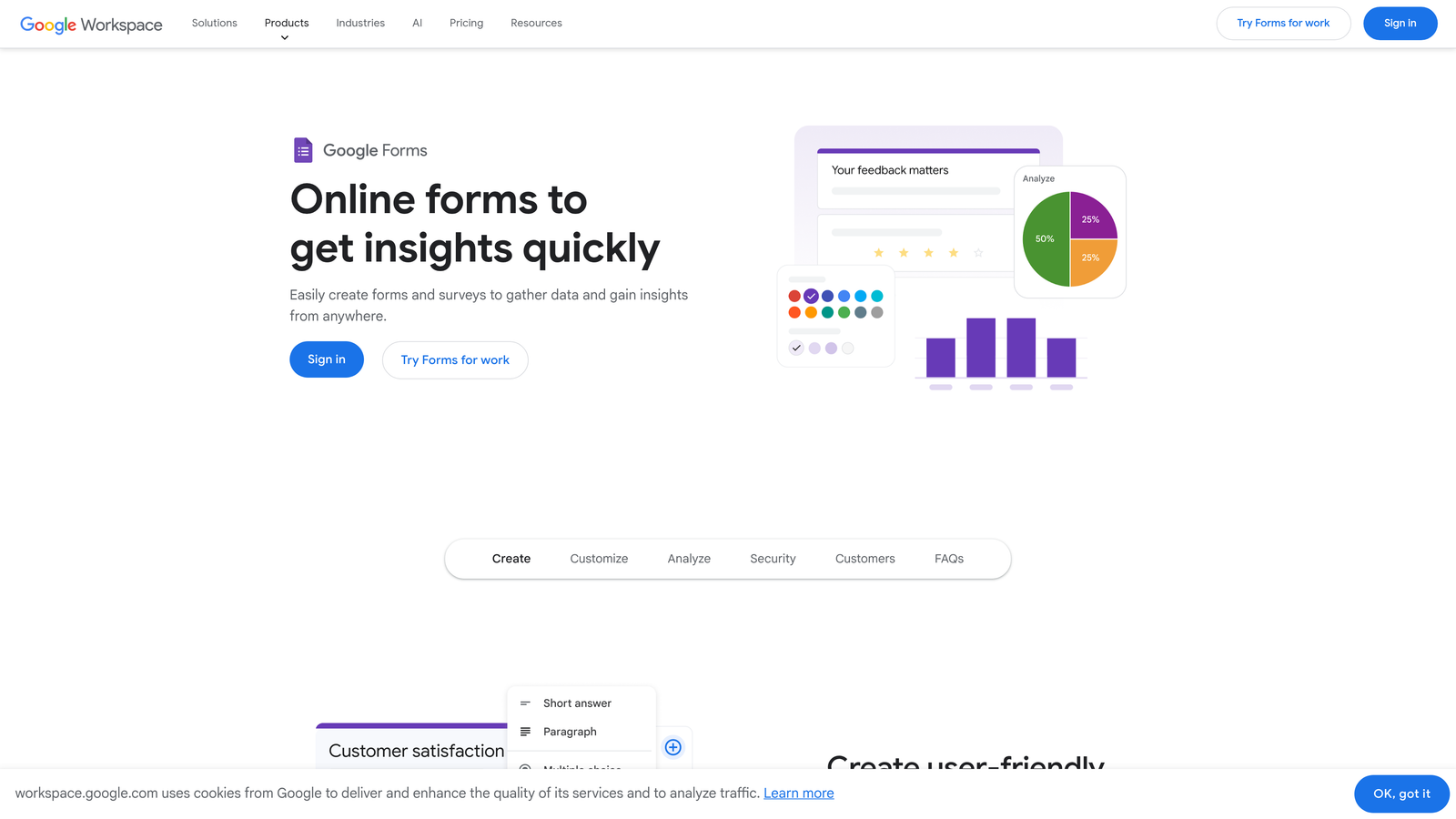
Google Forms provides completely free form building with seamless integration into the Google Workspace ecosystem.
Where This Tool Shines
The price point is unbeatable—completely free with unlimited forms and submissions. For small businesses already using Google Workspace, the automatic integration with Google Sheets creates effortless data management. Responses flow directly into spreadsheets where you can analyze, filter, and share them with your team.
The real-time collaboration features mirror those in Google Docs. Multiple team members can edit the same form simultaneously, leave comments, and suggest changes. This collaborative approach streamlines form creation when input from different departments is needed.
Key Features
Unlimited Free Usage: Create unlimited forms with unlimited submissions at no cost.
Google Sheets Integration: Responses automatically populate organized spreadsheets for easy analysis.
Real-Time Collaboration: Multiple users can edit forms simultaneously with change tracking.
Basic Conditional Logic: Show or hide questions based on previous answers.
Quiz Features: Create self-grading quizzes and assessments with automatic scoring.
Best For
Bootstrapped startups and small businesses with minimal budgets, organizations already invested in Google Workspace, and anyone needing straightforward data collection without advanced features.
Pricing
Completely free with a Google account. No paid tiers or premium features.
5. Tally
Best for: Small businesses wanting advanced features without paying for them.
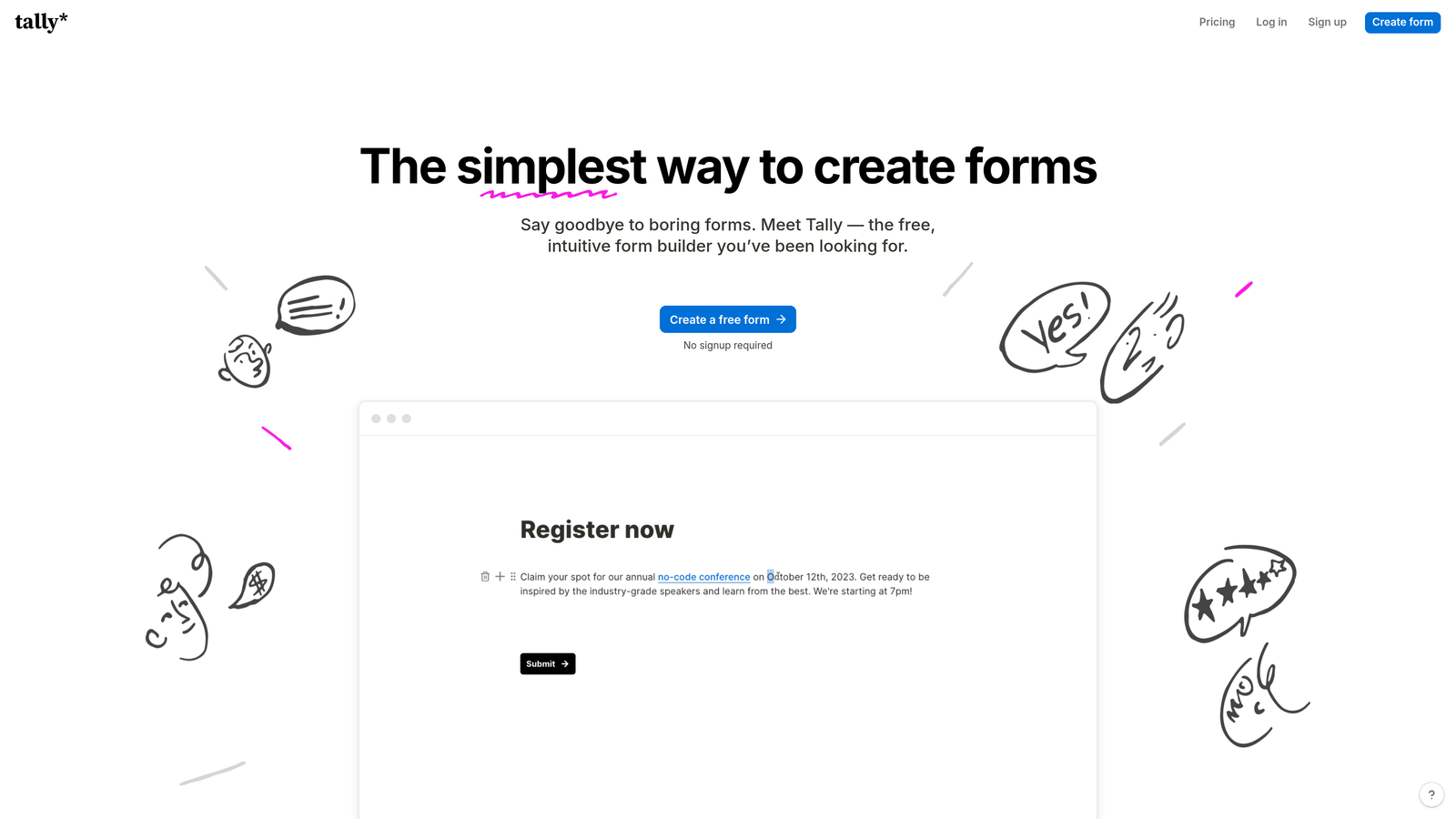
Tally offers one of the most generous free plans in the form software market, with unlimited forms and submissions at no cost.
Where This Tool Shines
The Notion-style block-based editor makes form building feel intuitive and familiar if you've used modern productivity tools. Instead of dragging fields into position, you build forms by adding blocks—text, questions, images, dividers—and arranging them with simple commands. This approach feels faster and more natural than traditional form builders.
The unlimited free tier genuinely includes features that competitors charge for. Unlimited forms, unlimited submissions, conditional logic, and basic integrations all come at no cost. For small businesses testing form software or operating on extremely tight budgets, Tally removes financial barriers to professional form creation.
Key Features
Unlimited Free Plan: No limits on forms or submissions, even on the free tier.
Block-Based Editor: Notion-inspired interface for intuitive, fast form building.
Conditional Logic: Show or hide questions based on user responses, available on free plan.
Custom Domains: Use your own domain for forms on paid plans.
Webhooks: Send form data to other applications via webhooks and integrations.
Best For
Budget-conscious small businesses that need professional features without monthly fees. Excellent for startups, solopreneurs, and organizations that want to test form strategies before committing to paid software.
Pricing
Free plan includes unlimited forms and submissions with core features. Pro plan at $29/month adds custom domains, file uploads, and priority support.
6. Paperform
Best for: Creating forms that double as landing pages with rich content.
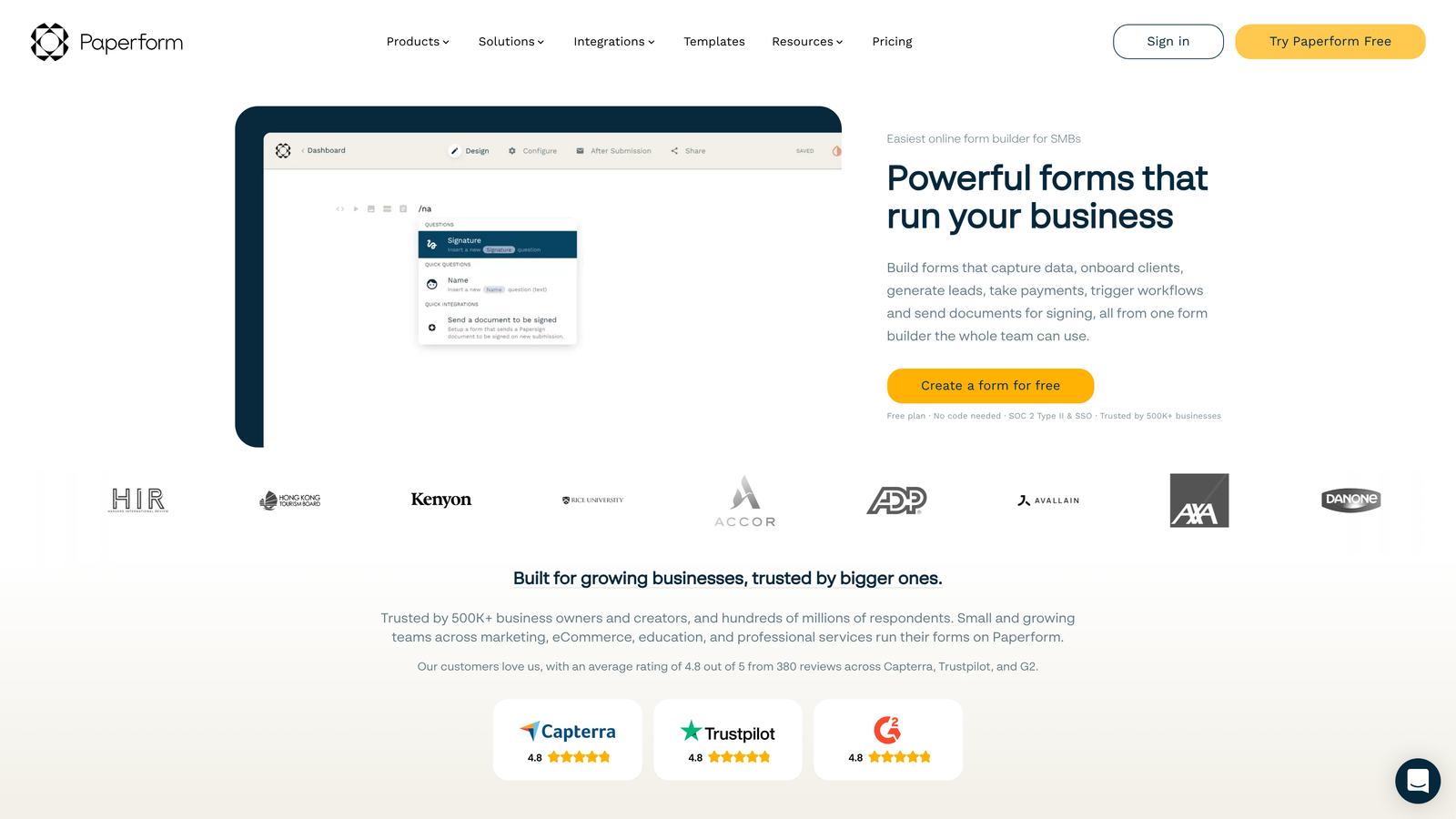
Paperform blurs the line between forms and landing pages, allowing you to embed rich content alongside form fields for comprehensive experiences.
Where This Tool Shines
The rich content embedding capabilities transform forms into complete landing pages. You can weave explanatory text, product images, demonstration videos, testimonials, and form fields into a single cohesive experience. This eliminates the need to build separate landing pages and forms, streamlining your marketing stack.
The built-in appointment scheduling and e-commerce features make Paperform particularly versatile. Service businesses can create booking forms that check availability and schedule appointments automatically. Product sellers can build order forms with payment processing, inventory management, and order confirmation emails—all without additional tools.
Key Features
Rich Content Embedding: Combine videos, images, formatted text, and form fields in a single page.
E-Commerce Capabilities: Accept payments, manage inventory, and process orders directly through forms.
Appointment Scheduling: Built-in calendar integration for booking consultations and services.
Advanced Logic: Complex conditional branching and calculations for sophisticated forms.
Custom Success Pages: Create branded confirmation pages with next steps and additional offers.
Best For
Service businesses offering consultations or appointments, e-commerce companies selling products through forms, and marketers who want forms integrated into content-rich landing pages.
Pricing
Essentials plan starts at $24/month for basic features. Pro plan at $44/month adds advanced integrations and removes submission limits.
7. Cognito Forms
Best for: Forms requiring complex calculations, repeating sections, or advanced conditional logic.
Cognito Forms specializes in handling complex form logic that simpler builders struggle with.
Where This Tool Shines
The calculation fields handle mathematical operations that would require custom coding in most form builders. Need to calculate order totals with tax and shipping? Create quote forms with dynamic pricing based on selections? Build mortgage calculators or cost estimators? Cognito Forms makes these scenarios straightforward with built-in calculation functions.
The repeating sections feature allows users to add multiple instances of the same field group. Imagine an event registration form where attendees can register multiple people, each with their own set of information fields. Or an expense report where employees can add unlimited expense entries. This flexibility eliminates the need for separate submissions when collecting related data points.
Key Features
Advanced Calculations: Built-in functions for mathematical operations, totals, and dynamic pricing.
Repeating Sections: Allow users to add multiple instances of field groups within a single submission.
Conditional Logic: Show, hide, or require fields based on complex conditions and user inputs.
Payment Integration: Accept payments through Stripe and PayPal with calculated totals.
Data Security: Encryption and security features for protecting sensitive information.
Best For
Small businesses with complex form requirements like quote generators, registration forms with variable attendees, expense reports, or any scenario requiring calculations and advanced logic.
Pricing
Free plan available with basic features and limited submissions. Pro plan starts at $15/month for increased submissions and advanced features.
8. 123FormBuilder
Best for: Regulated industries requiring HIPAA, GDPR, or PCI compliance certifications.
123FormBuilder focuses on compliance and security, making it the go-to choice for healthcare, finance, and other regulated sectors.
Where This Tool Shines
The compliance certifications provide peace of mind for businesses handling sensitive data. HIPAA compliance for healthcare providers collecting patient information, GDPR compliance for businesses serving European customers, and PCI compliance for payment processing all come built into the platform. This eliminates the compliance headaches that plague small businesses in regulated industries.
The electronic signature collection feature streamlines document workflows. Contracts, consent forms, agreements, and authorizations can all be signed digitally within forms. This reduces paperwork, speeds up processes, and creates legally binding records without printing, scanning, or mailing physical documents.
Key Features
Compliance Certifications: HIPAA, GDPR, and PCI compliance built into the platform.
Electronic Signatures: Collect legally binding signatures directly within forms.
Workflow Automation: Route submissions through approval processes and notification chains.
Industry Templates: Pre-built forms designed for healthcare, finance, education, and other sectors.
Advanced Reporting: Detailed analytics and custom reports for submission data.
Best For
Healthcare providers, financial services firms, legal practices, and any small business operating in regulated industries that require certified compliance and secure data handling.
Pricing
Free plan available with basic features. Gold plan starts at $24.99/month for compliance features and increased submissions.
9. Fillout
Best for: Teams using Notion, Airtable, or other database tools for data management.
Fillout provides native integrations with modern database tools, making it ideal for teams already invested in those ecosystems.
Where This Tool Shines
The native Notion and Airtable integrations eliminate the middleware typically required to connect forms with these platforms. Form submissions flow directly into your Notion databases or Airtable bases without Zapier or custom API work. For small businesses using these tools as their primary data systems, this seamless connection streamlines workflows significantly.
The multi-page forms with progress indicators improve completion rates for longer forms. Instead of overwhelming users with a single long page, you can break forms into logical sections with visual progress tracking. Users see how far they've come and how much remains, reducing abandonment on forms that require substantial information.
Key Features
Native Database Integration: Direct connections to Notion databases and Airtable bases without middleware.
Multi-Page Forms: Split long forms into sections with progress bars showing completion status.
Conditional Branching: Show different pages or questions based on user responses.
File Uploads: Allow users to attach documents, images, and other files to submissions.
Custom Thank-You Pages: Create branded confirmation experiences with next steps and resources.
Best For
Small businesses using Notion or Airtable as their primary data management systems, teams that want form data flowing directly into existing databases, and organizations building multi-step application or onboarding processes.
Pricing
Free plan available with core features. Starter plan at $15/month adds unlimited submissions and removes branding.
Finding Your Perfect Match
The best form software for your small business depends on your specific priorities and constraints. If budget is your primary concern, Google Forms delivers unlimited functionality at zero cost, while Tally provides surprisingly advanced features on its generous free tier.
For businesses focused on maximizing conversion rates and lead quality, Orbit AI's intelligent lead qualification and optimization features transform forms from simple data collectors into strategic conversion tools. The AI-powered approach means you're not just gathering more leads—you're identifying the right ones automatically.
Payment processing needs? Jotform and Paperform both excel at handling transactions, with Jotform offering the broader template library and Paperform providing richer content integration. Compliance requirements point toward 123FormBuilder's certified HIPAA and GDPR capabilities.
If you're already invested in specific ecosystems, lean into those integrations. Google Forms for Google Workspace users, Fillout for Notion and Airtable teams, and platforms with strong Zapier support for connecting to your existing tools.
The form software landscape in 2026 offers options for every budget and requirement. Start by identifying your non-negotiables—whether that's price, specific integrations, compliance needs, or conversion optimization—then choose the platform that best addresses those priorities. Start your free trial today and see how intelligent form design can elevate your conversion strategy while delivering the modern, AI-powered experience your high-growth team needs.


