Legal intake is often the first impression your firm makes on a potential client. It's also where most firms quietly lose qualified leads: forms that are too long, too generic, or too clunky to complete on a mobile device. Add in the compliance requirements, the need to route different case types to the right attorney, and the reality that every unqualified consultation costs real attorney time, and you quickly realize that a generic form builder isn't going to cut it.
This guide covers the top form builders for legal services in 2026, evaluated on security and compliance readiness, conditional logic for intake routing, lead qualification capabilities, integrations with legal practice management tools, and overall value. Whether you're a solo practitioner building your first intake form or a high-growth legal tech team optimizing conversion at scale, there's a tool here that fits.
Selection criteria: GDPR and HIPAA readiness, conditional logic for intake routing, e-signature or document support, CRM integrations, and pricing transparency.
1. Orbit AI
Best for: High-growth legal teams that need AI-powered lead qualification and conversion-optimized intake
Orbit AI is an AI-powered form builder with built-in lead qualification agents, modern conversion-optimized design, and workflow automation purpose-built for high-growth teams.

Where This Tool Shines
Most form builders collect information passively. Orbit AI goes a step further by actively qualifying that information. Its AI agents score and route incoming legal leads automatically, so your attorneys spend time on the cases that match your firm's criteria rather than manually triaging every submission.
The platform also handles the follow-up side of intake with workflow automation and sequence tools, meaning a prospective client who submits an intake form doesn't fall into a black hole while waiting to hear back. For legal teams where speed-to-response directly affects conversion, that matters.
Key Features
AI Lead Qualification Agents: Automatically score and route incoming legal leads based on your defined criteria, reducing manual triage time.
Conditional Logic for Intake Branching: Show or hide fields based on previous answers, creating intelligent intake paths for different case types.
Workflow and Sequence Automation: Trigger follow-up sequences automatically after form submission to keep prospects engaged.
Contact Management and Analytics Dashboard: Track lead volume, form performance, and conversion metrics in one place.
GDPR Compliance and Dedicated Security Infrastructure: Built with data privacy in mind; see orbitforms.ai/security and orbitforms.ai/gdpr for full details.
Best For
Legal teams focused on lead generation and conversion optimization, particularly those running high intake volumes where manual qualification creates bottlenecks. Also a strong fit for legal tech SaaS companies building intake experiences into their own products.
Pricing
See orbitforms.ai/pricing for current plans. A free starting tier is available.
2. Clio Grow
Best for: Law firms already using Clio Manage who want native intake-to-matter automation
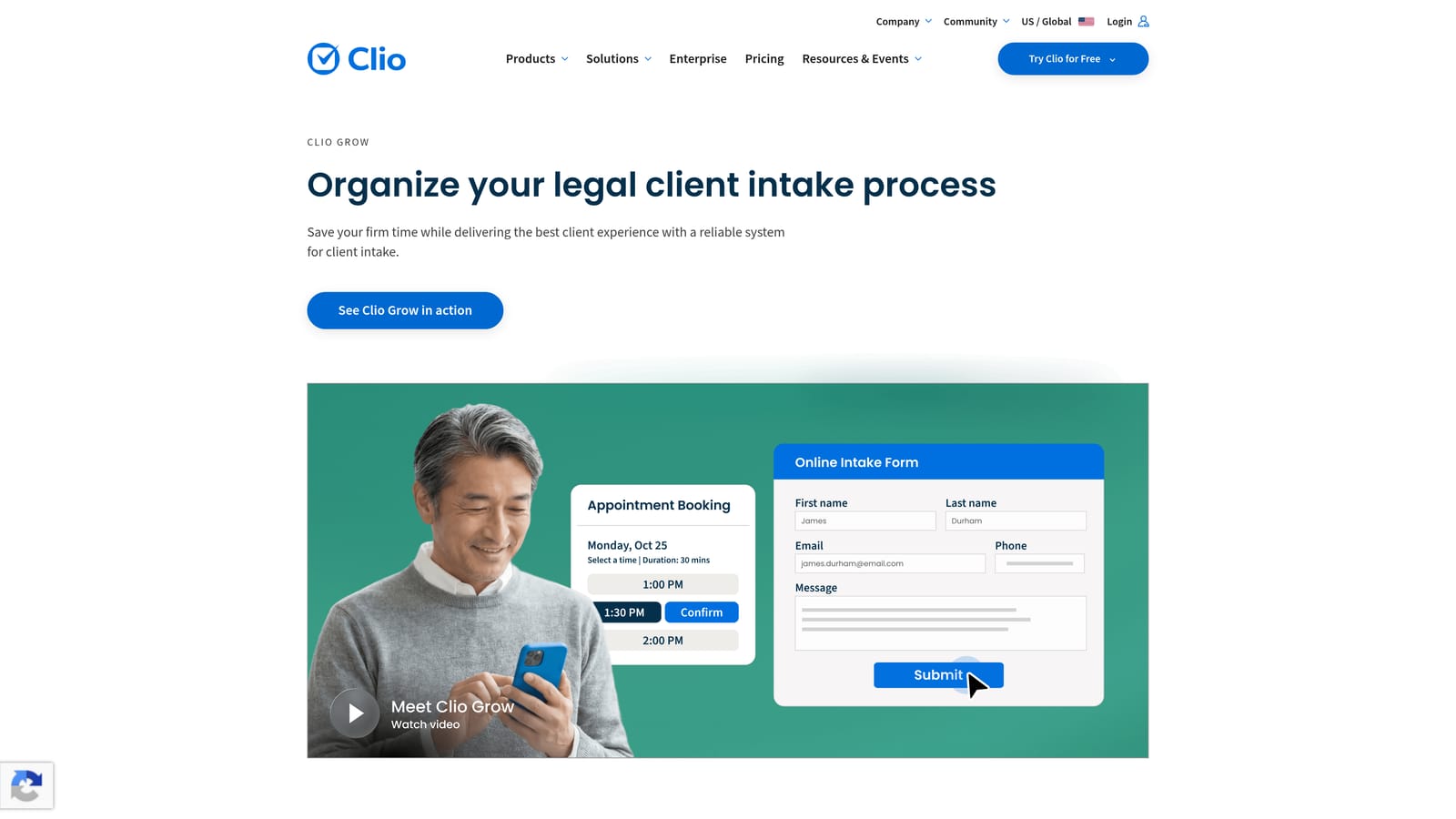
Clio Grow is a purpose-built legal CRM and client intake platform that integrates natively with Clio Manage for end-to-end matter management.
Where This Tool Shines
Clio Grow isn't trying to be a general-purpose form builder. It's designed specifically for law firms, and that focus shows. When a prospective client completes an intake form, that data flows directly into Clio Manage, creating a matter record without any manual data entry. For firms already in the Clio ecosystem, this tight integration alone justifies the platform.
The built-in conflict checking workflows and e-signature support also mean you can handle much of the early client relationship inside one platform, reducing the number of tools your team needs to manage.
Key Features
Legal-Specific Intake Forms with E-Signature: Collect signatures on engagement letters and retainer agreements directly within the intake flow.
Native Clio Manage Integration: Automatically create matter records from intake submissions, eliminating duplicate data entry.
Client Portal for Document Collection: Give prospective clients a secure place to upload supporting documents during intake.
Automated Follow-Up Sequences: Send scheduled follow-up emails to prospects who haven't completed their intake.
Conflict Checking Workflows: Flag potential conflicts of interest as part of the intake process before investing attorney time.
Best For
Law firms already using or planning to adopt Clio Manage. Less compelling as a standalone tool if you're not in the Clio ecosystem, since much of its value comes from that native integration.
Pricing
Bundled with Clio Manage or available as a standalone product. Pricing is available on request at clio.com.
3. Typeform
Best for: Consumer-facing legal practices that prioritize form completion rates and client experience
Typeform is a conversational form builder known for its one-question-at-a-time interface that drives higher completion rates compared to traditional multi-field forms.

Where This Tool Shines
Long legal intake forms are notorious for high abandonment rates. Typeform's conversational format breaks that pattern by presenting one question at a time, making even a complex intake feel more like a conversation than a form. For consumer-facing practices in areas like personal injury, family law, or estate planning, this UX approach can meaningfully improve how many prospects actually complete the intake process.
The conditional logic is genuinely strong, allowing you to branch respondents into different question paths based on their answers, which is essential for routing different case types without overwhelming every prospect with irrelevant questions.
Key Features
Conversational One-Question-at-a-Time Interface: Reduces cognitive load and improves completion rates on longer intake forms.
Strong Conditional Logic and Branching: Route respondents through different question paths based on case type, location, or other criteria.
GDPR Compliance with Data Export Controls: Suitable for firms with EU clients; data export and deletion tools are available.
Integrations with HubSpot, Salesforce, and Zapier: Connect intake data to your CRM or legal practice management tools.
Logic Jumps for Intake Routing: Send different case types to different completion screens or notification recipients automatically.
Best For
Consumer-facing legal practices where first impressions matter and intake completion rates are a priority. Less suited for firms that need HIPAA compliance or native legal practice management integrations.
Pricing
Free tier available with limited responses. Paid plans start at approximately $25/month. Higher-tier plans unlock more responses and advanced features.
4. JotForm
Best for: Firms that want a large template library and optional HIPAA compliance without building from scratch
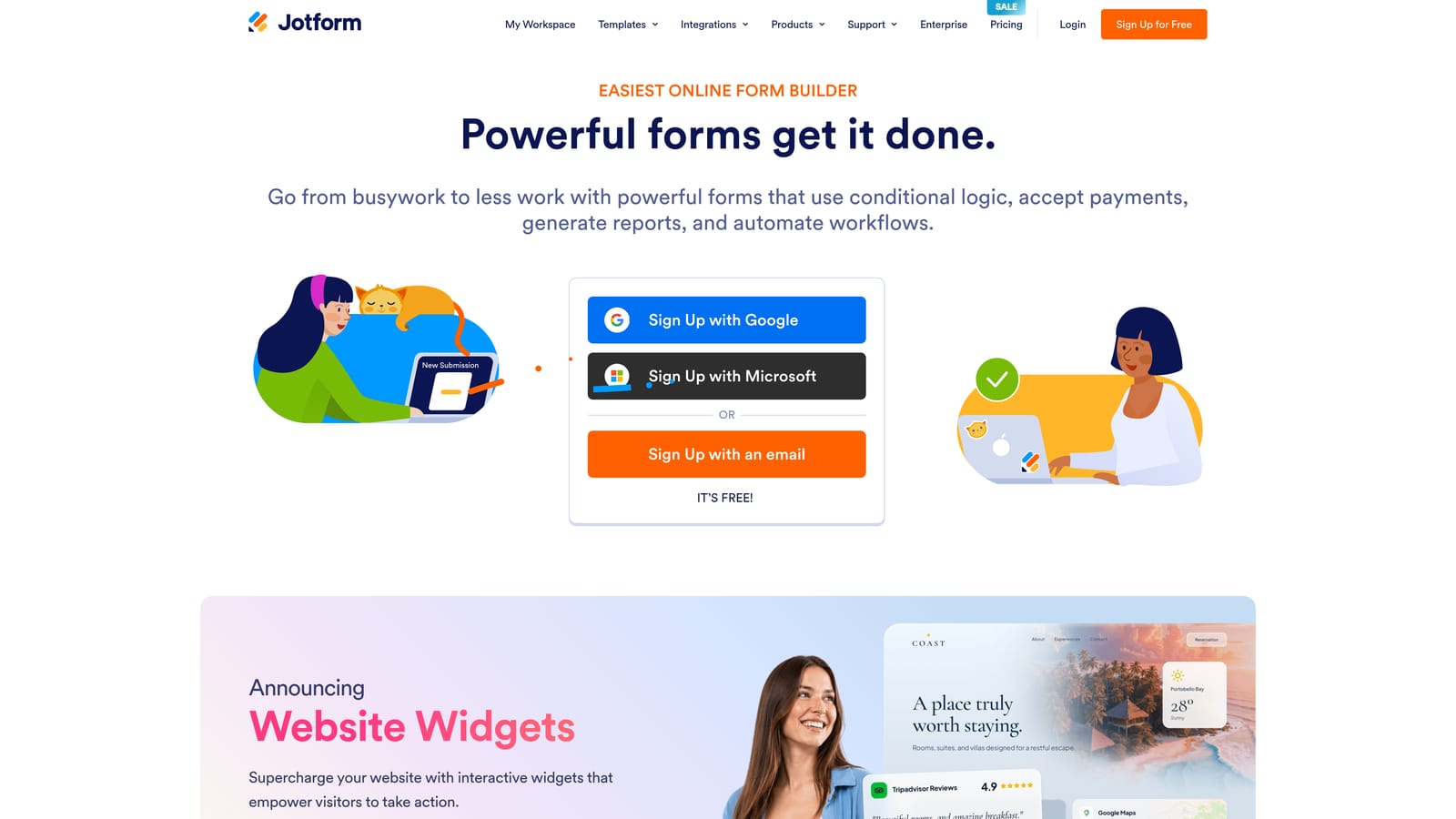
JotForm is a feature-rich general form builder with thousands of templates including legal intake forms and optional HIPAA compliance on higher-tier plans.
Where This Tool Shines
If you need to get an intake form live quickly, JotForm's template library is genuinely useful. There are purpose-built templates for common legal intake scenarios, including personal injury, immigration, and general consultation requests, that give you a solid starting point without building from scratch.
The HIPAA compliance option, which includes a Business Associate Agreement, makes JotForm viable for firms handling health-adjacent legal matters such as medical malpractice or disability cases. That compliance tier isn't available on all plans, so confirm your plan level before collecting sensitive health information.
Key Features
10,000+ Templates Including Legal Intake: Pre-built templates for common legal intake scenarios reduce setup time significantly.
HIPAA Compliance with BAA Available: Available on higher-tier plans, making it suitable for health-adjacent legal matters.
Payment Collection for Retainer Deposits: Accept initial retainer payments directly within the intake form.
Conditional Logic and Multi-Page Forms: Break complex intake into manageable sections with intelligent branching.
Wide Integration Library: Connects with CRMs, legal practice management tools, and Zapier for custom workflows.
Best For
Firms that want a proven, feature-rich tool with minimal setup time. The interface can feel busy for non-technical users, but the depth of features and template library make it a strong all-rounder for small to mid-size firms.
Pricing
Free tier available. Paid plans start at approximately $34/month. HIPAA compliance requires a higher-tier plan.
5. Formstack
Best for: Law firms with complex document workflows that need forms, document generation, and e-signatures in one platform
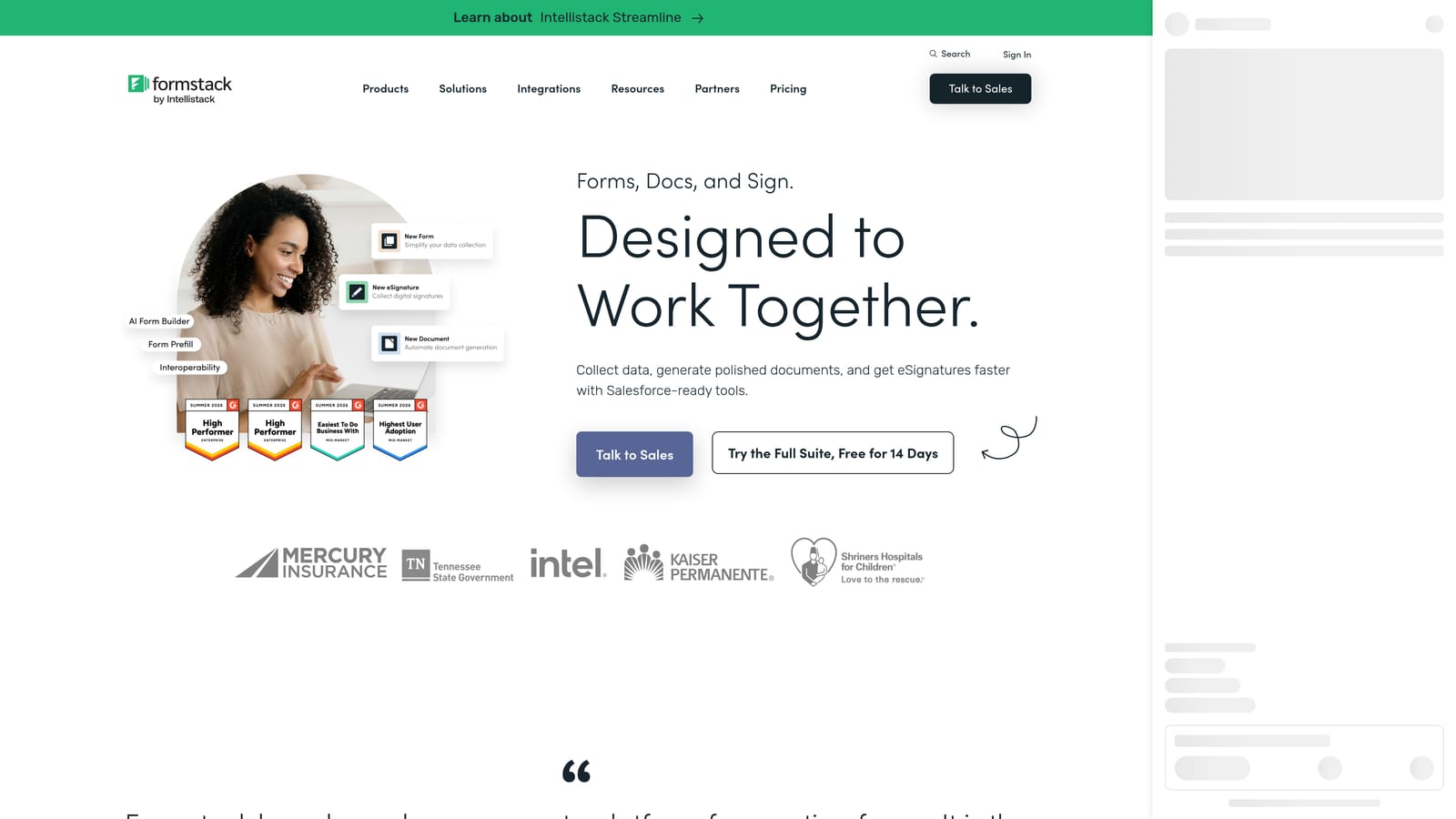
Formstack is an integrated platform combining forms, document generation, and e-signatures, well suited for law firms where intake triggers document creation.
Where This Tool Shines
Formstack's real differentiator is its ability to connect intake data directly to document generation. When a client completes an intake form, that information can automatically populate an engagement letter, a retainer agreement, or a case summary document without any manual copy-paste. For firms handling high document volumes, that automation represents real time savings.
The platform is also HIPAA compliant with a BAA available, and its workflow automation handles approval routing for situations where a supervising attorney needs to review intake before a matter is opened.
Key Features
Forms, Documents, and Sign in One Platform: Intake data flows directly into document templates, eliminating manual document preparation.
HIPAA Compliance with BAA Available: Suitable for health-adjacent legal matters with proper plan selection.
Workflow Automation and Approval Routing: Route completed intake forms through internal review before matter creation.
Prefill Capabilities: Reduce client data re-entry by pre-populating fields from existing records.
Salesforce and Legal CRM Integrations: Connect intake data to your existing CRM or practice management platform.
Best For
Mid-size to large law firms where intake consistently triggers document creation, and where the cost of manual document prep justifies a higher platform investment.
Pricing
Plans start at approximately $83/month. Documents and Sign features may be available as add-ons depending on the plan. Confirm current pricing at formstack.com.
6. Gravity Forms
Best for: WordPress-based law firm websites with developer resources and complex intake routing needs
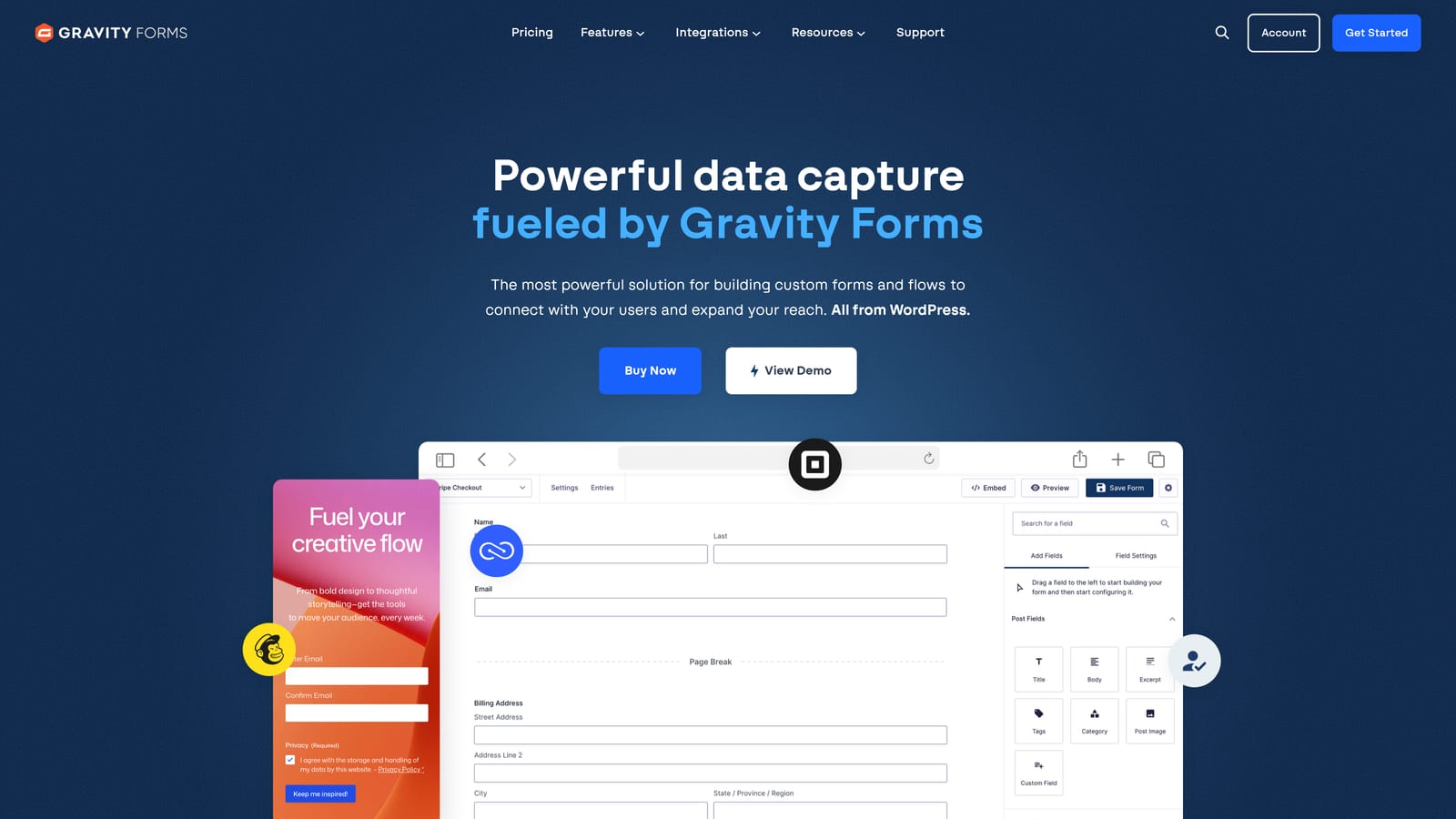
Gravity Forms is a highly customizable WordPress form plugin with robust conditional logic and an extensive add-on ecosystem for legal intake workflows.
Where This Tool Shines
If your firm's website runs on WordPress and you have access to a developer or a technically capable team member, Gravity Forms offers a level of customization that most SaaS form builders can't match. The conditional logic engine is deep, the add-on library covers e-signatures, payments, and CRM connections, and the annual license model means you're not paying per response as your intake volume grows.
The tradeoff is that Gravity Forms requires WordPress. It's not a standalone SaaS tool, so firms without a WordPress site or technical resources to manage plugins will find it more friction than it's worth.
Key Features
Deep Conditional Logic for Intake Routing: Create complex branching logic to route different case types to different attorneys or intake workflows.
Large Add-On Library: Extend functionality with e-signature, payment, CRM, and legal-specific add-ons.
Multi-Page Forms with Progress Indicators: Break long intake forms into sections with a visual progress bar to reduce abandonment.
Developer-Friendly with Hooks and Filters: Fully customizable for firms with technical resources to build bespoke intake experiences.
Annual License Model: No per-response fees, making it cost-effective for high-volume intake operations.
Best For
WordPress-based law firm websites with access to developer support. Not suitable for firms without a WordPress site or those who prefer a fully managed SaaS solution.
Pricing
Annual licenses range from approximately $59/year (Basic) to $259/year (Elite). No per-response fees at any tier.
7. Cognito Forms
Best for: Budget-conscious firms that need calculation fields for retainer estimates and fee calculators
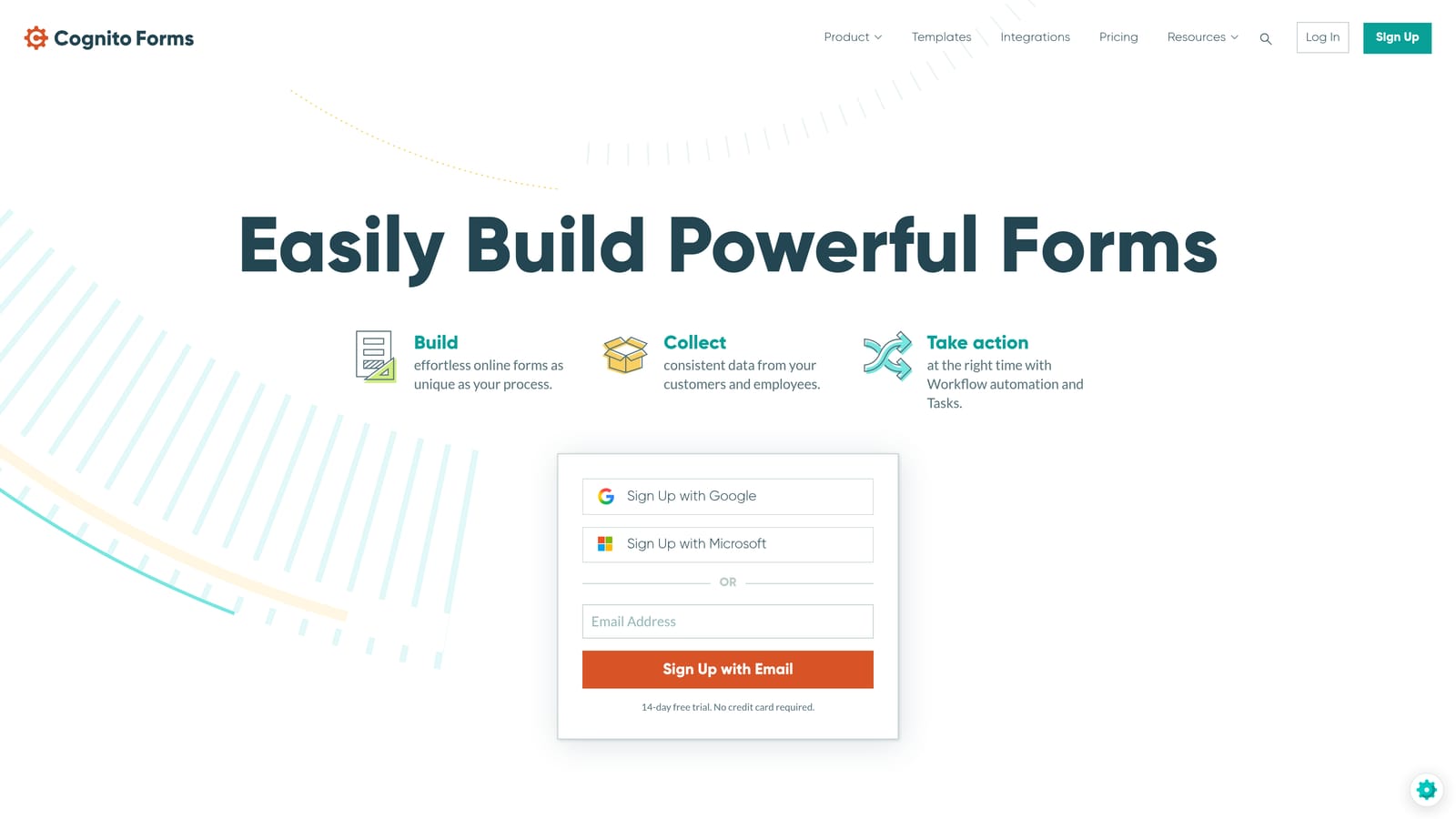
Cognito Forms is a budget-friendly form builder with standout calculation field capabilities, useful for building retainer estimate tools and fee calculators into your intake process.
Where This Tool Shines
Cognito Forms' calculation fields are genuinely more powerful than what most competitors offer at a similar price point. You can build intake forms that calculate estimated retainer amounts, flat fees, or cost ranges based on client answers, giving prospective clients a realistic expectation before they even speak with an attorney. That transparency can actually improve conversion by qualifying prospects on price before the consultation.
The free tier is also notably generous, making it a practical starting point for solo practitioners or small firms that need functional intake without a monthly subscription.
Key Features
Powerful Calculation Fields: Build fee estimate and retainer calculation logic directly into intake forms based on client responses.
Conditional Logic and Multi-Page Forms: Route different case types through appropriate question paths.
GDPR Compliance: Suitable for firms with EU clients.
Payment Collection via Stripe: Accept retainer deposits or consultation fees at the point of intake.
Generous Free Tier: Meaningful functionality available without a paid subscription.
Best For
Budget-conscious solo practitioners and small firms, particularly those in practice areas where fee transparency during intake is a competitive advantage. The UI is less polished than premium competitors, but the value-to-price ratio is strong.
Pricing
Free tier available. Paid plans start at approximately $15/month, making it one of the more affordable options on this list.
8. Tally
Best for: Solo practitioners who need clean, functional intake forms deployed quickly with minimal cost
Tally is a minimalist, Notion-inspired form builder with an unlimited free tier, ideal for solo practitioners who need basic intake capability without the complexity of enterprise tools.
Where This Tool Shines
Tally's free tier is genuinely unlimited: unlimited forms, unlimited responses, and conditional logic all included at no cost. For a solo practitioner who needs a clean intake form on their website without committing to a monthly subscription, that's a compelling proposition.
The form design is clean and distraction-free, which works well for legal intake where you want the client focused on providing accurate information rather than navigating a cluttered interface. The Notion-style editing experience also makes it unusually easy to build and update forms without any technical knowledge.
Key Features
Unlimited Forms and Responses on Free Plan: No response caps or form limits, even on the free tier.
Clean, Distraction-Free Form Design: Minimalist interface keeps clients focused on completing the intake accurately.
Conditional Logic on Free Tier: Basic intake branching available without upgrading.
Notion and Zapier Integrations: Connect intake responses to your existing workflow tools.
No Tally Branding on Paid Plan: Remove platform branding for a more professional client-facing experience.
Best For
Solo practitioners and very small firms that need functional intake forms quickly and at minimal cost. Not suited for firms that need HIPAA compliance, advanced lead qualification, or deep legal practice management integrations.
Pricing
Free tier available with unlimited usage. Pro plan is approximately $29/month, which removes Tally branding and unlocks additional customization.
9. Google Forms
Best for: Internal legal operations and team workflows within Google Workspace environments
Google Forms is a free, zero-setup form tool natively integrated with Google Workspace, best suited for internal legal operations rather than client-facing intake.
Where This Tool Shines
For internal use cases, Google Forms is hard to beat on simplicity and cost. Need a form for attorneys to log time, request support from admin staff, or submit conflict check requests internally? Google Forms handles that in minutes, with responses flowing automatically into Google Sheets for easy tracking. The Google Workspace SSO means access controls are already handled through your existing account management.
The important caveat for legal services: Google Forms is not designed for sensitive client data collection. Before using it for client-facing intake, consult your firm's data governance policy and confirm whether your Google Workspace configuration meets your jurisdiction's requirements for handling PII.
Key Features
Completely Free with Google Account: No subscription required; included with any Google account or Google Workspace plan.
Native Google Sheets Response Collection: Responses flow automatically into a spreadsheet for easy tracking and filtering.
Basic Branching and Conditional Logic: Supports simple intake routing for straightforward use cases.
Instant Deployment with No Learning Curve: Build and publish a form in minutes without any training.
Google Workspace SSO and Access Controls: Restrict form access to specific users or domains using existing Workspace permissions.
Best For
Internal legal operations teams working within a Google Workspace environment. Not recommended as a primary client-facing intake tool for sensitive legal matters without additional security configuration.
Pricing
Free with any Google account. Google Workspace plans start at approximately $6/user/month for organizations that need admin controls and additional storage.
Which Form Builder Is Right for Your Firm?
The right choice depends heavily on where your firm sits today and where you're trying to go. Here's a quick-reference guide to cut through the decision fatigue.
AI-powered lead qualification: Orbit AI is the clear choice if you're running meaningful intake volume and want to stop manually triaging every submission. The combination of AI agents, workflow automation, and conversion-optimized design makes it the strongest option for high-growth legal teams.
Clio-native intake workflows: If your firm runs on Clio Manage, Clio Grow is the obvious complement. The native integration and legal-specific features justify the platform even if you're evaluating alternatives.
Best client-facing experience: Typeform's conversational format consistently outperforms traditional forms on completion rates for consumer-facing practices. If your intake abandonment rate is a problem, this is worth testing.
Fastest deployment with templates: JotForm gets you live quickly with pre-built legal intake templates and the option to add HIPAA compliance as your needs evolve.
Document-heavy workflows: Formstack earns its higher price point for firms where intake consistently triggers document generation. The forms-to-documents pipeline is genuinely useful.
WordPress-based firms: Gravity Forms is the most customizable option for WordPress sites with developer support and high intake volume.
Budget-conscious operations: Cognito Forms offers the best value for firms that need calculation fields and basic compliance features. Tally is the right call for solo practitioners who need clean, functional forms at zero cost.
Internal ops only: Google Forms handles internal workflows efficiently within Google Workspace environments but shouldn't be your default for sensitive client-facing intake.
Before committing to any platform, ask vendors directly about data residency, encryption at rest, BAA availability if you're handling health-adjacent matters, and audit log access. These aren't nice-to-haves in legal services; they're baseline requirements.
The right form builder doesn't just collect information. It qualifies leads, reduces admin time, and makes your firm look professional from the very first touchpoint. If you're ready to move beyond basic intake and start treating your forms as a genuine conversion asset, book a demo and see what AI-powered lead qualification can do for your intake workflow.