

Your SaaS signup flow is leaking leads. That clunky, outdated form you've been using since launch? It's costing you conversions every single day. Modern form builders have evolved far beyond simple data collection—they now qualify leads, integrate with your entire tech stack, and create experiences that actually make prospects want to complete them.
But with dozens of options flooding the market, finding the right fit for your SaaS can feel overwhelming. We've tested and analyzed the top form builders specifically designed for SaaS teams, evaluating them on conversion optimization, integration capabilities, pricing scalability, and ease of use. Here are the nine that stand out in 2026.
1. Orbit AI
Best for: High-growth SaaS teams needing AI-powered lead qualification and conversion optimization
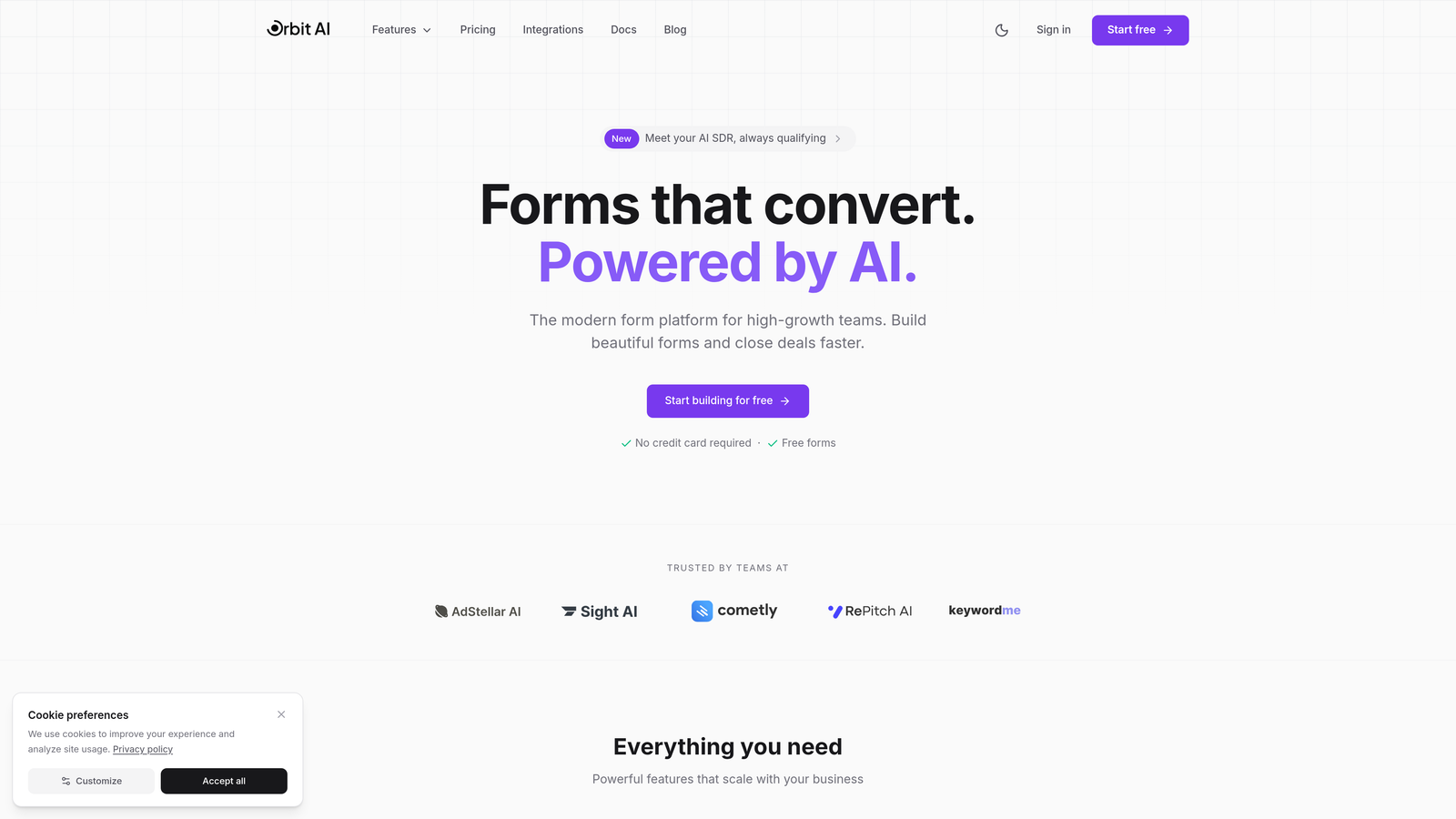
Orbit AI is an AI-powered form builder platform designed specifically for high-growth SaaS teams focused on conversion optimization and intelligent lead handling.
Where This Tool Shines
Orbit AI stands out by bringing artificial intelligence directly into the lead qualification process. Instead of collecting data and manually sorting through responses later, the platform automatically scores and qualifies leads as they submit forms, routing high-intent prospects to sales immediately while nurturing others appropriately.
The conversion-optimized templates are built specifically for SaaS use cases—demo requests, trial signups, contact forms—with design patterns proven to maximize completion rates. This means you're not starting from scratch or guessing what works.
Key Features
AI-Powered Lead Qualification: Automatically scores and qualifies leads based on form responses, routing high-value prospects to sales teams instantly.
Conversion-Optimized Templates: Pre-built form templates designed specifically for SaaS conversion scenarios with proven completion rates.
Native Integration Suite: Connects seamlessly with HubSpot, Salesforce, Slack, and 15+ essential SaaS tools without middleware.
Real-Time Analytics: Track conversion rates, completion times, and drop-off points to continuously optimize form performance.
Automated Workflow Triggers: Set up intelligent automation that responds to form submissions with customized actions based on lead quality.
Best For
Orbit AI is ideal for high-growth SaaS companies that need to scale their lead generation without proportionally scaling their sales team. If you're drowning in unqualified leads or struggling to route prospects effectively, the AI qualification features solve this directly.
Pricing
Contact for pricing. The platform is designed for high-growth teams with significant lead volume and focuses on ROI through improved conversion rates and lead quality.
2. Typeform
Best for: Brand-focused SaaS companies wanting conversational, highly customized form experiences
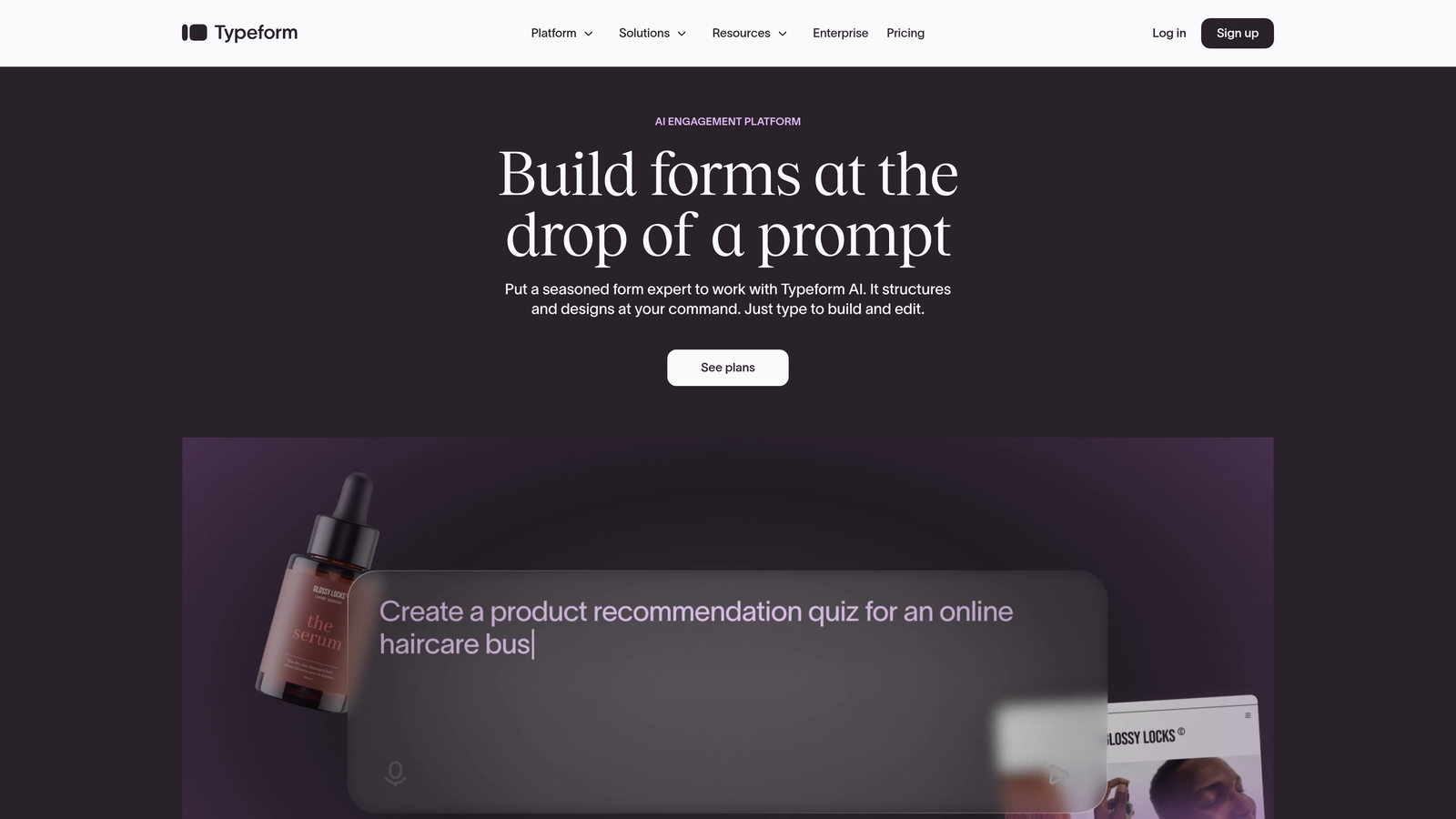
Typeform is a conversational form builder known for its one-question-at-a-time approach and exceptional design customization capabilities.
Where This Tool Shines
Typeform revolutionized form design by making the experience feel like a conversation rather than an interrogation. The one-question-at-a-time format reduces cognitive load and creates a more engaging experience that typically sees higher completion rates than traditional multi-field forms.
The platform excels at brand customization. You can match your exact brand colors, add custom fonts, embed videos and images, and create forms that feel like a natural extension of your website rather than a generic data collection tool.
Key Features
Conversational Format: Present one question at a time to create a natural, engaging flow that reduces form abandonment.
Logic Jumps and Branching: Create dynamic forms that adapt based on previous answers, showing relevant questions to each respondent.
Calculator and Scoring: Build interactive calculators or scoring quizzes that provide immediate value to form completers.
Extensive Design Customization: Match your brand perfectly with custom colors, fonts, backgrounds, and layouts.
Rich Media Embedding: Add videos, images, and GIFs throughout your forms to create more engaging experiences.
Best For
Typeform works best for SaaS companies with strong brand identities who want their forms to reflect that brand experience. If user experience and design aesthetics are core to your product positioning, Typeform delivers.
Pricing
Free tier available with basic features. Paid plans start at $25/month for individuals, with team and enterprise plans scaling up based on features and response volume.
3. Tally
Best for: Budget-conscious startups needing unlimited forms without monthly costs
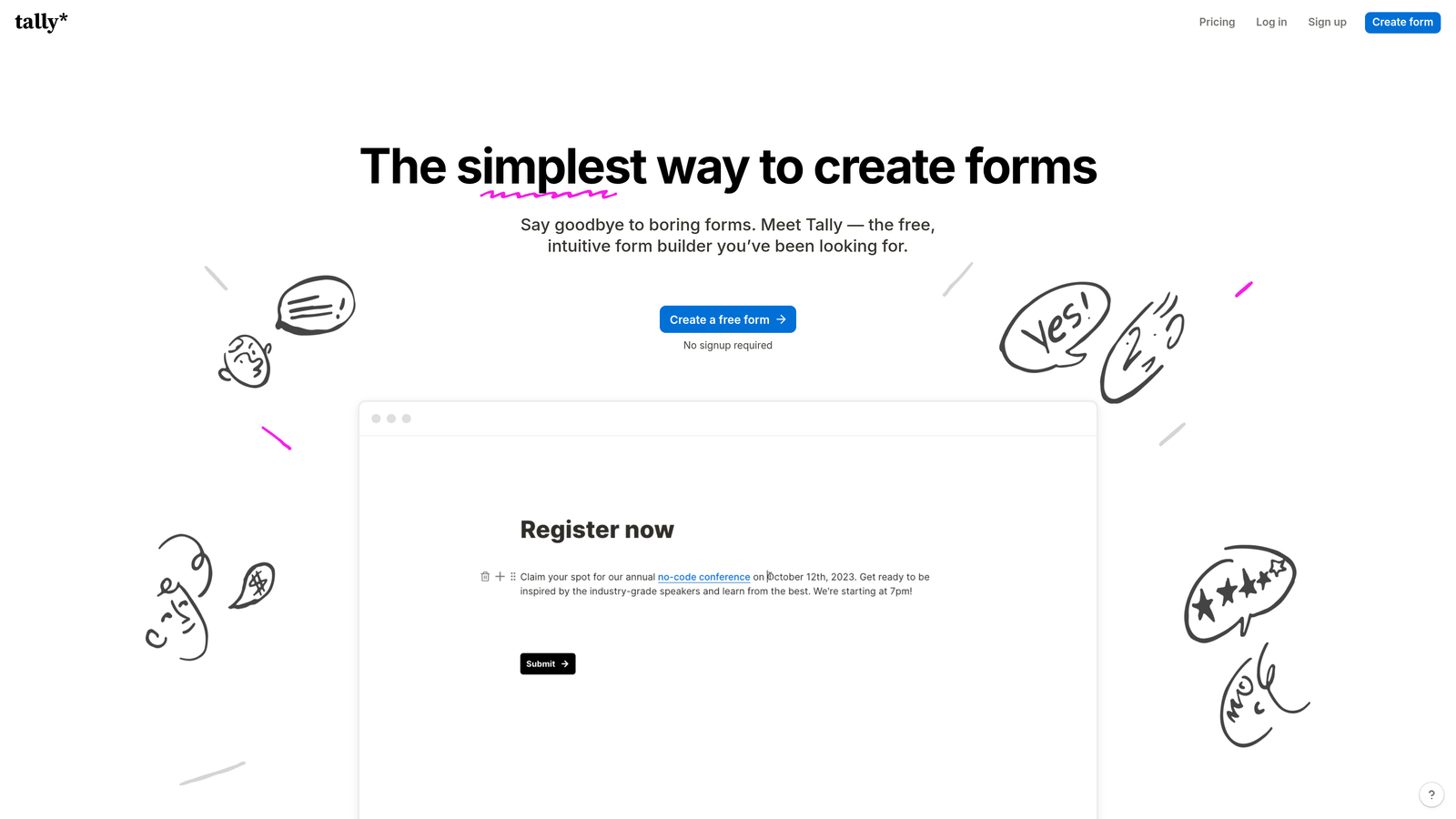
Tally is a simple, Notion-like form builder with an exceptionally generous free tier and clean, minimal interface.
Where This Tool Shines
Tally's biggest advantage is its pricing model. The free tier includes unlimited forms and unlimited submissions—no artificial limits that force you to upgrade. For early-stage SaaS companies watching every dollar, this removes a significant barrier to professional form creation.
The Notion-style block-based editor feels immediately familiar if you've used modern productivity tools. You build forms by adding blocks—text, multiple choice, file uploads—and arranging them visually. It's intuitive without requiring tutorial videos.
Key Features
Unlimited Free Tier: Create unlimited forms with unlimited submissions on the free plan, removing volume-based pricing barriers.
Block-Based Editor: Notion-style interface that makes form building intuitive and visual without a learning curve.
Conditional Logic: Show or hide questions based on previous answers to create dynamic, relevant form experiences.
Calculations and Formulas: Build forms that perform calculations based on user inputs, useful for pricing calculators or assessments.
Integration Options: Connect via webhooks and Zapier to route data to your CRM, email tools, and other platforms.
Best For
Tally is perfect for bootstrapped SaaS startups, indie hackers, and small teams who need professional forms without adding another monthly subscription. The unlimited free tier makes it risk-free to test and scale.
Pricing
Free tier with unlimited forms and submissions. Pro plan at $29/month adds custom domains, remove Tally branding, and advanced features like file uploads and payment collection.
4. Jotform
Best for: SaaS companies needing extensive templates and built-in payment processing
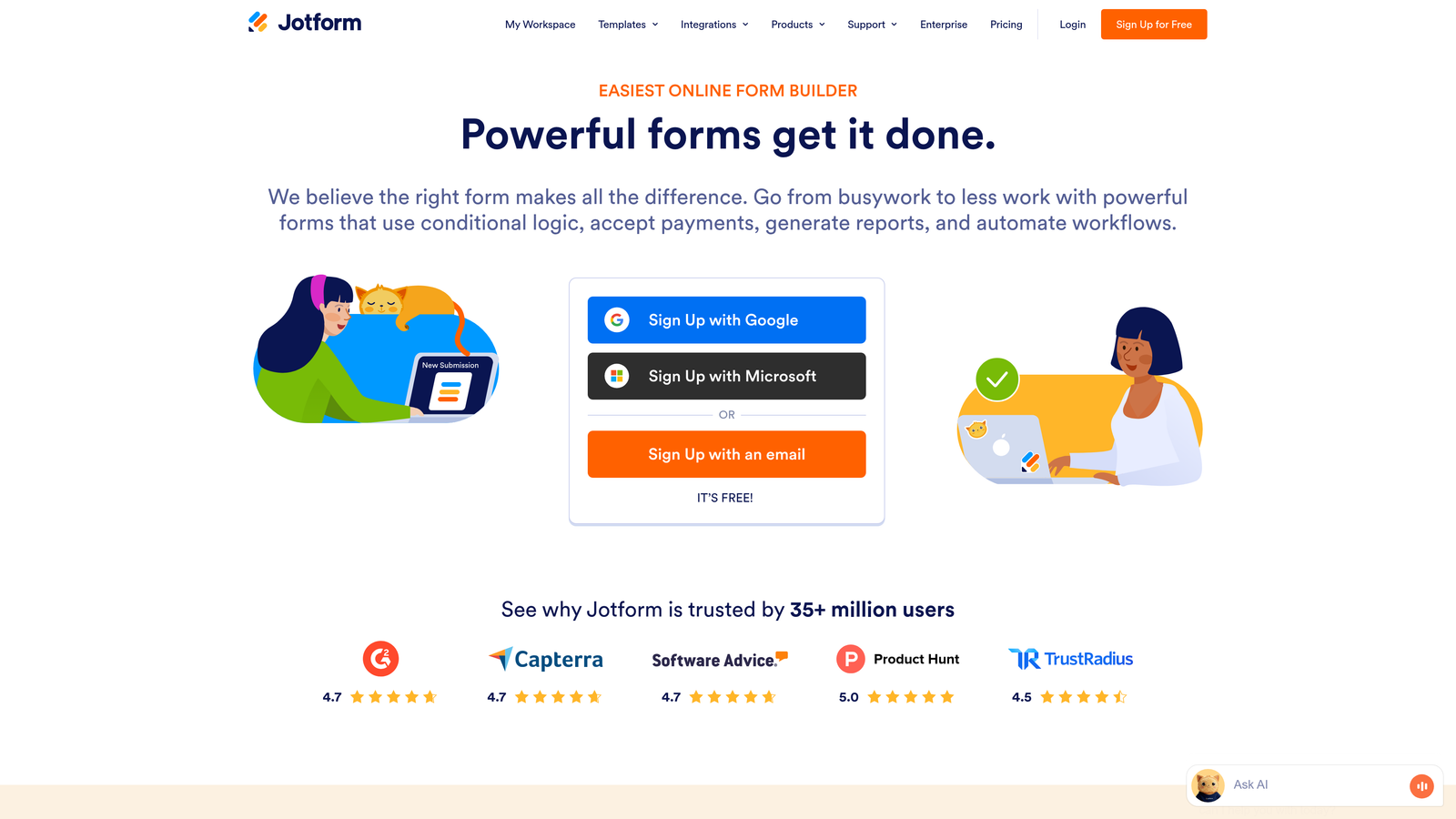
Jotform is a feature-rich form builder with over 10,000 templates, extensive widget library, and robust payment collection capabilities.
Where This Tool Shines
Jotform's template library is unmatched. With over 10,000 pre-built forms covering virtually every use case, you can find a starting point for any form you need to create. This dramatically reduces setup time—instead of building from scratch, you customize an existing template.
The payment integration depth is another standout feature. Jotform connects with over 100 payment gateways, making it ideal for SaaS companies that need to collect payments during signup, process upgrade requests, or handle invoicing through forms.
Key Features
Massive Template Library: Access 10,000+ pre-built form templates covering every industry and use case imaginable.
Payment Gateway Integration: Connect with 100+ payment processors including Stripe, PayPal, Square, and specialized processors.
HIPAA Compliance: Enterprise plans include HIPAA-compliant features for healthcare-related SaaS applications.
Jotform Tables: Built-in database view that transforms form submissions into spreadsheet-like tables for easier data management.
PDF Generation: Automatically generate PDF documents from form submissions for contracts, invoices, or reports.
Best For
Jotform works well for SaaS companies with diverse form needs across multiple departments—sales, support, operations—who want a single platform that handles everything. The payment features make it particularly valuable for monetization flows.
Pricing
Free tier available with basic features. Paid plans start at $34/month for Bronze, scaling to $99/month for Gold with increased submissions and advanced features.
5. Fillout
Best for: SaaS teams using Airtable or Notion as their primary database
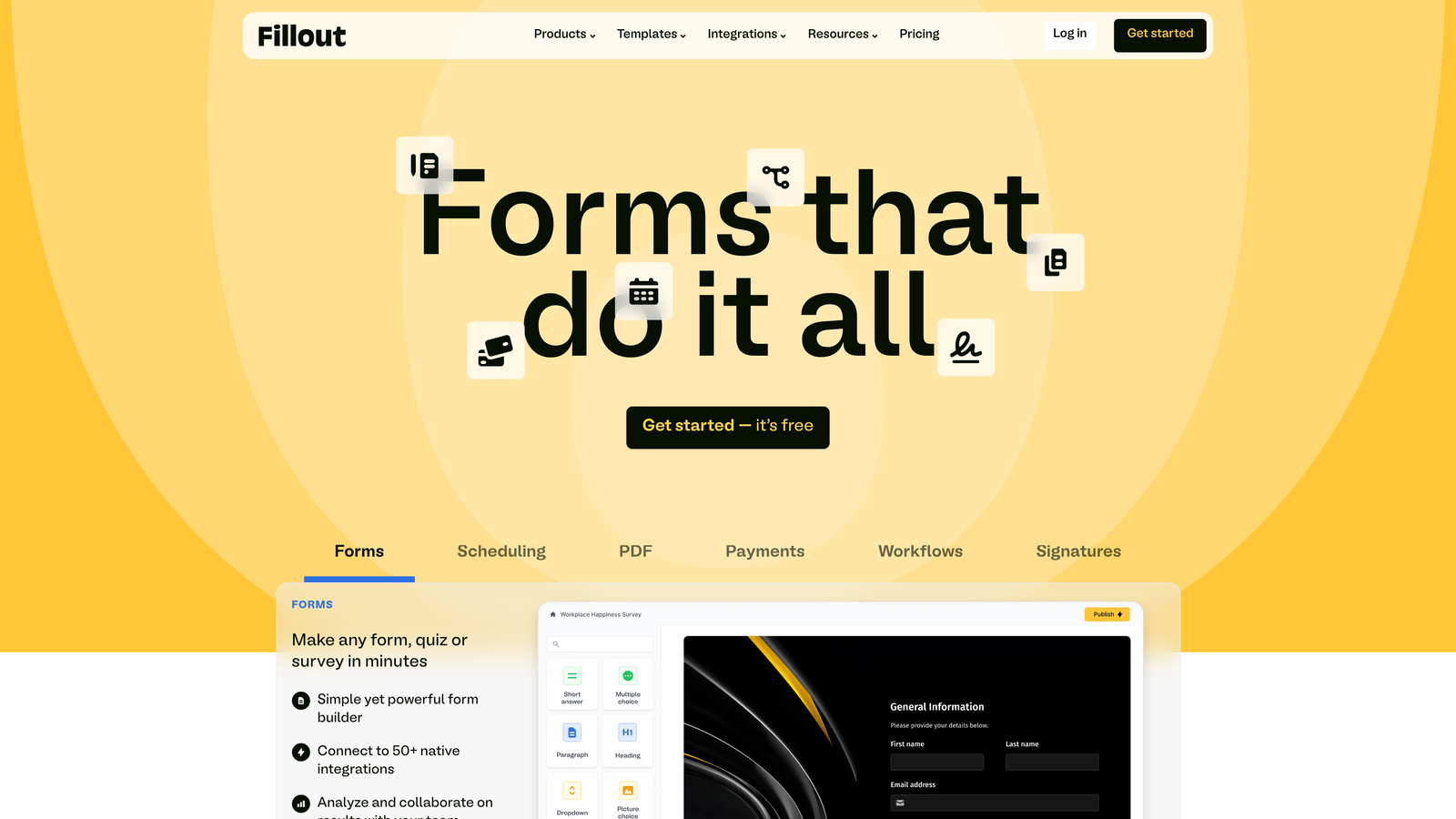
Fillout is a modern form builder with native Airtable and Notion integrations designed for database-driven workflows.
Where This Tool Shines
Fillout's native integrations with Airtable and Notion go beyond simple data exports. You can pre-fill forms with existing data from your database, update existing records through form submissions, and create truly dynamic forms that interact with your data in real-time.
This database-first approach makes Fillout exceptional for SaaS teams who've built their operations around Airtable or Notion. Instead of forms being a separate system that requires syncing, they become a natural extension of your existing workflow.
Key Features
Native Database Integrations: Deep, bidirectional integration with Airtable and Notion that goes beyond basic data export.
Pre-Fill Capabilities: Automatically populate form fields with data from your existing database records.
Record Updates: Use forms to update existing database records, not just create new ones.
Multi-Page Forms: Break long forms into multiple pages with progress indicators to improve completion rates.
Custom Domains: Host forms on your own domain to maintain brand consistency and trust.
Best For
Fillout is ideal for SaaS teams who've standardized on Airtable or Notion as their operational backbone. If your customer data, product roadmap, and internal processes live in these tools, Fillout creates seamless form experiences.
Pricing
Free tier available with core features. Paid plans start at $15/month for individuals, with team plans available at higher tiers.
6. Formstack
Best for: Enterprise SaaS requiring compliance, security, and advanced workflow automation
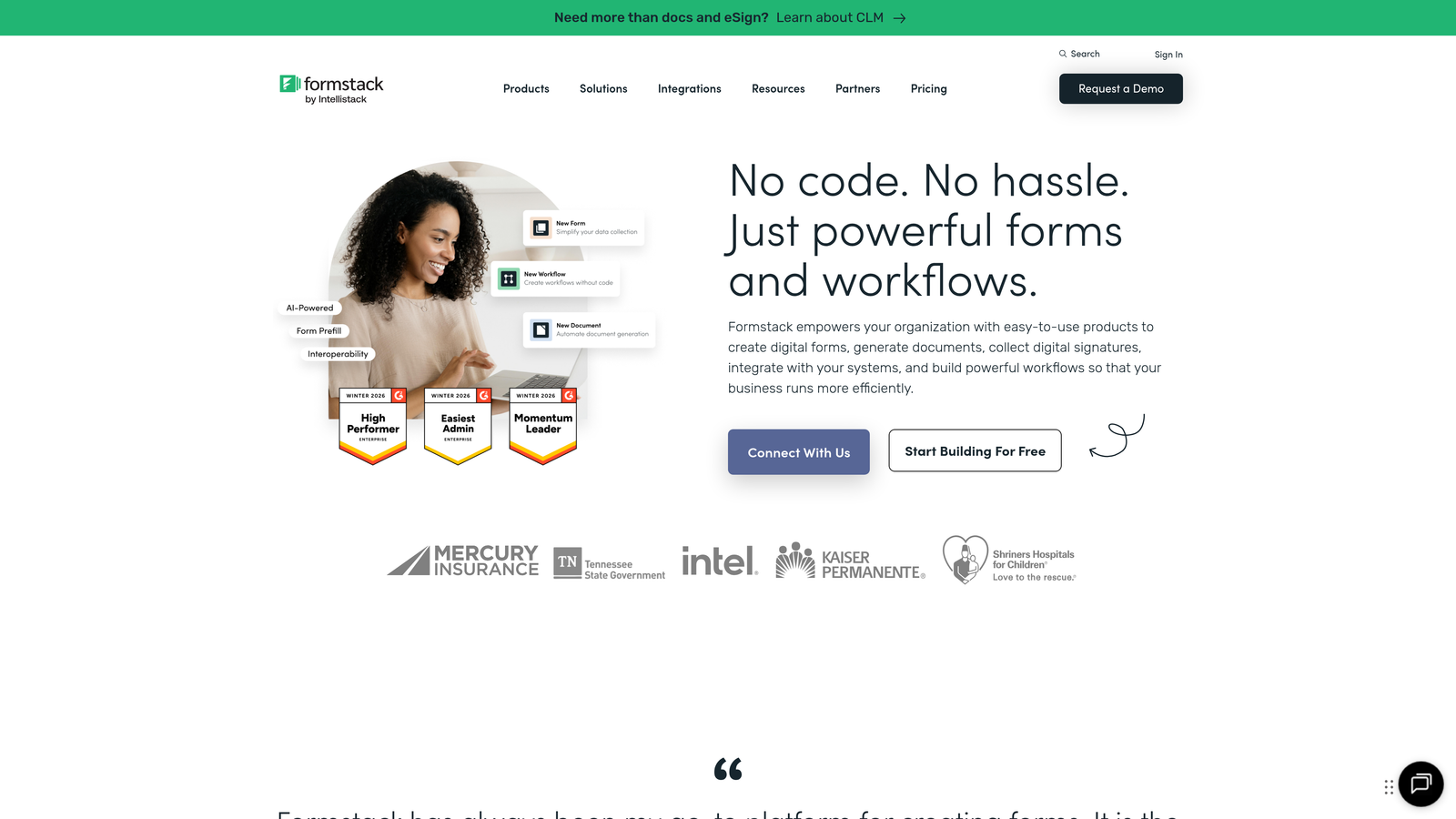
Formstack is an enterprise-grade form builder with strong compliance features, advanced security, and sophisticated workflow automation capabilities.
Where This Tool Shines
Formstack excels in regulated industries and enterprise environments where compliance isn't optional. The platform offers HIPAA, SOC 2, and GDPR compliance features built-in, with audit trails, data encryption, and access controls that meet stringent security requirements.
The workflow automation capabilities go far beyond simple integrations. You can build complex, multi-step workflows that route data to different systems based on conditional logic, generate documents automatically, collect signatures, and trigger approval processes—all from a single form submission.
Key Features
Compliance Certifications: Built-in HIPAA, SOC 2, and GDPR compliance with audit trails and data governance features.
Advanced Workflow Automation: Create sophisticated multi-step workflows with conditional routing and approval processes.
Document Generation: Automatically generate PDF documents, contracts, or reports from form data using custom templates.
eSignature Collection: Collect legally binding electronic signatures directly within forms without third-party tools.
Enterprise Security: Role-based permissions, SSO integration, and advanced access controls for large organizations.
Best For
Formstack is built for enterprise SaaS companies, healthcare technology platforms, financial services applications, and any business operating in regulated industries where compliance and security are non-negotiable.
Pricing
Plans start at $50/month for basic features. Enterprise pricing available with custom features, dedicated support, and advanced security options.
7. Paperform
Best for: SaaS companies wanting landing page-style forms with payment processing
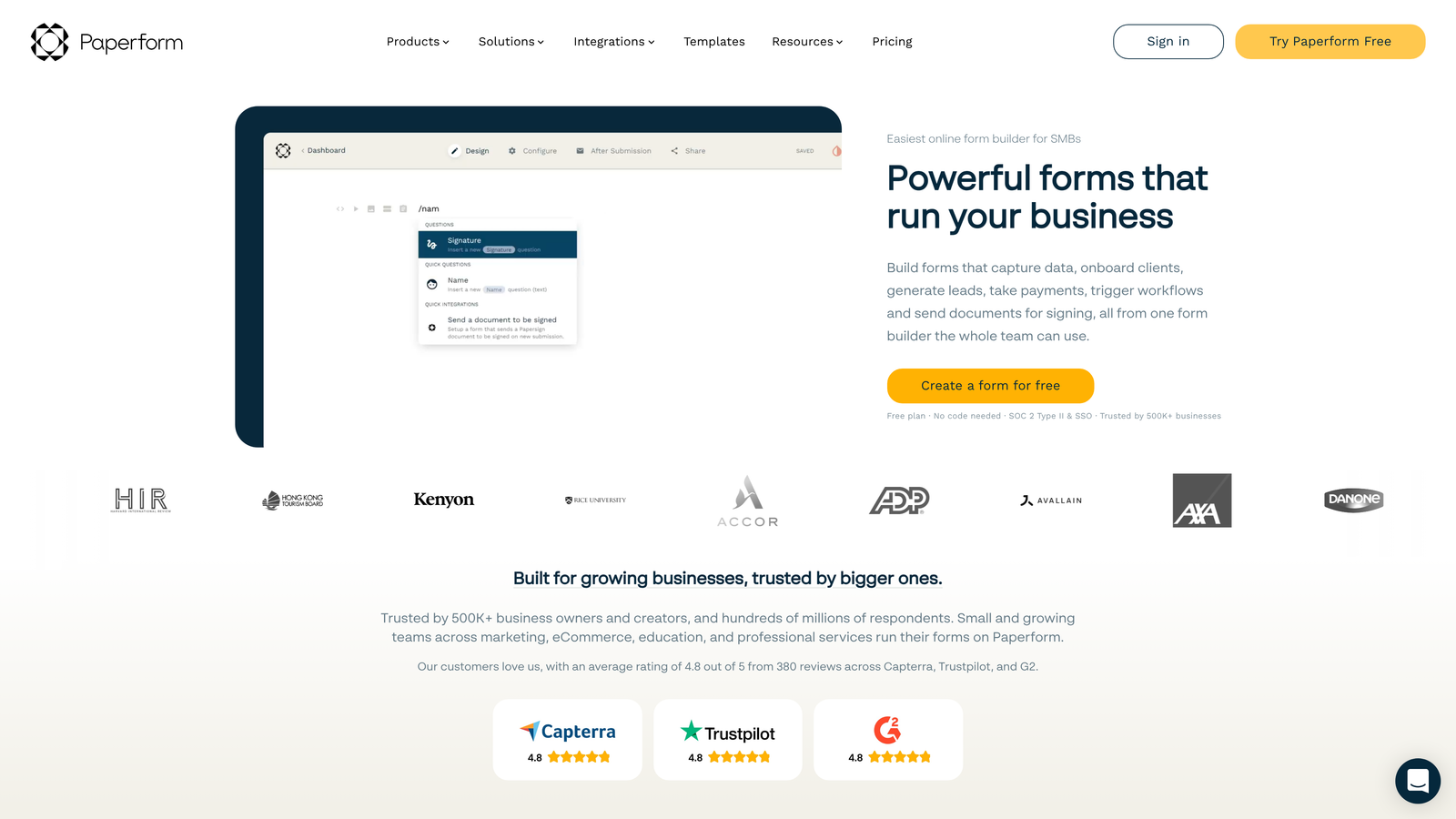
Paperform is a landing page-style form builder that combines forms with rich content, media embedding, and integrated payment processing.
Where This Tool Shines
Paperform blurs the line between forms and landing pages. Instead of a traditional form layout, you can create full landing page experiences with headers, body text, images, videos, and embedded forms—all in one place. This makes it perfect for product launches, event registrations, or any scenario where you need to educate before collecting information.
The built-in payment processing with Stripe and PayPal integration is seamless. You can collect one-time payments, set up subscriptions, or offer multiple pricing tiers directly within your forms without redirecting to external checkout pages.
Key Features
Landing Page Design: Create full landing page experiences with rich content, not just traditional form layouts.
Integrated Payments: Built-in Stripe and PayPal processing for one-time payments, subscriptions, and multi-tier pricing.
Rich Media Embedding: Add videos, images, GIFs, and other media throughout your forms to create engaging experiences.
Calculations and Logic: Build pricing calculators, quote generators, and dynamic forms that adapt based on user inputs.
Appointment Scheduling: Integrate booking functionality directly into forms for demo scheduling or onboarding calls.
Best For
Paperform works well for SaaS companies that need to combine education with data collection—product launches that need context, event registrations that require detailed information, or upgrade flows that need to explain value before collecting payment.
Pricing
Plans start at $24/month for individuals, with team and agency plans available at higher tiers with increased submissions and advanced features.
8. Reform
Best for: Developer-focused SaaS teams prioritizing performance and customization
Reform is a developer-friendly form builder with an API-first approach, exceptional performance, and extensive customization capabilities.
Where This Tool Shines
Reform is built for technical teams who need forms that load instantly and integrate deeply with their applications. The platform boasts sub-second load times, which directly impacts conversion rates—every 100ms of delay costs conversions.
The API-first architecture means developers can programmatically create forms, update fields, and retrieve submissions through code. Combined with custom CSS and JavaScript support, you can build forms that look and behave exactly as needed without platform limitations.
Key Features
API-First Architecture: Programmatically create, update, and manage forms through a comprehensive REST API.
Performance Optimization: Sub-second load times optimized for conversion, with minimal JavaScript overhead.
Custom Code Support: Add custom CSS and JavaScript to create exactly the form experience you need.
Webhook Integrations: Real-time webhook delivery to your systems as soon as forms are submitted.
Minimalist Design: Conversion-focused, distraction-free form design that prioritizes completion over decoration.
Best For
Reform is ideal for technical SaaS teams with developers on staff who want complete control over form behavior and appearance. If performance is critical to your conversion funnel, the speed advantage matters.
Pricing
Free tier available for basic use. Paid plans start at $19/month with increased submissions and advanced features.
9. HubSpot Forms
Best for: SaaS teams already using HubSpot CRM and marketing automation
HubSpot Forms is the native form builder within HubSpot's ecosystem, offering deep integration with HubSpot CRM and marketing tools.
Where This Tool Shines
If you're already using HubSpot, the native form integration eliminates data sync issues entirely. Form submissions automatically create or update contact records, trigger workflows, assign leads to sales reps, and populate deal pipelines—all without middleware or manual exports.
Progressive profiling is a standout feature. Instead of asking the same questions to returning visitors, HubSpot Forms automatically show new questions to known contacts, gradually building complete profiles without overwhelming prospects with long forms on first visit.
Key Features
Native CRM Integration: Seamless, real-time sync with HubSpot CRM that eliminates data transfer issues and manual processes.
Progressive Profiling: Automatically show different questions to known contacts to build complete profiles over time.
Smart Fields: Pre-fill form fields for known contacts to reduce friction and improve completion rates.
Built-In A/B Testing: Test different form variations to optimize conversion rates without external tools.
Automatic Lead Routing: Route leads to the right sales rep based on form responses, territory, or other criteria.
Best For
HubSpot Forms is the obvious choice for SaaS companies standardized on HubSpot's platform. The native integration value is significant—you avoid the complexity and potential data issues of connecting external form tools.
Pricing
Free with HubSpot CRM. Advanced features like progressive profiling and A/B testing require paid Marketing Hub subscriptions starting at $45/month.
Making the Right Choice
The right form builder depends on your specific needs and constraints. Orbit AI delivers the most value for high-growth SaaS teams focused on lead quality over quantity—the AI qualification features solve the common problem of sales teams drowning in unqualified leads.
For brand-conscious companies where design matters as much as function, Typeform creates experiences that feel premium and on-brand. Budget-conscious startups should start with Tally's unlimited free tier and upgrade only when advanced features become necessary.
If you're in a regulated industry or enterprise environment, Formstack's compliance features aren't just nice to have—they're required. And teams already invested in HubSpot should use HubSpot Forms to maximize their existing platform investment.
The common thread among these top tools is their focus on conversion optimization, not just data collection. They understand that every field you add reduces completion rates, every second of load time costs conversions, and every friction point sends prospects elsewhere.
Transform your lead generation with AI-powered forms that qualify prospects automatically while delivering the modern, conversion-optimized experience your high-growth team needs. Start your free trial today and see how intelligent form design can elevate your conversion strategy.


