

Popup forms remain one of the highest-converting touchpoints on any website, but only when they're built right. A poorly timed, clunky popup drives visitors away. A well-designed, intelligently triggered one captures qualified leads at exactly the right moment.
The problem? Most form builders weren't designed with conversion optimization at their core. They hand you a drag-and-drop editor and call it done, leaving you to figure out targeting logic, lead qualification, and follow-up on your own.
This list covers the best popup form builders available in 2026, evaluated on design flexibility, targeting capabilities, lead qualification features, integrations, and ease of use. Whether you're running a high-growth SaaS product, an e-commerce store, or a marketing agency managing multiple clients, there's a tool here built for your workflow.
1. Orbit AI
Best for: High-growth SaaS and B2B teams that need to capture and qualify leads in a single form flow.
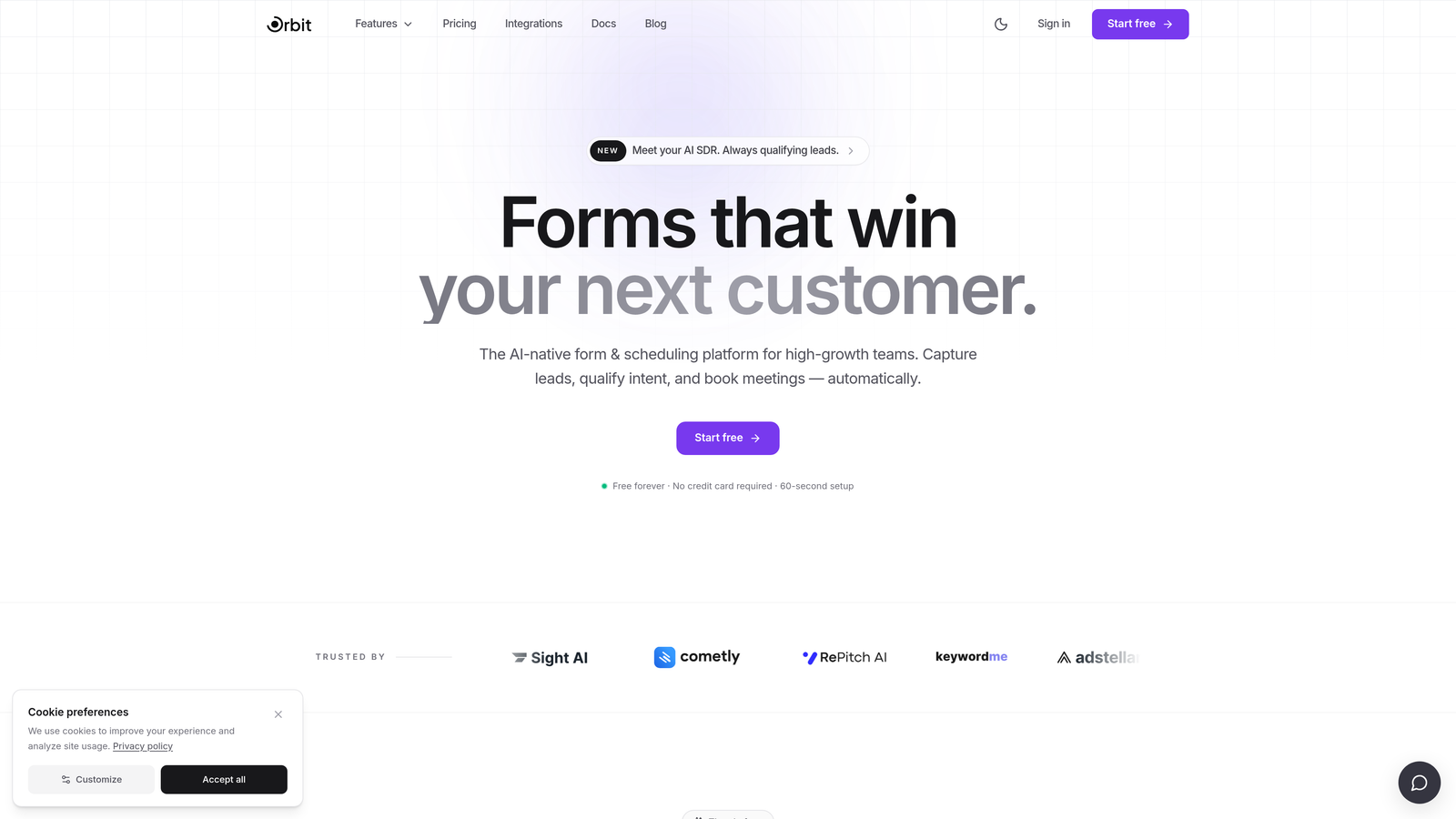
Orbit AI is an AI-powered popup form builder with built-in lead qualification, designed specifically for teams where lead quality matters as much as lead volume.
Where This Tool Shines
Most popup tools stop at data capture. Orbit AI goes further by embedding AI-powered lead qualification directly into the form experience itself. Instead of collecting submissions and routing them to a separate scoring system, the qualification happens in real time, during the form interaction.
This is a meaningful advantage for high-growth teams. You're not just filling a CRM with raw contacts. You're capturing leads that have already been evaluated against your ideal customer profile, which means your sales and marketing teams spend time on the right conversations from the start.
Key Features
AI-Powered Lead Qualification: Scores and routes leads automatically within the form flow, without requiring a separate tool or manual review process.
Conversion-Optimized Templates: Popup templates built specifically for SaaS and B2B use cases, with layouts designed to reduce friction and improve completion rates.
Smart Targeting and Trigger Rules: Precise popup delivery based on behavioral signals, ensuring forms appear at the right moment in the visitor journey.
CRM and Marketing Automation Integrations: Connects seamlessly with the tools your team already uses, so qualified leads flow directly into your existing workflows.
Mobile-Responsive Design: Clean, modern layouts that perform well across devices without requiring separate mobile configurations.
Best For
Orbit AI is the strongest fit for SaaS companies, B2B marketing teams, and growth-focused organizations where lead quality is a priority. If you need a popup tool that does more than collect email addresses, and you want qualification built into the experience rather than bolted on afterward, this is worth a close look.
Pricing
Visit orbitforms.ai for current pricing and plan details.
2. Typeform
Best for: Teams that want an engaging, conversational form experience that reduces abandonment through thoughtful UX.
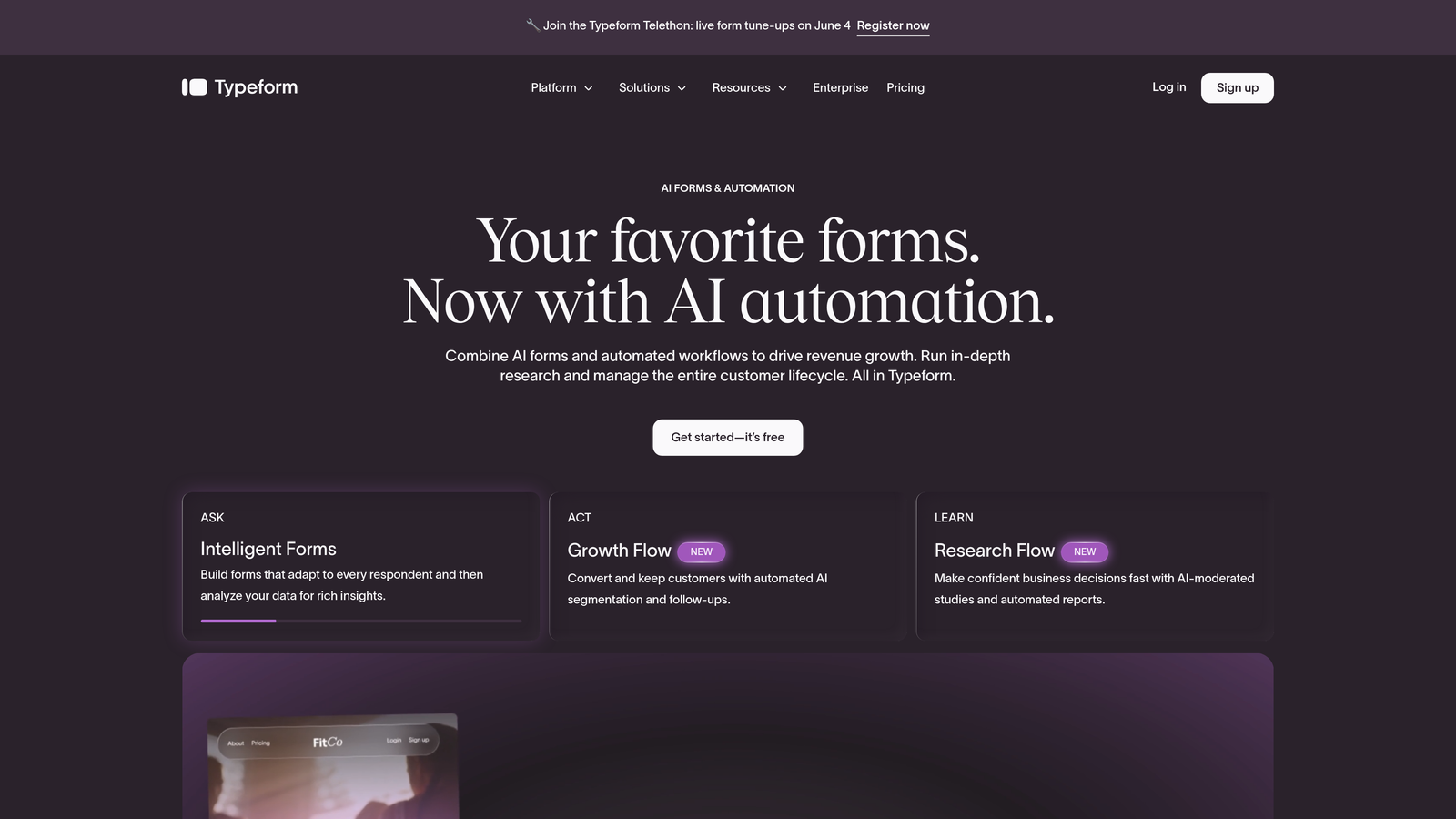
Typeform is a conversational form builder known for its one-question-at-a-time format that transforms data collection into a more natural, engaging interaction.
Where This Tool Shines
Typeform's core insight is simple: people respond better when forms feel like conversations, not interrogations. By presenting one question at a time with clean typography and smooth transitions, Typeform creates a form experience that feels distinctly less overwhelming than a traditional multi-field layout.
For popup use cases, this format works particularly well for surveys, onboarding flows, and lead qualification sequences where you need thoughtful responses rather than quick checkbox answers.
Key Features
Conversational Single-Question Format: Reduces cognitive load and form abandonment by presenting one question at a time with fluid transitions.
Logic Jumps and Conditional Branching: Routes respondents through different question paths based on their previous answers, enabling personalized form experiences.
Popup and Embed Display Options: Flexible deployment so you can use Typeform as a popup overlay or embed it inline within your page content.
500+ Integrations: Native connectors plus Zapier support for connecting to HubSpot, Salesforce, Slack, and hundreds of other tools.
Video and Image Embedding: Add visual context directly within the form to improve engagement and clarity.
Best For
Typeform works well for product teams running user research, marketers building multi-step lead qualification surveys, and any team that wants a form experience that reflects well on their brand. It's less suited for simple, fast email capture where a lightweight popup would perform better.
Pricing
Free plan available. Paid plans start at approximately $25/month. Verify current pricing at typeform.com.
3. OptinMonster
Best for: Marketers who need industry-leading behavioral targeting and exit-intent capabilities to recover abandoning visitors.
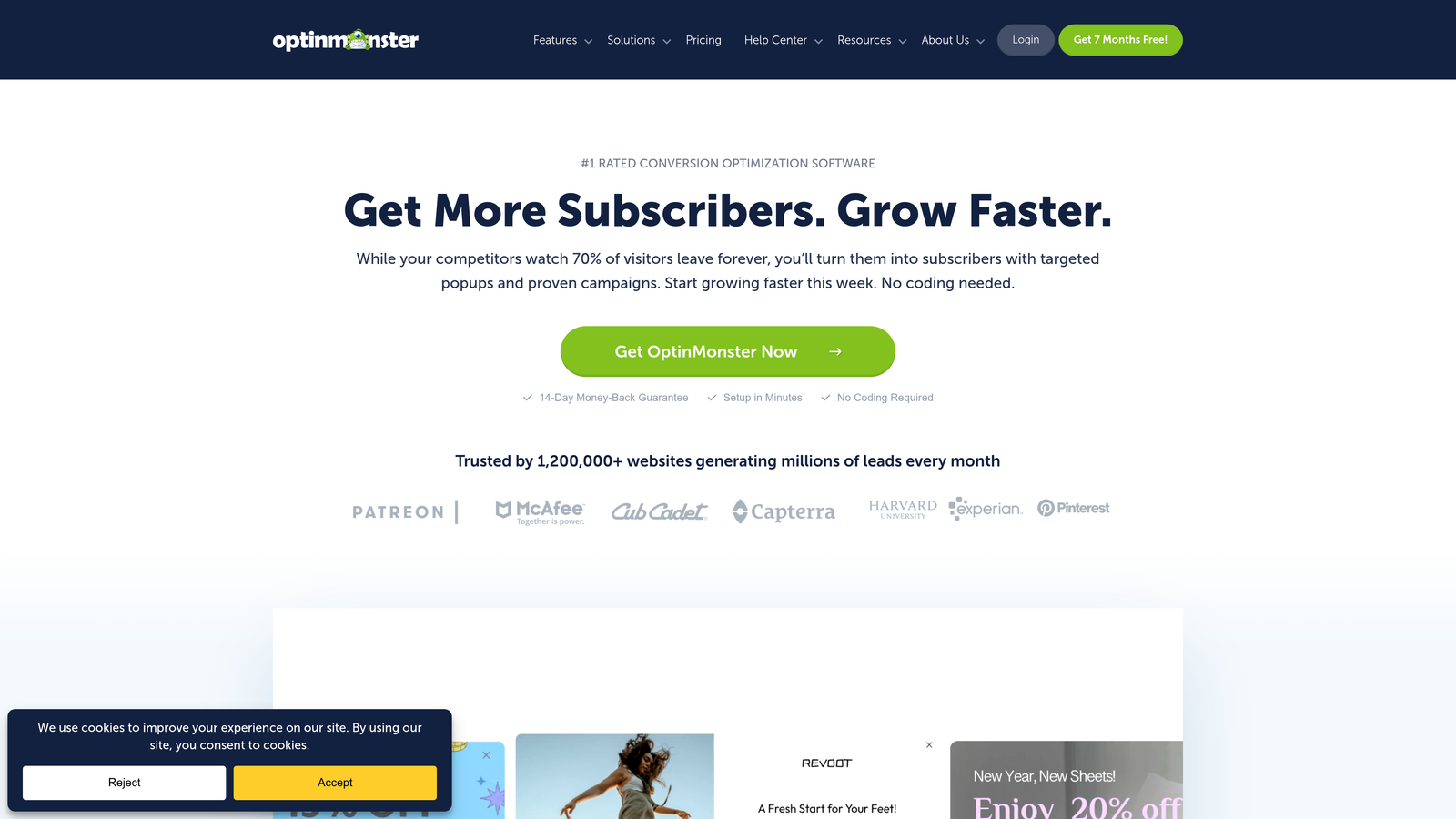
OptinMonster is a dedicated lead generation and popup platform built around sophisticated behavioral targeting rules that most general form builders simply don't offer.
Where This Tool Shines
OptinMonster has built its reputation on one core capability: showing the right offer to the right visitor at the right moment. Its exit-intent technology detects when a visitor's cursor moves toward the browser's close button and triggers a popup in that critical window before they leave.
Beyond exit-intent, the platform's targeting ruleset is genuinely deep. You can layer scroll depth, time on page, referral source, geo-location, and device type into a single campaign's display logic, giving you precise control over who sees what and when.
Key Features
Exit-Intent Technology: Detects abandonment behavior and triggers popups at the moment a visitor is about to leave, giving you one last conversion opportunity.
Multi-Condition Targeting Rules: Combine scroll depth, time-on-page, geo-targeting, and referral source into layered display logic.
On-Site Retargeting: Show different campaigns to returning visitors based on their previous behavior and interactions.
A/B Testing: Test popup variants against each other to optimize headlines, offers, and designs based on real performance data.
Campaign Scheduling: Set start and end dates for time-sensitive offers without manual intervention.
Best For
OptinMonster is well-suited for content publishers, e-commerce sites, and digital marketers who want precise behavioral targeting without building custom logic. It's primarily a popup and optin tool rather than a full form builder, so teams needing complex form fields or lead qualification should pair it with another solution.
Pricing
Starts at approximately $9/month. Verify current pricing at optinmonster.com.
4. Popupsmart
Best for: Marketers who need fast popup deployment without developer help and want minimal impact on page speed.
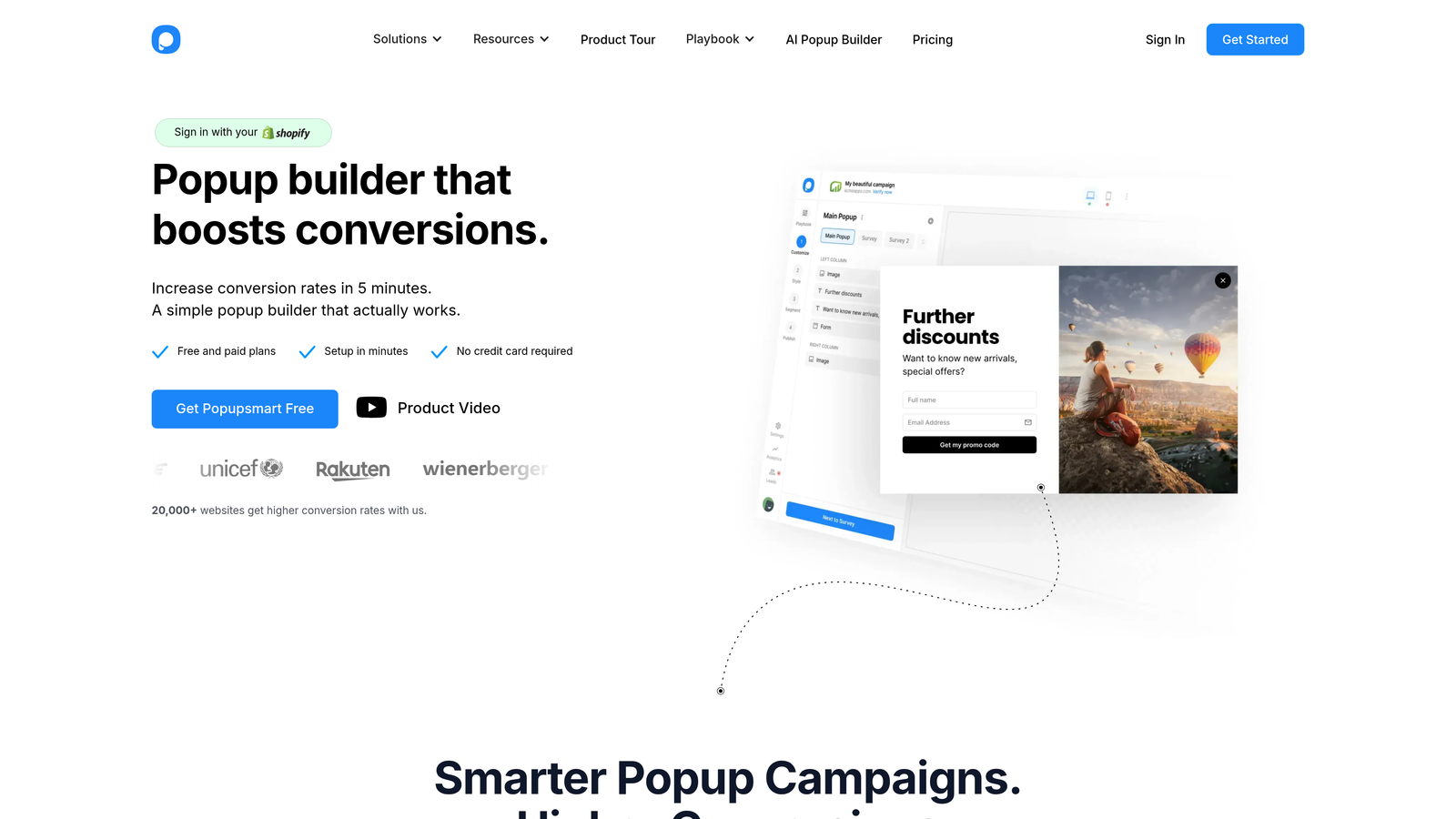
Popupsmart is a no-code popup builder that prioritizes page performance and ease of setup, making it a practical choice for teams without dedicated development resources.
Where This Tool Shines
Page speed has become a genuine competitive factor, and many popup tools add noticeable load overhead that can hurt Core Web Vitals scores. Popupsmart addresses this directly with a lightweight script architecture designed to minimize performance impact while still delivering a full-featured popup experience.
The no-code setup is genuinely straightforward. You can go from account creation to a live popup in a short session, which matters for lean marketing teams managing multiple campaigns without engineering support.
Key Features
Lightweight Popup Scripts: Designed to minimize Core Web Vitals impact, making it a responsible choice for performance-conscious teams.
Smart Targeting Rules: Behavioral and contextual targeting options to control when and where popups appear.
A/B Testing: Test different popup designs and copy variations to identify what drives the best results.
Template Library: Customizable designs that give you a starting point without building from a blank canvas.
ESP and CRM Integrations: Connects with major email service providers and CRMs to route captured leads into your existing workflows.
Best For
Popupsmart fits well for small to mid-sized marketing teams, bloggers, and content sites where page speed is a priority and developer resources are limited. Teams needing advanced lead scoring or complex multi-step form logic may find its capabilities more basic than alternatives like Orbit AI or ConvertBox.
Pricing
Free plan available. Paid plans available for additional features and traffic. Verify current pricing at popupsmart.com.
5. Klaviyo
Best for: E-commerce brands, particularly Shopify merchants, who want popup forms that feed directly into segmented email and SMS automation.
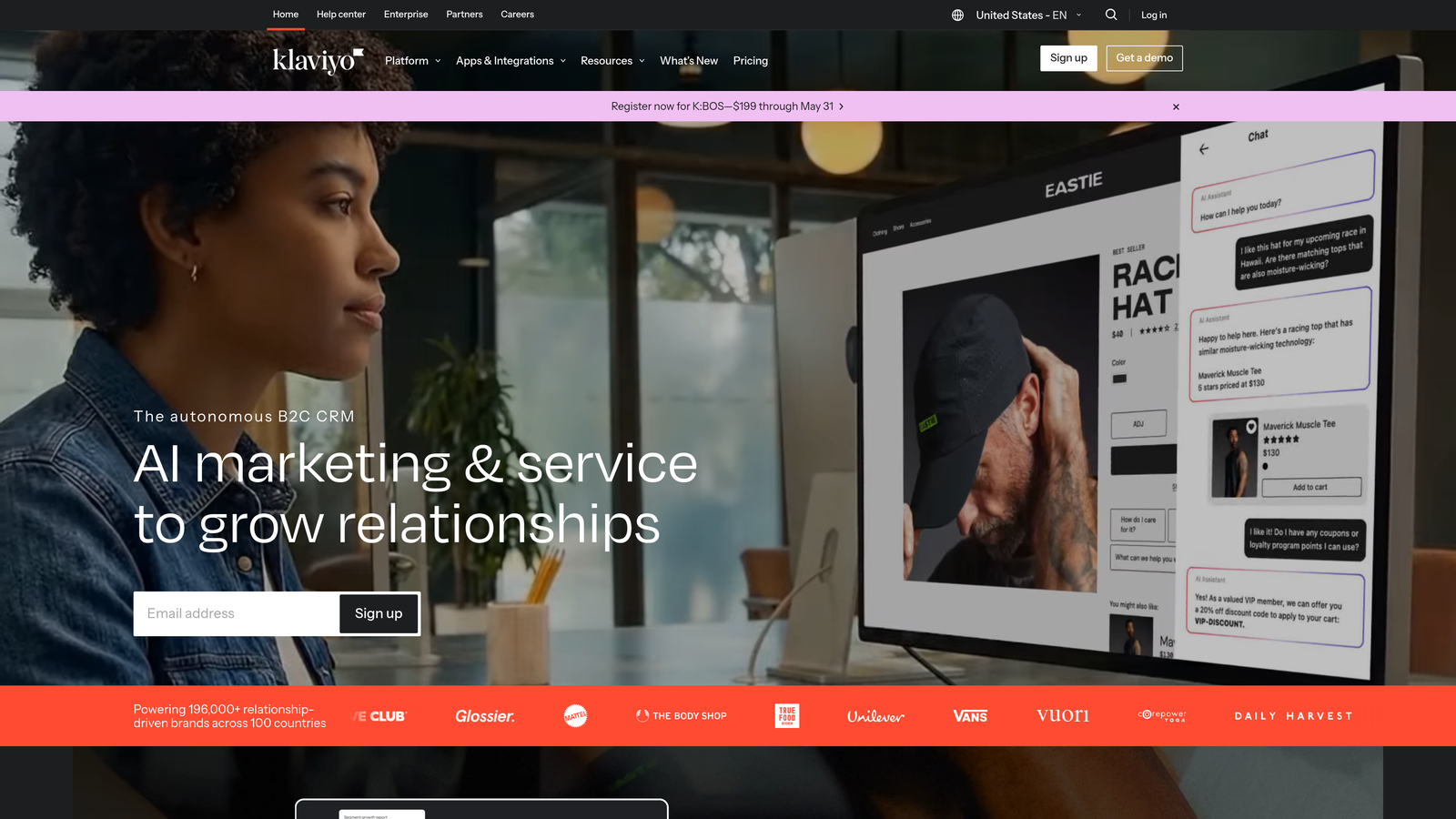
Klaviyo is an email and SMS marketing platform with built-in popup form functionality that connects captured leads directly to automated flows without requiring a third-party integration.
Where This Tool Shines
Klaviyo's popup builder isn't trying to be the most feature-rich standalone popup tool. Its strength is native connectivity. When a visitor submits a Klaviyo popup, they're immediately added to a list, tagged with relevant properties, and can be enrolled in a welcome flow, all within the same platform and without any integration setup.
For e-commerce teams already running Klaviyo for email marketing, this native connection eliminates a meaningful layer of technical complexity. The Shopify integration in particular is exceptionally deep, enabling behavior-based targeting that draws on purchase history, browse activity, and cart data.
Key Features
Native List and Flow Integration: Popup submissions feed directly into Klaviyo lists and trigger automation flows without external connectors.
Deep Shopify Integration: Leverages purchase history, browse behavior, and cart data for precise popup targeting in e-commerce contexts.
Behavioral Targeting and Timing Controls: Display rules based on visitor behavior, time on page, and other contextual signals.
A/B Testing: Test popup variants to optimize subject lines, offers, and designs within the Klaviyo environment.
Automatic Segmentation: Contacts captured via popup are automatically segmented based on form submission data and subsequent behavior.
Best For
Klaviyo's popup functionality is the right choice if you're already a Klaviyo customer, particularly in e-commerce. If you're not using Klaviyo for email marketing, adopting the full platform just for popup forms is likely more than you need.
Pricing
Free for small lists. Pricing scales with contact count. Verify current pricing at klaviyo.com.
6. HubSpot Forms
Best for: B2B teams already using HubSpot CRM who want popup forms that map directly to contact records and trigger workflows automatically.
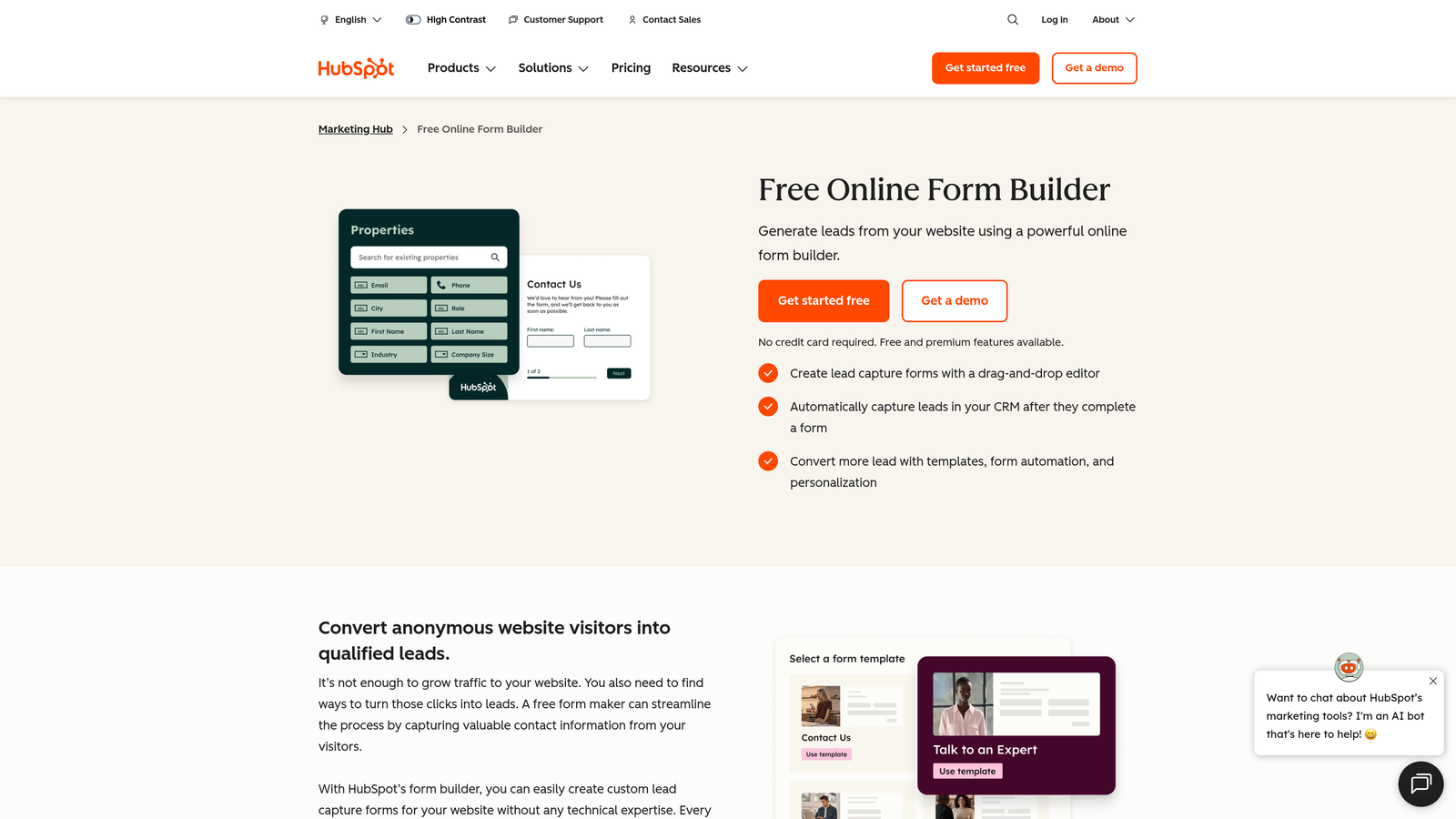
HubSpot Forms is a CRM-native popup form tool where every submission creates or updates a HubSpot contact record with full activity tracking from the first interaction.
Where This Tool Shines
The core advantage here is CRM fidelity. When a visitor submits a HubSpot popup form, their data doesn't just land in an email list. It creates a complete contact record with form submission history, page views, and any subsequent interactions, all visible to sales and marketing teams in one place.
Progressive profiling is a standout feature. HubSpot Forms can detect returning visitors who already have known properties in the CRM and replace those fields with new questions, so you're always collecting net-new information rather than asking contacts to repeat themselves.
Key Features
Direct CRM Contact Creation: Every popup submission creates or enriches a HubSpot contact record with full property mapping.
Progressive Profiling: Automatically replaces already-known fields with new questions for returning contacts, building richer profiles over time.
Smart Forms: Adapt displayed fields based on a contact's existing data and history within HubSpot.
Multiple Form Types: Popup, embedded, and collected form options give you deployment flexibility across your site.
Workflow and Sequence Integration: Form submissions can trigger HubSpot workflows, enrollment in sequences, and internal notifications automatically.
Best For
HubSpot Forms delivers the most value for teams already operating within the HubSpot ecosystem. If your CRM, email marketing, and sales sequences all live in HubSpot, the native integration makes this the obvious choice. For teams not using HubSpot, the popup builder alone doesn't justify adopting the full platform.
Pricing
Free tier available. Advanced features require a paid Marketing Hub subscription. Verify current pricing at hubspot.com.
7. Sumo
Best for: Content sites, bloggers, and early-stage businesses that need a simple, free popup solution to start building their email list.
Sumo is a straightforward list-building popup tool with a generous free tier that makes it accessible for teams just beginning their lead generation efforts.
Where This Tool Shines
Sumo's primary appeal is its low barrier to entry. Setup requires no developer involvement, the free plan includes core popup functionality, and the interface is simple enough that non-technical users can launch a campaign quickly. For content creators and small business owners who need something working today without a budget commitment, that matters.
The integrations with major ESPs like Mailchimp and Klaviyo mean captured leads flow into the tools most early-stage teams are already using, keeping the technical overhead minimal.
Key Features
Easy No-Developer Setup: Install and configure popups without any coding or technical configuration.
List Builder Popup: Core popup functionality with customizable templates for email capture.
Basic Targeting Rules: Scroll percentage and time delay triggers to control when popups appear.
ESP Integrations: Connects with Mailchimp, Klaviyo, and other popular email service providers.
Free Plan with Core Features: Functional popup capability available without a paid subscription.
Best For
Sumo is a good starting point for bloggers, content publishers, and early-stage businesses that need basic popup functionality without a financial commitment. Teams that have outgrown simple email capture and need behavioral targeting, lead scoring, or multi-step form logic will find Sumo's feature set limiting and should consider more advanced options.
Pricing
Free plan available. Paid plan available for additional features. Verify current pricing at sumo.com.
8. Getsitecontrol
Best for: Teams that want popups, surveys, announcement bars, and contact forms managed under a single subscription.
Getsitecontrol is a multi-purpose on-site widget platform that consolidates several types of visitor engagement tools into one manageable dashboard.
Where This Tool Shines
Most popup tools do one thing well. Getsitecontrol takes a broader approach by combining popups with surveys, announcement bars, chat buttons, and contact forms in a single platform. For teams managing multiple types of on-site engagement campaigns, this consolidation can meaningfully reduce tool sprawl and subscription costs.
The targeting and scheduling capabilities are solid for a multi-purpose tool, and A/B testing is available across widget types, so you're not sacrificing optimization capability for the sake of breadth.
Key Features
Multiple Widget Types: Popups, surveys, announcement bars, and chat buttons all managed within one platform.
Behavioral Targeting and Scheduling: Control when widgets appear based on visitor behavior, time of day, or campaign dates.
A/B Testing: Test variations across all widget types to optimize performance.
Marketing Tool Integrations: Connects with popular email platforms and CRMs to route data into existing workflows.
Centralized Campaign Dashboard: Manage and monitor multiple widget campaigns from a single interface without switching between tools.
Best For
Getsitecontrol works well for small marketing teams and agencies that want to consolidate on-site engagement tools without managing multiple subscriptions. If your primary need is a best-in-class popup tool rather than a multi-widget platform, more specialized options will likely outperform it on depth of features.
Pricing
Affordable monthly plans available. Verify current pricing at getsitecontrol.com.
9. ConvertBox
Best for: CRO specialists and agencies who need deep behavioral segmentation, dynamic personalization, and funnel-aware popup targeting.
ConvertBox is an advanced popup and on-site personalization platform favored by conversion rate optimization professionals for its sophisticated segmentation and dynamic content capabilities.
Where This Tool Shines
ConvertBox operates at a level of personalization depth that most popup tools don't reach. Dynamic text replacement lets you customize popup messaging based on where a visitor came from, what they've already seen, or where they are in your funnel, so the same tool can show meaningfully different offers to different audience segments.
The funnel-aware targeting is particularly valuable for teams running complex acquisition funnels. Rather than showing the same popup to every visitor, ConvertBox lets you configure offers that align with a visitor's specific funnel stage, making the popup experience feel contextually relevant rather than generic.
Key Features
Dynamic Text Replacement: Personalizes popup messaging based on traffic source, visitor history, or funnel stage without creating separate campaigns for each variation.
Deep Behavioral Segmentation: Segment audiences based on funnel position, previous interactions, and behavioral signals for highly targeted popup delivery.
Multi-Step Popup Flows: Build conditional multi-step sequences that guide visitors through a personalized path based on their responses.
CRM and Email Platform Integrations: Connects with major CRMs and email platforms to route segmented leads into appropriate follow-up sequences.
Funnel-Aware Targeting: Show contextually appropriate offers based on where a visitor is in the purchase or conversion journey.
Best For
ConvertBox is the right fit for CRO specialists, performance marketers, and agencies running sophisticated acquisition funnels where personalization at scale is a priority. It has a steeper learning curve than simpler popup tools, and teams with basic email capture needs will likely find it more complex than necessary.
Pricing
Pricing model may vary. Verify current options at convertbox.com.
Which Popup Form Builder Is Right for You?
The right tool depends almost entirely on what you're trying to accomplish and the ecosystem you're already working within. Here's a quick way to think through your decision.
If lead qualification is a priority alongside lead capture, Orbit AI is the standout choice. It's the only tool on this list that embeds AI-powered qualification directly into the form flow, which means your team receives leads that have already been evaluated rather than raw submissions that require manual review.
If you want a conversational form experience that reduces abandonment, Typeform brings a UX approach that few competitors match. For behavior-based targeting and exit-intent recovery, OptinMonster remains one of the most capable platforms available. E-commerce brands running on Shopify will find Klaviyo's native popup integration hard to beat, and B2B teams operating within the HubSpot ecosystem will get the most value from HubSpot Forms.
For teams prioritizing page speed without sacrificing targeting capability, Popupsmart is worth a close look. If you're just getting started and need something functional without a budget commitment, Sumo is a reasonable entry point. Teams that want multiple widget types under one subscription should consider Getsitecontrol, and CRO specialists who need deep funnel-aware personalization will find ConvertBox the most powerful option in that category.
Transform your lead generation with AI-powered forms that qualify prospects automatically while delivering the modern, conversion-optimized experience your high-growth team needs. Start your free trial today and see how intelligent form design can elevate your conversion strategy.


