

Typeform is genuinely beautiful. But beauty alone doesn't close deals, qualify leads, or scale gracefully when your team grows past a handful of users. If you've hit response limits, struggled with rigid pricing, or found yourself wishing your forms could do more than just collect data, you're not alone.
This list focuses specifically on tools built for teams: shared workspaces, role-based access, CRM integrations, and forms that qualify, route, and convert. Whether you're building lead forms for B2B companies or trying to qualify leads directly within your form flow, the right tool makes a real difference. We've evaluated each option on design quality, collaboration features, automation depth, and value at scale.
Here are the top Typeform alternatives worth considering for your team in 2026.
1. Orbit AI
Best for: High-growth B2B and SaaS teams that need forms to qualify and route leads automatically.
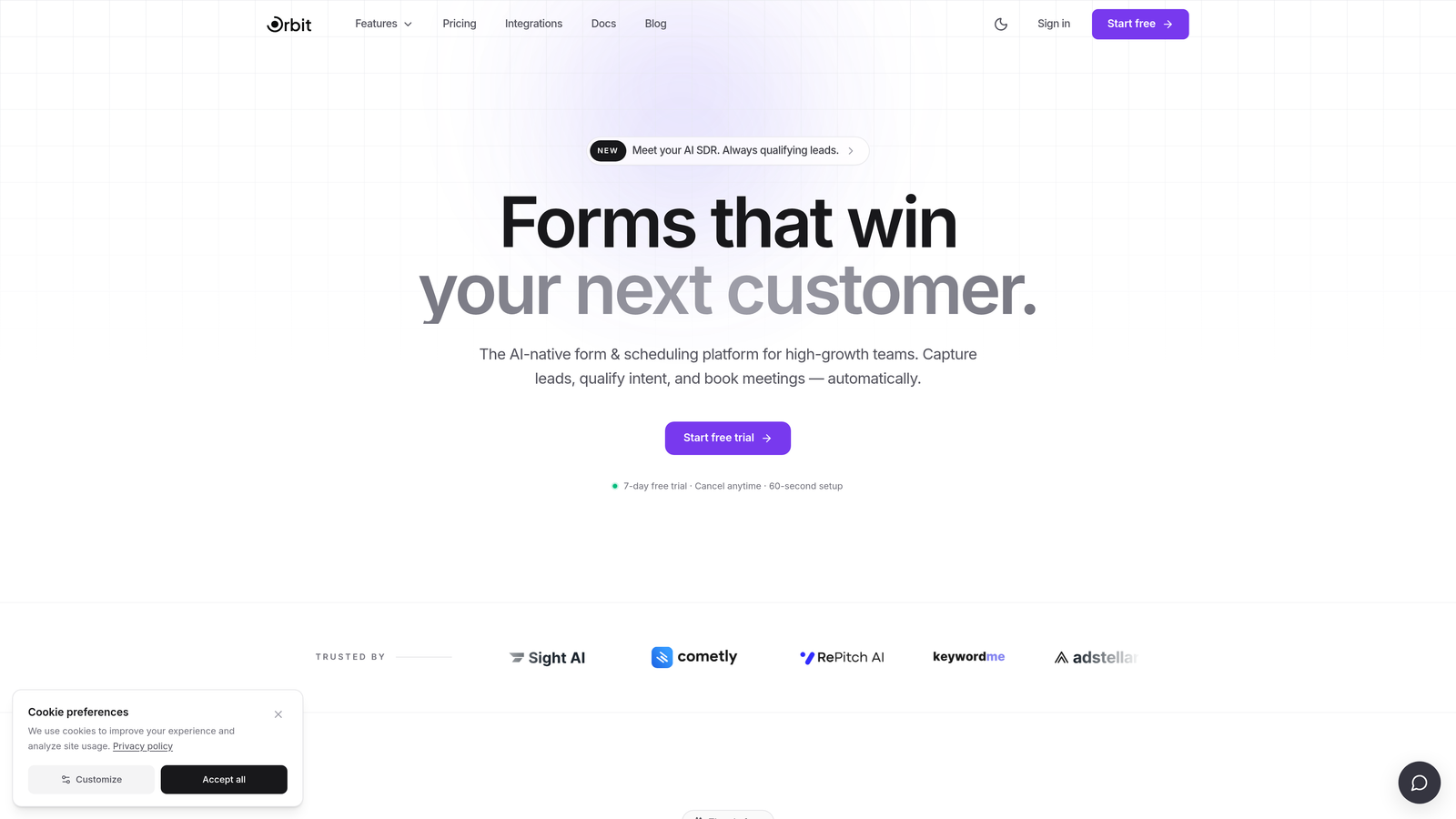
Orbit AI is an AI-powered form builder designed to turn form submissions into qualified pipeline, not just a spreadsheet of contacts.
Where This Tool Shines
Most form builders treat qualification as an afterthought: you collect responses, then manually review them, then route them somewhere. Orbit AI flips that model. The qualification logic lives inside the form itself, so by the time a submission hits your CRM, it's already been scored and routed based on the answers given.
This matters most for demand generation and sales development teams where speed-to-lead and lead quality are directly tied to revenue. The templates are designed with conversion in mind, not just aesthetics, which means you get forms that look polished and perform well without needing a dedicated designer to get there.
Key Features
AI-Powered Lead Qualification: Qualification logic is embedded directly in the form flow, scoring leads based on their responses in real time.
Automatic Lead Routing: Leads are automatically routed to the right team member or sequence based on qualification score and response criteria.
Conversion-Optimized Templates: Pre-built templates designed specifically for B2B demand generation, not generic survey use cases.
Modern Form Design: Clean, professional UI that doesn't require design resources to deploy.
CRM and Sales Tool Integrations: Connects with the CRMs and sales tools your team already uses, ensuring seamless handoff from form to pipeline.
Best For
SaaS and B2B teams running active demand generation programs where lead quality and routing speed matter. Particularly strong for sales and marketing teams that want to reduce manual qualification work and get more from every form submission.
Pricing
Visit orbitforms.ai for current pricing details, as plans are updated regularly.
2. Jotform
Best for: Teams that need a feature-complete form builder with enterprise controls and broad integrations.
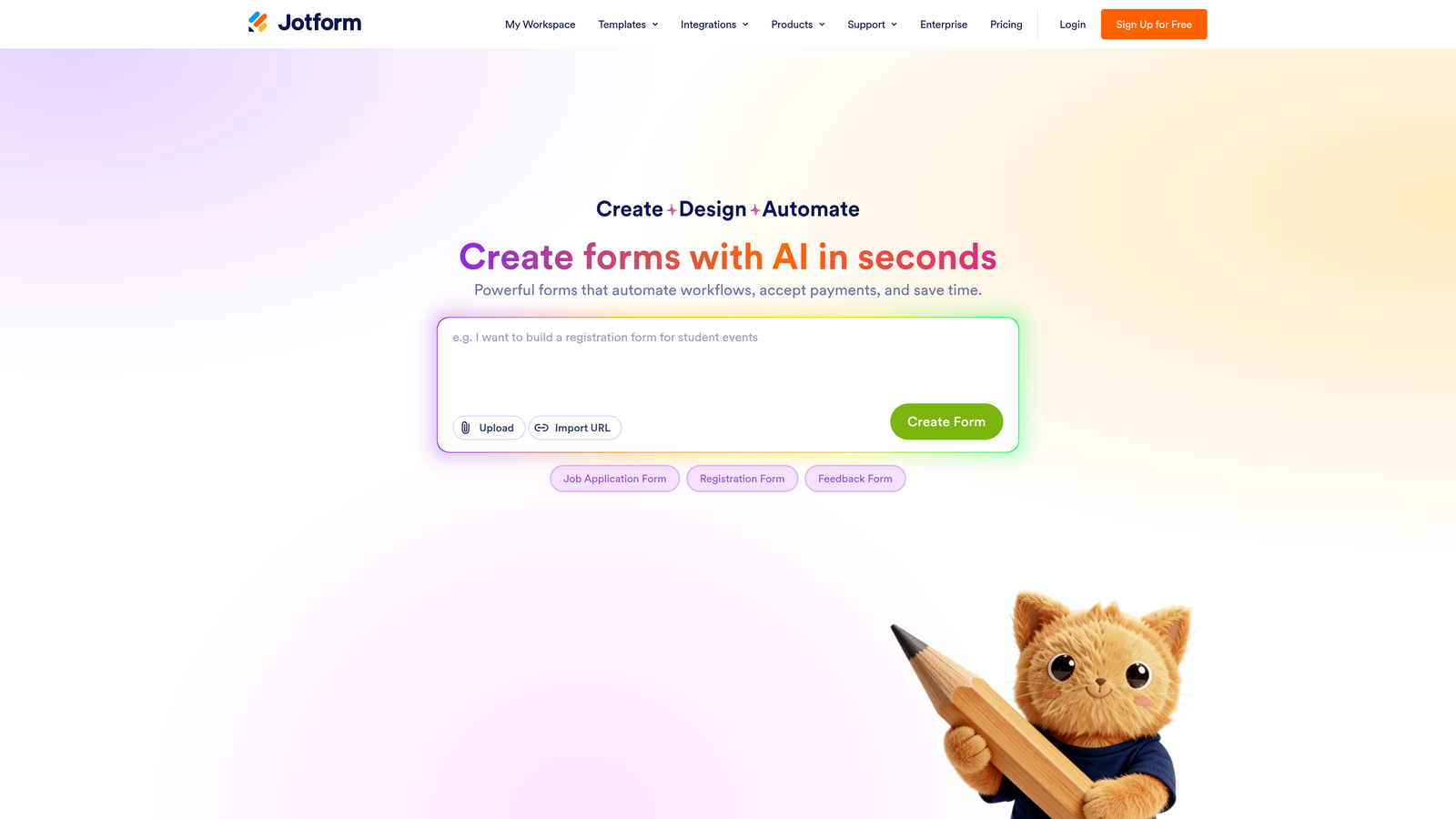
Jotform is one of the most comprehensive form builders available, with over 10,000 templates and a wide-ranging integration marketplace.
Where This Tool Shines
Jotform's depth is hard to match. Whether you need HIPAA-compliant forms for a healthcare client, payment collection for an event, or complex conditional logic for an intake workflow, it's likely already supported. The sheer breadth of templates means most teams can launch something functional within minutes.
The team workspace features, including role-based permissions and shared form libraries, make it genuinely usable for larger organizations. It's less focused on conversion optimization than some alternatives, but as a general-purpose form platform, it covers nearly every use case.
Key Features
10,000+ Templates: One of the largest template libraries available, spanning industries from healthcare to e-commerce.
HIPAA-Compliant Plans: Dedicated compliance options for regulated industries, a rare feature among form builders.
Built-In Payment Collection: Native integrations with Stripe, PayPal, and Square for collecting payments directly through forms.
Team Workspaces: Role-based permissions and shared workspaces for collaborative form management.
Large App Marketplace: 100+ integrations covering CRMs, project management tools, and communication platforms.
Best For
Teams that need a versatile, all-in-one form solution across multiple departments or use cases, especially organizations with compliance requirements or payment collection needs.
Pricing
Free tier available. Paid plans start at around $34/month. Check jotform.com for current plan details.
3. Tally
Best for: Early-stage teams and indie builders who want a Typeform-like experience without the cost.
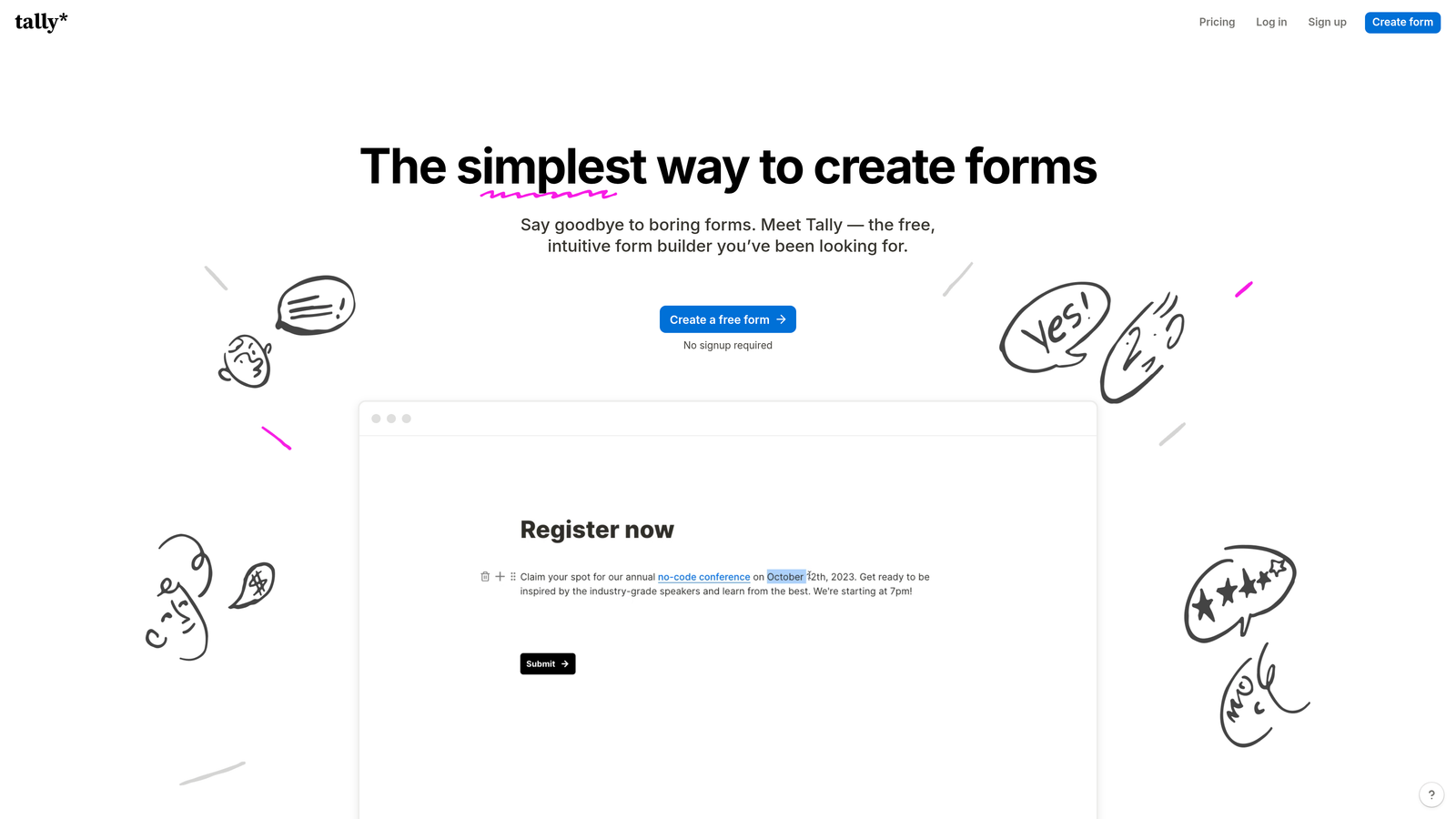
Tally is a Notion-inspired conversational form builder with one of the most generous free tiers in the entire form builder market.
Where This Tool Shines
The free plan is genuinely remarkable: unlimited forms, unlimited responses, conditional logic, and hidden fields, all at no cost. For teams that are cost-conscious or just getting started, Tally removes every barrier to entry. The block-based editor feels familiar to anyone who uses Notion, which shortens the learning curve considerably.
The conversational one-question-at-a-time format mirrors Typeform's core UX, so if that's what you're looking to replicate without the price tag, Tally is the most direct substitute. It won't replace a dedicated lead qualification platform, but for general-purpose forms and surveys, it's hard to beat at any price.
Key Features
Unlimited Free Responses: No response caps on the free plan, which is unusual in the category.
Conversational Format: One-at-a-time question flow similar to Typeform's signature experience.
Notion-Style Block Editor: Intuitive drag-and-drop editing that feels natural for modern teams.
Conditional Logic on Free Plan: Branching and hidden fields available without upgrading.
Zapier and Native Integrations: Connect to your existing stack through Zapier or Tally's native integrations.
Best For
Startups, freelancers, and small teams that want a polished conversational form experience without committing to a paid plan. Also works well as a lightweight internal tool for surveys and feedback collection.
Pricing
Free tier with unlimited responses. Pro plan is around $29/month. Check tally.so for current pricing.
4. SurveyMonkey
Best for: Teams running structured research, employee surveys, or audience benchmarking programs.
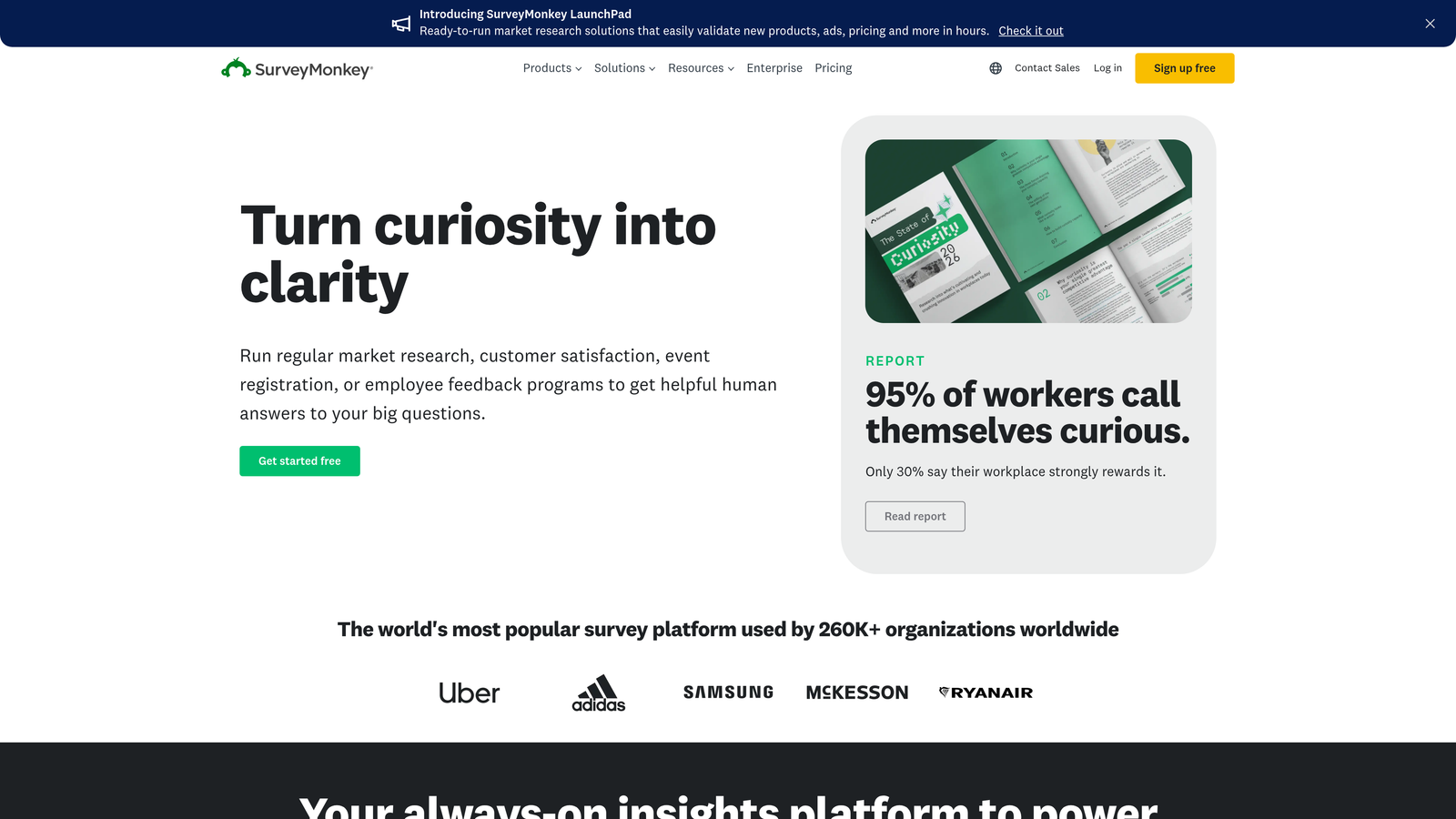
SurveyMonkey is a long-established research-grade survey platform with advanced analytics and team collaboration features.
Where This Tool Shines
SurveyMonkey is built for research rigor. Cross-tabulation, filtering by respondent attributes, and audience benchmarking tools give analysts and researchers capabilities that most form builders simply don't offer. The platform has also matured significantly on the collaboration side, with shared survey libraries and team-level reporting.
It's worth being clear about where it fits: SurveyMonkey is better suited to structured research and employee experience programs than to conversion-focused lead generation. If your team runs regular NPS programs, market research, or internal surveys, it's a strong choice. For demand generation, other tools on this list are better positioned.
Key Features
Advanced Analytics: Cross-tabulation, filtering, and response segmentation for deeper data analysis.
Audience Panel: Paid access to survey respondents for market research and benchmarking.
Team Collaboration: Shared survey libraries and team-level access controls.
Research-Validated Templates: Pre-built templates based on established survey methodology.
CRM Integrations: Native connections to Salesforce, HubSpot, and Slack.
Best For
Research teams, HR departments, and marketing teams running structured measurement programs. Less ideal for lead gen, but excellent for voice-of-customer and employee experience initiatives.
Pricing
Individual plans start at around $25/month. Team plans are priced higher. Check surveymonkey.com for current team pricing.
5. HubSpot Forms
Best for: Teams already using HubSpot CRM who want zero-friction contact capture and sync.
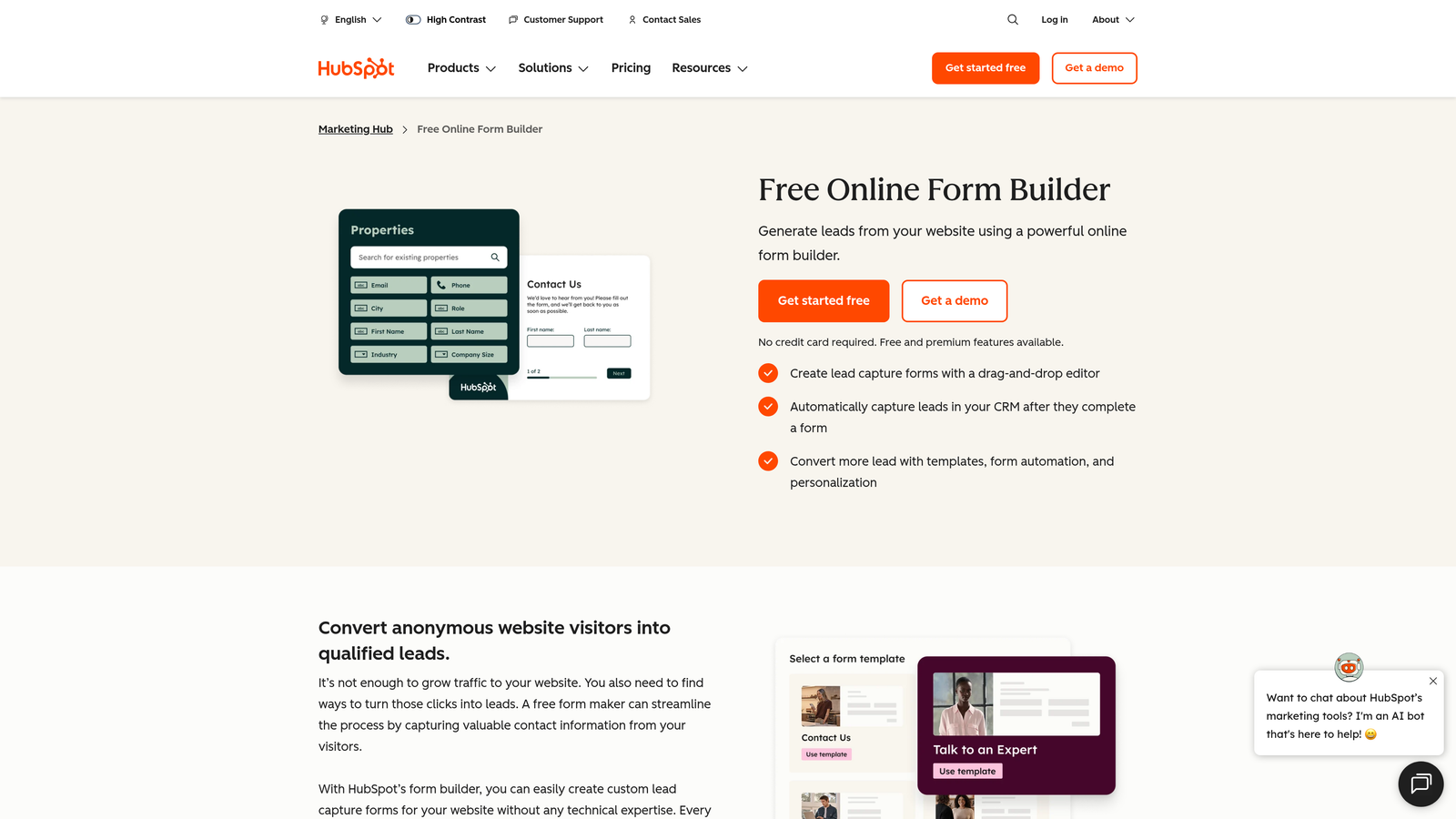
HubSpot Forms is the native form builder inside HubSpot's CRM platform, with smart fields, progressive profiling, and automatic contact sync.
Where This Tool Shines
If your team lives in HubSpot, this is the path of least resistance. Every form submission maps directly to a contact record, triggering workflows, sequences, and lead scoring without any manual work or third-party integration. Smart fields pre-fill for known contacts, which reduces friction for returning visitors and keeps your data clean.
Progressive profiling is the standout feature for B2B teams: instead of asking the same questions repeatedly, HubSpot Forms surfaces new fields for contacts who've already submitted a form, gradually building a richer profile over multiple touchpoints. The limitation is that its real power is locked behind paid HubSpot plans.
Key Features
Automatic CRM Sync: Submissions map instantly to HubSpot contact records without manual data entry.
Smart Fields: Pre-fill known contact data to reduce form friction for returning visitors.
Progressive Profiling: Collect new data across multiple form interactions rather than repeating questions.
Embedded and Pop-Up Options: Flexible placement options for landing pages and website pages.
Native Workflow Connection: Trigger HubSpot workflows and sequences directly from form submissions.
Best For
Marketing and sales teams already invested in the HubSpot ecosystem. The value proposition depends heavily on HubSpot CRM usage. If you're not using HubSpot, the case for this tool weakens significantly.
Pricing
Free with HubSpot CRM. Advanced features require paid HubSpot Marketing Hub plans. Check hubspot.com for current plan details.
6. Paperform
Best for: Teams that want forms to feel like branded landing pages, with payments and scheduling built in.
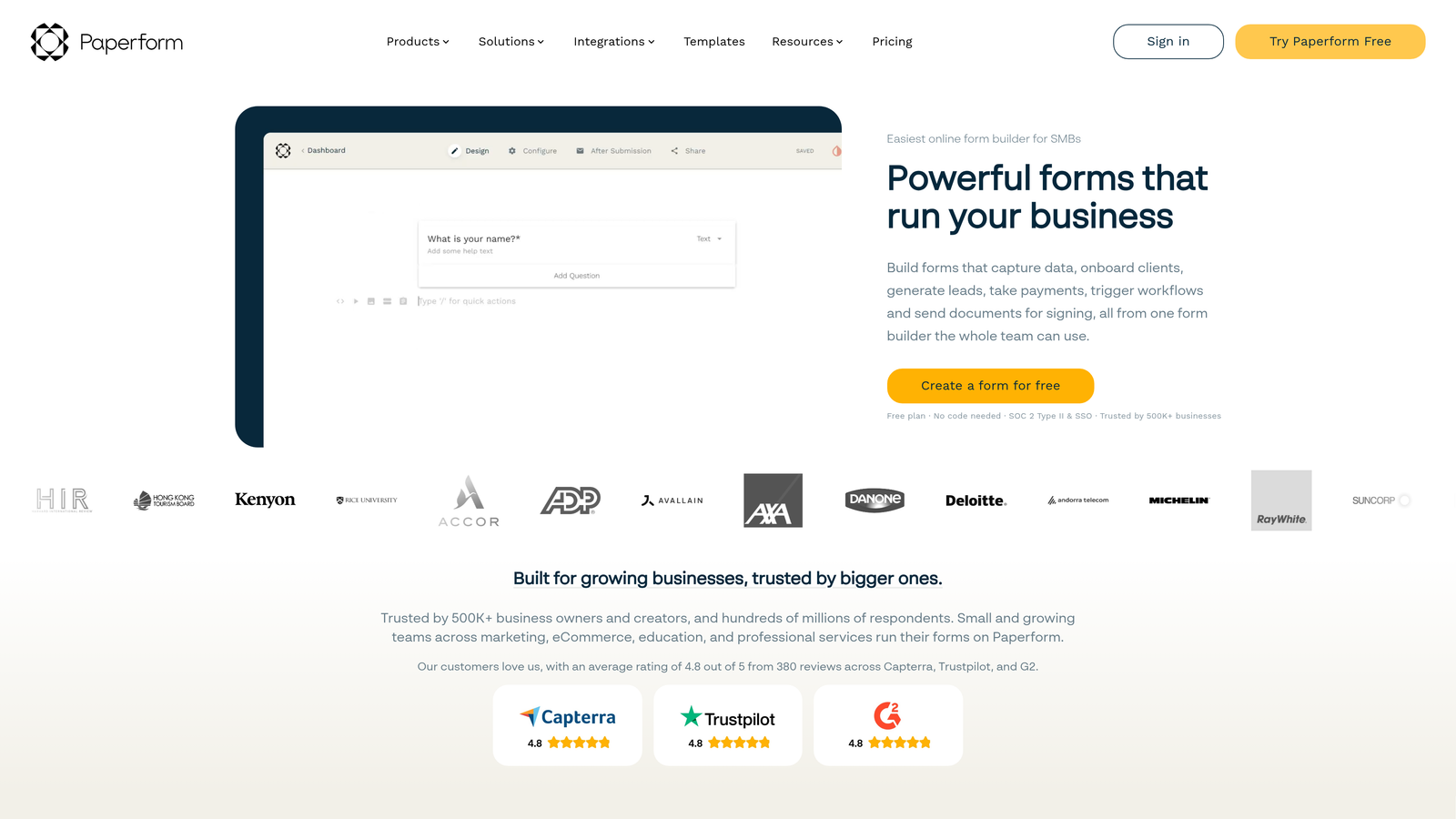
Paperform is a flexible form and page builder that blends forms, surveys, payments, and scheduling into a single document-like editor.
Where This Tool Shines
Paperform's document-style editor is genuinely different from most form builders. You write text, embed media, and drop form fields inline, which means the final product looks more like a branded experience than a traditional form. This makes it especially useful for client-facing forms, proposals, and checkout pages where aesthetics matter.
The built-in scheduling and payment processing capabilities mean you can replace multiple tools with one. Conditional logic and calculation fields add meaningful depth for teams that need dynamic pricing, custom quotes, or complex intake flows.
Key Features
Document-Style Editor: Mix text, images, video, and form fields in a free-flowing layout for branded experiences.
Built-In Payments: Accept payments and sell products directly through forms without a separate tool.
Scheduling and Booking: Appointment booking functionality built natively into the platform.
Calculation Fields: Dynamic fields that calculate values based on responses, useful for quotes and pricing forms.
Custom Domains and White-Label: Full branding control for client-facing use cases.
Best For
Agencies, consultants, and product teams that need forms to double as branded experiences. Particularly strong when payments, scheduling, or document-like layouts are part of the requirement.
Pricing
Essentials plan starts at around $24/month. Check paperform.co for current pricing tiers.
7. Google Forms
Best for: Internal data collection within Google Workspace environments where budget is zero.
Google Forms is completely free and deeply integrated with Google Workspace, making it the default choice for internal surveys and simple data collection.
Where This Tool Shines
There's no simpler path from "I need a form" to "the form exists" than Google Forms. It's already in your Google account, it exports automatically to Sheets, and it supports basic branching logic. For internal use cases like event RSVPs, employee feedback, or quick polls, it does the job without any setup friction.
The honest caveat: Google Forms has real limitations in design flexibility, advanced logic, and branding. It's not a tool for external-facing lead generation or anything where aesthetics and conversion rate matter. Think of it as a useful internal utility rather than a growth tool.
Key Features
Completely Free: No response limits, no paid tiers, no hidden costs.
Google Sheets Export: Automatic, real-time data export to Sheets for easy analysis.
Basic Branching Logic: Section-based conditional routing for simple survey flows.
Real-Time Response Summaries: Built-in charts and response summaries without additional tools.
Collaborative Editing: Shared editing within Google Workspace, consistent with Docs and Sheets.
Best For
Teams that need a quick, free solution for internal data collection and are already using Google Workspace. Not recommended for customer-facing forms, lead generation, or any use case where design and conversion matter.
Pricing
Free. Included with any Google account.
8. Fillout
Best for: Ops and product teams using Notion, Airtable, or Supabase who need two-way database sync.
Fillout is a modern form builder that connects natively to Notion, Airtable, and Supabase, keeping records updated automatically through two-way sync.
Where This Tool Shines
Most form builders push data in one direction: submission goes to a spreadsheet or CRM, and that's it. Fillout's two-way sync means a form submission can update an existing record in Airtable or Notion, not just create a new one. For operations teams managing databases, this removes a significant amount of manual reconciliation work.
The form design is clean and modern, and the conditional logic is solid for multi-page flows. It's a newer entrant that has gained real traction among no-code and ops-focused teams who want forms that behave like proper database interfaces.
Key Features
Two-Way Database Sync: Native integrations with Notion, Airtable, and Supabase that update existing records, not just create new ones.
Multi-Page Conditional Forms: Complex branching logic across multi-step form flows.
Scheduling Integration: Built-in booking form capabilities for appointment scheduling.
Stripe Payments: Native payment collection without third-party workarounds.
Custom Branding: Clean design with full branding customization options.
Best For
Operations, product, and no-code teams running workflows on Notion, Airtable, or Supabase. Less suited for traditional marketing lead gen, but excellent for internal and operational data collection that needs to stay in sync with a live database.
Pricing
Free tier available. Paid plans start at around $15/month. Check fillout.com for current pricing.
9. Microsoft Forms
Best for: Enterprise teams operating within Microsoft 365 who need compliant, integrated forms.
Microsoft Forms is the built-in form tool for Microsoft 365, with tight integration across Teams, SharePoint, and Excel.
Where This Tool Shines
For organizations already paying for Microsoft 365, this is a zero-additional-cost option that works seamlessly within the existing Microsoft environment. Embedding a form in a Teams channel or SharePoint page takes seconds. Data flows directly to Excel, and enterprise compliance controls, including data residency settings, are already managed at the tenant level.
Like Google Forms, Microsoft Forms is best understood as a practical utility rather than a growth tool. It handles internal surveys, quizzes, and simple data collection well. Advanced logic, design customization, and external-facing marketing use cases are where it shows its limits.
Key Features
Included with Microsoft 365: No additional cost for organizations already subscribed.
Native Microsoft Integration: Embeds directly in Teams, SharePoint, and exports to Excel automatically.
Basic Branching Logic: Question branching and randomization for simple survey structures.
Enterprise Compliance: Data residency controls and compliance settings managed at the tenant level.
Collaborative Editing: Shared form editing within the Microsoft 365 environment.
Best For
Enterprise teams in Microsoft 365 environments that need compliant, integrated forms for internal surveys, quizzes, and data collection. Not the right choice for external lead generation or conversion-focused forms.
Pricing
Included with Microsoft 365 subscription. No additional cost.
Which Tool Is Right for Your Team?
The right Typeform alternative depends almost entirely on what you're trying to accomplish. Let's break it down by use case so you can make the call quickly.
For lead generation and qualification: Orbit AI is purpose-built for this. If your team's primary goal is turning form submissions into qualified pipeline, the AI-powered qualification and routing logic built into the form flow is a meaningful advantage over tools that treat qualification as an afterthought.
For teams that need everything in one place: Jotform covers the most ground, from payments to HIPAA compliance to team workspaces. It's the safest choice when you have multiple departments with different needs.
For budget-conscious teams: Tally's free tier is genuinely hard to beat. Unlimited forms and responses with conditional logic at no cost makes it the obvious starting point for early-stage teams.
For HubSpot-native teams: HubSpot Forms wins on CRM sync and progressive profiling, but only if you're already invested in the HubSpot ecosystem.
For ops and no-code teams: Fillout's two-way database sync with Notion and Airtable solves a real problem that most form builders ignore entirely.
For Microsoft 365 and Google Workspace users: Microsoft Forms and Google Forms are practical, zero-cost utilities for internal use. Don't expect them to drive external conversion.
If you're exploring Typeform alternatives for businesses focused on lead quality and conversion, the shift from passive data collection to active qualification is where the real leverage is. Transform your lead generation with AI-powered forms that qualify prospects automatically while delivering the modern, conversion-optimized experience your high-growth team needs. Start building free forms today and see how intelligent form design can elevate your conversion strategy.


