

Your contact form is often the first real interaction potential customers have with your business—and a clunky, generic form can cost you leads before you even get a chance to follow up. The right contact form builder does more than collect names and emails; it qualifies leads, integrates with your CRM, and creates an experience that reflects your brand.
Whether you're a startup capturing your first leads or an enterprise managing thousands of submissions daily, the software you choose matters. We evaluated dozens of tools based on ease of use, customization options, integration capabilities, and lead qualification features to bring you this curated list of the best contact form builders for 2026.
1. Orbit AI
Best for: High-growth teams that need AI-powered lead qualification and conversion optimization
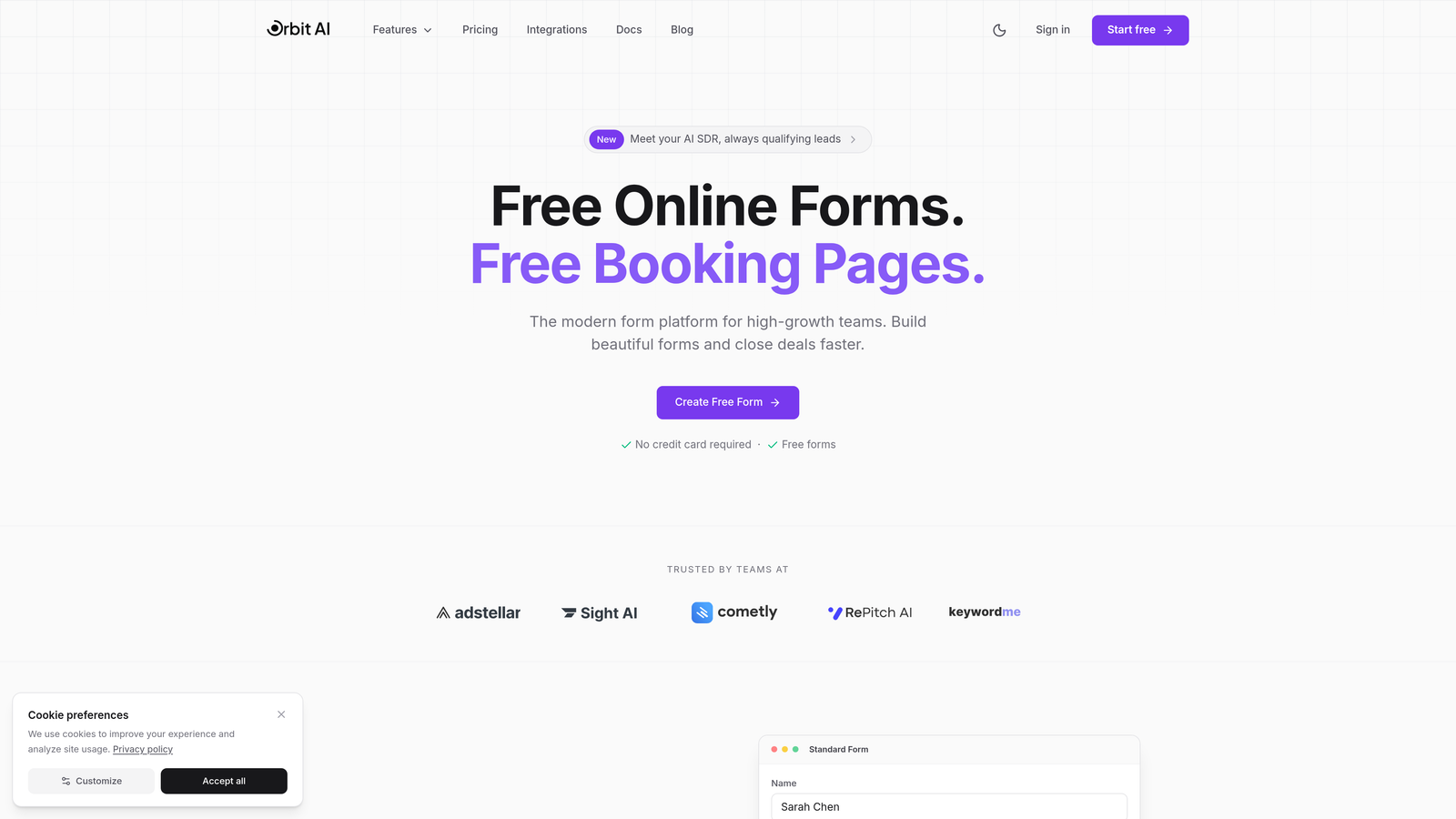
Orbit AI is an AI-powered form builder platform designed specifically for teams focused on lead generation and conversion optimization.
Where This Tool Shines
Orbit AI stands out by automatically qualifying leads as they submit forms, eliminating hours of manual lead scoring and routing. The platform uses AI to analyze responses in real-time, assigning scores and triggering workflows based on lead quality.
The modern, conversion-optimized designs create professional experiences that match your brand while maximizing submission rates. Unlike traditional form builders that simply collect data, Orbit AI actively works to improve your conversion funnel from the first interaction.
Key Features
AI-Powered Lead Qualification: Automatically scores and routes leads based on responses, saving your team from manual triage.
Conversion-Optimized Templates: Modern form designs built specifically to maximize completion rates and reduce abandonment.
Native CRM Integrations: Seamlessly connects with HubSpot, Salesforce, Slack, and other essential tools without third-party automation.
Automated Workflows: Trigger actions based on form submissions, lead scores, or specific answer patterns.
Real-Time Analytics: Track conversion rates, completion times, and drop-off points to continuously optimize performance.
Best For
Orbit AI is ideal for B2B companies, SaaS businesses, and agencies that need to qualify leads at scale. If you're tired of sifting through unqualified submissions or want to automate your lead routing process, this platform delivers immediate value.
Pricing
Free tier available for getting started. Paid plans begin at competitive rates designed for growing teams, with pricing that scales as your lead volume increases.
2. Typeform
Best for: Creating engaging, conversational form experiences with high completion rates
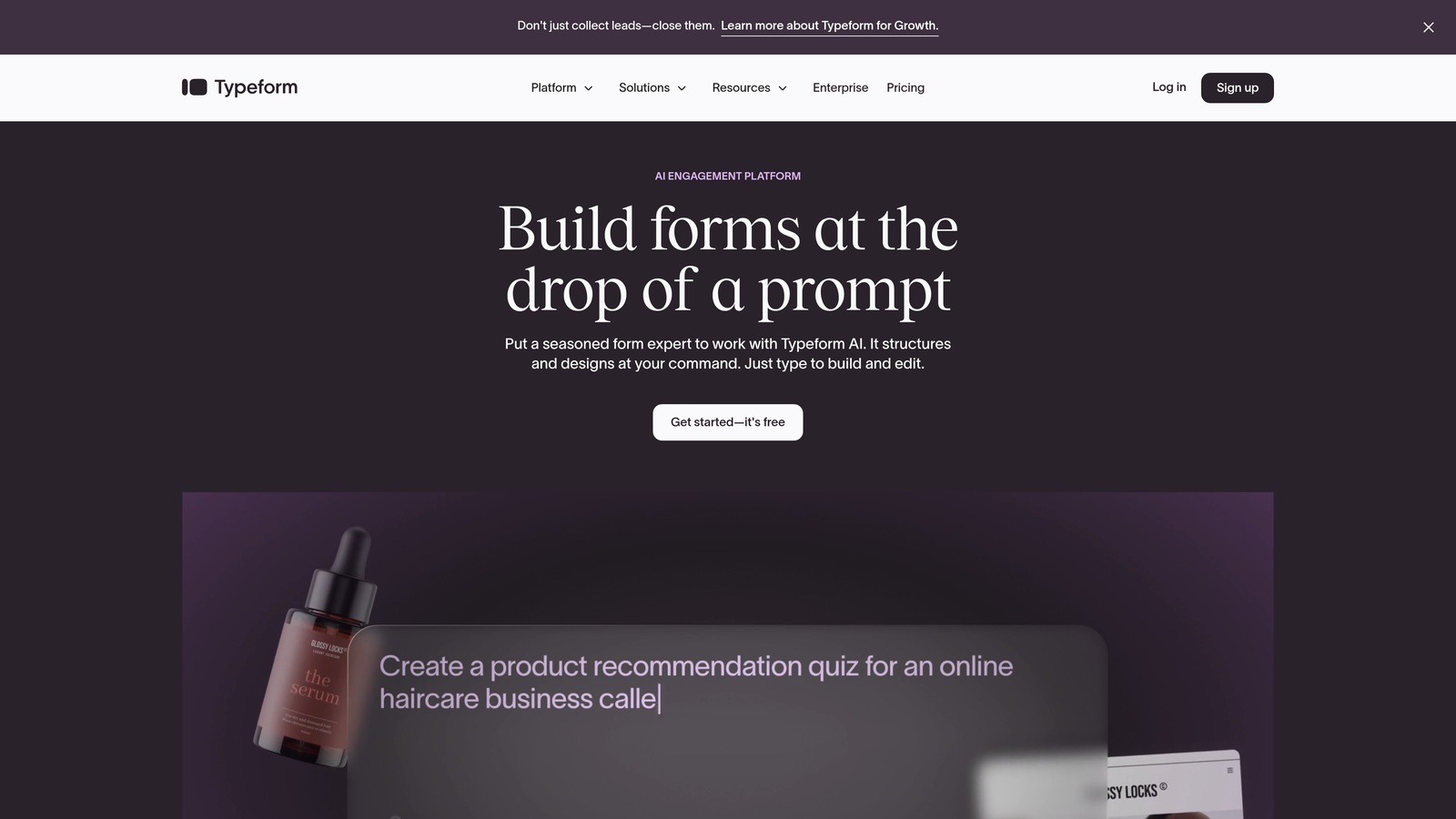
Typeform is a conversational form builder that presents one question at a time, creating human-feeling interactions.
Where This Tool Shines
Typeform's one-question-at-a-time approach reduces cognitive load and makes long forms feel manageable. The conversational flow creates a more engaging experience than traditional multi-field layouts, often resulting in higher completion rates.
The platform excels at creating branded experiences with custom colors, fonts, and imagery. Video and image embedding capabilities let you create visually rich forms that feel less like data collection and more like genuine conversations.
Key Features
Conversational Interface: One-question-at-a-time format that guides users through forms without overwhelming them.
Logic Jumps: Create personalized paths based on previous answers, showing only relevant questions to each respondent.
Rich Media Support: Embed videos, images, and GIFs directly within forms to create engaging experiences.
Marketing Tool Integrations: Native connections with popular platforms like Mailchimp, Google Sheets, and Slack.
Mobile Optimization: Forms automatically adapt to any screen size with touch-friendly interfaces.
Best For
Typeform works best for surveys, feedback collection, and lead generation forms where engagement matters more than speed. It's particularly popular with creative agencies and consumer brands focused on experience quality.
Pricing
Free plan allows 10 responses per month. Basic plan starts at $25/month for 100 responses, with higher tiers offering unlimited responses and advanced features.
3. Jotform
Best for: Teams needing extensive template options and advanced customization capabilities
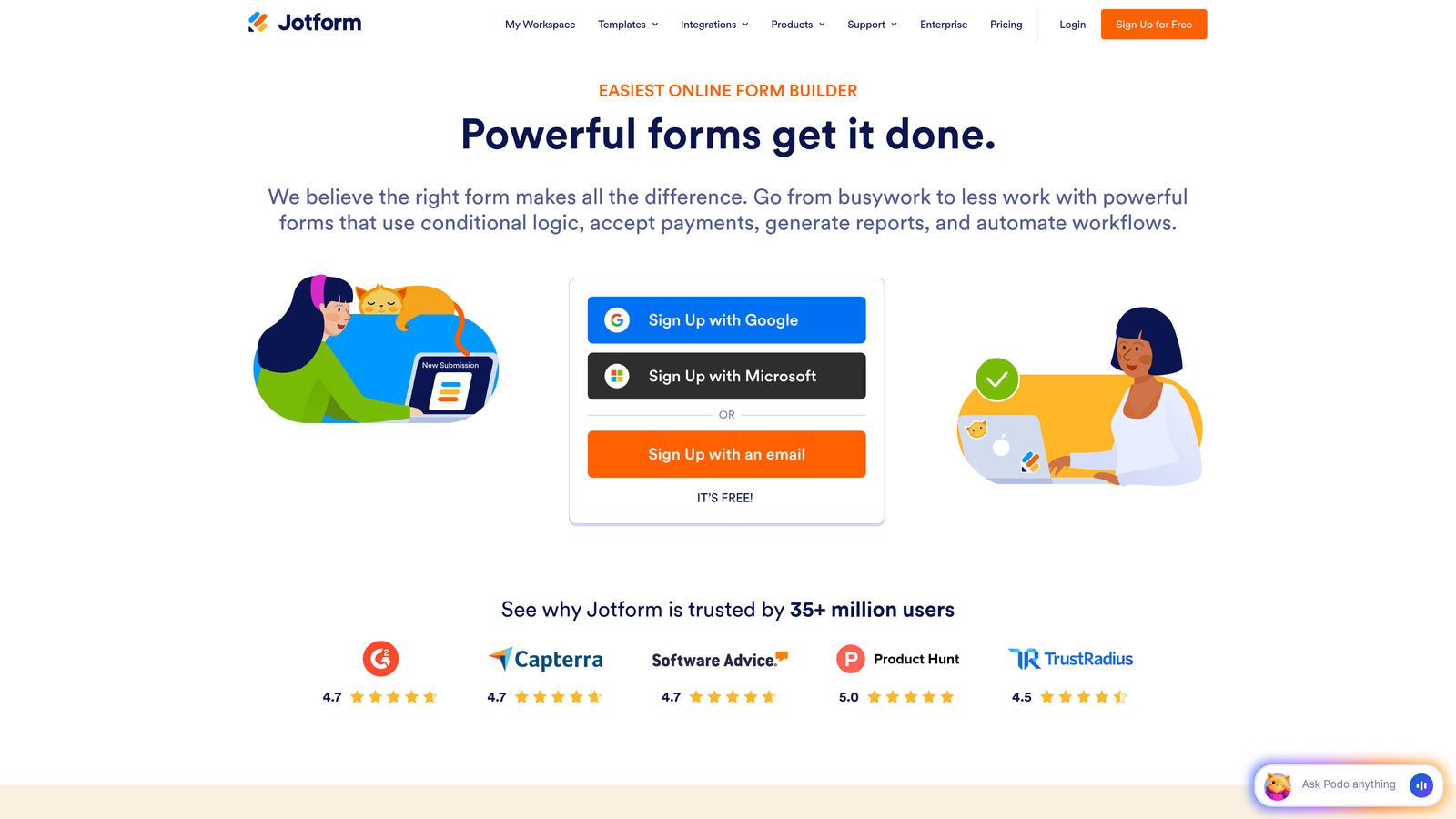
Jotform is a feature-rich form builder offering over 10,000 templates for virtually any use case.
Where This Tool Shines
Jotform's massive template library means you can find a starting point for almost any form type, from simple contact forms to complex application processes. The platform handles edge cases that other builders miss, like conditional calculations and multi-step approval workflows.
Payment collection capabilities are particularly robust, supporting multiple processors and allowing you to sell products, collect donations, or process registrations directly through forms. The PDF generation feature automatically creates formatted documents from submissions.
Key Features
10,000+ Templates: Pre-built forms for every industry and use case, dramatically reducing setup time.
Advanced Conditional Logic: Show or hide fields, perform calculations, and create complex branching based on user inputs.
Payment Processing: Accept payments through Stripe, PayPal, Square, and other processors without leaving the form.
PDF Generation: Automatically create formatted PDFs from form submissions for contracts, receipts, or reports.
HIPAA Compliance: Enterprise plans offer HIPAA-compliant form handling for healthcare applications.
Best For
Jotform suits businesses with complex form requirements, particularly those in healthcare, education, or government sectors requiring compliance features. It's also excellent for organizations that need payment collection alongside data gathering.
Pricing
Free plan includes 5 forms and 100 monthly submissions. Bronze plan starts at $34/month, with Silver and Gold tiers offering increased limits and advanced features.
4. HubSpot Forms
Best for: Companies already using HubSpot CRM seeking seamless native integration
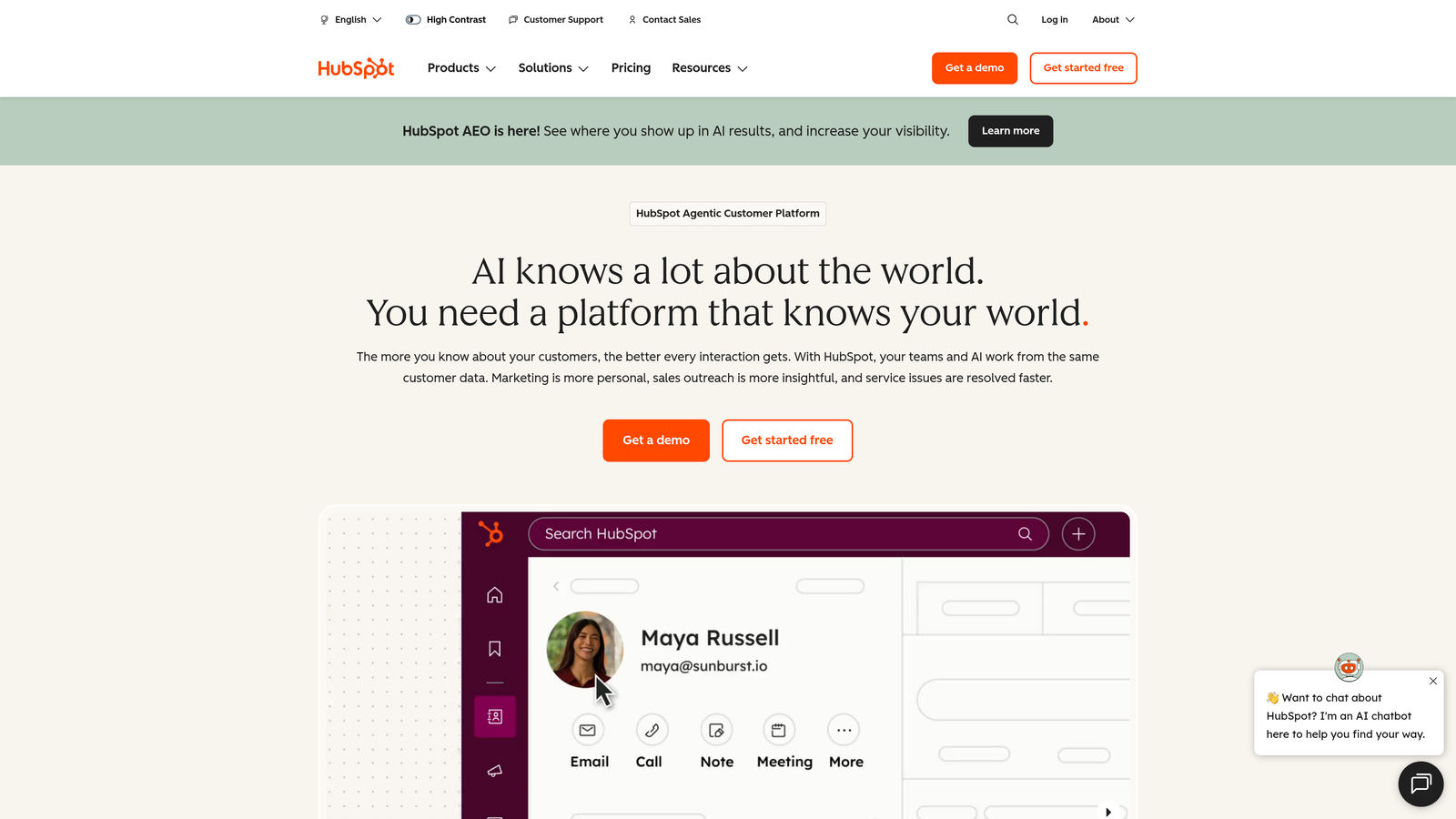
HubSpot Forms is the CRM-native form builder that automatically syncs submissions with HubSpot's marketing and sales hubs.
Where This Tool Shines
HubSpot Forms eliminates the integration headaches that plague most form builders. Submissions automatically create or update contact records in your CRM, trigger workflows, and populate deal pipelines without any middleware or automation tools.
Progressive profiling is a standout feature that reduces form friction by asking different questions to returning visitors based on what you already know about them. This creates shorter forms while still gathering comprehensive data over time.
Key Features
Automatic CRM Sync: Form submissions instantly create contacts and update records without manual data entry or integration setup.
Progressive Profiling: Ask different questions to known contacts, reducing form length while gathering more data over time.
Smart Fields: Pre-populate fields with known information, making forms faster for returning visitors.
Campaign Analytics: Track form performance alongside broader marketing campaigns for complete attribution visibility.
Flexible Deployment: Deploy forms as pop-ups, embedded widgets, or standalone pages from a single creation interface.
Best For
HubSpot Forms is perfect for companies already invested in the HubSpot ecosystem. If you're running marketing campaigns, managing contacts, and tracking deals in HubSpot, the native form builder delivers unmatched integration depth.
Pricing
Free with HubSpot CRM, including basic form functionality. Advanced features like progressive profiling and A/B testing require Marketing Hub subscriptions starting at $800/month.
5. Gravity Forms
Best for: WordPress sites requiring deep platform integration and developer-friendly customization
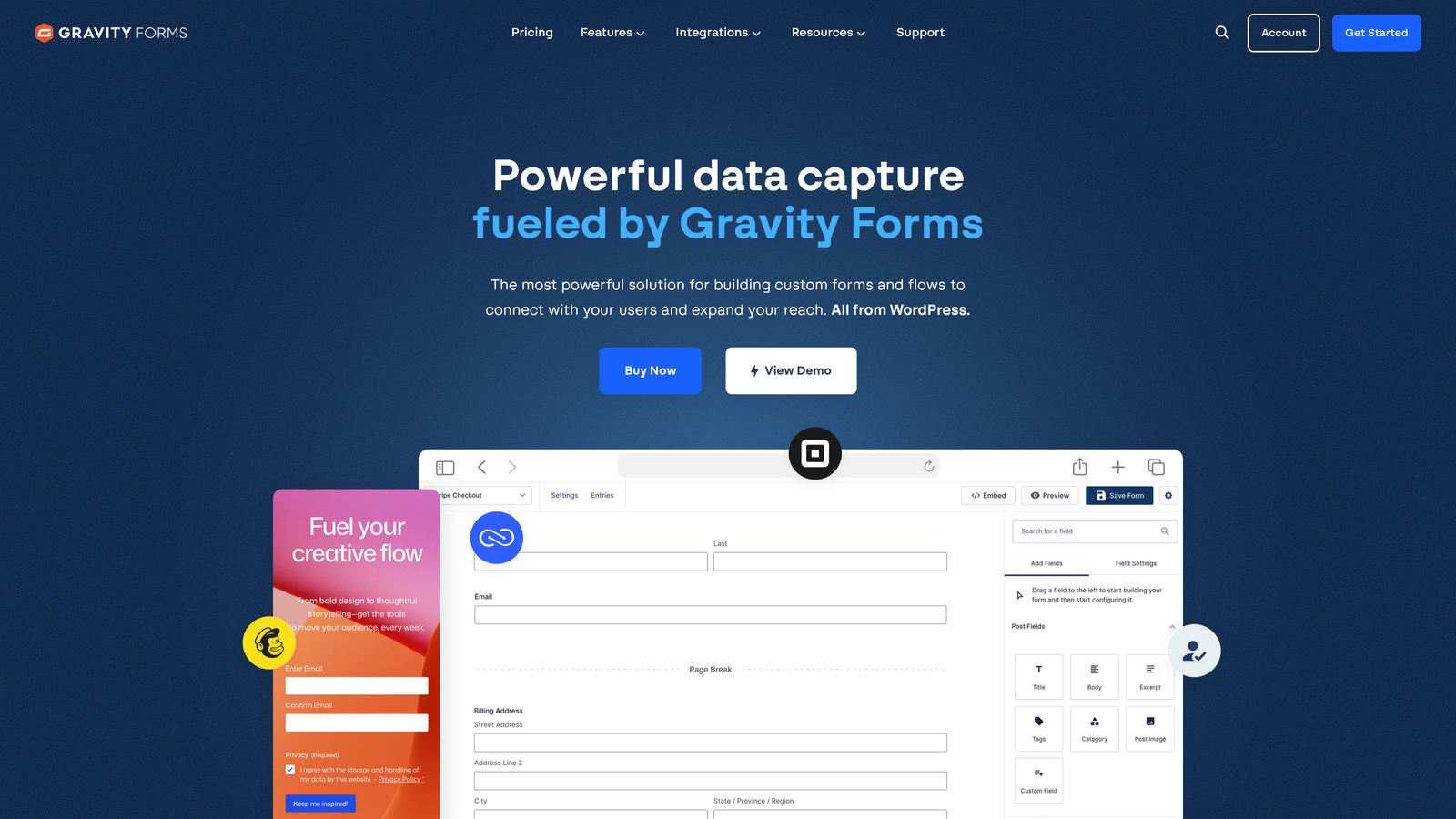
Gravity Forms is a premium WordPress plugin offering extensive integration with the WordPress ecosystem.
Where This Tool Shines
Gravity Forms feels like a natural extension of WordPress rather than a bolted-on solution. The Gutenberg block integration lets you place forms directly in the page builder, and the plugin respects your theme's styling without requiring extensive CSS customization.
The developer-friendly architecture with hooks, filters, and extensive documentation makes it possible to extend functionality far beyond the out-of-box features. The add-on marketplace provides pre-built integrations for common use cases while allowing custom development when needed.
Key Features
Native WordPress Integration: Works seamlessly with Gutenberg blocks, custom post types, and WordPress user roles.
Extensive Add-On Marketplace: Pre-built integrations for CRMs, payment processors, email marketing tools, and specialized functions.
Advanced Form Logic: Conditional fields, multi-page forms, and calculation fields for complex workflows.
Payment Processing: Accept payments through Stripe, PayPal, and other processors with secure, PCI-compliant handling.
Developer Tools: Comprehensive hooks, filters, and API for custom functionality and integrations.
Best For
Gravity Forms is ideal for WordPress-based businesses that need powerful form functionality without leaving their existing platform. It's particularly valuable for agencies managing multiple WordPress sites or developers building custom solutions.
Pricing
Annual license model with Basic at $59/year (one site), Pro at $159/year (three sites), and Elite at $259/year (unlimited sites). No monthly subscriptions available.
6. Tally
Best for: Budget-conscious teams wanting unlimited forms without subscription costs
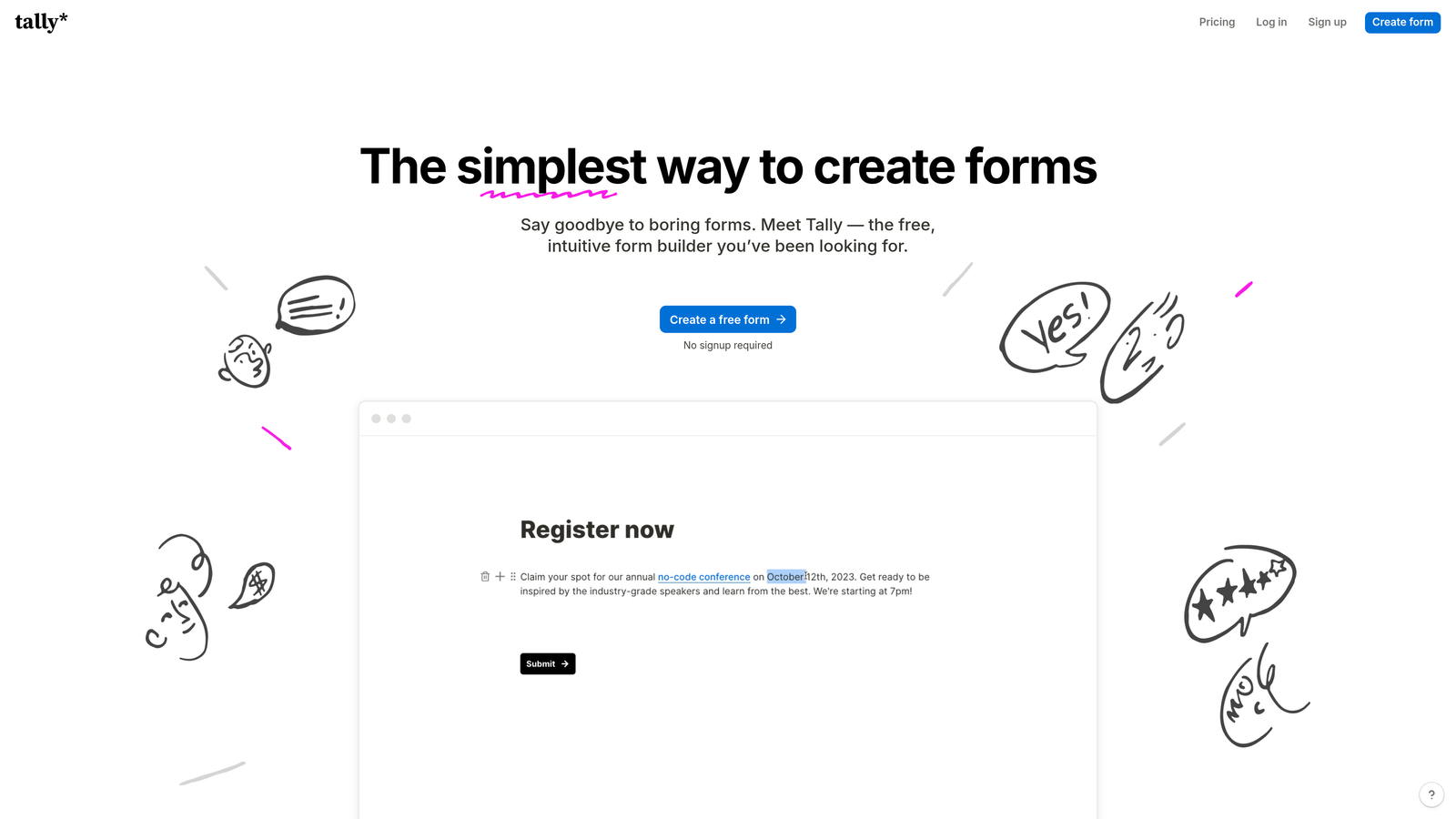
Tally is a minimalist form builder with a Notion-like interface and an unusually generous free tier.
Where This Tool Shines
Tally's completely free unlimited forms plan disrupts the typical pricing model where you pay per form or per response. This makes it perfect for agencies managing multiple clients or businesses running numerous campaigns without worrying about hitting limits.
The Notion-style block editor will feel immediately familiar to teams already using Notion for documentation or project management. The native Notion integration allows form submissions to populate Notion databases without third-party automation tools.
Key Features
Unlimited Free Forms: Create as many forms as needed without subscription costs or artificial limits.
Block-Based Editor: Notion-style interface that makes form building intuitive and fast.
Conditional Logic: Show or hide fields based on previous answers to create personalized experiences.
Native Notion Integration: Send form submissions directly to Notion databases without Zapier or Make.
Clean User Experience: Distraction-free forms that focus on content without unnecessary branding or clutter.
Best For
Tally suits startups, solopreneurs, and Notion-heavy teams that need simple, functional forms without ongoing costs. It's particularly appealing for content creators and small businesses just getting started with lead generation.
Pricing
Free plan offers unlimited forms and responses. Pro plan at $29/month adds custom domains, payment collection, file uploads, and branding removal.
7. Formstack
Best for: Enterprise organizations requiring compliance, approval workflows, and advanced security
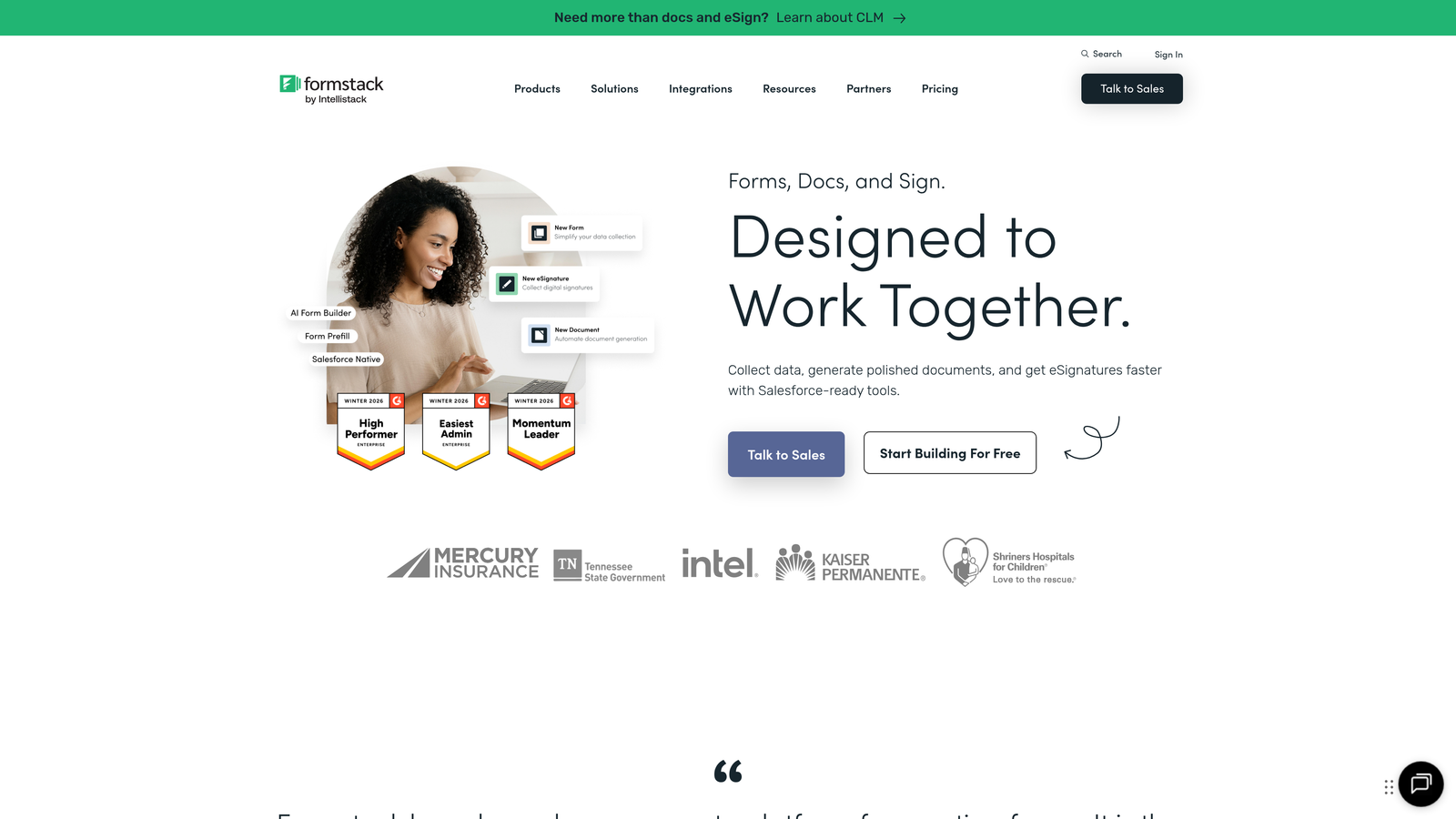
Formstack is an enterprise-grade form platform with advanced workflow automation and compliance features.
Where This Tool Shines
Formstack handles complex approval routing that other form builders can't match. You can create multi-step workflows where submissions route through different approvers based on content, amount, or department, with automatic escalation and notification systems.
The compliance capabilities go beyond basic data encryption. HIPAA, GDPR, and SOC 2 compliance options with proper documentation and business associate agreements make it suitable for heavily regulated industries like healthcare and finance.
Key Features
Multi-Step Approvals: Route submissions through complex approval chains with conditional routing and automatic escalation.
Enterprise Compliance: HIPAA, GDPR, and SOC 2 compliance options with proper documentation and security controls.
Document Generation: Automatically create contracts, agreements, or reports from form data with e-signature capabilities.
Advanced Permissions: SSO support, role-based access control, and granular user permissions for team management.
Salesforce Integration: Native Salesforce connection available for seamless CRM data flow.
Best For
Formstack is built for enterprises with complex compliance requirements, multi-department approval processes, or strict security needs. Healthcare providers, financial services firms, and large corporations find particular value in the advanced features.
Pricing
Starter plan at $50/month for basic features. Teams plan at $83/month adds advanced logic and integrations. Enterprise pricing available on request for compliance and SSO features.
8. Paperform
Best for: Creating landing page-style forms with rich content and embedded media
Paperform is a form builder that doubles as a landing page creator with free-form layouts.
Where This Tool Shines
Paperform breaks free from traditional form constraints by letting you mix form fields with headings, paragraphs, images, and videos in any layout you want. This creates landing page-style experiences where forms feel like natural parts of compelling content rather than separate data collection tools.
The built-in payment processing and product sales capabilities turn forms into complete e-commerce experiences. You can sell products, accept bookings, process subscriptions, and handle complex pricing calculations all within a single form.
Key Features
Free-Form Editor: Place form fields anywhere alongside rich content, images, and videos for landing page-style layouts.
Payment Processing: Accept payments, sell products, and manage subscriptions directly through forms.
Calculation Fields: Perform complex calculations based on user inputs for quotes, pricing, or custom formulas.
Booking Functionality: Schedule appointments, manage availability, and send automatic reminders.
Custom Thank-You Pages: Redirect to specific pages or display custom content based on form responses.
Best For
Paperform excels for businesses selling services, accepting bookings, or creating product order forms. It's particularly valuable for coaches, consultants, and service providers who need forms that also function as sales pages.
Pricing
Essentials plan at $24/month for basic features. Pro plan at $49/month adds advanced logic and integrations. Business plan at $99/month includes priority support and custom branding.
9. Fillout
Best for: Teams using Airtable or Notion who need native database connections
Fillout is a modern form builder with native Airtable and Notion integrations.
Where This Tool Shines
Fillout eliminates the need for Zapier or Make when working with Airtable or Notion. Form submissions flow directly into your databases with field mapping that respects your existing structure, including linked records and complex field types.
The multi-page form functionality with progress indicators creates professional experiences for longer forms. Users can see exactly where they are in the process, reducing abandonment rates on complex applications or detailed surveys.
Key Features
Native Database Connections: Direct integration with Airtable and Notion databases without third-party automation tools.
Multi-Page Forms: Split long forms across multiple pages with visual progress indicators.
Answer Piping: Reference previous answers in later questions for personalized, contextual experiences.
File Upload Integration: Store uploaded files directly in cloud storage services like Dropbox or Google Drive.
Custom Branding: Use custom domains and remove Fillout branding for white-label experiences.
Best For
Fillout is perfect for teams that have already built their workflows around Airtable or Notion. If you're managing projects, tracking leads, or organizing data in these platforms, Fillout provides the missing form layer.
Pricing
Free plan available with basic features. Starter plan at $15/month adds custom domains and removes branding. Pro plan at $40/month includes advanced logic and unlimited responses.
Making the Right Choice
The best contact form builder depends on where you are in your growth journey and what you need forms to accomplish beyond basic data collection.
If lead qualification is your priority and you want AI to do the heavy lifting, Orbit AI delivers immediate value by automatically scoring and routing submissions. For teams already invested in HubSpot, the native Forms tool eliminates integration headaches. WordPress users will find Gravity Forms offers unmatched platform integration and developer flexibility.
Budget-conscious startups should look at Tally's unlimited free tier, while enterprises with complex compliance needs will appreciate Formstack's approval workflows and security features. Typeform remains the gold standard for conversational experiences, and Jotform's massive template library covers edge cases other builders miss.
Consider your existing tech stack first. Native integrations with your CRM, project management tools, or database platforms eliminate the ongoing cost and maintenance burden of third-party automation. A form builder that connects directly to your existing systems will save more time and money than one with slightly better features but poor integration.
Think about your team's technical capabilities. Some platforms require developer resources for customization, while others offer visual builders that marketing teams can use independently. The right choice balances power with accessibility for your specific team composition.
Transform your lead generation with AI-powered forms that qualify prospects automatically while delivering the modern, conversion-optimized experience your high-growth team needs. Start your free trial today and see how intelligent form design can elevate your conversion strategy.


