

If your forms aren't talking to HubSpot, you're leaving pipeline on the table. Every unsynced submission is a lead that misses follow-up, a contact that skips enrichment, and a deal that never gets created.
The good news: a growing number of form builders now offer HubSpot integrations. The challenge is that they vary wildly in depth. Some offer true native sync with custom property mapping, workflow triggers, and deal creation. Others rely on Zapier middleware that introduces latency, maintenance overhead, and a single point of failure between your form and your CRM.
This list covers the top form builders with HubSpot integration in 2026, evaluated on sync reliability, field mapping capabilities, conditional logic, and how well each tool supports high-growth teams focused on conversion. Whether you're capturing inbound leads, qualifying prospects, or routing contacts to the right HubSpot workflows, there's a tool here for your stack.
1. Orbit AI
Best for: High-growth SaaS and B2B teams that want AI-powered lead qualification before data enters HubSpot
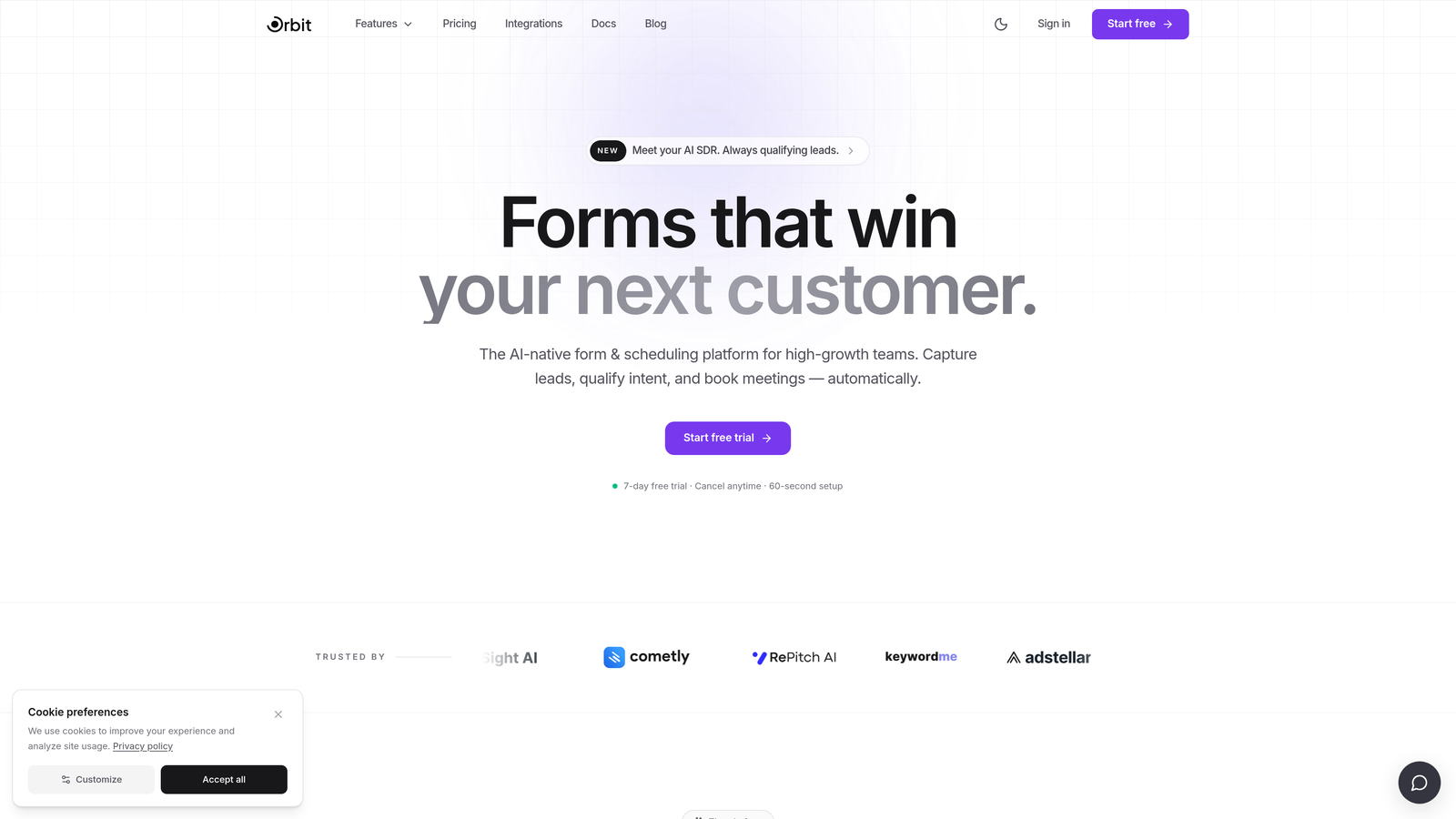
Orbit AI is an AI-powered form builder with native HubSpot sync and built-in lead qualification designed for conversion-focused teams.
Where This Tool Shines
Most form builders treat HubSpot integration as a destination: the form captures data and pushes it to your CRM. Orbit AI treats it as a pipeline layer. Its AI qualification engine scores and filters leads at the form level, before they ever hit your CRM, which means your HubSpot contact database stays cleaner and your sales team works better leads.
The native HubSpot integration supports custom property mapping and workflow triggers, so qualified leads can automatically enroll in nurture sequences or create deals without any manual steps. For teams running high-volume inbound, that automation pays off quickly.
Key Features
AI Lead Qualification: Score and filter leads at the form layer before they enter HubSpot, keeping your CRM clean and your pipeline focused.
Native HubSpot Sync: Custom property mapping and workflow triggers connect form submissions directly to your CRM without middleware.
Conditional Logic and Smart Branching: Build personalized form flows that adapt based on user responses, improving completion rates and data quality.
Real-Time Lead Routing: Route contacts to the right HubSpot workflows or sales reps based on qualification score automatically.
Conversion-Optimized Templates: Mobile-responsive, beautifully designed form templates built specifically for high-growth B2B and SaaS use cases.
Best For
SaaS companies and B2B teams using HubSpot as their primary CRM who want more than basic form-to-contact sync. Particularly valuable for teams with high inbound volume where lead quality and routing speed directly impact revenue.
Pricing
Paid plans available. Visit orbitforms.ai for current pricing details and plan options.
2. HubSpot Forms
Best for: Teams already on HubSpot Marketing Hub who want zero-friction, native form-to-CRM sync
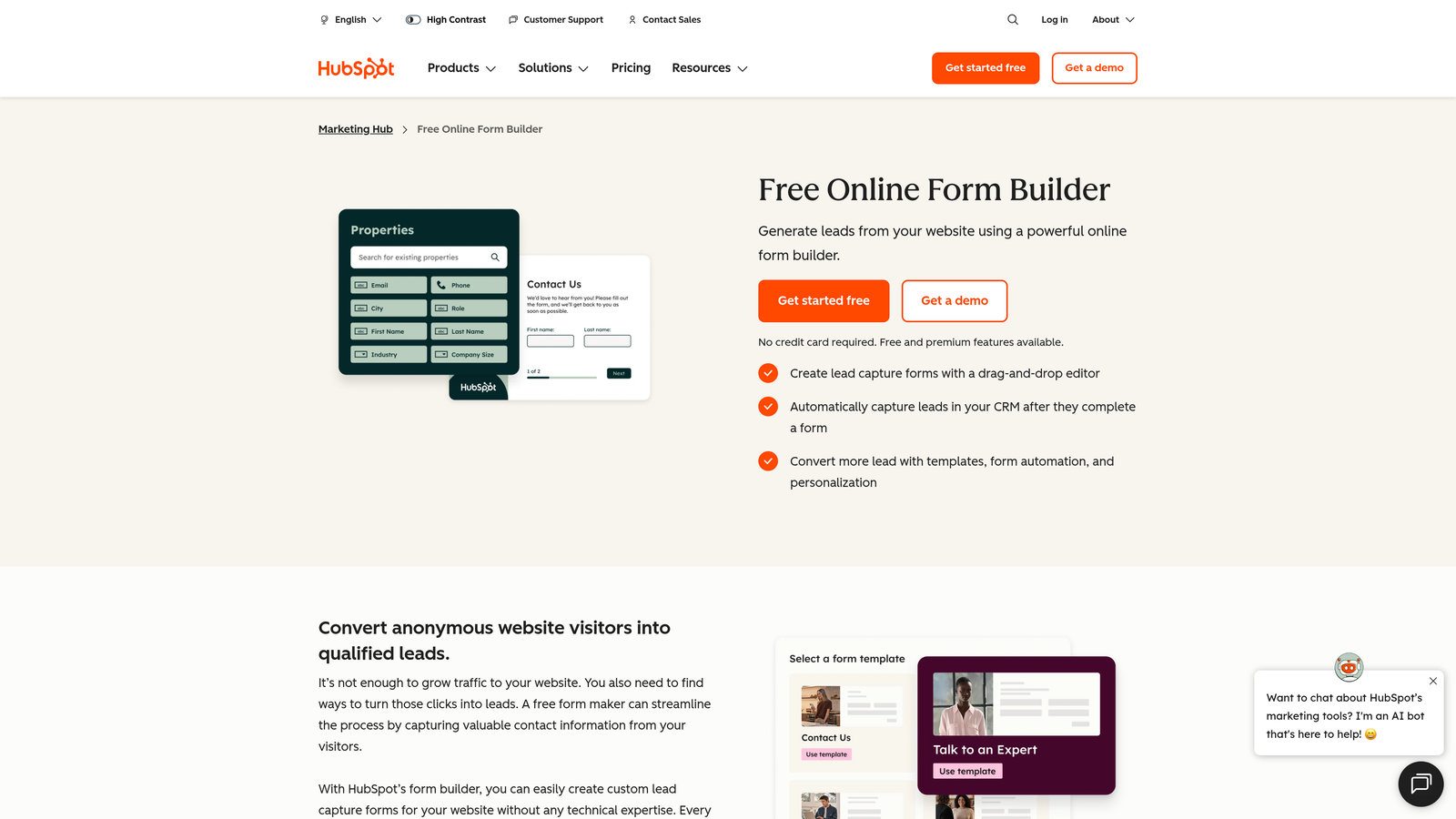
HubSpot Forms is the native form tool built directly into HubSpot Marketing Hub, requiring no external integration.
Where This Tool Shines
When your form builder is literally part of your CRM, integration depth is a non-issue. HubSpot Forms syncs to contacts, lists, workflows, and deal pipelines with zero configuration. Every submission is a first-class HubSpot event, which means you get full attribution, lifecycle tracking, and automation without any middleware.
The progressive profiling feature is genuinely useful for teams running multiple touchpoints. Returning visitors see new fields instead of ones HubSpot already knows, which reduces friction and gradually enriches contact records over time.
Key Features
Native CRM Sync: Submissions go directly to HubSpot contacts, lists, and workflows with no configuration required.
Progressive Profiling: Automatically shows new fields to returning visitors, enriching contact data across multiple form interactions.
Smart Fields: Auto-populates known contact data for returning visitors, reducing form friction.
Direct Workflow and Pipeline Connection: Triggers HubSpot email sequences, deal creation, and lifecycle stage updates natively.
Free Tier: Available within HubSpot's free CRM with no additional cost.
Best For
Teams already paying for HubSpot Marketing Hub who don't want to manage a separate form tool. Less ideal for teams that need advanced design flexibility, standalone embeddable forms with custom styling, or AI-powered qualification logic.
Pricing
Free with HubSpot CRM. Advanced features require Marketing Hub Starter at $20/month or higher tiers.
3. Typeform
Best for: Brand-forward teams that prioritize form UX and conversational lead capture experiences
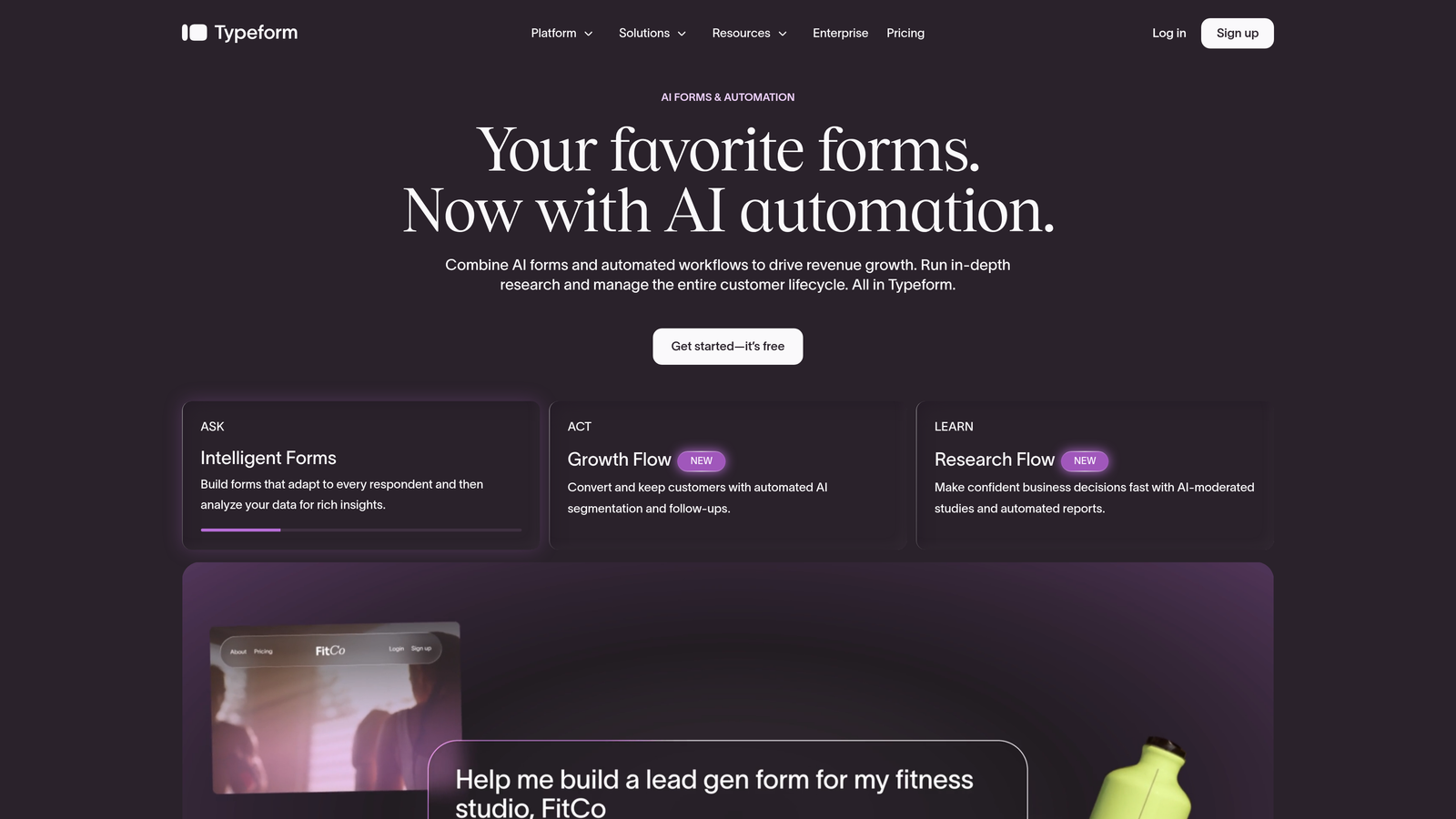
Typeform is a conversational form builder known for its one-question-at-a-time format and strong visual design capabilities.
Where This Tool Shines
Typeform's format is genuinely different from traditional forms. Presenting one question at a time creates a more engaging, interview-like experience that can improve completion rates for longer or more complex forms. For teams where brand perception matters during the lead capture moment, Typeform is hard to beat aesthetically.
The native HubSpot integration on paid plans handles contact and deal sync reliably. Logic jumps let you build personalized paths based on user answers, so the form flow adapts in real time rather than presenting a static list of questions.
Key Features
Native HubSpot Integration: Available on paid plans for contact and deal sync directly to your CRM.
Conversational Format: One-question-at-a-time UX designed to increase engagement and completion rates.
Logic Jumps: Conditional branching that personalizes the form flow based on each respondent's answers.
Rich Media Support: Embed videos and images within form questions to add context or brand personality.
Drop-Off Analytics: Detailed completion and drop-off data by question to identify where respondents abandon.
Best For
Marketing teams at brand-conscious companies who want lead capture to feel like a premium experience. Also well-suited for longer qualification forms where a conversational format helps maintain engagement throughout.
Pricing
Free plan available. HubSpot integration requires the Basic plan at $29/month or higher.
4. Jotform
Best for: Teams with complex operational form needs, including approvals, payments, and multi-department workflows
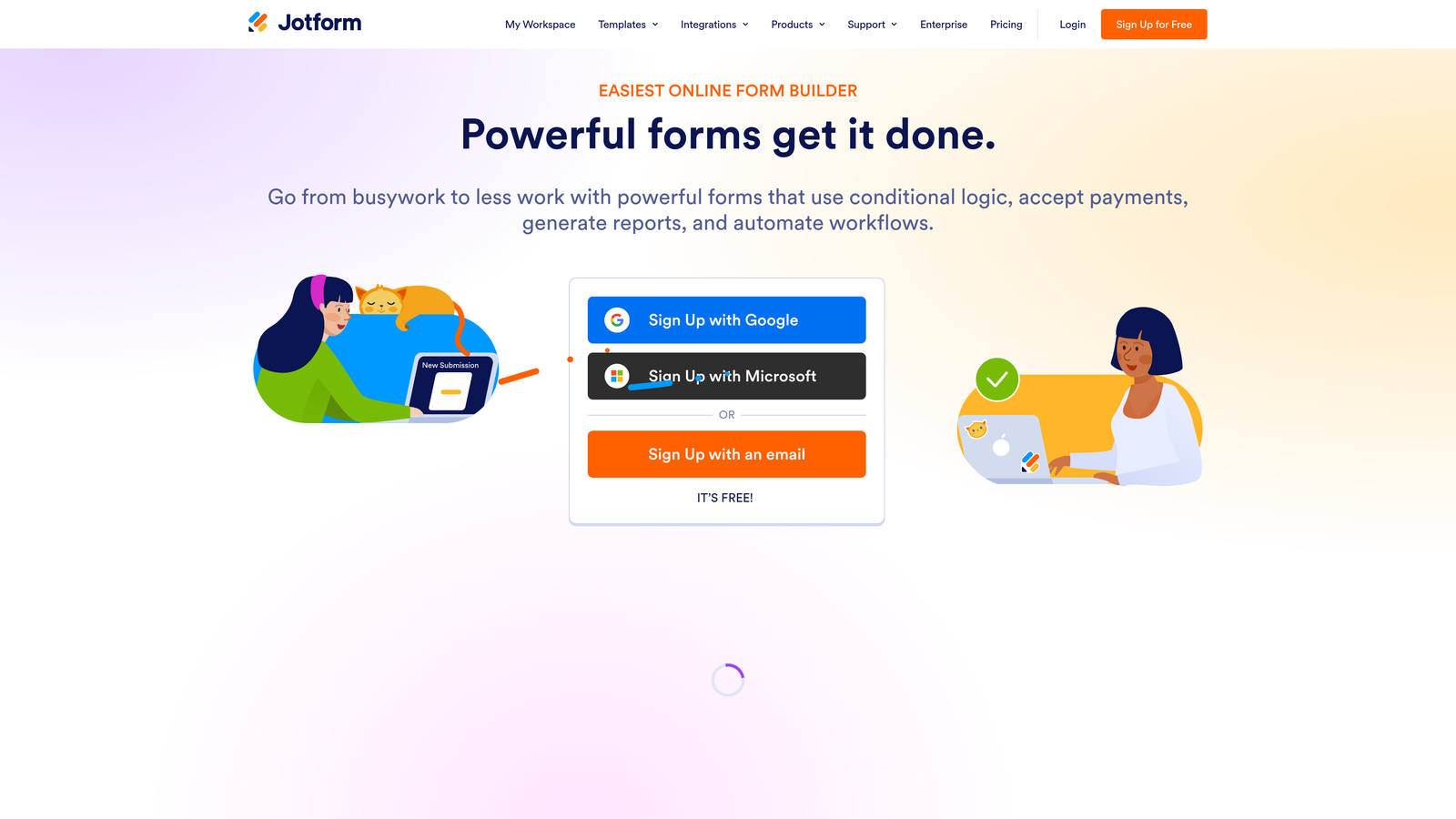
Jotform is a feature-rich form builder with a massive template library and native HubSpot connector built for complex workflow requirements.
Where This Tool Shines
Jotform's breadth is its biggest strength. With over 10,000 templates and support for payments, file uploads, e-signatures, and approval workflows, it covers use cases that go well beyond lead generation. For teams that need a single form tool to handle everything from customer intake to internal requests, Jotform delivers.
The native HubSpot integration handles contact creation and field mapping cleanly. It's not the most sophisticated integration in this list, but it's reliable and straightforward to configure, which matters for teams without dedicated RevOps support.
Key Features
Native HubSpot Integration: Contact creation and field mapping synced directly to your CRM without middleware.
10,000+ Templates: Extensive template library covering virtually every industry and use case.
Multi-Step Workflows: Approval chains, e-signature support, and conditional routing for complex operational forms.
Payment and File Collection: Accept payments, collect file uploads, and manage submissions in one platform.
Team Collaboration: Multi-user access and department-level form management for larger organizations.
Best For
Operations-heavy teams that need form functionality beyond lead capture, including HR, legal, finance, and customer success. Also a strong choice for agencies managing forms across multiple clients or departments.
Pricing
Free plan available with limited submissions. Paid plans start at $39/month.
5. Gravity Forms
Best for: WordPress-powered websites using HubSpot CRM that need deep site integration
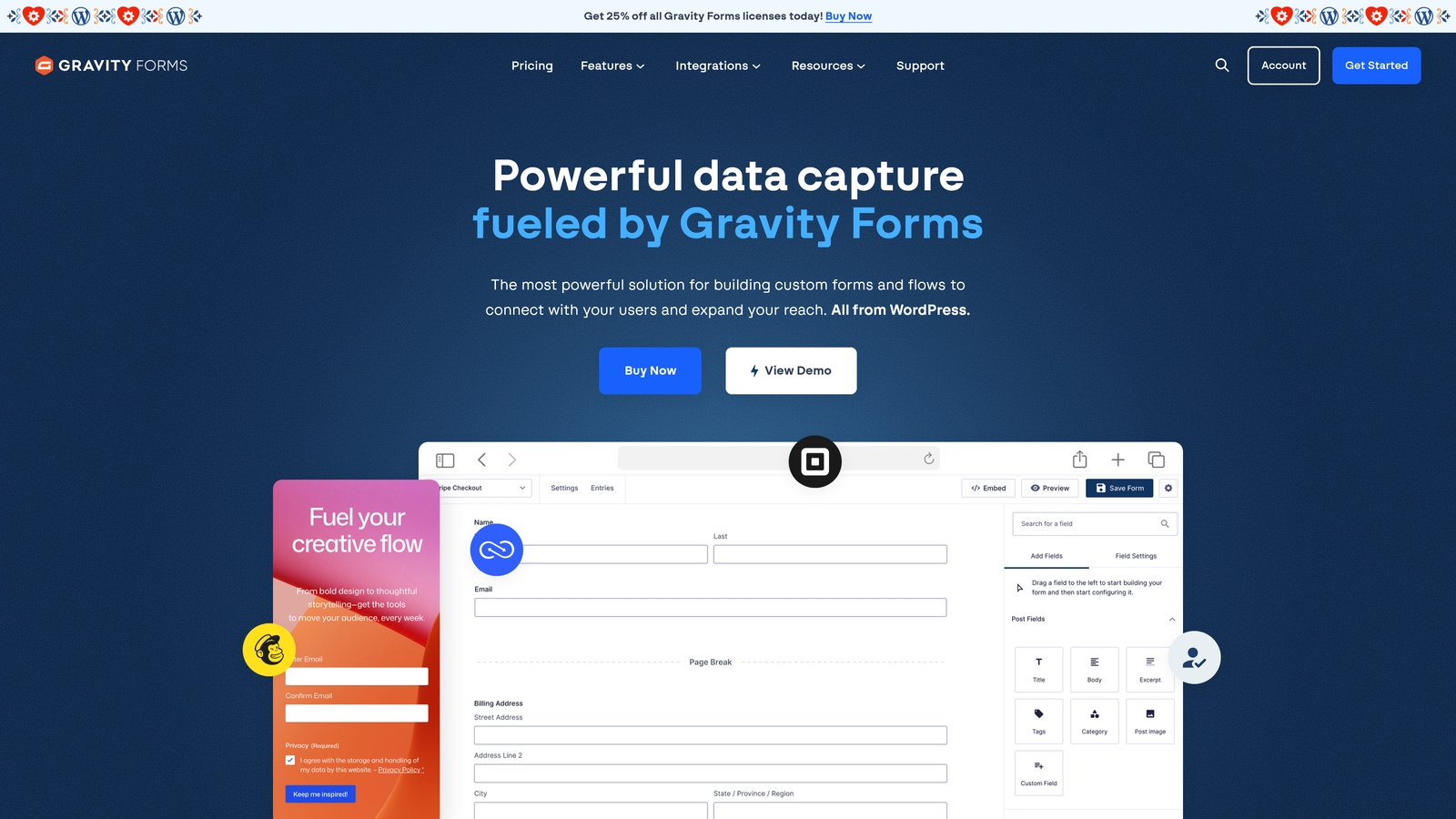
Gravity Forms is the leading WordPress form plugin with an official HubSpot add-on for full CRM sync.
Where This Tool Shines
If your website runs on WordPress, Gravity Forms is the most deeply integrated form solution available. It works natively with any WordPress theme or page builder, and the official HubSpot add-on handles contact, company, and deal creation without leaving the WordPress ecosystem.
The developer-friendly architecture is a genuine differentiator for technical teams. Extensive hooks, filters, and API access mean you can customize behavior at a level that hosted SaaS form tools simply don't allow. The large ecosystem of third-party add-ons extends functionality significantly.
Key Features
Official HubSpot Add-On: Handles contact, company, and deal creation with field mapping from within WordPress.
Deep WordPress Integration: Works with any theme, page builder, or custom post type without compatibility issues.
Advanced Conditional Logic: Multi-page forms with complex conditional rules and branching paths.
Developer API Access: Extensive hooks and filters for custom behavior, making it highly extensible.
Third-Party Add-On Ecosystem: Large library of official and community add-ons for payments, CRM, and more.
Best For
WordPress site owners running HubSpot CRM who want tight site-to-CRM integration and developer-level control. Not relevant for teams on other platforms or those wanting a hosted, standalone form solution.
Pricing
Basic license starts at $59/year. The HubSpot add-on requires the Elite plan at $259/year.
6. Tally
Best for: Early-stage teams or lean startups that need a clean, free form tool with basic HubSpot connectivity
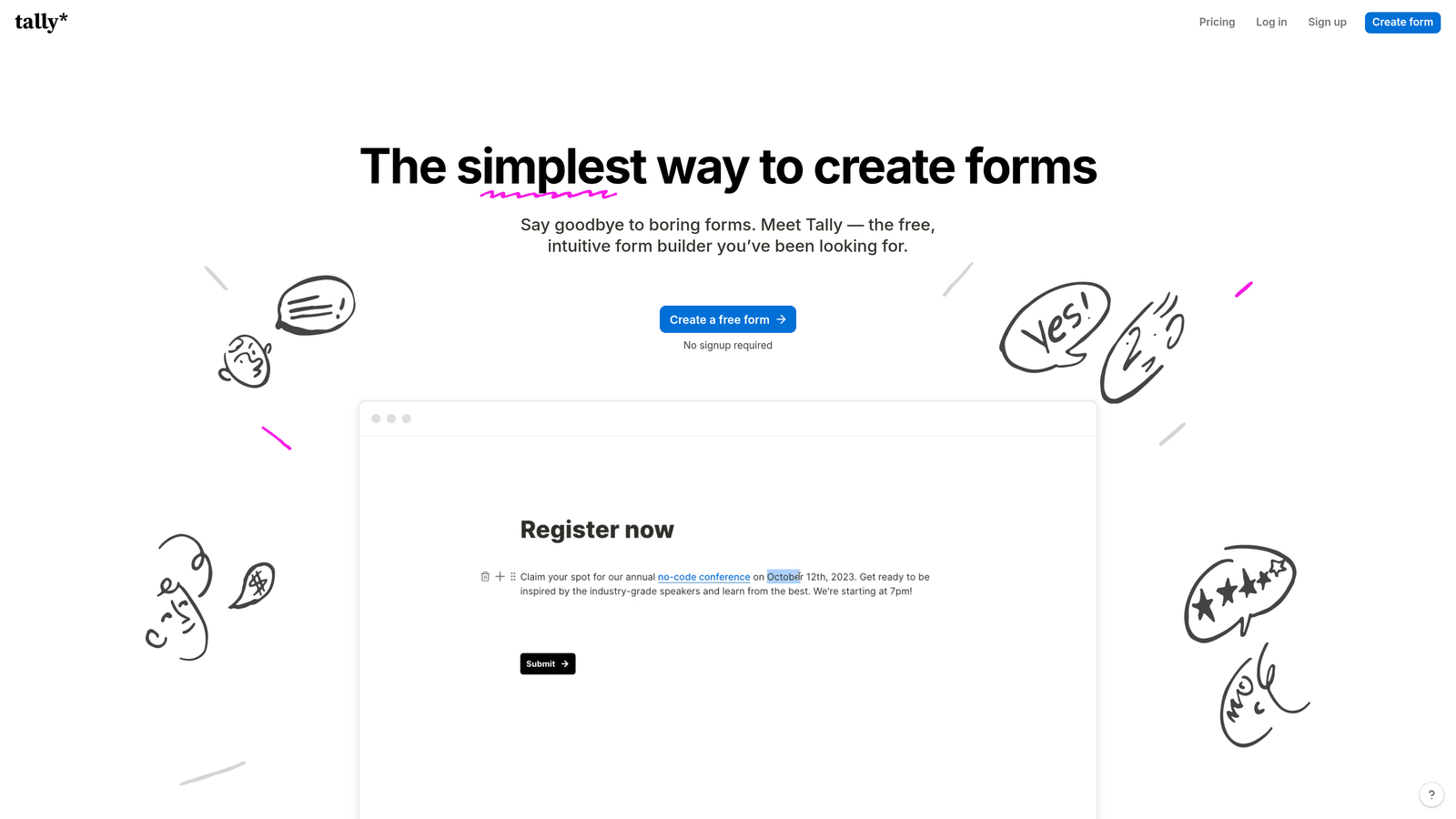
Tally is a minimalist, Notion-inspired form builder with a generous free tier and HubSpot connection via Zapier or Make.
Where This Tool Shines
Tally's free tier is genuinely impressive: unlimited forms and unlimited submissions with no artificial caps. The block-based editor produces clean, distraction-free forms that feel modern without requiring design skills. For early-stage teams that need functional forms fast, it's hard to argue with the price-to-quality ratio.
The HubSpot connection is worth noting clearly: it typically runs through Zapier, Make, or a webhook rather than a native integration. For teams with simple use cases, this works fine. For high-volume or complex workflows, the middleware dependency adds latency and a potential maintenance burden.
Key Features
HubSpot via Middleware: Connects to HubSpot through Zapier, Make, or webhook rather than a direct native integration.
Unlimited Free Tier: Unlimited forms and submissions on the free plan, which is rare in this category.
Block-Based Editor: Clean, Notion-style editor that makes form building fast and intuitive.
Conditional Logic on Free Plan: Hidden fields and conditional logic available without upgrading.
Flexible Embedding: Embeds easily into websites, Notion pages, and landing pages.
Best For
Early-stage startups, indie makers, and lean teams with simple lead capture needs and low submission volume. Teams with complex HubSpot workflows or high-volume inbound should evaluate whether middleware-based sync meets their reliability requirements.
Pricing
Free plan available. Tally Pro is $29/month for advanced features and branding removal.
7. Formstack
Best for: Enterprise teams and regulated industries that need compliance features alongside HubSpot integration
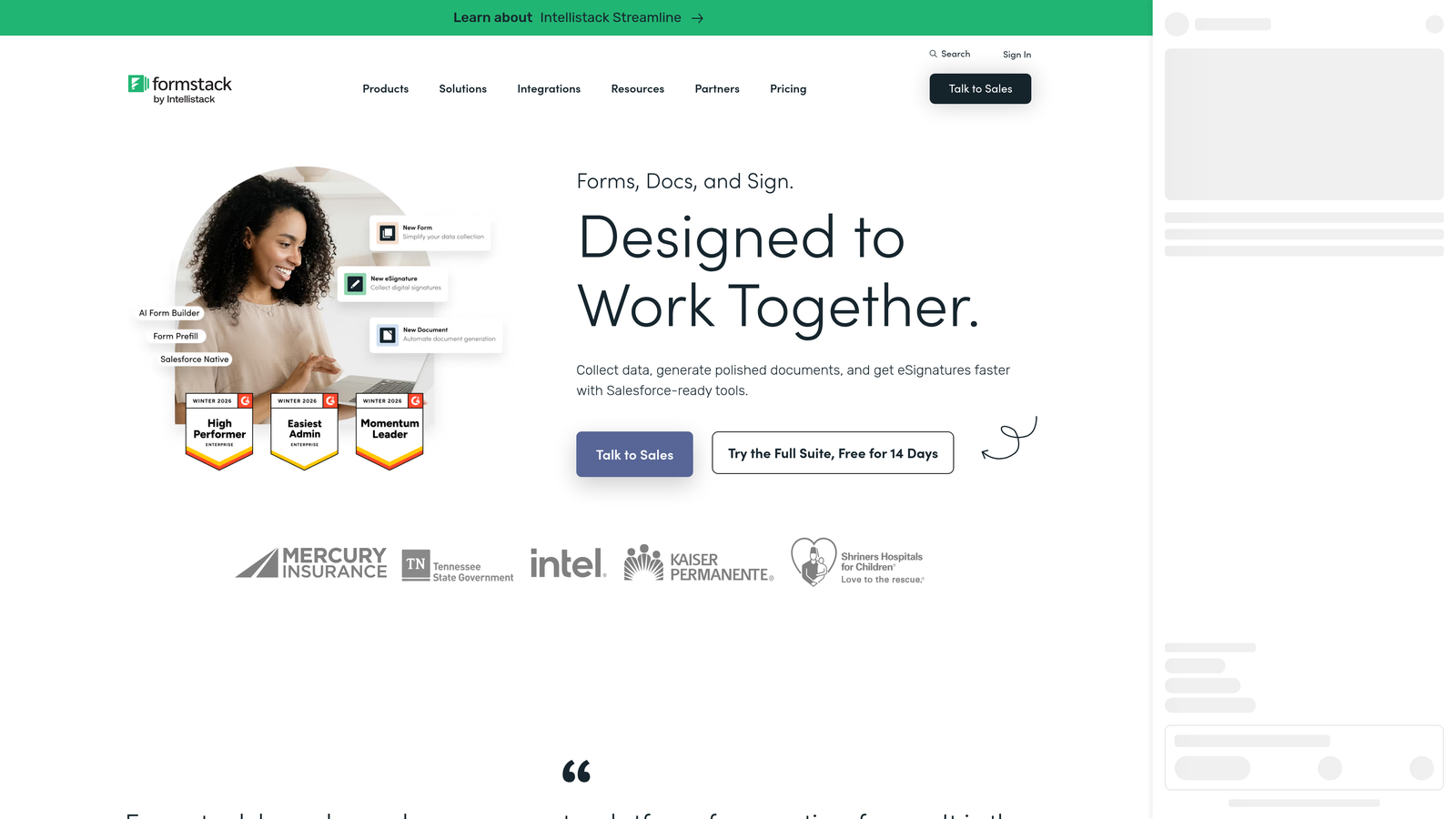
Formstack is an enterprise-grade form builder with compliance capabilities and a native HubSpot integration built for regulated environments.
Where This Tool Shines
Formstack occupies a specific niche: enterprise and regulated-industry teams that need HIPAA compliance, audit trails, and data governance alongside their CRM integration. Most form builders in this list don't offer HIPAA-compliant data handling, which makes Formstack the default choice for healthcare, legal, and financial services teams.
The native HubSpot integration supports bi-directional field mapping, which means data can flow both ways between your forms and your CRM. Combined with approval workflows and document generation, Formstack handles complex operational processes that go beyond simple lead capture.
Key Features
Native HubSpot Integration: Bi-directional field mapping for reliable, two-way data sync between forms and CRM.
HIPAA Compliance: Compliant data handling for healthcare and other regulated industries handling sensitive information.
Approval Workflows: Multi-step approval chains, document generation, and e-signature support built in.
Advanced Conditional Logic: Complex conditional rules and calculation fields for sophisticated form logic.
Audit Trails: Data governance and audit logging for enterprise compliance requirements.
Best For
Enterprise teams, healthcare organizations, and regulated-industry companies that need compliance features as a hard requirement alongside CRM integration. The price point makes it less suitable for smaller teams without genuine compliance needs.
Pricing
Forms plans start at $83/month. Enterprise pricing is available on request.
8. Paperform
Best for: Campaign-specific lead capture pages that need form and landing page functionality in one tool
Paperform is a hybrid form and landing page builder with native HubSpot integration, ideal for standalone campaign pages.
Where This Tool Shines
Paperform sits in an interesting position between form builder and landing page tool. You can embed images, videos, and product listings directly within the form itself, creating a rich, page-like experience without needing a separate landing page builder. For campaign-specific lead capture where design and context matter, this flexibility is genuinely useful.
The native HubSpot integration handles contact and deal creation reliably. Custom domain support means your forms can live on branded URLs rather than a third-party subdomain, which matters for campaigns where trust and brand consistency affect conversion rates.
Key Features
Native HubSpot Integration: Contact and deal creation available on all paid plans with straightforward field mapping.
Rich Media Embedding: Images, videos, and product listings embedded directly within form content.
Page-Like Design Flexibility: Standalone campaign forms with full design control, not just embedded widgets.
Conditional Logic and Calculations: Smart form logic and calculation fields for pricing, scoring, and personalization.
Custom Domain Support: Host forms on your own branded domain for consistent campaign experiences.
Best For
Marketing teams running campaign-specific lead capture who want a standalone, visually rich form page without building a full landing page. Also useful for teams that need payment collection alongside lead capture in a single form experience.
Pricing
Essentials plan at $29/month. HubSpot integration is available on all paid plans.
9. Cognito Forms
Best for: Budget-conscious teams that need advanced calculation logic and are comfortable with Zapier-based HubSpot sync
Cognito Forms is an affordable form builder with powerful conditional logic and calculation features, connecting to HubSpot via Zapier.
Where This Tool Shines
Cognito Forms punches above its price point when it comes to logic and calculation capabilities. Complex pricing forms, scored quizzes, and repeating sections with dynamic calculations are areas where Cognito Forms outperforms tools that cost significantly more. For teams that need smart form logic without an enterprise budget, it's a strong option.
The HubSpot connection runs through Zapier or webhook, so it's worth being clear-eyed about the trade-off. You're getting sophisticated form logic at a low price, but not a native CRM integration. For teams with modest submission volume and straightforward sync needs, this is a reasonable trade-off.
Key Features
HubSpot via Zapier: Connects to HubSpot through Zapier or webhook for contact and data sync.
Advanced Calculation Fields: Dynamic pricing forms, scored assessments, and complex calculations built into form logic.
Conditional Logic with Repeating Sections: Complex conditional rules including repeating field sections for variable-length data.
File Uploads and E-Signatures: Document collection and e-signature support included on paid plans.
Affordable Pricing: Competitive pricing with a functional free tier that covers many basic use cases.
Best For
Small teams and budget-conscious businesses that need advanced form logic, particularly calculation-heavy use cases, and are comfortable managing a Zapier connection to HubSpot rather than requiring native sync.
Pricing
Free plan available. Paid plans start at $15/month.
Which Tool Is Right for Your HubSpot Stack?
The right choice here comes down to two questions: how deep does your HubSpot integration need to go, and what happens before data reaches your CRM?
If you're already running HubSpot Marketing Hub and want zero-configuration form sync, HubSpot Forms is the obvious starting point. It's native, reliable, and free with your existing subscription.
For WordPress sites, Gravity Forms with the official HubSpot add-on is the most tightly integrated option available. For enterprise teams in regulated industries, Formstack is the clear choice given its compliance capabilities.
Teams on tight budgets with simple needs will find Tally or Cognito Forms covers the basics, with the understanding that middleware-based HubSpot connections require more maintenance than native integrations.
But if your goal is pipeline quality, not just pipeline volume, the conversation changes. Basic form-to-CRM sync is table stakes at this point. What actually moves the needle for high-growth teams is qualifying leads before they enter HubSpot, so your CRM stays clean, your sales team works better contacts, and your workflows trigger on the right signals.
That's where Orbit AI is built differently. The AI qualification layer operates at the form level, scoring and filtering leads before they ever become a HubSpot contact. Combined with native custom property mapping, workflow triggers, and conversion-optimized form design, it's purpose-built for teams where lead quality and routing speed directly affect revenue.
Transform your lead generation with AI-powered forms that qualify prospects automatically while delivering the modern, conversion-optimized experience your high-growth team needs. Start your free trial today and see how intelligent form design can elevate your conversion strategy.


