Every lead, customer inquiry, and signup flows through your forms. Yet most businesses treat form building as an afterthought—defaulting to clunky tools that frustrate users and leak conversions. The right web form builder does more than collect data; it qualifies leads, integrates with your tech stack, and turns passive visitors into engaged prospects.
We evaluated dozens of platforms based on ease of use, integration capabilities, design flexibility, and conversion-focused features. Here are the 11 best web form builders for businesses in 2026, starting with the most innovative options for high-growth teams.
1. Orbit AI
Best for: High-growth teams that need AI-powered lead qualification and conversion optimization
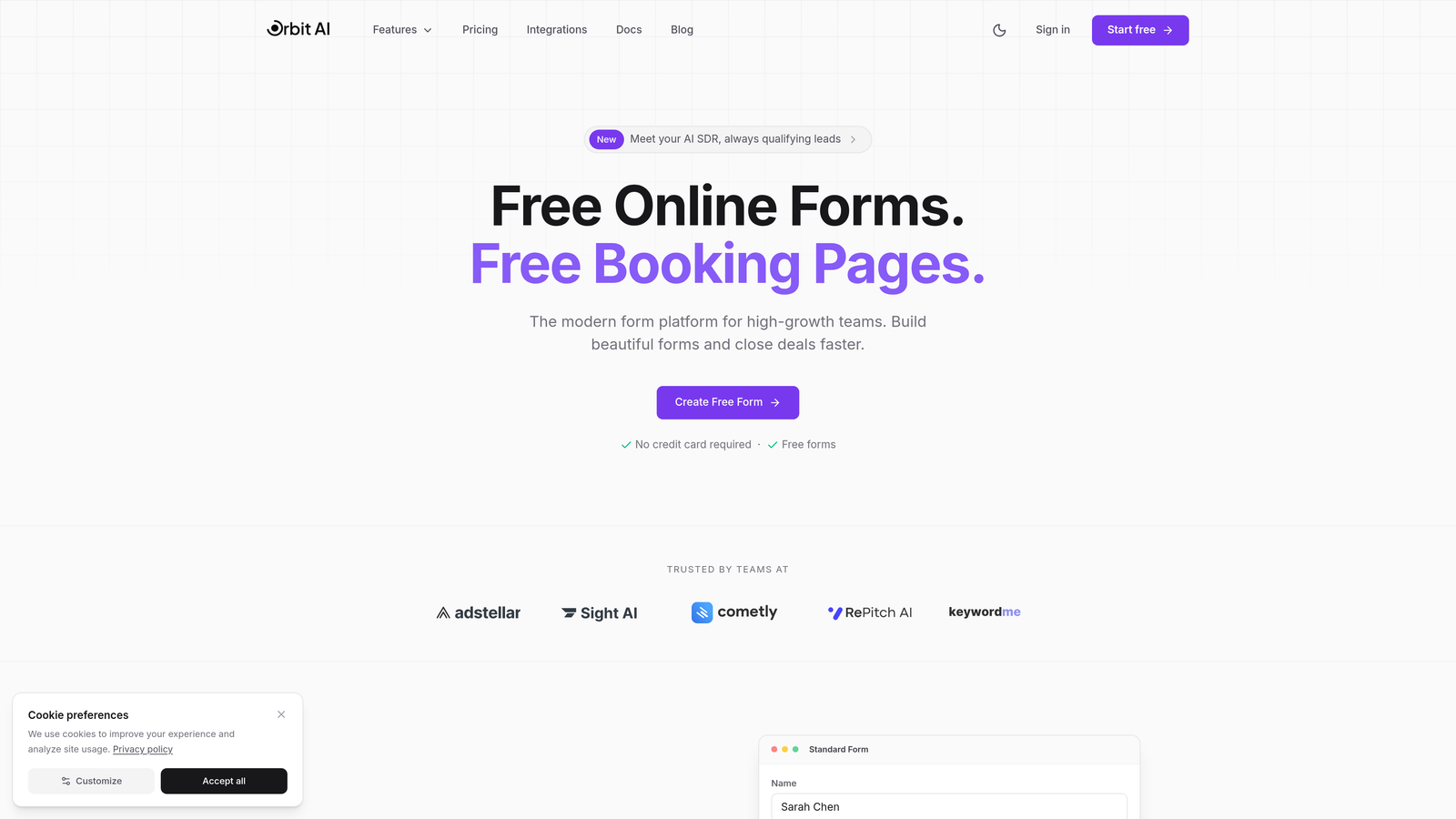
Orbit AI is an AI-powered form builder platform designed specifically for businesses focused on turning form submissions into qualified leads.
Where This Tool Shines
Orbit AI stands out by automatically scoring and qualifying leads as they submit forms. Instead of manually reviewing every submission, the AI analyzes responses in real-time and routes high-value prospects directly to your sales team.
The platform combines modern form design with intelligent automation. You get conversion-optimized templates that actually look good, plus the backend intelligence to prioritize your best opportunities without adding manual work.
Key Features
AI-Powered Lead Qualification: Automatically scores submissions based on your ideal customer profile and routes qualified leads to the right team members.
Conversion-Optimized Templates: Pre-built form designs tested for maximum completion rates with modern, professional aesthetics.
Native Workflow Automation: Set up multi-step nurture sequences and follow-up actions triggered by form submissions without third-party tools.
Real-Time Analytics Dashboard: Track form performance, conversion rates, and lead quality metrics in a unified view.
Seamless CRM Integrations: Connect directly to your existing sales stack with native integrations that sync qualified leads automatically.
Best For
Orbit AI is ideal for B2B companies and high-growth SaaS teams where lead quality matters more than volume. If you're drowning in form submissions and struggling to identify which prospects deserve immediate attention, the AI qualification features solve that problem elegantly.
Pricing
Free tier available for getting started. Paid plans begin at $29/month, making it accessible for growing teams that need sophisticated lead management without enterprise pricing.
2. Typeform
Best for: Creating engaging, conversational form experiences that feel less like data collection
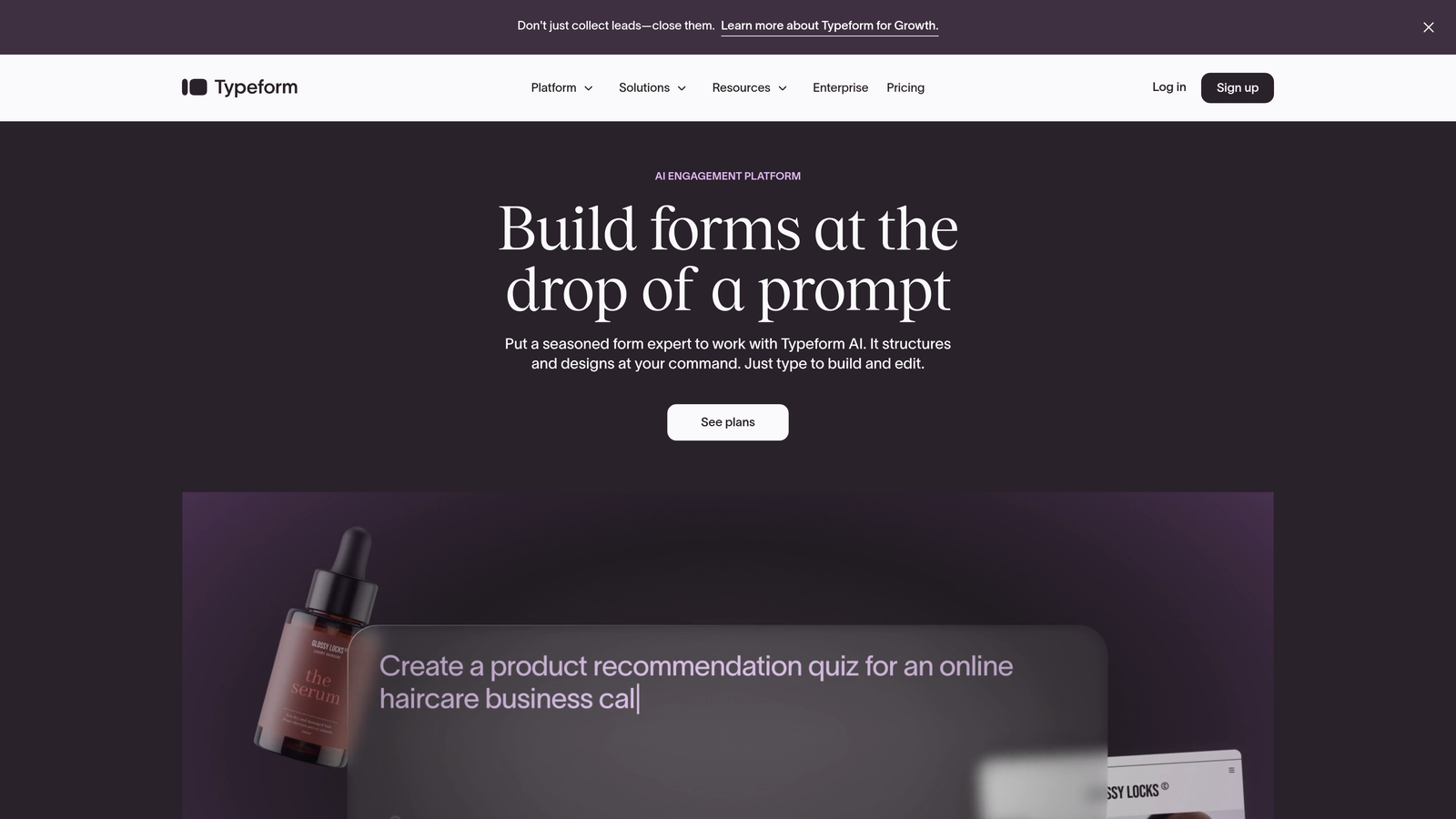
Typeform pioneered the one-question-at-a-time approach that makes filling out forms feel more like a conversation than a chore.
Where This Tool Shines
Typeform's signature interface shows one question per screen, reducing form abandonment by making the process feel less overwhelming. This approach works particularly well for surveys, quizzes, and customer feedback where you need thoughtful responses rather than quick data dumps.
The platform excels at brand customization. You can match your exact color palette, add custom images and videos between questions, and create an experience that feels uniquely yours rather than obviously templated.
Key Features
Conversational One-Question Format: Display questions individually to reduce cognitive load and increase completion rates.
Strong Brand Customization: Full control over colors, fonts, backgrounds, and embedded media to match your brand identity.
Logic Jumps and Branching: Show different questions based on previous answers to create personalized form paths.
Video and Image Integration: Embed rich media directly into your forms to create more engaging experiences.
Native Integrations: Connect to popular tools like Slack, Google Sheets, HubSpot, and Mailchimp without middleware.
Best For
Typeform works best for businesses prioritizing user experience and brand presentation. If you're collecting feedback, running surveys, or creating interactive quizzes where completion rate matters more than speed, this is your tool.
Pricing
Free plan available with Typeform branding. Basic paid plans start at $25/month, with higher tiers unlocking advanced logic and integrations.
3. Jotform
Best for: Businesses needing extensive templates and widgets for virtually any form use case
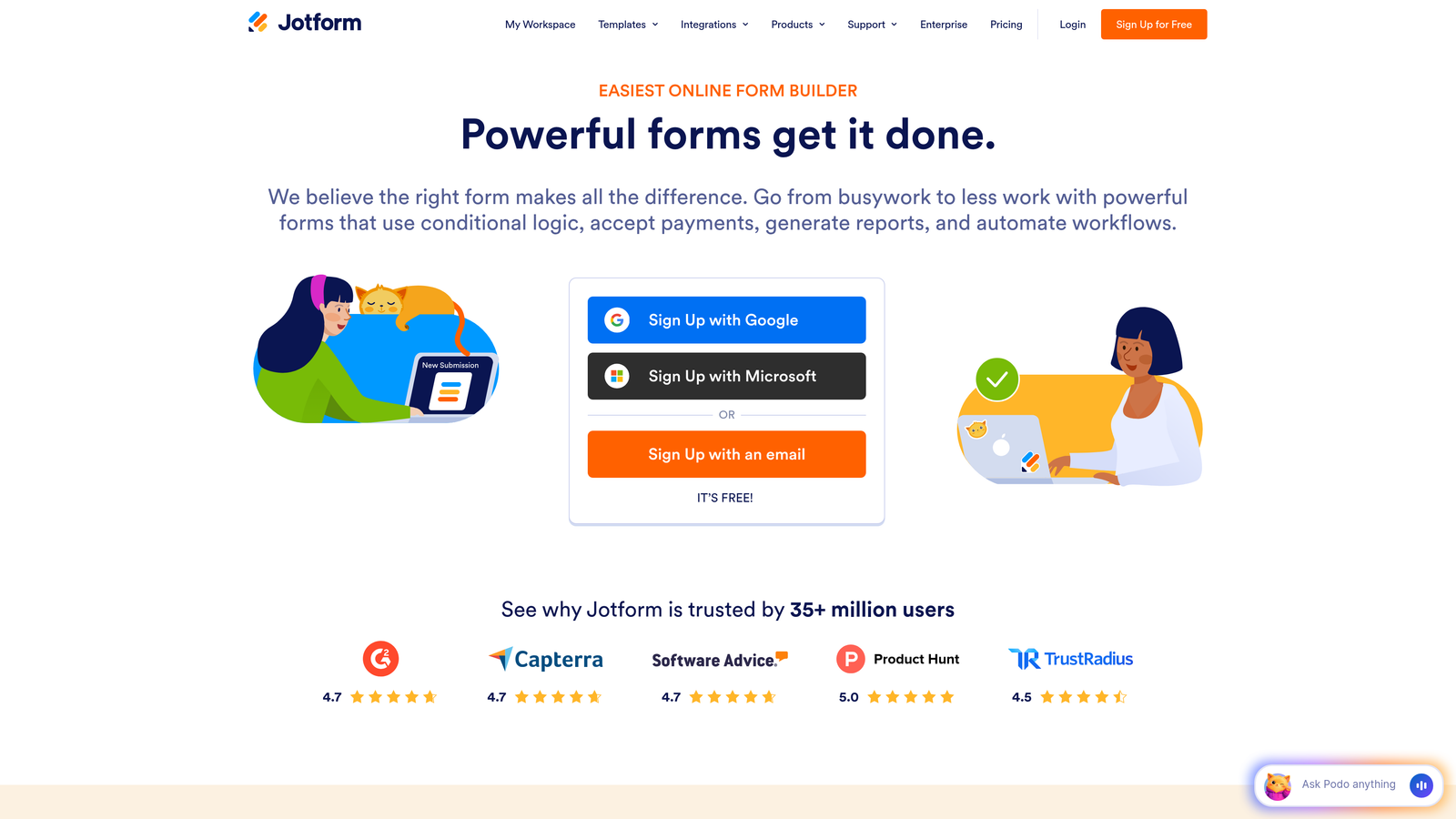
Jotform offers the most comprehensive template library in the industry with over 10,000 pre-built forms covering everything from event registrations to complex applications.
Where This Tool Shines
Jotform's widget marketplace sets it apart. Need to collect e-signatures? There's a widget. Want to embed a calendar for appointment booking? Another widget. This extensibility means you rarely hit a wall where the platform can't handle your specific requirement.
The PDF generation feature automatically converts form submissions into formatted documents, which proves invaluable for contracts, invoices, and official paperwork that needs professional presentation.
Key Features
10,000+ Form Templates: Pre-built forms for nearly every industry and use case, from medical intake to job applications.
Extensive Widget Marketplace: Add specialized functionality through hundreds of widgets for payments, signatures, file uploads, and more.
PDF Form Generation: Automatically convert submissions into professionally formatted PDF documents.
E-Signature Collection: Built-in signature fields with legal compliance for contracts and agreements.
Mobile App: Manage forms and view submissions directly from iOS or Android devices.
Best For
Jotform suits businesses with diverse form needs across multiple departments. If you need everything from customer surveys to employee onboarding in one platform, the template variety eliminates starting from scratch every time.
Pricing
Free tier supports up to 5 forms. Bronze plan starts at $34/month for unlimited forms and increased submission limits.
4. Tally
Best for: Budget-conscious teams wanting unlimited forms without subscription costs
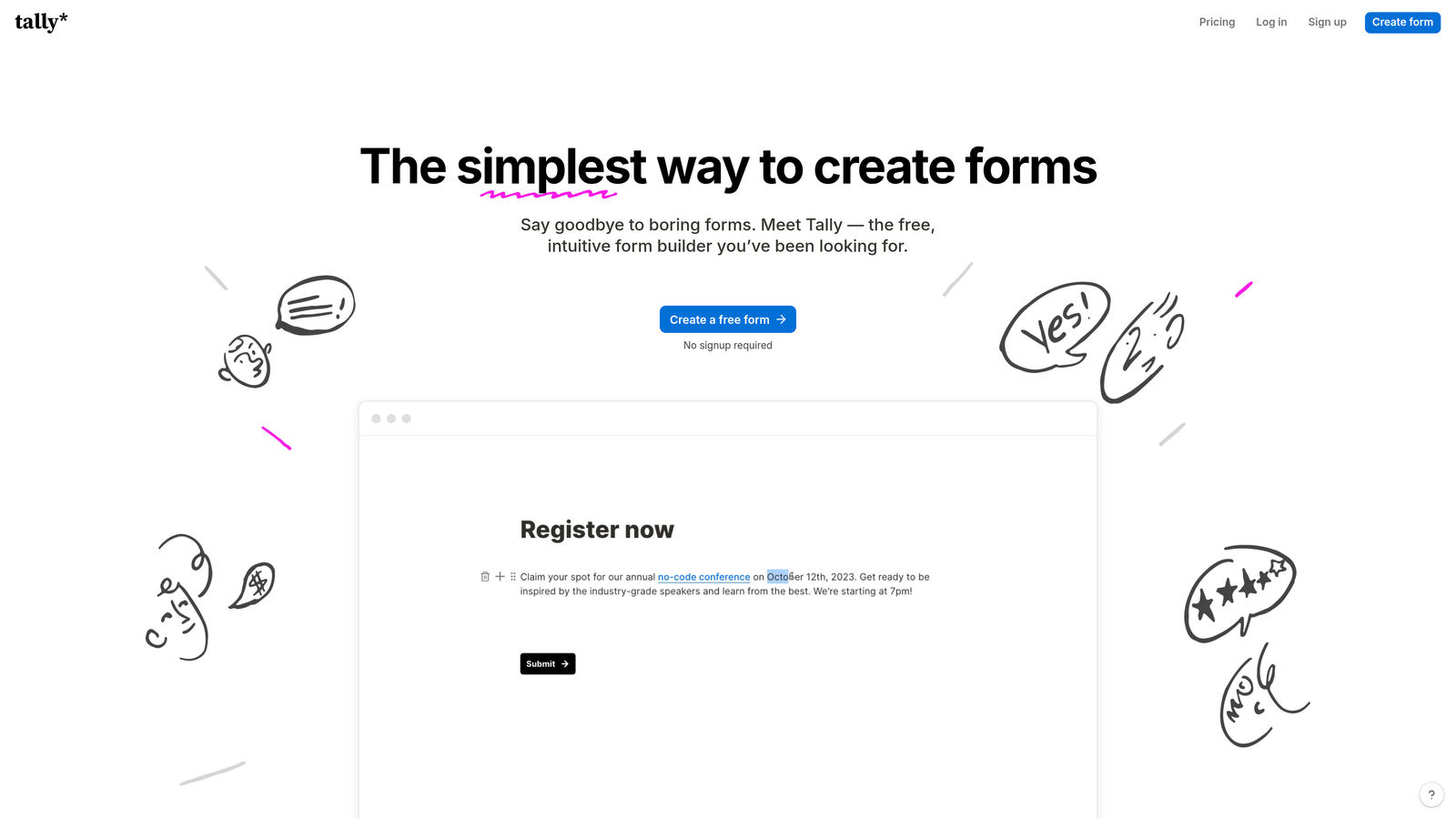
Tally takes a refreshingly simple approach with a Notion-style block editor that makes form building feel intuitive and fast.
Where This Tool Shines
Tally's free plan offers unlimited forms with unlimited submissions—no catch. This makes it perfect for startups and small businesses that need professional forms without monthly fees eating into tight budgets.
The Notion-style interface will feel immediately familiar if you use Notion for documentation. You build forms by adding blocks, rearranging them with drag-and-drop, and configuring options inline without navigating through complex menus.
Key Features
Unlimited Forms on Free Plan: Create as many forms as you need without hitting artificial limits or paying subscription fees.
Notion-Style Block Editor: Build forms using an intuitive block-based interface that feels natural and requires minimal learning curve.
Conditional Logic Included Free: Show or hide questions based on previous answers without upgrading to paid tiers.
Custom Domains on Paid Plans: Host forms on your own domain for professional branding.
Collaboration Features: Share form editing access with team members for collaborative form creation.
Best For
Tally is ideal for bootstrapped startups, nonprofits, and small teams that need capable form software without budget allocation. The generous free tier handles most standard use cases without forcing an upgrade.
Pricing
Free plan with unlimited forms and submissions. Pro plan at $29/month adds custom domains, file uploads, and advanced integrations.
5. HubSpot Forms
Best for: Businesses already using HubSpot CRM who need native form-to-contact syncing
HubSpot Forms integrates directly into the HubSpot ecosystem, automatically creating and updating CRM contacts from every submission.

Where This Tool Shines
HubSpot Forms eliminates the integration headache if you're already in the HubSpot universe. Every form submission automatically creates or updates a contact record with zero manual data entry or third-party connectors.
Progressive profiling stands out as a killer feature. The forms remember what information you've already collected from returning visitors and ask different questions each time, building complete profiles without overwhelming people with long forms.
Key Features
Automatic CRM Contact Creation: Form submissions instantly become CRM contacts with complete submission history and interaction tracking.
Progressive Profiling: Show different questions to returning visitors to gradually build detailed contact profiles without repetitive forms.
Smart Fields and Personalization: Pre-fill known information and personalize form fields based on existing contact data.
A/B Testing Capabilities: Test different form variations to optimize conversion rates with built-in statistical analysis.
Embedded Analytics: Track form performance, conversion rates, and submission sources directly in HubSpot's analytics dashboard.
Best For
HubSpot Forms makes perfect sense if you're already using HubSpot for CRM or marketing automation. The native integration eliminates data sync issues and creates a seamless workflow from form submission to sales follow-up.
Pricing
Free with HubSpot CRM. Advanced features like A/B testing and progressive profiling require paid Marketing Hub subscriptions starting at higher tiers.
6. Paperform
Best for: Creating beautiful landing page-style forms with built-in payment processing
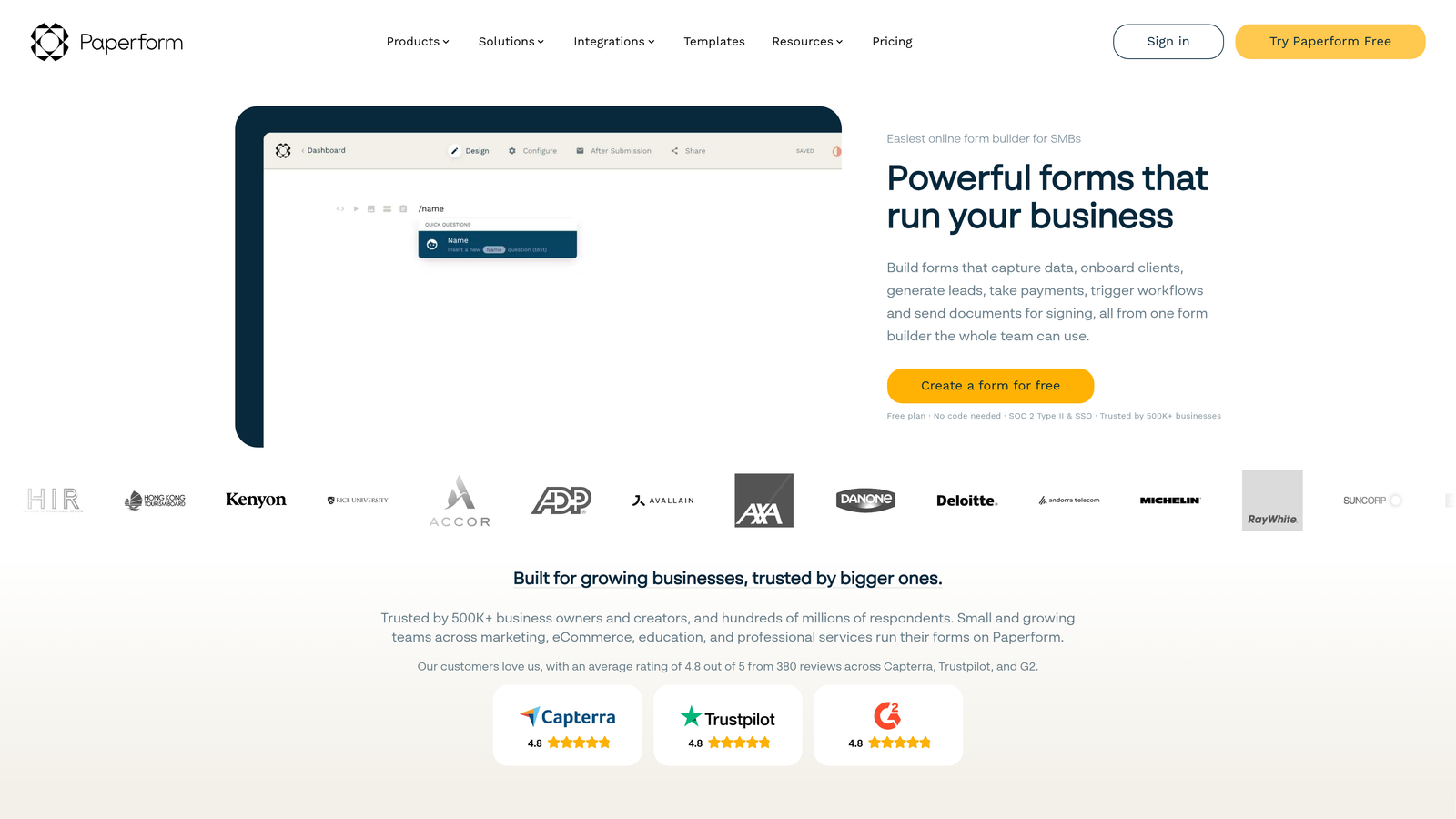
Paperform blurs the line between forms and landing pages, letting you create stunning, full-page experiences that collect information and process payments simultaneously.
Where This Tool Shines
Paperform's design flexibility exceeds typical form builders. You can create forms that look like complete landing pages with custom layouts, embedded images, and rich formatting that matches your brand perfectly.
The built-in payment processing handles everything from simple product sales to complex pricing calculations. You can sell products, accept donations, or collect event fees directly through your forms without separate e-commerce infrastructure.
Key Features
Landing Page-Style Forms: Create full-page form experiences with custom layouts and rich media that go beyond standard form aesthetics.
Built-In Payment Processing: Accept payments through Stripe or PayPal directly in your forms without third-party plugins.
Product Catalog Integration: Build product selection forms with images, descriptions, and variant options for e-commerce use cases.
Custom Success Pages: Design unique thank-you pages with personalized content based on form submissions.
Advanced Calculation Fields: Create complex pricing formulas and dynamic calculations based on user selections.
Best For
Paperform suits creative businesses, event organizers, and anyone selling products or services through forms. If you need both data collection and payment processing in one beautiful package, this delivers.
Pricing
Essentials plan starts at $24/month. Pro plan at $49/month unlocks advanced features like custom domains and priority support.
7. Formstack
Best for: Enterprise organizations needing advanced workflows, compliance, and document generation
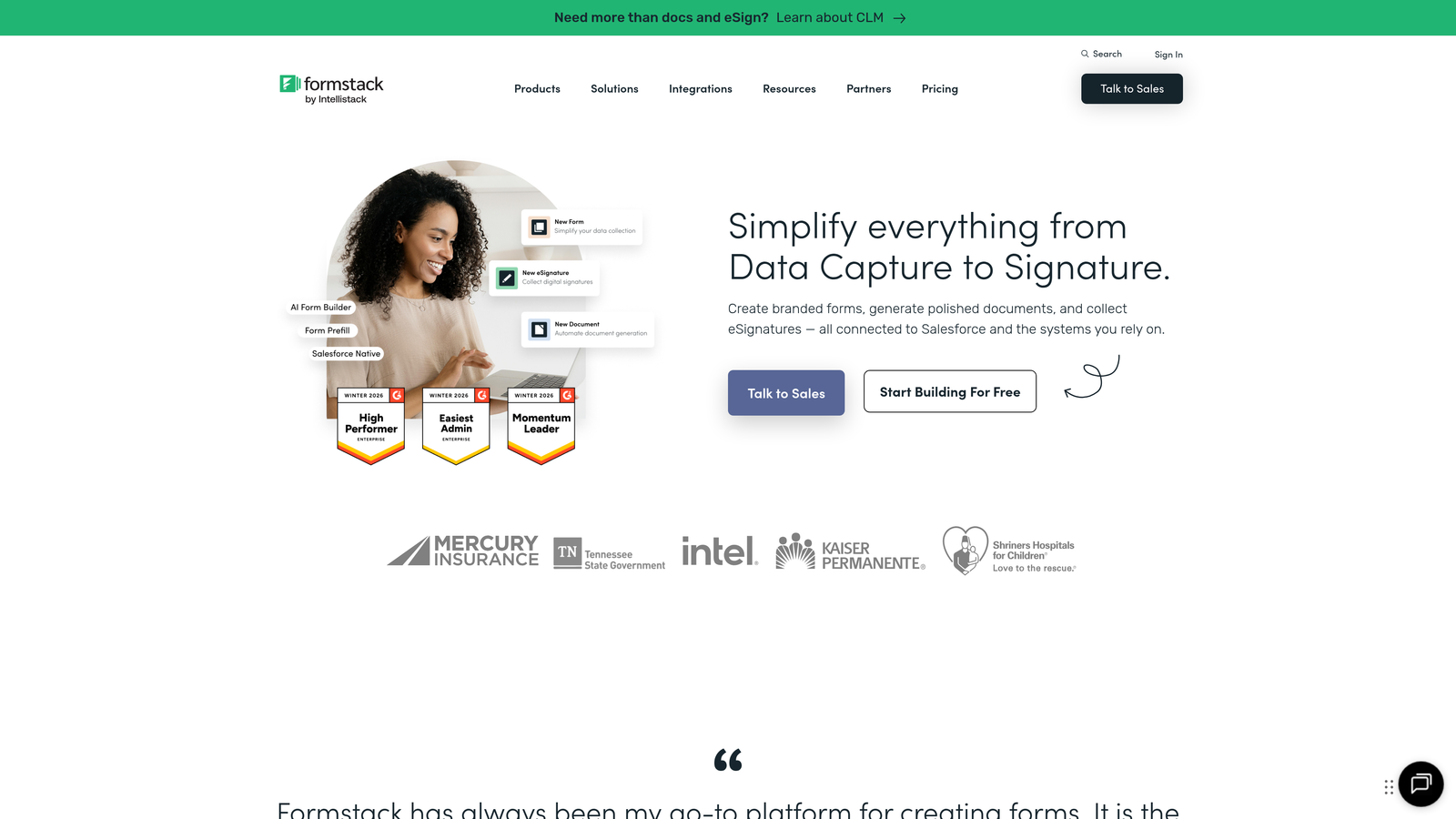
Formstack targets enterprise customers with sophisticated workflow automation, compliance features, and the ability to generate documents from form data.
Where This Tool Shines
Formstack's workflow automation goes deeper than most competitors. You can build multi-step approval processes where submissions route through different stakeholders based on complex conditions, with automatic notifications and status tracking throughout.
The document generation feature automatically populates templates with form data to create contracts, proposals, or reports. This eliminates manual copy-paste work and ensures consistency across generated documents.
Key Features
Advanced Workflow Automation: Create complex multi-step workflows with conditional routing, approvals, and automated actions.
Document Generation: Automatically populate document templates with submission data to create contracts, reports, or certificates.
HIPAA Compliance Available: Meet healthcare data security requirements with encrypted storage and business associate agreements.
Salesforce-Native Option: Deploy forms directly within Salesforce for seamless data flow without integration middleware.
Approval Workflows: Route submissions through approval chains with role-based access and audit trails.
Best For
Formstack serves enterprises and regulated industries where compliance, security, and complex workflows matter more than ease of use. Healthcare organizations, financial services, and large corporations with formal approval processes benefit most.
Pricing
Plans start at $50/month for basic features. Enterprise pricing available for organizations needing HIPAA compliance, dedicated support, and advanced security features.
8. Google Forms
Best for: Quick surveys and internal data collection with zero budget
Google Forms offers completely free form building with automatic Google Sheets integration for organizations already using Google Workspace.
Where This Tool Shines
Google Forms wins on simplicity and cost. You can create a functional form in minutes without learning complex features or paying anything. For internal surveys, event RSVPs, or quick feedback collection, it handles the basics perfectly.
The Google Sheets integration automatically populates a spreadsheet with responses in real-time. This makes data analysis straightforward—you can create charts, pivot tables, and reports directly in Sheets without exporting or importing data.
Key Features
Completely Free: No paid tiers, usage limits, or hidden costs—unlimited forms and responses forever.
Google Sheets Integration: Responses automatically populate a spreadsheet for easy analysis and reporting.
Real-Time Collaboration: Multiple team members can edit forms simultaneously with automatic conflict resolution.
Basic Conditional Logic: Show or hide questions based on previous answers using section branching.
Quiz and Grading Features: Create quizzes with automatic grading and instant feedback for educational use cases.
Best For
Google Forms works best for internal use, educational institutions, and organizations where budget constraints outweigh design flexibility. It's not suitable for customer-facing forms requiring professional branding.
Pricing
Completely free with a Google account. No paid upgrades or premium features.
9. Cognito Forms
Best for: Complex payment collection with advanced calculation fields and conditional pricing
Cognito Forms specializes in handling sophisticated payment scenarios with powerful calculation capabilities and flexible pricing logic.
Where This Tool Shines
Cognito Forms handles complex pricing calculations that would break simpler form builders. You can create dynamic pricing based on multiple factors—quantity discounts, add-on selections, date-based pricing—all calculated automatically before payment.
The repeating sections feature lets users add multiple items or entries within a single form submission. This works perfectly for order forms where customers might purchase multiple products or registration forms where one person registers multiple attendees.
Key Features
Advanced Payment Integrations: Process payments through Stripe, PayPal, or Square with support for complex pricing scenarios.
Calculation and Pricing Fields: Build sophisticated formulas that calculate totals, discounts, and conditional pricing automatically.
Repeating Sections: Allow users to add multiple entries of the same information set within one form submission.
Save and Resume Functionality: Let users save partially completed forms and return later to finish.
Workflow and Approval Routing: Route submissions through approval processes with conditional logic and notifications.
Best For
Cognito Forms excels for organizations processing payments with variable pricing—event registrations with multiple ticket types, service bookings with add-ons, or product orders with quantity discounts.
Pricing
Free tier available with Cognito branding. Pro plans start at $15/month, offering excellent value for payment-enabled forms.
10. 123FormBuilder
Best for: Regulated industries requiring HIPAA compliance and advanced security features
123FormBuilder focuses on security and compliance, making it suitable for healthcare, legal, and other industries handling sensitive data.
Where This Tool Shines
123FormBuilder's HIPAA compliance features include encrypted data storage, business associate agreements, and audit trails that meet healthcare data security requirements. This eliminates the compliance headache for medical practices collecting patient information.
The platform takes GDPR compliance seriously with built-in consent management, data processing agreements, and tools for handling data deletion requests. European businesses or those serving European customers appreciate these ready-made compliance features.
Key Features
HIPAA Compliance: Meet healthcare data security standards with encrypted storage, secure transmission, and business associate agreements.
GDPR-Ready Features: Built-in consent management, data processing agreements, and tools for managing privacy requests.
Advanced Encryption: End-to-end encryption for sensitive data transmission and storage.
Conditional Logic: Show or hide form fields based on user responses to create dynamic form experiences.
Multi-Page Forms: Break long forms into multiple pages to improve completion rates and user experience.
Best For
123FormBuilder serves healthcare providers, legal firms, and any organization handling regulated data where compliance isn't optional. The security features justify the investment for businesses facing strict data protection requirements.
Pricing
Free plan available for basic use. Gold plan starts at $24.99/month, with higher tiers required for HIPAA compliance and advanced security features.
11. Wufoo
Best for: Small businesses wanting reliable, straightforward form functionality without complexity
Wufoo has been around since 2006, offering consistent reliability and straightforward form building for small businesses and solopreneurs.
Where This Tool Shines
Wufoo's simplicity appeals to users who want forms that just work without learning advanced features. The drag-and-drop builder covers standard use cases—contact forms, surveys, registrations—without overwhelming you with options you won't use.
The platform's stability and uptime record inspire confidence. When you need forms that reliably collect data without surprises or breaking changes, Wufoo's conservative approach to updates means fewer things go wrong.
Key Features
Simple Drag-and-Drop Builder: Create forms quickly with an intuitive interface that requires minimal learning curve.
Payment Collection: Accept payments through Stripe, PayPal, or Authorize.net directly in your forms.
File Upload Support: Allow users to attach documents, images, or other files with their submissions.
Basic Reporting: View submission data with simple charts and export options for further analysis.
Zapier Integration: Connect to thousands of apps through Zapier for workflow automation.
Best For
Wufoo suits small businesses, freelancers, and organizations that prioritize reliability over cutting-edge features. If you need dependable forms without complexity, this delivers steady performance.
Pricing
Free tier for basic use. Starter plan begins at $14.08/month, making it one of the more affordable paid options.
Finding Your Perfect Form Builder
The right web form builder depends on your specific needs and growth stage. Choose Orbit AI if you want AI-powered lead qualification and conversion optimization that automatically identifies your best prospects. Go with Typeform for engaging, conversational experiences that feel less like forms and more like interactions.
Pick Jotform when you need extensive template variety and widgets for virtually any use case. Tally offers budget-friendly simplicity with unlimited free forms—perfect for startups watching every dollar. HubSpot Forms makes obvious sense if you're already in that ecosystem and want seamless CRM syncing.
For specialized needs, Paperform handles beautiful landing page-style forms with payment processing. Formstack and 123FormBuilder serve enterprise and compliance requirements respectively, while Cognito Forms excels at complex payment scenarios. Google Forms remains unbeatable for quick internal surveys when budget is zero. Wufoo provides reliable basics for small businesses wanting straightforward functionality.
The best form builder balances your current needs with future growth. Consider how much you value automation versus simplicity, whether lead qualification matters more than template variety, and if compliance requirements narrow your options. Start with a free trial of your top choice and test it against your actual conversion goals—watch completion rates, integration smoothness, and whether it actually solves your specific problems.
Transform your lead generation with AI-powered forms that qualify prospects automatically while delivering the modern, conversion-optimized experience your high-growth team needs. Start your free trial today and see how intelligent form design can elevate your conversion strategy.