

Not all form tools are built for lead generation. Many are designed for surveys, event registrations, or simple contact forms, and they show it the moment you try to route leads, score responses, or trigger a qualification workflow.
When your goal is to capture, qualify, and convert high-intent leads, you need a tool that goes beyond drag-and-drop fields. This list focuses specifically on form tools built or well-suited for lead generation workflows: conditional logic, lead scoring, CRM integrations, and conversion-optimized design.
We've evaluated each tool based on lead qualification capabilities, integration depth, ease of setup, and how well it performs for high-growth SaaS and B2B teams. Whether you're running paid campaigns, gating content, or qualifying inbound leads at scale, the right tool can meaningfully change your pipeline quality. Let's get into it.
1. Orbit AI
Best for: High-growth SaaS and B2B teams who need AI-powered lead qualification built into the form itself.
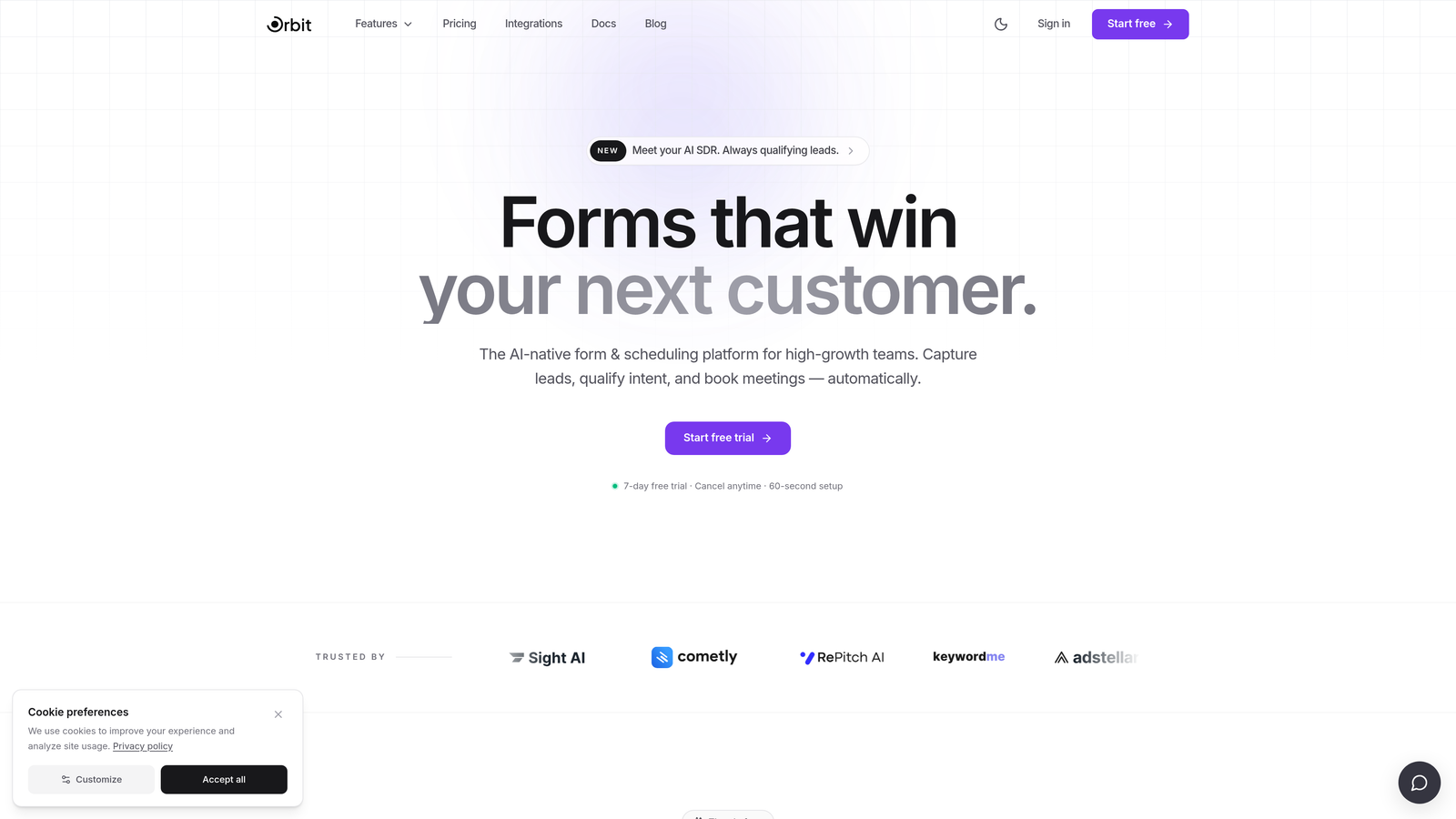
Orbit AI is a purpose-built lead generation form platform with native AI qualification logic designed for conversion-focused teams.
Where This Tool Shines
Most form tools treat lead qualification as an afterthought, something you bolt on after the fact with a Zapier workflow or a CRM rule. Orbit AI flips that model. Qualification logic lives inside the form layer itself, meaning leads are scored, routed, and categorized at the moment of submission, not after a sync delay.
This matters most for teams running paid acquisition or high-volume inbound programs where pipeline quality is as important as pipeline volume. The AI-powered qualification engine adapts to response patterns in real time, helping you surface high-intent leads without manual review.
Key Features
AI Lead Qualification: Native AI scoring built into the form layer, no third-party tools or post-submission rules required.
Conditional Logic: Routes and scores leads dynamically based on responses in real time, creating personalized paths through the form.
Conversion-Optimized Design: Modern, brandable templates built specifically for lead capture, not generic data collection.
CRM and Automation Integrations: Seamless lead handoff to your CRM and marketing automation stack, with clean field mapping out of the box.
Lead Quality Analytics: Reporting focused on lead quality and qualification outcomes, not just raw submission volume.
Best For
Orbit AI is the strongest fit for SaaS and B2B marketing teams who want qualification to happen at the form level rather than downstream. Particularly valuable for teams running paid campaigns where cost per qualified lead matters, or for high-growth teams scaling inbound without scaling headcount.
Pricing
Visit orbitforms.ai for current pricing details and plan options.
2. Typeform
Best for: Teams that prioritize form engagement and want a polished, conversational experience to reduce abandonment.
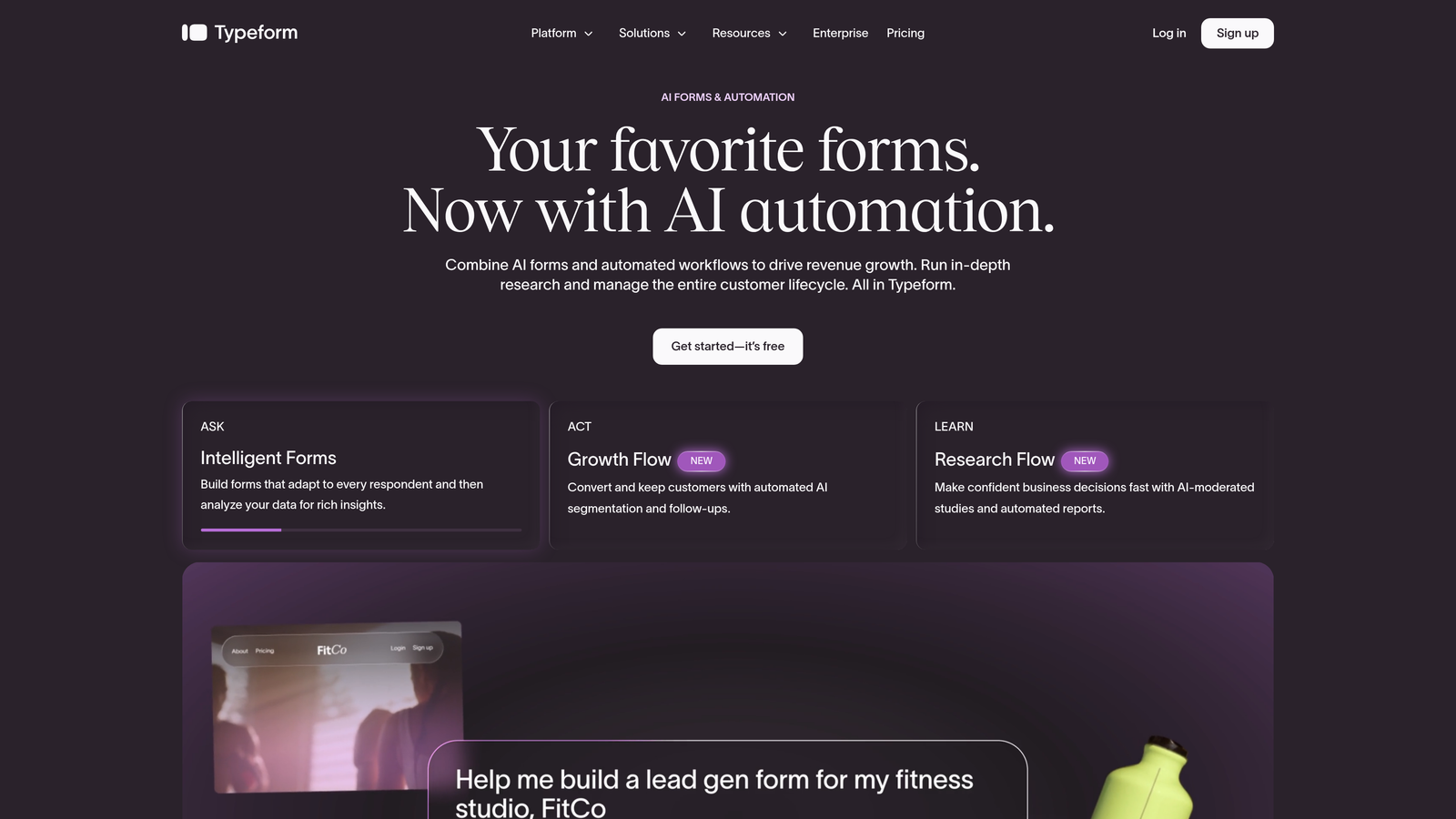
Typeform is a conversational form builder known for its one-question-at-a-time interface that reduces friction and increases completion rates.
Where This Tool Shines
Typeform's biggest strength is UX. The one-question-at-a-time format feels more like a conversation than a form, which tends to reduce the psychological friction that causes people to abandon multi-field forms mid-way. For lead generation, that means more completed submissions from the traffic you're already paying for.
Logic Jumps allow conditional routing based on answers, so you can tailor the form experience to different respondent profiles. It won't replace a dedicated qualification engine, but it handles the basics well and integrates with HubSpot, Salesforce, and Zapier for downstream processing.
Key Features
Conversational UX: One-question-at-a-time format reduces form abandonment and improves completion rates.
Logic Jumps: Conditional question routing based on previous answers, enabling personalized form paths.
Native Integrations: Direct connections to HubSpot, Salesforce, and Zapier for lead handoff and automation.
Lead Gen Templates: Dedicated lead generation template category available out of the box.
Branded Experience: Visually polished, customizable forms that match your brand identity.
Best For
Typeform works well for teams that prioritize form engagement and brand experience over deep qualification logic. Best suited for B2C lead capture, content gating, or early-funnel SaaS lead forms where experience quality drives completion rates.
Pricing
Free tier available. Paid plans start at approximately $25/month. Advanced logic features require higher-tier plans.
3. HubSpot Forms
Best for: Teams already running their CRM and marketing automation inside HubSpot who want zero-friction lead capture.
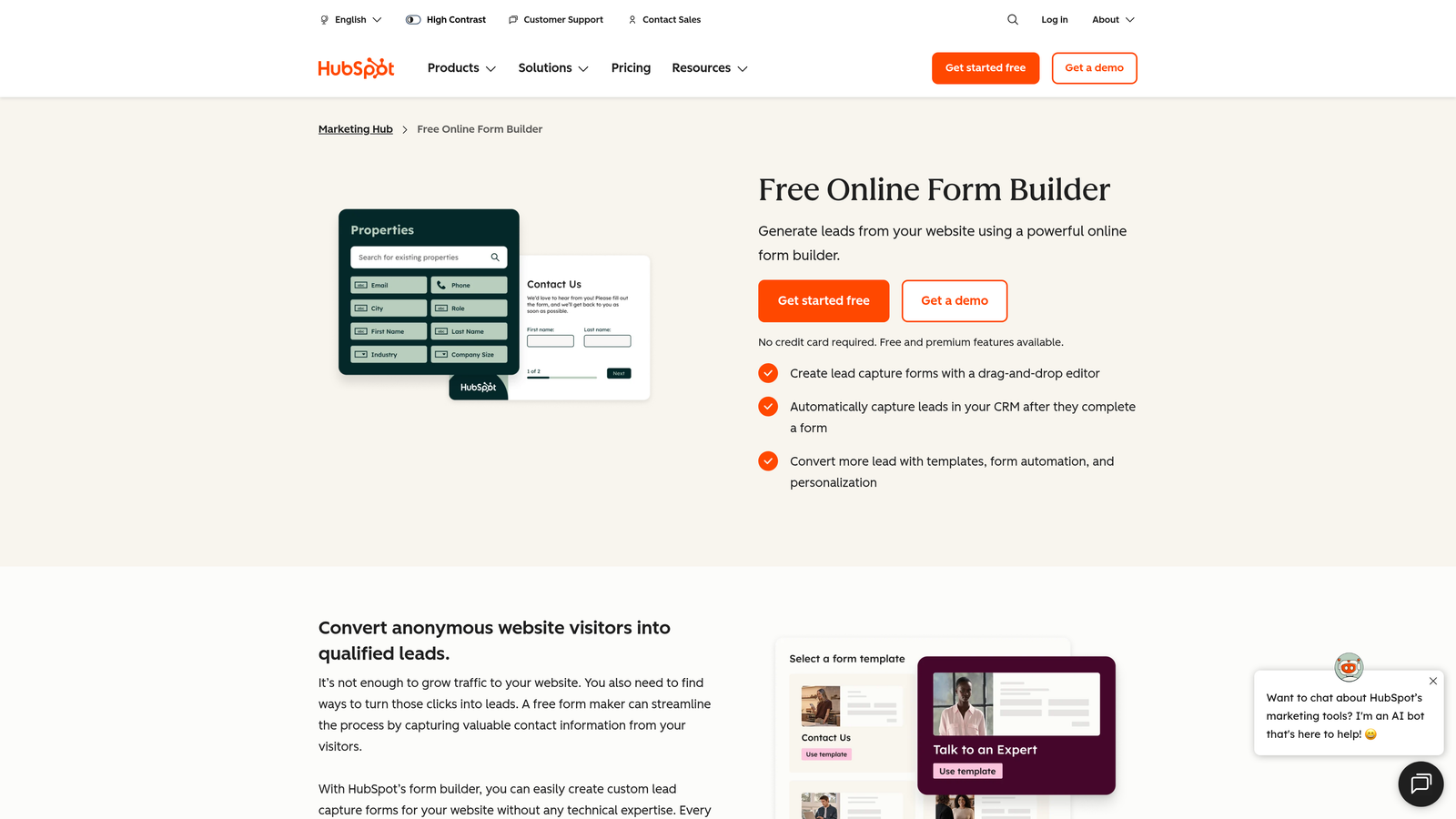
HubSpot Forms is a native form builder within the HubSpot ecosystem, with progressive profiling and direct contact record sync as standout features.
Where This Tool Shines
If your team lives in HubSpot, this is the path of least resistance. Form submissions sync directly to contact records, trigger workflow automation, and feed into your existing lists and segmentation, all without any integration setup. That tight native connection is genuinely hard to replicate with third-party tools.
Progressive profiling is the feature that sets HubSpot Forms apart for lead generation specifically. Rather than asking the same questions every time, it surfaces new fields based on what HubSpot already knows about a contact. This reduces form friction for returning visitors while progressively enriching your lead data over time.
Key Features
Progressive Profiling: Automatically shows new fields to known contacts, avoiding redundant questions and improving UX.
Native CRM Sync: Direct, real-time sync to HubSpot contact records, lists, and properties.
Workflow Triggers: Form submissions instantly trigger marketing automation sequences within HubSpot.
Flexible Embedding: Embeds on any website or HubSpot landing page with minimal setup.
Free to Start: Fully functional within HubSpot's free CRM tier.
Best For
Teams already committed to HubSpot as their primary CRM and marketing platform. Less compelling as a standalone tool if you're not in the HubSpot ecosystem, but nearly unbeatable for HubSpot-native teams who want seamless lead capture without additional tooling.
Pricing
Free with HubSpot's free CRM tier. Advanced features like smart forms and progressive profiling are available in Marketing Hub paid tiers.
4. Jotform
Best for: Agencies and marketing teams that need flexible lead capture across a wide variety of use cases and formats.
Jotform is a template-rich form builder with a broad integration ecosystem, suited for teams that need to move fast across multiple lead capture scenarios.
Where This Tool Shines
Jotform's library of pre-built templates is one of the largest in the market, including a dedicated lead generation category. For agencies or teams managing multiple clients or campaigns, the ability to start from a relevant template and customize quickly is a real time saver.
The integration ecosystem is broad, covering Salesforce, HubSpot, Mailchimp, and payment processors. Conditional logic is available across most pricing tiers, which is a meaningful differentiator compared to tools that gate those features behind higher plans.
Key Features
Extensive Template Library: Thousands of pre-built templates including dedicated lead generation categories.
Conditional Logic: Available across most pricing tiers, not locked to premium plans.
Wide Integration Support: Connects with Salesforce, HubSpot, Mailchimp, and payment processors.
Multi-Page Forms: Supports multi-step and multi-page form structures with calculation fields.
Team Collaboration: Built-in collaboration features suited for agencies and larger marketing teams.
Best For
Agencies managing multiple clients, or marketing teams that need to build a wide variety of form types quickly. Less optimized for pure conversion performance than purpose-built lead gen tools, but highly flexible and well-integrated.
Pricing
Free tier available. Paid plans start at approximately $34/month.
5. Tally
Best for: Startups and lean teams that want clean, fast-loading forms with a generous free tier and minimal setup friction.
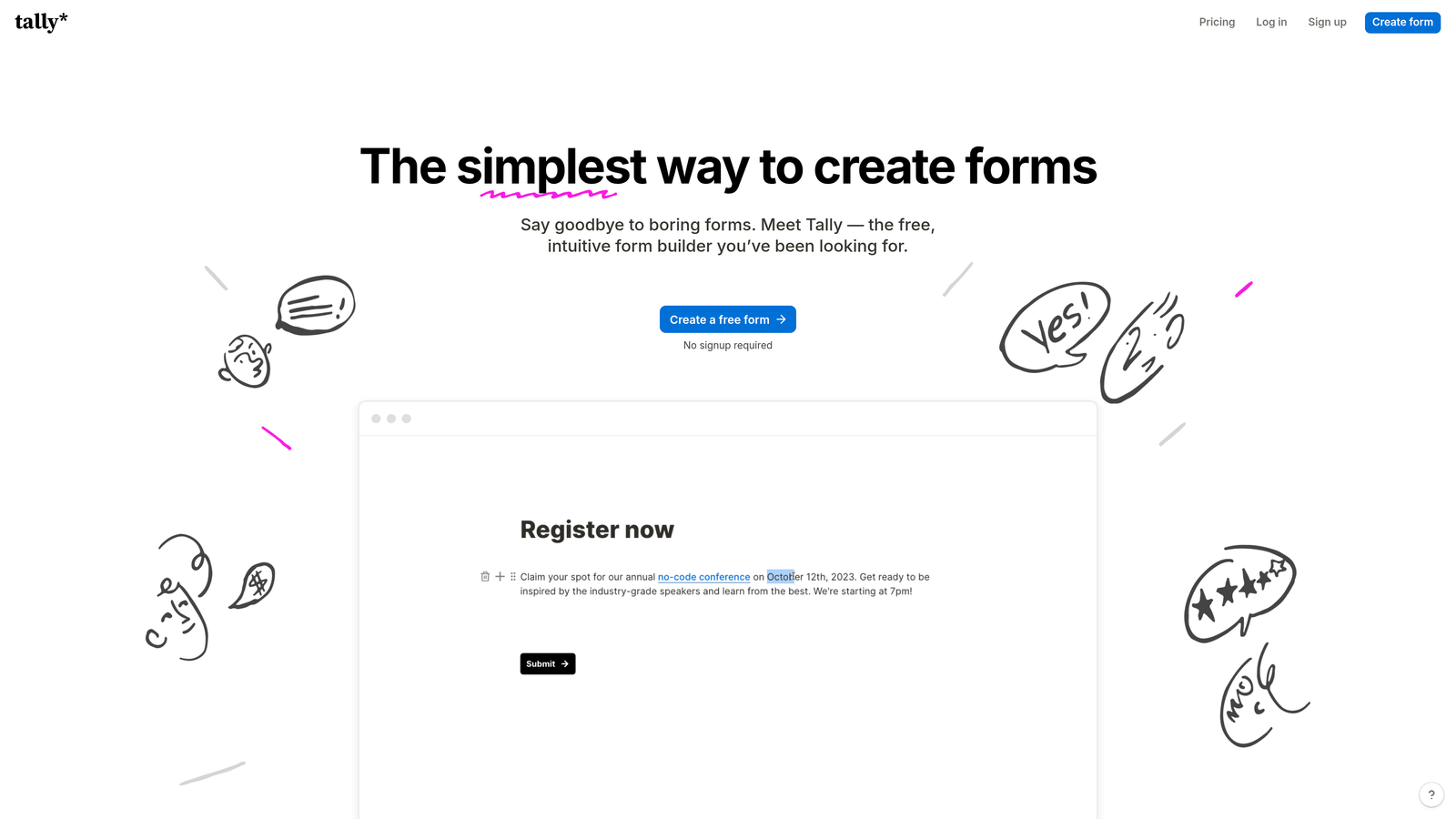
Tally is a lightweight, Notion-inspired form builder with a distraction-free editing experience and one of the most generous free tiers in the market.
Where This Tool Shines
Tally's free tier stands out immediately: unlimited responses with no submission caps. For early-stage startups or lean teams running lead gen experiments, this removes a real constraint that limits other free-tier tools. You can build, test, and iterate without hitting a paywall mid-campaign.
The editing experience is clean and fast, modeled closely after Notion's block-based interface. If your team already works in Notion, the learning curve is minimal. Forms are fast-loading and distraction-free, which helps with completion rates on embedded lead capture forms.
Key Features
Unlimited Free Responses: No submission caps on the free tier, a standout differentiator in this category.
Notion-Like Editor: Block-based editing experience with minimal learning curve for teams already familiar with Notion.
Conditional Logic: Supported across free and paid tiers, including hidden fields for pre-population.
Zapier and Make Integrations: CRM connectivity available through automation platforms.
Fast-Loading Embeds: Lightweight, distraction-free form embeds that don't slow down your pages.
Best For
Early-stage startups, solo marketers, or lean growth teams that want clean forms without budget constraints. Native CRM integrations are limited on the free tier, so teams with more complex routing needs will want to budget for the Pro plan or use Zapier as a bridge.
Pricing
Free tier with unlimited responses. Pro plan at approximately $29/month.
6. Paperform
Best for: Campaign-specific lead capture where you want a branded form and landing page experience in a single document.
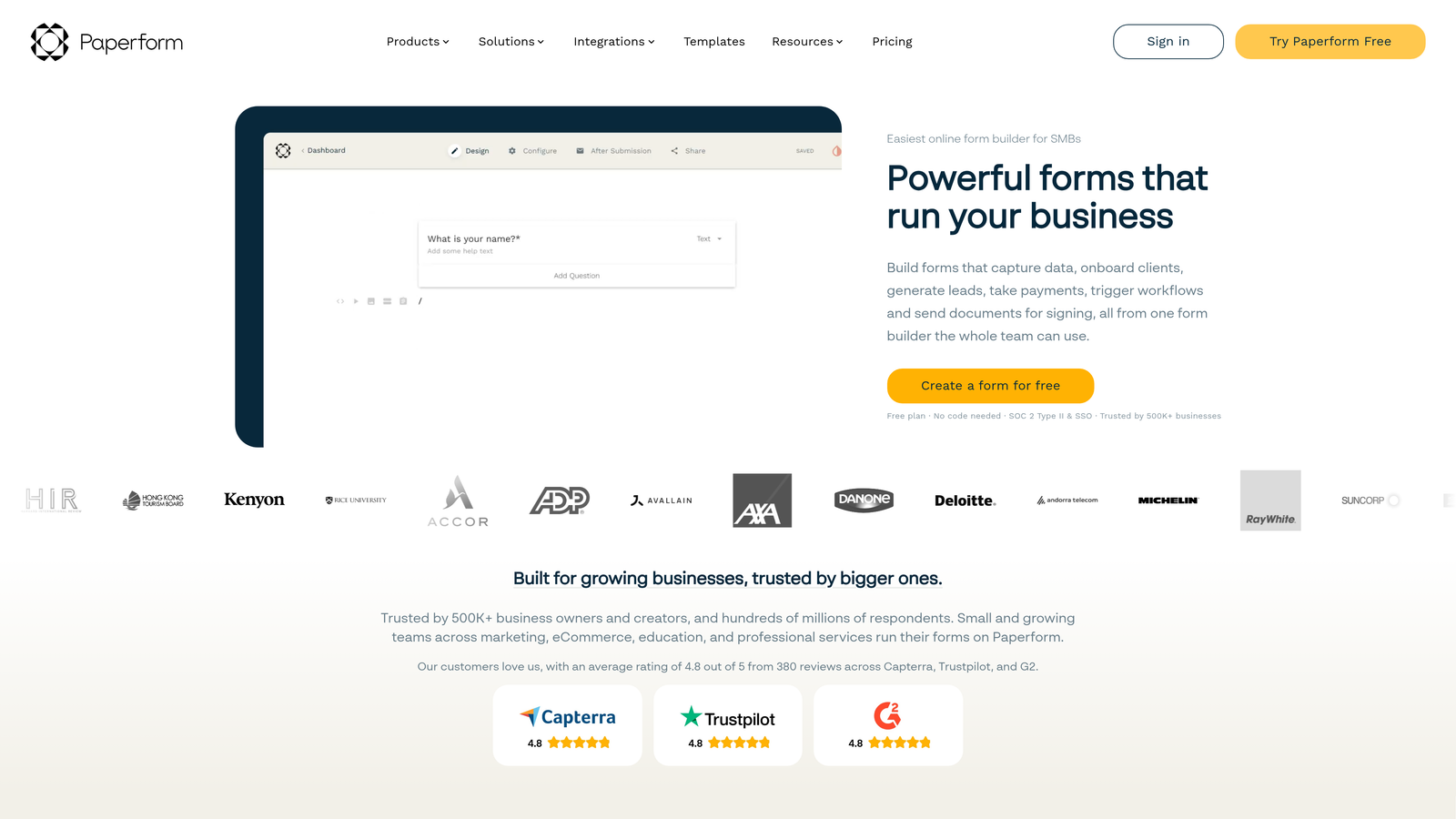
Paperform is a document-style form builder that combines form and landing page in one brandable, content-rich experience.
Where This Tool Shines
Paperform occupies a unique space: it's not quite a form builder and not quite a landing page tool. It's both, in a single document-style editor where you can mix text, images, media, and form fields freely. For campaign-specific lead capture, this means you can build a fully branded, content-rich experience without stitching together a page builder and a form tool.
Conditional logic, calculation fields, and product fields give it more depth than a basic form builder. Custom domain support means your lead capture pages can live on your own brand URL rather than a third-party subdomain, which matters for paid campaigns and brand consistency.
Key Features
Form + Landing Page in One: Document-style editor combines content and form fields in a single, flexible canvas.
Conditional Logic and Calculations: Supports conditional routing, calculation fields, and product fields for complex forms.
CRM Integrations: Connects with HubSpot, Mailchimp, and Zapier for lead handoff.
Custom Domain Support: Host branded form pages on your own domain for campaign consistency.
Payment Support: Handles payments alongside lead capture in a single form experience.
Best For
Marketing teams running campaign-specific lead capture who want a polished, branded page without a separate landing page tool. Less suited for high-volume enterprise workflows, but excellent for focused campaign pages, content gating, and event lead capture.
Pricing
Plans start at approximately $24/month.
7. Leadpages
Best for: Performance marketers who want tightly integrated form and landing page testing in a single platform.
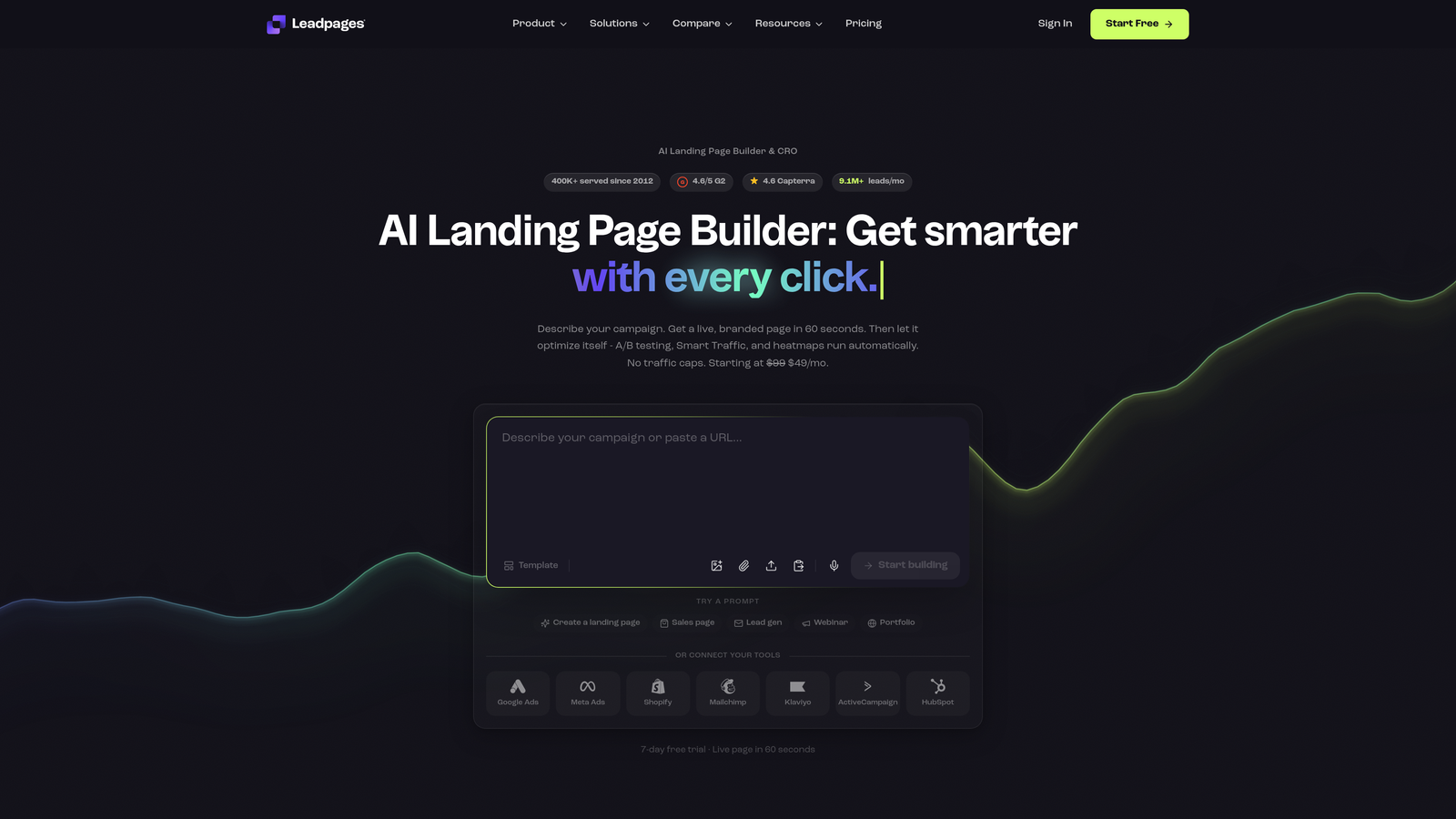
Leadpages is a landing page builder with integrated lead capture forms, A/B testing capabilities, and multiple form placement options built for conversion-focused campaigns.
Where This Tool Shines
Leadpages is built around one goal: converting paid and organic traffic into leads. The tight integration between landing page builder and form tool means you can test page variants and form variants together, which is where most A/B testing tools fall short. You're not just testing button colors; you're testing the full lead capture experience as a unit.
Alert bars, pop-up forms, and inline forms give you flexible placement options across your site. For performance marketers managing multiple campaigns, having all of these in one platform reduces the tool sprawl that often comes with running conversion-focused programs at scale.
Key Features
Integrated Page and Form Builder: Landing page and form creation in one tool, with shared templates and testing.
A/B Testing: Tests both page variants and form variants, enabling full funnel experimentation.
Multiple Form Types: Alert bars, pop-up forms, and inline forms available across the same platform.
CRM and Email Integrations: Connects with major email marketing and CRM platforms.
Conversion-Focused Templates: Pre-built page templates with embedded lead forms optimized for conversion.
Best For
Performance marketers and demand generation teams who want landing page and form testing in a single workflow. The form builder is secondary to the page builder, so teams that need a standalone form tool with deep qualification logic will find it limiting.
Pricing
Plans start at approximately $49/month.
8. Formstack
Best for: Enterprise teams with compliance requirements, complex lead routing needs, or deep Salesforce integration dependencies.
Formstack is an enterprise-grade form platform with HIPAA compliance, advanced workflow routing, and deep Salesforce integration built for regulated or complex environments.
Where This Tool Shines
Formstack is the right tool when your lead generation requirements go beyond what consumer-grade form builders can handle. HIPAA compliance makes it viable for healthcare and regulated industries where most other tools aren't an option. Advanced approval workflows and lead routing logic handle scenarios that simpler tools can't manage without significant workarounds.
The Salesforce integration is notably deep, with granular field mapping and bidirectional data flow. For enterprise sales teams that live in Salesforce, this means form data arrives clean and structured, reducing the manual cleanup that often follows integrations built on Zapier middleware.
Key Features
HIPAA Compliance: Certified compliant for regulated industries including healthcare and financial services.
Advanced Workflow Routing: Sophisticated lead routing and approval workflows for complex organizational structures.
Deep Salesforce Integration: Granular field mapping and direct Salesforce sync without middleware.
Multi-Step Conditional Forms: Supports complex multi-step forms with conditional logic throughout.
Document Generation: Automatically generates documents from form submission data.
Best For
Enterprise organizations with compliance requirements, complex internal approval workflows, or heavy Salesforce dependencies. Pricing reflects the enterprise positioning, making it less suited for startups or small teams without those specific requirements.
Pricing
Enterprise pricing. Contact Formstack directly for a quote based on your team's requirements.
9. ActiveCampaign Forms
Best for: Teams already using ActiveCampaign as their marketing automation platform who want form submissions to trigger multi-step sequences natively.
ActiveCampaign Forms is the native form feature within ActiveCampaign's marketing automation platform, where submissions directly trigger automation, tagging, and lead scoring without any integration layer.
Where This Tool Shines
The core value here is native connectivity. When a lead submits a form, ActiveCampaign doesn't need a webhook, a Zap, or a sync delay to act on it. The automation sequence fires immediately, contact tags are applied, and lead scoring updates in real time. For teams running multi-touch nurture programs, that immediacy matters.
Having form analytics tied directly to campaign performance data is another underappreciated advantage. You can see not just how many people filled out a form, but how those leads moved through your automation sequences and where they dropped off, giving you a more complete picture of your lead generation funnel.
Key Features
Native Automation Triggers: Form submissions directly fire ActiveCampaign automation sequences without integration middleware.
Contact Tagging and Lead Scoring: Applies tags and updates lead scores at the moment of submission.
Multiple Form Types: Inline, floating bar, and modal form options available within the platform.
No Integration Required for Email: Email follow-up sequences are native, eliminating the need for third-party connections.
Campaign-Linked Analytics: Form performance data is tied directly to campaign and automation analytics.
Best For
Teams that have already chosen ActiveCampaign as their marketing automation platform. The form builder is not the most design-flexible option on this list, but the native automation connectivity makes it the highest-value choice for teams where ActiveCampaign is the system of record.
Pricing
Included with ActiveCampaign plans, which start at approximately $15/month.
Which Tool Is Right for Your Team?
The honest answer is that the best form tool for lead generation depends on where you are in your growth stage and what your biggest constraint actually is.
If you're a high-growth SaaS or B2B team that wants AI-powered qualification built into the form itself, Orbit AI is purpose-built for exactly that use case. It's the only tool on this list that handles qualification at the form layer natively, without requiring downstream rules or third-party scoring tools.
If your team is fully committed to HubSpot, HubSpot Forms is hard to beat for zero-friction lead capture with progressive profiling. If you're running ActiveCampaign, ActiveCampaign Forms gives you the tightest native automation loop. If you're an enterprise team with compliance requirements, Formstack is the right call.
For startups and lean teams watching budget, Tally's unlimited free tier removes a real constraint while Typeform's conversational UX tends to perform well for engagement-sensitive campaigns. Performance marketers who want page and form testing in one tool should look at Leadpages.
The common thread across the best choices on this list: they reduce the gap between form submission and qualified lead. The more of that work your form tool can do natively, the less you're relying on manual processes, delayed syncs, or fragile Zapier chains to keep your pipeline clean.
If you're ready to see what AI-powered qualification looks like at the form level, start your free trial today and explore how Orbit AI can improve both the quality and velocity of your lead generation workflow.


