

Donation forms are often the final step between a potential donor and a completed gift. A clunky, confusing, or slow form at that moment doesn't just create friction — it costs real money. The right donation form builder removes that friction, making it easy to collect payments, personalize the giving experience, and reduce drop-off at the most critical point in the donor journey.
This guide covers the best donation form builder software available in 2026, evaluated on ease of use, payment integrations, customization, conditional logic, and conversion performance. Whether you're running a nonprofit, a crowdfunding campaign, or a cause-driven SaaS product, there's a tool here that fits your workflow.
A quick note: Orbit AI is featured as our top pick because its AI-powered form building and lead qualification capabilities make it a genuinely strong contender for conversion-focused fundraising. That said, we've been honest about where each tool excels and where it falls short.
1. Orbit AI
Best for: High-growth teams and modern fundraisers who need AI-powered qualification and conversion-optimized forms.
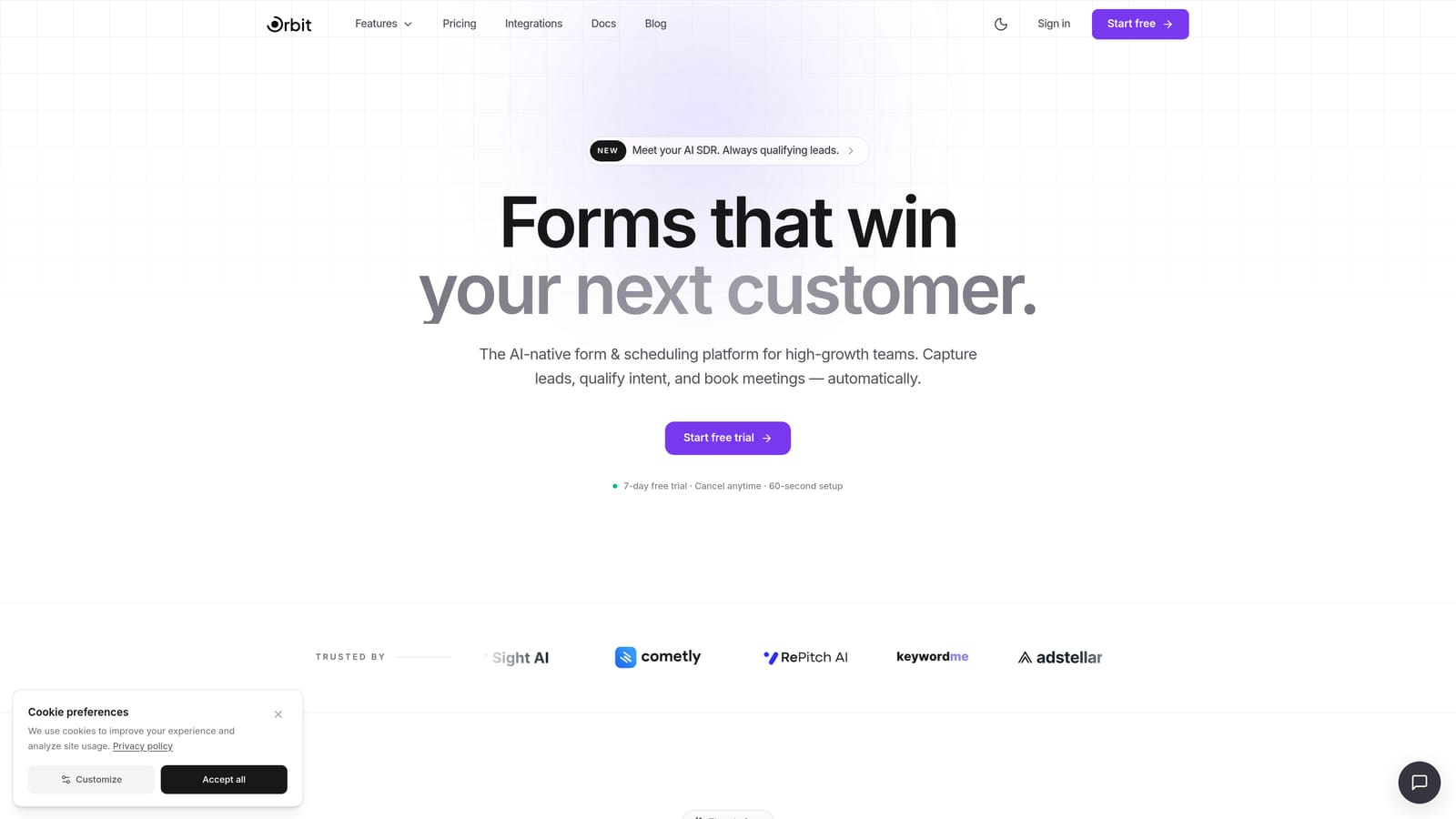
Orbit AI is an AI-powered form builder designed to do more than collect data — it qualifies donors, adapts the form experience in real time, and is built from the ground up for conversion performance.
Where This Tool Shines
Most form builders treat every donor the same. Orbit AI doesn't. Its smart conditional logic personalizes the form flow based on how a donor responds, so someone indicating they want to give monthly sees a different experience than someone making a one-time gift. That kind of real-time adaptation reduces drop-off and increases the quality of completed submissions.
The design system is modern and clean, which matters more than people realize in fundraising. Donors are more likely to complete a form that feels trustworthy and professional. Orbit AI's visual polish makes it well-suited to campaigns where brand credibility is part of the pitch.
Key Features
AI-Powered Lead Qualification: Built directly into the form flow, qualifying donors and segmenting responses automatically based on their inputs.
Smart Conditional Logic: Personalizes the donor journey in real time, showing or hiding fields based on previous answers.
Conversion-Optimized Design System: Forms are built to reduce friction and maximize completion rates from the first interaction.
Modern UI: Clean, professional aesthetics suited to high-stakes fundraising campaigns where first impressions count.
Built for High-Growth Teams: Designed for teams that need forms to actively contribute to pipeline and conversion goals, not just collect submissions.
Best For
Cause-driven SaaS companies, modern nonprofits, and fundraising teams that want more than a basic form. If your donation page is a strategic asset and you want AI to help qualify and route donors intelligently, Orbit AI is built for that use case.
Pricing
Check orbitforms.ai for current pricing plans. Plans are designed with high-growth teams in mind.
2. Typeform
Best for: Nonprofits and campaigns prioritizing a polished, low-friction conversational donor experience.
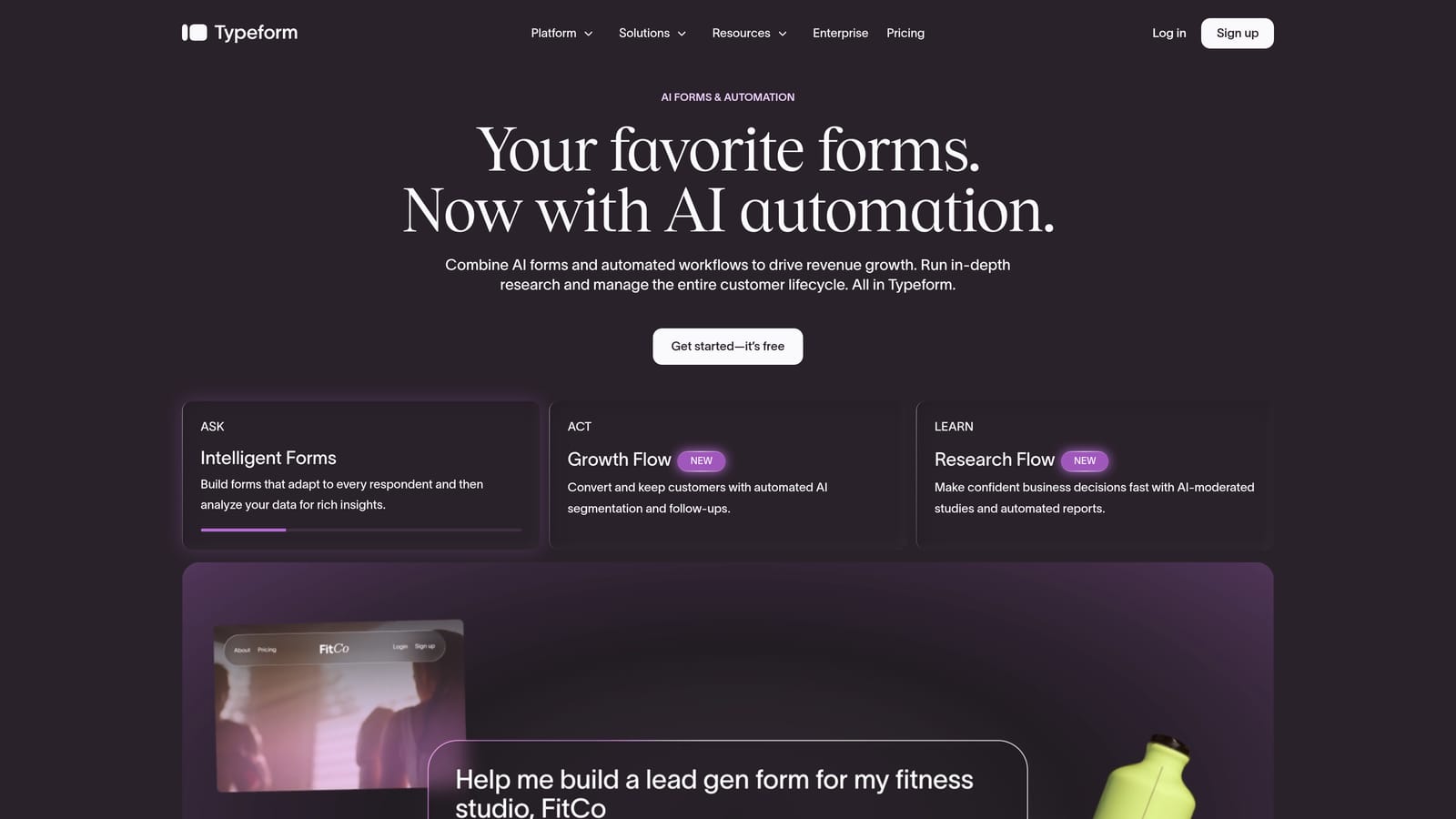
Typeform is a conversational form builder known for its one-question-at-a-time format, which creates a guided, low-fatigue experience that works well for donation flows.
Where This Tool Shines
Typeform's format feels less like filling out a form and more like having a conversation. For donation campaigns where storytelling and emotional connection matter, that distinction is meaningful. Donors stay engaged longer when they're not staring at a wall of fields.
It's also one of the most visually polished tools in this category. Customizing the look and feel to match your campaign branding is straightforward, and the embed options make it easy to drop a donation form directly into a landing page without breaking the design.
Key Features
Conversational Format: One question at a time reduces form fatigue and keeps donors moving through the flow.
Logic Jumps: Route donors through personalized paths based on their answers, such as separating recurring donors from one-time givers.
Stripe Integration: Collect donation payments directly within the form without redirecting donors to a separate checkout page.
Visual Branding Customization: Fonts, colors, backgrounds, and images can all be tailored to match your campaign identity.
Embed-Friendly: Easily embedded into donation landing pages, websites, or campaign microsites.
Best For
Nonprofits running emotionally driven campaigns, crowdfunding organizers, and any team where the quality of the donor experience is as important as the mechanics of the form. Typeform works especially well when you want the form itself to feel like part of the story.
Pricing
Free plan available. Paid plans start at approximately $25/month. Verify current pricing at typeform.com.
3. Jotform
Best for: Organizations that need deep payment gateway support and a large library of ready-to-use donation templates.
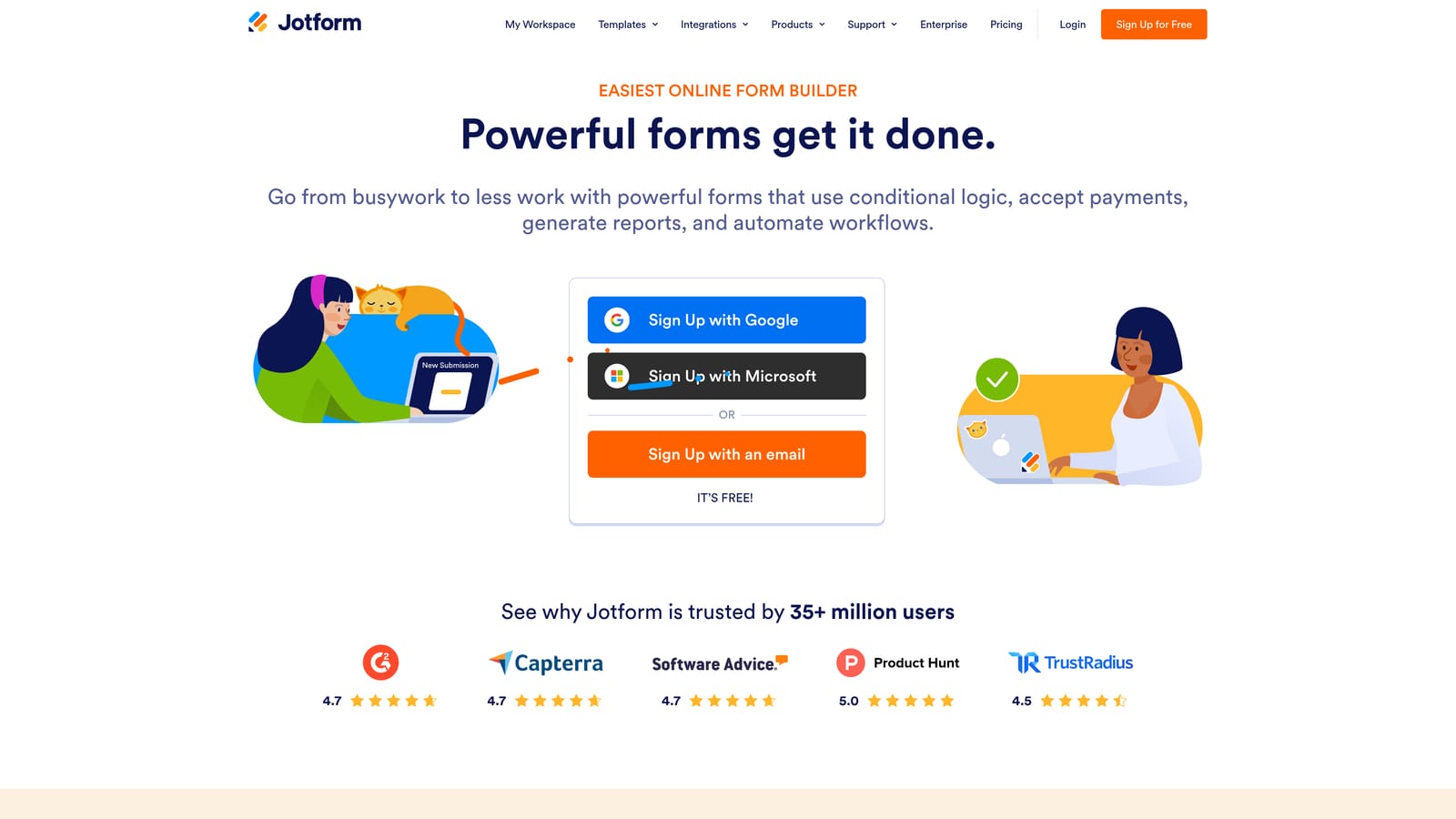
Jotform is one of the most feature-rich form builders available, with broad payment processor support and donation-specific templates that can be deployed quickly.
Where This Tool Shines
If payment flexibility is your primary concern, Jotform is hard to beat. It supports Stripe, PayPal, Square, Authorize.net, and a range of other gateways, which means you're not locked into a single payment provider. For nonprofits with existing payment infrastructure, that compatibility is a significant practical advantage.
The template library is extensive, and the donation-specific templates are genuinely useful starting points rather than generic forms with a new label. Jotform also offers a nonprofit discount program, which makes it worth a direct conversation with their team if budget is a consideration.
Key Features
Multi-Gateway Payment Support: Stripe, PayPal, Square, Authorize.net, and more — connect to the payment processor you already use.
Donation Form Templates: A large library of ready-to-deploy donation templates that cover a wide range of fundraising scenarios.
Nonprofit Discount Program: Discounted pricing available for qualifying nonprofit organizations — verify current terms at jotform.com.
Conditional Logic and Multi-Page Forms: Build complex, multi-step donation flows with logic that adapts based on donor input.
HIPAA-Compliant Option: Available for health-related charities or organizations collecting sensitive donor health information.
Best For
Established nonprofits, healthcare-adjacent charities, and fundraising teams that need broad payment gateway compatibility and a fast path to deployment using existing templates. Also a strong fit for organizations that qualify for the nonprofit discount.
Pricing
Free plan available. Paid plans vary by tier. Check jotform.com for current pricing and nonprofit discount eligibility.
4. Paperform
Best for: Fundraisers who want a rich, document-style donation page with native payment collection and full design control.
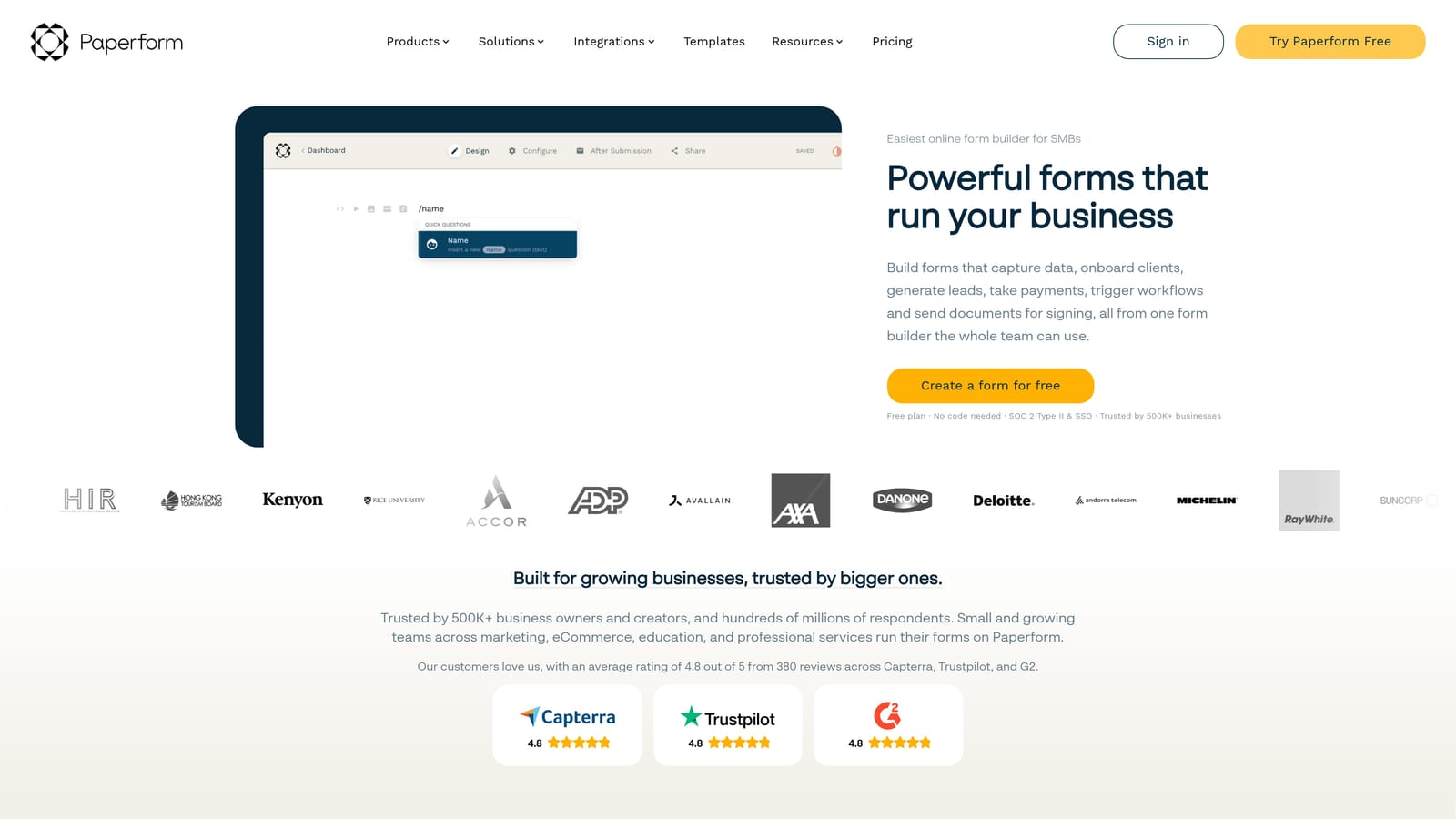
Paperform is a document-style form builder that blends form creation with landing page design, giving donation campaigns a more immersive, content-rich presentation.
Where This Tool Shines
Paperform sits in an interesting middle ground between a form builder and a landing page tool. You can embed video, images, and rich text alongside your donation fields, which makes it well-suited for campaigns that want to tell a story before asking for a gift. The form and the content live in the same space, so donors don't have to click through to a separate page to understand why they should give.
The design flexibility is genuinely broad. Customizable themes, full branding control, and a document-style layout give Paperform a distinct aesthetic compared to more conventional form builders. For campaigns where visual presentation is part of the pitch, that flexibility pays off.
Key Features
Document/Landing Page Hybrid Layout: Combine donation fields with rich content — video, images, text — in a single, cohesive page experience.
Native Stripe and PayPal Support: Collect donations directly without requiring third-party plugins or workarounds.
Rich Media Embedding: Add video and images to tell your story and build emotional connection before the donation ask.
Customizable Themes and Branding: Full control over fonts, colors, and layout to match your campaign identity.
Conditional Logic: Tailor the donor experience based on responses, routing different donor types through different paths.
Best For
Campaigns and nonprofits that want their donation form to double as a mini landing page. Particularly useful for cause-driven organizations where storytelling and visual design are central to the giving proposition.
Pricing
No permanent free plan. Paid plans start at approximately $24/month. Verify current pricing at paperform.co.
5. Tally
Best for: Budget-conscious organizations and individuals who need a clean, functional donation form at zero cost.
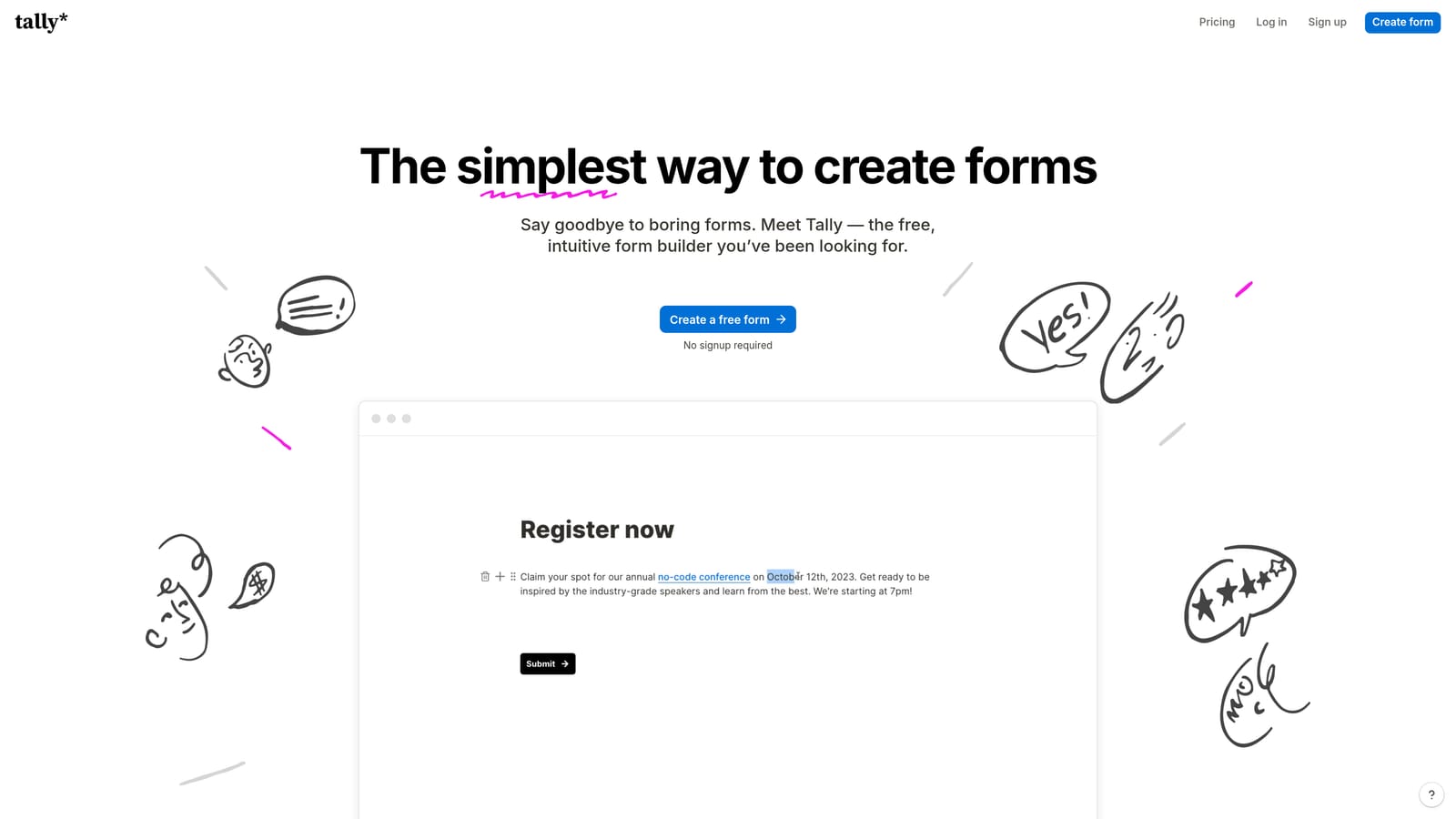
Tally is a Notion-inspired, free-first form builder with a block-based editor and a genuinely generous free tier that makes it accessible to organizations with limited budgets.
Where This Tool Shines
Tally's free plan is unusually generous: unlimited forms and unlimited responses, with no submission caps that force you to upgrade mid-campaign. For small nonprofits, grassroots fundraisers, or anyone testing a donation form concept before committing to a paid tool, that's a meaningful advantage.
The editor is fast and intuitive. If you've used Notion, the block-based interface will feel immediately familiar. You can build a clean, functional donation form in minutes without any design experience. The minimal aesthetic also works in its favor — simple forms often convert better than cluttered ones.
Key Features
Unlimited Free Plan: Unlimited forms and unlimited responses on the free tier — no artificial caps to push you toward an upgrade.
Stripe Integration: Payment collection available on paid plans, allowing you to accept donations directly through the form.
Block-Based Editor: Notion-style interface makes form creation fast and intuitive, even for non-technical users.
Conditional Logic: Available across plans to personalize the donor experience based on their responses.
Clean, Minimal Design: Low-distraction aesthetics that keep donors focused on completing the form.
Best For
Small nonprofits, grassroots campaigns, individual fundraisers, and any organization that needs a functional donation form without a software budget. Also a solid choice for teams that want to prototype a donation flow before investing in a more feature-rich platform.
Pricing
Free plan with unlimited forms and responses. Pro plan at approximately $29/month. Verify current pricing at tally.so.
6. Formstack
Best for: Large nonprofits and enterprise teams that need advanced workflow automation, compliance, and document generation alongside donation collection.
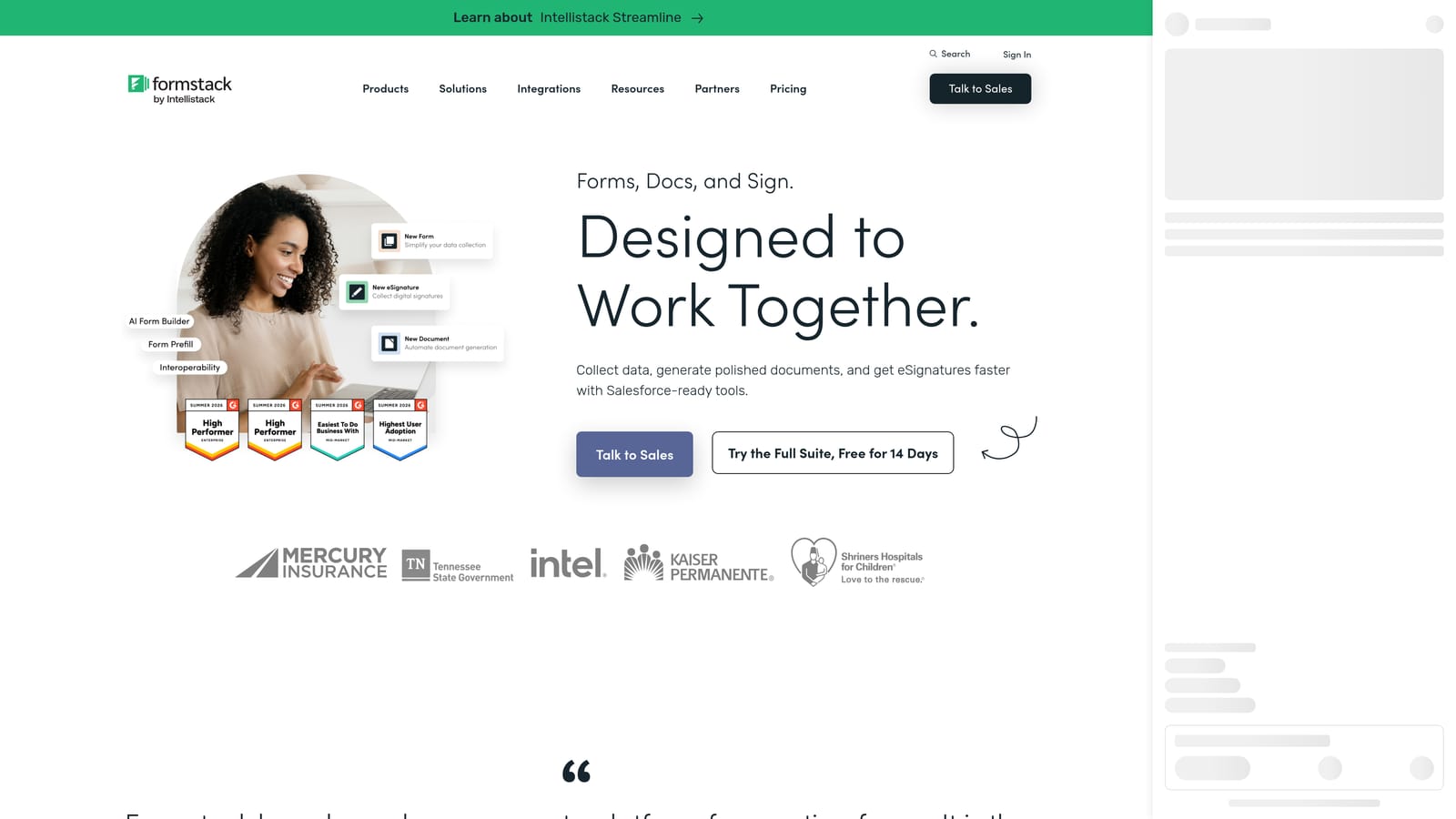
Formstack is an enterprise-grade form and workflow automation platform built for organizations that need donation forms to connect with broader operational processes.
Where This Tool Shines
Formstack goes well beyond collecting a donation. It's designed for organizations where a completed form triggers a workflow: routing donor information to a CRM, generating a receipt document, routing a grant application for approval, or triggering an e-signature request. For large nonprofits managing complex donor relationships, that kind of automation is genuinely valuable.
The compliance and data security features are also a differentiator at the enterprise level. Organizations handling sensitive donor data or operating in regulated environments will find Formstack's security posture more robust than most consumer-grade form builders.
Key Features
Advanced Workflow Automation: Connect donation form submissions to multi-step internal workflows, routing data to the right teams and systems automatically.
Document Generation and E-Signatures: Generate donation receipts, grant documents, or acknowledgment letters directly from form submissions.
Enterprise-Grade Compliance: Strong data security and compliance features suited to organizations with strict data governance requirements.
Payment Collection with Workflow Routing: Collect donations and route payment data through broader organizational processes in a single flow.
Multi-Step and Complex Form Support: Handles sophisticated, multi-stage donation and grant application processes that simpler tools can't accommodate.
Best For
Large nonprofits, foundations, and enterprise teams managing complex donor management or grant processes. Formstack is overkill for simple donation pages, but for organizations where a donation form is one piece of a larger operational system, it's the right level of sophistication.
Pricing
Enterprise pricing applies. Check formstack.com for current plan details and to request a quote.
Which Donation Form Builder Is Right for You?
The best tool depends on what your donation form actually needs to do. Here's a quick way to think through the decision.
For AI-powered qualification and conversion optimization: Orbit AI is the standout choice. If your donation form is a strategic asset and you want intelligent lead qualification built into the flow, it's designed precisely for that use case.
For a polished, conversational donor experience: Typeform's one-question-at-a-time format reduces friction and keeps donors engaged, making it ideal for emotionally driven campaigns where the experience of giving matters as much as the mechanics.
For maximum payment gateway flexibility: Jotform's multi-processor support and dedicated donation templates make it the practical choice for organizations with existing payment infrastructure or specific gateway requirements.
For design-forward, content-rich donation pages: Paperform's document-style hybrid layout is the right fit when you want your form and your campaign story to live in the same space.
For zero-budget fundraising: Tally's unlimited free plan is genuinely hard to beat for small nonprofits, grassroots campaigns, or anyone who needs a clean, functional form without a software spend.
For enterprise workflow automation: Formstack is the choice when donation collection is one piece of a larger operational system that requires document generation, e-signatures, and multi-step workflow routing.
If you're building a modern fundraising operation and want your forms to actively drive conversion rather than just collect submissions, start your free trial today with Orbit AI and see what AI-powered form design can do for your giving campaigns.


