When your forms collect payment details, health information, or customer data, security isn't optional—it's everything. A single data breach can cost millions in fines, destroy customer trust, and tank your reputation overnight.
The challenge? Finding form software that delivers enterprise-grade security without sacrificing user experience or conversion rates.
We evaluated dozens of secure form builders based on encryption standards, compliance certifications (HIPAA, GDPR, SOC 2), access controls, and real-world security track records. Here are the top platforms that actually deliver on their security promises while keeping your forms beautiful and conversion-friendly.
1. Orbit AI
Best for: Growth-focused teams wanting AI-powered security with intelligent lead qualification
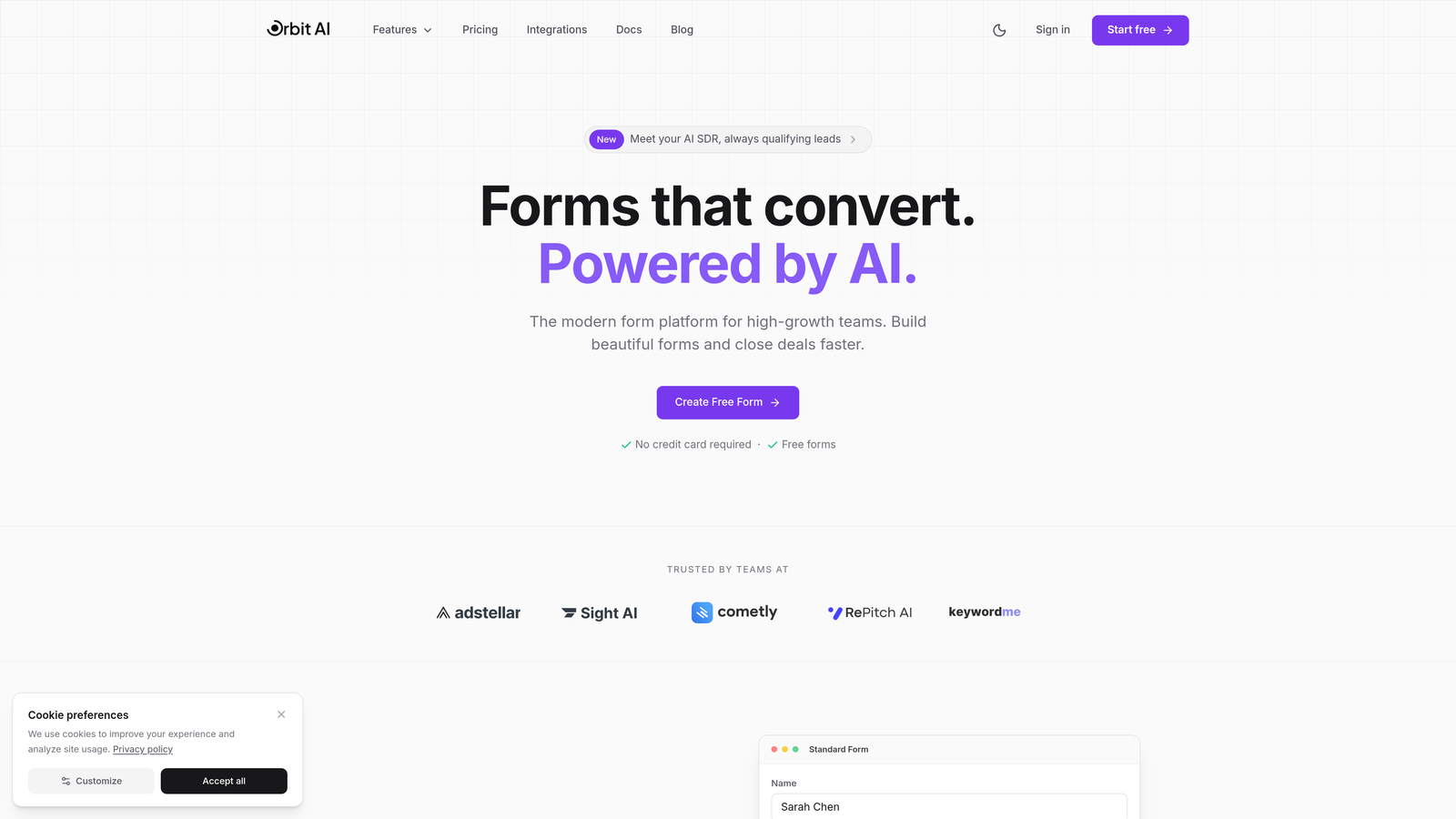
Orbit AI is an AI-powered form builder that combines enterprise-grade security with intelligent lead qualification capabilities.
Where This Tool Shines
What sets Orbit AI apart is how it reduces security risks through intelligent automation. By automatically qualifying leads and routing sensitive data appropriately, it minimizes human exposure to confidential information—a critical vulnerability in many form workflows.
The platform's AI capabilities mean less manual data handling, fewer opportunities for human error, and faster response times to qualified leads. For high-growth teams balancing security requirements with conversion optimization, this approach delivers both protection and performance.
Key Features
End-to-End Encryption: All form submissions are encrypted from the moment users hit submit through storage and transmission.
AI-Powered Lead Qualification: Automatically scores and routes leads, reducing the number of team members who need access to sensitive data.
SOC 2 Compliant Infrastructure: Built on certified secure infrastructure that meets rigorous security standards.
Role-Based Access Controls: Granular permissions ensure team members only access the data they need.
Secure CRM Integrations: Native integrations with major CRMs maintain encryption throughout your entire data pipeline.
Best For
Ideal for SaaS companies, B2B businesses, and growth-focused teams that need enterprise security without sacrificing the modern, conversion-optimized experience that drives results. Particularly valuable for teams handling sensitive prospect data who want to automate qualification while maintaining strict security protocols.
Pricing
Pricing is quoted on a short demo, and Orbit has no free plan. Book a demo to see it with your own forms.
2. Jotform
Best for: Healthcare organizations and regulated industries requiring HIPAA compliance with BAA
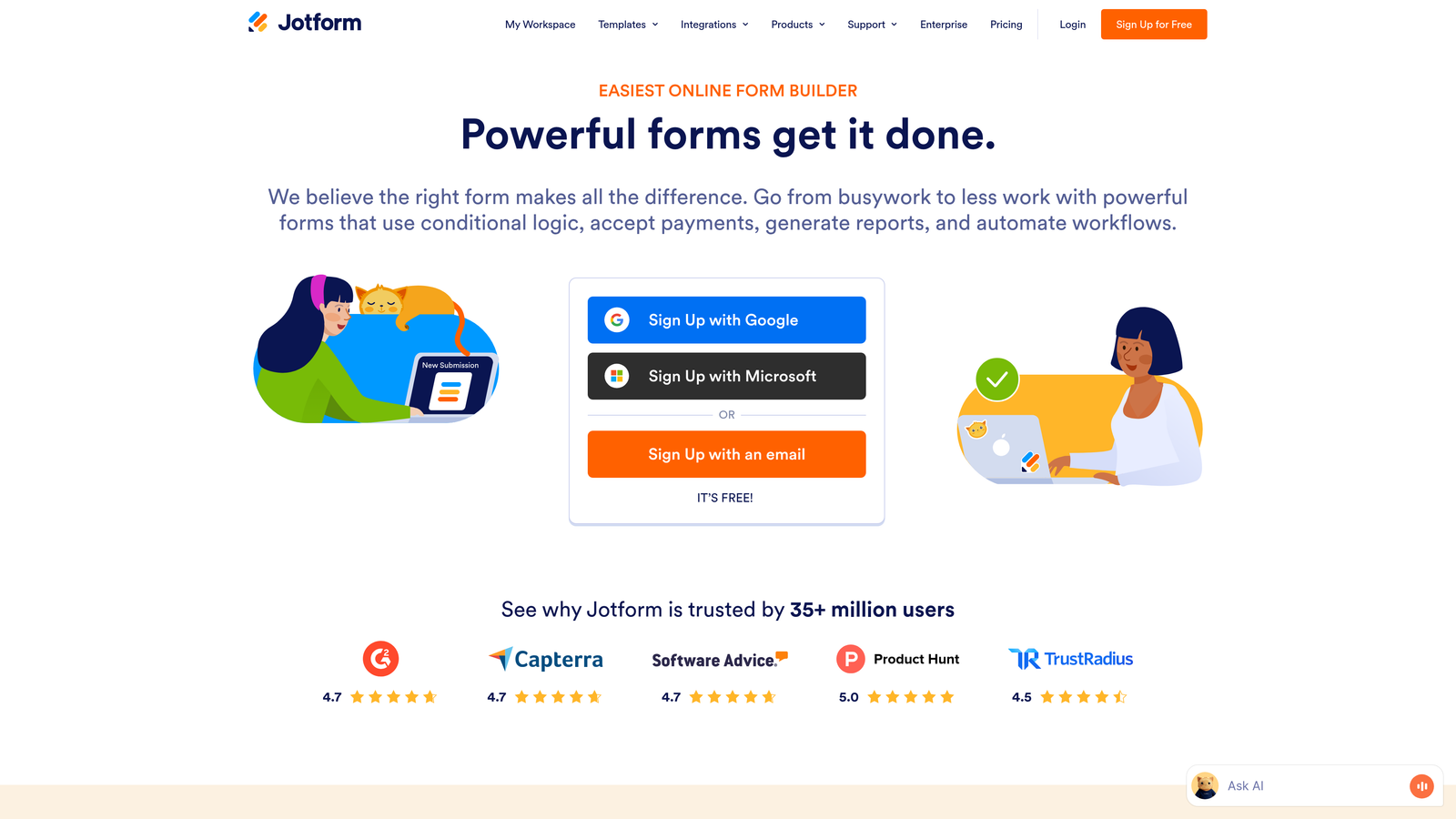
Jotform is a versatile form builder offering dedicated HIPAA-compliant plans backed by extensive security certifications.
Where This Tool Shines
Jotform has invested heavily in becoming the go-to solution for healthcare providers and regulated industries. Their HIPAA plans come with Business Associate Agreements, comprehensive audit trails, and dedicated support teams who understand compliance requirements.
Beyond healthcare, Jotform's extensive template library means you can deploy secure forms quickly without building from scratch. The platform handles everything from patient intake forms to payment collection with appropriate security controls for each use case.
Key Features
256-Bit SSL Encryption: Industry-standard encryption protects all data transmission between users and servers.
HIPAA Compliance with BAA: Dedicated HIPAA plans include Business Associate Agreements required for healthcare data handling.
SOC 2 Type II Certified: Third-party audited security controls demonstrate commitment to data protection.
PCI DSS Compliant Payment Forms: Secure payment collection meets credit card industry security standards.
GDPR Compliance with EU Data Centers: European data residency options for organizations serving EU customers.
Best For
Healthcare providers, medical practices, insurance companies, and any organization handling protected health information. Also excellent for businesses needing multi-region compliance across HIPAA, GDPR, and PCI DSS simultaneously.
Pricing
Free plan available for basic forms. HIPAA-compliant plans start at $34/month, with enterprise options for larger healthcare organizations requiring advanced features and dedicated support.
3. Typeform
Best for: European businesses prioritizing GDPR compliance with conversational form experiences
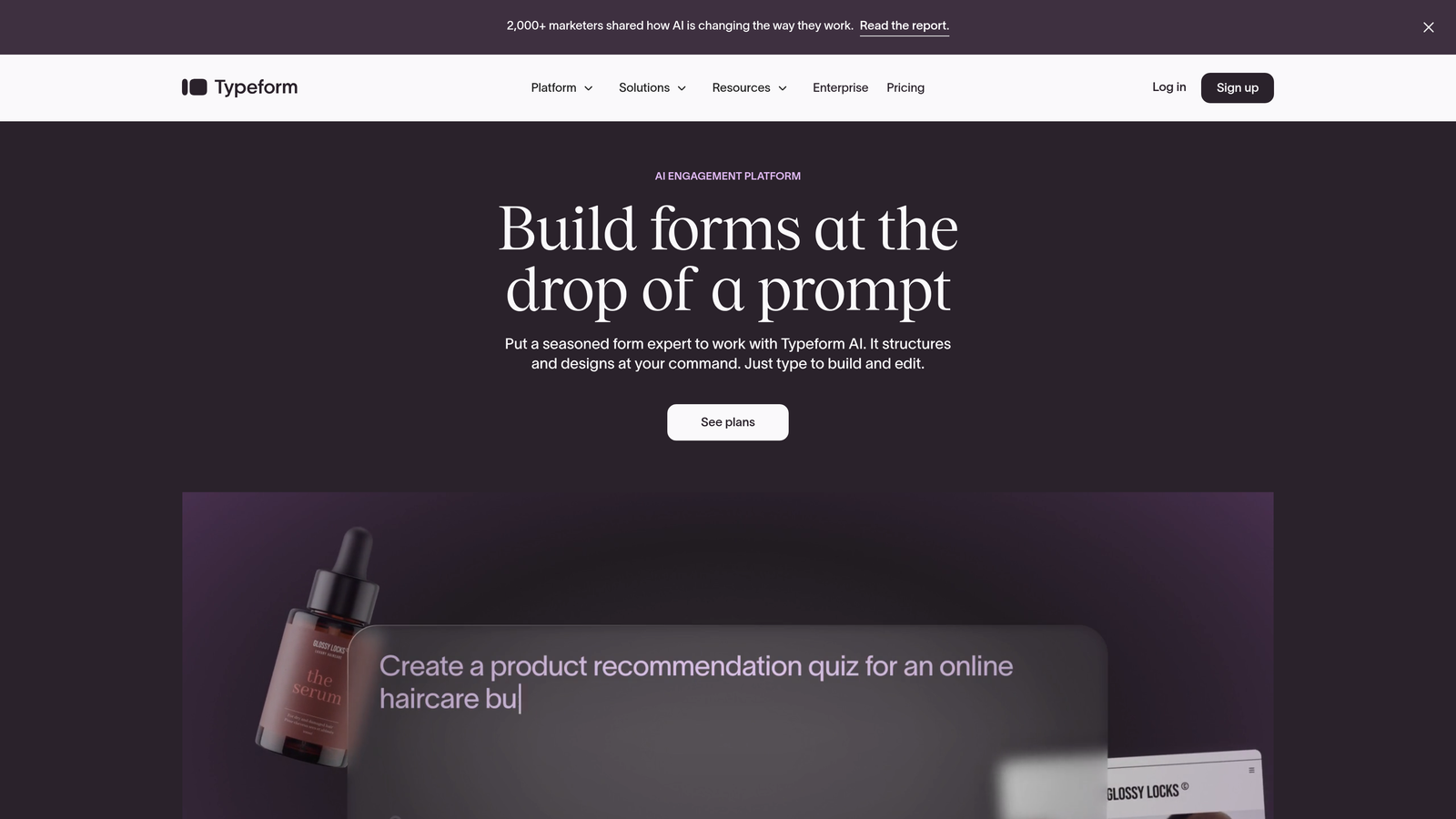
Typeform is a conversational form builder known for high completion rates and strong GDPR compliance infrastructure.
Where This Tool Shines
Typeform's conversational interface creates engaging experiences that feel less like interrogations and more like natural conversations. This approach typically improves completion rates, meaning you collect more data while maintaining security standards.
For European businesses or companies serving EU customers, Typeform's EU data residency option ensures data never leaves European servers. Their Data Processing Agreement and comprehensive GDPR controls make compliance straightforward rather than an afterthought.
Key Features
GDPR Compliant with DPA: Full GDPR compliance with Data Processing Agreements available for enterprise customers.
EU Data Residency Option: Store all form data exclusively on European servers to meet data sovereignty requirements.
TLS 1.2+ Encryption: Modern encryption protocols protect data in transit with current security standards.
SSO and Team Management: Single sign-on integration and granular team permissions for enterprise security.
Data Retention Controls: Automated data deletion policies help maintain compliance with privacy regulations.
Best For
European businesses, international companies serving EU markets, and organizations prioritizing user experience alongside security. Particularly valuable for marketing teams who need both compliance and high conversion rates from their forms.
Pricing
Free plan available with basic features. Business plan at $59/month includes advanced security features, with custom enterprise pricing for organizations requiring dedicated support and compliance documentation.
4. Formstack
Best for: Enterprise organizations requiring FedRAMP authorization and comprehensive compliance documentation
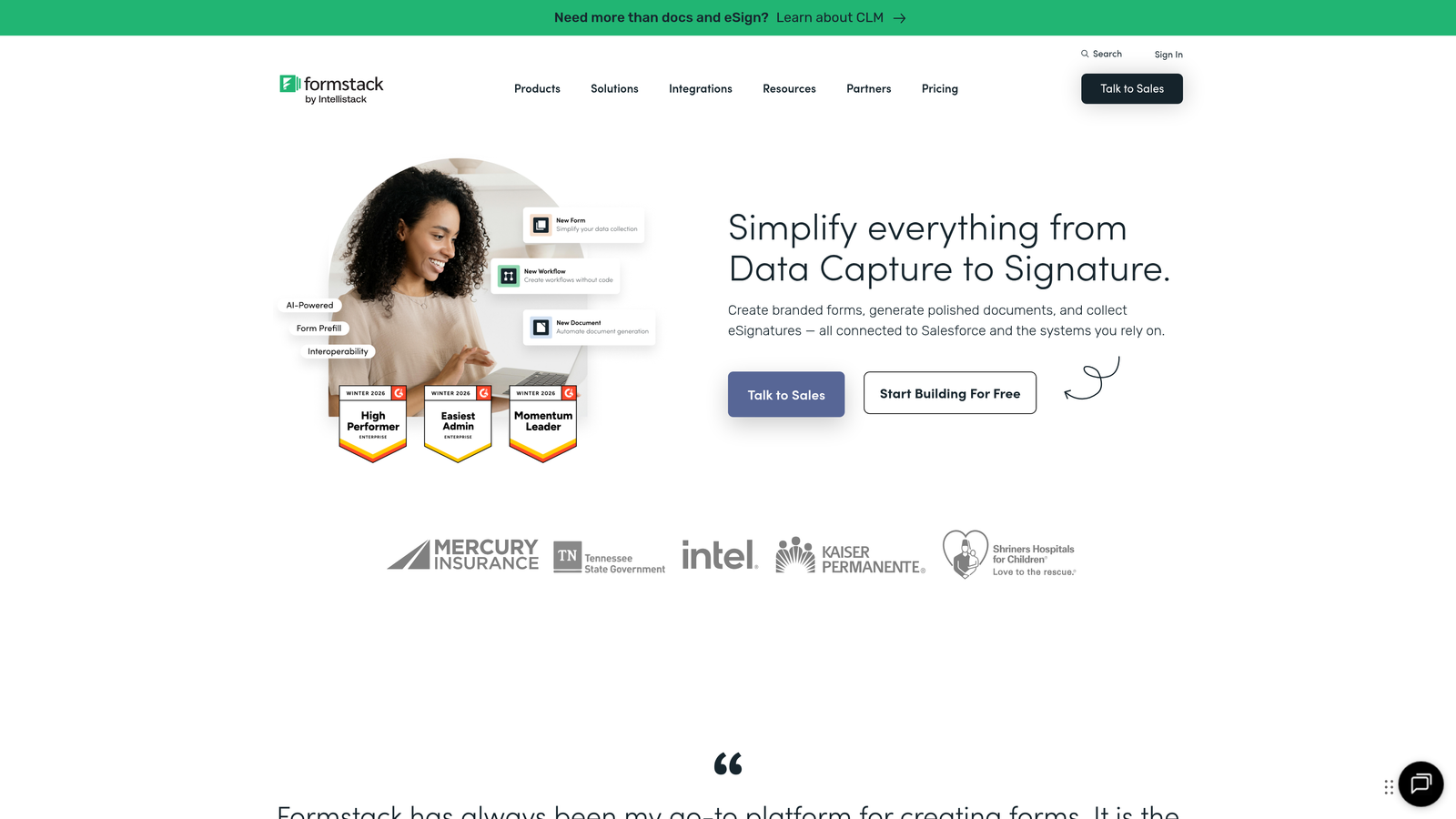
Formstack is an enterprise-focused form platform offering extensive compliance options including HIPAA, GDPR, and FedRAMP.
Where This Tool Shines
Formstack targets enterprises and government agencies with serious compliance requirements. Their FedRAMP authorization makes them one of the few form builders approved for federal government use, demonstrating their commitment to rigorous security standards.
The platform's advanced workflow automation means you can build complex approval processes and data handling procedures that maintain security at every step. Field-level encryption allows you to protect specific sensitive fields while leaving less critical data accessible for analysis.
Key Features
HIPAA, GDPR, and FedRAMP Compliance: Multiple compliance frameworks supported with appropriate certifications and documentation.
SOC 2 Type II Certified: Independently audited security controls provide assurance to enterprise customers.
Advanced Audit Trails: Comprehensive logging tracks every interaction with form data for compliance reporting.
Field-Level Encryption: Encrypt specific sensitive fields while maintaining accessibility for less critical data.
Electronic Signature with Compliance: Legally binding e-signatures meet ESIGN Act and eIDAS requirements.
Best For
Federal agencies, large healthcare systems, financial institutions, and enterprise organizations requiring extensive compliance documentation and audit trails. Best suited for teams with dedicated compliance officers who need detailed security controls.
Pricing
Starts at $50/month for basic plans. Enterprise plans with compliance add-ons like HIPAA and FedRAMP require custom pricing based on organization size and requirements.
5. 123FormBuilder
Best for: E-commerce businesses and payment processors requiring PCI DSS Level 1 certification
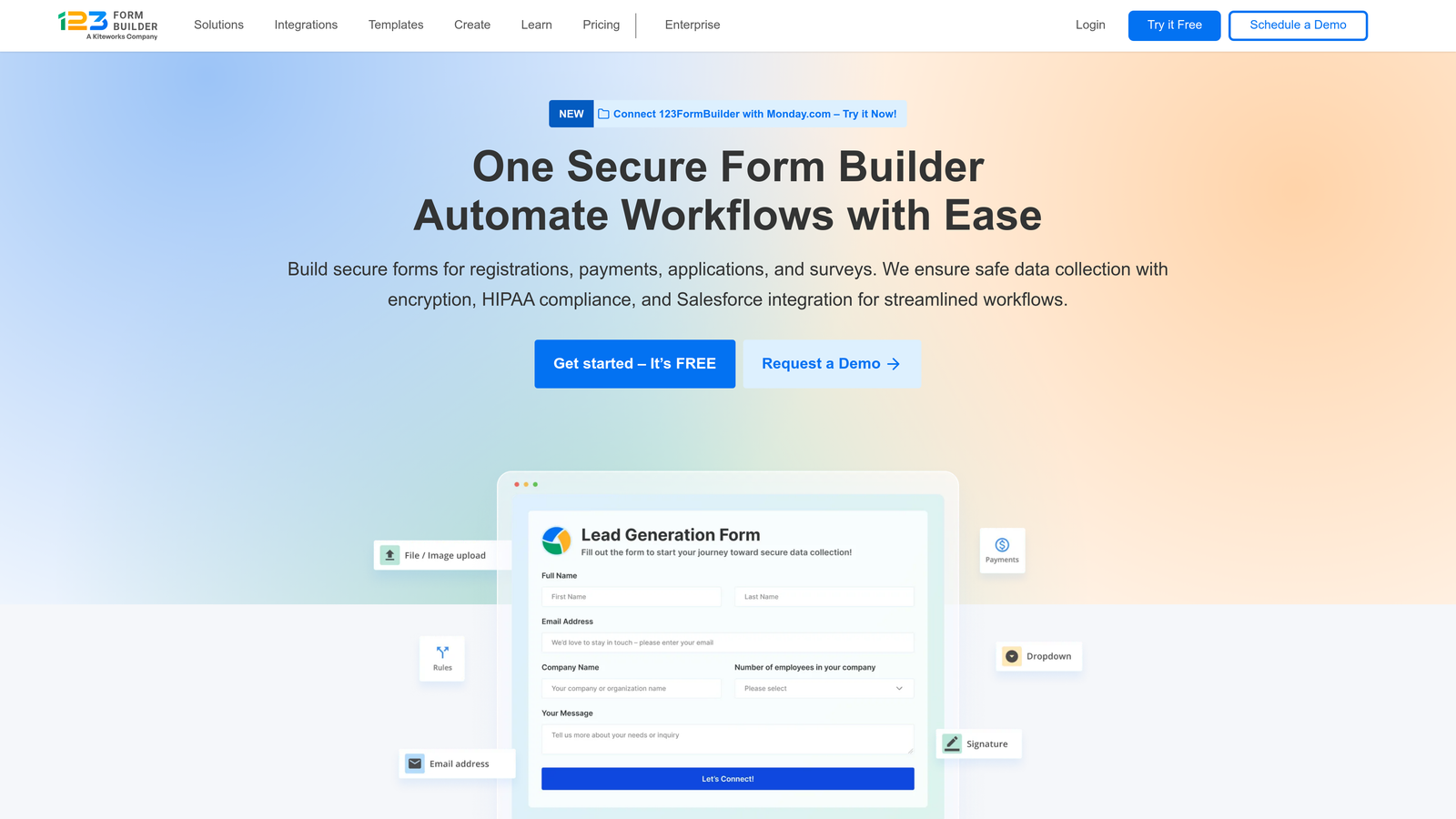
123FormBuilder specializes in secure payment collection with Level 1 PCI DSS compliance for handling financial data.
Where This Tool Shines
If your primary concern is collecting payments securely, 123FormBuilder's PCI DSS Level 1 certification represents the highest level of payment security compliance. This certification requires extensive security controls and regular third-party audits.
The platform integrates with major payment gateways while maintaining security throughout the transaction process. For e-commerce businesses, donation platforms, or any organization collecting credit card information, this level of payment security is essential for avoiding costly breaches and maintaining customer trust.
Key Features
PCI DSS Level 1 Certified: Highest level of payment card industry security compliance for handling credit card data.
256-Bit SSL Encryption: Bank-level encryption protects all data transmission including payment information.
HIPAA Compliance Available: Optional HIPAA compliance for organizations needing both payment and health data security.
GDPR Compliant: European data protection compliance for international payment processing.
Secure Payment Gateway Integrations: Direct integrations with Stripe, PayPal, Square, and other major payment processors.
Best For
E-commerce businesses, nonprofit organizations collecting donations, event registration platforms, and any business regularly processing credit card payments through forms. Particularly valuable for small to mid-sized businesses needing enterprise-level payment security.
Pricing
Free plan available for basic forms without payment processing. Professional plan at $24.99/month includes payment collection features with PCI DSS compliance built in.
6. Cognito Forms
Best for: Budget-conscious healthcare practices needing HIPAA eligibility without enterprise pricing
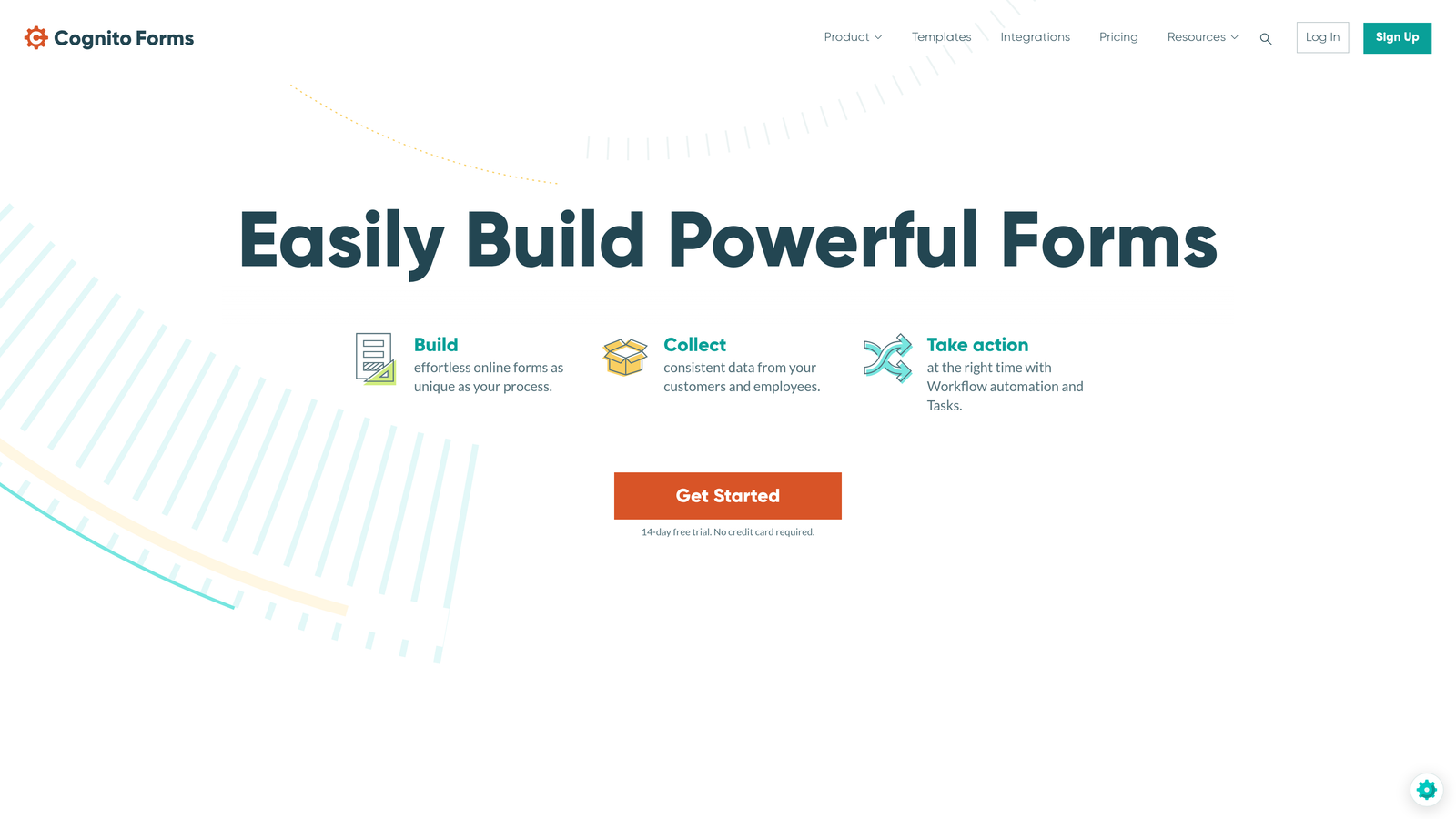
Cognito Forms offers HIPAA-eligible form building with strong security features at accessible price points.
Where This Tool Shines
Cognito Forms proves that robust security doesn't require enterprise budgets. Their HIPAA plan at $99/month is significantly more affordable than many competitors while still including Business Associate Agreements and necessary security controls.
For small medical practices, dental offices, or therapy practices that need HIPAA compliance but can't justify enterprise software costs, Cognito Forms delivers essential security features without unnecessary complexity. The platform balances simplicity with security, making it accessible for teams without dedicated IT staff.
Key Features
HIPAA-Eligible with BAA: Business Associate Agreements available for healthcare organizations handling protected health information.
256-Bit Encryption: Strong encryption protects data both in transit and at rest on secure servers.
Role-Based Permissions: Control which team members can access specific forms and submission data.
PCI Compliant Payments: Secure payment collection meets credit card industry standards for financial transactions.
Data Encryption at Rest: Stored form submissions remain encrypted on servers, not just during transmission.
Best For
Small healthcare practices, dental offices, counseling services, and small businesses needing HIPAA compliance on limited budgets. Also suitable for organizations wanting strong security features without paying for enterprise capabilities they won't use.
Pricing
Free plan available for non-sensitive data. Pro plan at $15/month offers advanced features, while HIPAA-compliant plan at $99/month includes Business Associate Agreement and enhanced security controls.
7. Wufoo
Best for: Teams already using SurveyMonkey wanting straightforward form security
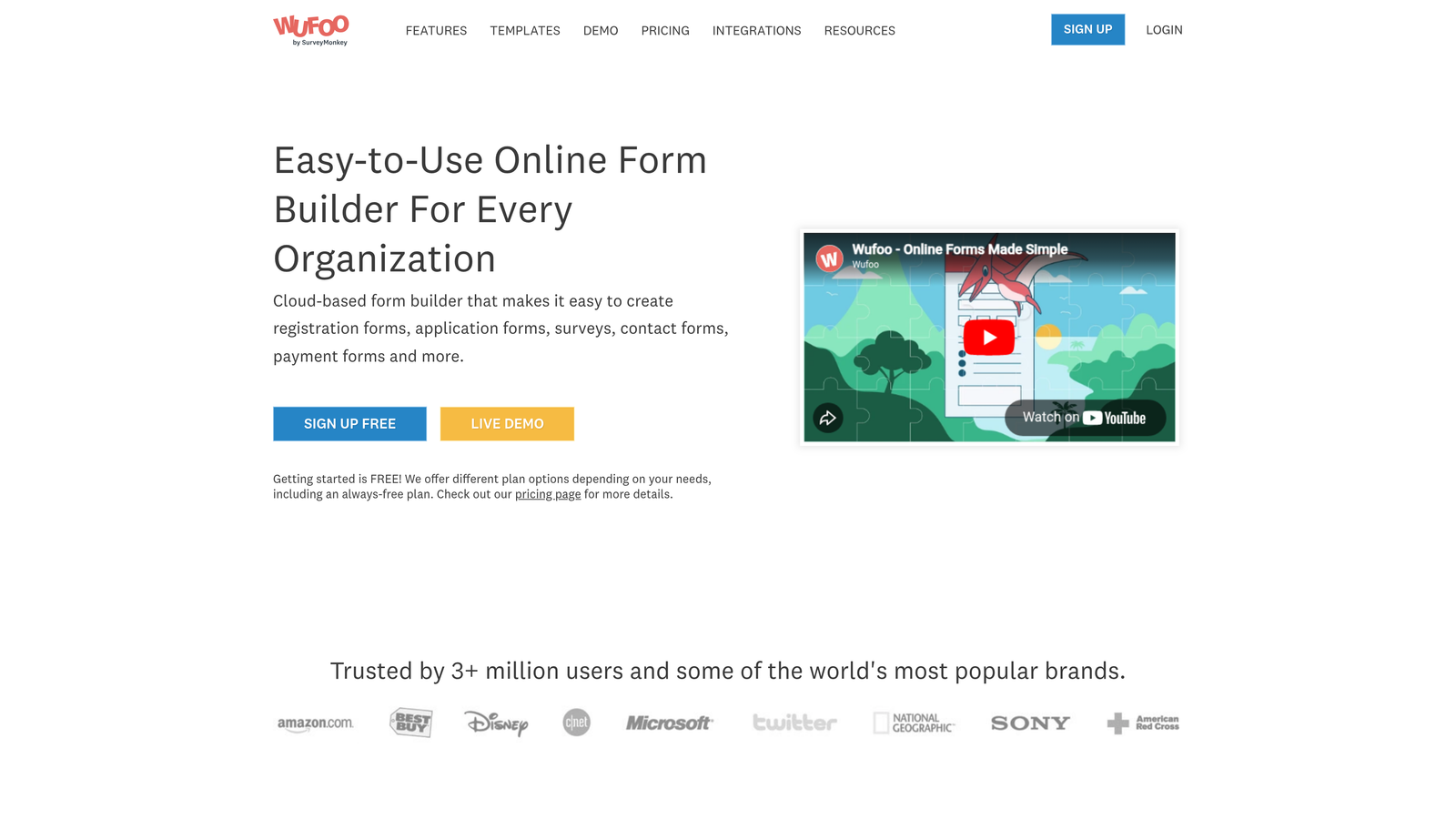
Wufoo is a straightforward form builder backed by SurveyMonkey's enterprise security infrastructure.
Where This Tool Shines
Since SurveyMonkey acquired Wufoo, the platform benefits from enterprise-grade security infrastructure without the complexity of enterprise software. If your organization already uses SurveyMonkey, Wufoo provides seamless integration with familiar security controls.
Wufoo's strength lies in its simplicity. You get solid security fundamentals like SSL encryption, GDPR compliance, and password-protected forms without navigating complex enterprise features. For teams needing basic but reliable security for straightforward data collection, this approach works well.
Key Features
256-Bit SSL Encryption: Standard encryption protects all form submissions during transmission.
GDPR Compliant: European data protection compliance with appropriate data handling procedures.
SurveyMonkey Enterprise Security: Benefits from parent company's enterprise security infrastructure and expertise.
Password-Protected Forms: Restrict form access to users with specific passwords for sensitive data collection.
Secure File Uploads: Accept file attachments with appropriate security controls and scanning.
Best For
Organizations already using SurveyMonkey, small businesses needing straightforward security without enterprise complexity, and teams collecting moderately sensitive data that doesn't require specialized compliance certifications like HIPAA.
Pricing
Free plan available with basic security features. Professional plan at $29/month includes advanced security options like password protection and increased submission limits.
8. FormAssembly
Best for: Salesforce-centric organizations requiring native security integration
FormAssembly is an enterprise form platform built specifically for Salesforce integration with SOC 2 Type II certification.
Where This Tool Shines
FormAssembly's deep Salesforce integration means your form security extends seamlessly into your CRM. The platform respects Salesforce's permission structures, ensuring form data flows into your CRM with appropriate access controls already in place.
For Salesforce-centric organizations, this native integration eliminates the security gaps that often occur when data moves between systems. Advanced prefill capabilities let you populate forms with CRM data securely, reducing user friction while maintaining security throughout the entire data lifecycle.
Key Features
SOC 2 Type II Certified: Third-party audited security controls provide enterprise-grade assurance.
HIPAA Compliance with BAA: Business Associate Agreements available for healthcare organizations using Salesforce Health Cloud.
Native Salesforce Security Integration: Form permissions sync with Salesforce security settings for consistent access control.
Advanced Prefill Security: Securely populate forms with CRM data while maintaining field-level security.
Comprehensive Audit Logging: Detailed logs track all form interactions for compliance reporting and security monitoring.
Best For
Enterprise organizations with Salesforce as their central system of record, healthcare organizations using Salesforce Health Cloud, and companies requiring seamless security integration between forms and CRM without middleware vulnerabilities.
Pricing
Starts at $99/month for basic Salesforce integration. Compliance add-ons like HIPAA require custom enterprise pricing based on organization size and specific security requirements.
9. Google Forms
Best for: Internal use within Google Workspace environments with existing admin controls
Google Forms is a free form tool that inherits Google Workspace's enterprise security infrastructure.
Where This Tool Shines
For organizations already using Google Workspace, Google Forms provides secure internal data collection without additional software costs. The platform benefits from Google Cloud's massive security infrastructure, including physical security, network security, and continuous monitoring.
Google Forms works best for internal use cases like employee surveys, feedback collection, or departmental data gathering where you're not collecting highly sensitive external customer data. Within Google Workspace's admin controls, you can restrict form access to your organization and leverage existing authentication systems.
Key Features
Google Cloud Security Infrastructure: Benefits from Google's enterprise-grade cloud security and continuous monitoring.
TLS Encryption in Transit: Data transmission between users and Google servers uses modern encryption protocols.
Google Workspace Admin Controls: Centralized admin console for managing form access and security policies.
Two-Factor Authentication Support: Leverage Google's 2FA for additional account security.
Basic Access Restrictions: Limit form access to specific users or your entire organization.
Best For
Internal employee surveys, departmental feedback collection, event registration within organizations, and teams already heavily invested in Google Workspace. Less suitable for collecting sensitive customer data or scenarios requiring specific compliance certifications.
Pricing
Free with any Google account. Google Workspace plans starting at $6/user/month provide enterprise admin controls, advanced security features, and organizational data management capabilities.
Making the Right Choice
Your ideal secure form software depends on your specific compliance requirements and use case. Here's how to narrow your options:
For growth-focused teams wanting AI-powered security that reduces manual data handling risks while maintaining conversion-optimized experiences, Orbit AI delivers intelligent automation alongside enterprise protection. The platform's AI qualification capabilities mean fewer team members need access to sensitive data, reducing your security surface area.
Healthcare organizations should focus on Jotform or Formstack for comprehensive HIPAA compliance with Business Associate Agreements. Budget-conscious medical practices can achieve HIPAA eligibility through Cognito Forms at significantly lower price points.
E-commerce businesses and payment processors need 123FormBuilder's PCI DSS Level 1 certification for secure financial transactions. This level of payment security certification demonstrates the highest standards for handling credit card data.
Salesforce-centric organizations benefit most from FormAssembly's native security integration, which eliminates gaps between form collection and CRM storage. European businesses prioritizing GDPR compliance should consider Typeform's EU data residency options.
The key is matching your compliance requirements with platforms that have demonstrated those capabilities through third-party audits rather than self-attestation. Look for SOC 2 Type II certifications, specific compliance frameworks relevant to your industry, and transparent security documentation.
Transform your lead generation with AI-powered forms that qualify prospects automatically while delivering the modern, conversion-optimized experience your high-growth team needs. Book a demo and see how intelligent form design can elevate your conversion strategy while maintaining enterprise-grade security throughout your entire data pipeline.