

Cognito Forms has served countless teams well with its robust calculation engine, seamless payment integrations, and sophisticated conditional logic. For small businesses and nonprofits managing straightforward data collection, it's a solid choice. But if you're part of a high-growth team, you've likely noticed the cracks: basic analytics that don't reveal conversion insights, no AI-powered lead qualification to separate tire-kickers from serious prospects, and a user experience that feels increasingly dated compared to modern alternatives.
The gap becomes obvious when you're scaling. Your marketing team needs forms that don't just collect data—they need intelligent systems that qualify leads, optimize conversion paths, and integrate seamlessly with your growth stack. You need real-time analytics that inform strategy, not just submission counts. And you need a platform that evolves with your increasingly sophisticated requirements.
This guide evaluates seven alternatives through the lens of what high-growth teams actually need: AI capabilities that automate qualification, conversion optimization features that improve results, integration ecosystems that connect to your existing tools, scalability that matches your trajectory, and value propositions designed for teams moving fast. Whether you're prioritizing lead quality, design flexibility, or enterprise-grade compliance, you'll find an option that aligns with where you're headed.
1. Orbit AI: AI-Powered Lead Qualification Built for Growth
The Challenge It Solves
High-growth teams face a specific problem: volume without quality. Your forms generate hundreds of submissions, but your sales team wastes hours qualifying prospects who were never a fit. You need intelligent filtering before leads hit your CRM—automation that identifies purchase intent, budget alignment, and decision-making authority without adding friction to the user experience.
The Strategy Explained
Orbit AI approaches form building from a fundamentally different angle than Cognito Forms. Instead of focusing solely on data collection, it prioritizes conversion optimization and automatic lead qualification. The platform uses AI to analyze responses in real-time, scoring leads based on criteria you define and routing high-value prospects directly to sales while nurturing others through automated sequences.
The interface is built for modern teams who expect speed and polish. You get conversion-optimized templates designed specifically for lead generation, not generic data collection. Multi-step forms reduce abandonment by breaking complex workflows into digestible sections. Conditional logic adapts the experience based on responses, ensuring each prospect sees only relevant questions.
What sets Orbit AI apart is how it connects form performance to business outcomes. You're not just tracking submissions—you're measuring conversion rates by traffic source, analyzing drop-off points in multi-step flows, and understanding which form variations drive qualified pipeline. This intelligence feeds back into optimization, creating a continuous improvement cycle that teams focused on lead capture forms for high growth companies find invaluable.
Implementation Steps
1. Define your ideal customer profile and the qualifying questions that reveal fit—budget range, timeline, decision-making authority, and use case alignment.
2. Build your first form using conversion-optimized templates, implementing multi-step logic to reduce cognitive load and improve completion rates.
3. Configure AI-powered lead scoring rules that automatically segment prospects into categories: high-priority (immediate sales follow-up), medium-priority (nurture sequence), and low-priority (educational content).
4. Connect your CRM and marketing automation tools so qualified leads flow directly into appropriate workflows without manual data entry.
5. Monitor conversion analytics to identify optimization opportunities—which questions cause drop-off, which traffic sources deliver quality leads, and which form variations perform best.
Pro Tips
Start with a single high-value form rather than migrating everything at once. Use A/B testing on your most important lead generation asset to establish baseline performance improvements. The AI gets smarter as it processes more submissions, so the sooner you implement lead scoring, the more refined your qualification becomes. Many teams see immediate value in the time saved by sales reps who no longer chase unqualified prospects.
2. Typeform: Conversational Experiences That Feel Human
The Challenge It Solves
Traditional forms feel like interrogations—a wall of fields that overwhelms users and drives abandonment. When you need to collect detailed information without creating friction, the one-question-at-a-time approach reduces cognitive load. This matters particularly for surveys, customer feedback collection, and scenarios where engagement is more important than speed.
The Strategy Explained
Typeform pioneered the conversational form format, presenting one question at a time in a visually appealing interface. Instead of confronting users with a daunting list of fields, each question feels like a natural conversation. The platform excels at creating memorable experiences—think customer satisfaction surveys that people actually enjoy completing, or lead qualification flows that feel more like helpful consultations than data extraction. Understanding the differences between conversational forms vs traditional forms helps you determine when this approach makes sense.
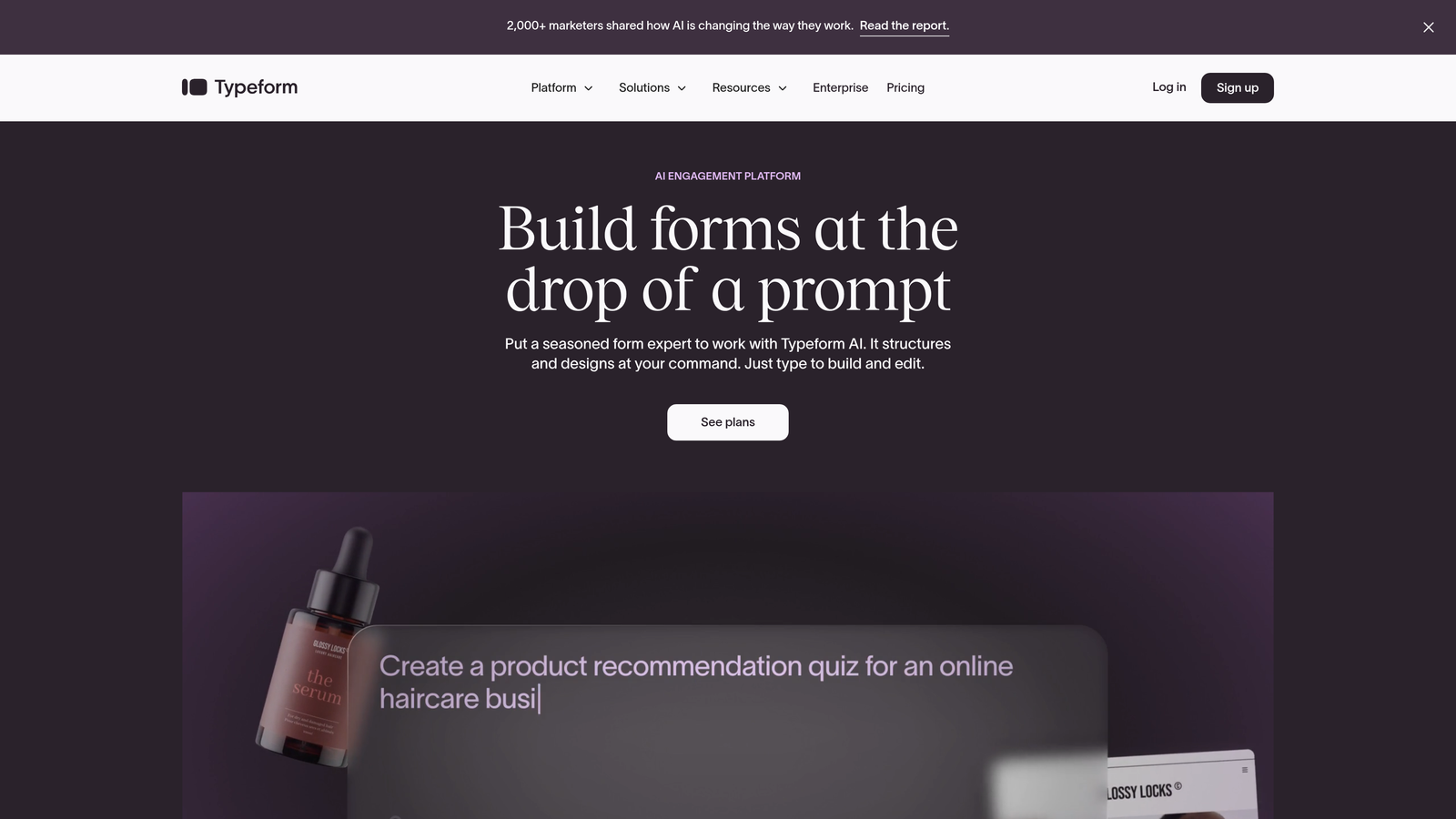
The design aesthetic is polished and modern, with smooth animations and thoughtful UX details that make form completion feel effortless. You can incorporate images, videos, and GIFs to add personality and context. The logic jumps are sophisticated, allowing you to create branching paths based on previous answers.
Where Typeform shows its limitations for high-growth teams is in lead qualification automation and analytics depth. You get submission data, but not the conversion intelligence or AI-powered scoring that reveals which prospects warrant immediate attention. It's an excellent tool for engagement-focused scenarios, less optimal for pipeline-driving lead generation. For a deeper comparison, explore our analysis of Typeform vs alternative form builders.
Implementation Steps
1. Identify use cases where engagement matters more than speed—customer feedback, post-purchase surveys, event registrations, or exploratory qualification conversations.
2. Design your question flow with careful attention to sequence, using the conversational format to build rapport before asking for sensitive information like budget or contact details.
3. Leverage visual elements strategically—add images to multiple-choice questions, use videos to explain complex concepts, and incorporate your brand assets to maintain consistency.
4. Set up logic jumps that create personalized paths, ensuring users only see questions relevant to their previous answers.
5. Connect to your existing tools through Typeform's integration ecosystem, though be prepared for potential limitations compared to more developer-friendly platforms.
Pro Tips
The conversational format works brilliantly for surveys and feedback collection, but can frustrate users who prefer to see all questions upfront when completing forms quickly. Test with your specific audience before committing. The platform's pricing scales with responses, which can become expensive for high-volume lead generation. Consider using Typeform for high-engagement scenarios while using more cost-effective alternatives for volume collection.
3. Jotform: Template Variety for Every Scenario
The Challenge It Solves
Building forms from scratch consumes time you don't have. When you need to launch quickly across diverse use cases—event registrations, payment collection, job applications, customer intake—starting with pre-built templates accelerates deployment. The challenge is finding a platform with enough template variety to match your specific requirements without extensive customization.
The Strategy Explained
Jotform's defining characteristic is its massive template library—over 10,000 pre-built forms spanning virtually every industry and use case imaginable. Need a HIPAA-compliant patient intake form? There's a template. Planning a fundraising campaign with integrated payment processing? Covered. This breadth makes Jotform particularly appealing for teams managing multiple form types across different departments.
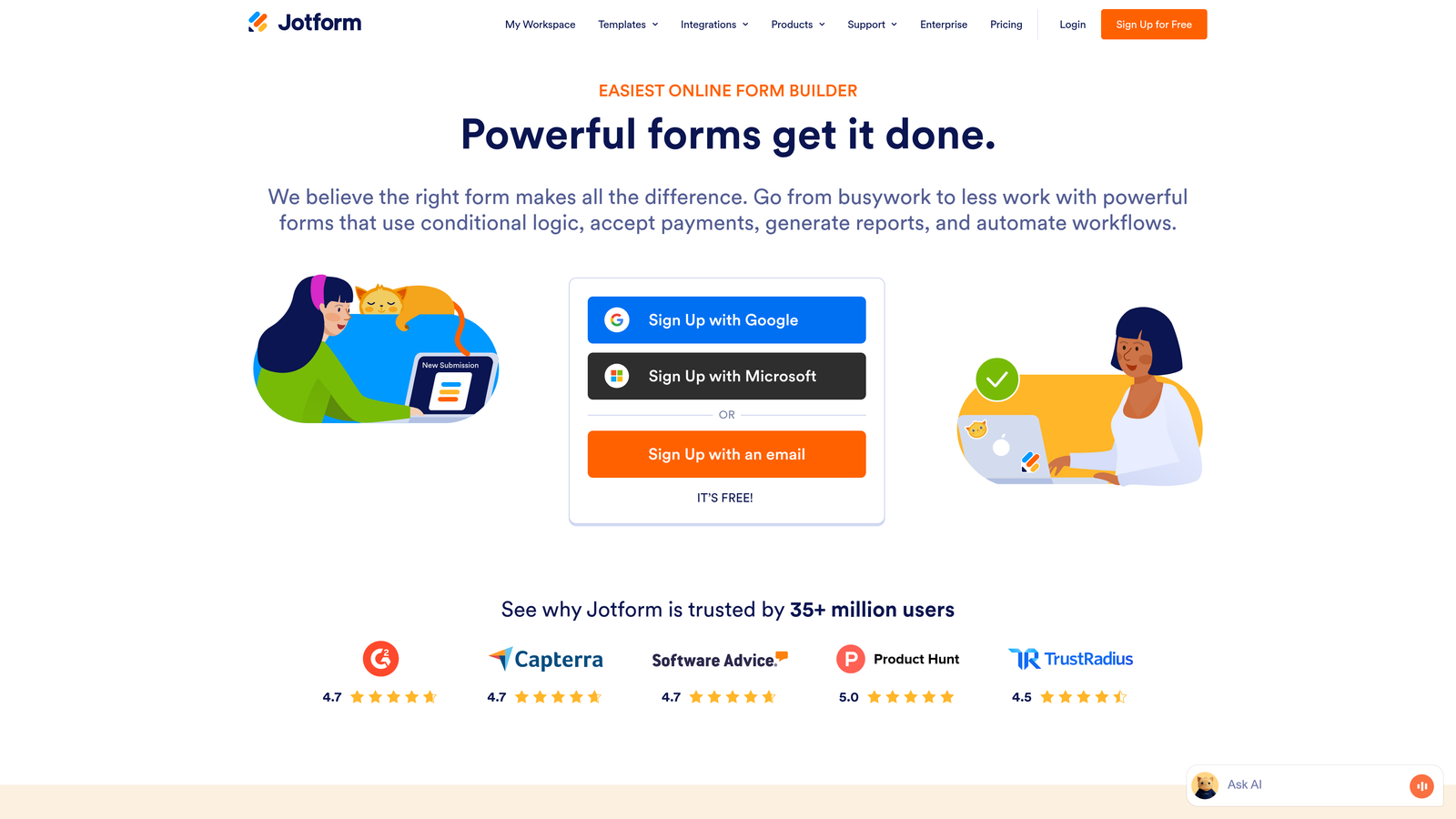
The platform offers solid payment integration capabilities, supporting multiple processors and handling complex scenarios like recurring payments and product sales. The form builder itself is straightforward—drag-and-drop interface, extensive field options, and reasonable customization flexibility. You can create professional-looking forms without design expertise.
The trade-off comes in modern features and user experience polish. While Jotform handles traditional form building well, it lacks the AI-powered intelligence and conversion optimization focus that high-growth teams increasingly require. The interface feels functional rather than innovative, and analytics provide basic metrics without the deeper insights needed for strategic optimization.
Implementation Steps
1. Browse the template library to find forms that closely match your use cases, filtering by industry, category, and specific features like payment integration or file uploads.
2. Customize selected templates with your branding, adjusting fields to match your exact data collection requirements and adding conditional logic where needed.
3. Configure payment integrations if collecting fees, donations, or processing transactions, ensuring proper tax handling and receipt generation.
4. Set up notification workflows so submissions reach the right team members, and configure autoresponders to acknowledge receipt and set expectations.
5. Embed forms on your website or share via direct links, monitoring submission data through Jotform's reporting dashboard.
Pro Tips
Jotform works well when you need quick deployment across varied use cases without heavy customization. The template library genuinely saves time for standard scenarios. However, the platform can feel limiting when you need sophisticated lead qualification, advanced analytics, or modern UX. Consider it for operational forms—HR processes, event management, internal workflows—while using more specialized tools for strategic lead generation where conversion optimization matters.
4. Tally: Budget-Conscious Simplicity with Generous Limits
The Challenge It Solves
Early-stage teams and bootstrapped projects need capable form tools without premium pricing. When budget constraints are real but you still need professional functionality, finding a platform that offers unlimited forms and submissions on a free tier becomes crucial. The challenge is getting adequate features without hitting paywalls that force premature upgrades.
The Strategy Explained
Tally takes a refreshingly straightforward approach: unlimited forms and unlimited submissions on the free plan. This pricing model eliminates the anxiety of hitting submission caps or needing to delete old forms to stay within limits. The interface draws inspiration from Notion, offering a familiar block-based building experience that feels intuitive if you're already using modern productivity tools.
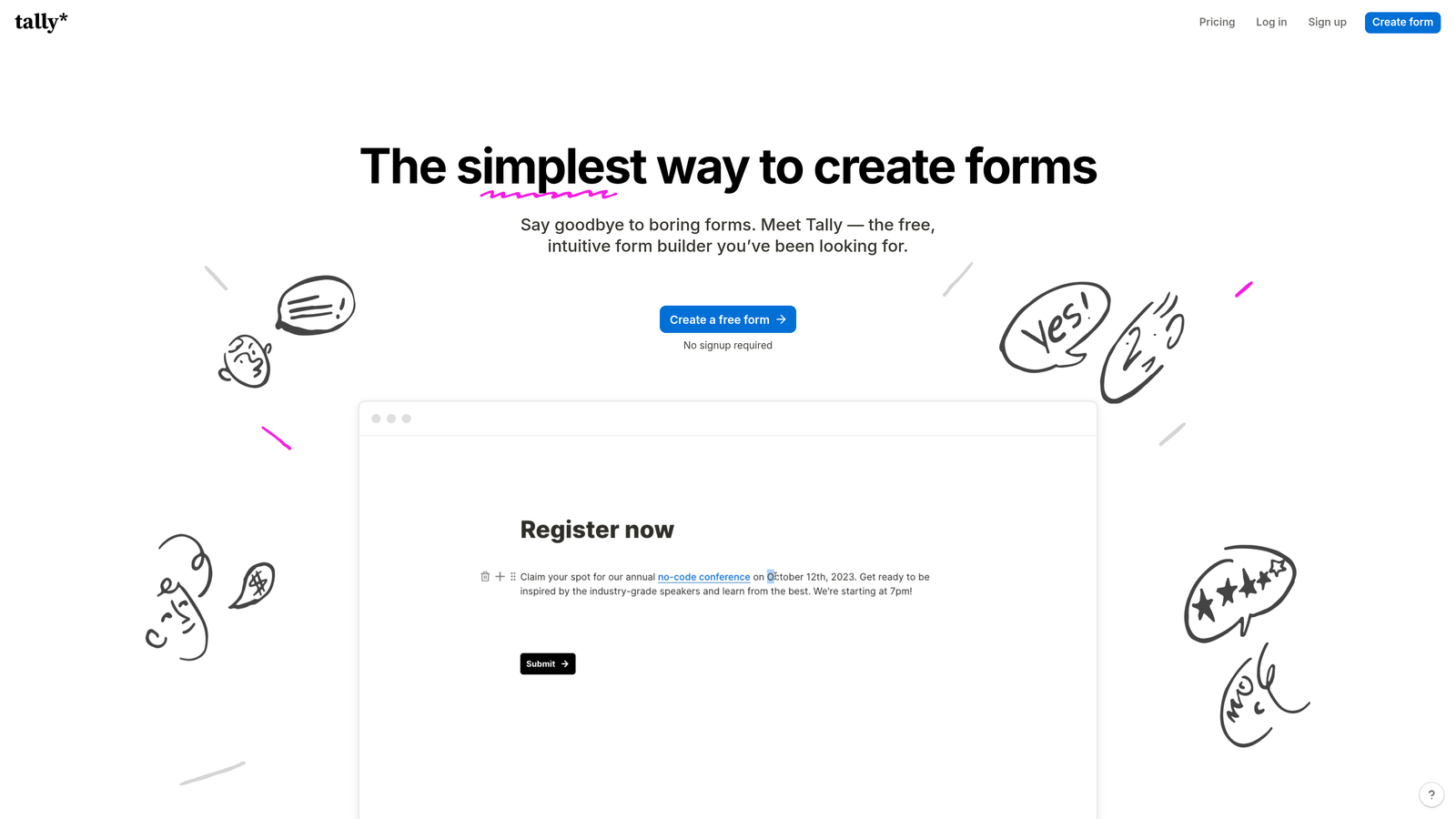
The platform covers essential form building capabilities—conditional logic, file uploads, calculations, and basic integrations. You can create professional forms without paying anything, making it particularly attractive for startups, side projects, and teams testing new initiatives before committing budget. The forms themselves are clean and functional, though not as visually polished as premium alternatives.
Where Tally shows its limitations is in advanced features. You won't find AI-powered lead qualification, sophisticated analytics, or enterprise-grade integrations. The tool is honest about what it is: a capable, budget-friendly option for straightforward data collection. For teams whose primary need is basic form functionality without cost barriers, that's exactly enough.
Implementation Steps
1. Create your Tally account and explore the block-based builder, which will feel immediately familiar if you've used Notion or similar tools.
2. Build forms by adding blocks for different field types, arranging them in logical sequences and adding conditional logic to create dynamic experiences.
3. Customize basic styling to match your brand—colors, fonts, and layout options—within the constraints of the free tier.
4. Set up simple integrations with tools like Google Sheets for automatic data export, or use Zapier for more complex workflows if needed.
5. Share forms via direct links or embed them on your website, monitoring submissions through the straightforward dashboard.
Pro Tips
Tally excels as a starter solution or for non-critical forms where budget matters more than advanced features. Use it for internal surveys, event RSVPs, feedback collection, or early-stage lead capture before you've validated demand. The generous free tier removes financial risk from experimentation. However, plan to graduate to more sophisticated platforms as your lead generation becomes strategic and you need conversion optimization, lead scoring, or detailed analytics. Think of Tally as your training wheels—valuable while learning, but you'll outgrow them as you scale.
5. Formstack: Enterprise Compliance and Security Focus
The Challenge It Solves
Regulated industries face unique form challenges. When you're handling protected health information, financial data, or personally identifiable information subject to GDPR or CCPA, basic form builders create compliance nightmares. You need platforms built from the ground up with security, audit trails, and regulatory compliance as core features—not afterthoughts.
The Strategy Explained
Formstack positions itself squarely in the enterprise space, with particular strength in healthcare, financial services, and government sectors where compliance isn't optional. The platform offers HIPAA compliance, SOC 2 Type II certification, and robust data encryption both in transit and at rest. You get detailed audit logs tracking every form interaction, essential for regulatory reporting and security investigations. Teams evaluating options should review Formstack alternatives for enterprises to understand the full landscape.
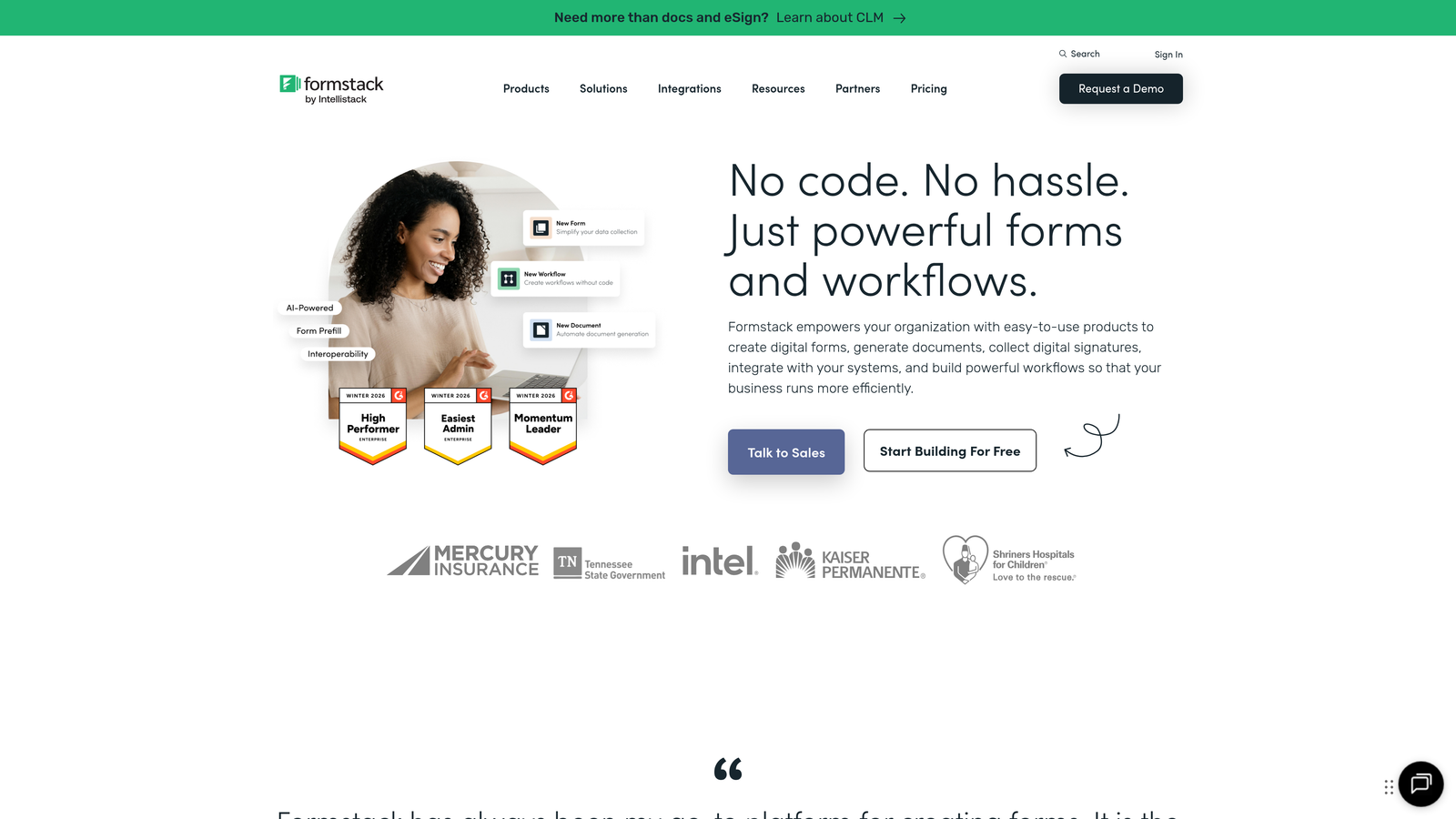
The workflow automation capabilities extend beyond basic form submission. You can create complex approval chains, route submissions based on sophisticated criteria, and integrate with enterprise systems through extensive API support. The platform handles advanced scenarios like e-signatures, document generation from form data, and multi-step workflows spanning departments.
The trade-off is complexity and cost. Formstack's enterprise focus means pricing that reflects regulated industry budgets, not startup constraints. The interface prioritizes functionality over modern UX polish, and the learning curve is steeper than consumer-friendly alternatives. You're paying for compliance infrastructure and enterprise support, which matters enormously if you need it and feels like overkill if you don't. For teams needing robust reporting, consider exploring Formstack alternatives with better analytics.
Implementation Steps
1. Assess your actual compliance requirements with your legal and security teams, documenting specific regulations you must satisfy and data handling protocols you must follow.
2. Configure Formstack's security settings to match your compliance needs—encryption levels, data retention policies, access controls, and audit logging requirements.
3. Build forms with compliance-aware field configurations, ensuring proper handling of sensitive data and implementing required consent mechanisms.
4. Set up approval workflows that match your organizational hierarchy and regulatory requirements, with proper documentation at each stage.
5. Integrate with enterprise systems through APIs or pre-built connectors, ensuring data flows securely through your compliance-approved infrastructure.
Pro Tips
Only choose Formstack if you genuinely need enterprise-grade compliance features. Many teams overestimate their regulatory requirements and end up paying for capabilities they don't use. If you're in healthcare, financial services, or government, the compliance infrastructure justifies the investment. If you're a typical SaaS company or e-commerce business, you're likely better served by more modern, conversion-focused alternatives that still offer reasonable security without the enterprise complexity and cost.
6. Google Forms: Zero-Cost Simplicity for Basic Needs
The Challenge It Solves
Sometimes you need to collect information quickly without any setup friction or cost considerations. Internal surveys, team feedback, simple event registrations, or basic data gathering don't warrant sophisticated platforms. When the requirement is straightforward and the stakes are low, eliminating all barriers to deployment becomes the priority.
The Strategy Explained
Google Forms strips form building to absolute essentials. The interface is deliberately simple—add questions, choose field types, share the link. Responses automatically populate a Google Sheet, making data analysis accessible through familiar spreadsheet tools. There's no learning curve if you've used any Google product, no pricing tiers to navigate, and no setup complexity to overcome.
The platform integrates seamlessly with the Google Workspace ecosystem. Responses sync to Sheets, you can collaborate on form building with team members, and everything lives within your existing Google account. For internal team use, this familiarity and integration can be more valuable than sophisticated features you'll never use.
The limitations are obvious and intentional. Google Forms offers no lead qualification, minimal customization, basic conditional logic, and virtually no conversion optimization features. The forms look generic, the user experience is functional rather than engaging, and the analytics are rudimentary. This isn't a platform for strategic lead generation or customer-facing experiences where brand perception matters. Teams needing more should explore Google Forms alternatives for business use cases.
Implementation Steps
1. Open Google Forms from your Google Drive or directly at forms.google.com, starting with a blank form or selecting from basic templates.
2. Add questions using the simple question types available—multiple choice, short answer, paragraph text, checkboxes, and dropdowns.
3. Configure basic settings like requiring email addresses, limiting to one response per person, or shuffling question order.
4. Share the form via direct link, email, or by embedding on internal sites, knowing responses will automatically appear in the linked Google Sheet.
5. Analyze responses in Sheets using basic formulas, pivot tables, or charts for simple visualization.
Pro Tips
Google Forms works perfectly for internal use cases where you need quick answers from colleagues—team surveys, meeting availability, feedback collection, or simple data gathering. The zero cost and instant deployment make it ideal for low-stakes scenarios. However, resist the temptation to use it for customer-facing lead generation or any scenario where conversion rates matter. The generic appearance and basic functionality will cost you leads and damage brand perception. Think of Google Forms as your internal tool, not your external face.
7. Paperform: Design-Forward Forms with Strong Payment Capabilities
The Challenge It Solves
Some businesses need forms that double as beautiful landing pages—booking systems that showcase services, product order forms that feel like curated shopping experiences, or registration pages that match premium brand positioning. When visual design directly impacts conversion and you need payment processing that feels native rather than bolted on, generic form builders fall short.
The Strategy Explained
Paperform approaches form building through a design-first lens. Instead of dragging fields onto a canvas, you write your form in a document-like editor, with formatting that resembles creating a beautiful landing page. The result is forms that feel more like custom web pages than traditional data collection tools. You can incorporate images, videos, custom layouts, and rich formatting that maintains your brand aesthetic.
The payment capabilities are particularly robust. You can create product catalogs, calculate prices based on selections, handle complex pricing rules, and process transactions through multiple payment processors. This makes Paperform strong for scenarios like course registrations, event tickets, product sales, or service bookings where the form is essentially your checkout experience. Businesses seeking pricing flexibility should also explore quote request forms for businesses.
The platform also handles appointment scheduling, making it useful for service businesses that need booking functionality integrated with payment collection. You can create complete booking experiences—service selection, date/time picking, payment processing, and confirmation—all within a single form.
Implementation Steps
1. Plan your form as a landing page experience, mapping out the visual flow, content sections, and conversion elements you need beyond just data fields.
2. Use Paperform's document-style editor to build your form, incorporating headings, images, formatting, and fields in a natural content flow.
3. Configure payment settings if selling products or services, setting up pricing rules, product options, and connecting your preferred payment processor.
4. Customize the design extensively to match your brand—colors, fonts, spacing, and layout—creating a cohesive experience that feels like part of your website.
5. Set up post-submission actions like confirmation emails, calendar invites for bookings, or automated workflows triggered by specific responses.
Pro Tips
Paperform excels when the form itself is a key conversion asset—your primary sales page, booking system, or product catalog. The design flexibility justifies the learning curve and cost for these strategic use cases. However, it's overkill for simple lead capture or scenarios where you need many forms quickly. The document-based building approach requires more time than traditional form builders, making it less efficient for teams managing dozens of forms. Focus Paperform on your highest-value conversion points where design quality directly impacts revenue.
Choosing Your Path Forward
The right Cognito Forms alternative depends entirely on where your team is headed. If you're prioritizing internal efficiency and basic data collection, Google Forms or Tally offer zero-friction solutions. When design and payment processing are central to your conversion strategy, Paperform delivers the visual polish and transaction capabilities you need. Enterprise teams in regulated industries will find Formstack's compliance infrastructure worth the investment.
But here's what's increasingly clear: high-growth teams are moving beyond simple data collection toward intelligent lead qualification. The competitive advantage isn't just capturing more leads—it's automatically identifying which prospects warrant immediate attention and which need nurturing. This is where AI-powered platforms fundamentally change the equation. Teams building sales qualification forms for B2B are seeing the greatest impact from this shift.
Traditional form builders, including Cognito Forms, treat every submission equally. Modern alternatives recognize that not all leads carry equal value. When your forms can qualify prospects in real-time, score them based on fit criteria, and route them to appropriate workflows automatically, you're not just collecting data—you're building pipeline intelligence. Understanding the best form platforms for lead quality helps you make this transition effectively.
The teams seeing the greatest impact are those who view forms as conversion optimization systems rather than data collection tools. They're measuring not just submission counts, but qualification rates, conversion velocity, and revenue attribution. They're running experiments, analyzing drop-off points, and continuously refining their approach based on actual performance data. Learning to optimize signup forms for conversions becomes a core competency.
Start building free forms today and see how intelligent form design can elevate your conversion strategy. Transform your lead generation with AI-powered forms that qualify prospects automatically while delivering the modern, conversion-optimized experience your high-growth team needs.


