

Enterprise teams outgrow Formstack for predictable reasons: rigid pricing tiers that punish growth, limited workflow automation that bottlenecks operations, and form builders that haven't evolved with modern conversion science. When your organization processes thousands of submissions monthly and needs seamless integration with enterprise systems, you need a platform built for scale—not one retrofitted for it.
This guide evaluates nine enterprise-grade form solutions based on real deployment requirements: advanced security compliance, workflow automation depth, integration ecosystems, and total cost of ownership at scale. Each recommendation targets specific enterprise use cases, from AI-powered lead qualification to complex multi-step approval workflows.
1. Orbit AI
Best for: High-growth enterprises needing AI-powered lead qualification and conversion optimization at scale
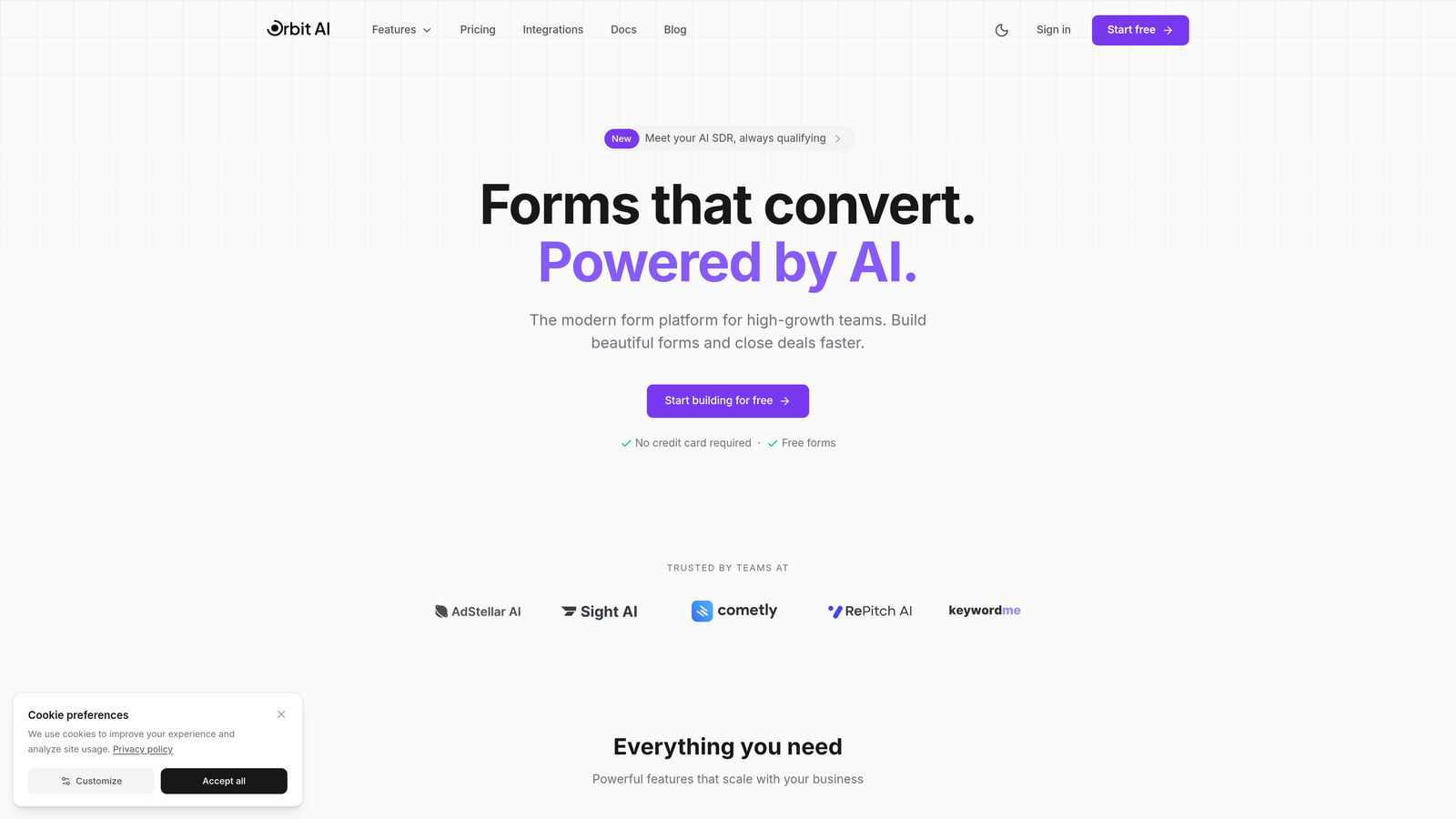
Orbit AI brings artificial intelligence directly into the form-building process, automating lead qualification and routing that typically requires manual review or complex integration workflows.
Where This Tool Shines
The platform's AI engine analyzes form submissions in real-time, scoring leads based on response patterns and automatically routing qualified prospects to the right sales teams. This eliminates the bottleneck where marketing captures leads but sales teams waste time on unqualified contacts.
For enterprises managing high submission volumes, the conversion optimization features adapt form fields and flow based on user behavior patterns. The system learns which question sequences drive completion and adjusts accordingly—something static form builders simply can't do.
Key Features
AI-Powered Lead Qualification: Automatically scores and categorizes submissions based on response quality and fit criteria you define.
Intelligent Form Routing: Routes submissions to appropriate teams or workflows based on AI analysis of responses, not just simple conditional logic.
Native CRM Integrations: Connects directly with Salesforce, HubSpot, and major enterprise CRMs without middleware or Zapier dependencies.
Conversion-Optimized Templates: Pre-built form designs based on conversion research, not just aesthetic preferences.
Real-Time Analytics Dashboard: Tracks submission patterns, completion rates, and lead quality metrics with actionable insights.
Best For
High-growth B2B companies where lead quality matters more than lead volume. Particularly valuable for enterprises with complex sales processes requiring lead scoring before assignment, or organizations struggling with sales teams complaining about marketing-generated lead quality.
Pricing
Enterprise pricing available through direct contact. The platform scales with submission volume and team size, with custom packages for organizations needing dedicated support and advanced security features.
2. Typeform
Best for: Enterprises prioritizing brand experience and form completion rates through conversational design
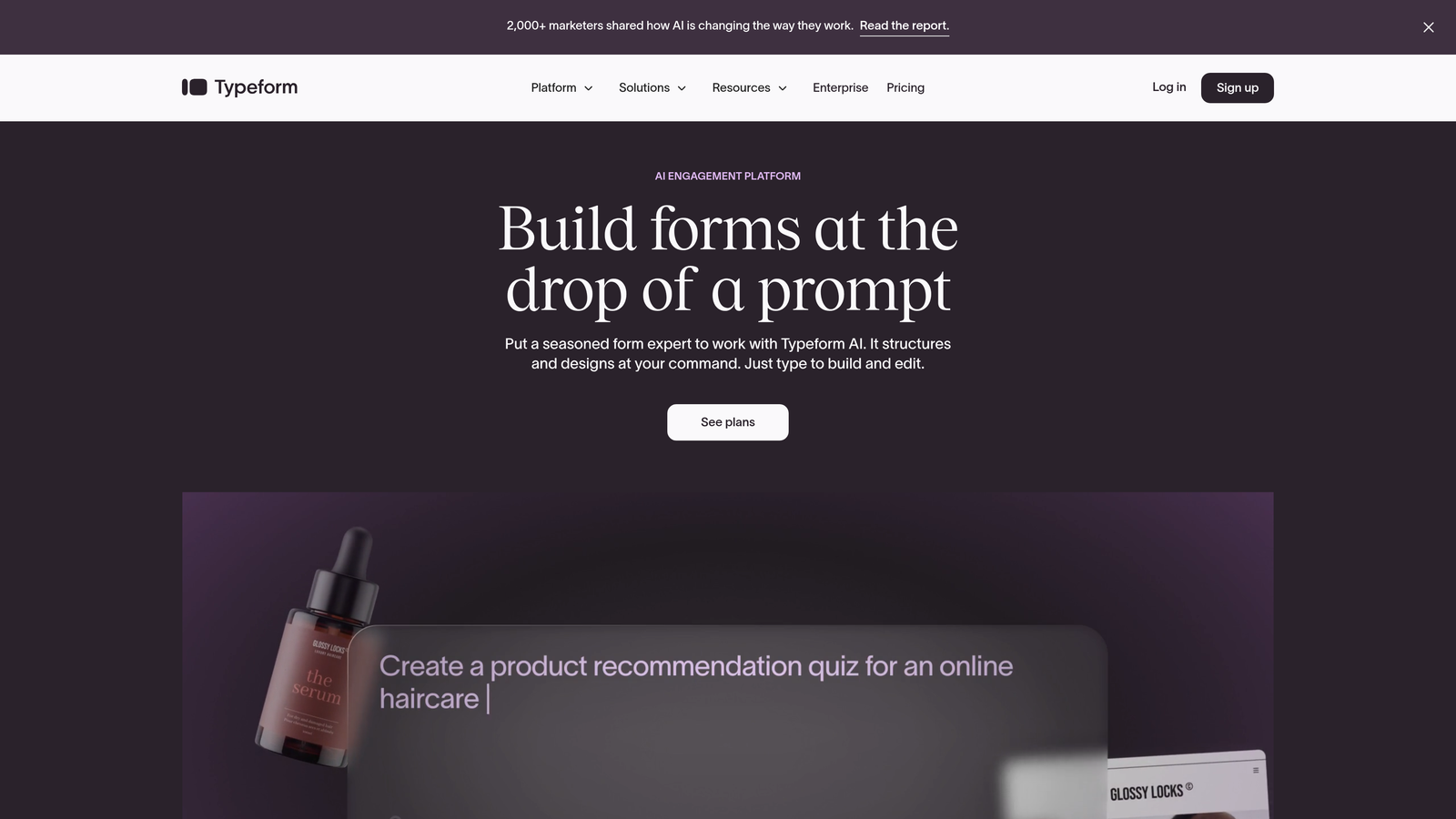
Typeform pioneered the one-question-at-a-time approach that significantly reduces form abandonment compared to traditional multi-field layouts.
Where This Tool Shines
The conversational interface creates a fundamentally different user experience. Instead of facing a wall of form fields, respondents answer one thoughtfully designed question at a time. This approach consistently delivers higher completion rates—particularly valuable when you're asking for sensitive information or detailed responses.
The platform excels at brand consistency. Every element can be customized to match your visual identity, creating forms that feel like natural extensions of your website rather than embedded third-party tools.
Key Features
One-Question-at-a-Time Design: Reduces cognitive load and improves completion rates by focusing attention on single questions.
Advanced Branching Logic: Creates dynamic paths through forms based on previous answers, personalizing the experience for each respondent.
Rich Media Embedding: Incorporates video, images, and GIFs directly into questions for engaging, multimedia experiences.
Enterprise SSO and Compliance: Supports SAML-based single sign-on, GDPR compliance tools, and data processing agreements for regulated industries.
Native Platform Integrations: Connects directly with major marketing automation, CRM, and analytics platforms without requiring technical implementation.
Best For
Consumer-facing enterprises where brand experience directly impacts conversion, B2C companies conducting customer research, and organizations running high-stakes surveys where completion rates justify premium pricing.
Pricing
Business tier starts at $99/month with increased response limits and team features. Enterprise plans offer custom pricing with dedicated support, advanced security, and unlimited responses.
3. Jotform Enterprise
Best for: Regulated industries requiring HIPAA compliance and organizations needing extensive template libraries
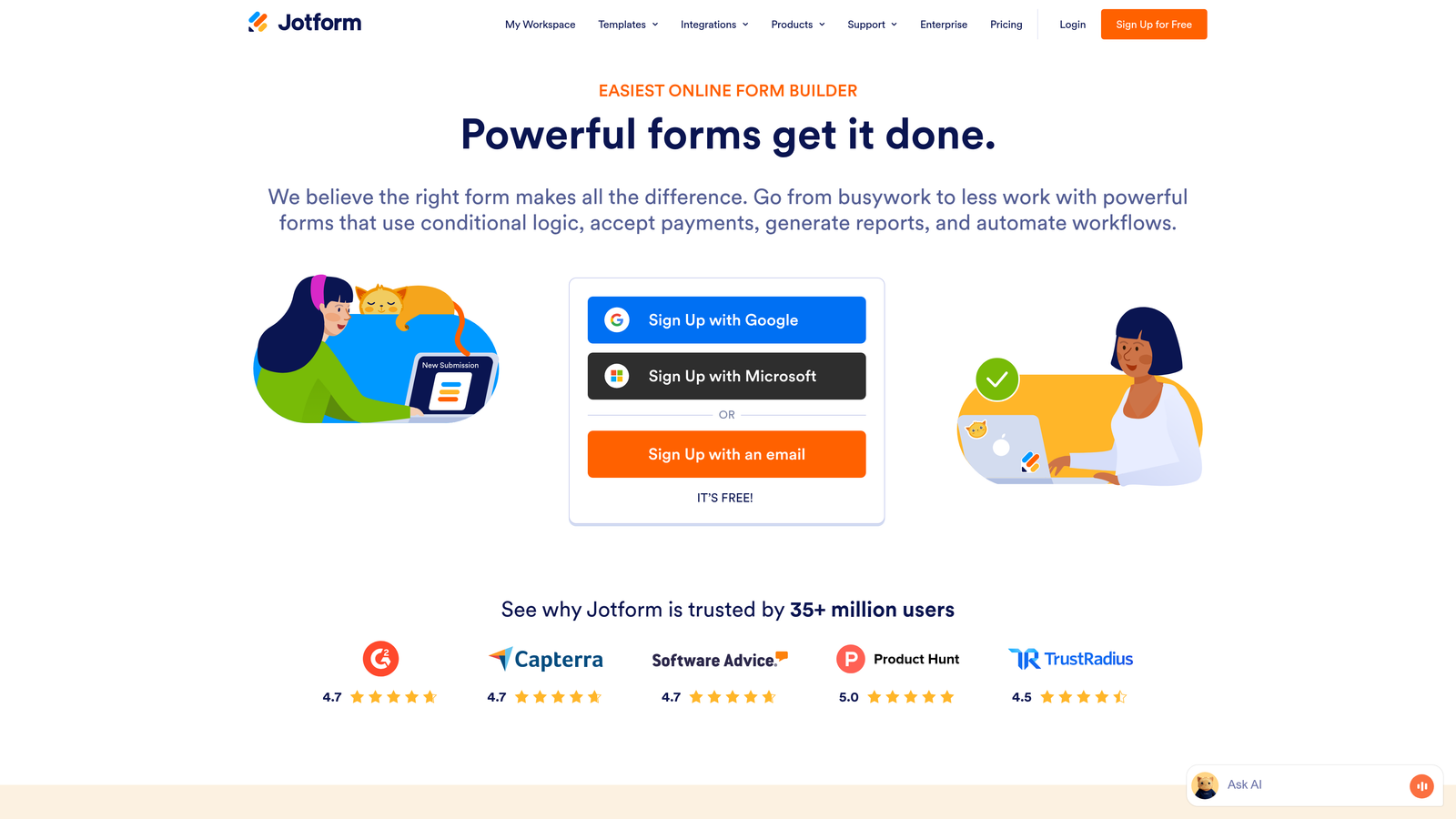
Jotform Enterprise provides the compliance certifications and security infrastructure that healthcare, financial services, and government organizations require.
Where This Tool Shines
The platform's HIPAA compliance isn't an add-on feature—it's built into the architecture. Business Associate Agreements come standard with enterprise plans, and the infrastructure meets the technical safeguards required for protected health information. This eliminates the compliance research phase that delays many enterprise form deployments.
With over 10,000 pre-built templates, teams can deploy functional forms quickly rather than building from scratch. The template library covers industry-specific use cases from medical intake forms to financial applications, each designed with relevant compliance considerations already addressed.
Key Features
HIPAA Compliance and BAA: Fully compliant infrastructure with Business Associate Agreements for healthcare organizations handling protected health information.
White-Labeling Capabilities: Remove all Jotform branding and use custom domains to maintain complete brand control.
Dedicated Server Options: Deploy forms on dedicated infrastructure for organizations with strict data residency or isolation requirements.
10,000+ Form Templates: Industry-specific templates covering healthcare, finance, education, and government use cases with built-in best practices.
Advanced Approval Workflows: Multi-step approval processes with conditional routing, notifications, and audit trails for enterprise governance requirements.
Best For
Healthcare organizations collecting patient information, financial services firms with regulatory compliance requirements, government agencies with security mandates, and any enterprise where compliance certifications are non-negotiable.
Pricing
Gold tier at $99/month provides increased submission limits and premium features. Enterprise plans with custom pricing include dedicated servers, HIPAA compliance, and priority support.
4. Microsoft Power Apps
Best for: Microsoft-centric enterprises needing forms integrated with broader application development capabilities
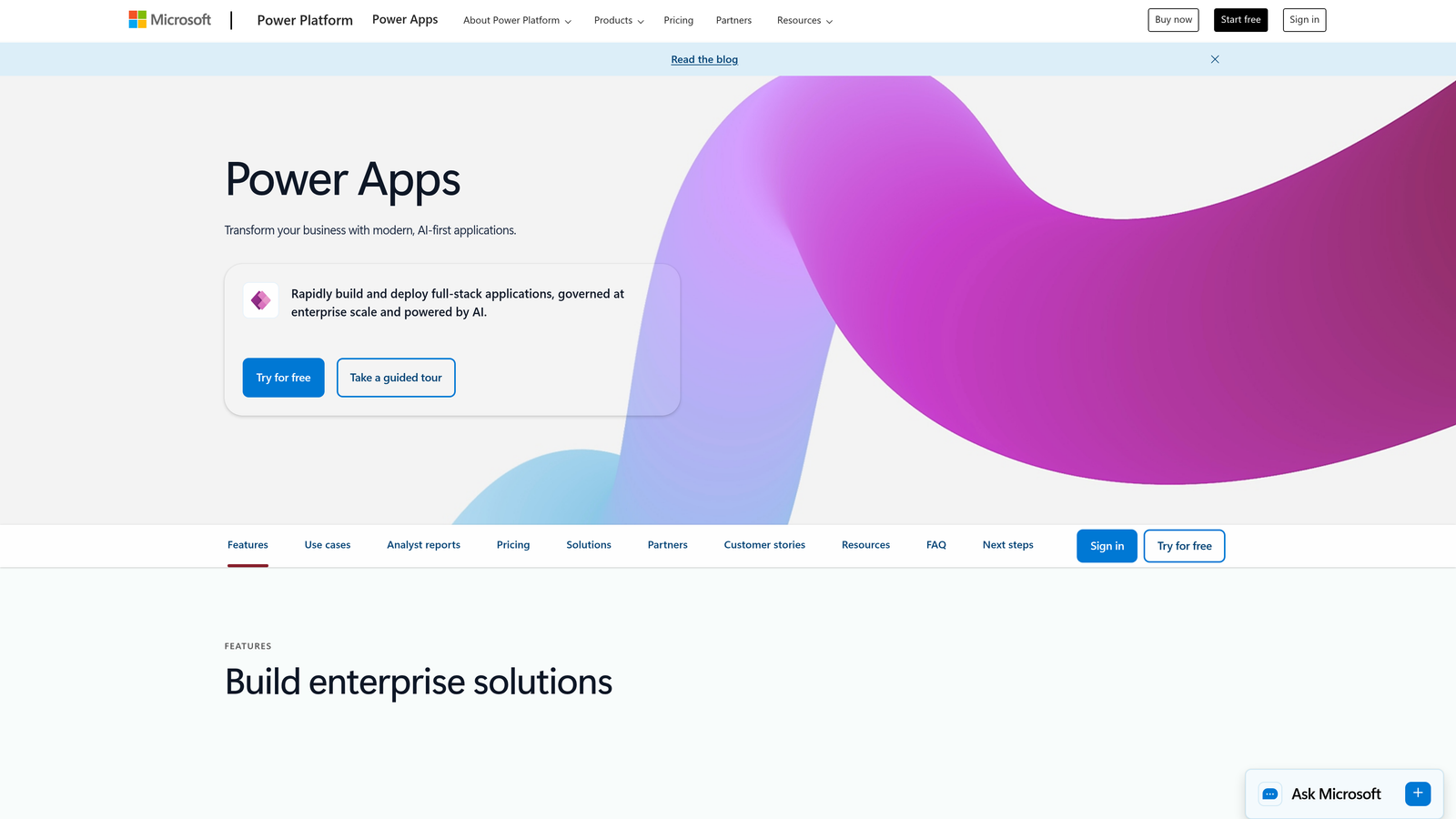
Microsoft Power Apps extends far beyond traditional form building into full low-code application development within the Microsoft ecosystem.
Where This Tool Shines
For organizations already invested in Microsoft 365 and Dynamics, Power Apps provides seamless integration that standalone form builders can't match. Forms connect directly to SharePoint lists, Dynamics entities, and Azure services without custom API work or third-party connectors.
The platform's real strength emerges when forms become starting points for larger workflows. Power Automate integration means submissions can trigger complex business processes—approval chains, data transformations, notifications across multiple systems—all within the Microsoft security boundary.
Key Features
Deep Microsoft 365 Integration: Native connections to SharePoint, Teams, Dynamics 365, and Azure services without requiring external integration platforms.
Power Automate Workflows: Build sophisticated automation sequences triggered by form submissions, including approvals, data routing, and cross-system updates.
Dataverse Data Management: Store form data in Microsoft's enterprise-grade database with built-in security, compliance, and relationship management.
Canvas and Model-Driven Options: Choose between flexible canvas apps for custom designs or model-driven apps for data-centric applications with standardized interfaces.
Enterprise Security and Compliance: Inherits Microsoft 365's security posture, including conditional access, data loss prevention, and compliance certifications.
Best For
Enterprises standardized on Microsoft technology stacks, organizations needing forms as components of larger business applications, and IT teams comfortable with low-code development who want to extend beyond simple form functionality.
Pricing
Per-app plans start at $5/user/month for specific applications. Per-user plans begin at $20/user/month for unlimited app access. Enterprise agreements often bundle Power Apps with existing Microsoft 365 licenses.
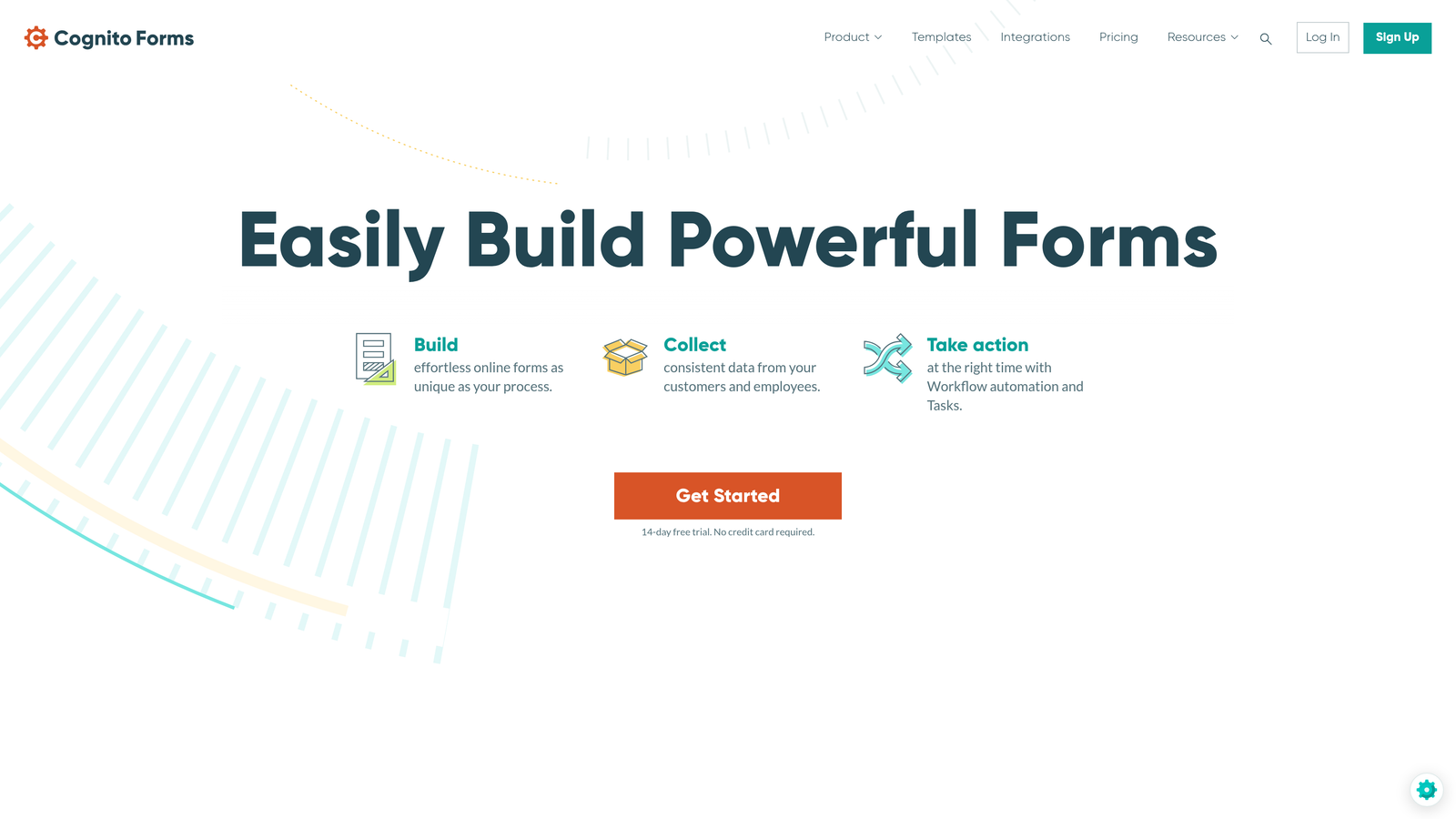
5. Cognito Forms
Best for: Enterprises requiring built-in payment processing and complex calculation logic within forms
Cognito Forms specializes in forms that do more than collect information—they process payments, perform calculations, and handle conditional workflows without external tools.
Where This Tool Shines
The payment processing integration isn't bolted on—it's fundamental to the platform's design. Stripe and PayPal connections handle everything from simple product purchases to complex pricing calculations based on form responses. This eliminates the integration complexity of connecting separate payment processors to form data.
Advanced calculation fields enable forms that function like interactive applications. Build registration forms that calculate totals based on selections, application forms that score responses in real-time, or order forms with dynamic pricing rules—all without custom code.
Key Features
Built-In Payment Processing: Native Stripe and PayPal integration for collecting payments directly within forms, including subscription and installment options.
Advanced Calculation Fields: Create complex formulas that calculate values based on form inputs, enabling dynamic pricing, scoring, and conditional logic.
Repeating Sections: Allow respondents to add multiple entries of the same information set—essential for applications, registrations, and order forms.
Workflow Automation: Build approval processes, conditional notifications, and data routing based on submission content and calculated values.
Data Encryption and Compliance: End-to-end encryption for sensitive data, GDPR compliance tools, and secure data storage with regular backups.
Best For
Organizations collecting payments through forms, educational institutions managing complex registration processes, nonprofits processing donations with custom calculations, and enterprises needing sophisticated conditional logic without developer resources.
Pricing
Team plan at $24/month supports multiple users and increased submission volumes. Enterprise pricing available for organizations requiring advanced security, dedicated support, and custom deployment options.
6. Paperform
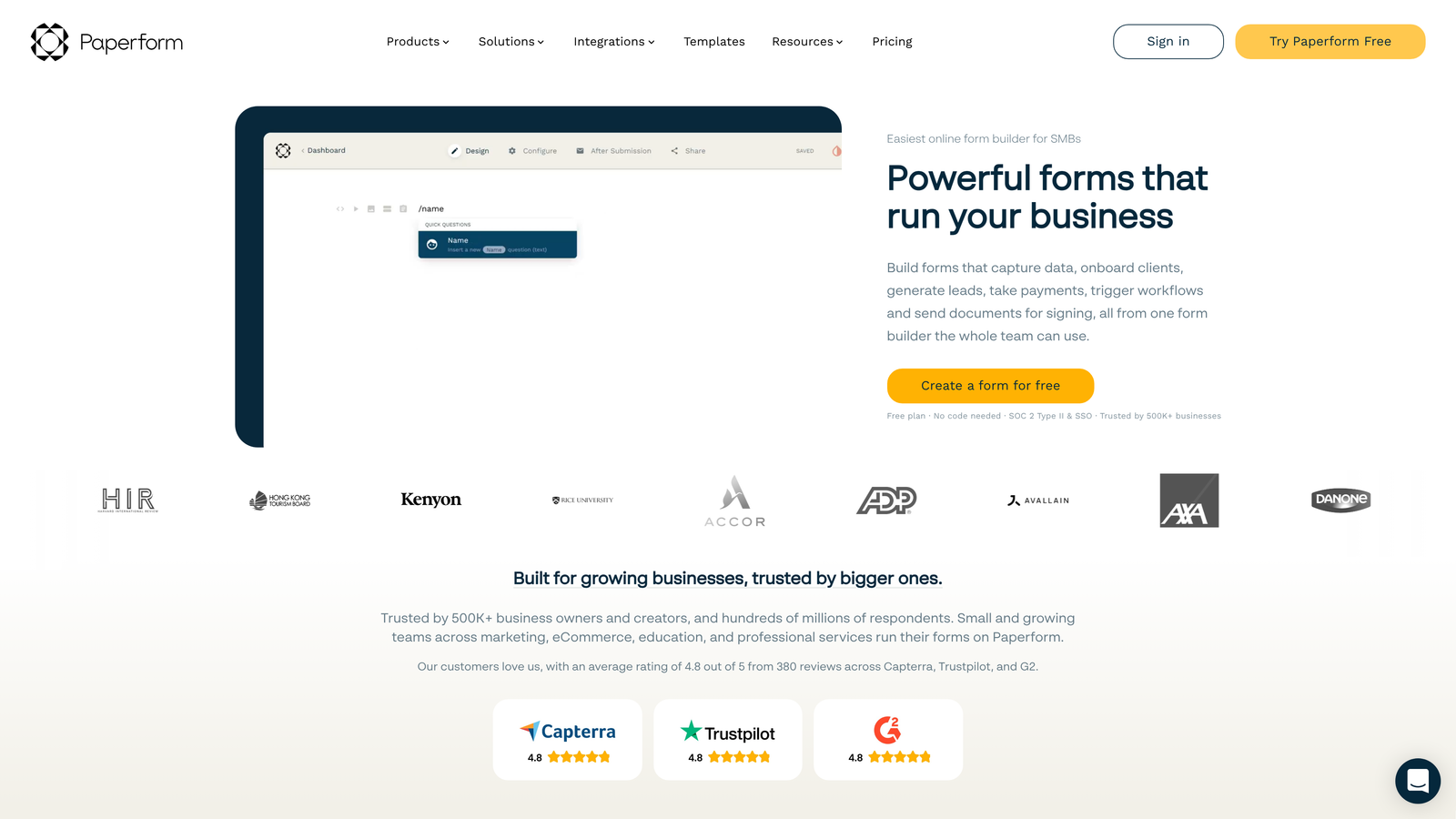
Best for: Enterprises needing forms that double as landing pages with integrated scheduling and e-commerce
Paperform blurs the line between forms and landing pages, creating conversion-focused experiences that go beyond data collection.
Where This Tool Shines
The platform's design-first approach creates forms that don't look like forms. With full control over layout, typography, and visual elements, you can build experiences that match your brand guidelines precisely. This matters when forms serve as primary customer touchpoints rather than backend data collection tools.
Built-in scheduling eliminates the need for separate booking tools. Collect information and schedule appointments in a single flow—valuable for service businesses, consultancies, and any organization where form submission naturally leads to a meeting or appointment.
Key Features
Landing Page and Form Hybrid: Create full-page experiences that combine marketing content, forms, and calls-to-action in unified designs.
Built-In Appointment Scheduling: Integrate calendar availability and booking directly into forms without requiring separate scheduling tools.
E-Commerce Product Sales: Sell products, services, or digital goods directly through forms with integrated payment processing and inventory management.
Custom CSS and Branding: Apply custom stylesheets for pixel-perfect brand alignment and create entirely unique form experiences.
Conditional Logic and Calculations: Build dynamic forms that adapt based on responses and perform calculations for pricing, scoring, or data validation.
Best For
Marketing teams that need forms to serve as landing pages, service businesses combining lead capture with appointment booking, and organizations where form design directly impacts brand perception and conversion rates.
Pricing
Agency plan at $159/month includes team collaboration, white-labeling, and increased submission limits. Custom enterprise pricing available for larger organizations with specific security or support requirements.
7. Formsite
Best for: Government agencies and financial services requiring SOC 2 compliance and advanced security infrastructure
Formsite provides the security certifications and audit capabilities that regulated industries and government entities require for sensitive data collection.
Where This Tool Shines
SOC 2 Type II certification isn't common among form builders, but it's standard with Formsite. This matters significantly for financial services, healthcare, and government organizations where vendor security audits are mandatory. The platform's security infrastructure meets the standards these industries require without requiring custom security reviews.
Audit trails track every interaction with form data—who accessed it, when, and what changes were made. This level of accountability is essential for organizations subject to regulatory oversight or internal governance requirements.
Key Features
SOC 2 and HIPAA Compliance: Certified security infrastructure meeting stringent requirements for financial services, healthcare, and government data handling.
Advanced Data Encryption: End-to-end encryption for data in transit and at rest, with configurable encryption keys for organizations with specific security policies.
Workflow Routing and Approvals: Multi-level approval processes with conditional routing, escalation rules, and notification management for enterprise governance.
Enterprise System Integration: Connect with legacy systems, databases, and enterprise applications through APIs, webhooks, and direct database connections.
Audit Trails and Access Controls: Comprehensive logging of all data access and modifications, with role-based permissions and detailed activity reports.
Best For
Government agencies with strict security requirements, financial services firms subject to regulatory audits, healthcare organizations beyond basic HIPAA compliance, and enterprises where security certifications are procurement requirements.
Pricing
Enterprise plans start at $249/month with advanced security features, dedicated support, and compliance documentation. Custom pricing available for government and large enterprise deployments.
8. 123FormBuilder
Best for: Salesforce-centric enterprises needing native CRM integration and approval workflow automation
123FormBuilder delivers deep Salesforce integration and workflow automation that extends beyond simple data passing into true business process management.
Where This Tool Shines
The Salesforce integration goes deeper than most form builders. Forms map directly to Salesforce objects, creating or updating records in real-time with field-level control. This eliminates the data synchronization delays and mapping errors common with third-party integration platforms.
Multi-step approval workflows handle complex business processes without requiring separate workflow tools. Build approval chains with conditional routing, parallel approvals, and escalation rules—all managed within the form platform rather than requiring separate business process management tools.
Key Features
Native Salesforce Integration: Direct object mapping and real-time synchronization with Salesforce, including custom objects and complex relationship handling.
Multi-Step Approval Workflows: Configure complex approval processes with conditional routing, parallel approvals, and automated escalation based on time or conditions.
Electronic Signature Collection: Legally binding e-signature capabilities integrated directly into forms for contracts, agreements, and approval processes.
Payment Form Capabilities: Accept payments through integrated processors with support for one-time charges, subscriptions, and complex pricing models.
Team Collaboration Features: Role-based access controls, shared form libraries, and collaborative editing for enterprise teams managing multiple forms.
Best For
Salesforce-dependent organizations where CRM integration is critical, enterprises with complex approval requirements, and teams needing electronic signature capabilities integrated with data collection workflows.
Pricing
Professional tier at $24.99/month includes core features and basic integrations. Enterprise plans with custom pricing provide advanced Salesforce integration, approval workflows, and dedicated support.
9. Zoho Forms
Best for: Cost-conscious enterprises already invested in the Zoho ecosystem
Zoho Forms provides comprehensive form functionality at significantly lower price points than competitors—particularly valuable for organizations already using Zoho CRM or other Zoho suite applications.
Where This Tool Shines
The Zoho ecosystem integration creates immediate value for existing Zoho customers. Forms connect seamlessly with Zoho CRM, Zoho Projects, Zoho Analytics, and the entire Zoho suite without requiring third-party connectors or custom integration work. Data flows naturally between applications, maintaining consistency across your technology stack.
Offline form capability addresses a specific but critical use case—field teams collecting data without reliable internet connectivity. Forms work fully offline, syncing data automatically when connection is restored. This matters for industries like construction, field services, and event management.
Key Features
Native Zoho Suite Integration: Seamless connections across Zoho CRM, Projects, Analytics, and other Zoho applications without requiring external integration platforms.
Approval Workflows and Task Assignment: Route submissions through approval processes and automatically create tasks in Zoho Projects or CRM based on form responses.
Payment Collection: Integrated payment processing through multiple processors for collecting fees, donations, or product purchases directly within forms.
Offline Form Capability: Full form functionality without internet connectivity, with automatic synchronization when connection is restored.
GDPR and HIPAA Compliance: Compliance features and certifications for organizations handling sensitive data in regulated industries.
Best For
Organizations already invested in Zoho's ecosystem, budget-conscious enterprises needing comprehensive features at lower price points, and field teams requiring offline data collection capabilities.
Pricing
Premium tier at $25/month includes advanced features and increased submission limits. Custom enterprise pricing available for larger organizations requiring dedicated support and advanced security features.
Making the Right Choice
Choosing the right Formstack alternative depends on your enterprise's primary pain point. For AI-driven lead qualification and conversion optimization, Orbit AI delivers modern capabilities purpose-built for high-growth teams. If brand experience matters most, Typeform's conversational approach excels. Microsoft shops benefit from Power Apps' deep ecosystem integration, while regulated industries should evaluate Jotform Enterprise or Formsite for compliance features.
Budget-conscious enterprises already invested in Zoho find immediate value there. Organizations requiring sophisticated payment processing and calculations should prioritize Cognito Forms. Salesforce-centric companies benefit most from 123FormBuilder's native CRM integration.
The best path forward: identify your top three requirements—whether that's AI intelligence, compliance, integrations, or design—and request enterprise trials from the platforms that match. Most offer 14-30 day evaluations with dedicated onboarding support for enterprise accounts. Pay particular attention to total cost of ownership calculations, including per-seat licensing, submission volume caps, storage limits, and premium feature tiers that may impact long-term costs.
Transform your lead generation with AI-powered forms that qualify prospects automatically while delivering the modern, conversion-optimized experience your high-growth team needs. Start building free forms today and see how intelligent form design can elevate your conversion strategy.


