Missed appointments cost businesses more than just lost revenue—they waste hours of scheduling back-and-forth, create gaps in your calendar, and frustrate both teams and customers. The right booking form software eliminates the chaos by combining scheduling with smart intake forms, payment processing, and automated workflows.
Great booking software does more than just fill calendar slots. It qualifies leads before they book, syncs seamlessly with your existing tools, sends automated reminders that reduce no-shows, and creates a professional experience that builds trust from the first interaction.
We evaluated these tools based on form flexibility, calendar sync capabilities, automation features, and value for different team sizes. Here are the top booking form software solutions for 2026.
1. Orbit AI
Best for: High-growth teams who need intelligent lead qualification built into their booking flow
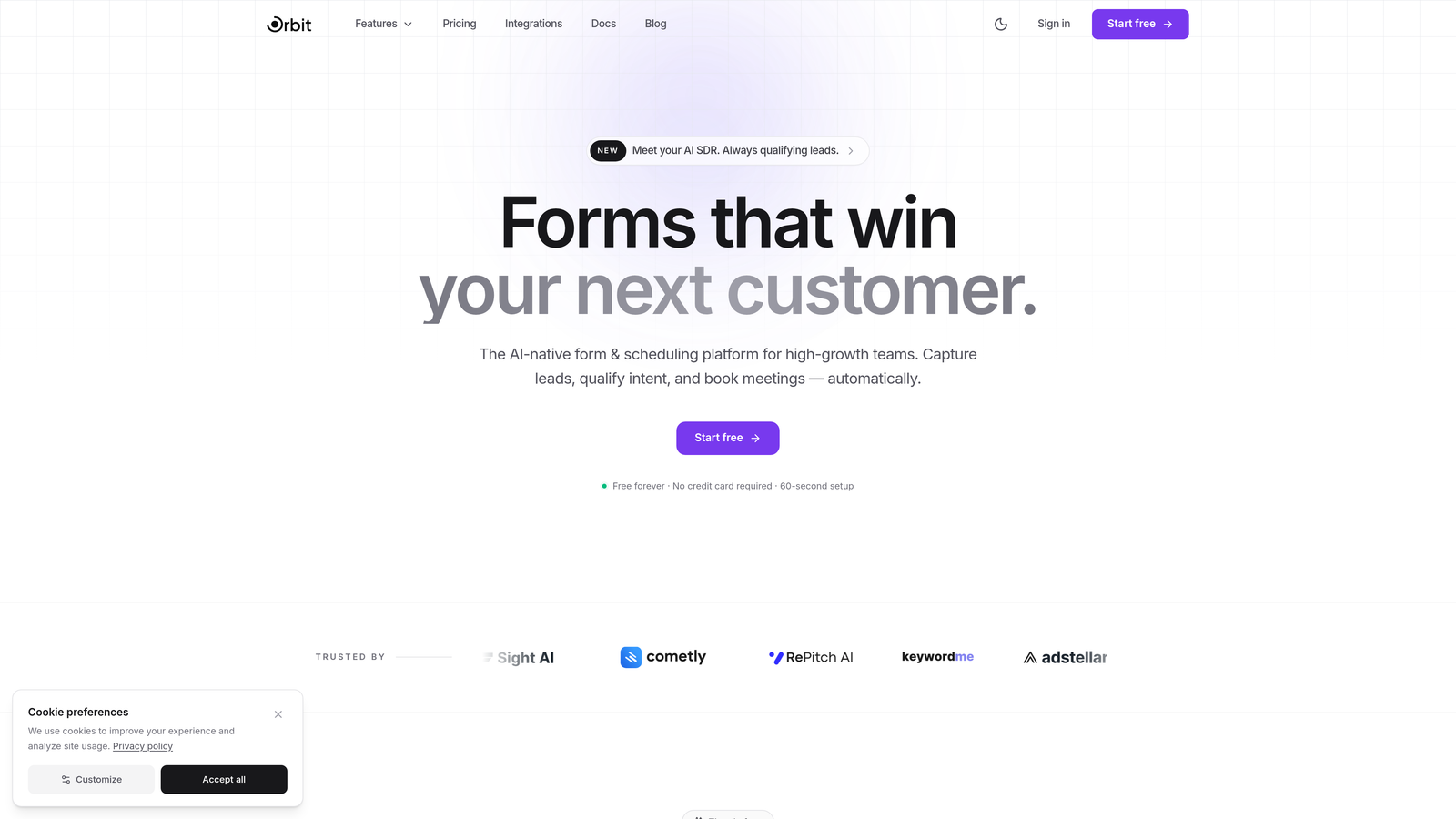
Orbit AI combines beautiful, conversion-optimized booking forms with AI-powered lead qualification that automatically scores and routes prospects based on their responses.
Where This Tool Shines
Unlike traditional booking tools that simply capture appointments, Orbit AI qualifies leads during the scheduling process. The AI analyzes responses in real-time, identifying high-value prospects and triggering personalized follow-up sequences before the meeting even happens.
The platform's modern form design creates a professional first impression that reflects well on your brand. Forms are built for conversion, with smart conditional logic that adapts questions based on previous answers, keeping the experience streamlined while gathering the insights your team needs.
Key Features
AI-Powered Lead Qualification: Automatically scores and routes bookings based on prospect fit and intent signals.
Conversion-Optimized Design: Modern, mobile-responsive forms designed specifically to maximize booking completion rates.
Workflow Automation: Trigger sequences based on booking data, sending targeted content to different prospect segments.
Native CRM Integrations: Sync booking data directly with your sales and marketing tools without middleware.
Analytics Dashboard: Track conversion rates, drop-off points, and booking trends to optimize your intake process.
Best For
Teams focused on lead generation and conversion optimization who want booking forms that do more than schedule—they qualify, score, and nurture prospects automatically. Ideal for B2B sales teams, agencies, and consulting businesses where meeting quality matters as much as quantity.
Pricing
Pricing is quoted on a short demo, and Orbit has no free plan. Book a demo to see it with your own forms.
2. Calendly
Best for: Teams who need dead-simple scheduling links that eliminate email back-and-forth
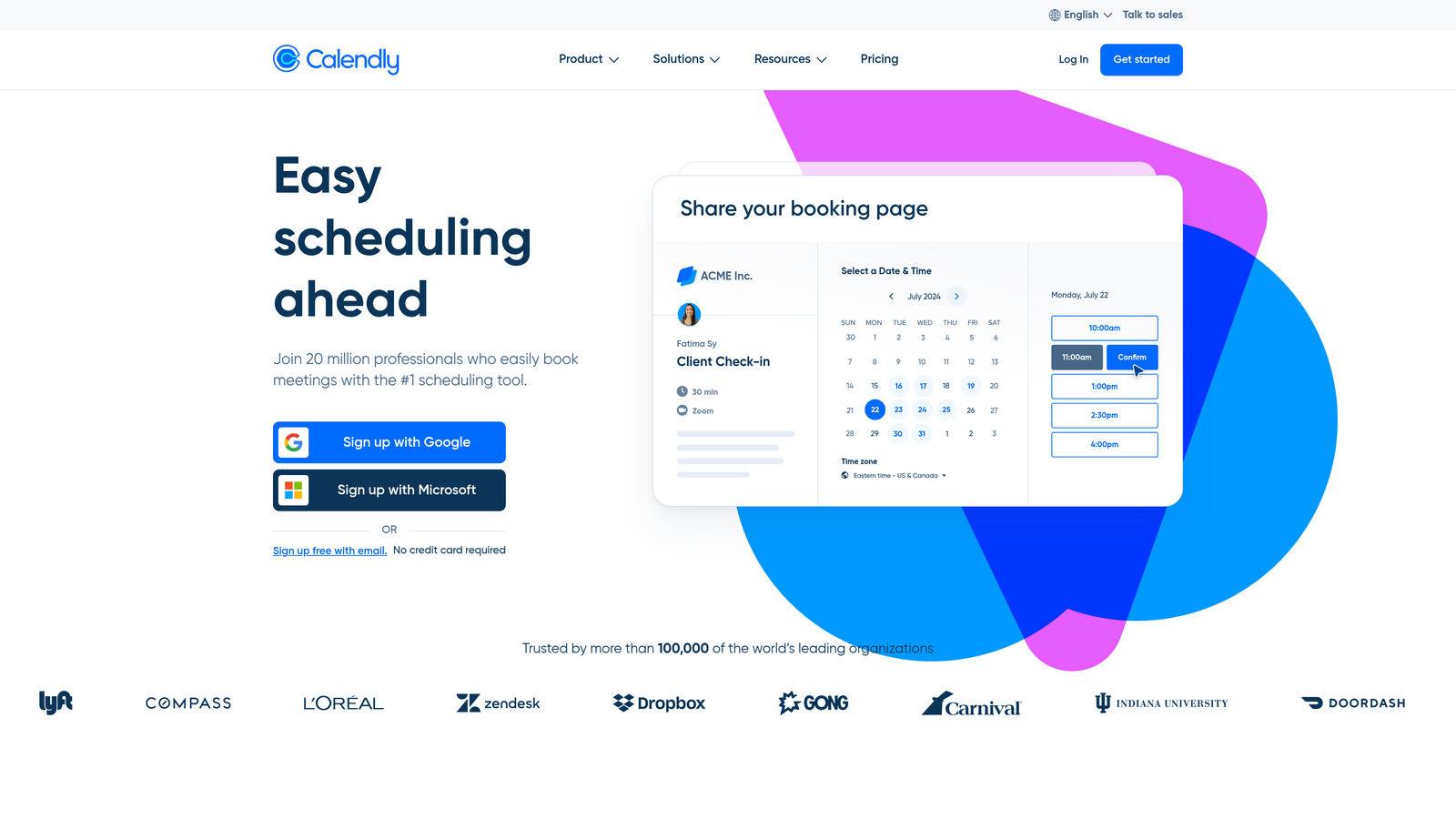
Calendly pioneered the one-click scheduling experience that's become the industry standard for sharing availability and booking meetings.
Where This Tool Shines
Calendly's strength is its simplicity. Share a link, prospects pick a time that works for both calendars, and the meeting is booked—no coordination required. The interface is intuitive enough that even the least tech-savvy team members can set up their availability in minutes.
Team scheduling features like round-robin distribution and collective availability make it easy to coordinate across multiple calendars. When prospects book, they're automatically assigned to the right person based on availability, territory, or custom routing rules.
Key Features
One-Click Scheduling Links: Share a personal URL that displays your real-time availability across all connected calendars.
Team Scheduling: Round-robin assignment, collective scheduling, and managed events for complex team coordination.
Calendar Integrations: Two-way sync with Google Calendar, Outlook, Office 365, and Apple Calendar.
Automated Reminders: Customizable email and SMS notifications reduce no-shows and keep everyone prepared.
Routing Forms: Pre-meeting questions that direct prospects to the right team member or meeting type.
Best For
Sales teams, recruiters, and consultants who spend significant time coordinating meetings. Perfect for organizations that need reliable scheduling without complex setup or training.
Pricing
Free plan for basic individual use. Professional plans start at $12 per user per month with advanced features and integrations.
3. Acuity Scheduling
Best for: Service businesses that need intake forms, booking, and payment processing in one platform
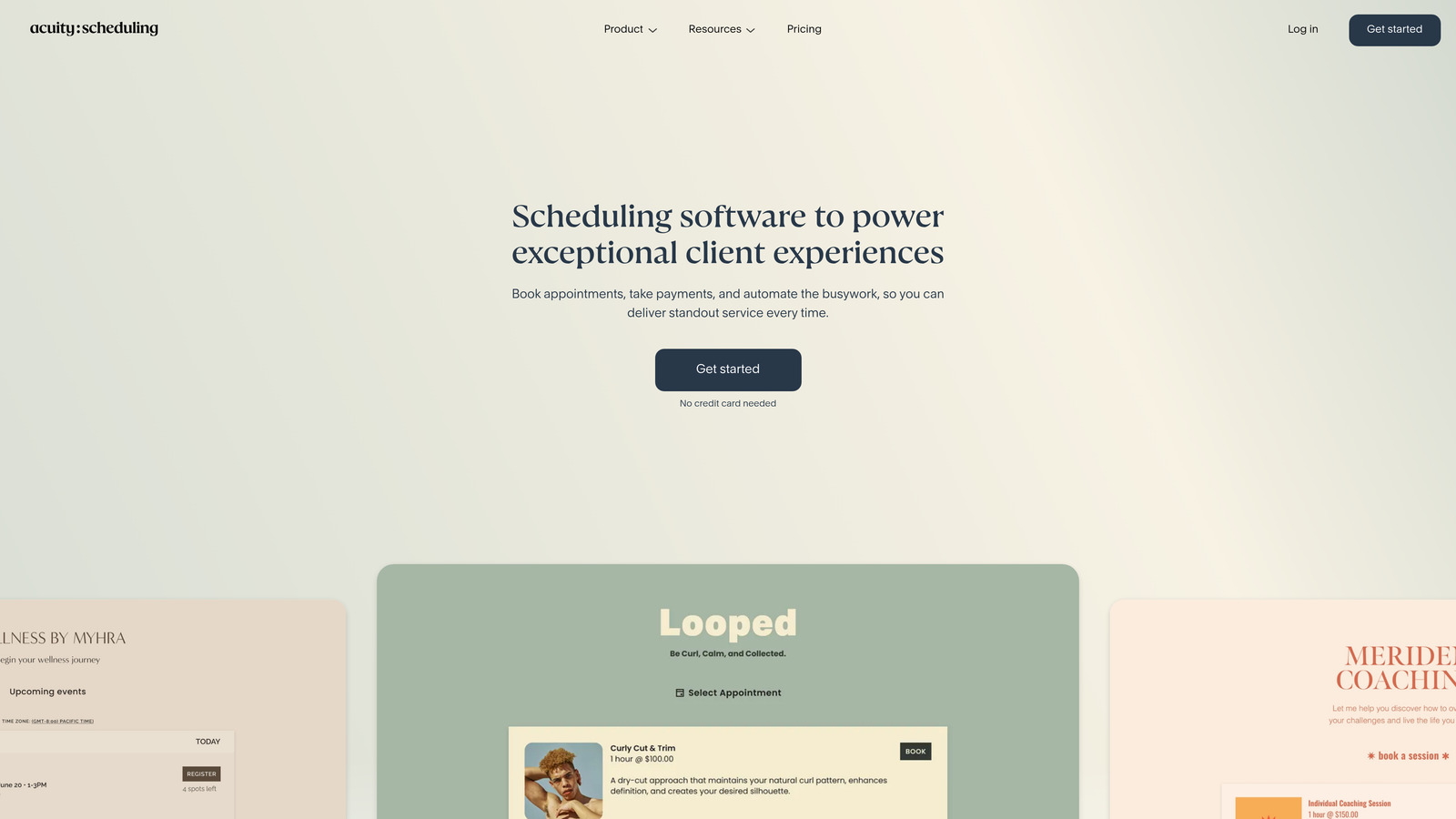
Acuity Scheduling is a comprehensive solution designed specifically for service providers who need to collect information, schedule appointments, and process payments simultaneously.
Where This Tool Shines
Acuity excels at combining detailed intake forms with appointment booking. Clients can answer health questionnaires, select service packages, provide necessary documentation, and pay deposits—all in a single flow before their appointment is confirmed.
The platform handles complex scheduling scenarios like multi-location businesses, staff with different specialties and availability, and service packages that require multiple sessions. Everything syncs automatically, reducing administrative work significantly.
Key Features
Customizable Intake Forms: Collect detailed client information, preferences, and requirements during the booking process.
Integrated Payment Processing: Accept deposits or full payments through Stripe, Square, or PayPal before confirming appointments.
Package Management: Sell and track multi-session packages, memberships, and subscription services.
Multi-Location Support: Manage bookings across different locations with location-specific availability and staff.
Client Portal: Self-service dashboard where clients can reschedule, view appointment history, and manage packages.
Best For
Healthcare providers, fitness studios, beauty salons, consultants, and any service business that requires detailed client intake and payment processing as part of the booking experience.
Pricing
Starts at $20 per month as part of Squarespace. Standalone plans available with tiered features based on business needs.
4. Typeform
Best for: Brands that want beautifully designed, conversational booking experiences
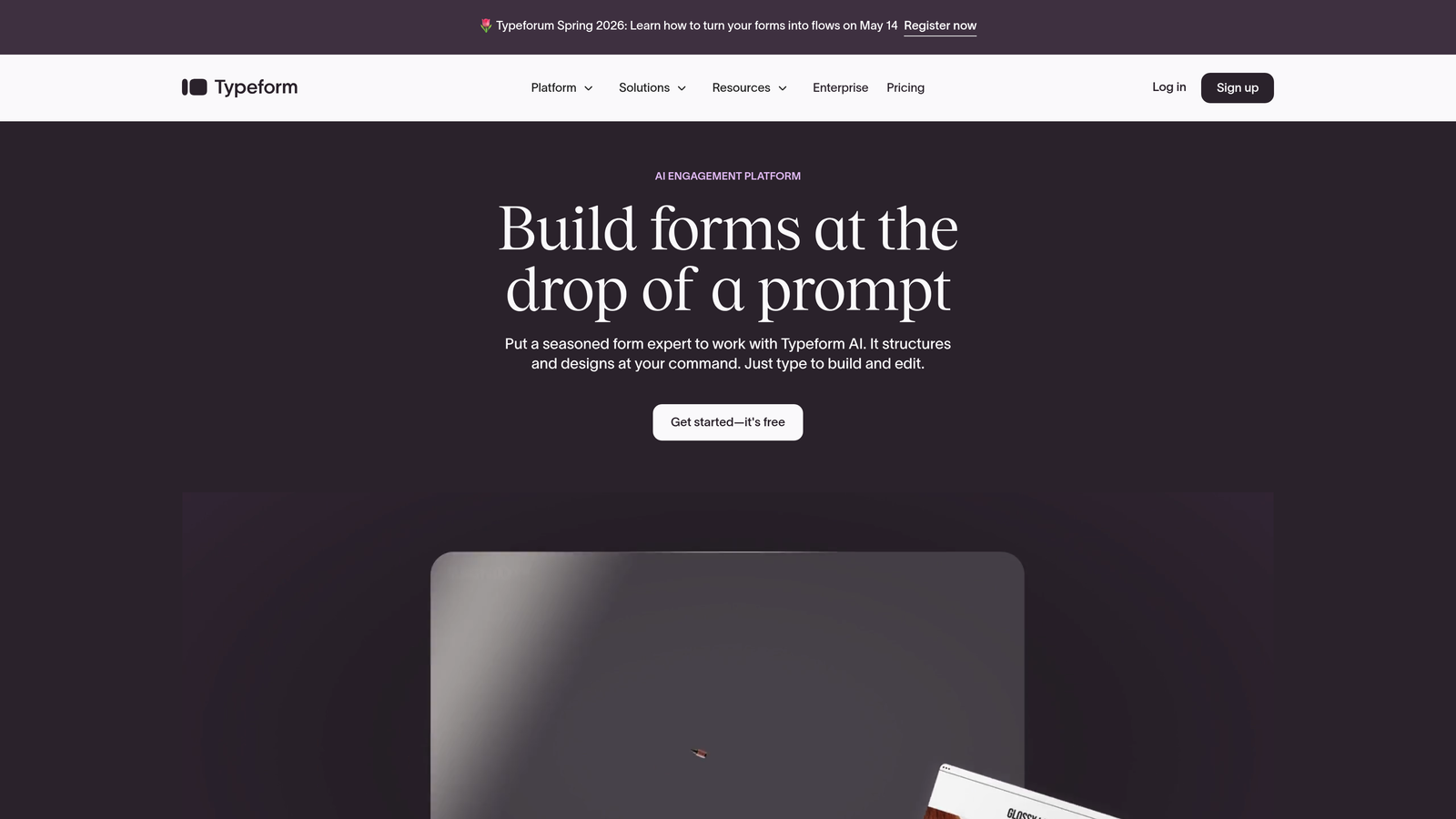
Typeform brings its signature conversational interface to booking forms, creating engaging experiences that feel more like conversations than traditional forms.
Where This Tool Shines
The one-question-at-a-time format reduces cognitive load and increases completion rates. Instead of overwhelming prospects with a long form, Typeform guides them through questions progressively, making even complex intake processes feel manageable.
Design flexibility sets Typeform apart. Every element can be customized to match your brand—colors, fonts, images, videos, and animations. The result is a booking experience that feels cohesive with your website and marketing materials.
Key Features
Conversational Format: One question per screen creates a focused, distraction-free experience that improves completion rates.
Advanced Customization: Full control over branding, design, and user experience with custom themes and layouts.
Logic Jumps: Show or hide questions based on previous answers, creating personalized paths through your booking form.
Scheduling Integrations: Connect with Calendly or other scheduling tools to combine Typeform's intake with calendar booking.
Rich Media: Embed videos, images, and GIFs to make forms more engaging and informative.
Best For
Creative agencies, consulting firms, and brands where the booking experience is an extension of brand identity. Best for teams who value design and user experience as much as functionality.
Pricing
Limited free tier available. Basic plans start at $29 per month with increased response limits and advanced features.
5. Jotform
Best for: Organizations needing complex booking forms with extensive customization and compliance options
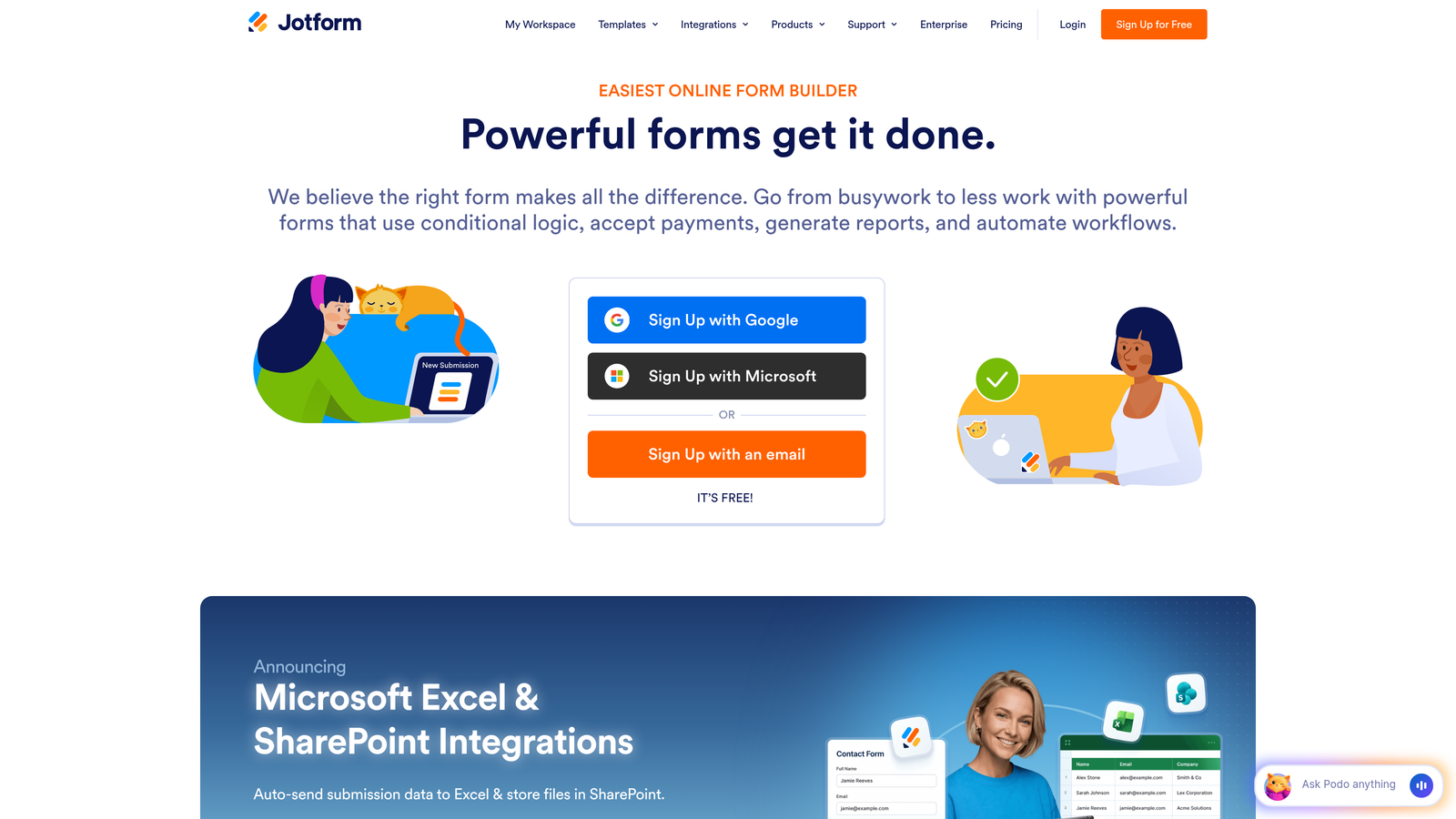
Jotform offers versatile form building with specialized booking widgets and templates that handle everything from simple appointments to complex multi-step scheduling.
Where This Tool Shines
With over 10,000 templates including hundreds specifically for booking scenarios, Jotform eliminates the need to build forms from scratch. Templates cover everything from medical appointments to equipment rentals, each pre-configured with relevant fields and logic.
The appointment slots widget provides visual calendar selection where prospects can see available times and book instantly. Combined with conditional logic and calculations, you can create sophisticated booking flows that adjust pricing, availability, and questions based on selections.
Key Features
Extensive Template Library: Thousands of pre-built booking forms for every industry and use case.
Appointment Slots Widget: Visual calendar interface showing real-time availability for instant booking.
Conditional Logic: Show, hide, or modify form fields based on user responses and selections.
Payment Integrations: Process deposits or full payments through 30+ payment gateways including Square, Stripe, and PayPal.
HIPAA Compliance: Healthcare-specific features and compliance options for medical practices and providers.
Best For
Healthcare providers, educational institutions, and businesses with complex booking requirements or compliance needs. Ideal for teams who need extensive customization without custom development.
Pricing
Free tier with basic features. Bronze plan starts at $39 per month with increased submission limits and advanced widgets.
6. Cal.com
Best for: Teams who want full control over their scheduling infrastructure with open-source flexibility
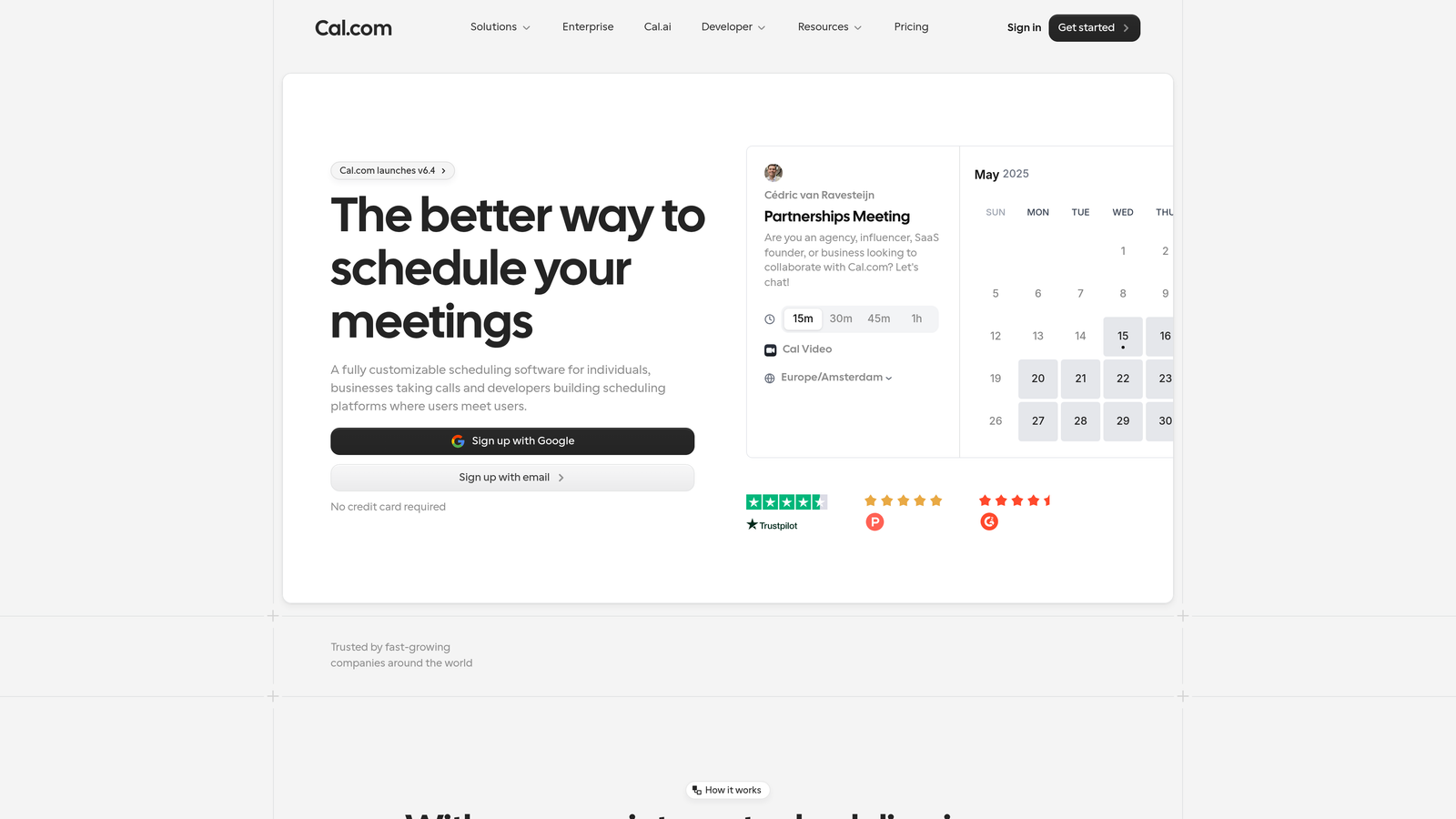
Cal.com is an open-source scheduling platform that gives technical teams complete control over their booking experience, including self-hosting options.
Where This Tool Shines
Being open-source means you can inspect the code, customize functionality, and even self-host the entire platform if data sovereignty or customization requirements demand it. This transparency appeals to security-conscious organizations and teams with specific technical needs.
The API-first architecture makes Cal.com ideal for embedding scheduling into existing applications. Developers can build custom booking experiences that integrate deeply with proprietary systems while maintaining full control over data and user experience.
Key Features
Open-Source Platform: Full access to source code with self-hosting options for complete data control.
Customizable Booking Pages: Extensive customization options for branding, layout, and functionality.
Team Workflows: Round-robin scheduling, collective availability, and managed event types for team coordination.
API-First Design: Comprehensive API for embedding scheduling into custom applications and workflows.
White-Label Capabilities: Remove Cal.com branding and create fully branded booking experiences.
Best For
Development teams, SaaS companies, and organizations with specific security, compliance, or customization requirements that proprietary solutions can't meet. Perfect for technical teams comfortable with self-hosting and custom implementation.
Pricing
Free for individual users. Team plans start at $15 per user per month. Enterprise and self-hosted options available with custom pricing.
7. HubSpot Meetings
Best for: Sales and marketing teams already using HubSpot who need native CRM integration
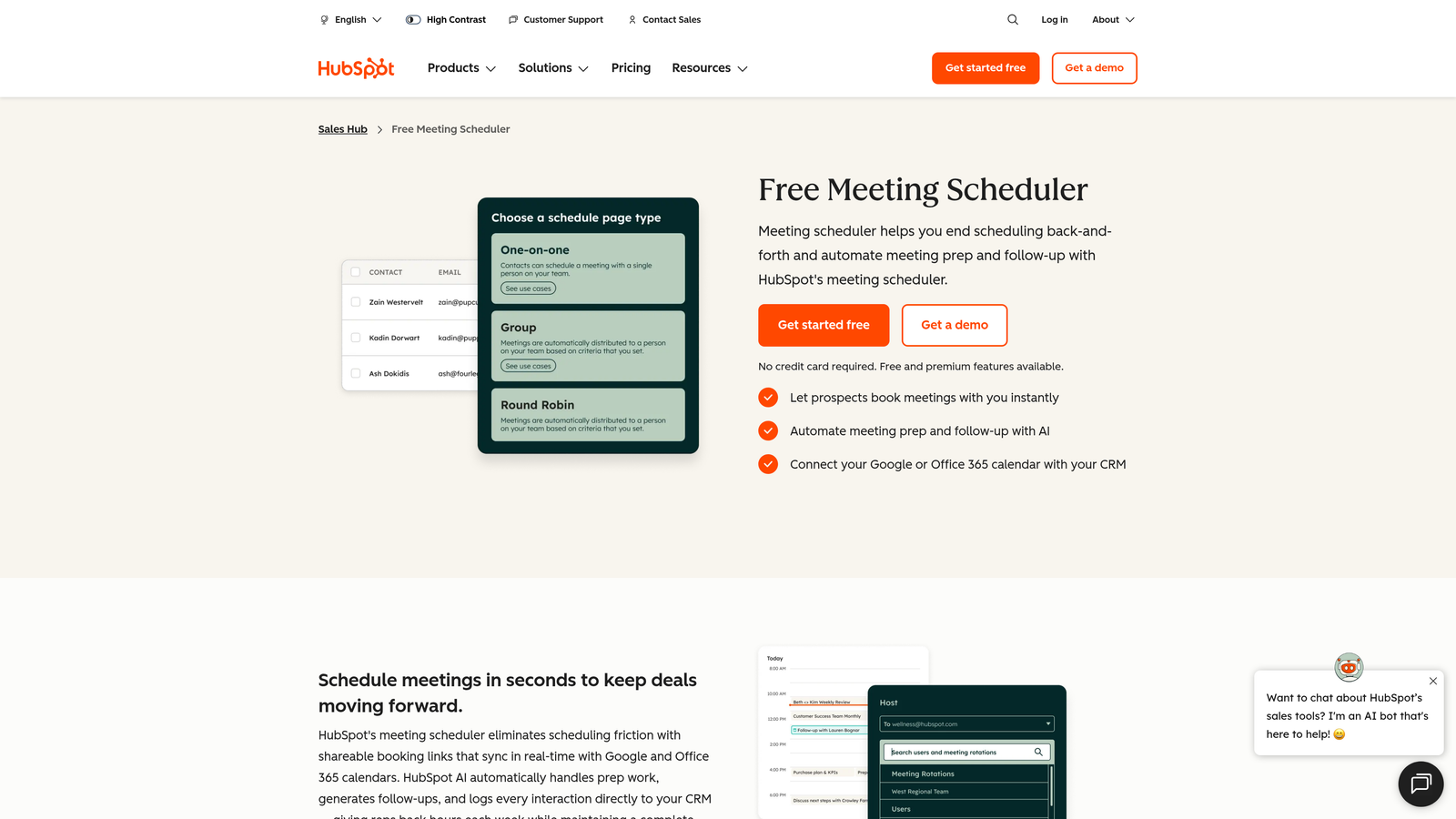
HubSpot Meetings is the native scheduling tool within HubSpot that automatically syncs all booking data with CRM records for seamless workflows.
Where This Tool Shines
The tight integration with HubSpot CRM means every booking automatically creates or updates contact records, logs activities, and triggers workflows without any manual data entry or third-party connectors. This native connection eliminates sync issues and data gaps.
Meeting links can be embedded directly in emails, landing pages, and chat conversations. When prospects book, all their interaction history is immediately available to the sales rep, enabling personalized conversations informed by previous touchpoints.
Key Features
Native CRM Integration: Automatic contact creation, activity logging, and deal association with zero configuration.
Embedded Meeting Links: Add scheduling directly to emails, website pages, and chat flows.
Team Scheduling: Round-robin assignment and group meeting options with automatic territory routing.
Automated Prep Emails: Send meeting context, relevant content, and preparation materials automatically before calls.
Pipeline Integration: Connect bookings to deals and automatically move contacts through sales stages.
Best For
Organizations already invested in the HubSpot ecosystem who want scheduling that works seamlessly with their existing sales and marketing workflows. Most valuable for teams using HubSpot CRM, Marketing Hub, or Sales Hub.
Pricing
Free with HubSpot CRM. Advanced features like team scheduling and custom branding available in Sales Hub Professional and Enterprise tiers.
8. Setmore
Best for: Small businesses and solopreneurs who need reliable booking without monthly fees
Setmore offers a generous free tier that includes features most small businesses need, making it the go-to choice for budget-conscious teams getting started with online booking.
Where This Tool Shines
The free plan supports up to four staff members with unlimited appointments—a rare offering in the scheduling software market. This makes Setmore ideal for small teams who need real scheduling functionality without the recurring costs.
Despite being free, Setmore doesn't skimp on essentials. You get custom booking pages, calendar sync, automated reminders, and even payment processing integrations. The interface is straightforward, making it easy for both staff and customers to use without training.
Key Features
Generous Free Tier: Support for up to four users with unlimited appointments and core scheduling features.
Custom Booking Page: Branded scheduling page you can share or embed on your website.
Payment Processing: Accept payments through Square, Stripe, and other processors with booking confirmations.
Staff Management: Manage availability, services, and schedules for multiple team members.
Social Media Integration: Add booking buttons directly to Facebook and Instagram profiles.
Best For
Salons, spas, fitness instructors, tutors, and small service businesses with limited budgets. Perfect for solopreneurs and small teams who need professional booking capabilities without monthly software costs.
Pricing
Free for up to four users with core features. Pro plan starts at $12 per user per month with advanced features and integrations.
9. Cogsworth
Best for: Developers building custom applications that need embedded scheduling functionality
Cogsworth is an API-first booking solution designed specifically for teams who need to embed scheduling deeply into custom applications and workflows.
Where This Tool Shines
Unlike consumer-focused scheduling tools with limited APIs, Cogsworth is built from the ground up as a scheduling infrastructure layer. The comprehensive API gives developers full control over every aspect of the booking experience without wrestling with limitations.
Custom availability rules let you define complex scheduling logic that matches your business requirements exactly. Whether you need resource allocation, capacity management, or multi-step booking flows, Cogsworth's flexibility accommodates scenarios that would break simpler tools.
Key Features
Comprehensive Scheduling API: Full programmatic control over availability, bookings, resources, and customer data.
Embeddable Widgets: Pre-built components you can customize and embed into existing applications.
Custom Availability Rules: Define complex scheduling logic, resource allocation, and capacity constraints programmatically.
Webhook Integrations: Real-time notifications for booking events to trigger custom workflows and integrations.
White-Label Experience: Completely branded booking flows with no Cogsworth branding visible to end users.
Best For
SaaS platforms, marketplace applications, and custom business systems that need scheduling as a core feature. Ideal for development teams building proprietary applications where off-the-shelf booking tools don't provide enough control.
Pricing
Starter plan begins at $19 per month. Custom enterprise pricing available for high-volume applications and white-label deployments.
Making the Right Choice
The best booking form software depends on what matters most to your specific workflow. If you need intelligent lead qualification built into your booking process, Orbit AI combines beautiful forms with AI-powered scoring that identifies high-value prospects automatically. For straightforward scheduling without complexity, Calendly remains the industry standard that just works.
Service businesses that need to collect payments and detailed intake information should look at Acuity Scheduling, which handles the entire client onboarding flow in one platform. Budget-conscious small teams will appreciate Setmore's generous free tier that doesn't sacrifice essential features.
Teams with technical requirements or specific customization needs have solid options too. Cal.com offers open-source flexibility with self-hosting capabilities, while Cogsworth provides the API-first infrastructure that developers need for custom applications. HubSpot users benefit from native CRM integration that eliminates data sync headaches entirely.
The common thread across successful implementations is choosing software that matches your actual workflow rather than forcing your process to fit the tool. Consider how prospects currently book with you, what information you need before meetings, and which integrations matter most to your team.
For high-growth teams focused on conversion optimization, the booking form is more than just a scheduling interface—it's a qualification and nurturing opportunity. Book a demo and see how intelligent form design can elevate your conversion strategy while delivering the modern experience your prospects expect.