Manual data entry from form submissions drains hours from your week and introduces errors that cost you leads. Form automation software eliminates this friction by connecting your forms directly to your CRM, email marketing platform, and internal workflows—triggering actions the moment someone hits submit.
But with dozens of options promising seamless automation, finding the right fit for your tech stack and budget requires careful evaluation. We've tested and compared the leading form automation platforms based on integration depth, ease of setup, pricing transparency, and real-world workflow capabilities.
Whether you need simple webhook connections or sophisticated AI-powered lead routing, this comparison will help you identify the tool that matches your automation ambitions. Here are the top form automation software tools for 2026.
1. Orbit AI
Best for: High-growth teams needing AI-powered lead qualification with conversion-optimized form design
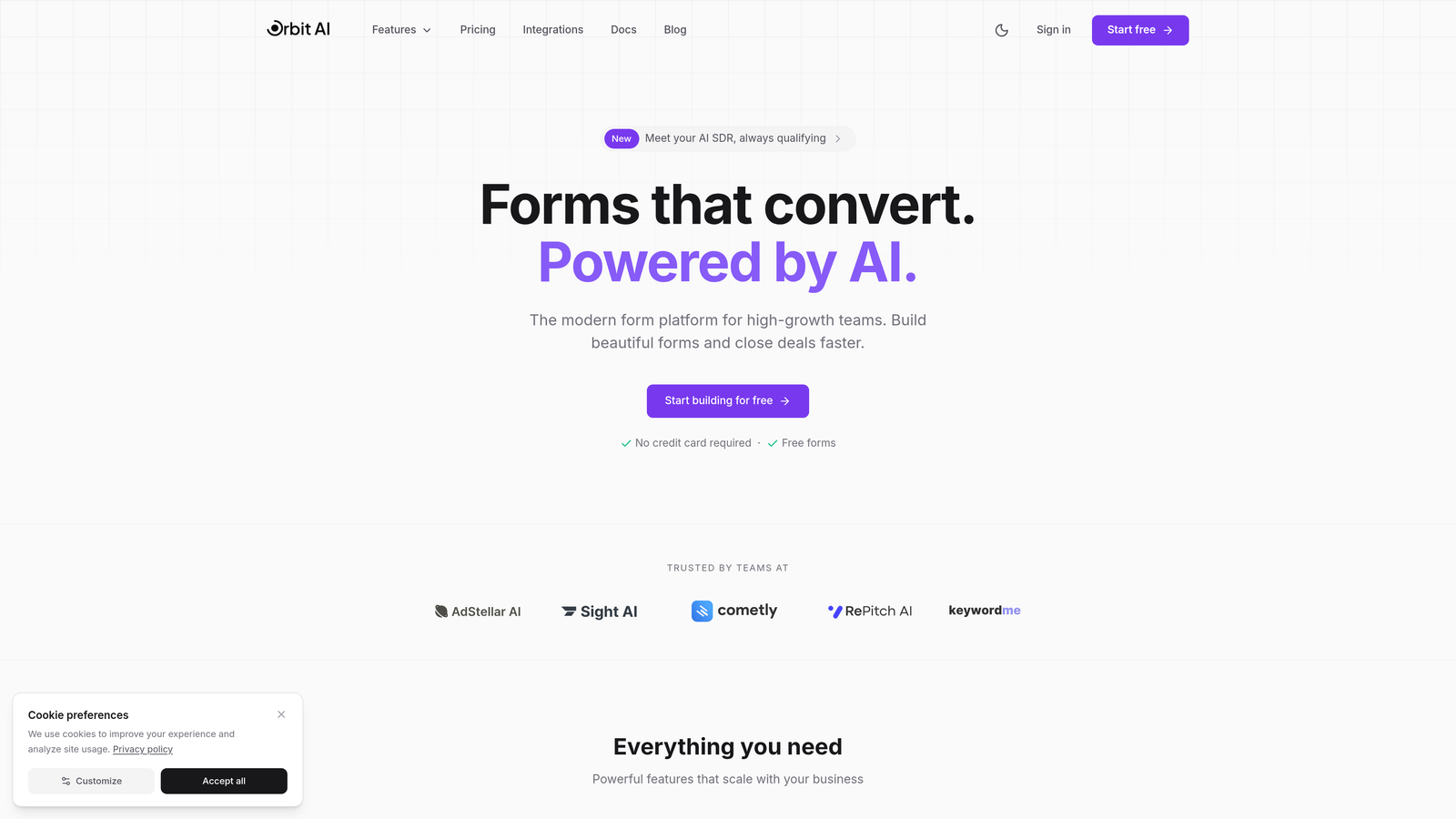
Orbit AI is an AI-powered form builder platform that combines intelligent lead qualification with native workflow automation, designed specifically for teams focused on conversion optimization.
Where This Tool Shines
Orbit AI stands out by embedding AI-powered lead scoring directly into the form experience. While most form builders treat automation as an afterthought that happens after submission, Orbit AI qualifies prospects in real-time, routing high-value leads immediately while nurturing others through appropriate workflows.
The platform's conversion-optimized templates are built with modern design principles that reduce form abandonment. Teams see the difference between generic form builders and purpose-built conversion tools—every element is designed to maximize completion rates while capturing the data you actually need.
Key Features
AI-Powered Lead Qualification: Automatically scores and routes leads based on intelligent analysis of submission data and behavioral signals.
Native Workflow Builder: Create sophisticated conditional workflows without relying on third-party automation tools or complex middleware.
Direct CRM Integration: Native connections to HubSpot, Salesforce, and other major platforms eliminate data sync delays and integration headaches.
Real-Time Analytics Dashboard: Track conversion rates, form performance, and lead quality metrics in a unified dashboard that shows what's actually working.
Conversion-Optimized Templates: Start with professionally designed templates built specifically for lead generation, not generic data collection.
Best For
Orbit AI is ideal for marketing and sales teams at high-growth companies who need more than basic form functionality. If you're managing significant lead volume and need intelligent qualification to prioritize your sales team's time, this platform delivers the automation sophistication that simpler tools can't match.
Pricing
Free tier available for teams getting started. Paid plans unlock advanced automation features, higher submission volumes, and enhanced AI capabilities with transparent pricing that scales with your growth.
2. Typeform
Best for: Creating engaging conversational forms with strong user experience focus
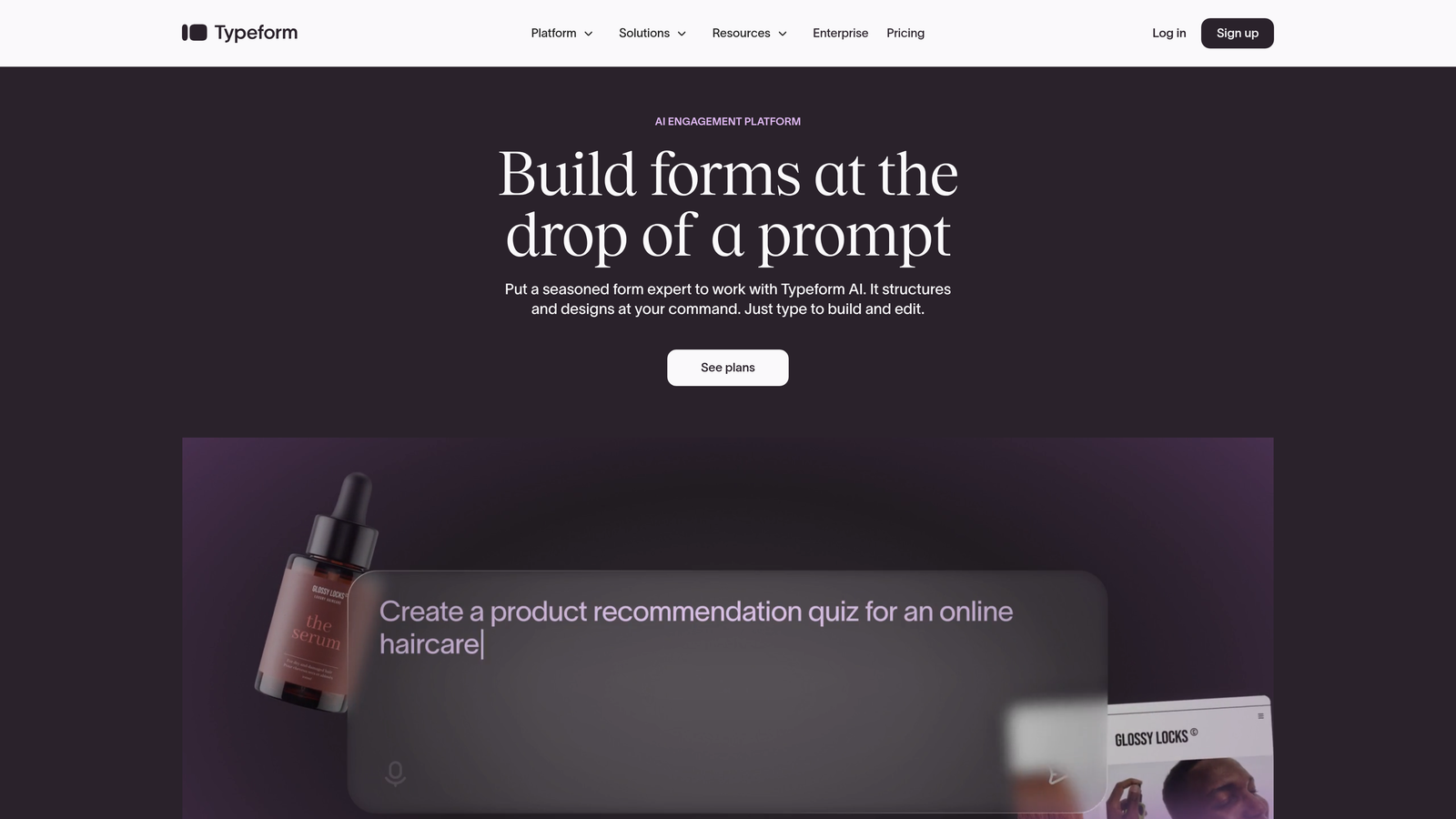
Typeform is a conversational form builder that presents one question at a time, creating an engaging experience that often improves completion rates.
Where This Tool Shines
Typeform transformed the form experience by ditching the traditional long-scroll format in favor of conversational, one-question-at-a-time interactions. This approach feels less overwhelming to users and creates a more engaging experience, particularly for surveys and feedback collection.
The platform's visual design capabilities are exceptional. You can create forms that feel like branded experiences rather than generic data collection tools, with custom backgrounds, videos, and images integrated seamlessly into the question flow.
Key Features
Conversational Interface: One-question-at-a-time format reduces cognitive load and improves completion rates for longer forms.
Logic Jumps: Create personalized form paths based on previous answers, showing respondents only relevant questions.
Native Integrations: Direct connections to major CRMs, email marketing platforms, and productivity tools streamline data flow.
Hidden Fields: Pass UTM parameters and other tracking data through forms for better attribution and segmentation.
Zapier Connectivity: Extend automation capabilities to thousands of additional apps through Zapier and Make integrations.
Best For
Typeform works best for teams prioritizing user experience and engagement over complex workflow automation. If you're collecting feedback, running surveys, or building forms where completion rate is more important than sophisticated lead routing, the conversational approach delivers real value.
Pricing
Free tier includes 10 responses per month. Basic plan starts at $25/month with increased response limits and basic integrations, while higher tiers unlock advanced logic and priority support.
3. Jotform
Best for: Teams needing extensive template variety and built-in workflow approvals
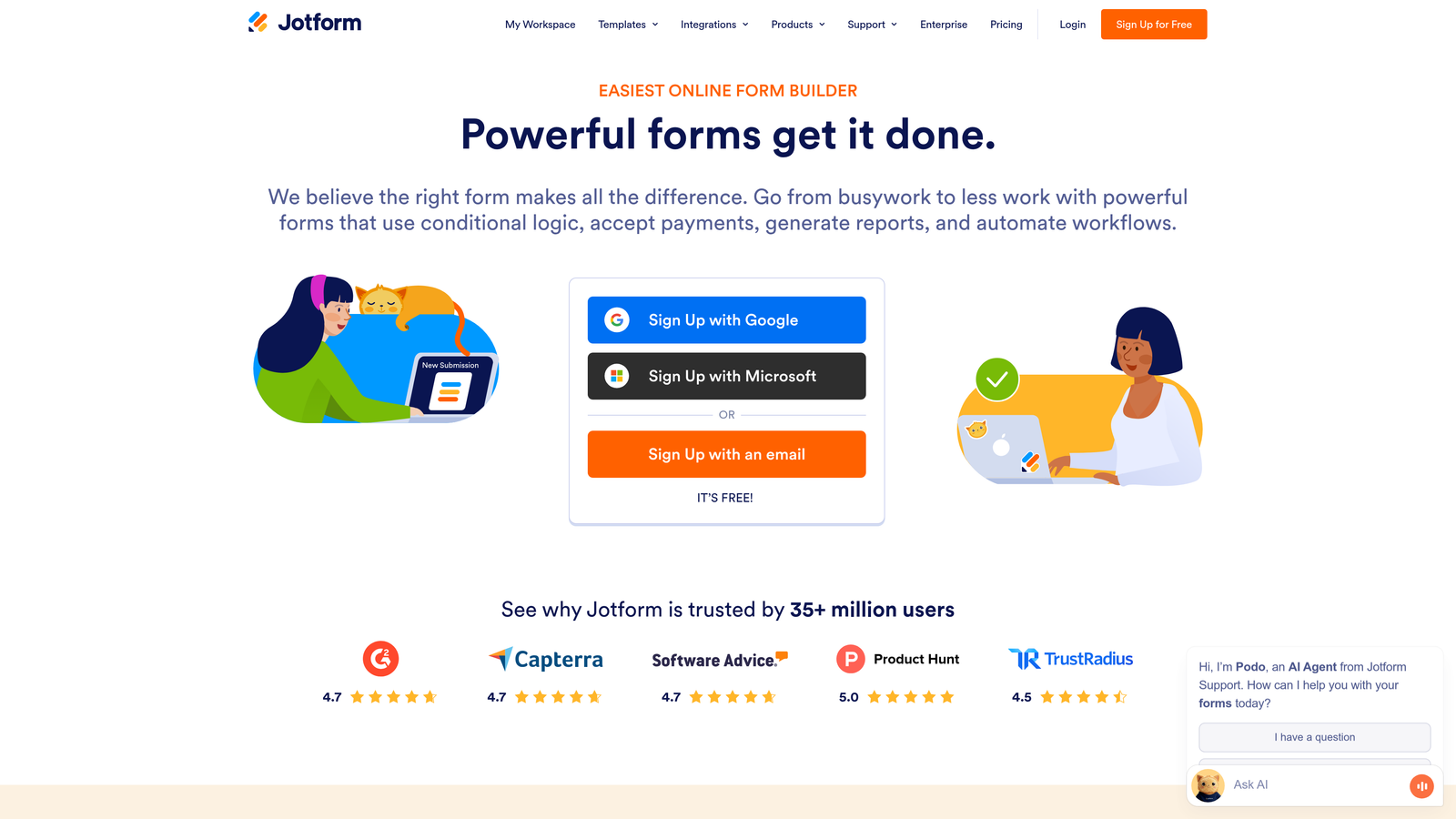
Jotform is a feature-rich form builder offering over 10,000 templates and native workflow automation capabilities including approval chains.
Where This Tool Shines
Jotform's massive template library means you can find a starting point for virtually any use case. Whether you need an event registration form, job application, or customer intake questionnaire, there's likely a template that gets you 80% of the way there.
The platform's Jotform Approvals feature sets it apart for teams managing multi-step processes. You can build approval workflows where submissions route through multiple reviewers before final processing—valuable for HR, procurement, and operations teams handling structured workflows.
Key Features
10,000+ Templates: Industry-specific templates cover everything from healthcare intake forms to real estate applications.
Jotform Approvals: Built-in approval workflow system for multi-step review processes without external automation tools.
Conditional Emails: Send different autoresponder emails based on form answers, enabling personalized follow-up at scale.
PDF Generation: Automatically create formatted PDF reports from form submissions for record-keeping and distribution.
Payment Collection: Native integration with payment processors allows you to collect payments directly through forms.
Best For
Jotform serves small to mid-sized businesses across diverse industries who need reliable form functionality without extensive customization. The template library and approval workflows make it particularly valuable for operations teams managing standardized processes.
Pricing
Free tier includes 5 forms and 100 monthly submissions. Bronze plan starts at $34/month with 25 forms and 1,000 submissions, scaling up through Silver and Gold tiers for higher volumes.
4. Formstack
Best for: Enterprise organizations requiring compliance certifications and document generation
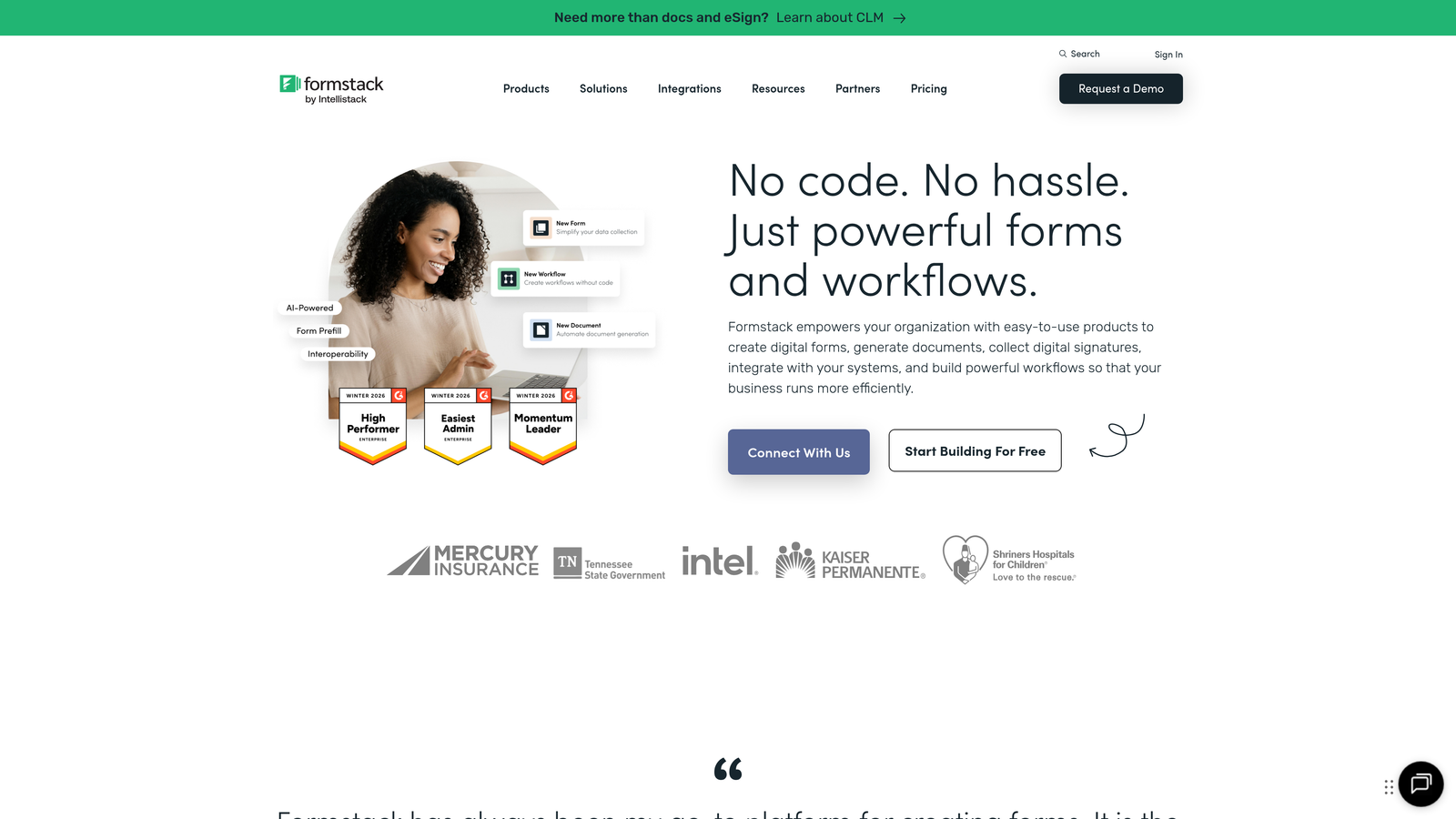
Formstack is an enterprise-grade form and workflow platform with advanced compliance features, document generation, and native Salesforce integration.
Where This Tool Shines
Formstack built its reputation serving regulated industries where compliance isn't optional. The platform offers HIPAA, GDPR, and SOC 2 compliance options with the documentation and security features enterprise IT teams require before approval.
The document generation capabilities extend beyond simple data collection. You can automatically populate contracts, agreements, and reports from form data, then route them through approval chains and collect e-signatures—all within a unified workflow that eliminates manual document handling.
Key Features
Advanced Workflow Automation: Build complex approval chains with conditional routing based on submission data and business rules.
Document Generation: Automatically create formatted documents from form data and integrate with e-signature platforms for complete contract workflows.
Compliance Certifications: HIPAA, GDPR, and SOC 2 compliance with encryption, audit trails, and security features required by regulated industries.
Salesforce-Native Forms: Build forms directly within Salesforce that write data natively to your CRM without integration middleware.
Data Routing: Send form data to different destinations based on conditional logic, enabling sophisticated data management workflows.
Best For
Formstack targets enterprise organizations, healthcare providers, financial services firms, and any business operating in regulated industries. If you need documented compliance, sophisticated approval workflows, or native Salesforce integration, the enterprise-focused feature set justifies the higher price point.
Pricing
Forms product starts at $50/month for basic functionality. Full suite pricing varies based on features needed, with enterprise plans including compliance certifications and dedicated support.
5. Cognito Forms
Best for: Small businesses needing payment processing with affordable workflow automation
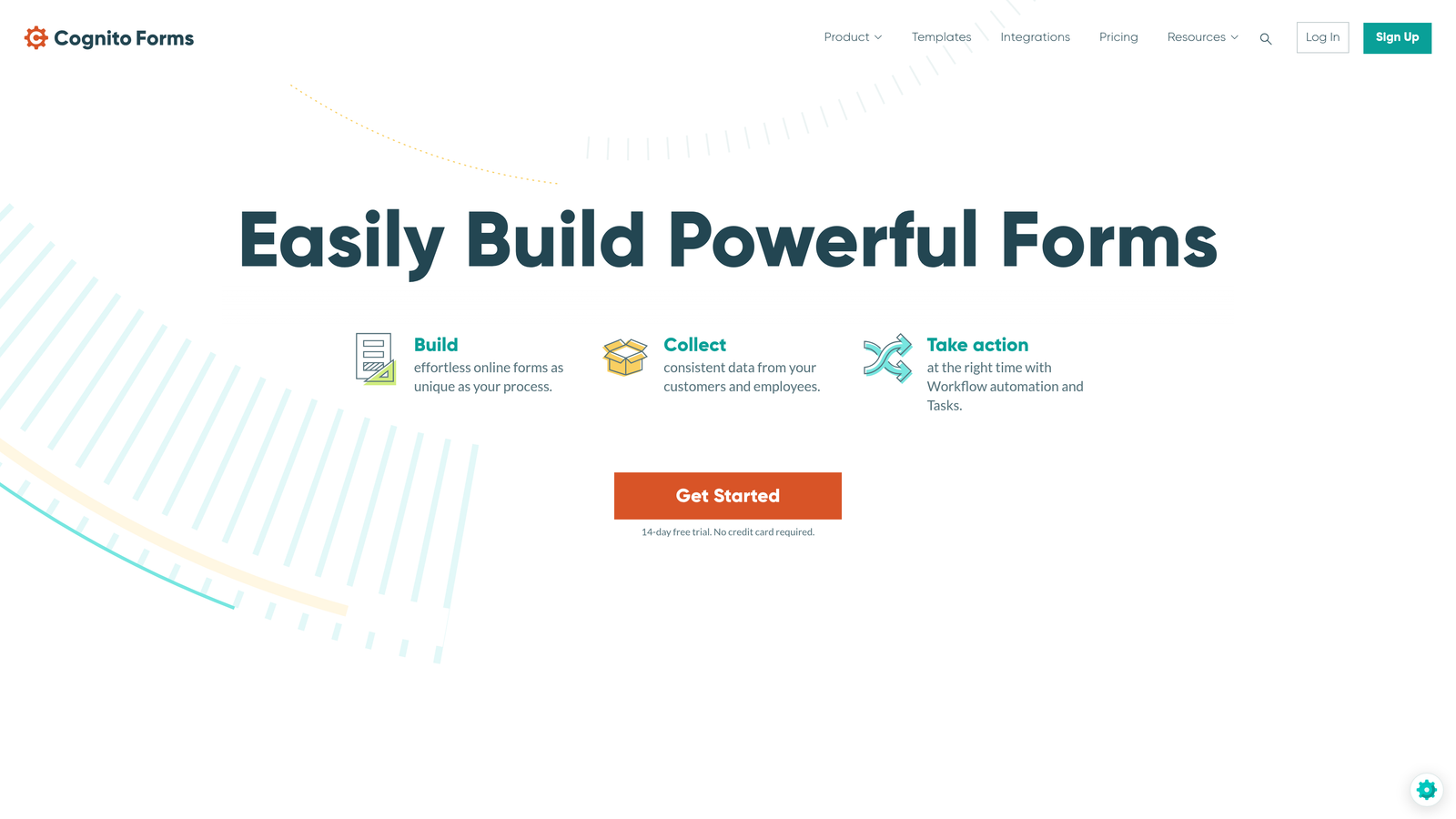
Cognito Forms is an affordable form builder with native payment processing and workflow automation designed for small business needs.
Where This Tool Shines
Cognito Forms delivers impressive functionality at price points that make sense for small businesses. The built-in payment processing with Stripe, PayPal, and Square eliminates the need for separate payment tools or expensive integrations.
The calculation fields feature sets it apart for order forms, registration systems, and quote requests. You can build forms that calculate totals, apply discounts, and adjust pricing based on user selections—functionality that typically requires custom development in other platforms.
Key Features
Native Payment Processing: Accept payments through Stripe, PayPal, or Square directly within forms without third-party integration tools.
Calculation Fields: Build dynamic forms that calculate totals, apply conditional pricing, and adjust based on user selections.
Conditional Logic: Show or hide fields based on previous answers, creating personalized form experiences.
Workflow Automation: Configure automated email notifications with conditional rules based on submission data.
Data Encryption: Form data is encrypted at rest and in transit with compliance features suitable for most business applications.
Best For
Cognito Forms serves small businesses, consultants, and service providers who need reliable form functionality with payment processing but don't require enterprise-grade features. The calculation capabilities make it particularly valuable for businesses selling services or products with variable pricing.
Pricing
Free tier available with basic features. Pro plan starts at $15/month per user, offering strong value for small teams needing payment processing and workflow automation.
6. Paperform
Best for: Design-conscious teams creating branded landing pages with embedded forms
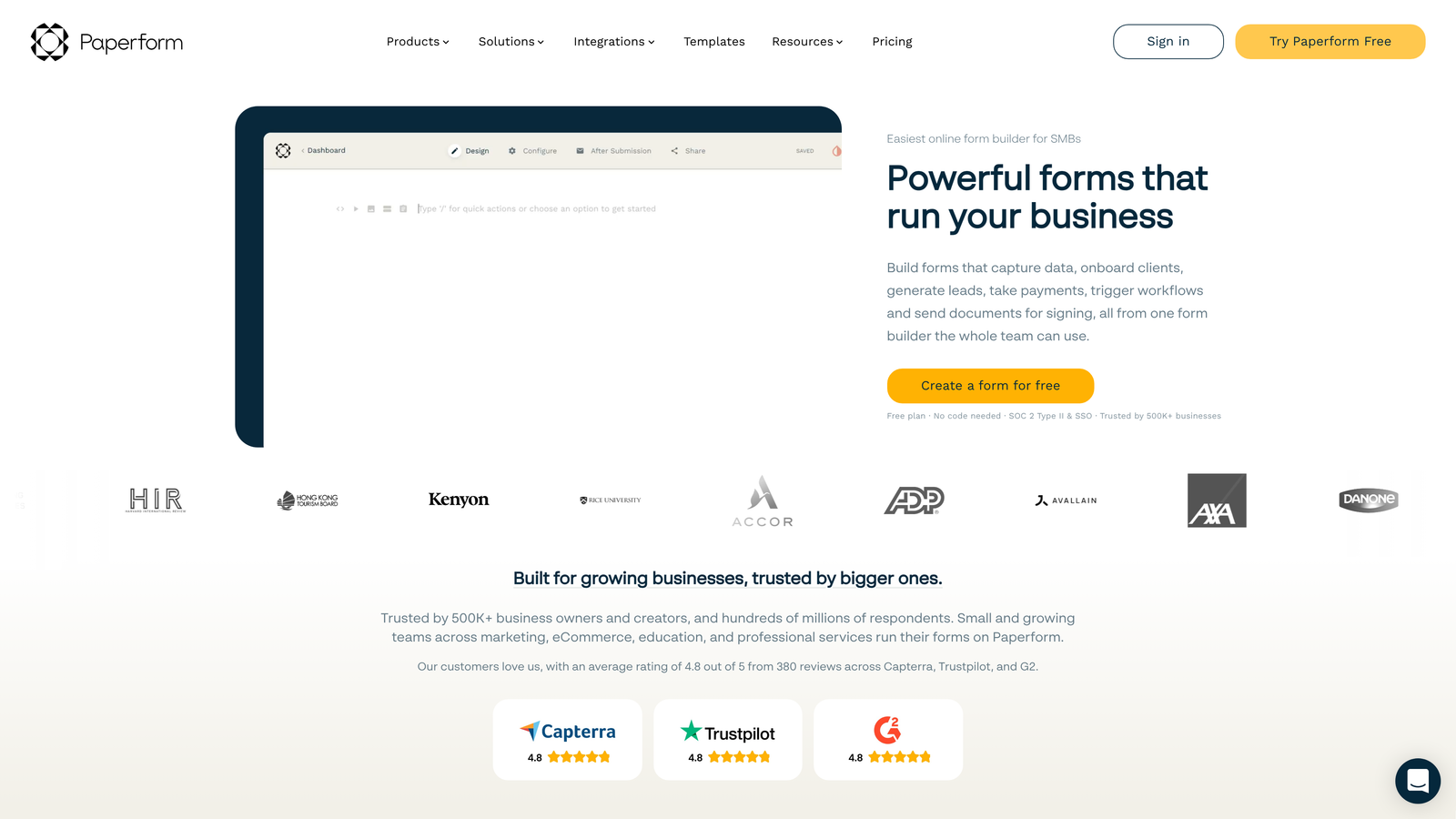
Paperform is a design-focused form builder that creates branded landing pages with rich content embedding and native automation.
Where This Tool Shines
Paperform blurs the line between form builder and landing page creator. You can embed videos, images, and rich content directly within your forms, creating experiences that feel more like interactive landing pages than traditional data collection tools.
The platform's design flexibility allows you to match your brand guidelines without technical expertise. Custom fonts, colors, and layouts create forms that feel like natural extensions of your website rather than generic embedded widgets.
Key Features
Rich Content Embedding: Integrate videos, images, and formatted text within forms to create engaging landing page experiences.
2,000+ Native Integrations: Direct connections to major business tools eliminate reliance on middleware for basic automation workflows.
Conditional Logic: Create dynamic form experiences that adapt based on user responses and show relevant content.
Custom Success Pages: Design branded confirmation pages with custom messaging, videos, or next-step instructions.
Built-In Analytics: Track form views, completion rates, and conversion metrics without connecting external analytics tools.
Best For
Paperform works best for marketing teams and creative agencies who prioritize brand consistency and visual design. If you're building forms that double as landing pages or need extensive design flexibility, the platform delivers capabilities that standard form builders can't match.
Pricing
Essentials plan starts at $24/month with unlimited forms and submissions. Higher tiers add advanced integrations, custom branding removal, and priority support.
7. 123FormBuilder
Best for: Healthcare and regulated industries requiring HIPAA-compliant form solutions
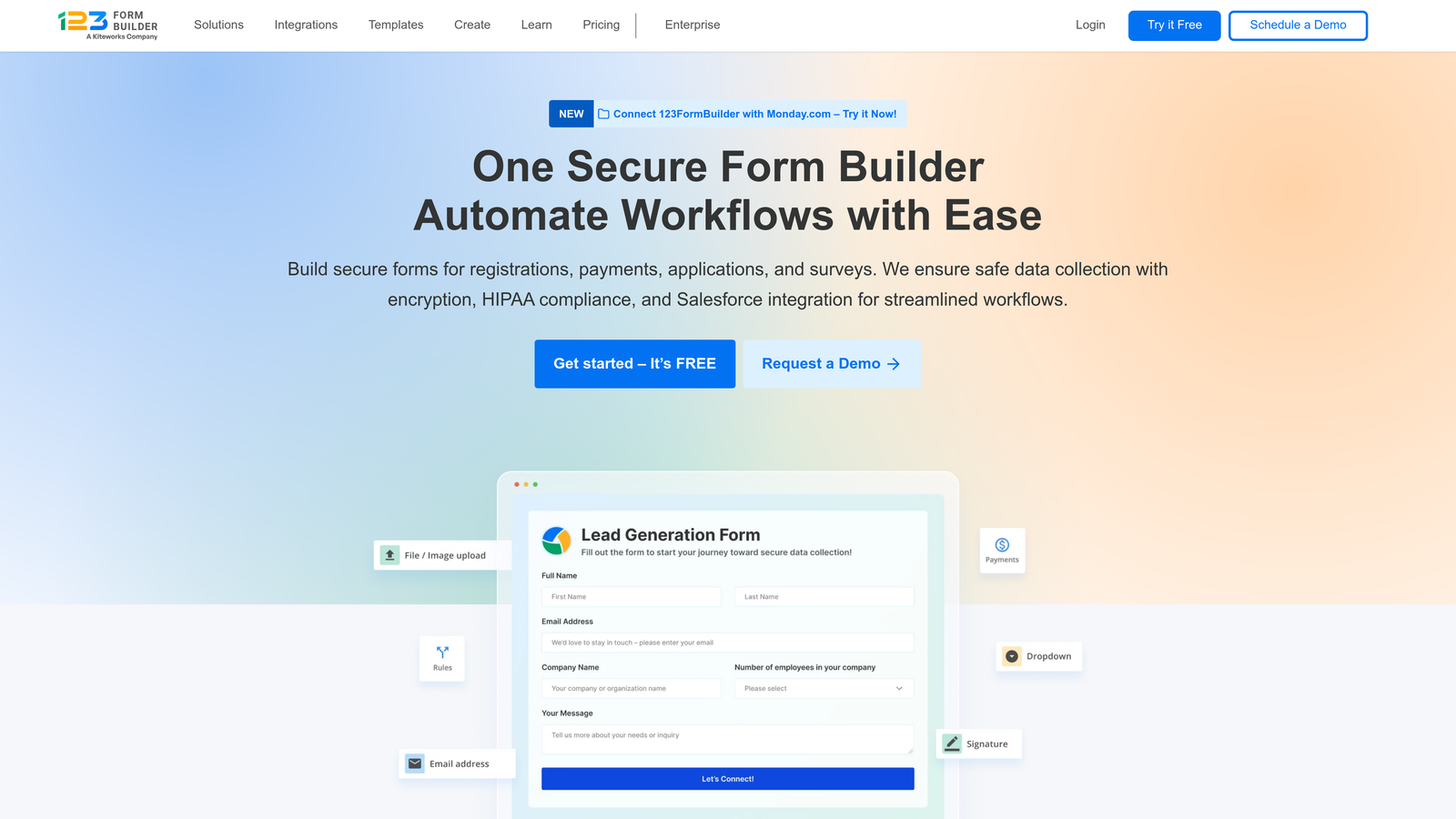
123FormBuilder is a compliance-focused form builder with workflow automation designed specifically for healthcare and regulated industries.
Where This Tool Shines
123FormBuilder built its platform with healthcare compliance at the core. The HIPAA-compliant form building includes Business Associate Agreements, encryption, and audit trails that meet regulatory requirements without expensive custom development.
The electronic signature integration streamlines document workflows for healthcare providers, legal firms, and financial services. You can collect signatures within HIPAA-compliant forms, eliminating the need for separate e-signature tools and reducing workflow complexity.
Key Features
HIPAA-Compliant Forms: Built-in compliance features including BAAs, encryption, and audit trails meet healthcare regulatory requirements.
Workflow Automation: Configure conditional notifications and data routing based on submission content and business rules.
E-Signature Integration: Collect legally binding electronic signatures within forms for contracts, consent forms, and agreements.
Custom Branding: White-label options allow agencies and enterprises to remove platform branding and maintain brand consistency.
Multi-User Collaboration: Team features enable multiple users to build and manage forms with role-based permissions.
Best For
123FormBuilder serves healthcare providers, medical practices, legal firms, and any organization handling sensitive data that requires documented compliance. If HIPAA compliance is non-negotiable, the built-in features eliminate the complexity of securing generic form builders.
Pricing
Free tier available with basic features. Gold plan starts at $24.99/month with HIPAA compliance available on higher-tier plans that include necessary security features and BAAs.
8. Fillout
Best for: Teams using Notion or Airtable for database-driven workflow automation
Fillout is a modern form builder with native Notion and Airtable integration, designed for teams building database-driven workflows.
Where This Tool Shines
Fillout's direct Notion and Airtable database syncing eliminates the middleware layer that most form builders require. Submissions write directly to your Notion pages or Airtable bases in real-time, enabling you to build workflows within tools you already use.
The platform's modern interface feels familiar to teams already using Notion. The learning curve is minimal if you're comfortable with database concepts, and the form building process focuses on functionality over excessive design customization.
Key Features
Direct Database Syncing: Native integration with Notion and Airtable writes form submissions directly to your databases without middleware.
Multi-Page Forms: Break long forms into logical sections to improve completion rates and user experience.
File Upload Integration: Collect files through forms with direct upload to cloud storage platforms for organized asset management.
Conditional Logic: Show or hide form sections based on previous answers to create personalized experiences.
Scheduling Integration: Embed calendar scheduling directly in forms to book appointments without separate scheduling tools.
Best For
Fillout targets teams already using Notion or Airtable as their workflow foundation. If your operations run through these databases, the native integration creates seamless workflows that generic form builders can't replicate without complex automation chains.
Pricing
Free tier includes unlimited forms with generous submission limits. Starter plan at $15/month adds advanced features, increased storage, and priority support at accessible price points.
9. Tally
Best for: Budget-conscious startups needing unlimited forms with webhook automation
Tally is a minimalist form builder with a generous free tier and webhook support for basic automation workflows.
Where This Tool Shines
Tally's free tier is remarkably generous. Unlimited forms and submissions at no cost makes it compelling for startups and side projects that need reliable form functionality without monthly expenses eating into limited budgets.
The Notion-style block-based editor feels intuitive if you've used modern document tools. You build forms by adding blocks for different field types, creating a straightforward experience that doesn't require extensive training or form-building expertise.
Key Features
Unlimited Free Tier: Create unlimited forms with unlimited submissions on the free plan, removing volume constraints that limit other platforms.
Block-Based Editor: Notion-style interface makes form building intuitive with drag-and-drop simplicity.
Webhook Support: Send form data to custom endpoints for integration with internal systems or automation platforms.
Conditional Logic: Show or hide fields based on previous answers to create dynamic form experiences.
Hidden Fields: Pass tracking parameters and metadata through forms for better attribution and segmentation.
Best For
Tally serves bootstrapped startups, indie makers, and teams in early stages who need functional forms without budget allocation. The free tier provides genuine value for basic use cases, while the paid plan remains affordable as needs grow.
Pricing
Free tier includes core features with unlimited forms and submissions. Pro plan at $29/month adds custom branding removal, file uploads, and priority support for teams needing additional capabilities.
Making the Right Choice
Your ideal form automation platform depends on where you are in your growth journey and what you're trying to accomplish. Teams managing high lead volumes who need intelligent qualification should prioritize platforms with built-in AI capabilities like Orbit AI. If user experience drives your decision, Typeform's conversational approach delivers engagement that traditional forms can't match.
Budget constraints matter. Tally's generous free tier works well for startups validating ideas, while Cognito Forms offers affordable payment processing for small businesses. Enterprise teams in regulated industries need the compliance documentation that Formstack and 123FormBuilder provide—cutting corners on security creates risks that far exceed cost savings.
Consider your existing tech stack. Teams already using Notion or Airtable will find Fillout's native integration eliminates workflow friction. If you're building approval processes, Jotform's built-in approval chains might eliminate the need for separate workflow tools. The right choice integrates naturally with how your team already works.
Think about where you're headed, not just where you are today. A platform that works for 100 monthly submissions might buckle at 10,000. Orbit AI scales with high-growth teams because the AI-powered lead qualification becomes more valuable as volume increases—it's solving tomorrow's problem, not just today's.
The difference between basic form automation and intelligent workflow optimization becomes clear when you're managing real lead volume. Start your free trial today and see how intelligent form design can elevate your conversion strategy while automation handles the repetitive work that's draining your team's time.