

When form submissions require review before processing—whether it's expense reports, content requests, leave applications, or vendor onboarding—a basic form builder falls short. You need approval workflows that route submissions to the right people, track decisions, and keep everyone informed.
The challenge? Most form tools either lack native approval features entirely or bolt them on as clunky afterthoughts.
We evaluated dozens of platforms to find the ones that handle approval workflows elegantly, considering factors like routing flexibility, notification options, audit trails, and integration capabilities. Here are the top form builders that actually deliver on approval workflow functionality.
1. Orbit AI
Best for: High-growth teams wanting AI-powered forms with native workflow automation and lead qualification
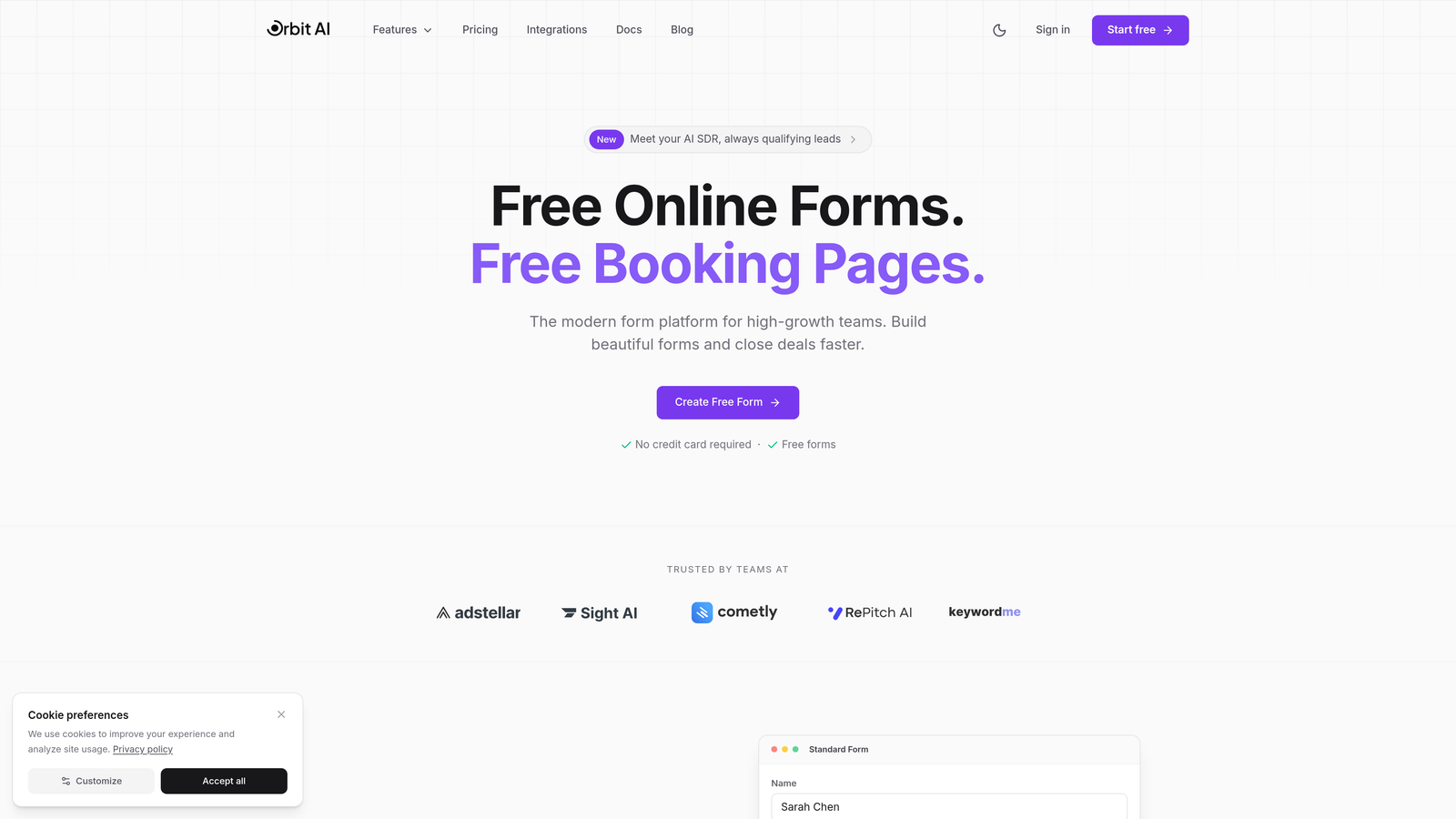
Orbit AI combines conversion-optimized form design with native workflow automation, offering approval routing alongside AI-powered lead qualification capabilities.
Where This Tool Shines
Orbit AI stands out by treating approval workflows as a natural extension of intelligent form processing rather than a bolted-on feature. The platform's AI capabilities go beyond basic routing to actually qualify and score leads before they hit your approval queue.
This means your approval workflows start with better-qualified submissions from the outset. The modern interface focuses on conversion optimization, making it ideal for customer-facing forms where user experience directly impacts completion rates.
Key Features
Native Workflow Builder: Create conditional approval paths with visual logic that routes submissions based on form data, lead scores, or custom criteria.
AI-Powered Lead Qualification: Automatically score and qualify leads before routing them through approval processes, reducing manual review time.
Multi-Channel Notifications: Send approval requests via Slack, email, or in-app notifications to ensure timely responses from decision-makers.
CRM Integration: Connect directly with HubSpot, Salesforce, and Pipedrive to sync approved submissions with your existing sales workflows.
Conversion-Focused Design: Build modern, beautiful forms that maintain high completion rates while collecting the data needed for approval decisions.
Best For
High-growth teams that need approval workflows for lead-generating forms, sales qualification processes, or customer onboarding where conversion optimization matters as much as workflow efficiency. Particularly valuable when you want AI to pre-qualify submissions before human review.
Pricing
Contact for pricing; free trial available to test workflow capabilities and form builder features.
2. Jotform Approvals
Best for: Teams needing dedicated approval-first functionality with visual flow design
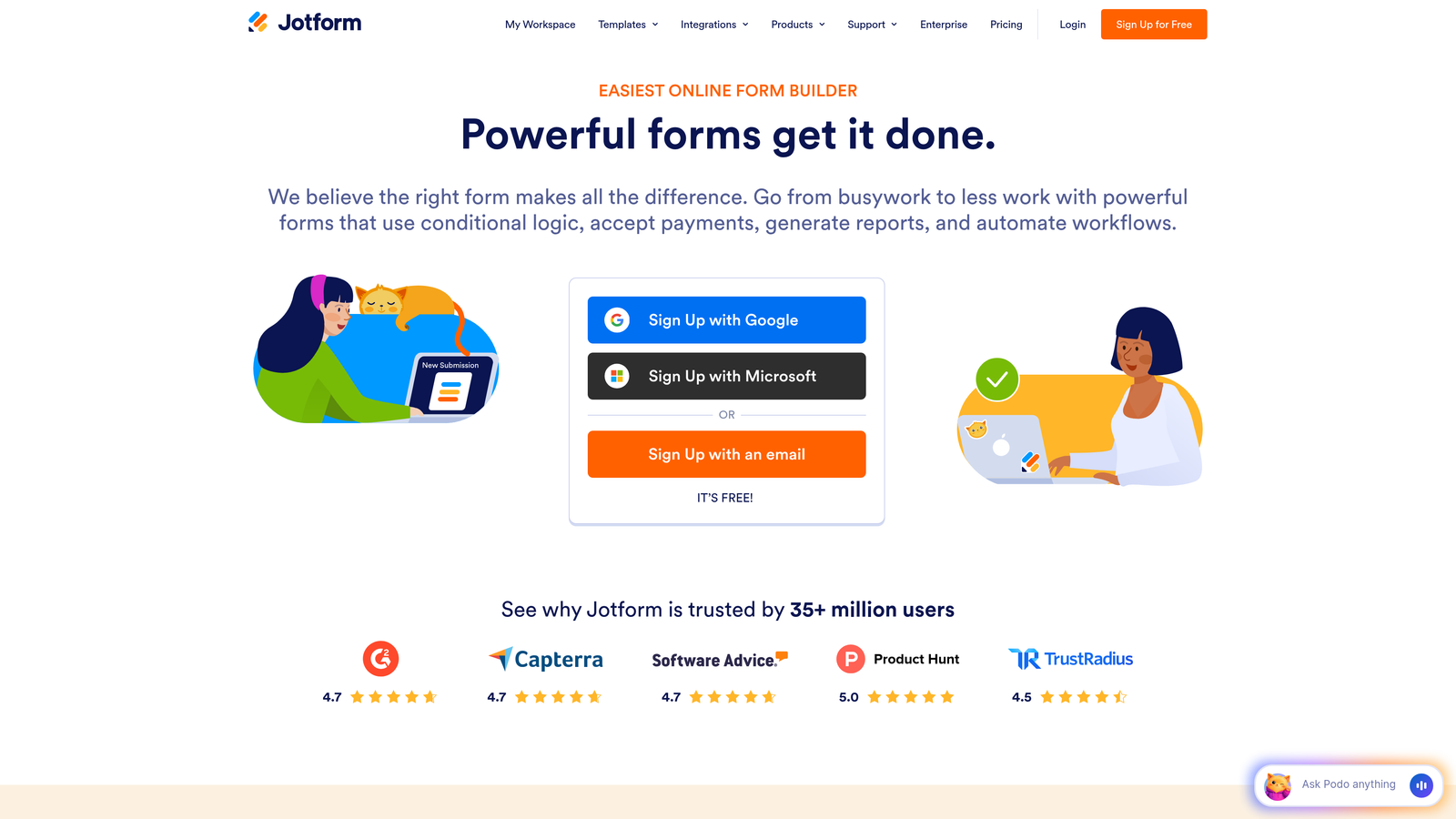
Jotform Approvals is a dedicated approval workflow product that transforms form submissions into structured approval processes with visual flow designers.
Where This Tool Shines
Unlike general form builders with workflow add-ons, Jotform Approvals was purpose-built for approval processes. The visual drag-and-drop flow builder makes it easy to design complex approval chains without technical knowledge.
The mobile app deserves special mention—approvers can review and decide on submissions from anywhere, with push notifications ensuring nothing falls through the cracks. This mobile-first approach significantly reduces approval bottlenecks.
Key Features
Visual Flow Builder: Drag-and-drop interface for designing approval workflows with branching logic and conditional paths.
Sequential and Parallel Routing: Configure approvals to proceed step-by-step or send to multiple approvers simultaneously for faster decisions.
Conditional Logic: Route submissions to different approval chains based on form field values, amounts, or other criteria.
Mobile Approval App: Dedicated iOS and Android apps let approvers review and decide on submissions from their phones.
Automated Reminders: Send escalation emails when approvals are pending too long, with configurable reminder schedules.
Best For
Organizations that process high volumes of approval requests—expense reports, leave applications, purchase orders—and need a dedicated tool focused exclusively on approval workflow efficiency rather than general form building.
Pricing
Free tier available for basic workflows; paid plans start at $34/month with advanced approval features in higher tiers.
3. Microsoft Power Automate + Forms
Best for: Organizations already invested in the Microsoft 365 ecosystem
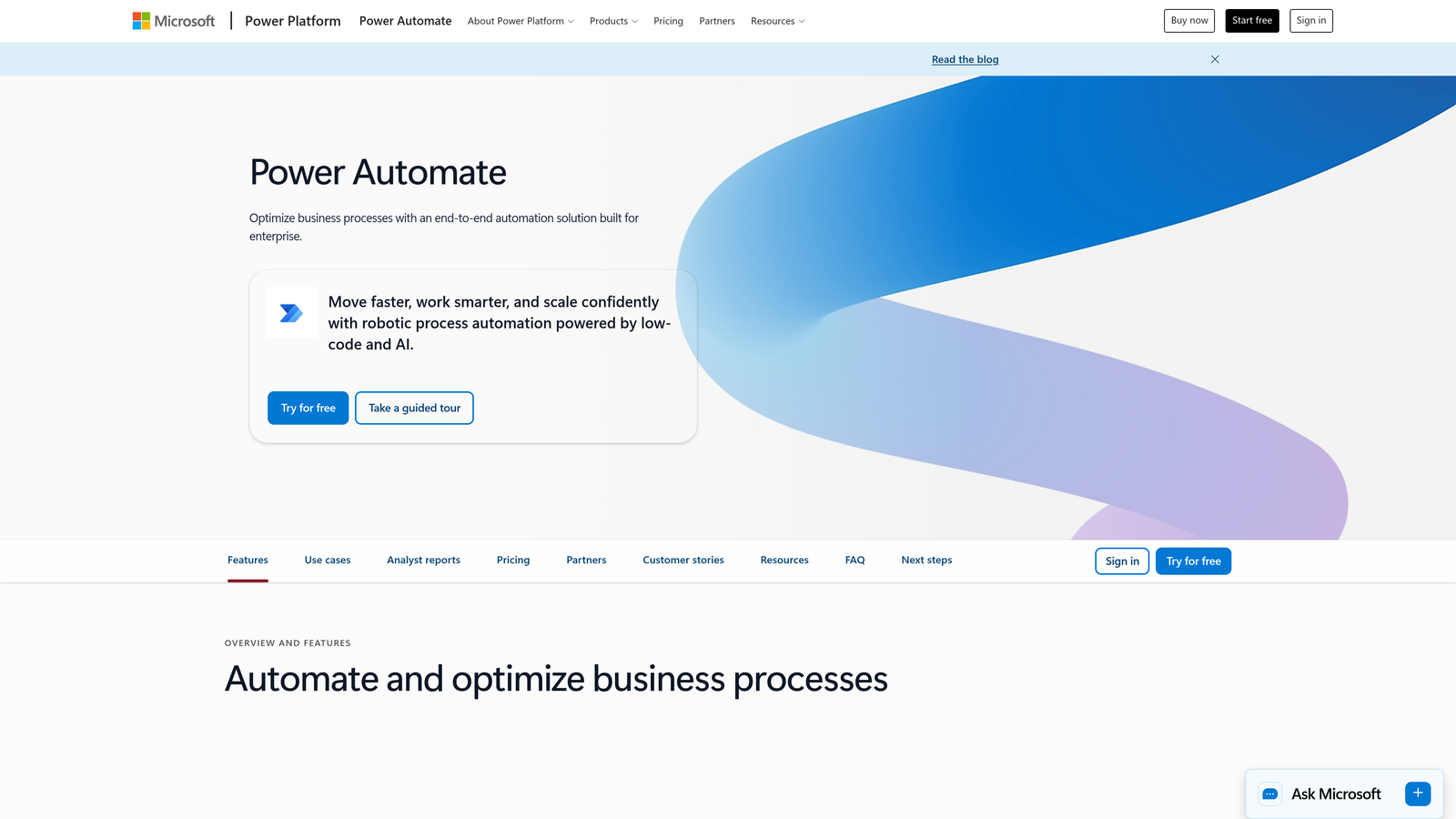
Microsoft Power Automate paired with Microsoft Forms offers deep integration with the Microsoft 365 ecosystem for enterprise approval workflows.
Where This Tool Shines
If your organization lives in Microsoft Teams and Outlook, this combination feels completely native. Approval requests appear directly in Teams channels or Outlook inboxes—no separate platform to check.
The pre-built approval templates cover common scenarios like vacation requests and expense approvals, letting you launch workflows in minutes. For enterprises with complex Microsoft infrastructure, the ability to connect Forms, SharePoint, Dynamics, and custom databases creates powerful approval chains.
Key Features
Native Approval Actions: Built-in approval connectors designed specifically for Microsoft 365 workflows with seamless Teams integration.
Teams and Outlook Delivery: Approval requests arrive where people already work—in Teams chats or Outlook emails—with approve/reject buttons right in the message.
Pre-Built Templates: Start with templates for vacation requests, expense approvals, document reviews, and other common approval scenarios.
Microsoft Ecosystem Integration: Connect to SharePoint libraries, Dynamics 365, Azure databases, and hundreds of other Microsoft services.
Detailed Audit Logs: Complete approval history with timestamps, decision-makers, and comments for compliance documentation.
Best For
Enterprises already using Microsoft 365 who want approval workflows that feel like a natural extension of Teams and Outlook rather than yet another platform to learn and monitor.
Pricing
Included with Microsoft 365 Business subscriptions; standalone Power Automate plans start at $15/user/month for premium connectors.
4. Formstack
Best for: Industries requiring electronic signatures alongside approval workflows
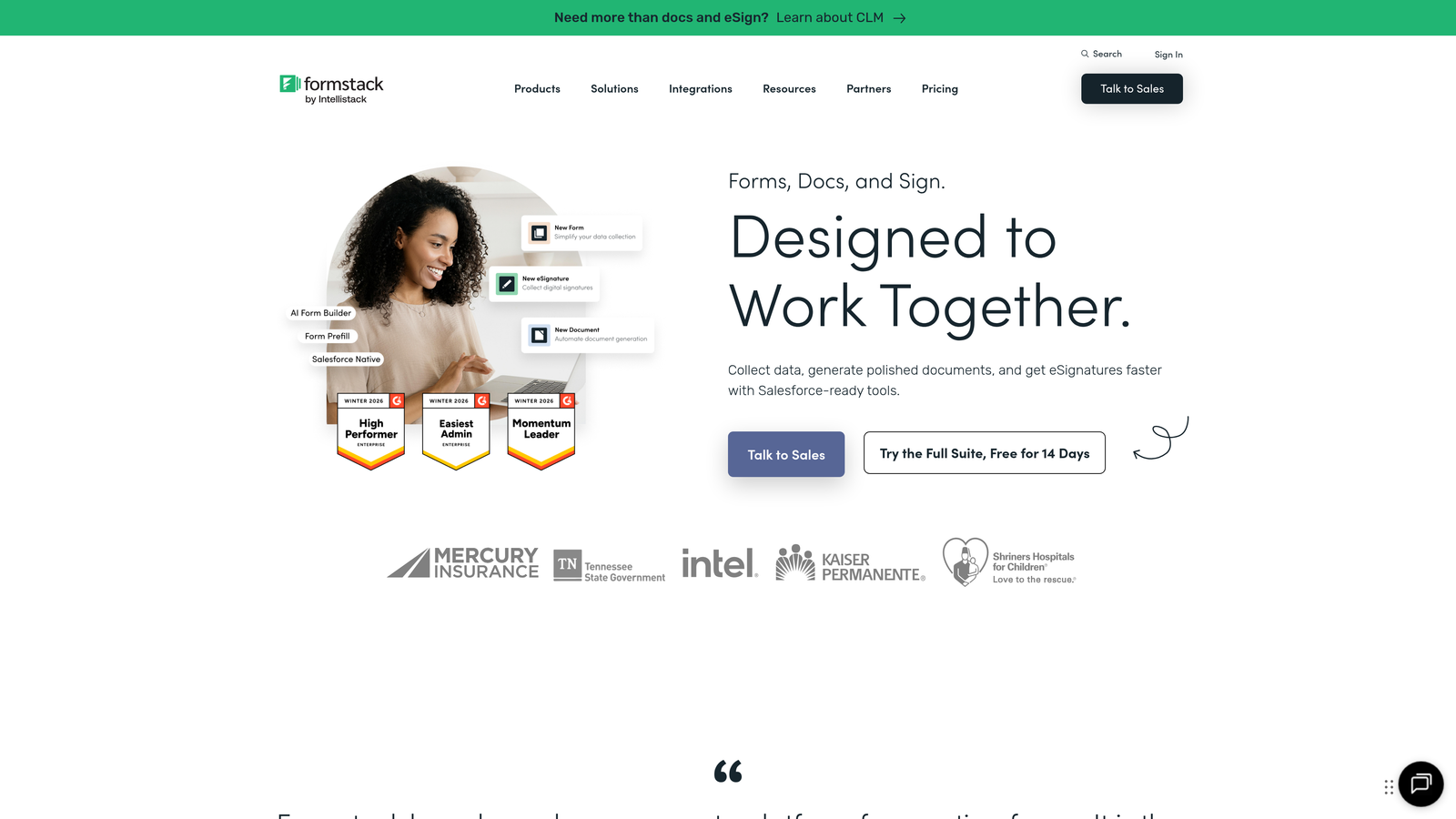
Formstack is an enterprise form builder with workflow automation and document generation capabilities, particularly strong for industries requiring electronic signatures alongside approvals.
Where This Tool Shines
Formstack excels when approval workflows need to generate final documents that require signatures. The integrated Formstack Sign product means you can collect a form submission, route it through approvals, generate a contract or agreement from the approved data, and collect signatures—all in one platform.
Healthcare and financial services organizations appreciate the HIPAA-compliant options and detailed audit trails. The conditional routing logic handles complex approval scenarios where different submission types need completely different approval chains.
Key Features
Multi-Step Workflow Automation: Build approval workflows with multiple stages, conditional branching, and parallel approval paths.
Integrated Electronic Signatures: Generate documents from approved form data and collect legally binding signatures via Formstack Sign.
Document Generation: Automatically create PDFs, contracts, or reports from form submissions after approval.
HIPAA Compliance: Dedicated compliance features for healthcare organizations handling protected health information.
Advanced Conditional Logic: Route submissions through different approval chains based on complex combinations of field values and conditions.
Best For
Healthcare, financial services, legal, and other regulated industries where approval workflows must generate compliant documentation and collect signatures as part of the process.
Pricing
Plans start at $50/month; workflow automation and advanced features available in higher-tier plans starting around $99/month.
5. Kissflow
Best for: Organizations needing process-first workflow automation with forms as triggers
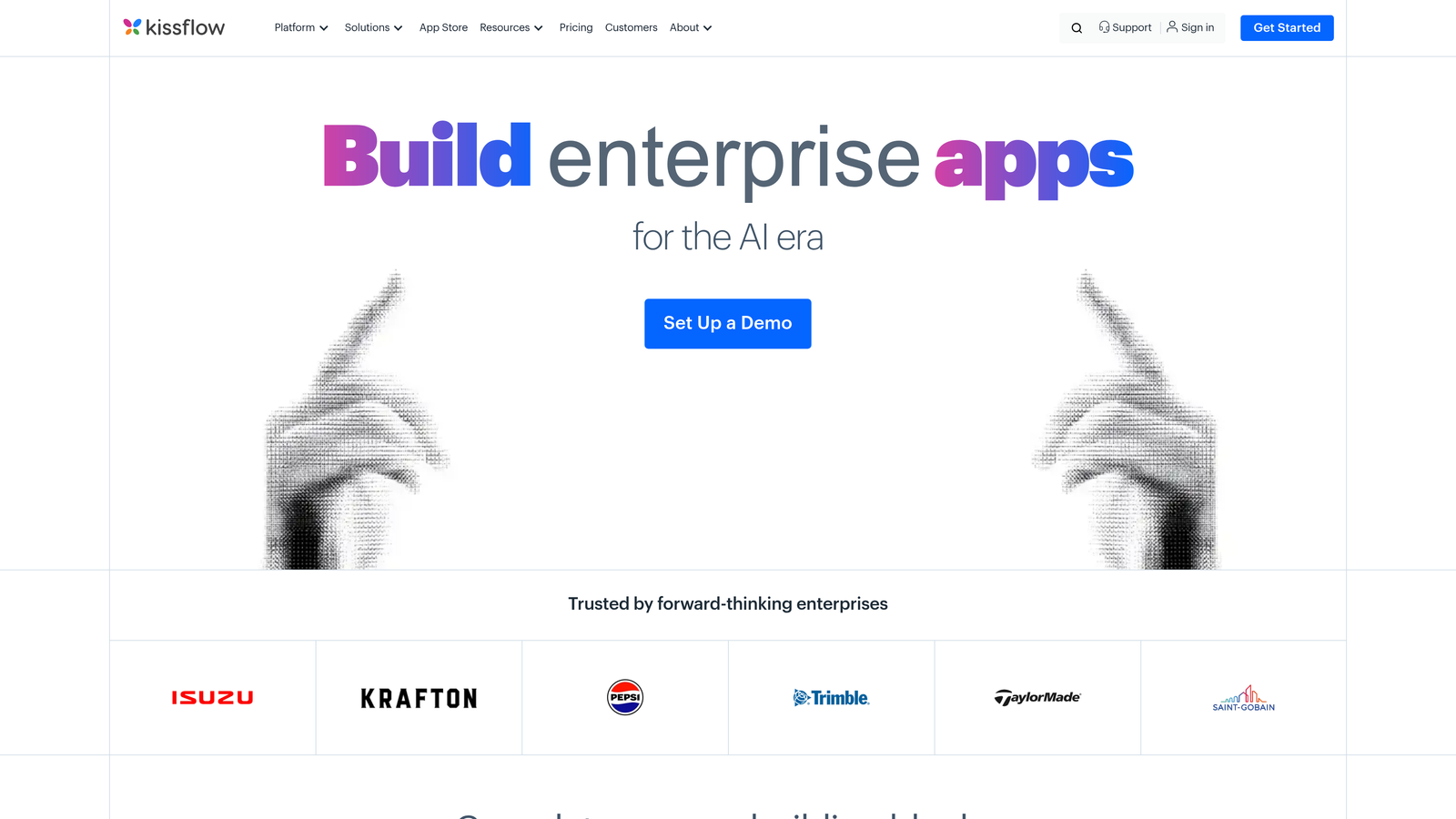
Kissflow is a no-code workflow automation platform that takes a process-first approach, with forms serving as triggers for sophisticated business workflows and approvals.
Where This Tool Shines
Kissflow thinks about workflows differently than form-first tools. Instead of building a form and adding workflow, you design the entire business process visually, with forms as one component. This approach works brilliantly for complex multi-department processes.
The SLA tracking and escalation rules ensure approvals don't stall—if someone doesn't respond within the defined timeframe, the system automatically escalates to their manager or delegates to another approver. The analytics dashboard shows exactly where bottlenecks occur in your approval processes.
Key Features
Visual Process Designer: Design complete business processes with approval steps, conditional branches, and parallel tasks using a flowchart interface.
SLA Tracking and Escalation: Set deadlines for each approval step with automatic escalation when approvers don't respond in time.
Role-Based Assignments: Assign approvals to roles rather than individuals, so the system routes to whoever currently holds that position.
Mobile Approval Interface: Native mobile apps optimized for reviewing and approving requests on smartphones and tablets.
Process Analytics: Dashboards showing cycle times, bottlenecks, and approval patterns to optimize your workflows.
Best For
Mid-sized to enterprise organizations with complex cross-departmental processes where forms are one part of larger business workflows requiring multiple approval stages and SLA management.
Pricing
Starts at $1,500/month for the small business tier; pricing scales with user count and process complexity.
6. Cognito Forms
Best for: Budget-conscious teams wanting solid approval features without enterprise pricing
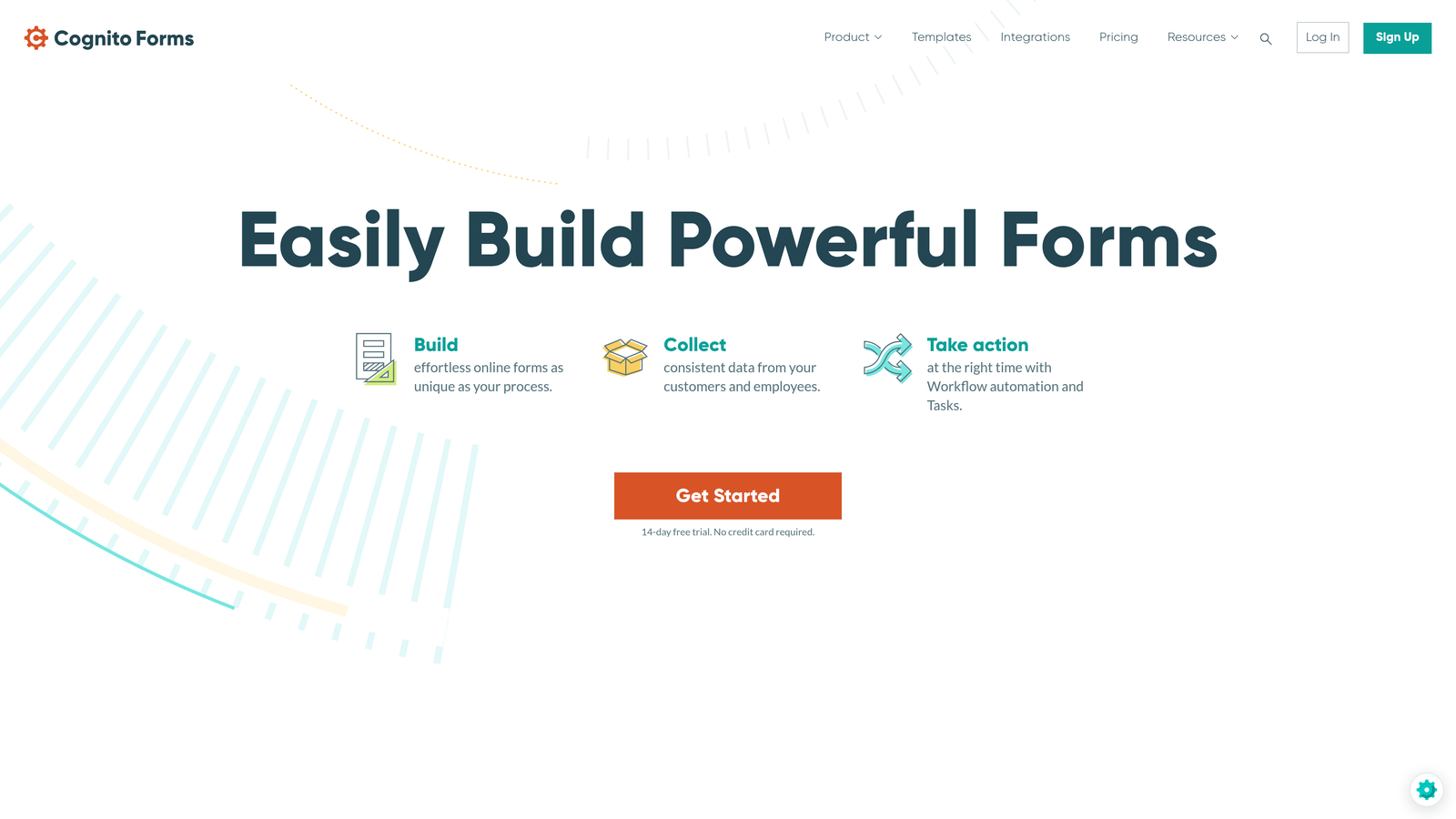
Cognito Forms is an affordable form builder with built-in workflow capabilities, offering solid approval features at a fraction of enterprise pricing.
Where This Tool Shines
Cognito Forms proves you don't need enterprise budgets for effective approval workflows. The email-based approval system is elegantly simple—approvers receive an email with approve/deny links that execute the decision with a single click.
The platform handles payment collection with approval gates particularly well. You can collect form submissions, route them through approval, and only process payment after approval—perfect for registration forms, membership applications, or grant requests where payment should wait for approval.
Key Features
Email-Based Approval Actions: Approvers receive emails with direct approve/deny links—no separate platform login required.
Workflow Status Tracking: View the current approval status of each submission with complete history of who approved or denied.
Conditional Email Notifications: Send different notification emails based on form data, approval decisions, or workflow stages.
Payment with Approval Gates: Collect payment information but only process charges after approval is granted.
Data Encryption and Compliance: HIPAA-compliant plans available with encryption for sensitive form data.
Best For
Small to medium businesses, nonprofits, and educational institutions that need straightforward approval workflows without the complexity or cost of enterprise workflow platforms.
Pricing
Free tier available for basic forms; Pro plans with workflow features start at just $15/month.
7. Typeform + Zapier
Best for: Customer-facing forms where user experience directly impacts completion rates
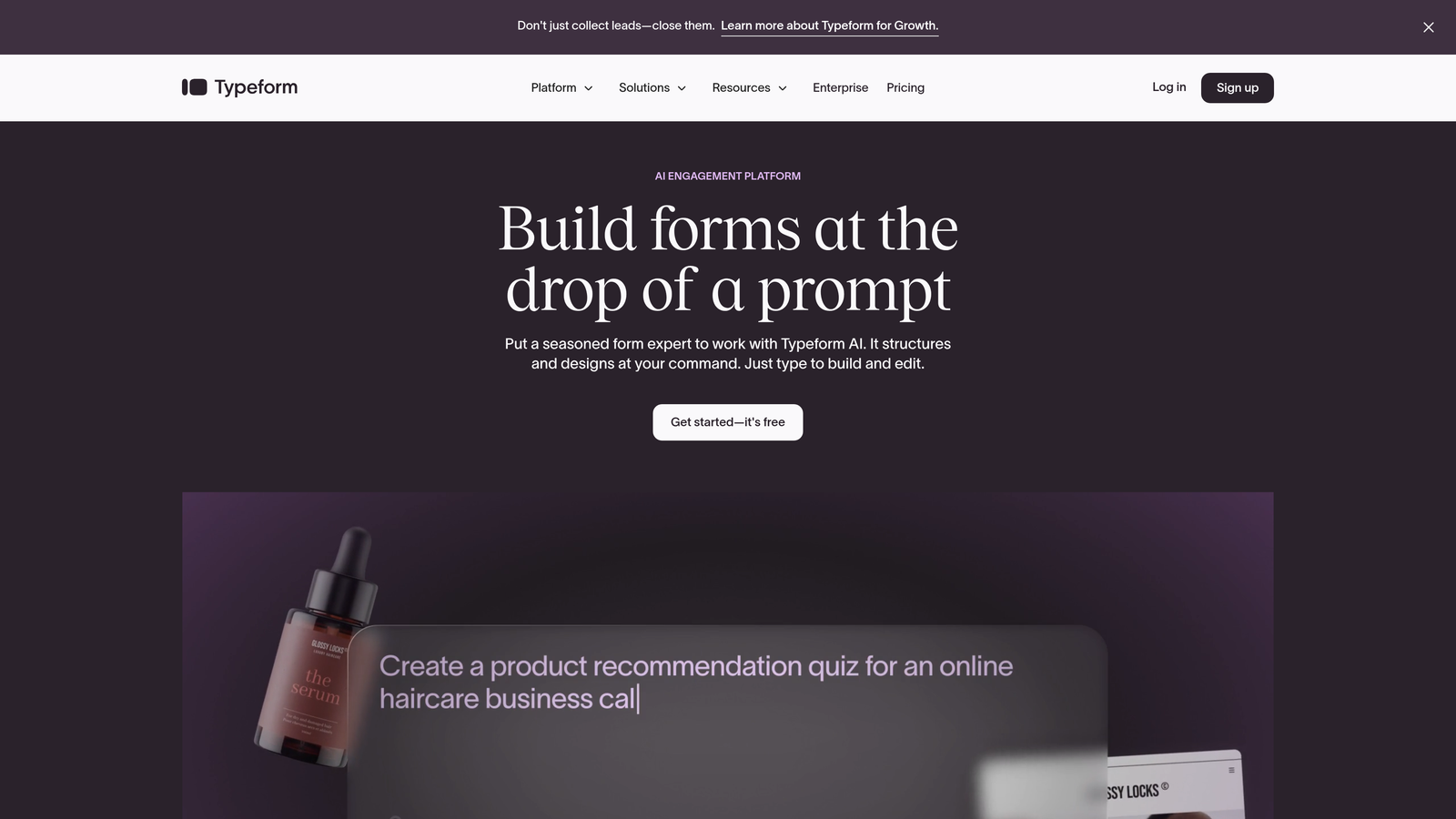
Typeform is a conversational form builder known for exceptional user experience, paired with Zapier for flexible approval workflow automation.
Where This Tool Shines
When form completion rates matter as much as approval efficiency, Typeform delivers. The conversational, one-question-at-a-time interface achieves significantly higher completion rates than traditional forms—critical for customer-facing applications, surveys, or registration forms.
While Typeform lacks native approval workflows, the Zapier integration provides remarkable flexibility. You can route submissions to Slack for quick team approvals, create Trello cards that move through approval boards, or trigger custom approval emails—whatever workflow fits your team's existing habits.
Key Features
Conversational Form Experience: One question at a time with smooth transitions creates an engaging experience that dramatically improves completion rates.
Zapier Integration: Connect to 6,000+ apps to build custom approval workflows using your existing tools.
Logic Jumps: Show different questions based on previous answers to create personalized form experiences.
High Completion Rates: The engaging interface typically achieves 40-60% higher completion than traditional forms.
Flexible Routing: Use Zapier to route submissions to different approval channels based on form responses.
Best For
Marketing teams, customer success departments, and anyone building customer-facing forms where the user experience directly impacts business outcomes and completion rates matter more than built-in approval features.
Pricing
Typeform plans start at $25/month for basic features; Zapier starts at $19.99/month for multi-step workflows.
8. ProcessMaker
Best for: Enterprises with complex compliance requirements and documentation needs
ProcessMaker is an enterprise-grade business process management platform with a BPMN-compliant workflow engine, built for organizations with complex compliance and documentation requirements.
Where This Tool Shines
ProcessMaker targets enterprises where approval workflows must meet rigorous compliance standards. The BPMN 2.0 compliant process modeling means your workflows follow international standards for business process notation—critical for audits and regulatory compliance.
The detailed audit trails capture every action, decision, and modification with timestamps and user information. For industries like pharmaceuticals, aerospace, or government contracting where you must document and defend every approval decision, this level of detail is non-negotiable.
Key Features
BPMN 2.0 Compliant Modeling: Design workflows using internationally recognized business process notation standards.
Comprehensive Audit Trails: Detailed logging of every workflow action, approval decision, and data change for compliance documentation.
Multi-Level Approval Hierarchies: Configure complex approval chains with multiple stages, parallel approvers, and conditional routing.
API-First Architecture: Extensive APIs for custom integrations with legacy systems and proprietary enterprise software.
On-Premise Deployment: Install on your own servers when security policies prohibit cloud-based workflow systems.
Best For
Large enterprises in regulated industries—healthcare, finance, government, manufacturing—where compliance requirements, audit trails, and process documentation are as important as workflow efficiency.
Pricing
Contact for enterprise pricing; typically requires significant investment appropriate for large-scale deployments.
9. Pipefy
Best for: Teams wanting visual Kanban-style tracking of approval status
Pipefy is a visual workflow management platform using Kanban-style boards, ideal for teams who want clear visibility into where each approval request stands in the process.
Where This Tool Shines
Pipefy brings Kanban board visualization to approval workflows. Instead of submissions disappearing into a black box, you see each request as a card moving through columns: Submitted → Under Review → Approved → Completed. This visual approach makes bottlenecks immediately obvious.
The platform works particularly well for HR, IT, and finance teams managing recurring approval processes. The template library includes pre-built pipes for employee onboarding, purchase requests, IT ticket approvals, and other common scenarios—you can launch a functional approval workflow in under an hour.
Key Features
Kanban Board Visualization: See all approval requests as cards moving through pipeline stages for instant status visibility.
Form-Triggered Automation: Forms automatically create cards in the appropriate pipe and trigger approval workflows.
Multi-Channel Notifications: Send approval requests via email, in-app notifications, or Slack messages.
SLA Tracking with Alerts: Set deadlines for each approval stage with visual warnings when requests approach due dates.
Process Templates: Pre-built pipes for HR processes, finance approvals, IT requests, and other common approval workflows.
Best For
Operations teams, HR departments, and IT groups that manage multiple approval processes simultaneously and benefit from visual pipeline management to track progress and identify bottlenecks.
Pricing
Free for up to 5 users; Business plans start at $20/user/month with advanced workflow features.
Finding Your Perfect Approval Workflow Match
The right form builder with approval workflow depends on your specific context and priorities.
Choose Orbit AI when you want modern, conversion-optimized forms with native workflow capabilities and AI-powered lead qualification—particularly valuable for high-growth teams where form completion rates matter as much as approval efficiency. The platform's focus on intelligent form design sets it apart from workflow-first tools.
Go with Jotform Approvals if your primary need is dedicated approval-first functionality with visual flow design and mobile approval capabilities. It's purpose-built for organizations processing high volumes of approval requests.
Pick Microsoft Power Automate + Forms when you're already invested in the Microsoft 365 ecosystem and want approval workflows that feel native to Teams and Outlook rather than requiring yet another platform.
Select Formstack when your approval workflows must generate documents and collect electronic signatures—especially in regulated industries like healthcare and finance where compliance documentation is critical.
Consider Kissflow for broader process automation needs where forms are one component of complex multi-department workflows requiring SLA tracking and escalation management.
Cognito Forms offers excellent value for budget-conscious teams wanting solid approval features without enterprise pricing. The email-based approval system is simple but effective.
Typeform + Zapier works when form user experience is paramount and you're willing to build custom approval workflows through Zapier to achieve higher completion rates on customer-facing forms.
ProcessMaker suits compliance-heavy enterprises in regulated industries where BPMN-compliant process modeling and detailed audit trails are non-negotiable requirements.
Pipefy excels for teams who think visually and want Kanban-style tracking to see exactly where each approval request stands in the pipeline.
The fundamental choice comes down to whether forms or workflows are your primary focus. If you're building sophisticated forms that happen to need approval, start with form-first tools like Orbit AI or Typeform. If you're designing complex business processes that happen to start with forms, workflow-first platforms like Kissflow or ProcessMaker make more sense.
Transform your lead generation with AI-powered forms that qualify prospects automatically while delivering the modern, conversion-optimized experience your high-growth team needs. Start your free trial today and see how intelligent form design can elevate your conversion strategy.


