When someone fills out your form, what happens next? If the answer is "nothing until someone manually follows up," you're leaving conversions on the table. Form builders with built-in autoresponders close that gap automatically, sending instant confirmation emails, nurture sequences, or personalized follow-ups the moment someone submits.
For high-growth teams, this isn't a nice-to-have. It's the difference between a lead that converts and one that goes cold. This guide covers the best form builders with autoresponder capabilities in 2026, evaluated on form design quality, automation depth, lead qualification features, ease of setup, and pricing. Whether you're capturing leads, onboarding users, or qualifying prospects, there's a tool here that fits your workflow.
1. Orbit AI
Best for: High-growth SaaS teams that want AI-powered lead qualification and autoresponders in one platform.
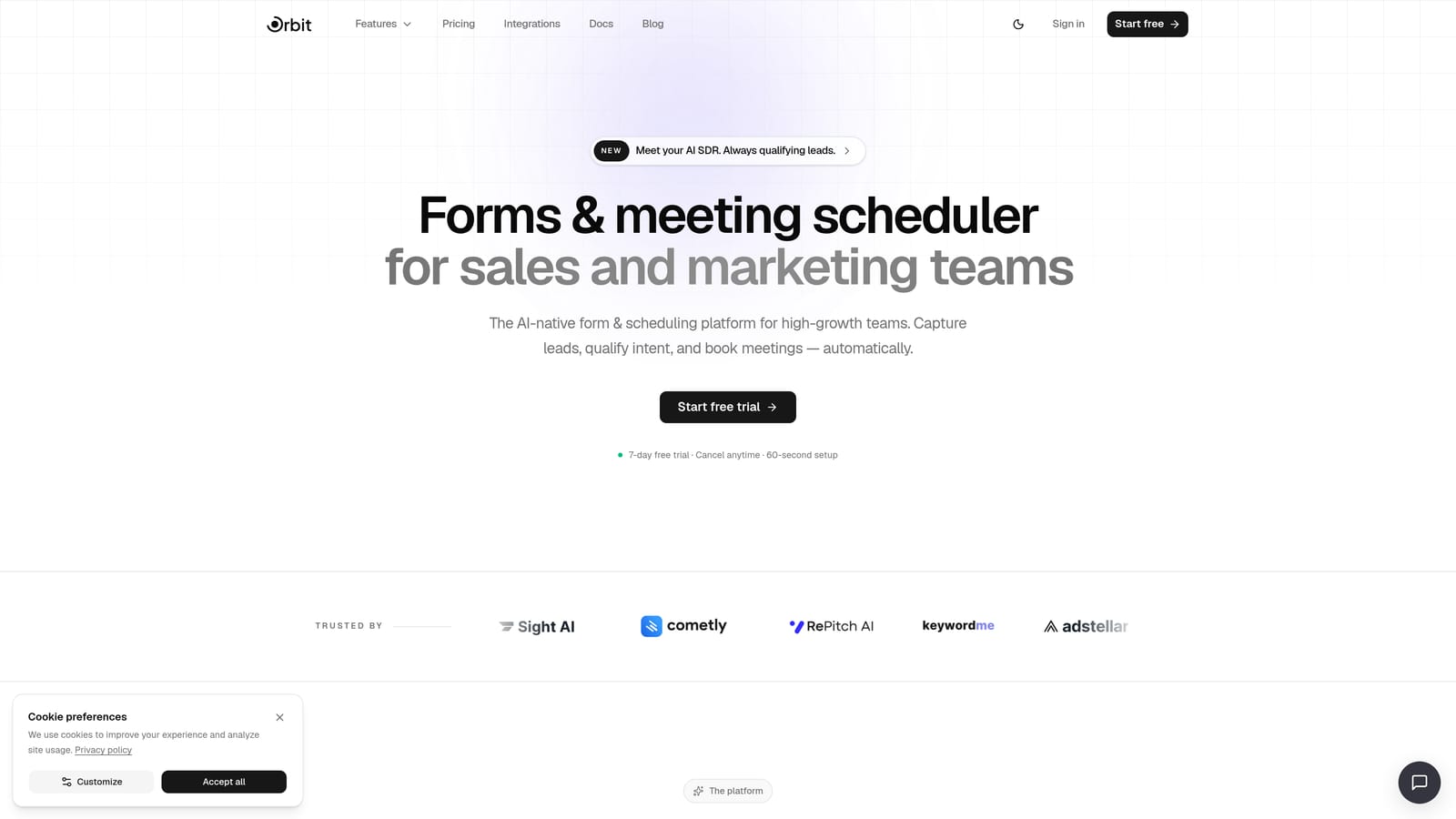
Orbit AI is an AI-native form builder that combines lead qualification, autoresponder sequences, and workflow automation without requiring a separate email tool.
Where This Tool Shines
Most form builders treat autoresponders as an afterthought: a basic confirmation email you configure once and forget. Orbit AI approaches it differently. Instead of simply acknowledging a submission, its AI agents evaluate each lead on submission and trigger the right follow-up sequence based on qualification logic you define.
This means a highly qualified prospect gets one experience, and an unqualified submission gets another, all automated, all instant. For teams running outbound or inbound lead gen at scale, that distinction matters enormously.
Key Features
AI Lead Qualification Agents: Automatically score and qualify leads at the point of submission, so your sequences are triggered based on fit, not just form completion.
Built-in Sequences: Create multi-step autoresponder sequences natively, no Mailchimp or ActiveCampaign account required.
Visual Workflow Builder: Set conditional follow-up logic visually, branching sequences based on answers, scores, or custom criteria.
Contacts CRM: Track and segment every lead from form submissions in a built-in contacts database, so nothing falls through the cracks.
Analytics Dashboard: Measure form performance and sequence engagement in one place, giving you a clear view of what's converting.
Best For
SaaS teams, growth marketers, and sales-led organizations that want to qualify leads automatically before triggering nurture sequences. Particularly strong for teams tired of stitching together a form tool, an email platform, and a CRM separately.
Pricing
Pricing is quoted on a short demo, and Orbit has no free plan. Book a demo to see it with your own forms.
2. ActiveCampaign
Best for: Teams that need deep email automation and segmentation with forms as the entry point.
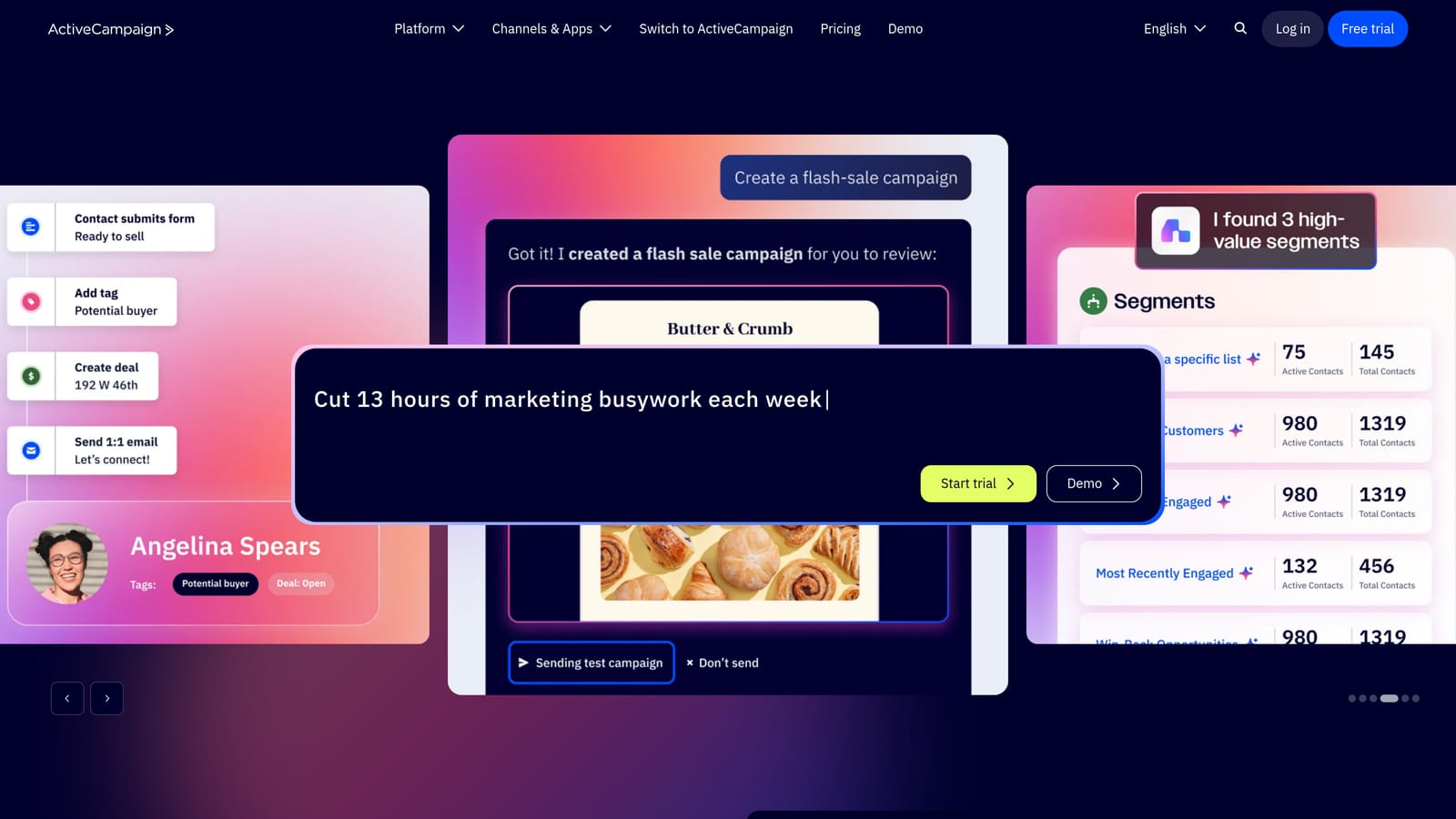
ActiveCampaign is a full-stack marketing automation platform with a native form builder that feeds directly into powerful email sequences and CRM functionality.
Where This Tool Shines
ActiveCampaign's real strength isn't the form builder itself — it's what happens after submission. Forms connect natively to one of the most capable automation engines in the market, giving you conditional logic, behavioral triggers, and advanced segmentation that most standalone form tools simply can't match.
If your team already lives in ActiveCampaign for email marketing, adding forms to the mix is a natural extension. The setup is straightforward, and the automation depth is genuinely impressive for mid-market teams.
Key Features
Native Form-to-Automation Connection: Form submissions trigger ActiveCampaign automations instantly, with no third-party connector needed.
Advanced Segmentation: Segment contacts based on form responses, behavior, and engagement to personalize follow-up sequences.
CRM Integration: Form submissions can create or update deals in the built-in CRM, keeping sales and marketing aligned.
Site Tracking: Personalize autoresponder content based on pages a contact has visited before or after submitting.
Best For
Marketing teams that want sophisticated email automation layered on top of form capture. Best suited for organizations already invested in the ActiveCampaign ecosystem or those who prioritize email sequence complexity over form design flexibility.
Pricing
Starts at approximately $15/month (Starter plan); pricing scales with contact count. Higher tiers unlock advanced automation features.
3. HubSpot Forms
Best for: Teams already using HubSpot CRM who want free forms with workflow-triggered autoresponders.
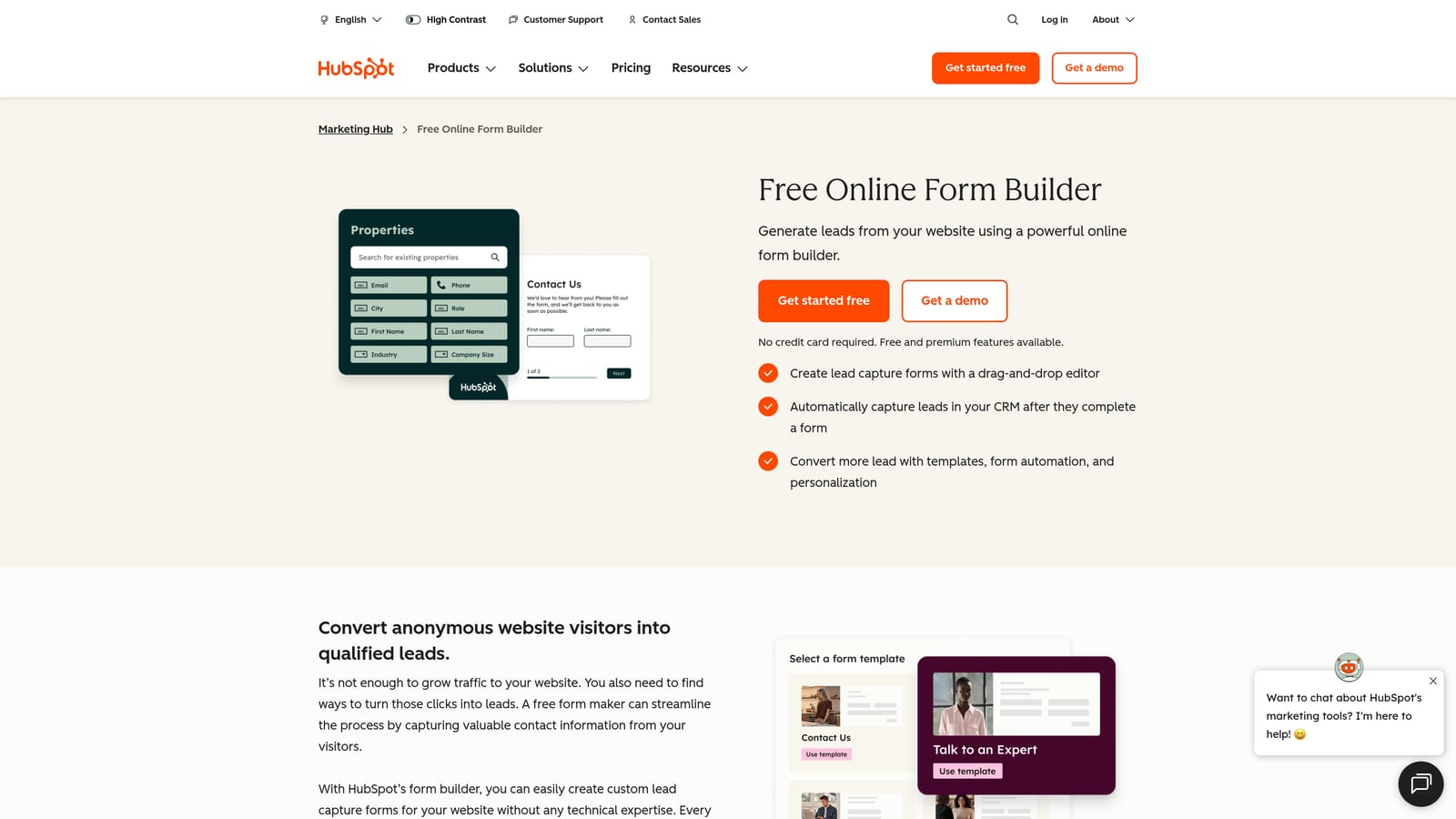
HubSpot Forms is a free form builder tightly integrated with HubSpot CRM, with autoresponder emails triggered through HubSpot's workflow engine.
Where This Tool Shines
HubSpot Forms earns its place on this list because of how seamlessly it connects to the broader HubSpot platform. Every submission instantly creates or updates a contact in the CRM, and workflows can fire autoresponder emails, assign tasks, or notify sales reps, all without any custom integration work.
The smart fields feature is a particularly nice touch: known contacts see pre-filled forms, reducing friction and improving completion rates. If your team is already paying for HubSpot, the form builder is a no-brainer addition.
Key Features
Instant CRM Contact Creation: Every submission creates or updates a HubSpot contact record automatically.
Workflow-Triggered Autoresponders: Use HubSpot workflows to send personalized follow-up emails based on form field values.
Smart Fields: Pre-fill form fields for known contacts to reduce friction and improve conversion rates.
Full Suite Integration: Forms connect natively to HubSpot's email, ads, landing pages, and reporting tools.
Best For
Companies already in the HubSpot ecosystem, or those considering HubSpot as their primary CRM and marketing platform. Less compelling as a standalone form tool if you're not using HubSpot broadly.
Pricing
Forms are free; Marketing Hub (required for advanced automation and workflows) starts at approximately $20/month. Costs scale significantly at higher tiers.
4. Jotform
Best for: Teams that need versatile forms with basic autoresponders and a massive template library.
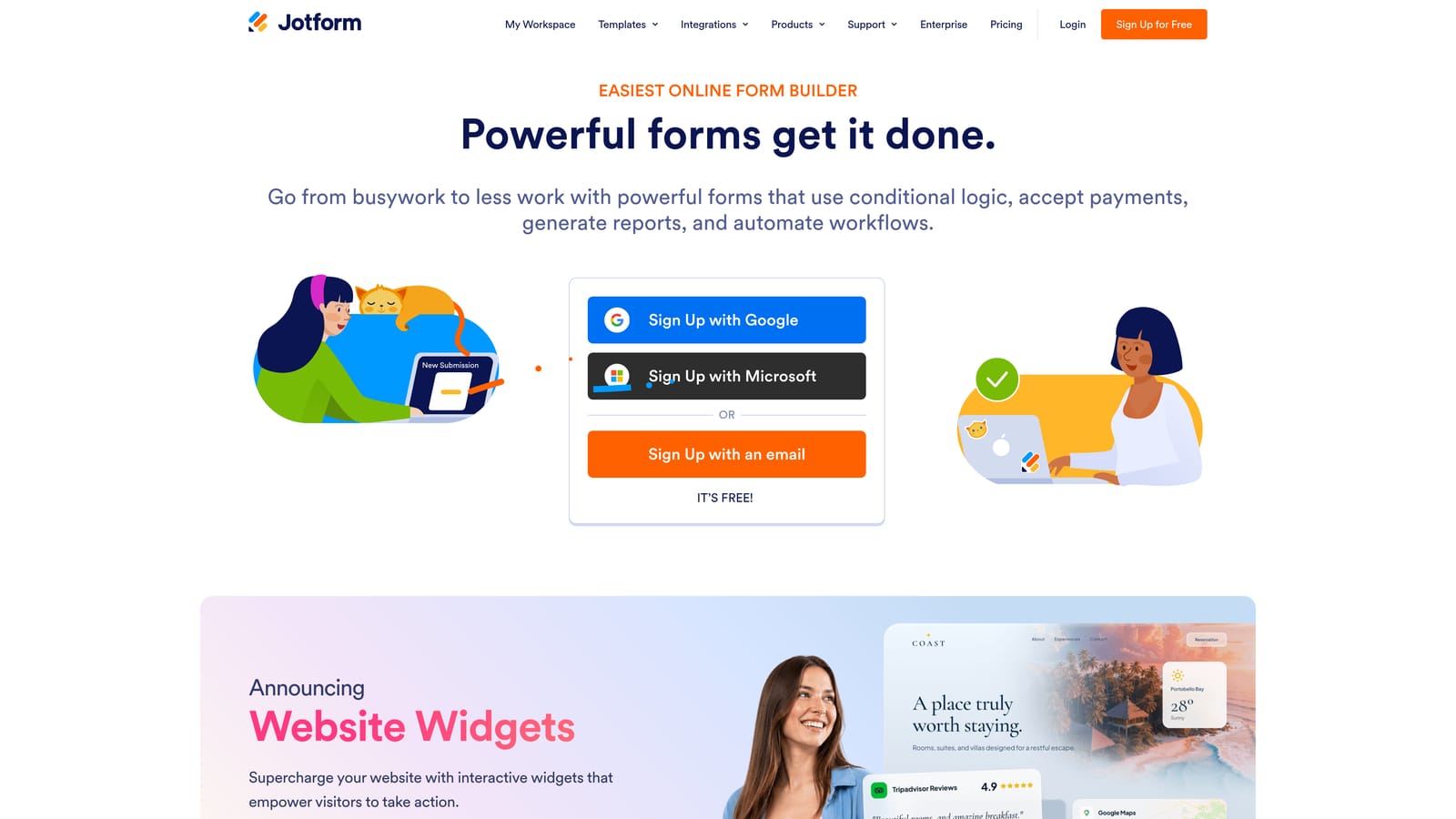
Jotform is one of the most widely used form builders available, offering autoresponder emails on the free plan alongside over 10,000 templates and broad integration support.
Where This Tool Shines
Jotform's template library is genuinely impressive. Whatever your industry or use case, there's almost certainly a starting point ready to customize. Autoresponder emails are included even on the free tier, making it accessible for smaller teams or those just getting started with form automation.
Where Jotform is more limited is in the depth of its native automation. The autoresponder is solid for confirmation emails and basic conditional messages, but for multi-step nurture sequences, you'll want to connect it to a dedicated email platform like Mailchimp or ActiveCampaign via integration.
Key Features
Free Autoresponder Emails: Send confirmation and follow-up emails to submitters without upgrading to a paid plan.
10,000+ Templates: One of the largest template libraries available, spanning industries from healthcare to e-commerce.
Conditional Logic: Personalize confirmation messages based on form responses for a more tailored experience.
Third-Party Integrations: Connect to Mailchimp, ActiveCampaign, and other email platforms for deeper nurture sequences beyond the native autoresponder.
Best For
Small to mid-sized teams that need flexible, template-driven forms with basic autoresponder functionality. Great for non-technical users who want to get started quickly without a steep learning curve.
Pricing
Free plan available with limited submissions; paid plans start at approximately $34/month. Higher tiers unlock more submissions, storage, and features.
5. Typeform
Best for: Engagement-focused use cases where form completion rate and user experience are the top priorities.
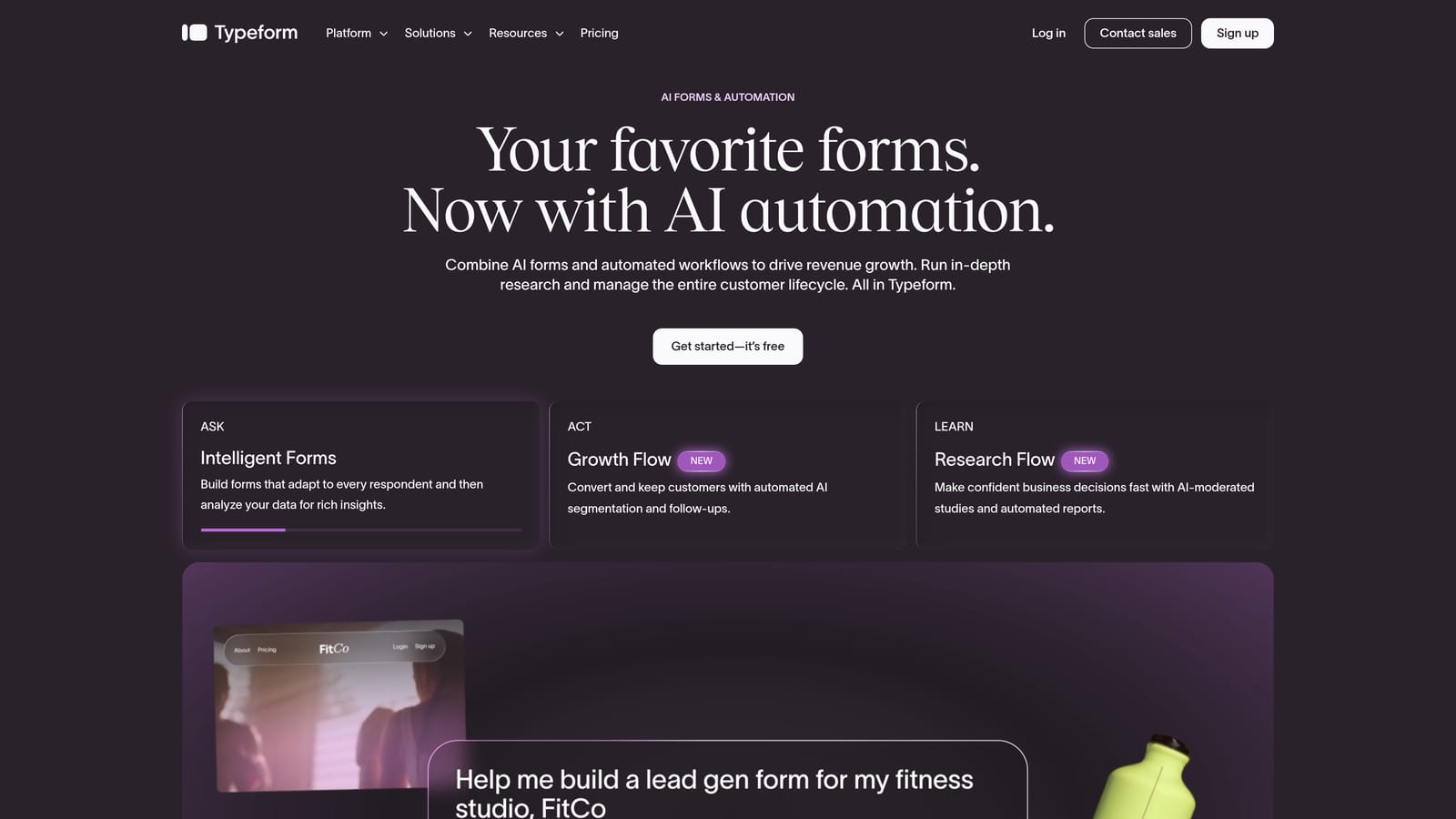
Typeform is a conversational form builder known for its distinctive one-question-at-a-time format, with autoresponder capability available through native integrations.
Where This Tool Shines
Typeform's conversational UX genuinely stands out. By presenting one question at a time, it feels less like filling out a form and more like having a conversation, which can meaningfully improve completion rates for longer or more complex forms. The "Recall information" feature, which pulls previous answers into later questions, adds a personalized touch that few competitors match.
The trade-off is that native autoresponder functionality is limited. You'll typically need to connect Typeform to HubSpot, Mailchimp, or Zapier to trigger meaningful follow-up sequences, which adds setup steps and potentially extra cost.
Key Features
Conversational Format: One-question-at-a-time presentation that can improve engagement and completion rates versus traditional forms.
Conditional Logic: Branch form paths based on answers to create personalized question flows.
Recall Information: Reference earlier answers within later questions to create a more personalized experience mid-form.
Native Integrations: Connect to HubSpot and Mailchimp for autoresponder sequences triggered by form submissions.
Best For
Teams prioritizing form engagement and user experience over deep native automation. Well-suited for surveys, research, and top-of-funnel lead capture where completion rate is the primary metric.
Pricing
Free plan available with limited responses; paid plans start at approximately $25/month. Advanced features and higher response limits require higher tiers.
6. Mailchimp Forms
Best for: Email-list-first teams that want forms and welcome autoresponders in one simple, free setup.
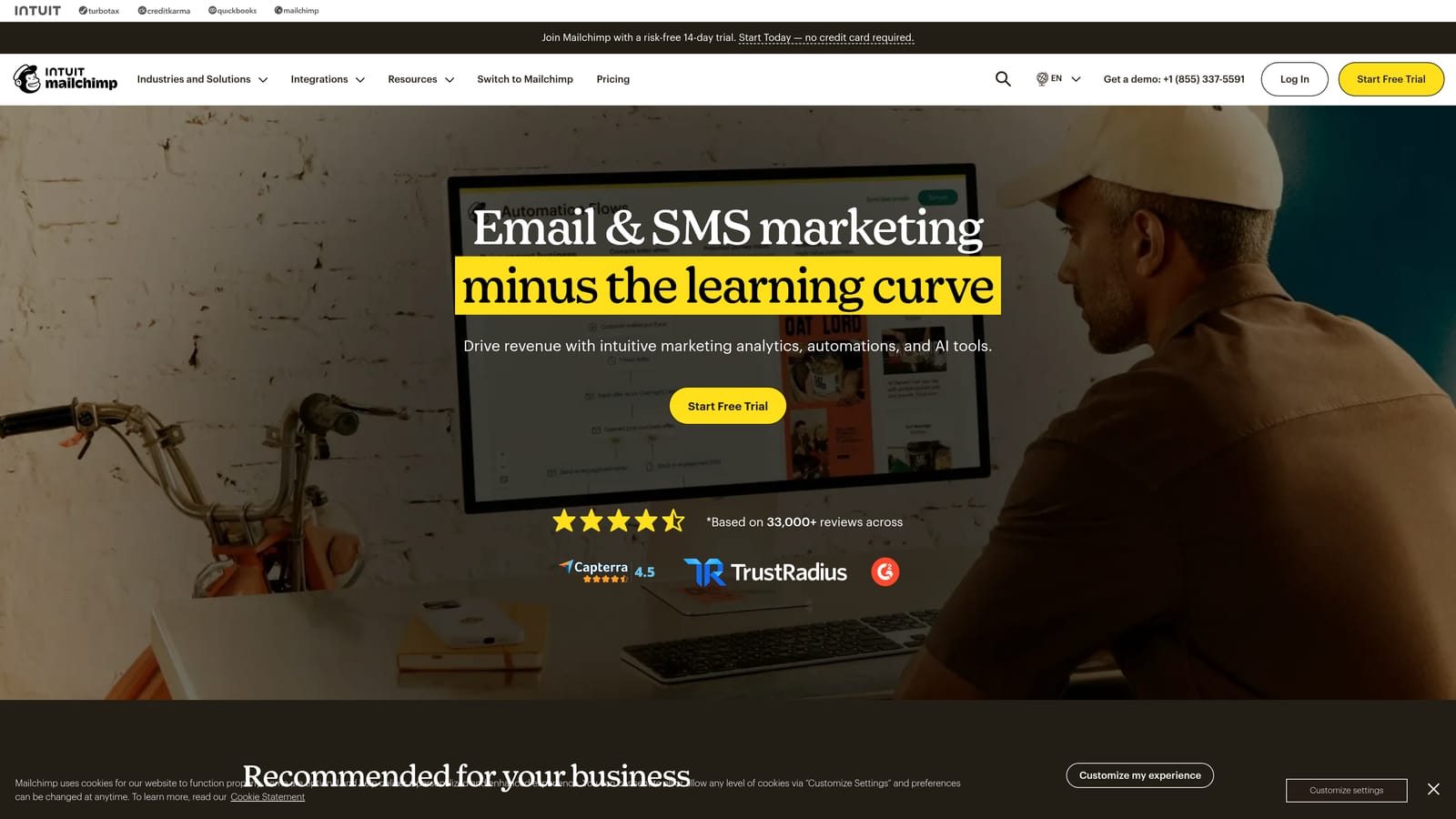
Mailchimp offers embedded and hosted forms natively connected to Mailchimp email lists, with welcome emails and basic autoresponder sequences available on the free plan.
Where This Tool Shines
Mailchimp Forms shine in their simplicity. If your primary goal is growing an email list and sending a welcome sequence to new subscribers, the setup is genuinely frictionless. Forms feed directly into your Mailchimp audience, and a welcome automation can be live in minutes without any third-party tools.
The limitation is form design flexibility. Mailchimp's forms are functional but not particularly customizable, and the overall form-building experience lags behind dedicated tools. It's a strong option when email list growth is the goal, less so when you need sophisticated form logic or lead qualification.
Key Features
Instant List Subscription: Form submissions add contacts to your Mailchimp audience immediately, triggering welcome automations.
Embedded and Popup Options: Deploy forms as embedded widgets or exit-intent popups without additional tools.
Free Autoresponder Sequences: Basic automation sequences, including welcome emails, are available on the free tier.
No Third-Party Setup Required: Everything lives within Mailchimp, making it an easy entry point for teams new to email automation.
Best For
Bloggers, small businesses, and content-first teams whose primary goal is list building and basic email nurturing. Not the right fit for teams needing complex form logic or B2B lead qualification.
Pricing
Free up to 500 contacts; paid plans start at approximately $13/month. Pricing scales with contact list size.
7. Gravity Forms
Best for: WordPress-based teams that need highly customizable forms with autoresponder connections via add-ons.
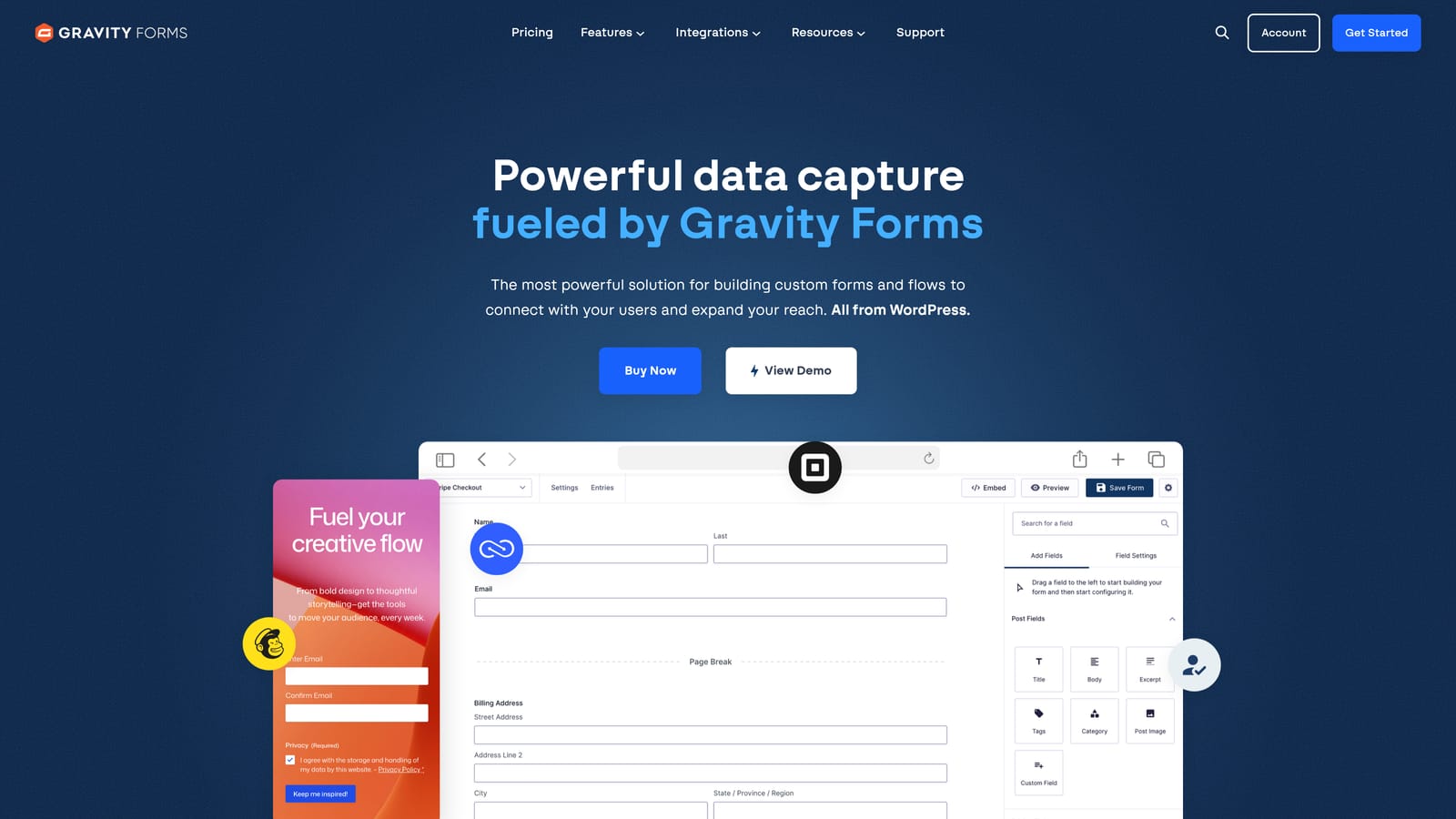
Gravity Forms is a premium WordPress form plugin with a rich add-on ecosystem for connecting forms to email marketing platforms and triggering autoresponders.
Where This Tool Shines
If your site runs on WordPress and you need maximum form customization, Gravity Forms is one of the most capable options available. The plugin handles complex conditional logic, multi-page forms, file uploads, and payment collection, making it genuinely versatile for a wide range of use cases.
Autoresponder functionality comes through official add-ons for platforms like Mailchimp, ActiveCampaign, and AWeber. This means setup requires more steps than all-in-one tools, but the flexibility for developers is hard to beat. Hooks and filters let you customize behavior in ways that hosted form tools simply don't allow.
Key Features
Highly Customizable WordPress Forms: Build complex multi-step forms with conditional logic, file uploads, and payment fields natively in WordPress.
Built-in Notification Emails: Send conditional notification emails to admins and submitters without any add-ons.
Email Platform Add-ons: Official integrations with Mailchimp, ActiveCampaign, and AWeber connect form submissions to autoresponder sequences.
Developer-Friendly Architecture: Extensive hooks and filters allow deep customization for development teams.
Best For
WordPress site owners and development teams who need maximum form flexibility and are comfortable managing add-ons. Less suitable for teams looking for a hosted, all-in-one solution or those without WordPress infrastructure.
Pricing
Starts at approximately $59/year for the Basic license; add-ons for email platform integrations may require higher license tiers or additional cost.
8. Formstack
Best for: Enterprise and ops-heavy teams that need conditional email routing, approval workflows, and deep CRM integrations.
Formstack is an enterprise form and workflow automation platform with conditional email routing, multi-step approval workflows, and native integrations with major CRM platforms.
Where This Tool Shines
Formstack sits in a different category from most tools on this list. Where others focus on marketing autoresponders, Formstack excels at operational workflow automation. Conditional email routing, approval chains, and document generation make it particularly powerful for internal processes, compliance-heavy industries, and enterprise sales workflows.
For teams in regulated industries, Formstack's HIPAA-compliant form options are a meaningful differentiator. The Salesforce and HubSpot integrations are also native and robust, making it a strong fit for ops teams managing complex data flows between systems.
Key Features
Conditional Email Notifications: Route notification emails to different recipients based on specific form responses.
Multi-Step Approval Workflows: Build approval chains that require sign-off before downstream actions are triggered.
Salesforce and HubSpot Integrations: Native, bidirectional integrations with major CRM platforms for enterprise data management.
HIPAA-Compliant Forms: Collect sensitive data in regulated industries with compliance built in.
Best For
Enterprise teams, operations managers, and businesses in regulated industries that need workflow automation beyond basic autoresponders. Pricing reflects the enterprise positioning, so it's less suitable for smaller teams or pure marketing use cases.
Pricing
Forms plan starts at approximately $83/month; enterprise pricing is available for larger organizations with more complex needs.
9. Kit (ConvertKit)
Best for: Creators and content-driven teams that want forms connected directly to clean, visual email sequences.
Kit (formerly ConvertKit) is a creator-focused email platform with embeddable forms that connect directly to automated email sequences, making it ideal for content-driven lead nurturing.
Where This Tool Shines
Kit's form-to-sequence connection is genuinely seamless. When someone submits a form, they're immediately added to a sequence you define, with no integration work required. The visual automation builder makes it easy to map out subscriber journeys, and the tagging system lets you segment based on which form someone submitted or which link they clicked.
The platform is built for creators: newsletter writers, course creators, and content marketers who want clean, simple tools without enterprise complexity. The free plan is generous, supporting up to 10,000 subscribers, which makes it accessible for growing audiences.
Key Features
Direct Form-to-Sequence Connection: Form submissions automatically enroll subscribers in email sequences without any third-party connector.
Visual Automation Builder: Map out subscriber journeys visually with conditional branching and tagging logic.
Landing Page Builder: Create simple landing pages with embedded forms without a separate tool.
Tagging and Segmentation: Tag subscribers based on form submissions and behavior to personalize future sequences.
Best For
Creators, newsletter operators, and content marketers who want simple, elegant form-to-sequence automation. Less suited for B2B SaaS teams that need lead scoring, CRM integration, or complex qualification logic.
Pricing
Free up to 10,000 subscribers; paid plans start at approximately $25/month with additional features and higher sending limits.
Which Tool Is Right for Your Team?
The right form builder with autoresponder depends less on feature lists and more on where you are in your growth journey and what you're trying to accomplish after someone hits "submit."
If you're a high-growth SaaS or sales-led team that wants to qualify leads automatically before triggering sequences, Orbit AI is the standout choice. It's the only tool on this list that combines AI-powered lead qualification, native autoresponder sequences, and a contacts CRM in a single platform, which means less stitching together of tools and more time focused on conversion.
If you're already deep in the HubSpot or ActiveCampaign ecosystem, their native form builders are the path of least resistance. You get tight integration with tools you're already paying for, and the automation depth is genuinely strong.
For WordPress-first teams, Gravity Forms remains the most flexible option, though it requires more setup. For creators and content marketers, Kit's simplicity and generous free plan are hard to argue with. And if you need enterprise-grade workflow automation with compliance requirements, Formstack is built for that environment.
The common thread across all of them: the moment between form submission and first follow-up is where leads are won or lost. Automating that moment, and personalizing it based on what someone actually told you, is the foundation of a modern lead generation workflow.
Transform your lead generation with AI-powered forms that qualify prospects automatically while delivering the modern, conversion-optimized experience your high-growth team needs. Book a demo and see how intelligent form design can elevate your conversion strategy.