

Choosing a form builder isn't just about creating beautiful forms anymore. It's about how seamlessly those forms connect to the rest of your tech stack. Native integrations eliminate the manual copy-paste nightmare, reduce data entry errors, and create workflows that just work. When your form submissions flow automatically into your CRM, trigger Slack notifications to the right team, and sync with your database in real-time, you're not just collecting data—you're building a conversion engine.
We evaluated dozens of form builders based on four critical factors: the breadth of native integrations, the quality and reliability of those connections, how easy they are to set up, and whether they support real-time syncing. The tools below represent the best options for teams of every size and budget, from startups running lean to enterprises managing complex workflows.
Here are the top form builders with native integrations that actually deliver.
1. Orbit AI
Best for: High-growth teams needing AI-powered lead qualification with CRM automation
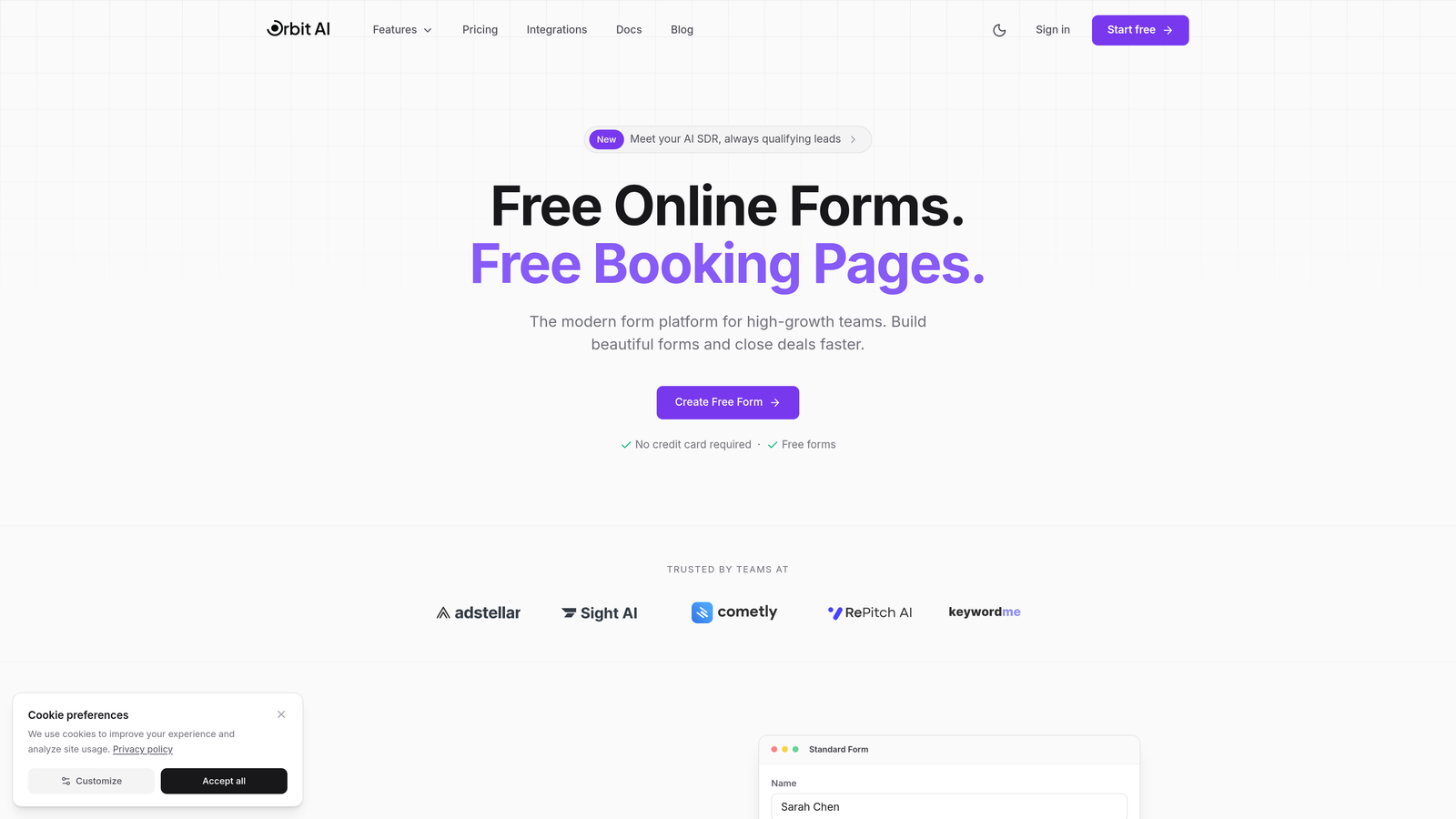
Orbit AI combines modern form building with intelligent lead qualification, automatically routing submissions based on quality scores while maintaining seamless native connections to your core tools.
Where This Tool Shines
The standout feature here is the AI-powered lead scoring that works in tandem with native integrations. When a form submission comes in, Orbit AI doesn't just send it to your CRM—it analyzes the lead quality and routes it to the appropriate sales pipeline or team member automatically.
This intelligent routing transforms how your team handles inbound leads. High-value prospects get immediate attention through Slack notifications to your senior sales reps, while lower-scoring leads enter nurture sequences. The native integrations handle all of this without requiring complex automation platforms.
Key Features
Native CRM Integration: Direct connections to HubSpot, Salesforce, and Pipedrive with automatic contact creation and lead scoring sync.
Real-time Notifications: Instant Slack alerts when high-value leads submit, with customizable routing rules based on lead scores.
Database Sync: Bi-directional sync with Airtable and Google Sheets for teams managing data across multiple platforms.
AI Lead Qualification: Automatic scoring of submissions with CRM routing based on quality thresholds you define.
Webhook Support: Custom integration capabilities for connecting to proprietary systems or niche tools.
Best For
High-growth teams and businesses where lead quality matters as much as lead volume. Particularly valuable for B2B companies with complex sales processes that need intelligent routing based on prospect fit, not just form completion.
Pricing
Free tier available for teams getting started. Paid plans begin at competitive rates with the AI qualification features included at all levels.
2. Typeform
Best for: Marketing teams prioritizing engagement with conversational form experiences
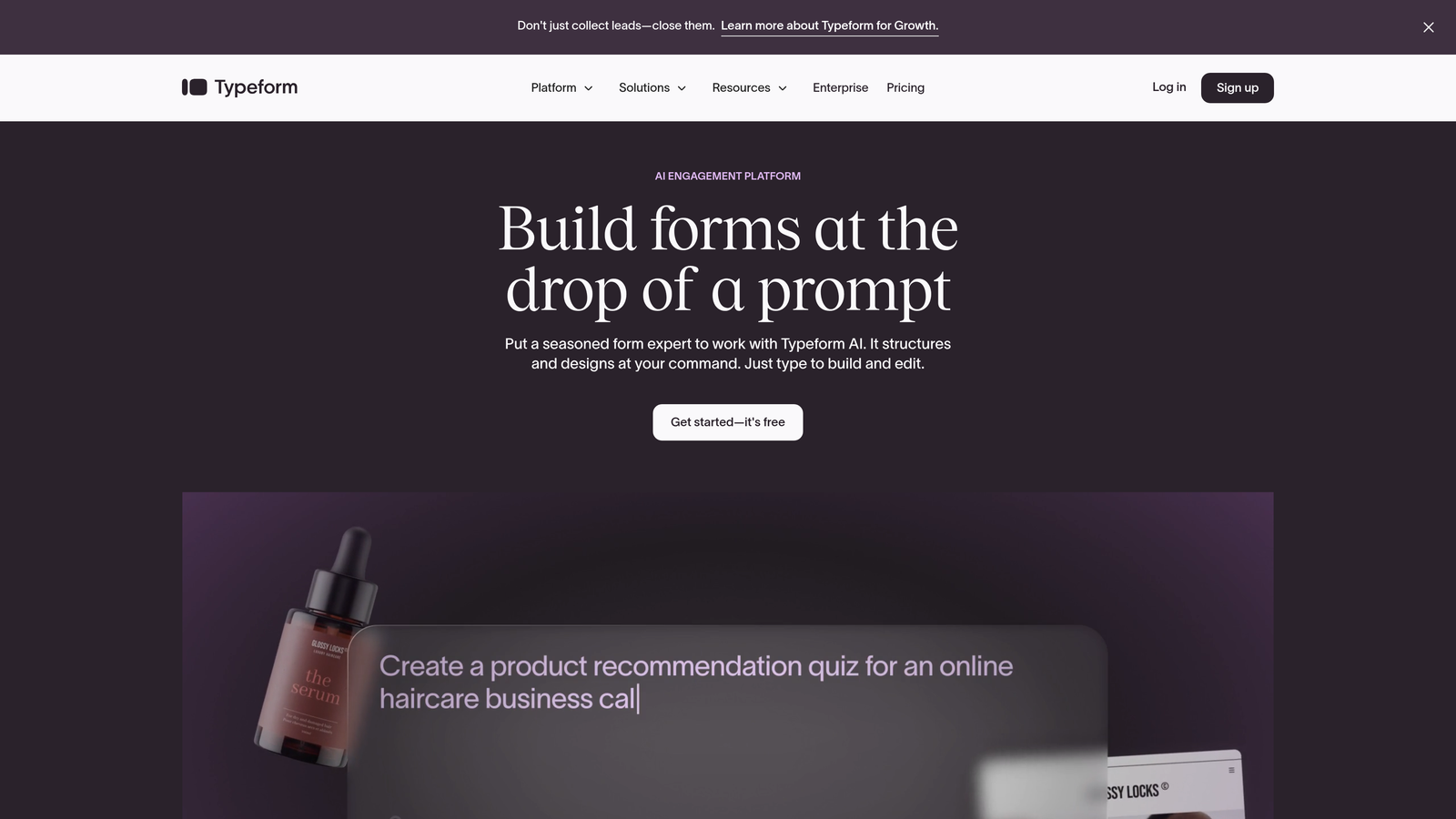
Typeform pioneered the one-question-at-a-time format that feels more like a conversation than a traditional form, backed by solid marketing tool integrations.
Where This Tool Shines
Typeform's conversational interface creates significantly higher completion rates compared to traditional forms. When combined with native integrations to marketing platforms like Mailchimp and HubSpot, you're capturing more leads and flowing them directly into your campaigns without friction.
The platform's strength lies in its marketing-first approach. The native integrations prioritize email marketing platforms, analytics tools, and marketing automation systems—exactly what growth teams need to move fast.
Key Features
Marketing Platform Integration: Native connections to Mailchimp, HubSpot, and other marketing automation tools with automatic list segmentation.
Google Sheets Sync: Real-time data flow to spreadsheets for teams that live in Google Workspace.
Slack Notifications: Instant alerts when forms are submitted, with customizable message formatting.
Salesforce Connection: Available on higher-tier plans for teams needing CRM integration alongside marketing tools.
Zapier Partnership: While not native, Typeform's deep Zapier integration extends reach to thousands of additional apps.
Best For
Marketing teams focused on lead generation and customer engagement. Ideal for businesses where form completion rates directly impact revenue and the conversational format matches your brand voice.
Pricing
Free tier available with basic features. Basic plan starts at $25/month, with higher tiers unlocking advanced integrations like Salesforce.
3. Jotform
Best for: Teams needing the widest variety of native integration options
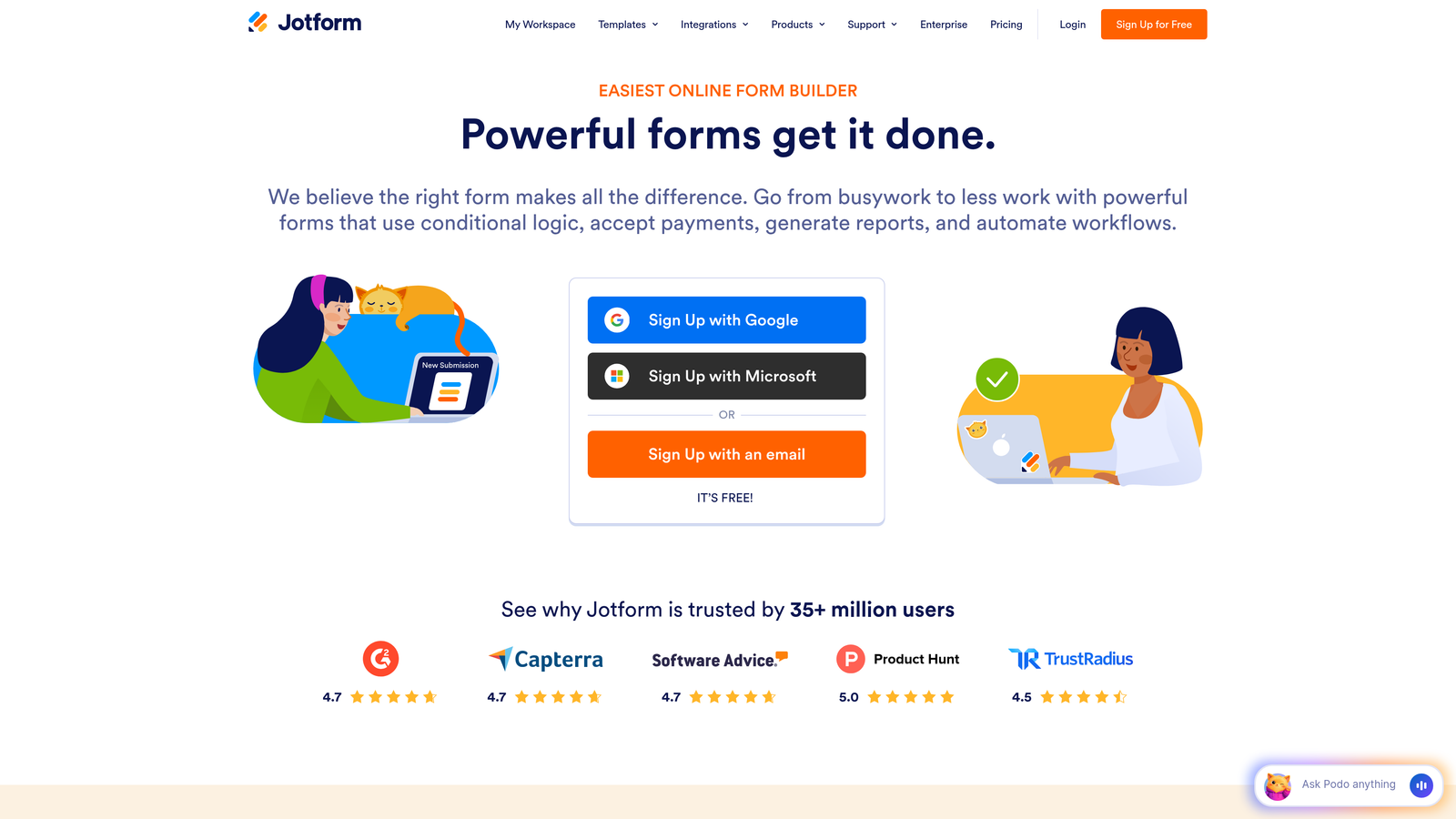
Jotform offers one of the most extensive native integration libraries in the form builder market, with over 100 direct connections spanning nearly every category.
Where This Tool Shines
When your tech stack includes niche industry tools or you need connections across multiple categories—payments, CRMs, project management, and healthcare systems—Jotform likely has you covered. The breadth of native integrations means you can build complex workflows without middleware.
The platform particularly excels in industries with specialized needs. HIPAA-compliant healthcare integrations, multiple payment gateway options, and industry-specific CRM connections make it versatile enough for nearly any use case.
Key Features
100+ Native Integrations: Direct connections spanning CRMs, payment processors, email marketing, project management, and industry-specific tools.
Payment Gateway Options: Native integration with Stripe, PayPal, Square, Authorize.net, and other processors for collecting payments directly.
HIPAA Compliance: Healthcare-specific integrations with proper data handling for medical practices and health tech companies.
CRM Connections: Native sync with Salesforce, HubSpot, Zoho, and other major CRM platforms with field mapping.
Google Workspace: Deep integration with Google Sheets, Drive, and Calendar for teams in the Google ecosystem.
Best For
Organizations with diverse integration needs or those in specialized industries requiring specific tool connections. Particularly valuable for healthcare, education, and enterprises with complex tech stacks.
Pricing
Free tier available with limitations on submissions and integrations. Bronze plan starts at $34/month with full integration access.
4. Tally
Best for: Notion-first teams wanting seamless form-to-database workflows
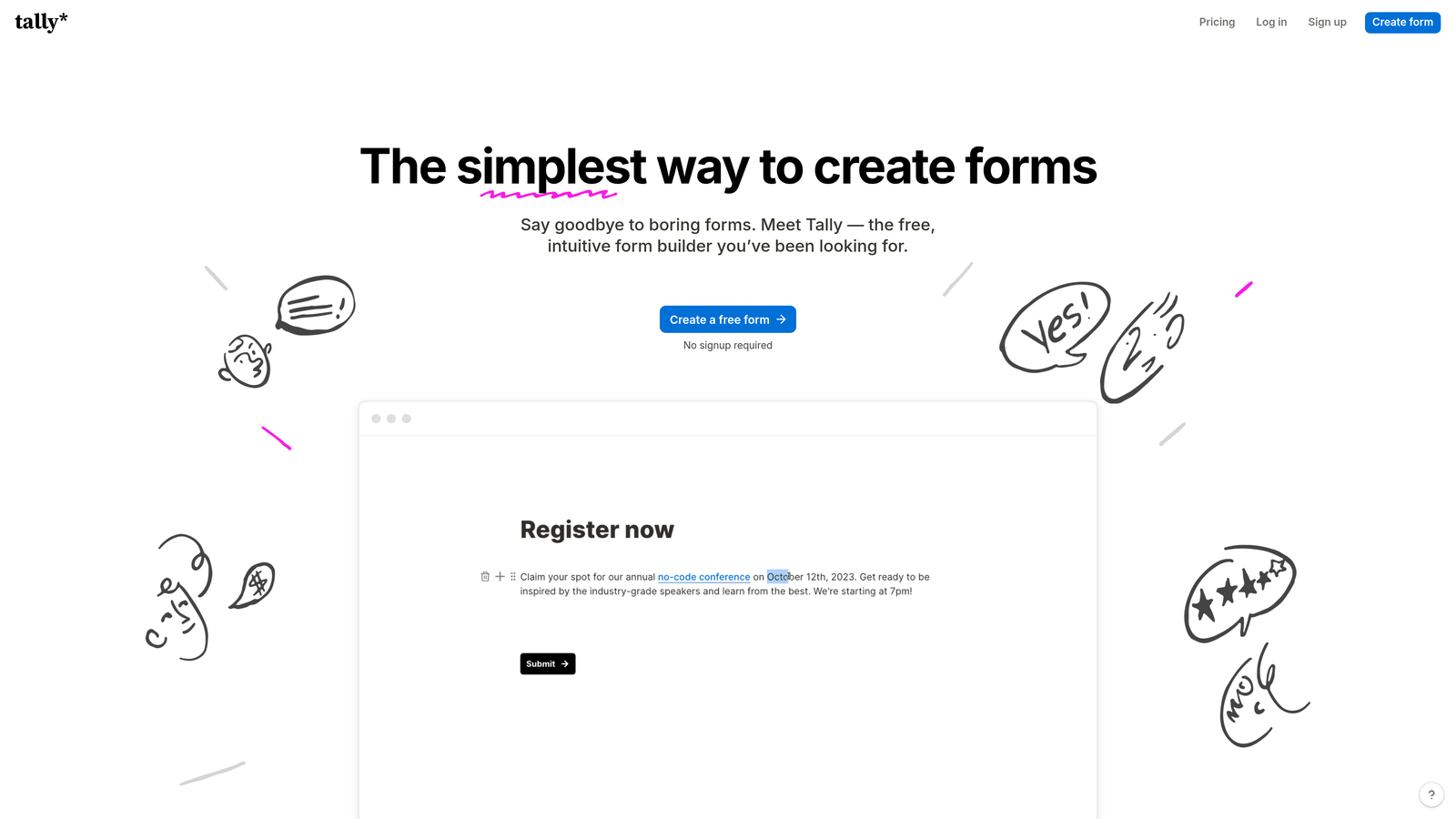
Tally takes a minimalist approach to form building with a laser focus on simplicity and exceptional Notion integration for teams already embedded in that ecosystem.
Where This Tool Shines
If your team runs on Notion, Tally creates the most seamless form-to-database experience available. Form submissions flow directly into Notion databases with zero configuration headaches, maintaining the same clean, minimal aesthetic your team already loves.
The platform's strength is its refusal to overcomplicate things. Rather than offering 100+ integrations, Tally focuses on doing a few connections exceptionally well—particularly Notion, where the integration feels native rather than bolted on.
Key Features
Native Notion Integration: Direct database sync with automatic field mapping and real-time updates to your workspace.
Google Sheets Connection: Simple spreadsheet sync for teams managing data across both Notion and Google Workspace.
Slack Notifications: Instant alerts when forms are submitted, with customizable channels and message formats.
Airtable Sync: Direct connection to Airtable bases for teams using both platforms in their workflow.
Webhook Support: Custom integration capabilities for connecting to tools outside the native integration list.
Best For
Teams already using Notion as their primary workspace and database. Perfect for startups and small teams that value simplicity over feature bloat and want forms that match their existing workflow.
Pricing
Generous free tier that includes unlimited forms and submissions. Pro plan at $29/month adds advanced features and removes branding.
5. Fillout
Best for: Database-first teams building on Airtable or Notion
Fillout approaches form building from a database perspective, offering exceptional native integration with Airtable and growing CRM capabilities.

Where This Tool Shines
Fillout's deep Airtable integration goes beyond basic syncing. The platform understands Airtable's field types, linked records, and relational structure, creating forms that feel like native Airtable interfaces rather than external tools pushing data in.
This database-first approach means you can build complex forms with conditional logic based on existing Airtable data, update records instead of just creating new ones, and maintain data integrity across your entire base.
Key Features
Deep Airtable Integration: Native understanding of Airtable field types, linked records, and relational structures with bi-directional sync.
Notion Database Connection: Direct sync to Notion databases with automatic field mapping and real-time updates.
CRM Sync: Native HubSpot and Salesforce connections for teams needing both database and CRM integration.
Google Sheets Integration: Real-time spreadsheet sync for teams managing data across multiple platforms.
Stripe Payment Processing: Native payment collection with automatic transaction logging to your database.
Best For
Teams building their operations on Airtable or Notion as primary databases. Ideal for operations teams, project managers, and businesses using no-code tools as their core infrastructure.
Pricing
Free tier available for getting started. Starter plan at $15/month offers excellent value with full integration access.
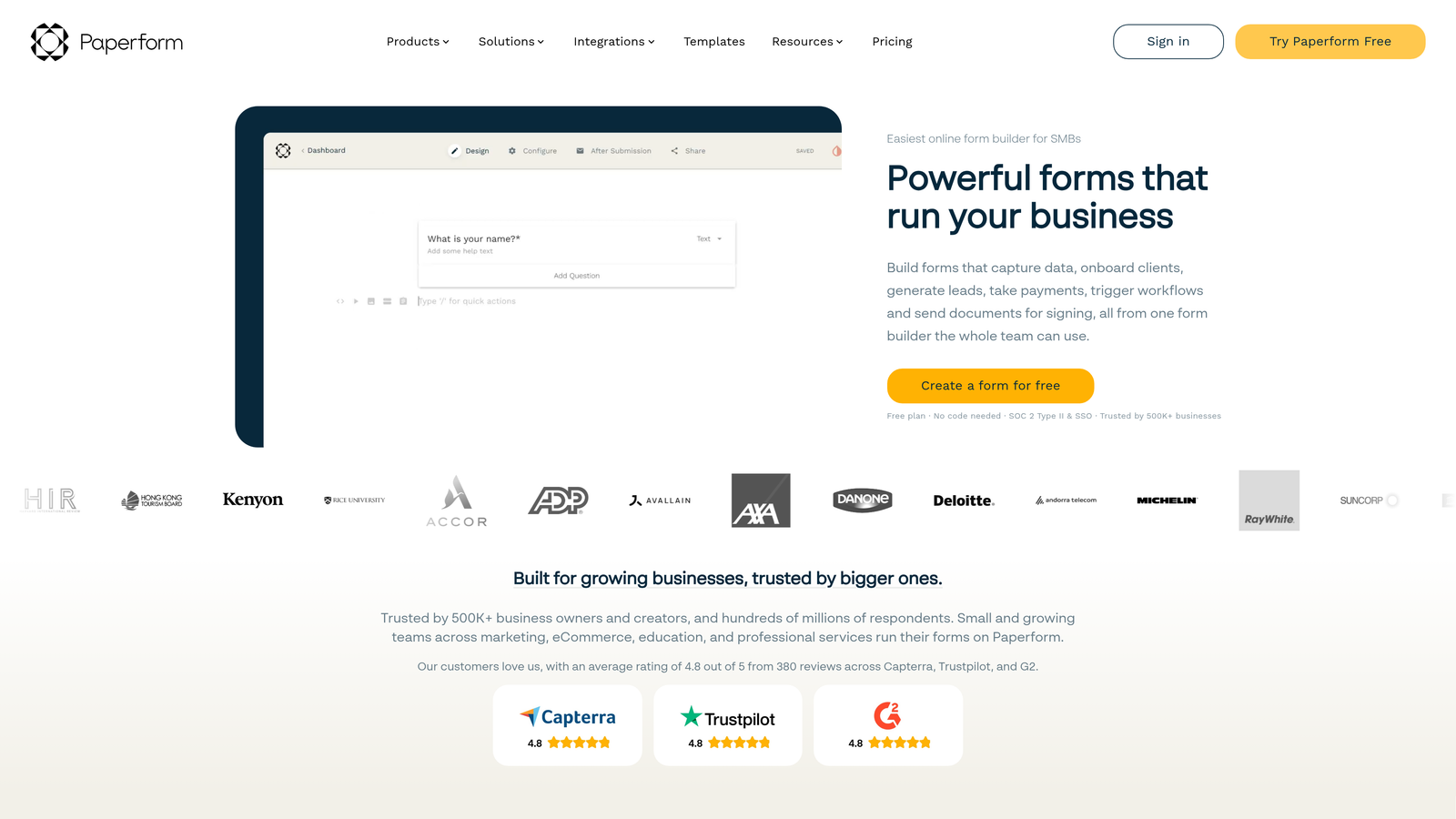
6. Paperform
Best for: E-commerce and payment-focused forms with strong processor integrations
Paperform combines versatile form building with robust e-commerce capabilities and native payment processor integrations that handle transactions smoothly.
Where This Tool Shines
When your forms need to collect payments—whether for products, services, bookings, or donations—Paperform's native integration with multiple payment processors creates a seamless checkout experience. The platform handles complex pricing scenarios, subscriptions, and one-time payments without requiring external tools.
Beyond payments, Paperform connects naturally to productivity tools teams actually use daily. Slack notifications, Trello card creation, and Asana task generation mean form submissions trigger immediate action across your workflow.
Key Features
Payment Processor Integration: Native connections to Stripe, Square, and PayPal with support for subscriptions and one-time payments.
Google Analytics: Built-in tracking and conversion monitoring without requiring custom implementation.
Email Marketing Sync: Direct integration with Mailchimp and ActiveCampaign for automatic list management.
Team Notifications: Native Slack and Discord alerts when forms are submitted or payments processed.
Task Creation: Automatic Trello card and Asana task generation from form submissions for project tracking.
Best For
E-commerce businesses, service providers, and event organizers who need reliable payment collection integrated with forms. Perfect for teams selling products, booking appointments, or managing registrations.
Pricing
Essentials plan at $24/month includes payment integrations. Pro plan at $49/month adds advanced features and higher submission limits.
7. Formstack
Best for: Enterprise teams needing deep Salesforce integration and compliance features
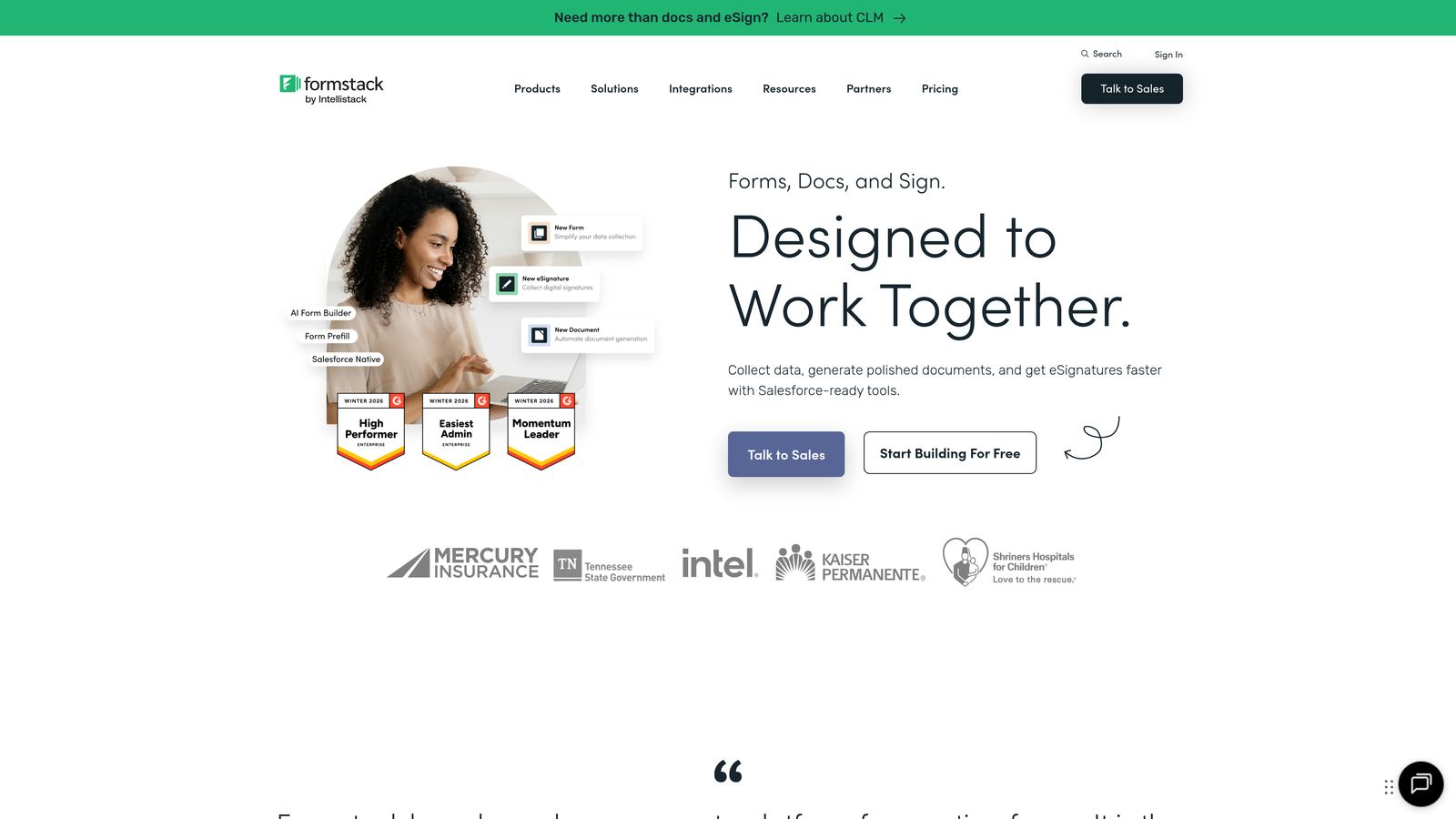
Formstack targets enterprise organizations with sophisticated Salesforce integration, document workflow capabilities, and compliance features that meet strict regulatory requirements.
Where This Tool Shines
Formstack's Salesforce integration goes far beyond basic contact creation. Advanced field mapping, custom object support, and the ability to update existing records based on complex matching rules make it feel like a native Salesforce component rather than an external form tool.
For organizations in regulated industries, the platform's HIPAA and GDPR compliance features—combined with native integrations to document signing platforms like DocuSign—create workflows that meet legal requirements without sacrificing efficiency.
Key Features
Advanced Salesforce Integration: Deep native connection with custom object support, advanced field mapping, and record update capabilities.
Microsoft Dynamics Connection: Native integration for enterprises standardized on Microsoft's CRM platform.
Document Signing Integration: Native DocuSign and Adobe Sign connections for workflows requiring signature collection.
Payment Processing: Multiple payment gateway options for collecting fees, donations, or processing transactions.
Compliance Features: HIPAA and GDPR compliance capabilities with audit trails and data handling controls.
Best For
Enterprise organizations with complex Salesforce implementations and strict compliance requirements. Ideal for healthcare, financial services, and large corporations needing sophisticated form workflows.
Pricing
Starts at $50/month for basic plans. Enterprise pricing available for organizations needing advanced features and dedicated support.
8. Cognito Forms
Best for: Microsoft ecosystem teams seeking affordable integration options
Cognito Forms delivers solid form building capabilities with strong Microsoft ecosystem integration at price points that make sense for budget-conscious teams.
Where This Tool Shines
For organizations running on Microsoft 365, Cognito Forms' native Power Automate integration unlocks powerful automation possibilities. The connection lets you build complex workflows that trigger across the entire Microsoft ecosystem—from Teams notifications to SharePoint document creation—without leaving your existing infrastructure.
The platform also handles payment processing well, with native Stripe and Square integration that rivals more expensive competitors. This combination of Microsoft integration and payment capabilities creates surprising value at the price point.
Key Features
Microsoft Power Automate Integration: Native connection enabling automation across the entire Microsoft 365 ecosystem.
Payment Processing: Native Stripe and Square integration for collecting payments with automatic receipt generation.
Google Sheets and OneDrive Sync: Real-time data sync to both Google and Microsoft cloud storage platforms.
Salesforce Connection: Native CRM integration for teams needing both Microsoft and Salesforce workflows.
Webhook Support: Custom integration capabilities for connecting to proprietary systems or niche tools.
Best For
Small to medium businesses standardized on Microsoft 365 who need reliable integrations without enterprise pricing. Perfect for teams seeking value while maintaining professional capabilities.
Pricing
Free tier available with basic features. Pro plan at $15/month offers exceptional value with full integration access.
9. HubSpot Forms
Best for: Existing HubSpot users needing zero-configuration CRM integration
HubSpot Forms is the native form builder within the HubSpot ecosystem, offering seamless CRM integration that requires zero setup for teams already using the platform.
Where This Tool Shines
If you're already using HubSpot CRM, the native form builder eliminates integration complexity entirely. Form submissions automatically create contacts, trigger workflows, and populate deal pipelines without any configuration. The data just flows exactly where it needs to go.
Progressive profiling is particularly powerful for existing HubSpot users. Forms automatically adjust questions based on what you already know about contacts, reducing friction while continuously enriching your database with each interaction.
Key Features
Zero-Configuration CRM Sync: Automatic contact creation and data population within HubSpot CRM without any setup required.
Automatic Contact Enrichment: Form submissions enhance existing contact records with new information automatically.
Marketing Automation Triggers: Form submissions automatically initiate workflows, email sequences, and lead scoring updates.
Progressive Profiling: Dynamic form fields that adapt based on existing contact data to reduce friction.
Limited External Integrations: Native integrations focus primarily on HubSpot ecosystem rather than external tools.
Best For
Organizations already committed to HubSpot as their CRM and marketing automation platform. Makes less sense for teams needing extensive integrations outside the HubSpot ecosystem.
Pricing
Free with HubSpot CRM for basic form functionality. Advanced features like progressive profiling require Marketing Hub subscription starting at higher tiers.
Making the Right Choice
The best form builder for your team depends entirely on your existing tech stack and workflow priorities. If CRM integration is your primary concern and you're running HubSpot or Salesforce, look at Orbit AI for intelligent lead routing, Formstack for enterprise Salesforce needs, or HubSpot Forms if you're fully committed to their ecosystem.
For payment processing, Paperform and Cognito Forms both offer solid native integration with major processors at reasonable price points. Database-focused teams should seriously consider Fillout for Airtable or Tally for Notion—both deliver exceptional native experiences that feel like extensions of your existing workspace rather than external tools.
If you need the widest variety of integration options and aren't sure what tools you'll add to your stack next year, Jotform's 100+ native integrations provide flexibility that's hard to beat. Marketing teams prioritizing engagement should evaluate Typeform's conversational interface alongside its marketing platform integrations.
The reality is that having native integrations with your core 3-5 tools matters more than having 200+ integrations you'll never use. Evaluate your current workflow, identify where manual data transfer is costing you time or creating errors, and choose the form builder that eliminates those specific friction points.
Start your free trial today and see how intelligent form design can elevate your conversion strategy. Transform your lead generation with AI-powered forms that qualify prospects automatically while delivering the modern, conversion-optimized experience your high-growth team needs.


