Patient intake is the first real interaction between your practice and every new patient—and outdated paper forms or clunky PDFs create friction before care even begins. Modern patient intake software eliminates clipboard chaos, reduces data entry errors, and gives your staff time back to focus on what matters: patient care. But with dozens of options on the market, finding the right fit for your practice size, specialty, and budget can feel overwhelming.
We evaluated the top patient intake form solutions based on ease of use, HIPAA compliance, integration capabilities, and value for healthcare teams. Here are the best options for 2026.
1. Orbit AI
Best for: Healthcare practices that want modern form design with intelligent patient qualification.
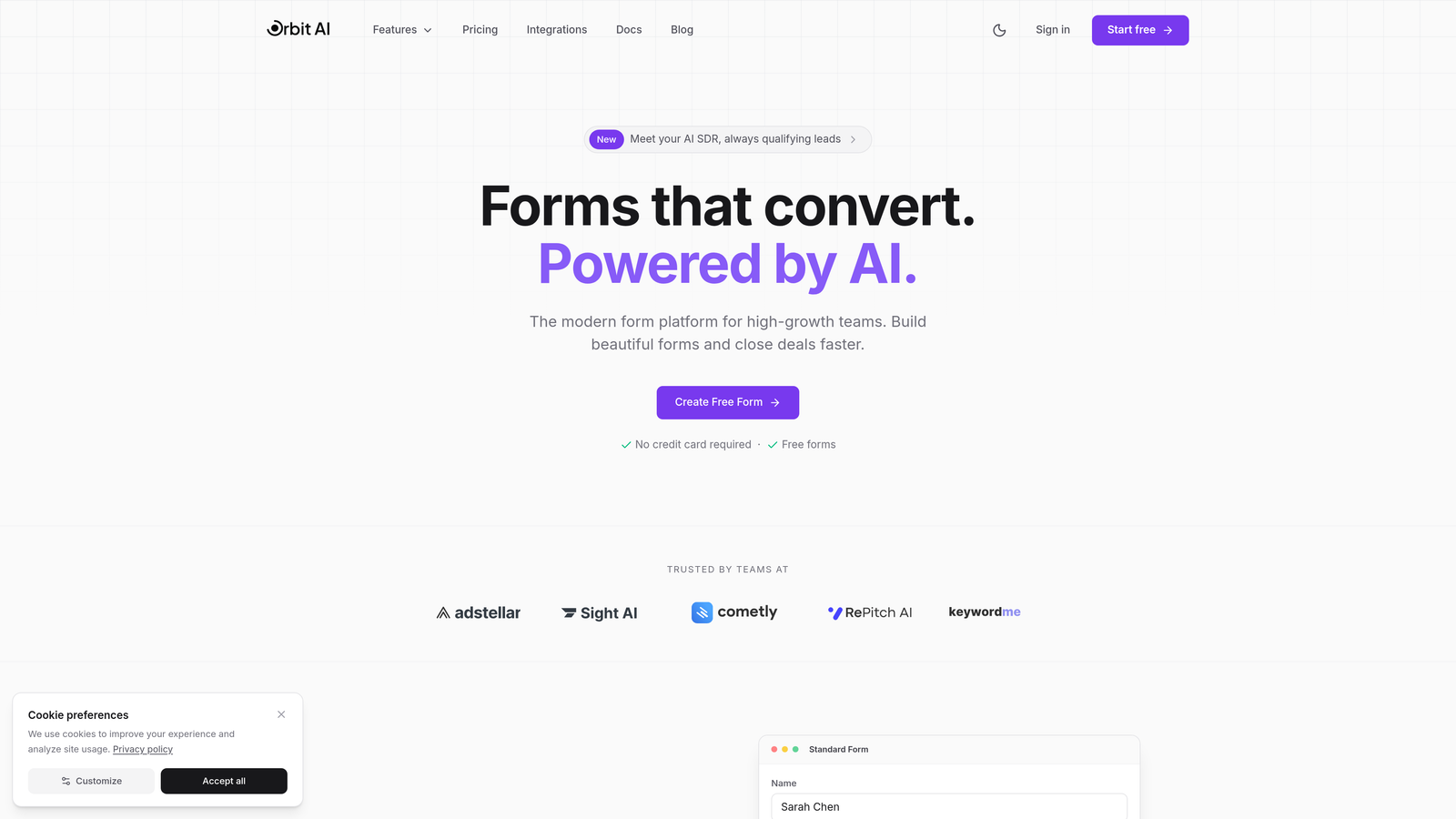
Orbit AI is an AI-powered form builder platform that transforms patient intake from simple data collection into an intelligent qualification system.
Where This Tool Shines
Orbit AI stands out by combining beautiful, conversion-optimized form design with smart automation that actually understands patient responses. The platform analyzes intake data in real-time and routes inquiries based on urgency, specialty needs, or insurance type—without requiring manual triage.
This approach works particularly well for multi-specialty practices or urgent care centers where patient needs vary dramatically. Instead of every intake form landing in the same queue, Orbit AI's workflow automation ensures the right team member sees the right patient inquiry at the right time.
Key Features
AI-Powered Patient Qualification: Automatically categorizes and prioritizes patient inquiries based on form responses, helping staff focus on urgent cases first.
Modern Form Design: Creates conversion-optimized intake forms that patients actually want to complete, reducing abandonment rates.
Workflow Automation: Routes completed forms to the appropriate team members based on customizable rules and patient needs.
Healthcare Tool Integration: Connects with popular CRMs and healthcare platforms to eliminate duplicate data entry.
Real-Time Analytics: Tracks form performance, completion rates, and patient journey metrics to identify bottlenecks.
Best For
Healthcare practices that receive high volumes of patient inquiries and need intelligent routing to manage workflow efficiently. Particularly valuable for multi-specialty groups, urgent care facilities, and growing practices that want to scale without adding administrative staff.
Pricing
Contact for healthcare-specific pricing. Orbit AI offers custom plans based on practice size and feature requirements.
2. Phreesia
Best for: Large healthcare organizations needing comprehensive EHR integration and payment processing.
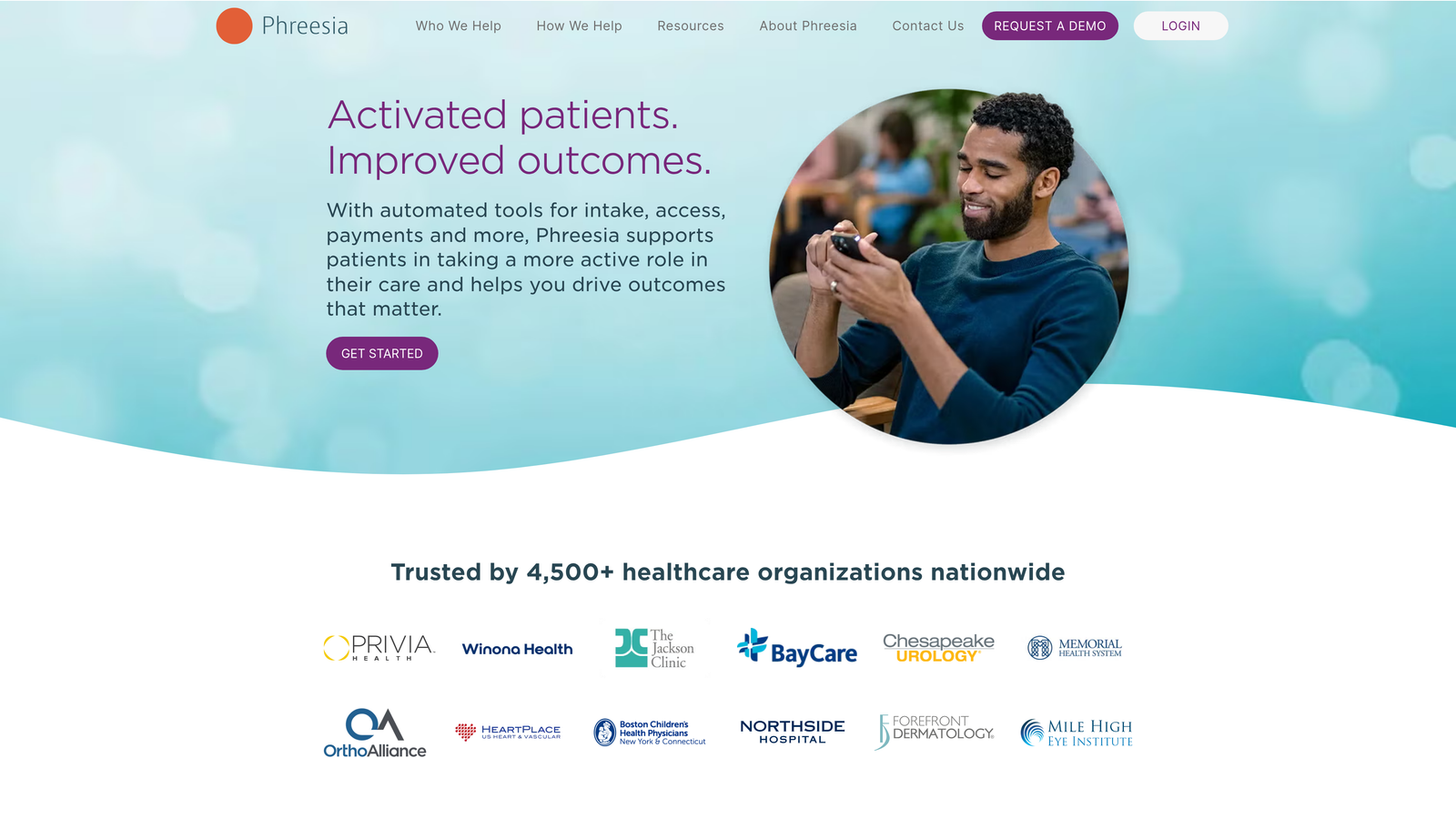
Phreesia is an enterprise-grade patient intake platform designed for health systems that need deep integration with existing clinical workflows.
Where This Tool Shines
Phreesia excels at handling the complex needs of large healthcare organizations with multiple locations and diverse patient populations. The platform's strength lies in its comprehensive approach—combining intake forms with insurance verification, payment collection, and clinical screening in a single patient-facing interface.
The system's deep EHR integrations mean patient data flows directly into clinical systems without manual transfer. For health systems managing thousands of patient visits daily, this level of automation significantly reduces registration time and administrative overhead.
Key Features
EHR Integration: Direct connections with major electronic health record systems including Epic, Cerner, and Athenahealth.
Insurance Verification: Real-time eligibility checks and coverage verification during the intake process.
Payment Collection: Secure copay and outstanding balance collection before appointments.
Clinical Screening: Specialty-specific questionnaires that feed directly into clinical documentation.
Patient Self-Scheduling: Integrated appointment booking that syncs with practice management systems.
Best For
Large health systems, hospital networks, and multi-location practices that need enterprise-level integration and can invest in comprehensive patient engagement infrastructure. Best suited for organizations with dedicated IT resources to manage implementation.
Pricing
Custom enterprise pricing based on organization size, patient volume, and feature requirements. Implementation typically involves significant upfront investment.
3. IntakeQ
Best for: Mental health and wellness practitioners needing specialty-specific intake templates.
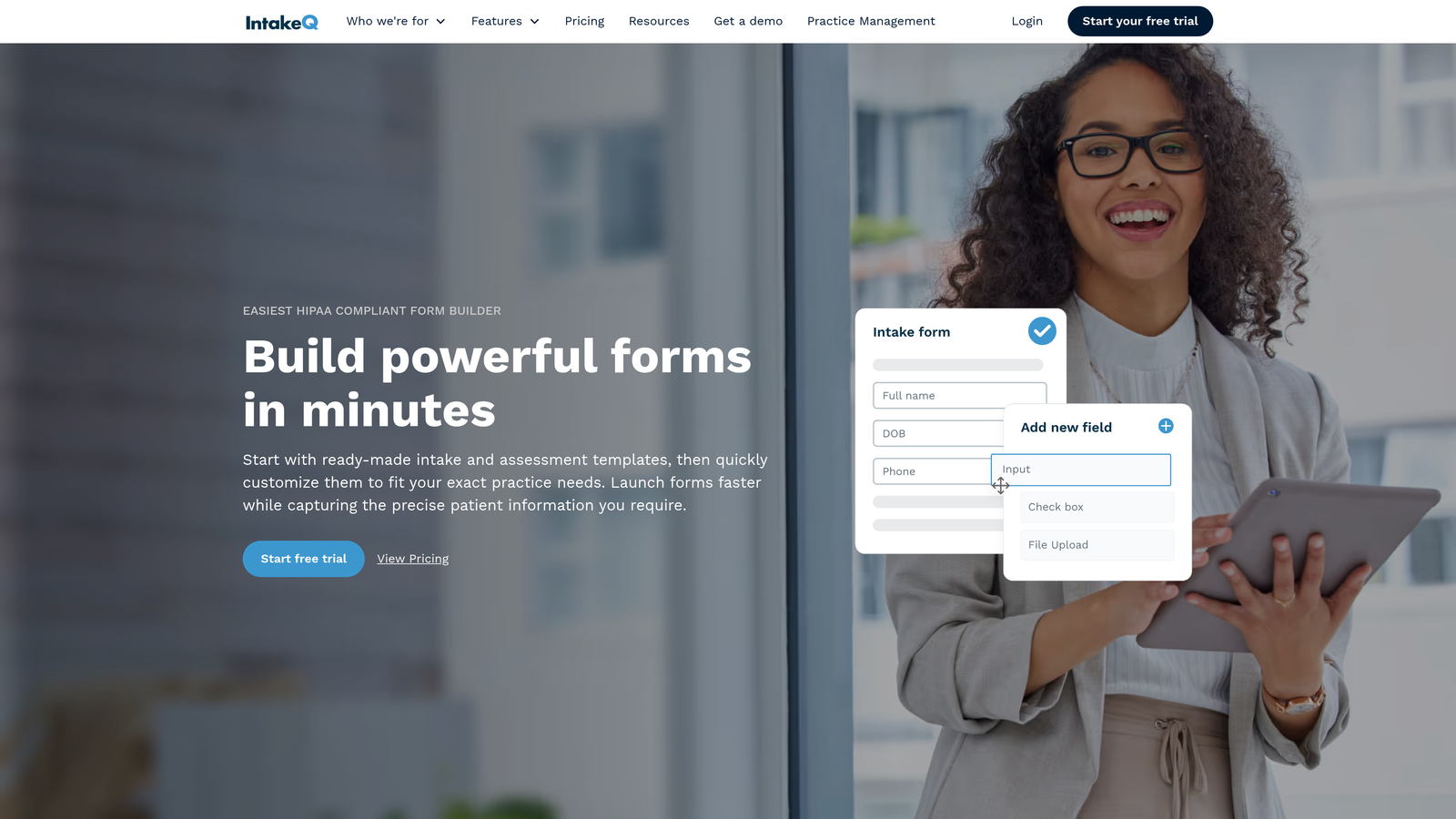
IntakeQ is a HIPAA-compliant intake solution built specifically for behavioral health providers, therapists, and wellness practitioners.
Where This Tool Shines
IntakeQ understands the unique documentation needs of mental health professionals. The platform offers pre-built templates for therapy intake, psychological assessments, and consent forms that align with clinical best practices. This specialty focus means you're not adapting generic forms—you're using tools designed for your specific workflow.
The secure messaging capabilities extend beyond basic intake, creating a HIPAA-compliant communication channel for ongoing client interactions. This proves especially valuable for therapists who need to share documents, coordinate scheduling changes, or handle administrative questions between sessions.
Key Features
Specialty Templates: Pre-built forms for mental health, chiropractic, physical therapy, and wellness practices.
Secure Messaging: HIPAA-compliant two-way communication with clients for document sharing and questions.
Online Booking: Integrated scheduling that syncs with calendar systems and sends automated reminders.
Automated Follow-Ups: Customizable reminder sequences for appointments, form completion, and treatment plans.
Telehealth Integration: Built-in video conferencing for remote sessions with automatic session notes.
Best For
Solo practitioners and small group practices in mental health, counseling, chiropractic, or wellness fields. Ideal for providers who want specialty-specific tools without the complexity of full practice management systems.
Pricing
Starts at $49.90 per month with unlimited forms and clients. Higher tiers add features like advanced automation and priority support.
4. Jotform Health
Best for: Practices wanting extensive template options with affordable HIPAA compliance.
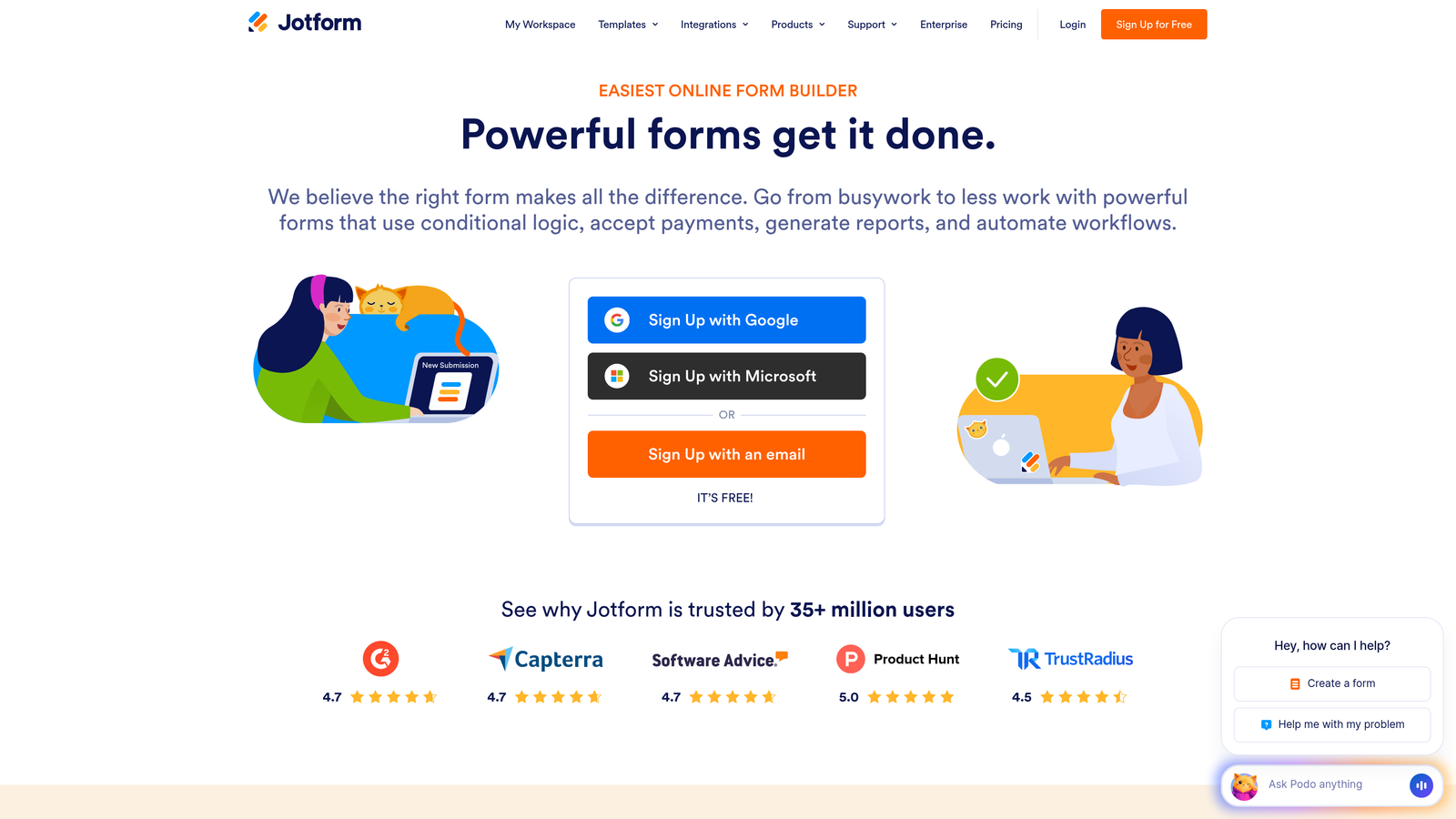
Jotform Health is the HIPAA-compliant version of the popular form builder, offering healthcare practices access to hundreds of templates and intuitive drag-and-drop design.
Where This Tool Shines
Jotform Health's greatest strength is its massive template library combined with exceptional ease of use. With over 500 healthcare-specific templates, you can launch professional intake forms in minutes rather than hours. The drag-and-drop builder requires zero technical knowledge, making it accessible for small practices without dedicated IT staff.
The platform's flexibility extends beyond patient intake. Practices use Jotform Health for consent forms, appointment requests, patient feedback surveys, and administrative documents—all within a single HIPAA-compliant environment. This versatility makes it a practical choice for practices that need multiple form types.
Key Features
Healthcare Templates: Over 500 pre-built forms covering intake, consent, surveys, and administrative needs.
Drag-and-Drop Builder: Visual form editor that requires no coding or technical expertise.
HIPAA Compliance: Business Associate Agreement and security features meeting healthcare privacy requirements.
E-Signature Collection: Built-in signature fields for consent forms and treatment agreements.
App Integrations: Connects with over 100 third-party applications including Google Workspace, Dropbox, and Slack.
Best For
Small to medium practices that need versatile form capabilities without technical complexity. Particularly valuable for practices that create many different form types and want affordable HIPAA compliance.
Pricing
HIPAA compliance starts at $34 per month. Higher tiers add increased form submissions, storage, and advanced features.
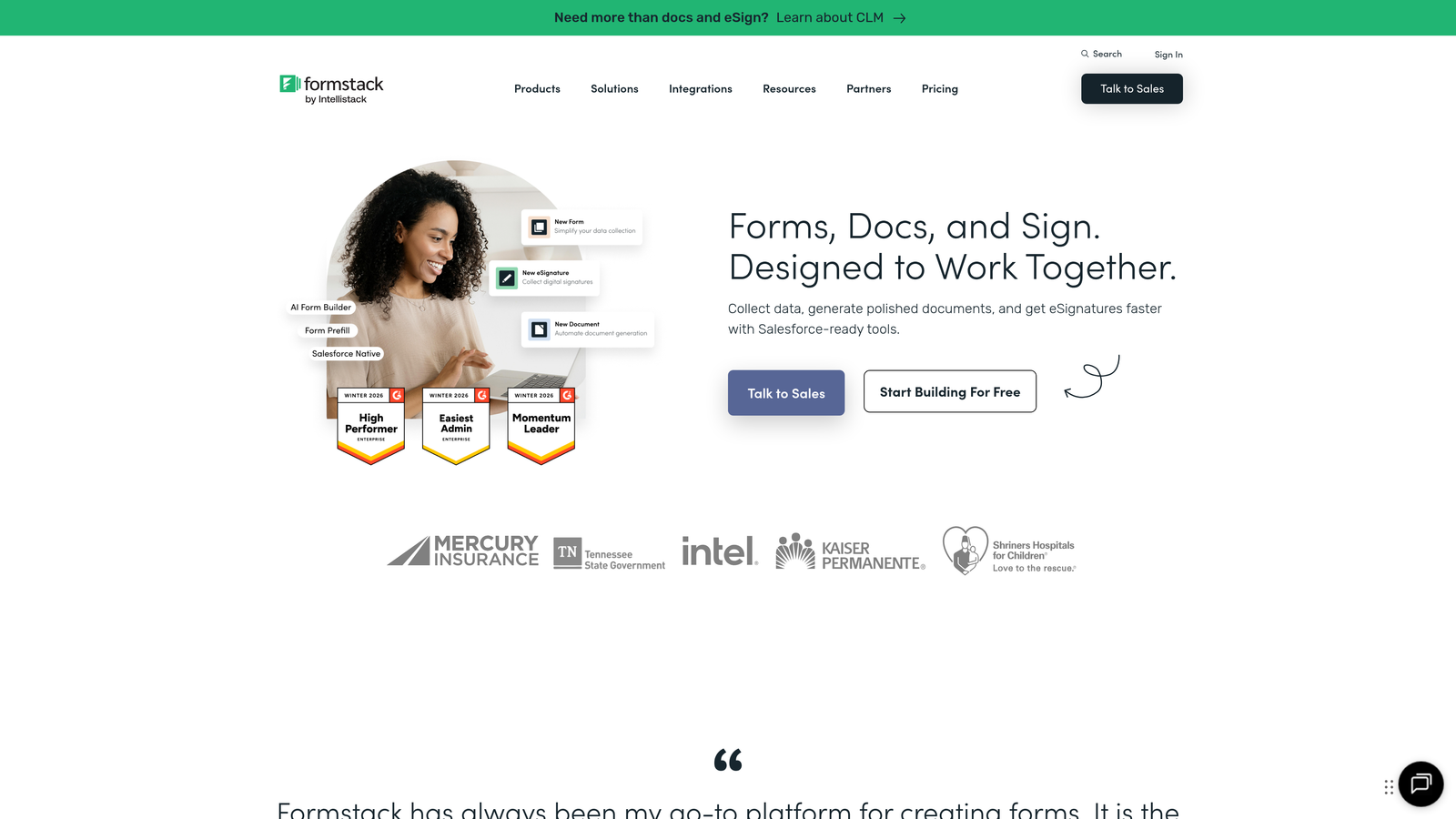
5. Formstack
Best for: Healthcare organizations needing advanced workflow automation and document generation.
Formstack is a workflow automation platform that extends beyond basic forms to include document generation, e-signatures, and complex conditional logic.
Where This Tool Shines
Formstack excels when intake forms are just the starting point of more complex administrative workflows. The platform can automatically generate patient documents based on intake responses, route forms through multi-step approval processes, and trigger actions in connected systems—all without manual intervention.
This automation capability proves particularly valuable for practices with complex intake requirements. For example, a specialty clinic might need different consent forms, insurance documentation, and clinical questionnaires based on the specific procedure a patient is scheduling. Formstack's conditional logic and document generation handle these variations automatically.
Key Features
Workflow Automation: Advanced rules for routing, approvals, and multi-step processes based on form data.
Document Generation: Automatically creates PDFs, letters, and reports from submitted form information.
Built-In E-Signatures: Legally binding electronic signatures without third-party tools.
Conditional Logic: Shows or hides form fields based on previous answers for personalized intake experiences.
HIPAA Compliance: Available on higher-tier plans with Business Associate Agreement.
Best For
Healthcare organizations with complex intake workflows that need document automation and multi-step processes. Best suited for practices with dedicated administrative staff who can leverage advanced features.
Pricing
HIPAA-compliant plans start at $83 per month. Pricing scales based on form submissions and advanced features required.
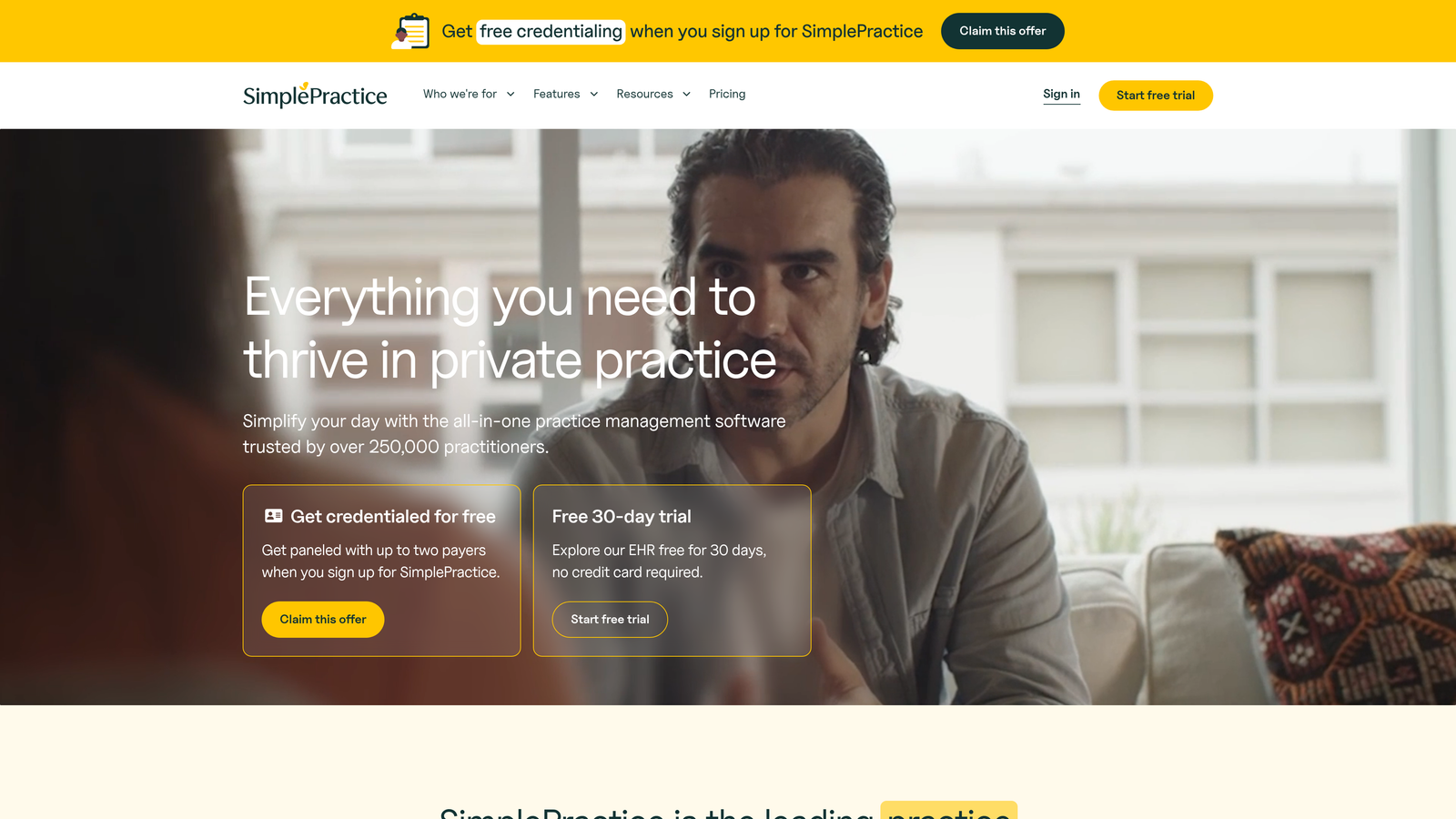
6. SimplePractice
Best for: Behavioral health providers wanting all-in-one practice management with integrated intake.
SimplePractice is a comprehensive practice management platform designed specifically for therapists, counselors, and mental health professionals.
Where This Tool Shines
SimplePractice takes a holistic approach by combining intake forms with scheduling, billing, telehealth, and clinical documentation in a single platform. This integration eliminates the frustration of juggling multiple systems—patient information flows seamlessly from intake through treatment notes to insurance billing.
The platform's client portal creates a centralized hub where patients complete intake forms, schedule appointments, pay invoices, and access treatment documents. For behavioral health providers, this streamlined experience reduces no-shows and improves client engagement throughout the treatment journey.
Key Features
Integrated Practice Management: Complete solution including scheduling, billing, documentation, and intake in one platform.
Built-In Telehealth: HIPAA-compliant video sessions with integrated session notes and billing.
Insurance Billing: Direct claims submission and electronic remittance advice for insurance reimbursement.
Client Portal: Secure access for patients to complete forms, schedule appointments, and make payments.
Progress Notes: Clinical documentation templates that integrate with intake data and treatment plans.
Best For
Solo and small group behavioral health practices that want to consolidate multiple practice management functions into a single platform. Particularly valuable for therapists who accept insurance and need integrated billing capabilities.
Pricing
Starts at $29 per month for solo practitioners. Group practice plans scale based on the number of clinicians.
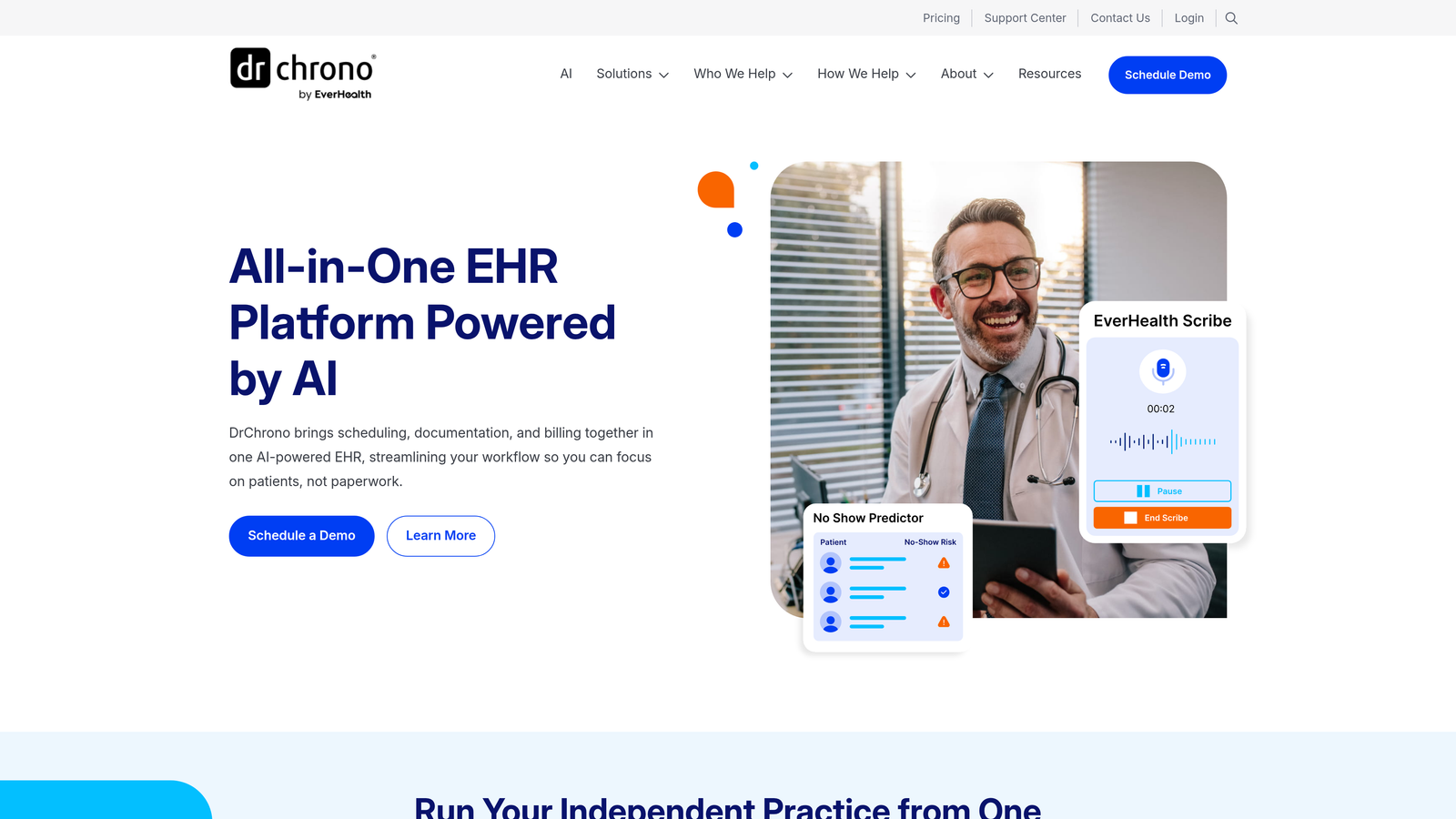
7. DrChrono
Best for: Mobile-first practices needing iPad-native EHR with flexible intake options.
DrChrono is a mobile-first electronic health record and practice management platform designed for providers who need access to clinical information anywhere.
Where This Tool Shines
DrChrono's iPad-native design sets it apart in a market dominated by desktop-first solutions. Providers can conduct entire patient encounters on an iPad—from intake through examination to prescription writing—without switching devices. This mobility proves especially valuable for practices with multiple exam rooms, home visits, or remote care scenarios.
The platform's patient check-in kiosk transforms any iPad into a self-service intake station. Patients complete forms, update insurance information, and sign consents on their own while staff focus on clinical preparation rather than data entry. This approach reduces wait times and creates a more modern patient experience.
Key Features
iPad-Native Design: Full EHR functionality optimized for touchscreen use and mobile workflows.
Complete EHR: Clinical documentation, e-prescribing, lab ordering, and patient intake in a unified system.
Medical Billing: Integrated billing and claims management with real-time eligibility verification.
Patient Portal: Self-service check-in kiosk and online portal for form completion and appointment scheduling.
Speech-to-Text: Voice recognition for clinical documentation reduces typing and speeds charting.
Best For
Primary care and specialty practices that prioritize mobile access and want a modern, iPad-friendly EHR. Ideal for providers who see patients in multiple locations or conduct home visits.
Pricing
Custom pricing based on practice size, number of providers, and feature requirements. Implementation and training costs vary by practice complexity.
8. Klara
Best for: Practices prioritizing ongoing patient communication alongside intake forms.
Klara is a patient communication platform that combines digital intake forms with HIPAA-compliant two-way messaging throughout the care journey.
Where This Tool Shines
Klara recognizes that patient engagement doesn't end when intake forms are submitted. The platform creates a continuous communication channel where patients can ask pre-appointment questions, receive test results, and coordinate follow-up care—all within a secure, HIPAA-compliant environment.
This ongoing communication capability reduces phone tag and streamlines administrative workflows. Instead of playing voicemail tag about appointment changes or prescription refills, staff handle these interactions through organized message threads that integrate with existing EHR systems. The result is faster response times and better patient satisfaction.
Key Features
Two-Way Messaging: HIPAA-compliant patient communication that replaces phone calls and unsecure emails.
Digital Intake Forms: Customizable forms that patients complete before appointments with automated reminders.
Appointment Coordination: Automated reminders, confirmations, and rescheduling requests through messaging.
Team Collaboration: Internal messaging and task assignment for coordinating patient care across staff members.
EHR Integration: Connects with major EHR systems to sync patient communication and form data.
Best For
Practices that receive high volumes of patient questions and want to reduce phone call volume while improving response times. Particularly valuable for specialty practices with complex pre-appointment preparation requirements.
Pricing
Custom pricing based on practice size and patient volume. Klara typically charges per provider or per location.
9. Solutionreach
Best for: Dental and vision practices needing patient engagement with recall campaigns.
Solutionreach is a patient engagement platform focused on dental and vision practices, combining intake forms with automated recall systems and reputation management.
Where This Tool Shines
Solutionreach understands the unique needs of dental and vision practices where regular recall appointments drive practice growth. The platform automatically identifies patients due for cleanings, exams, or follow-up visits and launches targeted outreach campaigns to bring them back. This proactive approach fills schedule gaps and increases patient lifetime value.
The reputation management features help practices build their online presence by automatically requesting reviews from satisfied patients. For dental and vision practices where new patient acquisition depends heavily on online reputation, this automation creates a consistent flow of positive reviews without requiring staff to manually request feedback.
Key Features
Patient Recall Campaigns: Automated outreach to patients due for routine appointments or overdue for care.
Digital Intake Forms: Customizable forms for new patients and returning patients with updated information.
Review Management: Automated review requests and reputation monitoring across Google, Facebook, and Yelp.
Two-Way Texting: HIPAA-compliant text messaging for appointment reminders and patient questions.
Appointment Reminders: Multi-channel reminders via text, email, and phone to reduce no-shows.
Best For
Dental and vision practices that rely on regular recall appointments and want to automate patient reactivation. Particularly valuable for practices focused on building online reputation and reducing no-show rates.
Pricing
Custom pricing based on practice size, patient volume, and feature requirements. Solutionreach typically structures pricing per provider or per location.
Making the Right Choice
The best patient intake software depends on your practice's specific needs and existing infrastructure. For practices that want to go beyond basic data collection and implement intelligent patient qualification, Orbit AI offers a modern approach that combines beautiful form design with AI-powered routing. Large health systems requiring comprehensive EHR integration will find Phreesia's enterprise platform worth the investment, despite higher costs.
Mental health providers often prefer IntakeQ or SimplePractice for their specialty-specific features and integrated practice management capabilities. Budget-conscious practices can start with Jotform Health's accessible pricing while still maintaining HIPAA compliance. Dental and vision practices benefit from Solutionreach's recall-focused approach, while mobile-first providers appreciate DrChrono's iPad-native design.
Whatever solution you choose, moving away from paper intake forms will reduce administrative burden, improve data accuracy, and create a better first impression with every new patient. The key is matching your practice's size, specialty, and workflow requirements with the right platform's strengths. Start by identifying your biggest intake pain points—whether that's data entry time, patient abandonment rates, or integration challenges—and prioritize solutions that directly address those needs.
Transform your lead generation with AI-powered forms that qualify prospects automatically while delivering the modern, conversion-optimized experience your high-growth team needs. Start your free trial today and see how intelligent form design can elevate your conversion strategy.