

Finding the right candidates starts with the right application form. A clunky, outdated form drives top talent away before they even submit their resume. Modern recruitment application forms do more than collect data—they qualify candidates automatically, integrate with your ATS, and create a seamless experience that reflects your employer brand.
Whether you're scaling a startup or managing enterprise hiring, the tools you use to capture applicant information directly impact your talent pipeline quality. Here are the top recruitment application form tools for hiring teams.
1. Orbit AI
Best for: High-growth teams wanting AI-powered candidate qualification built into their application process
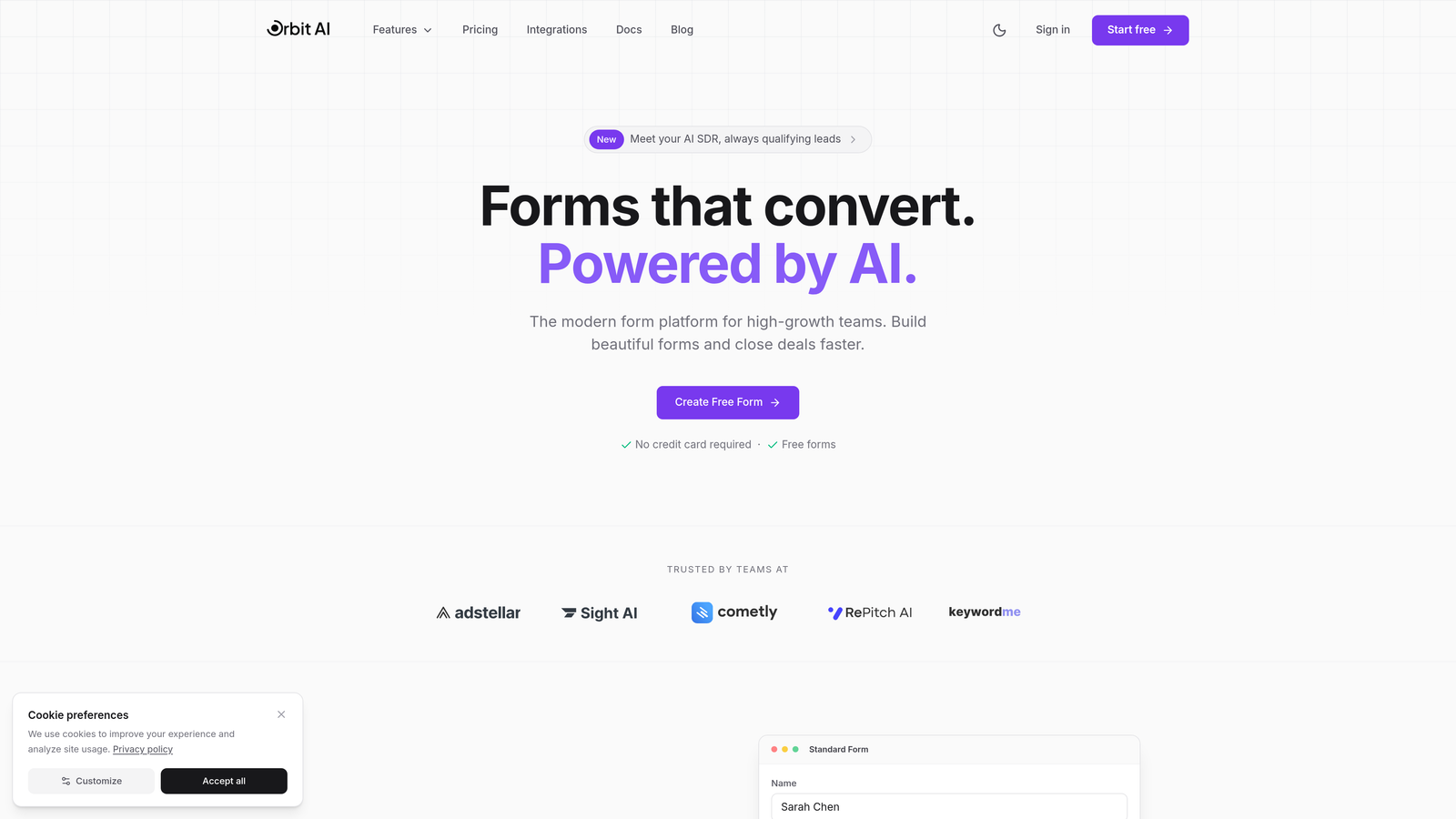
Orbit AI brings intelligent lead qualification technology to recruitment, automatically scoring and prioritizing candidates as they apply.
Where This Tool Shines
Orbit AI transforms the traditional application form into an intelligent screening tool. Instead of collecting applications and manually reviewing each one, the platform uses AI to identify high-potential candidates in real-time based on your qualification criteria.
The result? Your recruiting team spends less time sorting through unqualified applications and more time engaging with candidates who genuinely fit the role. The forms themselves are conversion-optimized, meaning you'll see higher completion rates compared to traditional application forms.
Key Features
AI-Powered Candidate Qualification: Automatically scores applicants based on your criteria, surfacing top candidates immediately.
Beautiful Mobile-Responsive Designs: Forms look professional on any device, reducing drop-off from mobile applicants.
Conditional Logic: Create dynamic application flows that adapt based on candidate responses.
ATS and CRM Integrations: Connect with your existing HR tech stack to streamline data flow.
Real-Time Analytics: Track application performance and identify bottlenecks in your hiring funnel.
Best For
Growing companies that receive high application volumes and need to identify quality candidates quickly. Particularly valuable for teams hiring for competitive roles where candidate experience and speed-to-contact matter.
Pricing
Pricing is quoted on a short demo, and Orbit has no free plan. Book a demo to see it with your own forms.
2. Greenhouse
Best for: Enterprise organizations needing structured hiring workflows with comprehensive compliance features
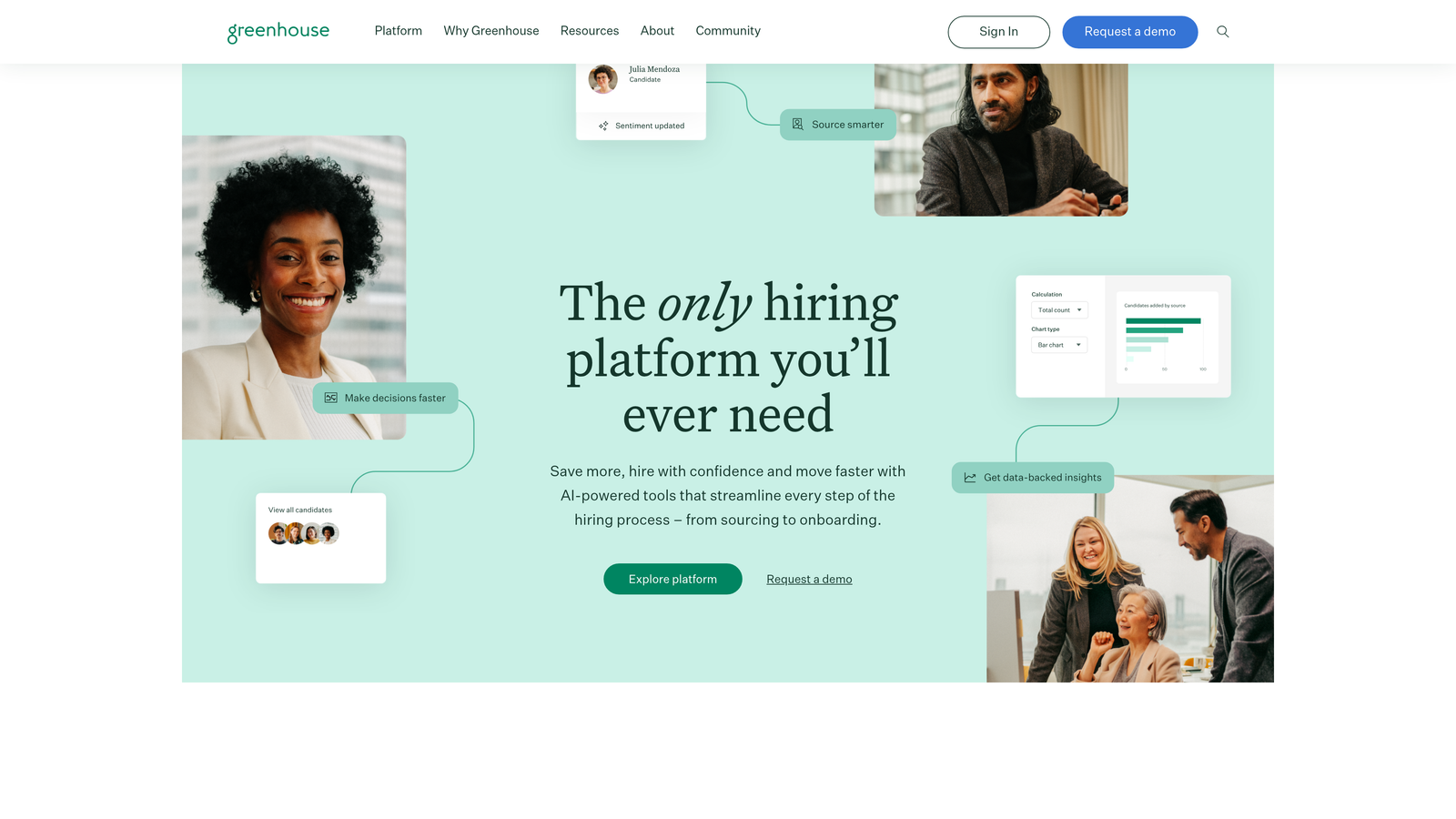
Greenhouse is a full-featured applicant tracking system built for companies with complex, high-volume hiring needs.
Where This Tool Shines
Greenhouse excels at creating consistency across your entire hiring process. The application forms are just one piece of a comprehensive platform that enforces structured interviews, standardized scorecards, and data-driven decision-making.
For companies concerned about compliance and reducing bias, Greenhouse provides robust EEOC and OFCCP reporting tools. The platform's extensive customization options mean you can tailor application forms to capture exactly the information your hiring process requires.
Key Features
Highly Customizable Application Forms: Build forms with custom fields, screening questions, and file upload requirements.
Structured Hiring Scorecards: Standardize evaluation criteria across all interviewers and roles.
Extensive Third-Party Integrations: Connect with background check providers, assessment tools, and HR systems.
Compliance Tools: Built-in EEOC and OFCCP reporting to support diversity and compliance initiatives.
Advanced Analytics: Deep reporting on every stage of your hiring funnel, from application to offer acceptance.
Best For
Enterprise companies with dedicated recruiting teams, structured hiring processes, and the need for comprehensive compliance documentation. Best suited for organizations hiring at scale across multiple departments.
Pricing
Custom pricing based on company size and hiring volume. Typically requires annual contracts and implementation support.
3. Lever
Best for: Companies building long-term talent pipelines through combined ATS and CRM functionality
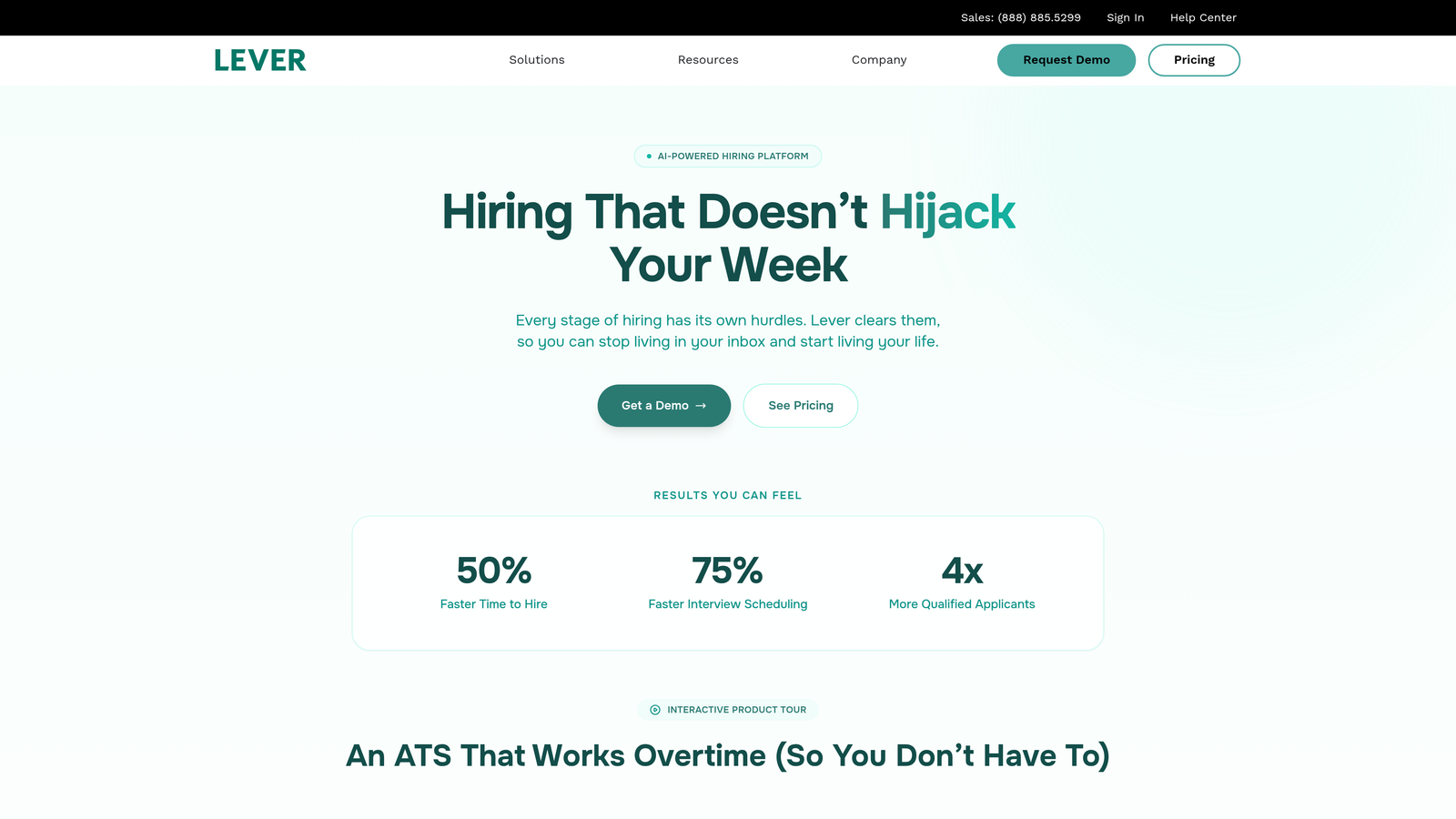
Lever unifies applicant tracking with candidate relationship management, making it easier to nurture passive candidates over time.
Where This Tool Shines
Lever's unique approach combines immediate hiring needs with long-term talent acquisition strategy. When candidates apply through Lever forms, they don't just enter a pipeline for one role—they become part of your talent network.
The platform's collaborative features make it easy for hiring teams to share feedback, coordinate interviews, and make collective decisions. Visual pipeline management gives everyone visibility into where candidates stand in the process.
Key Features
Unified ATS and CRM Platform: Manage both active applicants and passive candidate relationships in one system.
Collaborative Hiring Features: Built-in tools for team feedback, interview scheduling, and decision-making.
Customizable Career Pages: Create branded application experiences that reflect your employer brand.
Nurture Campaigns: Stay connected with promising candidates who aren't ready to apply yet.
Visual Pipeline Management: Drag-and-drop interface for moving candidates through hiring stages.
Best For
Mid-market to enterprise companies that want to build lasting relationships with candidates, not just fill immediate openings. Particularly valuable for competitive industries where talent pipelining provides a strategic advantage.
Pricing
Custom pricing based on company needs and user count. Typically positioned for companies with established recruiting functions.
4. Workable
Best for: Small to mid-sized businesses wanting an all-in-one recruiting solution that's quick to deploy
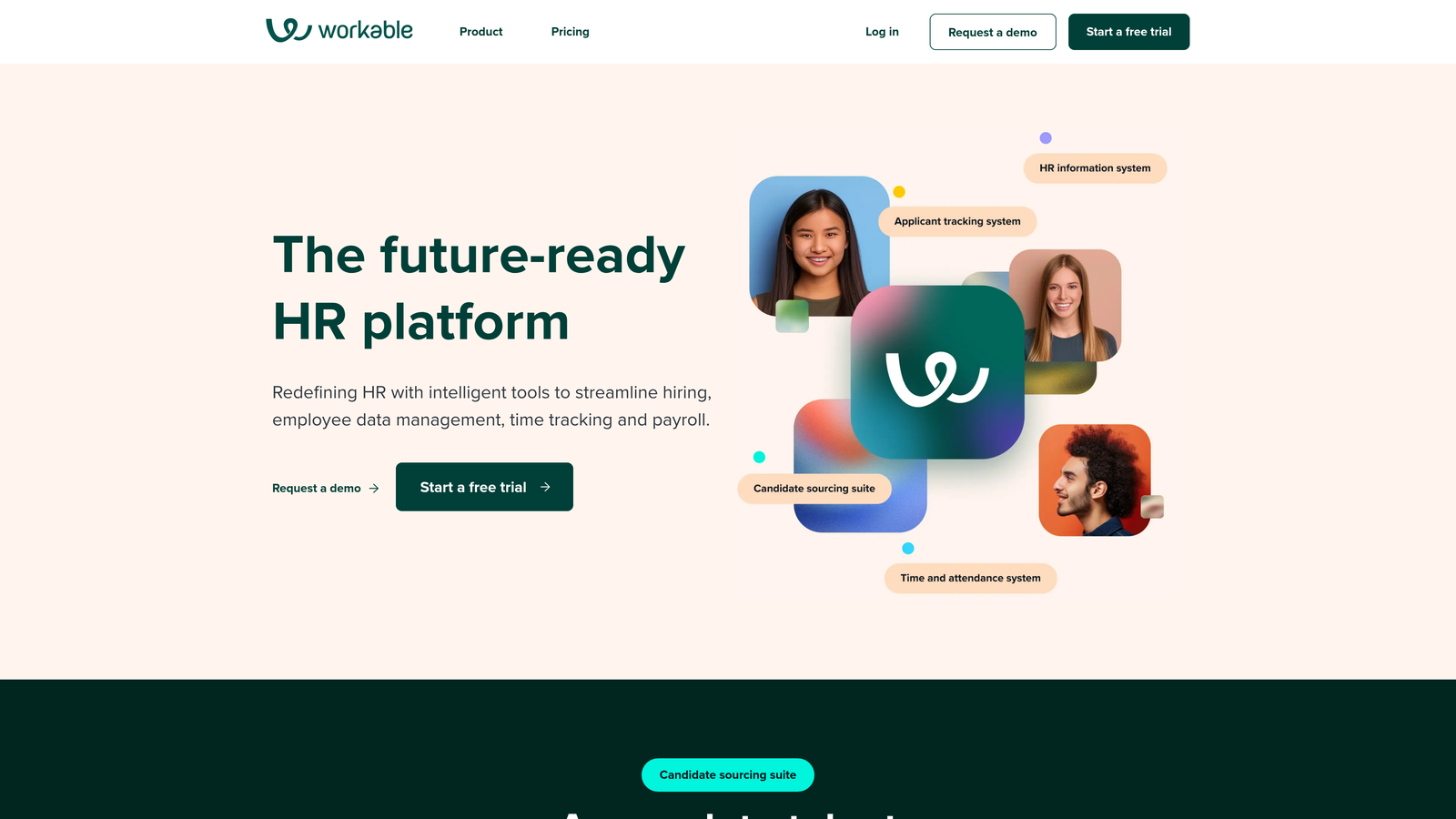
Workable combines applicant tracking, job board posting, and AI-powered sourcing in a platform designed for ease of use.
Where This Tool Shines
Workable removes the complexity from recruiting software. You can create and publish application forms in minutes, not hours. The platform's one-click job posting distributes your opening to over 200 job boards simultaneously, maximizing your reach.
The AI-powered candidate recommendations help smaller teams without dedicated sourcers identify promising applicants quickly. The mobile app means hiring managers can review applications and move candidates forward from anywhere.
Key Features
One-Click Job Posting: Distribute openings to 200+ job boards with a single action.
AI-Powered Recommendations: Get suggestions for candidates who match your role requirements.
Mobile Hiring App: Review applications, leave feedback, and schedule interviews from your phone.
Video Interview Capabilities: Conduct initial screenings without third-party tools.
Branded Career Pages: Create custom application experiences that match your company's look and feel.
Best For
Growing companies with lean recruiting teams who need a comprehensive solution without enterprise complexity. Ideal for businesses hiring across multiple roles simultaneously.
Pricing
Starter plan begins at $149/month, with higher tiers offering additional features and user seats.
5. Typeform
Best for: Creating memorable, conversational application experiences that stand out from traditional forms
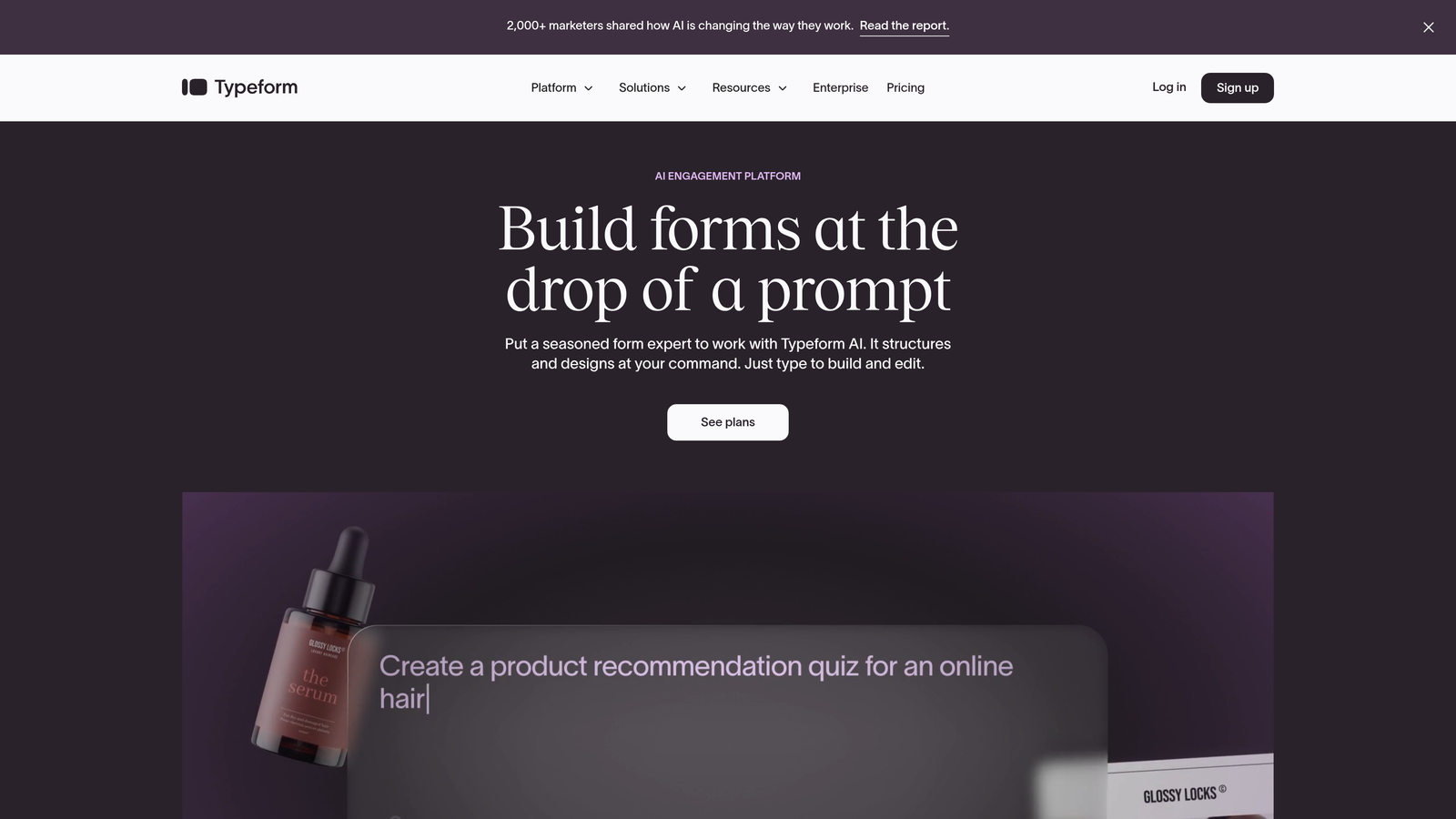
Typeform reimagines the application form as a conversation, presenting one question at a time in a visually engaging format.
Where This Tool Shines
Typeform's one-question-at-a-time approach reduces the overwhelm candidates often feel when faced with long application forms. The result is higher completion rates and more thoughtful responses.
The platform's design flexibility means your application forms can truly reflect your employer brand. You can embed videos, use custom images, and create branching logic that makes each candidate's experience feel personalized.
Key Features
One-Question-at-a-Time Format: Reduces cognitive load and improves completion rates.
Extensive Design Customization: Match forms to your brand with custom colors, fonts, and backgrounds.
Logic Jumps and Branching: Create dynamic flows based on candidate responses.
Rich Media Embedding: Include videos and images to showcase your company culture.
HR Tool Integrations: Connect with applicant tracking systems through Zapier and native integrations.
Best For
Companies where employer brand and candidate experience are top priorities. Particularly effective for creative roles, startups, and organizations competing for talent in tight markets.
Pricing
Free tier available with basic features. Paid plans start at $25/month for additional responses and advanced functionality.
6. JotForm
Best for: Teams wanting extensive customization options and recruitment-specific templates at accessible price points
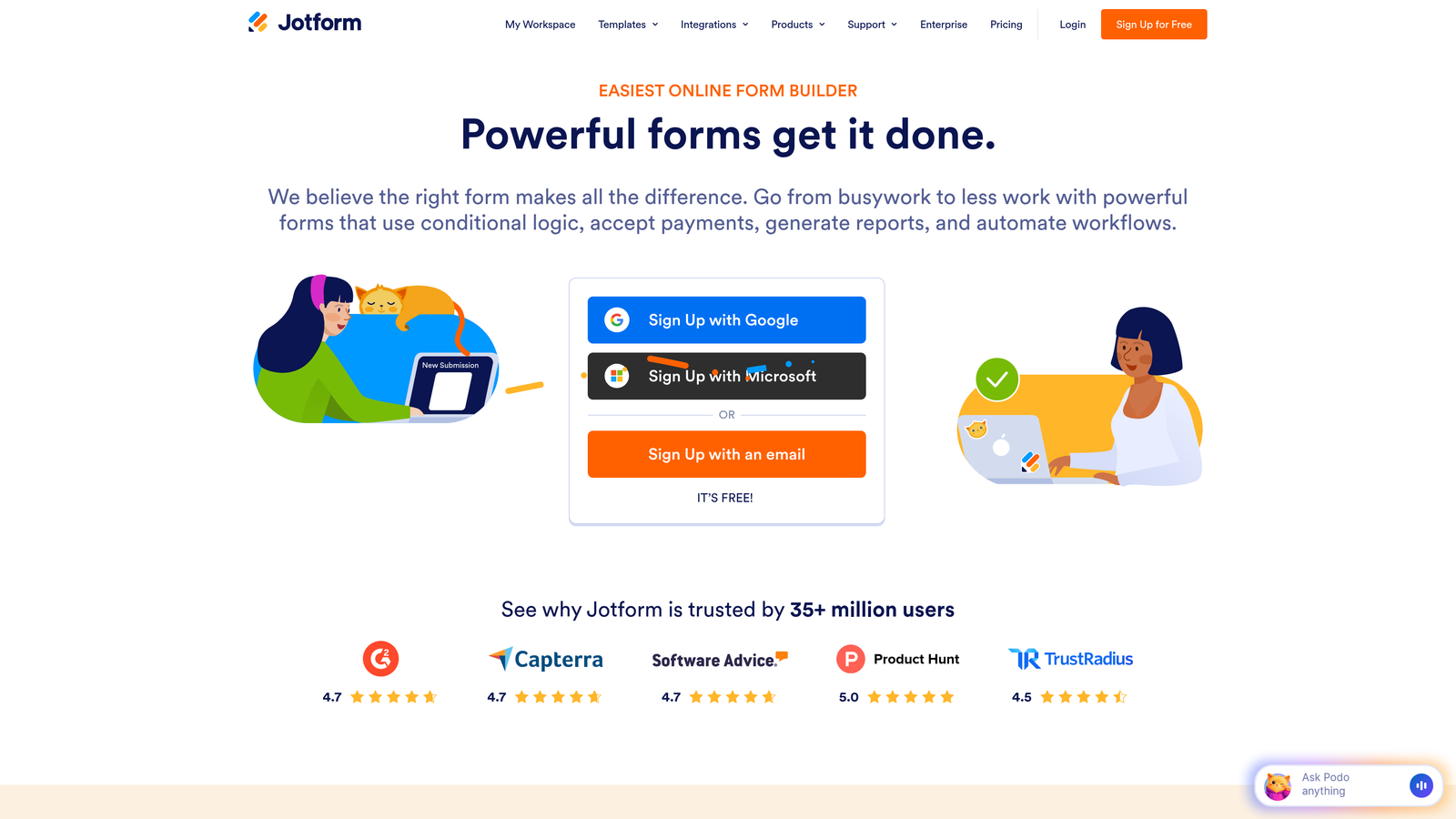
JotForm offers a massive template library and flexible form builder that adapts to virtually any recruitment scenario.
Where This Tool Shines
JotForm's strength lies in its versatility. With over 10,000 templates including dozens specifically designed for recruitment, you can launch professional application forms in minutes. The drag-and-drop builder makes customization intuitive even for non-technical users.
Unique features like e-signature collection and payment integration make JotForm valuable for specialized hiring scenarios—think collecting application fees for competitive programs or securing offer letter signatures.
Key Features
10,000+ Form Templates: Start with pre-built recruitment forms and customize to your needs.
Drag-and-Drop Builder: Create and modify forms without any coding knowledge.
E-Signature Collection: Gather legally binding signatures directly within application forms.
Payment Integration: Collect application fees or deposits when relevant.
HIPAA-Compliant Options: Available for healthcare organizations with strict data requirements.
Best For
Organizations with diverse hiring needs across multiple roles and departments. Particularly valuable for teams that need specialized features like payment collection or e-signatures.
Pricing
Free tier includes up to 5 forms. Paid plans start at $34/month with increased submission limits and advanced features.
7. Ashby
Best for: Data-driven recruiting teams prioritizing analytics and reporting alongside clean application forms
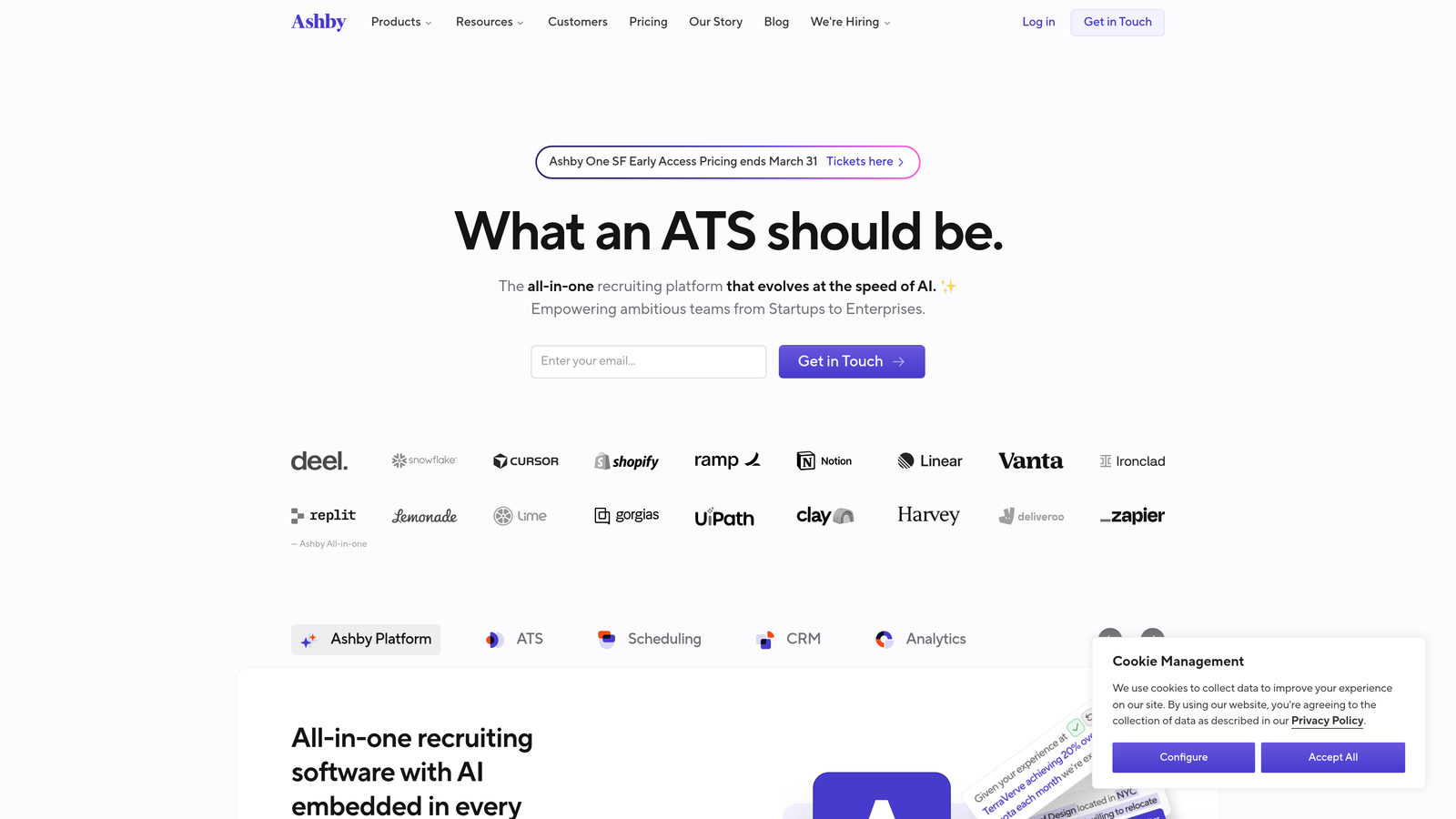
Ashby is a modern ATS built from the ground up with analytics at its core, offering recruiting teams unprecedented visibility into their hiring performance.
Where This Tool Shines
Ashby treats recruiting as a data problem. Every application, every interview, every decision point generates data that helps you understand what's working and what isn't. The application forms integrate seamlessly with this analytics infrastructure.
The platform's modern interface feels intuitive compared to legacy ATS systems. Candidate scheduling automation removes the back-and-forth emails that slow down hiring, while DEI reporting helps teams track and improve diversity outcomes.
Key Features
Built-In Recruiting Analytics: Comprehensive reporting on time-to-hire, source effectiveness, and pipeline health.
Customizable Hiring Workflows: Tailor the recruiting process to different roles and departments.
Candidate Scheduling Automation: Let candidates self-schedule interviews based on interviewer availability.
DEI Reporting: Track diversity metrics throughout your hiring funnel.
Modern Interface: Clean, intuitive design that recruiting teams actually enjoy using.
Best For
Tech-forward companies that want to make data-driven improvements to their recruiting process. Best suited for teams that value analytics and continuous optimization.
Pricing
Custom pricing based on company size and feature requirements. Typically positioned for mid-market to enterprise companies.
8. Breezy HR
Best for: Visual recruiting teams wanting drag-and-drop pipeline management with user-friendly application forms
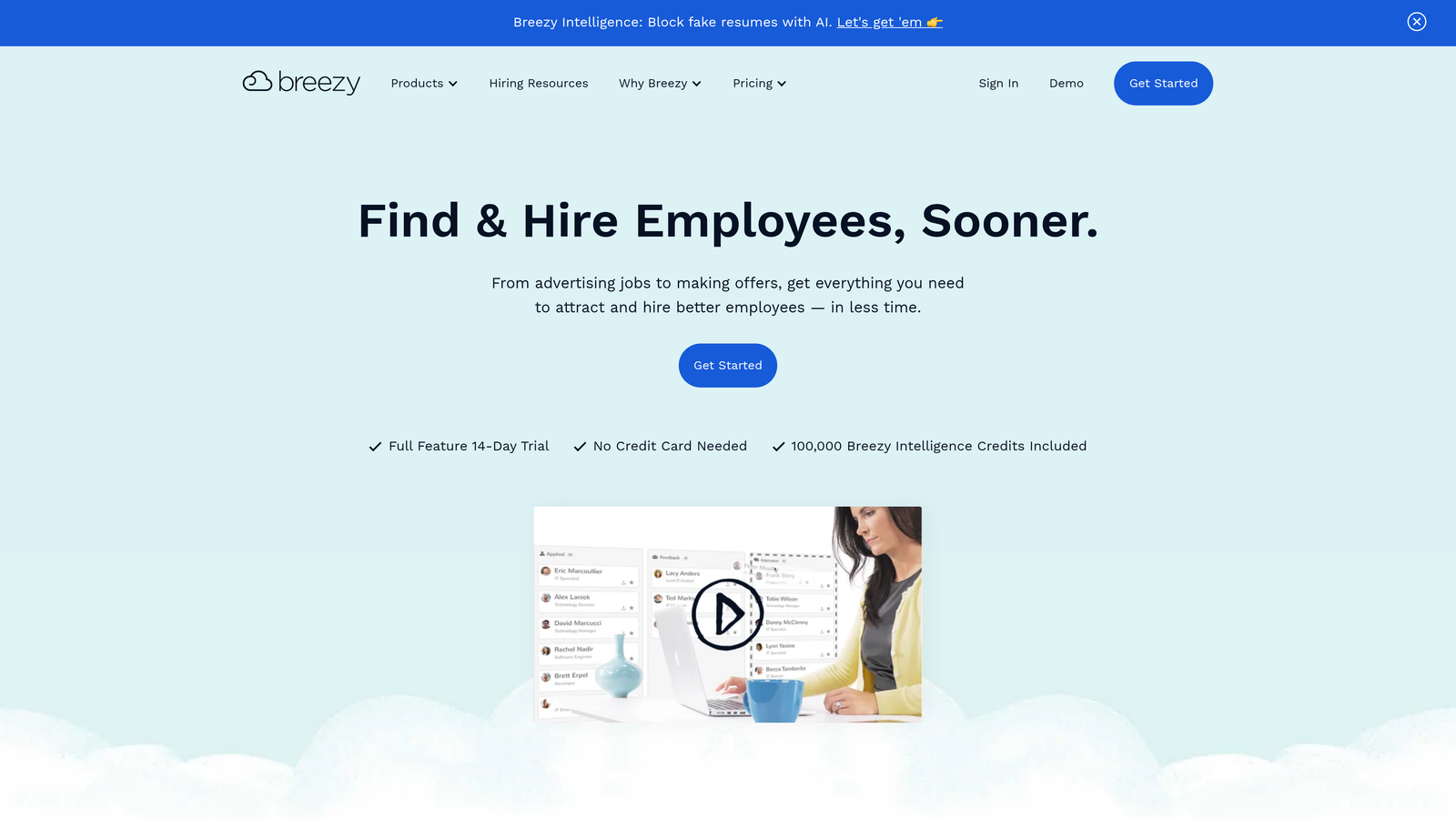
Breezy HR makes recruiting feel less like database management and more like moving candidates through a visual workflow.
Where This Tool Shines
Breezy HR's visual pipeline gives hiring teams an at-a-glance view of where every candidate stands. Drag candidates between stages, see bottlenecks instantly, and keep your entire team aligned on hiring progress.
The platform's automated candidate messaging ensures no applicant falls through the cracks. Set up email sequences that trigger based on candidate actions or pipeline stage, maintaining communication without manual effort.
Key Features
Visual Drag-and-Drop Pipelines: Manage candidates by moving them between hiring stages visually.
Automated Candidate Messaging: Set up email sequences that trigger based on candidate actions.
Self-Scheduling for Interviews: Let candidates book their own interview times based on availability.
Background Check Integrations: Order and track background checks without leaving the platform.
Team Collaboration Tools: Share feedback, tag teammates, and make collective hiring decisions.
Best For
Small to mid-sized teams that prefer visual workflows over list-based interfaces. Particularly valuable for organizations where multiple stakeholders need visibility into hiring progress.
Pricing
Free Bootstrap plan available for small teams. Paid plans start at $157/month with additional features and support.
9. Google Forms
Best for: Budget-conscious teams with basic recruitment needs or those just starting with structured hiring
Google Forms provides no-frills form building that's completely free and integrates seamlessly with Google Workspace.
Where This Tool Shines
Google Forms removes every barrier to getting started. No pricing tiers to evaluate, no feature comparisons to make, no implementation timeline. Create an account and start building application forms immediately.
For small businesses or teams with straightforward hiring needs, Google Forms delivers surprising functionality. Responses automatically populate Google Sheets for easy review and filtering. Basic conditional logic lets you show or hide questions based on previous answers.
Key Features
Completely Free: No cost regardless of submission volume or number of forms.
Google Workspace Integration: Responses sync automatically with Sheets, Drive, and other Google tools.
Simple Conditional Logic: Show or hide questions based on candidate responses.
Automatic Response Collection: All submissions organized in a spreadsheet for easy review.
Basic Collaboration: Share forms with team members for joint editing and review.
Best For
Very small teams, startups with limited budgets, or organizations testing structured hiring processes before investing in dedicated recruitment software.
Pricing
Free with any Google account. No paid tiers or premium features.
Finding Your Perfect Match
The right recruitment application form tool depends on where your hiring challenges lie. High-growth teams drowning in applications but struggling to identify quality candidates quickly will find Orbit AI's intelligent qualification features transformative. The platform's AI-powered scoring ensures your recruiting team focuses on candidates most likely to succeed rather than manually reviewing every submission.
Enterprise organizations with complex, multi-stage hiring processes should explore Greenhouse or Lever. These platforms provide the structure, compliance tools, and workflow customization that large-scale recruiting demands. If your team values data-driven decision-making above all else, Ashby's analytics-first approach offers unprecedented visibility into recruiting performance.
Small to mid-sized businesses wanting simplicity without sacrificing functionality will find Workable or Breezy HR strike the right balance. Both platforms offer comprehensive features without overwhelming new users, and their pricing models scale with your hiring needs.
When candidate experience is your top priority—particularly for competitive roles where top talent has multiple options—Typeform's conversational approach creates memorable application experiences that reinforce your employer brand. The one-question-at-a-time format consistently drives higher completion rates than traditional forms.
Budget-conscious teams can start with Google Forms and upgrade as needs grow. While it lacks advanced features, it provides enough functionality for straightforward hiring scenarios without any financial investment.
Ready to transform how candidates experience your hiring process? Book a demo and discover how AI-powered qualification can improve your talent pipeline quality while delivering the modern, conversion-optimized experience that attracts top candidates.


