

Your form is only as powerful as what happens after someone hits submit. A form builder without robust integrations creates data silos, manual export headaches, and missed opportunities to act on leads while they're still warm. The right form builder connects directly to your CRM, email platform, payment processor, and automation tools—turning form submissions into immediate action.
We evaluated dozens of form builders based on native integration depth, ease of setup, and real-world workflow capabilities. Here are the top form builders with integrations that actually deliver on their connectivity promises.
1. Orbit AI
Best for: High-growth teams needing AI-powered lead qualification with deep CRM integrations
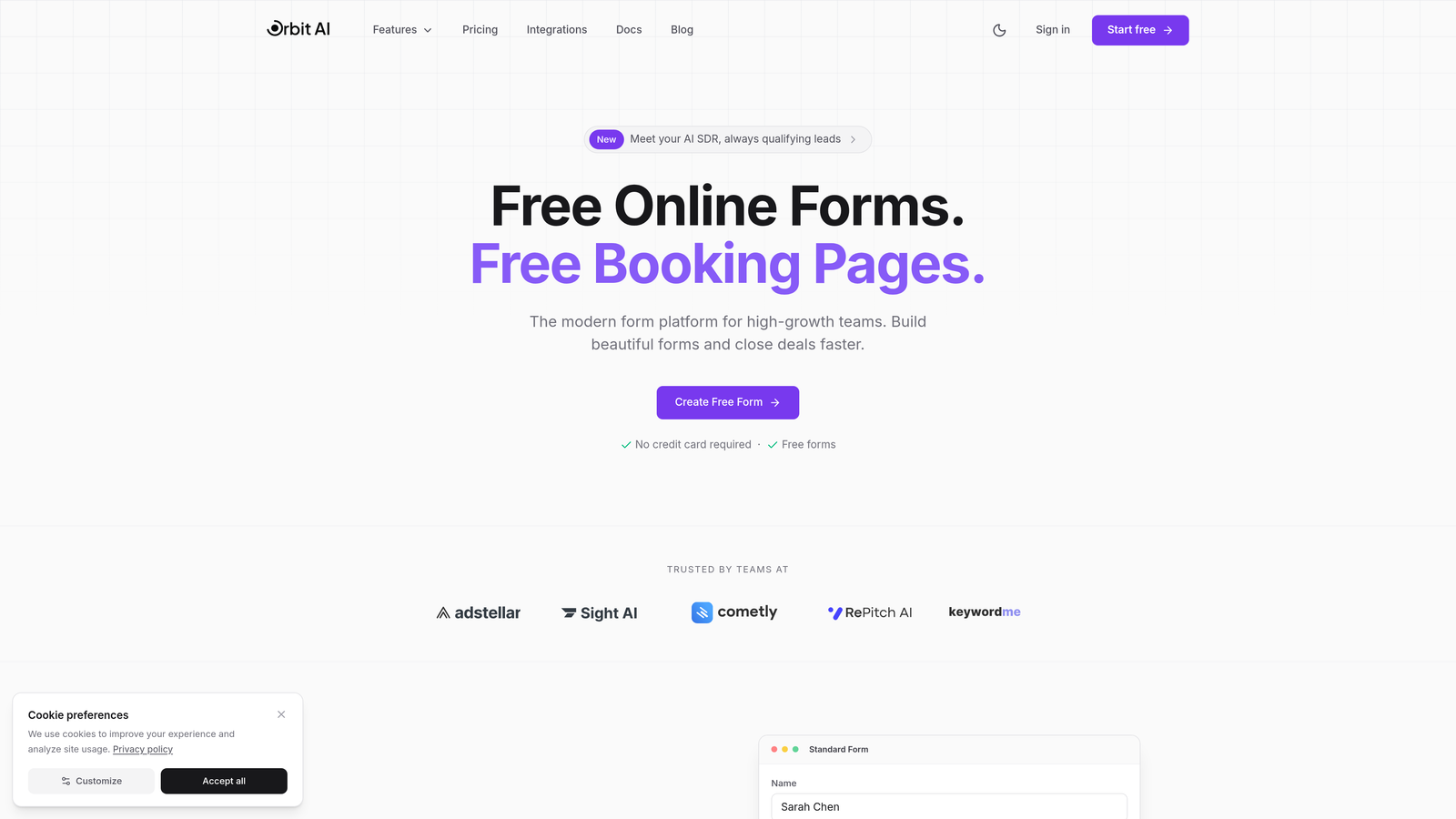
Orbit AI combines modern form building with AI agents that qualify and score leads before they hit your CRM.
Where This Tool Shines
The standout feature is AI-powered lead qualification that happens automatically as forms are submitted. Instead of every lead flowing into your CRM unfiltered, Orbit AI's agents analyze responses, assign quality scores, and route prospects to the right team members based on criteria you define.
This transforms your forms from simple data collection tools into intelligent gatekeepers. Your sales team receives pre-qualified leads with context, while lower-intent submissions get routed to nurture sequences. It's the difference between drinking from a firehose and having leads served on a silver platter.
Key Features
AI Lead Qualification: Automated agents score and categorize leads based on form responses before CRM routing.
Native CRM Integrations: Direct connections to HubSpot, Salesforce, and other major platforms with field mapping.
Automated Sequences: Trigger email workflows, Slack notifications, or custom actions based on submission data.
Conversion Analytics: Built-in tracking shows which form variations and questions drive the highest-quality leads.
Zapier Connectivity: Universal connector for integrating with 5,000+ additional apps and services.
Best For
Teams that receive high volumes of form submissions and need to separate qualified leads from tire-kickers automatically. Perfect for B2B companies, SaaS businesses, and agencies where lead quality matters more than raw quantity.
Pricing
Free tier available for getting started. Paid plans begin at $29/month with expanded AI capabilities and integration options.
2. Typeform
Best for: Creating conversational, engaging forms with strong marketing platform integrations
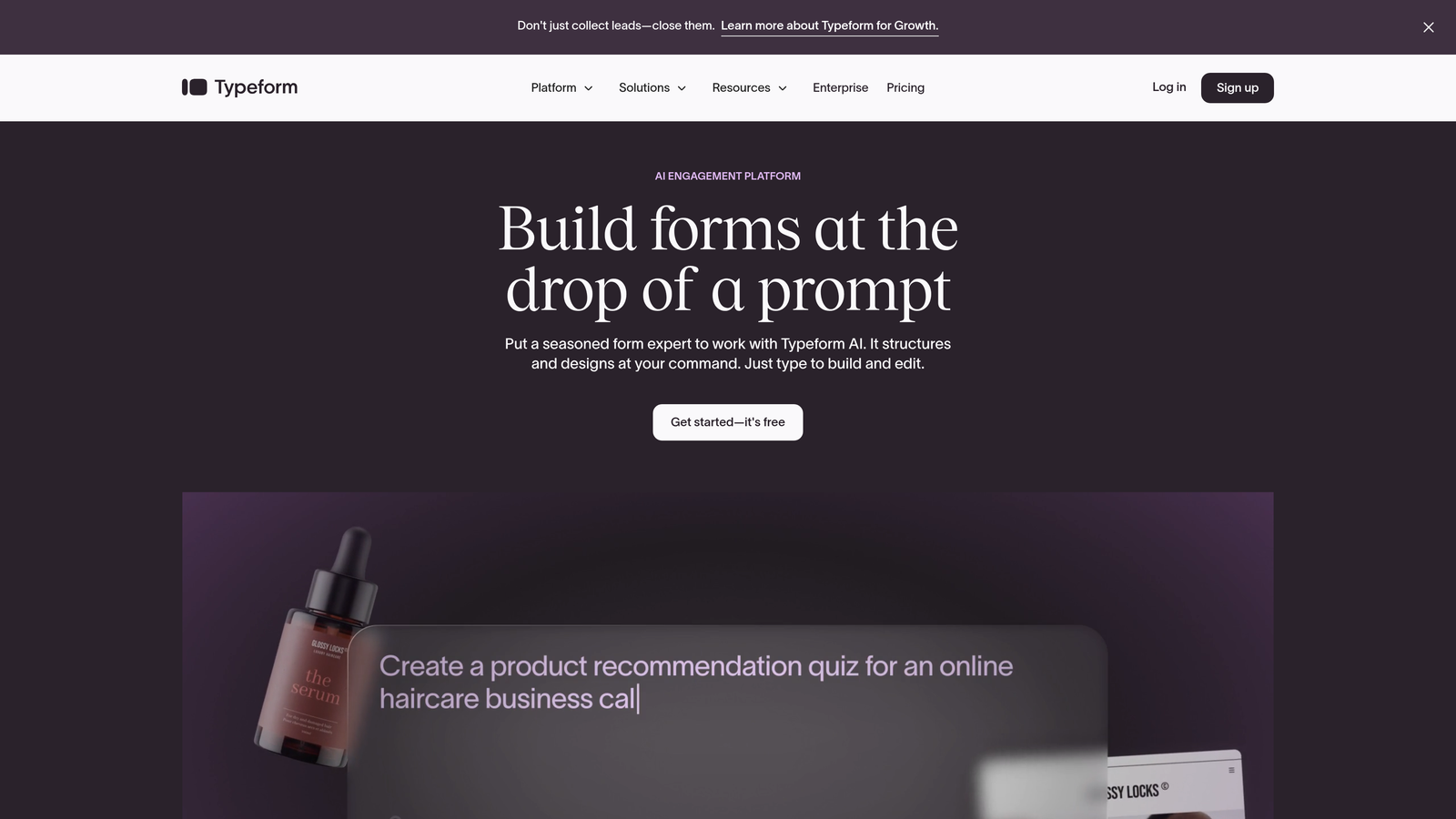
Typeform pioneered the one-question-at-a-time conversational interface that feels more like a chat than a traditional form.
Where This Tool Shines
Typeform excels at creating forms that people actually enjoy filling out. The conversational approach shows one question at a time, reducing form abandonment by making the experience feel lighter and more interactive. Users report significantly higher completion rates compared to traditional multi-field forms.
The marketing integrations are particularly strong. Native connections to HubSpot, Mailchimp, and Google Sheets mean your form data flows directly into your marketing automation without middleware. Logic jumps let you create personalized paths based on previous answers, making each respondent's experience feel tailored.
Key Features
Conversational Interface: One-question-at-a-time format that increases completion rates and engagement.
Marketing Platform Integrations: Native HubSpot, Mailchimp, ActiveCampaign connections for automated list building.
Logic Jumps: Create branching paths that adapt the form experience based on user responses.
Rich Media Support: Embed videos, images, and GIFs to create visually engaging form experiences.
Hidden Fields: Pass UTM parameters and tracking data for attribution analysis.
Best For
Marketing teams focused on lead generation, customer feedback, and interactive content experiences. Ideal when form completion rates and user experience are top priorities.
Pricing
Free tier with 10 responses per month. Basic plan starts at $25/month for 100 responses and core integrations.
3. Jotform
Best for: Teams needing maximum integration variety across diverse software categories
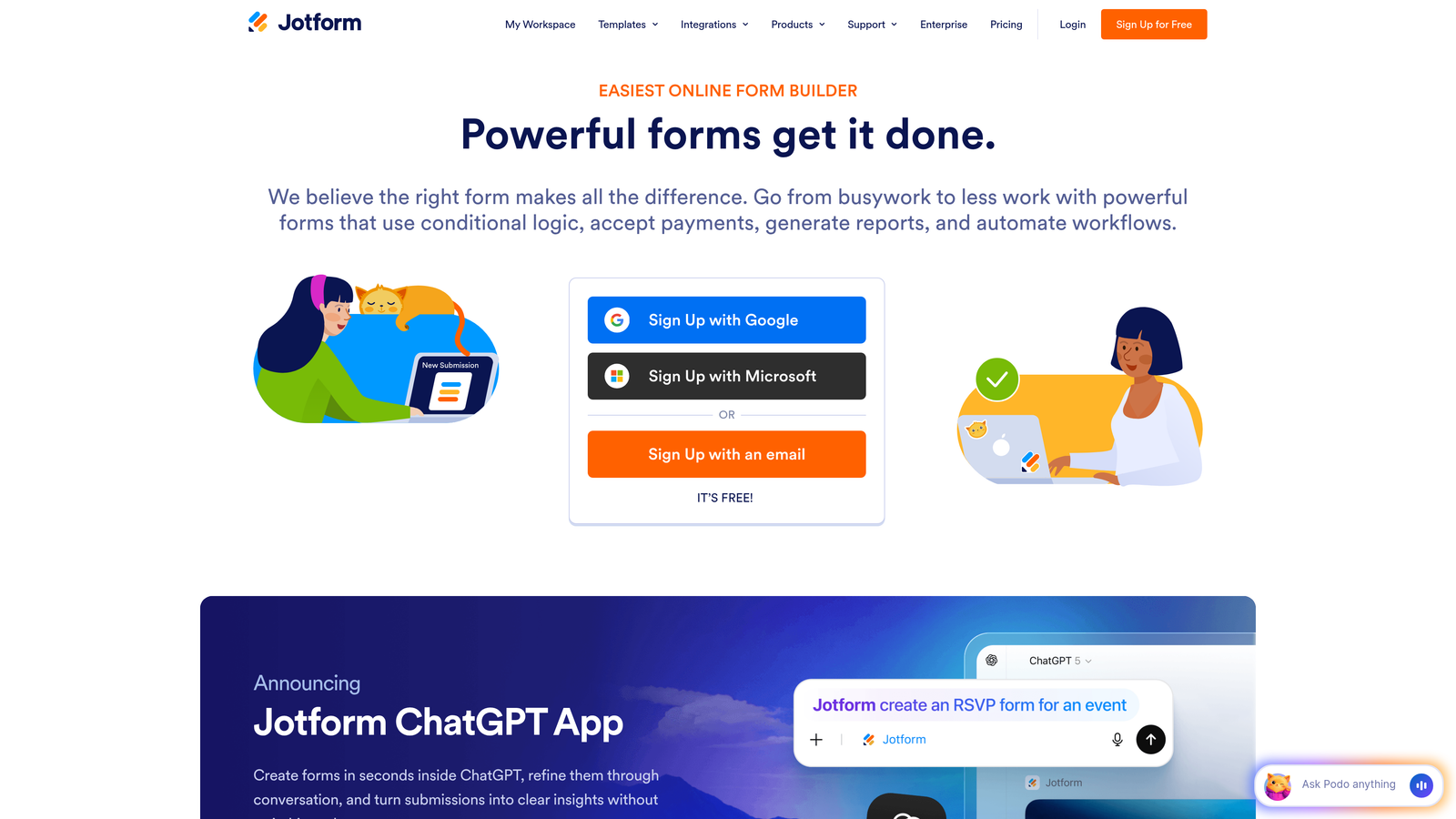
Jotform offers the largest library of native integrations in the form builder space—over 200 direct connections.
Where This Tool Shines
Think of Jotform as the Swiss Army knife of form builders. Whatever niche tool your team uses—from project management platforms to specialized CRMs—there's a good chance Jotform has a native integration for it. This breadth eliminates the "integration gap" problem where you need to rely on Zapier for basic connections.
The 10,000+ pre-built templates mean you rarely start from scratch. Templates cover everything from event registrations to job applications to payment forms, each pre-configured with relevant integrations. You can launch a functional form with proper integrations in minutes rather than hours.
Key Features
200+ Native Integrations: Direct connections spanning CRMs, payment processors, email platforms, and productivity tools.
Payment Collection: Built-in support for PayPal, Stripe, Square, and 30+ other payment gateways.
PDF Generation: Automatically create PDF documents from form submissions with custom templates.
E-Signature Capability: Collect legally binding signatures directly within forms.
Conditional Logic: Show or hide fields based on previous responses for dynamic forms.
Best For
Organizations with diverse tech stacks that need broad integration coverage. Perfect for agencies managing multiple clients or enterprises with complex workflow requirements.
Pricing
Free tier includes 5 forms and 100 monthly submissions. Bronze plan starts at $34/month with unlimited forms and 1,000 submissions.
4. Tally
Best for: Notion and Airtable users wanting simple forms with essential integrations
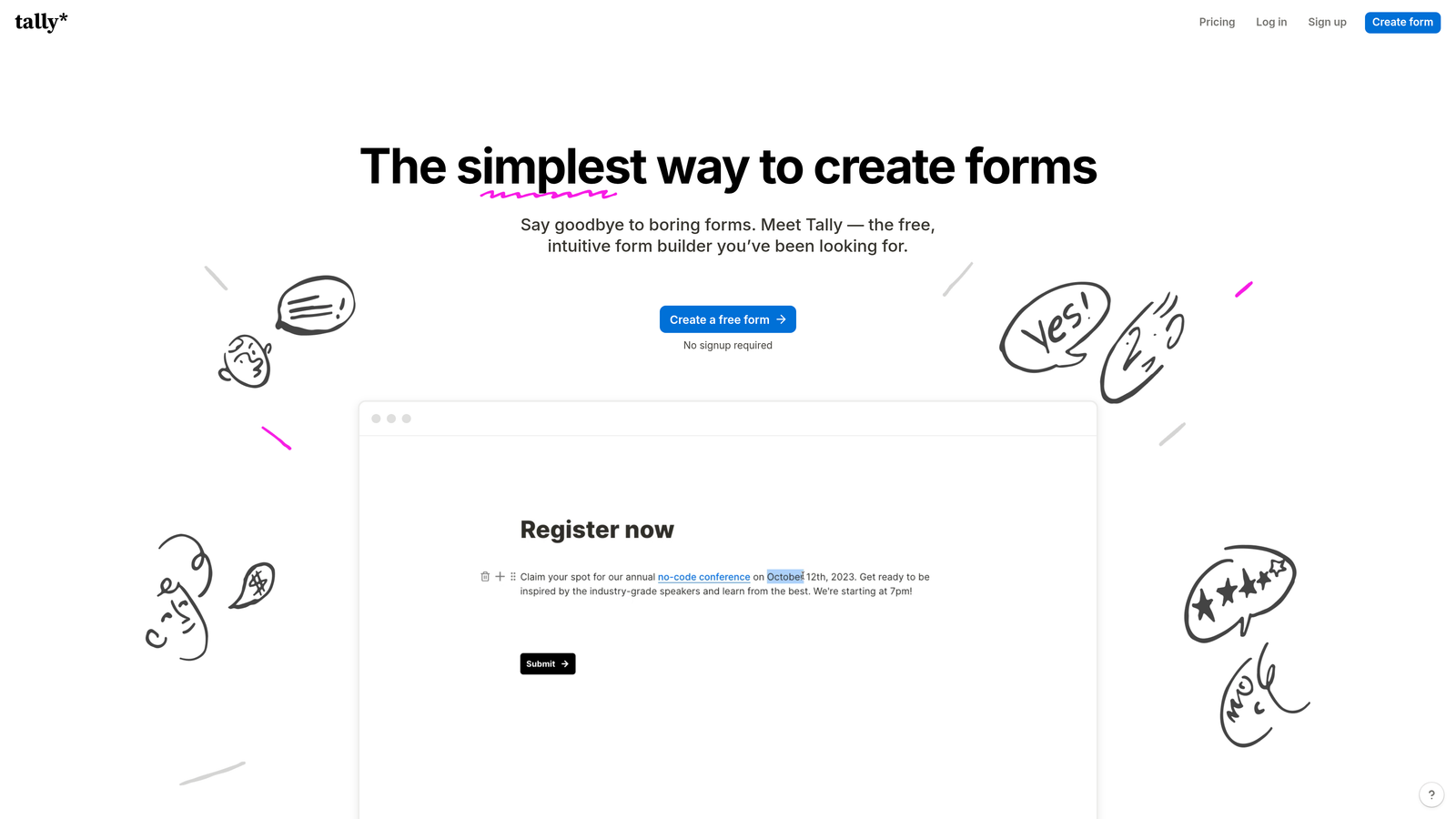
Tally brings a Notion-style block editor to form building with generous free-tier limits.
Where This Tool Shines
Tally's genius is in its simplicity and pricing model. The free tier includes unlimited forms and unlimited submissions—a rarity in the form builder world. This makes it perfect for bootstrapped startups or teams testing multiple form variations without worrying about usage caps.
The Notion and Airtable integrations feel particularly natural because Tally's interface mirrors those tools. If your team already lives in Notion, adding Tally forms feels like a native extension rather than learning a completely new system. Webhook support provides flexibility for custom integrations beyond the native options.
Key Features
Unlimited Free Tier: No limits on forms or submissions, making it ideal for high-volume use cases.
Notion Integration: Send form responses directly to Notion databases with automatic field mapping.
Airtable Connectivity: Native connection to Airtable bases for structured data collection.
Webhook Support: Configure custom webhooks for integrating with any API-enabled service.
Block-Based Editor: Familiar Notion-style interface for building forms quickly.
Best For
Notion-first teams, startups with limited budgets, and anyone needing unlimited form submissions without enterprise pricing.
Pricing
Free tier includes most features with unlimited usage. Pro plan at $29/month adds file uploads, custom domains, and priority support.
5. Formstack
Best for: Enterprise teams requiring deep Salesforce integration and compliance certifications
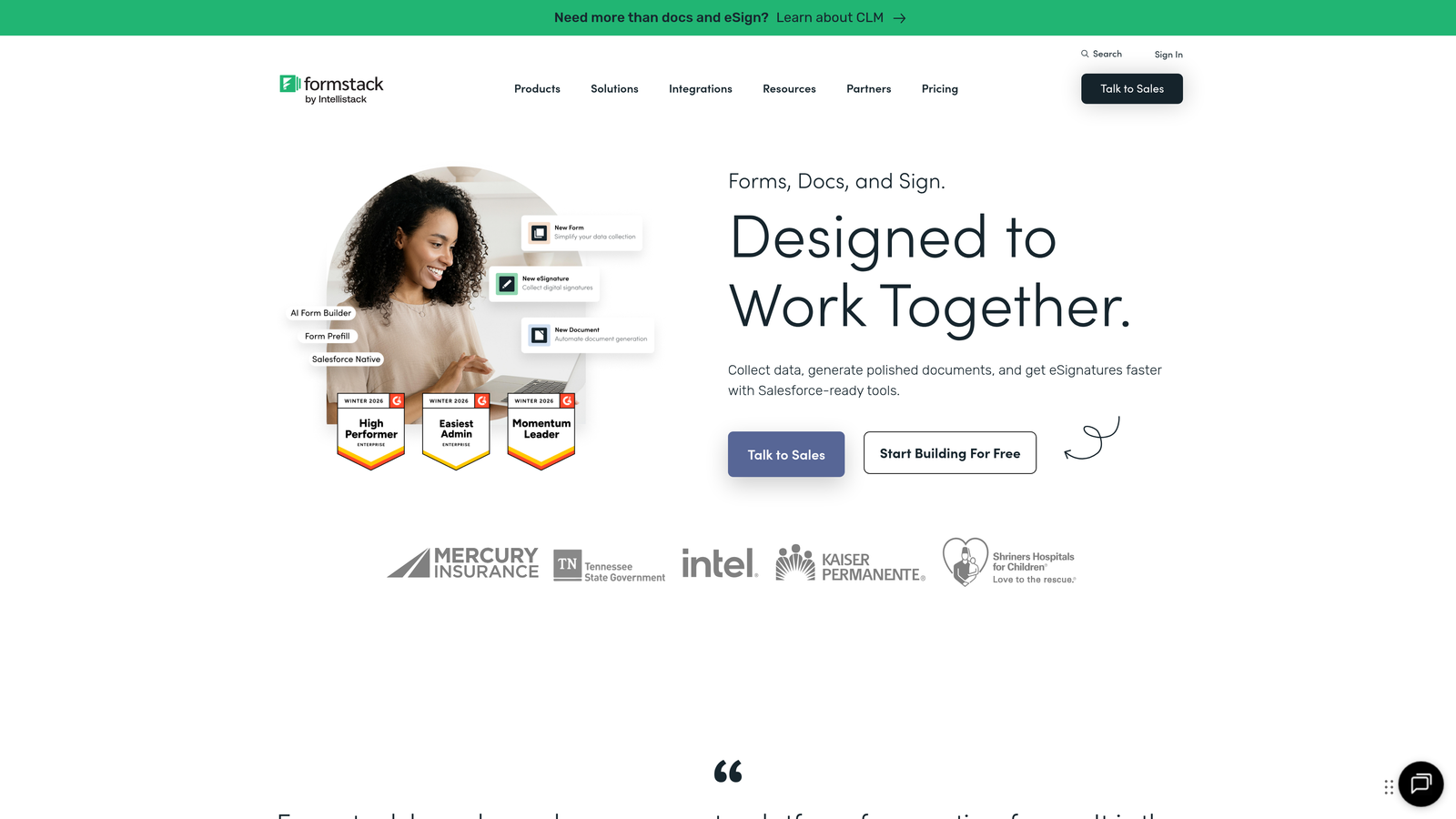
Formstack positions itself as the enterprise-grade form solution with advanced Salesforce capabilities and regulatory compliance.
Where This Tool Shines
Formstack's Salesforce integration goes far beyond basic data pushing. You get sophisticated field mapping that handles custom objects, lookup relationships, and prefill capabilities that pull existing Salesforce data into forms. This creates personalized experiences where returning customers see forms pre-populated with their information.
The compliance certifications matter for regulated industries. HIPAA, GDPR, and SOC 2 compliance mean healthcare providers, financial services, and enterprises can collect sensitive data without custom security implementations. Document generation turns form data into contracts, invoices, or reports automatically—eliminating manual copy-paste workflows.
Key Features
Advanced Salesforce Integration: Deep field mapping, custom object support, and bi-directional data sync.
Compliance Certifications: HIPAA, GDPR, and SOC 2 compliance for regulated industries.
Document Generation: Automatically create PDFs, contracts, or reports from form submission data.
Conditional Logic: Complex branching and calculations for sophisticated form workflows.
Prefill Capabilities: Pull existing CRM data to create personalized form experiences.
Best For
Enterprise Salesforce users, regulated industries requiring compliance certifications, and organizations needing advanced document automation from form data.
Pricing
Forms product starts at $50/month. Enterprise pricing available for compliance features and advanced Salesforce capabilities.
6. Gravity Forms
Best for: WordPress sites needing extensive integration options through add-ons
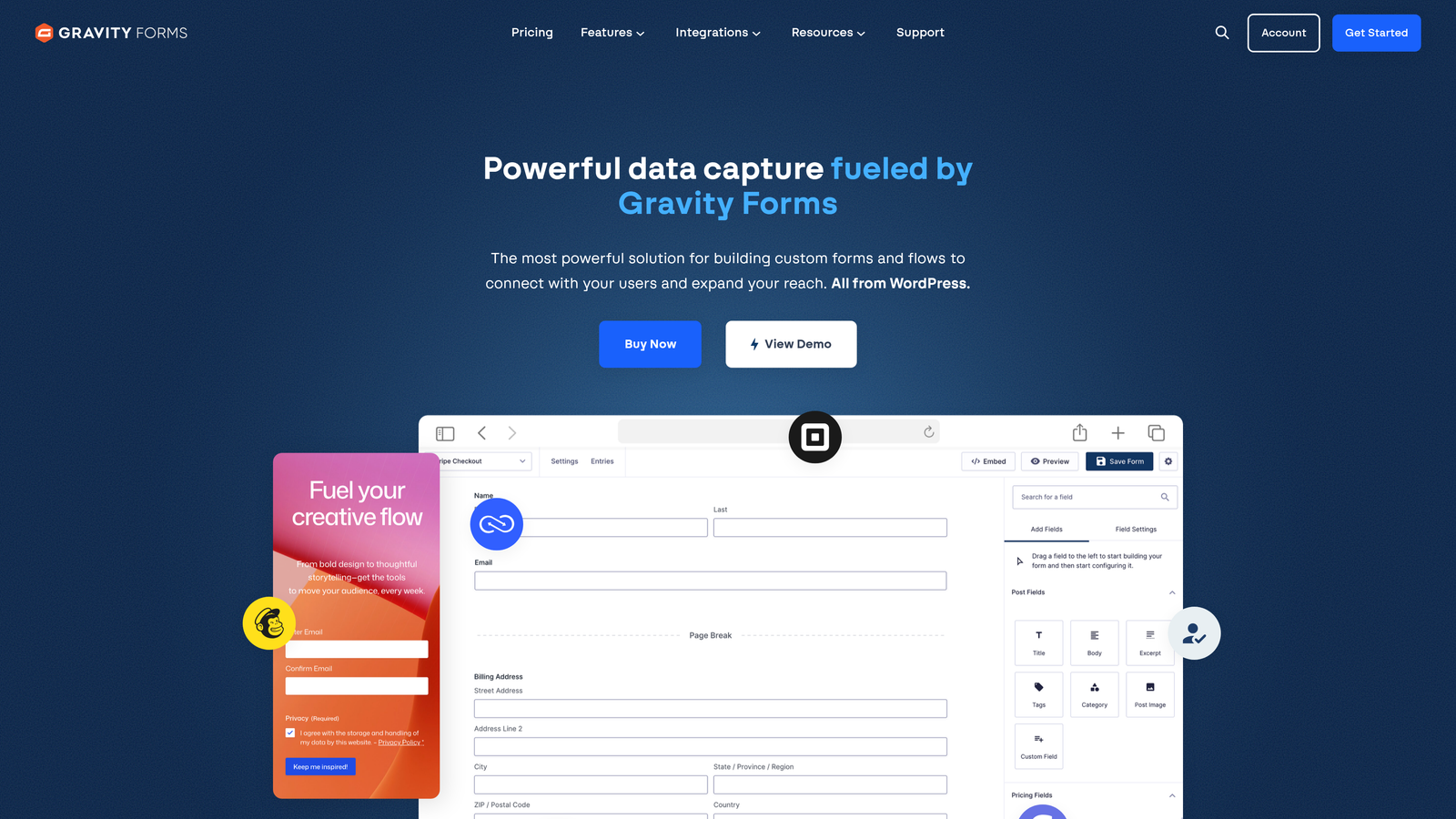
Gravity Forms dominates the WordPress form builder ecosystem with a powerful add-on architecture.
Where This Tool Shines
Gravity Forms takes a fundamentally different approach to integrations—instead of building everything into the core product, they offer 70+ official add-ons that extend functionality. This modular system means you only install the integrations you actually need, keeping your WordPress site lean.
The developer-friendly architecture makes custom integrations straightforward. Extensive hooks and filters let developers build proprietary connections to internal systems or niche platforms. Because it's self-hosted, you maintain complete data ownership—submissions never touch third-party servers unless you explicitly integrate them.
Key Features
70+ Official Add-ons: Modular integrations for CRMs, payment processors, email platforms, and productivity tools.
Self-Hosted Architecture: Complete data ownership with submissions stored in your WordPress database.
Developer Hooks: Extensive API for building custom integrations and workflows.
One-Time Licensing: Annual license fee instead of monthly subscriptions.
Conditional Logic: Show/hide fields and create dynamic forms based on user input.
Best For
WordPress-based businesses, developers building custom solutions, and organizations prioritizing data ownership and privacy.
Pricing
Basic license starts at $59/year for one site. Elite license at $259/year includes all add-ons and unlimited sites.
7. Paperform
Best for: E-commerce and service businesses needing payment integrations
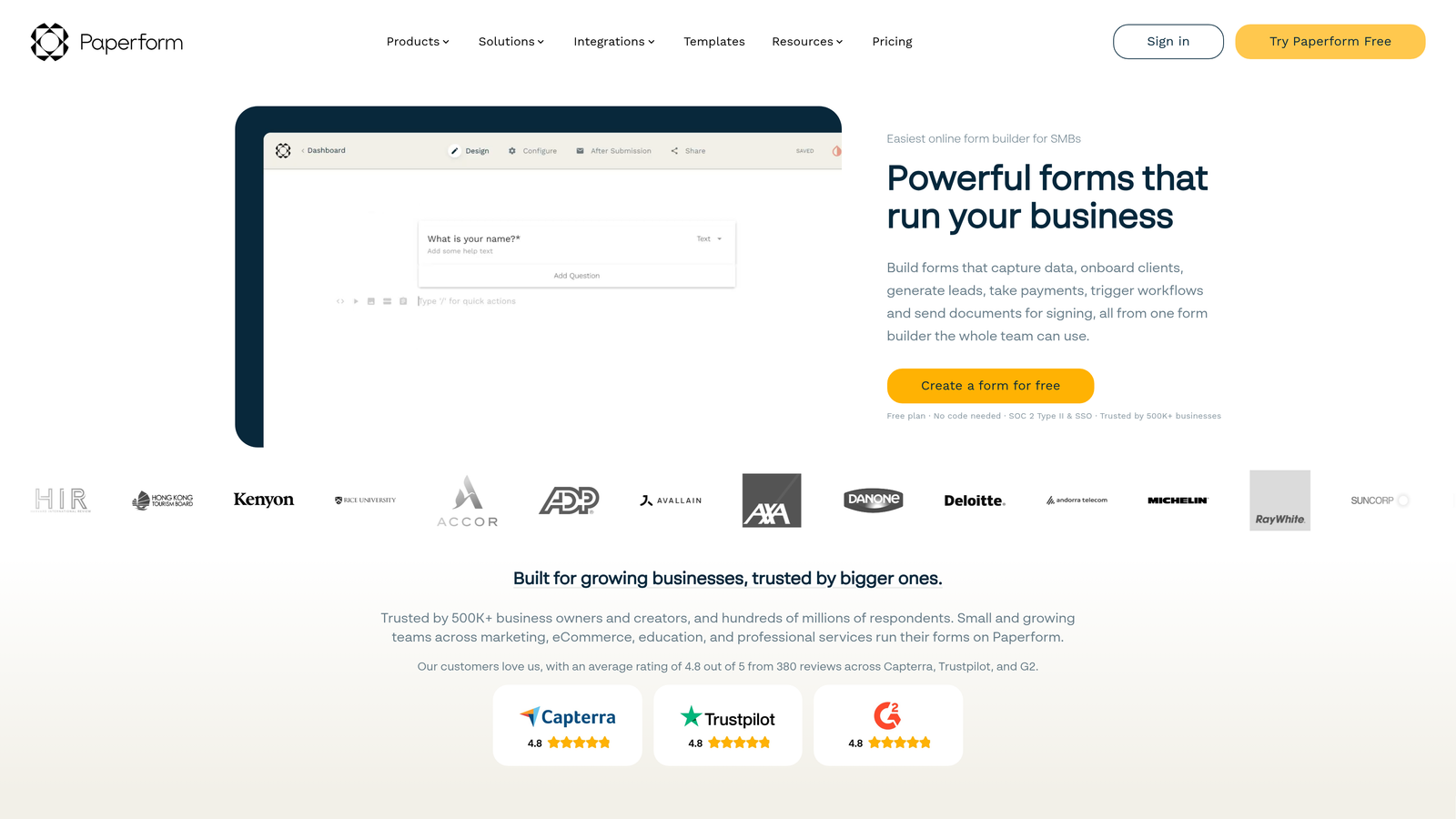
Paperform combines beautiful form design with robust payment processing and e-commerce capabilities.
Where This Tool Shines
Paperform treats payment collection as a first-class feature rather than an afterthought. Built-in Stripe, PayPal, and Square integrations handle everything from one-time payments to subscriptions to product catalogs with inventory management. You can create complete checkout experiences without leaving the form builder.
The appointment scheduling integration connects forms directly to calendar platforms, making it perfect for service businesses. Customers can select available time slots, make payments, and receive confirmation—all in one seamless flow. Email marketing platform connections ensure every form submission feeds your nurture sequences automatically.
Key Features
Built-In Payment Processing: Native Stripe, PayPal, and Square support for collecting payments directly.
Product Catalogs: Create shopping cart experiences with inventory tracking and variant options.
Appointment Scheduling: Integrate calendar platforms for booking time slots within forms.
Email Marketing Connections: Direct integrations with Mailchimp, ActiveCampaign, and ConvertKit.
Beautiful Templates: Design-focused templates that create polished, professional form experiences.
Best For
Service businesses, coaches, consultants, and e-commerce sellers who need payment collection and scheduling as core form features.
Pricing
Essentials plan starts at $24/month with core features. Pro plan at $49/month adds advanced integrations and customization.
8. Cognito Forms
Best for: Forms requiring complex calculations and workflow automation
Cognito Forms specializes in calculation-heavy forms with strong workflow and payment integrations.
Where This Tool Shines
Cognito Forms handles mathematical complexity that breaks other form builders. Advanced calculation fields can create dynamic pricing based on multiple variables, compute totals across repeating sections, or perform conditional math based on user selections. This makes it ideal for quote forms, order forms with complex pricing, or applications requiring real-time calculations.
The Microsoft Power Automate integration is a standout for organizations in the Microsoft ecosystem. While most form builders focus on Zapier, Cognito Forms offers native Power Automate support—connecting seamlessly to SharePoint, Dynamics 365, and other Microsoft services. Repeating sections let users add multiple entries of the same field group, perfect for order forms or applications with variable-length data.
Key Features
Advanced Calculations: Complex mathematical operations, dynamic pricing, and conditional formulas within forms.
Microsoft Power Automate: Native integration for connecting to Microsoft 365 and Dynamics ecosystem.
Payment Processing: Stripe and PayPal integration with calculated pricing support.
Repeating Sections: Allow users to add multiple instances of field groups for complex data collection.
Zapier Support: Universal connector for broader integration coverage beyond native options.
Best For
Organizations needing complex calculations, Microsoft-centric teams, and businesses with variable pricing structures in their forms.
Pricing
Free tier available with basic features. Pro plan starts at $15/month with advanced calculations and integrations.
9. Fillout
Best for: Teams using Airtable or Notion as their primary database
Fillout offers modern form building with exceptional two-way sync capabilities for Airtable and Notion.
Where This Tool Shines
Fillout's two-way sync with Airtable is genuinely impressive. Instead of just pushing form data into Airtable, Fillout can pull existing records to create update forms or prefill fields based on database lookups. This turns Airtable into a true backend for your forms—users can update their information, and changes flow back to the source database automatically.
The Notion database integration works similarly, treating Notion as a first-class data store rather than just a destination. For teams that have built their entire operations in Airtable or Notion, Fillout feels like a native extension rather than a bolted-on tool. The modern interface matches contemporary design expectations without unnecessary complexity.
Key Features
Two-Way Airtable Sync: Bidirectional data flow for creating update forms and prefilling from existing records.
Notion Database Integration: Native connection to Notion databases with automatic field mapping.
Conditional Logic: Show/hide fields and create branching paths based on responses.
Multi-Page Forms: Break long forms into steps for better completion rates.
Clean Modern Interface: Contemporary design that matches current user experience expectations.
Best For
Teams that use Airtable or Notion as their primary database, startups building operations around no-code tools, and organizations needing bidirectional form sync.
Pricing
Free tier includes 1,000 submissions per month. Starter plan begins at $19/month with increased limits and advanced features.
Making the Right Choice
The best form builder for your team depends on where your data needs to flow and how you work. If AI-powered lead qualification matters—where your forms automatically separate qualified prospects from casual browsers—Orbit AI delivers intelligent routing that saves your sales team hours of manual sorting. For conversational experiences that boost completion rates, Typeform remains the gold standard. Teams needing maximum integration breadth will appreciate Jotform's 200+ native connections.
Enterprise Salesforce users should look at Formstack's advanced field mapping and compliance certifications. WordPress sites get the most value from Gravity Forms' add-on ecosystem and self-hosted architecture. Service businesses collecting payments will find Paperform's e-commerce features perfectly aligned with their needs.
The integration landscape has evolved beyond simple data pushing. Modern form builders act as intelligent middleware—qualifying leads, triggering automated sequences, and creating personalized experiences based on CRM data. The question isn't whether your form builder integrates with your tools, but how intelligently those integrations work together.
For teams ready to move beyond basic form-to-CRM connections, AI-powered qualification changes the game entirely. Instead of every submission becoming a task for your team, intelligent forms handle the initial sorting automatically. Start your free trial today and see how intelligent form design can elevate your conversion strategy while your integrations handle the heavy lifting in the background.


