Form automation has moved well beyond simple data collection. Today's leading platforms qualify leads, trigger multi-step workflows, personalize follow-ups, and sync with your entire tech stack without anyone lifting a finger. Whether you're a SaaS startup capturing trial signups or a sales team routing inbound leads to the right rep, the right tool can meaningfully shorten your time-to-conversion.
The challenge is that "form automation software" covers a wide spectrum. Some tools are glorified contact forms with an email notification. Others are AI-native platforms that score and route leads before they ever hit your CRM. Knowing which category you actually need is half the battle.
This guide covers the top form automation software tools in 2026, evaluated on automation depth, AI capabilities, integration breadth, ease of use, and pricing. We've included options for every type of team: those prioritizing lead qualification, enterprise workflow automation, simple no-code building, and everything in between.
1. Orbit AI
Best for: High-growth SaaS and sales teams prioritizing AI-driven lead qualification at the form layer
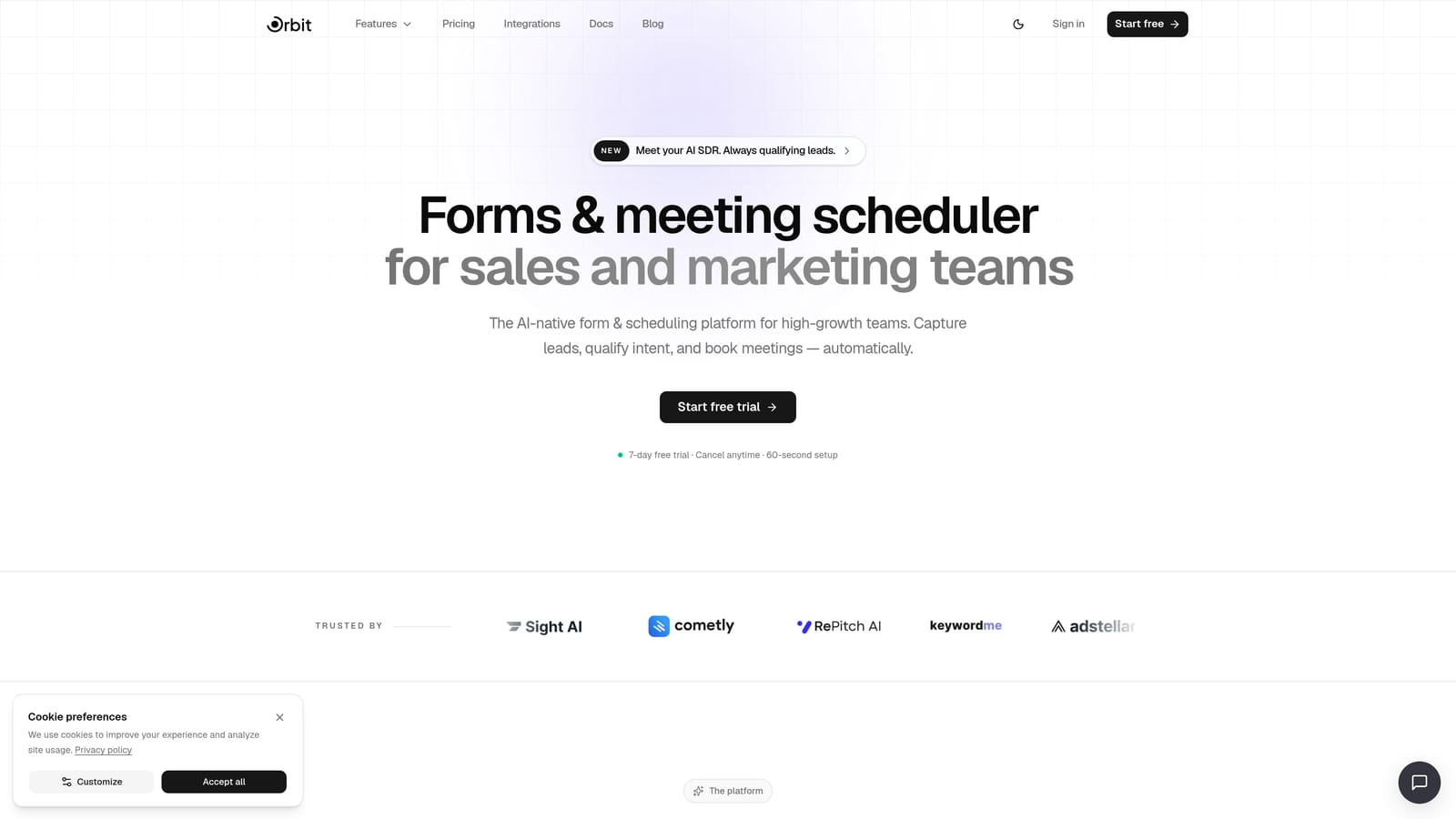
Orbit AI is an AI-powered form builder with native lead qualification and conversion optimization, built specifically for teams where lead quality is the primary constraint.
Where This Tool Shines
What sets Orbit AI apart from every other tool on this list is where the intelligence lives. Most platforms collect form data and send it downstream to a CRM or marketing automation tool, where scoring and routing happen later. Orbit AI qualifies leads at the form layer itself, before they ever reach a sales queue. That's a meaningful architectural difference for teams drowning in unqualified pipeline.
The AI agents can also personalize the form experience in real time based on how a respondent is engaging, adapting the flow to surface the most relevant questions. Pair that with native workflow automation and built-in sequences, and you have a platform that can run a complete lead capture-to-follow-up process without Zapier as middleware.
Key Features
AI Lead Qualification: Scores and routes leads based on form responses before they reach your CRM, so your sales team only sees high-intent prospects.
AI-Personalized Form Experiences: Intelligent agents adapt the form flow based on respondent behavior, improving completion rates and data quality simultaneously.
Native Workflow Automation: Trigger sequences and multi-step automations directly from form submissions without requiring external tools.
Contact Management and Analytics: Built-in contact records and conversion analytics give teams visibility into form performance without jumping between platforms.
Conversion-Optimized Templates: Pre-built templates for lead generation, onboarding, trials, and more, designed to maximize completion rates from the start.
Best For
Orbit AI is the strongest fit for SaaS companies and high-growth sales teams where lead quality directly impacts revenue. If your current process involves collecting form submissions and then manually sorting qualified from unqualified leads, this platform is built to eliminate that bottleneck. It's less suited for teams that simply need a basic contact form with no qualification logic.
Pricing
Orbit AI offers multiple plans to match different team sizes and automation needs. See current pricing and plan details at orbitforms.ai/pricing.
2. Typeform
Best for: Teams that want higher form completion rates through a conversational, one-question-at-a-time experience
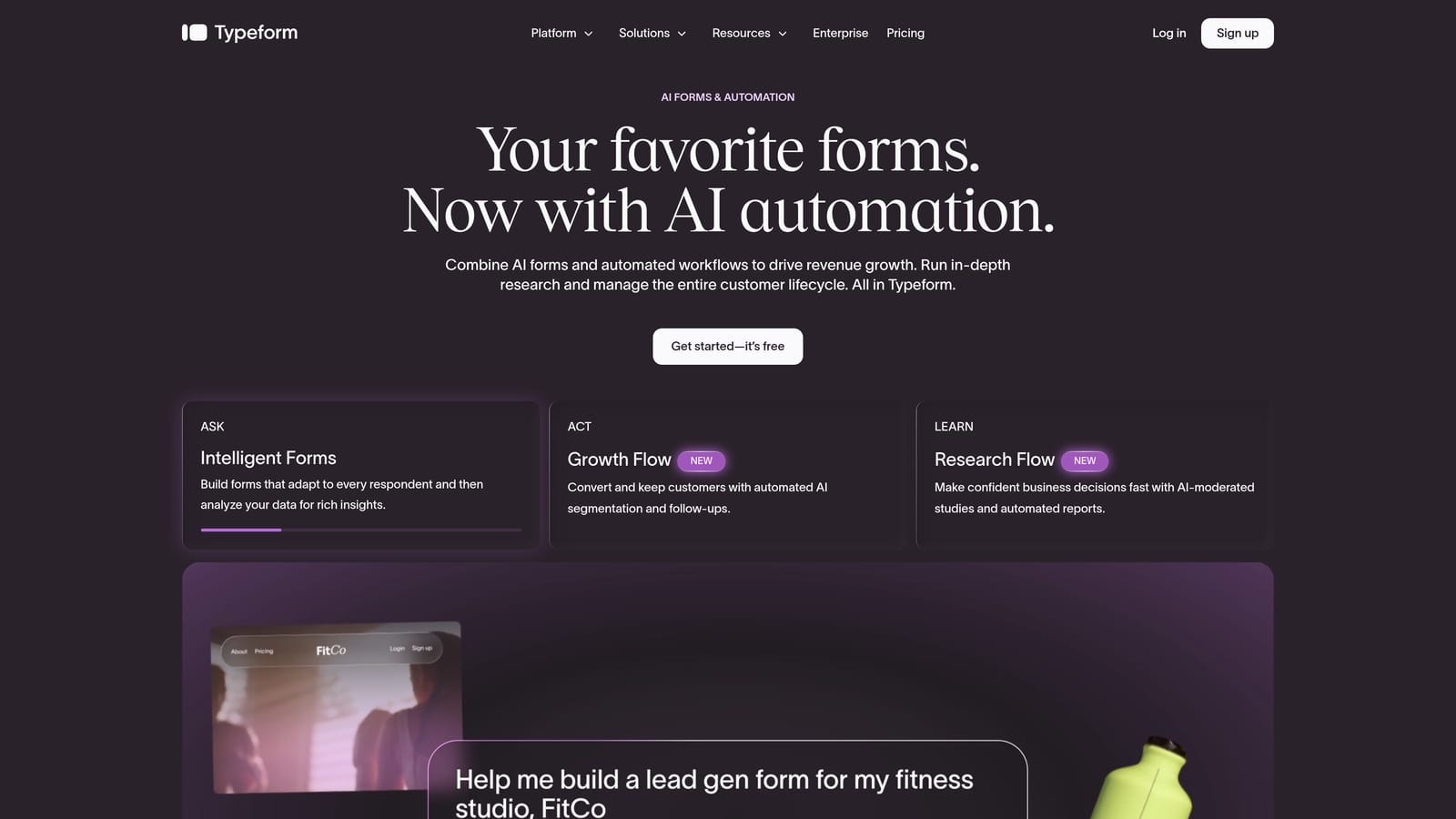
Typeform is a conversational form platform known for its distinctive UX that presents one question at a time, creating a more engaging experience than traditional multi-field forms.
Where This Tool Shines
Typeform's core insight is that forms feel less like forms when they mimic a conversation. The one-question-at-a-time format reduces cognitive load and tends to improve completion rates, particularly for longer surveys and multi-step lead capture flows. If your current forms are long and your drop-off rate reflects it, Typeform's UX is worth testing.
Recent versions have added video questions, multimedia embeds, and AI-assisted form creation, making it a more versatile tool than it was a few years ago. Logic jumps and conditional branching let you build adaptive flows without needing a developer.
Key Features
Conversational Format: One-question-at-a-time presentation that reduces friction and typically improves completion rates over traditional forms.
Logic Jumps and Conditional Branching: Route respondents to different questions based on previous answers, creating personalized form paths.
Video Questions and Multimedia: Embed video into questions to add context or personality to your forms.
CRM and Automation Integrations: Native integrations with HubSpot, Salesforce, and Zapier for downstream workflow automation.
AI-Assisted Form Creation: Newer AI tools help generate form structures and questions from a brief prompt.
Best For
Typeform works well for marketing teams focused on survey research, customer feedback, and lead capture where brand experience matters. It's less purpose-built for lead qualification specifically. Teams that need complex routing, scoring, or native automation will typically need to pair it with external tools.
Pricing
Free tier available with limited responses. Paid plans start around $25 per month and scale based on response volume and feature access.
3. HubSpot Forms
Best for: Teams already using HubSpot who want forms natively connected to their CRM, workflows, and deal pipelines
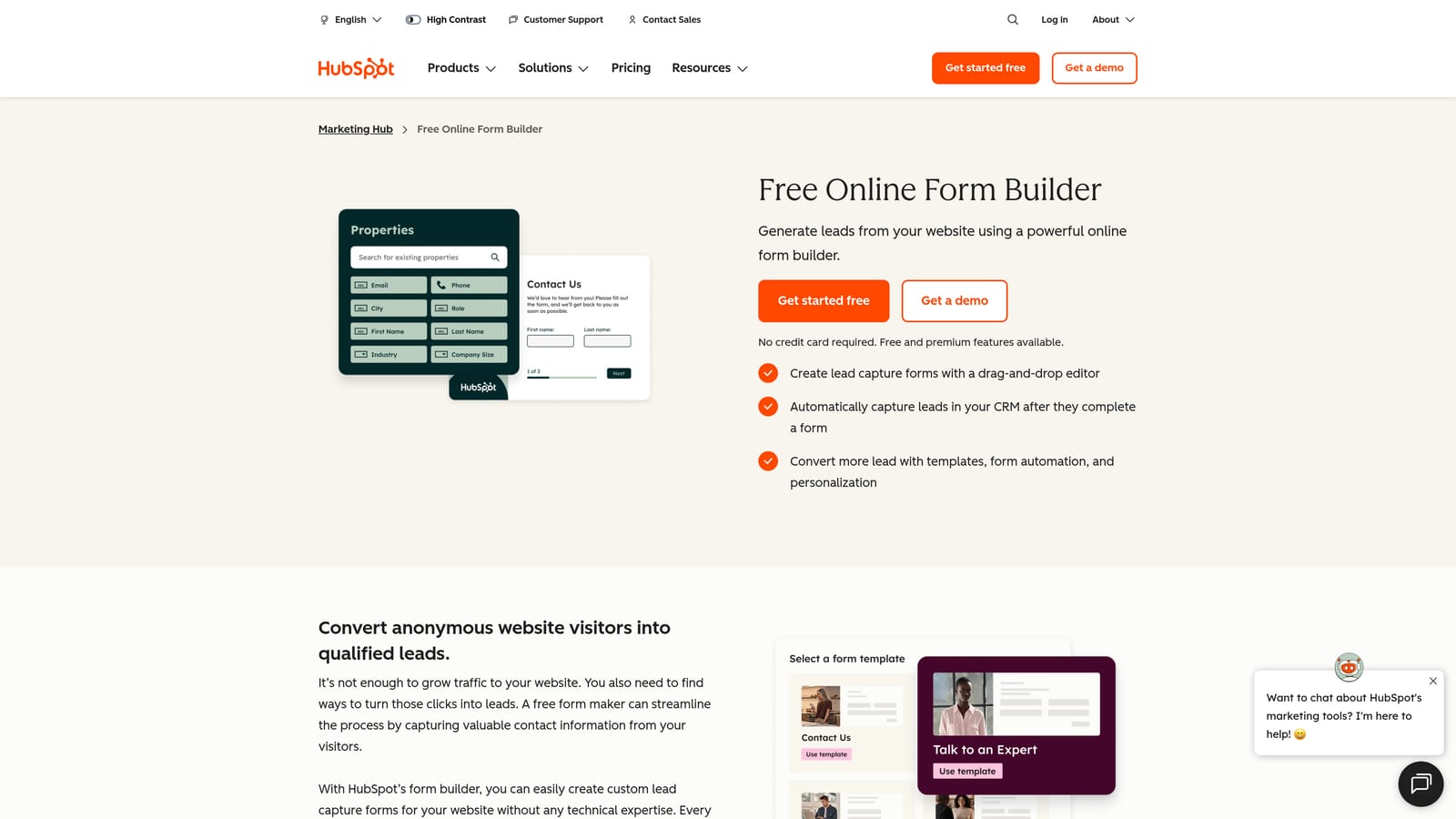
HubSpot Forms is the native form tool within HubSpot's CRM platform, featuring progressive profiling and deep marketing automation integration.
Where This Tool Shines
If you're already living in HubSpot, the forms tool is a natural extension of your existing stack. The standout capability here is progressive profiling: rather than asking the same contact to fill out the same fields repeatedly, HubSpot shows new, incremental fields to returning visitors. Over time, you build richer contact records without overwhelming people with long forms upfront.
Smart form pre-fill for known contacts and direct sync to workflows, sequences, and deal pipelines make this one of the most frictionless options for HubSpot-native teams. A/B testing on form variants is also available, which helps conversion-focused teams iterate without leaving the platform.
Key Features
Progressive Profiling: Automatically shows new fields to returning visitors, building richer contact records incrementally over multiple interactions.
Smart Pre-Fill: Known HubSpot contacts see forms pre-populated with their data, reducing friction on repeat visits.
Native CRM Sync: Form submissions feed directly into HubSpot contacts, workflows, and deal pipelines with no middleware required.
A/B Testing: Test form variants to identify which fields, copy, or layouts drive higher conversion rates.
Multiple Form Types: Embedded, pop-up, and standalone page form options to match different placement contexts.
Best For
HubSpot Forms is the obvious choice for teams already using HubSpot as their CRM and marketing platform. If you're not in the HubSpot ecosystem, the value proposition weakens considerably. The tool is not designed to stand alone as a best-in-class form builder outside of that context.
Pricing
Free with HubSpot CRM. Advanced features like smart forms and A/B testing require Marketing Hub, which starts at $15 per seat per month.
4. Jotform
Best for: Teams that need a broad template library, approval workflows, or HIPAA-compliant form handling
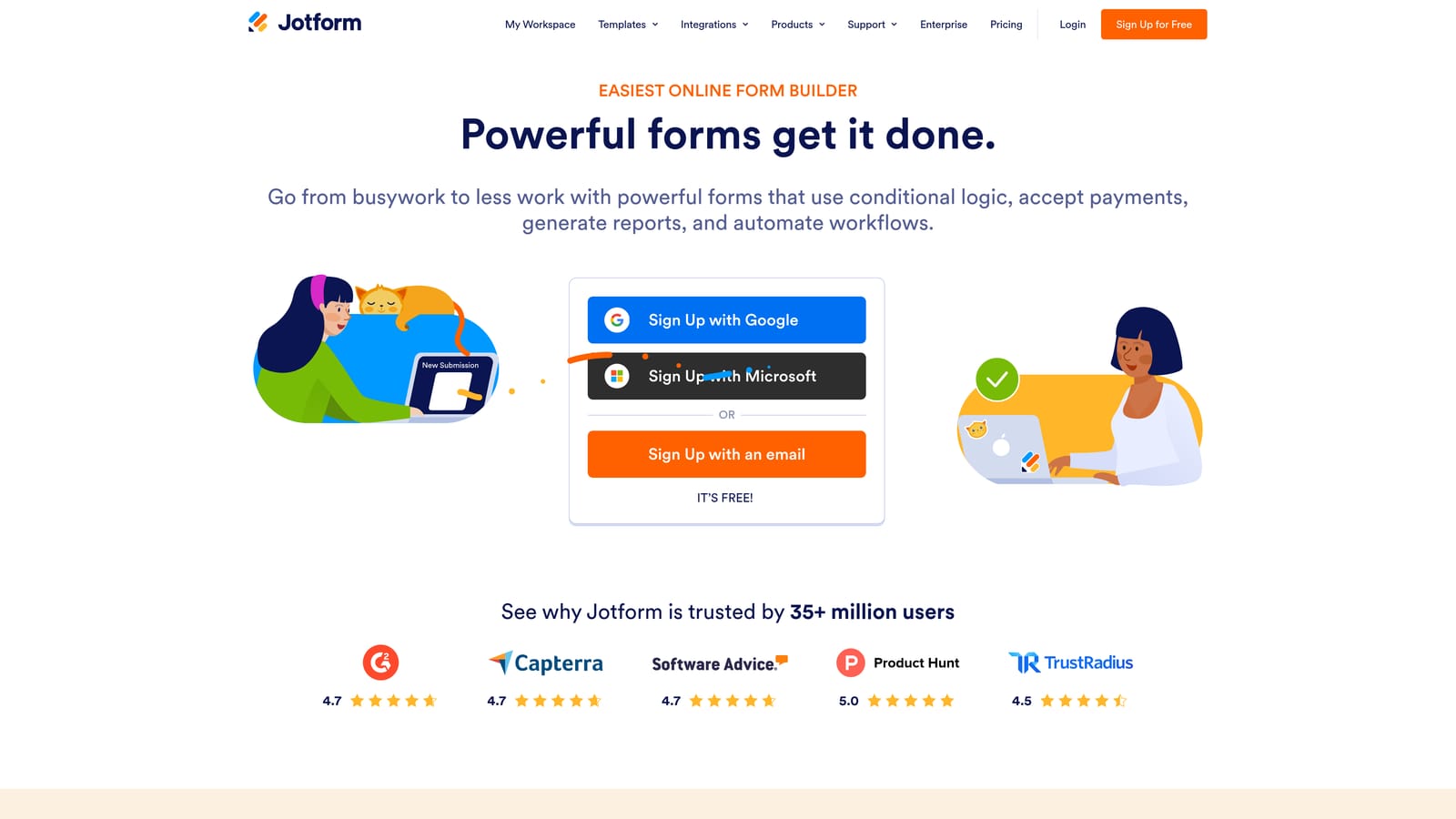
Jotform is a feature-rich form builder with one of the largest template libraries in the category and built-in approval workflow automation.
Where This Tool Shines
Jotform's template library is genuinely impressive. With thousands of pre-built forms covering industries from healthcare to HR to e-commerce, it's often the fastest way to get a functional form live when you need something specific quickly. The approval workflow feature is also a standout: form submissions can trigger multi-step approval chains, making it useful for internal processes like purchase requests, time-off approvals, and onboarding checklists.
For regulated industries, Jotform's HIPAA-compliant plans are a practical option that many competitors don't offer at comparable price points. Payment integrations with Stripe, PayPal, and Square round out a tool that covers a lot of ground.
Key Features
Extensive Template Library: Thousands of pre-built templates across industries and use cases, reducing setup time significantly.
Approval Workflow Automation: Multi-step approval chains triggered by form submissions, useful for internal operations and HR processes.
HIPAA-Compliant Plans: Dedicated compliance features for healthcare organizations handling sensitive patient data.
Payment Integrations: Native connections to Stripe, PayPal, and Square for order forms and payment collection.
Jotform Tables: Spreadsheet-style submission management for teams that prefer to review and organize data visually.
Best For
Jotform suits operations teams, HR departments, healthcare organizations, and small businesses that need a wide variety of form types without heavy technical setup. It's less competitive for SaaS lead generation workflows where AI qualification and conversion optimization are priorities.
Pricing
Free tier available with response limits. Paid plans start at $34 per month, scaling by submission volume and feature access.
5. Formstack
Best for: Enterprise teams in regulated industries that need forms, document generation, and e-signatures in a single platform
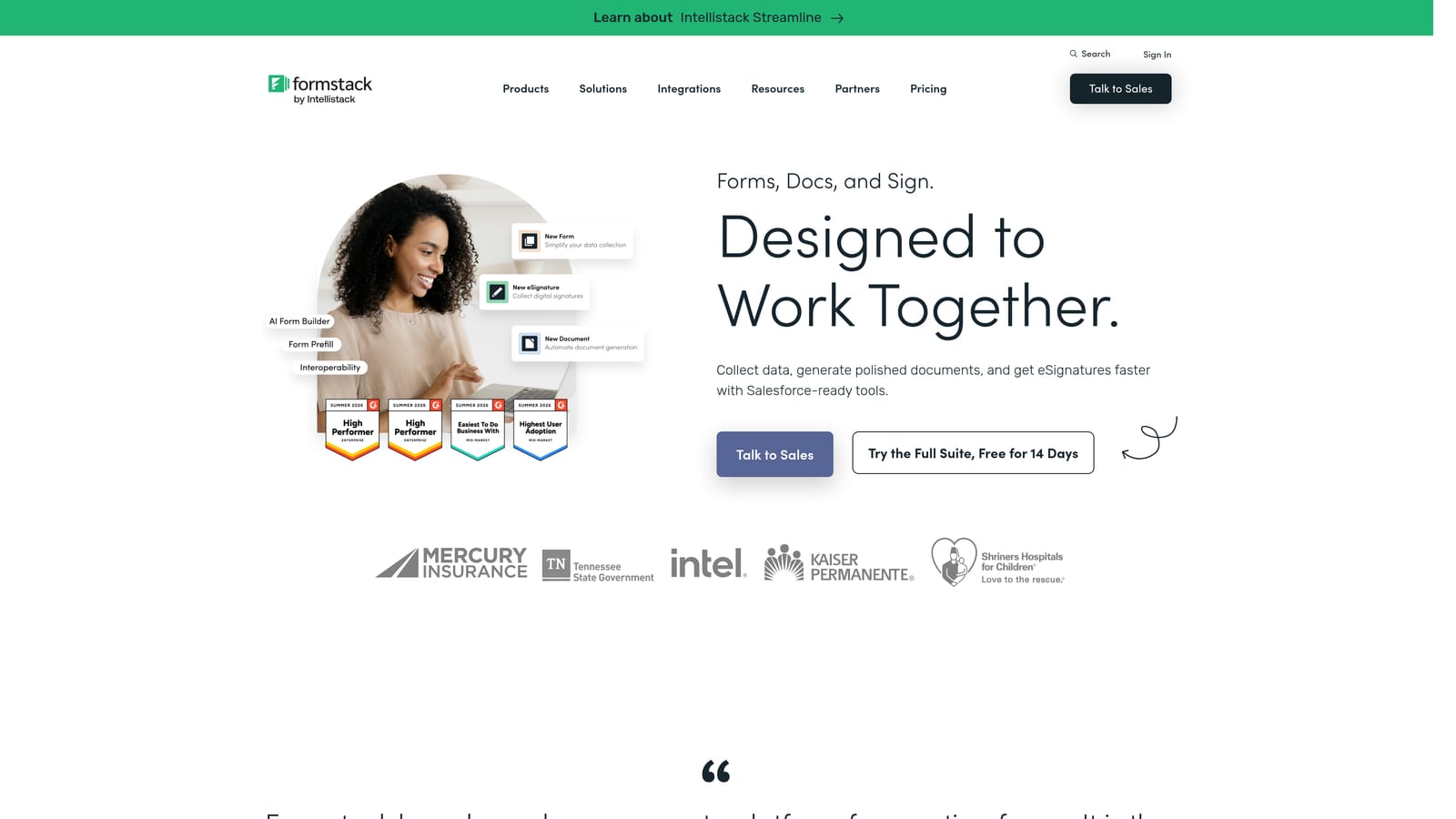
Formstack is an enterprise-grade workflow automation platform combining forms, document generation, and e-signatures in one unified suite.
Where This Tool Shines
Formstack is positioned as a workflow automation platform, not just a form builder, and the distinction matters. The suite combines Forms, Documents (auto-generated documents from form data), and Sign (e-signatures) in a way that supports end-to-end document workflows. For industries like healthcare, finance, and education where compliance and audit trails are non-negotiable, this integrated approach reduces the number of point solutions teams need to manage.
The Salesforce-native integration is particularly strong, making it a natural fit for enterprise sales and operations teams already running on Salesforce. Pre-fill from CRM data and advanced conditional logic add further depth for complex use cases.
Key Features
Unified Forms, Documents, and Sign: End-to-end document workflow in one platform, from data collection to document generation to e-signature.
Advanced Conditional Logic: Complex branching and routing logic for sophisticated multi-step forms and workflows.
CRM Pre-Fill: Populate form fields automatically from CRM data to reduce manual entry and improve data accuracy.
Compliance Features: Strong compliance tooling for regulated industries including healthcare, finance, and education.
Salesforce-Native Integration: Deep, direct integration with Salesforce for enterprise sales and operations workflows.
Best For
Formstack is built for enterprise teams in regulated industries that need more than a form builder. It's overkill for small teams or straightforward lead capture use cases, and the price reflects the enterprise positioning. Teams without Salesforce or a document-heavy workflow may find better value elsewhere.
Pricing
Forms-only plans start around $83 per month. Full suite pricing is available on request and scales significantly for enterprise deployments.
6. Gravity Forms
Best for: WordPress sites that need deep CMS integration, developer-friendly customization, and a large add-on ecosystem
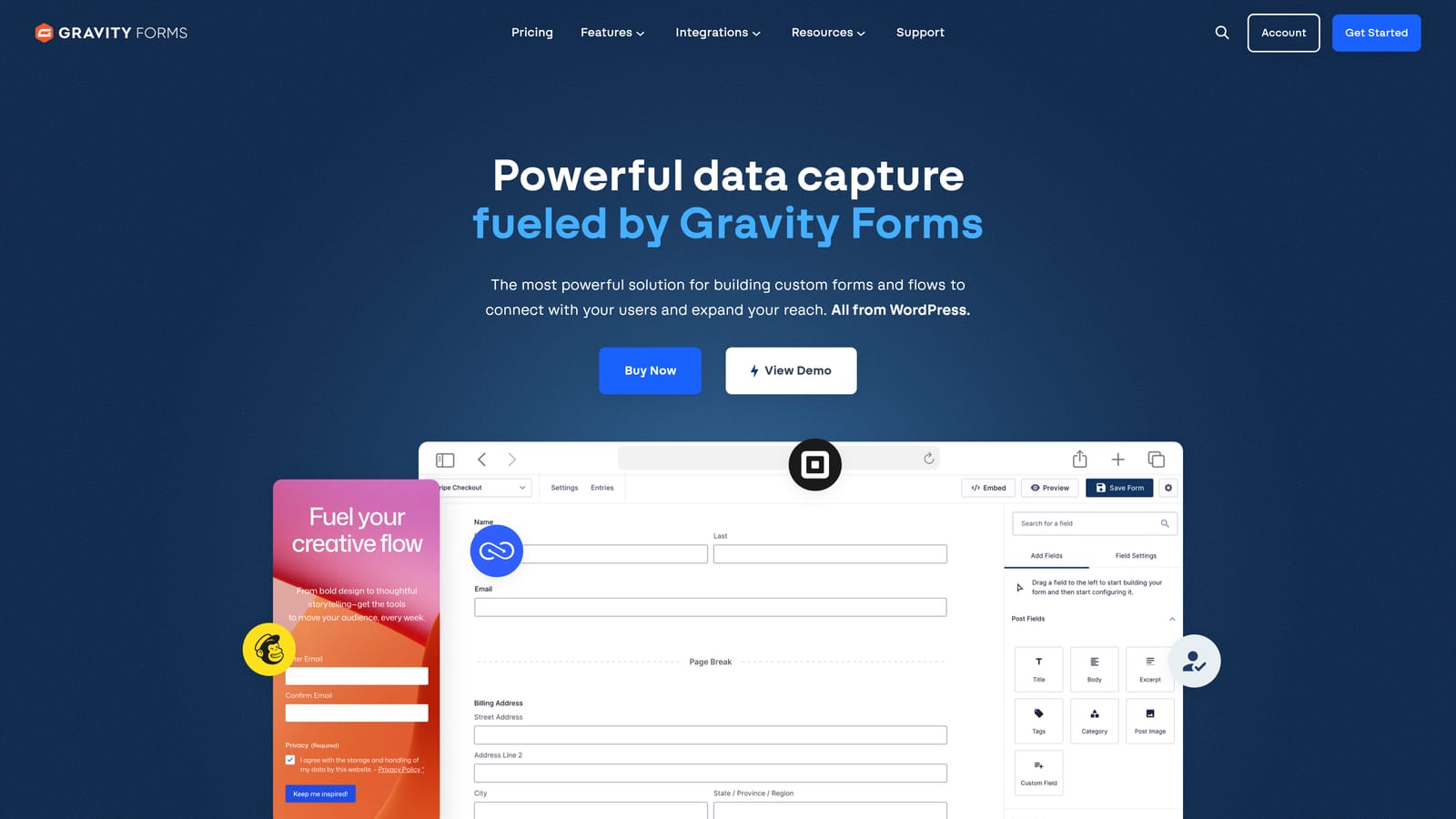
Gravity Forms is a WordPress-native form plugin offering deep CMS integration, conditional logic, and a large third-party add-on library.
Where This Tool Shines
For teams running on WordPress, Gravity Forms is the category standard for good reason. Forms live inside the CMS itself, which means no external embeds, no third-party dependencies for basic functionality, and complete control over data handling. The conditional logic and multi-page form capabilities are mature and well-documented, and the developer-facing hooks and filters make it highly extensible.
The add-on ecosystem is one of the largest in the WordPress plugin world, covering payment processing, CRM connections, PDF generation, and more. If you can describe a form workflow, there's likely an add-on that supports it.
Key Features
Deep WordPress Integration: Forms are built and managed inside WordPress, with no external platform dependency for core functionality.
Conditional Logic and Multi-Page Forms: Sophisticated branching and multi-step form support with a visual editor.
Payment Processing Add-Ons: Stripe and PayPal integrations available through the add-on library for order and payment forms.
Large Add-On Ecosystem: Hundreds of third-party add-ons extending functionality across CRMs, email platforms, and business tools.
Developer-Friendly Architecture: Hooks, filters, and a well-documented API for custom development and integration work.
Best For
Gravity Forms is the right call for WordPress-based teams that need a mature, extensible form solution with strong developer support. It's not a SaaS platform, which means updates and maintenance are your responsibility. Teams not on WordPress should look elsewhere entirely.
Pricing
Annual license from $59 per year (Basic) to $259 per year (Elite). No free tier and no monthly billing option.
7. Paperform
Best for: SMBs and agencies that want a design-flexible form builder with native payments and scheduling built in
Paperform is a freeform editor that blends landing page design with form functionality, including native payments and appointment scheduling.
Where This Tool Shines
Paperform takes a genuinely different approach to form design. Rather than a traditional field-by-field builder, it works more like a document editor: you mix text, images, headings, and form fields freely on the same canvas. The result is forms that look more like branded landing pages than data collection tools, which can meaningfully improve the experience for customer-facing use cases.
Native payment processing via Stripe and Braintree, along with built-in scheduling functionality, means Paperform can handle use cases like booking forms, product order forms, and intake forms without requiring additional integrations. The flat-rate pricing model with no per-response limits on most plans is also a practical advantage for teams with unpredictable submission volumes.
Key Features
Freeform Editor: Mix text, images, and form fields freely on a single canvas, creating forms that feel more like designed pages than traditional surveys.
Native Payment Processing: Direct Stripe and Braintree integration for order forms and payment collection without third-party tools.
Built-In Scheduling: Appointment booking functionality integrated directly into forms for service businesses and consultants.
Conditional Sections and Logic: Show or hide sections based on previous answers to create adaptive form flows.
Flat-Rate Pricing: No per-response limits on most paid plans, making costs predictable regardless of submission volume.
Best For
Paperform is well-suited for SMBs, agencies, and service businesses that want design flexibility and built-in payments without enterprise complexity. It's less suited for high-volume enterprise workflows or teams that need deep CRM integration and lead scoring capabilities.
Pricing
Starts at $24 per month (Essentials plan) with flat-rate pricing tiers. No per-response charges on most plans.
8. ActiveCampaign Forms
Best for: Teams using ActiveCampaign for email and CRM who want form submissions to trigger complex automation sequences
ActiveCampaign Forms is a form tool bundled with ActiveCampaign's marketing automation platform, designed to feed submissions directly into email sequences, CRM records, and lead scoring workflows.
Where This Tool Shines
ActiveCampaign Forms are best understood as an entry point into ActiveCampaign's automation engine rather than a standalone form builder. The moment someone submits a form, they can be enrolled in an email sequence, scored, tagged, and have a CRM deal created automatically. For teams running sophisticated email marketing and nurture workflows in ActiveCampaign, this tight integration eliminates the data handoff friction that plagues external form tools.
The form types cover the most common placement contexts: inline, floating bar, and modal pop-ups. Conditional fields allow the form itself to adapt based on inputs, and lead scoring integration means high-intent respondents can be fast-tracked to sales automatically.
Key Features
Direct Automation Triggers: Form submissions immediately trigger ActiveCampaign workflows, email sequences, and CRM actions with no middleware required.
Multiple Form Types: Inline, floating bar, and modal pop-up options for flexible placement across web properties.
Lead Scoring Integration: Form responses feed directly into ActiveCampaign's lead scoring system to prioritize high-intent contacts.
CRM Deal Creation: Automatically create CRM deals and assign them to pipelines on form submission.
Conditional Form Fields: Adaptive fields that show or hide based on previous responses within the same form.
Best For
ActiveCampaign Forms make the most sense for teams already using ActiveCampaign as their primary email and CRM platform. If you're not in the ActiveCampaign ecosystem, there's little reason to use this tool. It's not available as a standalone product and the form builder itself is not best-in-class outside of its native integration context.
Pricing
Bundled with ActiveCampaign plans starting at $15 per month. Not available as a standalone form tool.
9. Microsoft Power Automate + Microsoft Forms
Best for: Enterprise organizations running on Microsoft 365 that need internal workflow automation triggered by form submissions
Microsoft Power Automate paired with Microsoft Forms is the enterprise pairing for form data collection and automated workflow triggers across the Microsoft 365 ecosystem.
Where This Tool Shines
This combination is less about beautiful customer-facing forms and more about operational efficiency inside organizations already running on Microsoft 365. Microsoft Forms handles data collection with branching and quiz functionality. Power Automate then takes over, triggering complex multi-step workflows that can span Teams notifications, SharePoint document creation, OneDrive file management, and Dynamics 365 record updates.
For IT departments, HR teams, and operations functions that live inside the Microsoft ecosystem, this pairing can automate a significant number of internal processes without requiring additional software licenses. The enterprise-grade security and compliance posture also matters for large organizations with strict data governance requirements.
Key Features
Deep Microsoft 365 Integration: Native connections to Teams, SharePoint, OneDrive, Dynamics 365, and the broader Power Platform.
Power Automate Workflow Triggers: Complex, multi-step workflow automation triggered by form submissions across the Microsoft ecosystem.
Branching and Quiz Functionality: Basic conditional logic and quiz features within Microsoft Forms for adaptive data collection.
Enterprise Security and Compliance: Microsoft's enterprise-grade data governance, security, and compliance features built in.
Included in Microsoft 365: Microsoft Forms is included in most Microsoft 365 business subscriptions, reducing incremental cost for existing subscribers.
Best For
This combination is purpose-built for enterprise internal operations, not customer-facing lead generation. The form design is functional but basic, and it's not suitable for conversion-focused external forms. Teams looking to automate internal approval processes, IT requests, or HR workflows within a Microsoft environment will find it genuinely useful.
Pricing
Microsoft Forms is included in most Microsoft 365 business subscriptions. Power Automate starts at $15 per user per month for premium connectors and advanced workflow capabilities.
Choosing the Right Tool for Your Workflow
The right form automation software depends almost entirely on where your biggest bottleneck actually lives. Here's a quick-pick guide to cut through the decision:
AI lead qualification at the form layer: Orbit AI is the clearest choice. If unqualified leads are the primary problem, solving it upstream at the form rather than downstream in your CRM is the more efficient approach.
Conversational UX and completion rates: Typeform's one-question-at-a-time format is purpose-built for this. If you have long forms with high drop-off, it's worth testing.
CRM-native forms in HubSpot: HubSpot Forms wins here, but only if you're already in the HubSpot ecosystem. Progressive profiling alone makes it compelling for teams building contact records over time.
Enterprise document workflows: Formstack's Forms plus Documents plus Sign suite is the right call for regulated industries that need an auditable end-to-end process.
WordPress-based sites: Gravity Forms remains the mature, extensible standard for WordPress teams with developer resources.
Email automation-first teams: ActiveCampaign Forms makes sense only if ActiveCampaign is already your marketing and CRM platform of record.
Microsoft 365 internal operations: Power Automate combined with Microsoft Forms is the natural fit for enterprise IT and operations teams already inside the Microsoft ecosystem.
Start with your primary constraint. If it's lead quality, go upstream and solve it at the form. If it's workflow complexity, look for a platform with native automation depth. If it's design and completion rates, prioritize UX.
For teams where lead generation and qualification are the core challenge, Orbit AI's approach of qualifying at the form layer rather than after the fact represents a genuinely different model worth exploring. Start your free trial today and see how intelligent form design can elevate your conversion strategy from the very first touchpoint.