

Manual customer intake is a conversion killer. Every form field that requires re-entry, every lead that sits unqualified for hours, and every missed follow-up represents lost revenue. Customer intake automation software transforms how businesses capture, qualify, and route incoming leads—turning a chaotic process into a streamlined pipeline.
This guide covers nine platforms that excel at automating the intake journey, from first form submission to CRM handoff. We evaluated each tool on automation depth, integration flexibility, ease of setup, and value for high-growth teams. Whether you need AI-powered lead qualification or enterprise-grade workflow automation, you'll find the right fit below.
1. Orbit AI
Best for: High-growth teams needing AI-powered lead qualification with conversion-optimized forms
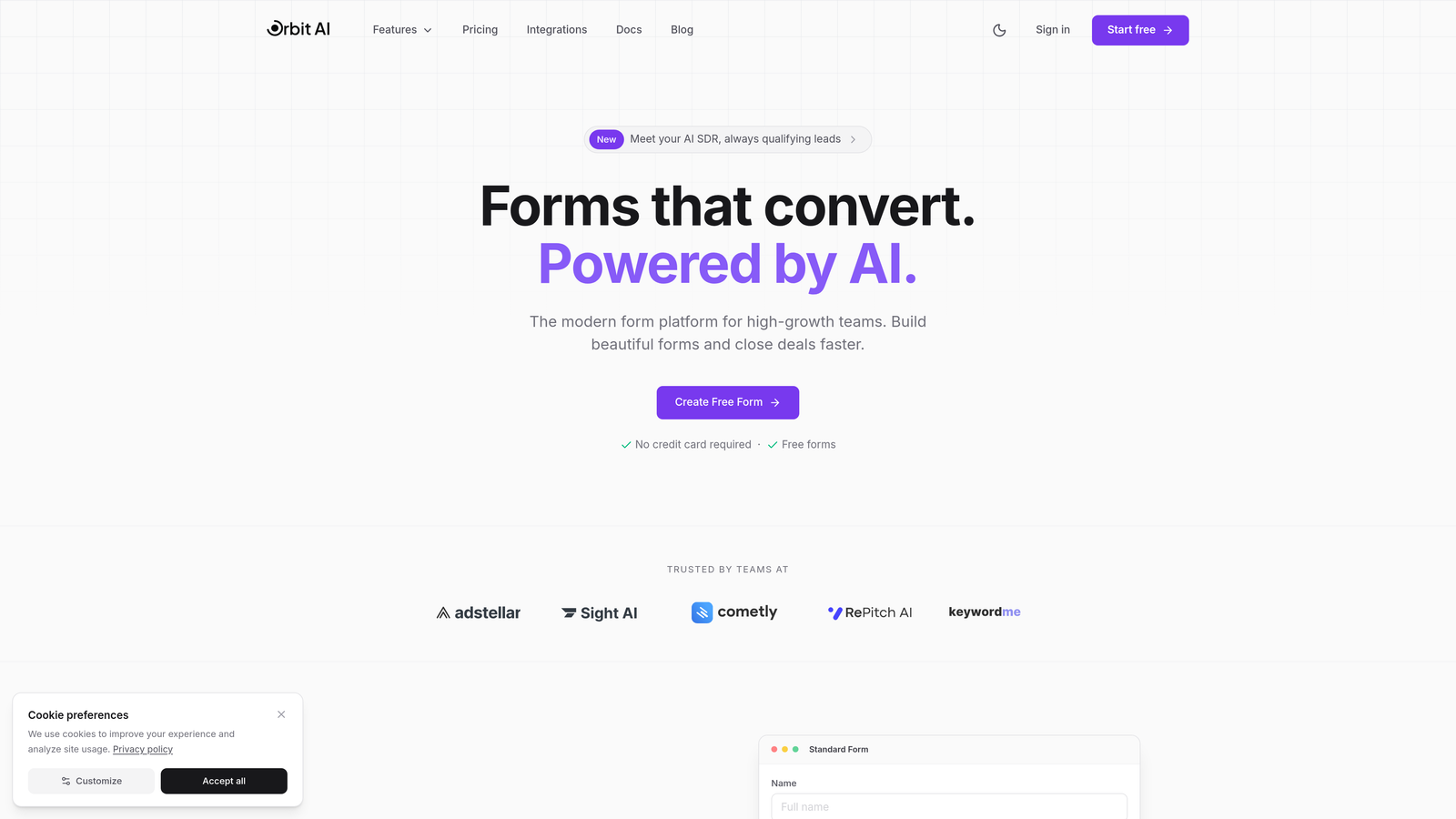
Orbit AI is an AI-powered form builder that adapts questions based on user responses for intelligent customer intake.
Where This Tool Shines
Orbit AI stands out by bringing artificial intelligence directly into the form experience itself. Instead of static forms that treat every lead the same, the platform adjusts questioning paths in real-time based on how prospects respond.
This conversational approach feels natural to users while simultaneously qualifying leads as they complete the form. The result is higher completion rates paired with better-qualified prospects landing in your pipeline.
Key Features
AI-Driven Lead Qualification: Automatically scores and categorizes leads based on their responses without manual intervention.
Conversational Forms: Questions adapt dynamically to create personalized intake experiences that boost engagement.
Native Integrations: Connects directly with HubSpot, Salesforce, and Slack for seamless data flow.
Automated Workflows: Triggers follow-up sequences and routing rules based on qualification criteria.
Conversion Analytics: Built-in tracking shows exactly where prospects drop off and which questions drive completion.
Best For
Teams focused on lead generation who want to automate qualification while maintaining a modern, engaging form experience. Particularly valuable for businesses where lead quality matters more than raw volume, and where speed-to-contact impacts conversion rates.
Pricing
Free tier available for getting started. Paid plans begin at $29/month with additional features for scaling teams.
2. Typeform
Best for: Creating highly engaging, one-question-at-a-time intake experiences with strong brand presence
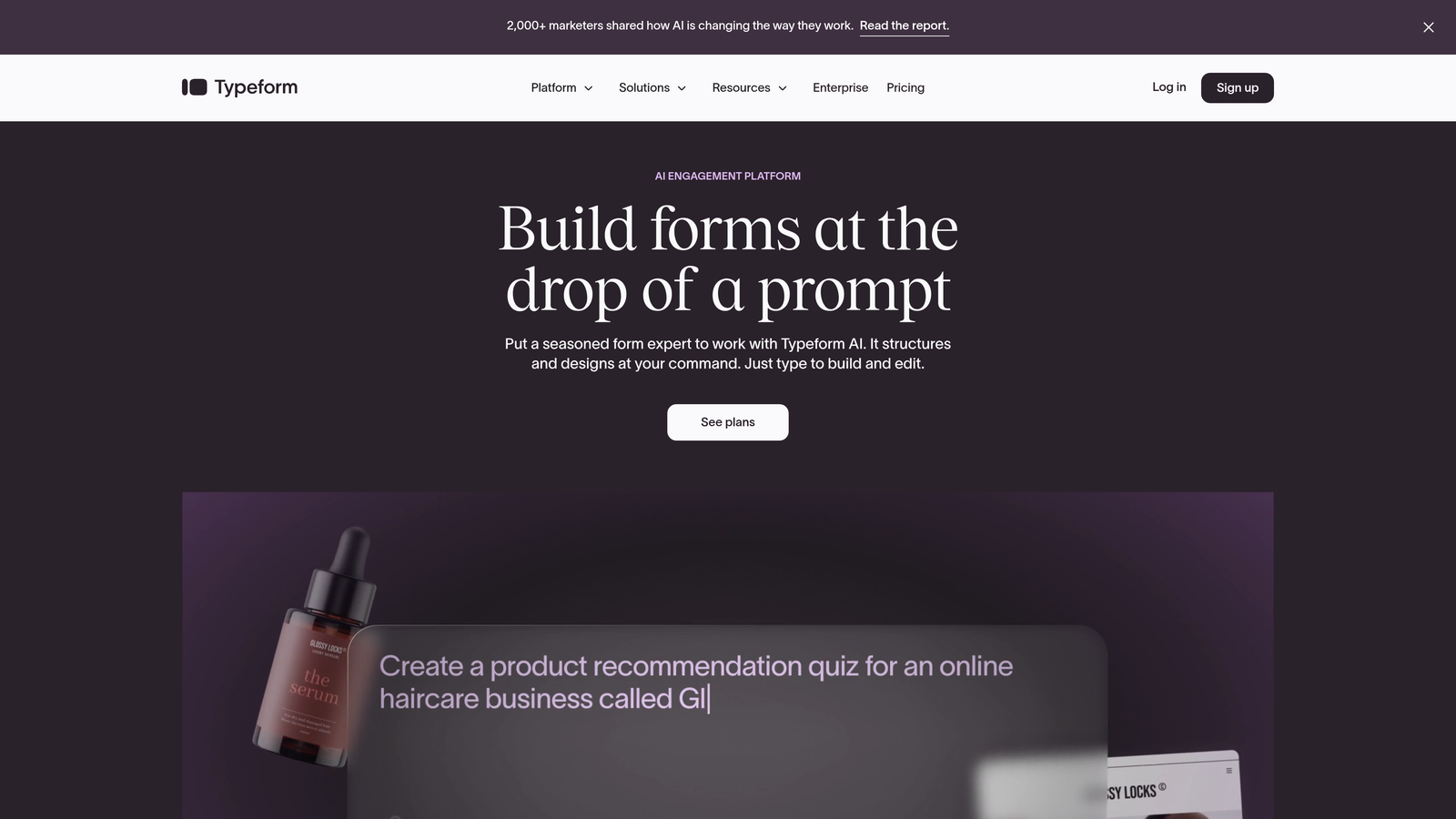
Typeform is a conversational form builder known for polished user experiences and high completion rates.
Where This Tool Shines
Typeform pioneered the one-question-at-a-time approach that makes forms feel less like interrogations and more like conversations. The interface is clean, the animations are smooth, and the overall experience feels premium.
For brands where visual identity matters, Typeform delivers customization options that let you maintain brand consistency throughout the intake process. The platform has become synonymous with modern, user-friendly forms.
Key Features
One-Question Interface: Displays single questions at a time to reduce cognitive load and improve completion.
Logic Jumps: Routes users to different questions based on their previous answers for personalized paths.
CRM Integrations: Connects with major platforms to automatically sync captured data.
Custom Branding: Extensive theming options including custom fonts, colors, and backgrounds.
Hidden Fields: Tracks UTM parameters and other metadata for attribution analysis.
Best For
Marketing teams and agencies that prioritize user experience and brand presentation. Works well for customer onboarding, event registration, and lead capture where engagement rates directly impact business outcomes.
Pricing
Free tier available with Typeform branding. Paid plans start at $25/month with increased response limits and advanced features.
3. Jotform
Best for: Teams needing extensive templates and no-code workflow automation for diverse intake scenarios
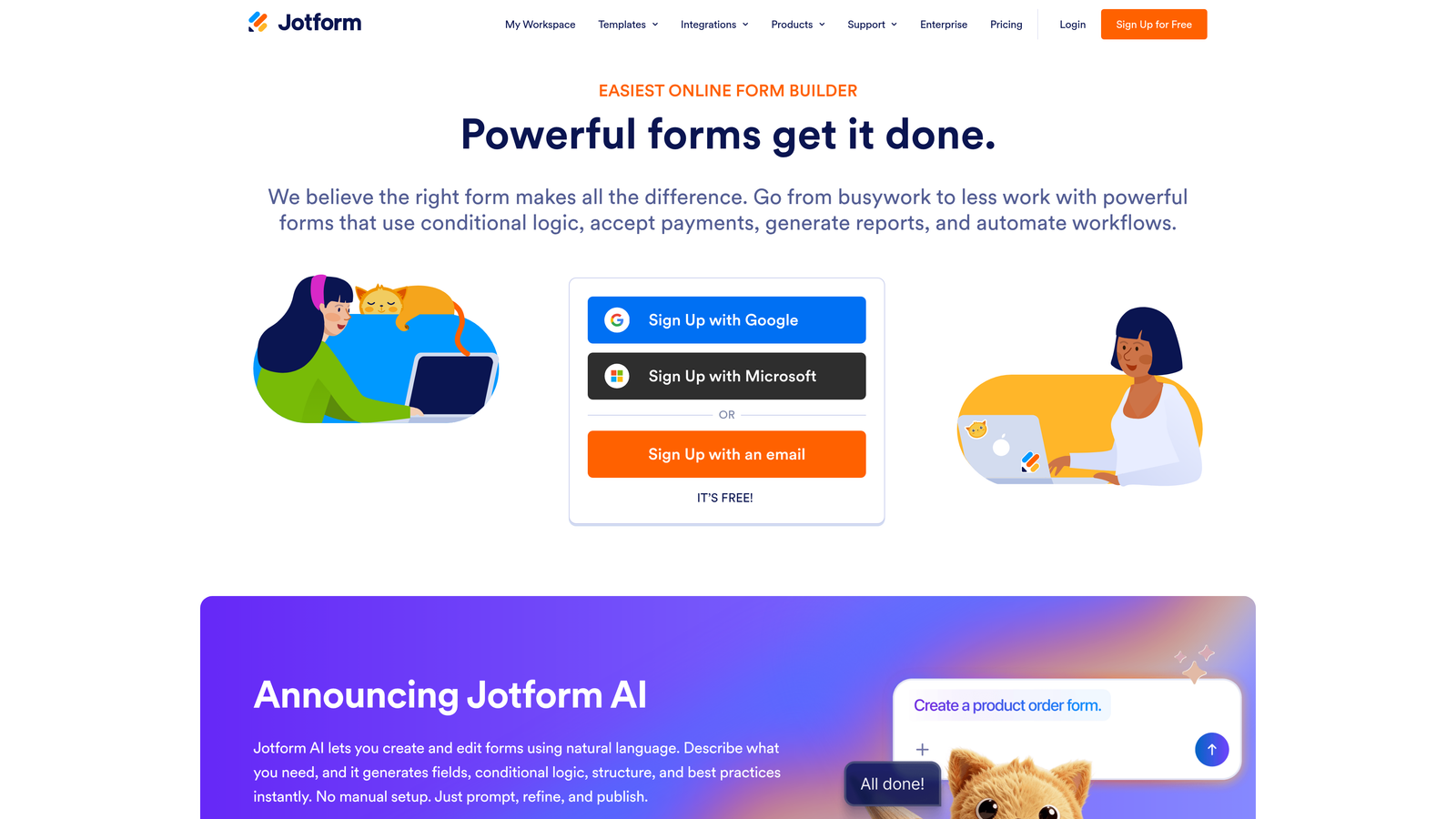
Jotform is a versatile form builder offering thousands of templates and built-in automation workflows.
Where This Tool Shines
Jotform's strength lies in its breadth. With over 10,000 templates covering virtually every industry and use case, you can launch sophisticated intake forms in minutes rather than hours.
The platform includes approval workflows and assignment features that extend beyond basic form submission. You can route submissions to different team members, require manager approval, and trigger multi-step processes—all without writing code.
Key Features
Template Library: Over 10,000 pre-built forms covering industries from healthcare to real estate.
Approval Workflows: Route submissions through approval chains with notifications and status tracking.
Conditional Logic: Show or hide fields based on user responses, including calculation fields.
HIPAA Compliance: Available for healthcare organizations requiring protected health information handling.
PDF Generation: Automatically create PDF reports from form submissions for record-keeping.
Best For
Organizations that need quick deployment across multiple departments with varying intake requirements. Particularly strong for service businesses, healthcare providers, and teams managing approval-based processes.
Pricing
Free tier includes basic features. Paid plans start at $34/month with increased submissions and advanced functionality.
4. HubSpot Forms
Best for: Teams already using HubSpot CRM who want native integration and progressive profiling
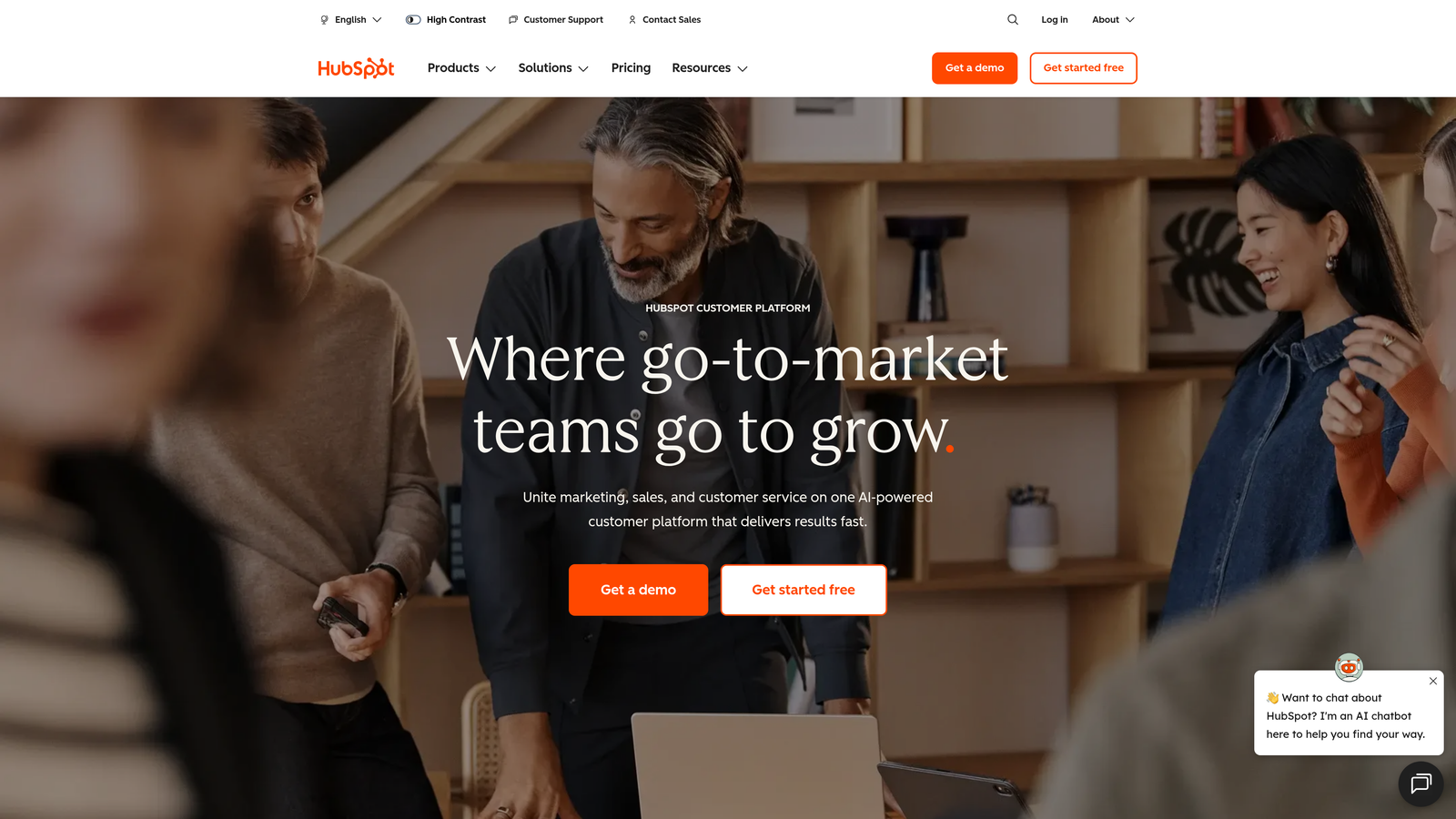
HubSpot Forms is a CRM-native form builder with automatic contact enrichment and progressive profiling capabilities.
Where This Tool Shines
HubSpot Forms eliminates the integration headache by living directly inside your CRM. Every submission automatically creates or updates contact records, triggers workflows, and feeds into your lead scoring model.
The progressive profiling feature is particularly clever—it remembers what information you've already collected from returning visitors and asks new questions instead. This prevents form fatigue while gradually building complete contact profiles over time.
Key Features
Progressive Profiling: Smart fields that change questions based on existing contact data in your CRM.
Automatic Record Creation: Submissions instantly create or update CRM contacts without manual data entry.
Lead Scoring Integration: Form responses automatically feed into HubSpot's lead scoring algorithms.
Dependent Fields: Show or hide fields based on previous answers for dynamic intake experiences.
Follow-Up Automation: Trigger email sequences and internal notifications based on submission data.
Best For
Marketing and sales teams already invested in the HubSpot ecosystem who want zero-friction data flow between forms and CRM. Ideal for organizations running sophisticated lead nurturing campaigns where progressive profiling adds value.
Pricing
Free with HubSpot CRM. Advanced features like progressive profiling require paid Marketing Hub subscriptions starting at higher tiers.
5. Formstack
Best for: Enterprise teams requiring workflow automation, document generation, and e-signature capabilities
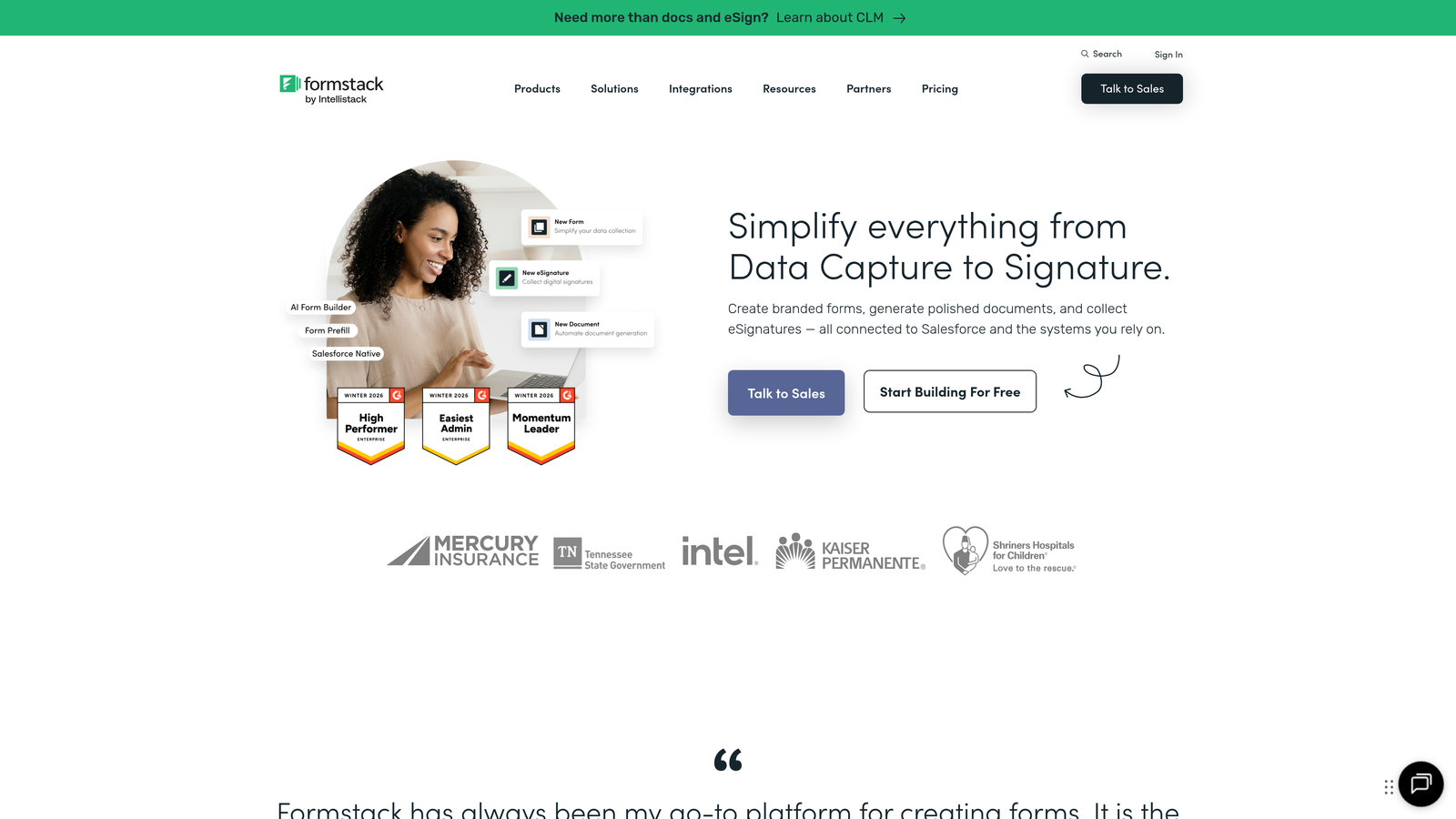
Formstack is an enterprise form platform combining data collection with document automation and digital signatures.
Where This Tool Shines
Formstack goes beyond intake into full document lifecycle management. You can capture information through forms, generate contracts or agreements from that data, route documents for approval, and collect legally binding signatures—all within one platform.
The compliance and audit trail features make it particularly attractive to regulated industries. Every action is logged, and the platform offers options for HIPAA, GDPR, and other compliance frameworks.
Key Features
Workflow Automation: Visual builder for creating multi-step approval and routing processes.
Document Generation: Automatically populate PDF templates with form data for contracts and reports.
E-Signature Integration: Collect legally binding signatures as part of the intake workflow.
Compliance Tools: Audit trails, encryption, and compliance certifications for regulated industries.
Advanced Logic: Complex conditional rules including calculations and field dependencies.
Best For
Enterprise organizations in healthcare, financial services, or legal sectors where intake connects to document workflows. Strong fit for teams managing client onboarding that requires contracts, agreements, or compliance documentation.
Pricing
Plans start at $50/month with pricing scaling based on features and submission volume.
6. Salesforce Flow
Best for: Enterprise teams needing complex intake orchestration within the Salesforce ecosystem
Salesforce Flow is an enterprise workflow automation tool for building sophisticated intake processes in Salesforce.
Where This Tool Shines
Salesforce Flow offers unmatched power for teams already embedded in the Salesforce platform. You can build guided intake experiences that interact with any Salesforce object, trigger complex validation rules, and orchestrate multi-system workflows.
The visual workflow builder makes it possible to create sophisticated automation without traditional coding, though the learning curve is steeper than standalone form tools. For organizations with complex intake requirements spanning multiple departments, the depth is worth the investment.
Key Features
Visual Workflow Builder: Drag-and-drop interface for designing complex automation sequences.
Deep Salesforce Integration: Direct access to all Salesforce objects and data without external connectors.
Automated Routing: Sophisticated lead assignment rules based on territory, capacity, or custom criteria.
Screen Flows: Build guided intake experiences with validation and branching logic.
Platform Integration: Connects with the entire Salesforce ecosystem including Service Cloud and Marketing Cloud.
Best For
Large enterprises with Salesforce as their system of record who need intake workflows that span sales, service, and operations. Best suited for organizations with Salesforce administrators who can manage flow complexity.
Pricing
Included with Salesforce licenses. Available features and complexity vary by Salesforce edition.
7. Zoho Forms
Best for: Budget-conscious teams using Zoho CRM who need solid automation at affordable pricing
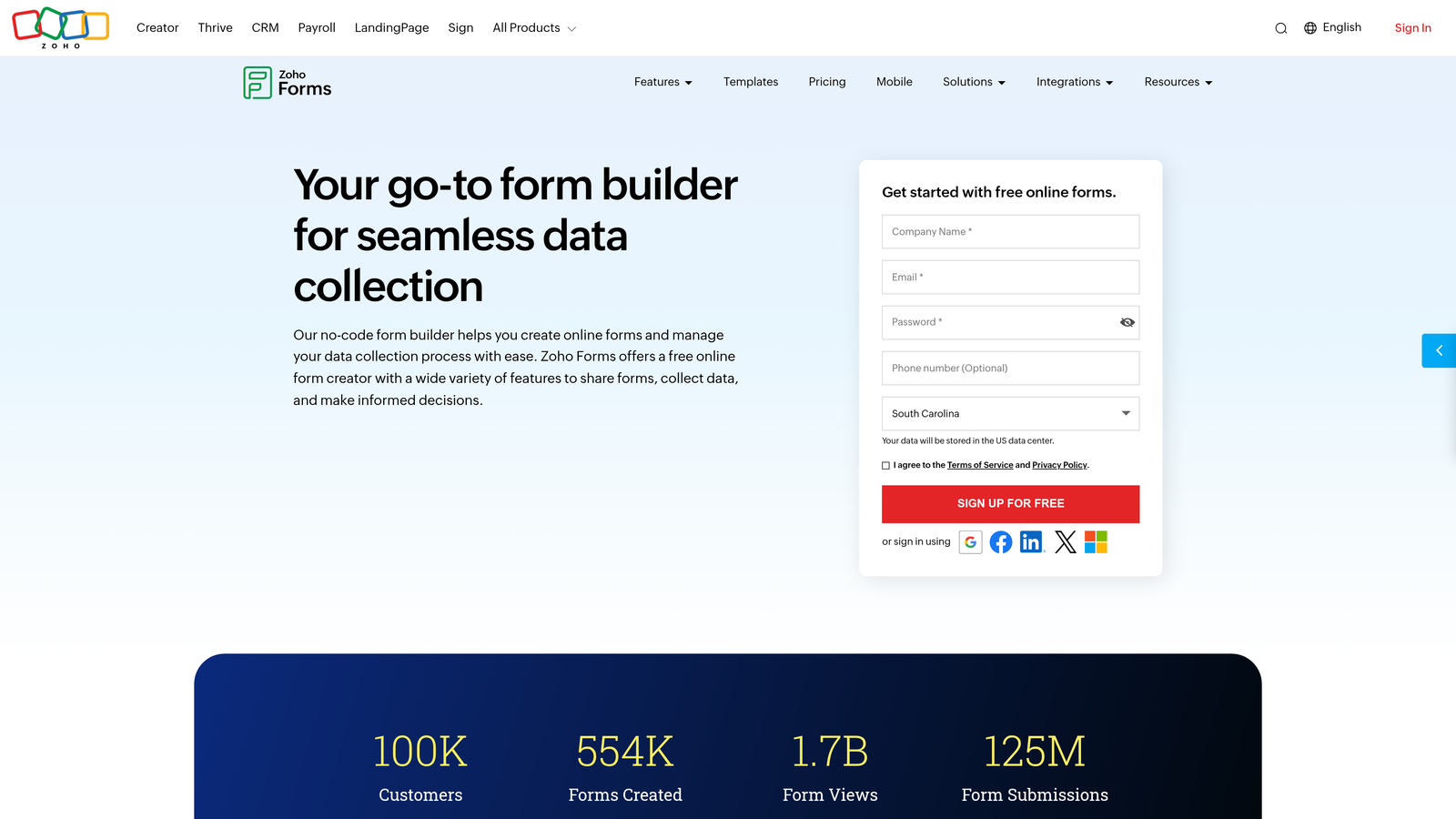
Zoho Forms is an affordable form builder with native Zoho CRM integration and approval workflows.
Where This Tool Shines
Zoho Forms delivers impressive functionality at price points that undercut most competitors. For small to mid-sized businesses already using Zoho CRM, the native integration eliminates data sync headaches.
The platform includes features you'd typically find in more expensive tools—approval workflows, payment collection, and mobile responsiveness—making it a strong value proposition for teams watching their software budget.
Key Features
Native Zoho CRM Sync: Automatic contact creation and updates within the Zoho ecosystem.
Payment Collection: Integrated payment processing for intake that requires upfront fees.
Approval Workflows: Route submissions through approval chains with status tracking.
Mobile Responsive: Forms automatically adapt to mobile devices for on-the-go completion.
Custom Notifications: Trigger automated emails and alerts based on submission data.
Best For
Small to mid-sized businesses using Zoho's suite of products who want tight integration without premium pricing. Works well for service businesses, consultants, and teams managing client intake with modest budgets.
Pricing
Free tier available for basic use. Paid plans start at $10/month, making it one of the most affordable options.
8. Cognito Forms
Best for: Service-based businesses needing payment processing and calculation fields in intake forms
Cognito Forms is a form builder with integrated payment processing and advanced calculation capabilities.
Where This Tool Shines
Cognito Forms excels at forms that require math. The calculation engine lets you build dynamic pricing forms, quote generators, and service estimators that compute totals as users fill out fields.
The integrated payment processing means you can collect deposits or full payments during intake without redirecting to external checkout pages. This streamlined experience reduces drop-off and simplifies your payment workflow.
Key Features
Integrated Payments: Accept credit cards and ACH payments directly within forms.
Calculation Fields: Build complex formulas for pricing, quotes, and dynamic totals.
Conditional Logic: Show or hide entire sections based on user responses.
Document Uploads: Collect files from users with secure storage and management.
Workflow Routing: Send submissions to different team members based on intake data.
Best For
Service businesses, event organizers, and consultants who need to collect payments during intake. Particularly valuable for teams offering tiered services where pricing depends on user selections.
Pricing
Free tier available with limited entries. Paid plans start at $15/month with increased capacity and features.
9. Paperform
Best for: Design-focused teams wanting landing page-style intake experiences with strong visual branding
Paperform is a form builder that creates landing page-style intake experiences with extensive design customization.
Where This Tool Shines
Paperform blurs the line between forms and landing pages. Instead of traditional form layouts, you get a canvas where you can mix form fields with images, videos, product catalogs, and rich text content.
The result feels more like a curated experience than a data collection exercise. For brands where aesthetics drive conversion, Paperform offers design flexibility that most form builders can't match.
Key Features
Landing Page Design: Create forms that look like full web pages with custom layouts and media.
Product Catalogs: Display products with images and pricing for order-style intake.
Conditional Logic: Show or hide content based on user selections for personalized experiences.
Payment Integrations: Connect with Stripe and PayPal for transaction processing.
Custom Branding: Extensive styling options including custom CSS for complete design control.
Best For
Creative agencies, e-commerce businesses, and brands where visual presentation significantly impacts conversion. Works well for product orders, event registrations, and intake scenarios where you're selling an experience alongside collecting data.
Pricing
Plans start at $24/month with unlimited forms and submissions on all paid tiers.
Making the Right Choice
Choosing the right customer intake automation software depends on your team's priorities and existing tech stack. For AI-powered lead qualification paired with conversion optimization, Orbit AI delivers intelligent forms that adapt in real-time to create better experiences while automatically scoring prospects.
Teams already embedded in HubSpot or Salesforce will find their native tools offer the tightest integration, eliminating data sync issues and enabling sophisticated automation within their existing workflows. Budget-conscious teams should explore Zoho Forms or Cognito Forms, both of which deliver solid functionality at accessible price points.
If design and user experience drive your conversion strategy, Paperform and Typeform excel at creating polished, engaging intake experiences that reflect strong brand identity. Service businesses requiring payment collection during intake will appreciate the integrated processing capabilities in Cognito Forms and Paperform.
The common thread across all these tools: automation eliminates manual bottlenecks and gets qualified leads to your team faster. Manual data entry, delayed follow-ups, and inconsistent qualification all represent revenue leakage that modern intake automation solves.
Start by mapping your current intake pain points. Are leads sitting unqualified for too long? Are you losing prospects due to lengthy forms? Do you lack visibility into which intake channels drive the best conversions? Match these challenges to the platform strengths outlined above.
Transform your lead generation with AI-powered forms that qualify prospects automatically while delivering the modern, conversion-optimized experience your high-growth team needs. Start building free forms today and see how intelligent form design can elevate your conversion strategy.


