Enterprise form software needs to do more than collect data—it must handle complex workflows, integrate with existing tech stacks, meet strict security requirements, and scale across global teams. The wrong choice means months of implementation headaches, compliance risks, and frustrated employees.
This guide evaluates enterprise-grade form solutions based on security certifications, integration capabilities, workflow automation, and total cost of ownership. Whether you're replacing legacy systems or standardizing across departments, these platforms deliver the reliability and features large organizations demand.
1. Orbit AI
Best for: High-growth teams prioritizing lead qualification and conversion optimization
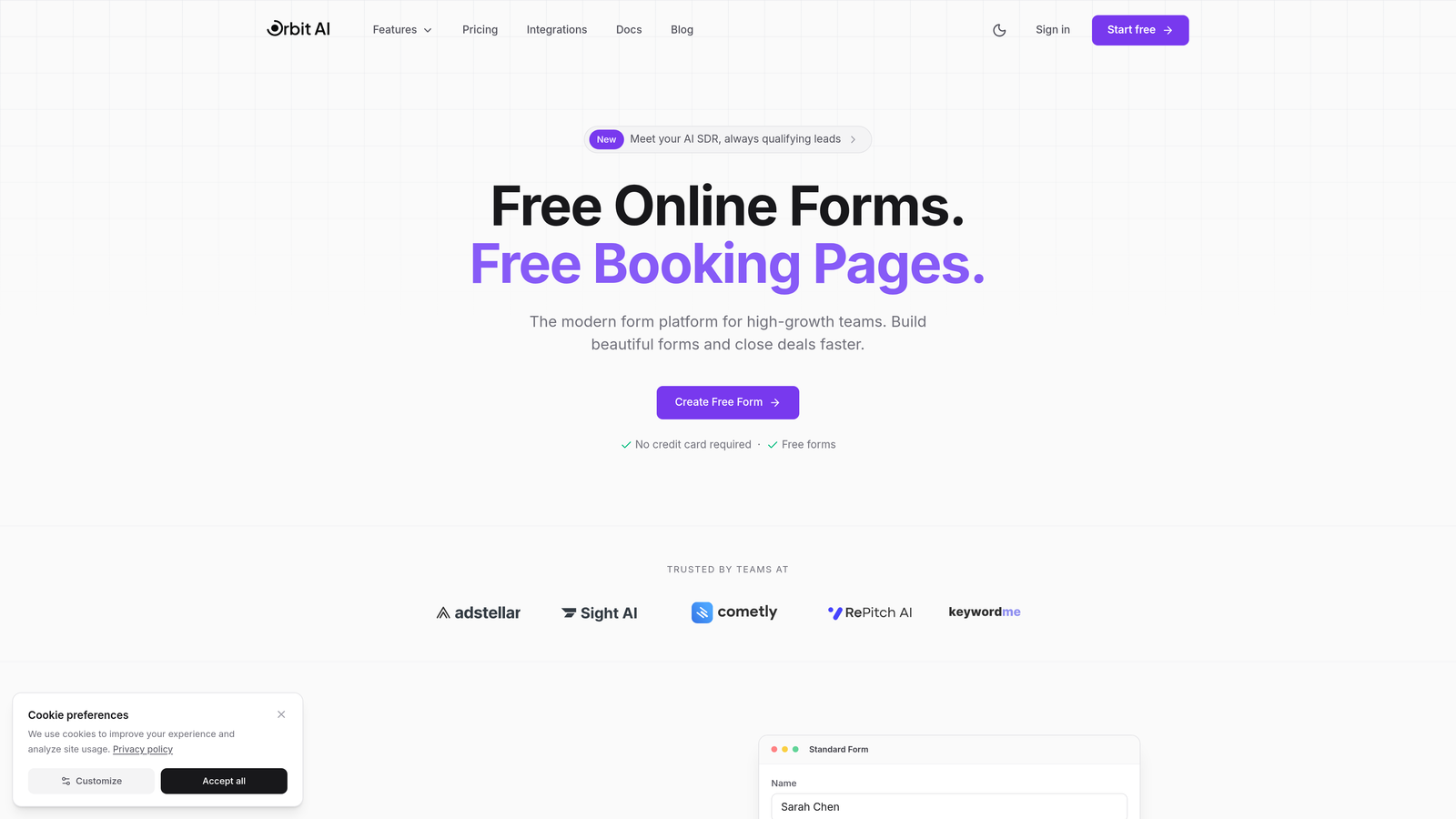
Orbit AI is an AI-powered form builder platform designed specifically for enterprises focused on intelligent lead generation and conversion optimization.
Where This Tool Shines
Orbit AI differentiates itself through intelligent automation that goes beyond basic form building. The platform automatically qualifies and scores leads as they submit forms, routing high-value prospects to sales teams while nurturing lower-priority contacts through automated workflows.
The conversion optimization focus shows in every template and feature. Forms are designed with modern UX principles that reduce abandonment rates while capturing the data your teams actually need.
Key Features
AI-Powered Lead Qualification: Automatically scores and routes leads based on submission data and behavioral signals.
Conversion-Optimized Templates: Pre-built form designs tested for maximum completion rates across industries.
Advanced Workflow Automation: Create complex conditional logic and multi-step processes without coding.
Native CRM Integrations: Seamless connections to Salesforce, HubSpot, and major CRM platforms with bi-directional data sync.
Real-Time Analytics Dashboard: Track form performance, conversion metrics, and lead quality in a unified interface.
Best For
Orbit AI works best for high-growth B2B companies where lead quality matters as much as quantity. Marketing and sales teams that need intelligent automation without sacrificing design flexibility will find this platform particularly valuable.
Pricing
Custom enterprise pricing available based on team size and feature requirements. Contact sales for detailed quotes tailored to your organization's needs.
2. Formstack Enterprise
Best for: Compliance-focused organizations in healthcare, finance, and regulated industries
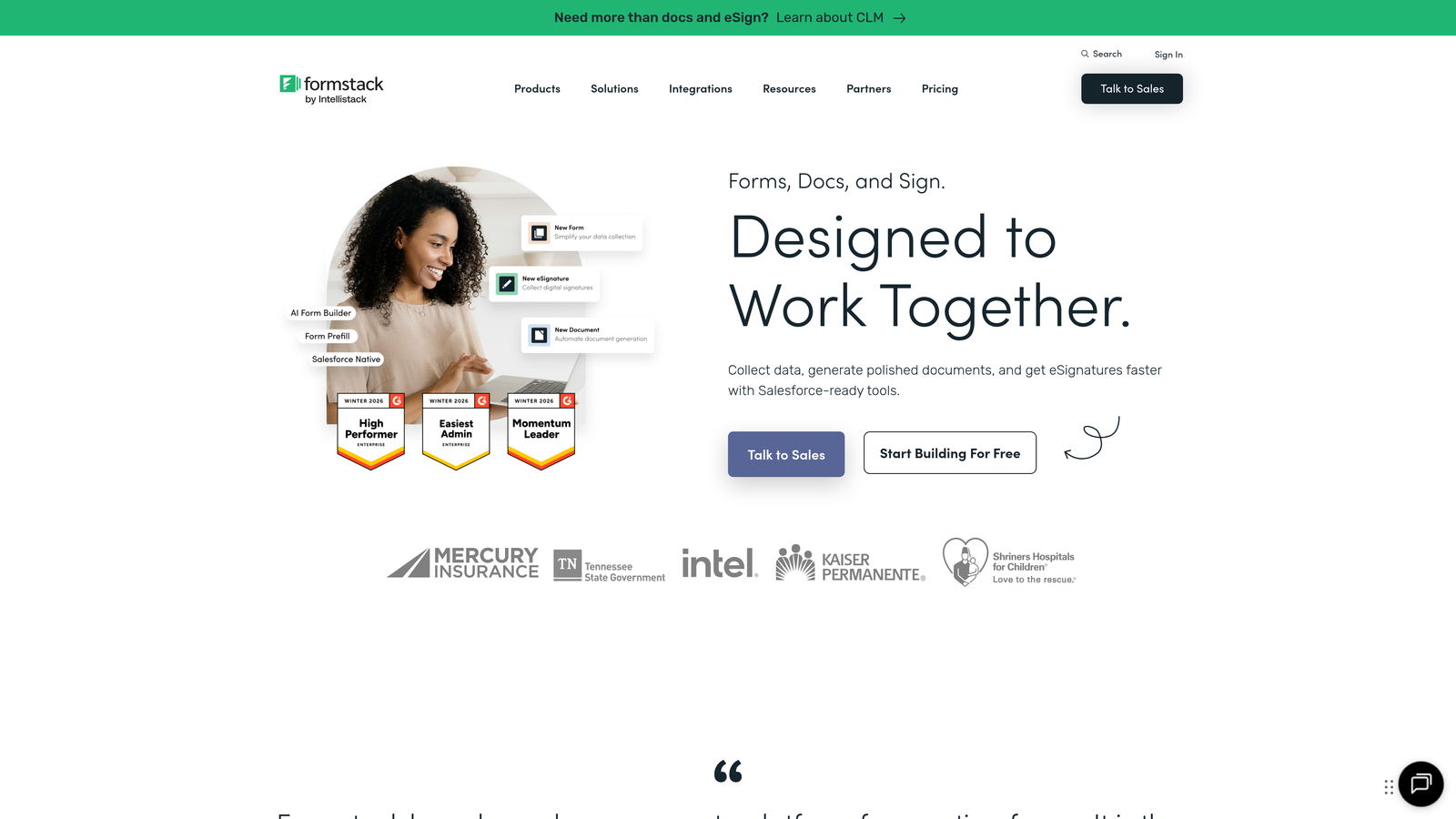
Formstack Enterprise is a compliance-first form platform with HIPAA certification and advanced security features.
Where This Tool Shines
Formstack built its reputation on helping regulated industries collect sensitive data securely. HIPAA compliance isn't an add-on—it's baked into the platform architecture. Healthcare organizations can confidently collect patient information knowing the infrastructure meets strict regulatory requirements.
The document generation capabilities set Formstack apart from basic form builders. Automatically create PDF reports, contracts, or compliance documentation from form submissions, complete with e-signature workflows.
Key Features
HIPAA and SOC 2 Compliance: Full certification for handling protected health information and sensitive enterprise data.
Document Generation: Automatically create formatted PDFs and documents from form data with custom templates.
E-Signature Integration: Built-in signature workflows for contracts, approvals, and legal documents.
Conditional Logic Workflows: Create complex branching forms that adapt based on user responses.
Offline Form Capabilities: Collect data in environments without internet connectivity and sync when connected.
Best For
Healthcare providers, financial services firms, and any organization handling sensitive personal data. Teams that need document generation alongside data collection will find the integrated workflow particularly efficient.
Pricing
Enterprise plans start around $500 per month with volume discounts available. HIPAA compliance features require enterprise-tier subscriptions.
3. Jotform Enterprise
Best for: Organizations needing extensive customization options and white-labeling capabilities
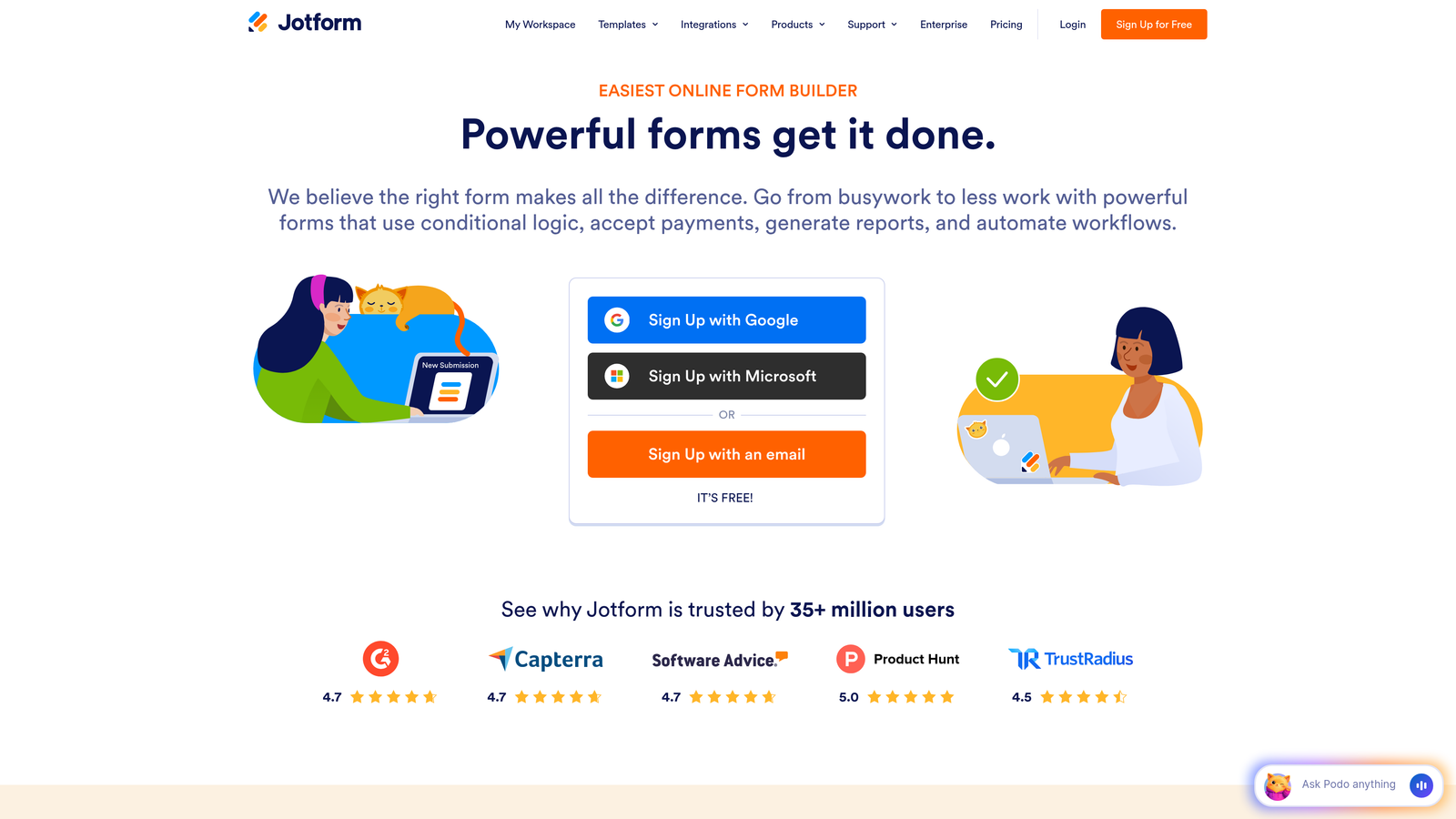
Jotform Enterprise is a feature-rich form builder offering over 10,000 templates and flexible deployment options.
Where This Tool Shines
The template library alone makes Jotform worth considering. With over 10,000 pre-built forms covering virtually every use case, teams can deploy professional forms in minutes rather than days. This accelerates implementation across departments with diverse needs.
White-labeling capabilities allow enterprises to completely rebrand the form experience. Remove Jotform branding, add your logo and colors, and even deploy forms on dedicated servers for maximum control.
Key Features
10,000+ Form Templates: Industry-specific templates for everything from HR onboarding to event registration.
White-Labeling Options: Complete branding control including custom domains and removal of Jotform branding.
Dedicated Server Deployment: Host forms on your own infrastructure for maximum security and compliance control.
HIPAA Compliance Available: Enterprise plans can add HIPAA compliance features for healthcare applications.
Multi-User Collaboration: Team workspaces with role-based permissions and shared form libraries.
Best For
Large organizations with diverse departmental needs who want a single platform that handles everything. Companies requiring on-premise or dedicated server deployment for security or compliance reasons will appreciate the flexibility.
Pricing
Custom enterprise pricing based on user count, submission volume, and deployment requirements. Contact sales for quotes tailored to your specific needs.
4. Microsoft Power Apps
Best for: Microsoft 365 organizations seeking deep ecosystem integration
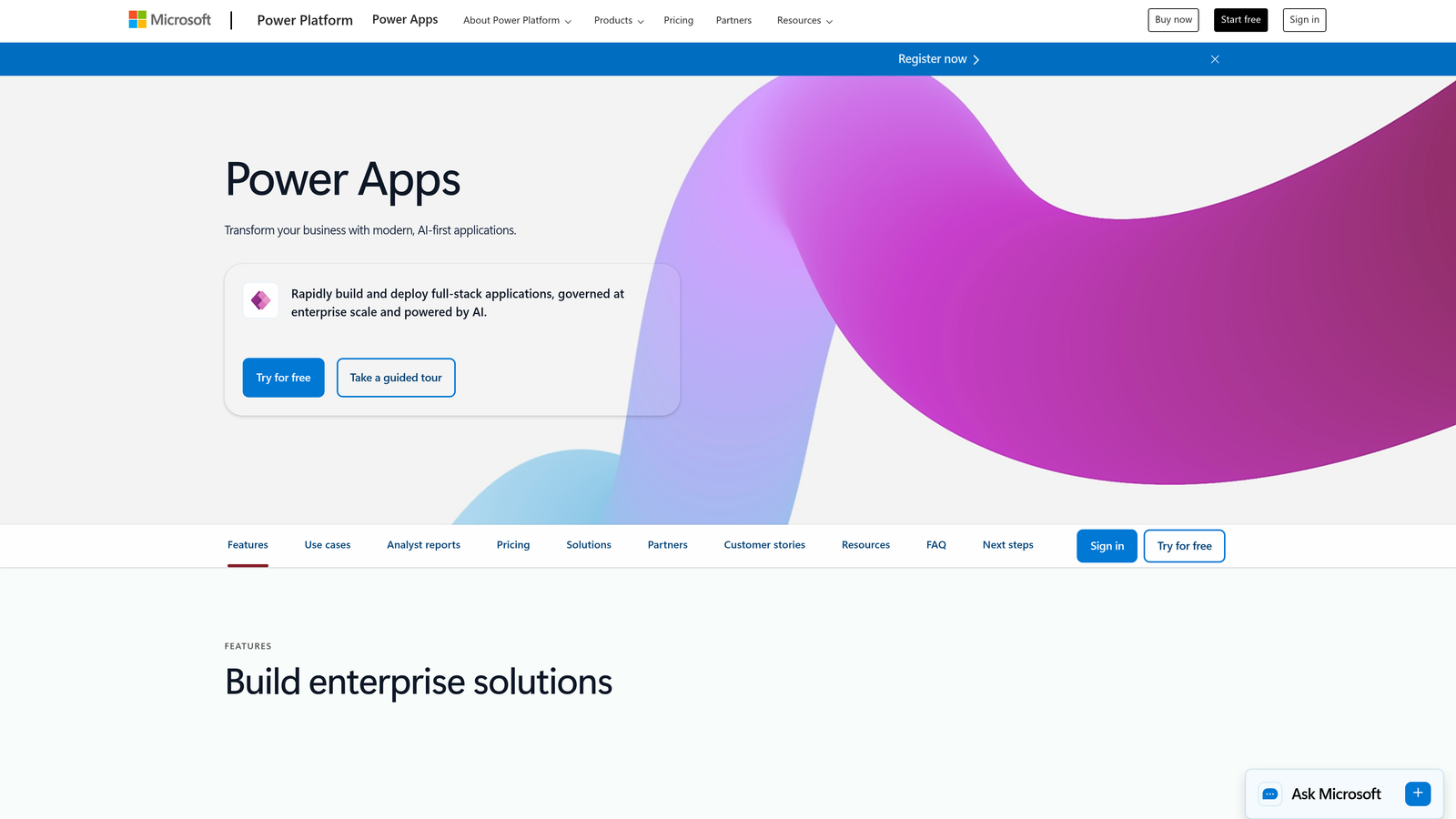
Microsoft Power Apps is a low-code application platform with robust form capabilities integrated throughout the Microsoft ecosystem.
Where This Tool Shines
If your organization runs on Microsoft 365, Power Apps integrates more seamlessly than any third-party solution. Forms connect natively to SharePoint, Teams, Outlook, and Dynamics 365 without middleware or custom development.
The low-code approach empowers business users to build sophisticated applications beyond simple forms. Create entire workflows connecting forms to databases, approval processes, and automated notifications using visual designers.
Key Features
Native Microsoft 365 Integration: Direct connections to all Microsoft services including SharePoint, Teams, and Exchange.
Power Automate Connectivity: Build complex workflows connecting forms to hundreds of services and applications.
Dataverse Storage: Enterprise-grade data storage with relationship management and business logic.
Canvas and Model-Driven Apps: Choose between flexible canvas design or data-driven application templates.
Azure AD Security: Enterprise authentication, SSO, and role-based access control through Azure Active Directory.
Best For
Microsoft-centric enterprises that want forms integrated into their existing digital workplace. IT teams comfortable with the Power Platform will find this the natural choice for internal applications.
Pricing
Starts at $20 per user per month for per-app plans. Premium features and Dataverse storage may require higher-tier licensing.
5. Typeform Enterprise
Best for: Customer-facing surveys and lead capture requiring high engagement rates
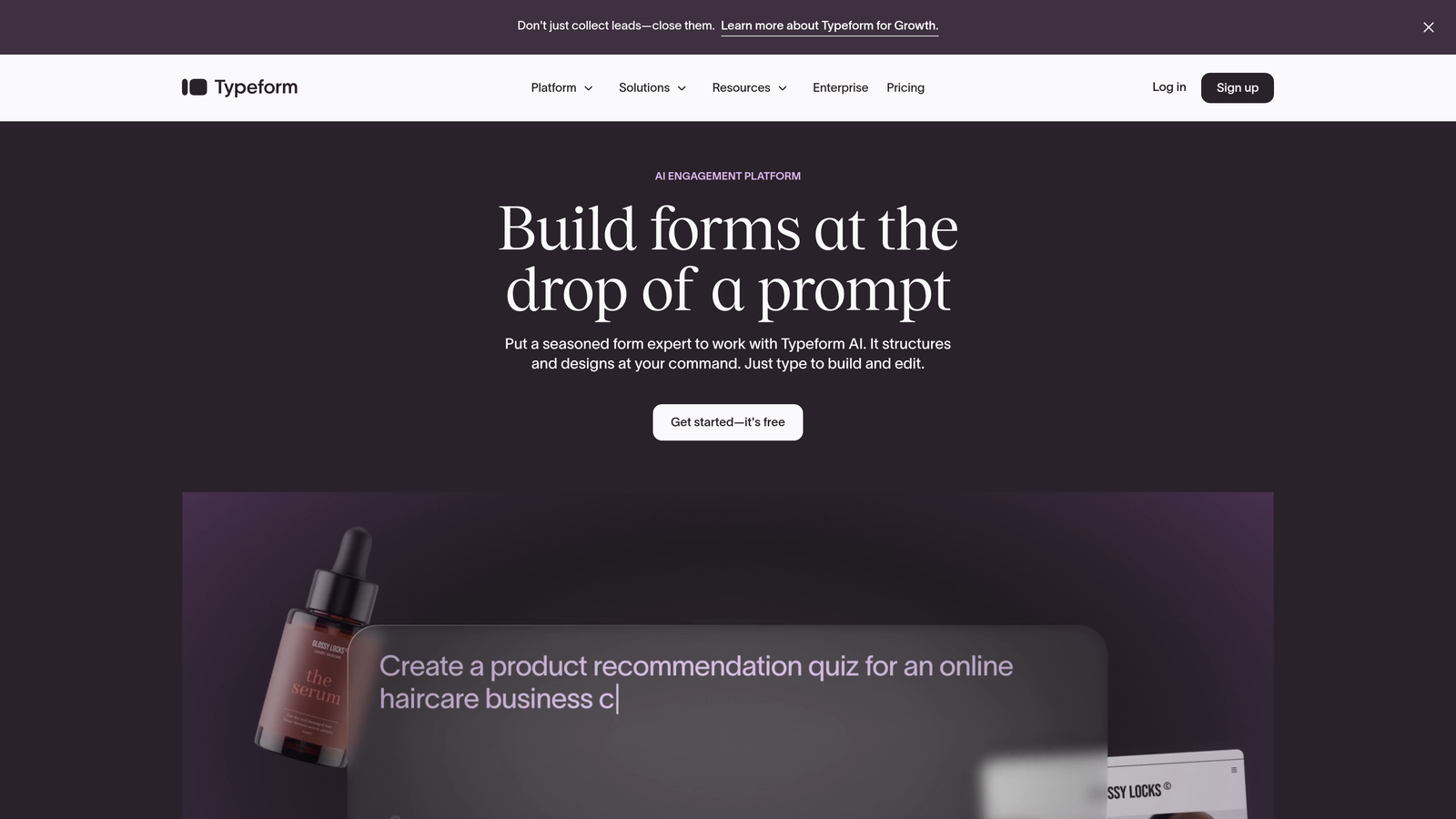
Typeform Enterprise is a conversational form platform known for modern design and exceptional completion rates.
Where This Tool Shines
Typeform pioneered the one-question-at-a-time interface that feels more like a conversation than a traditional form. This approach dramatically improves completion rates—particularly valuable for customer surveys and marketing lead capture where every additional respondent matters.
The design-first philosophy extends beyond aesthetics. Logic jumps create personalized experiences that adapt based on previous answers, making long forms feel shorter and more relevant to each respondent.
Key Features
Conversational Interface: One-question-at-a-time design that increases engagement and completion rates.
Logic Jumps and Branching: Create dynamic forms that adapt based on user responses for personalized experiences.
Custom Branding: Apply your brand colors, fonts, and imagery for consistent customer experiences.
Webhooks and API Access: Connect forms to any application or service through flexible integration options.
GDPR Compliance Tools: Built-in features for data privacy compliance including consent management.
Best For
Marketing teams focused on lead generation and customer research. Organizations where form completion rates directly impact revenue will see measurable ROI from Typeform's engagement-optimized approach.
Pricing
Enterprise pricing requires custom quotes based on submission volume and feature requirements. Contact sales for detailed pricing information.
6. Adobe Experience Manager Forms
Best for: Complex document workflows requiring PDF generation and multi-channel delivery
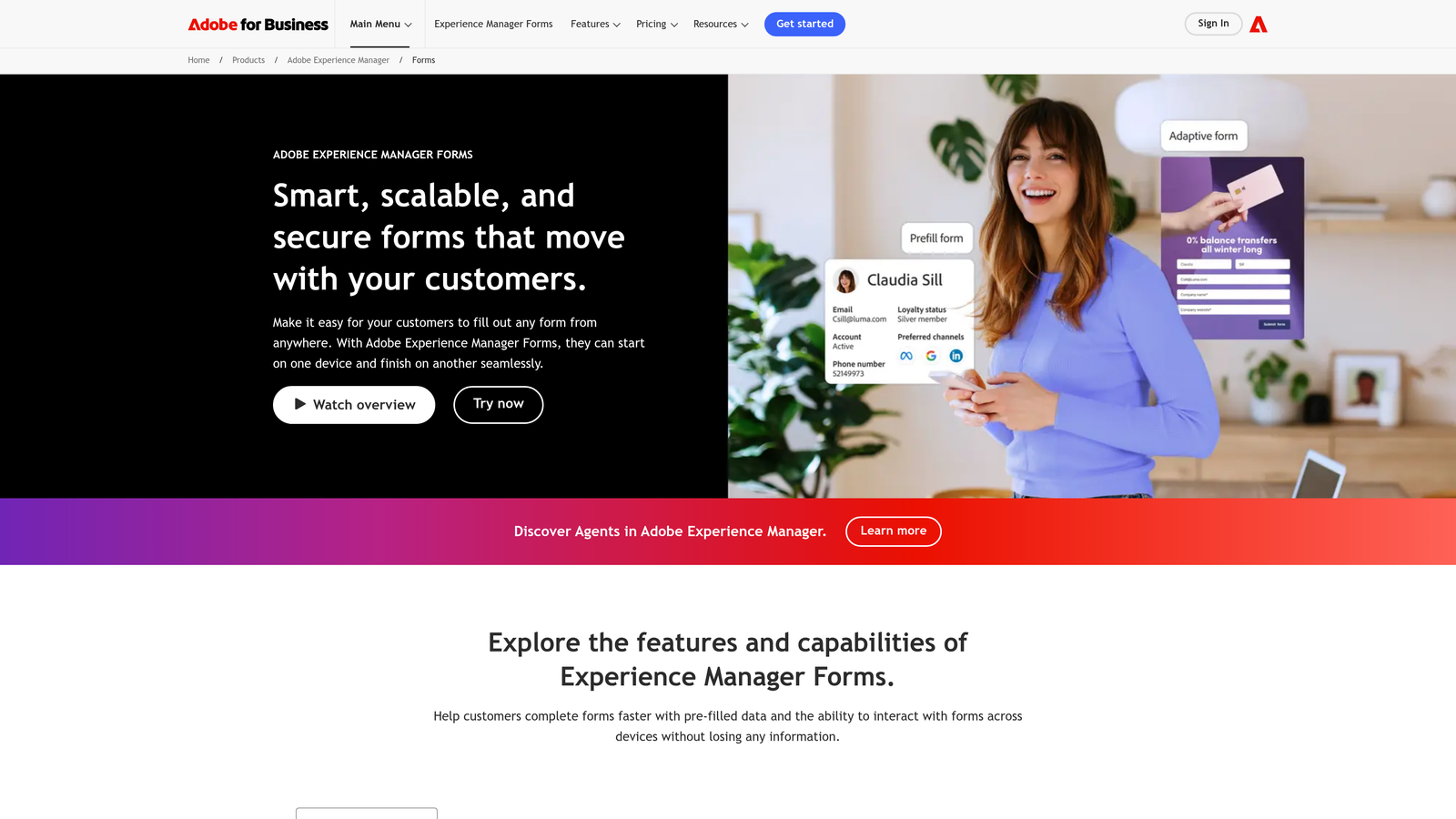
Adobe Experience Manager Forms is an enterprise document and forms solution for organizations with sophisticated workflow requirements.
Where This Tool Shines
Adobe brings decades of document expertise to form building. The platform excels at generating professional PDFs from form data—critical for industries like insurance, finance, and legal services where official documentation matters.
Adaptive forms automatically optimize for any device without separate mobile versions. The same form renders beautifully on desktop, tablet, and smartphone while maintaining functionality and branding consistency.
Key Features
Adaptive Forms: Single forms that automatically optimize layout and functionality for any device or screen size.
Document of Record Generation: Automatically create formatted PDF documents from form submissions for compliance and archival.
Adobe Sign Integration: Native e-signature workflows integrated directly into form processes.
Automated Document Workflows: Route documents for approvals, signatures, and processing based on business rules.
Headless Form Capabilities: Deploy forms across multiple channels and touchpoints using API-first architecture.
Best For
Large enterprises already invested in Adobe's ecosystem, particularly those in regulated industries requiring sophisticated document management. Organizations processing thousands of forms monthly will benefit from the industrial-strength automation.
Pricing
Enterprise licensing available through Adobe sales teams. Pricing varies significantly based on deployment model and feature requirements.
7. Cognito Forms Enterprise
Best for: Budget-conscious enterprises needing robust functionality without premium pricing
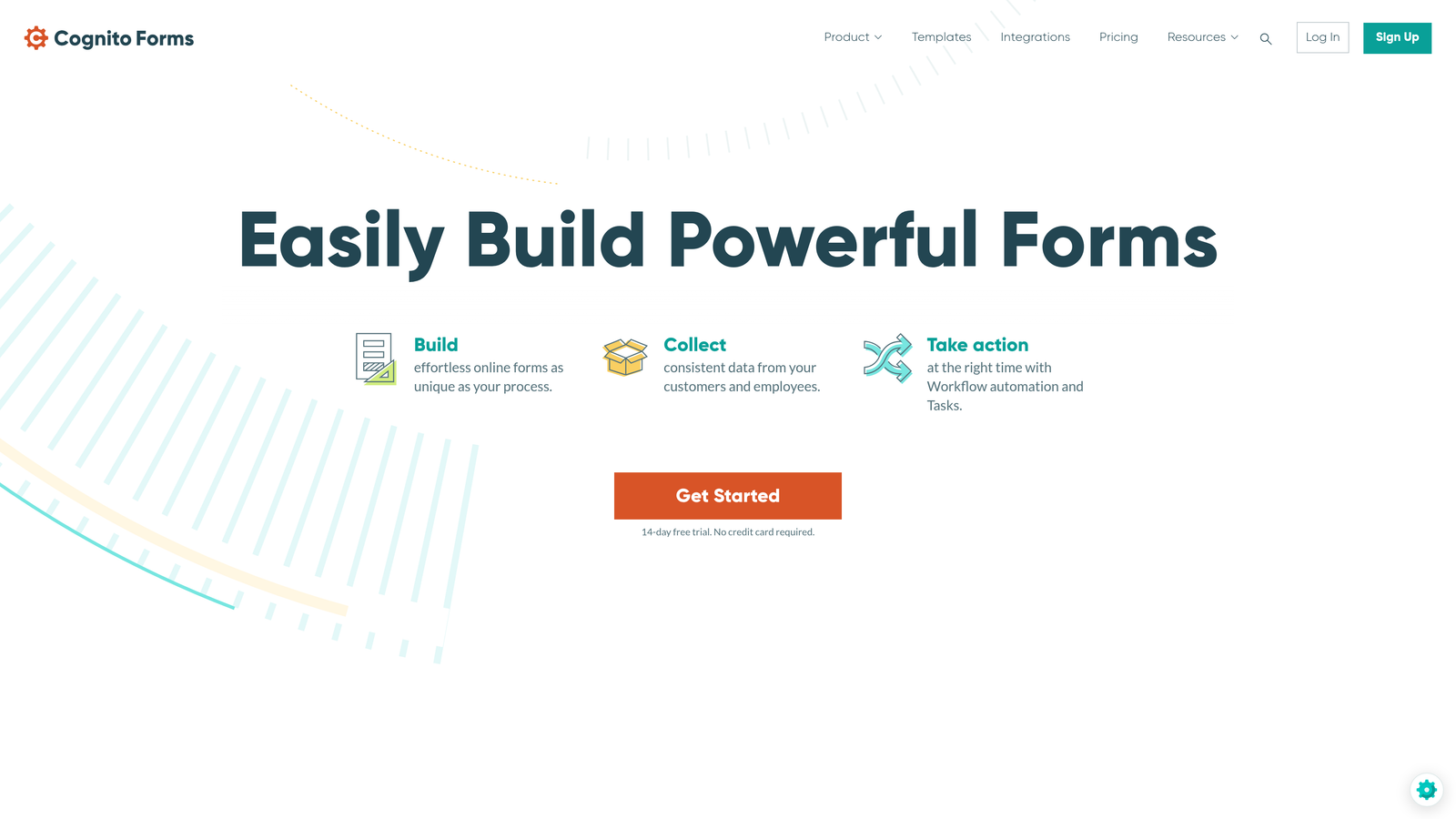
Cognito Forms Enterprise is a cost-effective form solution offering advanced features including payment processing at competitive pricing.
Where This Tool Shines
Cognito Forms delivers enterprise functionality at prices that won't trigger lengthy procurement reviews. The platform includes features other vendors charge premium rates for—payment processing, complex calculations, and conditional logic—in standard plans.
Repeating sections handle complex data collection scenarios elegantly. Need to collect information about multiple employees, products, or transactions in a single form? Cognito's repeating sections adapt dynamically as users add entries.
Key Features
Built-In Payment Processing: Accept credit cards, PayPal, and other payment methods directly in forms without third-party tools.
Repeating Sections: Collect complex, variable-length data with sections users can add or remove as needed.
Calculations and Conditional Logic: Perform mathematical operations and show/hide fields based on sophisticated business rules.
Data Encryption: Field-level encryption and compliance features for protecting sensitive information.
Unlimited Forms: Create as many forms as needed on paid plans without per-form charges.
Best For
Small to mid-sized enterprises that need powerful form capabilities without enterprise-tier budgets. Organizations collecting payments or complex structured data will find particular value in features competitors charge extra for.
Pricing
Team plan starts at $24 per month for up to five users. Enterprise pricing available for larger organizations with custom requirements.
8. Zoho Forms
Best for: Organizations already using Zoho's business application suite
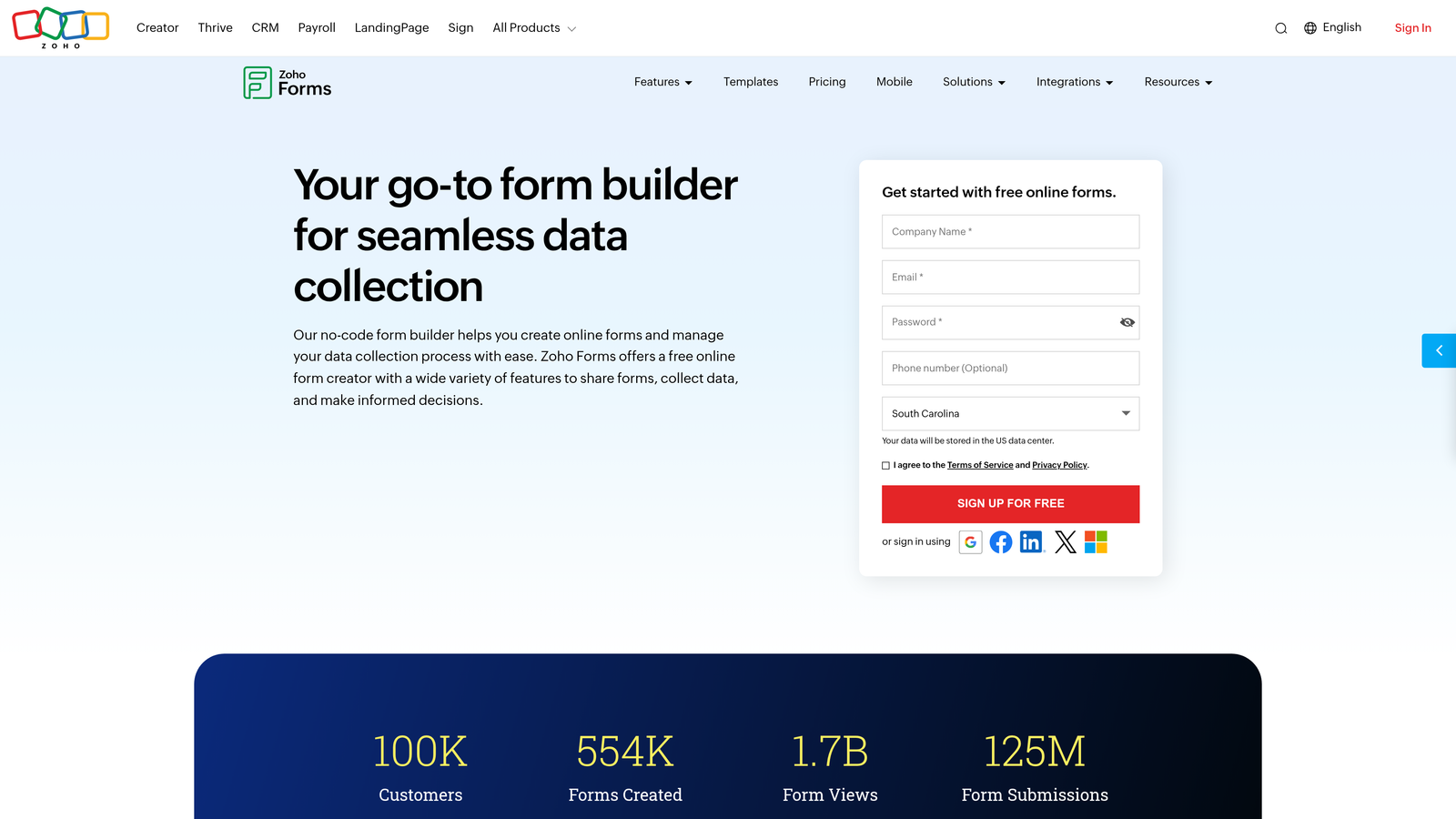
Zoho Forms is a form builder tightly integrated with the broader Zoho ecosystem of business applications.
Where This Tool Shines
If you're already running Zoho CRM, Zoho Projects, or other Zoho applications, this form builder integrates without friction. Data flows seamlessly between forms and your existing Zoho workflows, eliminating the integration headaches that plague multi-vendor environments.
The mobile app enables offline data collection—essential for field teams conducting surveys, inspections, or registrations in environments without reliable internet connectivity. Data syncs automatically when connection resumes.
Key Features
Native Zoho CRM Integration: Direct connection to Zoho CRM with automatic lead and contact creation from form submissions.
Zoho Flow Automation: Build complex workflows connecting forms to hundreds of applications through Zoho's automation platform.
Mobile App: Dedicated mobile application for data collection with offline capabilities and automatic sync.
Approval Workflows: Route form submissions through multi-step approval processes with notifications and tracking.
Multi-Language Support: Create forms in multiple languages for global organizations with international audiences.
Best For
Zoho customers seeking unified data management across their business applications. Companies with field teams requiring offline data collection will appreciate the robust mobile capabilities.
Pricing
Premium plan at $25 per month provides full features for small teams. Enterprise pricing available for larger organizations with advanced requirements.
9. 123FormBuilder Enterprise
Best for: Rapid deployment scenarios requiring quick implementation and straightforward setup
123FormBuilder Enterprise is a deployment-focused form platform emphasizing ease of implementation and strong security features.
Where This Tool Shines
123FormBuilder prioritizes getting forms live quickly without sacrificing enterprise requirements. The platform balances ease of use with compliance features like HIPAA and GDPR support—ideal for organizations that need to deploy forms across departments rapidly.
Smart workflows automate notifications and data routing based on form responses. Route customer inquiries to the right department, trigger follow-up emails based on answers, or escalate urgent submissions automatically.
Key Features
HIPAA and GDPR Compliance: Built-in compliance features for healthcare and data privacy regulations.
Smart Workflows: Automated notifications, routing, and follow-up actions based on form submission data.
Payment Integrations: Accept payments through Stripe, PayPal, and other processors directly in forms.
White-Label Options: Remove platform branding and customize forms to match your organization's identity.
Dedicated Account Management: Enterprise customers receive dedicated support and implementation assistance.
Best For
Organizations needing to standardize form processes quickly across multiple departments. Teams without extensive technical resources will appreciate the straightforward setup and dedicated support.
Pricing
Enterprise plans with custom pricing based on user count and feature requirements. Contact sales for quotes tailored to your organization.
Making the Right Choice
Selecting enterprise form software comes down to your specific requirements and existing infrastructure.
For AI-powered lead qualification and conversion optimization, Orbit AI delivers intelligent automation that transforms how high-growth teams capture and route prospects. The platform's focus on lead quality rather than just data collection makes it particularly valuable for B2B organizations where every qualified lead matters.
Compliance-focused organizations in healthcare or finance should evaluate Formstack or Adobe Experience Manager. Both platforms offer the certifications and document generation capabilities regulated industries require.
Microsoft shops will find Power Apps integrates seamlessly with existing infrastructure. If your teams already live in Teams, SharePoint, and Dynamics 365, building forms within the Power Platform eliminates integration complexity.
Budget-conscious enterprises can achieve strong results with Cognito Forms. The platform delivers advanced functionality—including payment processing and complex calculations—at prices significantly below premium competitors.
Start with a pilot program in one department. Measure results against your KPIs—whether that's completion rates, lead quality, processing time, or cost savings. Scale the solution that delivers measurable value before committing to organization-wide deployment.
Transform your lead generation with AI-powered forms that qualify prospects automatically while delivering the modern, conversion-optimized experience your high-growth team needs. Start your free trial today and see how intelligent form design can elevate your conversion strategy.