Your forms collect valuable data, but that data is useless if it sits in a silo. The right integrations transform your form builder from a simple data collection tool into the starting point of automated workflows that nurture leads, update your CRM, trigger notifications, and sync information across your entire tech stack.
Whether you need to push submissions to your sales team instantly or automatically add contacts to email sequences, choosing a form builder with robust integrations saves hours of manual work. Here's our curated list of form builders with the most powerful integration ecosystems, ranked by connectivity, ease of setup, and real-world utility for growing teams.
1. Orbit AI
Best for: High-growth teams needing AI-powered lead qualification with native CRM automation
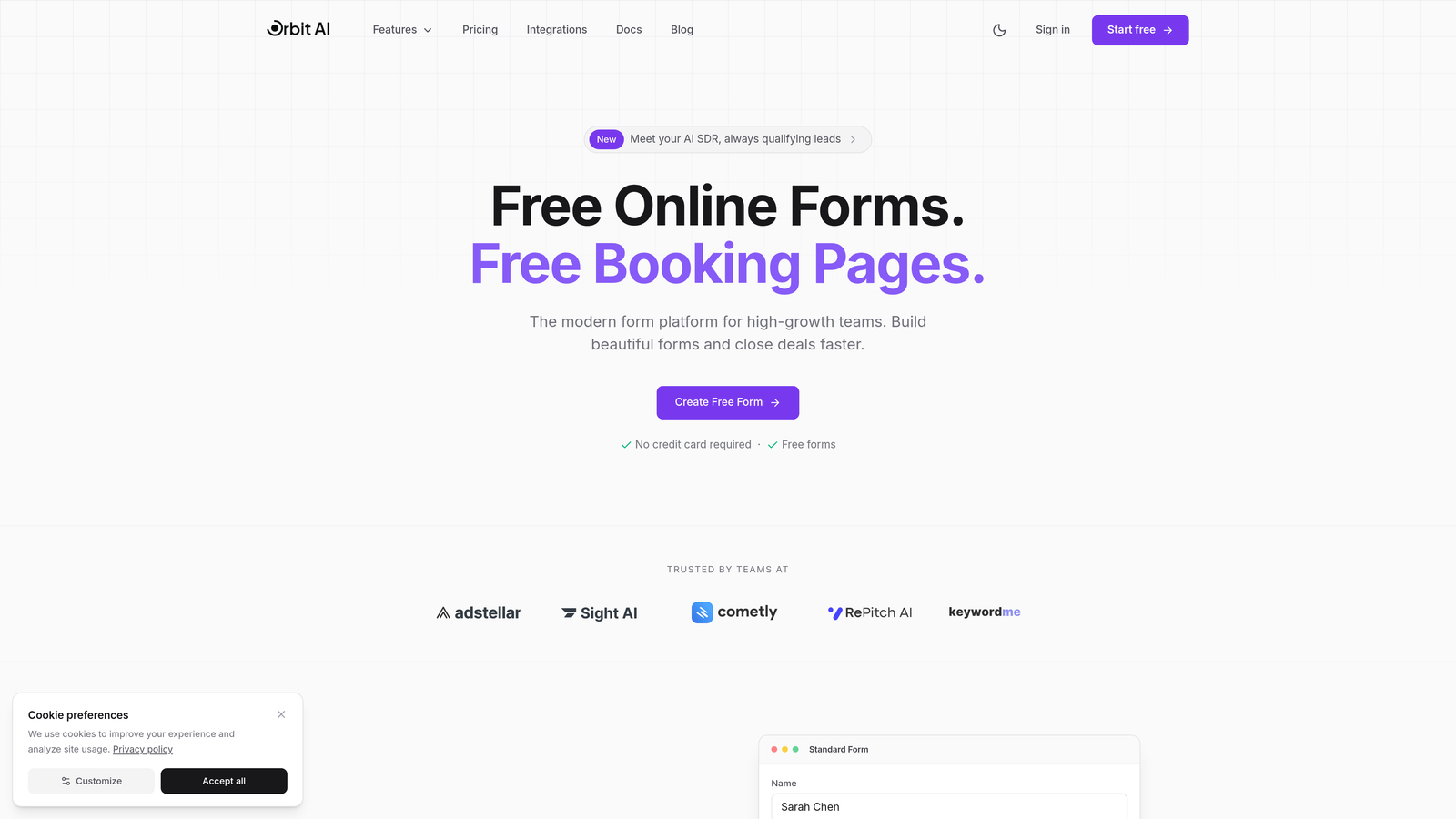
Orbit AI combines intelligent form building with native CRM integrations that automatically qualify and route leads to the right workflows.
Where This Tool Shines
Orbit AI stands out by qualifying leads before they hit your CRM, eliminating the manual sorting that wastes your sales team's time. The AI analyzes form submissions in real-time, scoring leads based on your criteria and routing high-value prospects to immediate follow-up workflows while nurturing others through automated sequences.
The platform's native integrations with major CRMs mean you're not relying on third-party connectors that can break or introduce delays. Data flows directly from form to CRM with custom field mapping that preserves all the context your sales team needs.
Key Features
Native CRM Connections: Direct integrations with HubSpot, Salesforce, Pipedrive, Close, and Attio eliminate middleware dependencies.
AI Lead Qualification: Automatically scores and categorizes submissions before routing them to appropriate workflows.
Workspace Tool Sync: Push data directly to Slack, Airtable, Notion, and Google Sheets for team collaboration.
Webhook Support: Build custom integrations with any endpoint for specialized workflows.
Zapier Integration: Access 5,000+ additional app connections when you need extended automation capabilities.
Best For
Teams that need intelligent lead routing and want to eliminate manual CRM data entry. Particularly valuable if you're struggling with lead quality issues or your sales team wastes time following up on unqualified prospects.
Pricing
Free tier available for getting started; paid plans begin at $29/month with advanced integration features and AI capabilities.
2. Typeform
Best for: Creating beautiful conversational forms with extensive marketing and CRM integrations
Typeform is a conversational form builder known for engaging user experiences and a robust integration ecosystem.

Where This Tool Shines
Typeform excels at creating forms that feel more like conversations than interrogations, which translates to higher completion rates. The platform's integration strength lies in its marketing automation connections, making it particularly powerful for lead generation campaigns that feed directly into nurture sequences.
The one-question-at-a-time format pairs well with conditional logic integrations, allowing you to route different respondent types to different tools based on their answers. This creates personalized workflows without manual intervention.
Key Features
100+ Native Integrations: Direct connections to HubSpot, Salesforce, Mailchimp, and other major marketing platforms.
Automation Platform Support: Zapier and Make integrations unlock thousands of additional workflow possibilities.
Team Notifications: Real-time alerts to Slack and Microsoft Teams when specific form conditions are met.
Data Sync Tools: Automatic updates to Google Sheets and Airtable for centralized response tracking.
Webhook Capabilities: Custom development options for specialized integration needs.
Best For
Marketing teams focused on lead generation and customer feedback who want beautiful forms that integrate seamlessly with their email marketing and CRM stack.
Pricing
Free tier available; paid plans start at $25/month with advanced integration features.
3. Jotform
Best for: Teams needing maximum integration options across diverse business tool categories
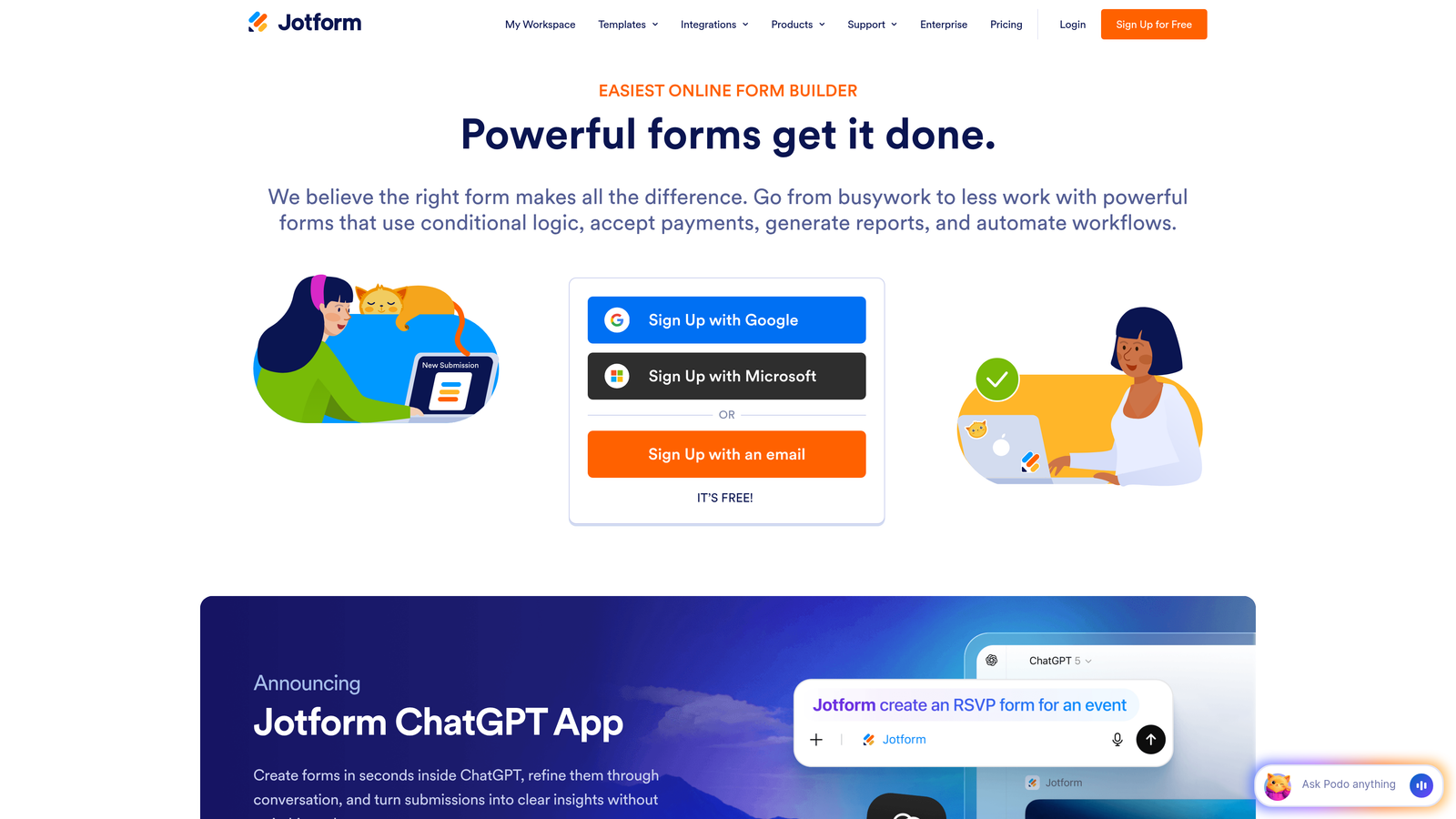
Jotform offers one of the largest native integration libraries in the form builder market.
Where This Tool Shines
If your tech stack includes niche tools or industry-specific platforms, Jotform likely has you covered. With 150+ native integrations, it's the Swiss Army knife of form builders when it comes to connectivity. This breadth means fewer workarounds and less reliance on automation platforms for common connections.
The platform particularly excels in payment integrations, offering native connections to virtually every payment processor you might need. This makes it powerful for order forms, registration pages, and donation collection.
Key Features
150+ Native Integrations: Covers CRM, marketing, productivity, payment, and storage tools without third-party connectors.
Payment Processing: Direct integrations with Stripe, PayPal, Square, Authorize.Net, and more for seamless transactions.
CRM Ecosystem: Native connections to Salesforce, HubSpot, Zoho, Pipedrive, and other major platforms.
Cloud Storage Sync: Automatic file uploads to Dropbox, Google Drive, OneDrive, and Box.
Extended Automation: Zapier integration adds even more connection possibilities beyond the native library.
Best For
Organizations with diverse tool stacks who want native integrations rather than relying on automation platforms. Especially valuable for businesses collecting payments through forms.
Pricing
Free tier available; paid plans begin at $34/month with full integration access.
4. Tally
Best for: Notion-centric teams wanting seamless database integration with minimal setup
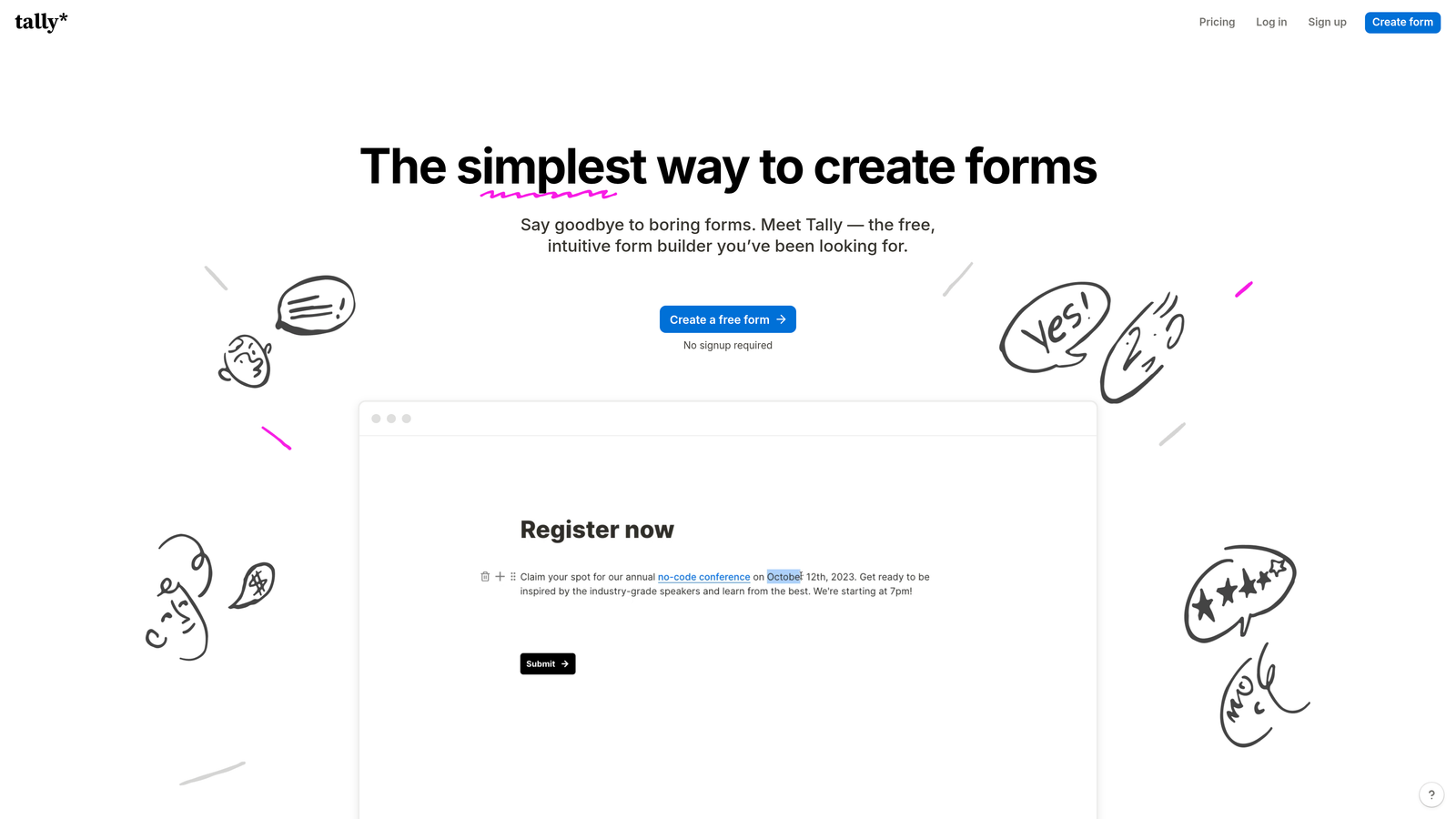
Tally is a minimalist form builder with standout Notion integration capabilities.
Where This Tool Shines
If your team lives in Notion, Tally eliminates the friction of getting form data into your workspace. The native Notion database integration automatically creates or updates records based on form submissions, maintaining your single source of truth without manual data entry or complex automation workflows.
The platform's simplicity extends to its integration setup. While it doesn't have hundreds of native connections, the integrations it offers are thoughtfully implemented and genuinely useful for modern teams.
Key Features
Native Notion Integration: Automatic database sync that creates or updates records based on form submissions.
Automation Platform Support: Zapier and Make connections for extending functionality beyond core integrations.
Slack Notifications: Real-time alerts to channels when forms are submitted.
Google Sheets Sync: Direct connection for teams using spreadsheets as their database.
Webhook Support: Custom integration options for developer-led implementations.
Best For
Teams that use Notion as their primary workspace and want form data to flow directly into their existing database structures without complex setup.
Pricing
Generous free tier with core integrations included; Pro plans from $29/month for advanced features.
5. Paperform
Best for: E-commerce and payment collection with deep payment processor integrations
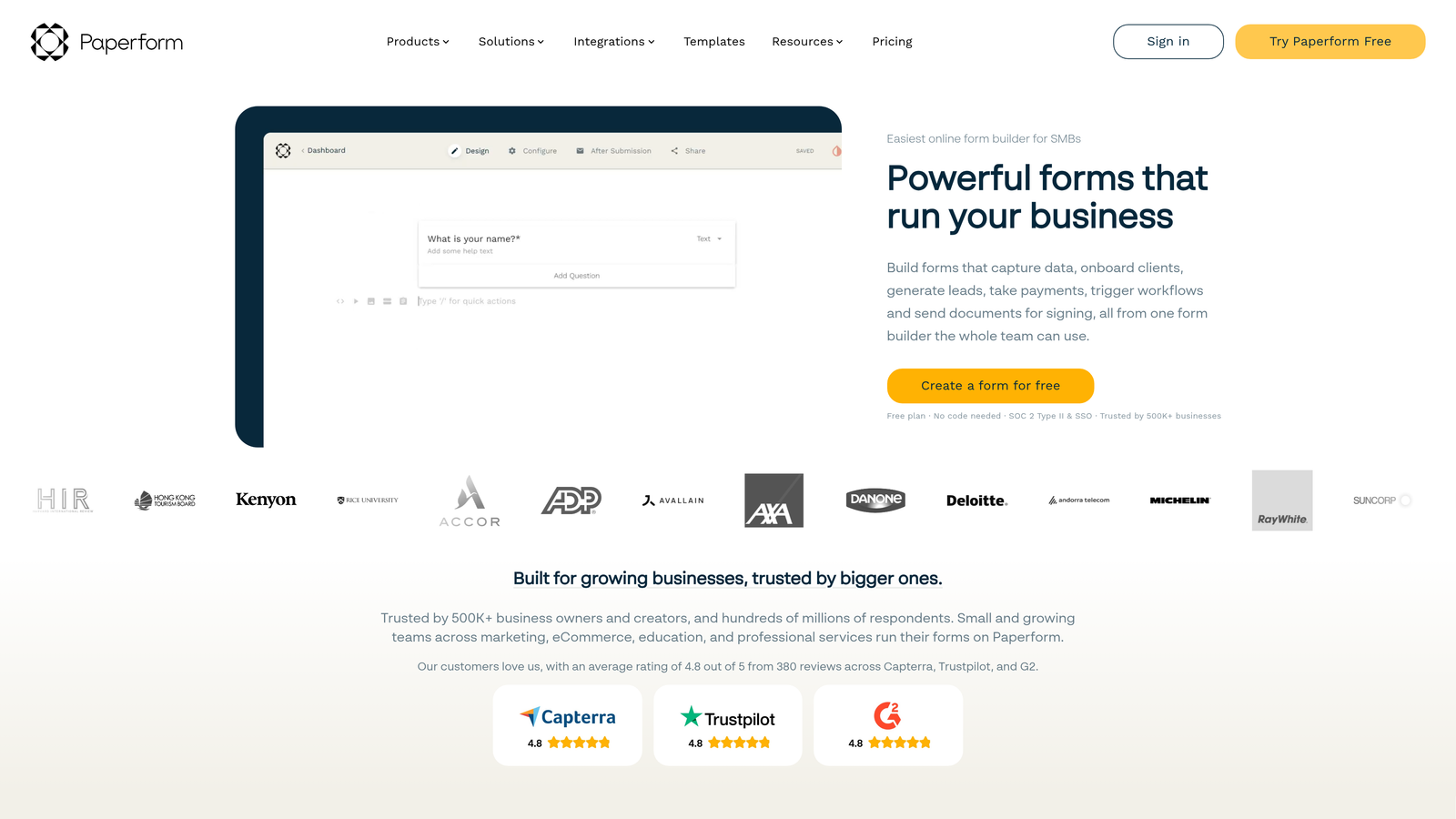
Paperform is a versatile form builder excelling at payment collection and e-commerce workflows.
Where This Tool Shines
Paperform treats payment integrations as first-class features rather than add-ons. The platform's native connections to payment processors include advanced capabilities like subscription billing, partial payments, and dynamic pricing based on form responses. This makes it particularly powerful for businesses selling products, services, or memberships through forms.
Beyond payments, the email marketing integrations are robust, with native connections that go deeper than simple contact creation. You can segment subscribers, trigger specific campaigns, and update custom fields based on form responses.
Key Features
Payment Processor Integrations: Native connections to Stripe, PayPal, Square, and Braintree with advanced transaction features.
Email Marketing Tools: Direct integrations with Mailchimp, ActiveCampaign, and ConvertKit for sophisticated list management.
Team Collaboration: Slack, Trello, and Asana notifications keep teams informed of form activity.
Extended Automation: Access to 3,000+ apps through Zapier for additional workflow possibilities.
Developer Options: Webhooks and API access for custom integration development.
Best For
Businesses collecting payments through forms or running e-commerce operations that need reliable payment processing integrated with marketing automation.
Pricing
Plans start at $24/month with full integration and payment processing capabilities.
6. Formstack
Best for: Enterprise teams needing Salesforce-native integration and compliance-ready workflows
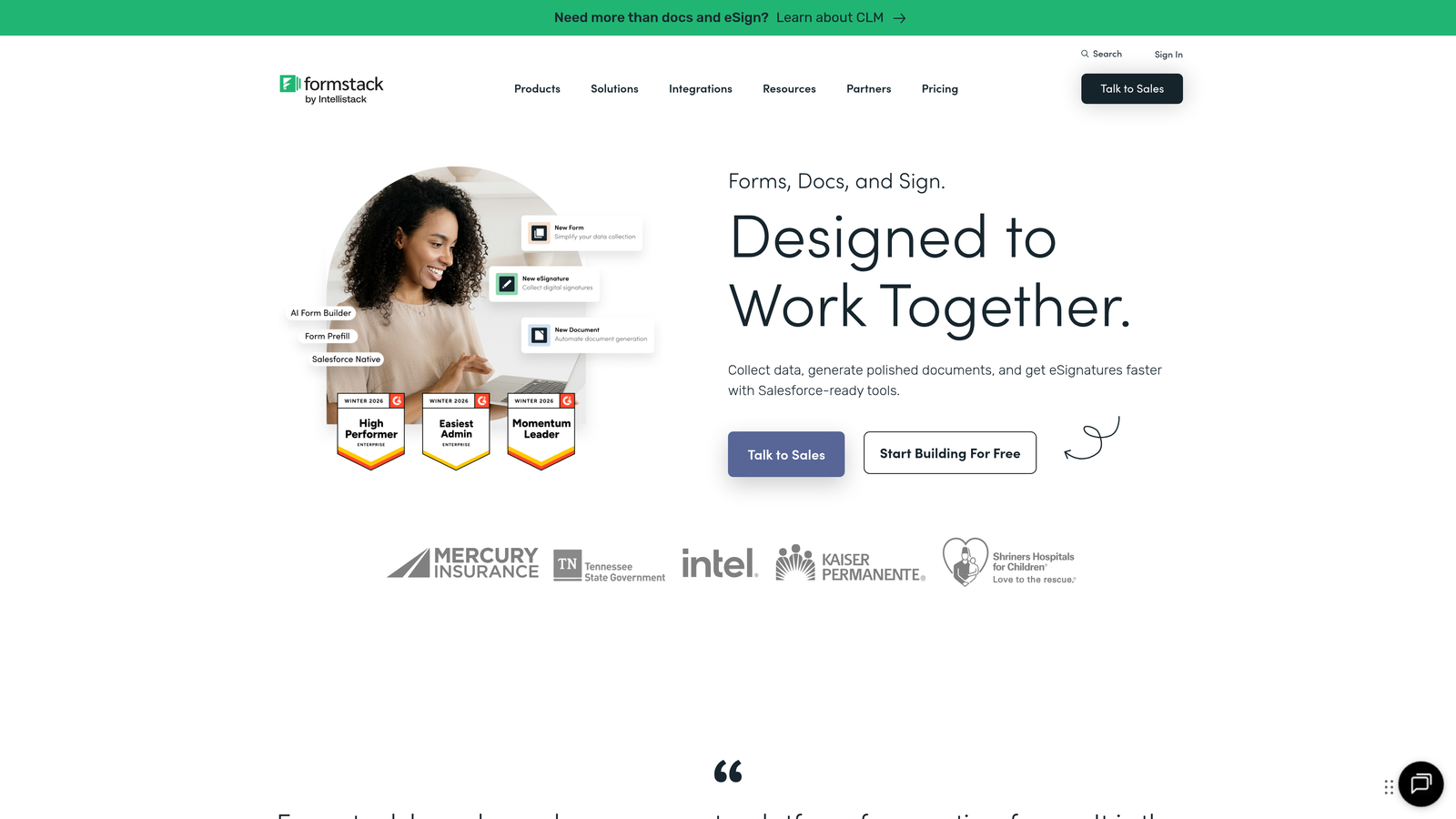
Formstack is an enterprise-grade form platform with exceptional Salesforce integration and workflow automation.
Where This Tool Shines
Formstack's Salesforce integration isn't just a simple data push—it's a native connection that supports complex field mapping, custom object creation, and bidirectional sync. For organizations heavily invested in Salesforce, this eliminates the data integrity issues that often plague third-party connectors.
The platform also excels in regulated industries with HIPAA-compliant integrations and document generation workflows that create contracts, agreements, and reports from form data. This end-to-end approach reduces the need for multiple tools.
Key Features
Salesforce-Native Integration: Advanced mapping, custom objects, and reliable bidirectional sync for enterprise CRM workflows.
Document Automation: Generate PDFs, contracts, and reports from form submissions with e-signature capabilities.
Microsoft Dynamics 365: Direct connection for organizations using Microsoft's enterprise CRM platform.
HIPAA Compliance: Secure integrations meeting healthcare data protection requirements.
Automation Platform Support: Power Automate and Zapier connections for extended workflow capabilities.
Best For
Enterprise organizations using Salesforce or Microsoft Dynamics 365 who need compliance-ready integrations and document generation workflows.
Pricing
Plans begin at $50/month, reflecting the enterprise-grade capabilities and compliance features.
7. Cognito Forms
Best for: Microsoft ecosystem users needing Power Automate and SharePoint integration
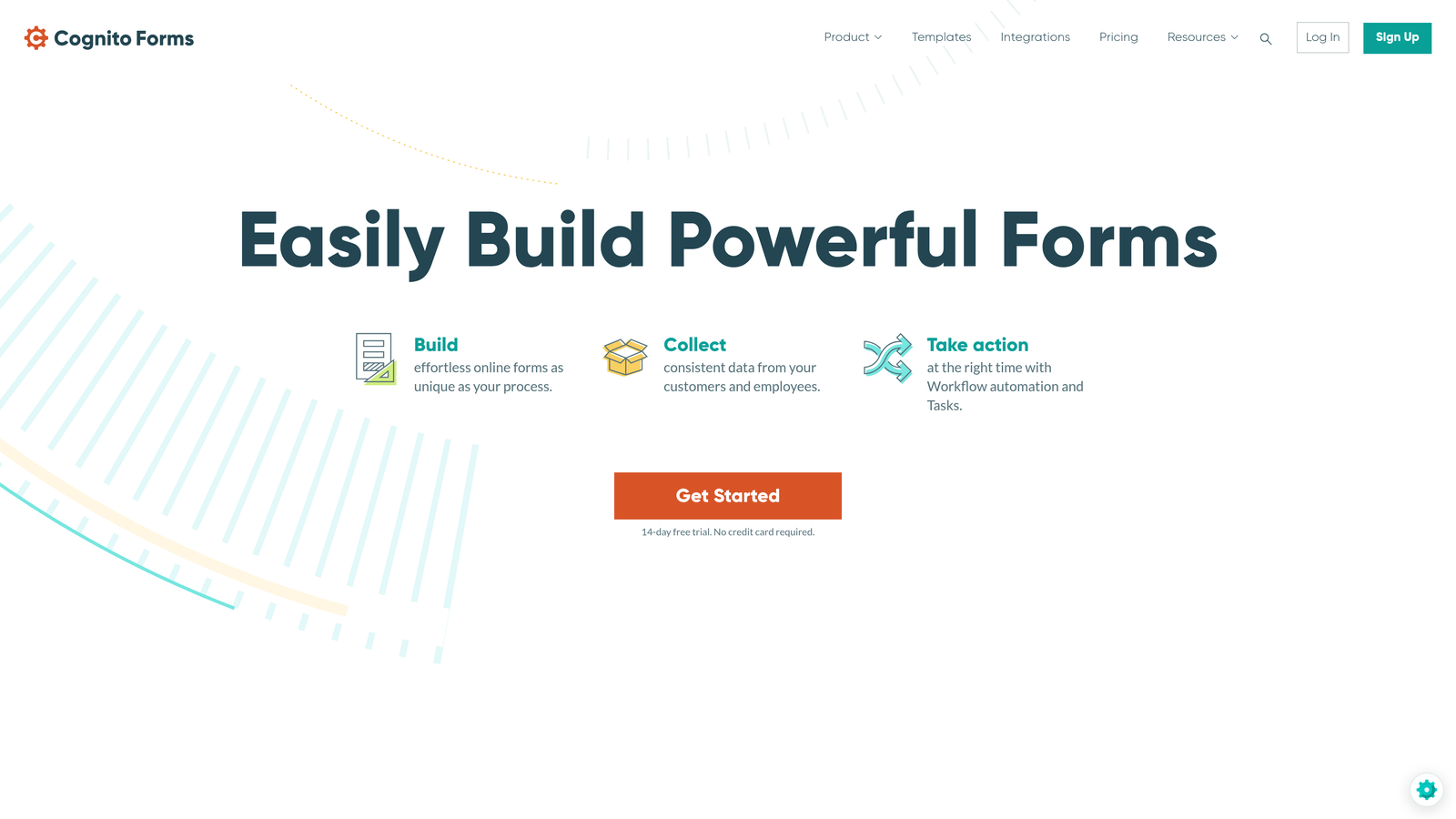
Cognito Forms is optimized for teams working within the Microsoft 365 environment.
Where This Tool Shines
If your organization runs on Microsoft 365, Cognito Forms integrates seamlessly with your existing workflow tools. The native Power Automate integration means you can build sophisticated automation workflows using Microsoft's visual builder without writing code or relying on third-party platforms.
The SharePoint and OneDrive connections are particularly valuable for organizations using these platforms for document management. Form submissions can automatically create folders, upload files, and update SharePoint lists based on response data.
Key Features
Power Automate Integration: Native connection to Microsoft's automation platform for building workflows across the Microsoft ecosystem.
SharePoint and OneDrive: Automatic document storage and list updates based on form submissions.
Dynamics 365 Sync: Direct CRM connection for Microsoft-centric sales teams.
Payment Processing: Stripe and PayPal integrations for collecting payments through forms.
Extended Connectivity: Zapier support for connecting to tools outside the Microsoft ecosystem.
Best For
Organizations standardized on Microsoft 365 who want form workflows that integrate natively with SharePoint, OneDrive, and Power Automate.
Pricing
Free tier available; paid plans start at $15/month with advanced integration features.
8. 123FormBuilder
Best for: Real-time data synchronization with spreadsheets and databases for live reporting
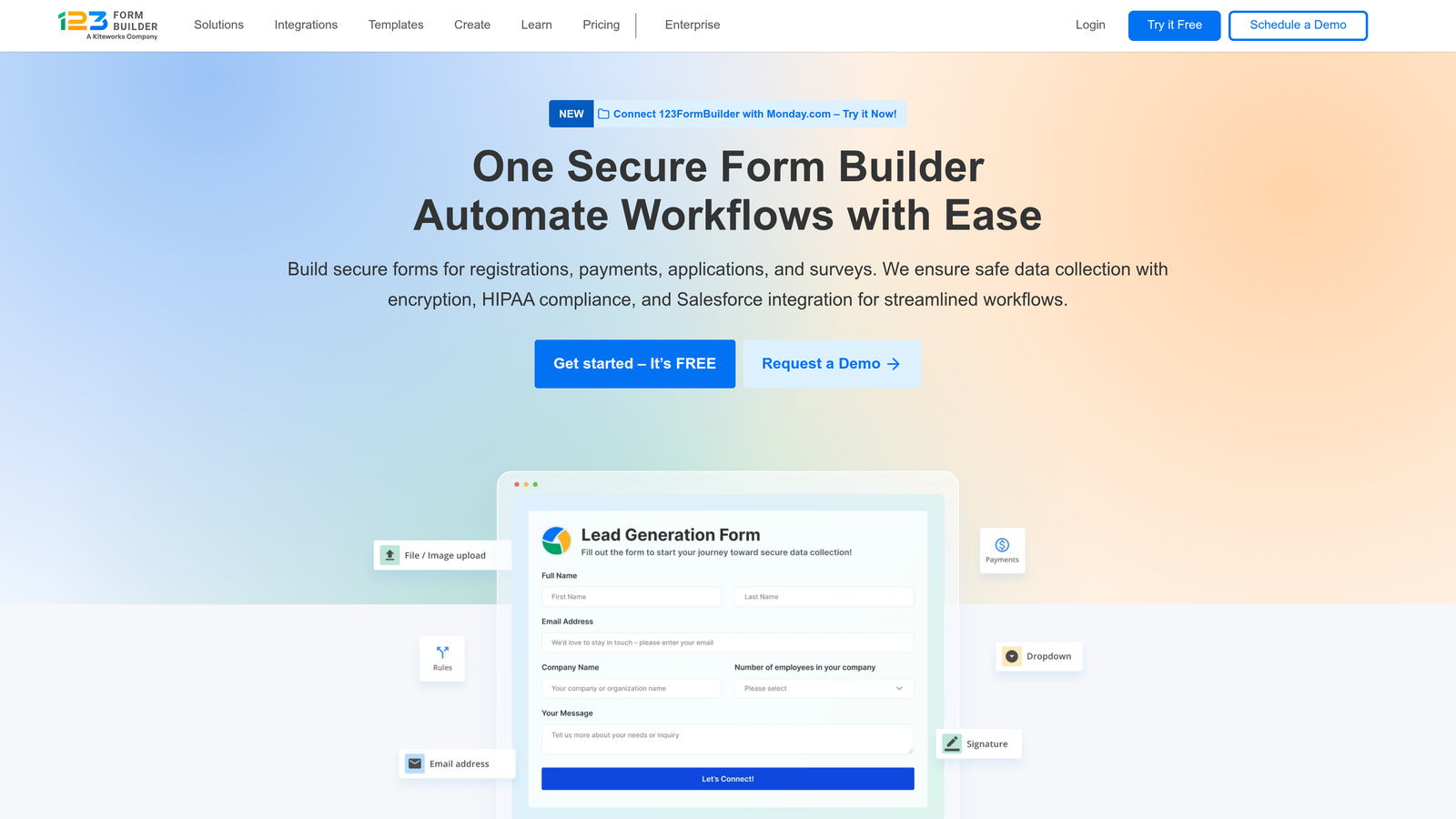
123FormBuilder specializes in real-time database and spreadsheet synchronization.
Where This Tool Shines
The platform's real-time Google Sheets sync is genuinely real-time, not delayed by automation platform polling intervals. This makes it valuable for teams building dashboards, reports, or tracking systems that need up-to-the-second data. Form submissions appear in your spreadsheet instantly, enabling live monitoring during events or campaigns.
The Airtable integration is similarly robust, supporting complex base structures and maintaining relational data integrity. This allows teams to use forms as a front-end for sophisticated Airtable databases.
Key Features
Real-Time Google Sheets: Instant synchronization without delays for live reporting and dashboard creation.
Airtable and Database Connections: Support for complex base structures and relational data.
CRM Integration: Native connections to Salesforce and HubSpot for sales workflow automation.
Email Marketing: Direct Mailchimp integration and connections to other email platforms.
Developer Tools: Webhook and API support for custom integration development.
Best For
Teams building live dashboards or reports from form data who need instant synchronization rather than delayed automation workflows.
Pricing
Free tier available; paid plans begin at $24/month with advanced integration capabilities.
9. Fillout
Best for: Airtable power users needing two-way sync and prefilled form capabilities
Fillout is built specifically for teams using Airtable as their primary database.
Where This Tool Shines
Fillout's two-way Airtable sync goes beyond simple data collection. You can prefill forms with existing Airtable data, allowing users to update records rather than just creating new ones. This transforms forms from one-way data collectors into interactive interfaces for your Airtable bases.
The platform understands Airtable's data structures, including linked records, attachments, and formula fields. This means you can build sophisticated workflows that maintain data relationships and integrity across your base.
Key Features
Two-Way Airtable Sync: Update existing records and create new ones with full support for Airtable data types.
Prefilled Forms: Pull existing data into forms for record updates rather than just new submissions.
Notion Database Integration: Direct connection for teams using Notion alongside Airtable.
Payment Collection: Stripe integration for accepting payments through forms.
Automation Options: Zapier and webhook support for extending functionality beyond core integrations.
Best For
Teams using Airtable as their primary database who need forms that can both create and update records while maintaining complex data relationships.
Pricing
Free tier available; paid plans start at $15/month with advanced Airtable features.
10. Feathery
Best for: Developer-led teams building custom integration workflows with API capabilities
Feathery is a developer-friendly form builder offering advanced API and code action capabilities.
Where This Tool Shines
Feathery treats integrations as programmable workflows rather than point-and-click configurations. The custom API builder lets you connect to any endpoint with full control over request structure, headers, and authentication. This flexibility is invaluable when working with internal tools or specialized platforms that don't have pre-built integrations.
The code actions feature allows you to run JavaScript during form submission, enabling data transformation, validation, and routing logic that would be impossible with traditional form builders. This makes complex integration scenarios achievable without external automation platforms.
Key Features
Custom API Builder: Connect to any endpoint with full control over request configuration and authentication.
Code Actions: Execute JavaScript during submission for data transformation and custom logic.
Native CRM Integrations: Pre-built connections to major CRMs for teams wanting quick setup alongside custom options.
Advanced Webhooks: Configure custom headers, authentication, and retry logic for reliable data delivery.
Analytics Platform Integration: Segment and other analytics tool connections for tracking form performance.
Best For
Development teams or technical organizations needing custom integration workflows that go beyond what traditional form builders offer.
Pricing
Free tier available; paid plans begin at $49/month with full API and code action access.
11. Google Forms
Best for: Simple Google Workspace integration without complexity or cost
Google Forms offers seamless Google Workspace connectivity for teams wanting basic functionality.
Where This Tool Shines
Google Forms does one thing exceptionally well: getting form data into Google Sheets instantly and reliably. For teams already using Google Workspace, this native integration requires zero configuration and never breaks. Responses appear in Sheets in real-time, where you can build reports, dashboards, or further automation.
The platform's simplicity is its strength. While it lacks the integration breadth of other tools, it eliminates complexity for teams with straightforward needs. File uploads automatically store in Google Drive, and Workspace user management handles permissions.
Key Features
Native Google Sheets Sync: Automatic, real-time response synchronization requiring zero configuration.
Google Drive Storage: File upload responses automatically saved to your Drive account.
Workspace User Management: Leverage existing Google Workspace permissions and user controls.
Add-ons Marketplace: Extend functionality with third-party add-ons for specific integration needs.
Email Notifications: Basic notification capabilities for form submissions.
Best For
Teams using Google Workspace who need simple forms with reliable Sheets integration and don't require advanced automation or extensive third-party connections.
Pricing
Completely free with a Google account; Google Workspace plans available for team management features.
Making the Right Choice
The best form builder integration depends entirely on your existing tech stack and automation complexity. If you're struggling with lead quality and want AI to qualify prospects before they hit your CRM, Orbit AI eliminates manual sorting while delivering native integrations to your sales tools. Teams focused on beautiful user experiences with extensive marketing automation will find Typeform's conversational approach paired with robust integrations compelling.
For maximum integration breadth, Jotform's 150+ native connections cover virtually every business tool category, while Tally serves Notion-centric teams with seamless database sync. Enterprise organizations needing Salesforce-native integration and compliance features should prioritize Formstack, and Microsoft 365 users will appreciate Cognito Forms' Power Automate and SharePoint capabilities.
Payment-focused businesses benefit from Paperform's deep payment processor integrations, while Airtable power users need Fillout's two-way sync and prefilled form capabilities. Developer-led teams building custom workflows will value Feathery's API builder and code actions, and teams wanting simple Google Workspace integration without complexity can rely on Google Forms.
The integration ecosystem matters more than the form builder itself. Choose the platform that connects natively to your most critical tools, supports your automation complexity level, and eliminates manual data entry from your workflows. The right integration transforms your form from a data collection point into the starting point of automated workflows that save hours every week.
Transform your lead generation with AI-powered forms that qualify prospects automatically while delivering the modern, conversion-optimized experience your high-growth team needs. Start your free trial today and see how intelligent form design can elevate your conversion strategy.