

Your forms are only as powerful as what happens after someone hits submit. A beautifully designed form that dumps leads into a spreadsheet you check once a week isn't helping anyone. The real magic happens when your form builder connects seamlessly with your CRM, email platform, project management tools, and automation workflows—turning every submission into immediate action.
We evaluated dozens of form builders based on their native integration ecosystems, ease of connection setup, and how well they play with the tools modern teams actually use. Here are the top form builders that stand out for teams who need their forms to do more than just collect data.
1. Orbit AI
Best for: High-growth teams needing AI-powered lead qualification with deep CRM integration
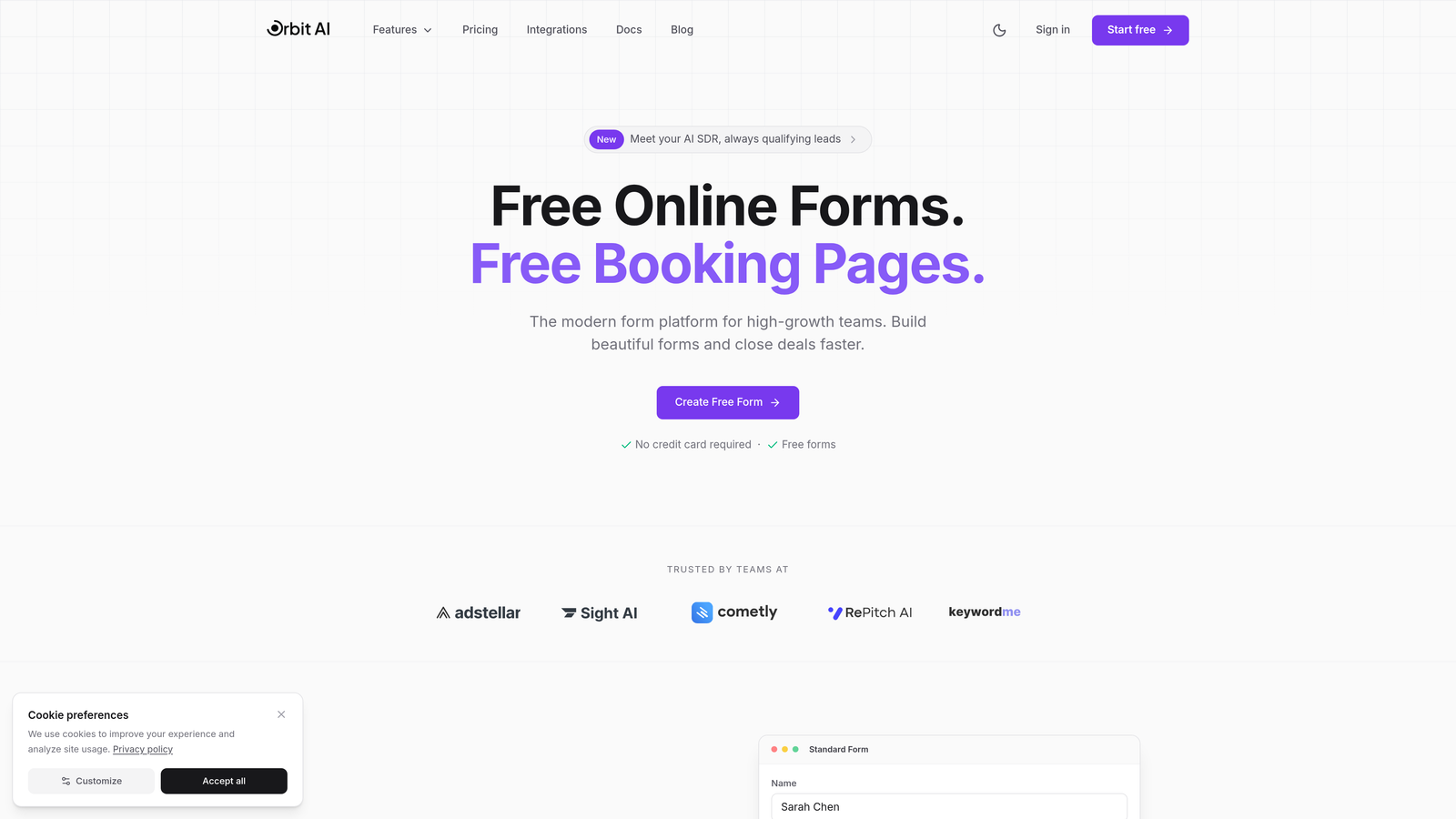
Orbit AI is an intelligent form builder platform that combines modern design with AI-powered lead qualification and a robust integration ecosystem.
Where This Tool Shines
What sets Orbit AI apart is how it thinks about what happens after form submission. While most form builders just pass data along, Orbit AI actively qualifies and scores leads based on their responses, then routes them intelligently to your CRM with context your sales team can actually use.
The platform connects natively with the tools high-growth teams depend on—HubSpot, Salesforce, Slack—without requiring Zapier as a middleman. This means faster sync times and more reliable data flow when every lead counts.
Key Features
AI-Powered Lead Qualification: Automatically scores and qualifies prospects based on form responses, routing high-value leads immediately to sales.
Native CRM Integrations: Direct connections to HubSpot, Salesforce, and other major CRMs without third-party tools.
Automated Workflow Triggers: Set up conditional actions based on responses—send Slack notifications for enterprise leads, add tags in your CRM, trigger email sequences.
Real-Time Analytics: Track conversion rates, drop-off points, and lead quality metrics to optimize your forms continuously.
Conversion-Optimized Design: Modern, mobile-responsive templates designed specifically to maximize completion rates.
Best For
Orbit AI works exceptionally well for B2B SaaS companies, marketing agencies, and sales teams who need their forms to do more than collect information. If you're tired of manually sorting through form submissions to find qualified leads, or if your sales team complains about low-quality inbound leads, the AI qualification layer solves that problem elegantly.
Pricing
Free tier available for teams getting started. Paid plans begin at $29/month with access to AI qualification features and unlimited native integrations.
2. Typeform
Best for: Creating engaging conversational experiences with extensive integration marketplace support
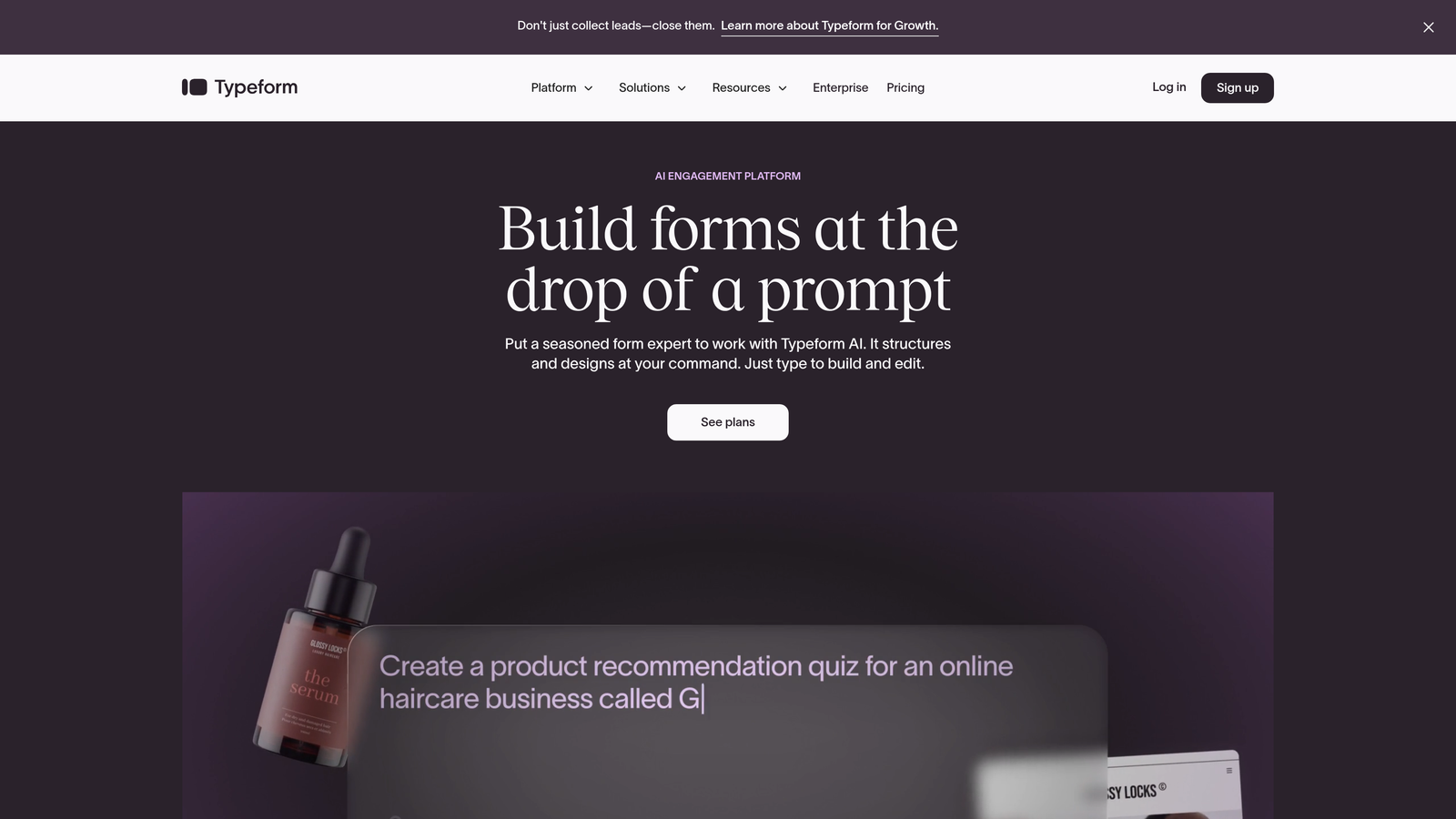
Typeform is the form builder that made one-question-at-a-time interfaces popular, known for beautiful user experiences and a mature integration ecosystem.
Where This Tool Shines
Typeform's conversational approach fundamentally changes how people interact with forms. Instead of confronting users with a wall of fields, it presents one question at a time, creating a dialogue that feels more like a conversation than data entry.
The integration marketplace offers over 120 native connections, covering everything from email marketing platforms to project management tools. The quality of these integrations is consistently high, with two-way data sync and detailed field mapping options that give you precise control over where information lands.
Key Features
Conversational Interface: One-question-at-a-time format that increases engagement and completion rates compared to traditional forms.
120+ Native Integrations: Extensive marketplace covering CRMs, email platforms, analytics tools, and productivity apps.
Logic Jumps: Show different questions based on previous answers to create personalized form experiences.
Rich Media Support: Embed videos, images, and GIFs to make forms more engaging and visually appealing.
Robust API: Build custom integrations when the native marketplace doesn't cover your specific tool stack.
Best For
Marketing teams focused on user experience and engagement will find Typeform's approach ideal for surveys, lead generation, and customer feedback. The conversational format works particularly well for longer forms where traditional layouts would feel overwhelming.
Pricing
Free tier available with basic features. Paid plans start at $25/month, with integration access expanding at higher tiers.
3. Jotform
Best for: Enterprise teams needing the largest integration library with complex workflow requirements
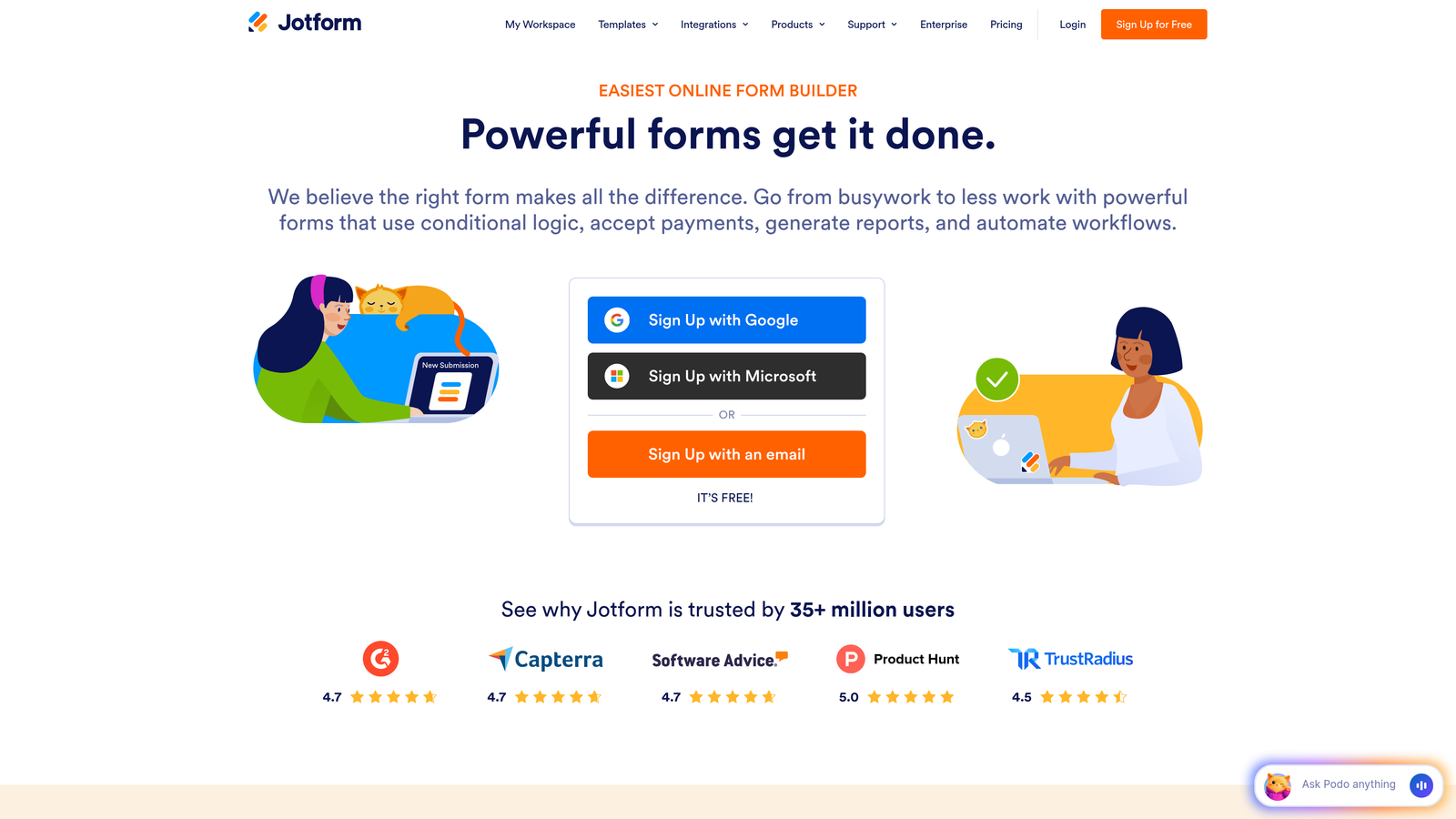
Jotform is a feature-rich form builder offering the most extensive native integration ecosystem in the market, with over 200 direct connections.
Where This Tool Shines
When you need to connect forms to specialized industry software or niche tools, Jotform's integration library is unmatched. The platform has spent years building direct connections to everything from healthcare management systems to real estate CRMs to educational platforms.
Beyond quantity, Jotform offers sophisticated conditional logic and calculation capabilities that let you build complex workflows directly into your forms. Combined with Jotform Tables—essentially a built-in database—you can create entire data management systems without leaving the platform.
Key Features
200+ Native Integrations: The largest integration library covering mainstream tools and specialized industry software.
10,000+ Templates: Pre-built forms for virtually every use case, most with integrations already configured.
Advanced Conditional Logic: Show/hide fields, calculate values, and create multi-path forms based on user responses.
HIPAA Compliance: Enterprise-grade security options for healthcare and other regulated industries.
Jotform Tables: Built-in database management for organizing and analyzing form submissions without external tools.
Best For
Large organizations with diverse integration needs, regulated industries requiring compliance features, and teams who want an all-in-one platform that reduces dependency on multiple tools. If your tech stack includes specialized software, Jotform likely has a native integration for it.
Pricing
Free tier includes up to 5 forms. Paid plans begin at $34/month with increased form limits and full integration access.
4. Tally
Best for: Startups and small teams wanting Notion-style simplicity with essential integrations
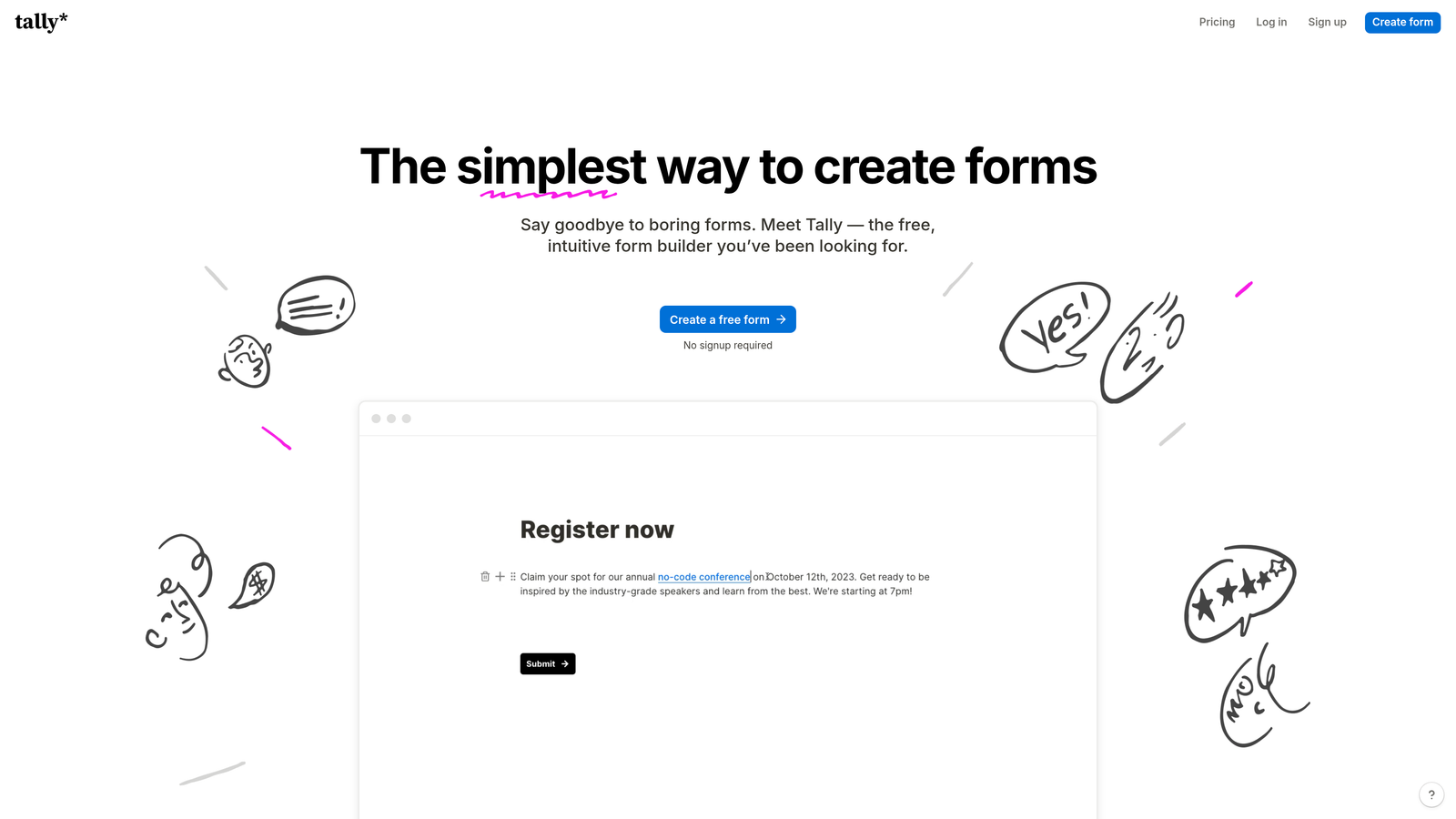
Tally is a minimalist form builder that brings Notion's clean interface philosophy to form creation, with smart integrations for modern no-code workflows.
Where This Tool Shines
Tally strips away complexity without sacrificing functionality. If you're already using Notion, Airtable, or Slack, Tally feels immediately familiar—you build forms the same way you'd create a document, with a clean block-based editor that gets out of your way.
The generous free tier includes unlimited forms with no branding, making it remarkably accessible for bootstrapped teams. Despite the simplicity, webhook support means technical teams can still build custom integrations when needed.
Key Features
Unlimited Free Forms: No limits on form creation even on the free tier, unlike most competitors.
Notion-Native Integration: Bidirectional sync with Notion databases for seamless workflow integration.
Clean Builder Interface: Distraction-free form creation that focuses on content over configuration.
Webhook Support: Connect to thousands of apps through webhooks or automation platforms like Make and Zapier.
No Branding: Professional-looking forms without "Powered by" footers, even on free plans.
Best For
Small teams, solopreneurs, and startups who prioritize simplicity and already use Notion or Airtable as their primary workspace. If you want forms that just work without spending hours learning a complex platform, Tally delivers that experience.
Pricing
Extremely generous free tier with unlimited forms. Pro plan at $29/month adds file uploads, custom domains, and advanced features.
5. Formstack
Best for: Regulated industries requiring HIPAA compliance with secure enterprise integrations
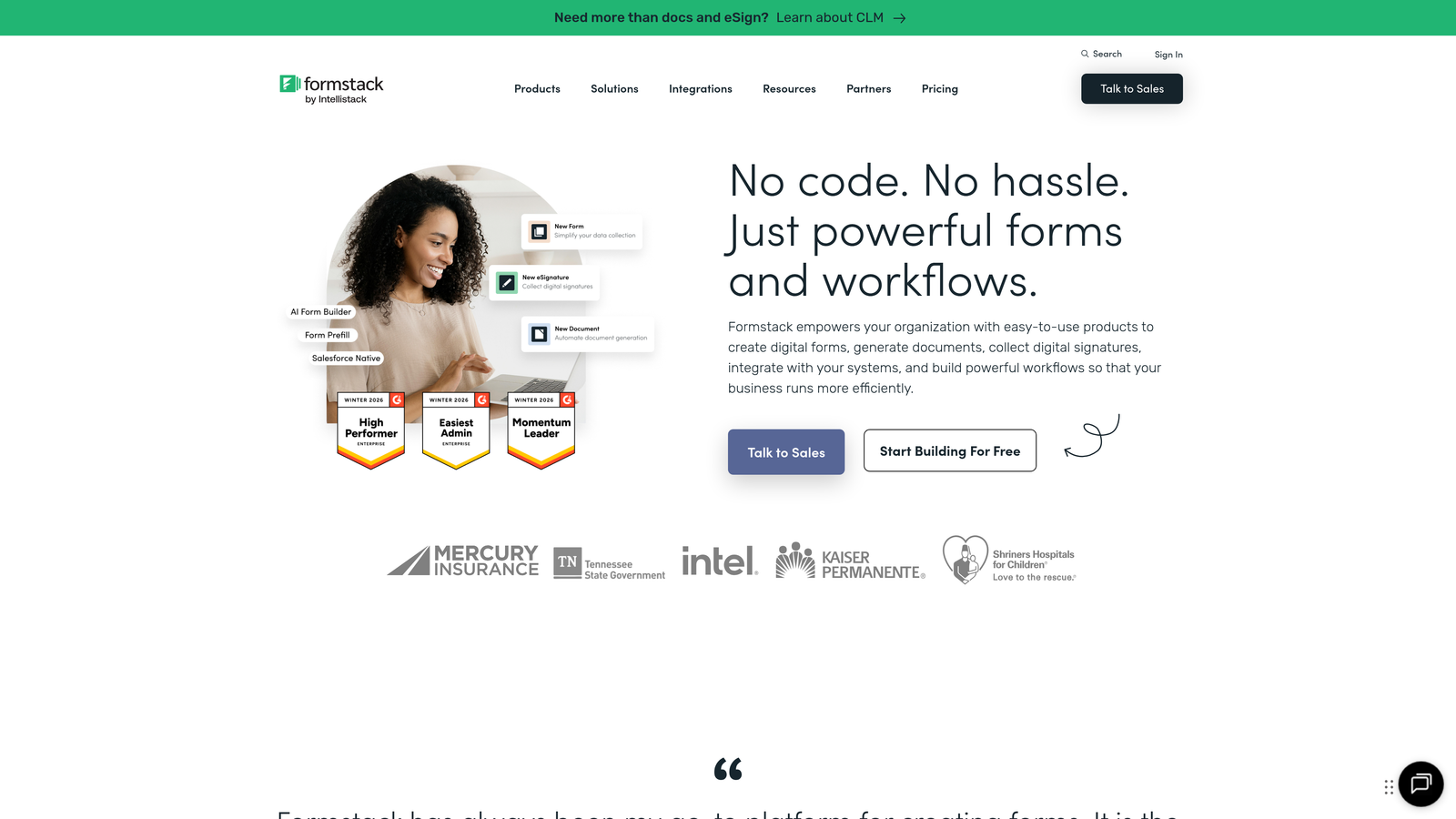
Formstack is an enterprise-focused form builder designed for healthcare, finance, and other regulated industries that need compliance-first integrations.
Where This Tool Shines
When data security isn't just important but legally required, Formstack's compliance-focused approach becomes essential. The platform maintains HIPAA, GDPR, and SOC 2 compliance, with integrations specifically designed to maintain those security standards throughout the data flow.
Healthcare organizations particularly benefit from Formstack's direct integrations with electronic health record systems and practice management software. The platform doesn't just collect data—it can generate documents, route them for e-signatures, and update multiple systems while maintaining audit trails.
Key Features
HIPAA and GDPR Compliance: Enterprise-grade security with Business Associate Agreements and data protection guarantees.
Healthcare System Integrations: Direct connections to EHR systems, practice management platforms, and healthcare CRMs.
Document Generation: Automatically create PDFs, contracts, and reports from form data with merge fields.
Advanced Workflows: Multi-step approval processes with role-based access and detailed audit logging.
E-Signature Integration: Collect legally binding signatures with DocuSign and Adobe Sign connections.
Best For
Healthcare providers, financial services firms, legal practices, and any organization handling sensitive data under regulatory oversight. If compliance violations could shut down your business, Formstack's security-first architecture is worth the premium.
Pricing
Starts at $50/month for basic features. Enterprise pricing with full compliance features requires custom quotes based on organization size and requirements.
6. Cognito Forms
Best for: E-commerce and payment collection with seamless financial integrations
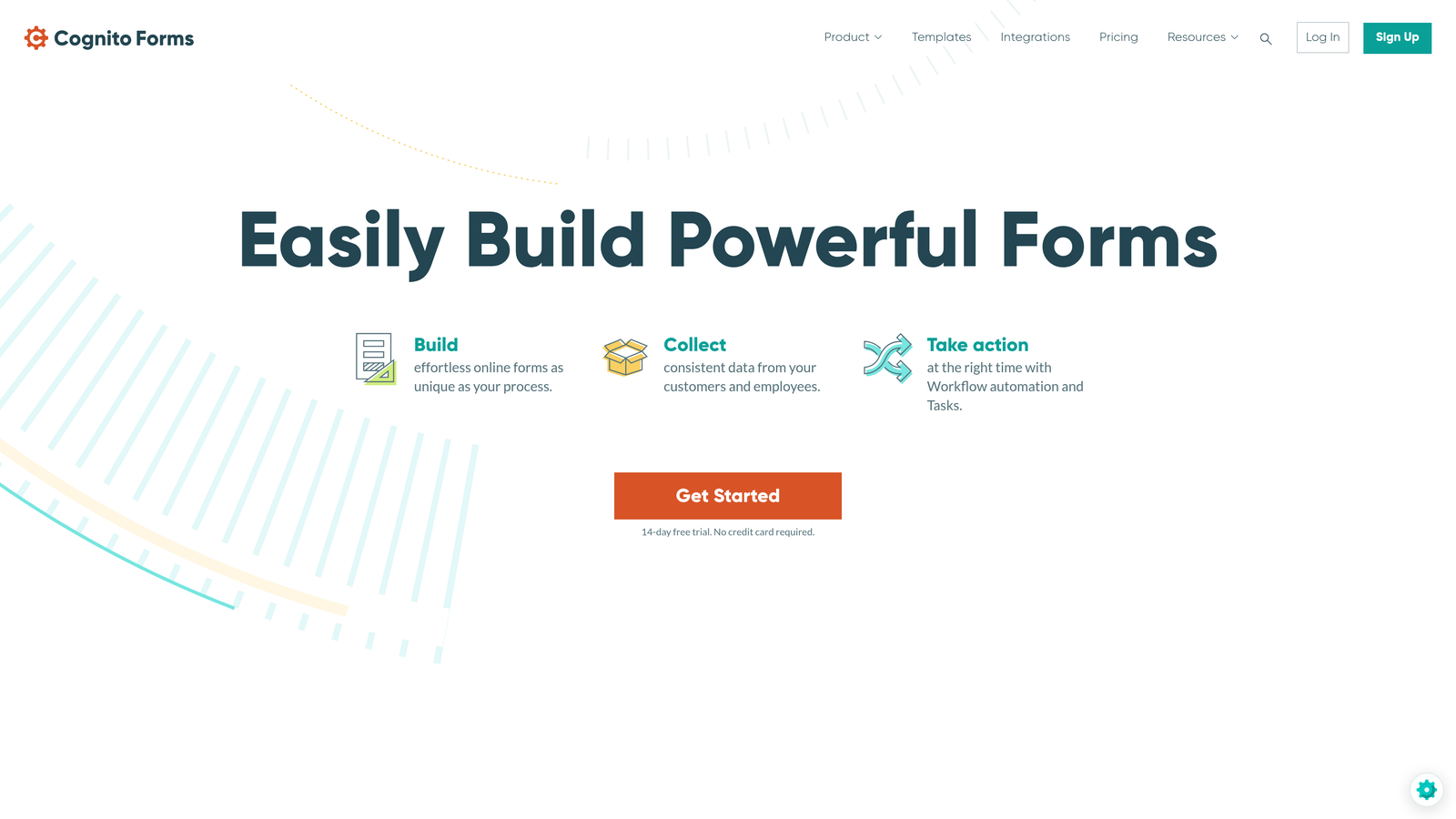
Cognito Forms is a payment-focused form builder that excels at order forms, registrations, and any scenario requiring complex pricing calculations.
Where This Tool Shines
If your forms need to handle money, Cognito Forms makes payment collection remarkably straightforward. Native integrations with Stripe, PayPal, and Square mean you can accept payments without redirecting users to external checkout pages—everything happens within your form.
The calculation engine is particularly powerful for scenarios like event registrations with variable pricing, product orders with quantity discounts, or service bookings with add-on options. You can build sophisticated pricing logic that updates in real-time as users make selections.
Key Features
Native Payment Processing: Direct Stripe, PayPal, and Square integrations for seamless in-form payment collection.
Advanced Calculations: Build complex pricing formulas with conditional logic, quantity discounts, and dynamic totals.
Repeating Sections: Let users add multiple items, attendees, or entries within a single form submission.
Automation Connections: Integrate with Zapier and Microsoft Power Automate for workflow automation.
Inventory Management: Track quantities and automatically close forms when items sell out.
Best For
E-commerce businesses, event organizers, nonprofits accepting donations, and service providers who need to collect payments alongside form data. The calculation capabilities make it ideal for scenarios where pricing depends on multiple user selections.
Pricing
Free tier available with basic payment features. Paid plans start at $15/month with reduced transaction fees and advanced capabilities.
7. Paperform
Best for: Creative teams wanting design flexibility with comprehensive integration support
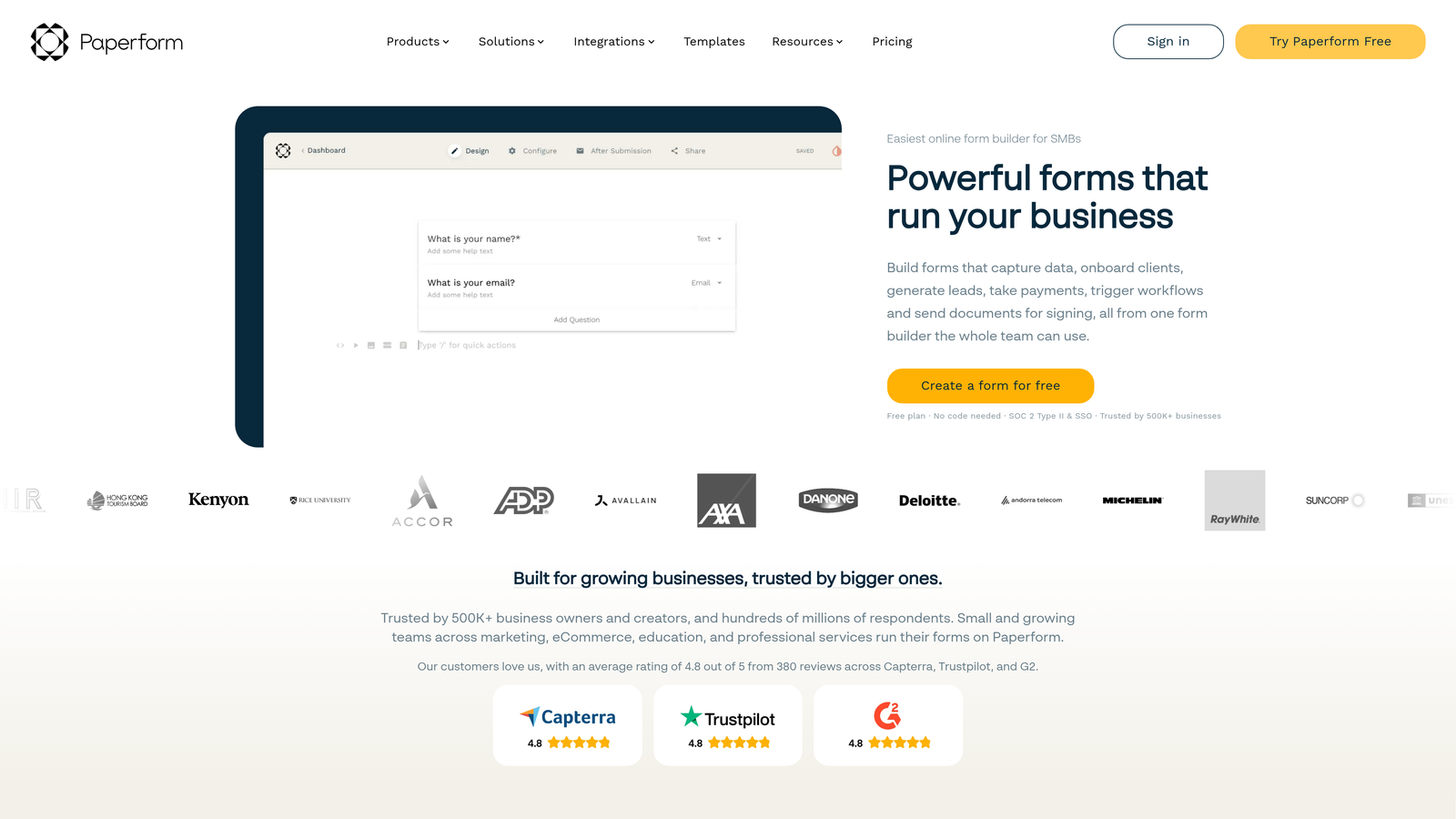
Paperform is a design-forward form builder that gives you creative freedom while maintaining strong integration capabilities across 3,000+ apps.
Where This Tool Shines
Paperform treats forms as landing pages, giving you a free-form canvas where you can mix questions with images, videos, text blocks, and custom branding. This makes it perfect for creating forms that need to match your brand aesthetic exactly, not just function well.
Despite the design focus, integrations remain robust. Direct connections to major platforms combined with Zapier access means you can create beautiful forms that still connect to your entire tech stack. The built-in payment processing and booking capabilities reduce the need for external tools.
Key Features
Free-Form Design Canvas: Build forms that look like custom landing pages with complete layout control.
3,000+ Integration Options: Native connections to popular tools plus Zapier for everything else.
Built-In Payments: Accept payments through Stripe without additional plugins or redirects.
Scheduling Capabilities: Embed booking calendars directly into forms for appointment scheduling.
White-Labeling: Remove all Paperform branding and use custom domains for a completely branded experience.
Best For
Design agencies, creative professionals, and brands where visual consistency matters as much as functionality. If your forms need to feel like a natural extension of your website rather than an embedded widget, Paperform delivers that seamlessness.
Pricing
No free tier. Plans start at $24/month with all core features included from the entry level.
8. Fillout
Best for: No-code teams with deep Notion and Airtable database workflows
Fillout is a database-native form builder designed specifically for teams who organize their work in Notion and Airtable, with bidirectional sync that treats forms as database interfaces.
Where This Tool Shines
Fillout fundamentally rethinks how forms interact with databases. Instead of just sending data one direction, it can pre-fill forms from existing database records, update those records when users submit changes, and maintain perfect sync between your forms and your data source.
This approach transforms use cases like customer portals, inventory updates, and application tracking. Users can view their existing information in a form, make updates, and have those changes flow back to your database automatically—all without building custom interfaces.
Key Features
Bidirectional Database Sync: Two-way data flow with Notion and Airtable that keeps forms and databases perfectly aligned.
Record Pre-Filling: Automatically populate forms with data from existing database records for updates and edits.
Database-Driven Logic: Show or hide fields based on values stored in your connected database.
Multi-Platform Integrations: Native connections to Slack, HubSpot, Stripe, and other essential business tools.
Update Workflows: Let users modify their own submissions by sending them pre-filled update forms.
Best For
No-code teams who've built their workflows in Notion or Airtable and need forms that integrate deeply with those systems. If you're tired of manually copying form submissions into your database, Fillout eliminates that friction entirely.
Pricing
Free tier available with basic features. Paid plans begin at $15/month with advanced database sync and unlimited forms.
9. 123FormBuilder
Best for: Teams needing visual workflow automation with strong CRM synchronization
123FormBuilder is a workflow-focused form builder that combines form creation with visual automation tools for complex multi-step processes.
Where This Tool Shines
The visual workflow builder sets 123FormBuilder apart from simpler form tools. You can create multi-step automation sequences that trigger different actions based on form responses—send notifications to different team members, update CRM records with specific tags, create tasks in project management tools—all configured through a visual interface.
The direct Salesforce and HubSpot synchronization goes beyond basic data passing. You can map form fields to custom CRM fields, update existing contacts or create new ones based on email matching, and trigger CRM workflows directly from form submissions.
Key Features
Visual Workflow Builder: Create complex automation sequences with a drag-and-drop interface that requires no coding.
Direct CRM Syncing: Two-way integration with Salesforce and HubSpot including custom field mapping and record matching.
Multi-Page Forms: Build long forms with save-and-resume functionality so users can complete them over multiple sessions.
Team Collaboration: Share forms across teams with role-based permissions and approval workflows.
Advanced Validation: Set complex field validation rules to ensure data quality before submission.
Best For
Sales teams with complex lead routing requirements, operations teams managing multi-step approval processes, and organizations where form submissions trigger different actions based on responses. The workflow capabilities shine when simple "submit to CRM" isn't enough.
Pricing
Free tier available with limited features. Paid plans start at $24/month with full workflow and integration access at higher tiers.
Making the Right Choice
Choosing the right form builder with integrations comes down to your existing tech stack and workflow complexity. For AI-powered lead qualification that connects seamlessly to your CRM and automation tools, Orbit AI delivers the most intelligent approach to form-to-action workflows. The AI qualification layer means your sales team receives context-rich leads instead of raw data, while native integrations ensure everything flows smoothly without third-party connectors.
Typeform remains the gold standard for beautiful conversational experiences with solid integration support. If user experience and engagement matter more than anything else, the one-question-at-a-time format consistently outperforms traditional forms. Jotform offers the widest integration library for enterprise teams with complex requirements—if you need to connect to specialized industry software, Jotform likely has a native integration already built.
Startups wanting simplicity should look at Tally, especially if you're already using Notion or Airtable as your workspace. The generous free tier and clean interface let you focus on your product instead of learning complex form software. Regulated industries will appreciate Formstack's compliance-first approach, where security isn't an afterthought but the foundation of every integration.
For payment collection and e-commerce scenarios, Cognito Forms makes accepting money through forms remarkably straightforward. Creative teams who need design flexibility will find Paperform's free-form canvas approach refreshing after dealing with rigid form builders. No-code teams with database-centric workflows should explore Fillout's bidirectional sync capabilities, while operations teams managing complex approval processes will benefit from 123FormBuilder's visual workflow automation.
Whatever you choose, prioritize native integrations over Zapier-only connections when possible. Native integrations are faster, more reliable, and typically included in your plan rather than counting against Zapier task limits. Start with a free trial of your top two choices and test how smoothly data flows into your existing tools before committing.
Transform your lead generation with AI-powered forms that qualify prospects automatically while delivering the modern, conversion-optimized experience your high-growth team needs. Start your free trial today and see how intelligent form design can elevate your conversion strategy.


