

Modern businesses run on connected systems. Your web forms shouldn't exist in isolation—they need to feed data directly into your CRM, trigger email sequences, update spreadsheets, and notify your team instantly. The right form software with robust integrations eliminates manual data entry, reduces errors, and accelerates your entire lead-to-customer pipeline.
We evaluated dozens of form builders based on their native integration ecosystems, ease of connection setup, and real-world reliability. Here are the top picks for teams that need their forms to work seamlessly with their existing tech stack.
1. Orbit AI
Best for: High-growth teams needing AI-powered lead qualification with seamless integrations
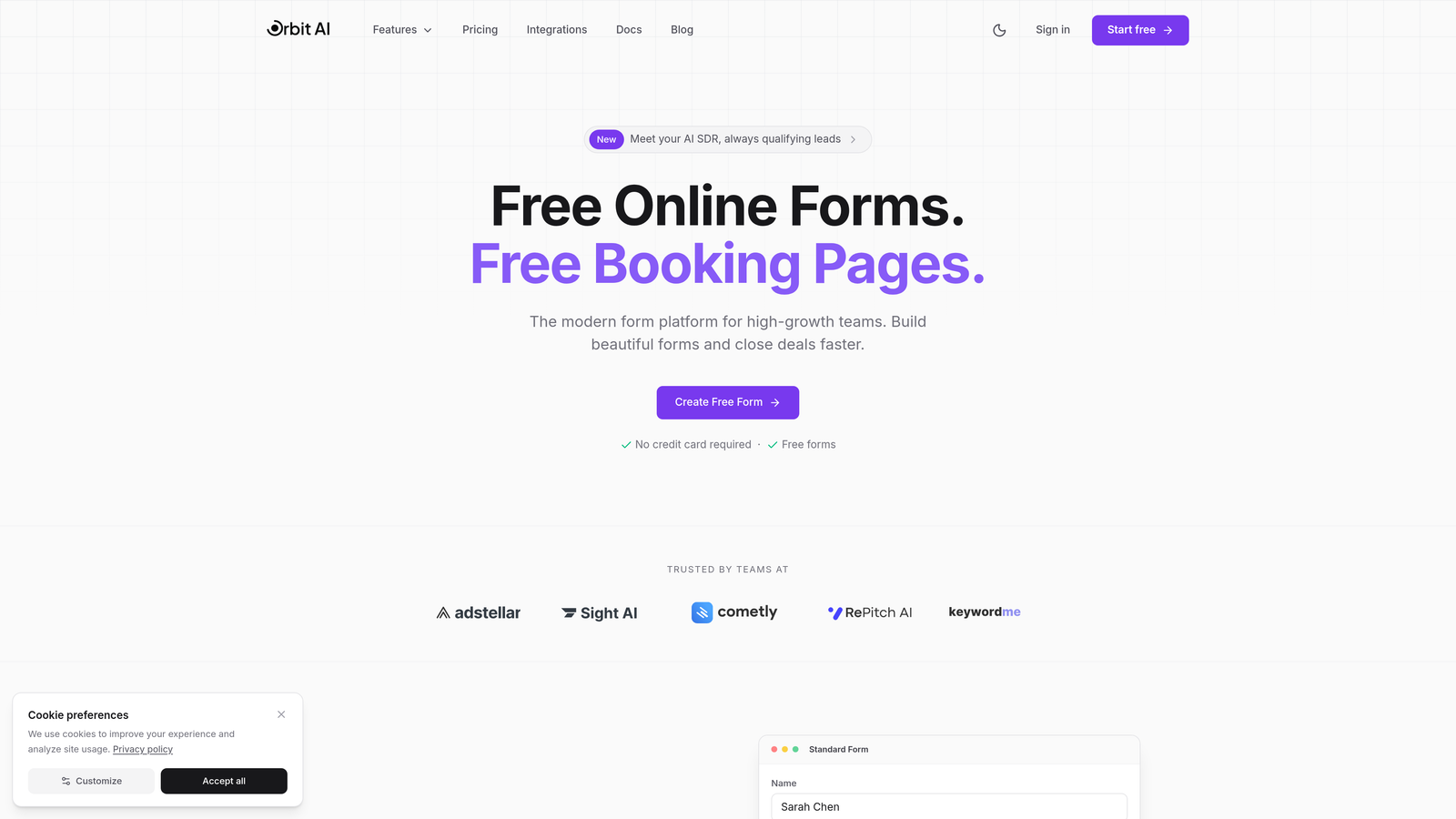
Orbit AI is an AI-powered form builder that combines intelligent lead qualification with native integrations to major CRMs and business tools.
Where This Tool Shines
What sets Orbit AI apart is how it uses artificial intelligence to qualify leads before they even hit your CRM. The platform analyzes form responses in real-time, scoring prospects based on your criteria and routing high-value leads to the right team members instantly.
The integration architecture works across your entire tech stack. When a qualified lead submits a form, Orbit AI can simultaneously create a CRM contact, notify your sales team in Slack, update your tracking spreadsheet, and trigger your welcome email sequence—all without middleware delays.
Key Features
AI-Powered Lead Qualification: Automatically scores and categorizes prospects based on their responses and behavior patterns.
Native CRM Integrations: Direct connections to HubSpot, Salesforce, and Pipedrive with advanced field mapping and custom object support.
Real-Time Notifications: Instant Slack alerts and email notifications when high-priority leads submit forms.
Spreadsheet Sync: Automatic data flow to Google Sheets and Airtable with real-time updates.
Extended Connectivity: Zapier integration and webhook support for connecting to virtually any business tool.
Best For
Orbit AI works exceptionally well for B2B SaaS companies, marketing agencies, and high-growth teams that need to qualify leads automatically while maintaining clean data across multiple systems. The AI qualification is particularly valuable for sales teams handling high volumes of inbound leads.
Pricing
Free plan available with core features. Paid plans start at $29/month with expanded integration options and advanced AI capabilities.
2. Typeform
Best for: Creating engaging conversational forms with extensive integration options
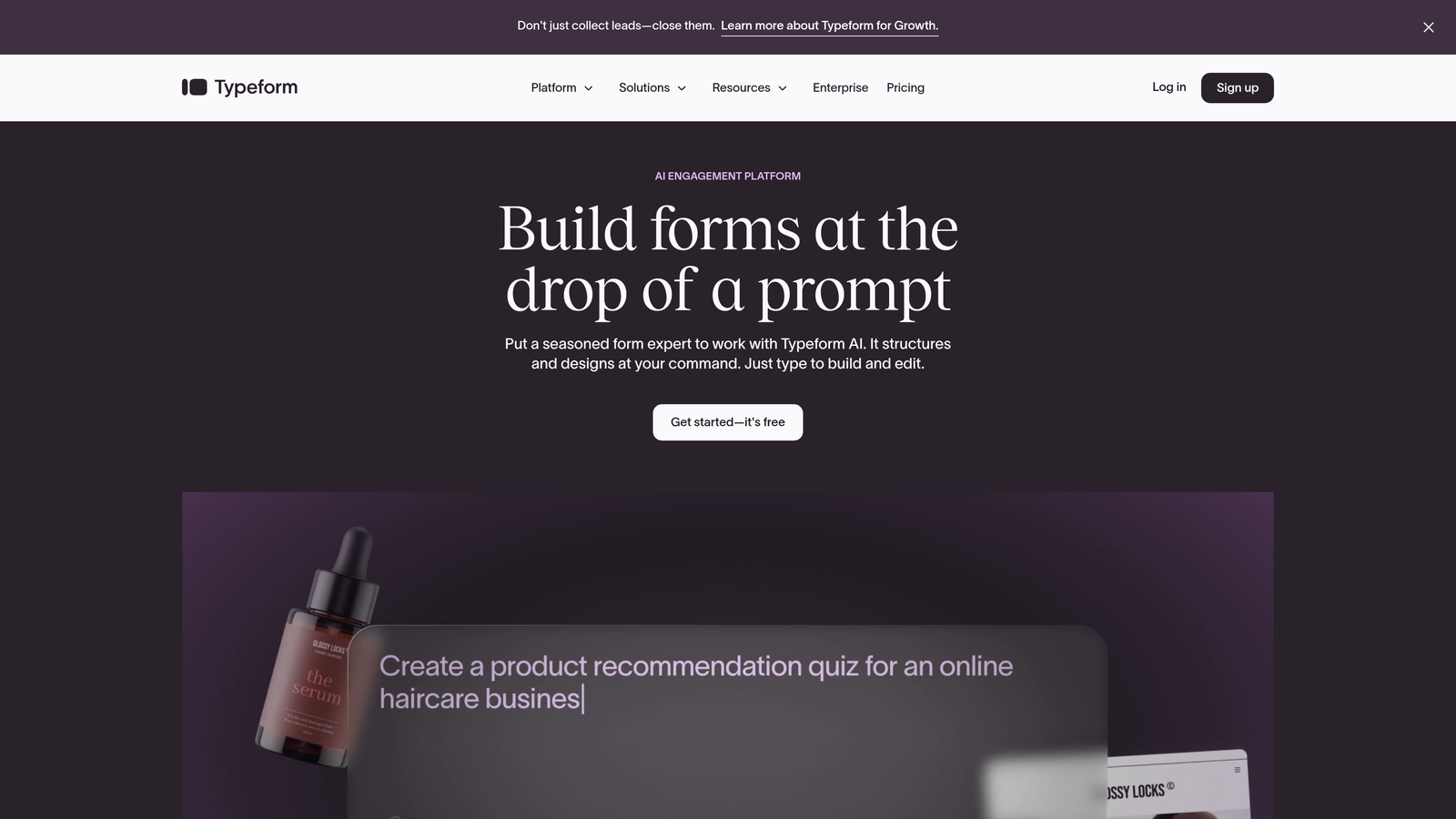
Typeform is a conversational form builder that prioritizes user experience while offering robust integration capabilities through native connections and Zapier.
Where This Tool Shines
Typeform transforms traditional forms into conversational experiences that feel more like natural interactions. This approach typically improves completion rates, which means more data flowing into your connected systems.
The integration ecosystem balances native connections for major platforms with Zapier compatibility for extending to thousands of additional apps. This dual approach gives you reliability where it matters most while maintaining flexibility for specialized tools.
Key Features
Native CRM Connections: Direct integrations with HubSpot, Salesforce, and Mailchimp for automatic contact creation and list management.
Zapier Library: Extensive pre-built Zap templates connecting Typeform to thousands of business applications.
Google Workspace Integration: Automatic syncing to Google Sheets with real-time updates as responses arrive.
Payment Processing: Built-in Stripe integration for collecting payments directly through conversational forms.
Webhook Support: Developer-friendly webhooks for custom integrations and real-time data transfer.
Best For
Typeform excels for marketing teams focused on user experience, agencies building forms for clients, and businesses where form completion rates directly impact revenue. The conversational approach works particularly well for surveys, lead generation, and customer feedback.
Pricing
Free plan available with limited responses. Basic plan starts at $25/month with expanded integration access and higher response limits.
3. Jotform
Best for: Teams needing the broadest native integration library without middleware
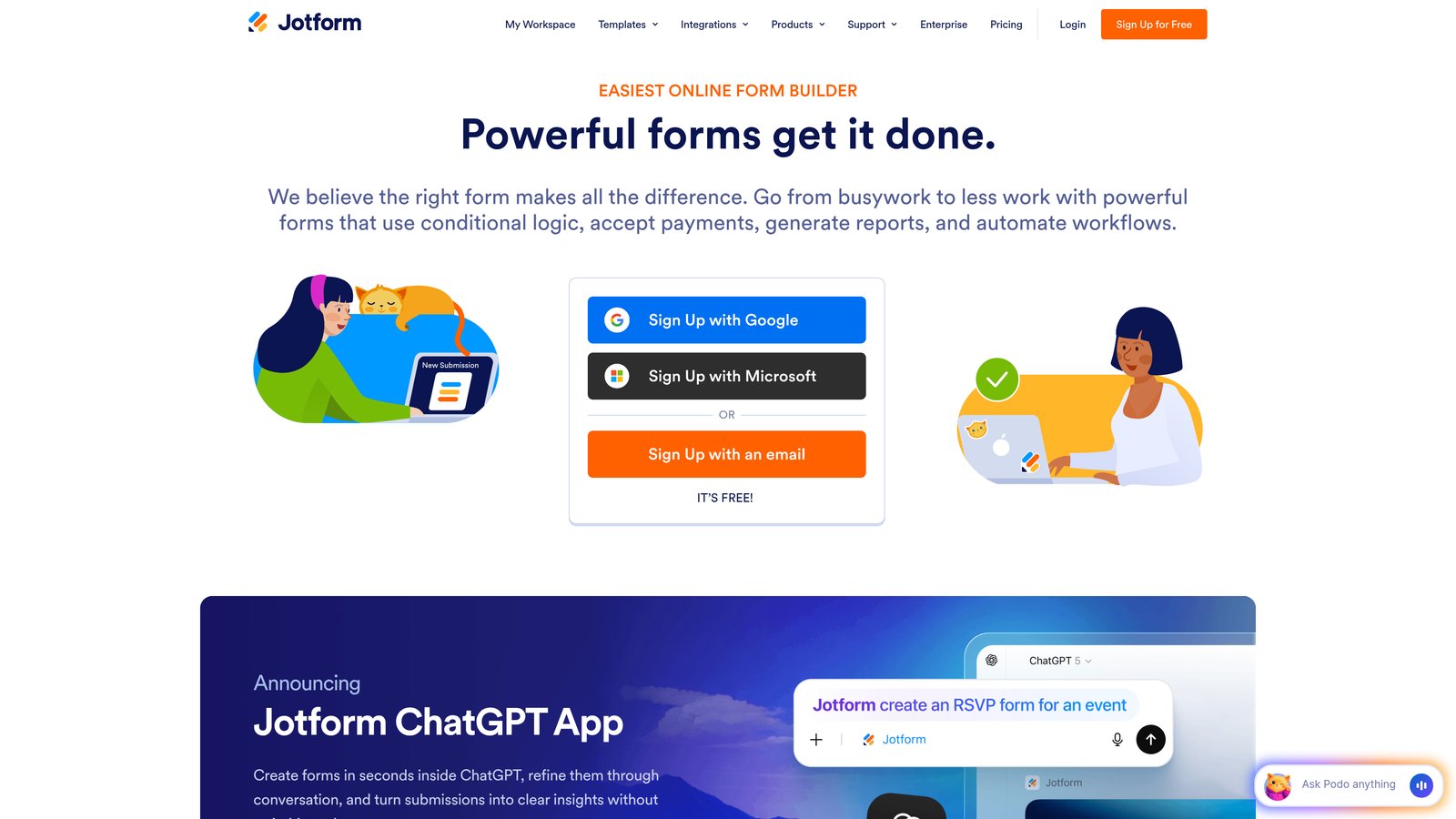
Jotform is a feature-rich form builder offering one of the largest native integration libraries in the market with over 150 direct connections.
Where This Tool Shines
Jotform's strength lies in integration breadth. While most form builders offer a handful of native connections and rely on Zapier for everything else, Jotform has built direct integrations to over 150 platforms. This means faster data transfer, better reliability, and no additional middleware costs.
The platform handles complex integration scenarios well. You can connect a single form to multiple systems simultaneously, map custom fields with precision, and set up conditional integration logic based on form responses.
Key Features
150+ Native Integrations: Direct connections to major CRMs, payment processors, cloud storage, and productivity tools without requiring Zapier.
CRM Ecosystem: Deep integrations with Salesforce, HubSpot, Zoho CRM, Pipedrive, and dozens of other sales platforms.
Payment Processing: Native support for Stripe, PayPal, Square, and over 30 other payment gateways.
Cloud Storage: Automatic file uploads to Dropbox, Google Drive, OneDrive, and Box.
Project Management: Direct connections to Airtable, Monday.com, Trello, and Asana for workflow automation.
Best For
Jotform is ideal for businesses using diverse tech stacks, enterprises with specific integration requirements, and teams that want to avoid Zapier costs while maintaining extensive connectivity. The platform works well for organizations needing payment processing alongside CRM integration.
Pricing
Free plan available with basic integrations. Bronze plan starts at $34/month with full integration access and higher submission limits.
4. Tally
Best for: Startups and teams heavily invested in Notion and Airtable
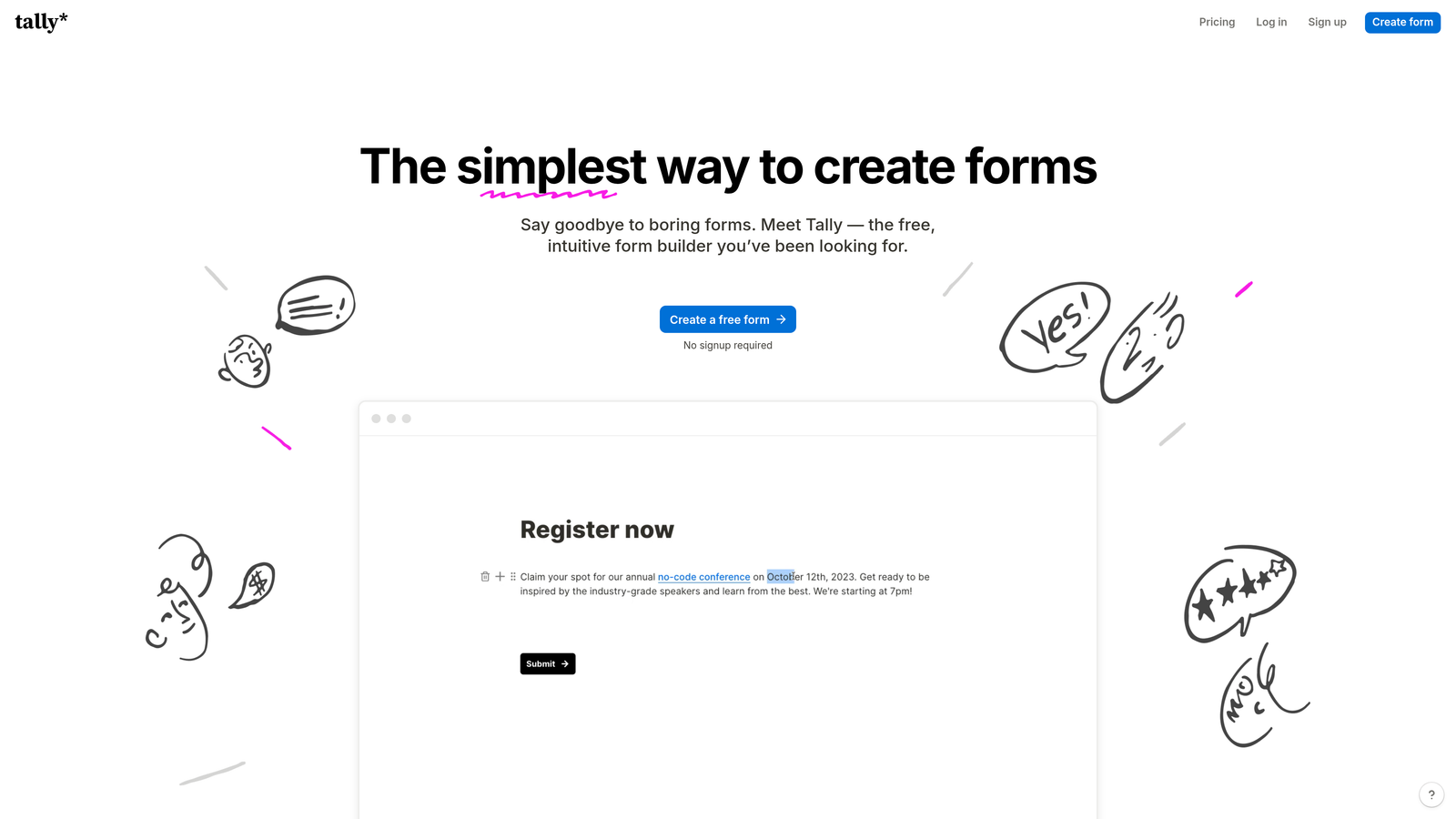
Tally is a minimalist form builder with strong Notion integration and essential connections for startups and small teams.
Where This Tool Shines
Tally built its reputation on seamless Notion integration. Form submissions flow directly into Notion databases with zero configuration, making it the natural choice for teams running their entire operation in Notion.
The platform embraces simplicity in its integration approach. Instead of offering hundreds of connections, Tally focuses on the core integrations that modern startups actually use daily, with webhook support for everything else.
Key Features
Native Notion Integration: Automatic database creation and population with sophisticated field mapping and relational database support.
Airtable Connectivity: Direct connection to Airtable bases with real-time synchronization.
Google Sheets Sync: Automatic spreadsheet updates as responses arrive.
Slack Notifications: Instant team alerts when forms are submitted with customizable message formatting.
Automation Platform Support: Compatibility with Zapier and Make for extended workflow automation.
Best For
Tally works exceptionally well for Notion-first teams, bootstrapped startups prioritizing simplicity, and small businesses that need reliable core integrations without complexity. The generous free plan makes it attractive for early-stage companies.
Pricing
Generous free plan with unlimited forms and responses. Pro plan starts at $29/month with advanced features and priority support.
5. Formstack
Best for: Enterprise teams requiring deep Salesforce integration and workflow automation
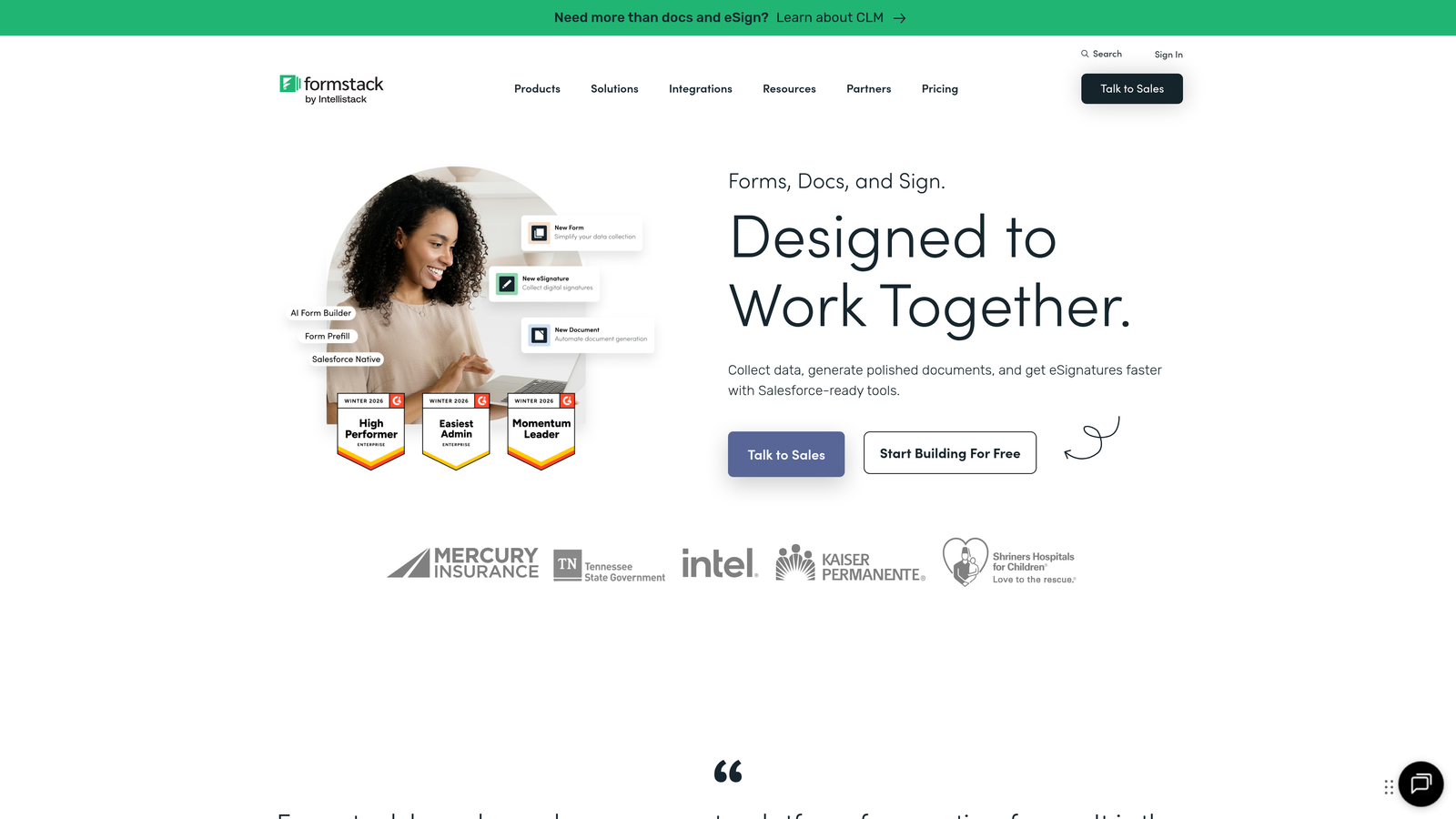
Formstack is an enterprise-focused form platform with sophisticated Salesforce integration and document generation capabilities.
Where This Tool Shines
Formstack excels at complex enterprise workflows where forms trigger multi-step processes across multiple systems. The Salesforce integration goes far beyond basic contact creation, supporting custom objects, field dependencies, and advanced routing logic.
The platform's document generation feature transforms form data into professional PDFs, contracts, and reports automatically. Combined with integration capabilities, this enables end-to-end automation from form submission to signed contract to CRM record.
Key Features
Advanced Salesforce Integration: Deep integration supporting custom objects, complex field mapping, and automated workflow triggers within Salesforce.
Document Generation: Automatic creation of PDFs, contracts, and reports from form data with template customization.
CRM Ecosystem: Native connections to Microsoft Dynamics, HubSpot, and other enterprise CRM platforms.
Electronic Signatures: Built-in e-signature capabilities integrated with DocuSign and Adobe Sign.
Workflow Automation: Visual workflow builder for creating complex multi-step processes triggered by form submissions.
Best For
Formstack is designed for enterprise sales teams, regulated industries requiring document trails, and organizations with complex Salesforce implementations. The platform handles high-stakes processes where data accuracy and workflow reliability are critical.
Pricing
Plans start at $50/month for small teams. Enterprise pricing available with custom features and dedicated support.
6. Cognito Forms
Best for: Payment collection with accounting platform integration
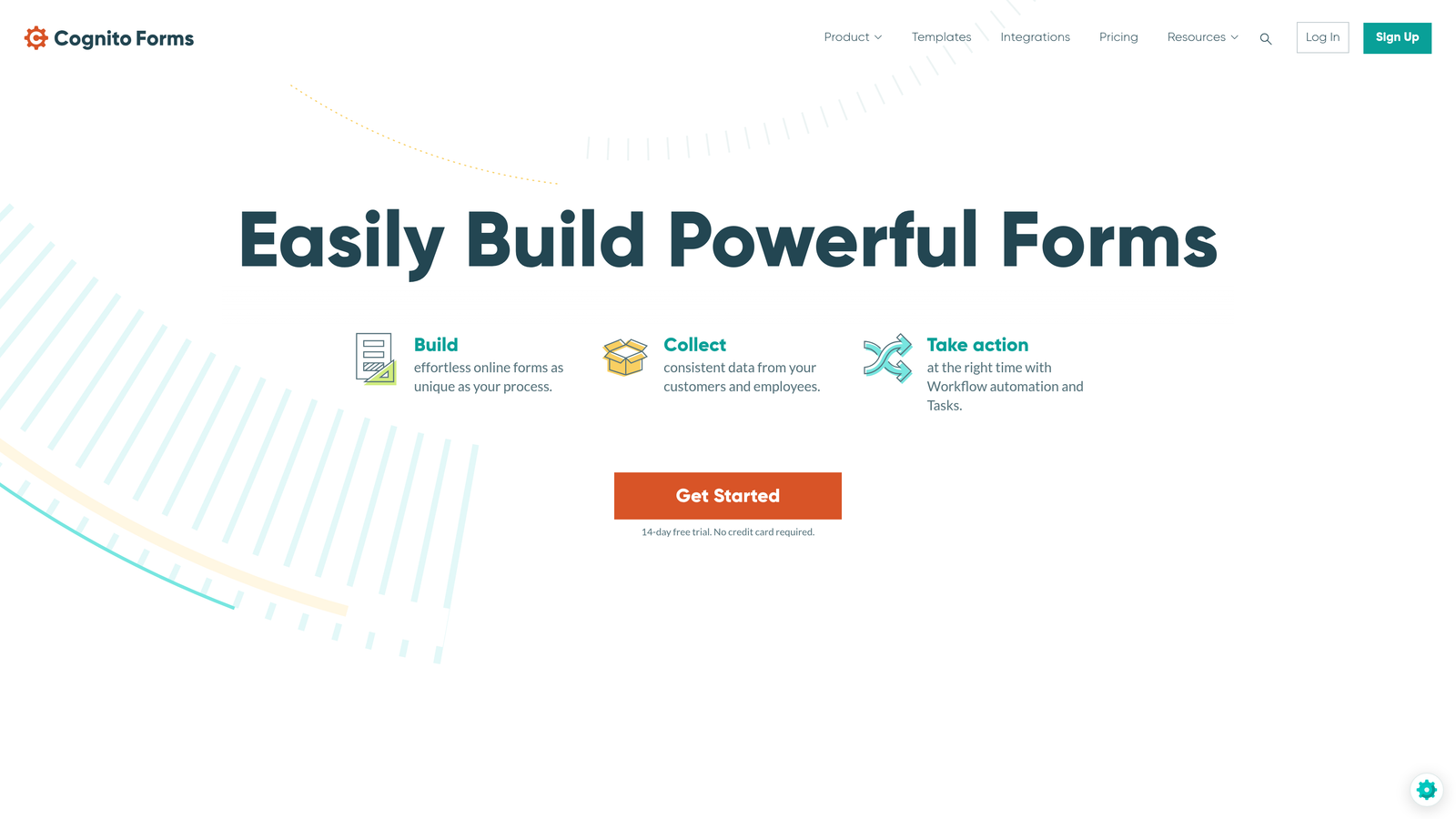
Cognito Forms is a payment-focused form builder with strong connections to accounting and payment processing platforms.
Where This Tool Shines
Cognito Forms specializes in scenarios where forms need to collect payments and sync financial data to accounting systems. The platform handles complex payment calculations, recurring billing, and partial payments while maintaining clean records across your financial tech stack.
The integration approach prioritizes reliability for payment workflows. When a customer submits a payment form, the data flows simultaneously to your CRM, accounting software, and notification systems with built-in error handling.
Key Features
Payment Processing: Native integrations with Stripe, PayPal, and Square supporting one-time payments, subscriptions, and payment plans.
Zapier Connectivity: Connection to thousands of apps through Zapier for extended workflow automation.
Microsoft Integration: Power Automate compatibility for organizations using Microsoft 365 and Dynamics.
CRM Connections: Direct integrations with Salesforce and HubSpot for contact and deal management.
Webhook Support: Developer-friendly webhooks for custom integrations and real-time data transfer.
Best For
Cognito Forms works well for membership organizations, event registration, e-commerce businesses, and any scenario requiring payment collection with CRM synchronization. The platform handles complex pricing calculations that need to flow into accounting systems.
Pricing
Free plan available for basic forms. Pro plan starts at $15/month with payment processing and advanced integrations.
7. Google Forms
Best for: Teams fully invested in Google Workspace ecosystem
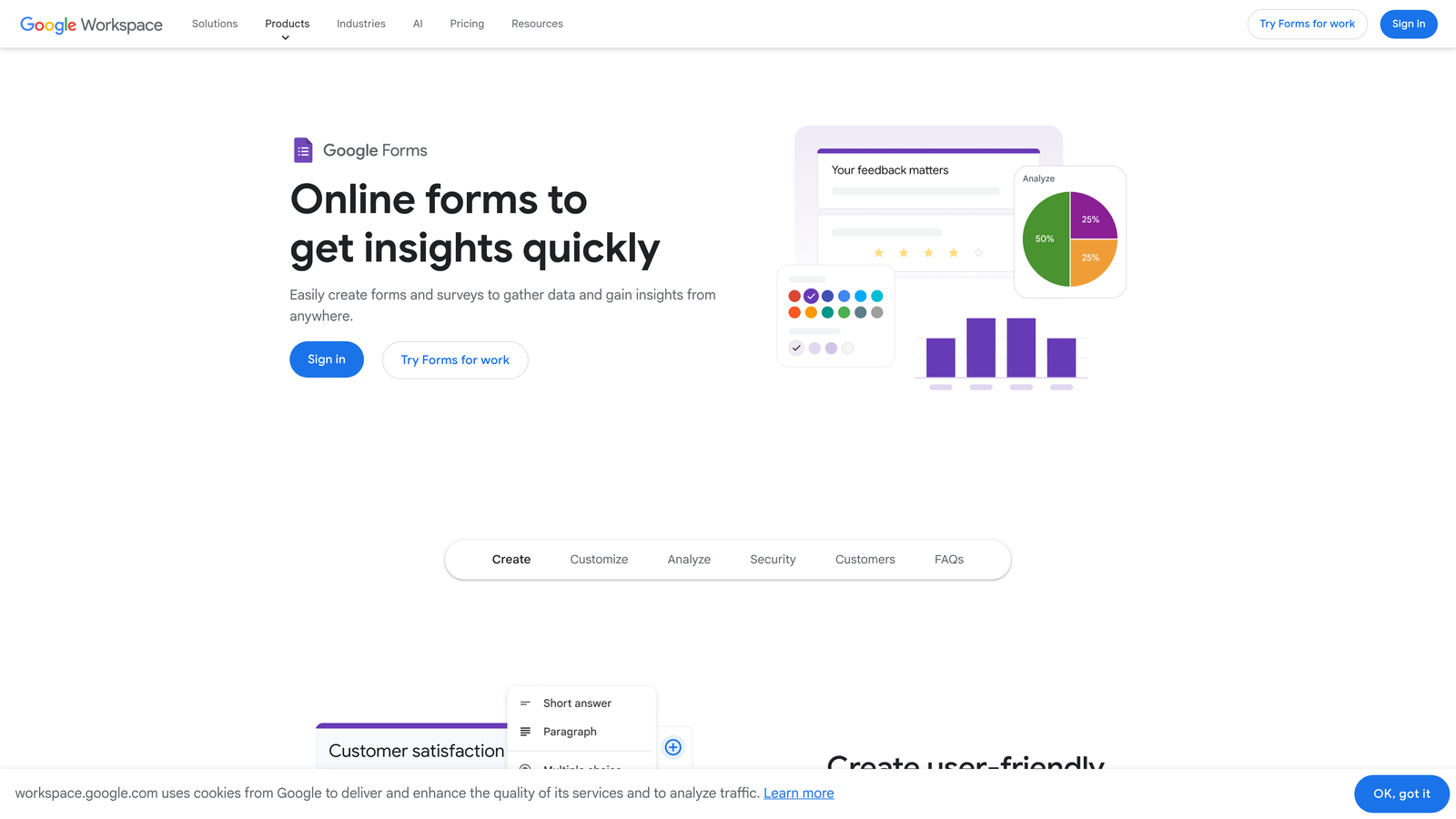
Google Forms is a free form builder with seamless Google Workspace integration and extensibility through add-ons.
Where This Tool Shines
Google Forms offers the most frictionless integration experience for Google Workspace users. Every form automatically creates a connected Google Sheet, and data flows in real-time without any configuration. This zero-setup integration eliminates the most common failure point in form workflows.
The add-on marketplace extends functionality considerably. Third-party developers have built integrations to CRMs, email marketing platforms, and automation tools that work directly within the Google Forms interface.
Key Features
Automatic Sheets Sync: Every form creates a connected spreadsheet with real-time response updates.
Google Workspace Integration: Native connections to Gmail, Calendar, Drive, and other Workspace apps.
Add-On Marketplace: Extensive library of third-party add-ons for email notifications, CRM sync, and workflow automation.
Zapier Compatibility: Connect Google Forms to thousands of business applications through Zapier.
Drive Storage: Automatic file upload storage in Google Drive with organized folder structure.
Best For
Google Forms is ideal for organizations already using Google Workspace, educational institutions, non-profits with limited budgets, and teams that primarily need spreadsheet-based data management. The free pricing makes it attractive for high-volume use cases.
Pricing
Free with any Google account. Google Workspace plans start at $6/user/month with additional storage and business features.
8. HubSpot Forms
Best for: Existing HubSpot users needing zero-configuration CRM synchronization
HubSpot Forms is a form builder native to HubSpot's marketing platform with automatic CRM integration.
Where This Tool Shines
HubSpot Forms eliminates integration complexity entirely for HubSpot users. Every form submission automatically creates or updates a contact record, triggers marketing workflows, and populates deal properties without any configuration. This zero-friction approach means your forms work perfectly with your CRM from day one.
The progressive profiling feature leverages HubSpot's contact database to avoid asking returning visitors questions you already know the answer to. This integration between forms and CRM data creates better user experiences while maintaining complete contact records.
Key Features
Automatic CRM Sync: Every submission instantly creates or updates contact records in HubSpot CRM with zero configuration.
Marketing Automation: Forms trigger workflows, email sequences, and lead scoring automatically within HubSpot.
Progressive Profiling: Automatically adjusts form fields based on existing contact data to reduce friction for returning visitors.
Native Analytics: Built-in conversion tracking, submission analytics, and attribution reporting within HubSpot.
Workflow Integration: Seamless connection to HubSpot's workflow engine for complex automation scenarios.
Best For
HubSpot Forms is designed exclusively for businesses already using HubSpot for CRM or marketing automation. The platform makes sense when you want forms tightly integrated with your HubSpot workflows without managing external integrations.
Pricing
Free with HubSpot CRM. Marketing Hub plans start at $45/month with advanced form features and automation capabilities.
9. Paperform
Best for: Design-conscious teams needing creative flexibility with solid integrations
Paperform is a design-forward form builder offering creative flexibility with reliable integration options for agencies and creative teams.
Where This Tool Shines
Paperform approaches forms as branded experiences rather than utilitarian data collection tools. The platform gives you design control that rivals landing page builders while maintaining the integration reliability you need for business workflows.
The integration strategy balances design flexibility with practical connectivity. You can create beautiful, on-brand forms that still sync data to your CRM, process payments, and trigger notifications exactly like more traditional form builders.
Key Features
CRM Integration: Direct connections to major CRM platforms with customizable field mapping.
Automation Platform Support: Zapier and Make connectivity for extending to thousands of business applications.
Payment Processing: Native Stripe and PayPal integration for collecting payments within beautifully designed forms.
Notification System: Slack and email notifications with customizable formatting and conditional logic.
Spreadsheet Sync: Automatic data flow to Google Sheets and Airtable with real-time updates.
Best For
Paperform excels for creative agencies, design-focused businesses, consultants building client forms, and brands where form aesthetics matter as much as functionality. The platform works well when you need forms that match your brand identity while maintaining reliable integrations.
Pricing
Essentials plan starts at $24/month with full integration access and unlimited forms.
Making the Right Choice
Your integration requirements should drive your form builder decision. If you need AI-powered lead qualification working across your tech stack, Orbit AI delivers that intelligence with native connections to major platforms. Teams requiring the broadest integration library will appreciate Jotform's 150+ native connections, while Typeform remains the go-to for conversational experiences with solid integration support.
For teams already committed to specific platforms, the choice becomes clearer. HubSpot Forms makes perfect sense if you're already using HubSpot. Google Forms is the obvious pick for Google Workspace organizations. Tally excels for Notion-first teams.
Consider your technical resources when evaluating integration approaches. Native integrations typically offer better reliability and deeper functionality, but platforms with strong Zapier support provide flexibility for connecting to specialized tools. Enterprise teams handling sensitive data or complex workflows should prioritize platforms like Formstack with sophisticated integration capabilities and workflow automation.
Payment collection scenarios deserve special attention. Cognito Forms and Paperform both handle payment processing well, but Cognito Forms offers stronger accounting platform integration while Paperform provides superior design flexibility.
Think about your growth trajectory. The form builder you choose today should scale with your business. Orbit AI's AI-powered qualification becomes increasingly valuable as lead volume grows, automatically routing high-priority prospects to the right team members while maintaining clean data across all your connected systems.
Start your free trial today and see how intelligent form design can elevate your conversion strategy. Transform your lead generation with AI-powered forms that qualify prospects automatically while delivering the modern, conversion-optimized experience your high-growth team needs.


