Managing forms at enterprise scale is genuinely complex. You're coordinating data collection across multiple departments, navigating strict compliance requirements, processing thousands of submissions, and trying to keep everything connected to an existing tech stack that probably spans a dozen different platforms. A poorly chosen form solution creates bottlenecks, compliance gaps, and data silos that slow everyone down.
The right enterprise form management platform does more than collect data. It streamlines workflows, improves lead quality, reduces operational overhead, and integrates cleanly with the tools your teams already use. Whether you're in marketing, operations, legal, or IT, the platform you choose has real downstream consequences.
To build this list, we evaluated tools on scalability, security and compliance features, integration depth, workflow automation, analytics capabilities, and pricing transparency. If you're also thinking about how forms connect to broader conversion strategy, our guides on lead qualification forms and conversion-optimized form design are worth reading alongside this comparison.
Here are the top enterprise form management software options worth evaluating in 2026.
1. Orbit AI
Best for: High-growth marketing and sales teams that need AI-powered lead qualification built into the form experience.
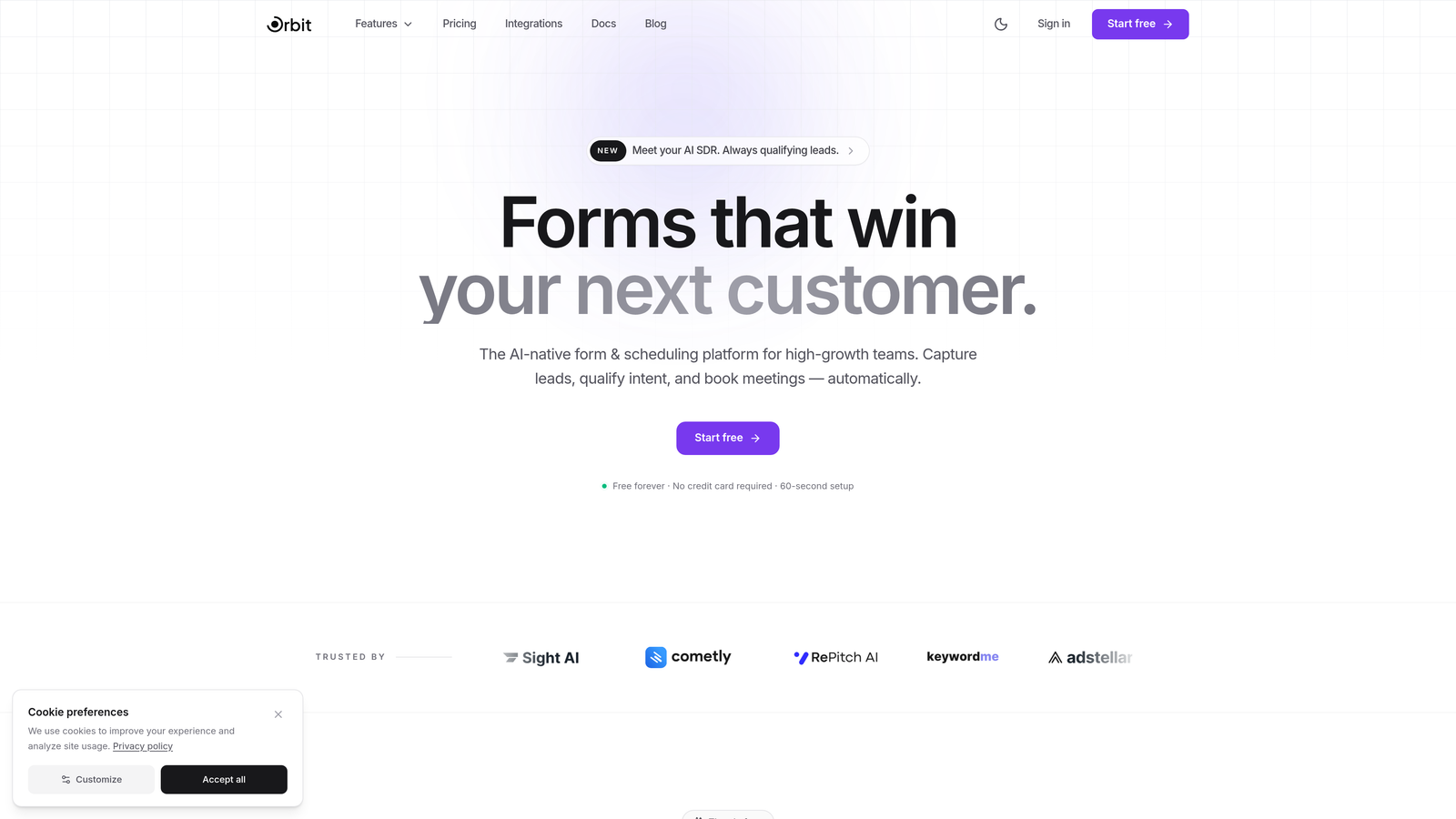
Orbit AI is an AI-powered form builder platform that embeds lead scoring and qualification directly into the form interaction itself, rather than treating it as a post-submission step.
Where This Tool Shines
What separates Orbit AI from traditional enterprise form tools is where the intelligence lives. Most platforms collect form data and then hand it off to a CRM or marketing automation tool for qualification. Orbit AI does the qualification work during the form experience, which means your team gets pre-scored, pre-qualified leads from the moment a submission lands.
This is particularly valuable for enterprise marketing and sales teams running high-volume inbound campaigns. The combination of conversion-optimized templates, modern design, and built-in AI qualification means you're not just capturing more data: you're capturing better data, faster, with less manual triage downstream.
Key Features
AI-Powered Lead Scoring and Qualification: Lead qualification happens within the form experience itself, delivering pre-scored submissions without requiring a separate tool or workflow step.
Conversion-Optimized Templates: Templates are designed specifically for high completion rates, not just visual appeal, with layouts informed by conversion best practices.
Advanced Analytics and Submission Insights: Detailed analytics surface drop-off points, completion patterns, and submission quality metrics to inform ongoing optimization.
Modern, Fully Customizable Design: Forms are visually polished and fully brandable, giving enterprise teams a professional experience without requiring design resources.
CRM and Marketing Automation Integrations: Native integrations with popular CRM and marketing automation platforms keep qualified lead data flowing into existing workflows automatically.
Best For
Orbit AI is the strongest fit for enterprise marketing and demand generation teams where lead quality is as important as lead volume. If your team is spending significant time manually qualifying inbound submissions, or if your forms are underperforming on completion rates, this is where Orbit AI delivers the most immediate value.
Pricing
Contact Orbit AI for enterprise pricing. A 7-day free trial lets teams explore the platform before committing to an enterprise plan.
2. Formstack
Best for: Enterprises that need end-to-end digital process automation spanning forms, documents, and e-signatures.
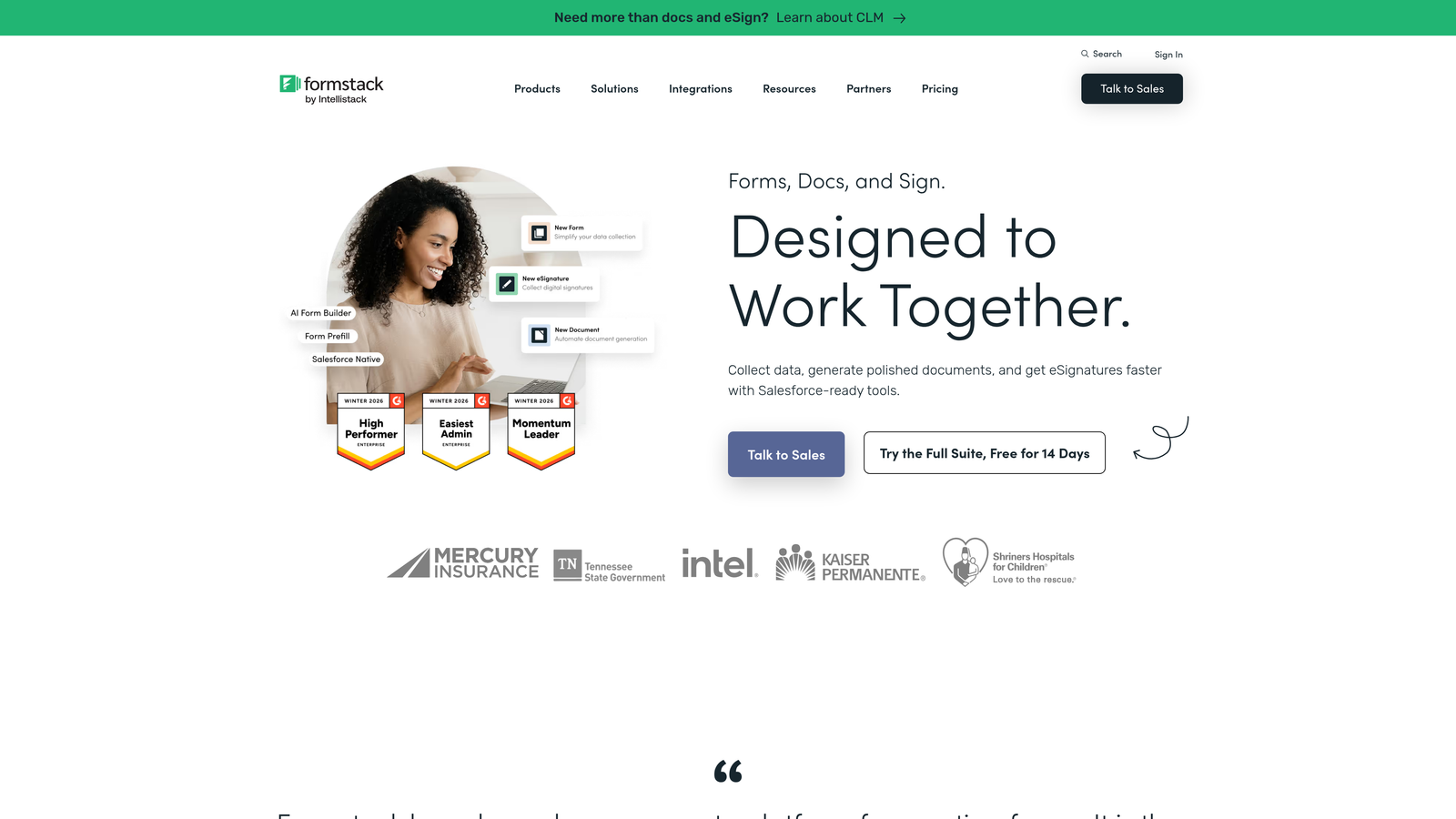
Formstack is a workflow automation platform that combines form building with document generation and electronic signatures into a unified suite for digital process management.
Where This Tool Shines
Formstack's biggest differentiator is its integrated suite model. Rather than just building a form, you can create a complete digital workflow: a form triggers document generation, which routes to an e-signature step, all within one platform. For enterprises running complex approval or onboarding processes, this eliminates a lot of tool-switching friction.
The compliance credentials are also strong. SOC 2 certification and HIPAA compliance make Formstack a viable option for healthcare, financial services, and other regulated industries where data handling requirements are non-negotiable.
Key Features
Formstack Forms + Documents + Sign Suite: A complete digital workflow platform that handles data collection, document generation, and e-signatures in one connected system.
HIPAA Compliance and SOC 2 Certification: Enterprise-grade compliance credentials for regulated industries with strict data handling requirements.
Conditional Logic and Multi-Page Forms: Sophisticated branching logic creates dynamic, personalized form experiences based on respondent inputs.
Workflow Routing and Approval Chains: Submissions can trigger multi-step approval workflows with routing rules based on form data.
Enterprise Platform Integrations: Native connections to Salesforce, Microsoft 365, and a broad range of enterprise platforms keep data flowing where it needs to go.
Best For
Formstack works best for operations, HR, and compliance teams that need forms as part of a broader document workflow. If your use case extends beyond data collection into document generation and digital signing, the suite approach saves significant integration overhead.
Pricing
Enterprise plans start around $83/month billed annually, with custom enterprise pricing available for larger deployments and organizations requiring dedicated compliance configurations.
3. Jotform Enterprise
Best for: Large organizations that need a no-code form builder with dedicated server infrastructure and extensive template options.
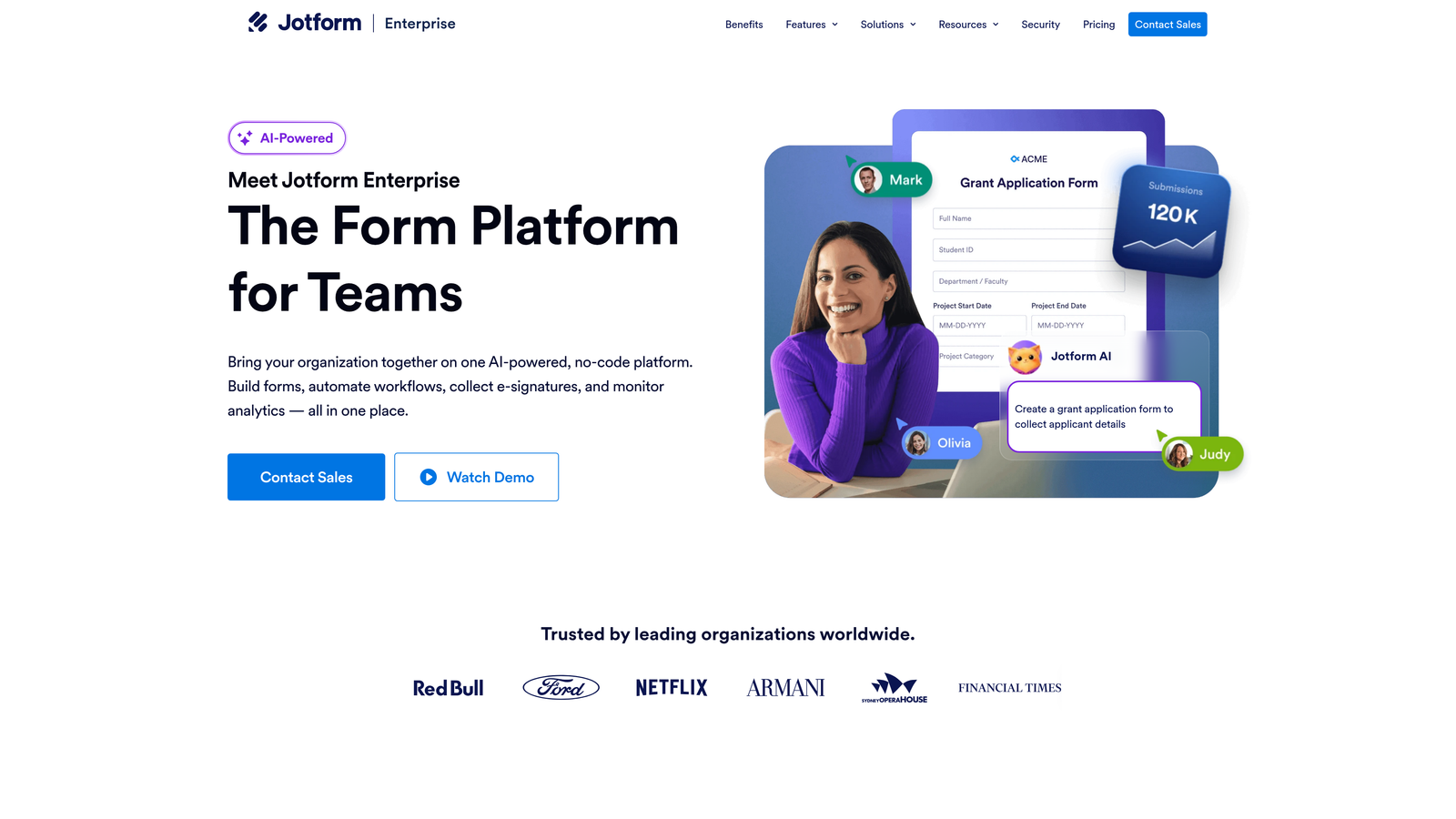
Jotform Enterprise is a no-code form building platform offering dedicated enterprise server environments, a massive template library, and robust access management for large teams.
Where This Tool Shines
Jotform Enterprise's depth of templates is genuinely impressive. With over 10,000 available templates, most enterprise teams can find a starting point that's close to what they need, which dramatically reduces build time. The drag-and-drop builder is accessible enough for non-technical users while still offering enough customization for more complex requirements.
The dedicated server option is a meaningful differentiator for enterprises with strict data residency or isolation requirements. Rather than sharing infrastructure with other customers, enterprise clients get their own environment with custom branding and domain configuration.
Key Features
10,000+ Form Templates: An extensive library of pre-built templates covering virtually every enterprise use case, all editable with a drag-and-drop interface.
Dedicated Enterprise Server: Private server infrastructure with custom branding and domain options for organizations with data isolation or residency requirements.
SSO, User Management, and Role-Based Access: Enterprise access controls including single sign-on, team management, and granular permission settings.
HIPAA Compliance and Local Data Residency: Compliance options for healthcare organizations and enterprises with regional data storage requirements.
Jotform Tables: A built-in submission management workspace that lets teams collaborate on, filter, and act on form data without leaving the platform.
Best For
Jotform Enterprise suits large organizations with diverse form needs across multiple departments, particularly where non-technical users need to build and manage their own forms without IT involvement. The template library alone makes it worth evaluating for teams that need to move quickly.
Pricing
Custom enterprise pricing is available; a free tier exists for smaller use cases, making it easy to evaluate the platform before engaging on enterprise terms.
4. Typeform
Best for: Customer-facing forms and surveys where engagement and completion rates are the primary success metric.
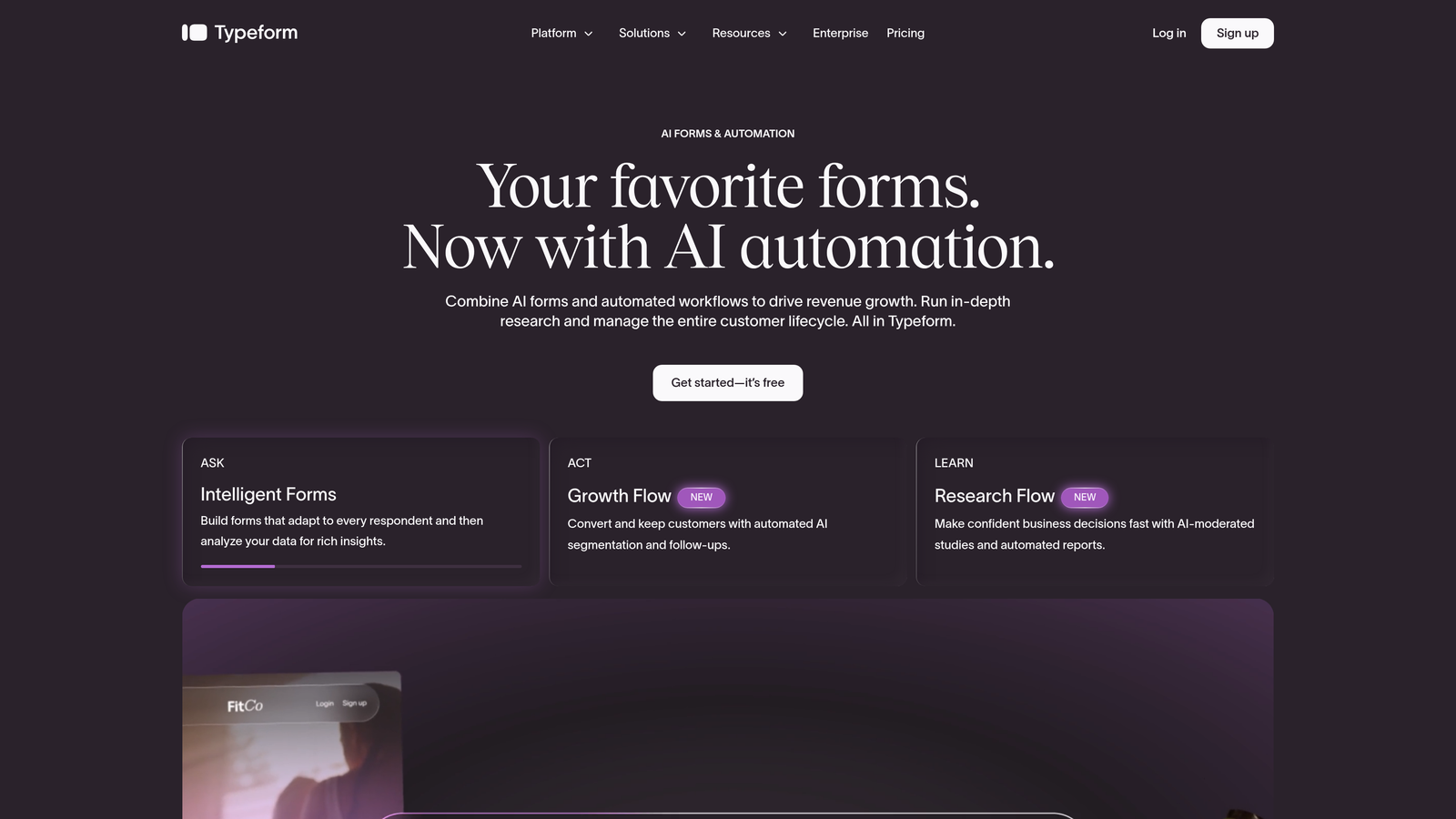
Typeform is a conversational form platform built around a one-question-at-a-time interface that consistently drives higher completion rates on customer-facing interactions.
Where This Tool Shines
Typeform's core insight is that traditional form layouts feel like paperwork, and people abandon paperwork. The conversational, sequential interface feels more like a dialogue, which keeps respondents engaged through to completion. For customer research, NPS surveys, lead generation forms, and onboarding flows, this difference in experience translates directly into better data quality and higher response rates.
The logic branching capabilities are sophisticated enough to create genuinely personalized experiences, where the path through the form adapts based on previous answers. This makes Typeform particularly effective for qualification flows where different respondent profiles should follow different question sequences.
Key Features
Conversational One-Question Interface: The signature sequential format presents one question at a time, reducing cognitive load and improving completion rates on customer-facing forms.
Logic Jumps and Branching: Advanced conditional logic creates personalized form paths based on respondent answers, enabling sophisticated qualification and routing flows.
Native CRM and Marketing Integrations: Direct integrations with HubSpot, Salesforce, Slack, and other common enterprise tools keep data flowing without manual exports.
Video and Image Embedding: Rich media can be embedded within forms to provide context, demonstrate products, or create more engaging experiences.
Enterprise SSO and Data Controls: The enterprise plan includes single sign-on, priority support, and custom data retention policies for compliance requirements.
Best For
Typeform is the right choice when the form is customer-facing and completion rate matters more than backend complexity. Marketing teams running lead gen campaigns, product teams collecting user research, and CX teams running surveys will get the most value here.
Pricing
Business plan starts from $59/month; enterprise pricing is available on request for organizations needing SSO, advanced security, and dedicated support.
5. Microsoft Power Apps (with Dataverse)
Best for: Microsoft-heavy enterprises that need custom forms and apps built natively within the Microsoft 365 ecosystem.
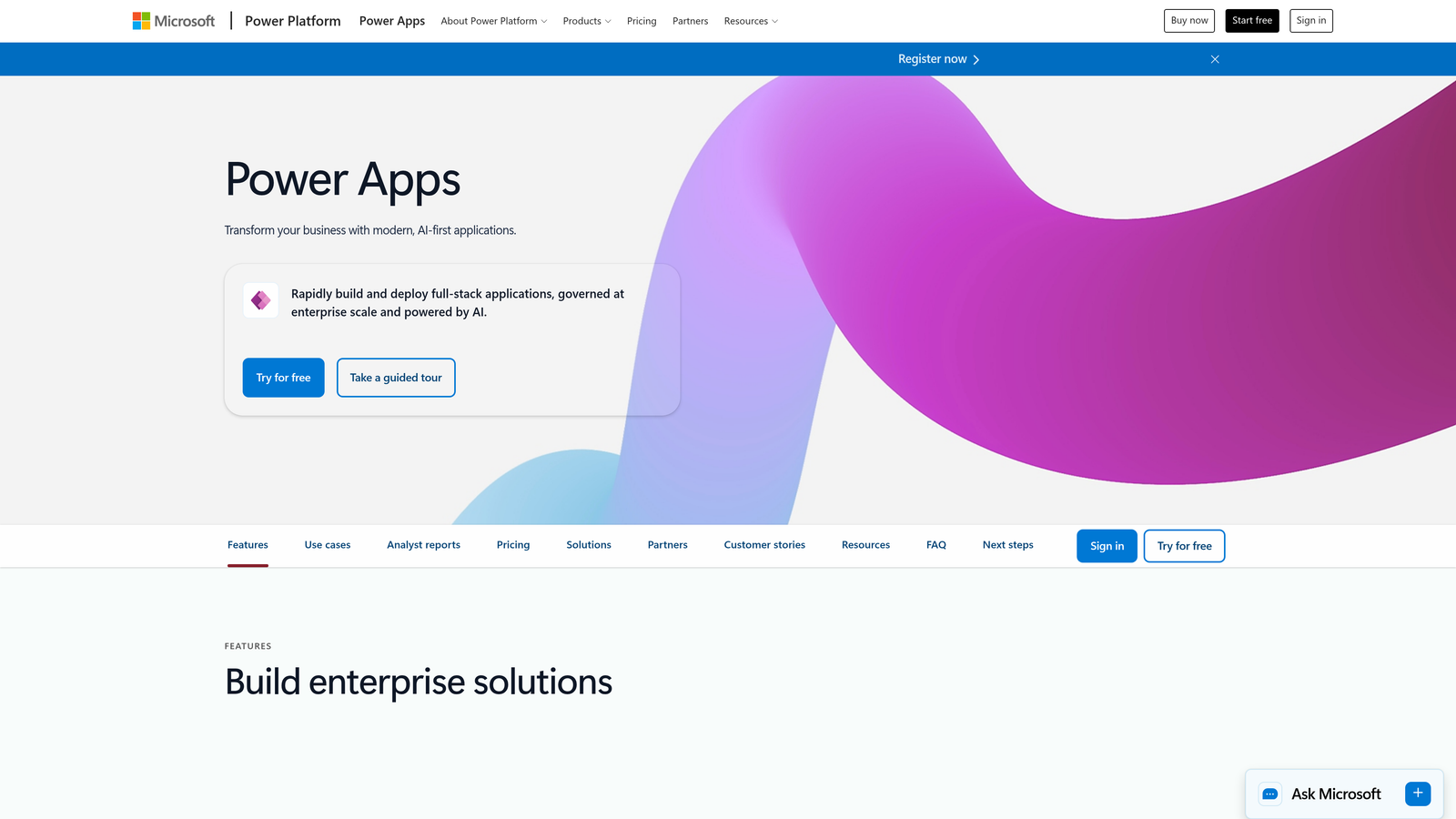
Microsoft Power Apps is a low-code development platform for building custom forms, apps, and data workflows that integrate natively with the full Microsoft technology stack.
Where This Tool Shines
If your enterprise runs on Microsoft 365, the case for Power Apps is largely about eliminating integration overhead. Forms built in Power Apps connect natively to SharePoint, Teams, Dynamics 365, and Power Automate, meaning data flows through your existing infrastructure without custom connectors or middleware. For IT teams managing a Microsoft-centric environment, this reduces both build time and ongoing maintenance burden.
The Dataverse backend adds enterprise-grade structured data storage that scales with complex requirements, and the AI Builder component lets teams add intelligent capabilities like form processing, prediction, and object detection without writing machine learning code.
Key Features
Native Microsoft 365 Integration: Deep connections to Dynamics 365, SharePoint, Teams, and Power Automate without custom integration work.
Dataverse for Enterprise Data Storage: Structured, scalable data storage with enterprise-grade security and relationship modeling for complex data requirements.
Canvas and Model-Driven App Options: Two distinct development approaches let teams choose the right level of complexity for each use case.
Azure Active Directory Security: Enterprise authentication and security built on Azure AD infrastructure, consistent with existing Microsoft identity management.
AI Builder: Low-code AI capabilities for adding intelligence to forms and workflows without requiring data science expertise.
Best For
Power Apps is the natural choice for enterprises already deeply invested in Microsoft 365 and Dynamics 365. IT and operations teams will find the most value here; it's less suited for marketing teams that need quick, design-forward forms without developer involvement.
Pricing
Included in some Microsoft 365 plans; standalone licensing starts from $20/user/month, making total cost highly dependent on existing Microsoft agreements.
6. Cognito Forms
Best for: Enterprises with complex calculation requirements, payment processing needs, or multi-step approval workflows.
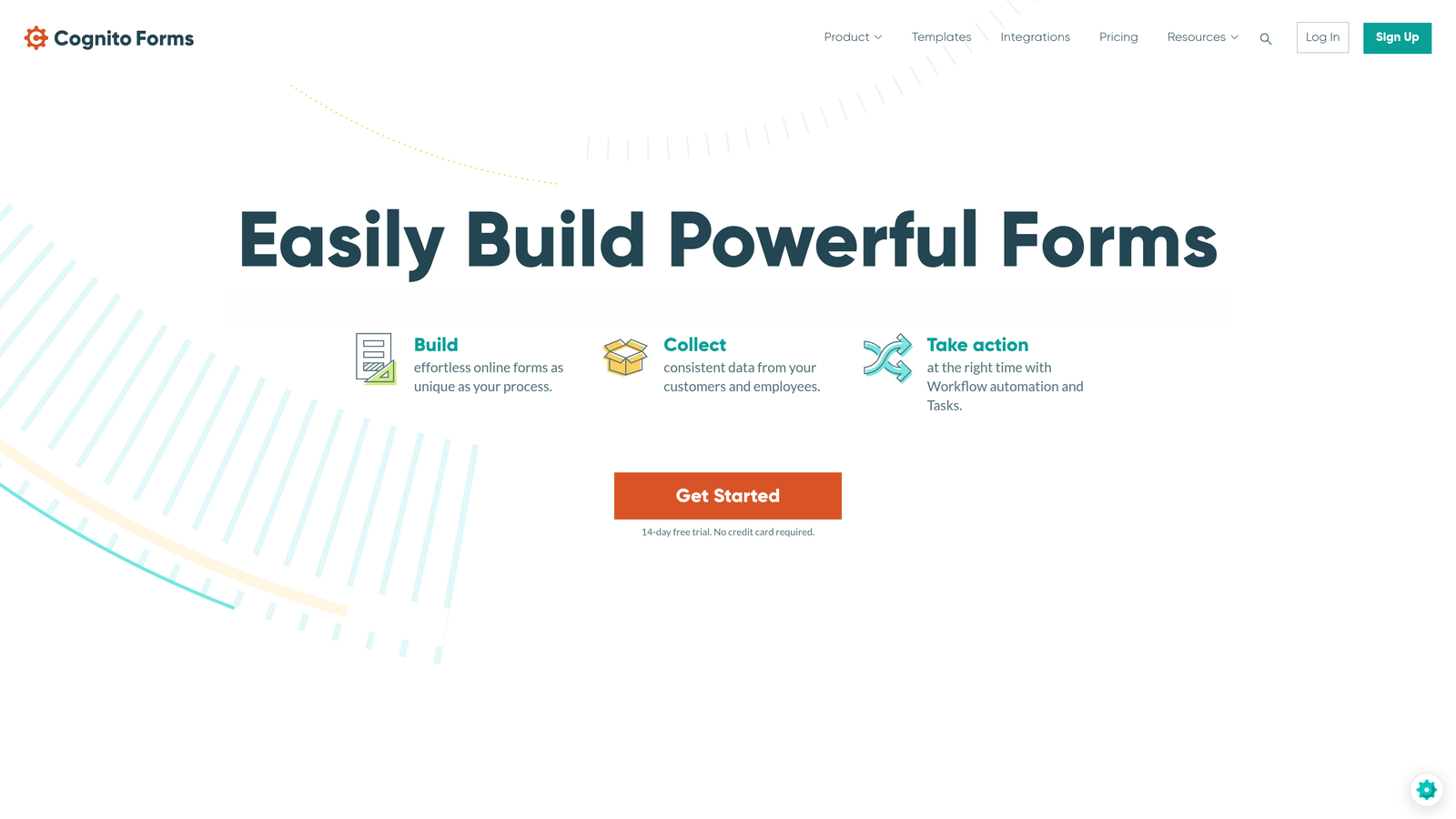
Cognito Forms is a form builder with a particularly powerful calculation engine, conditional logic system, and native payment processing capabilities for complex enterprise data collection scenarios.
Where This Tool Shines
Cognito Forms earns its place on this list through raw functional depth. The calculation logic engine handles complex formulas, dynamic pricing, and conditional field behavior that would require custom development in most other form tools. For use cases like event registration with variable pricing, insurance intake, order forms, or grant applications, this depth of logic is a genuine differentiator.
The repeating sections feature is particularly useful for enterprise forms that need to capture variable numbers of entries within a single submission, such as listing multiple line items, dependents, or project phases without building separate forms for each scenario.
Key Features
Advanced Calculation Fields: A sophisticated calculation engine handles complex formulas, dynamic pricing, and conditional math logic directly within forms.
Built-In Payment Processing: Native integration with Stripe, Square, and PayPal for collecting payments directly through forms without additional platforms.
Repeating Sections and Multi-Page Forms: Dynamic sections allow respondents to add variable numbers of entries within a single form submission.
Role-Based Access and Workflow Approvals: Submission routing and approval workflows with granular access controls for team-based review processes.
HIPAA Compliance on Enterprise Plans: Healthcare-grade compliance available for organizations with protected health information requirements.
Best For
Cognito Forms is best suited for finance, operations, and procurement teams that need forms to handle complex calculations, variable data structures, or payment collection as part of the submission flow.
Pricing
Team plan starts from $24/month; enterprise pricing is available for larger organizations requiring HIPAA compliance, advanced access controls, and higher submission volumes.
7. Feathery
Best for: Product and engineering teams embedding complex, multi-step form flows directly into SaaS applications.
Feathery is a developer-friendly form platform built specifically for embedding sophisticated, multi-step form experiences into product interfaces and web applications.
Where This Tool Shines
Feathery occupies a distinct niche: it's not primarily a standalone form tool but a form infrastructure layer designed to live inside your product. The React SDK and API-first architecture mean engineering teams can embed complex onboarding flows, qualification wizards, and data collection sequences directly into their application without building custom form components from scratch.
The A/B testing capability is a genuine differentiator for product teams. Being able to test different form variants directly within your product experience, measure completion and conversion impact, and iterate without engineering cycles is the kind of feature that product-led growth teams find immediately valuable.
Key Features
React SDK and API-First Architecture: Developer-grade integration tools for embedding forms natively within SaaS products and web applications.
Advanced Conditional Logic with Custom Code: Logic capabilities extend to custom code, giving engineering teams full control over complex branching and validation behavior.
Identity Verification and Document Upload: Built-in support for KYC flows, document collection, and identity verification within the form experience.
A/B Testing for Form Optimization: Native split testing lets product teams experiment with form variants and measure impact on completion and conversion rates.
SOC 2 Compliance and Enterprise Security: Enterprise-grade security credentials for SaaS companies with compliance requirements or enterprise customer commitments.
Best For
Feathery is the right choice for SaaS companies that need forms to feel like a native part of their product, not an embedded third-party widget. Engineering and product teams building onboarding flows, upgrade wizards, or in-app data collection will find it purpose-built for their needs.
Pricing
Growth plan starts from $49/month; custom enterprise pricing is available for larger deployments with advanced security and compliance requirements.
8. Kissflow
Best for: Enterprises that need forms as the front end for broader business process management and workflow orchestration.
Kissflow is a low-code work platform where forms function as the entry point for end-to-end business process automation, case management, and workflow orchestration.
Where This Tool Shines
Kissflow's positioning is distinct from pure form builders: the form is the front door to a process, not the destination. When a form is submitted, it can trigger multi-step workflows, route tasks to specific team members, escalate based on rules, and feed into case management systems, all within the same platform. For operations and HR teams managing complex processes like procurement approvals, employee onboarding, or IT service requests, this end-to-end capability reduces the need for multiple disconnected tools.
The pre-built process templates for common enterprise workflows are a practical time-saver, giving teams a structured starting point rather than building process logic from scratch.
Key Features
Forms Integrated into Full Process Automation: Form submissions trigger complete business process workflows rather than simple notifications or data exports.
Visual Process Designer: A drag-and-drop interface for designing workflow logic without requiring technical expertise or custom code.
Case Management and Task Routing: Built-in case management capabilities for processes that require ongoing tracking, escalation, and multi-party collaboration.
Pre-Built Enterprise Process Templates: Ready-to-use templates for common enterprise workflows like approvals, onboarding, and service requests.
Process Analytics Dashboards: Performance tracking for process efficiency, bottleneck identification, and workflow optimization over time.
Best For
Kissflow is best suited for operations, HR, and IT service management teams that need forms embedded within broader process automation. If your primary need is a standalone form builder, it's more platform than necessary; if you need process orchestration with forms as the intake mechanism, it earns its complexity.
Pricing
Enterprise plans start from $20/user/month, with custom pricing available for large deployments requiring dedicated support, custom integrations, or volume-based agreements.
9. FormAssembly
Best for: Salesforce-centric enterprises that need deep CRM integration, prefill capabilities, and multi-object data mapping.
FormAssembly is the leading Salesforce-native form platform, offering the deepest available CRM integration with prefill, lookup, and multi-object data mapping capabilities.
Where This Tool Shines
If your enterprise runs on Salesforce, FormAssembly is the form platform built specifically for that reality. The integration goes far beyond basic field mapping. Forms can prefill with existing Salesforce data, perform real-time lookups against CRM records, and write data to multiple Salesforce objects in a single submission. For sales operations, customer success, and revenue teams, this eliminates the manual data reconciliation that plagues most form-to-CRM workflows.
The Compliance Cloud tier is particularly relevant for enterprises in regulated industries. FormAssembly has built compliance infrastructure for HIPAA, GDPR, and PCI DSS requirements into the platform, making it viable for healthcare, financial services, and government use cases where data handling standards are strictly enforced.
Key Features
Deep Native Salesforce Integration: Prefill from CRM records, real-time lookups, and multi-object data mapping that goes significantly beyond standard form-to-Salesforce connectors.
Compliance Cloud for Regulated Industries: Dedicated compliance infrastructure covering HIPAA, GDPR, and PCI DSS requirements within a single platform tier.
Workflow Automation with Conditional Routing: Submission-triggered workflows with conditional routing and approval steps for complex enterprise processes.
Salesforce-Connected Payment Processing: Payment collection that writes directly to Salesforce records, keeping financial data in sync with CRM without manual reconciliation.
Enterprise SSO and Role-Based Access: Single sign-on and granular access controls for enterprise security and compliance requirements.
Best For
FormAssembly is the clear choice for Salesforce-heavy enterprises where CRM data quality and integration depth are the primary requirements. Revenue operations, sales, and customer success teams will find the native Salesforce capabilities alone justify the platform.
Pricing
Premier plan starts from $99/month; Government and Compliance Cloud tiers are available for organizations with advanced regulatory requirements, with pricing available on request.
Choosing the Right Enterprise Form Platform
The right platform depends almost entirely on where forms sit within your broader technology strategy and what problem you're actually trying to solve.
If you're a high-growth marketing or sales team where lead quality and conversion rates are the core metrics, Orbit AI offers something none of the traditional players do: AI-powered lead qualification embedded directly in the form experience. You're not just collecting submissions, you're receiving pre-scored leads that your team can act on immediately. For teams spending significant time manually triaging inbound leads, this changes the economics of the entire process.
For Salesforce-centric enterprises, FormAssembly is the clear specialist. No other platform matches the depth of its CRM integration, and for revenue operations teams where data quality in Salesforce is a strategic priority, that depth justifies the investment.
If your enterprise runs on Microsoft 365, Power Apps is the path of least resistance. The native ecosystem integration eliminates the middleware complexity that comes with any third-party form tool connecting to Microsoft infrastructure.
For teams that need forms as the front end for broader process automation, Kissflow and Formstack both offer workflow capabilities that go well beyond data collection. Kissflow is stronger on process orchestration; Formstack is stronger on document generation and e-signature workflows.
Feathery stands apart for product and engineering teams building forms into SaaS applications. If you need form infrastructure that lives inside your product rather than alongside it, Feathery is purpose-built for that use case.
Jotform Enterprise and Typeform both excel in accessibility and user experience, with Jotform's template depth making it ideal for organizations that need to move quickly across multiple departments, and Typeform's conversational interface delivering the best completion rates on customer-facing forms.
Cognito Forms rounds out the list for teams with complex calculation, payment, or multi-step approval requirements that other platforms handle awkwardly.
Whatever platform you choose, the underlying principle is the same: forms should be working assets, not passive data collection points. The best enterprise form management software turns every submission into structured, actionable data that feeds your workflows, your CRM, and your decisions.
If you're ready to see what AI-powered forms can do for your lead generation strategy, start your free trial today and experience how intelligent form design can transform the quality of your inbound pipeline.