Building forms as a team shouldn't feel like herding cats. Between version control nightmares, unclear ownership, and scattered feedback, collaborative form creation often becomes more frustrating than productive. The right team collaboration form builder eliminates these headaches by letting multiple team members work together seamlessly—whether you're building lead capture forms, internal surveys, or client onboarding workflows.
We evaluated dozens of form builders based on real-time collaboration features, permission controls, workflow automation, and integration capabilities. Here are the top tools that actually deliver on their collaboration promises.
1. Orbit AI
Best for: High-growth teams focused on lead generation with intelligent qualification needs
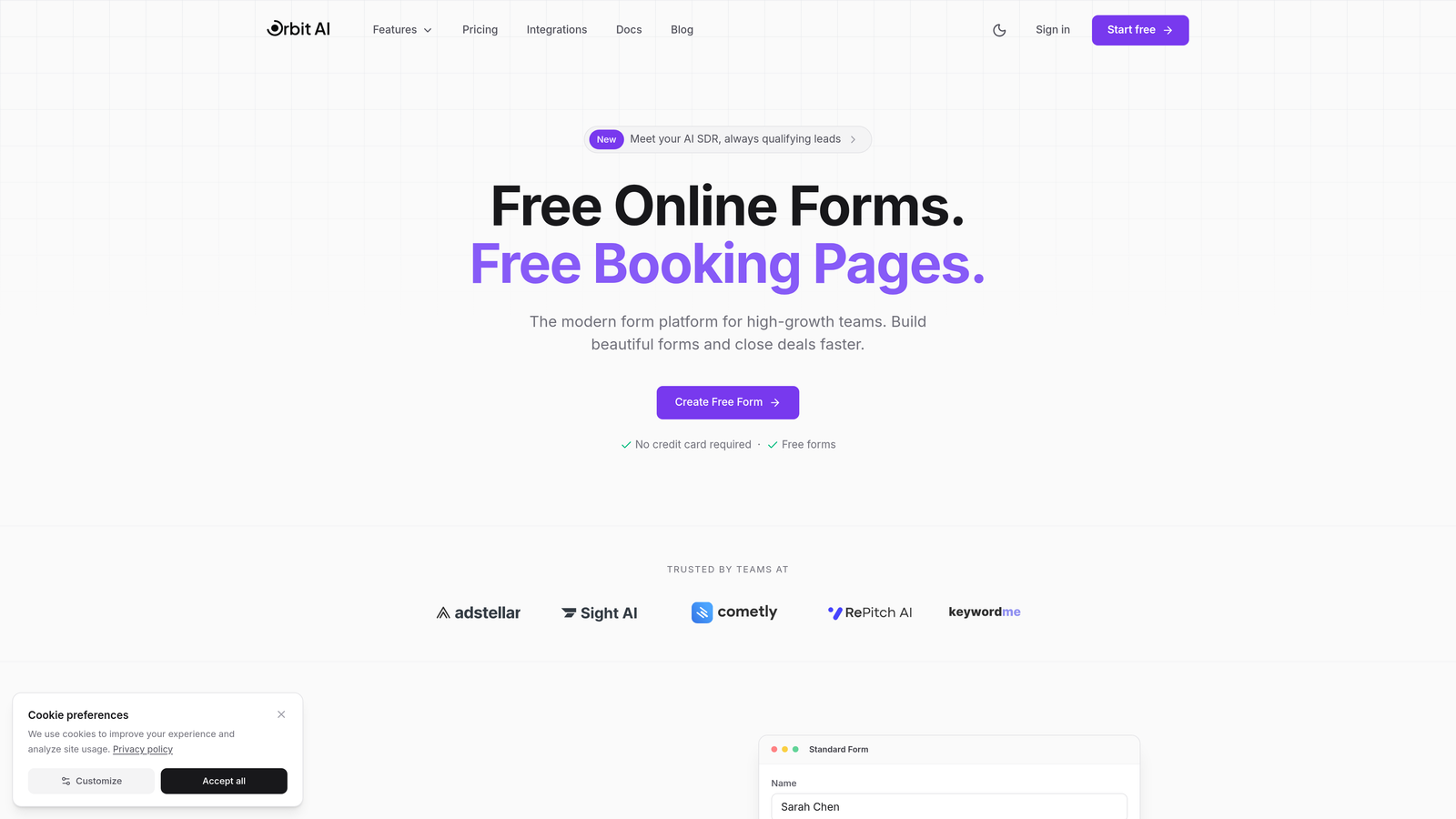
Orbit AI is an AI-powered form builder that combines modern team collaboration with automatic lead qualification capabilities.
Where This Tool Shines
Orbit AI stands out by solving two problems simultaneously: team collaboration and lead quality. While your team builds conversion-optimized forms together, the platform's AI automatically qualifies incoming leads based on your criteria.
The collaboration experience feels natural and modern. Team members can work on forms simultaneously without stepping on each other's toes, with role-based permissions ensuring the right people have the right access levels. The platform integrates deeply with CRM and sales tools, making it ideal for teams where forms feed directly into sales pipelines.
Key Features
AI-Powered Lead Qualification: Automatically scores and routes leads based on intelligent analysis of form responses.
Real-Time Team Collaboration: Multiple team members can edit forms simultaneously with instant updates and clear change tracking.
Role-Based Permissions: Granular control over who can create, edit, publish, and view form data across your organization.
Deep CRM Integrations: Native connections to popular sales and marketing platforms for seamless data flow.
Conversion-Optimized Design: Modern, mobile-responsive templates built specifically to maximize form completion rates.
Best For
Orbit AI works best for high-growth teams where lead quality matters as much as quantity. If your sales team wastes time qualifying unfit prospects, or your marketing team struggles to build forms that convert, this platform addresses both challenges. It's particularly valuable for SaaS companies, agencies, and B2B businesses with complex sales processes.
Pricing
Free tier available for teams getting started. Paid plans start at competitive rates designed for growing teams, with pricing that scales based on usage rather than per-seat charges.
2. Typeform
Best for: Teams creating engaging, conversational form experiences with brand-forward design
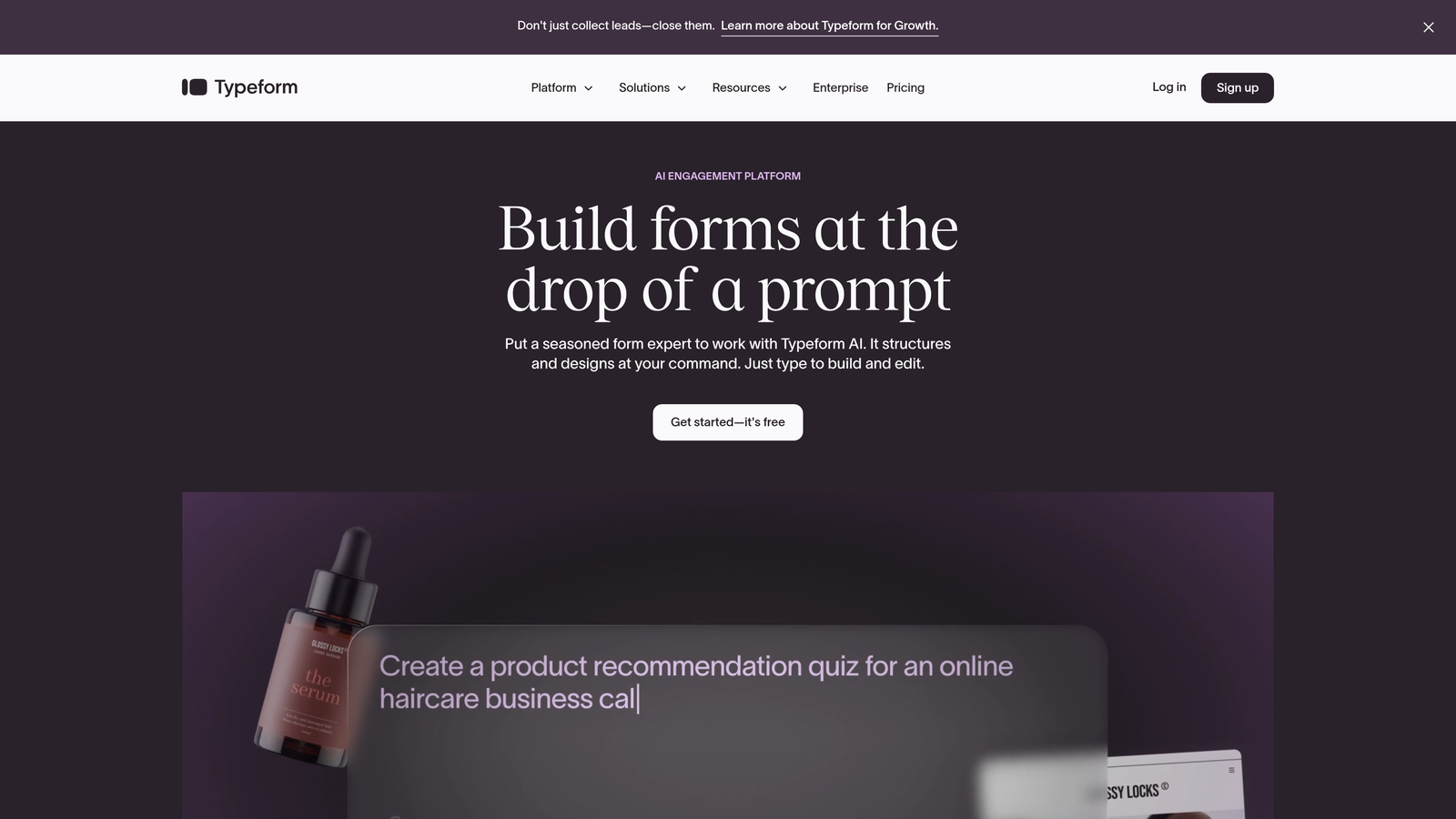
Typeform is a conversational form builder known for creating beautiful, engaging form experiences with solid team collaboration features.
Where This Tool Shines
Typeform's one-question-at-a-time format creates a conversational experience that feels less like a form and more like a dialogue. This approach consistently delivers higher completion rates than traditional forms, making it ideal for customer surveys, lead capture, and feedback collection.
The team workspace functionality lets multiple collaborators work on forms, share templates, and maintain brand consistency across all team-created forms. The analytics dashboard provides clear insights into drop-off points and completion patterns, helping teams optimize their forms collaboratively.
Key Features
Conversational Format: One-question-at-a-time interface that significantly improves form completion rates.
Team Workspaces: Shared environments where teams can collaborate on forms, share templates, and maintain brand consistency.
Advanced Conditional Logic: Complex branching paths based on user responses for personalized form experiences.
Analytics Dashboard: Detailed insights into completion rates, drop-off points, and response patterns.
Rich Media Embedding: Seamlessly integrate videos, images, and GIFs to create engaging form experiences.
Best For
Typeform excels for marketing teams, customer success departments, and anyone creating public-facing forms where user experience matters. If your brand identity is important and you need forms that feel premium, Typeform delivers. It's particularly strong for surveys, event registrations, and lead qualification flows.
Pricing
Free tier available with basic features. Business plans start at $59/month and include team collaboration features, advanced logic, and removal of Typeform branding.
3. Jotform
Best for: Organizations needing extensive templates, approval workflows, and comprehensive team management
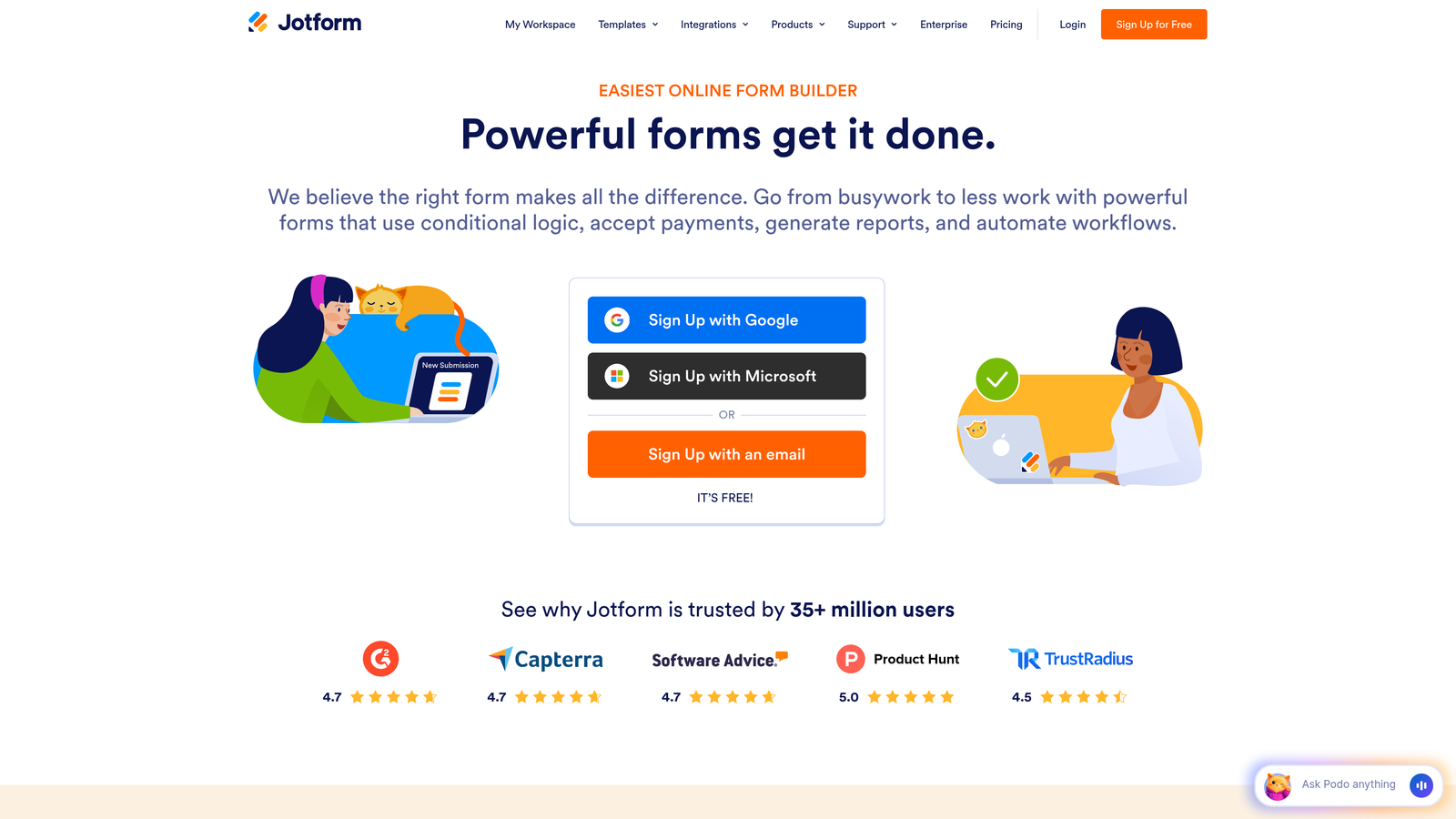
Jotform is an established form builder offering over 10,000 templates, built-in approval workflows, and robust team collaboration for organizations of all sizes.
Where This Tool Shines
Jotform's massive template library means you're rarely starting from scratch. The platform has been around long enough to accumulate templates for virtually every use case imaginable, from healthcare intake forms to event registrations to employee onboarding.
The approval workflow system is particularly valuable for larger teams. Forms can be assigned to specific team members, routed through approval chains, and managed with shared folders that keep everything organized. Jotform Tables adds a database layer, letting teams view and manage form submissions collaboratively.
Key Features
10,000+ Templates: Massive library covering virtually every industry and use case imaginable.
Approval Workflows: Built-in routing and approval chains for forms requiring review before submission or publication.
Team Collaboration: Shared folders, form assignments, and collaborative editing capabilities for team-based work.
PDF Form Creation: Convert existing PDF forms into fillable online forms or generate PDFs from submissions.
Jotform Tables: Database view of form submissions with collaborative data management capabilities.
Best For
Jotform works well for established organizations with diverse form needs across multiple departments. If you need everything from HR forms to customer surveys to payment collection in one platform, Jotform's breadth is hard to beat. The approval workflows make it particularly suitable for regulated industries or organizations with compliance requirements.
Pricing
Free tier available with Jotform branding. Team plans start at $39/month per user, with enterprise options for larger organizations requiring advanced security and compliance features.
4. Tally
Best for: Budget-conscious teams wanting unlimited forms without per-seat pricing constraints
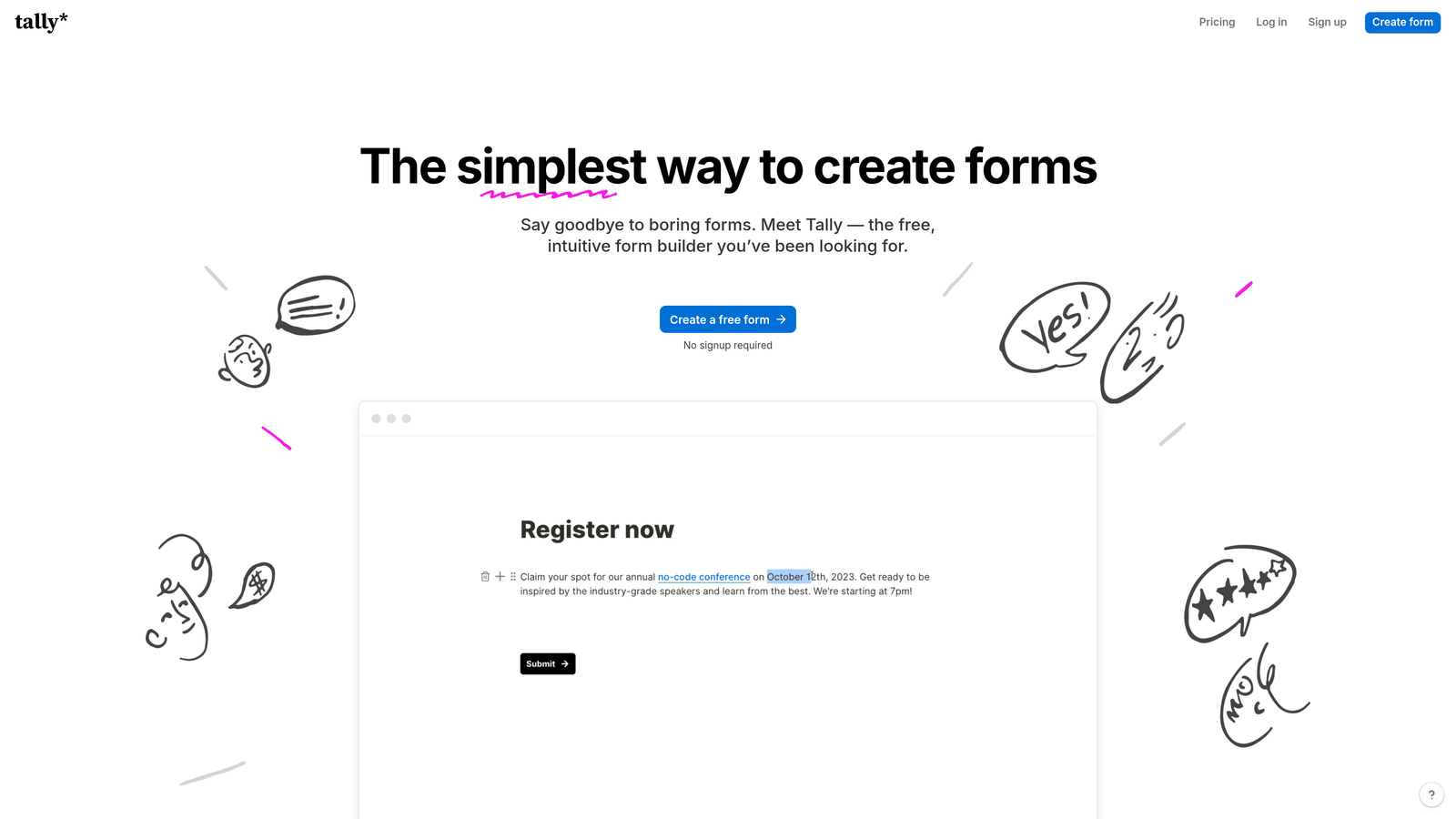
Tally is a Notion-like form builder offering unlimited forms and generous collaboration features without traditional per-seat pricing.
Where This Tool Shines
Tally's pricing model is refreshingly simple: unlimited forms on the free tier, and no per-response limits on paid plans. This makes it ideal for teams that need to create many forms without worrying about hitting arbitrary limits.
The Notion-style interface feels familiar to teams already using Notion for documentation. You build forms using blocks, making the creation process intuitive and fast. Team workspaces let multiple collaborators work together without the seat-based pricing that makes other tools expensive as teams grow.
Key Features
Unlimited Free Forms: No artificial limits on form creation, even on the free tier.
Notion-Style Interface: Block-based form building that feels natural for teams familiar with modern productivity tools.
Team Workspaces: Collaborative environments without per-seat pricing penalties.
No Response Limits: Paid plans don't cap the number of form submissions you can receive.
Conditional Logic: Simple branching and logic for creating dynamic form experiences.
Best For
Tally is perfect for startups, small teams, and organizations that need to create many forms without breaking the budget. If you're running internal surveys, feedback forms, or simple lead capture and don't need advanced features like payment processing or complex workflows, Tally delivers exceptional value.
Pricing
Free tier with unlimited forms and basic features. Pro plan at $29/month adds custom domains, file uploads, and removes Tally branding—still without per-response limits.
5. Fillout
Best for: Teams managing complex data workflows with Airtable or Notion as their backend
Fillout is a database-native form builder with deep Airtable and Notion integrations designed for teams managing complex data workflows.

Where This Tool Shines
Fillout treats forms as a frontend to your database, not a separate tool. If your team uses Airtable or Notion as your source of truth, Fillout connects directly, letting you create forms that read from and write to your existing data structures without middleware or complex integrations.
The team workspace includes granular permissions, letting you control who can create forms, access specific data, and publish changes. Advanced calculations and logic mean you can build sophisticated forms that perform complex operations based on user input or existing database values.
Key Features
Native Database Integration: Direct connections to Airtable and Notion that treat your database as the source of truth.
Team Workspaces: Collaborative environments with granular permission controls for different team roles.
Advanced Calculations: Complex formulas and logic for sophisticated form behaviors and data processing.
Scheduling Forms: Built-in calendar integration for booking appointments and scheduling directly through forms.
Multi-Page Forms: Progress bars and page breaks for longer forms that maintain user engagement.
Best For
Fillout excels for teams that have already invested in Airtable or Notion as their operational backbone. If your workflows, client data, or project management live in these tools, Fillout creates a seamless form layer without forcing you to duplicate data or manage sync issues. It's particularly valuable for agencies, consultancies, and operations teams.
Pricing
Free tier available for basic use. Paid plans start at $15/month and scale based on features and submission volume rather than team size.
6. Google Forms
Best for: Teams already using Google Workspace needing simple, free collaborative forms
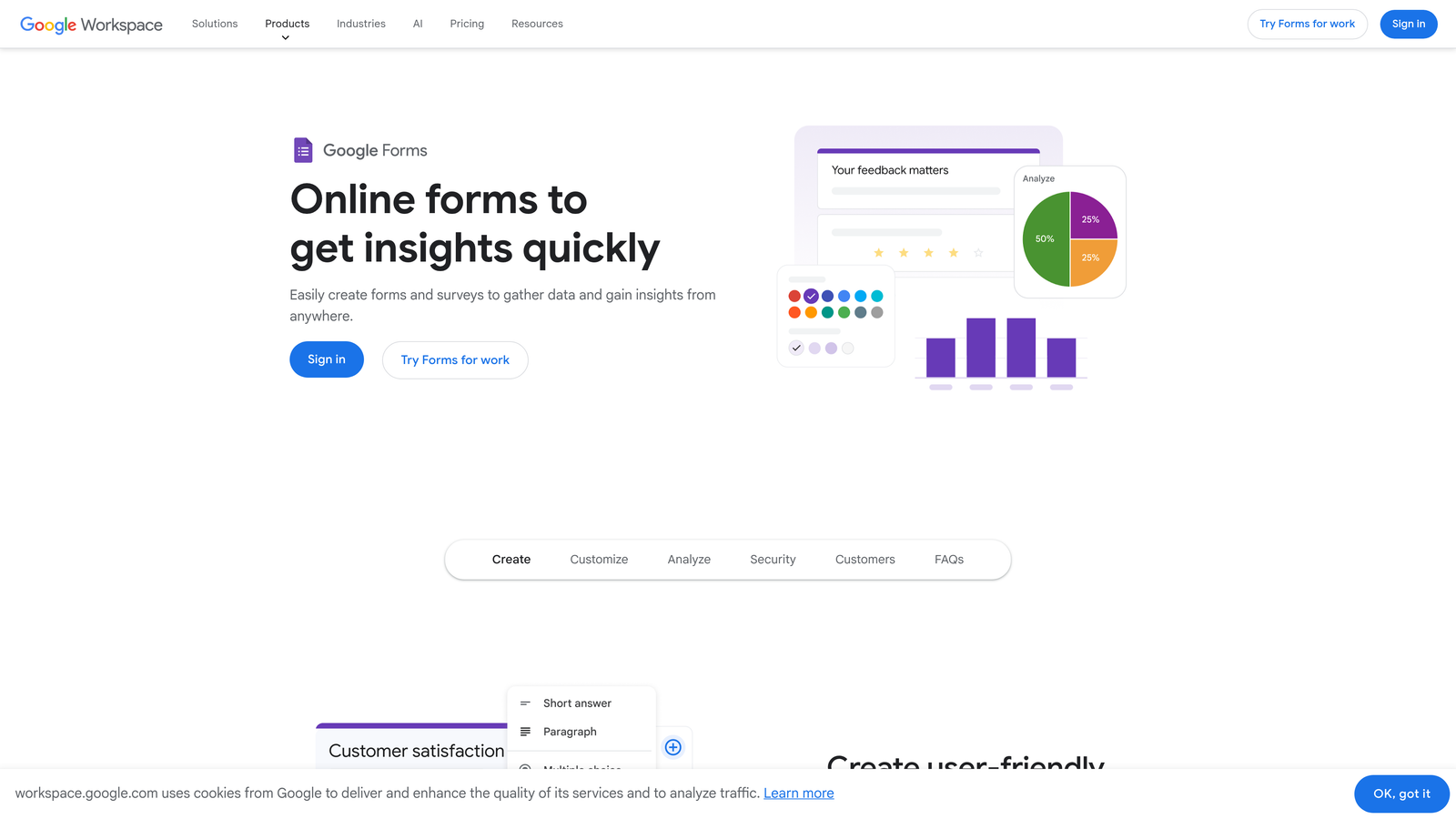
Google Forms is a simple, free form builder with real-time co-editing capabilities for teams in the Google ecosystem.
Where This Tool Shines
Google Forms does one thing exceptionally well: it lets teams collaborate on forms with the same real-time editing experience as Google Docs. Multiple team members can work on a form simultaneously, seeing each other's changes instantly with no version control headaches.
The automatic Google Sheets integration means form responses flow directly into a spreadsheet where your team can analyze, filter, and share data collaboratively. For teams already paying for Google Workspace, it's included at no additional cost, making it the most budget-friendly option for basic form needs.
Key Features
Real-Time Collaborative Editing: Multiple team members can edit forms simultaneously with instant change visibility.
Google Sheets Integration: Automatic response collection in spreadsheets with full collaborative analysis capabilities.
Quiz and Assessment Features: Built-in grading, answer keys, and automatic scoring for educational use cases.
Basic Conditional Logic: Simple branching based on responses for dynamic form paths.
Familiar Interface: No learning curve for teams already using Google Workspace tools.
Best For
Google Forms works best for internal surveys, event registrations, feedback collection, and educational assessments. If your team lives in Google Workspace and needs simple forms without advanced features like payment processing or complex workflows, Google Forms delivers solid functionality at an unbeatable price point.
Pricing
Completely free with a Google account. Included in all Google Workspace subscriptions with no additional cost or feature restrictions.
7. Microsoft Forms
Best for: Enterprise teams in Microsoft 365 ecosystems requiring compliance and security
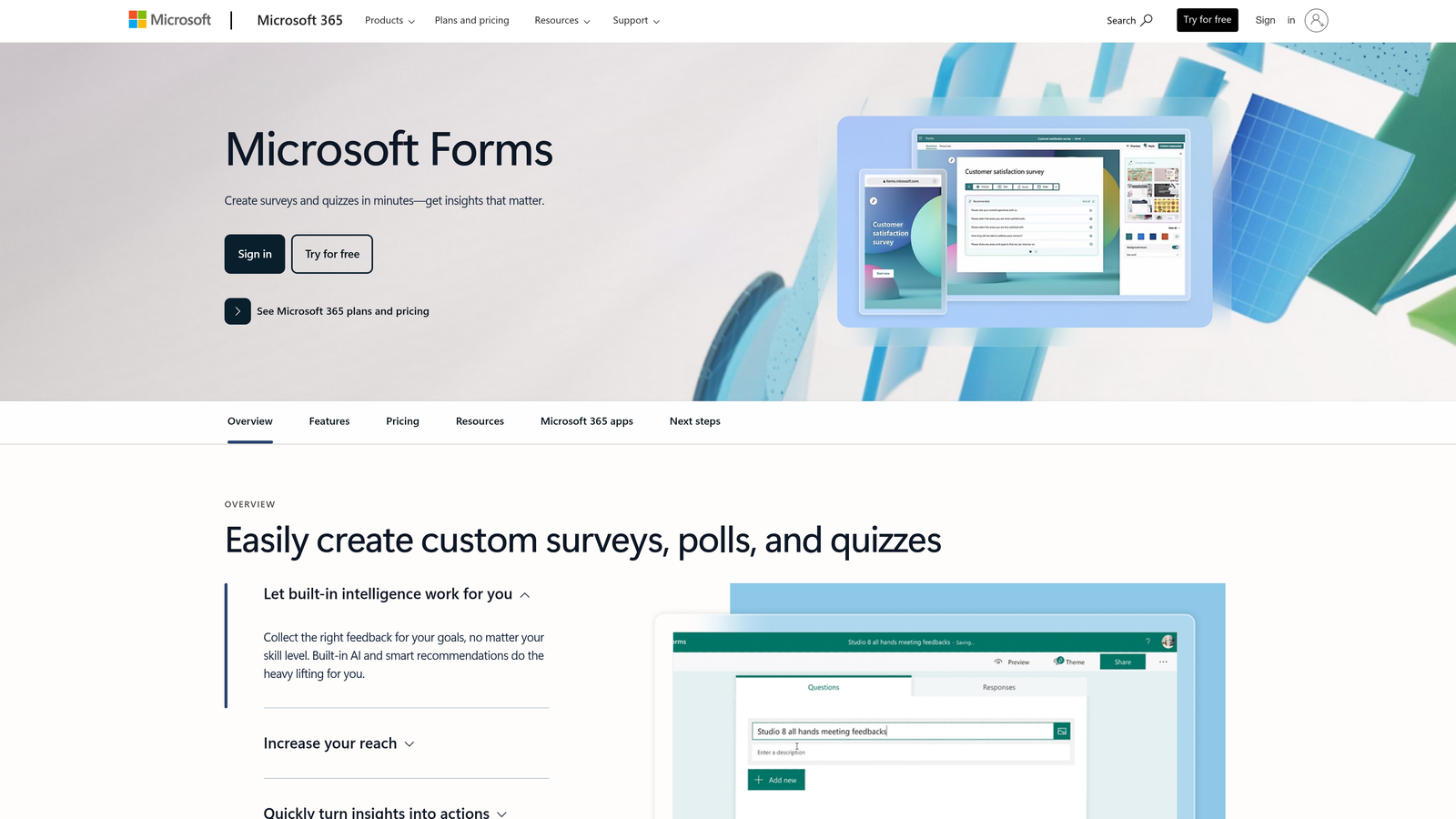
Microsoft Forms is an enterprise form builder with seamless Microsoft 365 integration designed for teams operating within Microsoft ecosystems.
Where This Tool Shines
Microsoft Forms integrates natively with the entire Microsoft 365 suite, making it the natural choice for enterprises already invested in Teams, SharePoint, and Power Platform. Forms can be shared directly in Teams channels, embedded in SharePoint pages, and trigger Power Automate workflows without third-party connectors.
The co-authoring capabilities mirror other Microsoft 365 tools, letting team members collaborate on forms with familiar editing experiences. Enterprise security features, compliance certifications, and data residency options make it suitable for regulated industries with strict data governance requirements.
Key Features
Microsoft Teams Integration: Native sharing and collaboration within Teams channels and chats.
Power Automate Workflows: Trigger sophisticated automation workflows based on form submissions without coding.
Co-Authoring Capabilities: Real-time collaborative editing with the same experience as other Microsoft 365 tools.
SharePoint Embedding: Seamlessly embed forms in SharePoint sites and pages for internal portals.
Enterprise Security: Compliance certifications, data loss prevention, and advanced security features for regulated industries.
Best For
Microsoft Forms is ideal for large enterprises, government organizations, and regulated industries already standardized on Microsoft 365. If your IT department has locked down approved tools to the Microsoft ecosystem, or if you need forms that comply with strict data governance policies, Microsoft Forms delivers without requiring additional vendor approvals.
Pricing
Included with all Microsoft 365 subscriptions at no additional cost. Available in personal, business, and enterprise plans with varying feature sets based on subscription level.
8. Cognito Forms
Best for: Business teams needing built-in payment processing and complex calculations
Cognito Forms is a feature-rich form builder with native payment processing and workflow automation designed for business teams handling transactions.
Where This Tool Shines
Cognito Forms eliminates the need for separate payment processors by building payment collection directly into forms. You can calculate pricing dynamically based on user selections, apply discounts, handle taxes, and process payments without leaving the form builder or integrating third-party tools.
The calculation engine is remarkably powerful, handling complex pricing scenarios, conditional fields, and data validation that would require custom development in other platforms. Role-based team access ensures the right people can create forms, process payments, and access sensitive customer data based on their responsibilities.
Key Features
Built-In Payment Processing: Native integration with payment gateways for seamless transaction handling within forms.
Complex Calculations: Advanced formulas for dynamic pricing, tax calculations, and conditional field values.
Role-Based Team Access: Granular permissions controlling form creation, data access, and payment processing capabilities.
Workflow Automation: Automated email notifications, data routing, and task assignments based on form submissions.
Document Merging: Generate PDFs and documents automatically populated with form data for invoices and contracts.
Best For
Cognito Forms excels for businesses collecting payments through forms—registration fees, service bookings, product orders, or donation collection. If you need complex pricing logic, subscription management, or invoice generation tied to form submissions, Cognito Forms handles scenarios that would require multiple tools elsewhere.
Pricing
Free tier available for basic forms. Team plans start at $24/month and scale based on features, with payment processing fees separate based on your chosen gateway.
9. Formstack
Best for: Enterprise teams requiring advanced compliance, document workflows, and e-signatures
Formstack is an enterprise-grade form builder with advanced workflow automation, compliance features, and document generation capabilities.
Where This Tool Shines
Formstack targets enterprises with complex compliance requirements and sophisticated document workflows. The platform includes HIPAA compliance features, making it suitable for healthcare organizations handling protected health information. Document generation and e-signature integration create complete workflows from form submission to signed contract without leaving the platform.
The workflow automation engine is among the most sophisticated in the form builder space, handling complex routing, approval chains, and data transformations. Detailed team permissions let administrators control exactly who can access what data, create forms, and manage workflows across large organizations.
Key Features
Advanced Workflow Automation: Complex routing, approval chains, and data transformations based on sophisticated business rules.
Document Generation: Automatically create PDFs, contracts, and documents populated with form data.
E-Signature Integration: Native integration with DocuSign and other e-signature platforms for complete workflows.
HIPAA Compliance: Built-in features and certifications for healthcare organizations handling protected health information.
Detailed Team Permissions: Granular access controls for large organizations with complex security requirements.
Best For
Formstack is built for enterprises, healthcare organizations, financial services firms, and any business with strict compliance requirements. If you need forms that integrate into complex approval workflows, generate legal documents, or handle sensitive data under regulatory oversight, Formstack provides the enterprise-grade capabilities other tools lack.
Pricing
Plans start at $50/month for basic features. Enterprise pricing varies based on compliance requirements, user count, and advanced features needed. Custom quotes available for large organizations.
Finding Your Perfect Collaboration Match
Your ideal team collaboration form builder depends on your workflow complexity and existing tech stack. For high-growth teams focused on lead generation, Orbit AI's AI-powered qualification and modern collaboration features make it the standout choice—especially when lead quality matters as much as quantity.
Teams deep in Google or Microsoft ecosystems will find their native form tools sufficient for basic internal needs. If you need extensive templates and approval workflows for diverse use cases, Jotform delivers breadth. Budget-conscious teams should explore Tally's generous free tier that doesn't penalize you for creating multiple forms.
For teams managing complex data in Airtable or Notion, Fillout's native integration eliminates sync headaches. If payment processing is central to your forms, Cognito Forms handles transactions without third-party tools. Enterprise organizations with compliance requirements should evaluate Formstack's advanced security and workflow capabilities.
Whatever you choose, prioritize tools that match how your team actually works—not just feature checklists. The best form builder is the one your team will consistently use, that integrates with your existing tools, and that scales as your needs evolve.
Transform your lead generation with AI-powered forms that qualify prospects automatically while delivering the modern, conversion-optimized experience your high-growth team needs. Start your free trial today and see how intelligent form design can elevate your conversion strategy.