

Managing forms at enterprise scale is harder than it looks. What starts as a few intake forms and contact pages quickly becomes a sprawling mess of disconnected tools, siloed submission data, inconsistent branding across departments, and zero visibility into who approved what and when. Add compliance obligations like HIPAA, GDPR, or SOC 2 into the mix, and the stakes get even higher.
Enterprise form management systems solve a fundamentally different problem than simple form builders. They offer centralized governance, role-based permissions, audit trails, advanced workflow automation, and the integration depth that large organizations actually need. Whether you're running a healthcare intake process, a financial services onboarding flow, or a high-volume B2B lead generation operation, the right platform can bring order to the chaos.
The tools below were selected based on enterprise-grade security, workflow automation capabilities, integration depth, scalability, and admin controls. If you're evaluating how forms fit into your broader lead strategy, our guides on conversion-optimized form design and AI-powered lead qualification offer useful context before you dive in.
1. Orbit AI
Best for: High-growth sales and marketing teams that need AI-powered lead qualification built directly into their forms.
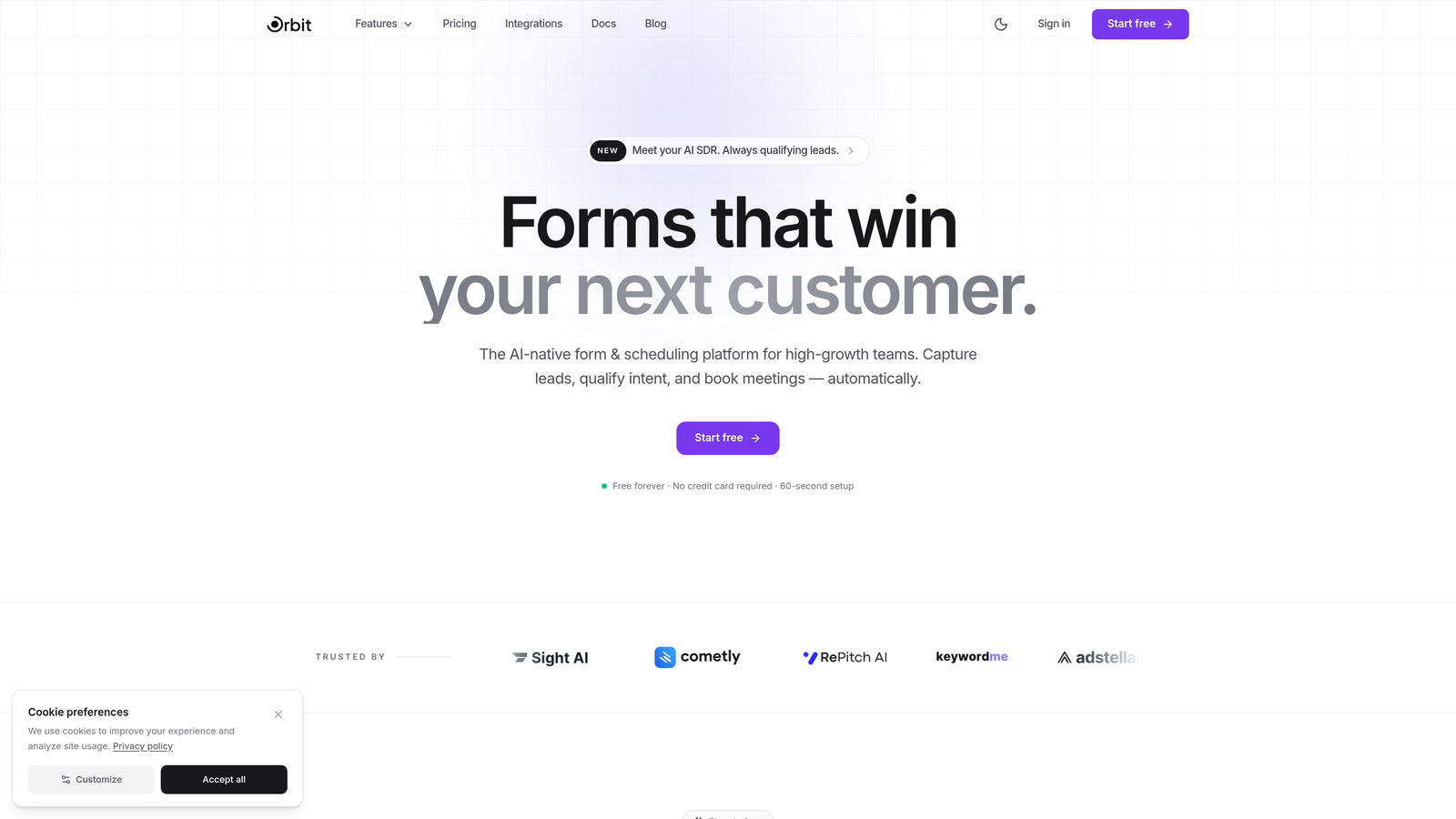
Orbit AI is an AI-powered form builder platform designed to turn every form submission into a qualified lead signal, not just a data point.
Where This Tool Shines
Most enterprise form tools treat lead qualification as a downstream CRM problem. Orbit AI flips that model by embedding qualification logic directly at the form level. As prospects fill out a form, the platform scores and routes them in real time, so your sales team is working from a prioritized, pre-qualified pipeline before they ever open their inbox.
The modern UI design philosophy also sets it apart. Forms built on Orbit AI look and feel like polished product experiences, not generic data collection widgets. For enterprise teams where brand consistency and conversion performance both matter, that combination is genuinely rare.
Key Features
AI-Powered Lead Scoring: Qualifies and scores leads automatically at the form level, reducing manual triage for sales teams.
Conversion-Optimized Design: Modern, branded form experiences built to maximize completion rates without sacrificing data quality.
Dynamic Form Fields: Fields adapt based on user input, creating personalized form flows that feel intuitive rather than interrogative.
CRM and Marketing Automation Integrations: Connects with major CRM and marketing platforms so qualified leads flow directly into your existing stack.
Role-Based Access Controls: Team collaboration features with permission management suited for multi-department enterprise environments.
Best For
Enterprise sales and marketing teams at high-growth SaaS and B2B companies who need more than a form builder. Orbit AI is especially valuable for organizations where lead quality, conversion rates, and CRM data hygiene are strategic priorities, not afterthoughts.
Pricing
Enterprise pricing is available on request. Contact the Orbit AI team directly through orbitforms.ai for a tailored quote based on your team's scale and requirements.
2. Formstack
Best for: Organizations that need forms, document generation, and e-signatures managed within a single unified workflow platform.
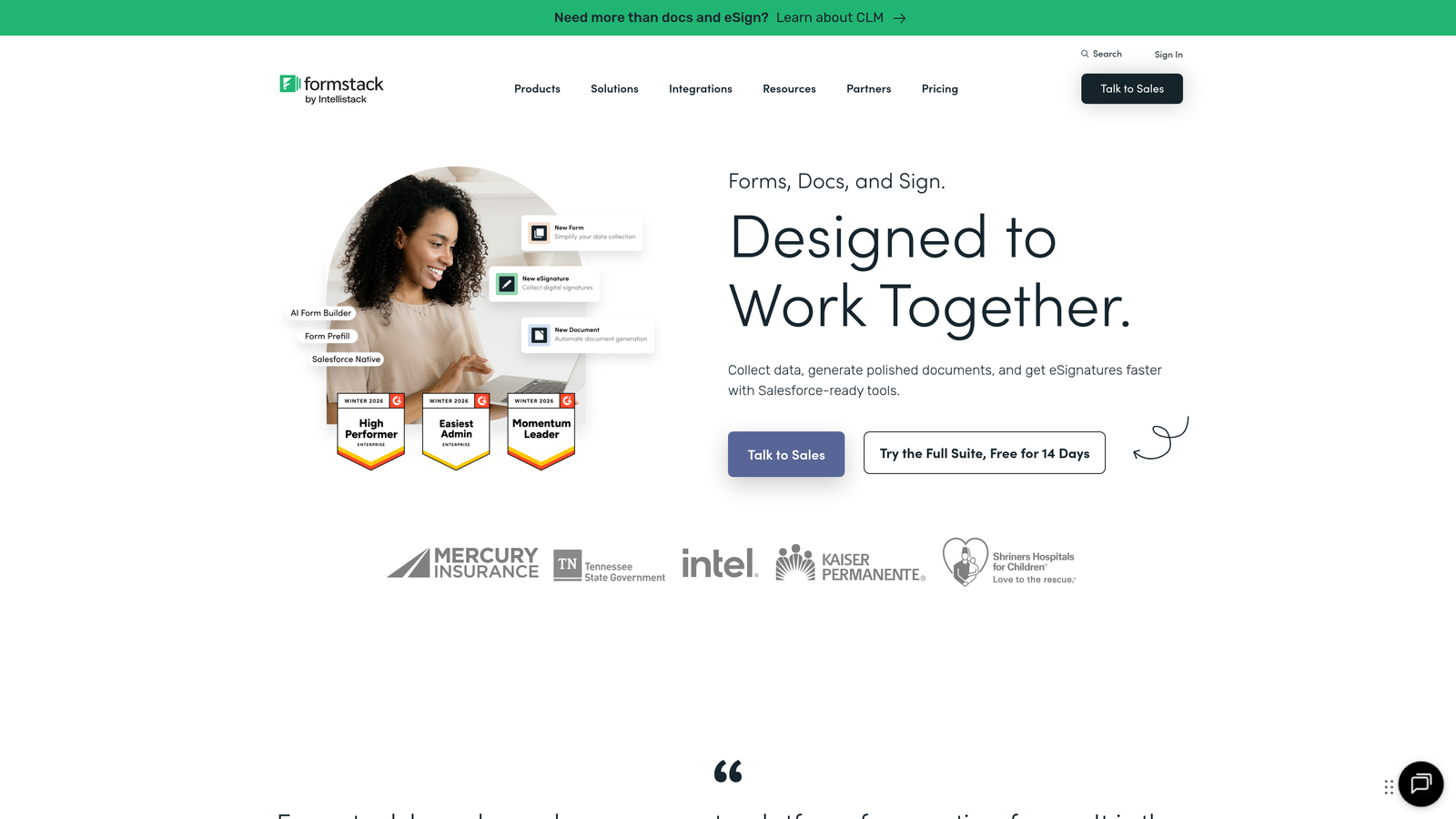
Formstack is a workflow automation suite that goes well beyond form building, combining forms, documents, and electronic signatures under one roof.
Where This Tool Shines
Formstack's strongest differentiator is its "Workflow Suite" approach. Rather than treating forms as standalone data collection tools, Formstack connects form submissions directly into document generation and signature workflows. That end-to-end capability is particularly compelling for regulated industries like healthcare and financial services.
The platform also has mature compliance infrastructure, including HIPAA-compliant data handling and robust encryption, which makes it a serious contender for enterprise buyers with strict security requirements.
Key Features
Workflow Suite: Forms, documents, and e-signatures integrated into a single platform, eliminating handoffs between disconnected tools.
HIPAA Compliance: Data encryption and compliance-ready architecture for healthcare and other regulated sectors.
Conditional Logic and Calculations: Sophisticated branching and calculation fields for complex data collection scenarios.
Native Integrations: Pre-built connectors with Salesforce, Microsoft 365, Google Workspace, and dozens of other enterprise systems.
Role-Based Access: Team management and permission controls suitable for multi-department deployments.
Best For
Mid-to-large enterprises in healthcare, HR, or operations that want to consolidate forms, contracts, and signatures into a single vendor relationship. Particularly strong for teams already using Salesforce or Microsoft 365.
Pricing
Paid plans start around $50/month for smaller teams; enterprise plans with advanced compliance and workflow features are available with custom pricing.
3. Jotform Enterprise
Best for: Large organizations in compliance-heavy industries that need dedicated infrastructure, SSO, and extensive template libraries.
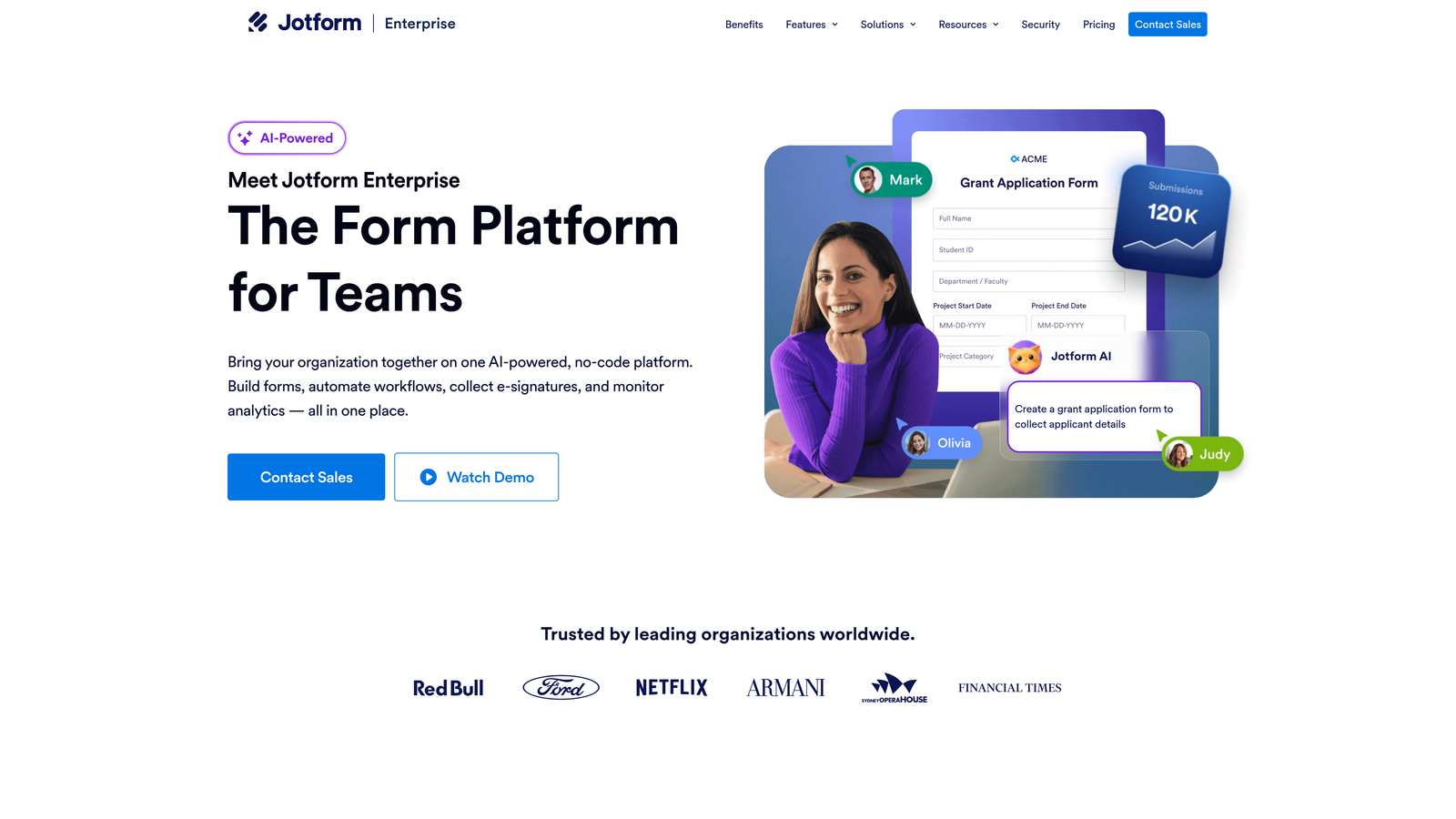
Jotform Enterprise is a no-code form platform that provides dedicated server infrastructure, custom branding, and compliance-ready features for organizations that can't afford to share infrastructure with thousands of other users.
Where This Tool Shines
The dedicated server model is Jotform Enterprise's headline feature. Your organization gets its own server environment with a custom domain, which matters enormously for healthcare providers, government agencies, and financial institutions with strict data residency or isolation requirements.
The sheer breadth of templates (over 10,000) also means most teams can find a starting point rather than building from scratch, which significantly reduces time-to-deployment across departments.
Key Features
Dedicated Server Infrastructure: Isolated server environment with custom domain and white-label branding for full organizational control.
SSO and Audit Logs: SAML-based single sign-on, detailed audit trails, and granular admin controls.
Compliance Options: HIPAA, SOC 2, and GDPR-ready configurations available depending on plan and use case.
Template Library: 10,000+ pre-built templates covering virtually every industry and use case.
Jotform Tables: Built-in submission data management that functions like a lightweight database for form responses.
Best For
Healthcare systems, government agencies, universities, and large enterprises that need isolated infrastructure, compliance documentation, and the ability to deploy forms across many departments without heavy IT involvement.
Pricing
Custom enterprise pricing based on usage volume, infrastructure requirements, and compliance needs. Contact Jotform directly for a quote.
4. Microsoft Power Apps (with Dataverse)
Best for: Enterprises already running on Microsoft 365 or Azure that want form-driven apps deeply integrated with their existing data ecosystem.
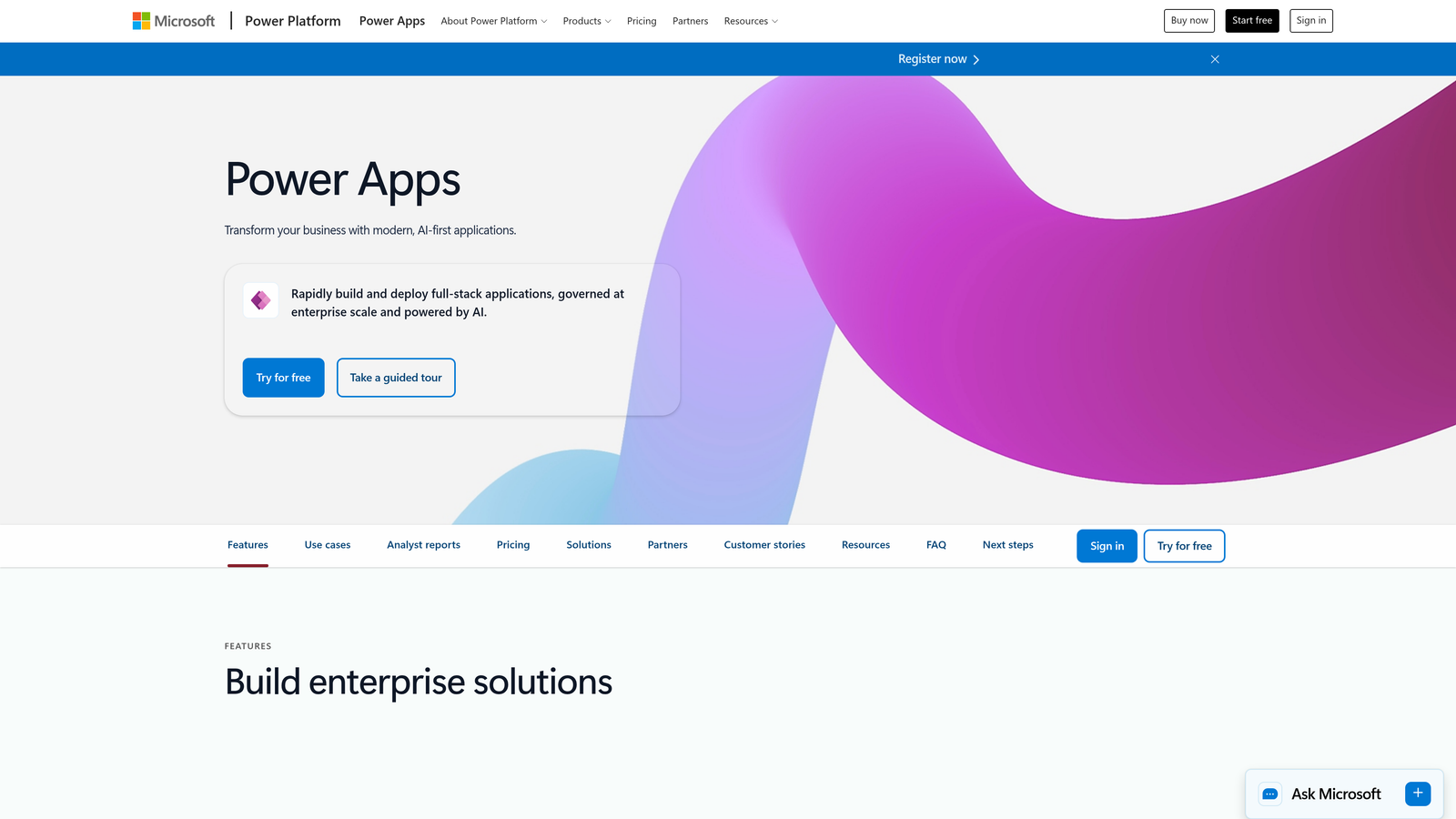
Microsoft Power Apps is a low-code application platform that lets enterprises build sophisticated form-driven applications connected to centralized data storage through Microsoft Dataverse.
Where This Tool Shines
For organizations already invested in the Microsoft ecosystem, Power Apps offers an integration depth that standalone form tools simply can't match. Forms built in Power Apps can read from and write to Dataverse, SharePoint, Dynamics 365, and dozens of other Microsoft services natively, without custom API work.
The combination of Power Apps with Power Automate also means form submissions can trigger complex, multi-step workflows across the entire Microsoft stack, from Teams notifications to Outlook approvals to Dynamics 365 record updates.
Key Features
Model-Driven and Canvas Apps: Two distinct form/app paradigms for different use cases, from structured data entry to freeform UX design.
Dataverse Integration: Native connection to Microsoft's enterprise data platform, with SharePoint and Dynamics 365 also supported out of the box.
Power Automate Workflows: Trigger automated workflows from form submissions without writing code.
Azure Active Directory Security: Enterprise identity management, conditional access policies, and compliance tooling built on Azure infrastructure.
AI Builder: Intelligent form processing features including document parsing and prediction models for advanced use cases.
Best For
Microsoft-centric enterprises with IT teams comfortable in the Power Platform ecosystem. Less suited for organizations outside the Microsoft stack or teams that need fast, marketer-friendly form creation without developer involvement.
Pricing
Starts at $20 per user per month; included at various levels within Microsoft 365 enterprise plans depending on license tier.
5. Kissflow
Best for: Enterprises that want forms to serve as entry points for end-to-end business process automation, approvals, and case management.
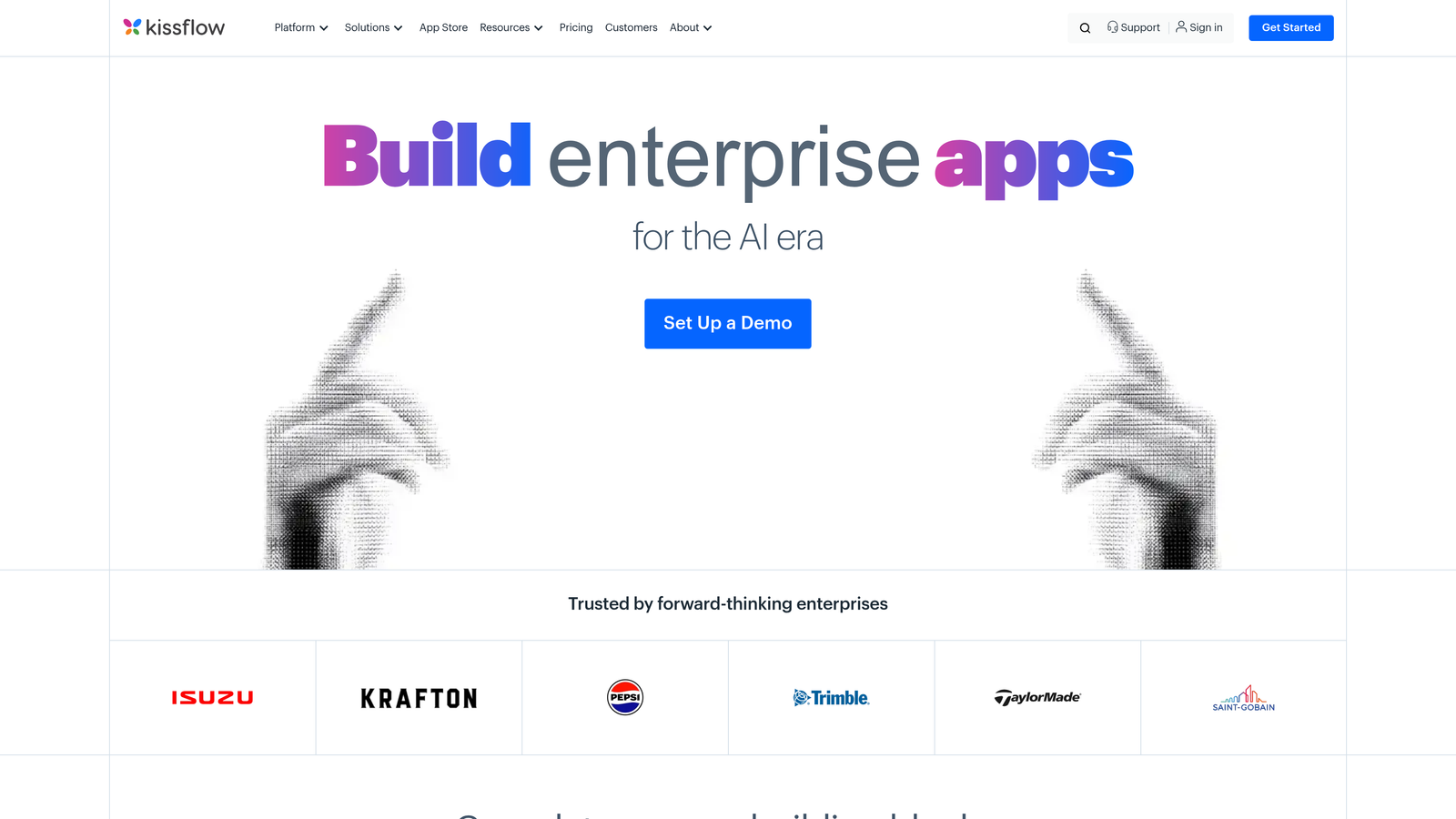
Kissflow is a low-code work platform where forms are not standalone tools but structured triggers for automated business processes across HR, finance, procurement, and operations.
Where This Tool Shines
Kissflow sits at the intersection of form management and business process management (BPM). If your organization needs forms that kick off multi-step approval chains, route requests to the right department, and track case status through to resolution, Kissflow handles all of that in one environment.
The visual workflow designer makes it accessible to business users who need to configure processes without relying on IT, which is a meaningful advantage in large organizations where IT backlogs slow everything down.
Key Features
Process-Integrated Forms: Every form is designed as the entry point to a broader automated workflow, not a standalone data capture tool.
Visual Workflow Designer: Drag-and-drop approval chain builder with conditional routing and escalation rules.
Case Management: Board and list views for tracking open cases and requests through to completion.
Role-Based Access: Department-level permissions and access controls for large, multi-team deployments.
Pre-Built Process Templates: Ready-made workflows for common enterprise functions including HR onboarding, expense approvals, and procurement requests.
Best For
Operations, HR, and finance teams at mid-to-large enterprises that need structured approval and case management workflows, not just data collection. Kissflow works best when forms are part of a larger process, not a destination in themselves.
Pricing
Basic plan starts at $1,500/month; higher tiers and enterprise plans available with custom pricing for larger deployments.
6. Cognito Forms
Best for: Teams that need advanced calculation logic, repeating sections, and payment processing without enterprise-level pricing overhead.
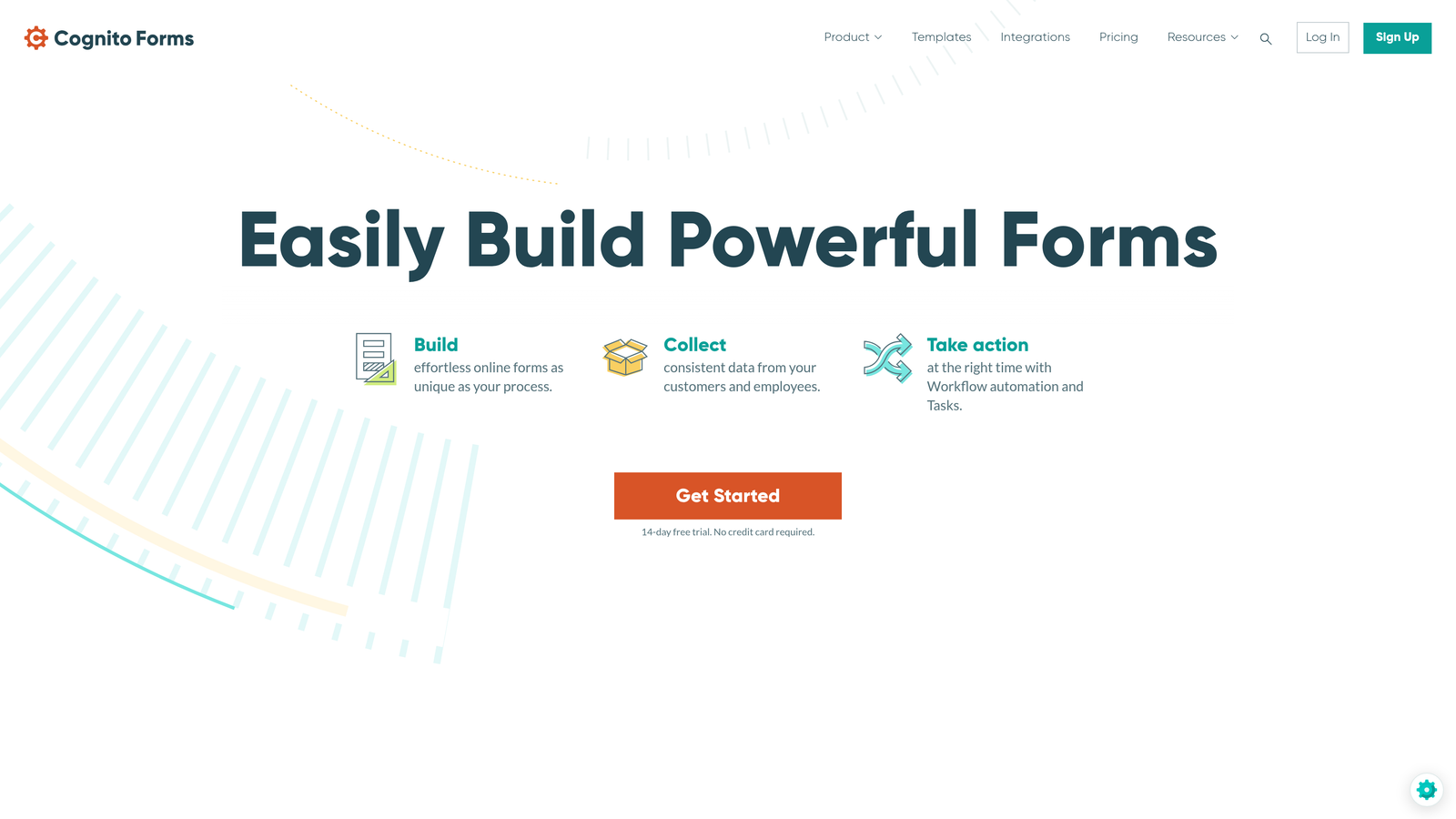
Cognito Forms is a feature-rich form builder that punches well above its price point, offering capabilities typically found in much more expensive enterprise platforms.
Where This Tool Shines
Cognito Forms has one of the most powerful calculation engines available in any form builder. If your forms need to perform complex math, like calculating quotes, totals, or eligibility scores based on user input, Cognito handles it natively without requiring external logic or custom code.
The repeating sections feature is another standout. It allows users to dynamically add rows of data within a single form, which is invaluable for order forms, expense reports, or any scenario where the number of entries isn't fixed in advance.
Key Features
Advanced Calculation Engine: Handles complex conditional math and formula-based field values directly within the form.
Repeating Sections: Dynamic, user-expandable sections for variable-length data entry within a single submission.
Payment Processing: Native integration with Stripe, PayPal, and Square for transactional forms.
HIPAA Compliance Option: Available on higher-tier plans for healthcare-adjacent use cases.
Approval Routing: Basic workflow features including approval notifications and multi-step routing for review processes.
Best For
Small to mid-sized organizations, internal teams, and departments within larger enterprises that need sophisticated form logic and payment handling without committing to a full enterprise platform budget.
Pricing
Free tier available; paid plans start at $15/month; organizational and enterprise plans available for teams needing shared access and advanced compliance features.
7. Feathery
Best for: Product and engineering teams that need pixel-perfect, deeply customizable form experiences embedded directly into their product or web application.
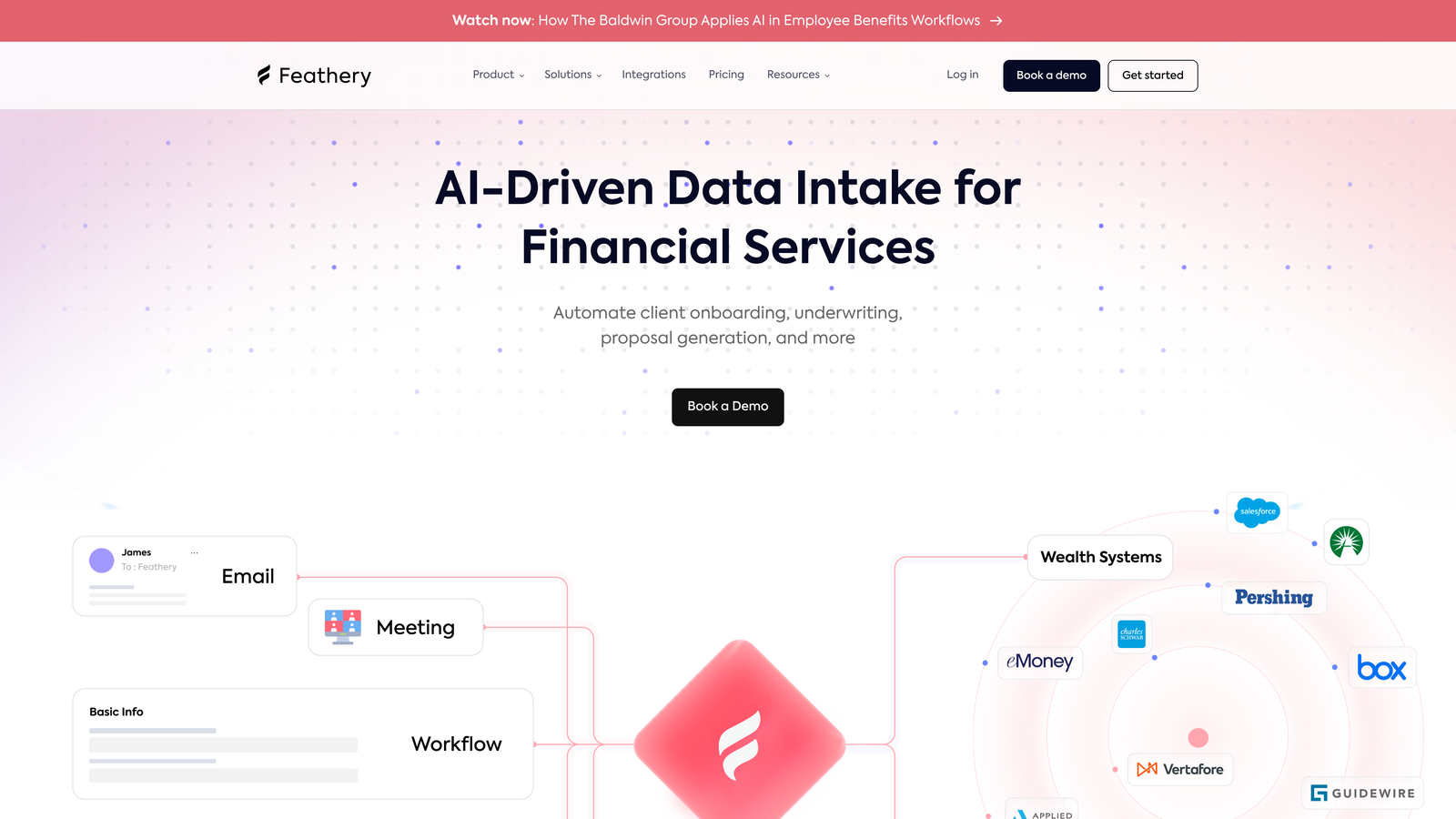
Feathery is a developer-friendly, React-based form builder that combines a visual editor with a robust SDK for teams that need full design control and deep product integration.
Where This Tool Shines
Feathery occupies a unique space between no-code form builders and fully custom-coded form development. Product teams get a visual editor for rapid iteration, but engineers retain the ability to integrate deeply via React SDK, custom hooks, and an API-first architecture. The result is forms that look and behave like native product features, not embedded third-party widgets.
The built-in identity verification and document collection capabilities also make Feathery well-suited for onboarding flows in fintech, insurtech, and other regulated product environments where form completion is tied to compliance requirements.
Key Features
React SDK: Deep product integration through a native React component library with full programmatic control.
Visual Form Editor: Pixel-level design control without requiring code, enabling non-engineers to build and iterate on form designs.
Multi-Step Flows: Conditional logic and branching for complex, multi-page form experiences.
Identity Verification and Document Collection: Built-in support for ID verification and file collection, useful for regulated onboarding workflows.
API-First Architecture: Webhooks, custom actions, and full API access for integration with any backend or data system.
Best For
Product-led growth companies, fintech and insurtech platforms, and any engineering team that needs form experiences that feel native to the product rather than bolted on. Less suited for non-technical teams that need a purely no-code solution.
Pricing
Free tier available; Growth plans start at $49/month; enterprise pricing available on request for larger teams and higher volume usage.
8. GoFormz
Best for: Field operations teams that need to digitize paper-based forms, checklists, and inspections with offline capability on mobile devices.
GoFormz is a mobile-first form platform purpose-built for field teams, offering PDF digitization, offline form completion, and rich media capture in a single solution.
Where This Tool Shines
GoFormz solves a problem that most enterprise form platforms don't address: the transition from paper-based field operations to digital workflows. Rather than asking field teams to rebuild their forms from scratch, GoFormz can convert existing PDF forms into digital equivalents that preserve familiar layouts, which dramatically reduces adoption friction.
The offline capability is genuinely useful in construction, utilities, and manufacturing environments where reliable internet connectivity on-site isn't guaranteed. Forms completed offline sync automatically once connectivity is restored.
Key Features
PDF Digitization: Converts existing paper forms and PDFs into digital mobile forms while preserving original layout and structure.
Offline Capability: Forms can be completed without an internet connection and sync automatically when connectivity returns.
Rich Media Capture: Photo capture, GPS location stamping, and digital signature fields built natively into mobile forms.
ERP and Cloud Integrations: Connects with cloud storage systems, databases, and ERP platforms to route field data into back-office systems.
Dispatch and Task Assignment: Assign forms and tasks to specific field team members and track completion status.
Best For
Construction, utilities, healthcare field services, and manufacturing organizations with large field teams that still rely on paper-based inspection, compliance, or work order forms. GoFormz is a specialist tool for a specific operational context, and it excels in that niche.
Pricing
Starts around $20 per user per month; enterprise plans with custom pricing available for larger deployments and advanced integrations.
9. FormAssembly
Best for: Salesforce-centric enterprises that need native CRM integration, complex object mapping, and compliance-first form infrastructure.
FormAssembly is an enterprise form platform built with Salesforce organizations at its core, offering native CRM integration depth and a compliance architecture that covers HIPAA, GDPR, GLBA, and PCI DSS.
Where This Tool Shines
No other form platform in this list matches FormAssembly's depth of native Salesforce integration. It supports prefilling form fields from Salesforce records, mapping submissions to multiple Salesforce objects simultaneously, and triggering Salesforce workflows directly from form completions. For organizations where Salesforce is the system of record, that level of integration is transformative.
The compliance story is equally strong. FormAssembly maintains certifications across multiple regulatory frameworks, which makes it one of the few form platforms that can serve healthcare, financial services, and higher education organizations under a single vendor relationship.
Key Features
Native Salesforce Integration: Best-in-class prefill, multi-object mapping, and Salesforce workflow triggers without middleware or custom code.
Multi-Framework Compliance: HIPAA, GDPR, GLBA, and PCI DSS compliance available, with supporting documentation for enterprise procurement processes.
Workflow and Approval Routing: Multi-step approval chains and conditional routing for complex form submission processes.
PCI-Compliant Payment Processing: Secure payment collection built on PCI DSS-certified infrastructure.
SSO and Audit Trails: Single sign-on support, detailed submission audit logs, and enterprise admin controls for governance and compliance teams.
Best For
Enterprise organizations in healthcare, financial services, higher education, or any sector where Salesforce is the primary CRM and compliance documentation is a procurement requirement. FormAssembly is the default recommendation for Salesforce-native form management.
Pricing
Plans start around $99/month; enterprise and compliance tiers with full HIPAA or PCI DSS coverage are available with custom pricing.
Which Enterprise Form Management System Is Right for You?
The right platform depends heavily on three factors: your integration ecosystem, your compliance obligations, and how technical your team is. There's no single winner across all scenarios, but there are clear leaders for specific situations.
If your priority is converting form traffic into qualified pipeline, Orbit AI is the standout choice. Its AI-powered lead scoring at the form level is a capability that no other platform on this list offers natively, and the modern UI design makes it particularly well-suited for high-growth B2B and SaaS teams where conversion performance is a competitive advantage.
For Salesforce-centric organizations, FormAssembly is the gold standard. Its native CRM integration depth and multi-framework compliance coverage make it the most defensible choice for enterprise procurement teams in regulated industries.
Microsoft Power Apps wins on integration breadth for organizations already running on the Microsoft stack. If your data lives in Dataverse, SharePoint, or Dynamics 365, it's hard to justify a standalone form tool when Power Apps connects everything natively.
Teams that need end-to-end process automation, not just data collection, should look closely at Kissflow or Formstack. Both blur the line between form management and workflow automation in ways that pure form builders don't.
For field operations, GoFormz stands alone. And for developer-led product teams that need form experiences embedded deeply into their application, Feathery's React-native approach is the most flexible option available.
The broader lesson here is that enterprise form management has matured well beyond drag-and-drop builders. The best platforms in this category are now workflow orchestration layers, compliance infrastructure, and data routing systems that happen to have a form-building interface on top.
If you're building a lead generation operation that needs to qualify prospects intelligently while delivering a polished experience, explore how Orbit AI approaches the problem differently. Start building free forms today and see how AI-powered form design can transform your conversion strategy from a data collection exercise into an active qualification engine.


