

If your team lives in spreadsheets, a form builder that connects directly to Google Sheets can save hours of manual data entry and eliminate the copy-paste errors that creep into every manual workflow. But not every integration is created equal. Some tools offer a simple one-way data dump, while others give you real-time syncing, conditional field mapping, and smart automation layered on top.
This guide covers the best form builders with native or robust Google Sheets integrations, evaluated on connection quality, form-building flexibility, and overall value. Whether you're collecting leads, running surveys, managing intake workflows, or qualifying prospects, there's a tool here built for your use case.
Let's get into it.
1. Orbit AI
Best for: High-growth SaaS and revenue teams that want AI-powered lead qualification on top of data capture.
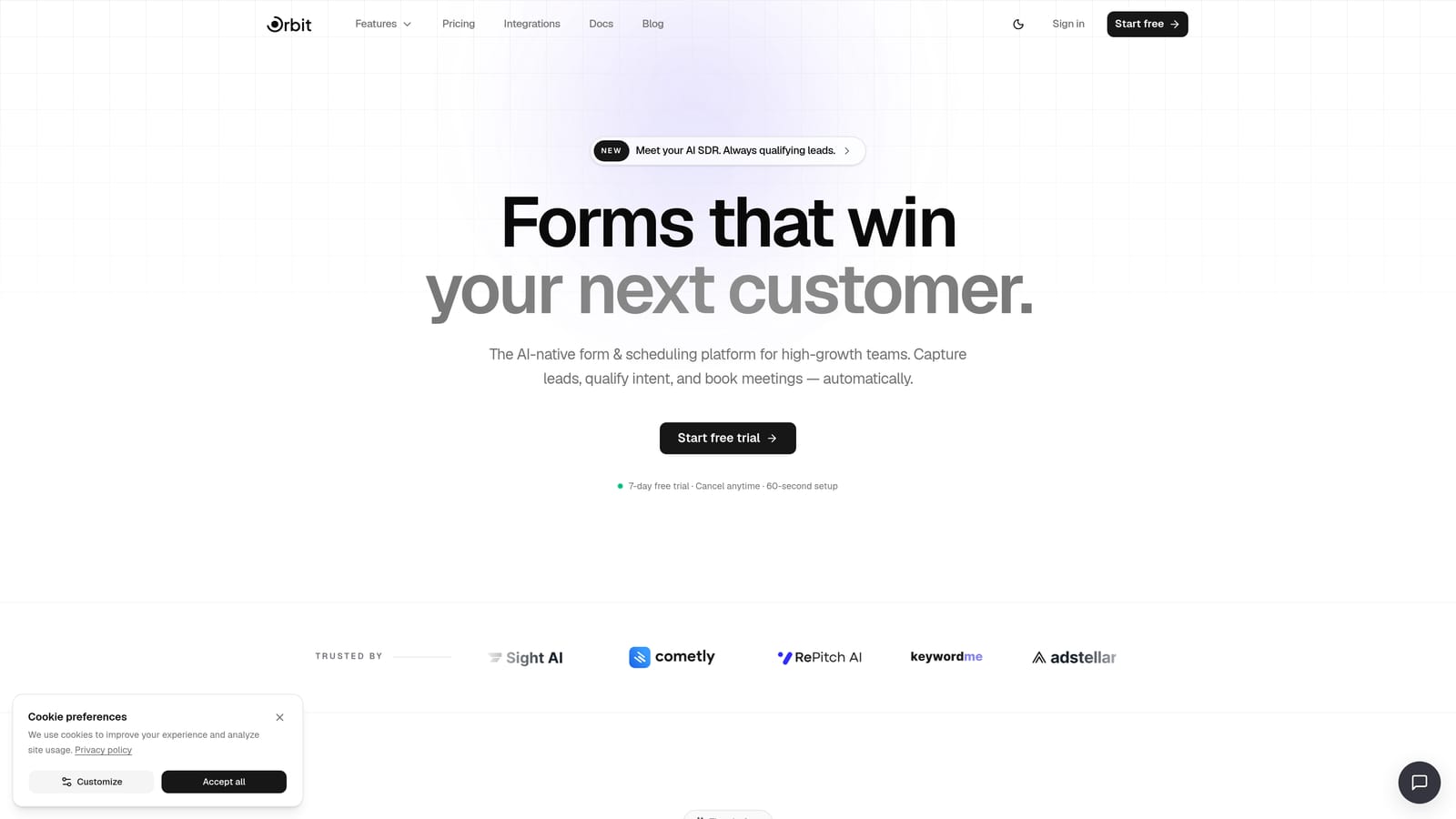
Orbit AI is an AI-powered form builder designed for teams that want more than a spreadsheet dump when someone fills out a form.
Where This Tool Shines
Most form builders treat Google Sheets as the finish line: form submitted, row created, done. Orbit AI treats it as one piece of a smarter workflow. The platform layers AI-driven lead qualification and scoring on top of form submissions, so your Sheets data arrives pre-qualified rather than raw and unfiltered.
For revenue and marketing teams running lead generation at scale, this changes the dynamic entirely. Instead of exporting a spreadsheet and manually triaging hundreds of responses, your team gets structured, scored data that's already been routed based on the rules you define. The forms themselves are conversion-optimized and beautifully designed, which matters when form completion rates directly affect pipeline volume.
Key Features
AI-Powered Lead Qualification: Automatically scores and qualifies form submissions so your team focuses on the highest-value leads first.
Google Sheets Integration: Real-time data sync sends form responses directly to your connected spreadsheet as submissions come in.
Conversion-Optimized Templates: Pre-built, design-forward templates built to maximize completion rates for lead gen, intake, and survey workflows.
Workflow Automation: Route qualified leads to the right destination, whether that's a Slack notification, a CRM, or a specific team member, based on submission data.
Built-In Analytics: Track form performance and lead quality metrics in one place, so you can iterate on what's working.
Best For
Orbit AI is the right fit for SaaS marketing teams, sales ops, and growth-focused operators who are tired of treating form responses as raw data to sort through manually. If lead qualification is part of your workflow, this tool adds intelligence that pure form builders simply don't offer.
Pricing
Visit orbitforms.ai/pricing for current plan details. A free starting point is available to get you building immediately.
2. Tally
Best for: Startups and solo operators who need a clean, free form builder with Google Sheets connectivity.
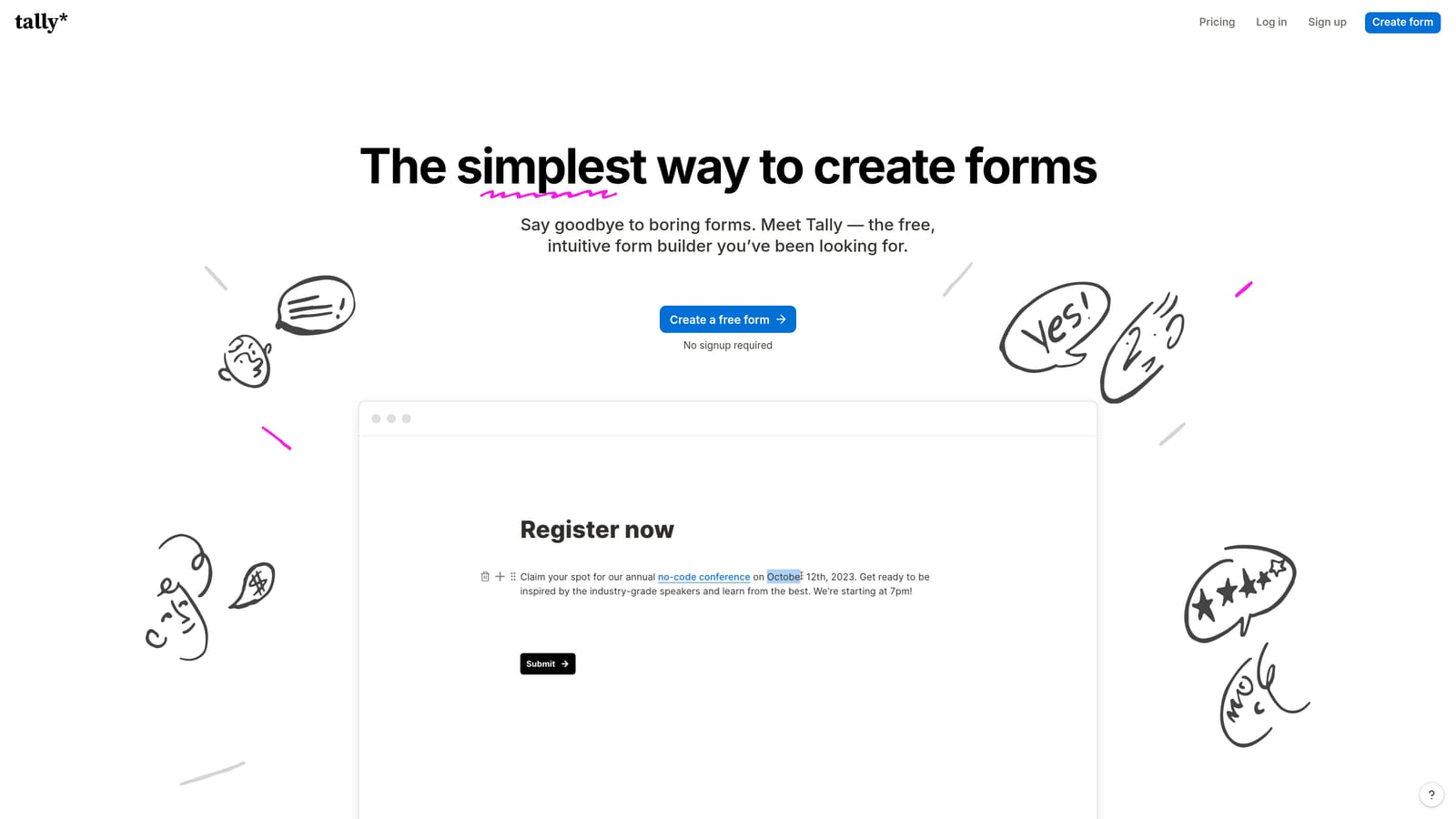
Tally is a free-first form builder with a Notion-style block editor and a generous feature set that punches well above its price point.
Where This Tool Shines
Tally's biggest selling point is accessibility. The block-based editor is intuitive enough that non-technical users can build polished forms in minutes, without touching a settings menu or reading documentation. For teams that just need to collect data and push it somewhere useful, Tally removes almost every barrier to getting started.
The free plan is genuinely useful, not a stripped-down teaser. You get unlimited forms, conditional logic, and hidden fields without paying anything. Google Sheets connectivity is available, though the implementation details can vary by plan, so it's worth checking current integration options on their site before committing to a specific workflow.
Key Features
Generous Free Plan: Unlimited forms with core features included at no cost, making it one of the most accessible options on this list.
Google Sheets Integration: Connect form responses to a spreadsheet natively or via automation depending on your plan tier.
Block-Based Editor: Notion-style interface that makes form building fast and intuitive for non-technical users.
Conditional Logic: Show or hide fields based on previous answers to create smarter, more relevant form experiences.
Hidden Fields: Pass UTM parameters and other tracking data silently through forms for cleaner attribution in your spreadsheet.
Best For
Tally is ideal for freelancers, early-stage startups, and small teams that need functional, good-looking forms without a budget. It's less suited for complex lead qualification workflows or enterprise-scale data routing.
Pricing
Free plan available with core features. Paid plans unlock advanced integrations and additional capabilities at a reasonable monthly rate.
3. Typeform
Best for: Teams prioritizing conversational form UX and higher completion rates on surveys and lead gen forms.
Typeform is a well-established conversational form builder known for its one-question-at-a-time format and polished, branded form experience.

Where This Tool Shines
Typeform's core design philosophy is that forms feel less like forms when respondents only see one question at a time. This approach tends to work well for survey-style workflows, research projects, and lead gen forms where friction and abandonment are real concerns. The experience feels more like a conversation than a data entry task.
The native Google Sheets integration is available on paid plans and works reliably for straightforward response syncing. If you're running NPS surveys, customer research, or top-of-funnel lead capture and want your data flowing into Sheets automatically, Typeform handles that cleanly. The trade-off is cost: the free plan caps responses at 10 per month, which makes it impractical for any real-volume use case.
Key Features
Native Google Sheets Integration: Available on paid plans, syncing responses to a connected spreadsheet automatically on submission.
Conversational Format: One-question-at-a-time flow reduces cognitive load and can improve completion rates for longer forms.
Logic Jumps: Conditional branching sends respondents down different paths based on their answers.
Template Library: Strong selection of pre-built templates for surveys, lead generation, research, and more.
Embed Options: Flexible embedding for websites, landing pages, and email campaigns.
Best For
Typeform suits marketing and research teams running surveys, NPS programs, or lead gen campaigns where form experience quality matters as much as the data collected. Teams with high response volumes should factor in per-response pricing at scale.
Pricing
Google Sheets integration requires a paid plan. The free tier is limited to 10 responses per month, making paid plans essentially necessary for active use.
4. Jotform
Best for: Teams needing granular field-to-column mapping and one of the most feature-complete form builders available.
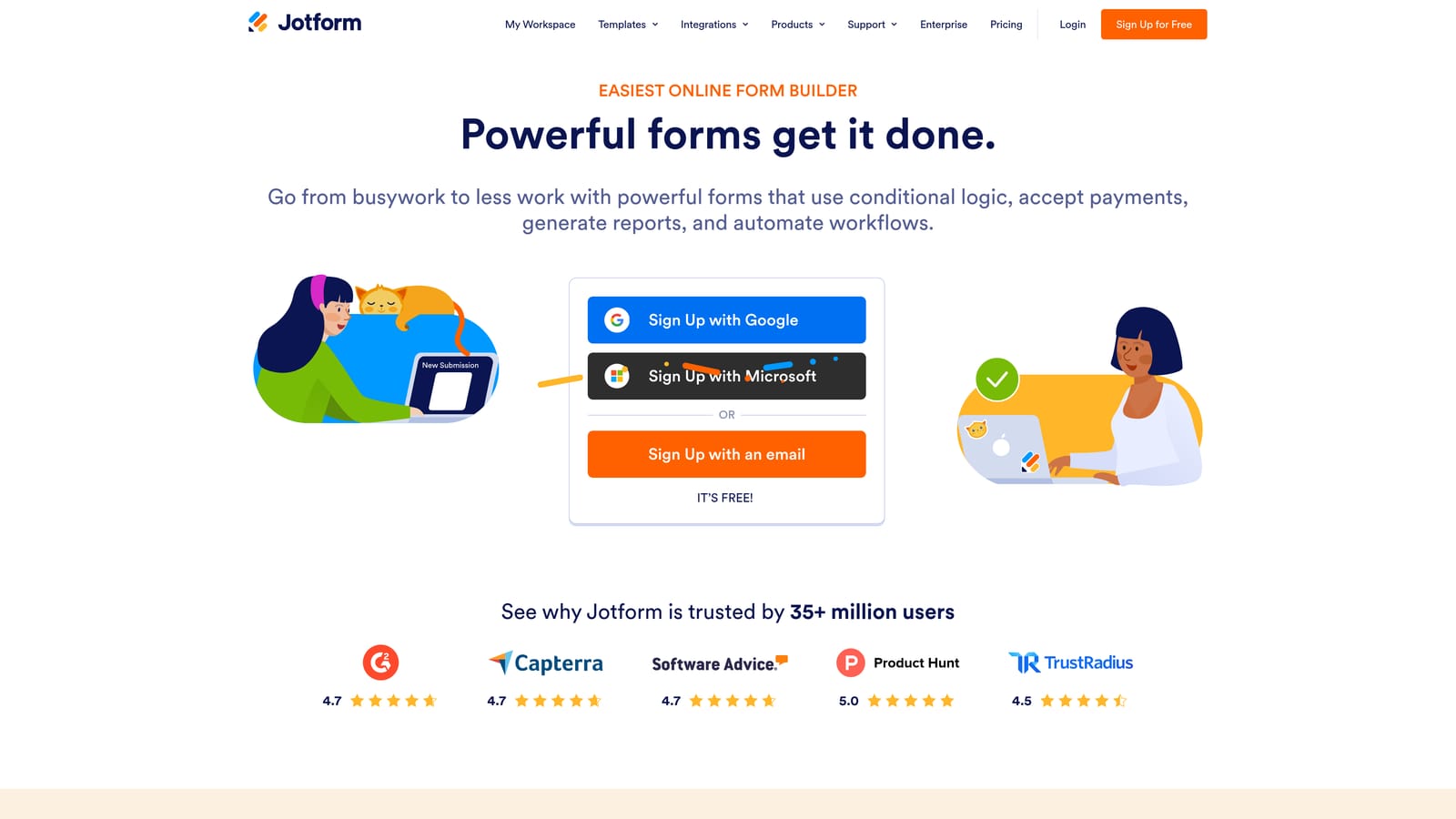
Jotform is a feature-rich form builder with one of the most robust native Google Sheets integrations on the market, including column-level control over how your data lands in a spreadsheet.
Where This Tool Shines
Where many tools push all form responses into a generic spreadsheet layout, Jotform lets you decide exactly which form field maps to which column in your Google Sheet. For teams with existing spreadsheet structures or specific reporting requirements, this level of control is genuinely valuable. Rows are created in real time on submission, so your data is always current.
Beyond the Sheets integration, Jotform's sheer breadth is hard to match. Over 10,000 templates, 100-plus form widgets, payment processing, e-signature support, and file uploads all live under one roof. If you need a form builder that can handle almost any use case without reaching for a third-party tool, Jotform delivers.
Key Features
Native Google Sheets Integration: Column-level field mapping gives you precise control over how form data populates your spreadsheet.
Real-Time Row Creation: Each form submission instantly creates a new row in your connected Google Sheet.
10,000+ Templates: Extensive library covering virtually every industry and use case imaginable.
Payment and E-Signature Support: Collect payments and legally binding signatures directly through forms without additional tools.
Free Plan Available: Functional free tier with submission limits, making it accessible for lower-volume use cases.
Best For
Jotform is well-suited for operations teams, agencies, and businesses that need precise data mapping and a wide variety of form types. The interface can feel busy for users who prefer minimalism, but the depth of functionality justifies the learning curve for complex workflows.
Pricing
Free plan available with monthly submission caps. Paid plans scale with submission volume and storage needs, accommodating teams of various sizes.
5. Paperform
Best for: Teams running multi-purpose forms that combine lead capture, payments, and bookings in a single, branded experience.
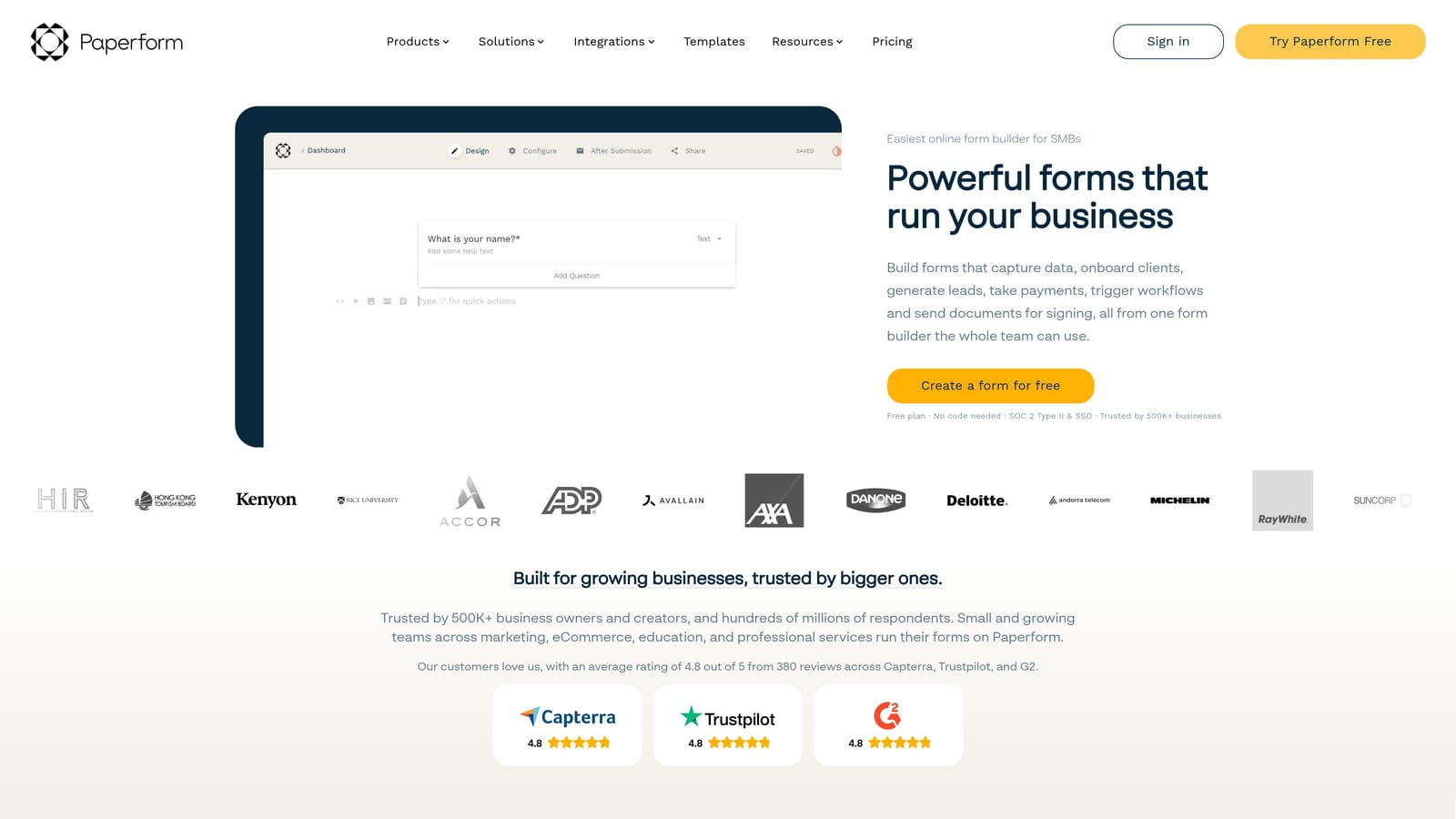
Paperform is a design-forward form builder that handles payments, scheduling, lead capture, and conditional logic, all with native Google Sheets sync on submission.
Where This Tool Shines
Paperform's standout quality is versatility without sacrificing design. Most form builders make you choose between functionality and aesthetics. Paperform manages to offer both: forms can be heavily customized to match your brand while simultaneously handling Stripe payments, appointment scheduling, conditional logic, and product fields for e-commerce use cases.
The Google Sheets integration triggers on submission and keeps your spreadsheet updated without manual intervention. For small businesses or teams that want one tool to handle multiple form types, rather than separate tools for lead gen, bookings, and payments, Paperform consolidates those workflows cleanly.
Key Features
Native Google Sheets Integration: Submission-triggered sync pushes data to your connected spreadsheet in real time.
Payment Support: Accept payments via Stripe and PayPal directly within forms, no separate checkout page required.
Scheduling and Bookings: Handle appointment booking and scheduling logic within the same form environment.
Branded Form Design: Highly customizable editor allows forms that look like natural extensions of your website or brand.
Calculation Fields: Perform math operations within forms for pricing calculators, quote generators, and similar use cases.
Best For
Paperform works well for small businesses, consultants, and marketing teams that need forms to do more than collect data. If you're running e-commerce, service bookings, or complex lead capture under one roof, it's a strong fit. The lack of a permanent free plan means it requires upfront commitment.
Pricing
No permanent free plan. A trial is available to test the platform. Paid plans start at a monthly subscription rate, with pricing reflecting the multi-purpose feature set.
6. Formstack
Best for: Enterprise teams with complex approval workflows, compliance requirements, and multi-system data routing needs.
Formstack is an enterprise-grade form builder where Google Sheets is one of many integration targets in a broader ecosystem of workflow automation, document generation, and compliance tooling.
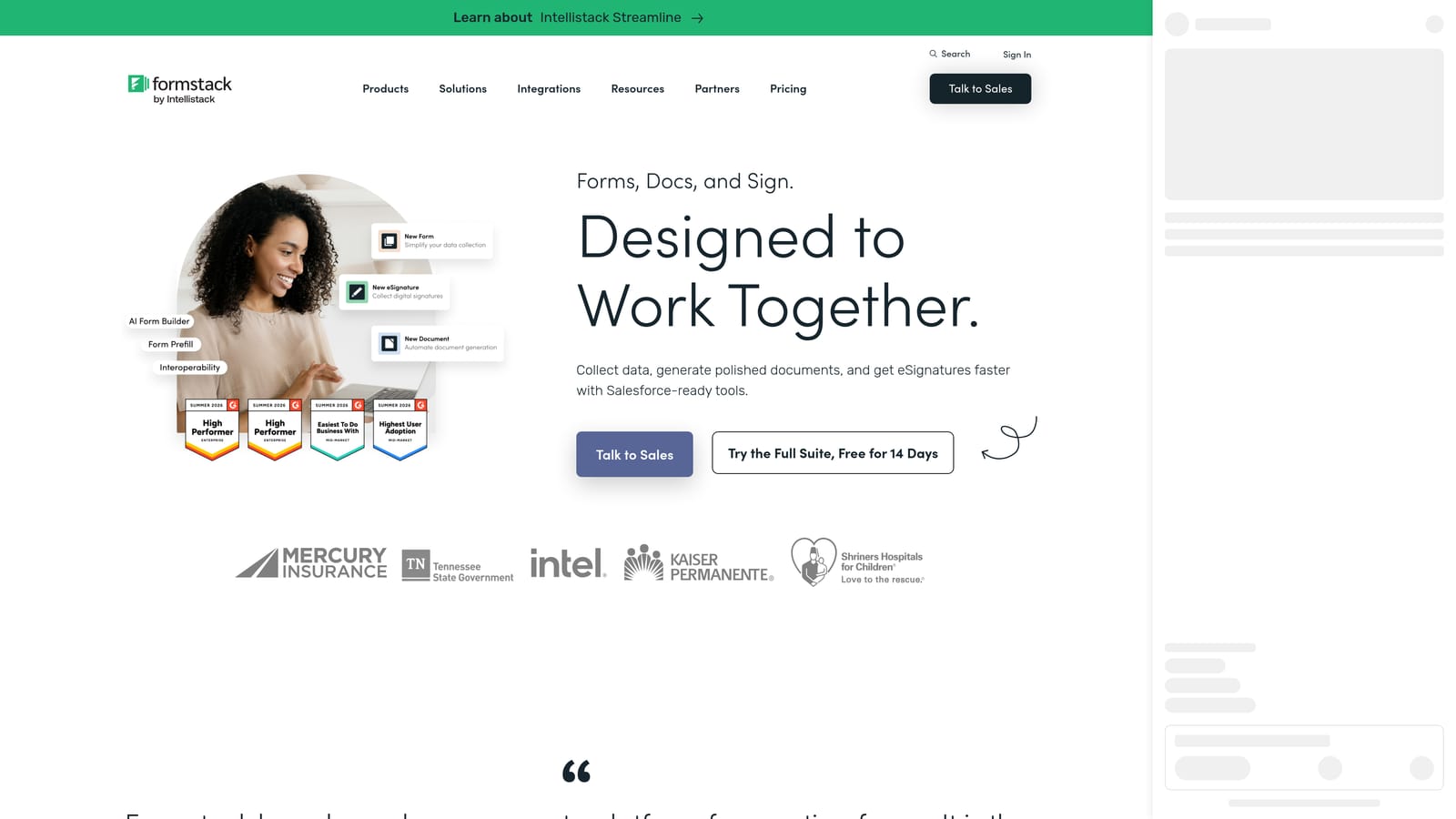
Where This Tool Shines
Formstack is built for organizations where form submissions don't just collect data, they trigger processes. Approval workflows, conditional routing, multi-step review chains, and role-based access controls are native features rather than add-ons. For teams in regulated industries or those managing complex internal workflows, this operational depth is the point.
The Google Sheets integration works reliably as a lightweight data export option, often used alongside more robust CRM or database connectors rather than as a primary destination. If your team needs HIPAA or GDPR compliance baked in, document generation capabilities, and e-signature support at scale, Formstack covers ground that most form builders simply don't reach.
Key Features
Google Sheets Integration: Connects alongside CRM, database, and enterprise system integrations as part of a broader workflow architecture.
Advanced Approval Workflows: Multi-step approval chains and conditional routing for complex internal processes.
Compliance Features: HIPAA and GDPR compliance capabilities built into the platform for regulated industries.
Document Generation: Create documents automatically from form submission data, with e-signature support included.
Team Collaboration Controls: Role-based access and team management for enterprise environments with multiple stakeholders.
Best For
Formstack is the right choice for mid-market and enterprise teams in healthcare, legal, finance, or other regulated industries where compliance and workflow complexity are non-negotiable. It's overkill for small teams or simple data collection needs, and the pricing reflects its enterprise positioning.
Pricing
Enterprise pricing tier. Expect a higher price point that reflects the compliance features, workflow depth, and organizational scale the platform is designed to support.
Which Tool Is the Right Fit for Your Workflow?
The best form builder with Google Sheets integration isn't the one with the most features. It's the one that matches how your team actually works and what you need to happen after someone hits submit.
Here's a quick way to think about it:
Free and lightweight: Tally gives you the most capability for zero cost, making it the obvious starting point for bootstrapped teams and solo operators.
Conversational UX: Typeform is the go-to if your priority is a polished, one-question-at-a-time experience for surveys, NPS programs, or research.
Complex field mapping: Jotform's column-level mapping and real-time sync make it the strongest choice when your spreadsheet structure matters and you need precise data control.
Multi-purpose forms: Paperform handles payments, bookings, and lead capture in one tool, which is valuable when you'd otherwise be juggling multiple platforms.
Enterprise workflows: Formstack is built for teams where compliance, approval chains, and multi-system integration are requirements, not nice-to-haves.
AI-powered lead qualification: Orbit AI is the right fit when you want Google Sheets to receive pre-qualified, scored lead data rather than raw responses that still need manual triage.
The distinction that matters most is what you need the integration to do. If you're just archiving responses, almost any tool on this list works. If you need your spreadsheet to become an active part of a lead qualification and routing workflow, that's where the tools diverge significantly.
Transform your lead generation with AI-powered forms that qualify prospects automatically while delivering the modern, conversion-optimized experience your high-growth team needs. Start building free forms today and see how intelligent form design can elevate your conversion strategy.


