

If your team lives in Google Sheets, your form builder should speak that language natively. Manually exporting CSV files, copying and pasting submission data, or relying on a fragile Zapier workaround adds friction at exactly the moment you need speed. A direct Google Sheets integration means every form submission lands in your spreadsheet automatically, in real time, ready for your team to act on.
The tools below were evaluated on integration depth (native vs. middleware-dependent), ease of setup, form design quality, and how well each serves teams focused on lead generation and conversion. Whether you need AI-powered lead qualification or a clean drag-and-drop form that feeds a shared spreadsheet, there's a right fit here for your workflow.
1. Orbit AI
Best for: High-growth SaaS and lead generation teams that want AI-qualified data in Google Sheets
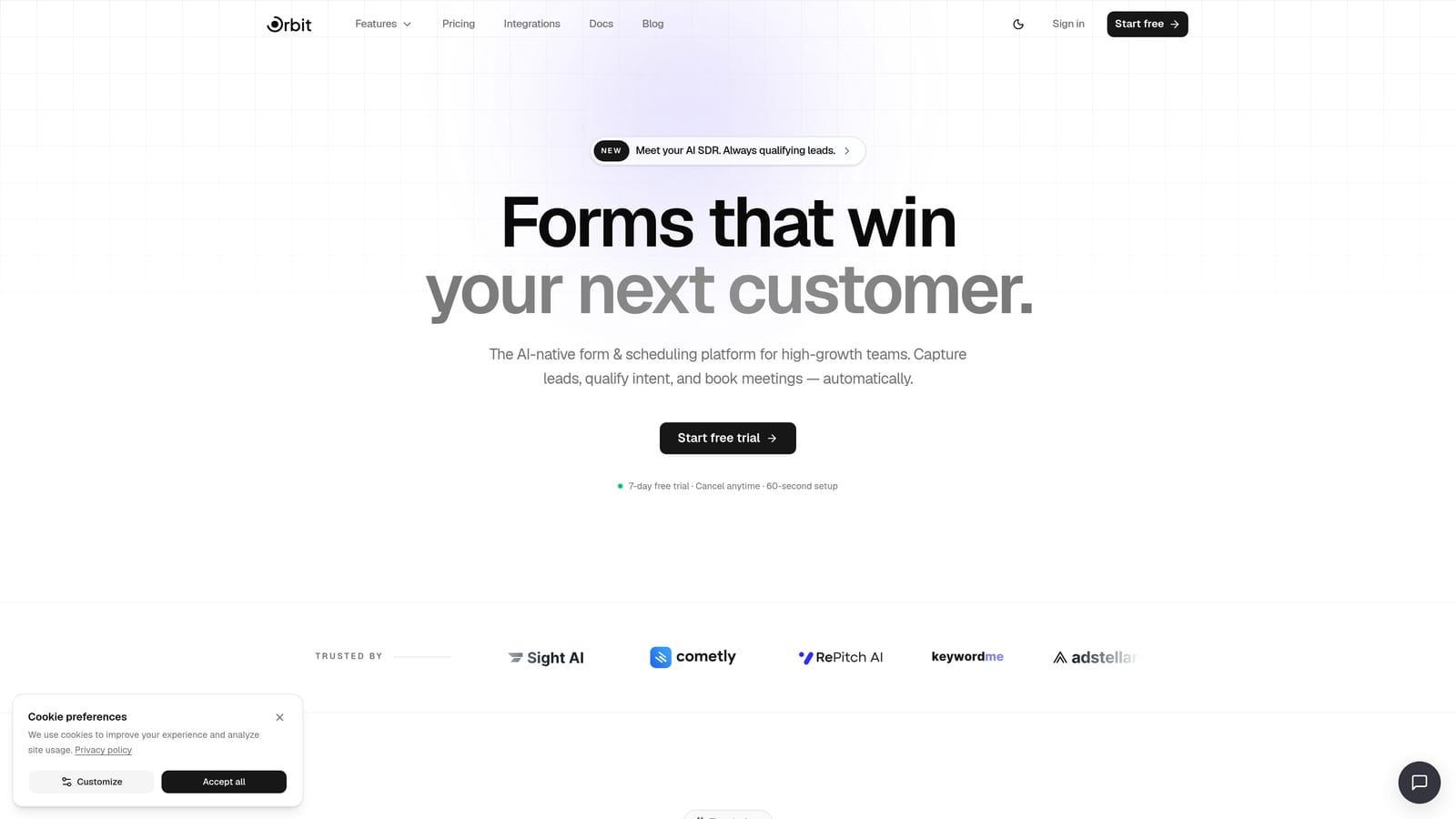
Orbit AI is an AI-powered form builder built specifically for teams where lead quality matters as much as lead volume.
Where This Tool Shines
Most form builders treat Google Sheets as a passive dump: every submission goes in, and your team sorts through the noise afterward. Orbit AI flips that model. Its AI qualification layer scores and filters leads at the point of submission, so the data that reaches your spreadsheet is already actionable. For sales and ops teams managing high submission volumes, that's a meaningful difference.
The form design itself is built around conversion optimization, with a modern UI that doesn't require a designer to make look polished. It's the only tool on this list that combines AI lead qualification with real-time Sheets output at the form layer itself.
Key Features
AI-Powered Lead Qualification: Scores and filters leads at the moment of submission, before data hits your spreadsheet.
Native Google Sheets Integration: Real-time data routing with direct field mapping, no third-party middleware required.
Conversion-Optimized Form Design: Modern, clean UI templates designed to maximize completion rates.
Lead Scoring: Separates high-intent prospects from low-quality submissions automatically, reducing noise in your pipeline.
Workflow and Automation Capabilities: Built-in automation tools suited to high-growth teams managing complex lead flows.
Best For
SaaS companies, demand generation teams, and growth marketers who need more than raw submission data. If your Google Sheet is where your sales team lives, Orbit AI ensures what lands there is worth their time.
Pricing
Visit orbitforms.ai/pricing for current plan details. A free starting option is available.
2. Tally
Best for: Startups and small teams that need Google Sheets integration without paying for it
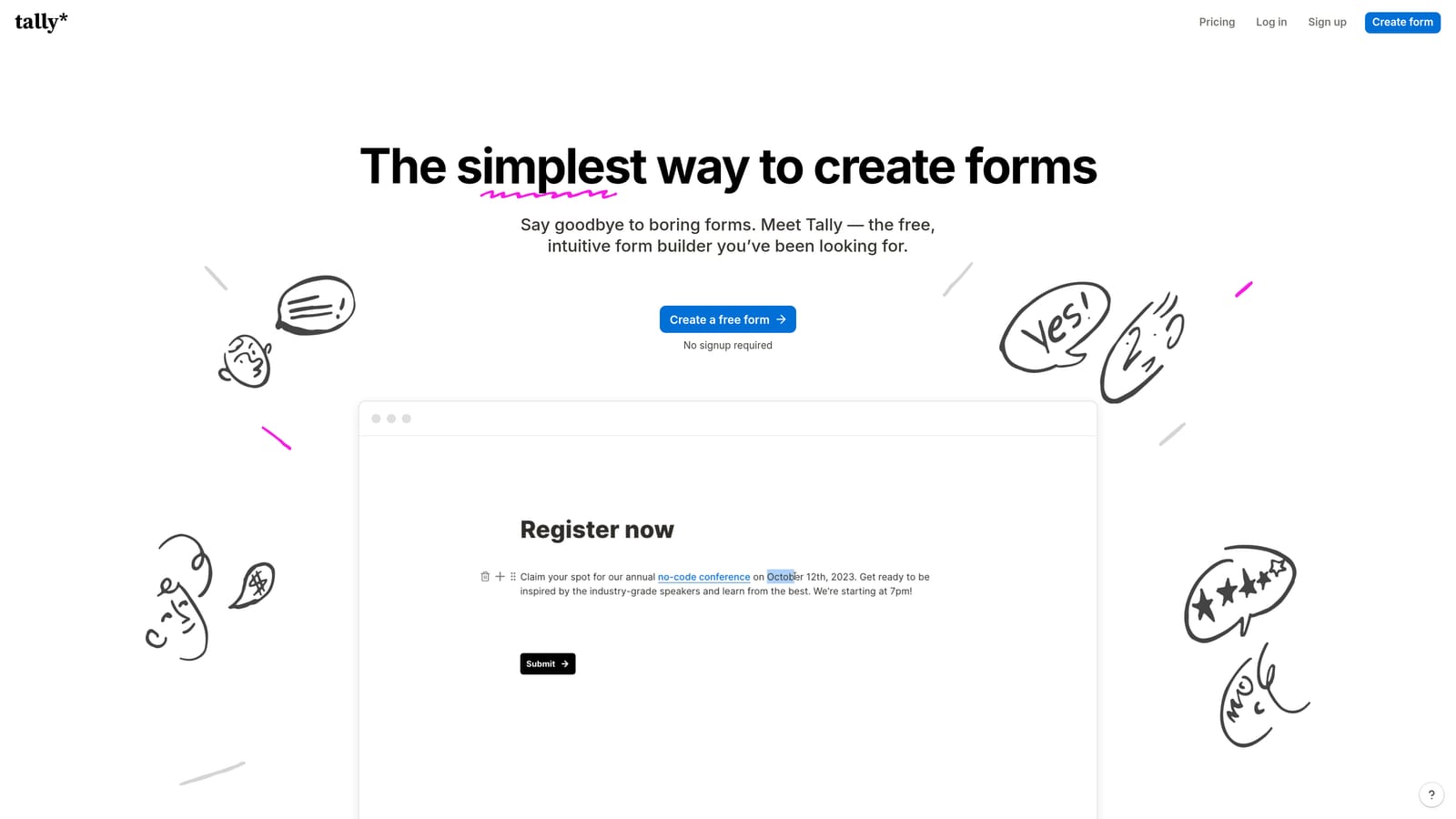
Tally is a free-first form builder with a minimal, Notion-like interface and native Google Sheets integration available even on its free tier.
Where This Tool Shines
Tally's biggest differentiator is straightforward: you get native Google Sheets integration without touching your credit card. Most tools gate their Sheets connection behind a paid plan, which makes Tally genuinely stand out for bootstrapped teams, indie makers, and early-stage startups that need functional forms fast.
The block-based editor is clean and intuitive. If you've used Notion, you'll feel at home immediately. It won't win awards for advanced logic or AI features, but for straightforward data collection that flows directly into a shared spreadsheet, it delivers reliably.
Key Features
Native Google Sheets Integration on Free Plan: Direct connection to Sheets with no paid upgrade required.
Block-Based Form Editor: Notion-style interface that makes form building fast and approachable for non-technical users.
Unlimited Forms and Submissions: No submission caps on the free tier, which is rare in this category.
Conditional Logic and Hidden Fields: Basic logic capabilities for routing respondents through different question paths.
Simple Embed Options: Easy to embed in websites, landing pages, and Notion workspaces.
Best For
Solo operators, small teams, and early-stage startups that need a clean, functional form-to-Sheets pipeline without a budget. Also a strong pick for internal tools and quick survey deployments where design sophistication is secondary.
Pricing
Free plan available with Google Sheets integration included. Pro plan starts at $29/month for advanced features.
3. Typeform
Best for: Teams prioritizing form completion rates through a conversational, one-question-at-a-time experience
Typeform is a conversational form builder known for its distinctive single-question format, with native Google Sheets integration for automatic data sync.

Where This Tool Shines
Typeform's core insight is that forms feel less like forms when they present one question at a time. This conversational approach tends to reduce abandonment, particularly for longer surveys and lead capture flows where a wall of fields would send respondents clicking away. It's a well-established approach that has made Typeform a widely recognized name in the category.
The Google Sheets integration maps form fields to spreadsheet columns automatically, and the logic jump system lets you build branching flows that adapt based on answers. For NPS surveys, lead capture, and customer research, the experience is polished.
Key Features
Conversational One-Question-at-a-Time UX: Reduces form fatigue and is designed to improve completion rates on longer flows.
Native Google Sheets Integration: Automatic field mapping syncs responses to your spreadsheet in real time.
Logic Jumps and Branching: Personalized form paths based on respondent answers.
Strong Template Library: Pre-built templates for surveys, lead capture, NPS, and more.
Analytics Dashboard: Tracks completion rates, drop-off points, and response trends.
Best For
Marketing teams running surveys, lead capture campaigns, and customer research where the form experience itself influences response quality. Best suited to teams that prioritize design and UX alongside data collection.
Pricing
Basic plan starts at $25/month. Some advanced integration features require higher-tier plans.
4. Paperform
Best for: Small business operators who want forms, payments, and scheduling in one tool with Sheets connectivity
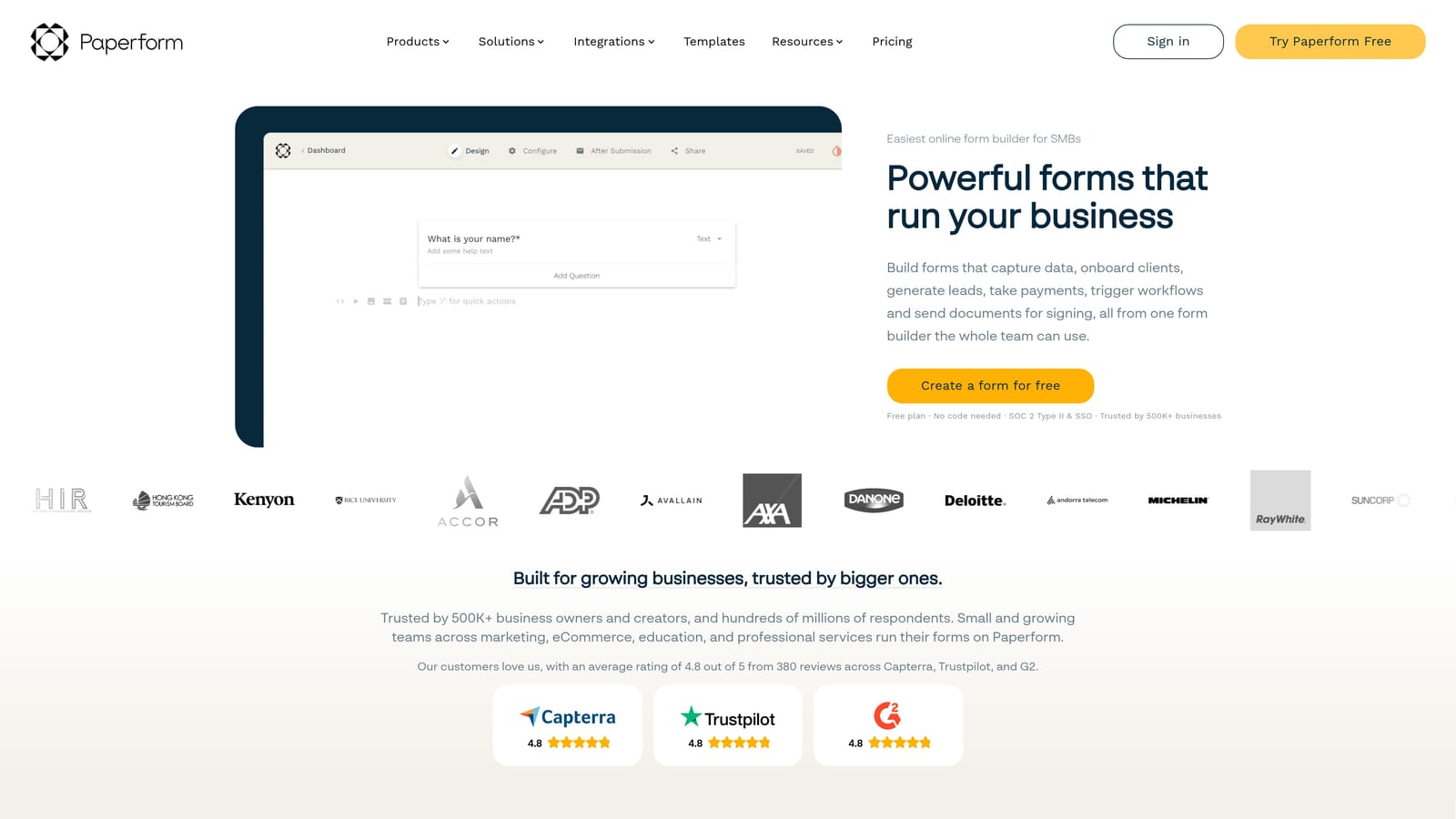
Paperform is a flexible form builder that combines form fields with rich content blocks, payment collection, and scheduling, all with native Google Sheets integration on paid plans.
Where This Tool Shines
Paperform sits in an interesting middle ground: it's more than a form builder, but less than a full CRM or marketing platform. The ability to combine form fields with text, images, and video in a single page makes it feel closer to a mini landing page than a traditional form. For small business owners who want to reduce tool sprawl, that versatility is genuinely useful.
The built-in payment and scheduling capabilities mean you can collect a booking deposit, schedule an appointment, and push all the data to a Google Sheet in one workflow. That's a combination that would otherwise require stitching together multiple tools.
Key Features
Rich Content Blocks: Combine form fields with text, images, and video for a landing page-style experience.
Native Google Sheets Integration: Available on paid plans with direct field mapping to spreadsheet columns.
Built-In Payment Collection: Accepts payments via Stripe and other processors directly within the form.
Scheduling and Booking: Built-in appointment booking capabilities without a separate tool.
Conditional Logic and Calculation Fields: Dynamic forms that adapt based on inputs, including calculated totals.
Best For
Small business owners, consultants, and service providers who want to consolidate forms, payments, and scheduling into one tool. Less suited to teams with complex lead qualification needs or high submission volumes.
Pricing
Essentials plan starts at $24/month. Google Sheets integration is available on paid plans.
5. Jotform
Best for: Enterprise operations teams that need robust field mapping, conditional routing, and high submission volume capacity
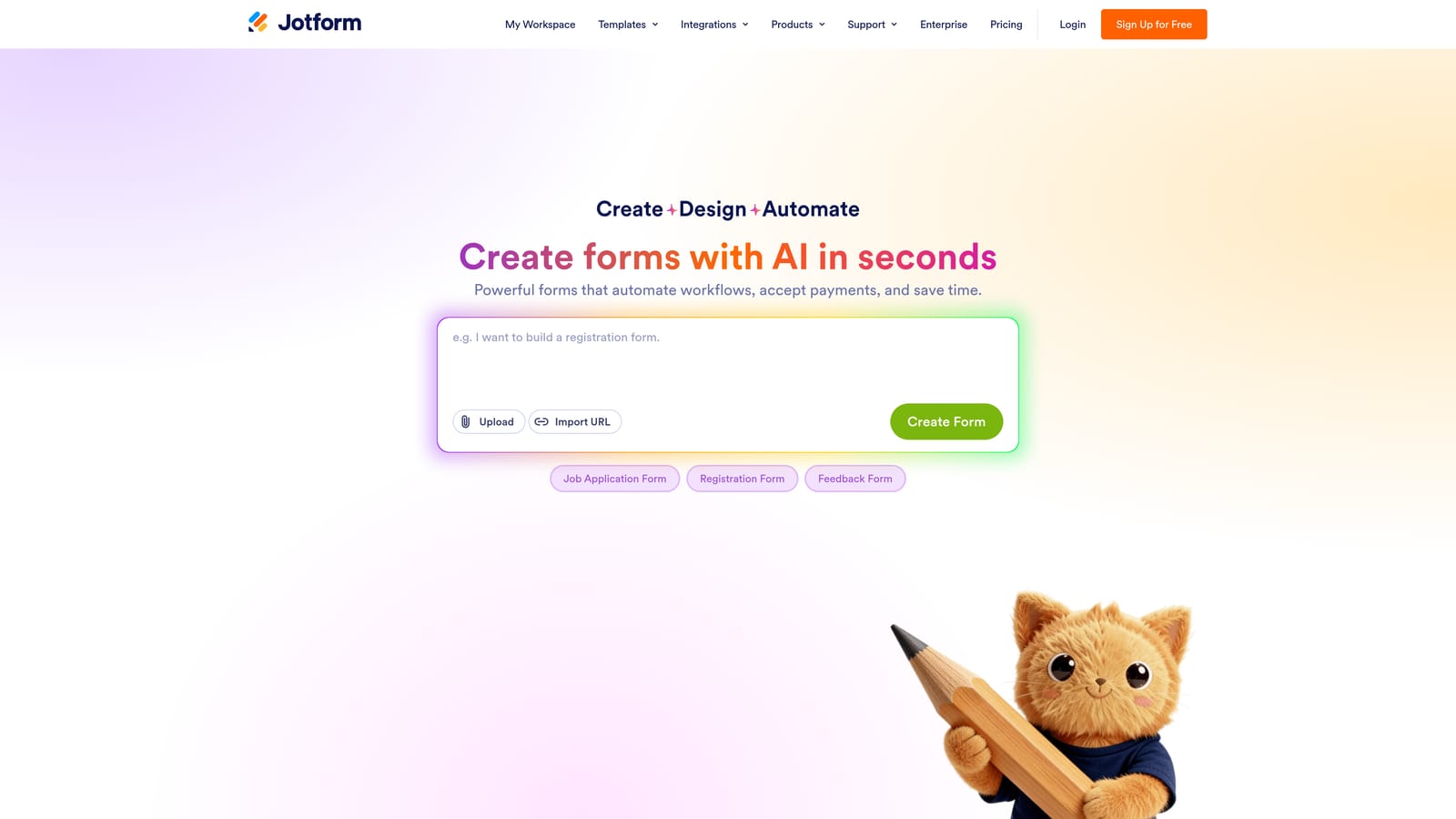
Jotform is one of the most established form builders available, with a large template library and a particularly robust Google Sheets integration that supports granular field mapping and conditional routing.
Where This Tool Shines
Where Jotform earns its reputation is in the depth of its Sheets integration. Most tools map form fields to spreadsheet columns and call it done. Jotform goes further: you can route submissions to multiple sheets conditionally, which is valuable for teams managing different workflows from a single form. An approval workflow can trigger one sheet while a separate notification goes to another.
The template library is genuinely extensive, covering use cases from HR onboarding to event registration to healthcare intake. For enterprise operations teams that need a proven, scalable tool, Jotform has the track record and the feature depth to deliver.
Key Features
Robust Google Sheets Integration: Granular field mapping with support for conditional routing to multiple sheets.
Multi-Sheet Routing: Push different submissions or data points to separate spreadsheets based on logic conditions.
Approval Workflows and Team Collaboration: Built-in workflow tools for teams that need sign-off processes.
Large Template Library: Thousands of pre-built form templates across dozens of industries and use cases.
High Submission Volume Capacity: Designed to handle enterprise-scale form operations without performance issues.
Best For
Enterprise operations teams, HR departments, and organizations managing complex multi-step workflows. The interface can feel less modern than newer tools, but the depth of functionality and reliability make it a dependable choice at scale.
Pricing
Free plan available with limited submissions. Paid plans start at $34/month, with pricing that scales based on submission volume.
6. Formstack
Best for: Regulated industries that require HIPAA or SOC 2 compliance alongside Google Sheets connectivity
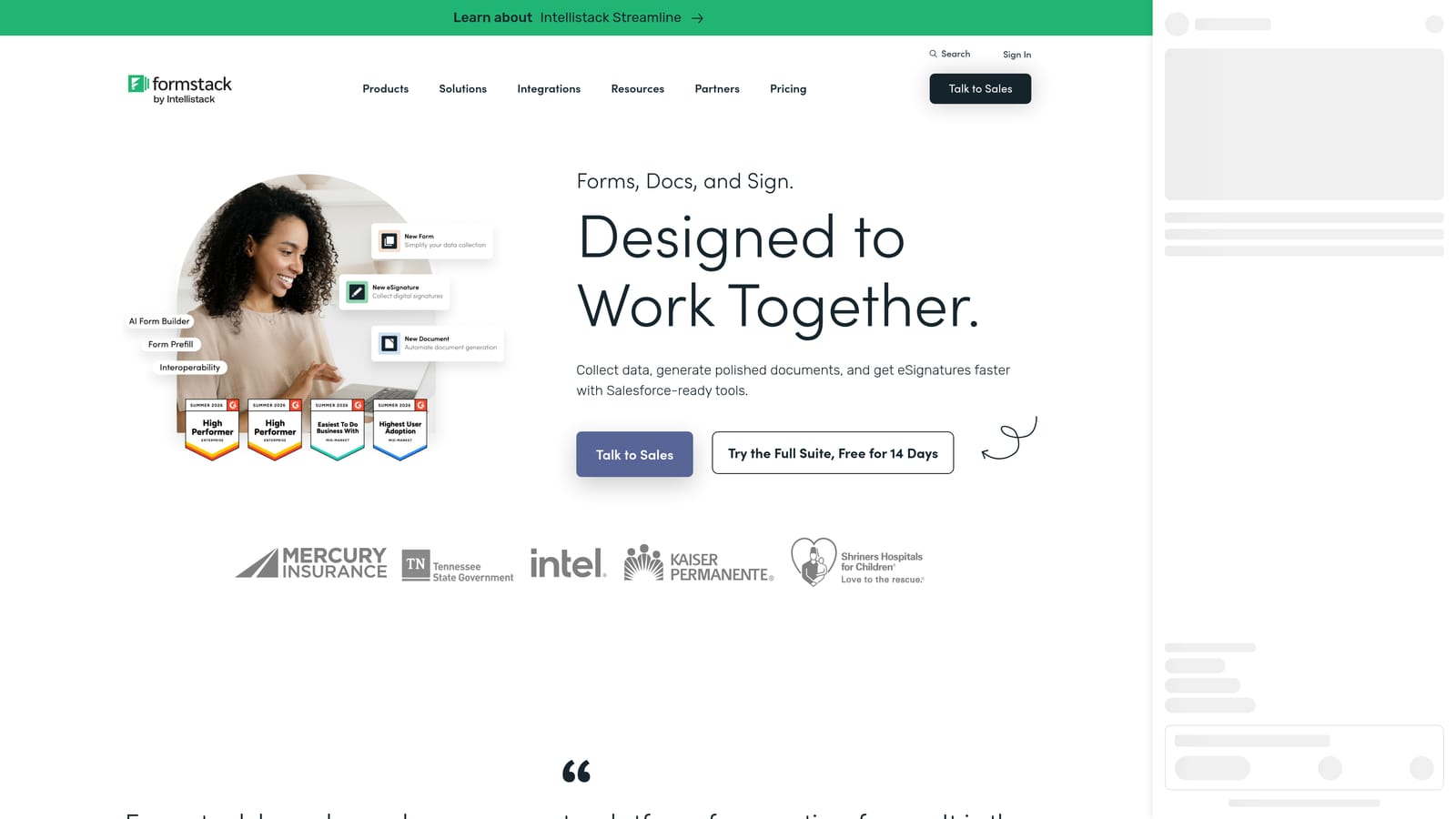
Formstack is an enterprise-grade form builder with compliance certifications and Google Sheets integration via native connector and workflow automation.
Where This Tool Shines
Formstack occupies a specific and important niche: enterprise teams in regulated industries where data governance isn't optional. HIPAA and SOC 2 compliance certifications are built into the platform, which means healthcare organizations, financial services firms, and other compliance-sensitive teams can use it without creating a liability gap.
The Google Sheets integration works alongside Formstack's broader workflow automation capabilities, including document generation and e-signature. For teams that need forms to trigger multi-step processes while maintaining an audit trail, Formstack provides infrastructure that lighter-weight tools simply don't offer.
Key Features
HIPAA and SOC 2 Compliance: Built-in certifications for regulated industries where data governance is non-negotiable.
Google Sheets Integration: Native connector with support for workflow-triggered data routing.
Advanced Workflow Automation: Conditional routing and multi-step process automation beyond basic form submission.
Document Generation and E-Signatures: Generate documents from form data and collect legally binding signatures.
Enterprise Access Controls and Audit Logging: Role-based permissions and full audit trails for compliance reporting.
Best For
Healthcare organizations, financial services teams, and enterprise IT departments where compliance certification is a hard requirement. The higher price point reflects a feature set designed for environments where data security is foundational, not optional.
Pricing
Forms plan starts at $83/month. Enterprise pricing is available for larger organizations with custom requirements.
Which Tool Fits Your Workflow?
The right choice here depends almost entirely on what you need your Google Sheets integration to actually do for you, and who's touching the data once it lands there.
If your team is focused on lead generation and conversion optimization, Orbit AI is the clear standout. It's the only tool on this list that qualifies and scores leads at the form layer before anything reaches your spreadsheet. For high-growth SaaS teams where lead quality is as important as lead volume, that distinction matters. You're not just collecting data; you're collecting the right data.
For teams on a tight budget that still need a functional Sheets connection, Tally is hard to beat. Native integration on the free plan, unlimited submissions, and a clean editor make it the default pick for early-stage startups and indie operators.
If form experience and completion rates are your primary concern, Typeform's conversational format is well-suited to surveys, NPS flows, and lead capture where engagement matters. Paperform makes sense for small business operators who want to combine forms, payments, and scheduling without adding another tool to the stack.
Jotform is the go-to for enterprise operations teams that need multi-sheet routing, approval workflows, and high submission volume handling. And if your industry requires HIPAA or SOC 2 compliance, Formstack is the only tool here built to meet that bar.
The common thread across all of them is that native Google Sheets integration, done well, removes a meaningful layer of friction between a form submission and the action that follows it. The question is just how much intelligence you want applied to that data before it arrives.
Ready to see what AI-qualified lead data looks like in your Google Sheet? Start building free forms today and experience the difference between collecting submissions and collecting signal.


