

If your team runs on Airtable, your form builder needs to keep up. Manually moving form submissions into Airtable is a workflow bottleneck no high-growth team can afford. The right form builder with native Airtable integration eliminates that friction entirely, syncing responses automatically so your team can focus on action rather than data entry.
The tools below were evaluated on integration depth, form design flexibility, lead qualification capabilities, and overall ease of use. Whether you're a SaaS team optimizing conversion rates or an ops team managing complex workflows, there's a strong option here for you.
1. Orbit AI
Best for: High-growth SaaS and marketing teams that need AI-powered lead qualification synced directly to Airtable.
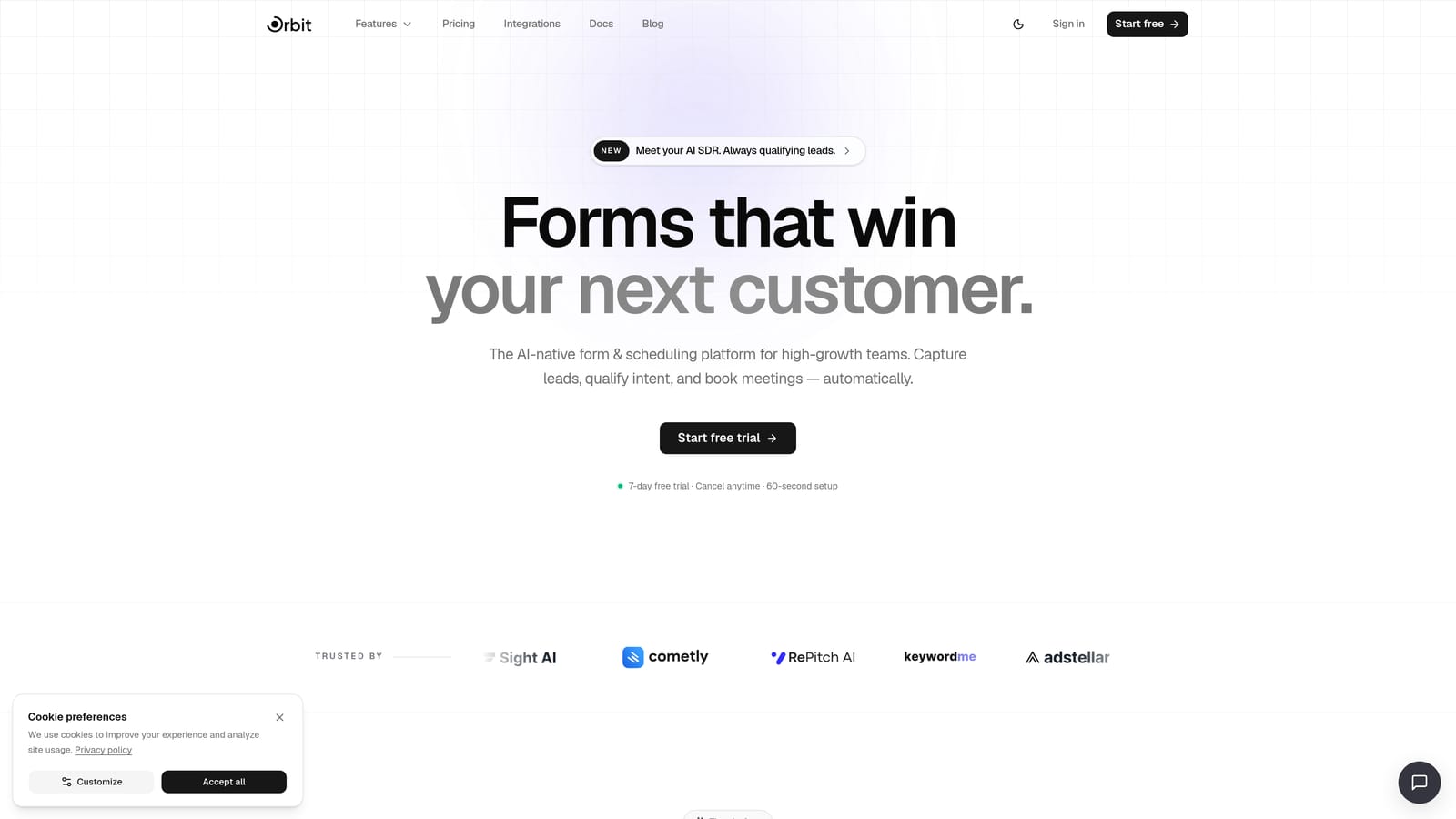
Orbit AI is an AI-powered form builder that qualifies leads at the point of submission and syncs clean, pre-qualified records directly to Airtable.
Where This Tool Shines
Most form builders treat Airtable as a dump for raw submission data. Orbit AI takes a fundamentally different approach: lead scoring and qualification happen inside the form flow itself, before anything reaches your Airtable base. That means your team isn't sifting through unqualified noise. They're working with records that have already been evaluated against your criteria.
The forms themselves are built for conversion. Multi-step layouts, conditional logic, and a modern UI work together to maximize completion rates without sacrificing the data quality your team actually needs to act on.
Key Features
AI-Powered Lead Qualification: Scores and qualifies leads during the form interaction, not as a post-submission add-on.
Native Airtable Integration: Syncs qualified records automatically to your chosen Airtable base and table, without middleware.
Multi-Step Forms with Conditional Logic: Guides respondents through a personalized path based on their answers, improving both completion rates and data relevance.
Conversion-Optimized Design: Clean, modern form UI designed to reduce friction and keep respondents engaged through to submission.
Built-In Lead Scoring: Qualification criteria are embedded in the form flow itself, so your Airtable base receives pre-scored, actionable records from day one.
Best For
Orbit AI is purpose-built for high-growth SaaS teams, demand generation marketers, and sales ops teams who want their Airtable base populated with qualified leads rather than raw, unfiltered form data. If lead quality is a core concern alongside integration depth, this is the strongest option on this list.
Pricing
Visit orbitforms.ai/pricing for current plan details. Multiple tiers are available to fit teams at different stages of growth.
2. Typeform
Best for: Teams that prioritize respondent engagement and brand-forward form experiences with automatic Airtable sync.
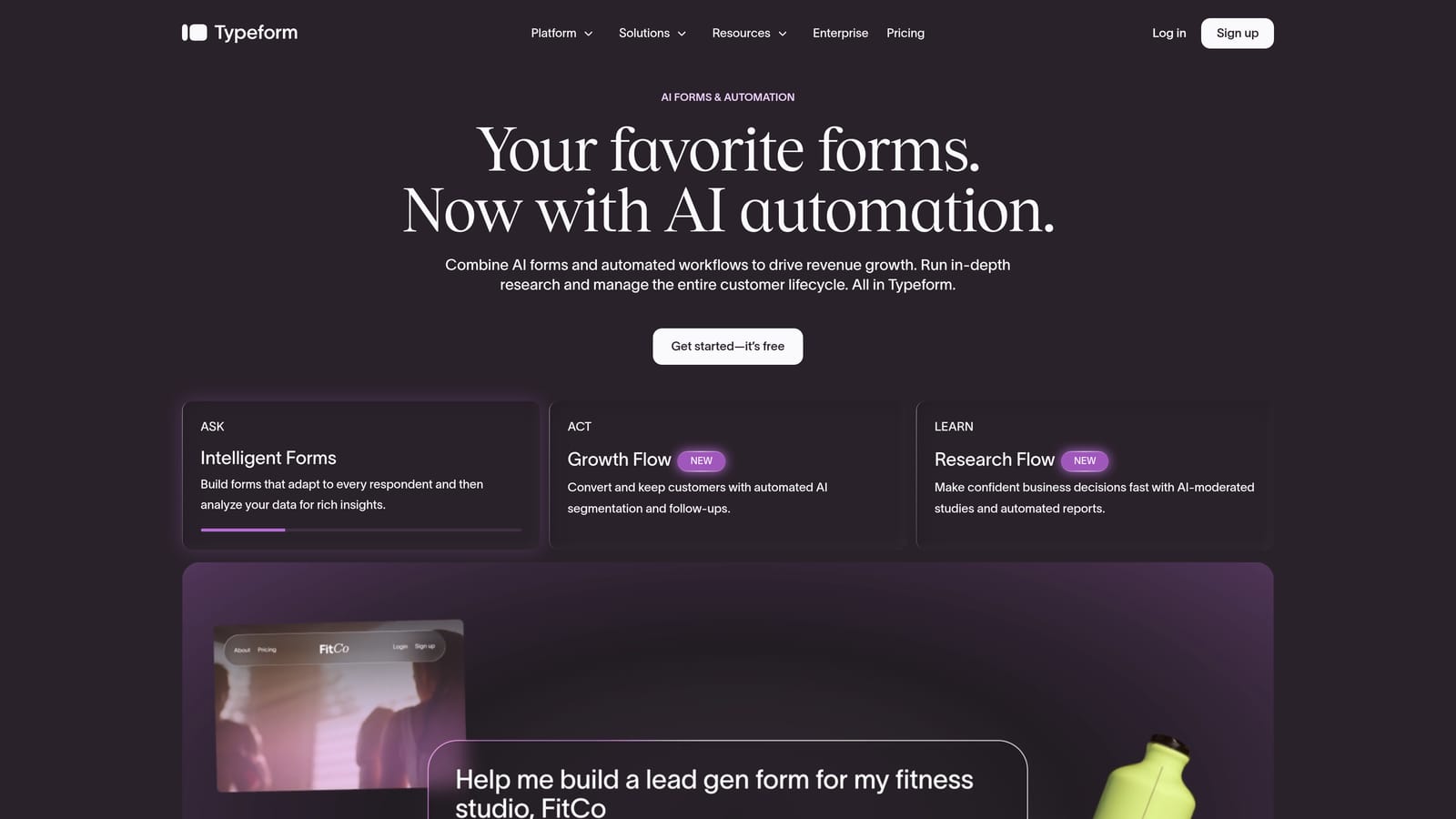
Typeform is a conversational form builder known for its one-question-at-a-time format that drives higher engagement and completion rates.
Where This Tool Shines
Typeform's signature format makes forms feel less like forms and more like conversations. For lead generation, customer research, or onboarding surveys where respondent experience matters, this approach tends to reduce drop-off meaningfully. The visual polish is hard to match out of the box.
Its native Airtable integration handles automatic response syncing, so submissions flow directly into your base without manual exports. The setup is straightforward, and the integration is well-documented for teams that want to move quickly.
Key Features
Conversational Format: One question at a time keeps respondents focused and reduces form abandonment.
Native Airtable Integration: Syncs form responses directly to Airtable records with automatic field mapping.
Logic Jumps and Conditional Branching: Personalizes the form path based on previous answers for a more relevant experience.
Visual Design and Brand Customization: Custom themes, fonts, colors, and background images let you match your brand identity closely.
Built-In Analytics: Tracks completion rates, drop-off points, and response trends without needing a separate analytics tool.
Best For
Typeform works well for marketing and research teams that prioritize respondent experience and brand consistency. It's a strong fit for lead capture forms, NPS surveys, and client onboarding flows. Teams with very long or complex multi-field forms may find the one-question format less practical for their use case.
Pricing
A free plan is available with response limits. Paid plans unlock higher response volumes and advanced features. Verify current pricing at typeform.com/pricing.
3. Jotform
Best for: Teams that need a broad feature set including payments, e-signatures, and approval workflows alongside Airtable integration.
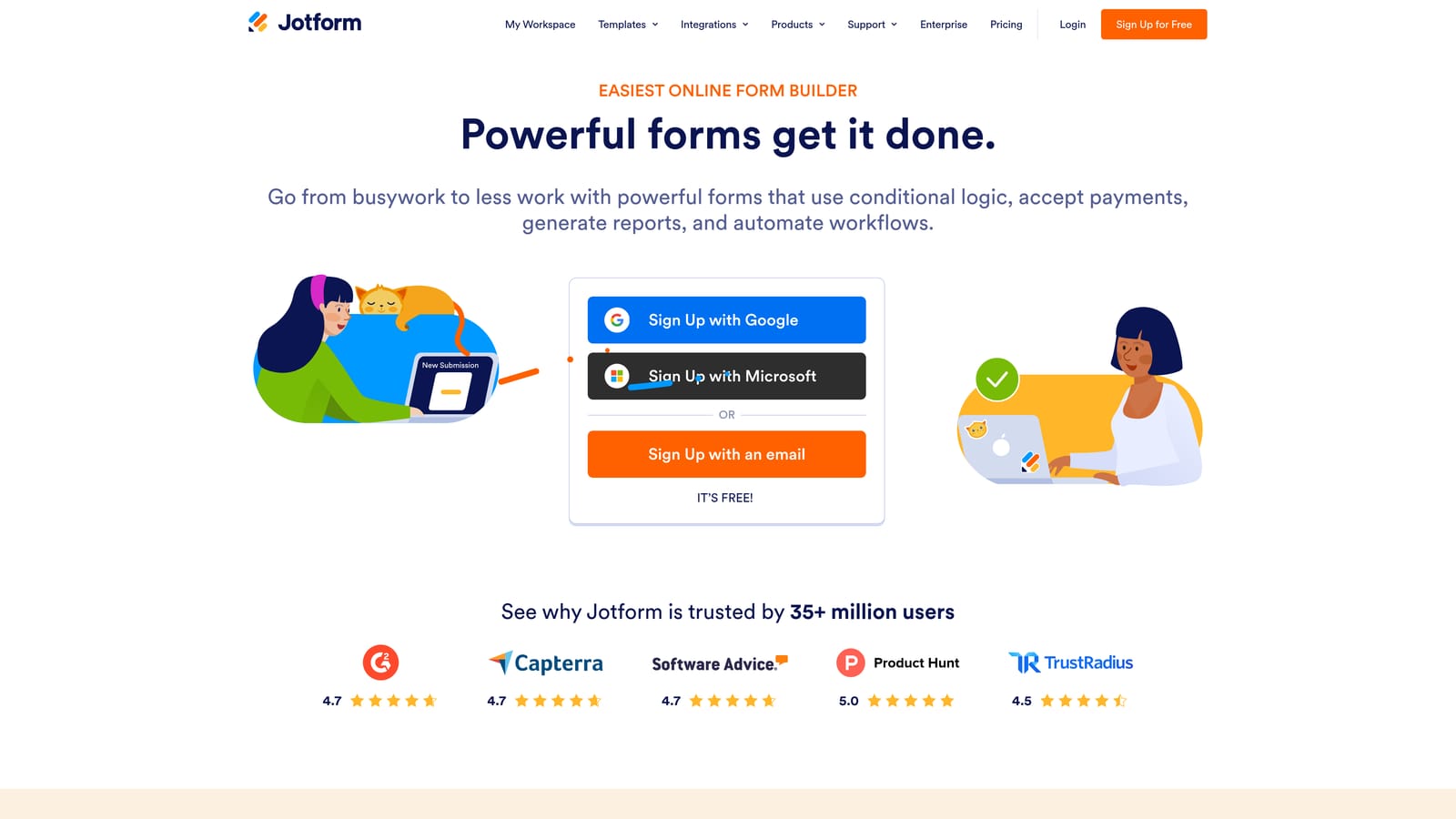
Jotform is a feature-rich form builder with one of the broadest integration ecosystems available, including a robust Airtable connector with field-level mapping.
Where This Tool Shines
Jotform's depth is its defining characteristic. Beyond standard form building, it handles payment collection, e-signatures, approval routing, and calculation fields within the same platform. For ops teams managing diverse workflows, this breadth reduces the number of tools required to run a complete process.
The Airtable integration supports customizable field mapping, giving teams granular control over how form data maps to their base structure. This is particularly valuable when your Airtable schema is already established and you need the form to conform to it precisely.
Key Features
Native Airtable Integration with Field Mapping: Maps specific form fields to corresponding Airtable columns with customizable configuration.
Thousands of Templates: Covers dozens of use cases from job applications to event registrations, reducing setup time significantly.
Payments, E-Signatures, and Approvals: Handles complex workflows that go beyond simple data collection within a single form.
Conditional Logic and Calculation Fields: Supports dynamic forms that respond to user input and perform real-time calculations.
Scalable Free Plan: A capable free tier with submission limits makes it accessible for smaller teams before they need to upgrade.
Best For
Jotform suits operations teams, HR departments, and agencies that need versatility across many form types. If your Airtable workflows involve more than basic lead capture, such as document collection, payment processing, or multi-step approvals, Jotform's breadth makes it a practical all-in-one choice.
Pricing
A free plan is available with submission volume limits. Paid plans scale based on submissions and features. Verify current tiers at jotform.com/pricing.
4. Tally
Best for: Startups and small teams that need clean, functional forms with Airtable integration at minimal or no cost.
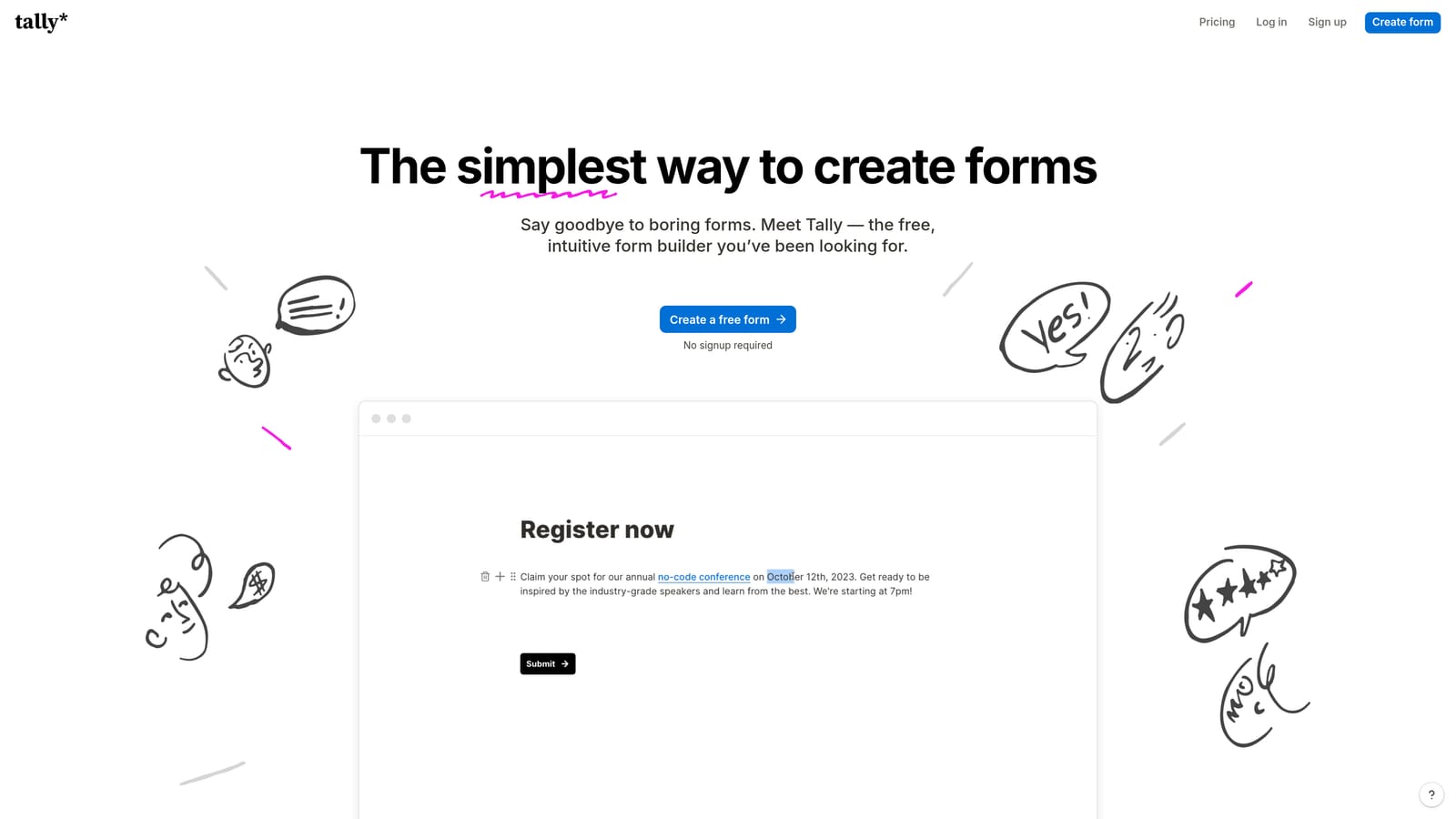
Tally is a Notion-inspired form builder with a generous free plan that includes Airtable integration, built for teams that value simplicity without the overhead.
Where This Tool Shines
Tally's block-based editor feels immediately familiar to anyone who uses Notion. Building a form is fast, intuitive, and requires no learning curve. For teams that need to spin up forms quickly and get data into Airtable without configuring a complex tool, Tally delivers that experience better than almost anything else at its price point.
The free plan is genuinely capable. Unlimited forms, unlimited submissions, and Airtable integration are all available without paying a monthly fee. For early-stage teams or lean ops workflows, this is a meaningful advantage over tools that gate integrations behind paid tiers.
Key Features
Airtable Integration on Free and Paid Plans: Connects to Airtable without requiring an upgrade, which is uncommon among competitors.
Notion-Like Block Editor: Fast, drag-and-drop interface that most modern teams will find immediately intuitive.
Unlimited Forms and Submissions on Free Tier: No artificial caps on volume, making it genuinely useful for growing teams on a budget.
Conditional Logic and Multi-Page Forms: Supports more complex form flows despite the tool's emphasis on simplicity.
Minimal, Distraction-Free Design: Clean form aesthetic that keeps respondents focused on completing the form.
Best For
Tally is an excellent choice for early-stage startups, indie teams, and individual operators who need reliable Airtable-connected forms without a monthly bill. It's less suited for teams that need advanced lead qualification, enterprise compliance, or deeply branded form experiences.
Pricing
The free plan covers most core use cases. A Pro plan is available at a low monthly rate for teams that need additional customization and branding. Verify current pricing at tally.so/pricing.
5. Paperform
Best for: Teams that want forms that look and feel like polished landing pages, with native Airtable integration and strong design control.
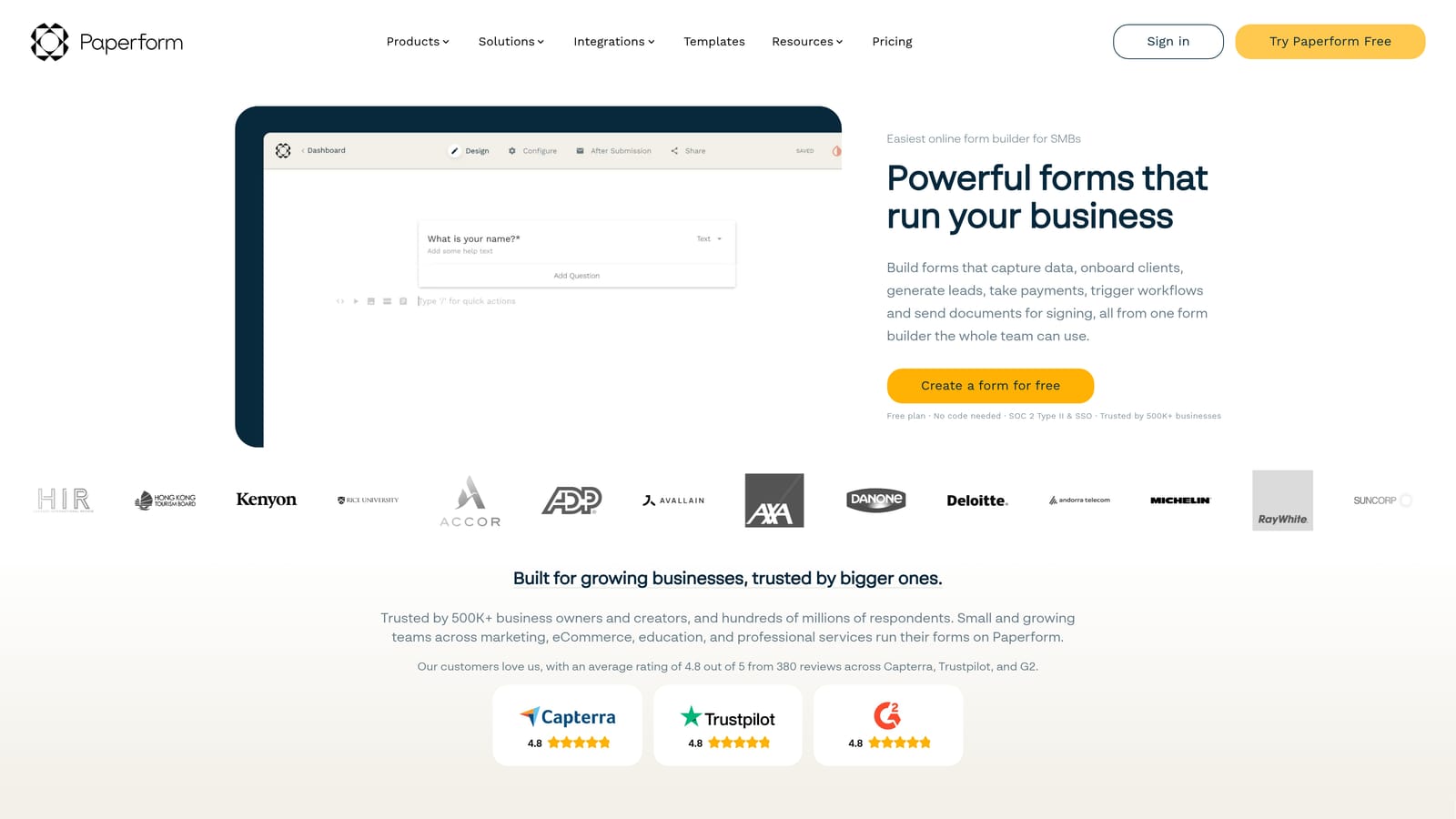
Paperform is a document-style form builder that blends rich media, branding, and data collection into a single, highly customizable experience.
Where This Tool Shines
Paperform occupies a unique space: it's less a traditional form builder and more a lightweight page builder that happens to collect data. You can embed video, add rich text, use custom fonts and background images, and build something that genuinely looks like a branded landing page rather than a generic form. For client-facing use cases where first impressions matter, this design flexibility is a real differentiator.
The native Airtable integration includes field mapping, so responses flow into your base with the structure you need. It also supports payments, bookings, and quiz scoring, making it versatile for teams that run multiple types of data collection from a single platform.
Key Features
Document-Style Editor: Builds forms that look like rich, branded pages with embedded media and custom typography.
Native Airtable Integration with Field Mapping: Routes responses to specific Airtable columns with configurable mapping.
Payments, Bookings, and Quizzes: Supports diverse collection types beyond standard lead capture within the same tool.
Deep Design Customization: Custom fonts, colors, background images, and embedded video give teams full visual control.
Conditional Logic and Calculation Fields: Enables dynamic, personalized form experiences that respond to respondent input.
Best For
Paperform is best suited for marketing teams, consultants, and agencies that need forms to feel like an extension of their brand. If your priority is visual quality and versatility across form types, and you don't need a permanent free plan, Paperform delivers a premium experience.
Pricing
No permanent free plan is available. Paid plans start at a monthly rate with a trial period to evaluate the tool. Verify current pricing at paperform.co/pricing.
6. Formstack
Best for: Mid-market and enterprise teams that need compliance features, approval workflows, and Airtable connectivity within a governed data environment.
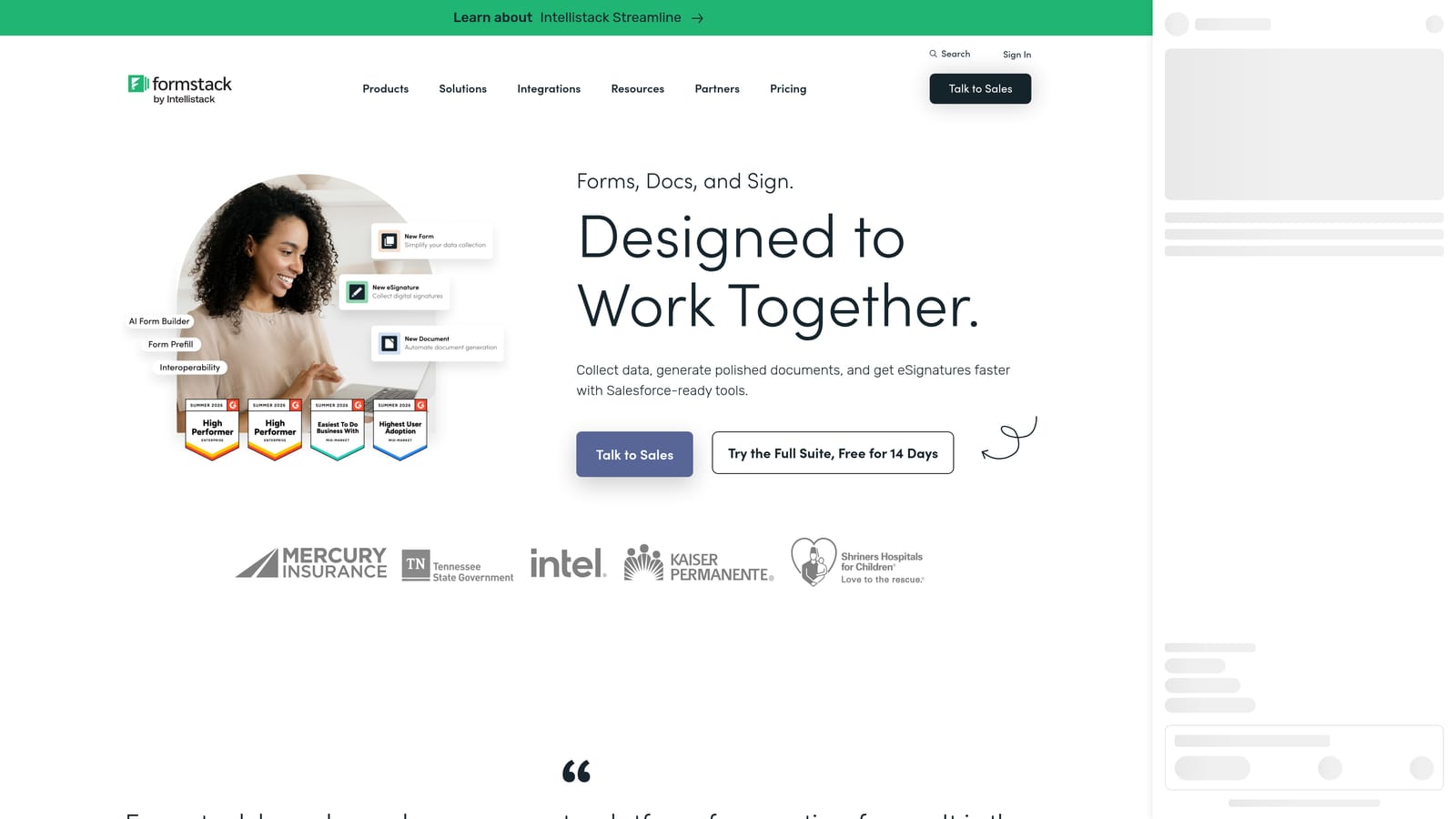
Formstack is an enterprise-grade form builder with compliance features, approval workflows, and Airtable integration built for complex organizational data needs.
Where This Tool Shines
Formstack is built for environments where data governance isn't optional. HIPAA and GDPR compliance features, audit trails, and approval routing make it a serious option for healthcare, legal, financial services, and enterprise operations teams who can't use consumer-grade tools for sensitive data collection.
Its Airtable integration fits into a broader ecosystem of workflow automation within the platform. For teams that need form submissions to trigger multi-step approval processes before data is routed to Airtable, Formstack handles that orchestration in a way that lighter tools simply don't.
Key Features
Airtable Integration for Enterprise Data Routing: Connects form submissions to Airtable as part of broader, governed workflow automation.
HIPAA and GDPR Compliance Features: Built-in compliance tooling for teams operating in regulated industries or jurisdictions.
Approval Workflows and Multi-Step Routing: Routes submissions through defined approval chains before finalizing records.
Document Generation and E-Signature Support: Extends form data into document workflows, reducing the need for additional tools.
Advanced Analytics and Audit Trails: Provides detailed submission history and reporting for compliance and operational oversight.
Best For
Formstack is the right choice for enterprise teams, compliance-sensitive organizations, and mid-market businesses with complex data routing requirements. If your Airtable workflows are part of a larger governed process rather than simple lead capture, Formstack's feature depth justifies its higher price point.
Pricing
Formstack is priced at a higher tier reflecting its enterprise feature set. Verify current plan pricing at formstack.com/pricing.
Which Tool Is Right for Your Team?
The best form builder with Airtable integration depends on three things: how deep you need the integration to go, how much design flexibility matters, and whether lead qualification is part of your workflow or an afterthought.
Here's a quick breakdown to help you decide:
For AI-powered lead qualification with clean Airtable sync: Orbit AI is the clear choice. It's the only tool on this list that qualifies leads during the form interaction itself, so your Airtable base receives pre-scored records rather than raw submissions. Purpose-built for high-growth SaaS and marketing teams.
For respondent engagement and brand-forward design: Typeform delivers the most polished conversational experience with reliable Airtable sync, making it a strong fit for lead gen and research teams that prioritize completion rates.
For maximum feature breadth and workflow versatility: Jotform handles more use cases than any other tool here, from payment forms to e-signatures, with solid Airtable field mapping throughout.
For simplicity and zero cost: Tally offers a genuinely capable free tier with Airtable integration included. Hard to beat for early-stage teams or lean ops workflows.
For highly branded, landing-page-style forms: Paperform gives you the most design control, making it ideal for client-facing or marketing-led form experiences.
For enterprise compliance and governed workflows: Formstack is built for regulated environments where data governance, audit trails, and approval routing are non-negotiable.
If you're running a high-growth team that treats lead quality as seriously as lead volume, the integration depth and qualification intelligence of Orbit AI set it apart from every other option here. Start building free forms today and see how AI-powered qualification paired with seamless Airtable sync can transform your conversion workflow.


