When your marketing team needs to launch a lead capture campaign, your HR department wants to update the application form, and your sales team requires feedback forms—all at the same time—you need more than just a form builder. You need a platform where teams can collaborate seamlessly without stepping on each other's toes.
Traditional form builders weren't designed for teamwork. Version control becomes chaotic when three people edit the same form. Approval processes happen through endless email chains. Brand consistency suffers when everyone creates their own design variations. And when someone leaves the company, their forms become orphaned assets no one can access.
Collaborative form building platforms solve these exact problems. They enable real-time co-editing, role-based permissions, shared workspaces, and streamlined approval workflows. Whether you're a high-growth startup coordinating across departments or an enterprise managing complex compliance requirements, the right platform transforms form building from a solo task into a team sport.
Here are the top collaborative form building platforms designed specifically for teams who need to build, manage, and optimize forms together.
1. Orbit AI
Best for: High-growth teams prioritizing lead conversion and AI-powered lead qualification
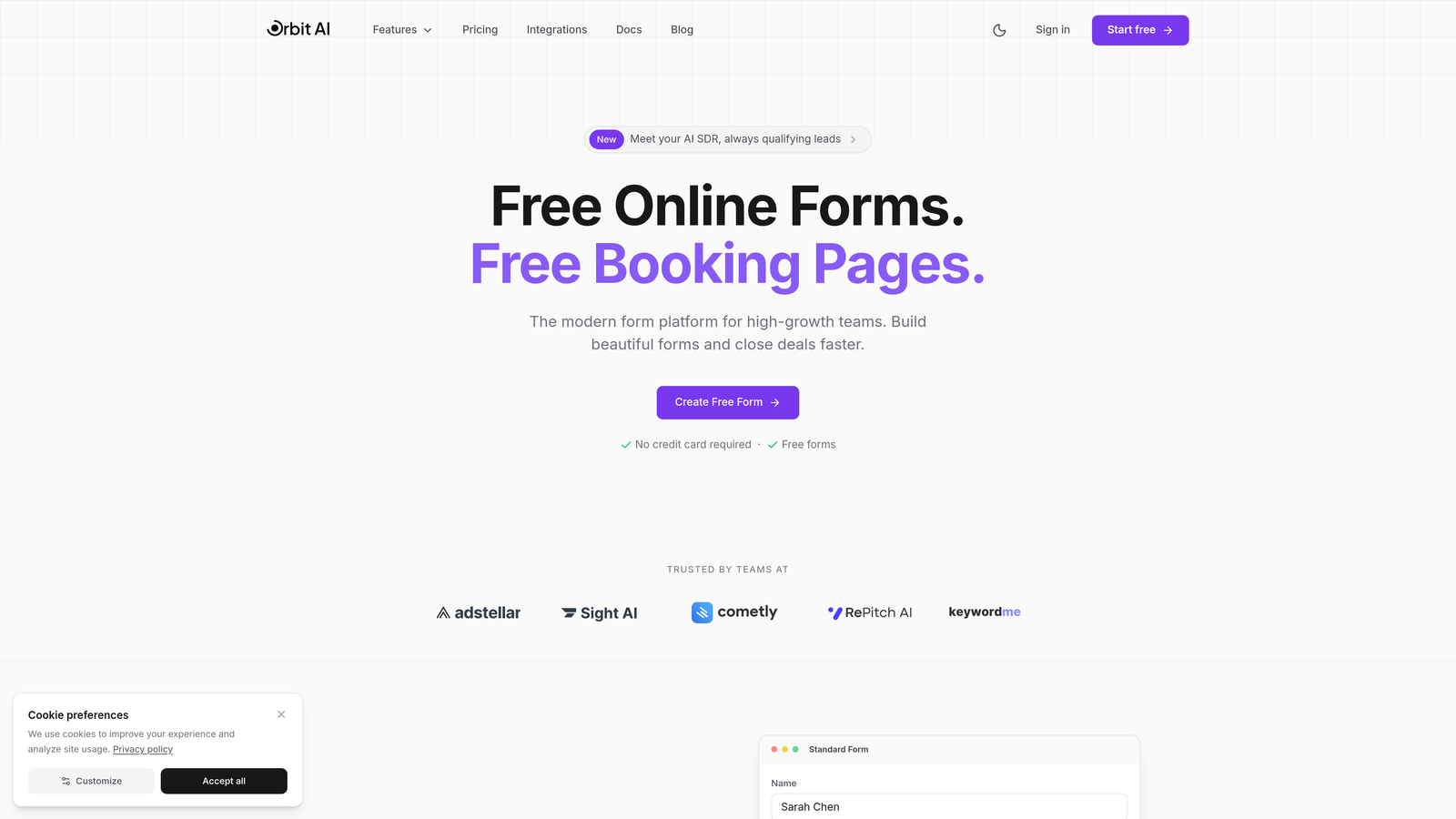
Orbit AI is an AI-powered form builder that combines collaborative workspace features with intelligent lead qualification capabilities designed specifically for teams focused on conversion optimization.
Where This Tool Shines
Orbit AI stands out by treating forms as conversion engines rather than simple data collection tools. The platform's AI agents automatically qualify leads in real-time, routing high-value prospects to your sales team while nurturing others through automated workflows.
For teams juggling multiple campaigns simultaneously, the shared workspace architecture keeps everyone aligned. Marketing can create conversion-optimized landing page forms while sales reviews lead quality metrics—all within the same collaborative environment. The platform's analytics dashboard shows team performance insights, making it easy to identify which team members create the highest-converting forms.
Key Features
Real-time Collaboration: Team members can co-edit forms simultaneously with shared workspaces that organize projects by department, campaign, or client.
AI Lead Qualification: Automated agents score and route leads based on custom criteria, eliminating manual triage and accelerating response times.
Conversion Templates: Pre-built form templates optimized for specific use cases like demo requests, trial signups, and event registrations.
Team Analytics: Performance dashboards track conversion rates, lead quality scores, and team contribution metrics across all forms.
CRM Integrations: Native connections with major CRM and marketing automation platforms ensure lead data flows seamlessly into existing workflows.
Best For
Orbit AI excels for high-growth teams where lead quality matters as much as quantity. Marketing teams coordinating multi-channel campaigns benefit from the workspace organization, while sales teams appreciate the automatic lead scoring that prioritizes their outreach. The platform works particularly well for SaaS companies, agencies managing client forms, and B2B businesses with complex sales cycles.
Pricing
Free tier available for teams getting started. Team plans with full collaboration features and AI capabilities scale with your organization's needs.
2. Typeform
Best for: Teams prioritizing beautiful, brand-consistent conversational forms with visual polish
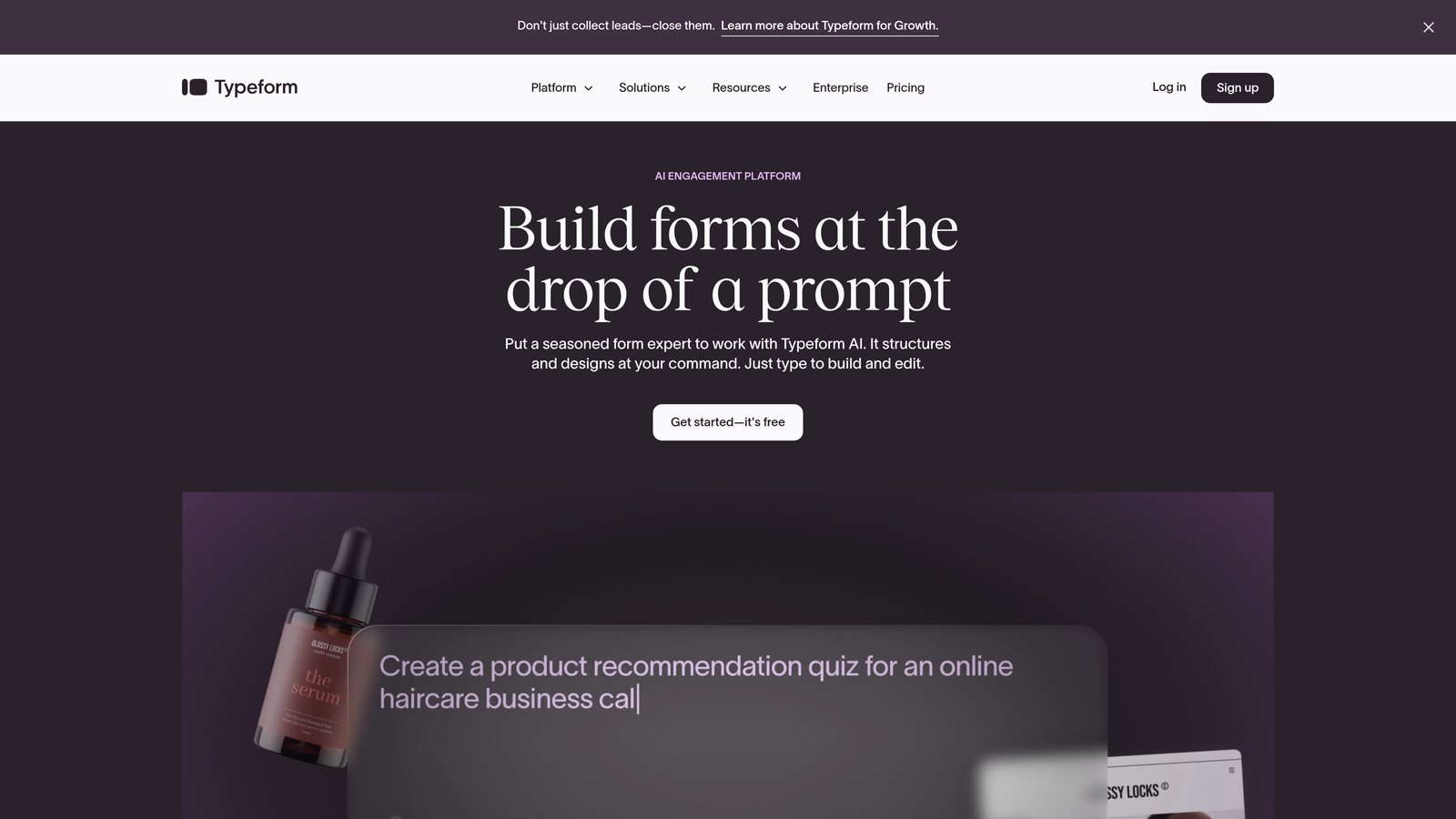
Typeform is a conversational form builder known for creating engaging, one-question-at-a-time experiences with sophisticated workspace collaboration features.
Where This Tool Shines
Typeform transforms standard forms into conversations that feel more like human interactions. The platform's signature one-question-per-screen approach reduces form abandonment by making long surveys feel manageable and engaging.
For teams obsessed with brand consistency, Typeform's Brand Kits ensure every form matches your visual identity perfectly. Marketing teams can create templates that other departments reuse, maintaining design standards without requiring design skills. The workspace folders keep projects organized by campaign, client, or department—crucial when managing dozens of active forms.
Key Features
Workspace Organization: Team folders and projects keep forms organized with clear ownership and easy discovery across departments.
Role-Based Access: Granular permissions control who can view, edit, or publish forms, protecting sensitive projects while enabling collaboration.
Brand Kits: Centralized brand assets ensure consistent colors, fonts, and logos across all team-created forms without manual styling.
Comments and Feedback: In-platform commenting allows team members to review and provide feedback without leaving the builder.
Integration Ecosystem: Native connections with Slack, Google Sheets, and major marketing platforms keep teams synchronized across tools.
Best For
Typeform works best for marketing teams creating customer-facing forms where experience matters. Agencies managing multiple client brands benefit from the Brand Kit system. Companies conducting employee surveys or customer research appreciate the conversational format that increases completion rates.
Pricing
Business plan at $83/month includes three users with full collaboration features. Additional team members can be added, with enterprise plans available for larger organizations requiring advanced security and support.
3. JotForm
Best for: Teams needing extensive template variety and enterprise-grade sub-user management
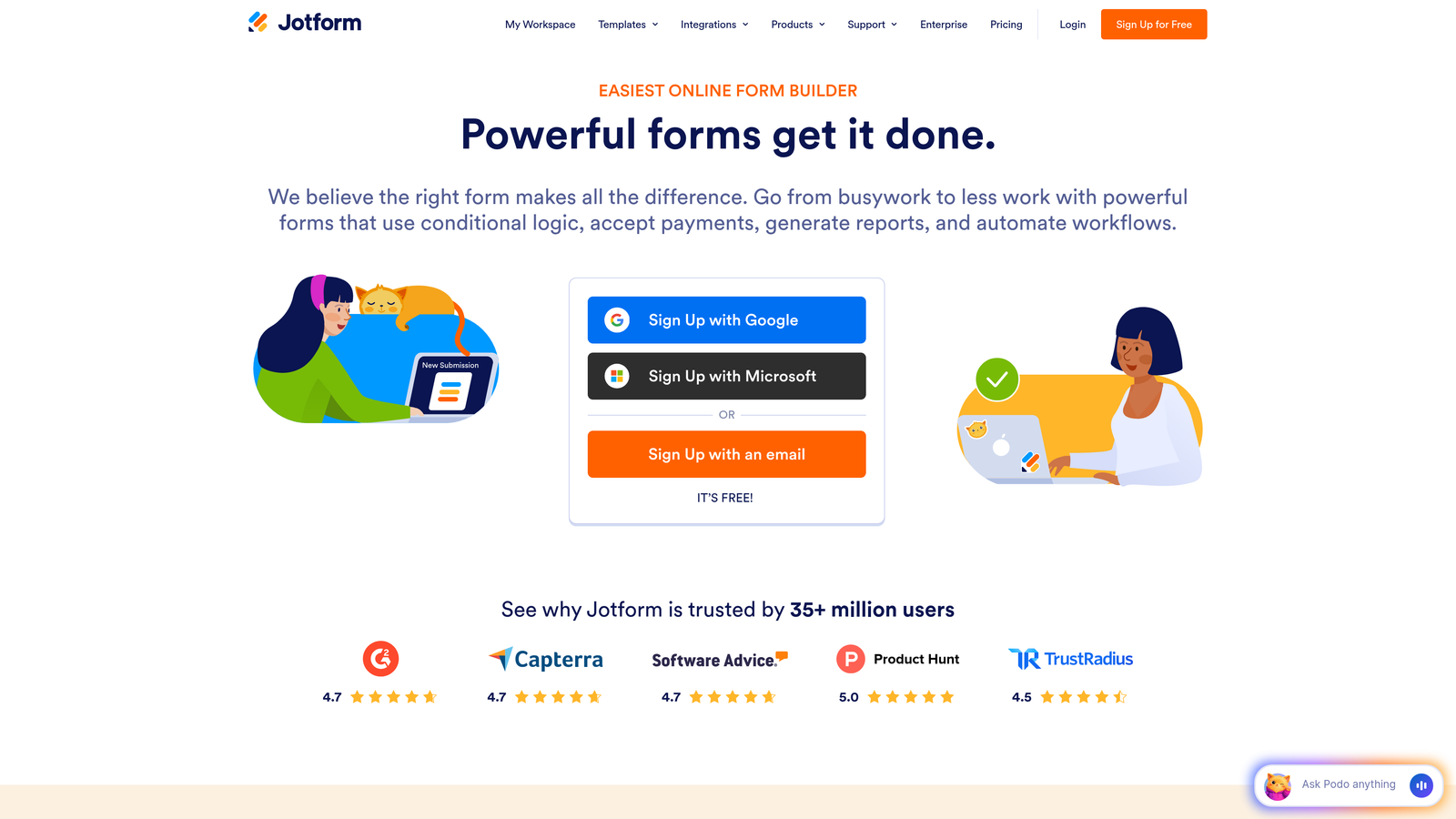
JotForm is a feature-rich form builder offering over 10,000 templates with comprehensive team collaboration capabilities and enterprise workflow automation.
Where This Tool Shines
JotForm's massive template library means teams rarely start from scratch. Whether you need employee onboarding forms, customer feedback surveys, or event registration—there's a pre-built template that gets you 80% of the way there.
The platform's team account architecture supports complex organizational structures. Create sub-users with specific permissions, assign forms to team members, and track who's responsible for what. For healthcare, finance, or legal teams handling sensitive data, JotForm's HIPAA-compliant team collaboration ensures regulatory requirements don't compromise teamwork.
Key Features
Sub-User Management: Create unlimited team members with granular permissions controlling access to specific forms, folders, and features.
Approval Workflows: Route form submissions through multi-step approval processes with automatic notifications and status tracking.
HIPAA Compliance: Enterprise-grade security with Business Associate Agreements enables compliant collaboration on sensitive healthcare data.
Template Library: Over 10,000 professionally designed templates cover virtually every use case, accelerating team form creation.
Task Assignment: Assign forms to specific team members and track completion status across projects and departments.
Best For
JotForm excels for larger organizations with complex team structures and diverse form needs. Healthcare organizations requiring HIPAA compliance find the secure collaboration features essential. Companies managing high-volume form operations benefit from the task assignment and workflow automation capabilities.
Pricing
Gold team plan at $99/month supports up to five users with full collaboration features. Enterprise plans with unlimited users and advanced security controls available for larger organizations.
4. Formstack
Best for: Enterprise teams requiring advanced compliance, audit trails, and multi-level approval routing
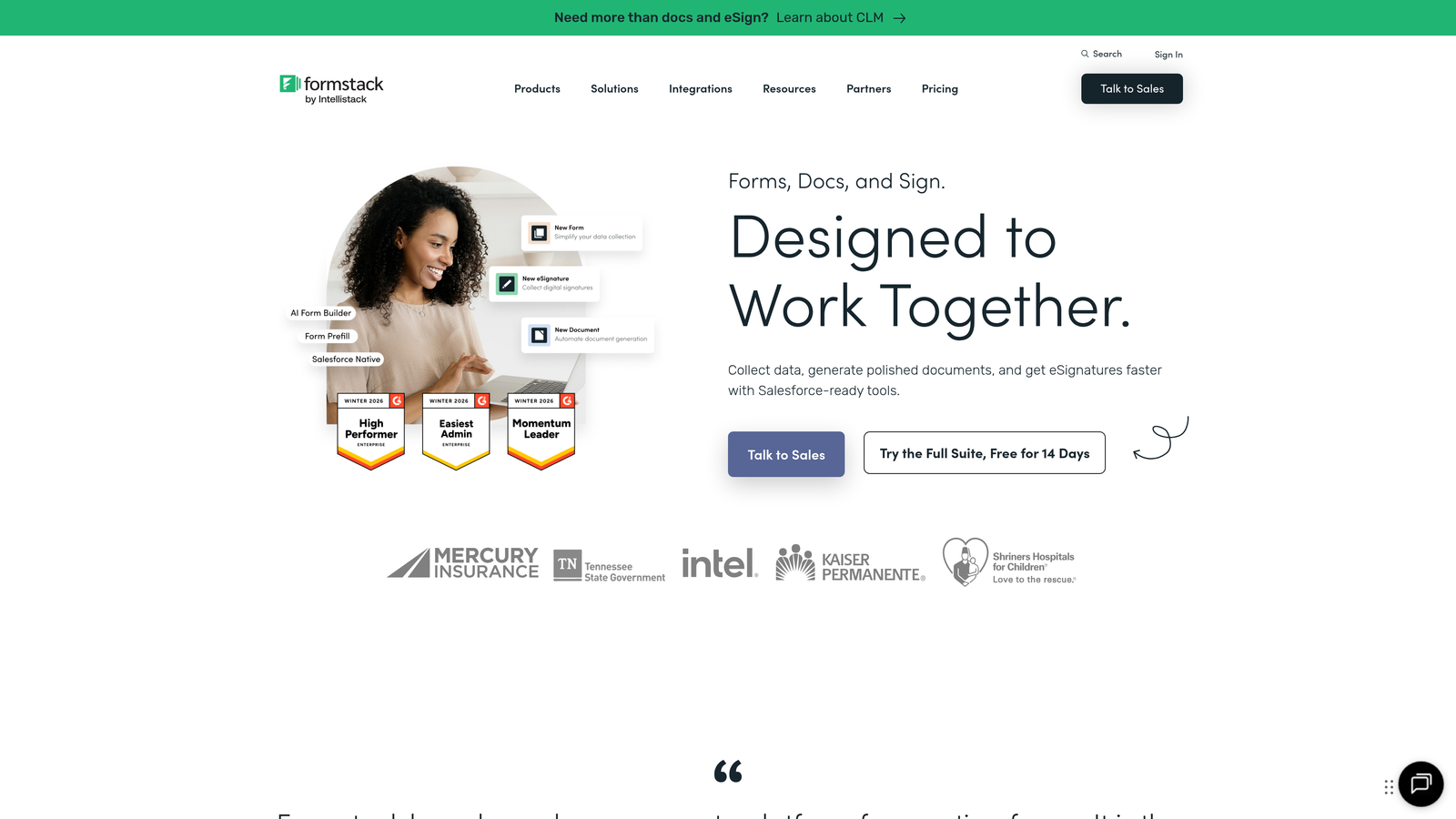
Formstack is an enterprise-grade form platform combining sophisticated workflow automation with comprehensive compliance features and granular team permissions.
Where This Tool Shines
Formstack treats forms as critical business processes requiring enterprise-level controls. The platform's multi-level approval routing enables complex workflows where forms pass through multiple stakeholders before finalization—essential for legal, compliance, or procurement teams.
For organizations operating under strict regulatory requirements, Formstack's compliance certifications and audit trails provide the documentation and security controls required. Every form edit, submission, and access event gets logged, creating a complete audit trail that satisfies regulatory scrutiny. The platform's SSO integration and enterprise security controls ensure team collaboration doesn't compromise data protection.
Key Features
Approval Routing: Multi-level workflows route forms through sequential or parallel approval chains with conditional logic and automatic notifications.
Granular Permissions: Role-based access controls with detailed audit trails track every user action for compliance and security monitoring.
Compliance Certifications: HIPAA, GDPR, and SOC 2 compliance with Business Associate Agreements and data processing agreements.
Document Generation: Automatically create PDFs, contracts, or reports from form data using customizable templates.
Enterprise Security: SSO integration, IP restrictions, and advanced encryption protect sensitive data across team collaboration.
Best For
Formstack serves enterprise organizations with complex approval requirements and strict compliance needs. Financial services, healthcare, and government agencies benefit from the comprehensive audit trails and security controls. Companies managing vendor onboarding, contract approvals, or compliance documentation find the workflow automation invaluable.
Pricing
Teams plan starting at $83/month with core collaboration features. Enterprise pricing available for organizations requiring advanced compliance, dedicated support, and custom SLAs.
5. Cognito Forms
Best for: Budget-conscious teams needing payment processing and unlimited team members at accessible pricing
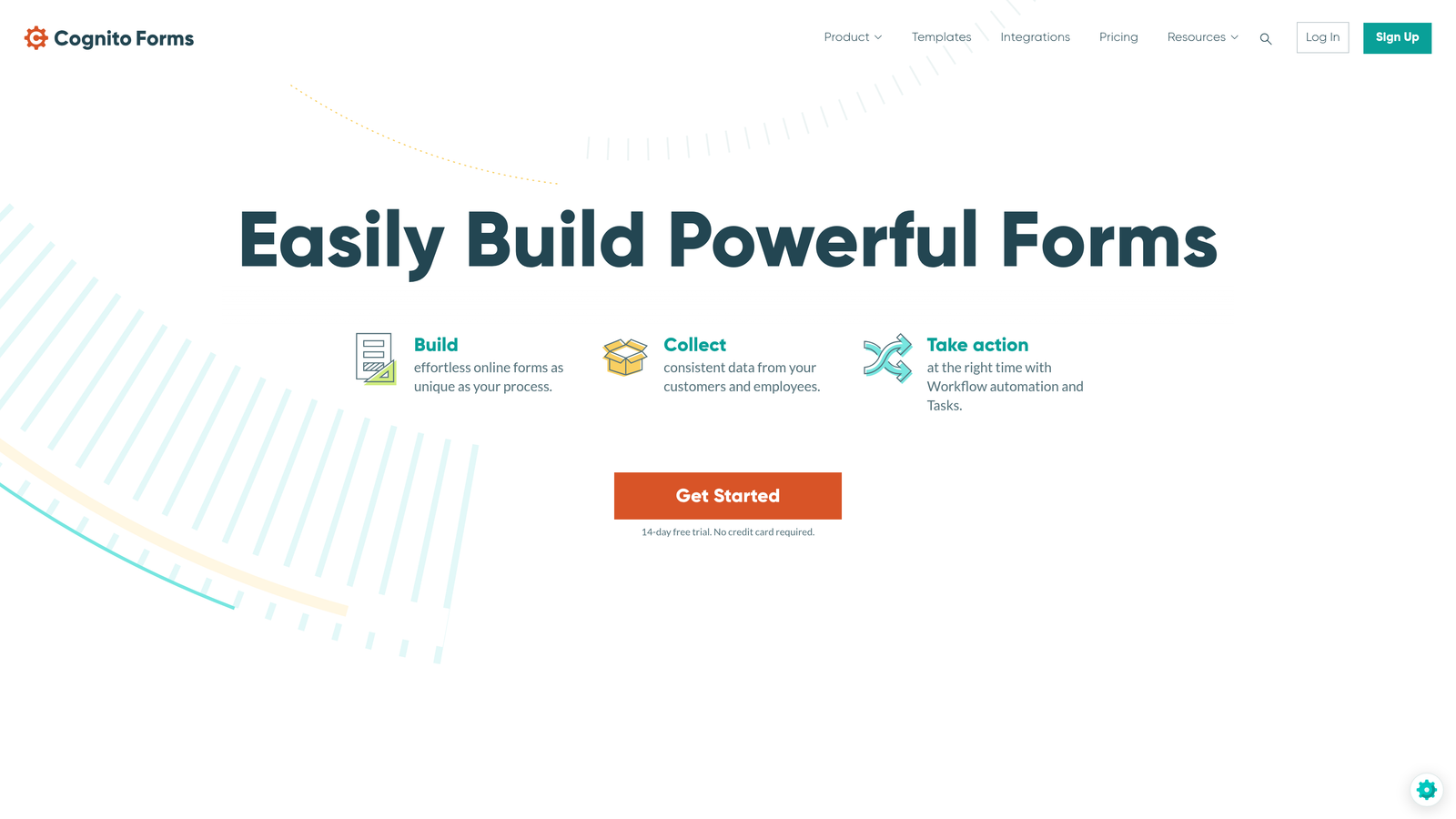
Cognito Forms is an affordable form builder offering organization-level team management with built-in payment processing and no transaction fees.
Where This Tool Shines
Cognito Forms delivers enterprise-level collaboration features at small business pricing. The organization account structure allows unlimited team members—unusual at this price point—making it ideal for growing teams that don't want per-user charges limiting collaboration.
For teams collecting payments through forms, Cognito's built-in payment processing with zero transaction fees represents significant savings compared to competitors charging 2-3% per transaction. Registration forms, donation pages, and e-commerce applications become more profitable when transaction fees don't eat into revenue. The platform's workflow and approval features provide structure without the enterprise price tag.
Key Features
Unlimited Team Members: Organization accounts support unlimited users without per-seat charges, enabling broad collaboration across departments.
Entry-Level Collaboration: Shared workspaces, role-based permissions, and team folders at pricing accessible to small and medium businesses.
Payment Processing: Integrated Stripe and PayPal support with no transaction fees beyond standard processor rates.
Workflow Automation: Approval routing, conditional logic, and automated notifications streamline team processes.
Data Security: Encryption, HIPAA compliance options, and secure data storage protect sensitive information across team collaboration.
Best For
Cognito Forms works best for small to medium-sized teams needing full-featured collaboration without enterprise budgets. Nonprofits collecting donations, schools managing registrations, and small businesses processing payments benefit from the no-fee payment processing. Organizations wanting to enable broad team access without worrying about per-user costs find the unlimited team member model liberating.
Pricing
Team plan at $24/month includes core collaboration features. Pro plan at $49/month adds advanced workflow automation, payment processing, and enhanced security controls.
6. Google Forms
Best for: Teams already using Google Workspace needing simple, free real-time co-editing
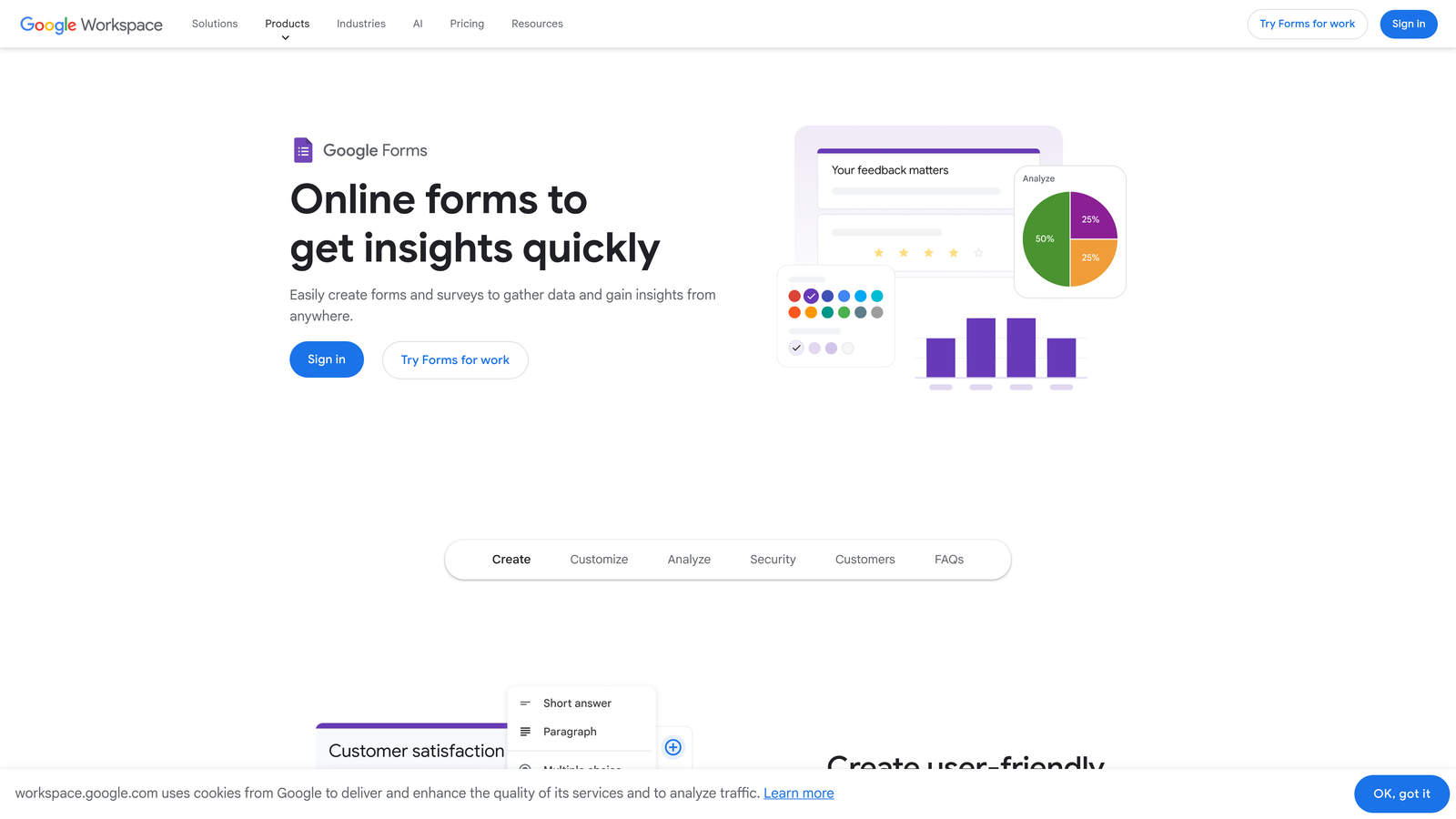
Google Forms is a free, straightforward form builder with native Google Workspace integration and simultaneous real-time editing capabilities.
Where This Tool Shines
Google Forms removes all barriers to team collaboration by making everything free and instantly accessible to anyone with a Google account. Multiple team members can edit the same form simultaneously—you literally see collaborators' cursors moving as they work—making form building as collaborative as editing a Google Doc.
For teams already living in Google Workspace, the integration is seamless. Forms automatically save to Google Drive with familiar sharing permissions. Responses flow directly into Google Sheets for instant analysis and visualization. The simplicity means zero learning curve—if your team uses Gmail, they can build forms immediately without training or onboarding.
Key Features
Real-Time Co-Editing: Multiple users edit simultaneously with live cursor tracking and instant synchronization across all collaborators.
Google Drive Integration: Forms automatically organize in Drive folders with standard Google sharing and permission controls.
Sheets Response Sync: Form submissions automatically populate Google Sheets in real-time for immediate analysis and reporting.
Simple Sharing: Share via link, email invitation, or embed code with granular view/edit/comment permission levels.
Unlimited Everything: Create unlimited forms with unlimited responses at zero cost—no usage caps or hidden fees.
Best For
Google Forms excels for teams prioritizing simplicity over advanced features. Educational institutions conducting student surveys, internal HR teams gathering employee feedback, and small teams running quick polls benefit from the zero-friction collaboration. Organizations already standardized on Google Workspace gain immediate value without adding another tool to the stack.
Pricing
Completely free with any Google account. Google Workspace Business and Enterprise plans add advanced admin controls, longer video uploads, and enhanced security features for larger organizations.
7. Microsoft Forms
Best for: Enterprise teams embedded in Microsoft 365 ecosystem with Teams-based workflows
Microsoft Forms is an enterprise form solution with deep Microsoft 365 integration, native Teams embedding, and SharePoint workflow connectivity.
Where This Tool Shines
Microsoft Forms lives where enterprise teams already work—inside Teams channels, SharePoint sites, and Outlook emails. Create a form directly within a Teams channel and team members can respond without leaving their conversation flow. This native embedding eliminates the friction of switching between tools that plague other platforms.
For organizations running on Microsoft 365, the co-authoring capabilities mirror the familiar Word and PowerPoint experience. Multiple team members edit simultaneously with real-time synchronization. The integration with Power Automate enables sophisticated workflows—route form submissions through approval chains, create SharePoint list items, send Teams notifications—all without writing code.
Key Features
Teams Integration: Embed forms directly in Teams channels with in-app responses and real-time result viewing.
Co-Authoring: Simultaneous multi-user editing with familiar Microsoft collaboration interface and change tracking.
SharePoint Connectivity: Automatically create SharePoint list items from form submissions for enterprise content management workflows.
Group Forms: Create forms owned by entire groups rather than individuals, ensuring continuity when team members change roles.
Power Automate: Build automated workflows connecting form submissions to hundreds of enterprise applications and services.
Best For
Microsoft Forms serves enterprise organizations standardized on Microsoft 365 who want forms that integrate seamlessly with existing workflows. IT departments conducting employee surveys, HR teams managing onboarding, and project teams gathering stakeholder feedback benefit from the native Teams and SharePoint integration. Organizations requiring enterprise security controls and compliance features find the Microsoft ecosystem integration essential.
Pricing
Included with Microsoft 365 Business Basic, Business Standard, and all Enterprise plans. No additional cost for teams already using Microsoft 365 for email and collaboration.
8. Tally
Best for: Teams wanting unlimited free forms with Notion-style simplicity and clean design
Tally is a Notion-inspired form builder offering unlimited free forms with no response limits, block-based editing, and minimalist workspace collaboration.
Where This Tool Shines
Tally's free tier generosity is remarkable—unlimited forms with unlimited responses and no feature restrictions. For teams experimenting with form strategies or running high-volume campaigns, the lack of artificial limits removes the anxiety of hitting usage caps mid-campaign.
The block-based editor feels instantly familiar to teams using Notion. Drag blocks to rearrange questions, nest conditional logic visually, and build complex multi-page forms without wrestling with configuration panels. The clean, minimal interface accelerates form creation—teams report building forms in minutes rather than hours because the interface stays out of the way.
Key Features
Workspace Organization: Team folders organize forms by project, client, or campaign with clear ownership and sharing controls.
Unlimited Free Tier: Create unlimited forms with unlimited responses, no branding removal fees, and full feature access at zero cost.
Block-Based Builder: Notion-style drag-and-drop interface makes form building intuitive for teams already using block-based tools.
Team Invitations: Invite collaborators with role-based permissions controlling who can view, edit, or manage team forms.
Clean Interface: Minimal design reduces cognitive load, enabling faster form creation without sacrificing functionality.
Best For
Tally works best for startups and small teams prioritizing speed and simplicity over enterprise features. Teams already using Notion appreciate the consistent editing paradigm. Organizations running high-volume campaigns benefit from unlimited responses without usage-based pricing anxiety. The free tier makes Tally ideal for teams testing form strategies before committing to paid platforms.
Pricing
Free tier with unlimited forms and responses. Pro plan at $29/month adds custom domains, file uploads, advanced integrations, and priority support for teams needing enhanced capabilities.
9. Fillout
Best for: Database-driven teams using Airtable or Notion for data management
Fillout is a modern form builder with native Airtable and Notion database synchronization, enabling teams to build forms that read from and write to existing databases.
Where This Tool Shines
Fillout transforms Airtable and Notion from passive databases into interactive form systems. Create forms that pull options from Airtable tables, validate against existing records, and write submissions directly back to your database—no Zapier middleware required. For teams already managing data in these platforms, Fillout eliminates the friction of maintaining separate form and database systems.
The team workspace model keeps forms organized by project while maintaining the database connections that make Fillout unique. Multiple team members can create forms connected to the same Airtable base, ensuring everyone works from a single source of truth. The modern design aesthetic produces forms that look contemporary without requiring design skills.
Key Features
Database Sync: Direct two-way synchronization with Airtable and Notion databases eliminates manual data transfer and maintains single source of truth.
Team Workspaces: Shared form libraries with collaborative editing and centralized database connection management.
Conditional Logic: Show/hide questions based on previous answers, create multi-path forms, and build dynamic experiences.
Modern Design: Contemporary form styling with customization options that maintain professional appearance across team-created forms.
Integrated Tools: Built-in scheduling (Calendly-style) and payment processing reduce the need for separate tools.
Best For
Fillout excels for teams using Airtable or Notion as their system of record. Product teams gathering user feedback directly into Airtable roadmap databases, sales teams creating lead capture forms that sync with Notion CRMs, and operations teams building internal tools on top of existing databases all benefit from the native integration. The platform works particularly well for no-code teams building sophisticated workflows without traditional development.
Pricing
Free tier available with core features and limited submissions. Starter plan at $19/month includes team collaboration features, unlimited submissions, and full database integration capabilities.
Finding Your Team's Perfect Match
The right collaborative form platform depends less on features and more on how your team actually works. If lead conversion drives your business and you need AI-powered qualification, Orbit AI delivers the most value for high-growth teams focused on revenue outcomes. The platform's combination of collaboration features and intelligent lead routing addresses both teamwork and business results.
For enterprise organizations with complex approval chains and strict compliance requirements, Formstack provides the audit trails and security controls that satisfy regulatory scrutiny. Teams already embedded in Google or Microsoft ecosystems should start with their native options—the seamless integration eliminates tool-switching friction that slows collaboration.
Budget-conscious teams get remarkable value from Cognito Forms' unlimited team members or Tally's generous free tier. Neither platform compromises on core collaboration features despite the accessible pricing. Teams managing data in Airtable or Notion will find Fillout's native database sync eliminates the middleware complexity that typically plagues form-to-database workflows.
Consider your existing technology stack first. A platform that integrates seamlessly with tools your team already uses daily will see higher adoption than a feature-rich option requiring workflow changes. Think about your team structure—do you need unlimited collaborators or just a few power users? Evaluate your compliance requirements—HIPAA, GDPR, and SOC 2 certifications matter for regulated industries but add cost.
Most platforms offer free trials or freemium tiers. Test collaboration workflows with your actual team before committing. Create a real form together, route it through your approval process, and connect it to your existing tools. The platform that feels intuitive during this trial will remain intuitive at scale.
Transform your lead generation with AI-powered forms that qualify prospects automatically while delivering the modern, conversion-optimized experience your high-growth team needs. Start your free trial today and see how intelligent form design can elevate your conversion strategy.