

Static forms that ask every user the same questions are leaving valuable data on the table. Custom form builders with conditional logic let you create dynamic experiences that adapt in real-time—showing relevant questions, hiding irrelevant ones, and guiding respondents through personalized paths based on their answers.
Whether you're qualifying leads, running surveys, or collecting applications, the right logic-enabled form builder can dramatically improve completion rates and data quality. We evaluated dozens of platforms to find the best options for teams who need powerful conditional logic without a steep learning curve.
Here are nine standout form builders that excel at creating intelligent, adaptive forms.
1. Orbit AI
Best for: High-growth teams needing AI-powered lead qualification combined with sophisticated conditional logic
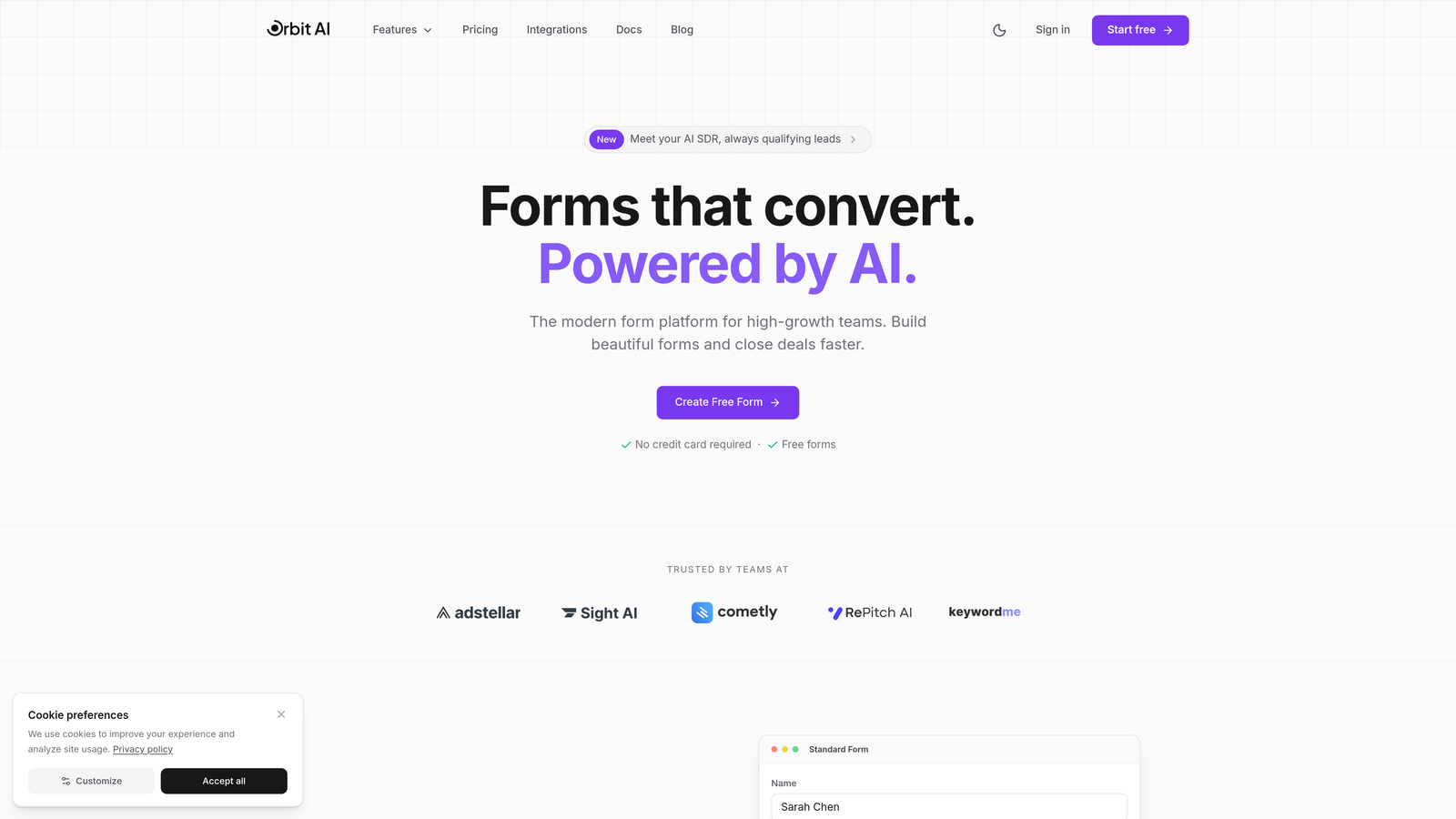
Orbit AI is an AI-powered form builder platform that combines conditional logic with intelligent lead qualification capabilities designed specifically for conversion optimization.
Where This Tool Shines
Orbit AI stands out by merging traditional conditional logic with AI-driven lead scoring. While other form builders stop at showing or hiding fields, Orbit AI analyzes responses in real-time to qualify prospects automatically.
The platform excels at creating conversion-optimized forms that don't just adapt to user answers, but actively guide high-intent leads through personalized paths. This makes it particularly valuable for sales and marketing teams who need forms that do more than collect data—they need forms that identify and prioritize the best opportunities.
Key Features
AI-Powered Lead Qualification: Automatically scores and qualifies leads based on form responses, routing high-value prospects to priority workflows.
Conditional Logic with Branching: Create multi-path forms that adapt based on user answers, showing relevant follow-up questions dynamically.
Conversion-Optimized Designs: Modern, mobile-responsive templates specifically designed to maximize completion rates and reduce form abandonment.
Native CRM Integrations: Connect directly to your existing sales and marketing stack with conditional routing based on qualification scores.
Real-Time Analytics: Track form performance, completion rates, and lead quality metrics with detailed response analytics.
Best For
Orbit AI is ideal for B2B companies, SaaS teams, and agencies focused on lead generation where form quality matters as much as quantity. If your team needs to automatically separate tire-kickers from serious prospects while delivering a polished user experience, this platform delivers both intelligence and aesthetics.
Pricing
Pricing is quoted on a short demo, and Orbit has no free plan. Book a demo to see it with your own forms.
2. Typeform
Best for: Creating beautiful, conversational forms with intuitive logic jumps and one-question-at-a-time experiences
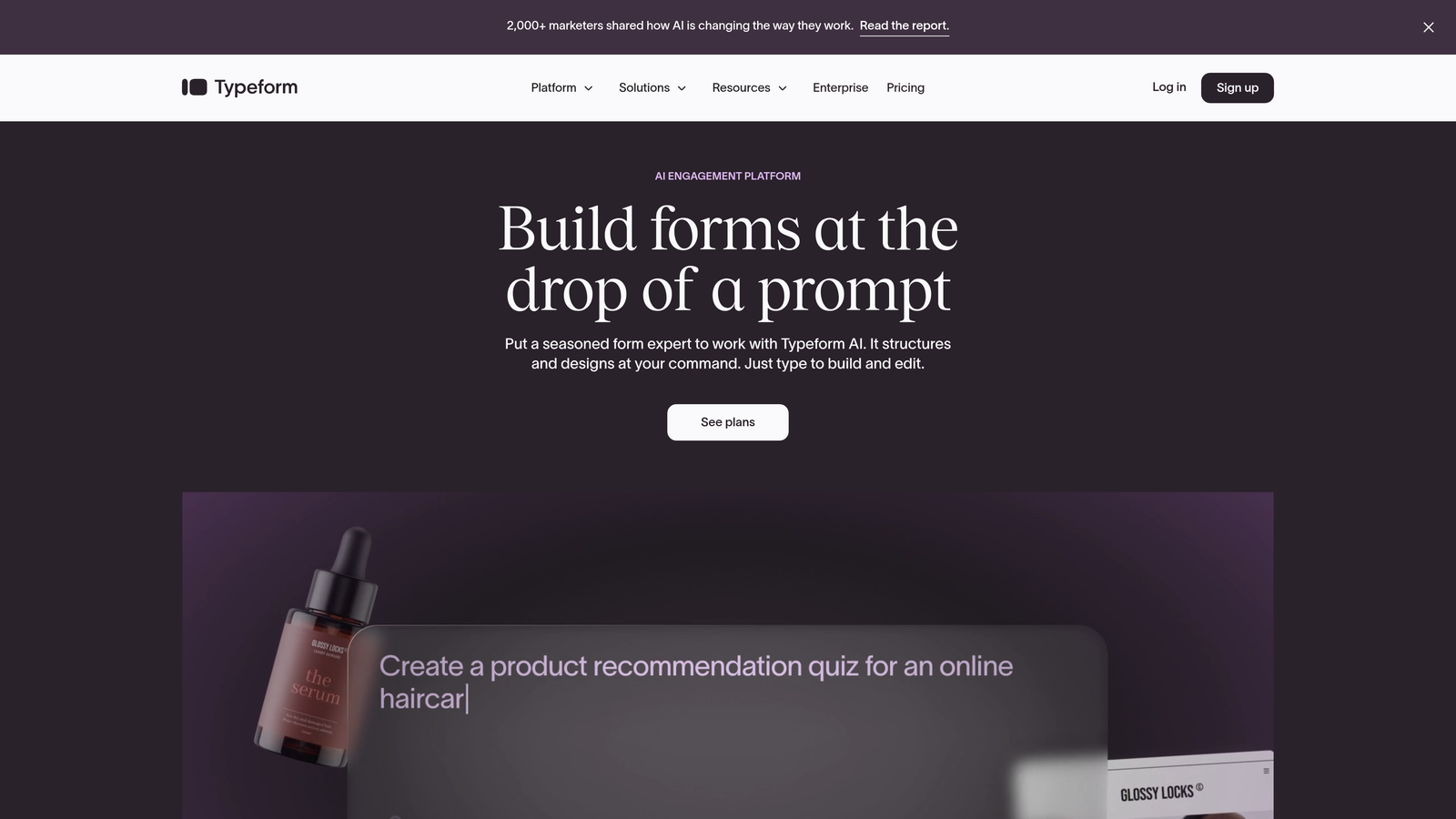
Typeform is a conversational form builder known for its distinctive one-question-at-a-time format and visually stunning designs.
Where This Tool Shines
Typeform revolutionized form design by treating forms like conversations rather than interrogations. The platform's logic jump feature integrates seamlessly with its conversational interface, creating experiences that feel more like guided discussions than data collection.
The visual flow mapping makes it easy to see how your logic branches work at a glance. You can create complex conditional paths without getting lost in rule tables or configuration screens, making it accessible even for non-technical team members.
Key Features
Logic Jumps with Visual Mapping: Create conditional paths with an intuitive visual interface that shows exactly how respondents will flow through your form.
Conversational Format: One-question-at-a-time presentation reduces cognitive load and improves completion rates for longer forms.
Beautiful Customizable Themes: Extensive design options let you match your brand while maintaining the platform's signature aesthetic.
Hidden Fields: Pass tracking parameters and personalization data through your forms for more sophisticated conditional logic.
Calculator and Scoring: Build quizzes and assessments with conditional scoring that adapts based on user responses.
Best For
Typeform works exceptionally well for customer research, lead qualification surveys, event registrations, and any scenario where user experience matters as much as data collection. It's particularly strong for consumer-facing forms where first impressions count.
Pricing
Free plan available with limited responses. Basic plan starts at $25/month, with logic jumps available on paid tiers.
3. Jotform
Best for: Complex multi-condition scenarios requiring extensive logic rules and field calculations
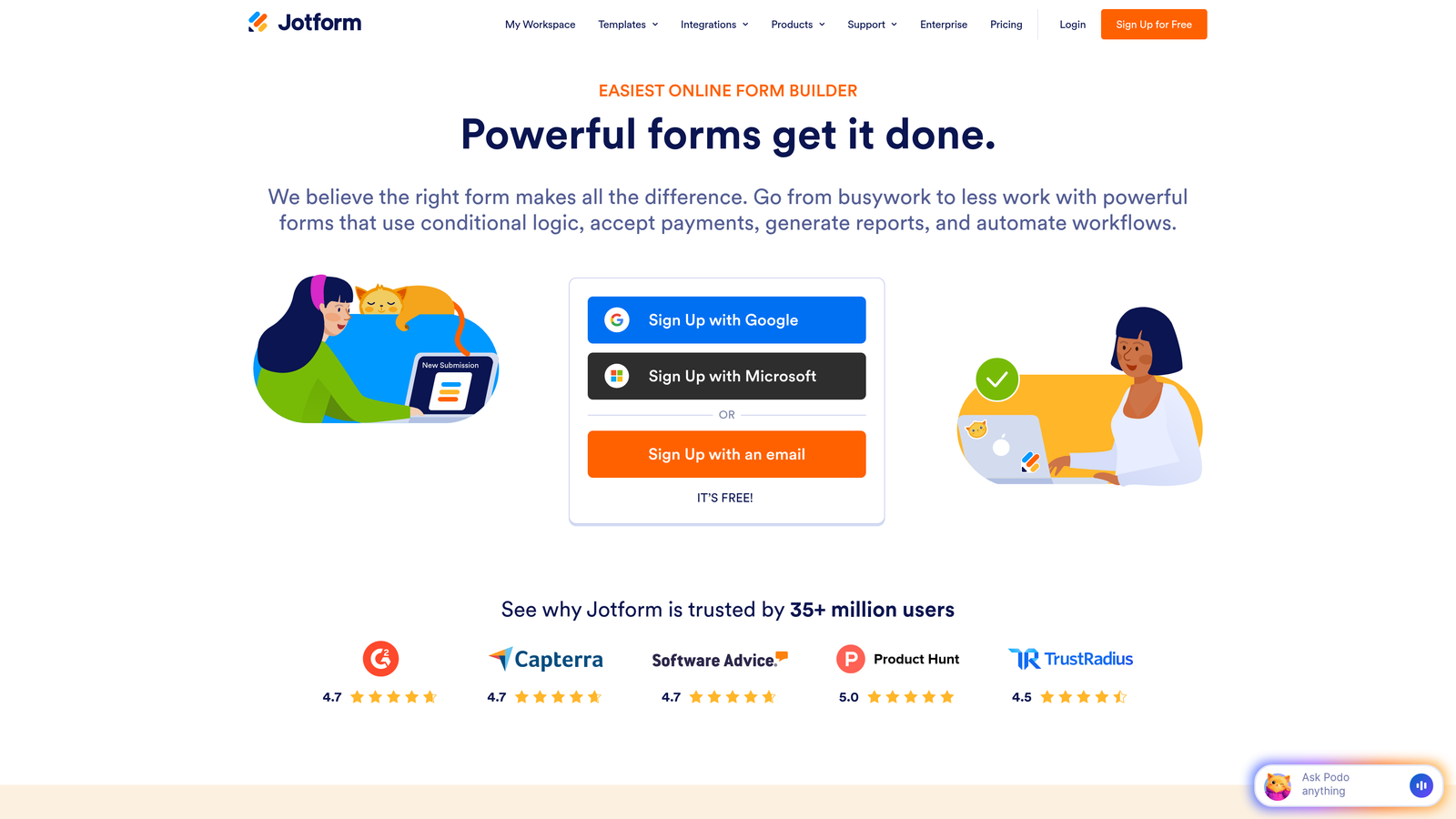
Jotform is a feature-rich form builder offering extensive conditional logic options alongside a massive template library.
Where This Tool Shines
Jotform takes a power-user approach to conditional logic, offering more rule complexity than most competitors. You can create forms with multiple conditions triggering simultaneously, conditional visibility at both field and page levels, and logic-based calculations that update dynamically.
The platform's 10,000+ template library includes many forms with pre-built logic, giving you a head start on common use cases. This makes it particularly valuable when you need sophisticated logic but don't want to build everything from scratch.
Key Features
Multi-Condition Logic Rules: Create complex conditional statements with AND/OR operators for sophisticated branching scenarios.
Conditional Visibility: Control field and entire page visibility based on previous answers, creating truly dynamic forms.
Form Calculations: Build conditional pricing, scoring, or calculation fields that update based on user selections.
Massive Template Library: Over 10,000 templates with many including pre-configured conditional logic for common scenarios.
Conditional Email Notifications: Route form submissions to different team members based on response content automatically.
Best For
Jotform excels for organizations needing complex conditional forms without custom development—think application processes, detailed surveys, or registration forms with multiple paths. It's particularly strong for teams who value having extensive pre-built templates to customize rather than starting from blank canvases.
Pricing
Free plan includes 5 forms with 100 monthly submissions. Bronze plan starts at $34/month for expanded limits and full conditional logic access.
4. Tally
Best for: Startups and small teams needing unlimited forms with conditional logic on a budget-friendly plan
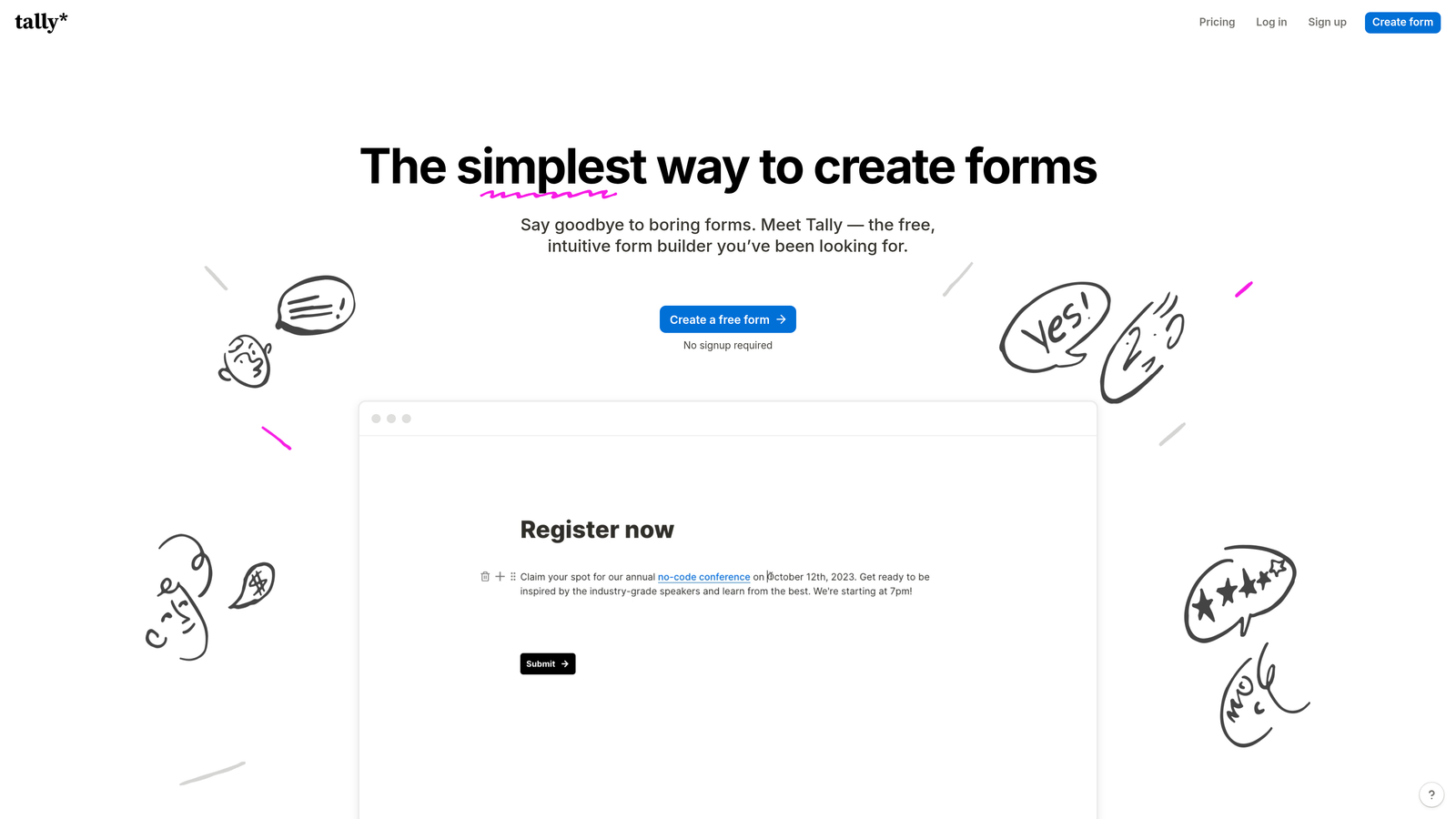
Tally is a Notion-like form builder offering unlimited forms and conditional logic on its generous free plan.
Where This Tool Shines
Tally disrupts the form builder pricing model by offering unlimited forms and submissions on its free tier—including conditional logic. This makes it exceptionally attractive for startups, side projects, and small teams who need powerful features without monthly costs.
The block-based editor feels familiar to anyone who's used Notion, making it intuitive for teams already working in that ecosystem. You can create sophisticated multi-step forms with conditional branches without worrying about hitting submission limits or feature paywalls.
Key Features
Conditional Logic on Free Plan: Access full conditional logic capabilities without paying, unlike most competitors that lock this behind premium tiers.
Unlimited Forms and Submissions: No artificial limits on the free plan, making it viable for high-volume use cases.
Block-Based Editor: Clean, intuitive interface that feels like building a document rather than configuring a form.
Hidden Fields and URL Parameters: Pass data between pages and personalize forms based on traffic source or user attributes.
Native Notion Integration: Send form responses directly to Notion databases with conditional field mapping.
Best For
Tally is perfect for bootstrapped startups, community projects, personal use cases, or any scenario where you need professional conditional logic features without the professional price tag. It's also excellent for teams already embedded in the Notion ecosystem.
Pricing
Free plan includes most features with unlimited forms and responses. Pro plan at $29/month adds file uploads, custom domains, and remove Tally branding.
5. Fillout
Best for: Teams using Airtable or Notion who need native database integration with conditional logic
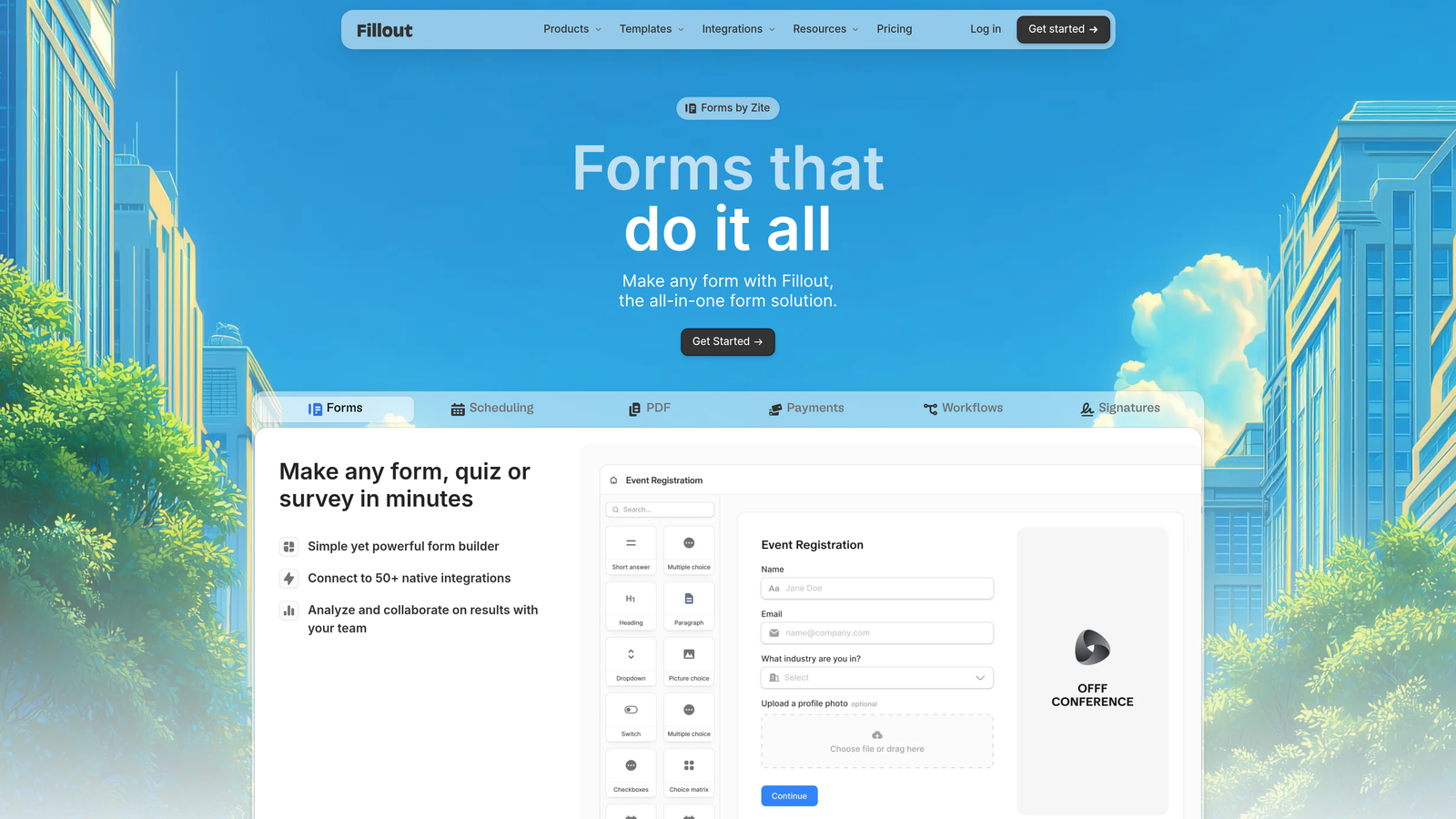
Fillout is a modern form builder with deep Airtable and Notion integrations, combining conditional logic with native database workflows.
Where This Tool Shines
Fillout bridges the gap between form builders and database tools. While other platforms offer integrations through Zapier or webhooks, Fillout connects natively to Airtable and Notion, letting you build forms that read from and write to your databases with conditional logic based on existing data.
This creates powerful workflows where forms can show different questions based on what's already in your database, or route submissions to different tables based on response content. It's particularly valuable for teams who've built their operations around Airtable or Notion.
Key Features
Conditional Logic with Page Branching: Create multi-page forms with conditional navigation based on user responses.
Native Airtable and Notion Sync: Direct two-way integration with your databases, no middleware required.
Conditional Field Visibility: Show or hide questions based on previous answers or data from connected databases.
Multi-Step Forms: Build long forms with progress indicators and conditional page jumps to reduce abandonment.
Scheduling and Payment Integrations: Add conditional booking or payment options that adapt based on user selections.
Best For
Fillout excels for operations teams, project managers, and anyone who's built their workflow around Airtable or Notion. If your team needs forms that interact intelligently with existing database records, this platform delivers that integration depth.
Pricing
Free plan available with basic features. Starter plan begins at $15/month for expanded conditional logic and integration capabilities.
6. Paperform
Best for: Creating form-based landing pages with conditional sections, payments, and scheduling in one tool
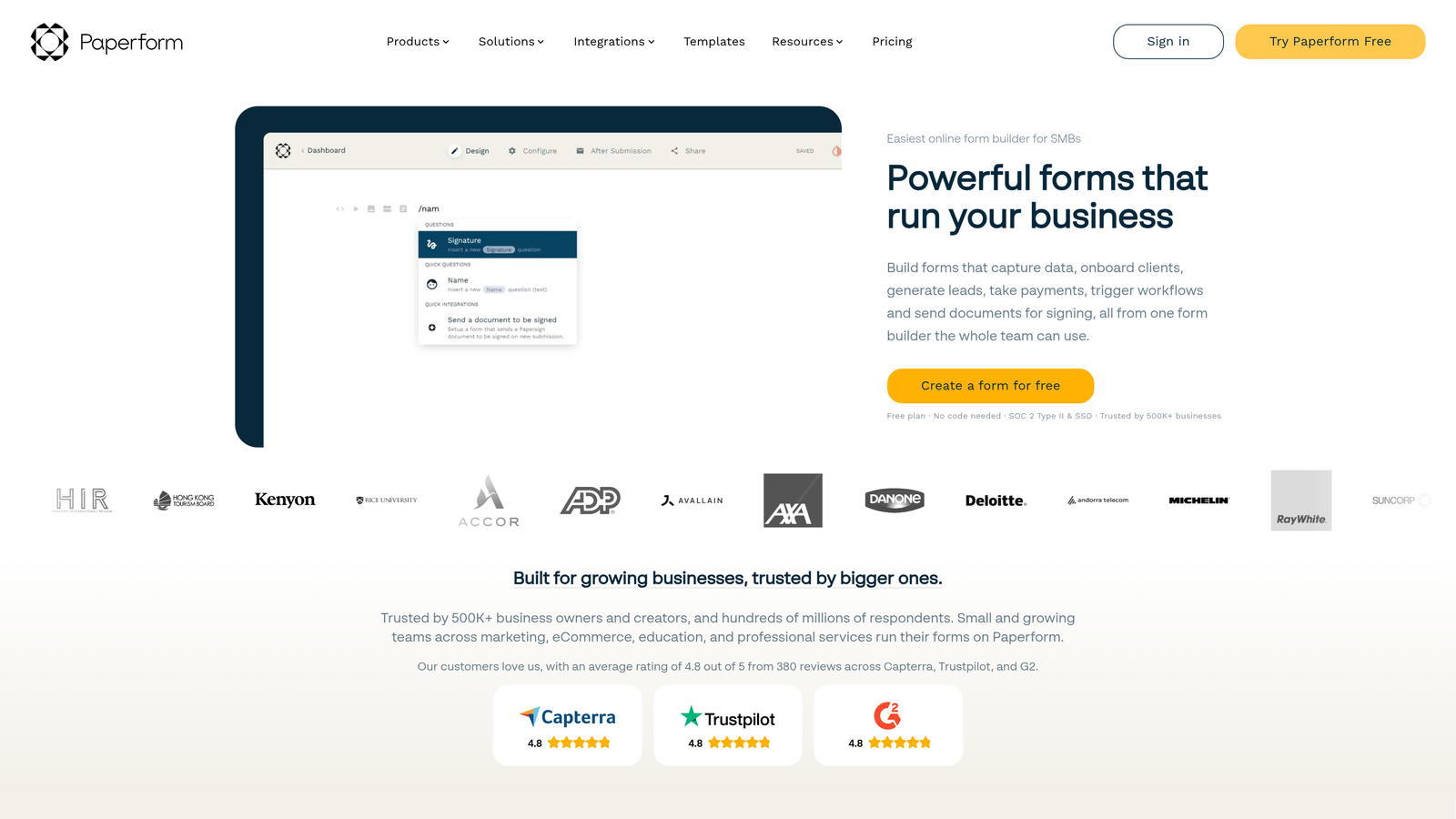
Paperform is a document-style form builder that creates form-based landing pages with conditional logic, payments, and scheduling built in.
Where This Tool Shines
Paperform takes a unique approach by treating forms like editable documents rather than field-by-field builders. You type naturally, and the platform converts your text into form fields—then you layer conditional logic on top.
This makes it exceptionally powerful for creating landing pages that are part content, part form. You can build product order forms, event registrations, or booking pages where conditional logic controls not just form fields but entire content sections, pricing displays, and availability options.
Key Features
Conditional Logic for Fields and Pages: Control visibility of individual fields or entire form sections based on user responses.
Document-Style Editor: Freeform editor lets you mix rich content with form fields naturally, creating landing page experiences.
Built-In Payments: Conditional pricing that adjusts based on user selections, with native Stripe and PayPal integration.
Scheduling Integration: Conditional availability rules for booking forms that adapt based on service type or user attributes.
Conditional Success Pages: Show different confirmation messages or redirect to different pages based on form responses.
Best For
Paperform is ideal for businesses selling products or services through forms, event organizers, consultants offering multiple service tiers, or anyone who needs forms that double as landing pages. It's particularly strong when you need conditional pricing or scheduling logic.
Pricing
Essentials plan starts at $24/month. Pro plan at $49/month includes advanced conditional logic and removes Paperform branding.
7. Formstack
Best for: Enterprise teams needing advanced conditional logic with workflow automation and compliance features
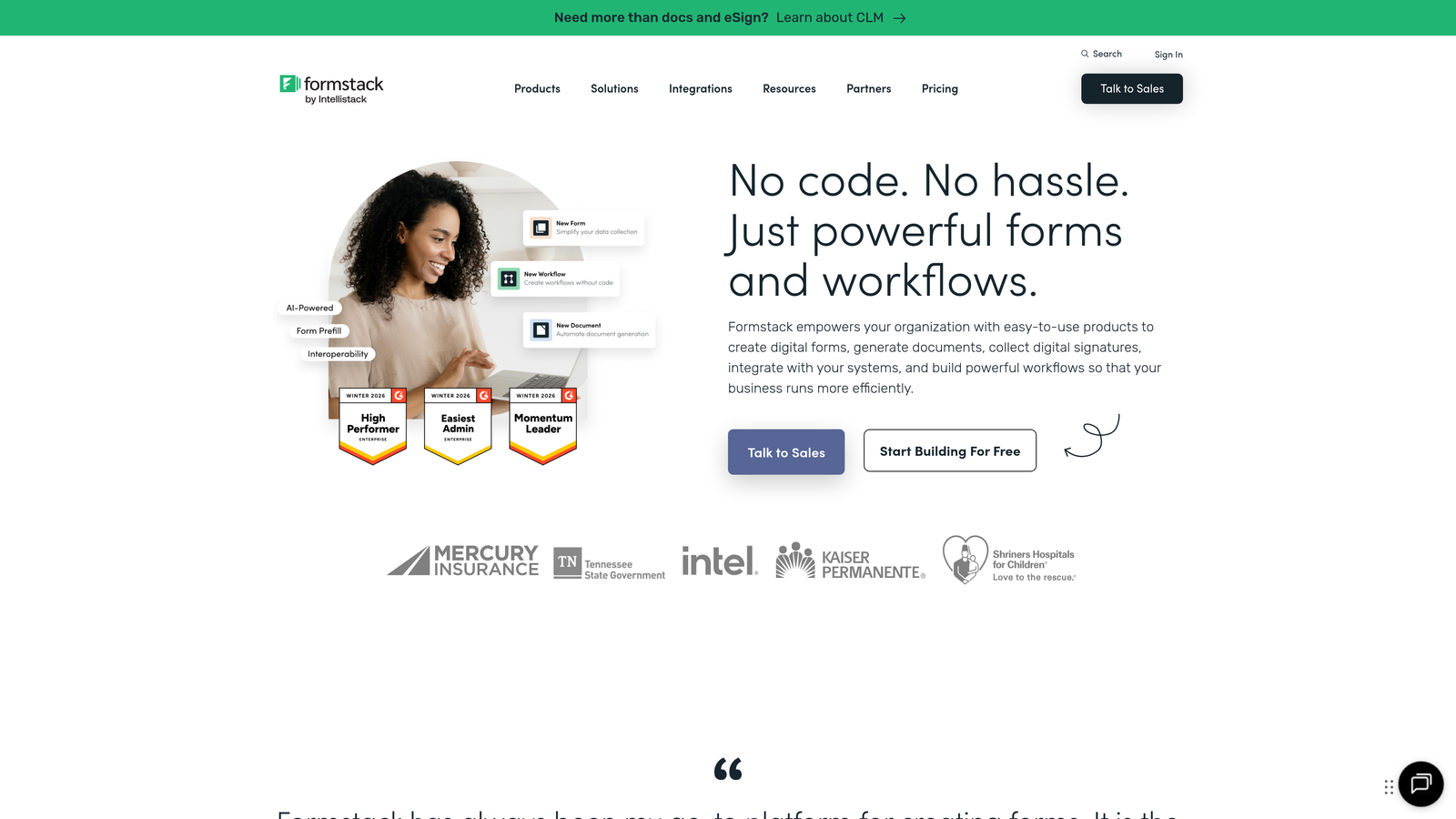
Formstack is an enterprise-grade form builder with advanced conditional logic, workflow automation, and compliance features for regulated industries.
Where This Tool Shines
Formstack positions itself squarely in the enterprise market, offering conditional logic that extends beyond forms into full workflow automation. You can create complex approval processes where forms route through different stakeholders based on response content, with conditional notifications and escalation rules.
The platform's compliance certifications make it particularly valuable for healthcare, finance, and government organizations where data handling requirements eliminate most consumer-grade form builders. Conditional logic here isn't just about user experience—it's about routing sensitive data through appropriate channels automatically.
Key Features
Advanced Conditional Logic Rules: Create sophisticated multi-condition rules with complex branching scenarios for enterprise use cases.
Workflow Automation: Route submissions through approval chains with conditional logic determining who sees what and when.
HIPAA and SOC 2 Compliance: Enterprise-grade security and compliance certifications for regulated industries.
Conditional Approval Workflows: Build multi-step approval processes where routing logic adapts based on form content and organizational rules.
Enterprise Permissions: Granular access controls with conditional visibility based on user roles and departments.
Best For
Formstack targets large organizations, healthcare providers, financial institutions, and any enterprise dealing with regulated data collection. If your organization needs conditional forms with audit trails, compliance certifications, and enterprise-grade security, this platform delivers those requirements.
Pricing
Starter plan begins at $50/month. Teams plan at $83/month includes advanced conditional logic and workflow features. Enterprise pricing available for compliance and advanced security needs.
8. Cognito Forms
Best for: Complex calculations and conditional math in forms requiring dynamic pricing or scoring
Cognito Forms is a calculation-focused form builder excelling at conditional math, repeating sections, and payment logic for complex data collection.
Where This Tool Shines
Cognito Forms built its reputation on calculation capabilities that go far beyond what most form builders offer. The platform lets you create conditional formulas that would typically require custom development, making it exceptionally powerful for order forms, quote calculators, or application forms with complex scoring.
The repeating sections feature combined with conditional logic creates unique possibilities. Users can add multiple items, each triggering their own conditional questions and calculations—perfect for registration forms where different attendees need different information, or order forms with complex product configurations.
Key Features
Conditional Calculations: Build complex formulas that update dynamically based on user inputs and conditional logic rules.
Repeating Sections: Let users add multiple entries with conditional logic applying to each repetition independently.
Conditional Payment Amounts: Calculate dynamic pricing based on user selections, quantities, and conditional rules.
Multi-Page Conditional Navigation: Create forms that skip entire pages based on previous answers, streamlining long forms.
Save and Resume: Let users save partially completed forms with conditional triggers determining when this option appears.
Best For
Cognito Forms excels for organizations needing sophisticated calculation logic—think membership applications with variable pricing, event registrations with complex add-ons, or quote request forms that calculate estimates on the fly. It's particularly strong for forms that need to do math, not just collect data.
Pricing
Free plan available for basic forms. Pro plan starts at $15/month, offering exceptional value for the calculation capabilities included.
9. 123FormBuilder
Best for: Workflow automation with conditional email routing and automated actions based on responses
123FormBuilder is a workflow-oriented form builder combining skip logic with automated actions for teams needing conditional routing and notifications.
Where This Tool Shines
123FormBuilder focuses on what happens after someone submits your form. While the platform offers solid conditional logic for the form-filling experience, it particularly excels at conditional workflow automation—routing submissions to different team members, triggering different email sequences, or initiating different processes based on response content.
The platform's workflow rules let you create sophisticated automation without connecting external tools. A support request form might route technical issues to engineering, billing questions to finance, and general inquiries to customer service—all based on conditional logic you configure once.
Key Features
Skip Logic and Branching: Create conditional paths through multi-page forms based on user responses.
Conditional Email Routing: Automatically send form submissions to different recipients based on response content and conditional rules.
Workflow Rules: Trigger automated actions like notifications, data updates, or integrations based on conditional logic.
Conditional Field Visibility: Show or hide form fields dynamically based on previous answers.
Pre-Populated Fields: Set conditional default values based on URL parameters or previous submissions.
Best For
123FormBuilder works well for customer support teams, HR departments managing multiple processes, or any organization where different form responses need to trigger different workflows. It's particularly valuable when you need conditional automation without building complex Zapier workflows.
Pricing
Free plan available with basic features. Gold plan starts at $24/month for conditional logic and workflow automation capabilities.
Finding Your Perfect Match
The right custom form builder with logic depends on what you're optimizing for. If lead qualification and conversion optimization drive your strategy, Orbit AI combines conditional logic with AI-powered scoring that identifies your best prospects automatically. For teams prioritizing beautiful, conversational experiences, Typeform's visual flow mapping creates forms that feel more like guided discussions.
Jotform delivers when you need complex multi-condition scenarios with extensive template options. Tally offers unbeatable value for startups needing unlimited forms with conditional logic on a free plan. Fillout bridges the gap for Airtable and Notion users who need native database integration with their conditional forms.
Paperform excels at creating form-based landing pages with conditional pricing and scheduling. Formstack targets enterprises needing compliance certifications alongside sophisticated workflow automation. Cognito Forms dominates calculation-heavy scenarios with conditional math capabilities. And 123FormBuilder focuses on post-submission automation with conditional routing and workflow rules.
Most teams will find their answer in the first three tools—they cover the majority of use cases with strong conditional logic implementations and reasonable pricing. The specialized tools shine when you have specific requirements: database integration, compliance needs, complex calculations, or workflow automation.
The conditional logic landscape has matured significantly, with most platforms now offering visual builders rather than code-based rule configuration. This democratizes sophisticated form logic, letting marketing and operations teams create dynamic experiences without developer involvement.
Transform your lead generation with AI-powered forms that qualify prospects automatically while delivering the modern, conversion-optimized experience your high-growth team needs. Book a demo and see how intelligent form design can elevate your conversion strategy.


