

Not every form builder needs to cost a fortune. But the wrong cheap tool can quietly kill your conversion rates, frustrate respondents, and leave your sales team chasing unqualified leads. Whether you're a lean startup trying to qualify leads without a bloated tech stack, or a growth-focused team watching every SaaS dollar, the right budget form builder can do serious work without draining your resources.
The challenge? "Budget" doesn't always mean "basic." The best options on this list offer AI-powered features, conditional logic, and clean design without the enterprise price tag. We evaluated tools based on free tier generosity, paid plan value, ease of use, integrations, and how well they support lead generation and conversion goals.
Every tool here earns its spot. Whether you need a simple contact form or a fully qualified lead capture flow, there's an option for your team and your budget.
1. Orbit AI
Best for: High-growth SaaS and marketing teams who need AI-powered lead qualification without enterprise pricing.
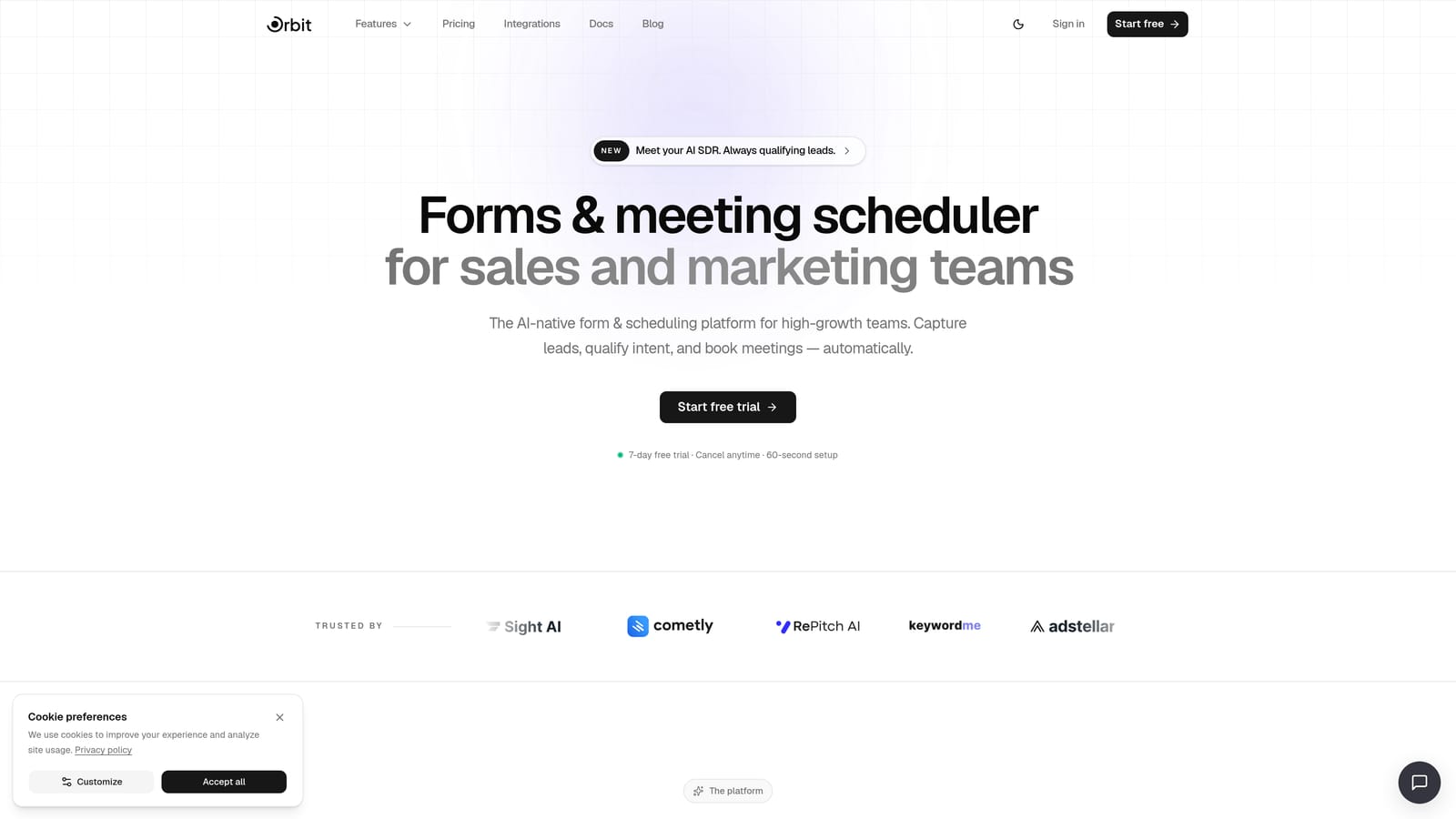
Orbit AI is an AI-powered form builder with built-in lead qualification, designed specifically for conversion-focused sales and marketing teams.
Where This Tool Shines
Most form builders treat lead qualification as an afterthought. Orbit AI builds it directly into the form experience. Instead of collecting raw submissions and letting your sales team sort through them manually, Orbit AI scores and filters leads at the form level, so your team only spends time on prospects that actually fit your criteria.
The design quality also stands out. Forms look polished and modern out of the box, which matters more than people realize. A conversion-optimized form that feels trustworthy and clean consistently outperforms a clunky one, regardless of the offer behind it.
Key Features
AI-Powered Lead Qualification: Scores and filters leads automatically at the form level, reducing manual triage for your sales team.
Conversion-Optimized Design: Modern, clean UI that builds respondent trust and reduces form abandonment.
Conditional Logic and Multi-Step Flows: Build branching form experiences that adapt based on what respondents select.
Sales and Marketing Workflow Integration: Built with the needs of revenue teams in mind, not just data collectors.
Template Library: Pre-built templates for lead gen, onboarding, and contact use cases to get started quickly.
Best For
SaaS startups, marketing teams, and sales-led growth organizations that want AI-powered lead qualification without paying enterprise-tier prices. Particularly strong for teams running inbound lead gen campaigns where form quality directly impacts pipeline quality.
Pricing
Visit orbitforms.ai/pricing for current plan details. Pricing is designed to be accessible for high-growth teams at various stages.
2. Typeform
Best for: Teams that want a conversational, high-engagement form experience with strong integration support.
Typeform is a conversational form builder known for its one-question-at-a-time UX that keeps respondents engaged through the entire flow.

Where This Tool Shines
Typeform's signature format presents one question at a time, which creates a more focused, less overwhelming experience for respondents. For longer forms or surveys where drop-off is a real concern, this approach tends to keep people engaged longer than a traditional multi-field layout.
The integration ecosystem is also a genuine strength. Native connections to HubSpot, Salesforce, and Zapier mean your form submissions can flow directly into your existing marketing and sales stack without custom development.
Key Features
Conversational One-Question Format: Presents questions sequentially to reduce cognitive load and improve completion rates.
Logic Jumps and Conditional Branching: Routes respondents through different paths based on their answers.
CRM and Tool Integrations: Native connections to HubSpot, Salesforce, Zapier, and dozens of other tools.
Rich Media Embedding: Add video and images directly into questions for more engaging experiences.
Free Tier: Available with limited monthly responses for teams getting started.
Best For
Marketing teams running surveys, lead gen campaigns, or onboarding flows where engagement and completion rate are top priorities. Also well-suited for teams already using HubSpot or Salesforce who want seamless data sync.
Pricing
Free tier available with limited monthly responses. Paid plans start at approximately $25/month. Verify current pricing at typeform.com.
3. Google Forms
Best for: Internal surveys, simple data collection, and teams that need zero cost with no response limits.
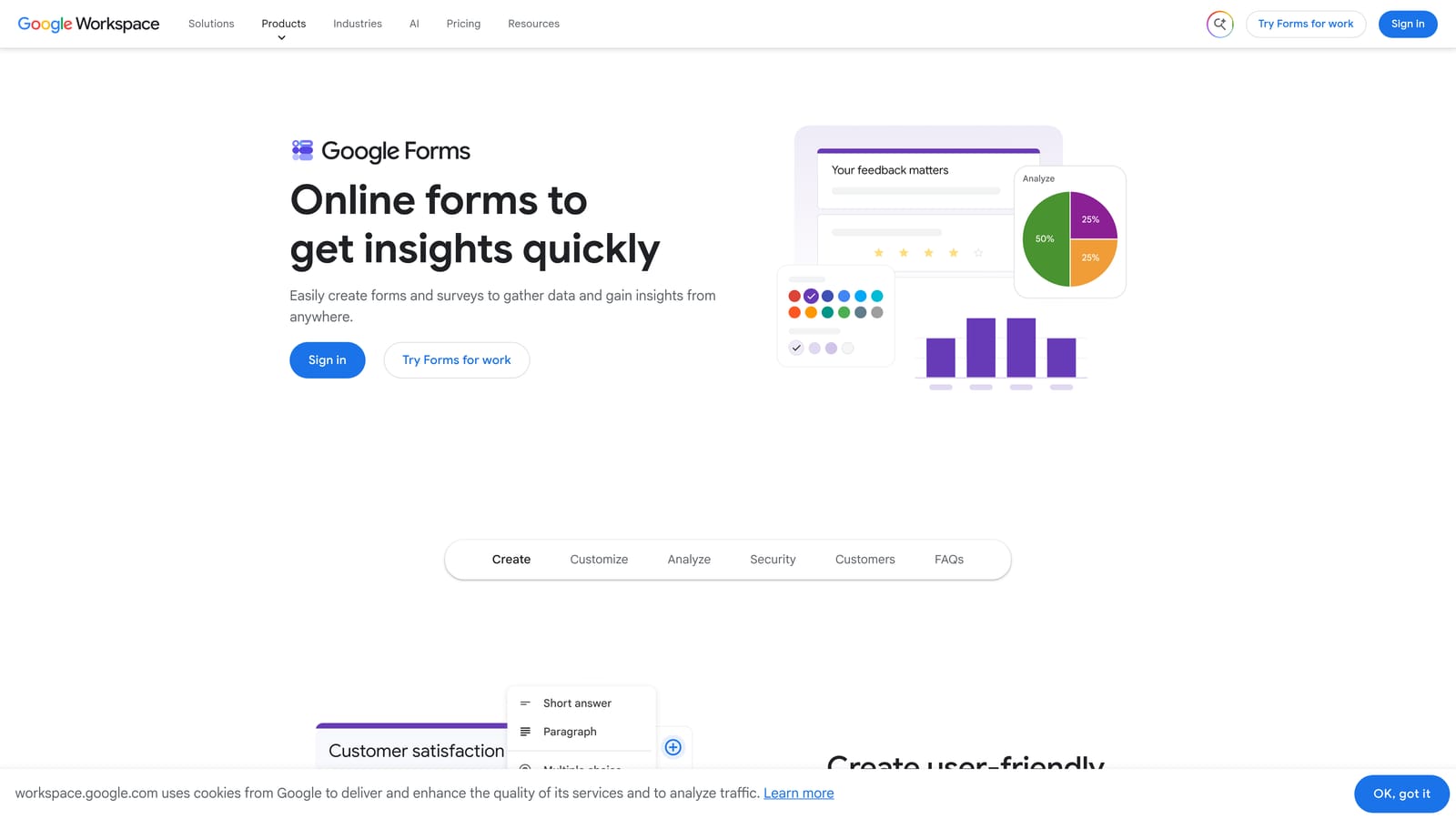
Google Forms is a completely free, no-frills form builder with unlimited responses and seamless Google Workspace integration.
Where This Tool Shines
The value proposition is simple: it's completely free, forever, with no response limits. For internal use cases like employee surveys, event registrations, or simple feedback collection, it's genuinely hard to justify paying for anything else.
The automatic Google Sheets integration is also a practical win. Every submission flows directly into a spreadsheet that your team can access, filter, and analyze without any setup. If your team lives in Google Workspace, the collaboration features make it easy to share and co-edit forms without managing permissions in a separate tool.
Key Features
Completely Free: No response limits, no form limits, no paid tiers required.
Automatic Google Sheets Sync: All responses populate a connected spreadsheet in real time.
Basic Conditional Logic: Section branching allows for simple routing based on answers.
Google Workspace Collaboration: Share and co-edit forms with teammates using existing Google permissions.
Zero Learning Curve: Familiar interface that most users can navigate immediately.
Best For
Teams that need a quick, free solution for internal surveys, event sign-ups, or basic data collection. Not recommended for external-facing lead generation where design quality and conversion optimization matter.
Pricing
Completely free with a Google account. No paid tiers.
4. Tally
Best for: Indie makers, bootstrapped startups, and teams that want maximum free-tier generosity with a clean Notion-like editor.
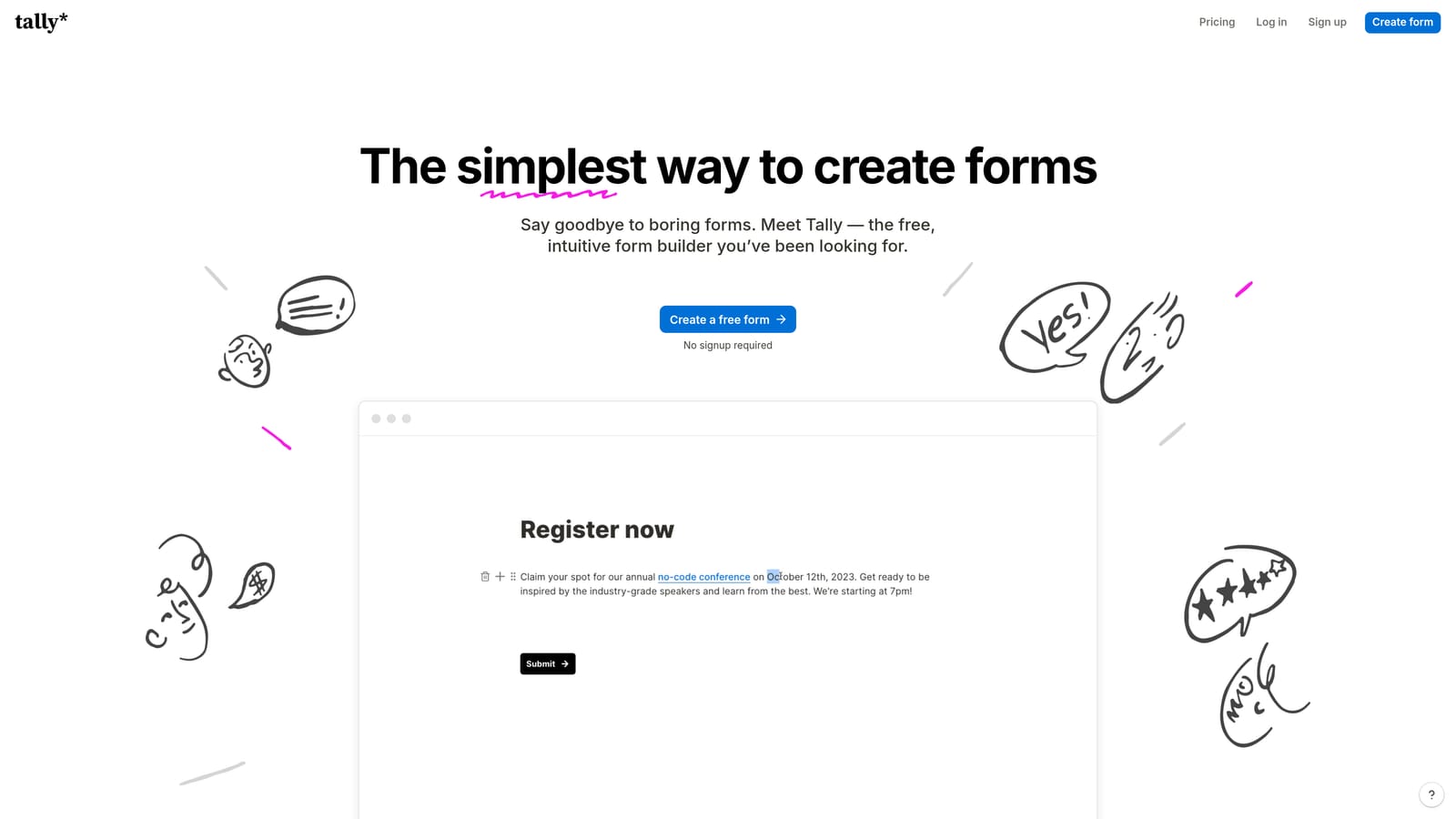
Tally is a Notion-inspired form builder with one of the most generous free tiers on the market, offering unlimited forms and unlimited responses at no cost.
Where This Tool Shines
Tally's free tier is genuinely unusual. Most form builders cap responses or forms on free plans to push upgrades. Tally lets you build unlimited forms and collect unlimited responses without paying anything. For bootstrapped teams or solo operators, that's a meaningful difference.
The block-based editor feels intuitive if you're already comfortable in Notion. Building a form feels less like filling out a template and more like writing a document, which makes it easier to create forms that feel natural and readable rather than clinical.
Key Features
Unlimited Free Forms and Responses: No artificial caps on the free tier, which is rare in this category.
Notion-Like Block Editor: Intuitive drag-and-drop building experience familiar to Notion users.
Conditional Logic and Multi-Page Forms: Supports branching and multi-step flows even on the free plan.
Flexible Embedding: Embed forms on websites, Notion pages, or inside apps without friction.
Tally Pro Upgrades: Custom domains, white-labeling, and file uploads available on the paid tier.
Best For
Bootstrapped startups, indie hackers, and small teams that need a capable, flexible form builder without committing to a paid plan. Also great for Notion-heavy teams who want their forms to feel native to that ecosystem.
Pricing
Free tier with unlimited forms and responses. Tally Pro is approximately $29/month. Verify current pricing at tally.so.
5. Jotform
Best for: Teams that need a feature-rich form builder with payments, e-signatures, and workflow automation at an accessible price.
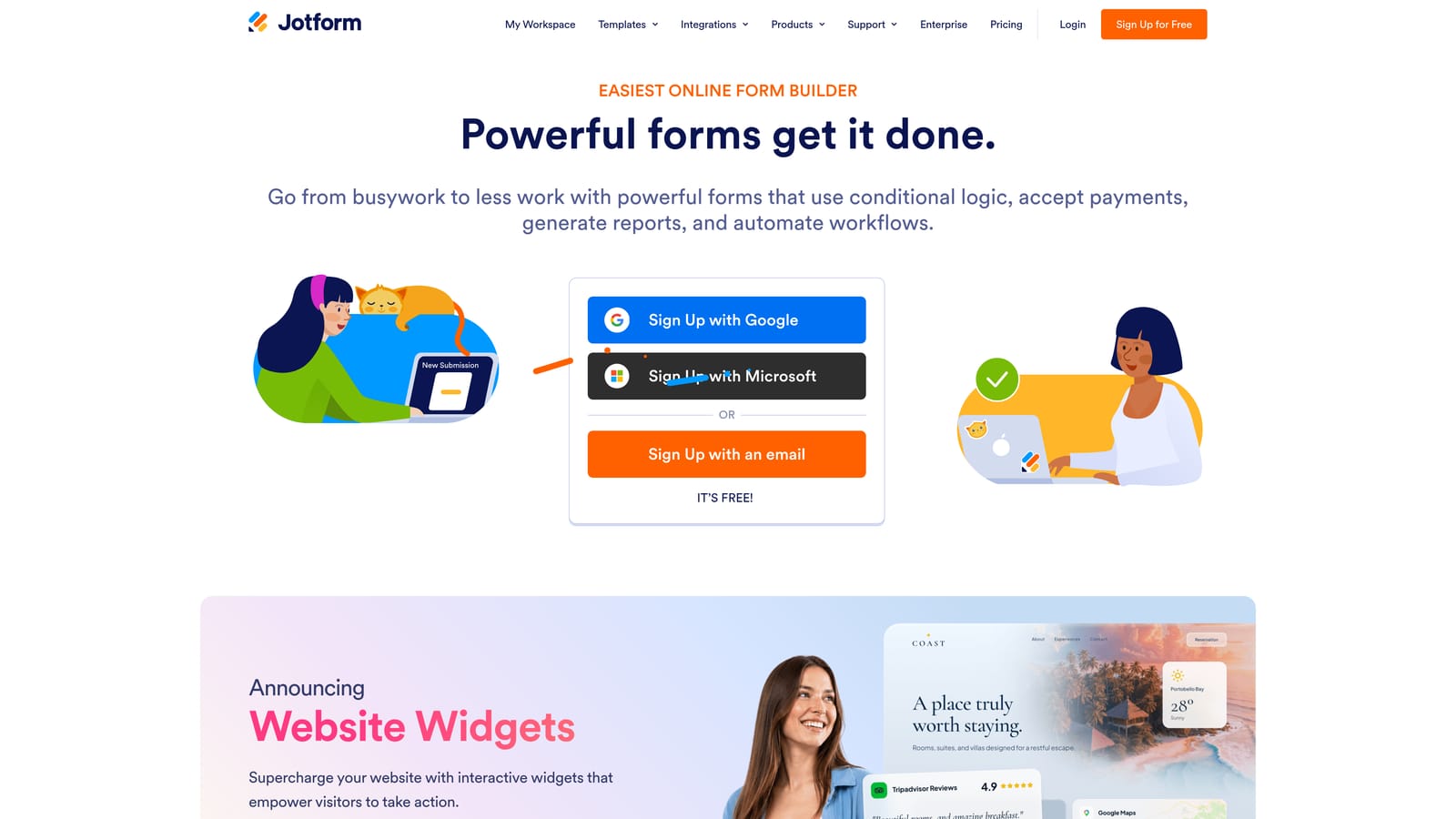
Jotform is one of the most feature-complete form builders available, with thousands of templates, native payment integrations, and advanced workflow capabilities.
Where This Tool Shines
Jotform's depth is its defining characteristic. If you need payments, PDF generation, e-signatures, approval workflows, or team collaboration, Jotform likely supports it without requiring a third-party integration. For teams with complex form requirements, that breadth of functionality at entry-level pricing is a genuine value.
The template library is also a practical time-saver. With thousands of pre-built templates spanning dozens of industries and use cases, most teams can find a starting point that's close to what they need and customize from there rather than building from scratch.
Key Features
Extensive Template Library: Thousands of templates across industries and use cases to accelerate building.
Native Payment Integrations: Supports Stripe, PayPal, and Square directly without third-party tools.
PDF Generation and E-Signatures: Convert submissions to PDFs and collect legally binding signatures.
Approval Workflows: Route submissions through multi-step approval processes with team collaboration.
Free Tier Available: Functional free plan with form and submission limits for teams getting started.
Best For
Small businesses, agencies, and operations teams that need a single tool to handle forms, payments, documents, and workflows. Strong fit for teams that would otherwise need multiple tools to cover these use cases.
Pricing
Free tier available with form and submission limits. Paid plans start at approximately $34/month. Verify current pricing at jotform.com.
6. Paperform
Best for: Small businesses and client-facing teams that want forms that look like polished landing pages with built-in payment support.
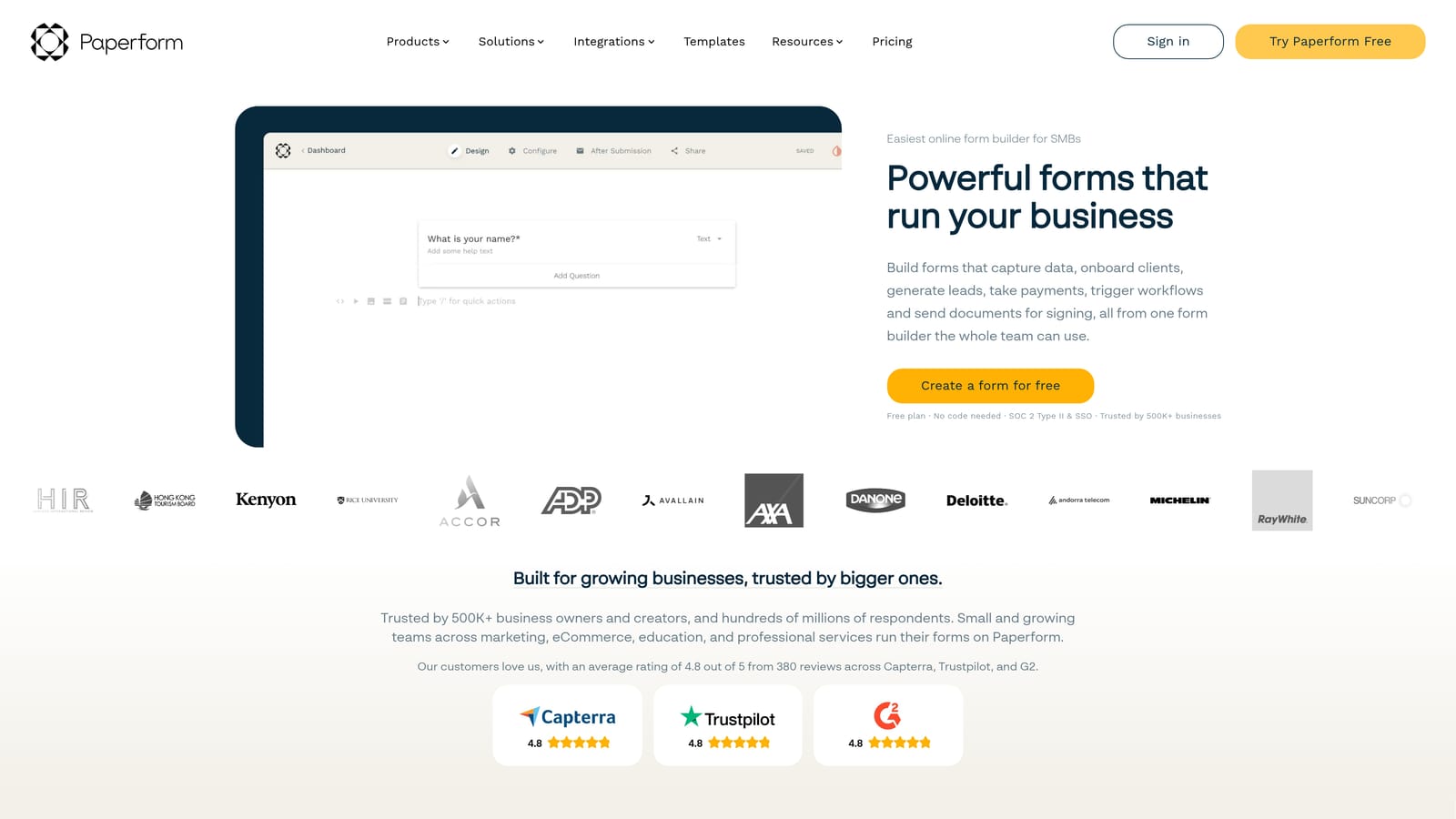
Paperform is a form builder that doubles as a mini landing page creator, blending document-style design with built-in payment processing.
Where This Tool Shines
Paperform's document-style editor sets it apart visually. Instead of building a traditional form, you're essentially building a page where text, images, videos, and form fields coexist naturally. The result is forms that feel more like branded experiences than data entry screens, which works particularly well for client-facing use cases.
The built-in payment processing is another practical advantage. For small businesses or freelancers who need to collect payments alongside form submissions, Paperform eliminates the need to stitch together a separate payment tool.
Key Features
Document-Style Editor: Blend text, media, and form fields on a single page for a polished, branded experience.
Built-In Payment Processing: Native Stripe and Braintree integrations for collecting payments within forms.
Conditional Logic and Calculation Fields: Supports branching logic and dynamic field calculations.
Custom Domains: Available on paid plans for a fully branded form URL.
14-Day Free Trial: Full-featured trial available without a permanent free tier.
Best For
Freelancers, small businesses, and agencies that need client-facing forms with strong visual design and payment collection. Less ideal for teams that require a permanent free tier before committing.
Pricing
Starts at approximately $24/month with a 14-day free trial. No permanent free tier. Verify current pricing at paperform.co.
7. Fillout
Best for: Operations and product teams using Notion or Airtable who want native database connections with a generous free plan.
Fillout is a modern form builder with native Notion and Airtable integrations, popular with ops and product teams in the no-code ecosystem.

Where This Tool Shines
Fillout's native Notion and Airtable connections are the headline feature. For teams that manage their data in these tools, Fillout lets form submissions flow directly into existing databases without Zapier or custom webhooks. That tight integration removes a meaningful layer of setup complexity for no-code teams.
The free tier is also genuinely usable. Many form builders offer free plans that are so restricted they function more as demos. Fillout's free tier includes solid response limits and core features, making it a realistic starting point before upgrading.
Key Features
Native Notion and Airtable Connections: Submit directly to existing databases without third-party automation tools.
Multi-Step Forms with Conditional Logic: Build branching, multi-page flows that adapt to respondent input.
Scheduling and Payment Integrations: Supports booking and payment collection within forms.
Generous Free Tier: Solid response limits and core features available without paying.
Clean Modern UI: Forms look polished out of the box with minimal design customization required.
Best For
Operations teams, product managers, and no-code builders who use Notion or Airtable as their primary data layer and want forms that connect to those systems natively.
Pricing
Free tier available. Paid plans start at approximately $19/month. Verify current pricing at fillout.com.
8. Formspree
Best for: Developers building custom or static sites who need a reliable form backend without managing server infrastructure.
Formspree is a developer-focused form backend that handles HTML form submissions without requiring a custom server or visual builder.
Where This Tool Shines
Formspree solves a specific developer pain point. When you build a static site or a custom-coded page, handling form submissions typically requires setting up a backend endpoint, managing spam, and configuring email notifications. Formspree handles all of that with a simple HTML attribute change. No backend, no server management, no extra infrastructure.
For developers who want full control over the form's front-end design while outsourcing the submission handling, it's an elegant solution. You write the HTML exactly how you want it, and Formspree handles everything that happens after the user clicks submit.
Key Features
Drop-In HTML Form Handling: Add a Formspree endpoint to any HTML form without writing backend code.
Spam Filtering and reCAPTCHA: Built-in spam protection to keep submission quality high.
Email Notifications and Webhooks: Get notified on submission and push data to external systems.
Static Site Compatible: Works with any static site generator, JAMstack setup, or custom-coded page.
Free Tier for Low Volume: Functional free plan for developers with modest submission volumes.
Best For
Developers and technical teams building custom websites who want a lightweight, reliable form backend without the overhead of managing their own submission infrastructure. Not suitable for non-technical users who need a visual builder.
Pricing
Free tier available for low-volume usage. Paid plans start at approximately $10/month. Verify current pricing at formspree.io.
9. HubSpot Forms
Best for: Teams already in the HubSpot ecosystem who want free form-to-CRM capture with automatic contact creation.
HubSpot Forms is a free form builder included in HubSpot's CRM platform, with direct contact sync and basic lead capture capabilities.
Where This Tool Shines
The core value of HubSpot Forms is its seamless CRM integration. Every form submission automatically creates or updates a contact record in HubSpot, no integration setup required. For teams already using HubSpot as their CRM, this eliminates the manual data transfer step entirely and keeps lead data clean and centralized.
The follow-up automation is also worth noting. Because submissions feed directly into HubSpot's workflow engine, you can trigger automated follow-up emails, lead assignment rules, and nurture sequences immediately after someone submits a form, all within the same platform.
Key Features
Free Forever with HubSpot CRM: No cost within HubSpot's free tier, making it a natural choice for HubSpot users.
Automatic Contact Creation: Submissions instantly create or update CRM contact records without manual imports.
Flexible Embedding: Embed on any website page or within HubSpot landing pages.
Basic Conditional Logic: Field-level logic and progressive profiling available on supported plans.
Workflow Automation: Trigger HubSpot email sequences and workflows directly from form submissions.
Best For
Marketing and sales teams already using or considering HubSpot as their CRM. The free form builder is most powerful as part of the broader HubSpot ecosystem. Standalone, it's limited compared to dedicated form builders.
Pricing
Free within HubSpot's free CRM tier. Advanced features tied to HubSpot's paid Marketing Hub plans. Verify current details at hubspot.com.
Which Tool Is Right for Your Team?
The right budget form builder depends less on price and more on what your team actually needs from a form. Here's a quick breakdown to help you decide.
For startups and high-growth SaaS teams: Orbit AI is the strongest fit if lead qualification is part of your growth motion. The AI-powered scoring built directly into the form layer is something you'd typically only find in enterprise tools, and it's designed specifically for teams where pipeline quality matters as much as pipeline volume.
For marketing teams running campaigns: Typeform's conversational UX tends to perform well for lead gen and survey flows where engagement and completion rate are priorities. If you're already in HubSpot, HubSpot Forms is the obvious zero-cost starting point.
For bootstrapped teams and indie makers: Tally's unlimited free tier is hard to beat. You get conditional logic, multi-page forms, and unlimited responses without spending anything. Google Forms is a reasonable fallback for purely internal use cases where design doesn't matter.
For operations and no-code teams: Fillout's native Notion and Airtable integrations make it the natural choice if your data lives in those tools. Jotform is worth considering if you need payments, e-signatures, or approval workflows in a single platform.
For developers: Formspree handles the backend so you can focus on the front-end. It's the lightest-weight option on this list and the only one that doesn't require a visual builder at all.
If you're building forms to drive real business outcomes, not just collect data, the form experience itself is part of your conversion strategy. Book a demo with Orbit AI and see how intelligent form design and built-in lead qualification can elevate your conversion strategy from the very first touchpoint.


